


 Argentina
  FSX Scenery
FSX Skara Bonaire X
Skara Scenery Bonaire X. Flamingo International Airport or Bonaire Internatio…
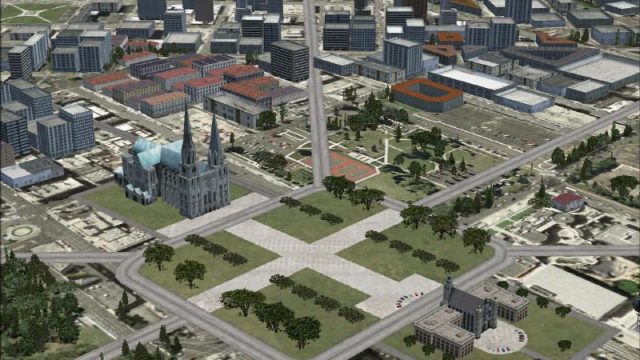
La Plata X scenery expands VFR flying south of Buenos Aires with detailed coverage of La Plata, Argentina, featuring SADL La Plata plus Tolosa and Elizalde aerodromes, a modeled Fuerte Barragán grass strip, and integrated local objects and landmarks for realistic navigation in Microsoft Flight Simulator X; requires BsAs_X.3.
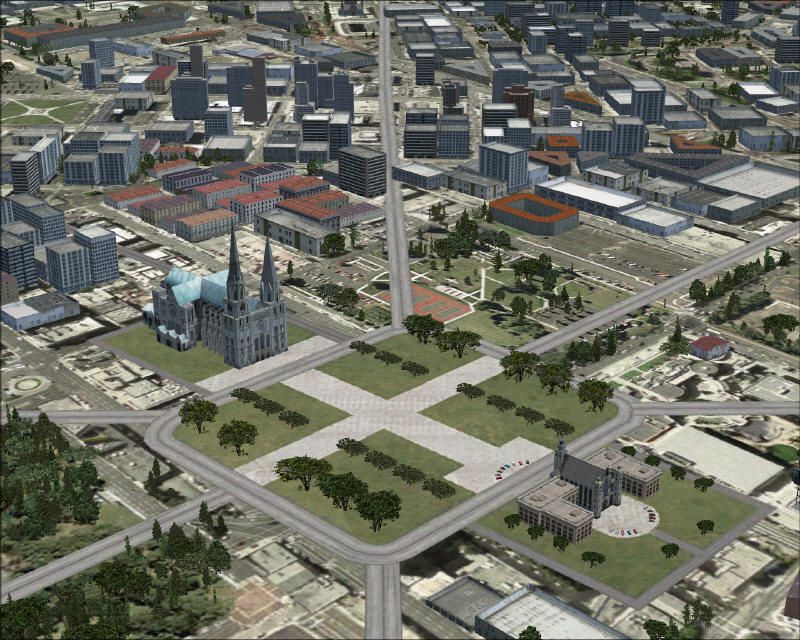
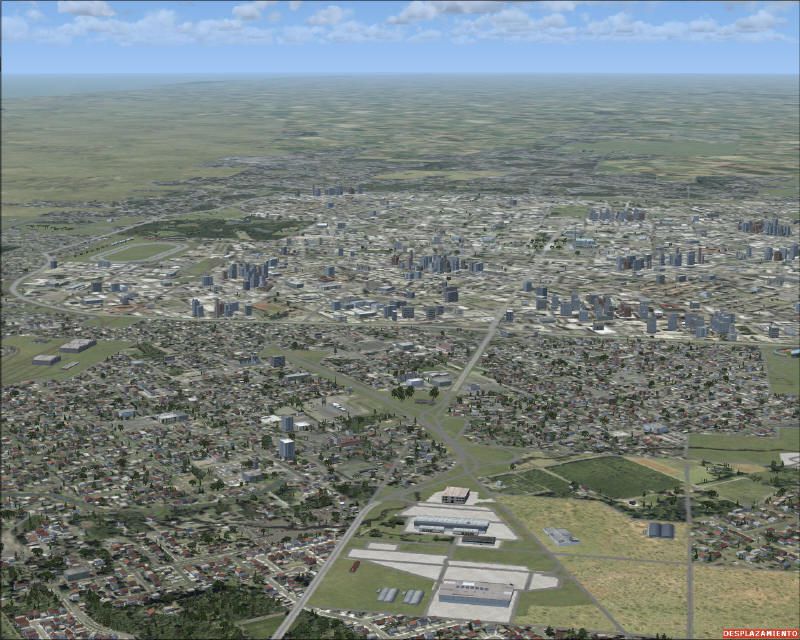
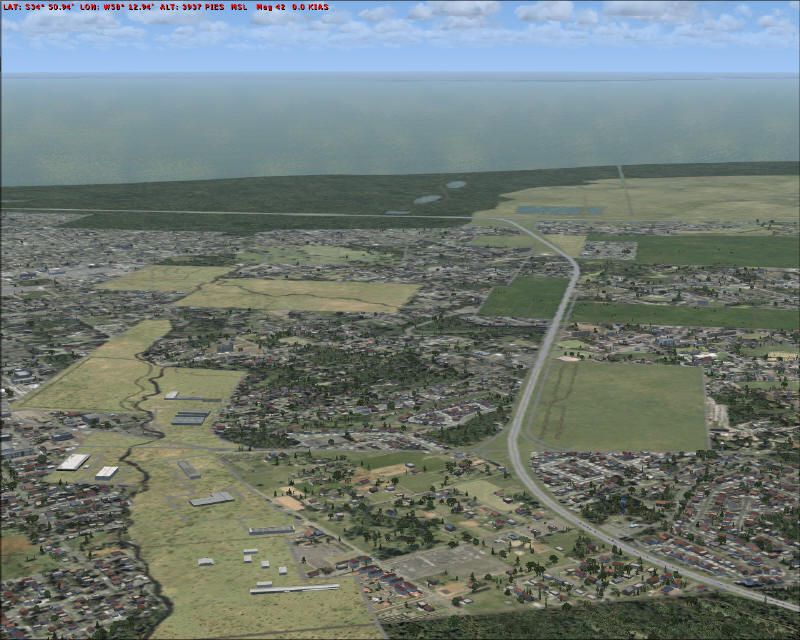
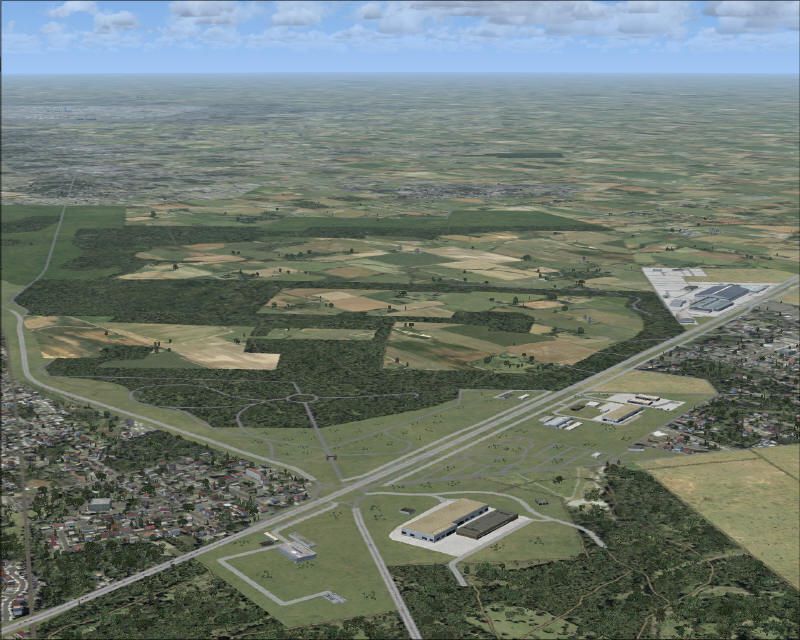
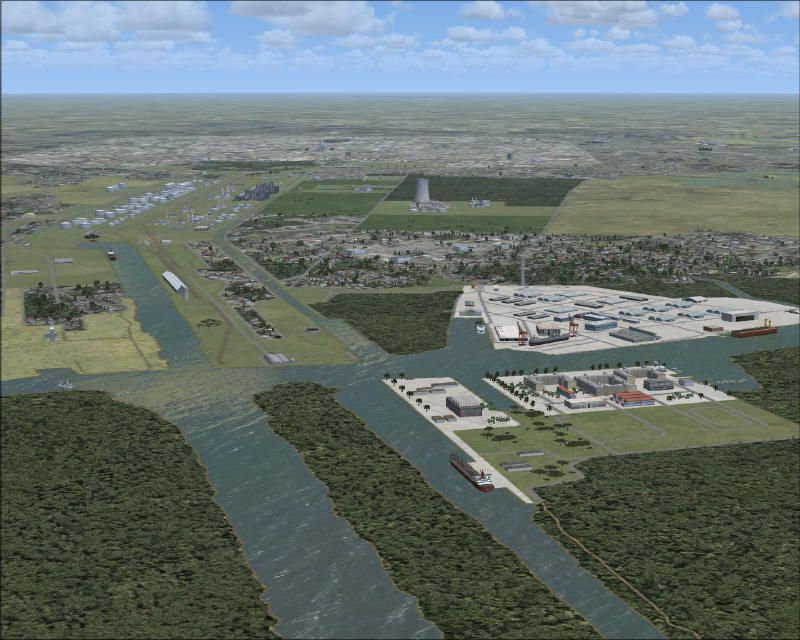
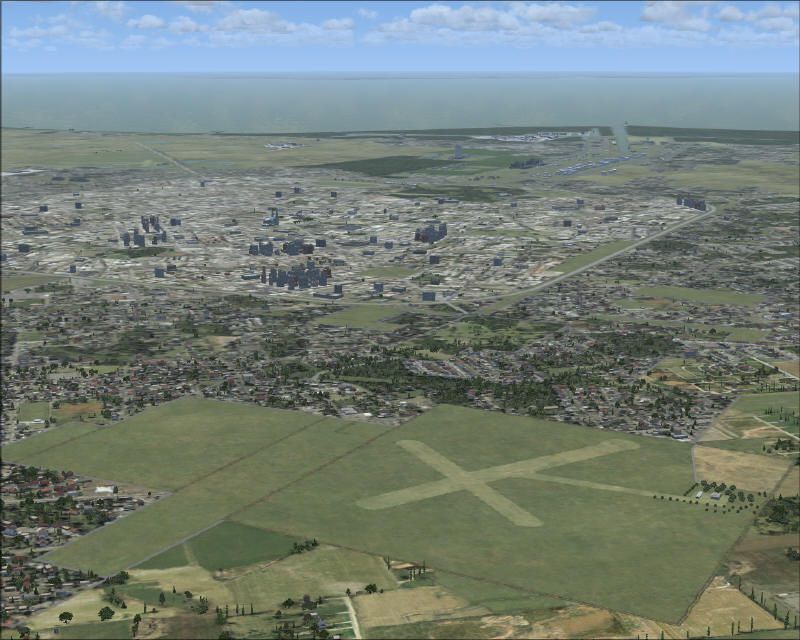
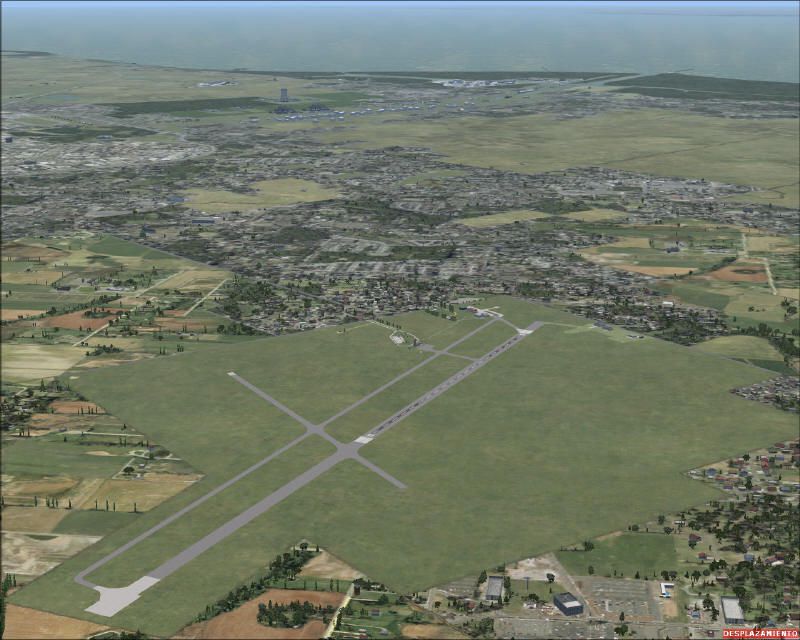
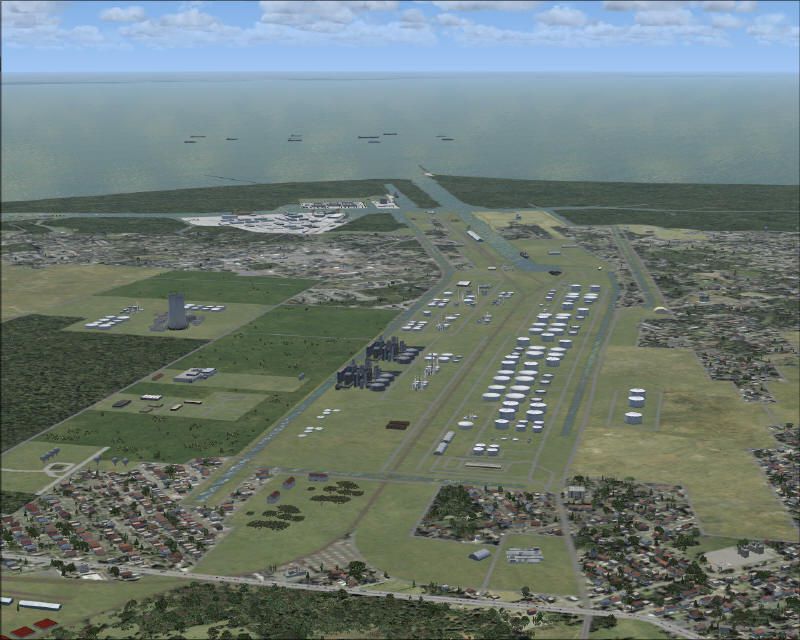
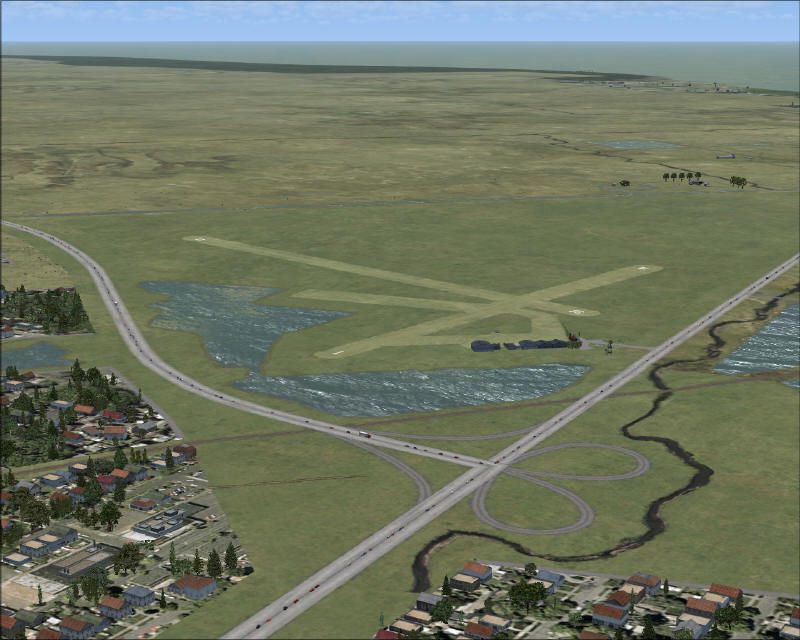
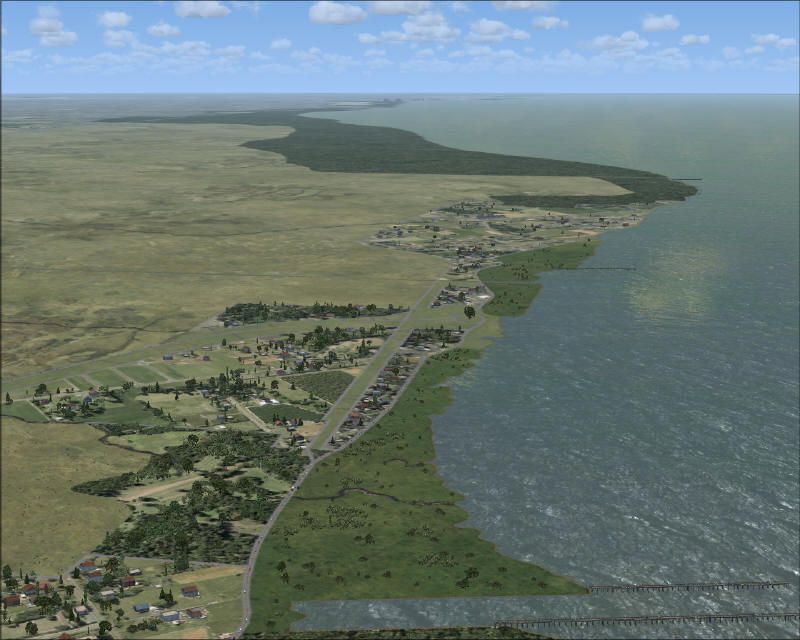
La Plata X, Argentina. This is the scenery of "La Plata", Republica Argentina. This is the continuation of BsAs_x.3 toward the south, passing the city of La Plata (requires BSASX_3.ZIP). This scenery includes: Aerodromo de Elizalde (ELZ), Tolosa (PTKL) and La PLata (SADL), and many other details for a flight VFR. By Pablo Contouris and Guillermo Posadas.
La Plata X Scenery.
Installation:
This scenery has been created in form completely integrated with BsAs_X.3. Most of the used objects were incorporated in present librarys in the installation of BsAs_X.3 and their geographical limits are perfectly integrated. You need to install BsAs_X.3 previously so that this scenery works correctly.
After that, make the following steps:
1. After download the Scenery, unzip the file inside a temporary folder.
2. Copy the folder "La Plata_X" in the location: “C:\Archivos de programa\Microsoft Games\Microsoft Flight Simulator X\Addon Scenery”.
3. Copy the folder "Static Objects Library" in the location: “C:\Archivos de programa\Microsoft Games\Microsoft Flight Simulator X\Addon Scenery”, if you don't already have it installed. If you already has it, copy and paste the content of the folders respectively in"Scenery" and "Texture" location. Maybe, there are elements that will be used by other Scenery.
4. Enter to Microsoft Flight Simulator X.
5. Go to “Configuración” / “Biblioteca de Escenarios” / “Agregar zona” and select “Static Objects Library”.
6. Go to “Configuración” / “Biblioteca de Escenarios” / “Agregar zona” and select "La Plata_X".
7. Be sure that La Plata_X this immediately up of BsAs_X, for a correct operation (bigger priority).
8. After verifying that the Scenery works correctly, you can delete the temporary folder.
Aerodromes and Airport Included:
The Aerodromes and the Airport have been included that are detailed next.
The information is property of MADHEL, Dirección de Tránsito Aéreo.
- SADL – La Plata
- PTL – Tolosa – La Plata
- ELZ – Aeródromo Elizalde - Club de Planeadores de La Plata - La Plata
Fuerte Barragán
This place has a private runway of grass and very reduced, in the vicinity of the Port of the La Plata. This was represented without identification code, you should look for VFR flight.
Program Used:
The Scenery was built with the following programs:
* Google Earth
* FSX_Kml
* SBuilderX
* Instance Scenery
* ADE
* Instant Object Maker
It was created and tested with FSX SP2.2.
Library used:
fs9_custom_buildings_ss_1.bgl (Sidney Schwartz) (BsAs_X.3)
GSP_HANGARES2.bgl (Guillermo Posadas) (BsAs_X.3)
GSP_Varios_Gen.bgl (Guillermo Posadas) (BsAs_X.3)
GSP_Aviones.bgl (Guillermo Posadas) (included)
GSP_Varios_PTL (Guillermo Posadas) (included)
I want to thank to Guillermo Posadas who unselfishly came closer to my tasks to collaborate in this project, contributing ideas, creations, tests and other technical aspects, and also offering me a human company in every hour that we have shared. Guillermo built the 3 aerodromes, which we have discussed and analyzed together and I have taken charge to adapt the periphery. I also want to thank to Daniel Berges that has allowed me to use their webserver space to publish our works. Finally to the flightsimulatorarg and aeropuertosarg community, who followed our activities closely, they made their opinion to obtain a better result. I have dedicated this scenery to the La Plata friends, who have contributed me ideas, photos, critical and all the positive and negative comments that made possible a better scenery.
The contained files in this work are distributed under the freeware concept and none of them can cause damages to their team.
Pablo Contouris (Conto)
Guillermo Posadas (Guillepolo)
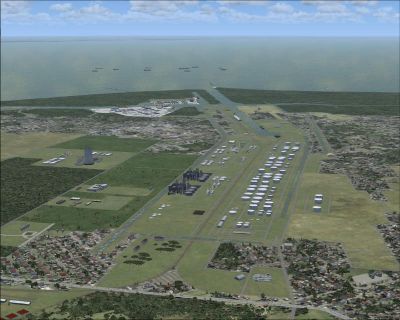
La Plata X Scenery.
Free for all simmers · 5.89 MB · Scanned clean
Download speed: Free tier is capped at 0.5 Mbps (this file takes approximately 2 mins at the cap). PRO members download at full line speed.
FSX\Addon Scenery\ containing scenery and texture sub-folders.readme.txt or README file. It tells you exactly where files go, what dependencies are needed, and any quirks specific to this add-on.Use these coordinates to fly directly to this location once the mod is installed.
-34.92050000,-57.95360000
Launch FSX or Prepar3D and use Flights → Load to open the downloaded .pln file. Your aircraft will be positioned at this location.
The archive laplatax.zip has 60 files and directories contained within it.
This list displays the first 500 files in the package. If the package has more, you will need to download it to view them.
| Filename/Directory | File Date | File Size |
|---|---|---|
| LaPlataX.gif | 04.30.09 | 13.09 kB |
| LaPlataX.jpg | 04.30.09 | 98.47 kB |
| Leame_FSX_La Plata_X.pdf | 04.30.09 | 2.01 MB |
| Leame_FSX_La Plata_X.txt | 05.03.09 | 5.04 kB |
| readme_FSX_La Plata_X.txt | 05.03.09 | 4.49 kB |
| Arboles_PTL_GSP.bgl | 01.28.09 | 1004 B |
| Arboles_SADL_GSP.bgl | 12.06.08 | 2.34 kB |
| cvxLA_PLATA_TOPOGRAFIA.BGL | 03.24.09 | 189.40 kB |
| Edificios_PTL_GSP.bgl | 03.17.09 | 1.78 kB |
| Edificios_SADL_GSP.bgl | 01.15.09 | 1.04 kB |
| ELZ_ADE_GSP.BGL | 12.16.08 | 3.95 kB |
| ELZ_ADE_GSP_CVX.bgl | 12.16.08 | 755 B |
| LaPlata_Conto_lib.bgl | 01.22.09 | 2.75 kB |
| LaPlata_Conto_lib.txt | 01.22.09 | 78 B |
| Objetos La Plata Alpargatas.bgl | 01.27.09 | 7.51 kB |
| Objetos La Plata ENaval.bgl | 03.05.09 | 4.23 kB |
| Objetos La Plata Puerto.bgl | 02.25.09 | 9.62 kB |
| Objetos La Plata Rada.bgl | 01.14.09 | 572 B |
| Objetos La Plata RiveraN.bgl | 03.05.09 | 8.40 kB |
| Objetos La Plata.bgl | 02.24.09 | 8.25 kB |
| PTL_ADE_GSP.BGL | 12.23.08 | 1.78 kB |
| PTL_ADE_GSP_CVX.bgl | 12.23.08 | 588 B |
| SADL_ADE_GSP.BGL | 12.06.08 | 7.31 kB |
| SADL_ADE_GSP_CVX.BGL | 12.06.08 | 1.07 kB |
| Planta_LP_00.dds | 03.05.09 | 170.79 kB |
| GSP_Aviones.bgl | 01.24.09 | 71.30 kB |
| GSP_Aviones.txt | 01.24.09 | 128 B |
| GSP_Aviones_V1.0.txt | 03.19.09 | 53 B |
| GSP_Varios_PTL.bgl | 01.28.09 | 72.16 kB |
| GSP_Varios_PTL.txt | 01.28.09 | 294 B |
| GSP_Varios_PTL_V1.0.txt | 03.19.09 | 53 B |
| GSP_ArcoAeClubLaPlata_00.dds | 03.01.09 | 42.79 kB |
| GSP_ArcoAeClubLaPlata_01.dds | 03.01.09 | 42.79 kB |
| GSP_Dove_00.dds | 03.01.09 | 170.79 kB |
| GSP_Dove_01.dds | 03.01.09 | 170.79 kB |
| GSP_Dove_02.dds | 03.01.09 | 42.79 kB |
| GSP_Dove_03.dds | 03.01.09 | 42.79 kB |
| GSP_PTL_Bar_00.dds | 03.01.09 | 42.79 kB |
| GSP_PTL_Oficinas_00.dds | 03.01.09 | 170.79 kB |
| GSP_RestaurantePpal_00.dds | 03.01.09 | 170.79 kB |
| GSP_RestaurantePpal_01.dds | 03.01.09 | 170.79 kB |
| GSP_RestaurantePpal_02.dds | 03.01.09 | 170.79 kB |
| LP_0001.jpg | 04.30.09 | 92.27 kB |
| LP_0002.jpg | 04.30.09 | 85.57 kB |
| LP_0003.jpg | 04.30.09 | 98.47 kB |
| LP_0004.jpg | 04.30.09 | 81.13 kB |
| LP_0005.jpg | 04.30.09 | 93.45 kB |
| LP_0006.jpg | 04.30.09 | 96.53 kB |
| LP_0007.jpg | 04.30.09 | 104.08 kB |
| LP_0008.jpg | 04.30.09 | 105.82 kB |
| LP_0009.jpg | 04.30.09 | 123.42 kB |
| LP_0010.jpg | 04.30.09 | 140.07 kB |
| Thumbs.db | 04.30.09 | 131.00 kB |
| LaPlataX.gif | 04.30.09 | 13.09 kB |
| LaPlataX.jpg | 04.30.09 | 98.47 kB |
| Leame_FSX_La Plata_X.pdf | 04.30.09 | 2.01 MB |
| readme_FSX_La Plata_X.txt | 05.03.09 | 4.49 kB |
| La Plata_X_Lanzamiento.url | 05.20.09 | 171 B |
| flyawaysimulation.txt | 10.29.13 | 959 B |
| Go to Fly Away Simulation.url | 01.22.16 | 52 B |
More FSX & P3D add-ons hand-picked based on this download.
FSX Scenery
Skara Scenery Bonaire X. Flamingo International Airport or Bonaire Internatio…
 FSX Scenery
Iwo Jima Scenery 1945 Update. This is a complete scenery with added effects a…
FSX Scenery
Kjeller Area Scenery X, Norway. Scenery around Kjeller airport with photoreal…
 FSX Scenery
FSX Loney's Alaska For FSX. This is a compilation of the author's Alaskan sce…
 FSX Scenery
For users of Flight Simulator X (and FSX: Steam Edition) and/or Prepar3D, ter…
 FSX Scenery
This freeware release by developer Aime Leclercq introduces revised highways …
 FSX Scenery
Team GEX Enhanced Autogen World. This package upgrades 522 world wide autogen…
 FSX Scenery
Princess Juliana International Airport (TNCM) in Saint Marteen, Netherlands A…
Be the first to leave a comment on this download.
Be the first to share your thoughts on this download.