

 United States of America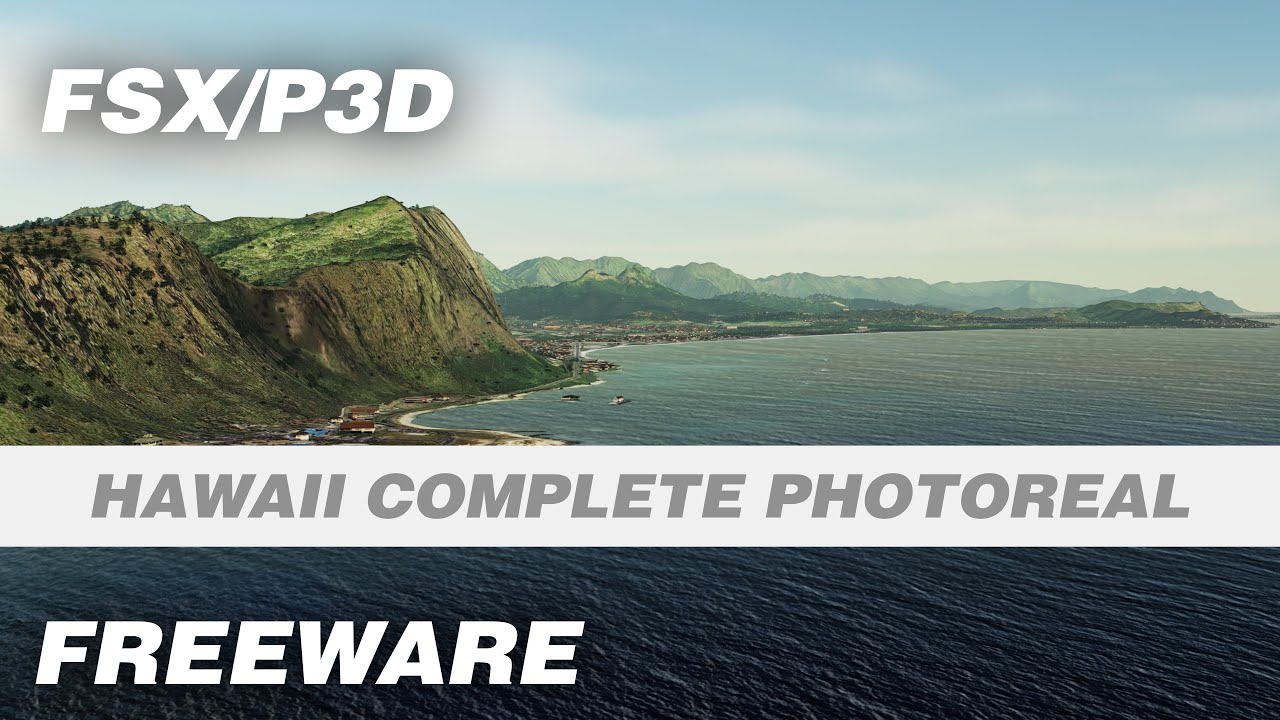













 FSX Scenery
California Complete Photoreal
This is a complete package containing photoreal scenery for the whole state o…
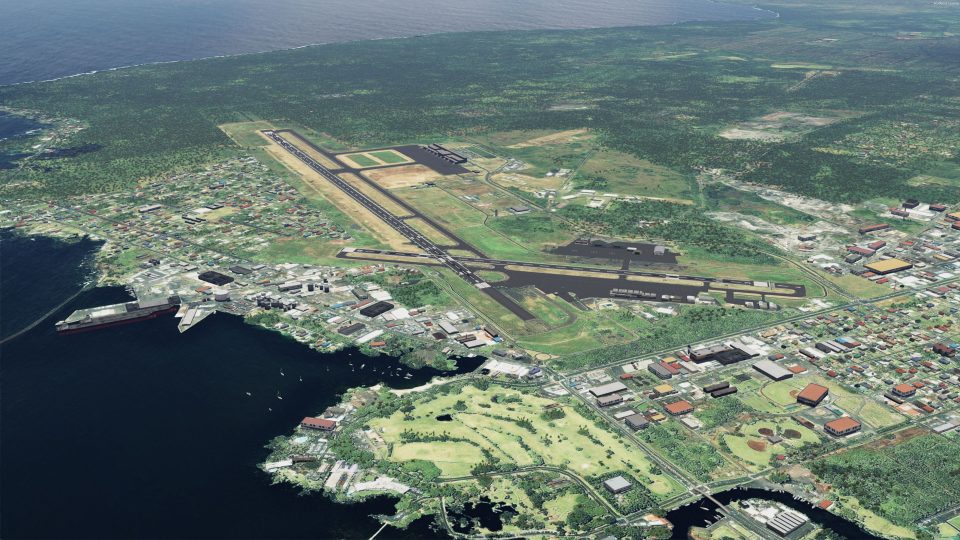
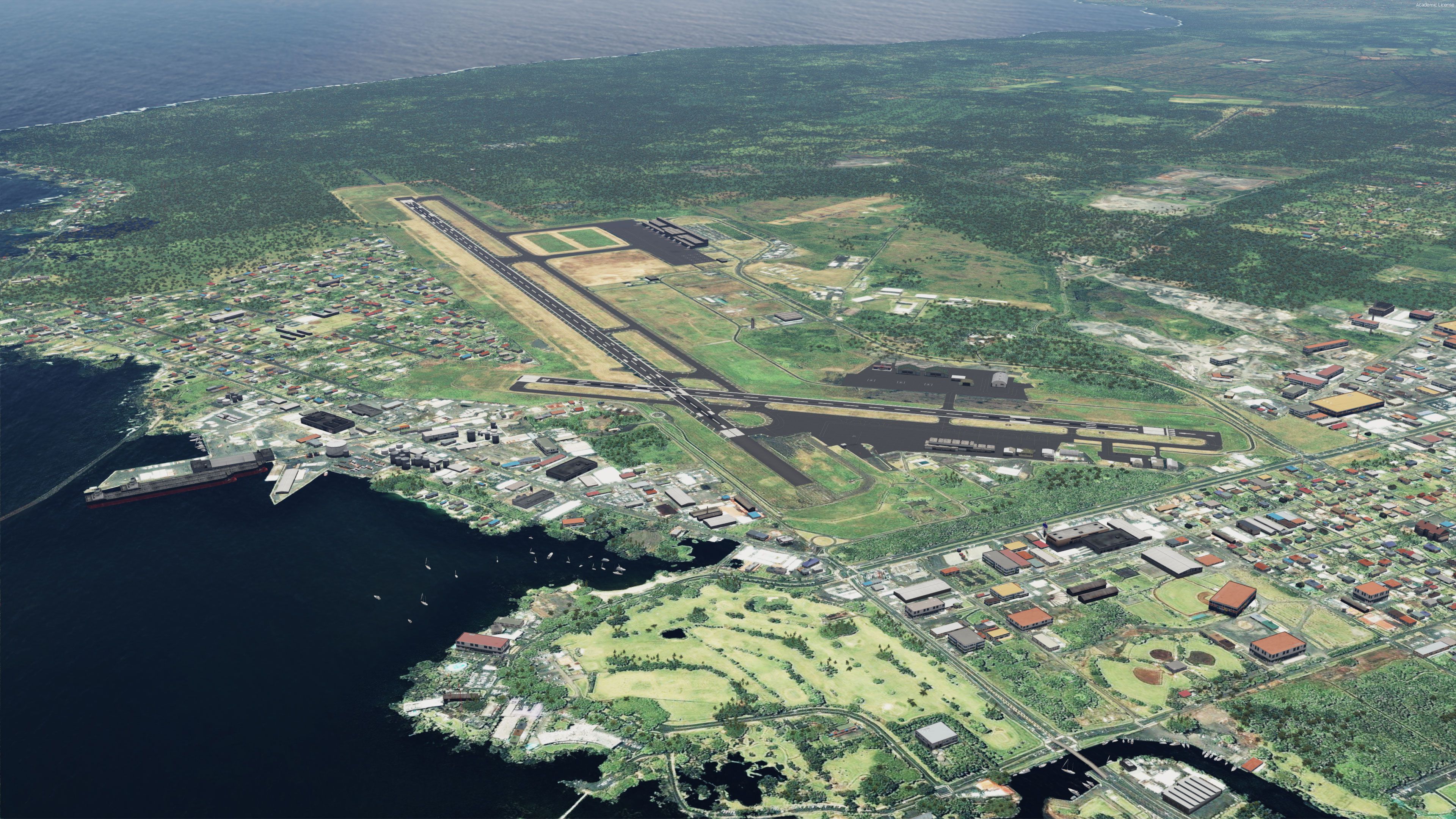
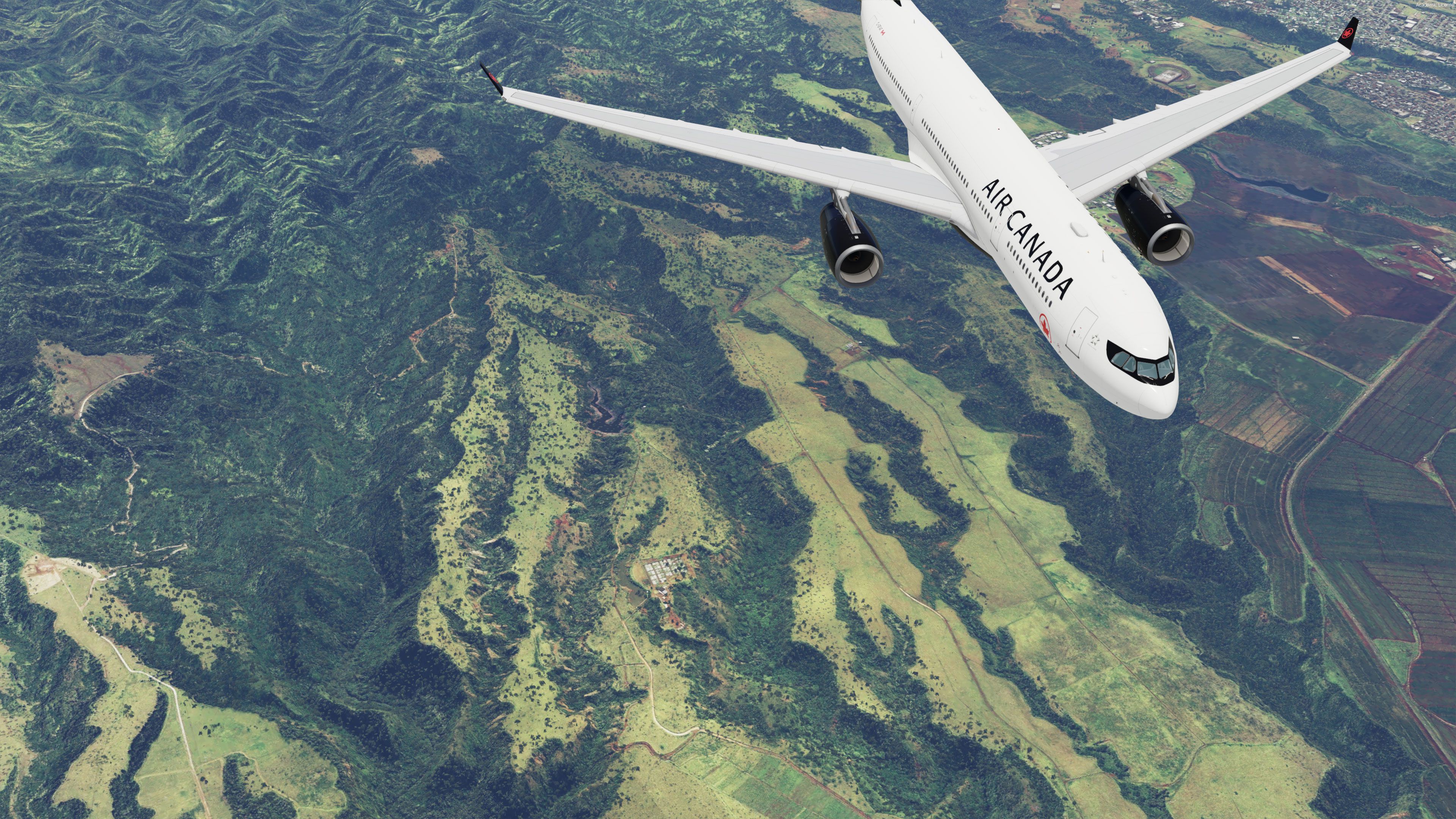
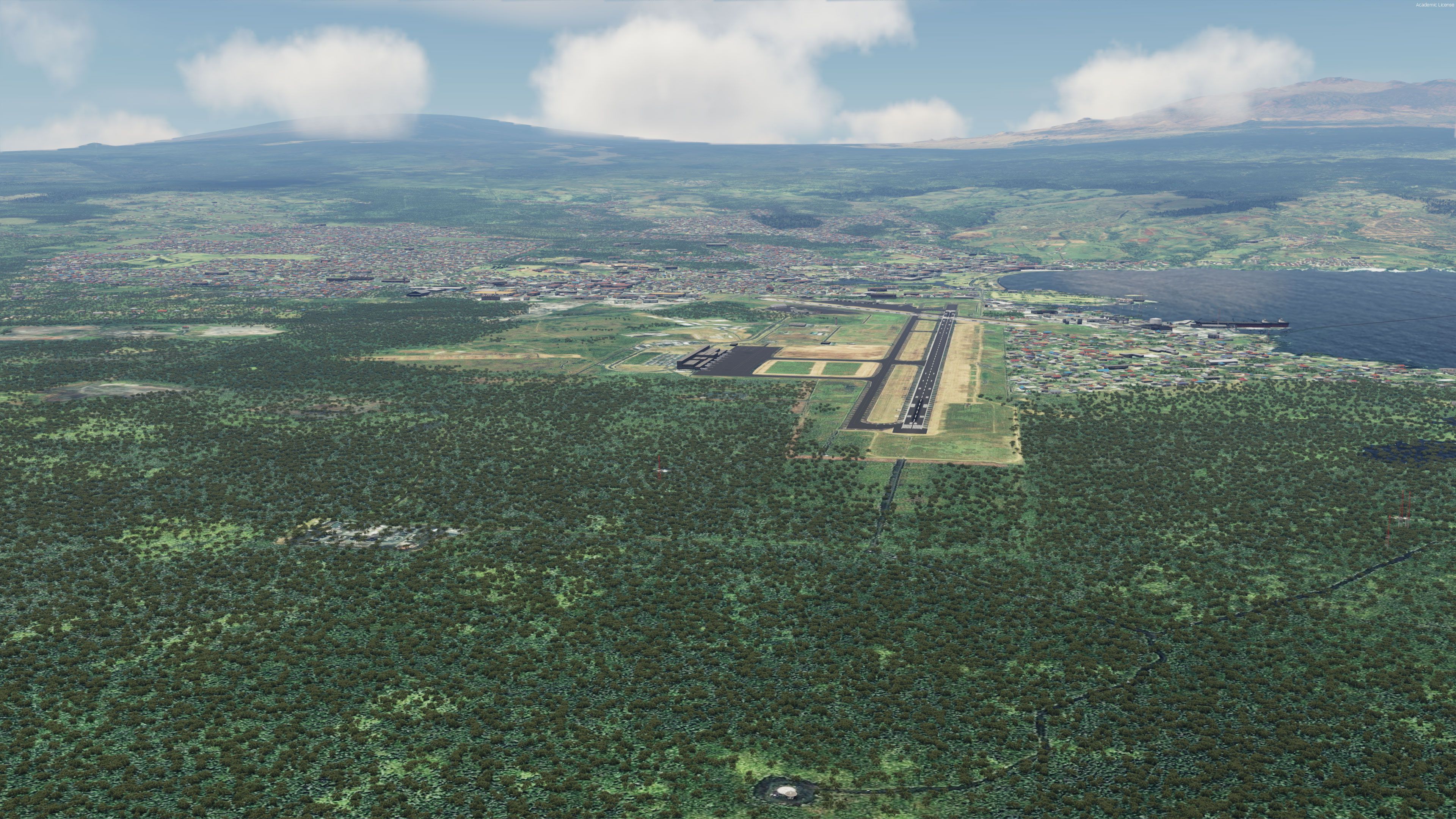
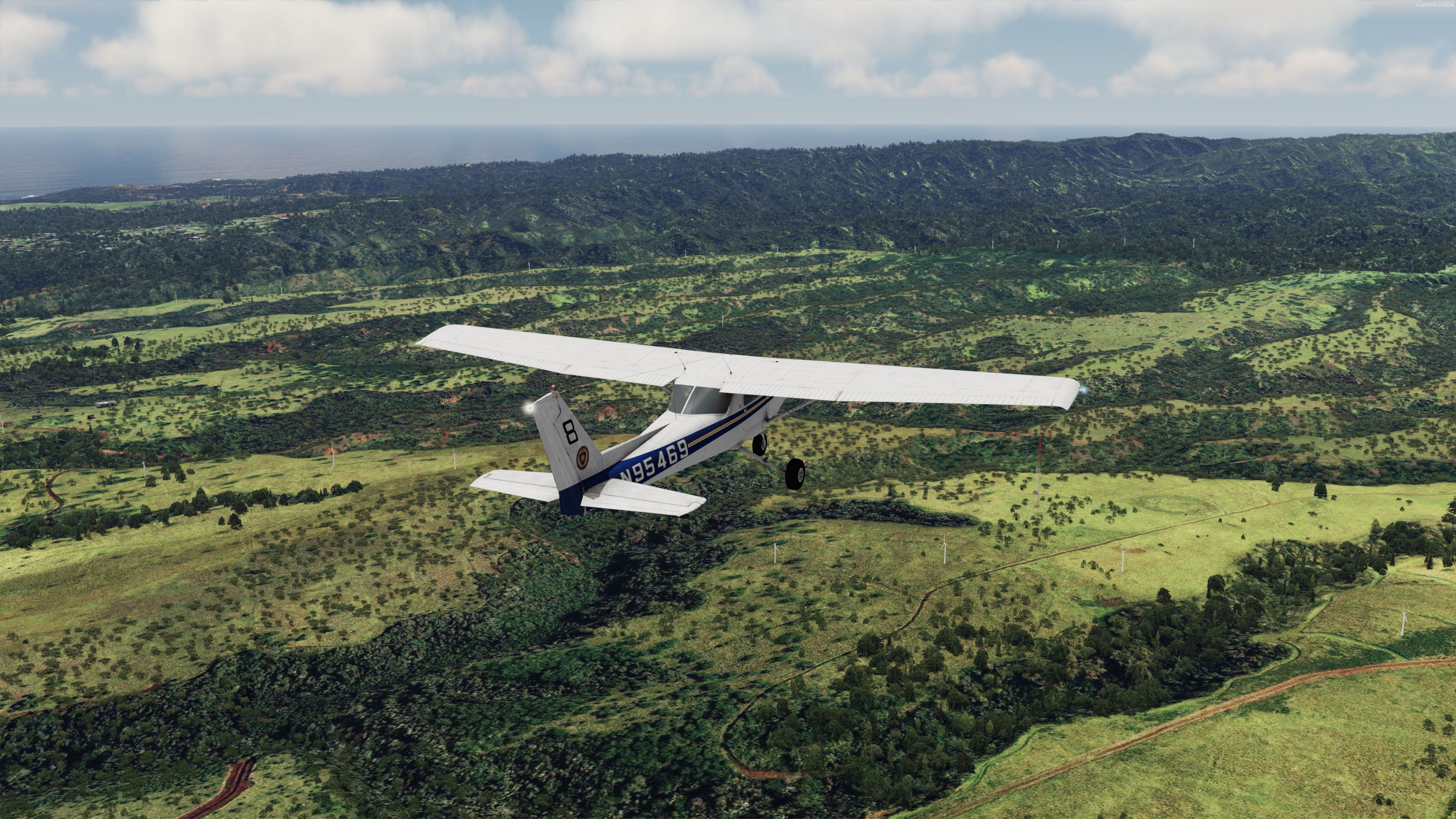
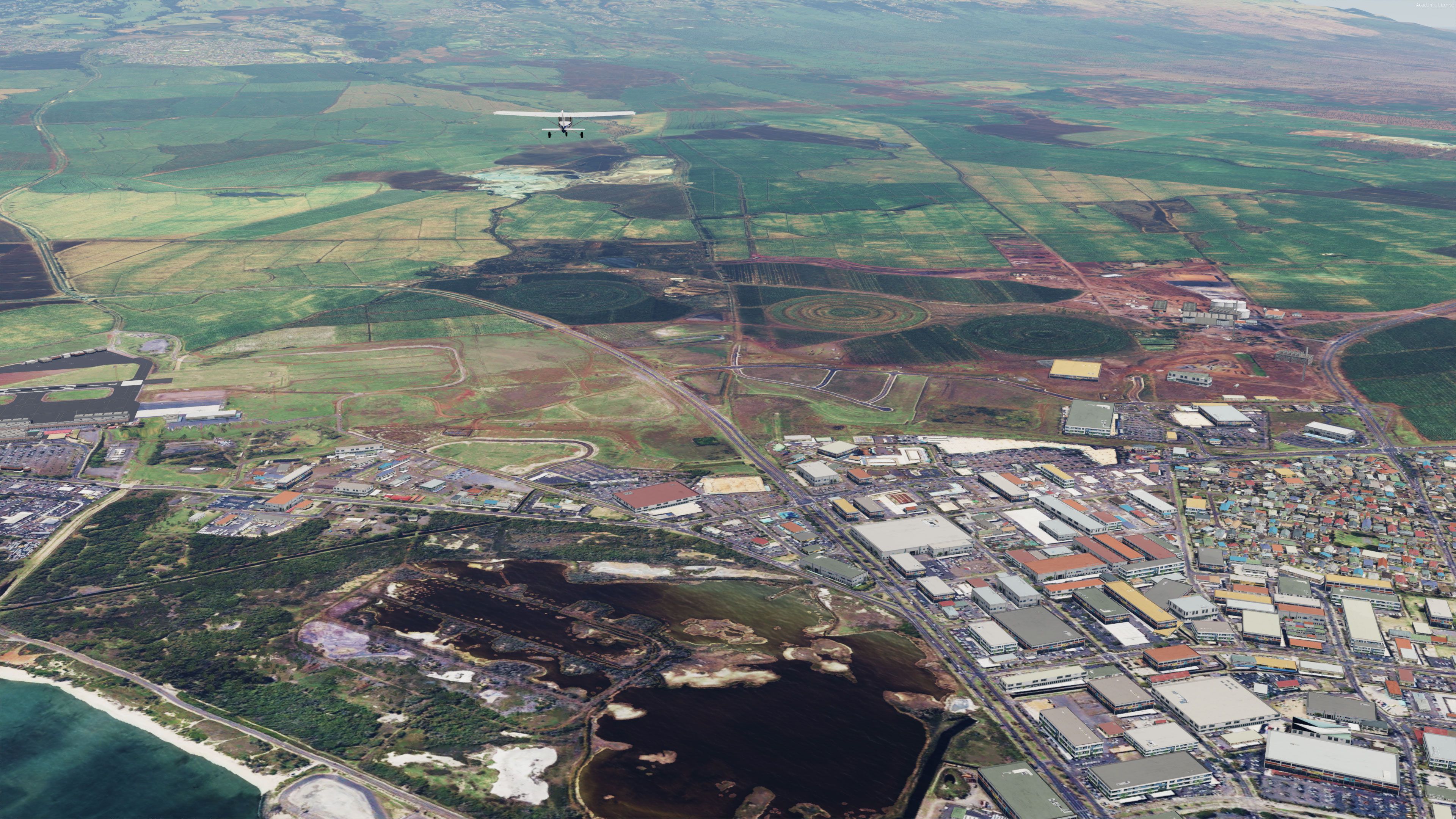
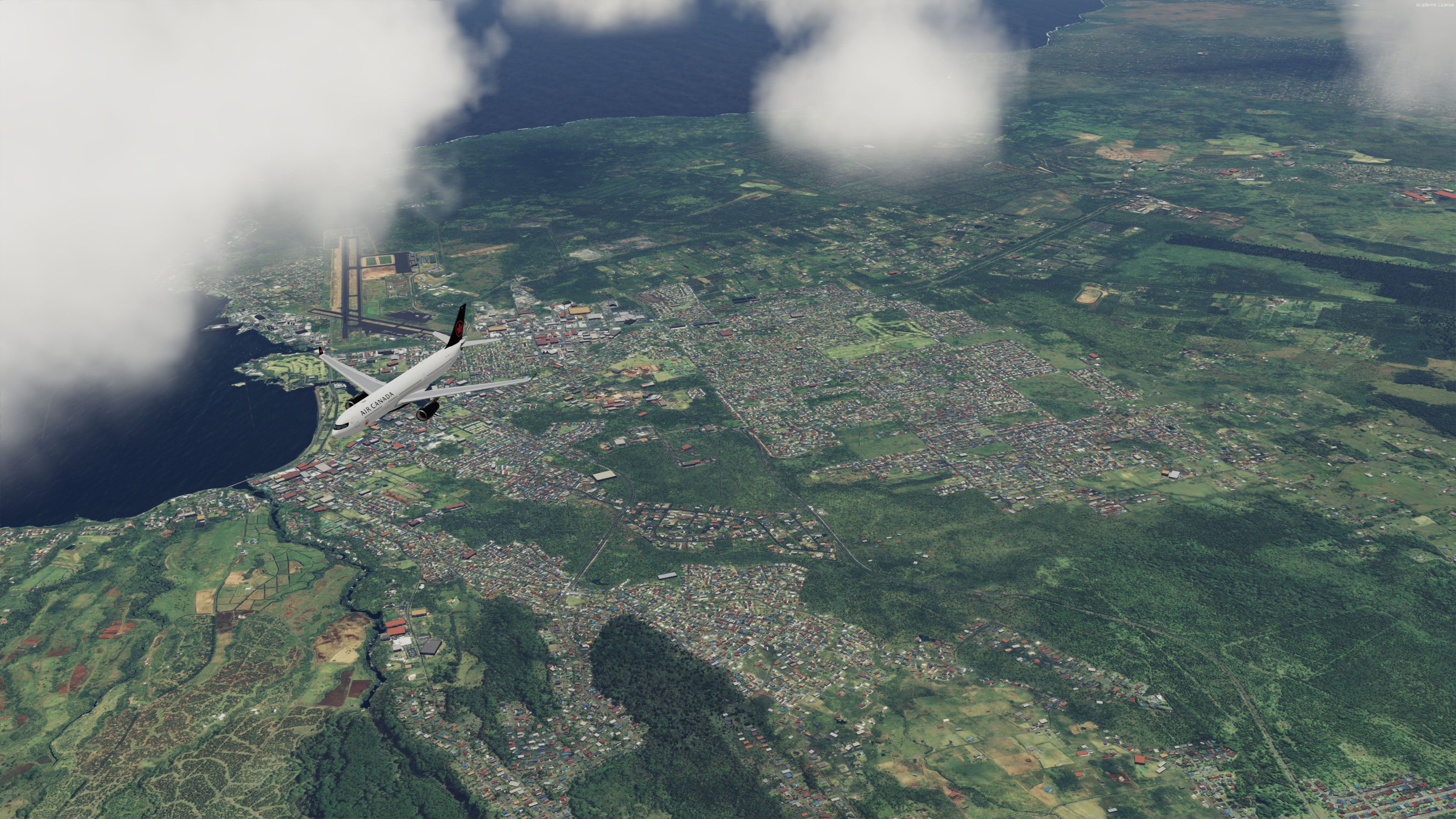
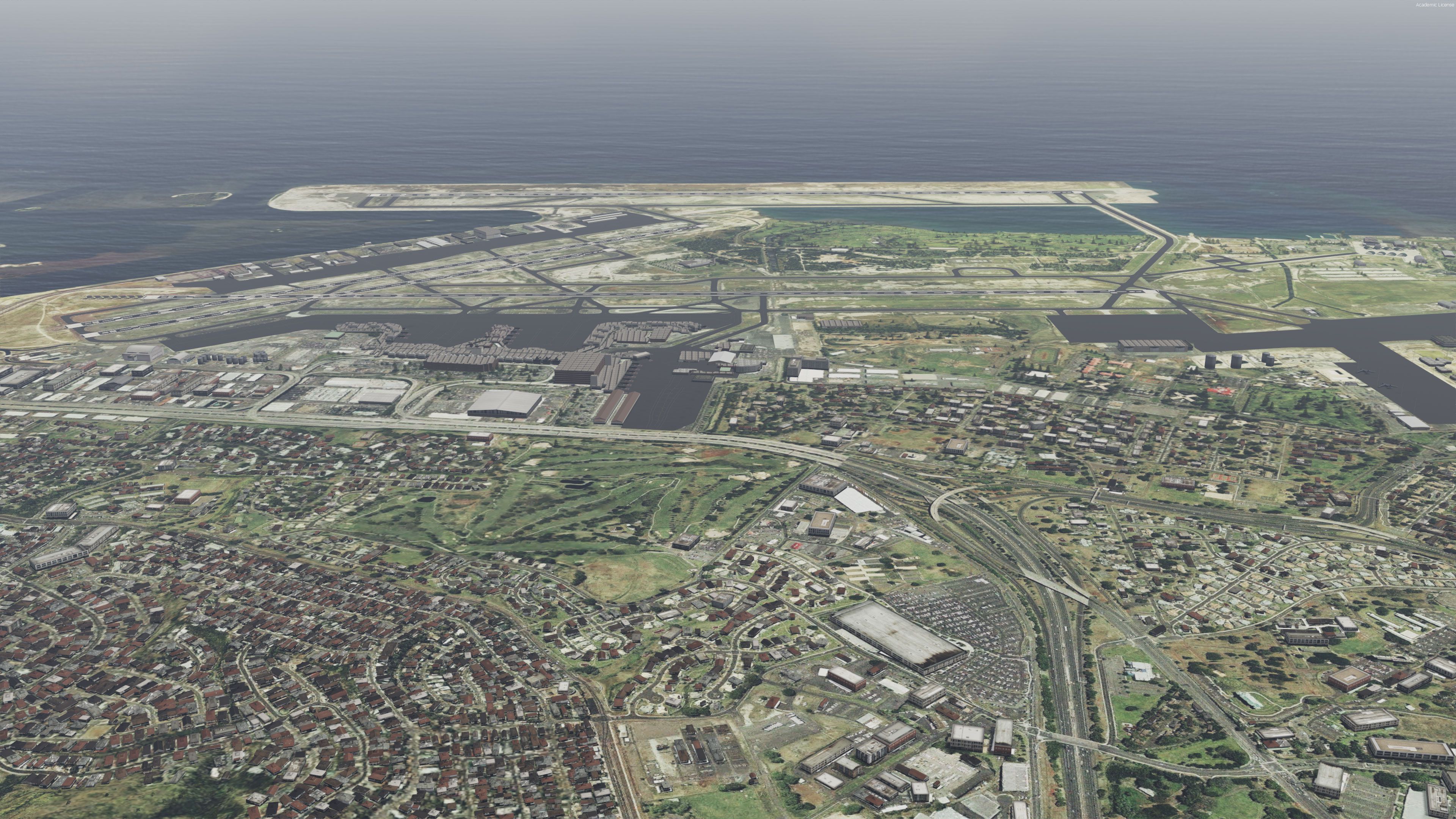
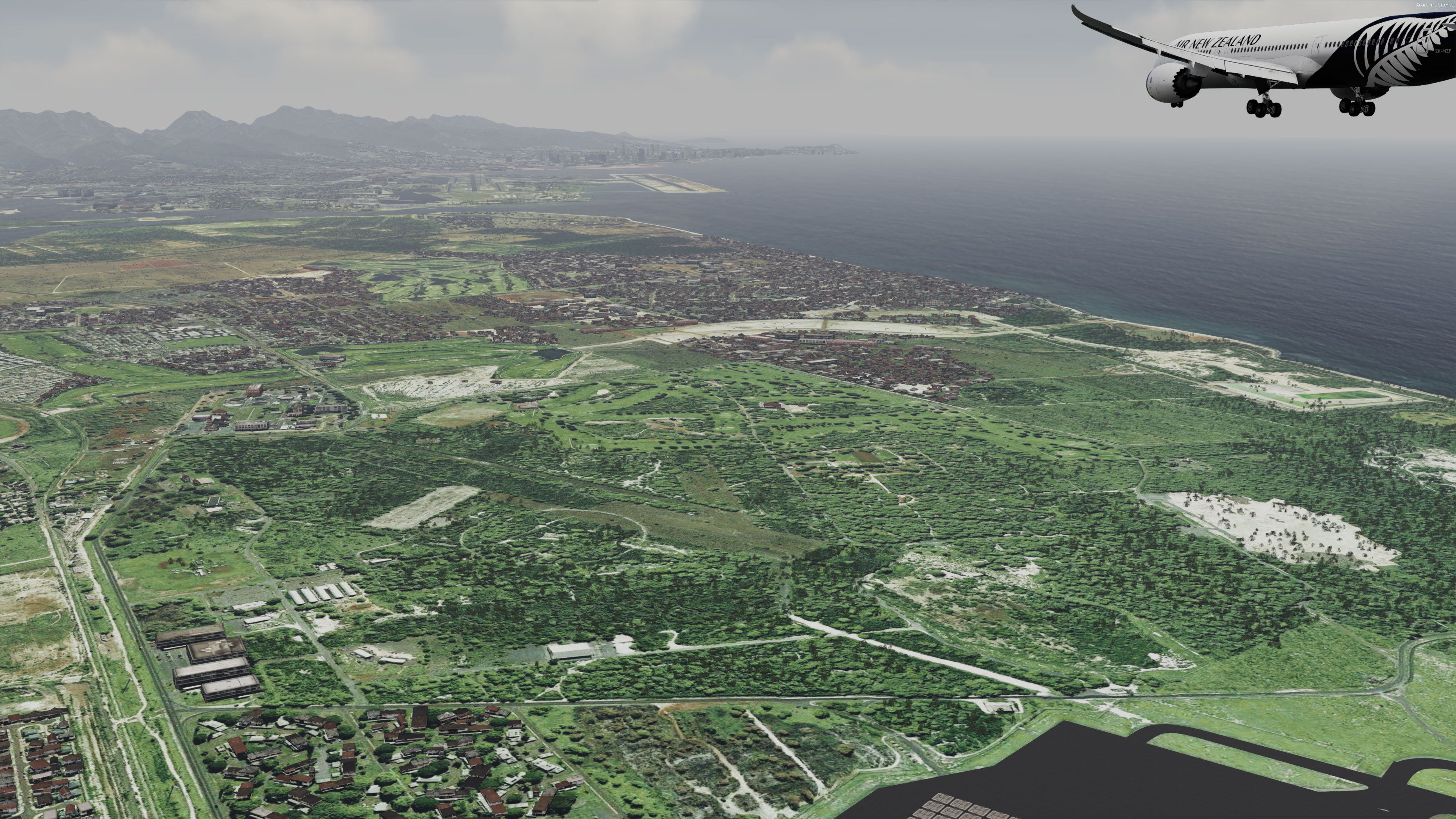
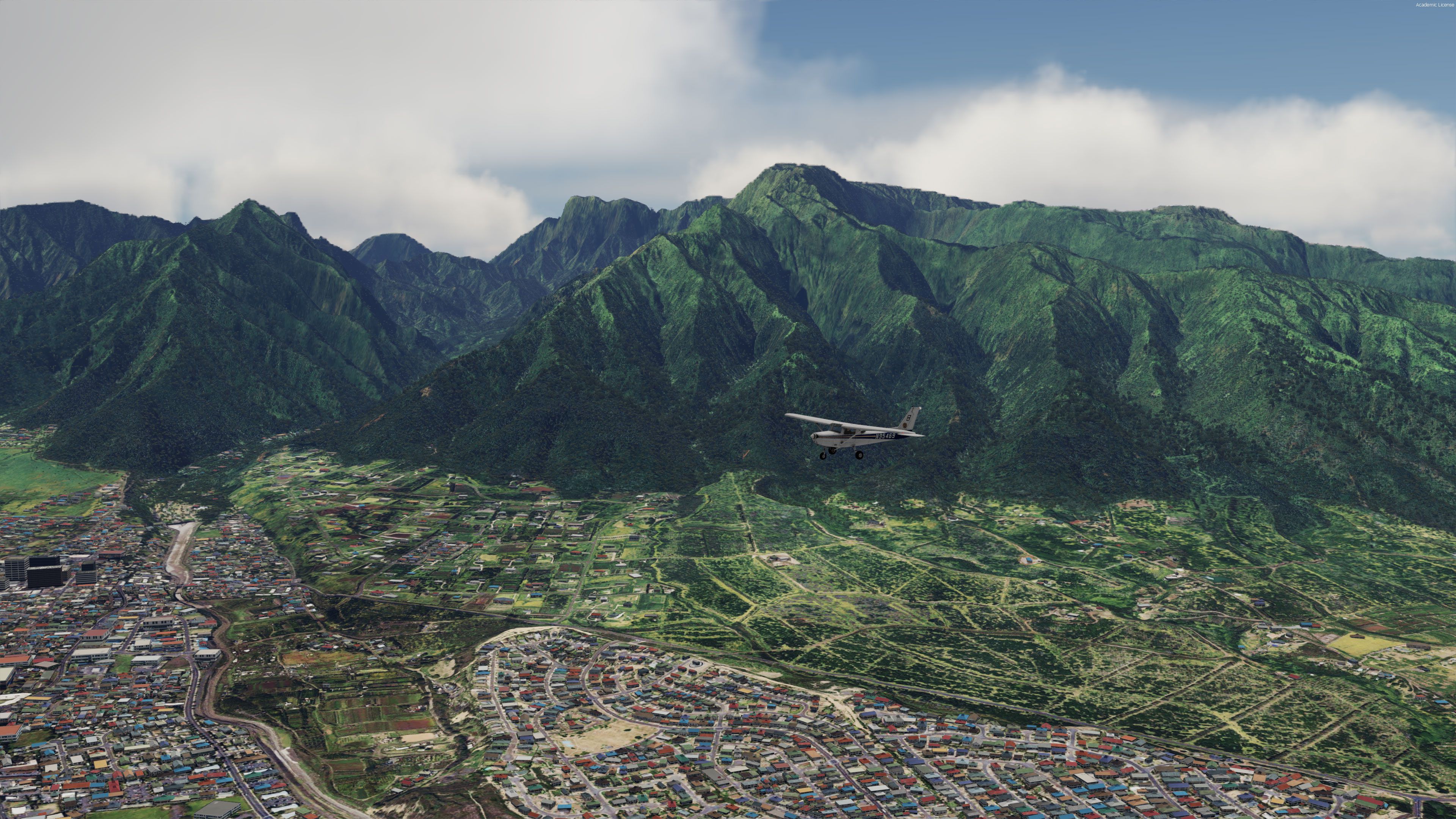
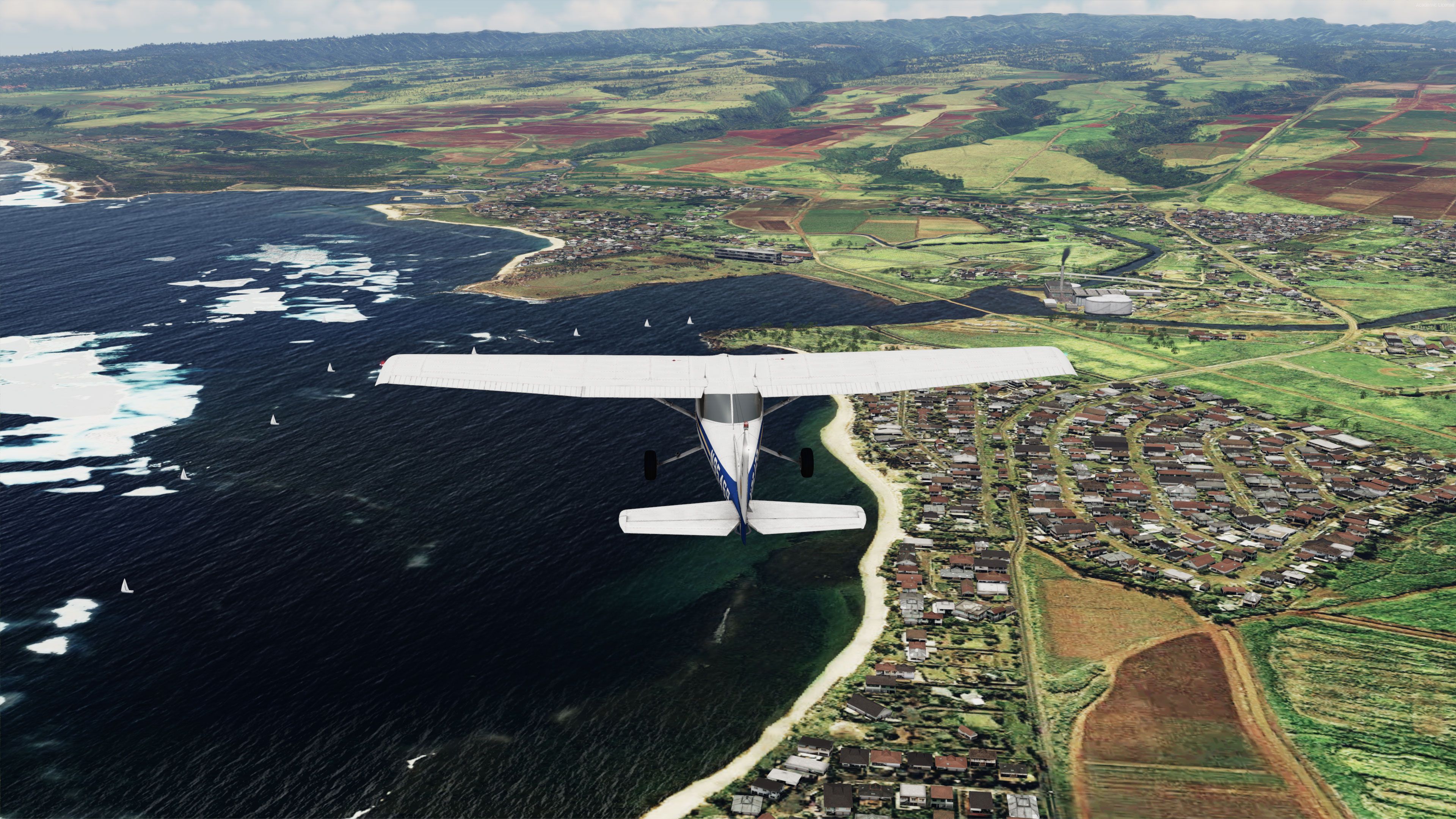
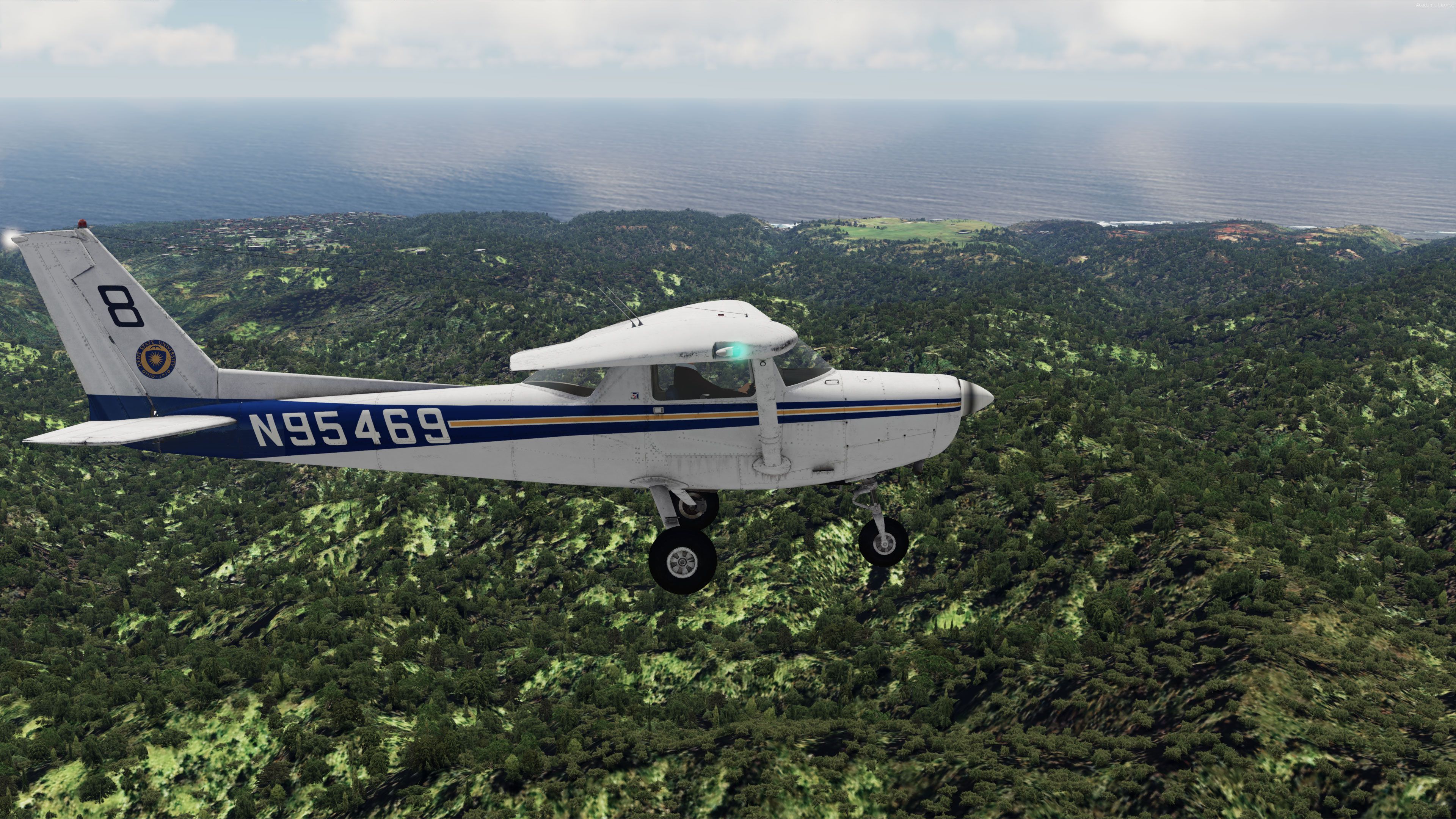
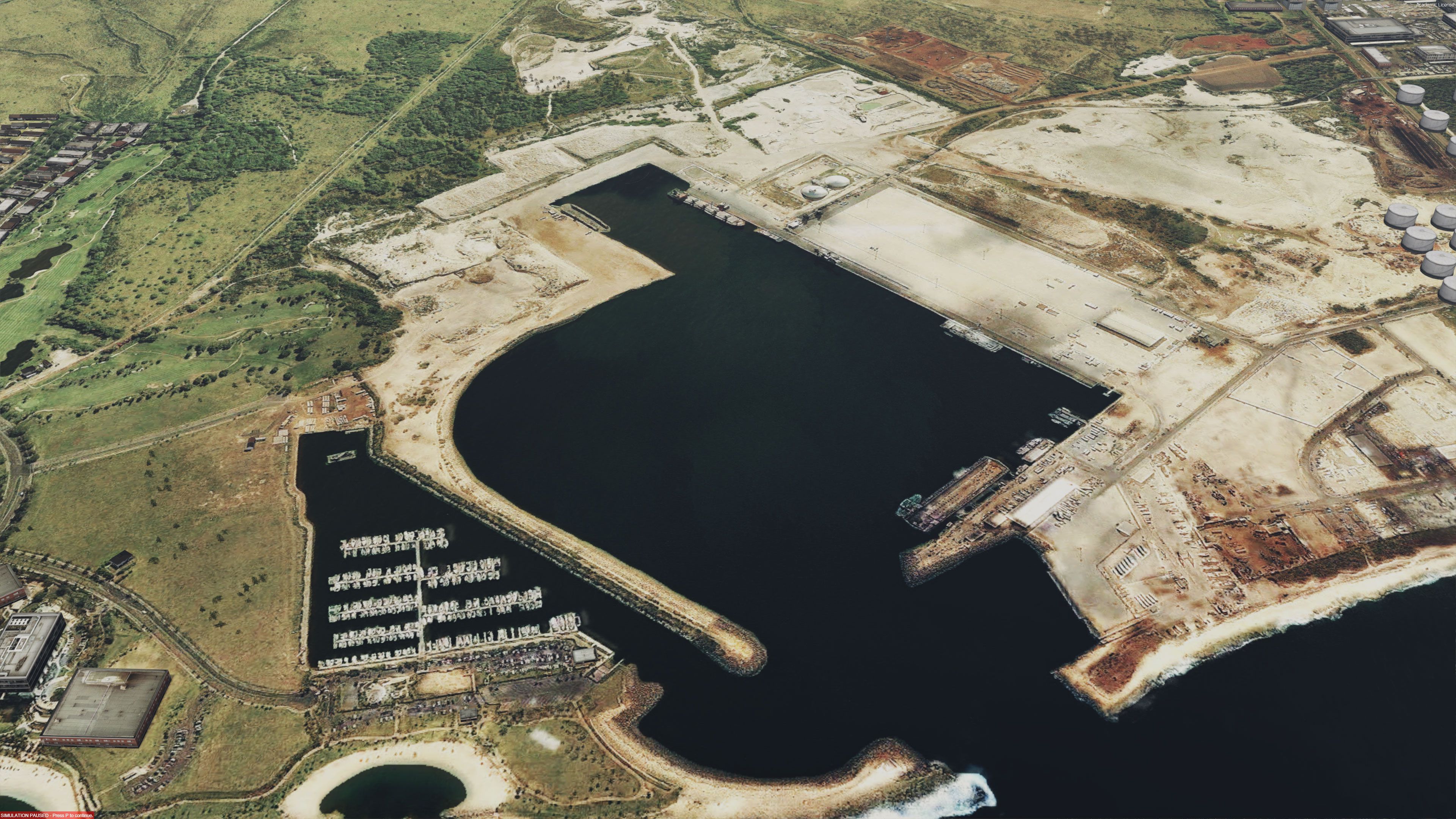
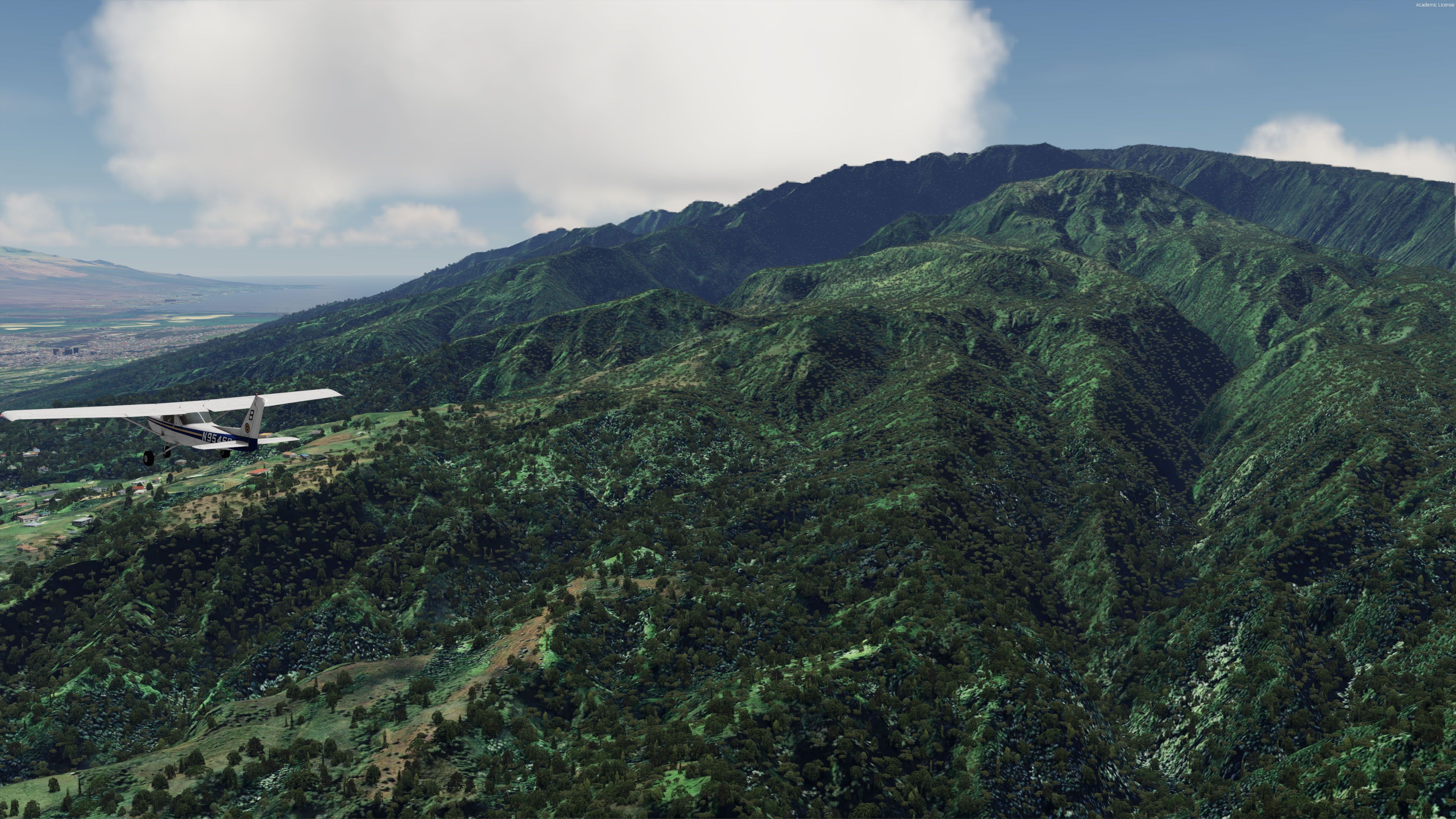
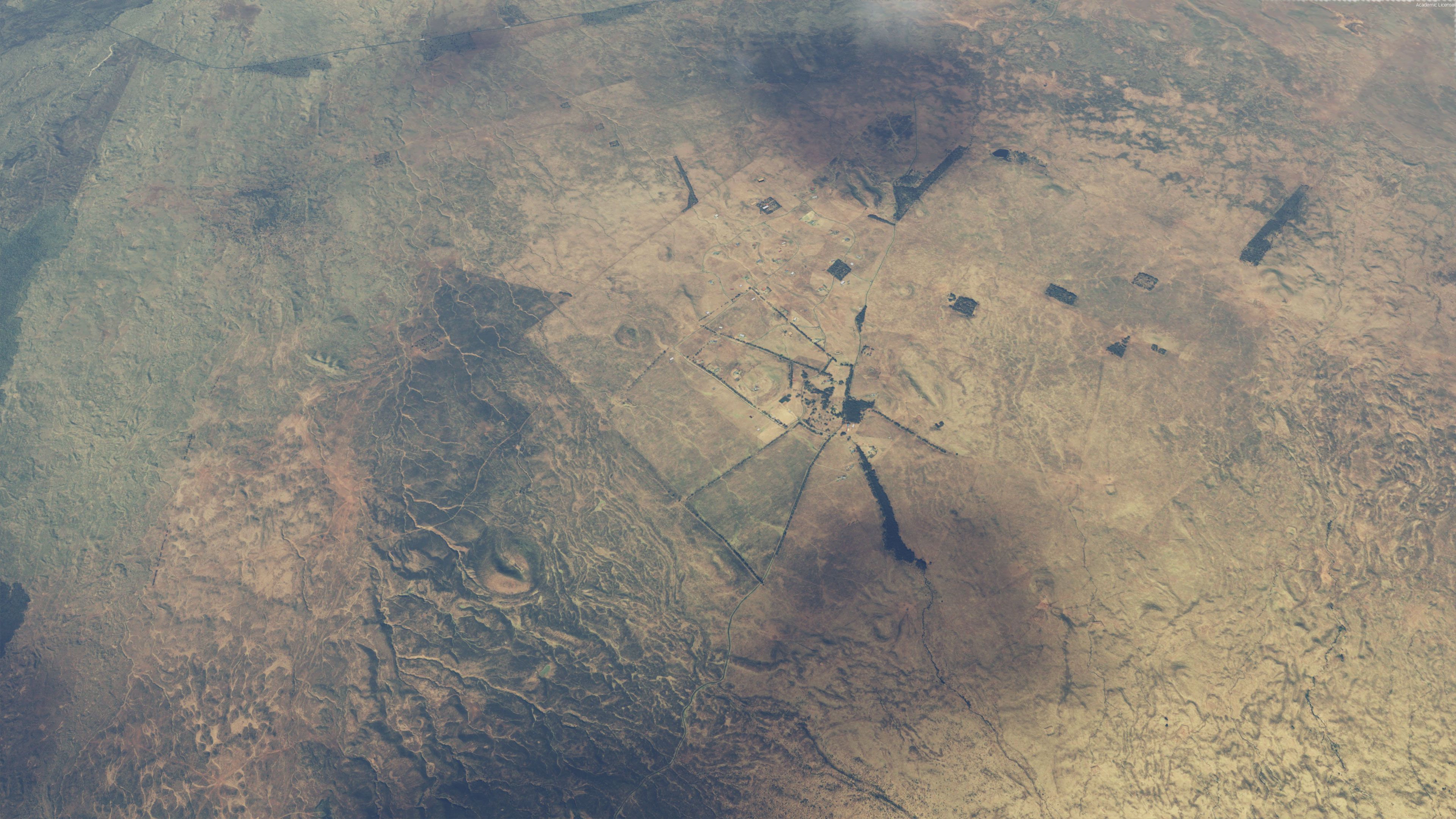
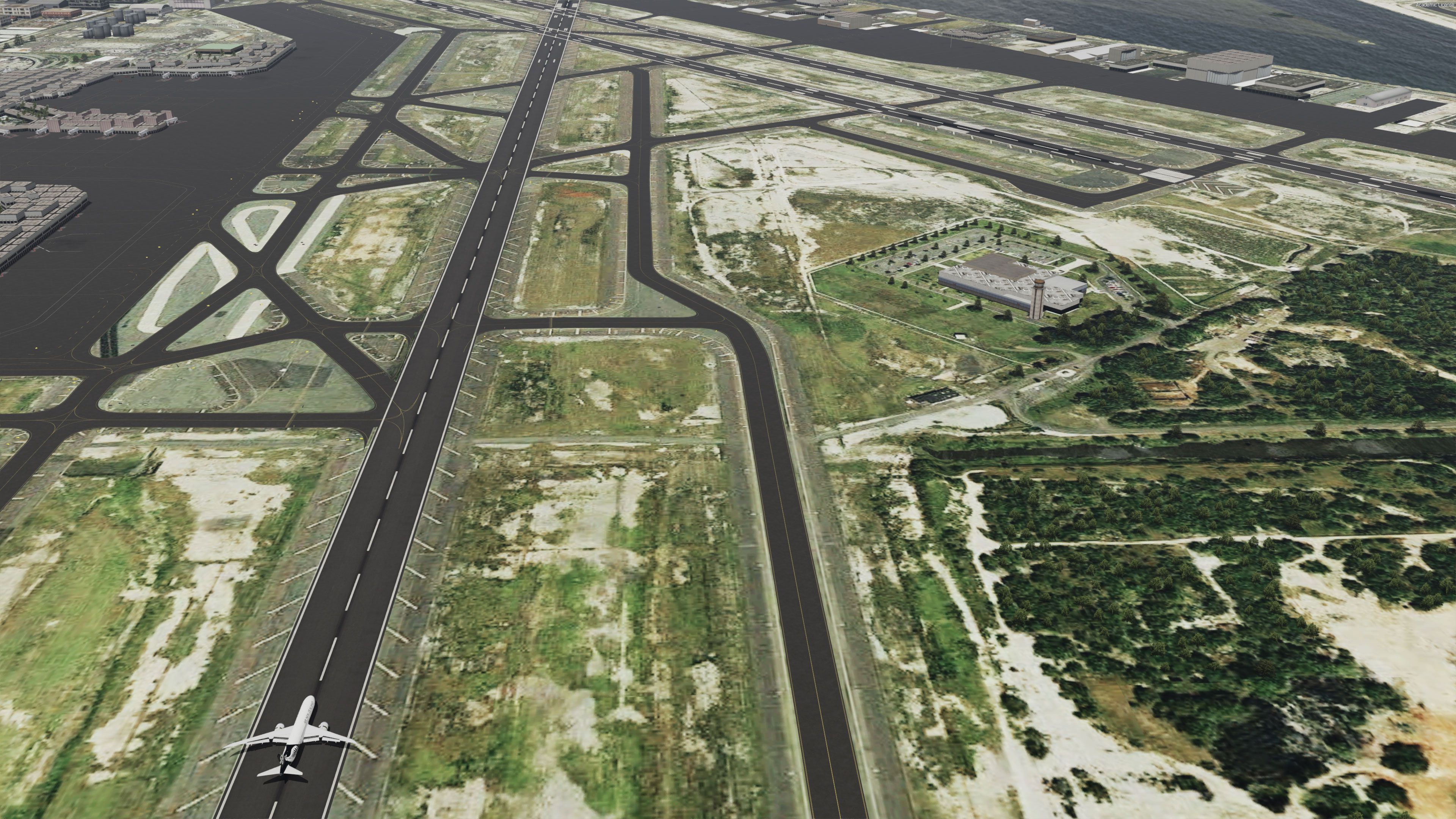
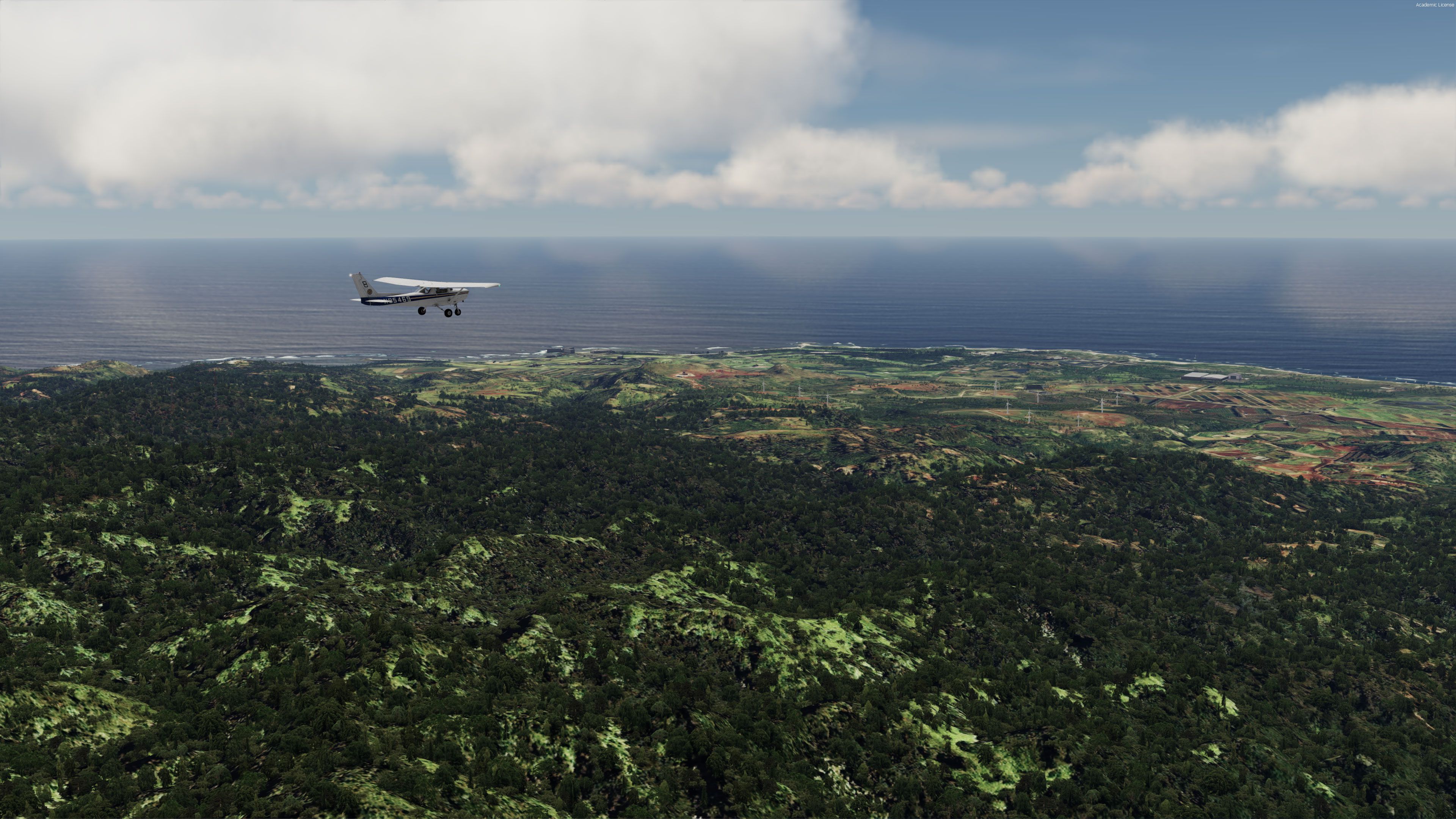
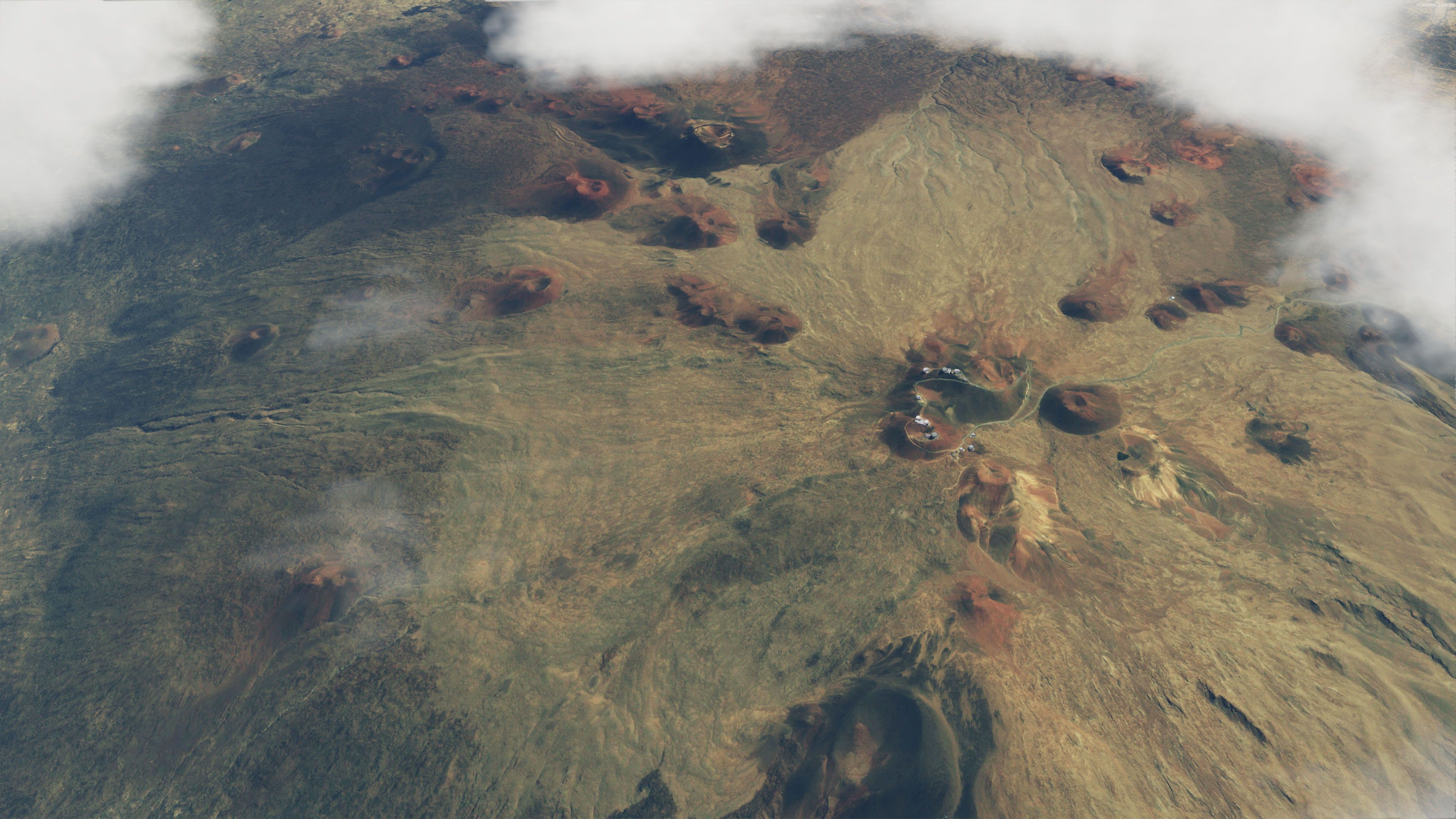
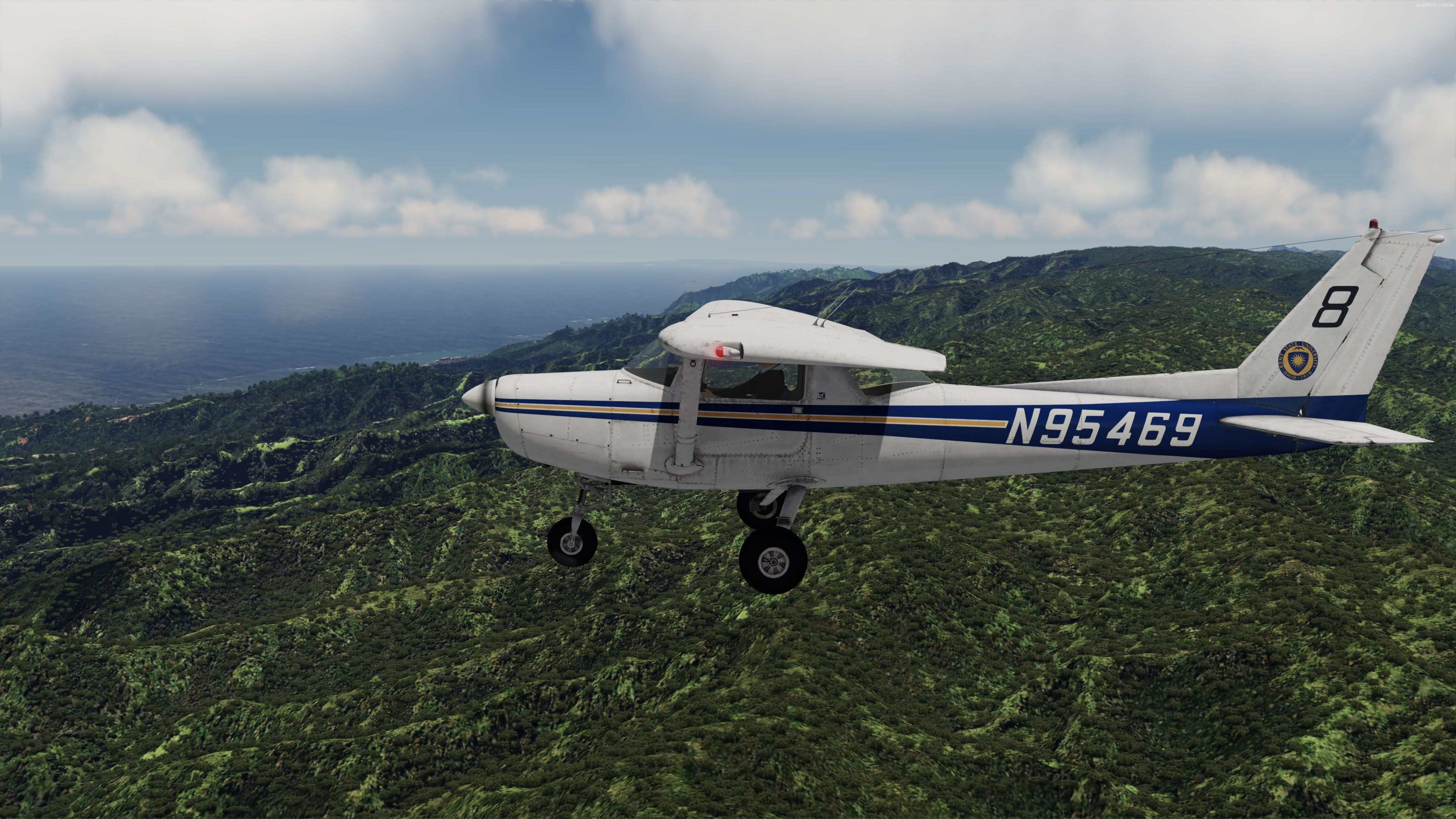
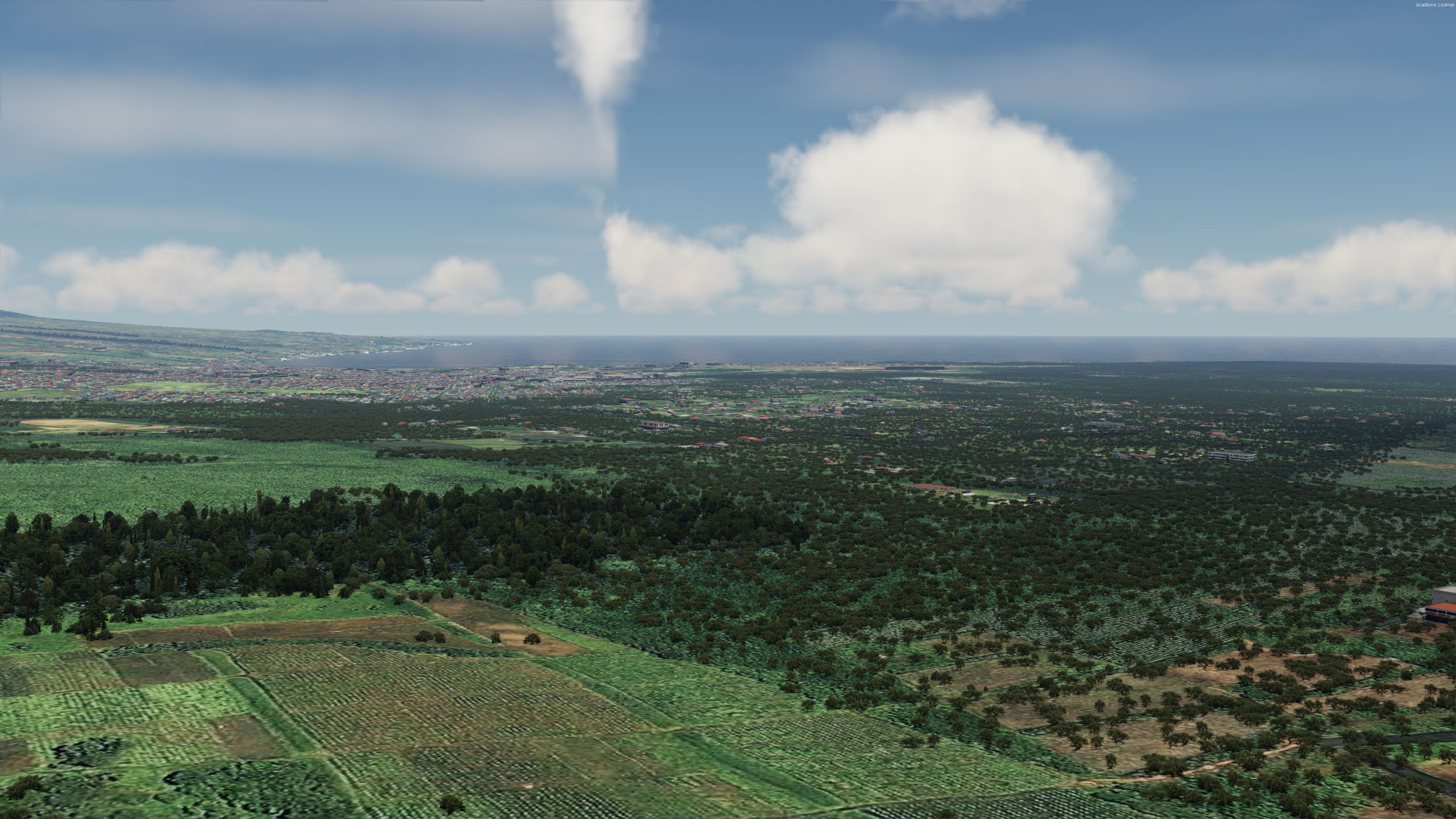
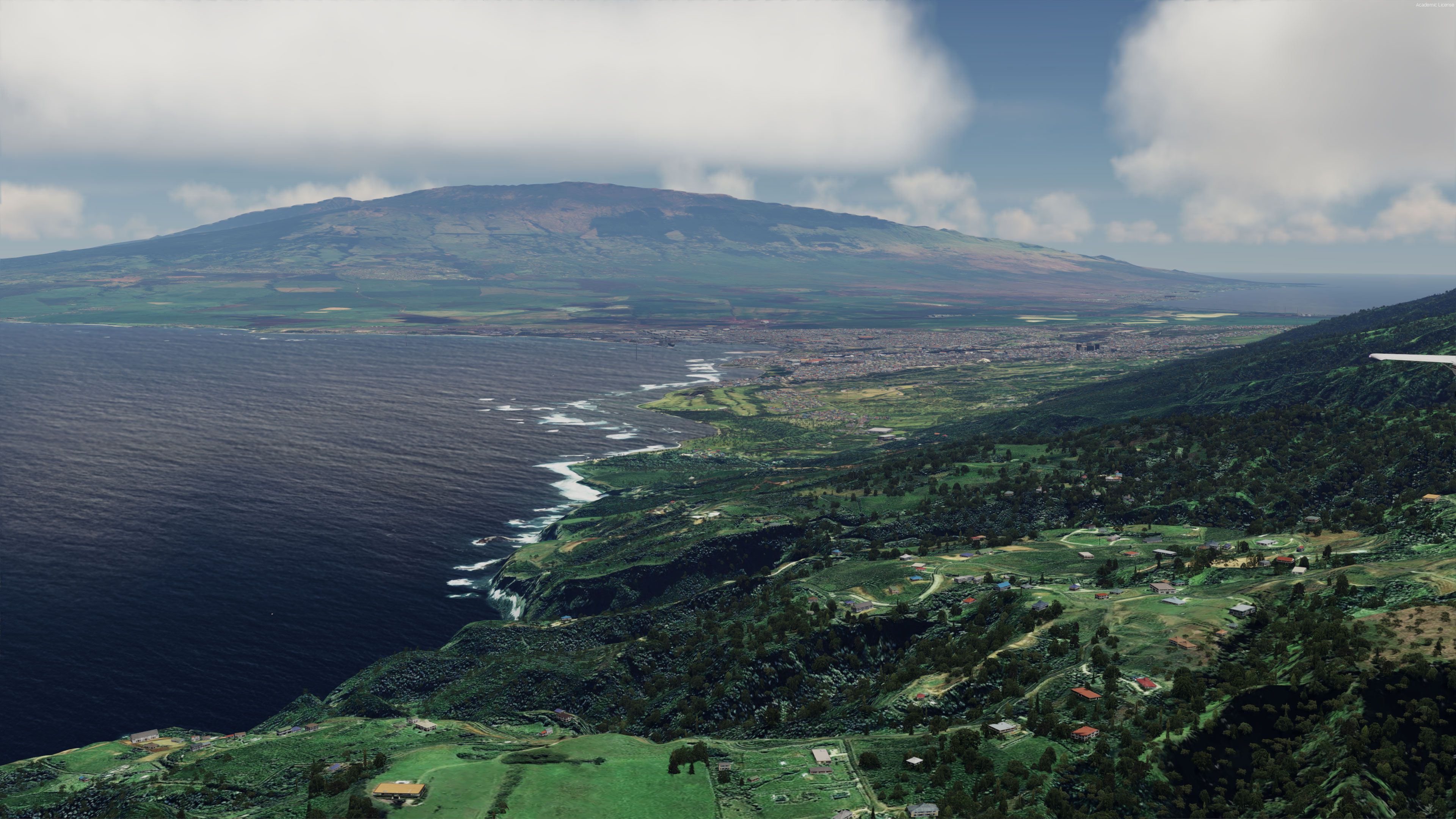
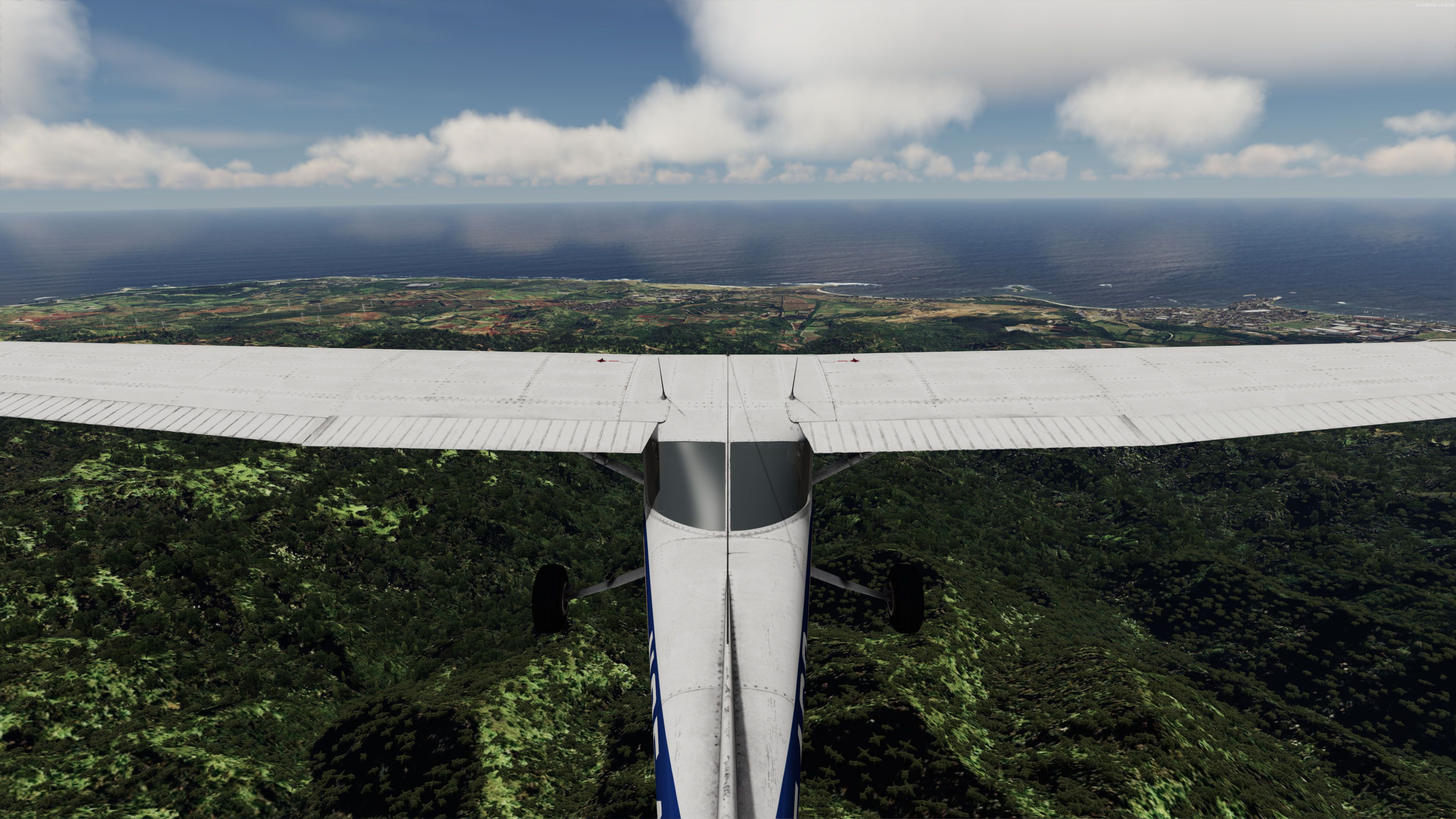
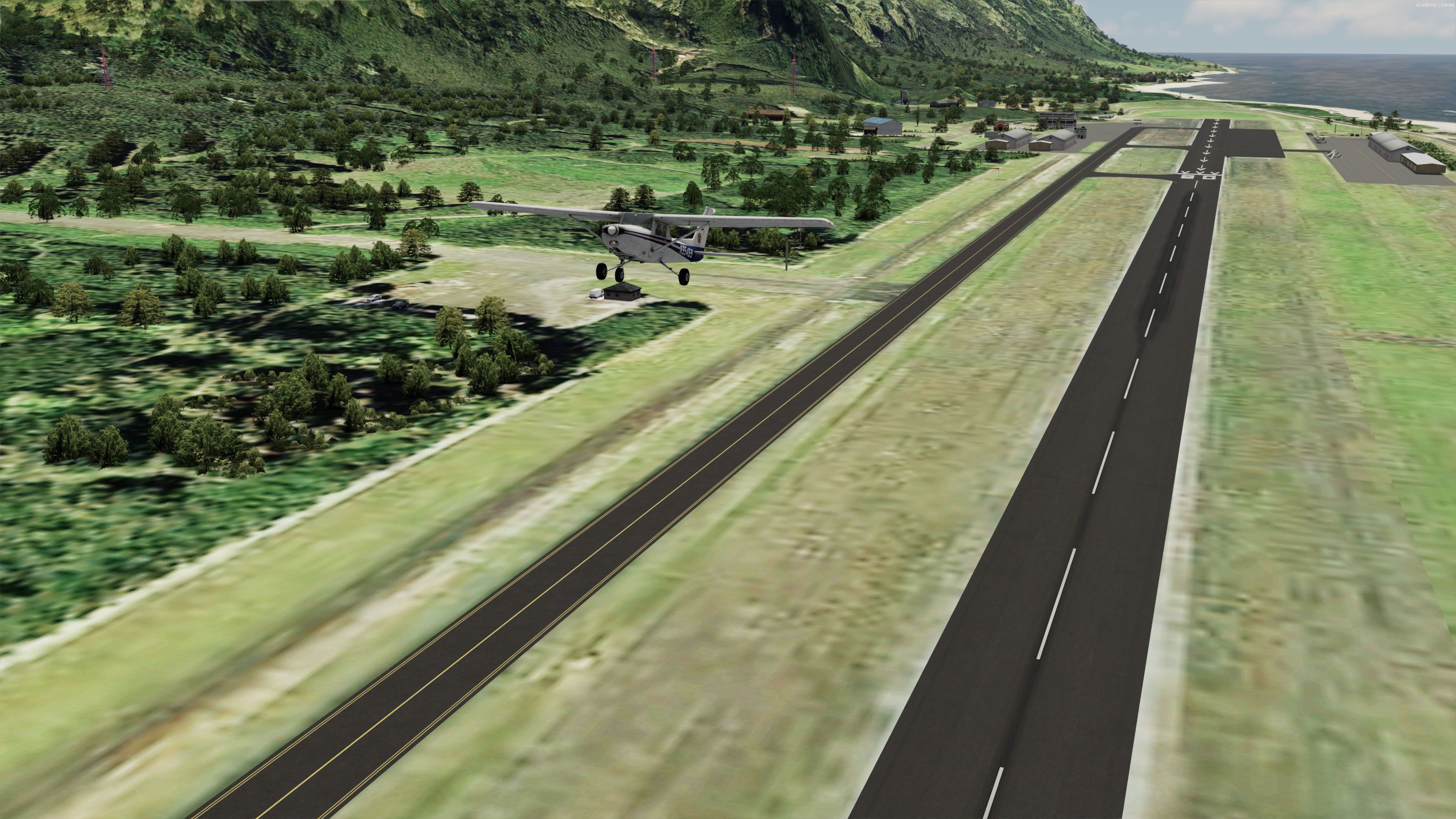
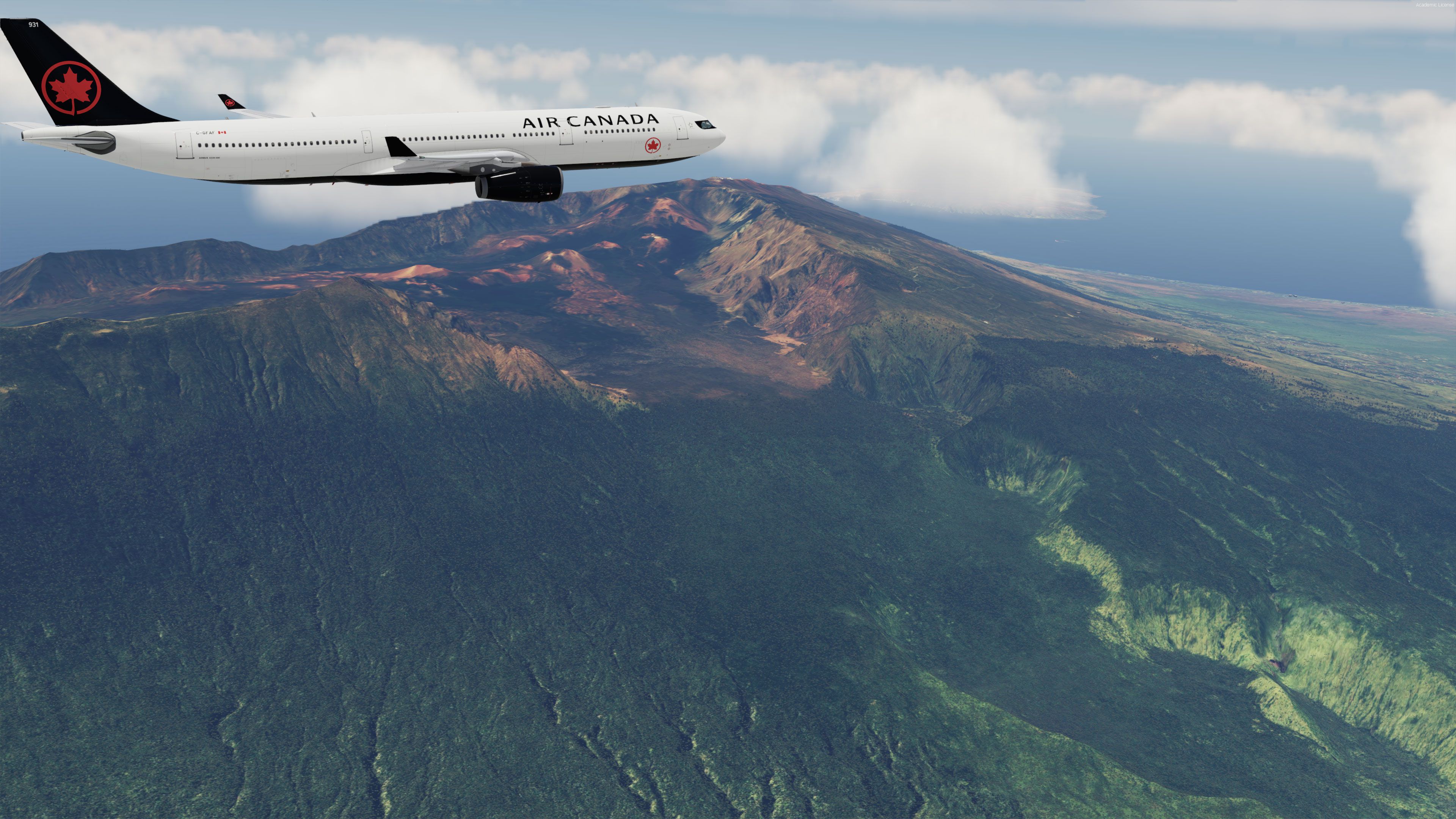
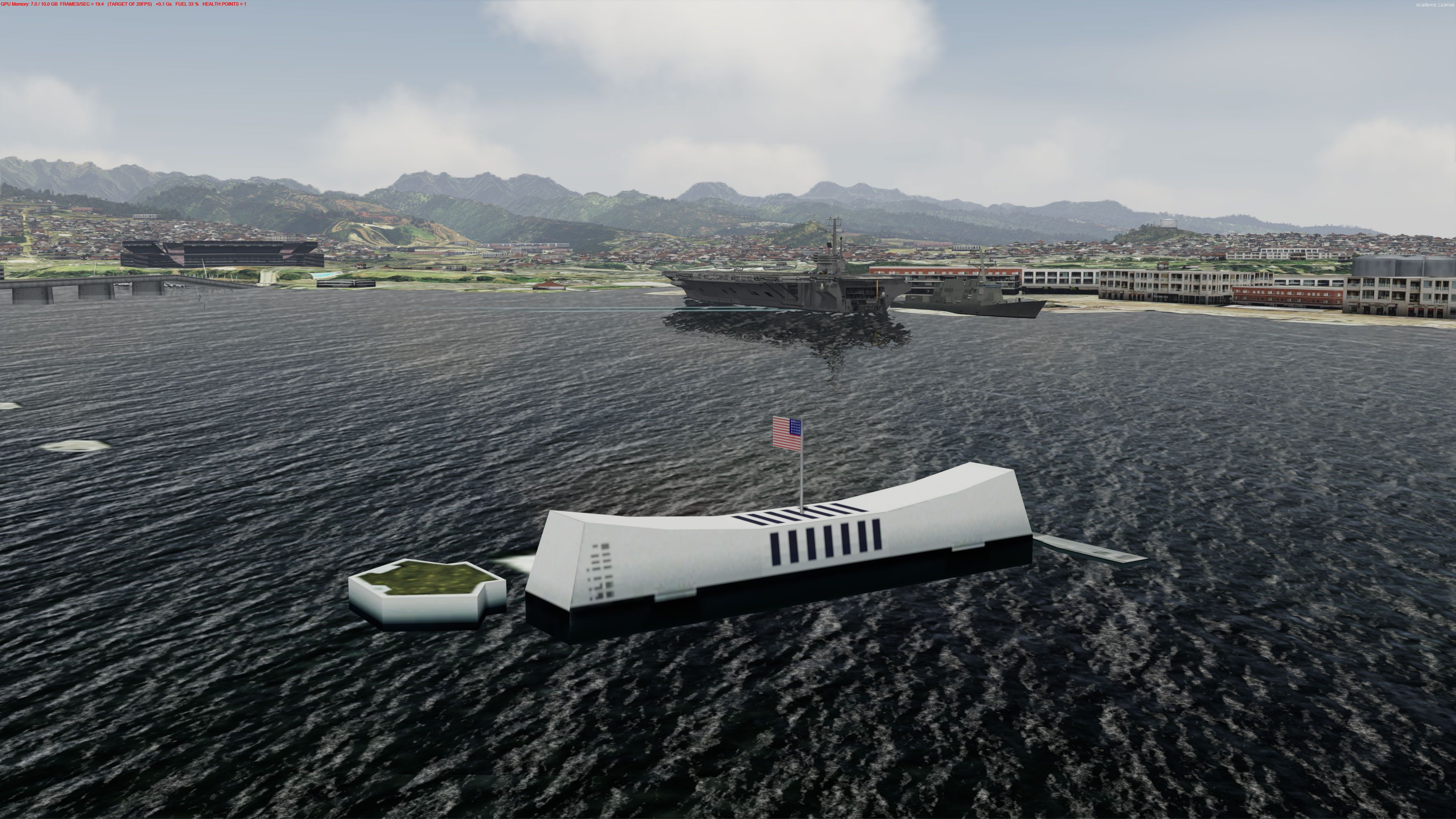
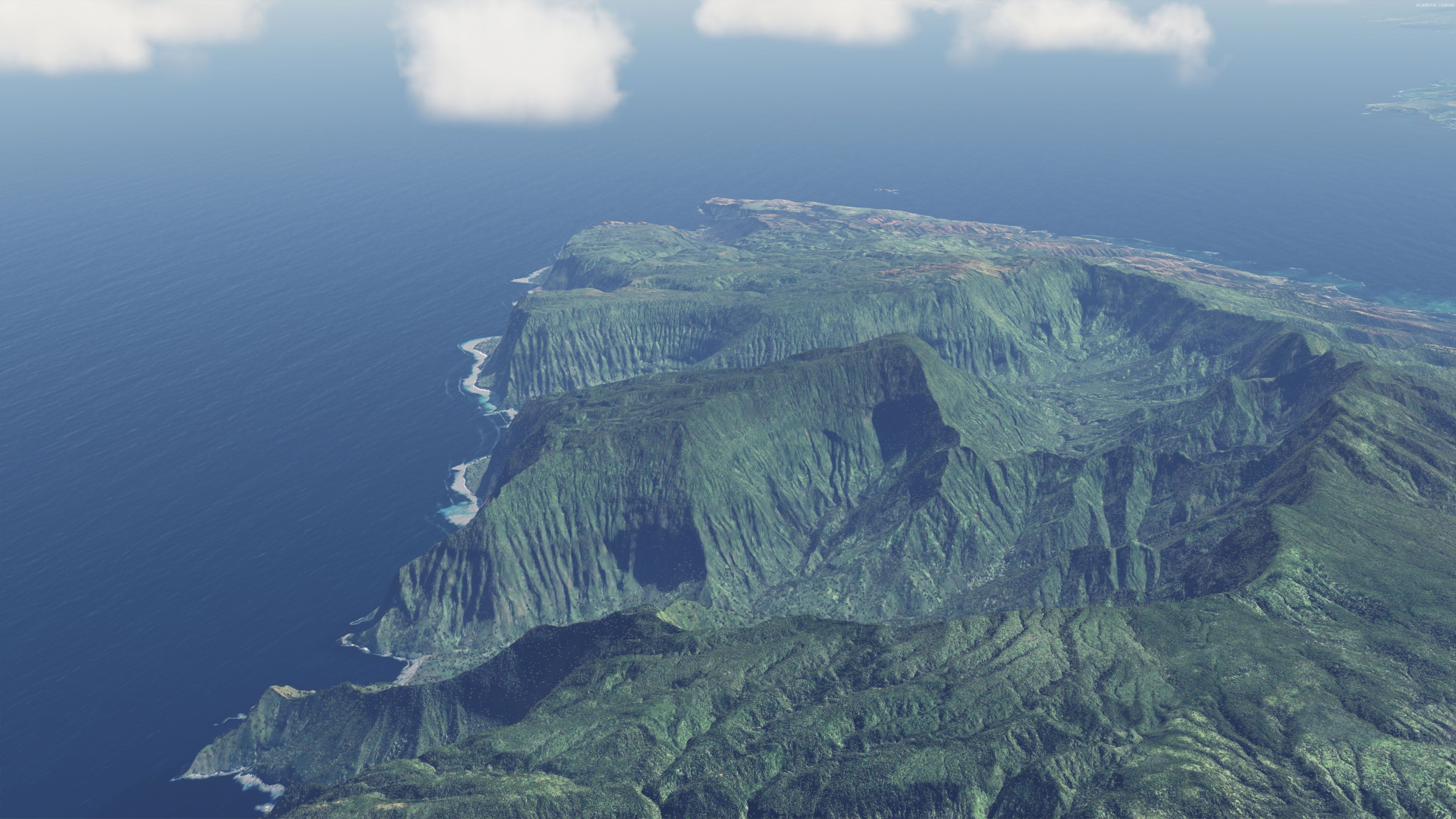
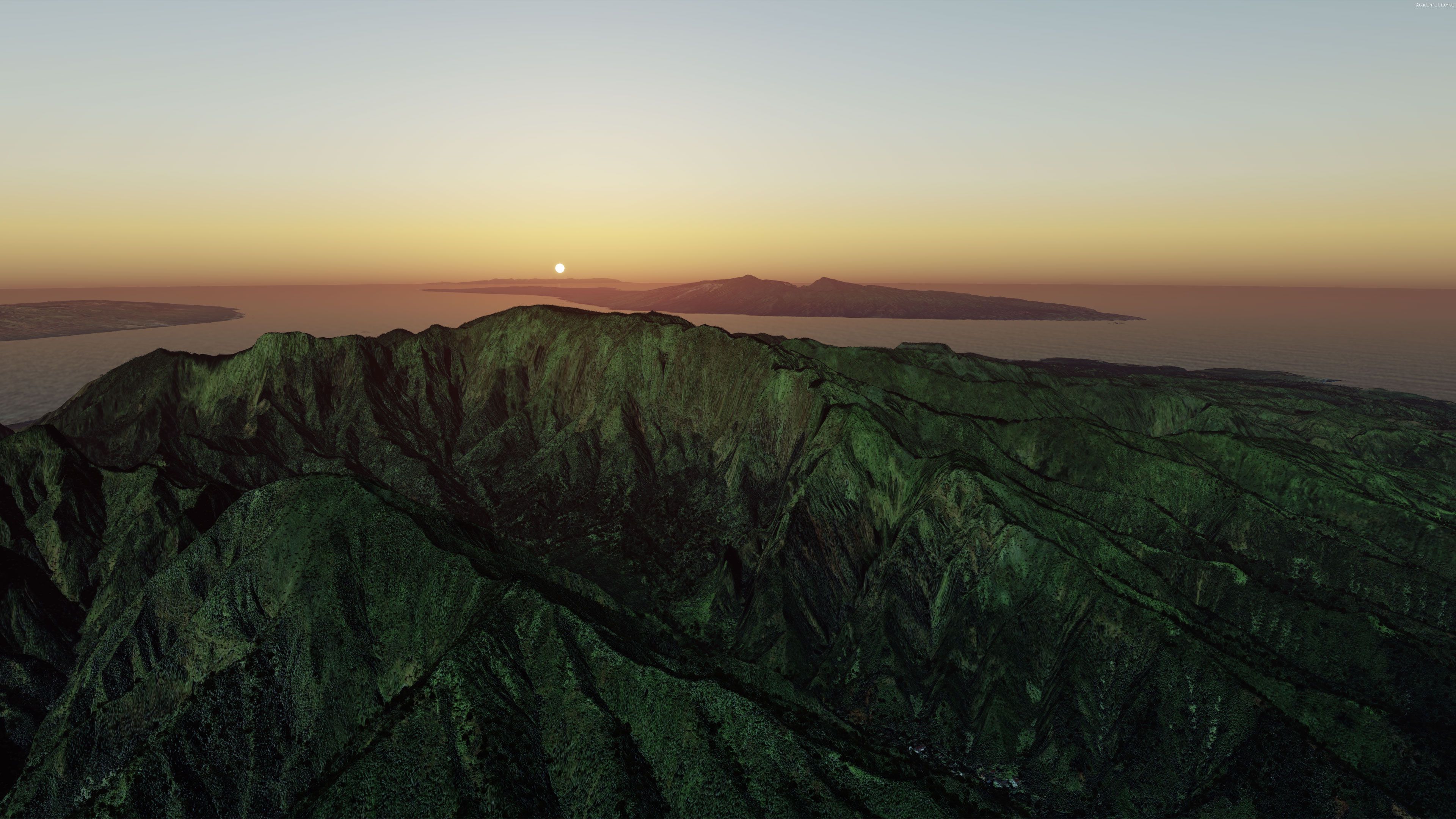
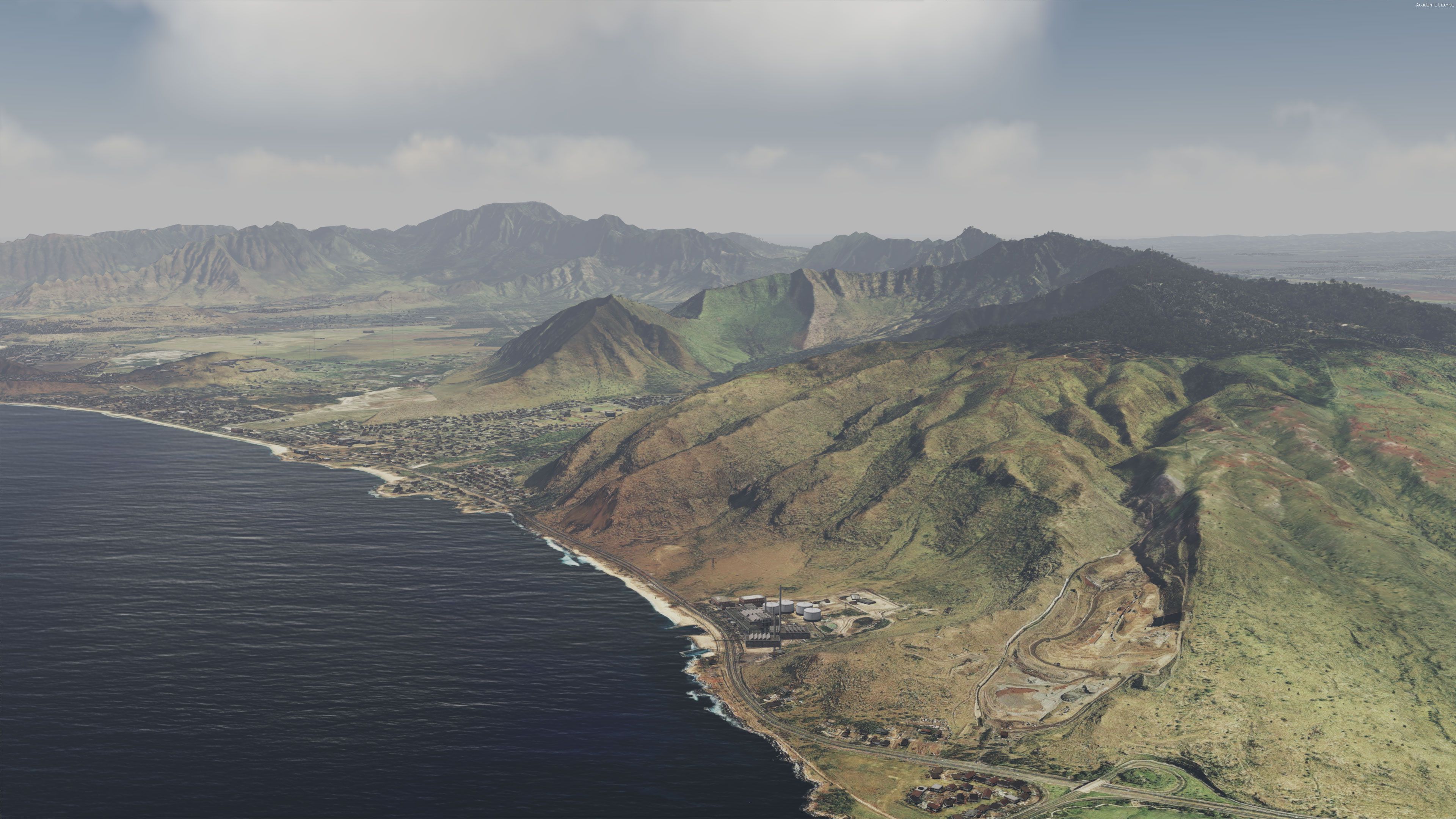
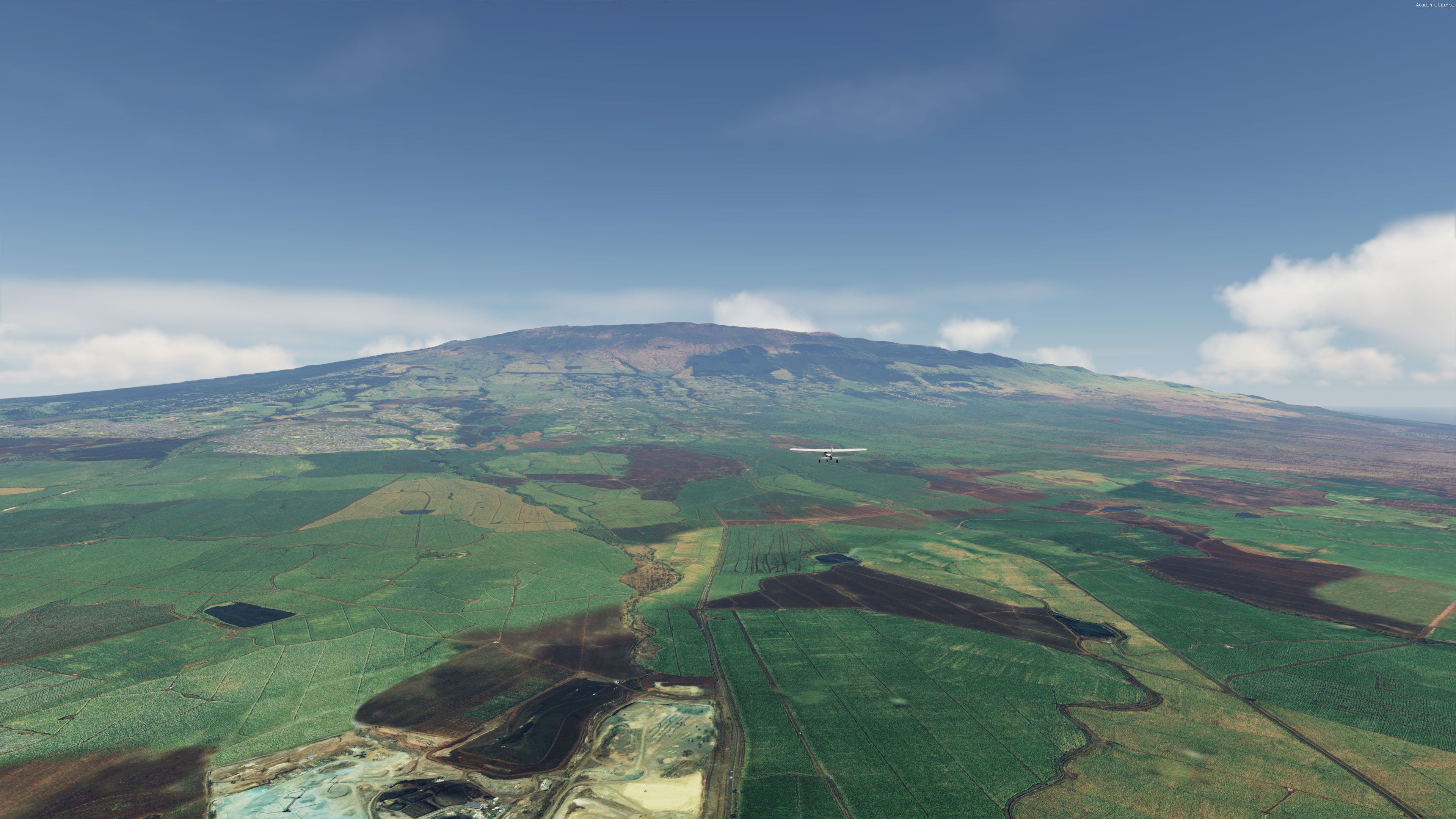
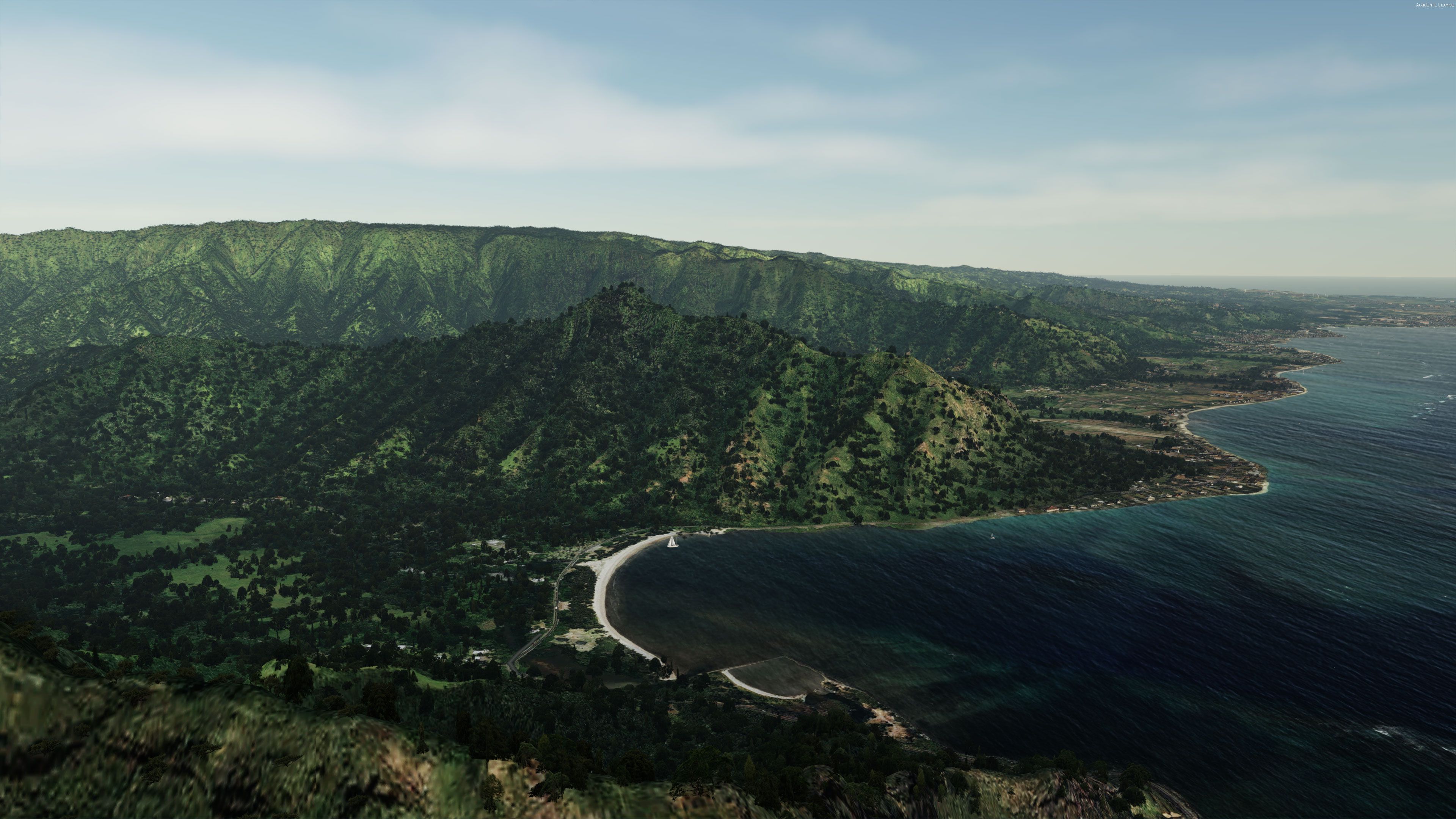
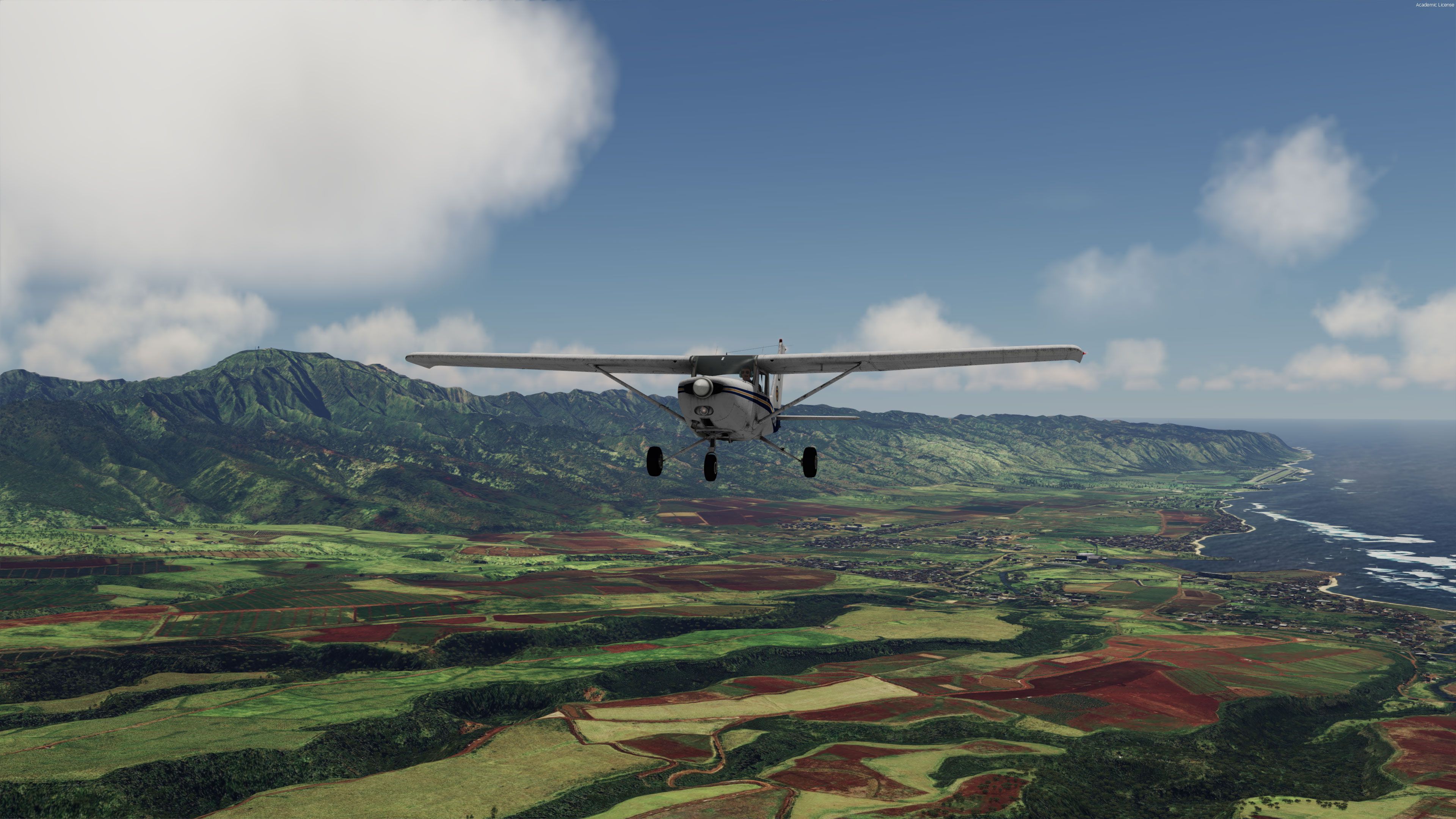
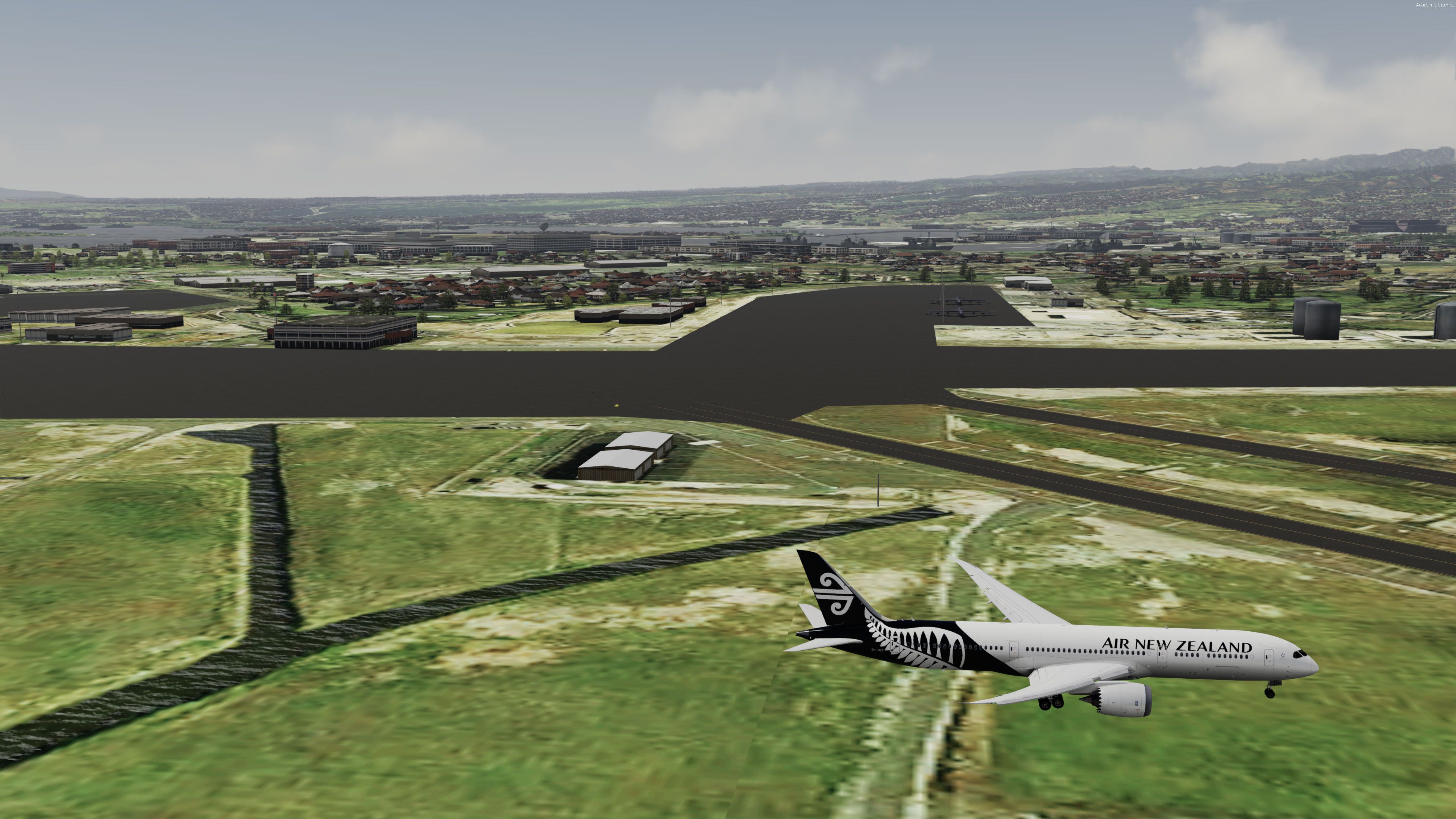
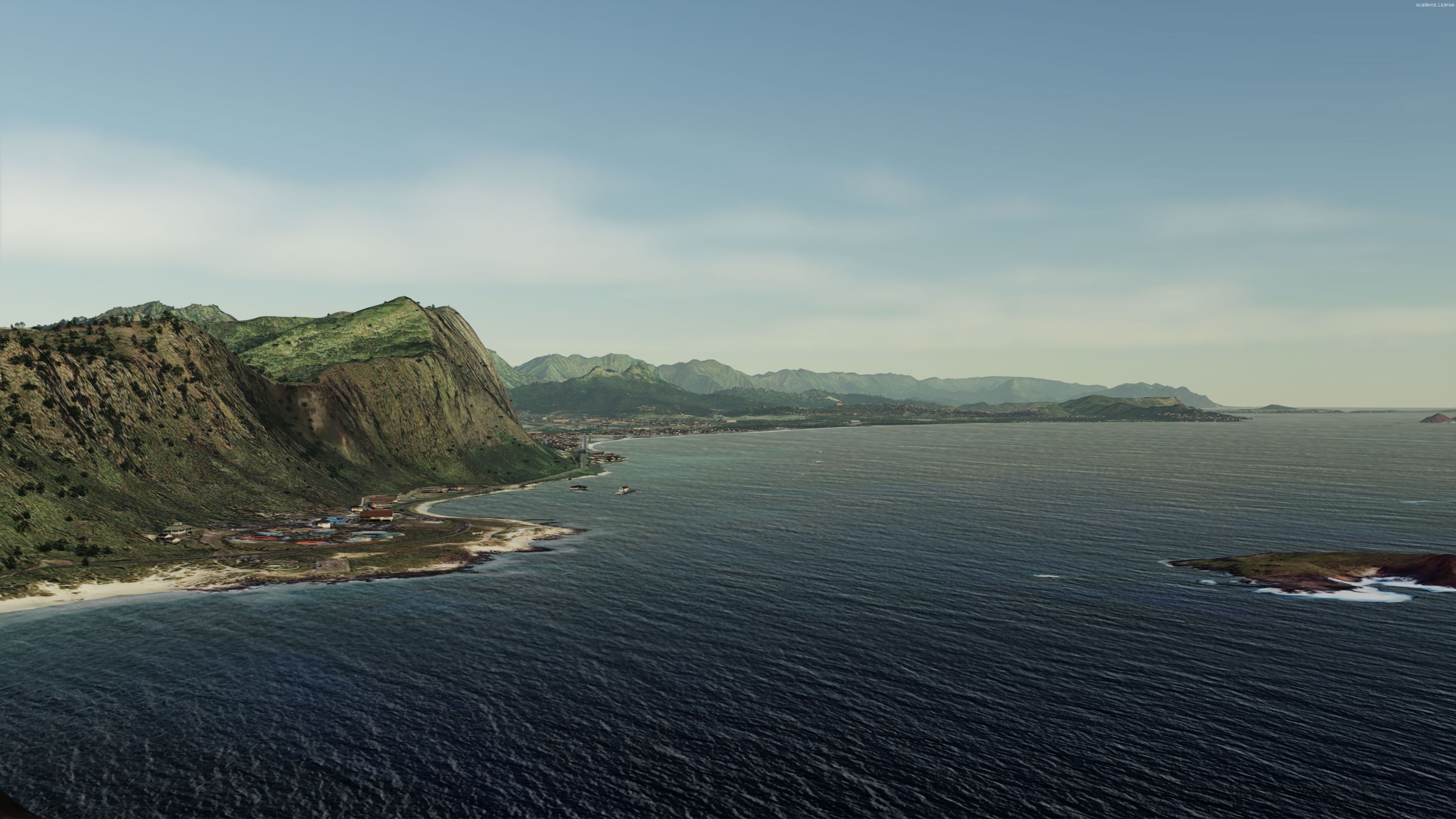
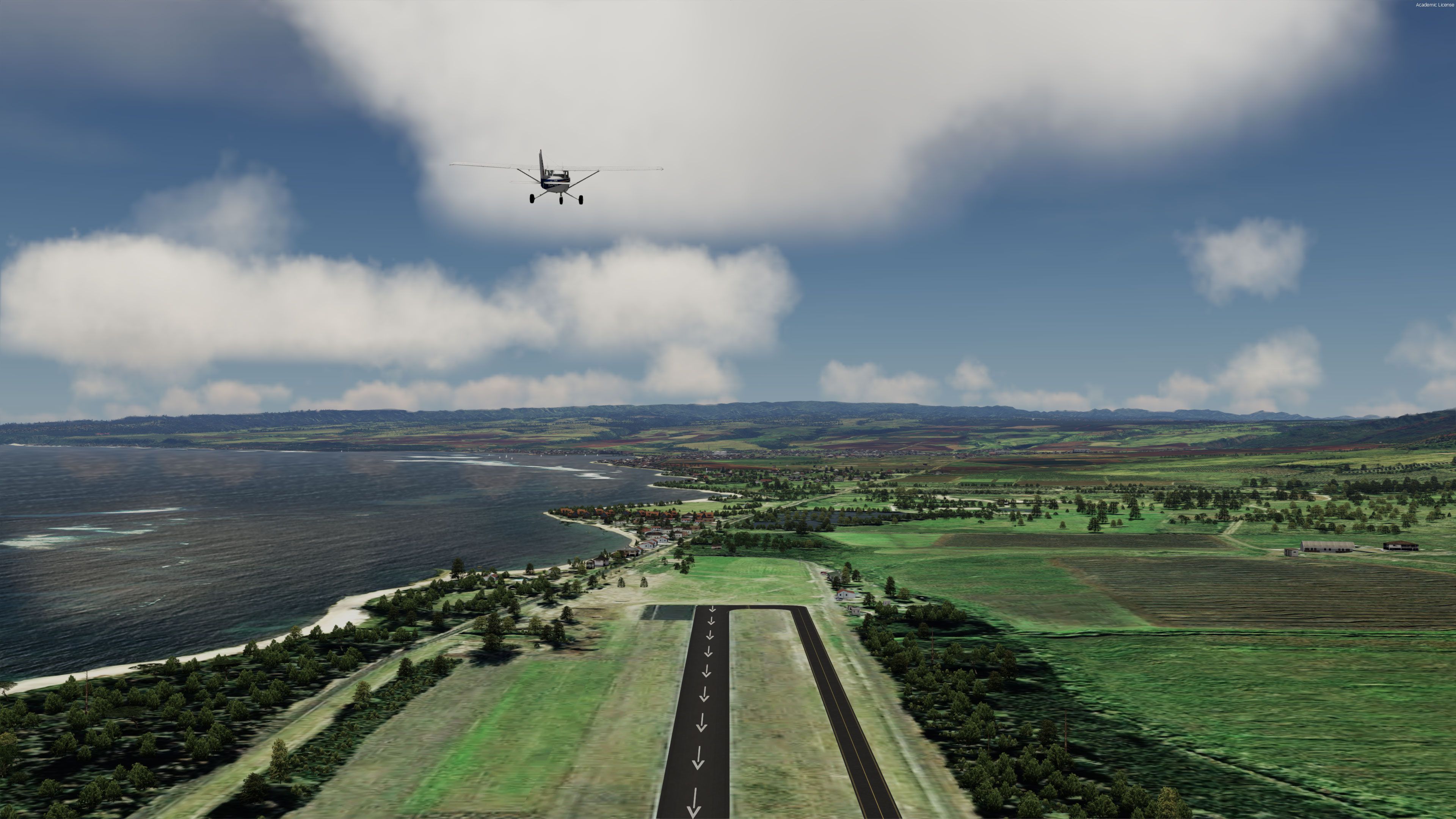
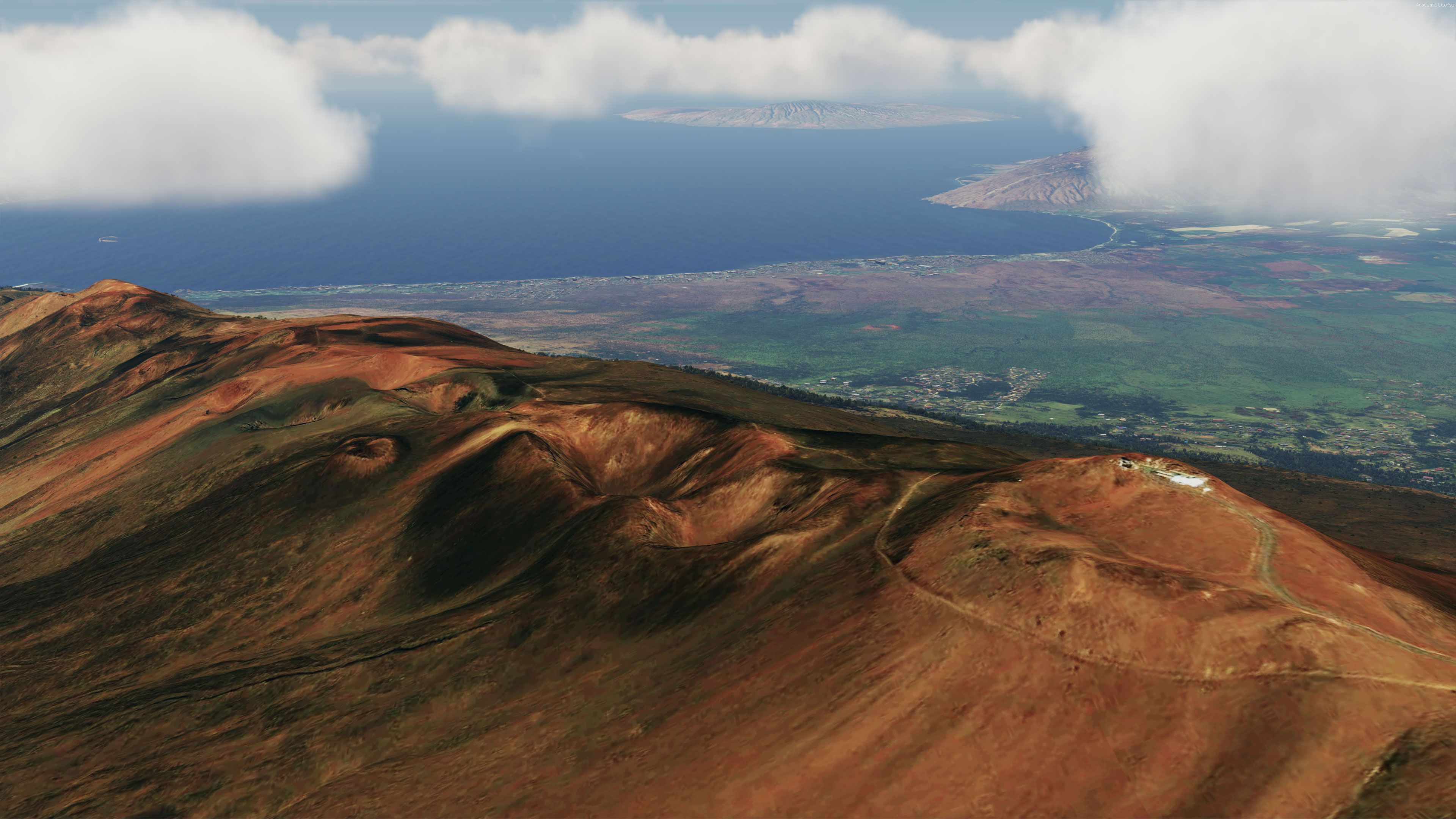
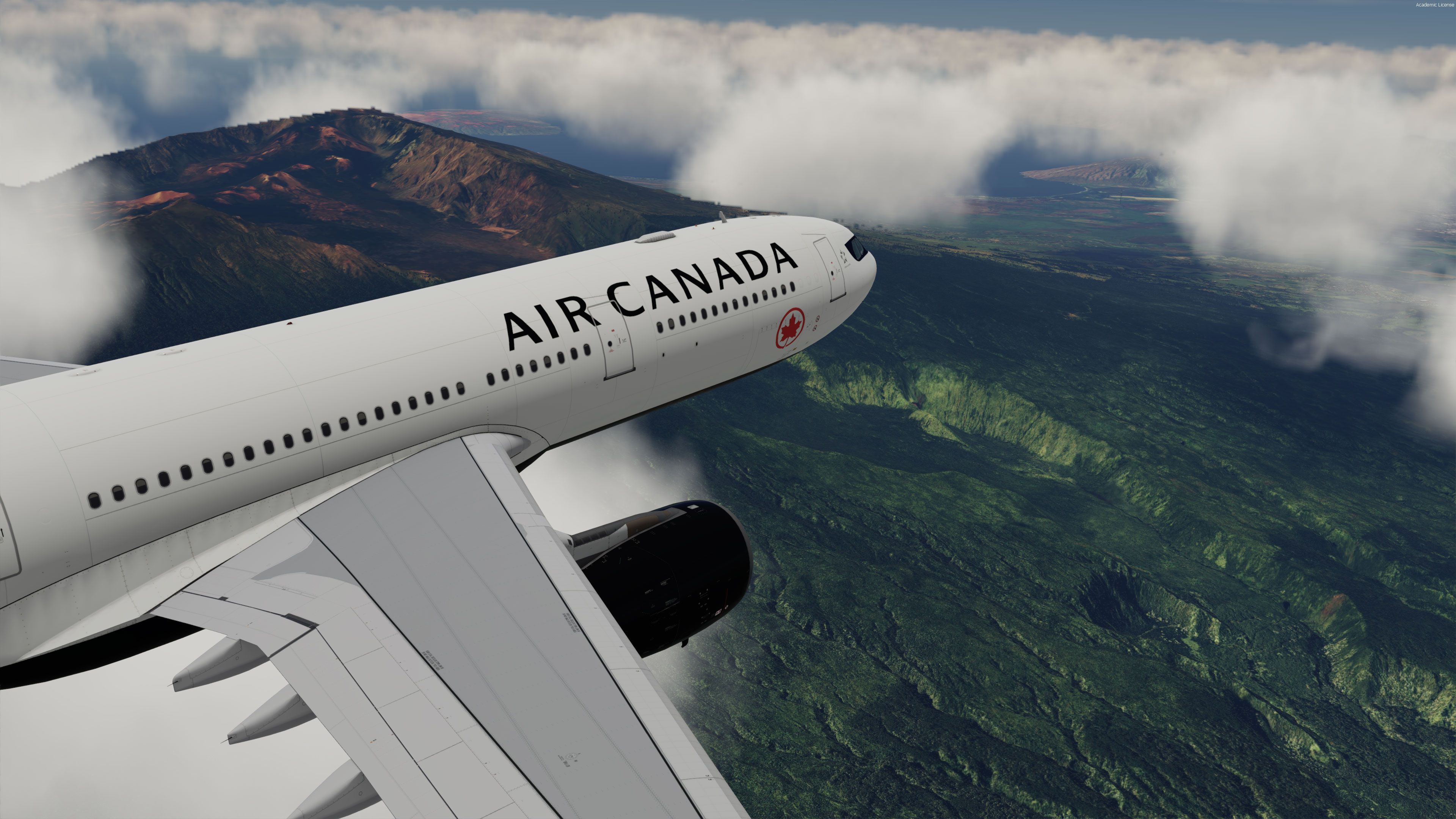
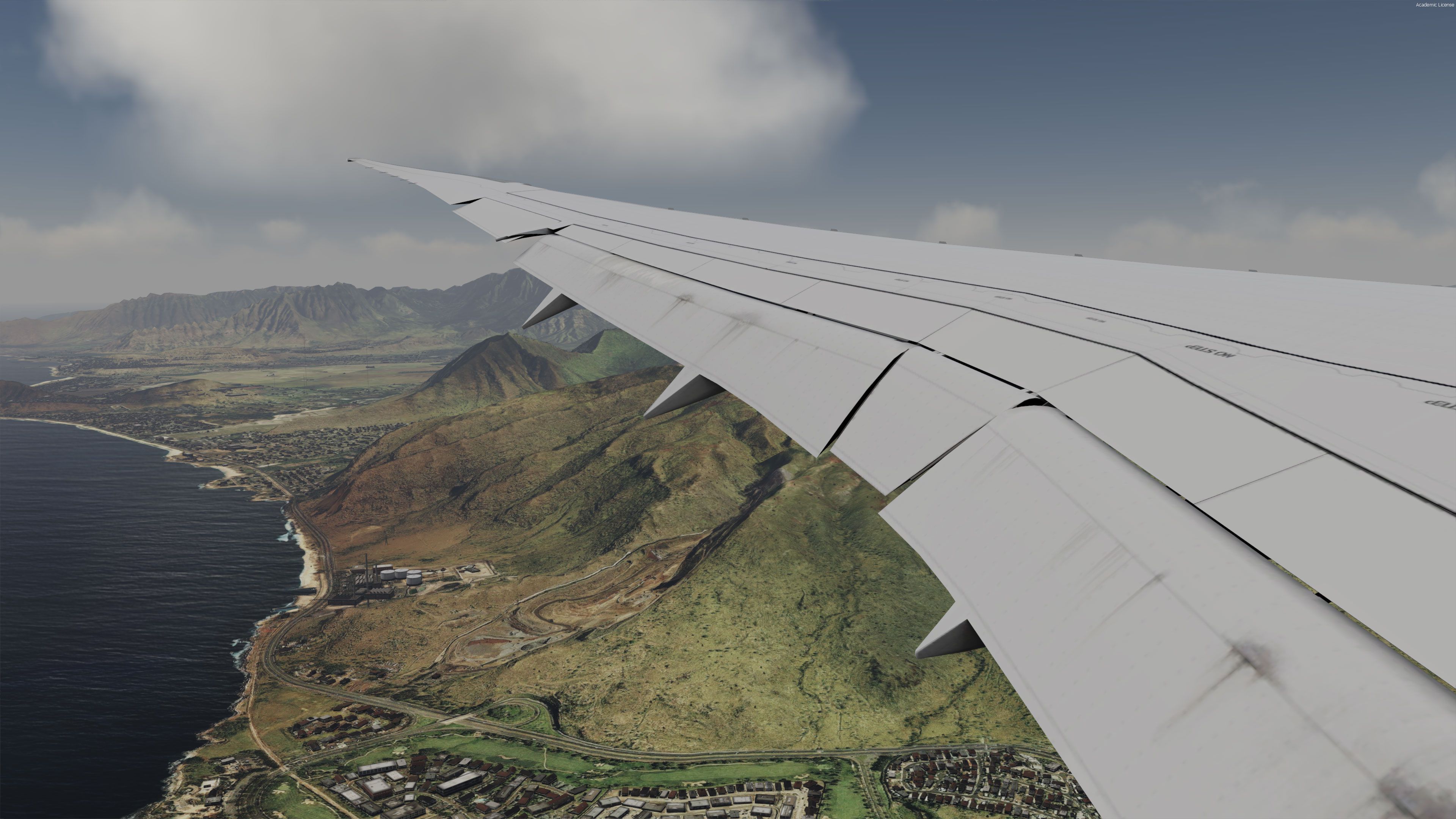
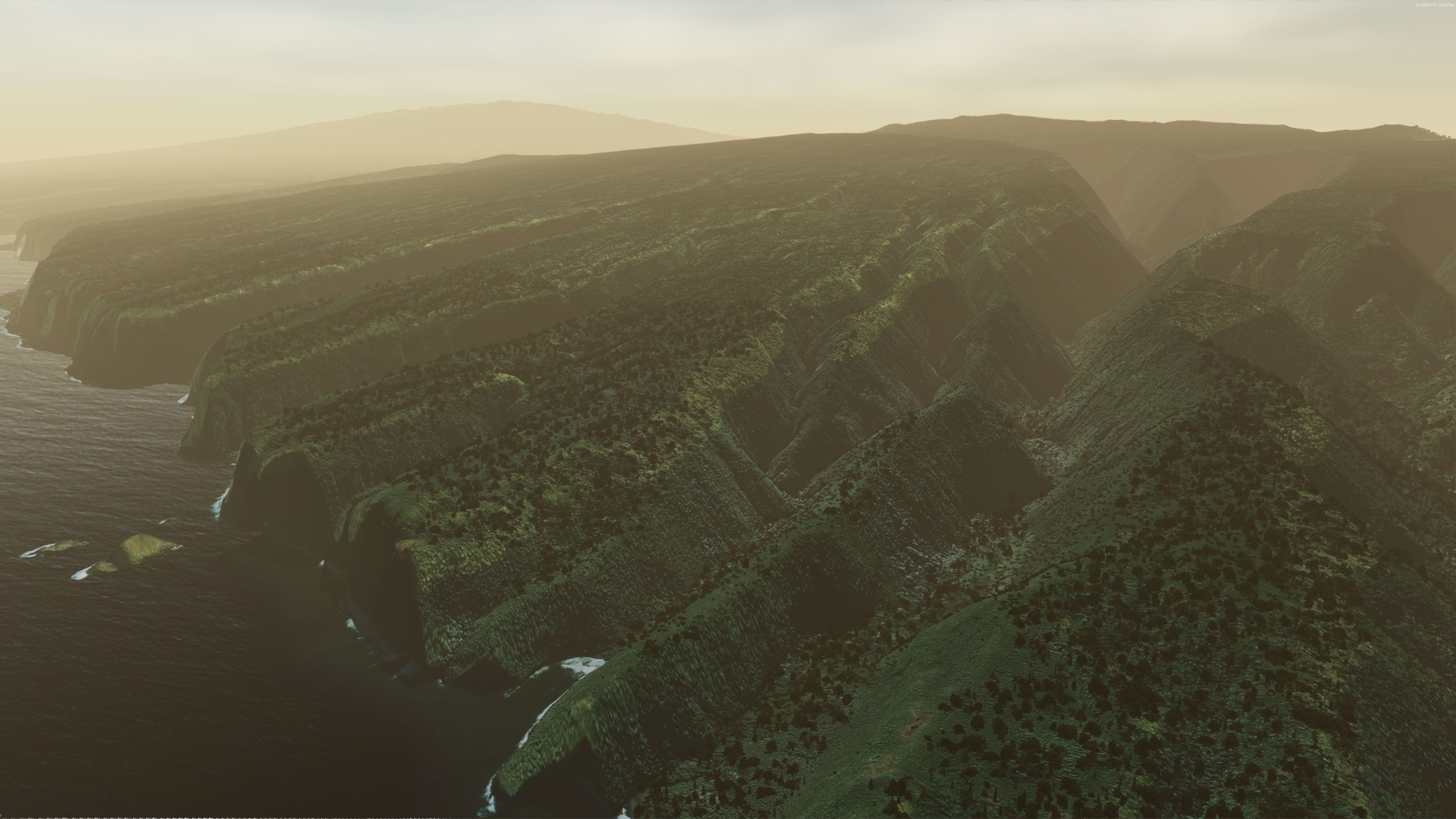
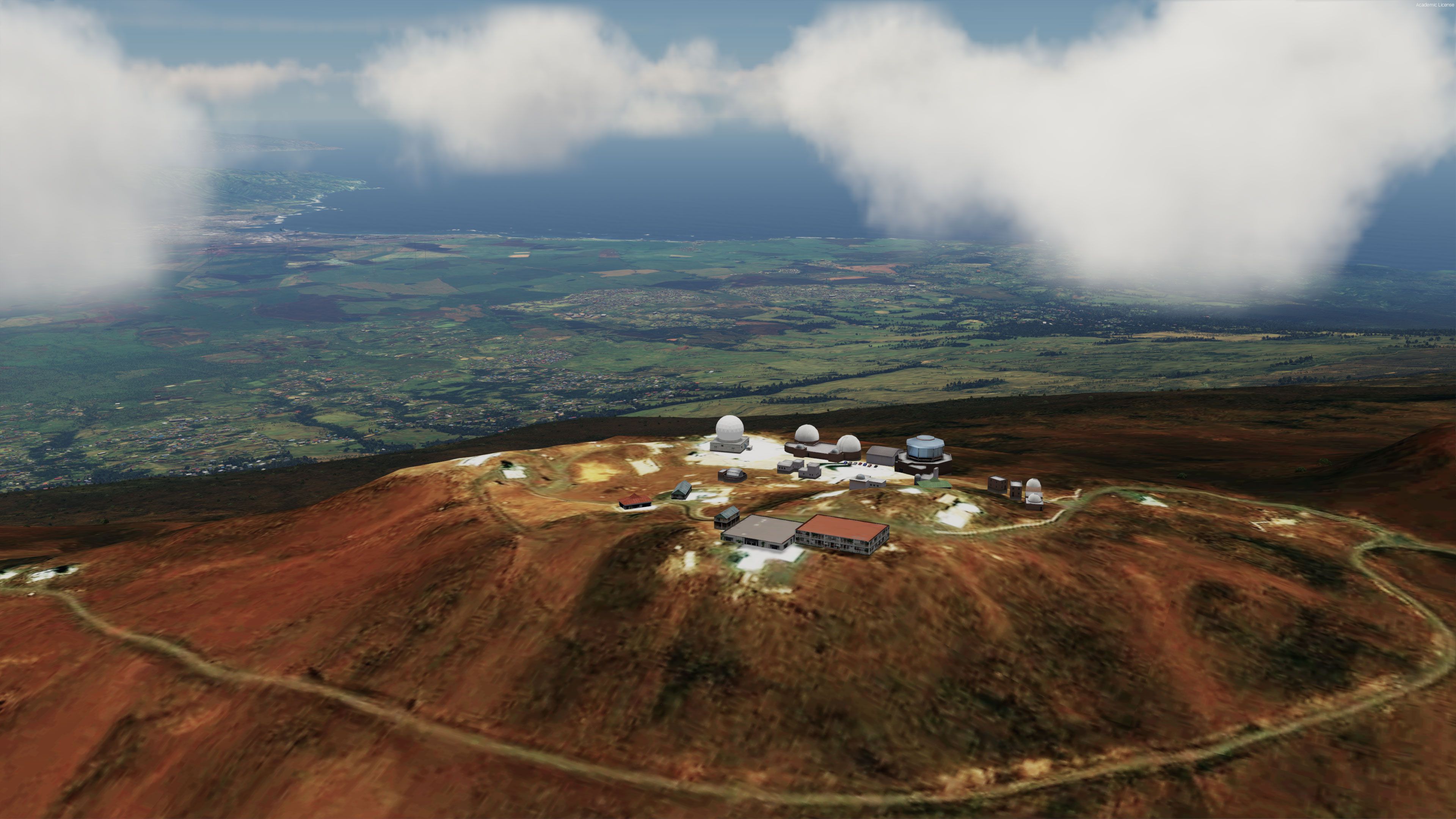
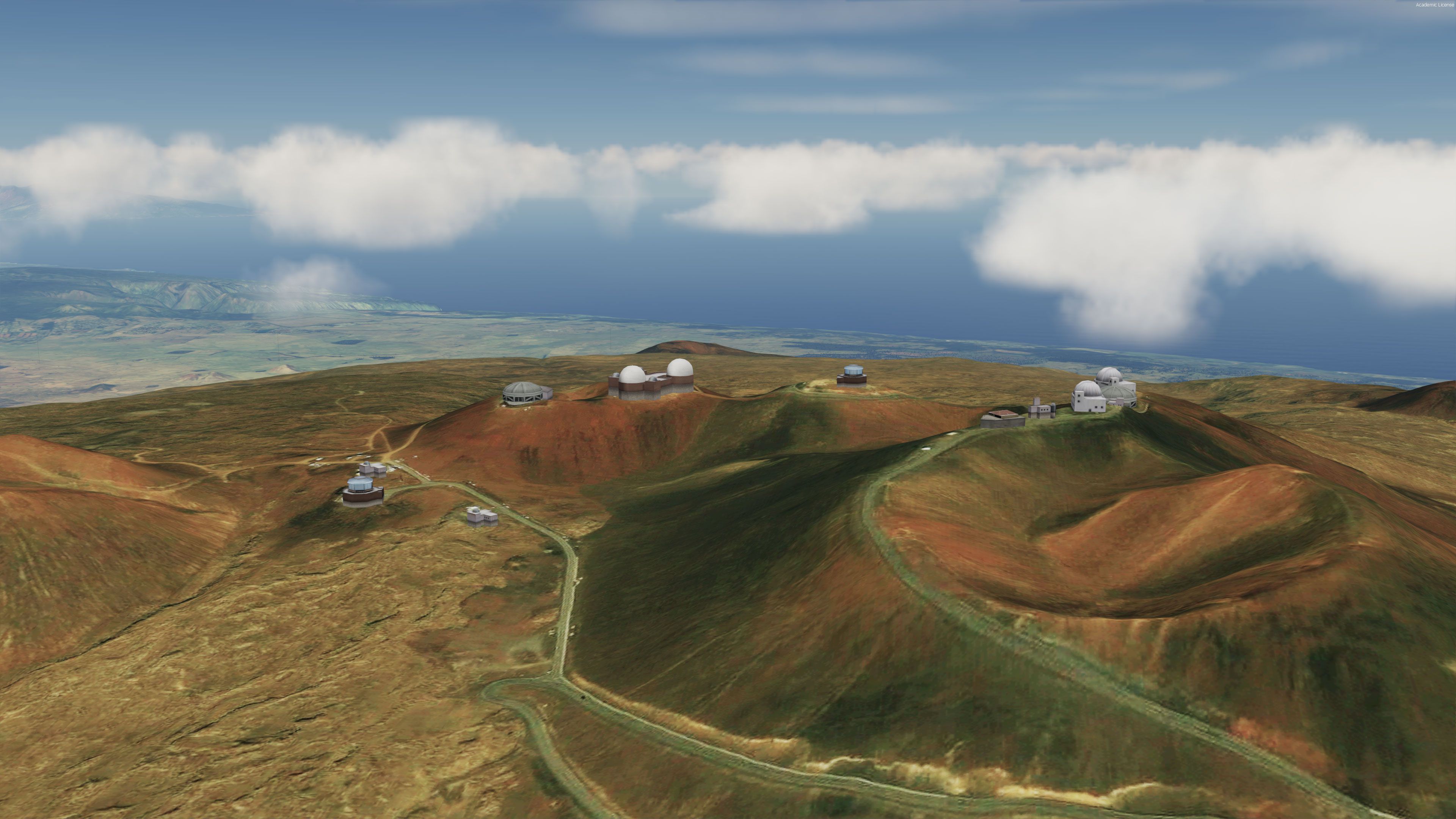
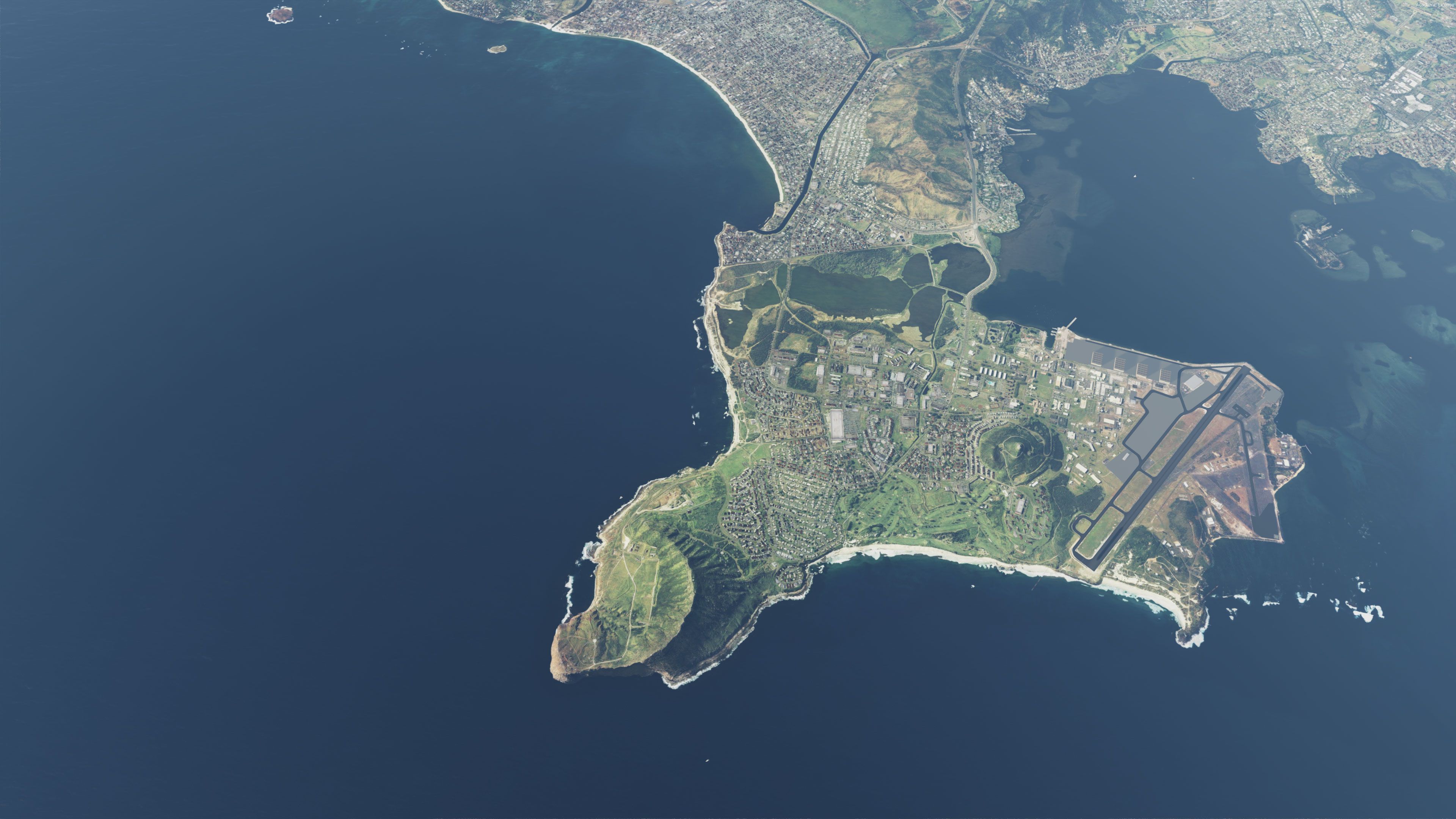
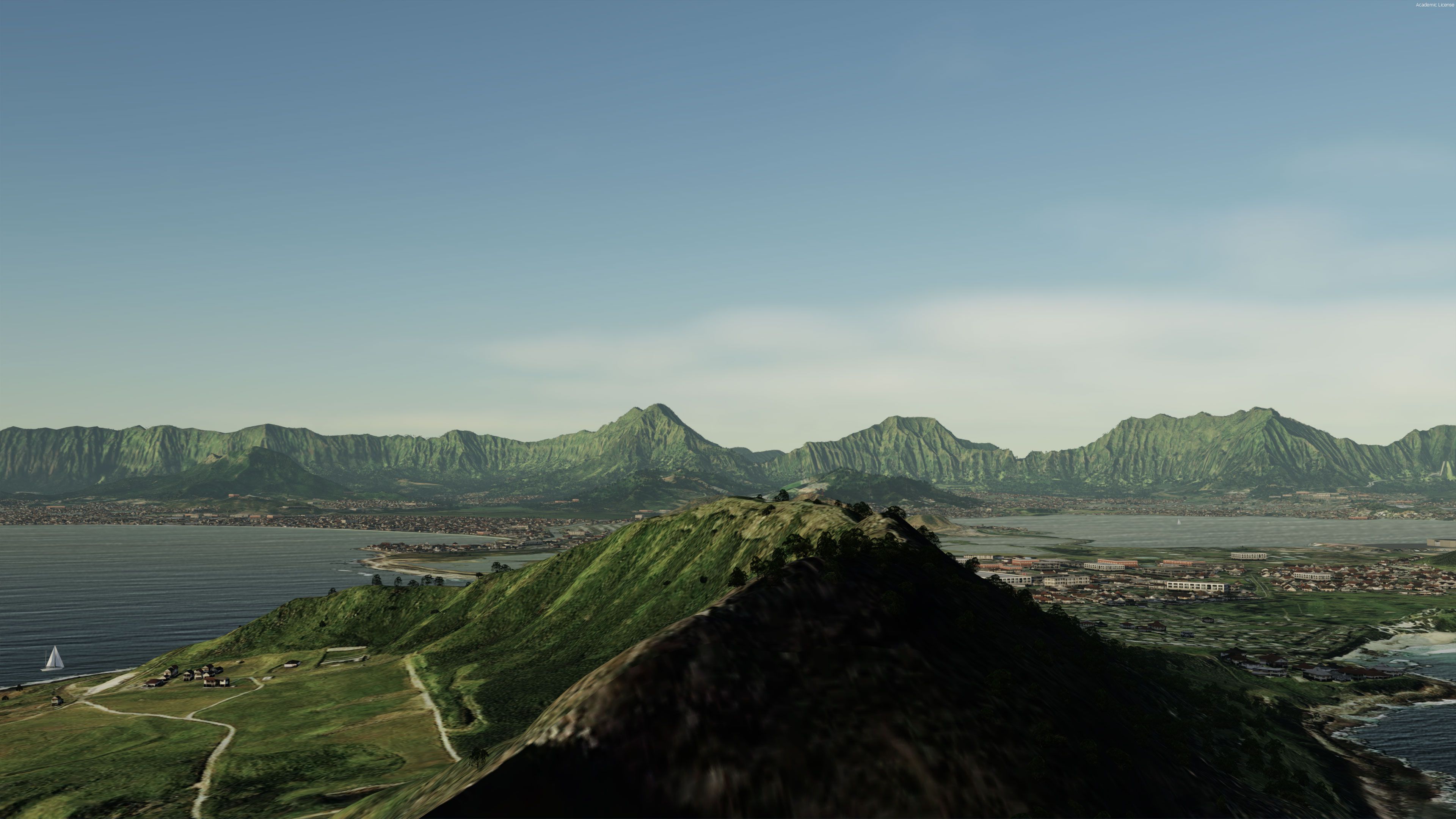
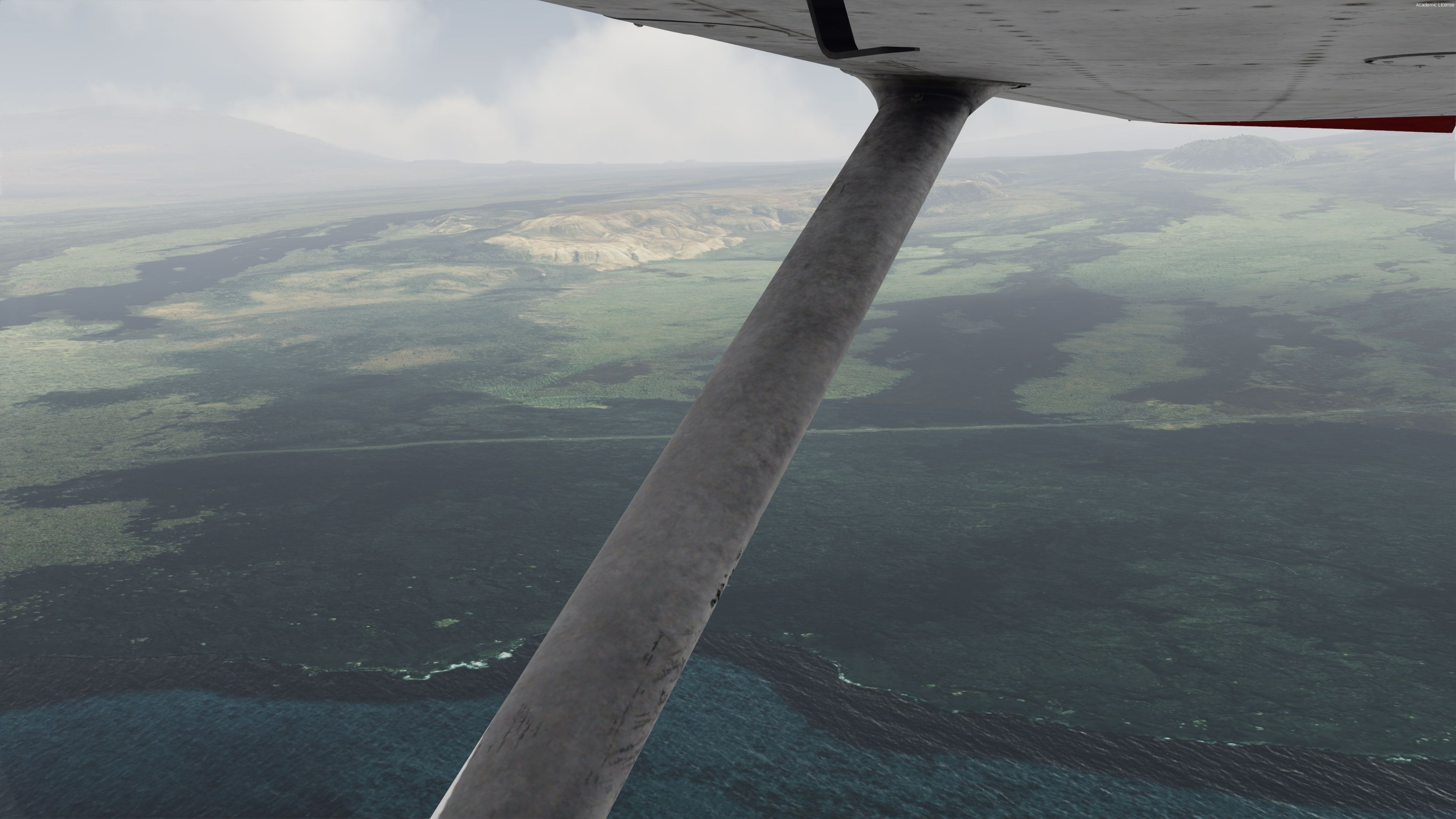
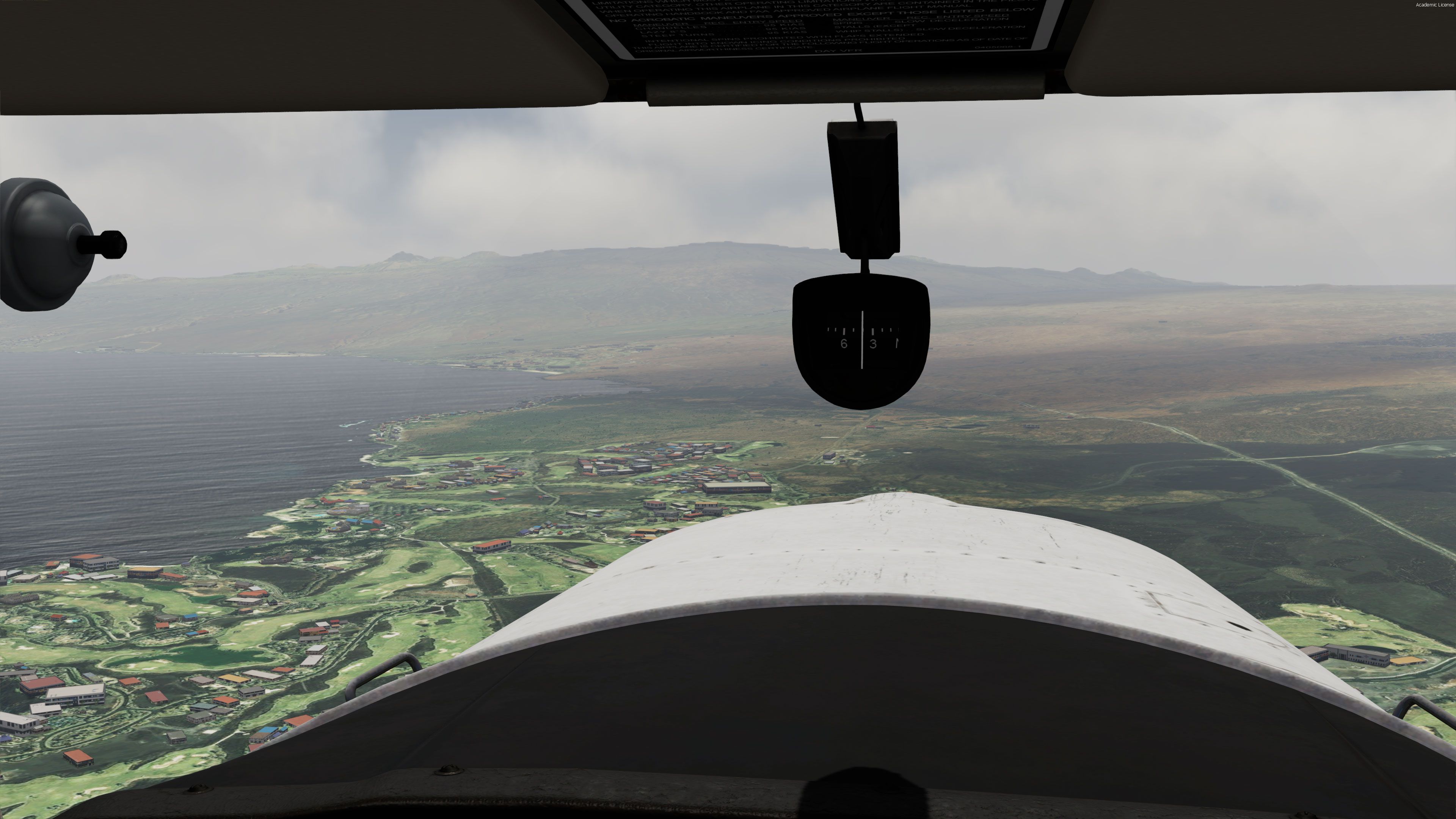
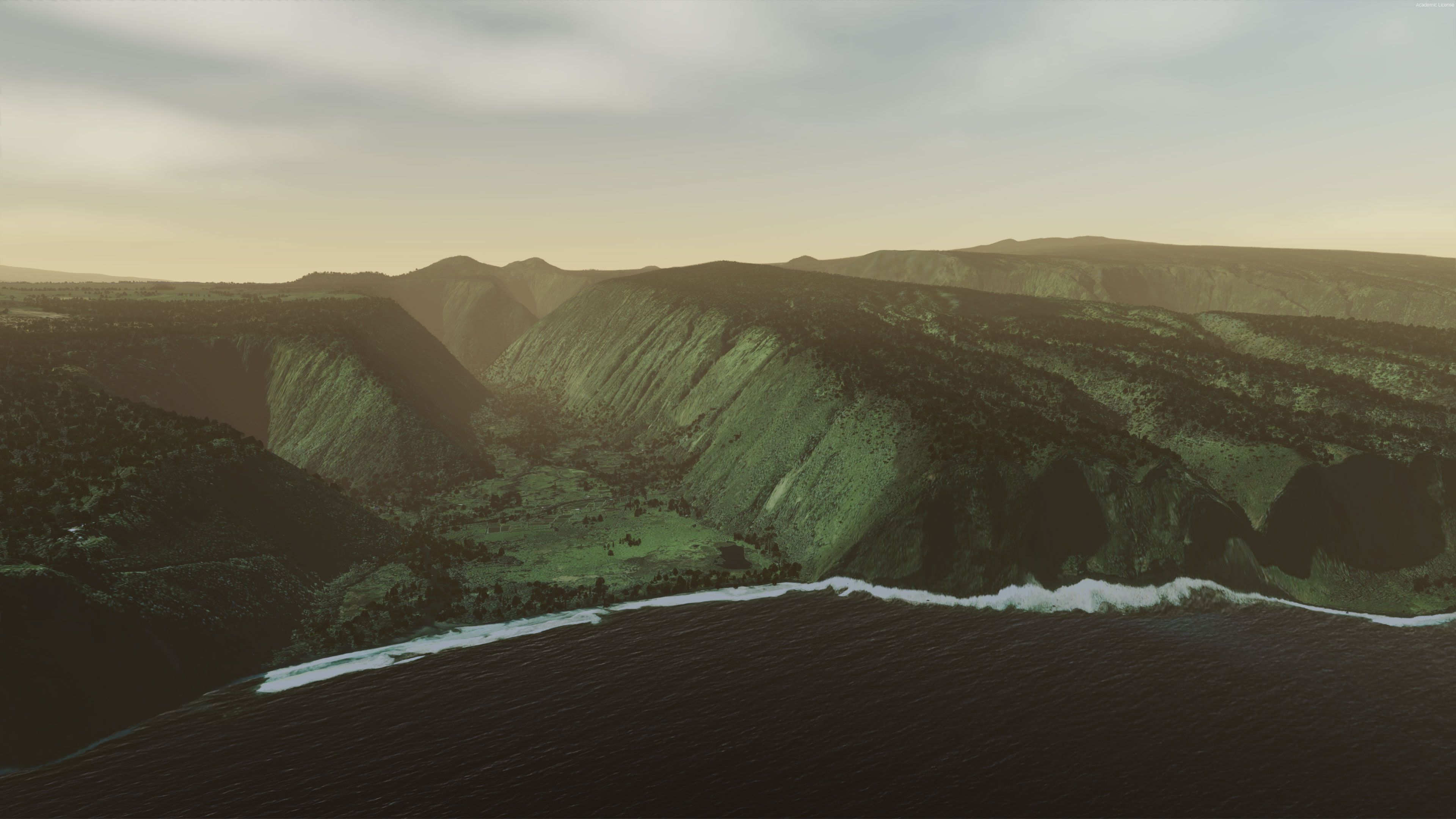
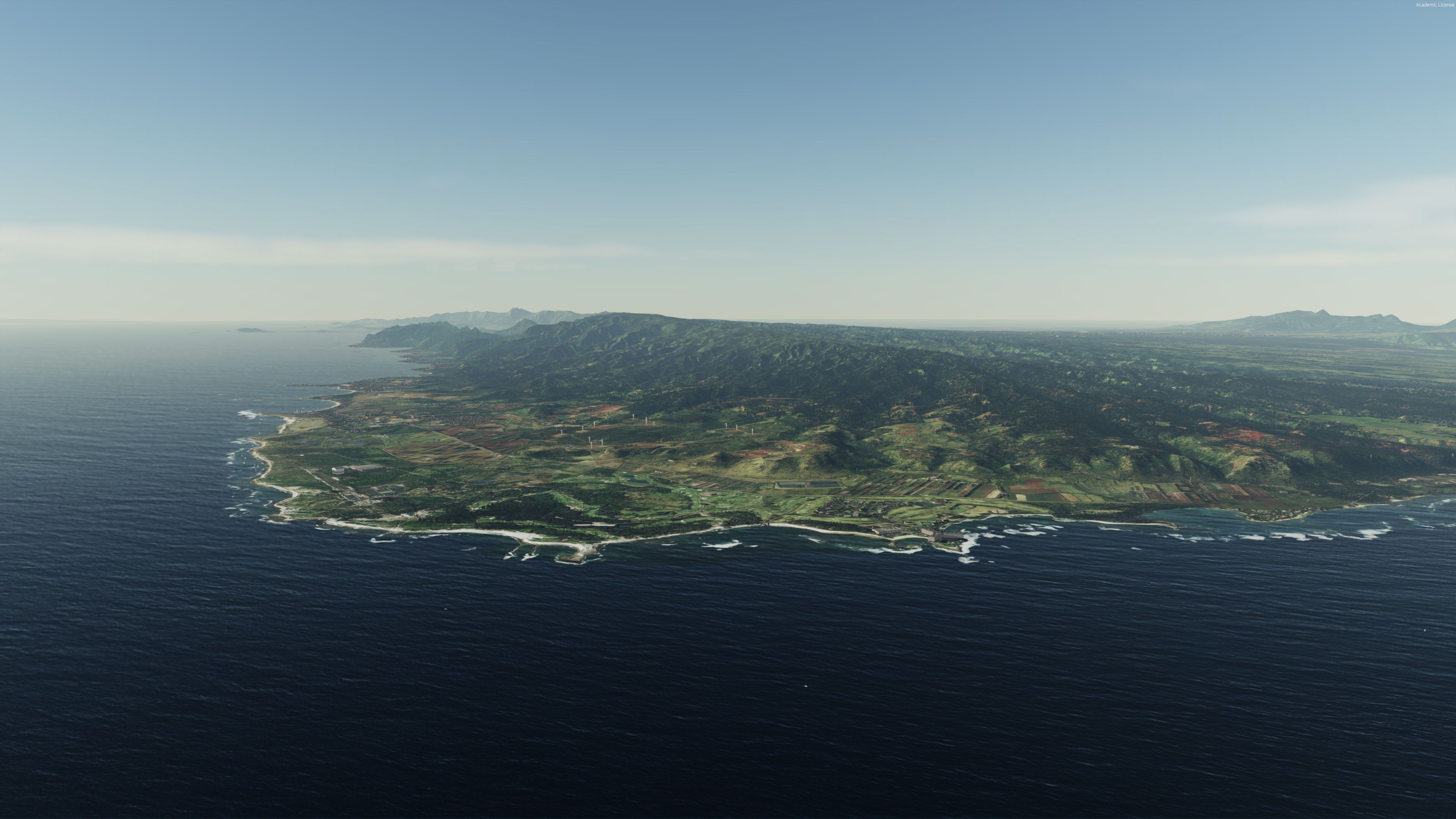
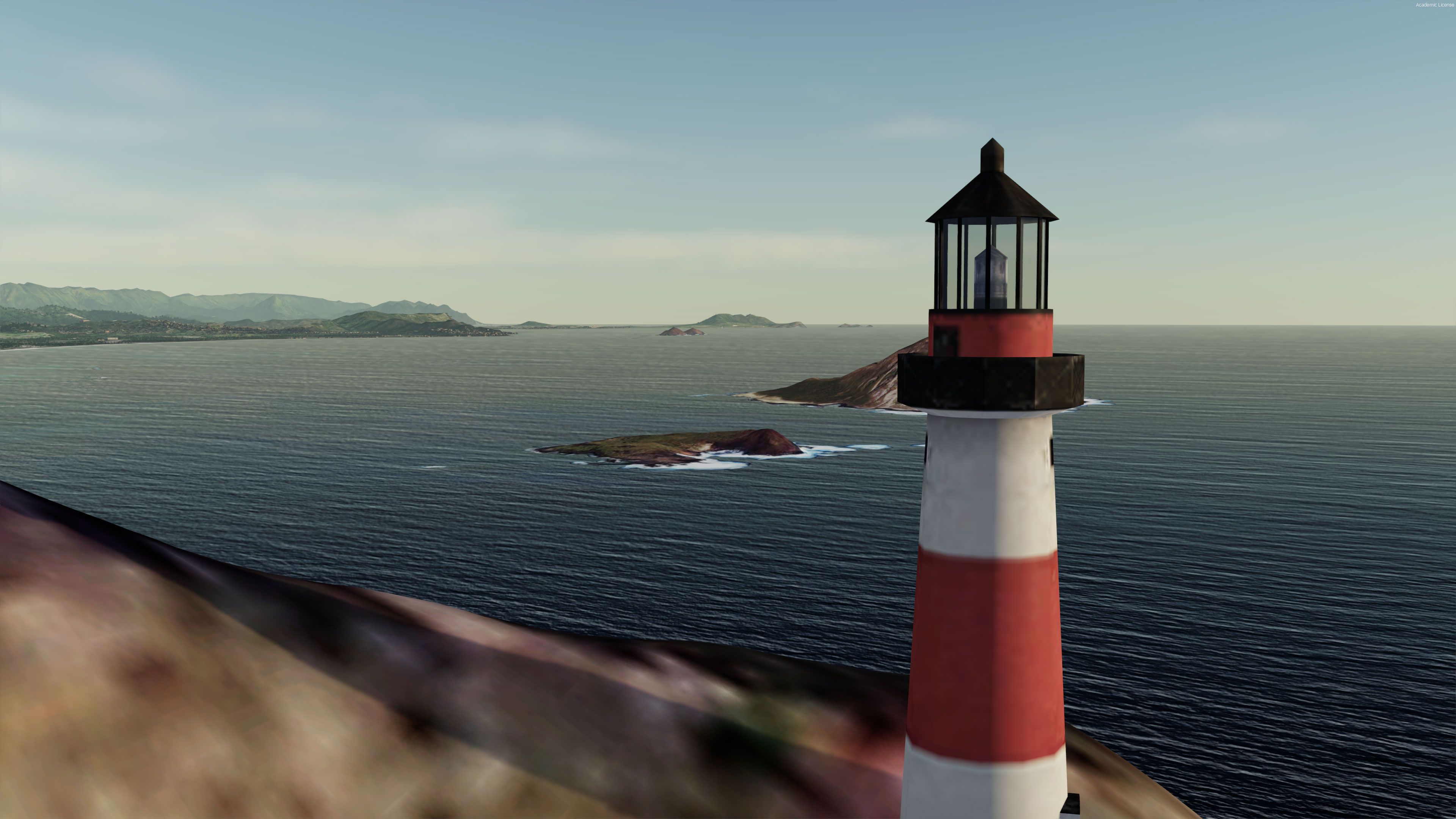
Hawaii is recreated in high-definition photoreal detail with hand-retouched ground textures, true-to-life water masks, and carefully placed autogen across every major island and surrounding islets. Built for FSX and Prepar3D v4/v5, it adds custom HD mesh, full night lighting, and 13 upgraded airports for immersive inter-island flying.
A complete and fully featured photoreal, airport, building, and autogen scenery package covering the entire US state of Hawaii designed for Prepar3D and Microsoft Flight Simulator X.
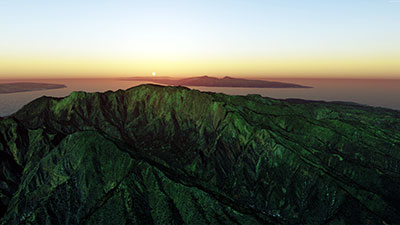 Compatible with both FSX (including Steam Edition) and all versions of Prepar3D (including the latest P3D v5). The video above has been produced in Prepar3D v5.
The package has been put together and designed by the team at Hawaii Photoreal (Flight Sim Jewels) and released as freeware for the flight sim community. The quality of this pack is so breathtaking you'd think it was a payware add-on.
Included in the pack are
The scenery pack includes all eight major islands including; Niihau, Kauai, Oahu, Molokai, Lanai, Maui, Kahoolawe, and Hawaii (Big Island). Also included are all of the smaller islands (islets) surrounding.
Some airports to start from once installed:
While the pack is complete and the textures are high-definition, the scenery has been designed to be very frame-rate friendly and will run just fine on low-end and mid-range computers. If you are able to run the base sim then you should be able to run this scenery with no issues either.
Developer: Hawaii Photoreal (Flight Sim Jewels) and airports by George Keogh.
Free for all simmers · 5.96 GB · Scanned clean
Download speed: Free tier is capped at 2 Mbps (this file takes approximately 7h 6m at the cap). PRO members download at full line speed.
FSX\Addon Scenery\ containing scenery and texture sub-folders.readme.txt or README file. It tells you exactly where files go, what dependencies are needed, and any quirks specific to this add-on.Use these coordinates to fly directly to this location once the mod is installed.
21.31870000,-157.92250000
Launch FSX or Prepar3D and use Flights → Load to open the downloaded .pln file. Your aircraft will be positioned at this location.
The archive hawaii-photoreal-p3d-fsx.zip has 78 files and directories contained within it.
This list displays the first 500 files in the package. If the package has more, you will need to download it to view them.
| Filename/Directory | File Date | File Size |
|---|---|---|
| FSJ - Hawaii Extra Contents Setup.exe | 06.12.20 | 3.14 MB |
| FSJ - Hawaii Photoreal Vol. 1 - Niihau, Kauai & Oahu v.0.99 Setup.exe | 06.12.20 | 885.30 MB |
| FSJ - Hawaii Photoreal Vol. 2 - Molokai, Lanai, Maui & Kahoolawe v.0.99 Setup.exe | 06.12.20 | 945.26 MB |
| FSJ - Hawaii Photoreal Vol. 3 - The Big Island v.0.97 Setup.zip | 06.12.20 | 3708.36 MB |
| FSJ - Hawaiian Airports by George Keogh Setup.exe | 06.12.20 | 393.53 MB |
| Hawaii Photoreal UPDATE.zip | 06.12.20 | 84.56 MB |
| Screenshots | 06.20.20 | 0 B |
| screen-1.jpg | 06.20.20 | 2.02 MB |
| screen-10.jpg | 06.20.20 | 1.31 MB |
| screen-11.jpg | 06.20.20 | 1.83 MB |
| screen-12.jpg | 06.20.20 | 1.71 MB |
| screen-13.jpg | 06.20.20 | 1.62 MB |
| screen-14.jpg | 06.20.20 | 1.83 MB |
| screen-15.jpg | 06.20.20 | 1.98 MB |
| screen-16.jpg | 06.20.20 | 1.22 MB |
| screen-17.jpg | 06.20.20 | 1.74 MB |
| screen-18.jpg | 06.20.20 | 1.72 MB |
| screen-19.jpg | 06.20.20 | 1.78 MB |
| screen-2.jpg | 06.20.20 | 1.86 MB |
| screen-20.jpg | 06.20.20 | 1.64 MB |
| screen-21.jpg | 06.20.20 | 1.61 MB |
| screen-22.jpg | 06.20.20 | 1.21 MB |
| screen-23.jpg | 06.20.20 | 952.94 kB |
| screen-24.jpg | 06.20.20 | 1.42 MB |
| screen-25.jpg | 06.20.20 | 1.25 MB |
| screen-26.jpg | 06.20.20 | 1.30 MB |
| screen-27.jpg | 06.20.20 | 1.34 MB |
| screen-28.jpg | 06.20.20 | 1.17 MB |
| screen-29.jpg | 06.20.20 | 1.27 MB |
| screen-3.jpg | 06.20.20 | 1.99 MB |
| screen-30.jpg | 06.20.20 | 1.21 MB |
| screen-31.jpg | 06.20.20 | 1.15 MB |
| screen-32.jpg | 06.20.20 | 975.28 kB |
| screen-33.jpg | 06.20.20 | 1.21 MB |
| screen-34.jpg | 06.20.20 | 1.16 MB |
| screen-35.jpg | 06.20.20 | 1.09 MB |
| screen-36.jpg | 06.20.20 | 1.09 MB |
| screen-37.jpg | 06.20.20 | 1.04 MB |
| screen-38.jpg | 06.20.20 | 970.97 kB |
| screen-39.jpg | 06.20.20 | 1.12 MB |
| screen-4.jpg | 06.20.20 | 1.51 MB |
| screen-40.jpg | 06.20.20 | 890.33 kB |
| screen-41.jpg | 06.20.20 | 1.09 MB |
| screen-42.jpg | 06.20.20 | 809.53 kB |
| screen-43.jpg | 06.20.20 | 986.43 kB |
| screen-44.jpg | 06.20.20 | 850.23 kB |
| screen-45.jpg | 06.20.20 | 897.95 kB |
| screen-46.jpg | 06.20.20 | 1.12 MB |
| screen-47.jpg | 06.20.20 | 942.19 kB |
| screen-48.jpg | 06.20.20 | 691.24 kB |
| screen-49.jpg | 06.20.20 | 827.07 kB |
| screen-5.jpg | 06.20.20 | 2.01 MB |
| screen-50.jpg | 06.20.20 | 837.90 kB |
| screen-51.jpg | 06.20.20 | 906.89 kB |
| screen-52.jpg | 06.20.20 | 735.14 kB |
| screen-53.jpg | 06.20.20 | 891.25 kB |
| screen-54.jpg | 06.20.20 | 697.84 kB |
| screen-55.jpg | 06.20.20 | 717.69 kB |
| screen-56.jpg | 06.20.20 | 745.97 kB |
| screen-57.jpg | 06.20.20 | 647.50 kB |
| screen-58.jpg | 06.20.20 | 699.46 kB |
| screen-59.jpg | 06.20.20 | 707.71 kB |
| screen-6.jpg | 06.20.20 | 1.59 MB |
| screen-60.jpg | 06.20.20 | 659.96 kB |
| screen-61.jpg | 06.20.20 | 573.09 kB |
| screen-62.jpg | 06.20.20 | 639.88 kB |
| screen-63.jpg | 06.20.20 | 556.75 kB |
| screen-64.jpg | 06.20.20 | 488.09 kB |
| screen-65.jpg | 06.20.20 | 545.76 kB |
| screen-66.jpg | 06.20.20 | 422.07 kB |
| screen-67.jpg | 06.20.20 | 515.11 kB |
| screen-68.jpg | 06.20.20 | 420.56 kB |
| screen-69.jpg | 06.20.20 | 219.58 kB |
| screen-7.jpg | 06.20.20 | 1.67 MB |
| screen-8.jpg | 06.20.20 | 1.94 MB |
| screen-9.jpg | 06.20.20 | 1.72 MB |
| flyawaysimulation.txt | 10.29.13 | 959 B |
| Go to Fly Away Simulation.url | 01.22.16 | 52 B |
More FSX & P3D add-ons hand-picked based on this download.
FSX Scenery
This is a complete package containing photoreal scenery for the whole state o…
 FSX Scenery
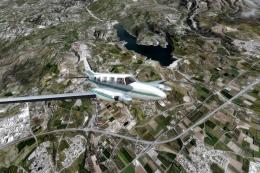
Take a trip to the small nation of Malta in any simulation package, and you w…
 FSX Scenery
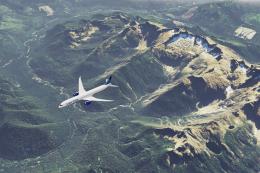
A trip to the Southern European nation of Cyprus in a flight simulator should…
 FSX Scenery
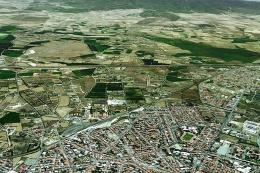
This is a complete package containing photoreal scenery for the whole state o…
 FSX Scenery
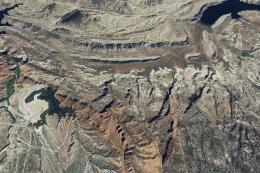
A complete photoreal scenery add-on for Microsoft Flight Simulator X covering…
 FSX Scenery
This is a complete package containing photoreal scenery for the whole state o…
 FSX Scenery
Take a trip to the Southern European nation of Slovenia, and you’ll soon see …
 FSX Scenery
For those looking to help make their FSX, FSX: Steam Edition and Prepar3D exp…
Read what other simmers think, or add your own.


Hello! For some time I try to install the Hawaii Photorealistic scenery offered. So far I have not yet succeeded. Several different ways I tried (the proposed route in the installation instructions, and suggests the way Microsoft) Success zero. In the scenery.cfg the Hawaiian entries are listed, but not in the MSFSX-Scenery folder.
Here's a connection with the standard entry area 115th In principle, the installation of the Scenery 82% stops. Why? Further use of the FSX breaks off completely I ask you to utilize this obvious really beautiful scenery to help me. My Hardware: Intel Core i7-2600K CPU; 3.4 GHz; 64 BIT; RAM 16 GB Graphics: NVIDIA GForce GTX 570
For a quick response, with special preferences for the appearance of Scenery (based on my hardware) I would be very grateful.
Sincerely
H. Weidner


Excellent scenery package that covers all Hawaiian islands. Comes with everything you need to give Hawaii a complete makeover including quality photo scenery, autogen, and airports. I did have an issue at one airport with a couple of buildings on top of one airport runway so it's not perfect however this is the best Hawaii scenery package you can get for FSX and P3D. For free it's a must-have for anyone wanting to explore the islands.
Amazing package, it really has it all. It has good-looking photo scenery, mesh, water enhancements, custom autogen, and even 13 custom airports. It's an all-in-one package for the entire Hawaiian islands. Be aware: the instructions are not very clear and a little confusing. Once installed correctly though, it will make Hawaii look absolutely amazing. I give it 5 stars all the way.

I use FSX steam and I am downloading the whole Hawaiian Islands. I'd like to know if the airport radio freqs and all are in the program. Thanks If not where can we download the FSX required info?

I noticed some airplanes involved. I am using the FSX-Steam edition. The airplanes don't appear. I found a webpage with some things to check but couldn't find anything wrong in the config files. It would be great if someone can figure this out.

Fantastic looking scenery, I had to turn off crash detection at HI01 because of the invisible object when taking off from the airfield, and also when going in for landing from the sea, it caused a crash of the airplane of course. I don't mind flying with crash detection, but in case some do be aware of that when using this scenery.

I am actually Hawaiian, but I have never been there. Born in Prince Rupert British Columbia 1954 And I live on a resort north of Kamloops. British Columbia. Knouff Lake resort.

I had no problem loading this in P3Dv5.3. The instructions are actually pretty good and my sequence was to: Copy all of the files they ask you to copy in the AIRPORTS directory into the appropriate folders. These are texture, BGL, and other files that need to be added to your FSX or P3D folders. Then run all of the executables. Airports, Vol1, Vol2, Vol3, Added content. Then go to your scenery options and add each as an area in the order provided.

This is an amazing Scenery inclusion for FSX and works perfectly! Framerates are not affected by the intense detail plus all the AI traffic that adds to the immersion is most welcomed. I always look for design flaws in everything and I've only noticed ONE single anomaly. There's a Fed Ex MD DC 10 parked with the nose in the building at Honolulu airport! Small but surprising error.

MUCH better. The installation is a little long, but if you follow the directions you will be fine. Flying around the big island... is like flying around the big island so that's cool. The scenery seems to be from around 2010-ish.

I was thinking about downloading this Hawaii add-on scenery pack, but five of the seven questions are about problems folks had with the installation. Did these people get help to resolve their installation questions? Maybe it would be good to post a link to more detailed instructions for successfully installing this package.

I appreciate the add on scenery for Hawaii that you made available but there is one line in the instructions that I don't understand, "COPY & PASTE the Texture folders in each of the corresponding Hawaii Photoreal Volumes (1, 2 & 3) and overwrite the AGN files when asked for." Where exactly am I supposed to paste these files that are in the texture folders? Is this package an update to a previous scenery add-on?
I apologize for my ignorance and would appreciate any help you can provide, and again, thanks for all of your hard work in creating this.

The first part of the installation instructions is clear to me. (It was an automatic installation and there were no problems.)
I don't have enough knowledge to do the rest of the installation because I don't understand what and where to copy. I kindly ask someone who can help me install the remaining few files step by step if possible. I know it's not easy but it might help someone else who is a beginner like me. Thank you.


Hi, This looks like a great add-on which I look forward to using. I have two questions.
Thanks in advance Peter Norman.


Perhaps I'm stupid but I can't figure out how to make this work with FSX. I've tried the FSX ADD ON SCENERY method to no avail. Perhaps someone has instructions for an old C141A loadmaster that I can comprehend?
go, Air Force.


I'm lucky as a Canadian to have visited Hawaii 5 times, one of my favorite places to fly to, and this scenery is doing it fair justice! Thanks ... I had some issues at some point, but that is because I have ORBX libraries and payware add-on scenery installed - I was able to revert however to the state before where I moved things around in the scenery library in terms of order... I had to leave this Hawaii scenery at the top of the list, and run a Vector configuration tool with ORBX and apply airport elevation corrections otherwise as I'd land in Maui for example, I'd land safely on a runway below the terrain surface.... other than that issue only because I had Orbx ... this is outstanding!

Absolutely stunning scenery! Still have to verify that the runways and LOC/ILS are all correct, but at first glance, I am very impressed!