


 FSX Civil Aircraft
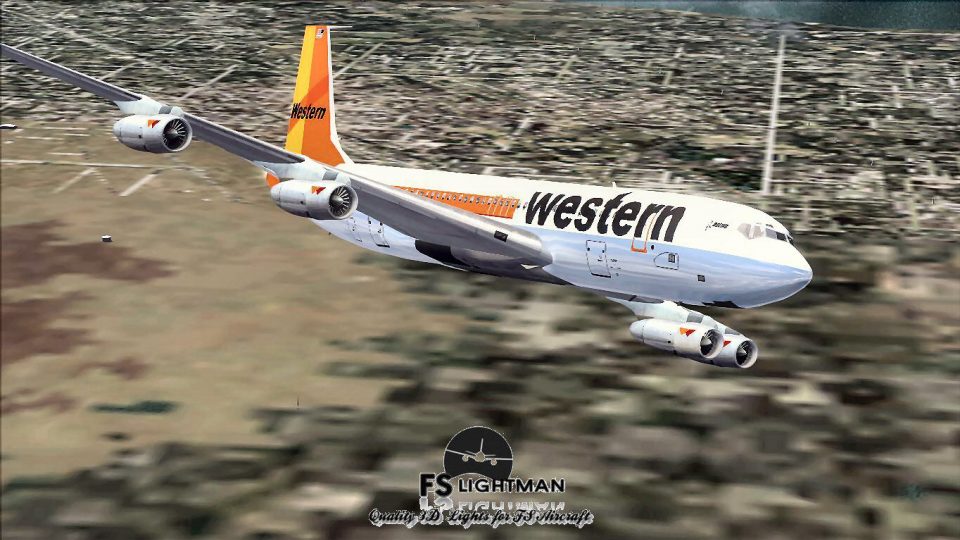
Western Airlines Boeing 707-320C 2014
Immerse yourself in a nuanced rendition of the Western Airlines Boeing 707-32…
Western Airlines’ Boeing 707-320C Special brings a classic convertible passenger-freighter to life with an integral cargo door, period-correct exterior textures, and a detailed virtual cockpit, plus enhanced lighting tweaks for a richer night presence. Built for Microsoft Flight Simulator X, it suits nostalgic medium- and long-haul flying with authentic jetliner character.


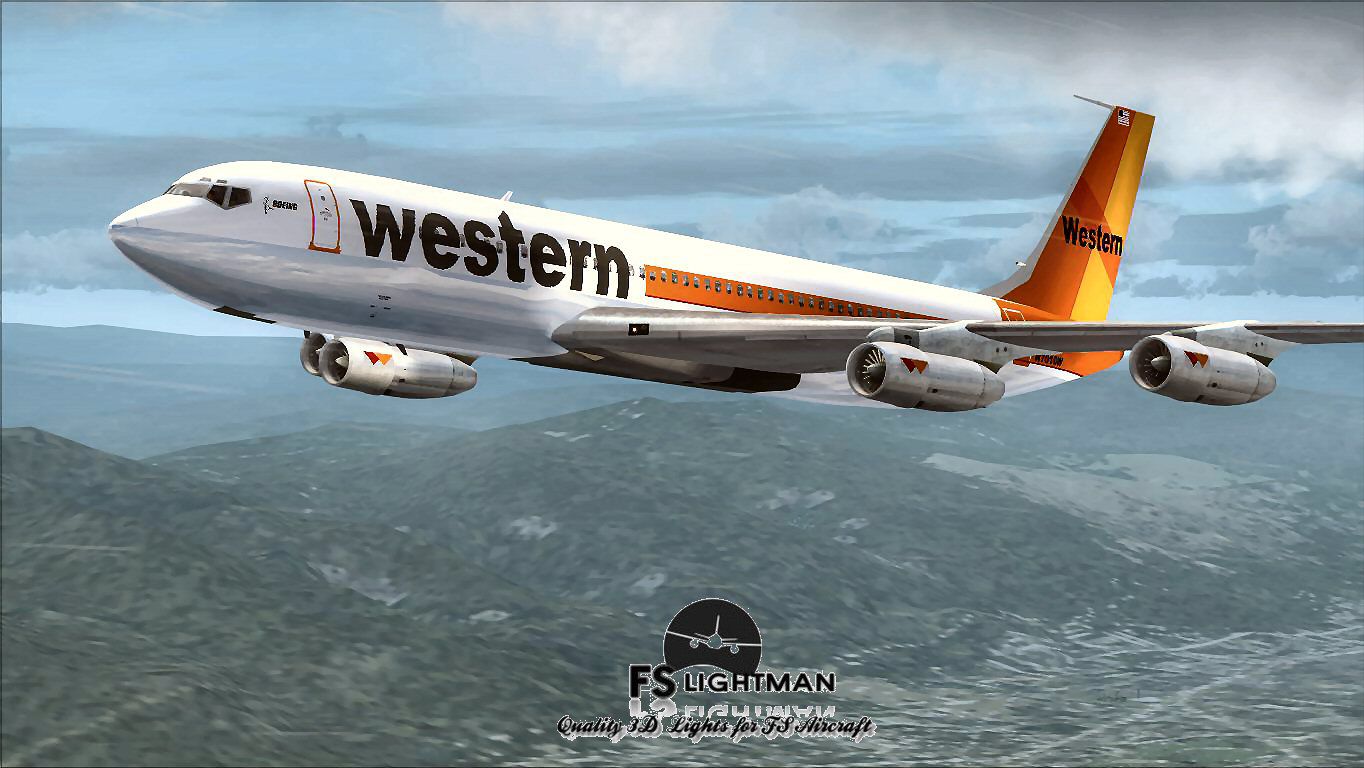
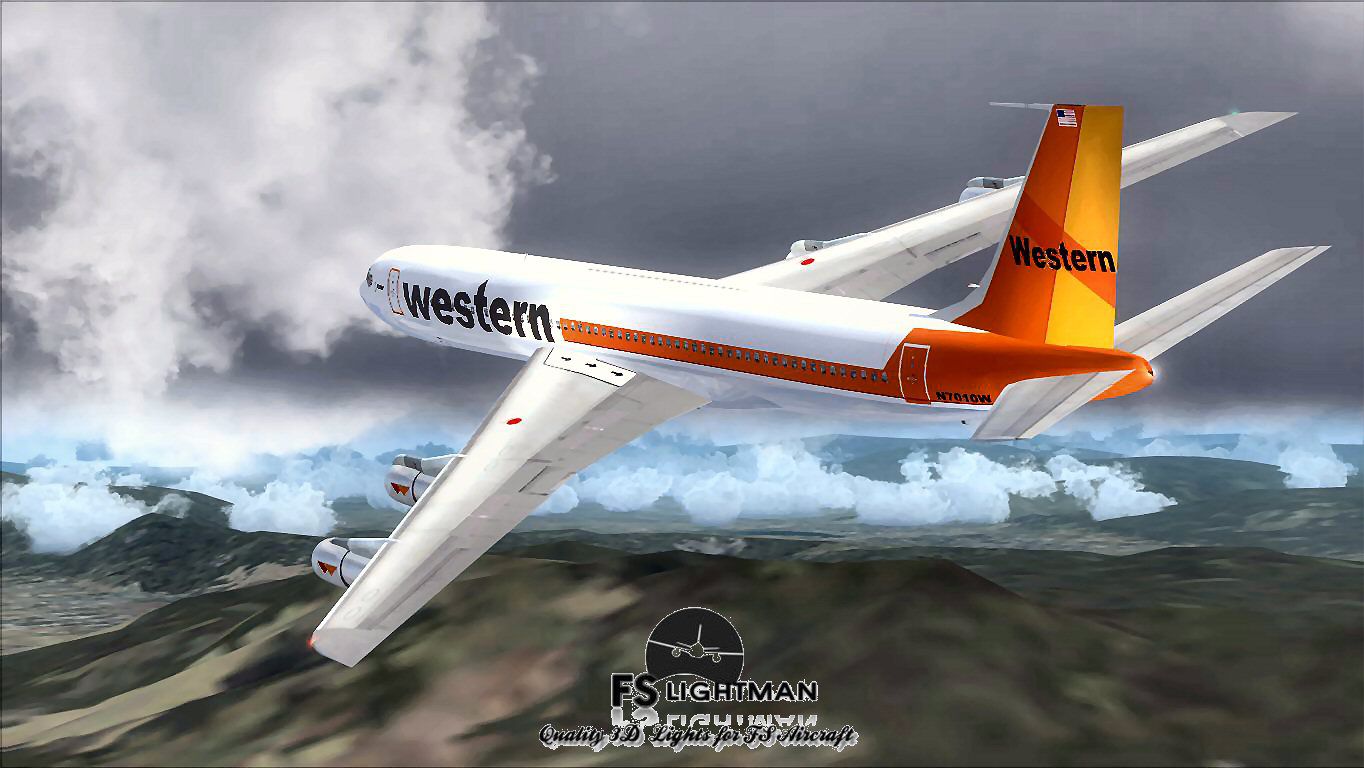
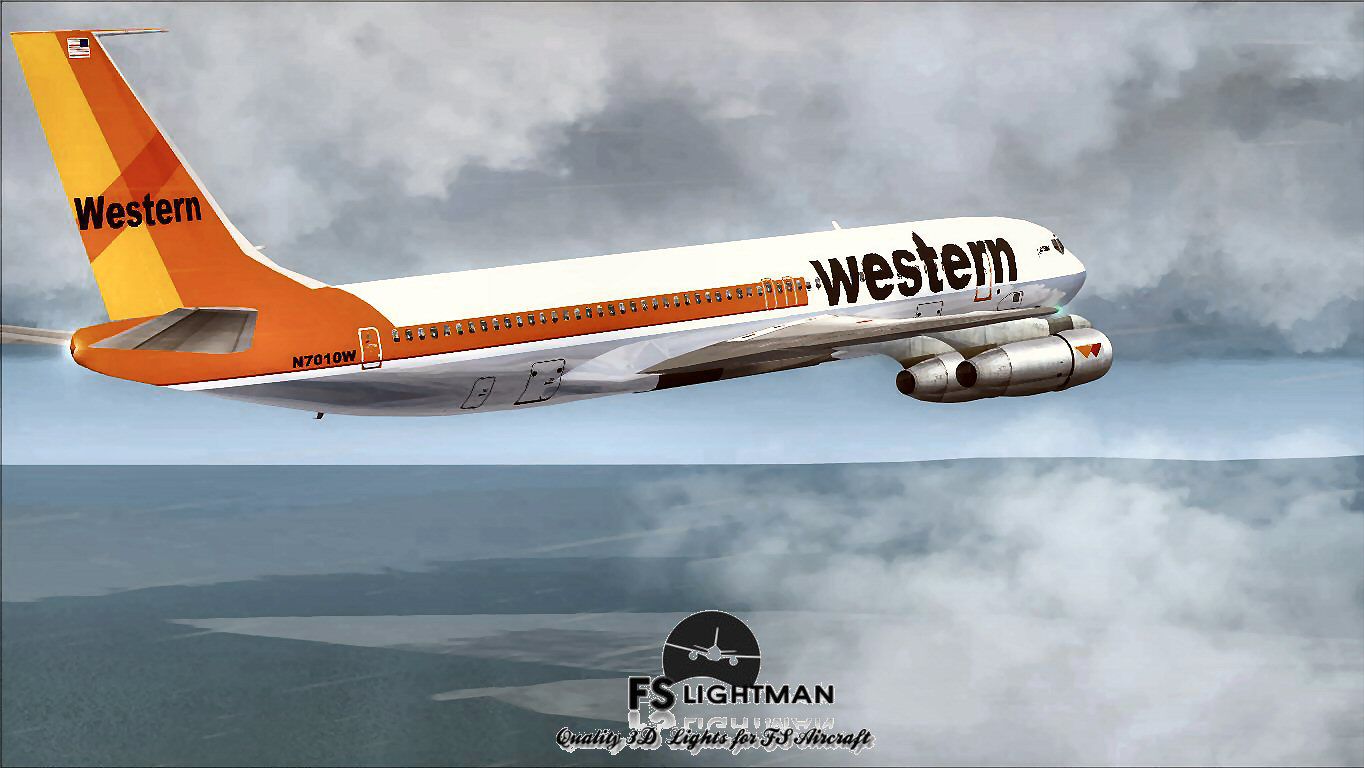
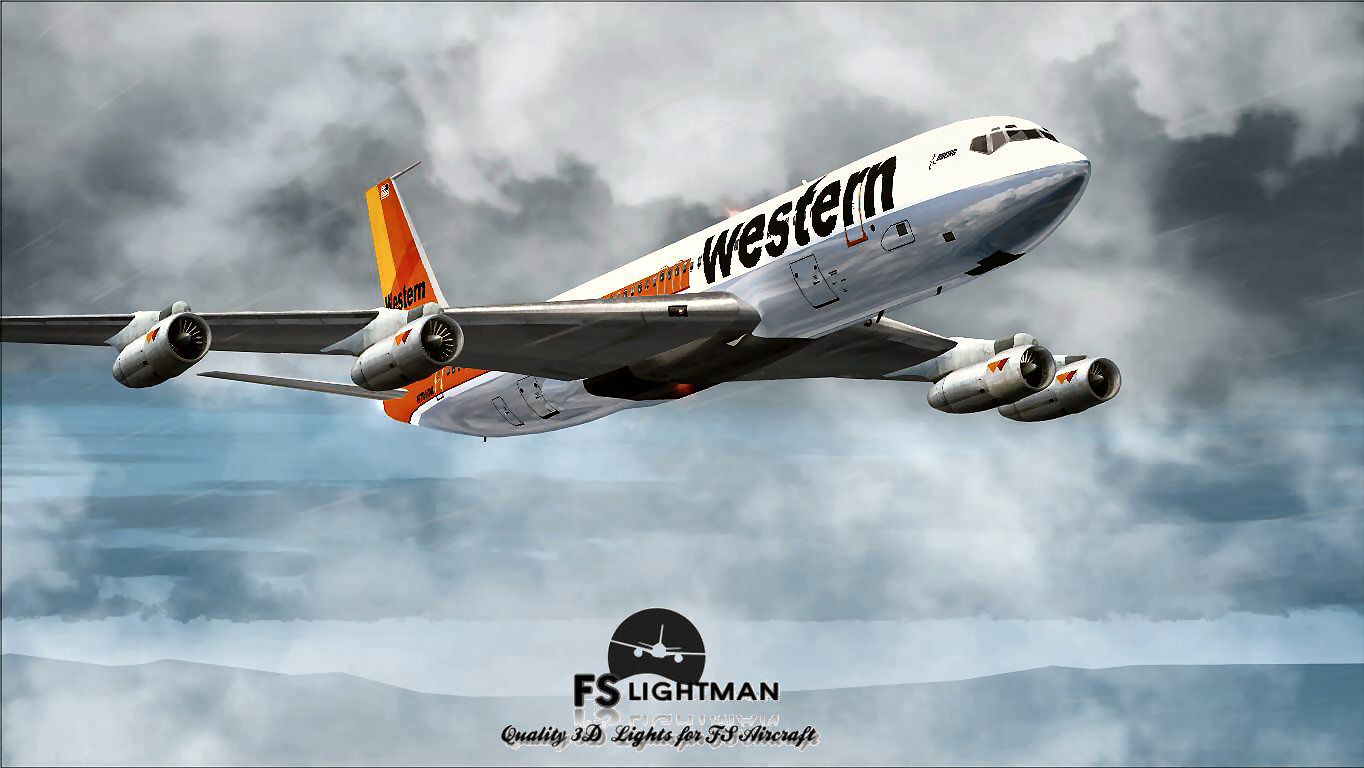
This freeware release showcases a distinguished Boeing 707-320C in Western Airlines livery, providing a fully featured aircraft package ready for flight simulation enthusiasts. Originally developed by Vista Liners and further refined by A2A 3D Lights & Redux adjustments, along with specialized texture work and a paint kit by David Grindele / FS Lightman, this model offers an in-depth experience for those seeking a nostalgic jetliner environment in Microsoft Flight Simulator X.
The 707-320C variant represents a convertible design, enabling carriers to transport both passengers and cargo (indicated by “C”). Western Airlines, known for routes spanning much of the western United States from its headquarters in Los Angeles, operated various jetliners like this one to serve major cities with dependable performance. The integral cargo door and high-bypass fan engines (compared with earlier 707 models) helped airlines adapt their fleets to shifting market demands, ensuring efficient operations for medium- and long-haul journeys.
Western Airlines Boeing 707-320C Special capturing the distinctive mid-20th-century jetliner aesthetic.
This particular release stems from a model adapted from earlier simulators. Many legacy aircraft were coded through C++ for 32-bit systems and optimized around DirectX 9c. Since they are “converted” to run properly within newer platforms, it is crucial to note that these aircraft will frequently not work with DirectX 10 and are best displayed at a resolution of 1024×768. This advice ensures consistent cockpit visuals without graphical anomalies.
For anyone running FSX Acceleration, disabling the Light Bloom effect and unchecking DirectX 10 preview are both strongly suggested. Additionally, setting your screen resolution to 1024×768 eliminates abrupt blackouts, distorted textures, or complete aircraft disappearance. These changes stabilize visuals and maintain cockpit readability.
Although this package has been developed and tested thoroughly, any third-party addition carries inherent risk, so always keep secure backups of critical files. Neither Vista Liners nor David Grindele / FS Lightman assumes responsibility for issues encountered on individual systems. By adding this aircraft, you accept that it is installed solely at your risk. That said, this Boeing 707-320C rendition will reward those interested in reliving a significant period of aviation history under Western Airlines’ branding.
Free for all simmers · 30.52 MB · Scanned clean
Download speed: Free tier is capped at 0.5 Mbps (this file takes approximately 9 mins at the cap). PRO members download at full line speed.
FSX\SimObjects\Airplanes\. The folder must contain an aircraft.cfg file. Effects go into FSX\Effects\; gauges go into FSX\Gauges\.readme.txt or README file. It tells you exactly where files go, what dependencies are needed, and any quirks specific to this add-on.The archive wal70splx.zip has 17 files and directories contained within it.
This list displays the first 500 files in the package. If the package has more, you will need to download it to view them.
| Filename/Directory | File Date | File Size |
|---|---|---|
| A2A 3D Lights & Redux Installation.txt | 10.10.10 | 728 B |
| file_id.diz | 05.25.14 | 352 B |
| Legal Notice.doc | 08.31.11 | 30.50 kB |
| Read Very Important.txt | 02.26.12 | 1008 B |
| Readme.txt | 05.25.14 | 721 B |
| Video Card & Monitor.txt | 02.26.12 | 284 B |
| Western 707 1.jpg | 05.25.14 | 149.02 kB |
| Western 707 2.jpg | 05.25.14 | 123.35 kB |
| Western 707 3.bmp | 05.25.14 | 3.00 MB |
| Western 707 3.jpg | 05.25.14 | 122.14 kB |
| Western 707 4.jpg | 05.25.14 | 150.64 kB |
| Western 707 5.jpg | 05.25.14 | 137.18 kB |
| Western 707 6.jpg | 05.25.14 | 216.37 kB |
| Western Airlines B707-320C Special X.exe | 05.25.14 | 28.85 MB |
| Western Airlines B707-320C Special X | 05.25.14 | 0 B |
| flyawaysimulation.txt | 10.29.13 | 959 B |
| Go to Fly Away Simulation.url | 01.22.16 | 52 B |
More FSX & P3D add-ons hand-picked based on this download.
FSX Civil Aircraft
Immerse yourself in a nuanced rendition of the Western Airlines Boeing 707-32…
 FSX Civil Aircraft
The Western Airlines rendition of the Boeing 707-320C featured here is a comp…
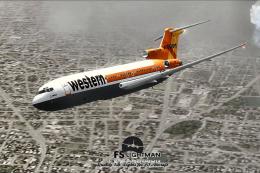 FSX Civil Aircraft
This freeware rendition of the Western Airline Boeing 727-200 Special integra…
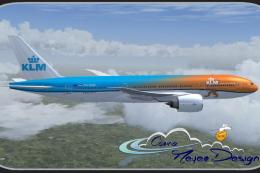 FSX Civil Aircraft
The PMDG B777-200 LR as KLM Royal Dutch Airlines new design "Koningin Maxima"…
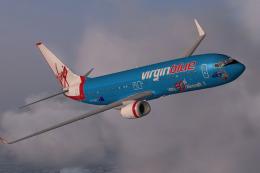 FSX Civil Aircraft
Textures only for the default B737-800. Repaint by Jon Murchison. Screenshot …
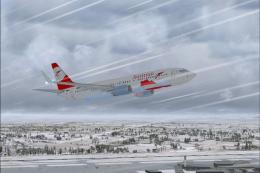 FSX Civil Aircraft
FSX Austrian Special Boeing 737-800, registration OE-FTT. Textures only for t…
 FSX Civil Aircraft
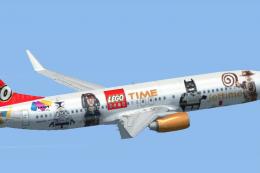
JetTime Boeing 737-800 'Lego Special'. Textures only for the default B737-800…
 FSX Civil Aircraft
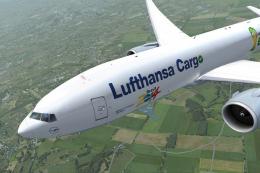
Special edition for the Fifa World Championchip Brasil 2014 for the payware P…
Be the first to leave a comment on this download.
Be the first to share your thoughts on this download.