


 FSX General Aviation Aircraft
Olympic Aviation Piper PA28-180 Cherokee
Textures only for the payware A2A Cherokee 180. By Christos Diakodimitriou. S…
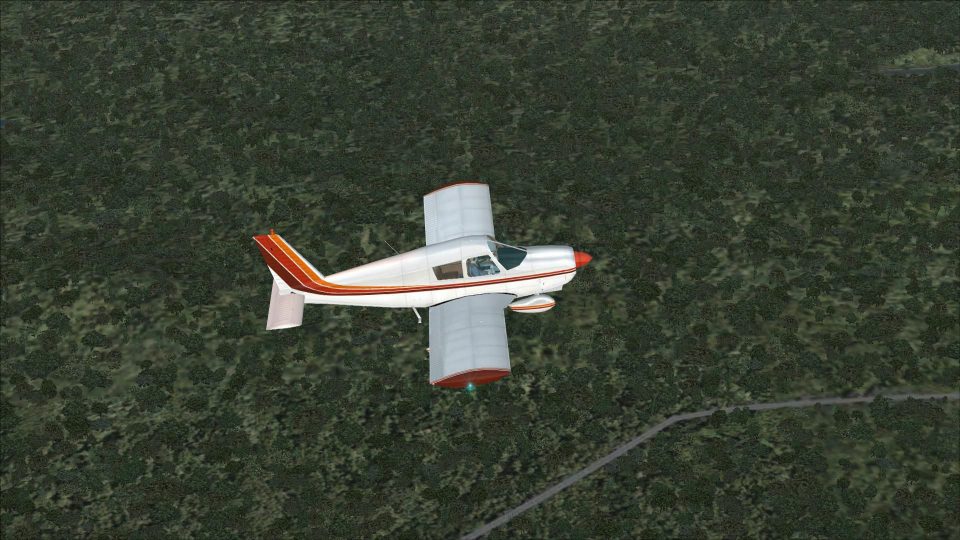
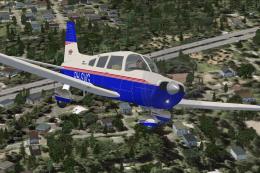
The Piper PA28-180 Cherokee brings the classic default FS2004 four-seater into FSX as a fully flyable aircraft, refreshed with improved flight dynamics and updated lighting. Four repaints and matching splash screens are included, and the lighting effects integrate with Shockwave 3D Lights when installed for a more authentic ramp and night look.
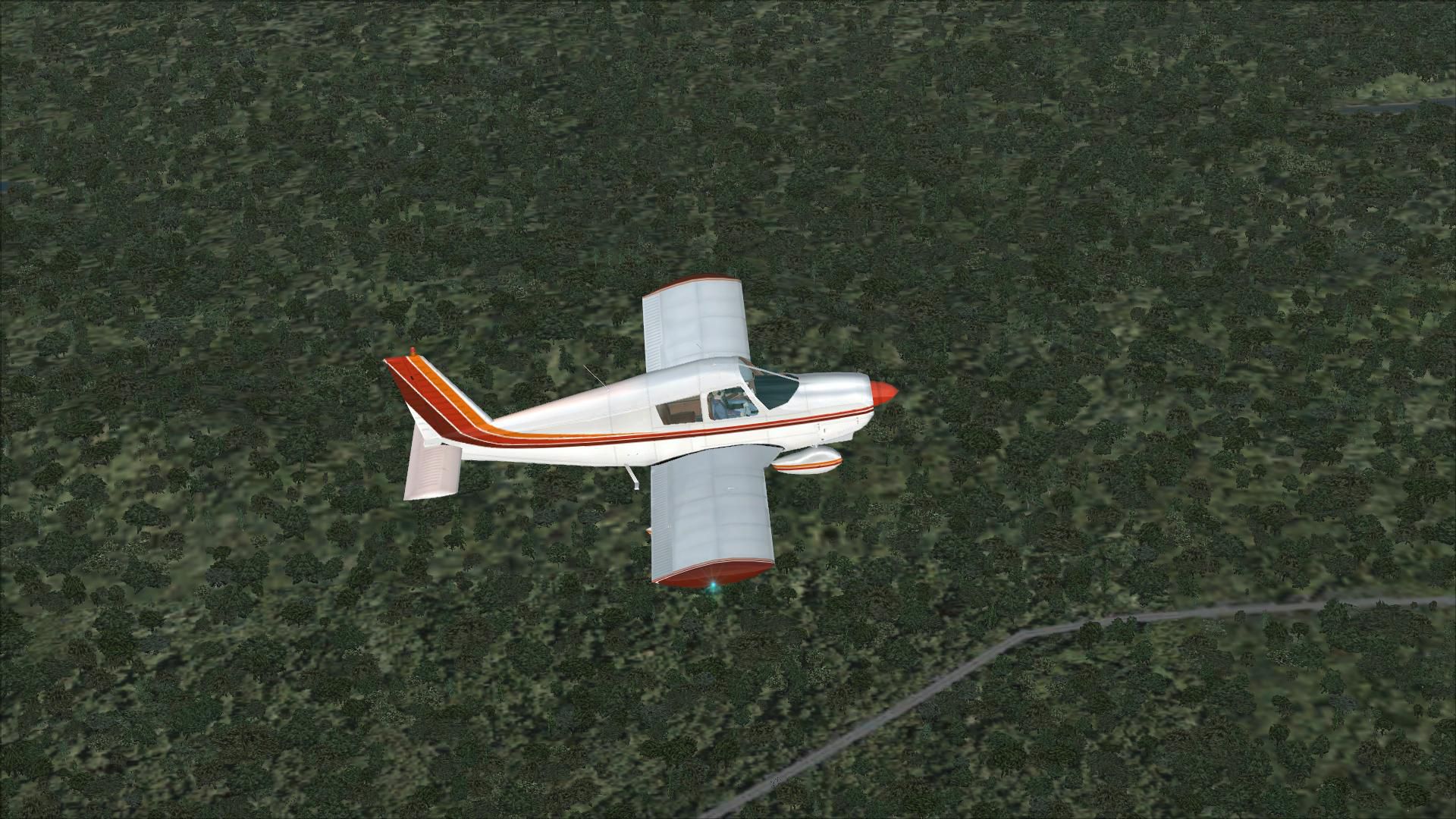
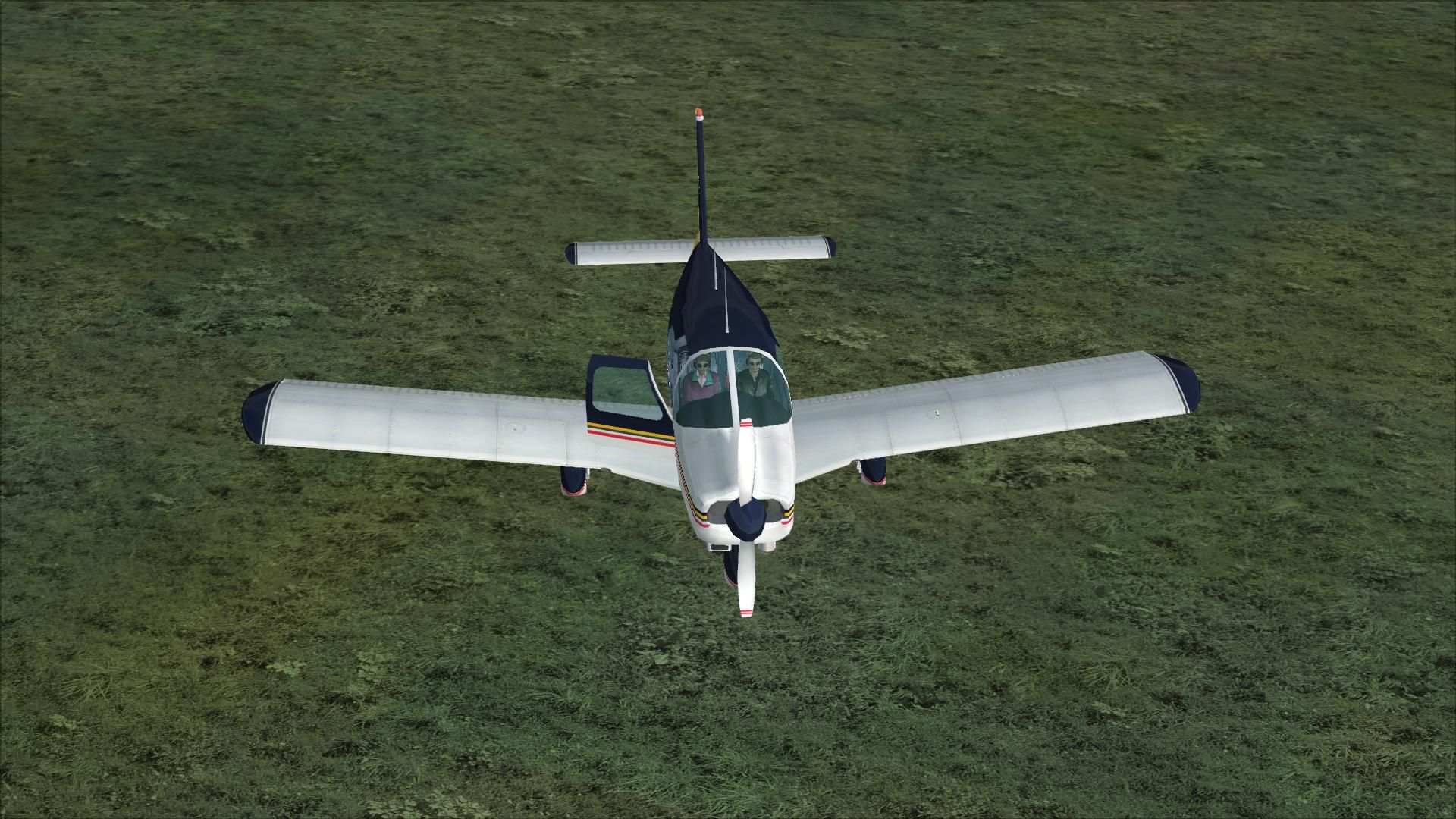
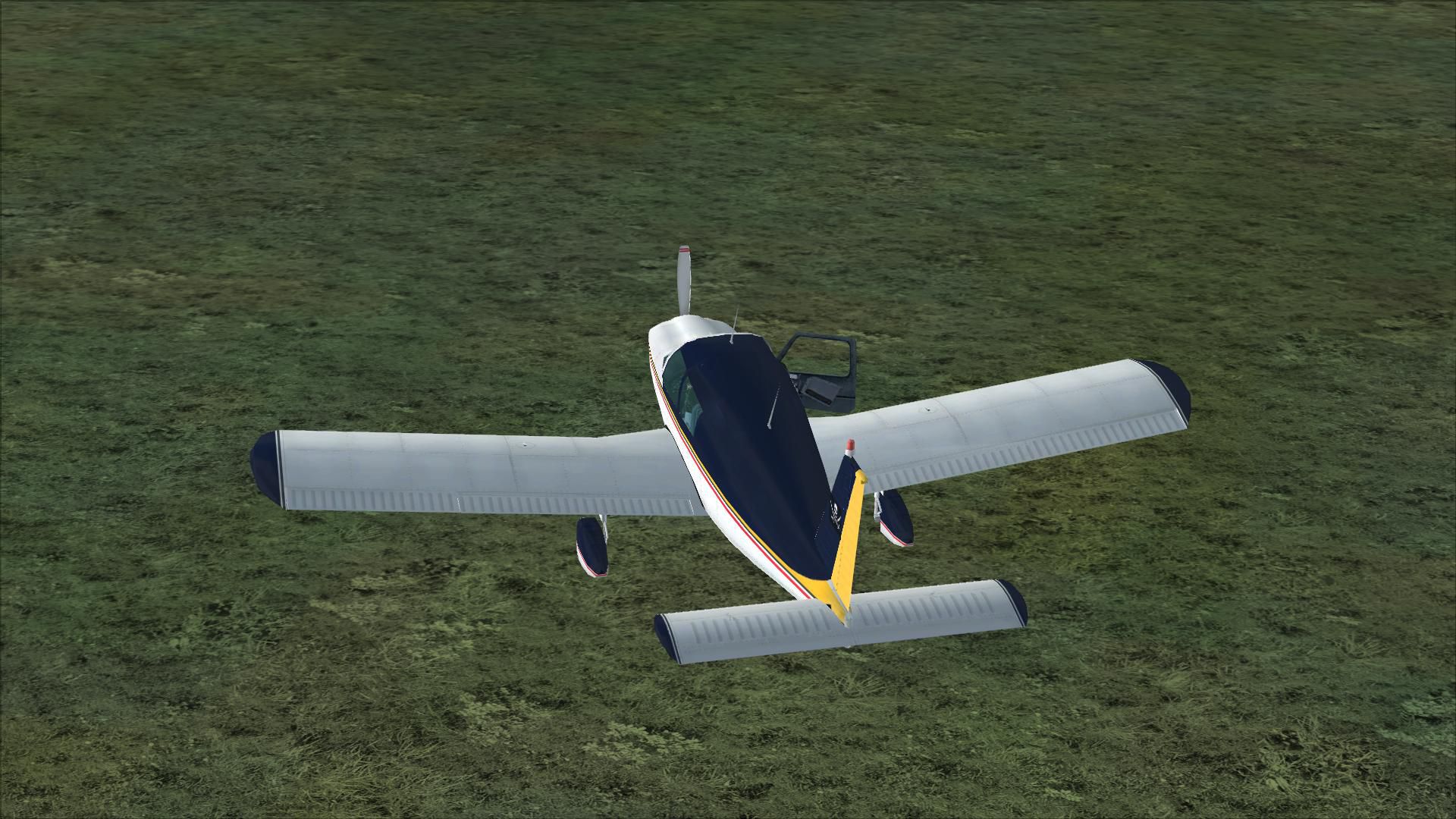
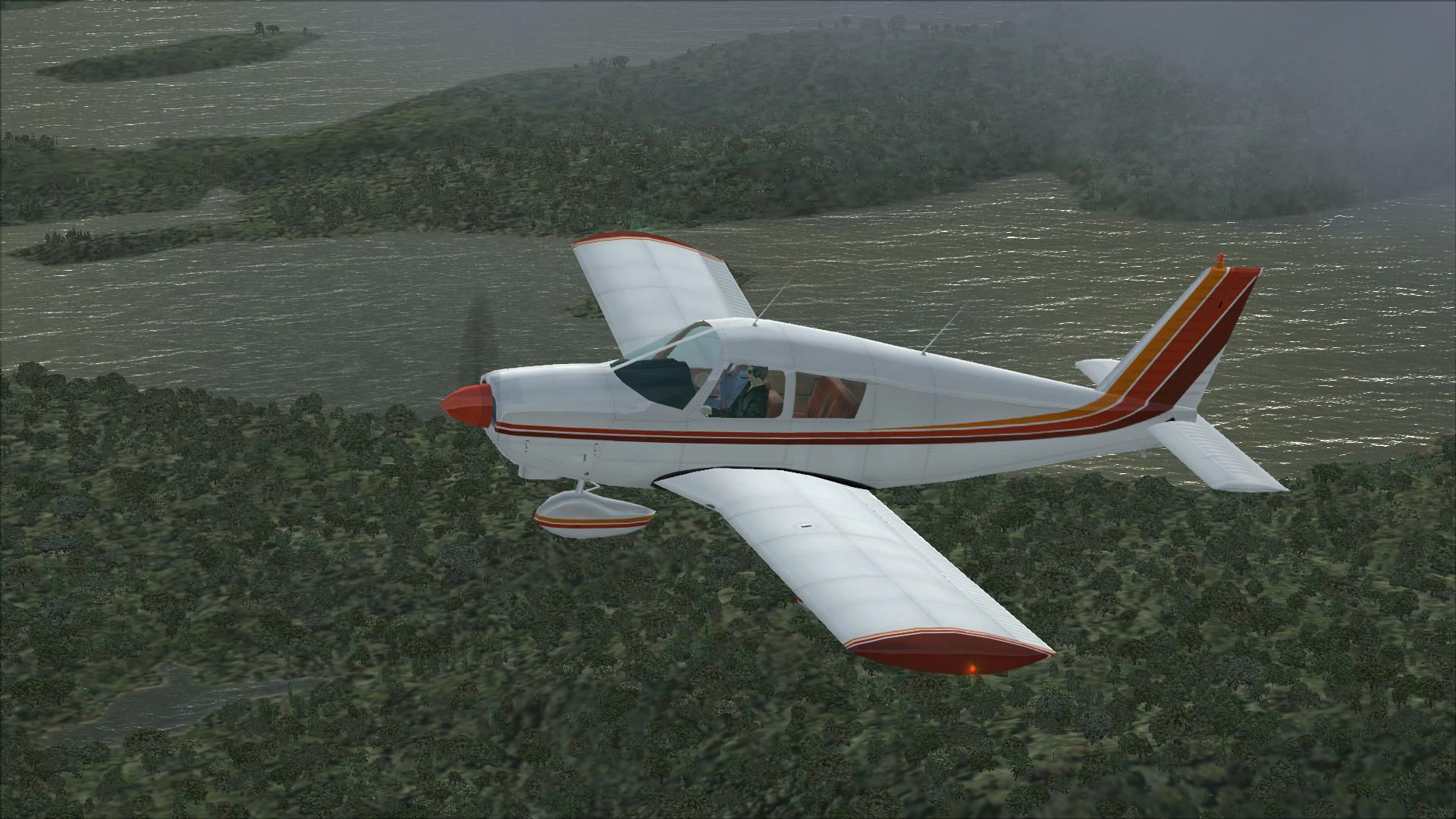
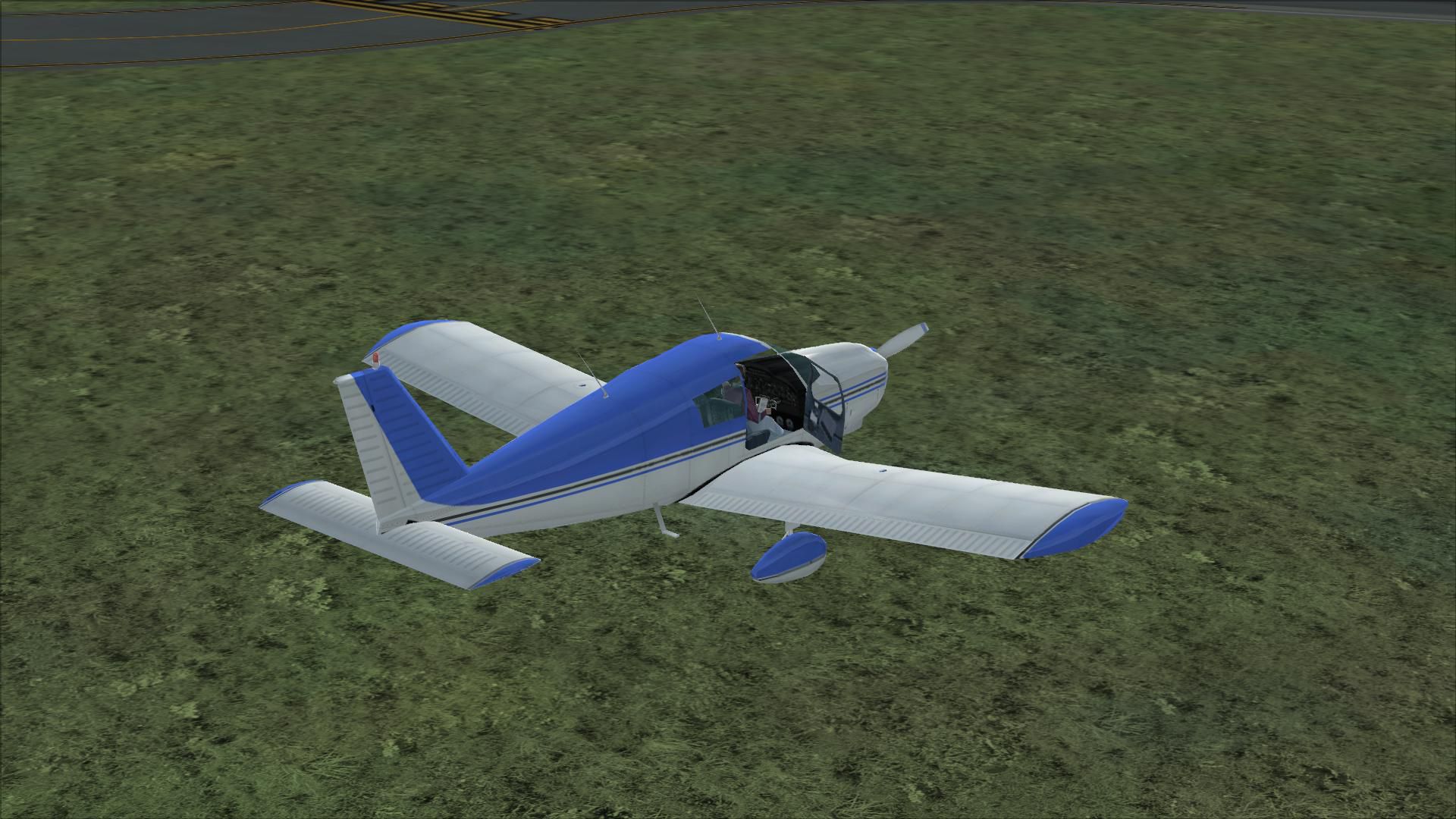
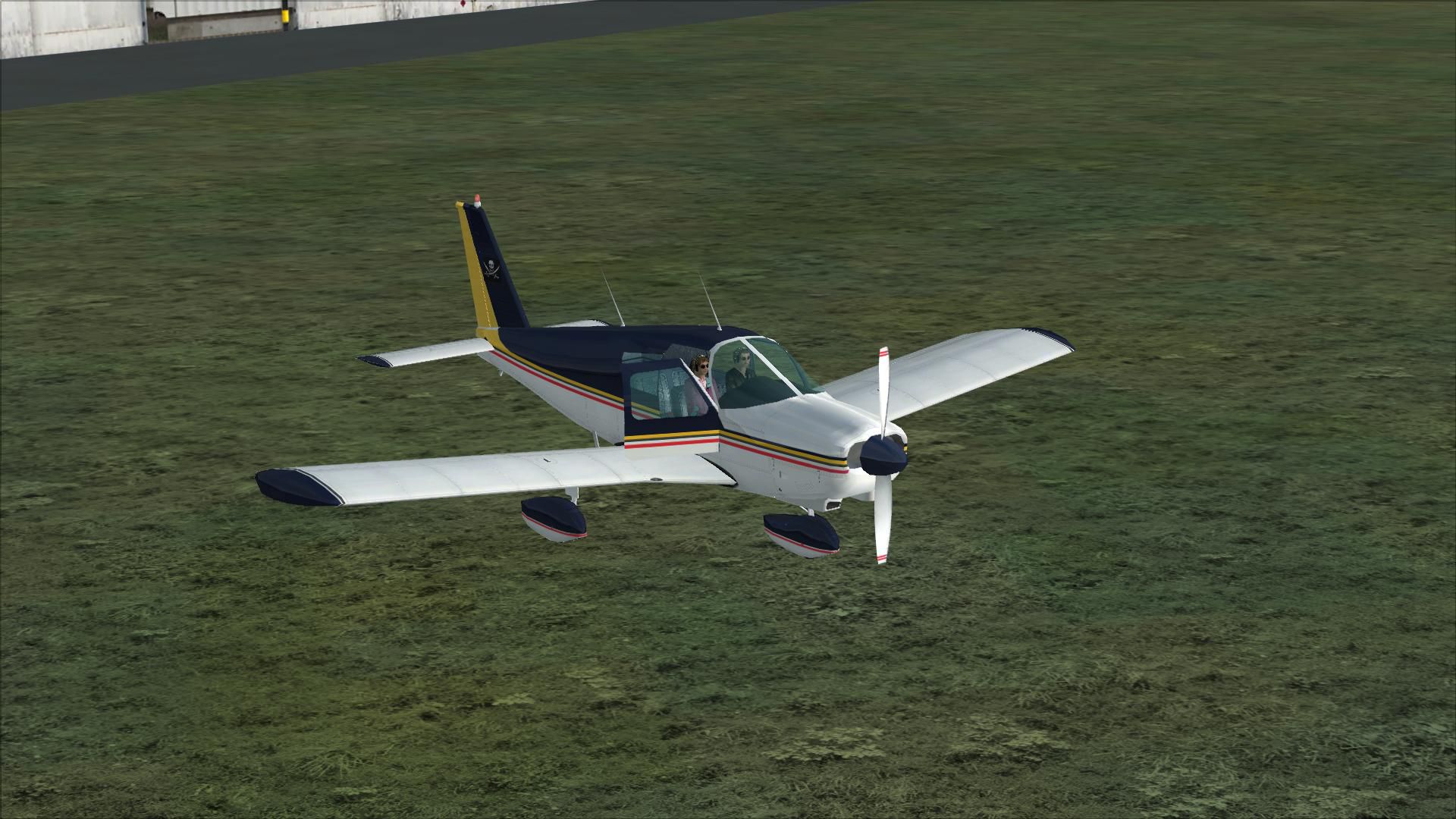
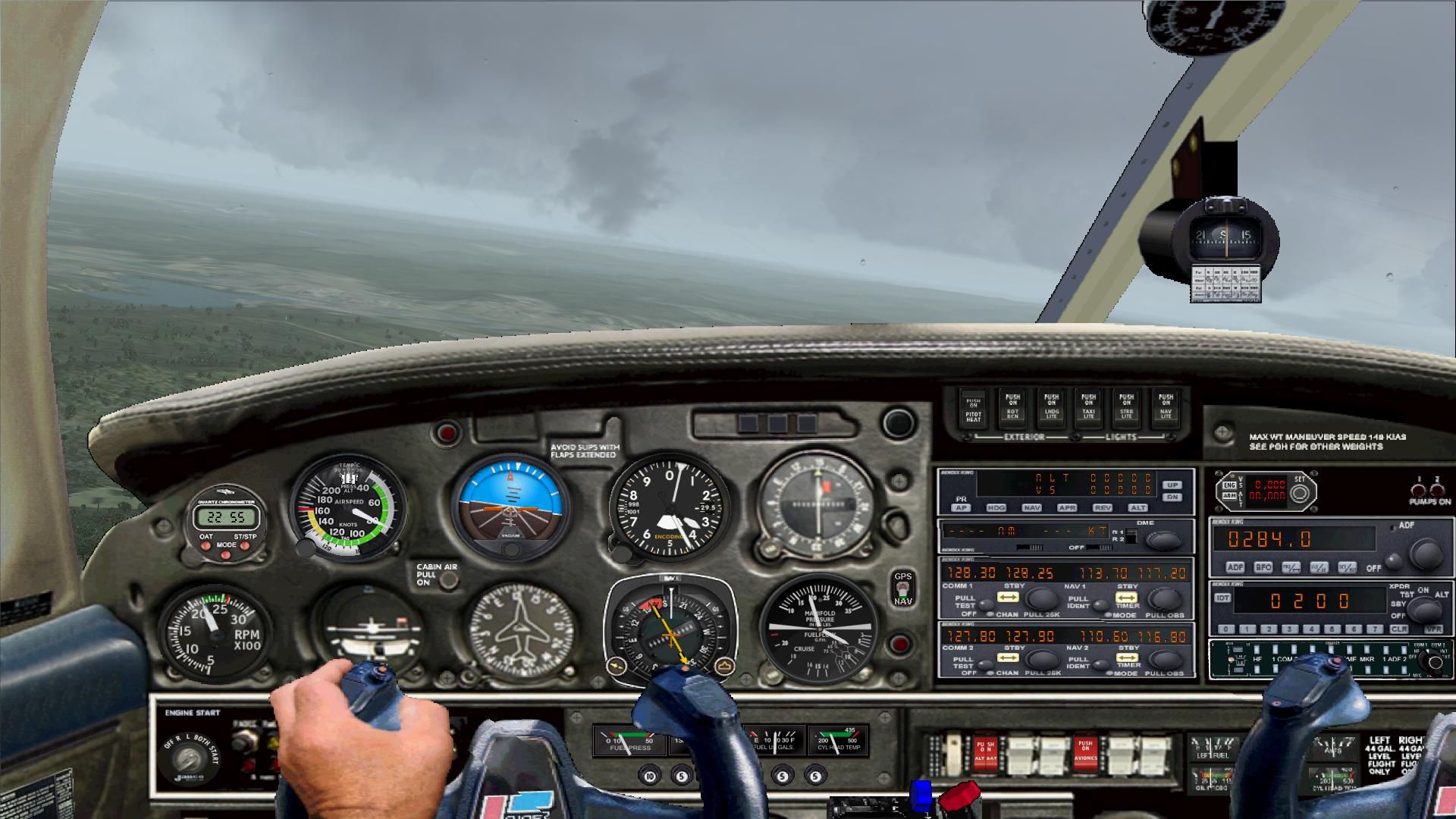
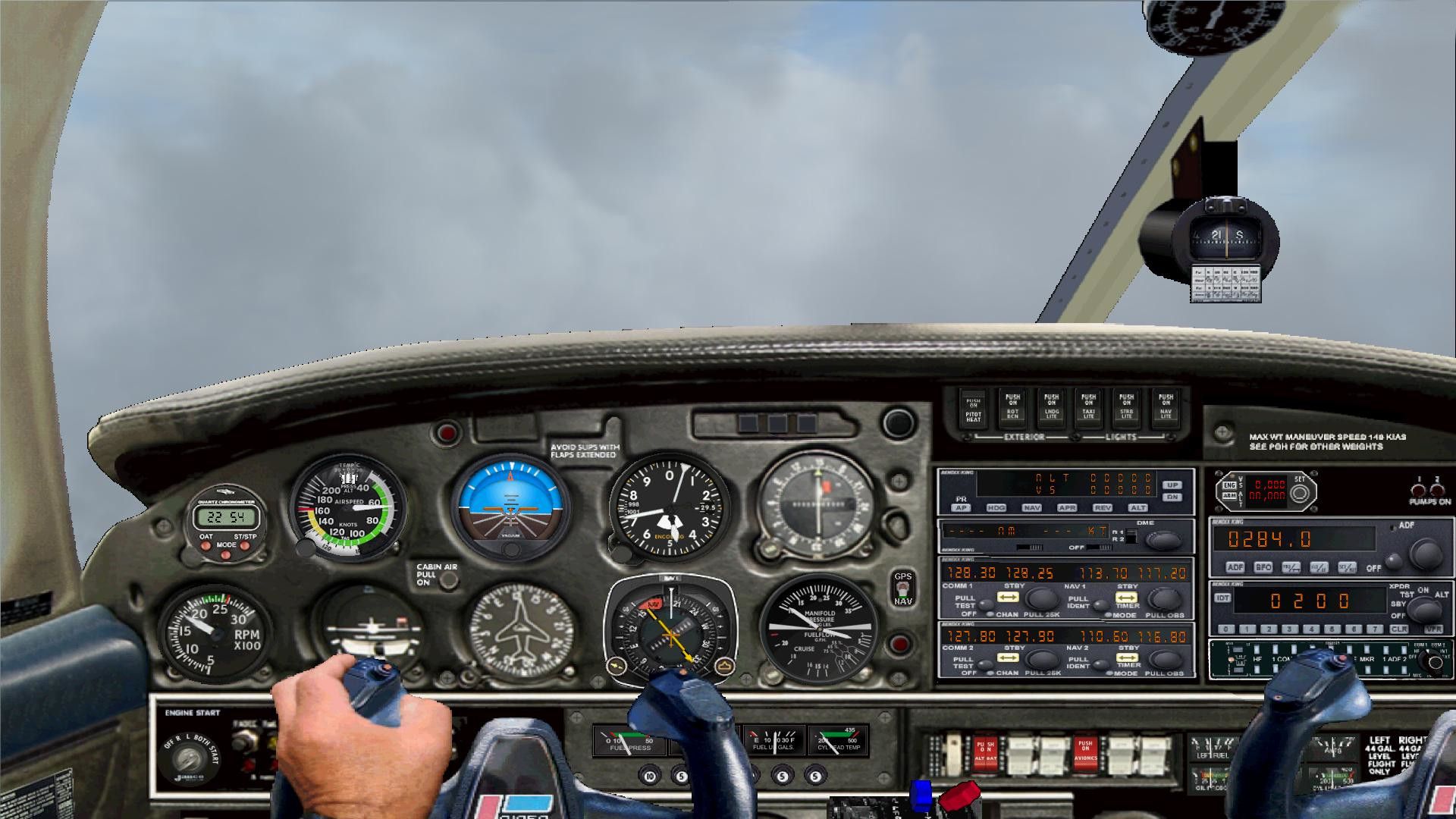
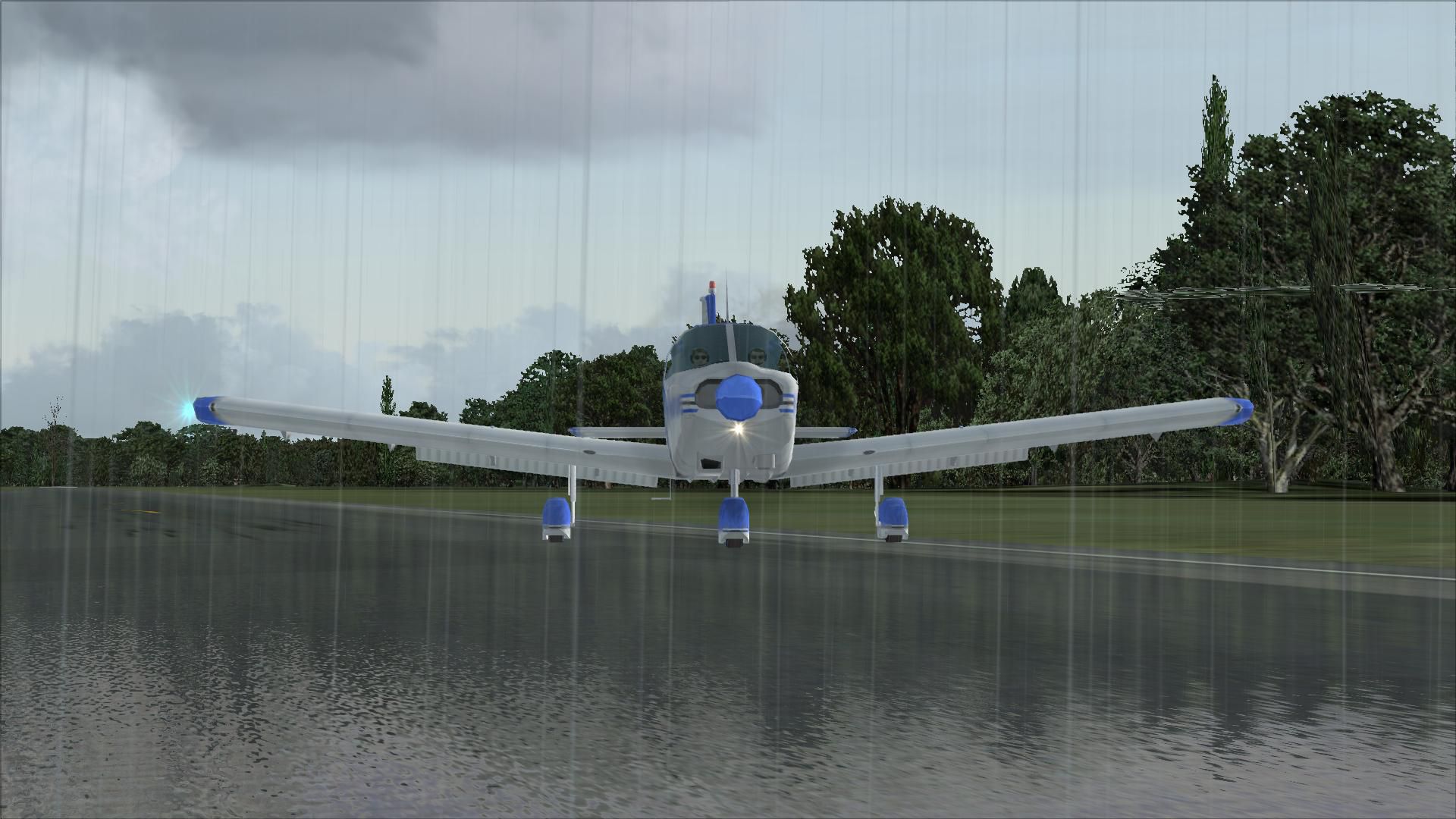
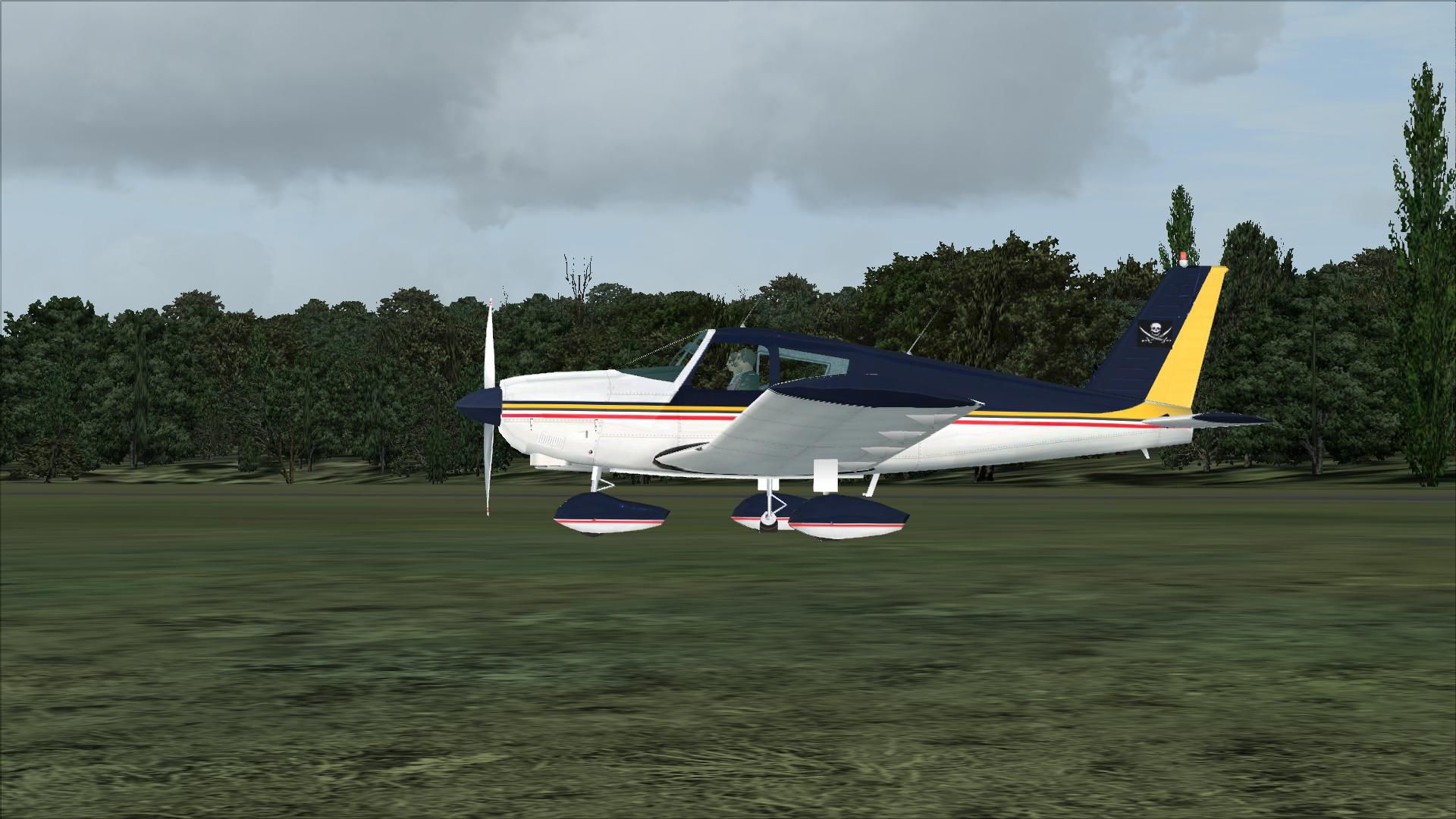
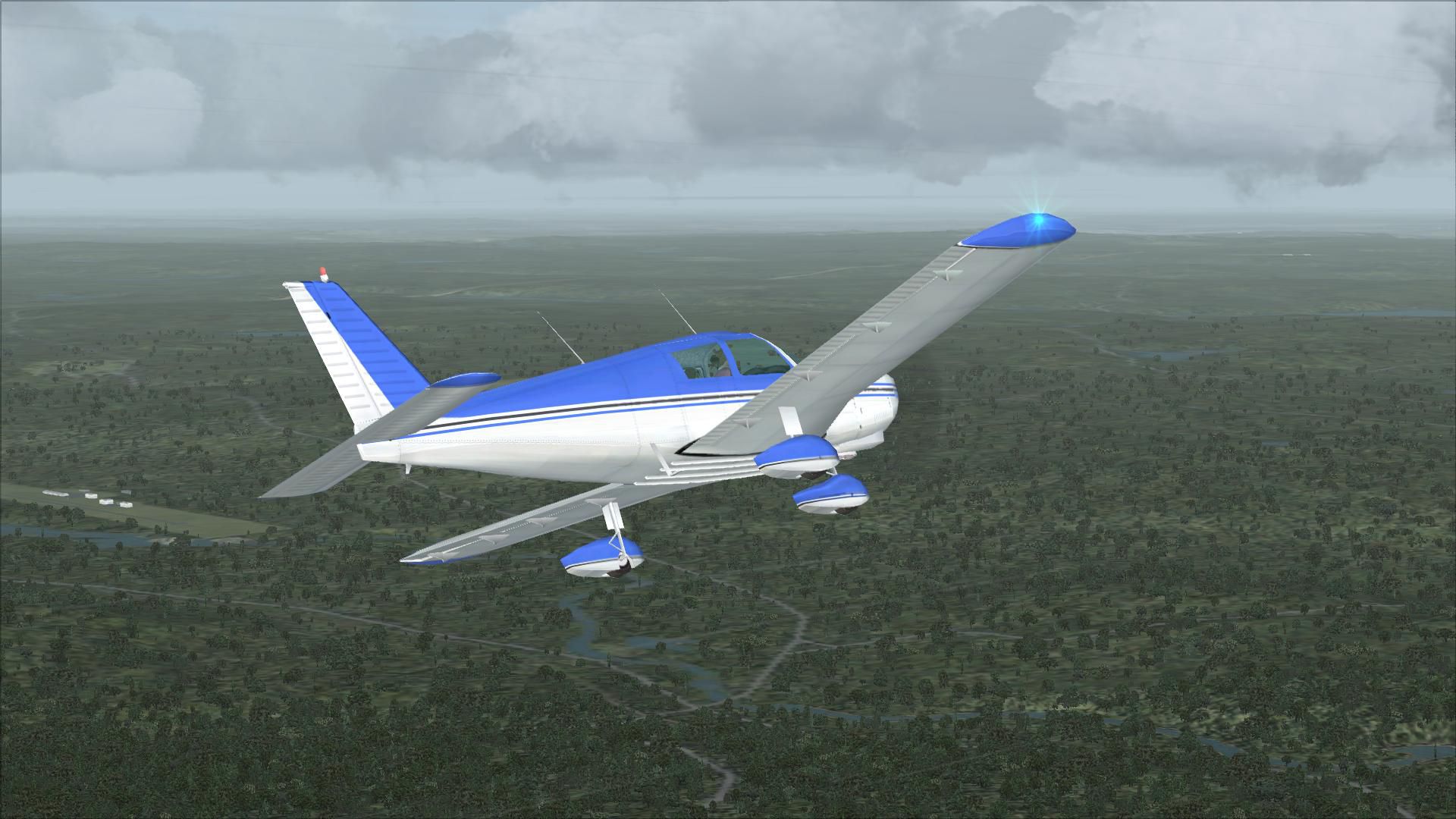

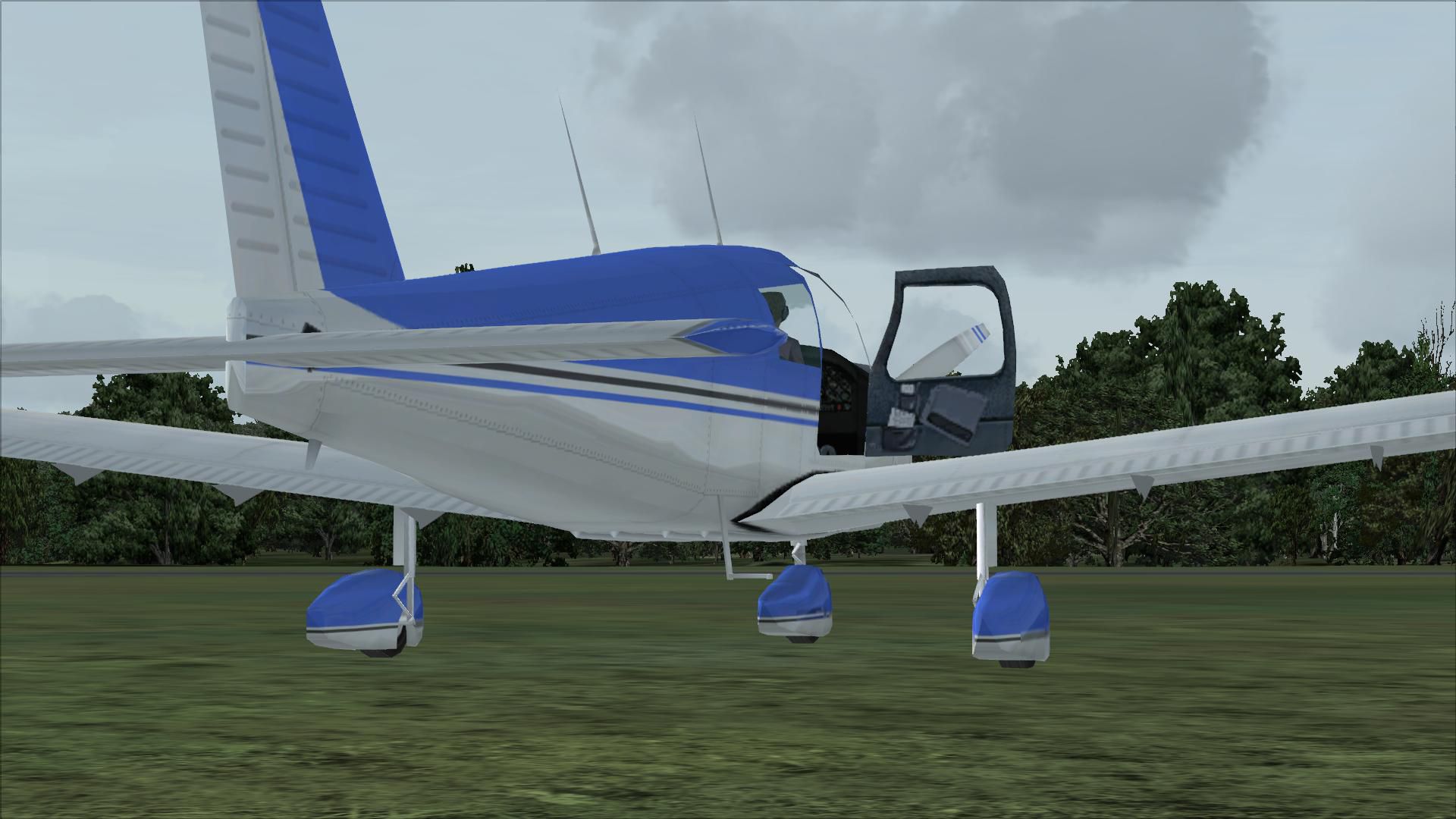
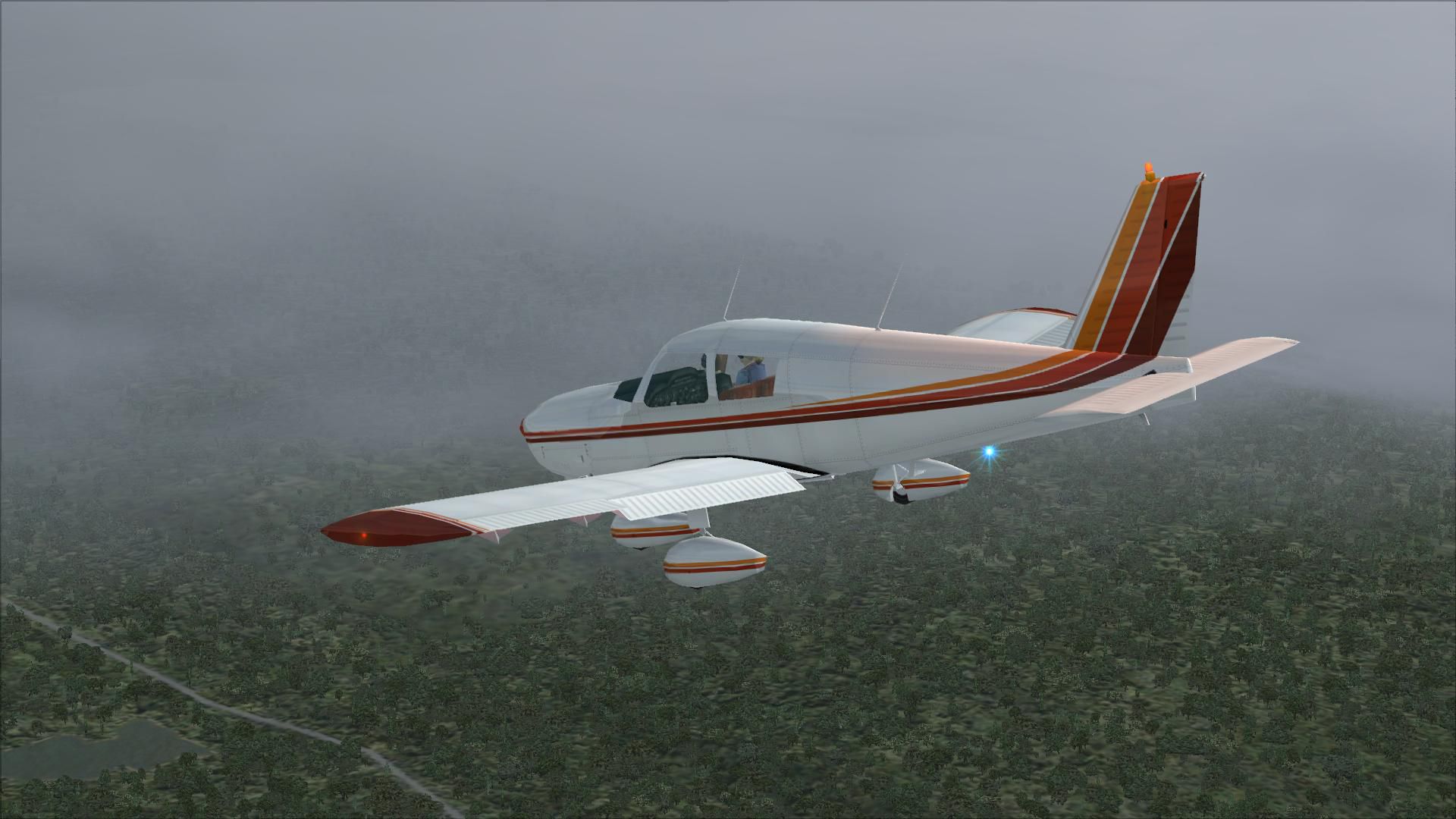

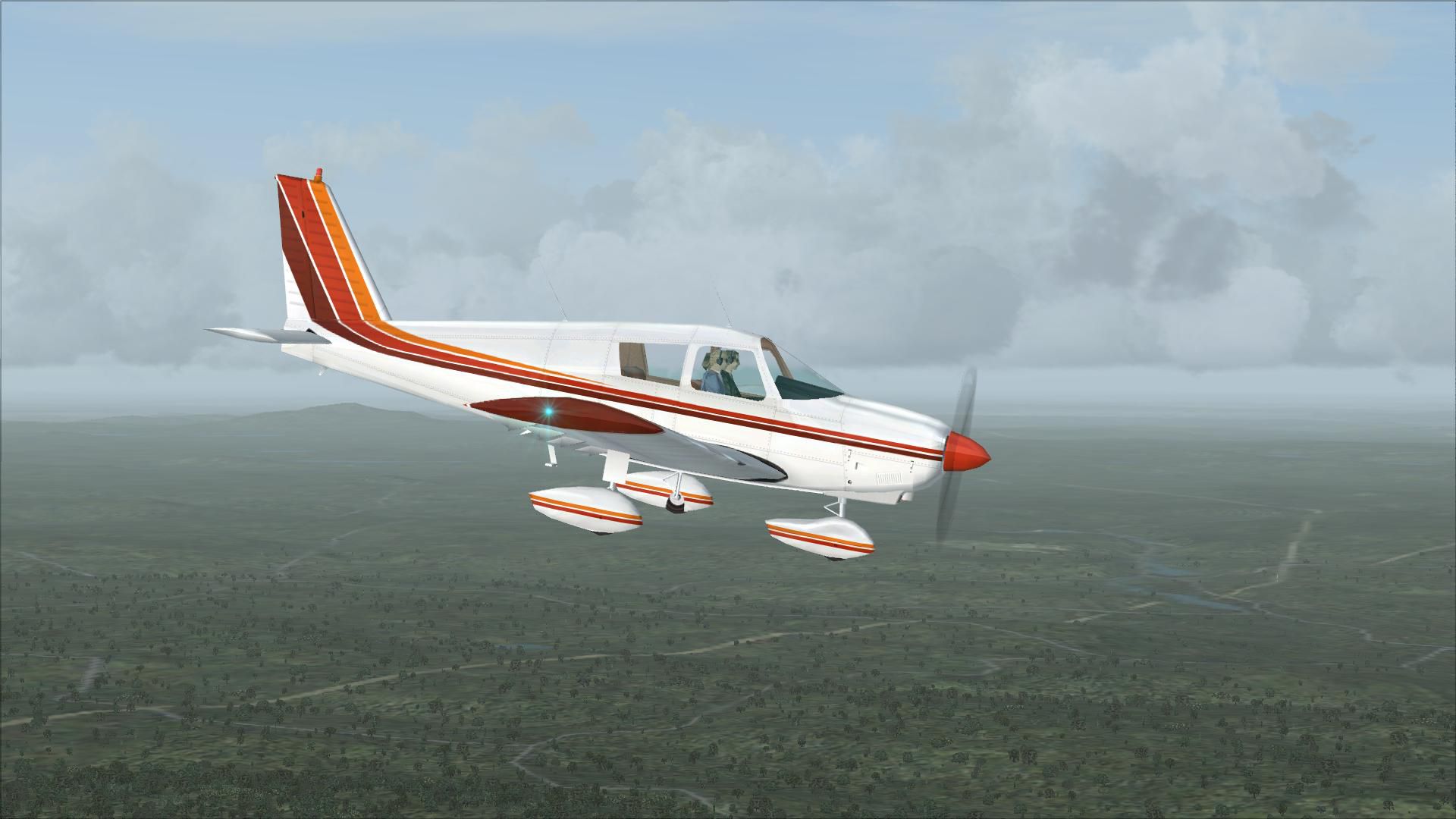
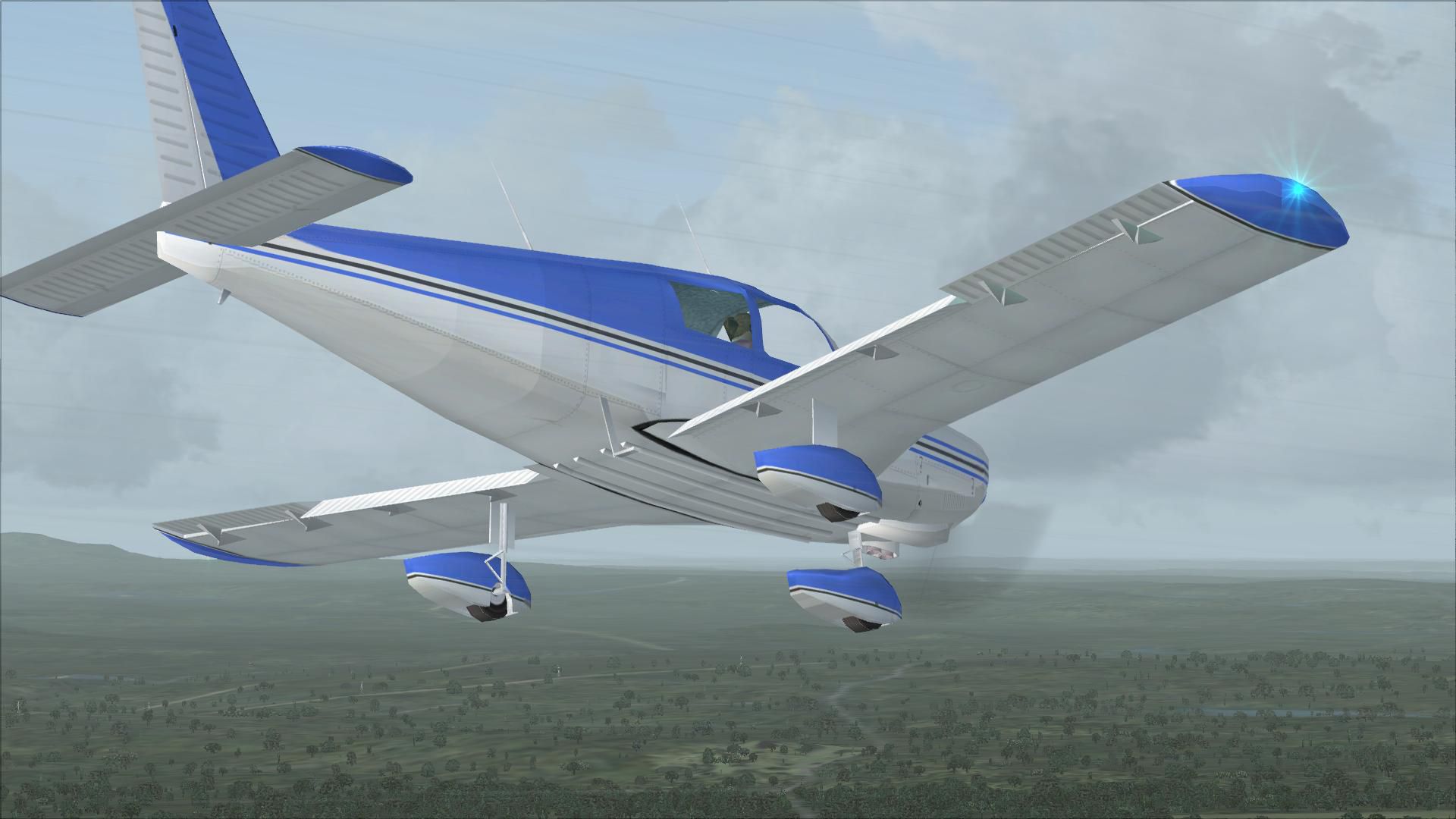

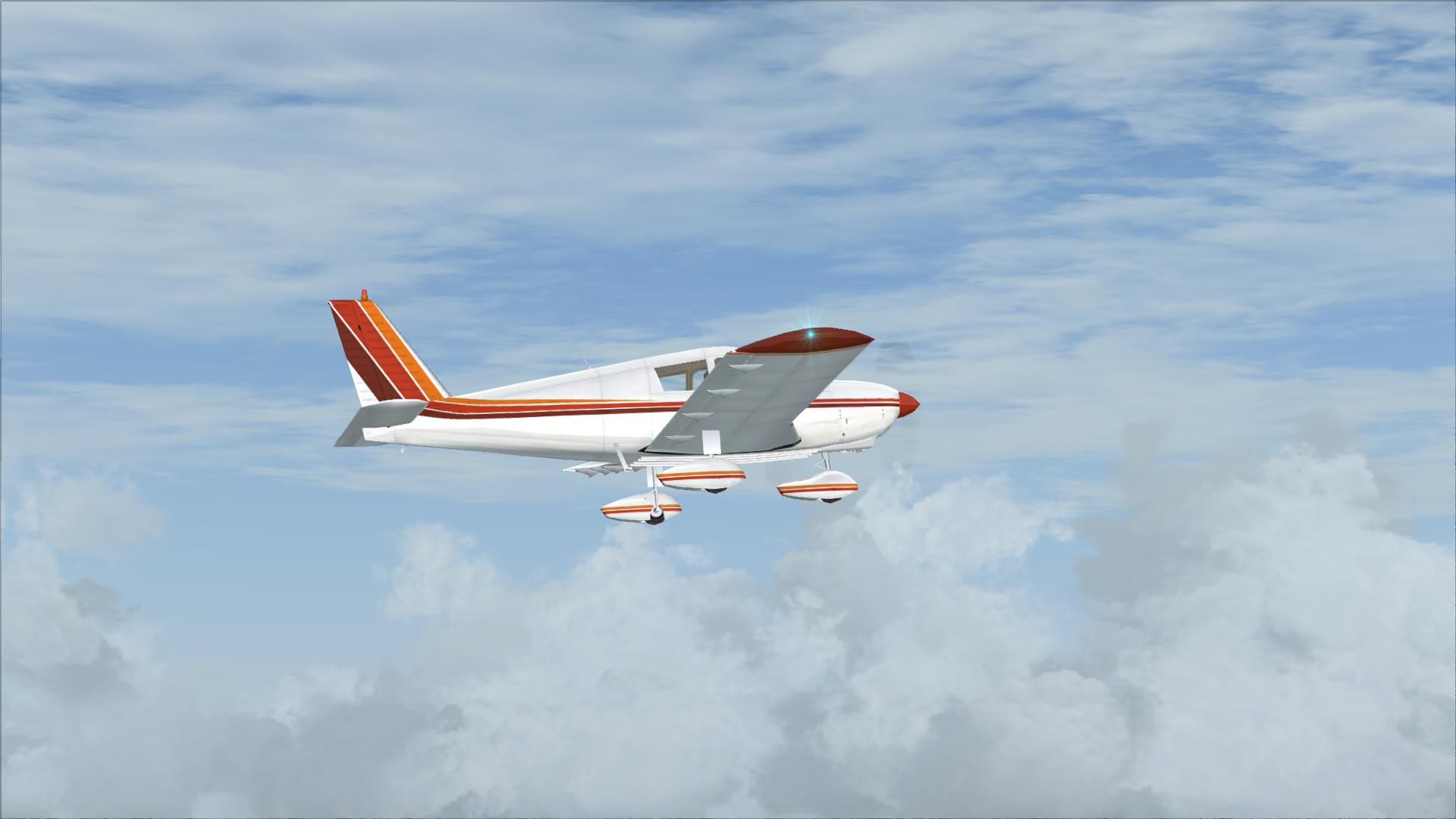
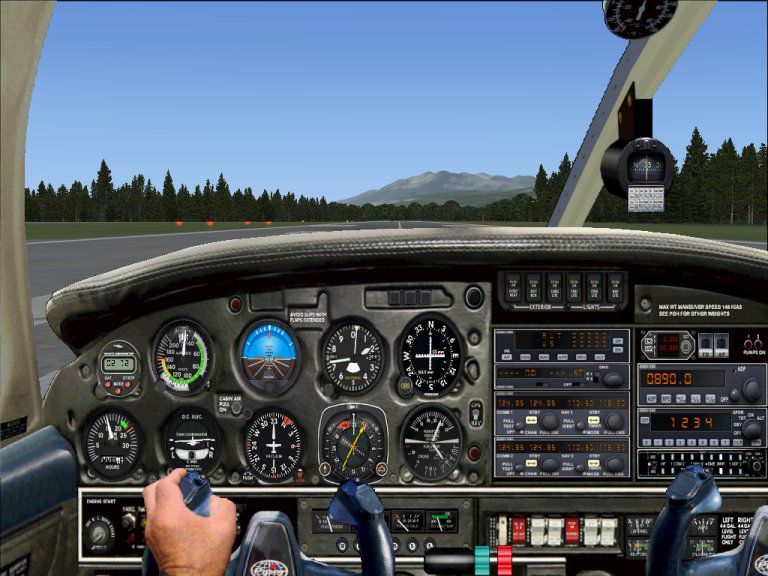
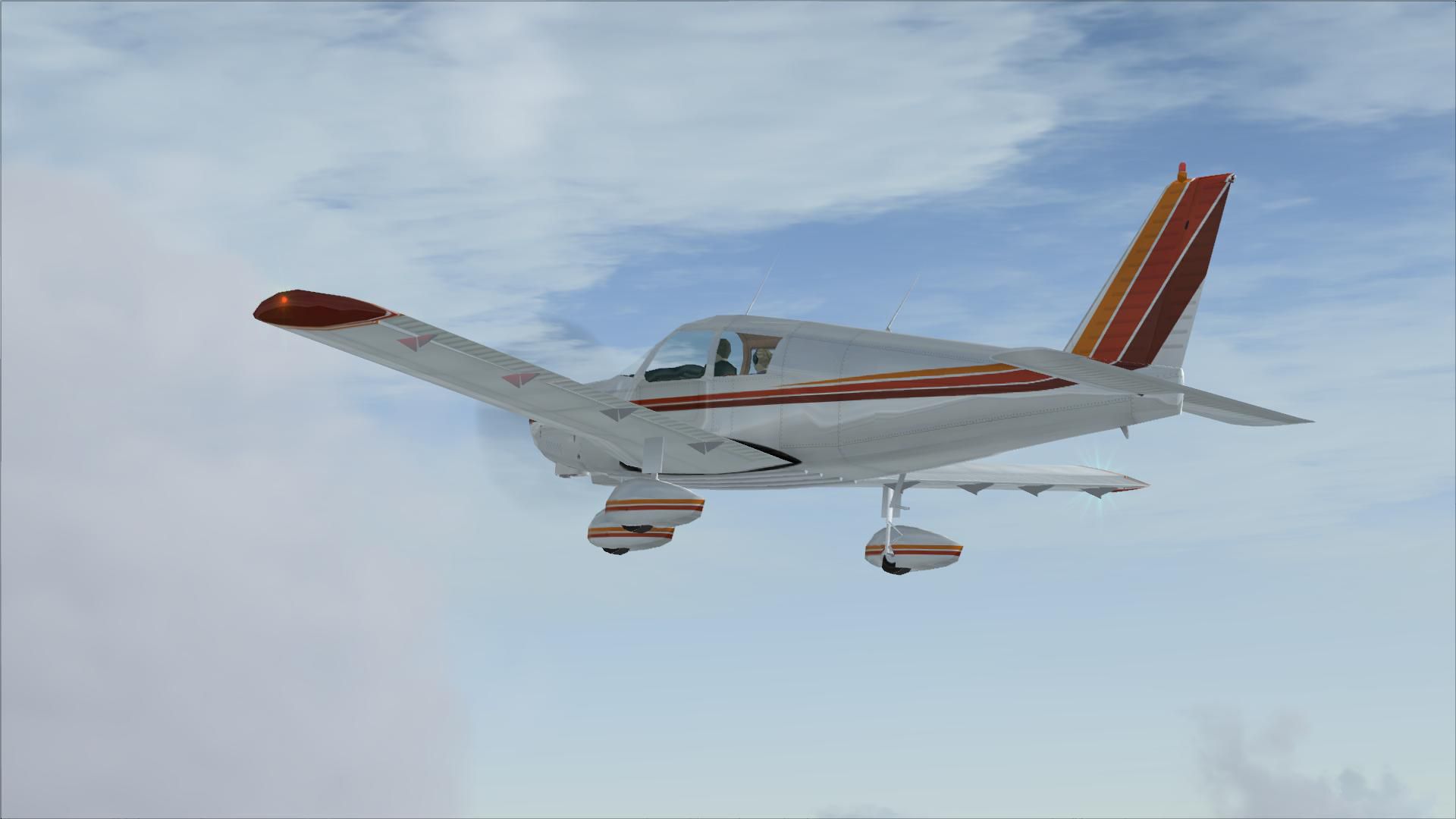
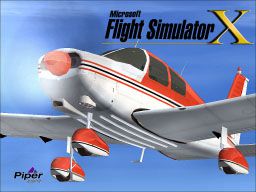
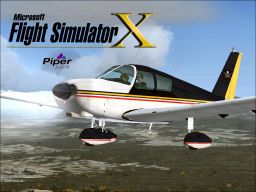
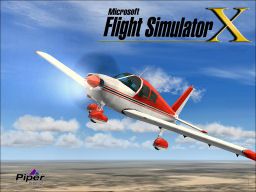
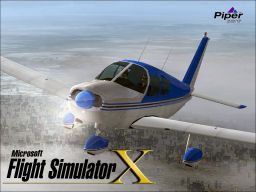
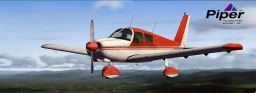
Piper PA28-180 Cherokee. This file contains the default FS2004 PA28-180 with pants that has been coverted to FSX and made flyable. Includes updates to flight model and lighting. Also includes four repaints and splash screens. Original model by Mel Mutter. Package by David Grindele.
 "FS9 Default PA28_180 Converted TO FSX"
"Will no longer work in FS9 in it's converted state"
I have given the Converted PA28_180 alot of new updates. If you have the Shockwave 3D Lights installed then
you will have them here also. Along with better flight dynamics and Nav lights and beacons have also been up-
dated.
I have also added 4 new repaints and 4 splash screens, I have taken all the trouble for you by adding the free repaints
from FlightSim.com that are always readily available. All the code has been written the panels and sounds are already in-
stalled all you have to do is download Install into your flightsim and have fun. What more can you ask for. So
don't just sit there download and have some fun.
Package put together By: David Grindele
"Personal Comments"
You might be asking yourself why I am doing this. Well I am retired for one and it give's me something to do
and I enjoy doing it. The other reason is I have over 10,000 aircraft and Helicopters that work in FS9 but not
FSX so it might take me awhile but I am going to convert every single one of them to FSX. So they just dont
die with FS9 and we can keep enjoying these beautiful art's of really hard work the designers put into them.
"Credits"
All repaints are the property of the original designers and I always give them credit for magnificent art work
and talent for without whom I would never beable to put these packages together. And to the guy's that do such
a fantastic job on the effects they create for these aircraft. I would like to say thank you and also for keep
-ing it free.
"INSTALLATION"
Unzip to a tempory folder and place the whole Microsoft PA28_180 folder into your Program Files/ Microsoft Games/
Flight SimulatorX/Simobjects/Airplanes folder and the Gauges go into the gauges folder.
Thats it go fly have fun. Scoot now!!
Free for all simmers · 26.33 MB · Scanned clean
Download speed: Free tier is capped at 0.5 Mbps (this file takes approximately 7 mins at the cap). PRO members download at full line speed.
SimObjects\Airplanes\, Addon Scenery\, Effects\, or Gauges\.readme.txt or README file. It tells you exactly where files go, what dependencies are needed, and any quirks specific to this add-on.The archive pa28-5.zip has 138 files and directories contained within it.
This list displays the first 500 files in the package. If the package has more, you will need to download it to view them.
| Filename/Directory | File Date | File Size |
|---|---|---|
| File_id.DIZ.txt | 11.07.07 | 162 B |
| Gauges | 11.07.07 | 0 B |
| 11-aPiper.cab | 08.29.07 | 576.71 kB |
| 11AB Switches.cab | 08.14.07 | 3.90 kB |
| Bell_206B | 09.04.06 | 1.62 MB |
| bendix_king_radio | 09.04.06 | 611.13 kB |
| Cessna | 08.17.07 | 416.47 kB |
| Cessna182s | 09.04.06 | 611.13 kB |
| DeHavilland_Beaver_DHC2.cab | 09.04.06 | 1.62 MB |
| Grumman_Goose_G21A.cab | 09.04.06 | 1.64 MB |
| KeI.cab | 08.17.07 | 416.47 kB |
| Maule_M7_260C.cab | 08.31.07 | 1.30 MB |
| P28A-R.cab | 08.31.07 | 402.53 kB |
| RCB_Groundhandling5.cab | 10.20.06 | 26.63 kB |
| RCB_Groundhandling5_Sound | 10.20.06 | 26.63 kB |
| Robinson_R22.cab | 09.04.06 | 611.13 kB |
| Microsoft PA28_180 | 11.07.07 | 0 B |
| aircraft.cfg | 11.07.07 | 16.95 kB |
| model | 11.07.07 | 0 B |
| model.cfg | 04.17.01 | 27 B |
| Pa28_180.mdl | 05.30.03 | 600.90 kB |
| Panel | 11.07.07 | 0 B |
| 2ndControl_Stick.CAB | 09.05.07 | 19.12 kB |
| About Panel.txt | 08.31.07 | 335 B |
| Control_Stick.CAB | 09.05.07 | 22.51 kB |
| Panel PA28.jpg | 08.31.07 | 99.58 kB |
| Panel.cfg | 08.31.07 | 5.79 kB |
| Thumbs.db | 11.07.07 | 4.50 kB |
| Warrior-main.bmp | 09.03.07 | 2.81 MB |
| Warrior_vc_l.bmp | 08.30.07 | 1.00 MB |
| Warrior_vc_r.bmp | 08.04.07 | 1.00 MB |
| Piper_PA28_180.air | 07.31.04 | 8.17 kB |
| Piper_PA28_180.BK | 06.12.03 | 7.47 kB |
| sound | 11.07.07 | 0 B |
| alarmastall.wav | 01.06.03 | 7.22 kB |
| arranque.wav | 11.09.02 | 178.89 kB |
| autopiloto.wav | 06.06.03 | 78.27 kB |
| corte.WAV | 01.07.04 | 112.93 kB |
| flaps.wav | 11.11.02 | 67.16 kB |
| giroscopo.wav | 11.09.02 | 962.91 kB |
| partida.wav | 01.07.04 | 21.39 kB |
| partidafalsa.wav | 01.07.04 | 73.40 kB |
| puerta.wav | 08.22.03 | 100.14 kB |
| puertabre.wav | 01.07.04 | 22.15 kB |
| rpm1.wav | 01.07.04 | 34.81 kB |
| rpm2.wav | 01.07.04 | 84.60 kB |
| rpm3.wav | 01.07.04 | 85.86 kB |
| rpm4.wav | 01.07.04 | 81.96 kB |
| sound.cfg | 01.07.04 | 4.41 kB |
| xarranque.wav | 01.07.04 | 177.04 kB |
| xcorte.wav | 01.07.04 | 113.76 kB |
| xrpm1.wav | 01.07.04 | 30.83 kB |
| xrpm2.wav | 01.07.04 | 84.60 kB |
| xrpm3.wav | 01.07.04 | 85.86 kB |
| xrpm4.wav | 01.07.04 | 81.96 kB |
| soundai | 11.07.07 | 0 B |
| AIc172_rpm1.wav | 07.05.06 | 245.77 kB |
| AIc172_rpm3.wav | 07.05.06 | 238.34 kB |
| soundai.cfg | 07.07.06 | 2.86 kB |
| xAIc172_Frpm1.wav | 07.07.06 | 245.78 kB |
| xAIc172_Frpm3.wav | 07.07.06 | 238.34 kB |
| xAIc172_Rrpm1.wav | 07.07.06 | 245.78 kB |
| xAIc172_Rrpm3.wav | 07.07.06 | 238.34 kB |
| Texture | 11.07.07 | 0 B |
| cherokee.bmp | 04.17.01 | 682.74 kB |
| damage.bmp | 04.08.02 | 42.74 kB |
| Pa28_180_d.bmp | 04.08.02 | 682.74 kB |
| Pa28_180_t.bmp | 04.08.02 | 1.33 MB |
| Prop_Pa28_180.bmp | 04.08.02 | 85.40 kB |
| thumbnail.jpg | 11.07.07 | 14.69 kB |
| Thumbs.db | 11.07.07 | 7.50 kB |
| Texture.1 | 11.07.07 | 0 B |
| cherokee.bmp | 04.17.01 | 682.74 kB |
| damage.bmp | 04.08.02 | 42.74 kB |
| Pa28_180_d.bmp | 04.08.02 | 682.74 kB |
| Pa28_180_t.bmp | 04.08.02 | 1.33 MB |
| Prop_Pa28_180.bmp | 04.08.02 | 85.40 kB |
| thumbnail.jpg | 11.07.07 | 12.79 kB |
| Thumbs.db | 11.07.07 | 7.00 kB |
| Texture.2 | 11.07.07 | 0 B |
| cherokee.bmp | 04.17.01 | 682.74 kB |
| damage.bmp | 04.08.02 | 42.74 kB |
| Pa28_180_d.bmp | 04.08.02 | 682.74 kB |
| Pa28_180_t.bmp | 04.08.02 | 1.33 MB |
| Prop_Pa28_180.bmp | 04.08.02 | 85.40 kB |
| thumbnail.jpg | 11.07.07 | 7.22 kB |
| Thumbs.db | 11.07.07 | 6.00 kB |
| Texture.3 | 11.07.07 | 0 B |
| cherokee.bmp | 04.17.01 | 682.74 kB |
| damage.bmp | 09.19.01 | 42.74 kB |
| pa28_180_d.bmp | 02.02.07 | 512.07 kB |
| pa28_180_t.bmp | 02.02.07 | 1.00 MB |
| prop_pa28_180.bmp | 09.19.01 | 85.40 kB |
| thumbnail.jpg | 11.07.07 | 14.85 kB |
| Thumbs.db | 11.07.07 | 7.50 kB |
| Texture.4 | 11.07.07 | 0 B |
| cherokee.bmp | 04.17.01 | 682.74 kB |
| damage.bmp | 04.08.02 | 42.74 kB |
| Pa28_180_d.bmp | 04.08.02 | 682.74 kB |
| Pa28_180_t.bmp | 04.08.02 | 1.33 MB |
| Prop_Pa28_180.bmp | 04.08.02 | 85.40 kB |
| thumbnail.jpg | 11.07.07 | 42.93 kB |
| Thumbs.db | 11.07.07 | 13.00 kB |
| Read PA28_180.txt | 11.07.07 | 2.44 kB |
| Splash Screens | 11.07.07 | 0 B |
| Piper Red and White.bmp | 11.07.07 | 2.25 MB |
| Piper White and Blue.bmp | 11.07.07 | 2.25 MB |
| Piper White,Red and Black.bmp | 11.07.07 | 2.25 MB |
| Pirate.bmp | 11.07.07 | 2.25 MB |
| Thumbs.db | 11.07.07 | 18.50 kB |
| thumbnail1.jpg | 11.07.07 | 14.69 kB |
| thumbnail2.jpg | 11.07.07 | 12.79 kB |
| thumbnail3.jpg | 11.07.07 | 14.85 kB |
| Use agreement,credits and Thanks.txt | 11.07.07 | 1.42 kB |
| PA28-5 | 11.07.07 | 0 B |
| flyawaysimulation.txt | 10.29.13 | 959 B |
| Go to Fly Away Simulation.url | 01.22.16 | 52 B |
| Screenshots | 07.26.19 | 0 B |
| screen-1.jpg | 07.25.19 | 342.18 kB |
| screen-10.jpg | 07.25.19 | 219.39 kB |
| screen-11.jpg | 07.25.19 | 145.80 kB |
| screen-12.jpg | 07.25.19 | 226.50 kB |
| screen-13.jpg | 07.25.19 | 179.29 kB |
| screen-14.jpg | 07.25.19 | 185.48 kB |
| screen-15.jpg | 07.25.19 | 190.26 kB |
| screen-16.jpg | 07.25.19 | 273.69 kB |
| screen-17.jpg | 07.25.19 | 261.63 kB |
| screen-18.jpg | 07.25.19 | 226.78 kB |
| screen-19.jpg | 07.25.19 | 301.40 kB |
| screen-2.jpg | 07.25.19 | 97.80 kB |
| screen-20.jpg | 07.25.19 | 335.49 kB |
| screen-3.jpg | 07.25.19 | 100.89 kB |
| screen-4.jpg | 07.25.19 | 83.44 kB |
| screen-5.jpg | 07.25.19 | 288.88 kB |
| screen-6.jpg | 07.25.19 | 345.85 kB |
| screen-7.jpg | 07.25.19 | 185.21 kB |
| screen-8.jpg | 07.25.19 | 154.77 kB |
| screen-9.jpg | 07.25.19 | 257.00 kB |
More FSX & P3D add-ons hand-picked based on this download.
FSX General Aviation Aircraft
Textures only for the payware A2A Cherokee 180. By Christos Diakodimitriou. S…
 FSX General Aviation Aircraft
Textures only for the payware Carenado Piper Cherokee model. By Luis Jimenez …
 FSX General Aviation Aircraft
This is a repaint of the HB-PMT Piper Archer that is used by the flight schoo…
 FSX General Aviation Aircraft
This is a repaint of the G-WARW PA-28 for the payware A2A Piper Cherokee 180.…
 FSX General Aviation Aircraft
Designed for enthusiasts seeking a faithful reproduction of the Piper Cheroke…
 FSX General Aviation Aircraft
Textures only for the payware A2A Simulations Piper Cherokee 180. By Severin …
 FSX General Aviation Aircraft
Expand your virtual hangar with this custom livery, designed specifically for…
 FSX General Aviation Aircraft
Piper Warrior II PA28-161 Version for FSX with SP2. A Gmax model that feature…
Read what other simmers think, or add your own.

Hello, fantastic and since 2000.
But I have a request. Please, how to change? Problem: scenery.cfg file error. Local scenery directory scenery/0904/scenery in scenery area.115 not found.
I click away a lot of these numbers and then I play. Please provide a step-by-step in simple terms.
Ivan.

Like an earlier comment, I have installed this but there is no virtual cockpit. Is there something I have done wrong? Please advise.

Have it installed in the Steam Edition of FSX in the Planes directory but have no cockpit or instruments?

Hi, thank you for this model. Please can you help me, Im trying to "install" this model into FSX Steam, but its not possible to see any texture. All surfaces of this airplane are white or transparent from inside. Any help? Thanks


Hello David Grindele!
Thanks for the job done to FSX Piper PA28-180 Cherokee, is awesome!!!
I have a question for you - what is your opinion about X-Plane 10 ?
Thanks for reply!