


 United States of America
  FSX AFCAD Files
Metro Oakland Int'l Airport
Metro Oakland Int'l Airport (KOAK), California (CA), for use with the default…
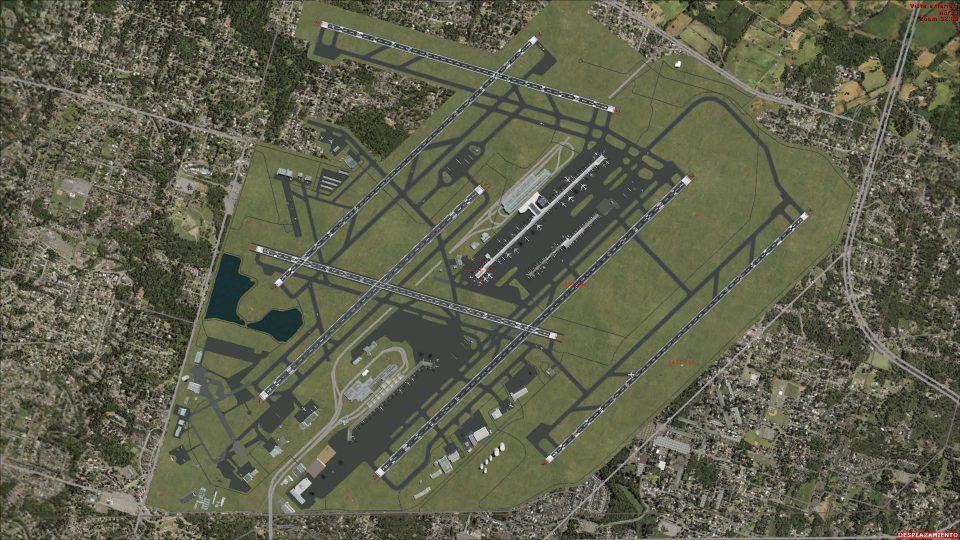
Detroit Metropolitan Wayne County Airport (KDTW) gets a full AFCAD rebuild for Microsoft Flight Simulator X Acceleration, updating runways, taxiways, signage, gates, and terminal layouts to June 2011 charts and airport specs. It adds refreshed DPs, STARs, RNAV procedures, offset ILS options for close parallel operations, improved vehicle paths, and deicing support; requires Jim Dhaenens light files for apron and.
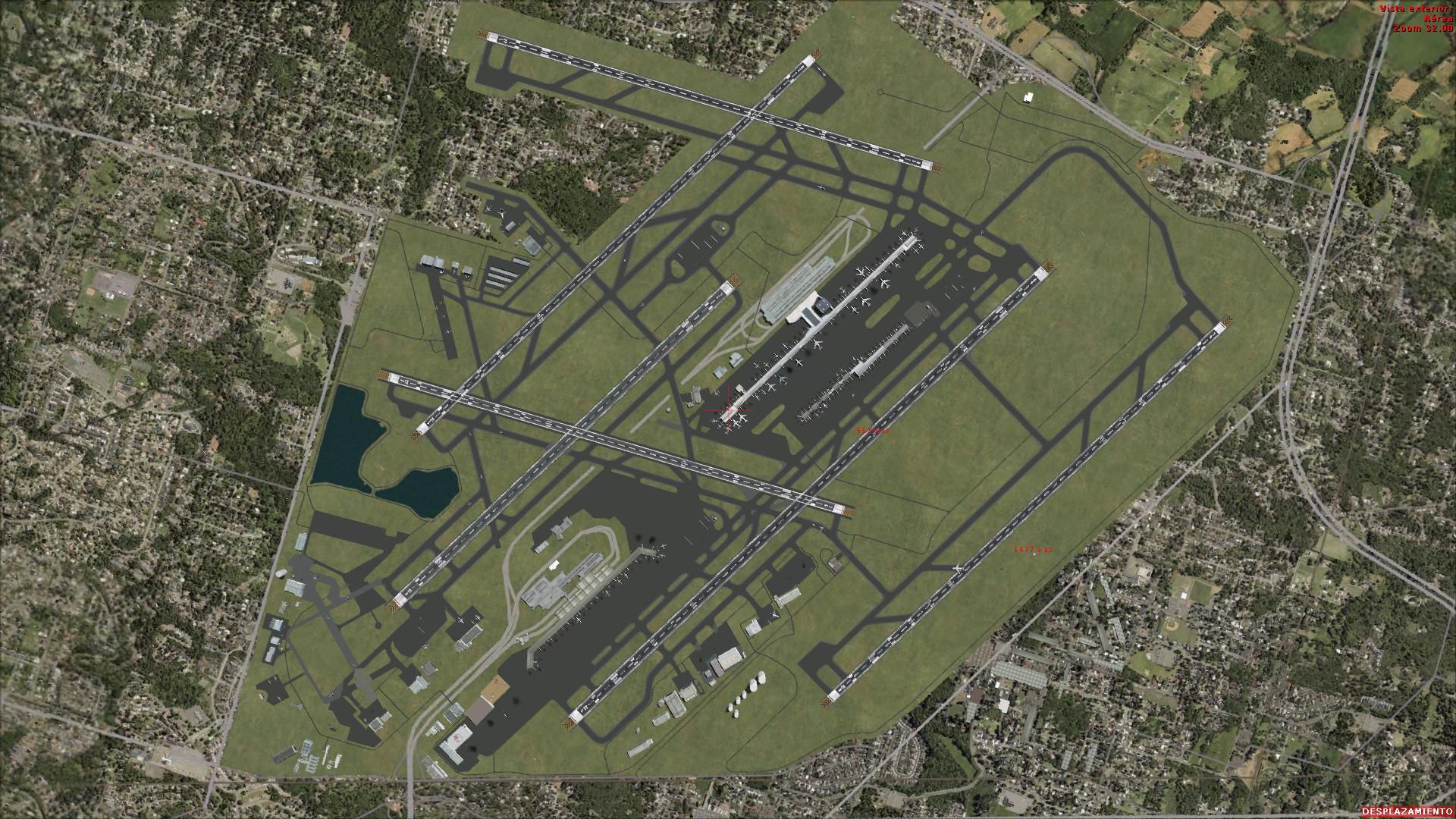
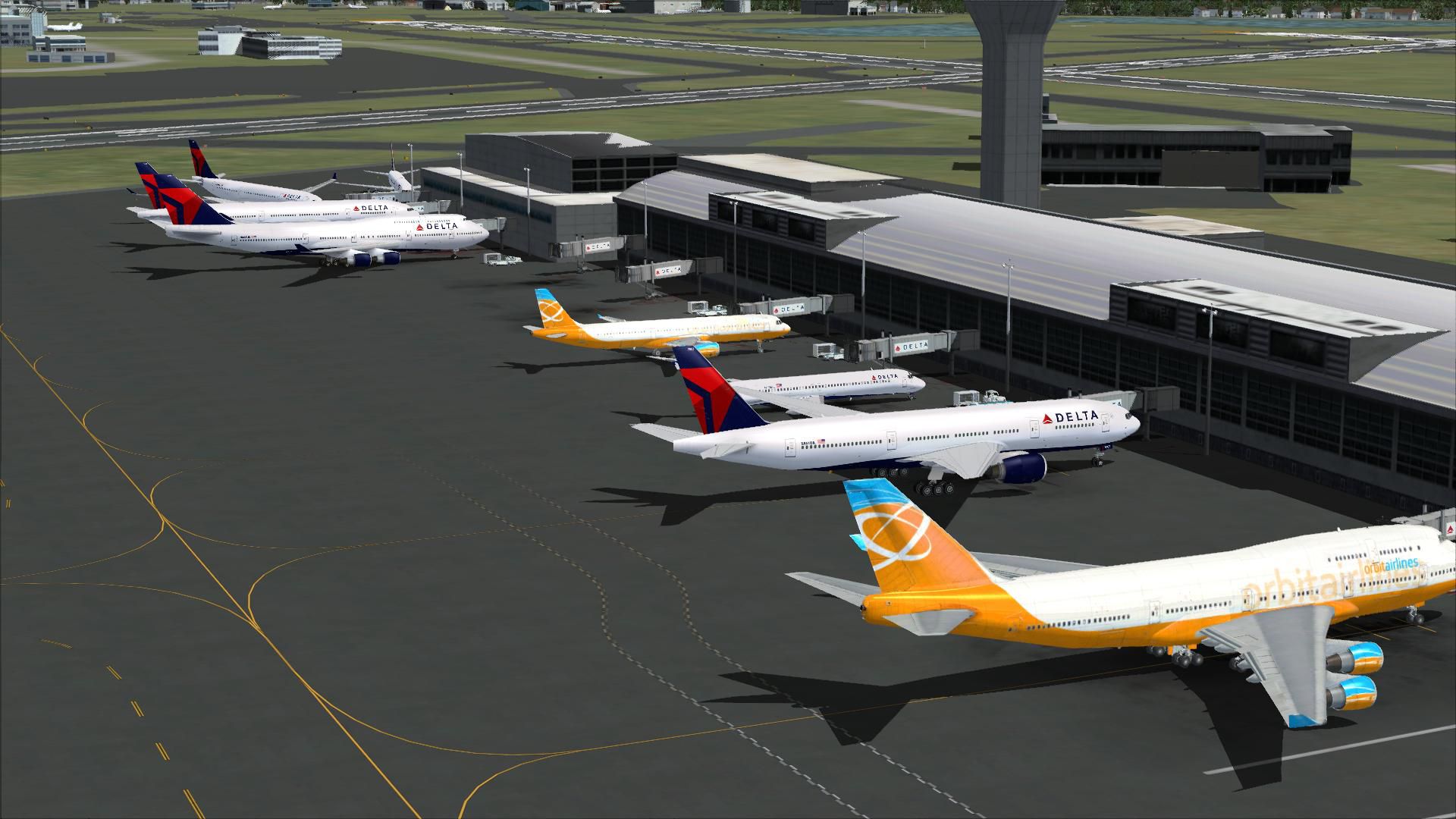
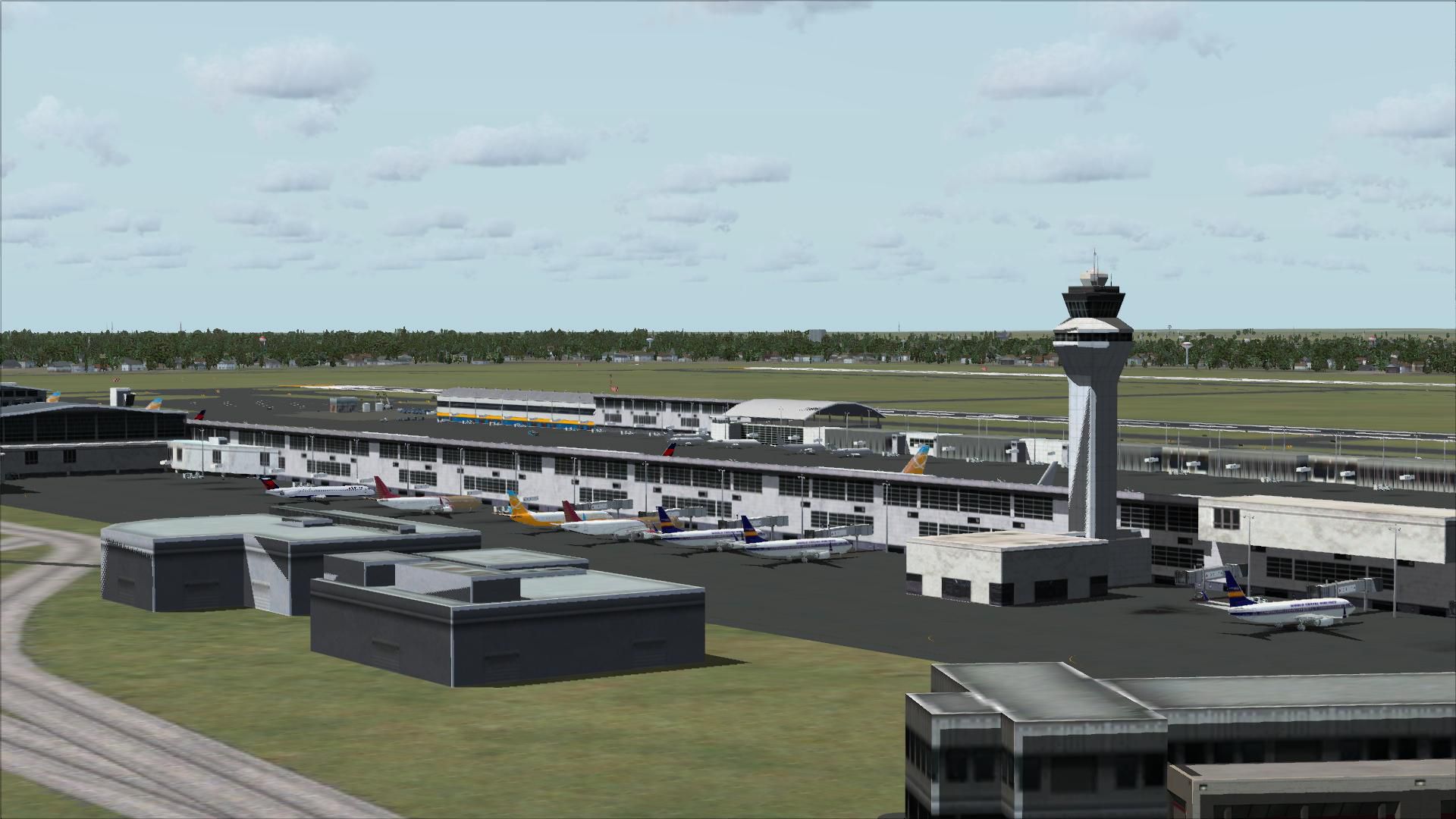
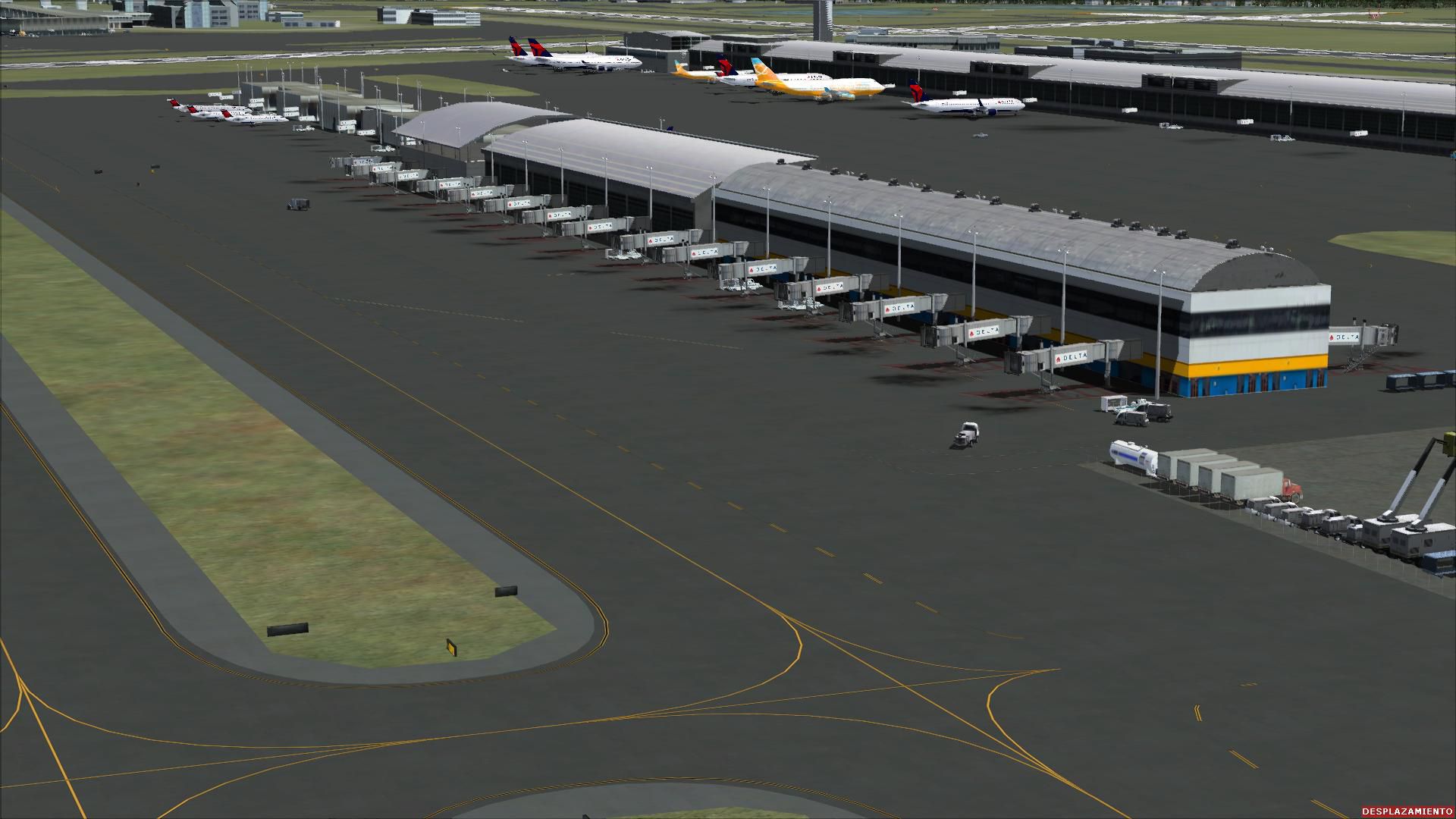
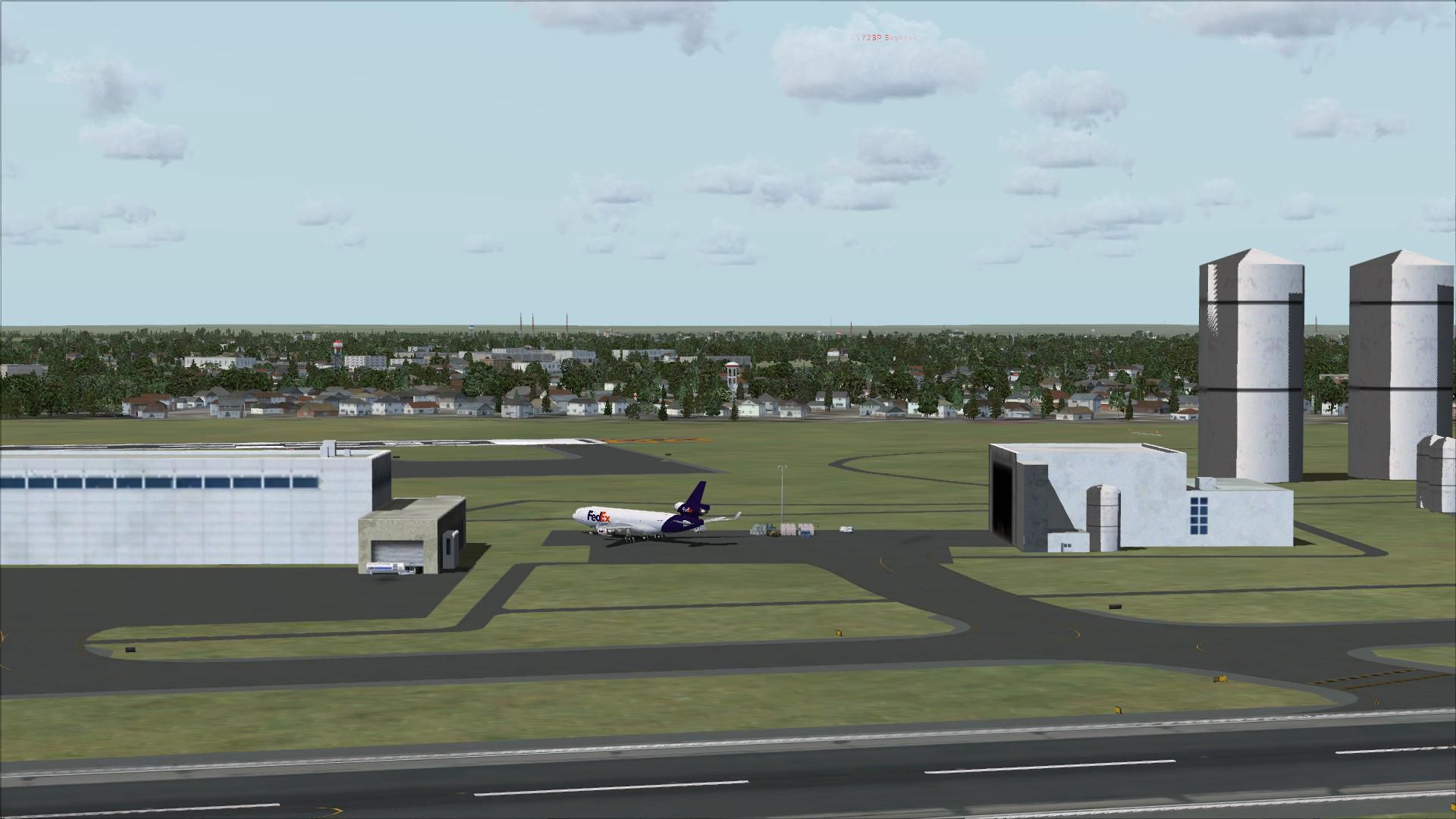
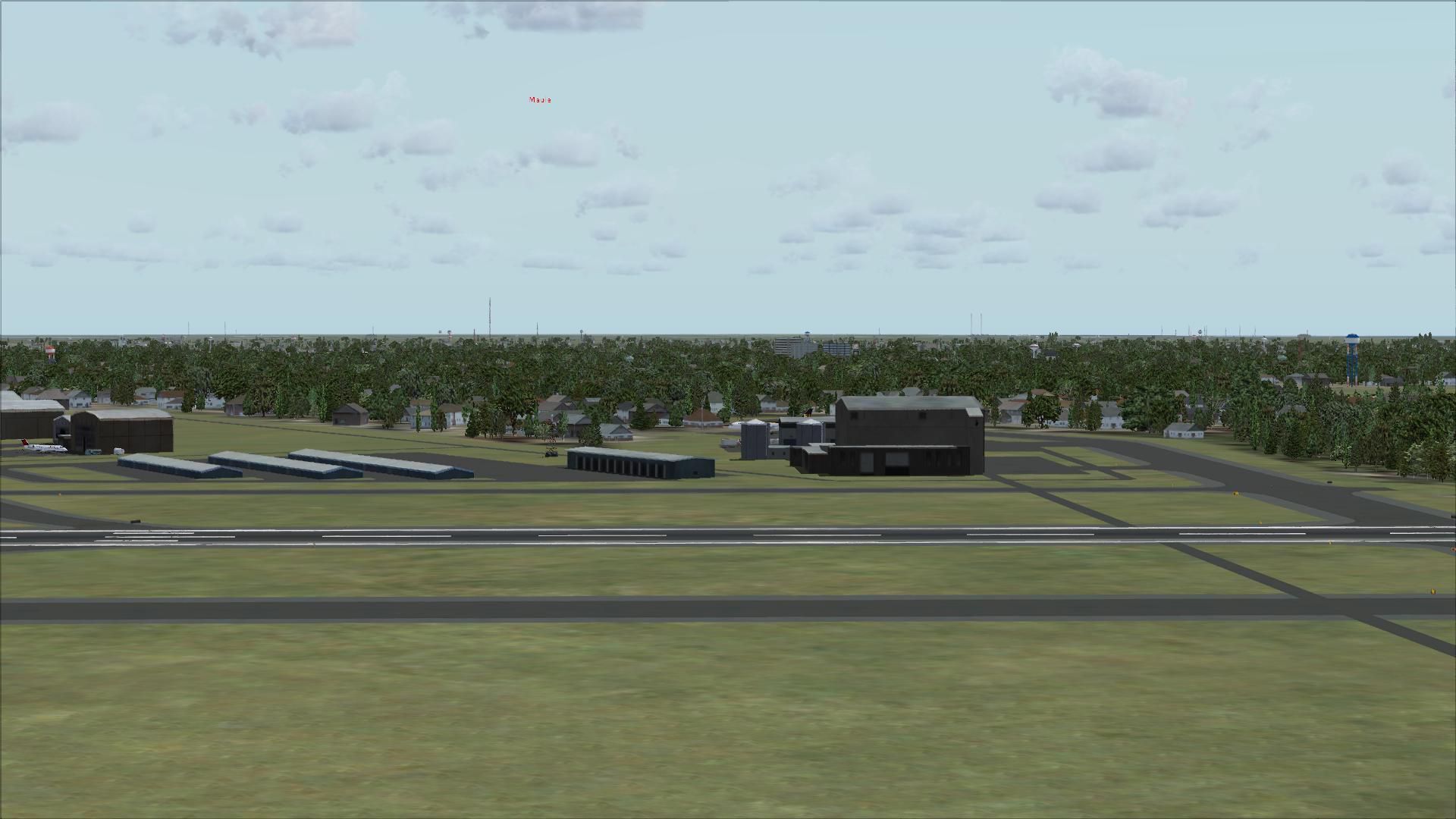
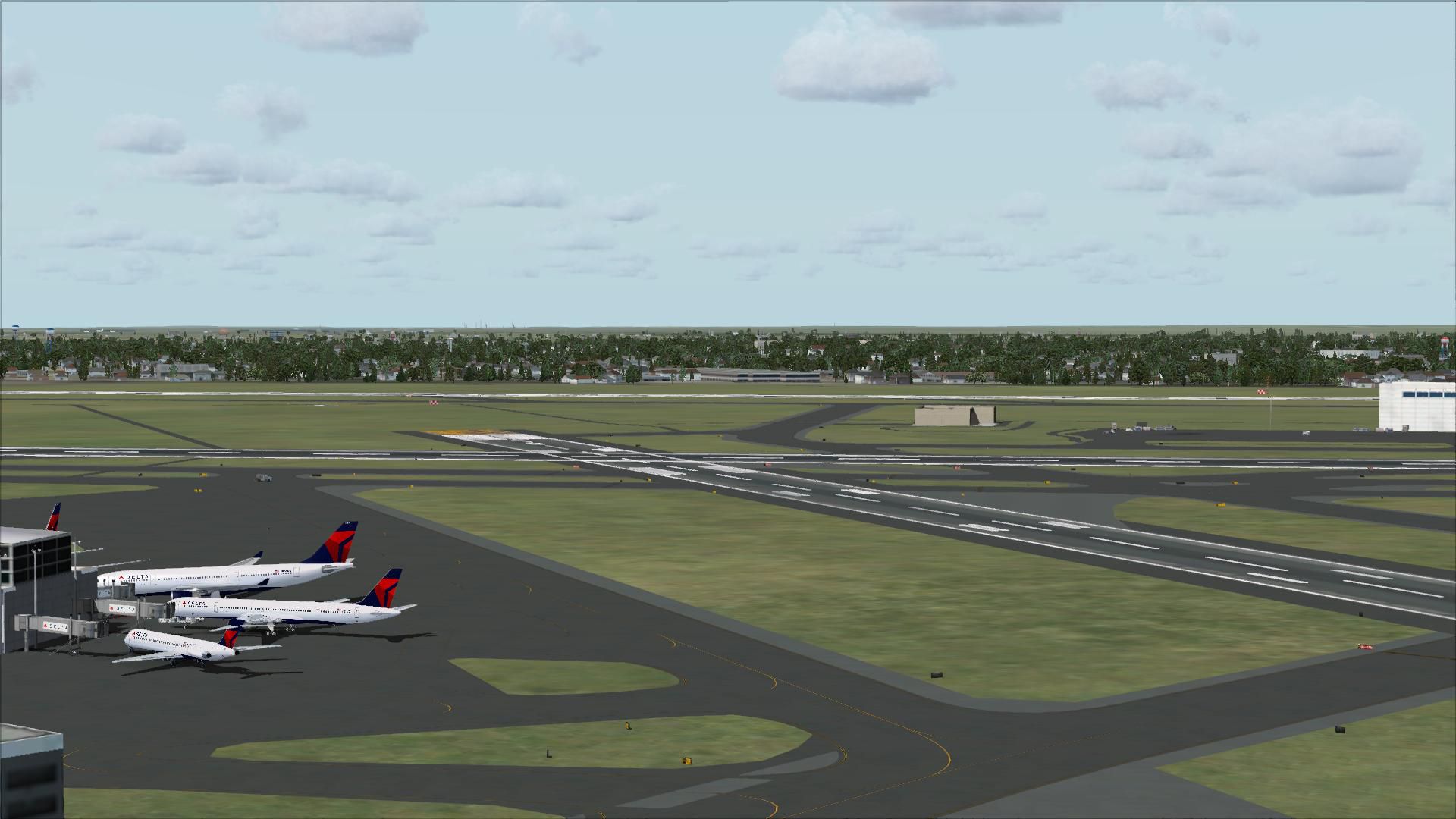

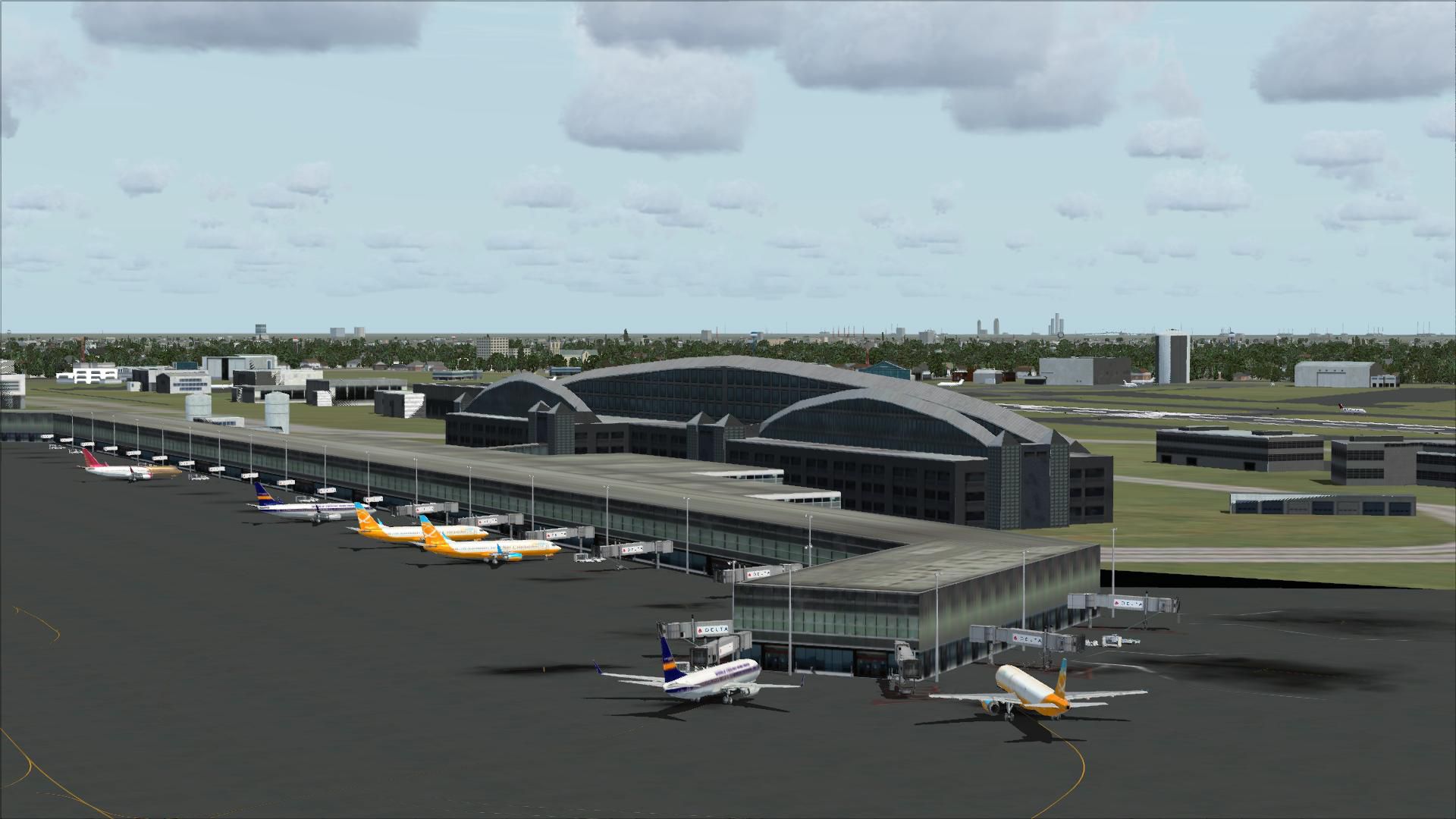

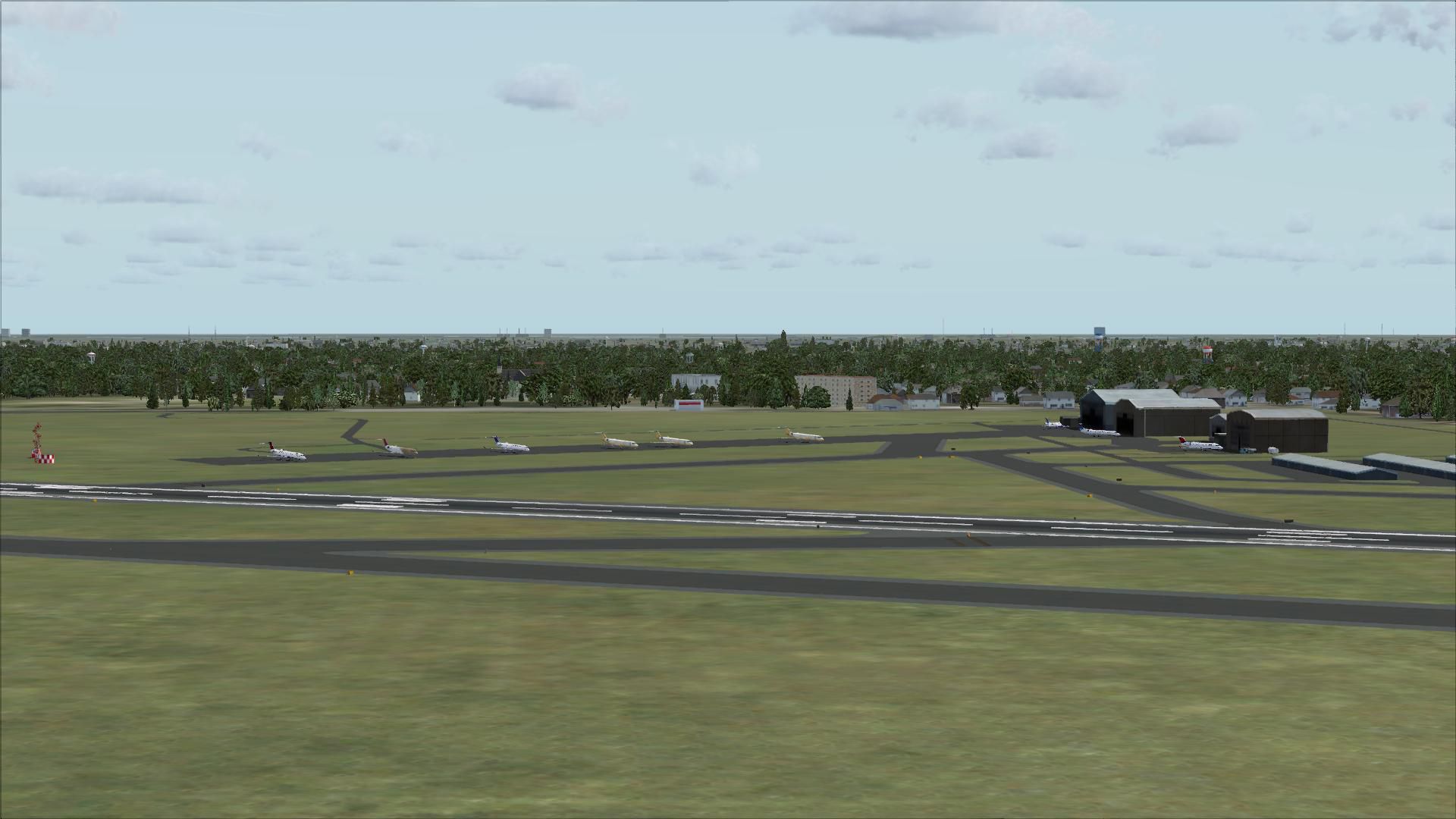
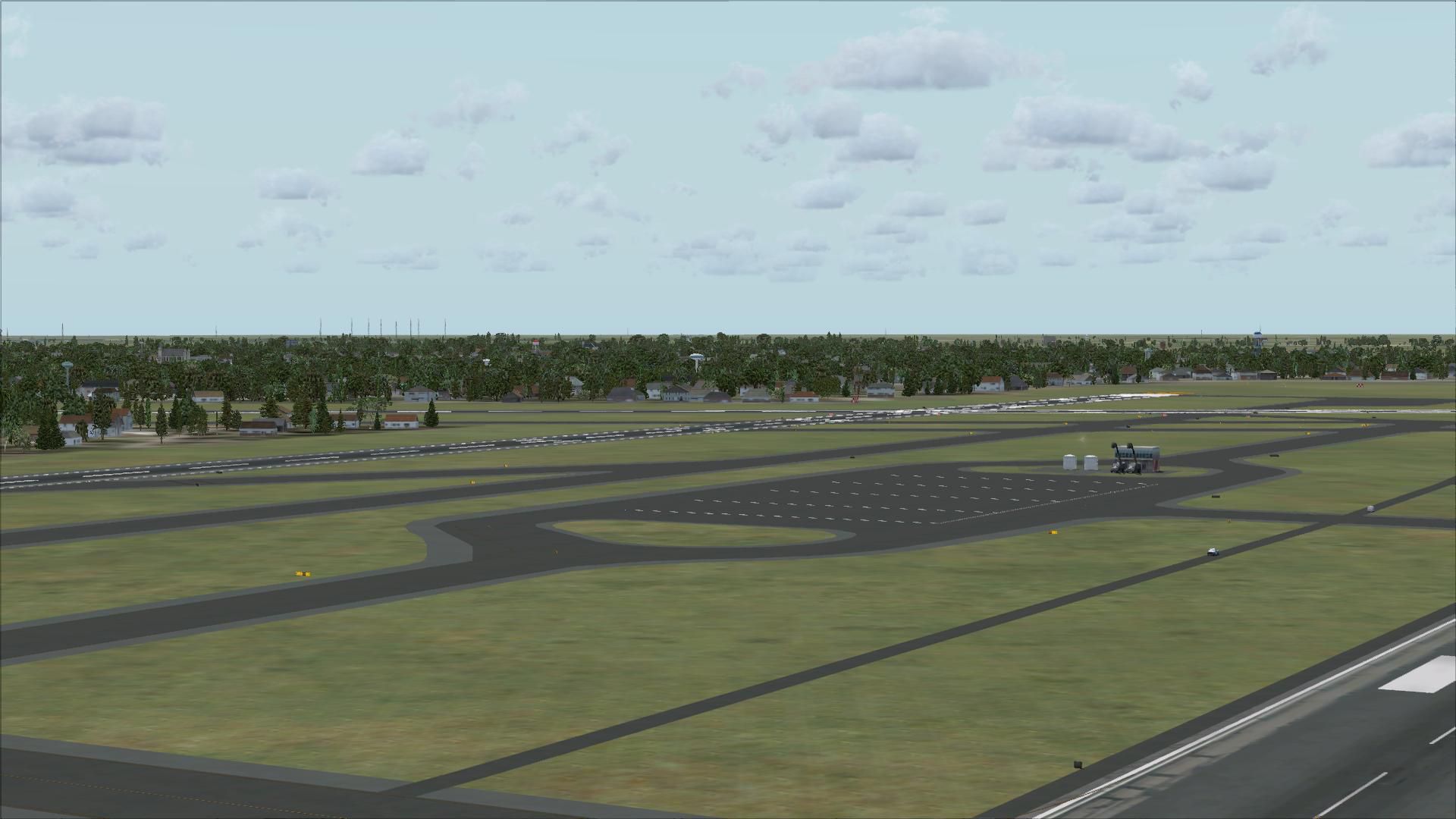

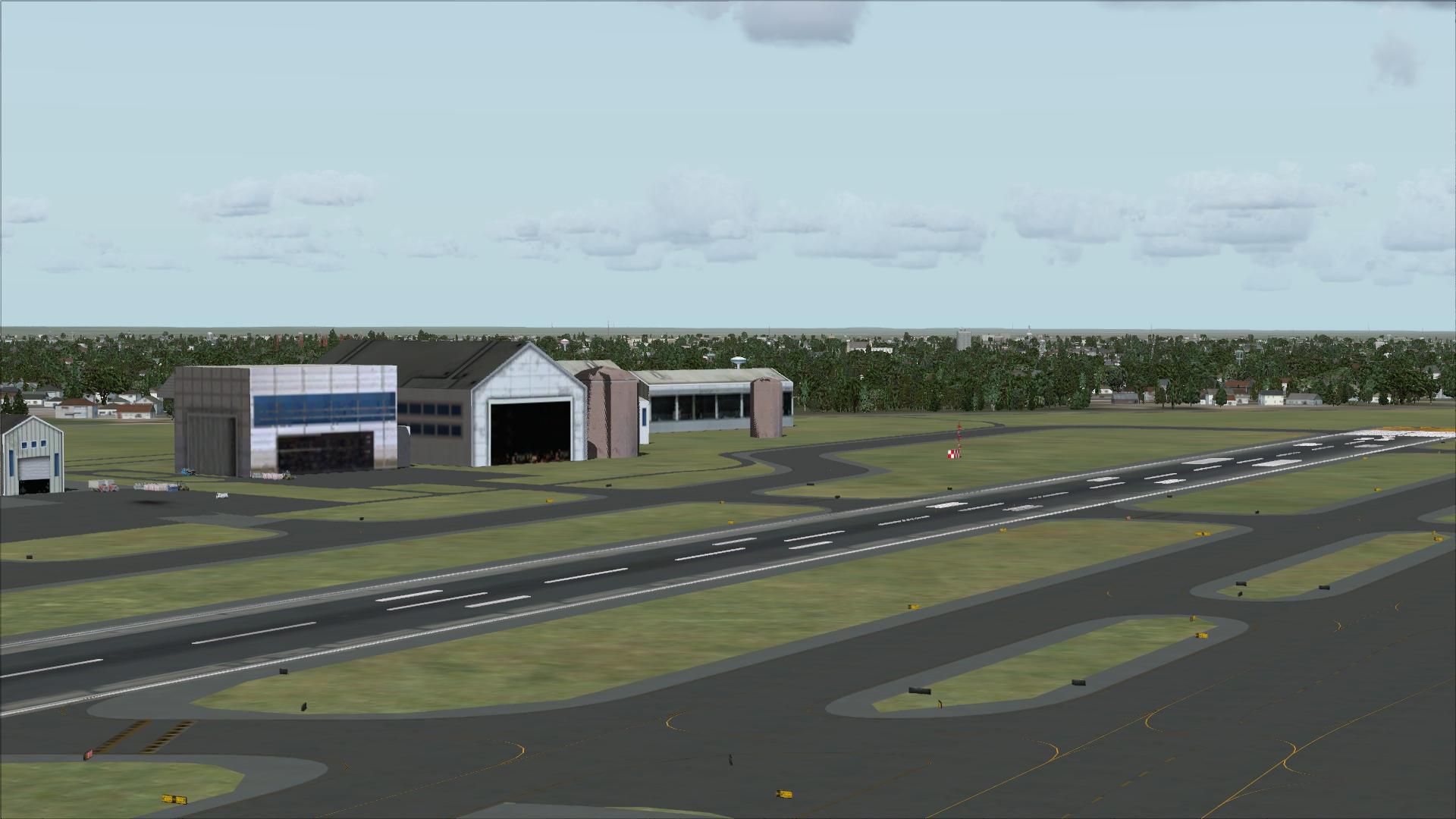
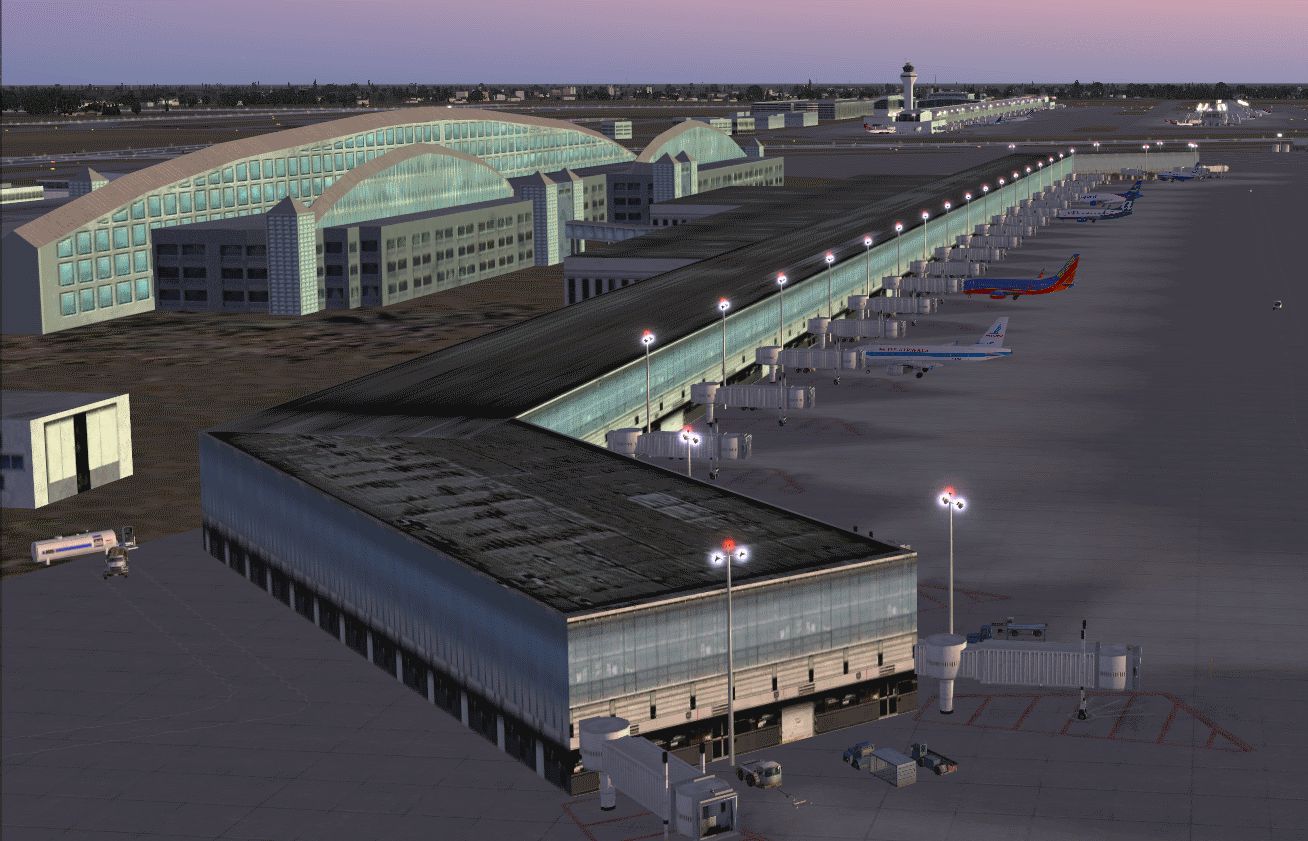
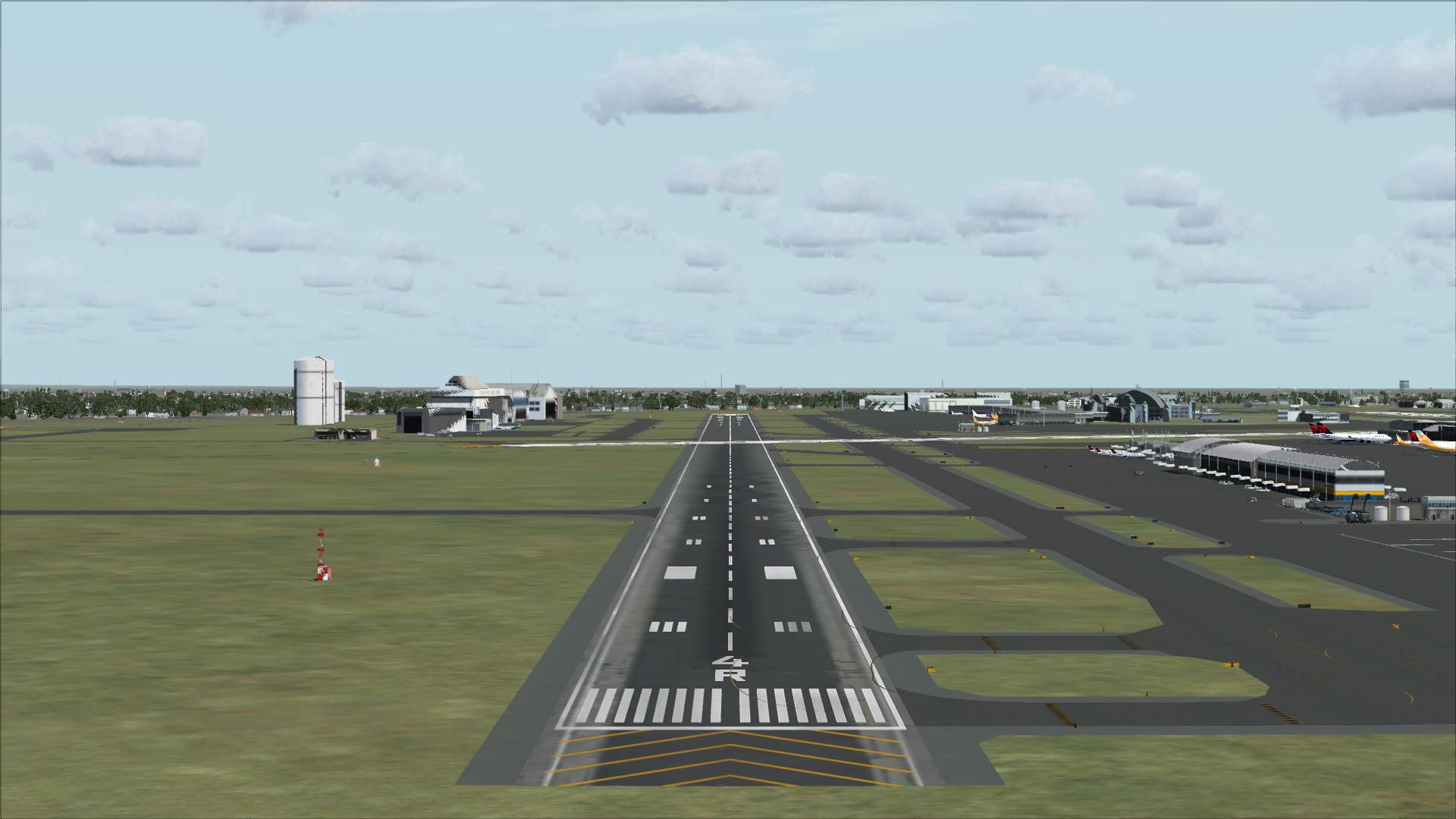
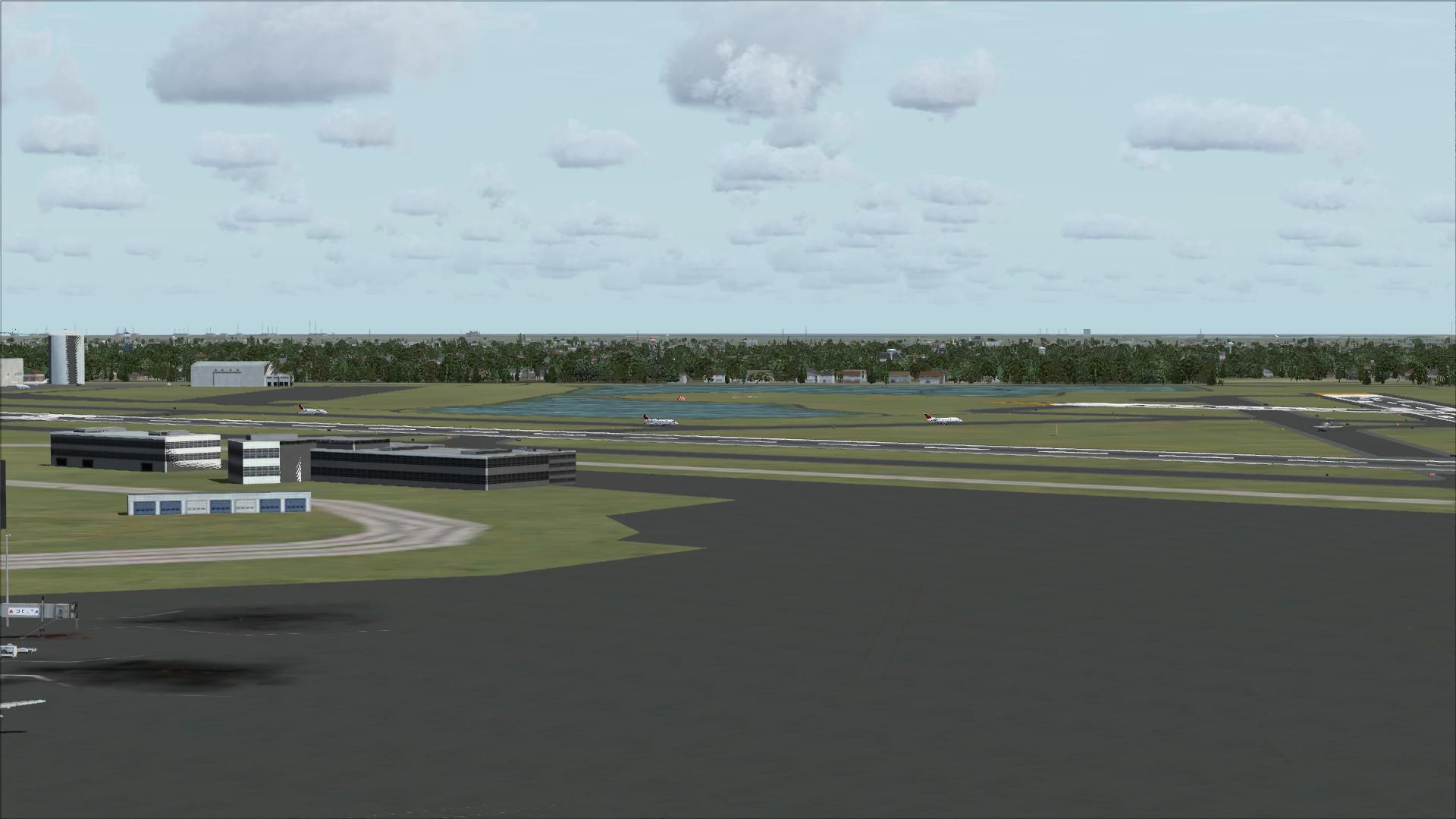
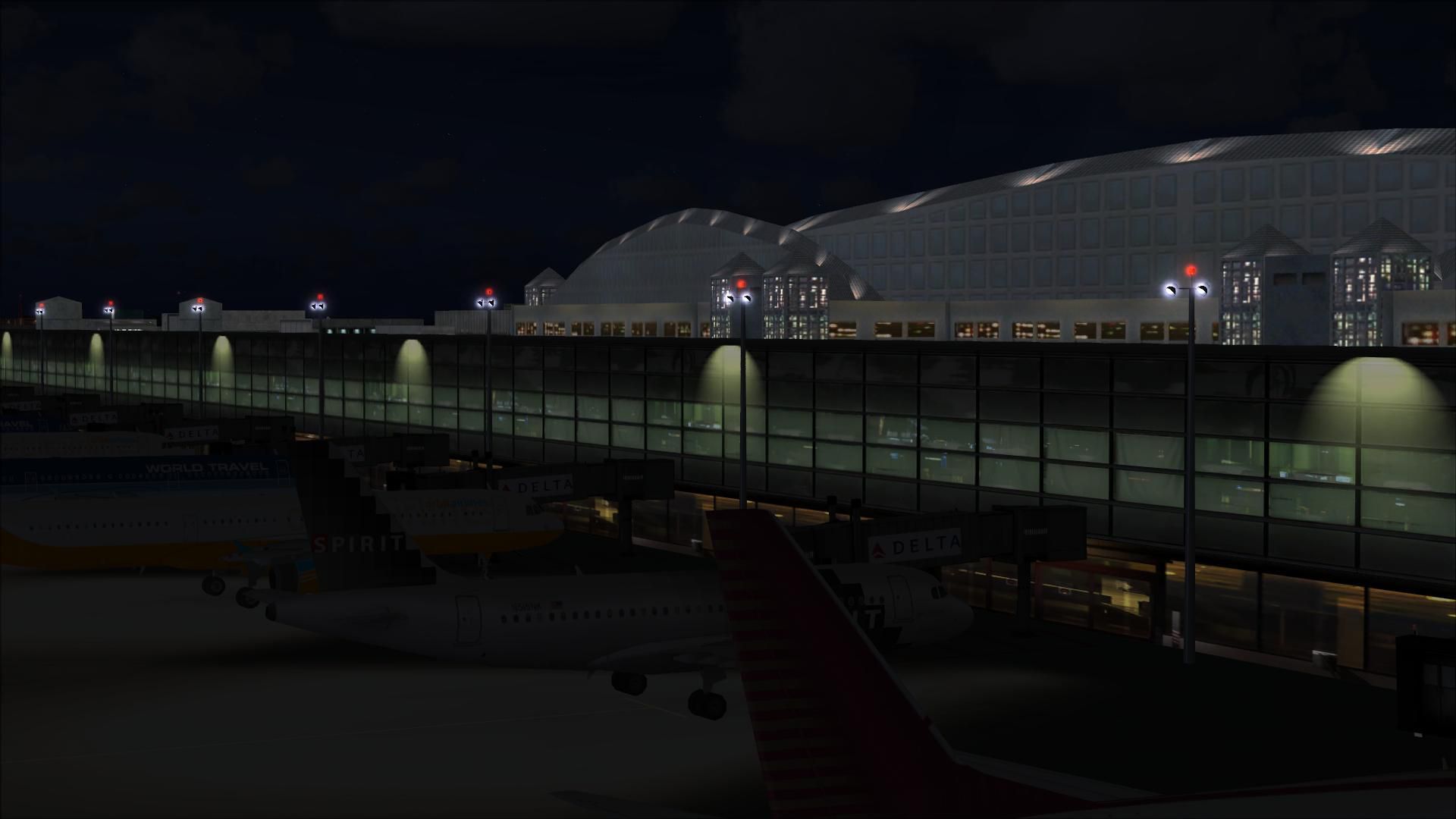
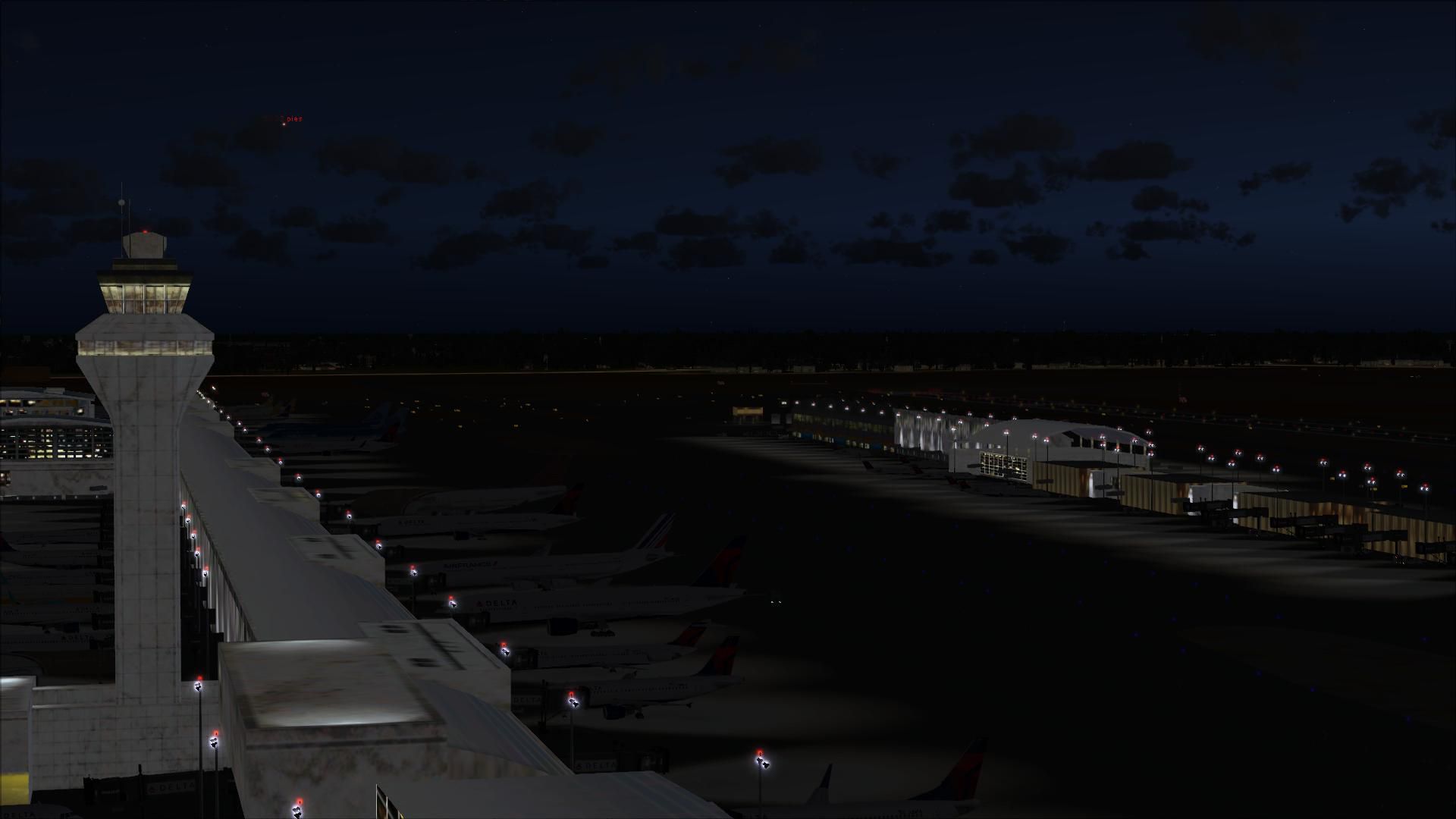
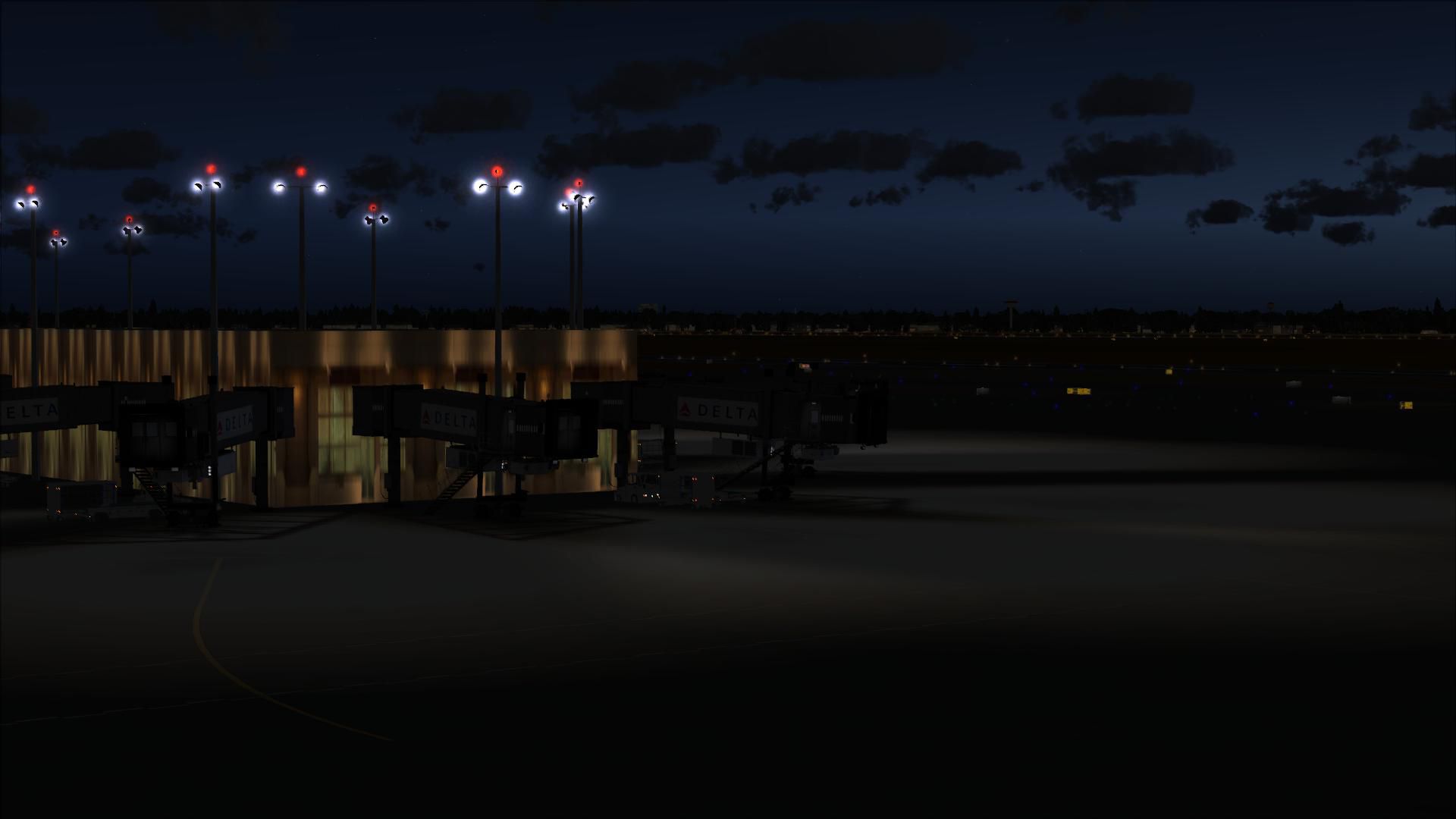
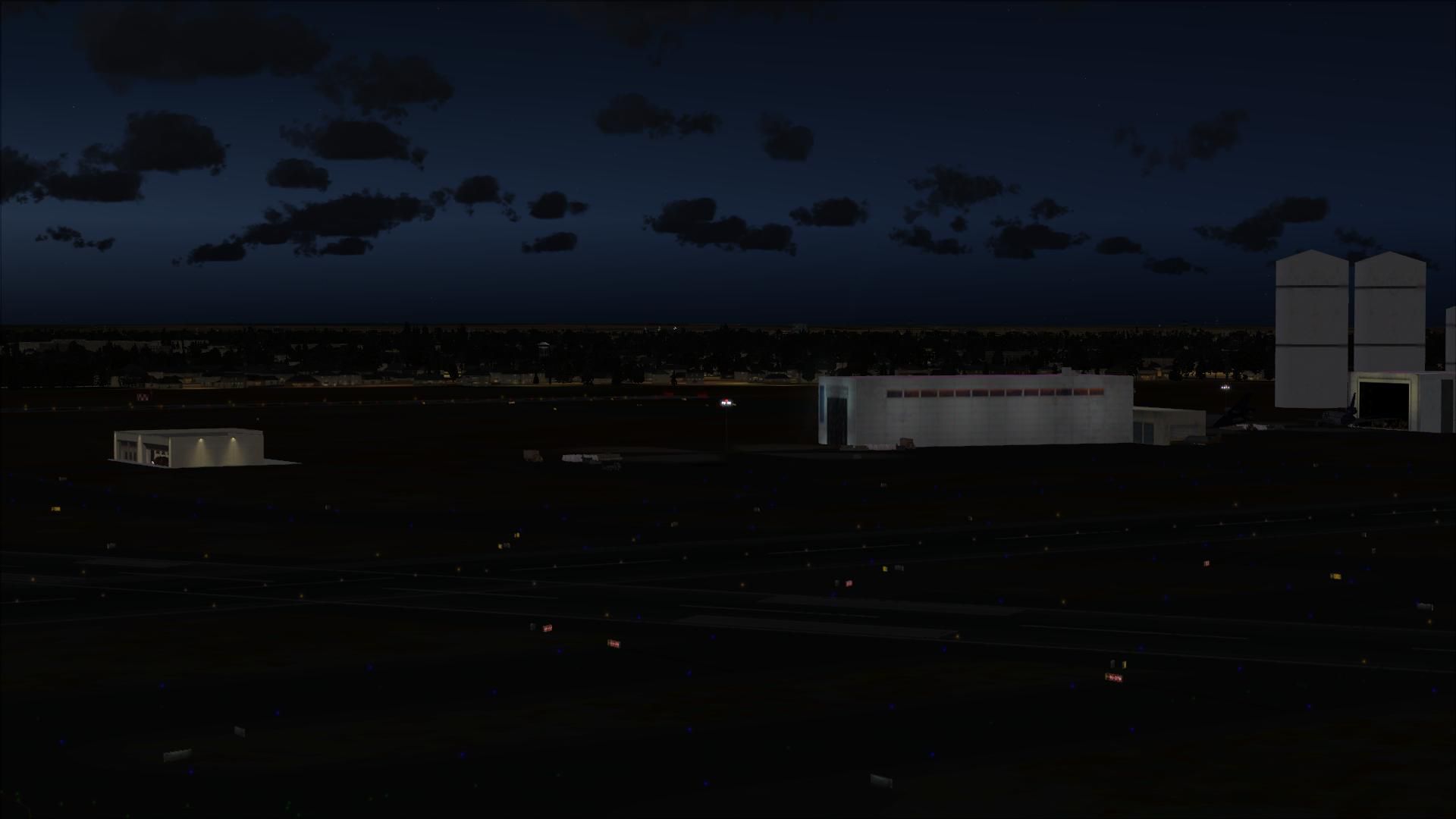
AFCAD modification for Detroit Metropolitan Wayne County Airport, KDTW - Wayne County, Michigan (MI), USA. KDTW represents a modification to the stock FSX Acceleration airport scenery. The airport has been rebuilt and updated using the most current specifications. By Kambiz Agazi.
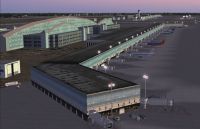
Screenshot of Detroit Metropolitan Wayne County Airport.
KDTW V1 represents a modification to the FSX stock Acceleration airport.
Version 1 major changes include:
***Initial Approach Procedures***
There are currently ILS or LOC and RNAV(GPS) initial approach procedures included for Runways 04L/22R, 04R/22L, 03R/21L, 09L/27R and 09R/27L. 03L/21R is a visual approach runway only. The ILS's for 04L/22R correspond to the ILS Z plates. In addition, 04L/22R contain a second ILS for SIM CLOSE PAR operations. The "offset" ILS's for 04L/22R correspond to the ILS Y plates.
Please note that when vectored by ATC to the ILS at runway 04L or 22R, the two ILS Y approach options shown in the dialogue window correspond to the Offset ILS's. The top (higher) ILS Y corresponds to 22R and the bottom (lower) ILS Y refers to 04L. These offset ILS approaches will also show up in the GPS and will be shown as ILS 04L-Y and ILS 22R-Y. Refer to the approach plate for the corresponding freqs.
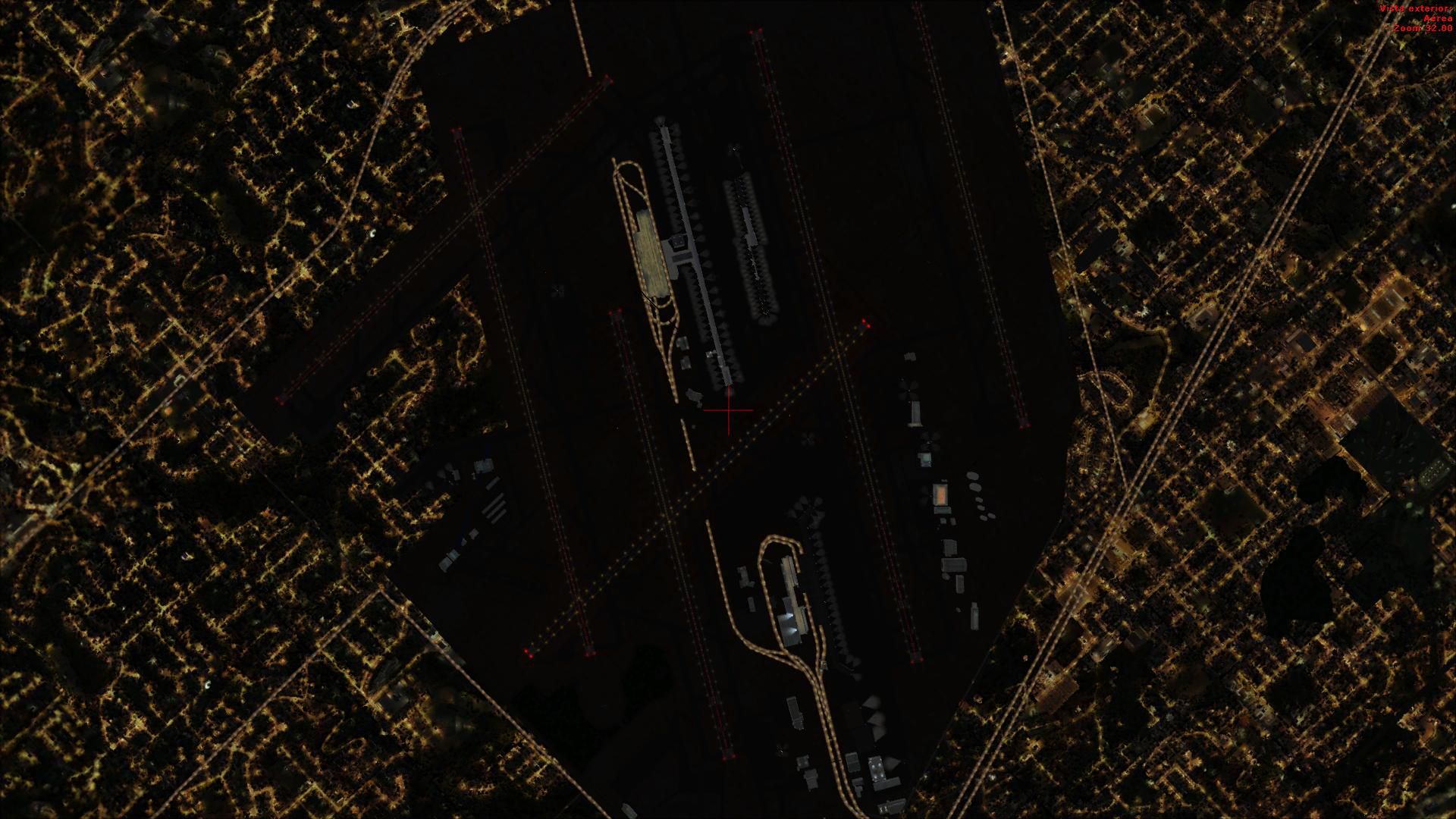
***IMPORTANT*** In order to see the Terminal and apron spot lighting you'll need to install the wonderful lights from Jim Dhaenens. I'm including his light files with this package.
To install Jim's lights, place the lightobj.bgl file in your ...\Microsoft Flight Simulator X\Scenery\Global\scenery folder and almwht.dds and lights1.dds files in ...\Microsoft Flight Simulator X\Scenery\Global\Texture folder.
KDTW Installation: The preferred method is to create a folder called KDTW with a scenery subfolder. Place the two KDTW bgl files in the scenery subfolder. You will need to activate the KDTW scenery subfolder once in FSX. I suggest placing it at or near the top of the scenery priority list - above ALL regional, state or national scenery including UTX USA.
There is a known bug in Win7 when it comes to adding scenery in FSX. This bug can be googled for the simple solution.
I have developed tested KDTW using FSX Acceleration on Win7 64bit. The Acceleration scenery around KDTW appears to have been updated/changed from FSX RTM. therefore, unless you have Acceleration installed I can't guarantee that the visuals at the airport will appear correct.
While not needed for the scenery to work, I also tested to ensure that KDTW works with UTX USA, Scenery Tech North America, and FS Genesis 10m USA Mesh.
CREDITS: KDTW v1 was created using the powerful airport design utility by Jon Masterson (ADE V1.47.11 Pro). A special thanks to Jim Vile who is a member of the ADE team and is the author of the approach code module of ADE. Diamond crossing technique developed by Jim Vile.
A special thanks to Jim Dhaenens for use of his lights with freeware packages.
Free for all simmers · 4.22 MB · Scanned clean
Download speed: Free tier is capped at 0.5 Mbps (this file takes approximately 1 min at the cap). PRO members download at full line speed.
AF2_*.bgl or AFX_*.bgl) go into FSX\Addon Scenery\Scenery\ or a dedicated AFCAD folder you create.readme.txt or README file. It tells you exactly where files go, what dependencies are needed, and any quirks specific to this add-on.Use these coordinates to fly directly to this location once the mod is installed.
42.21240000,-83.35340000
Launch FSX or Prepar3D and use Flights → Load to open the downloaded .pln file. Your aircraft will be positioned at this location.
The archive kdtw2011.zip has 31 files and directories contained within it.
This list displays the first 500 files in the package. If the package has more, you will need to download it to view them.
| Filename/Directory | File Date | File Size |
|---|---|---|
| almwht.dds | 09.04.09 | 64.12 kB |
| KDTW README.txt | 07.01.11 | 3.93 kB |
| KDTW_Acceleration_KA.BGL | 07.01.11 | 231.17 kB |
| KDTW_Acceleration_KA_OBJ.BGL | 07.01.11 | 44.02 kB |
| lightobj.bgl | 09.04.09 | 643.63 kB |
| lights1.dds | 09.04.09 | 32.12 kB |
| KDTW NORTH TERMINAL.gif | 07.01.11 | 404.02 kB |
| flyawaysimulation.txt | 10.29.13 | 959 B |
| Go to Fly Away Simulation.url | 01.22.16 | 52 B |
| Screenshots | 08.28.19 | 0 B |
| screen-1.jpg | 08.24.19 | 151.95 kB |
| screen-10.jpg | 08.24.19 | 174.53 kB |
| screen-11.jpg | 08.24.19 | 178.93 kB |
| screen-12.jpg | 08.24.19 | 172.90 kB |
| screen-13.jpg | 08.24.19 | 158.41 kB |
| screen-14.jpg | 08.24.19 | 170.69 kB |
| screen-15.jpg | 08.24.19 | 137.47 kB |
| screen-16.jpg | 08.24.19 | 443.89 kB |
| screen-17.jpg | 08.24.19 | 267.35 kB |
| screen-18.jpg | 08.24.19 | 95.78 kB |
| screen-19.jpg | 08.24.19 | 76.93 kB |
| screen-2.jpg | 08.24.19 | 188.31 kB |
| screen-20.jpg | 08.24.19 | 73.62 kB |
| screen-21.jpg | 08.24.19 | 104.34 kB |
| screen-3.jpg | 08.24.19 | 209.30 kB |
| screen-4.jpg | 08.24.19 | 167.16 kB |
| screen-5.jpg | 08.24.19 | 161.11 kB |
| screen-6.jpg | 08.24.19 | 165.35 kB |
| screen-7.jpg | 08.24.19 | 175.57 kB |
| screen-8.jpg | 08.24.19 | 164.38 kB |
| screen-9.jpg | 08.24.19 | 197.19 kB |
More FSX & P3D add-ons hand-picked based on this download.
FSX AFCAD Files
Metro Oakland Int'l Airport (KOAK), California (CA), for use with the default…
FSX AFCAD Files
Enhance your experience around Westchester County Airport (KHPN), located in …
 FSX AFCAD Files
Carbon County Regional/Buck Davis Field (KPUC), Utah (UT), USA. AFCAD for def…
 FSX AFCAD Files
This airport update was designed with the latest version of ADE (Airport Desi…
 FSX AFCAD Files
Fukuoka Airport (RJFF) AFCAD, Kyusyu, Japan. This file restructured GATE, RAM…
 FSX AFCAD Files
Reno, Nevada (NV), USA. KRNO represents a modification to the stock FSX Accel…
 FSX AFCAD Files
Nagasaki Airport (RJFU) AFCAD Files. Kyusyu AFCAD Series Vol. 8 - Nagasaki Ai…
FSX AFCAD Files
Philippines. Airport replacement for the default RPLP airport scenery. Legasp…
Be the first to leave a comment on this download.
Be the first to share your thoughts on this download.