


 FS2004 Civil Jet Aircraft
iFly Boeing 747-400 SID/STAR Package
FS2004 iFly Boeing 747-400 SID/STAR Package And Additional Repaints, for use …
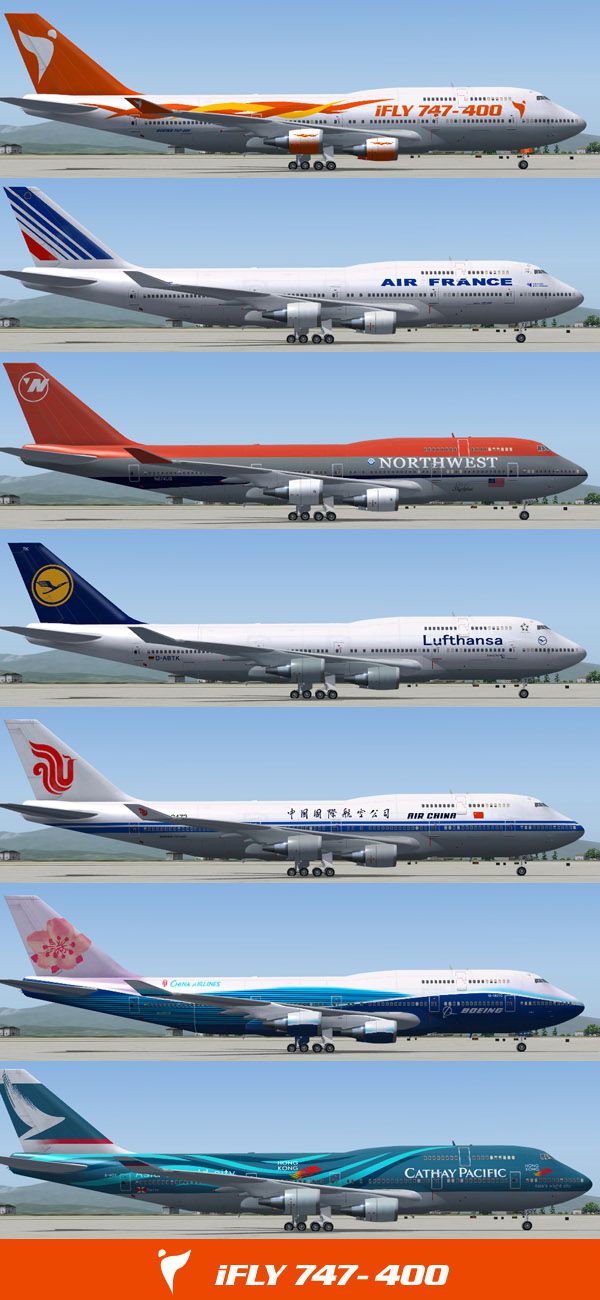
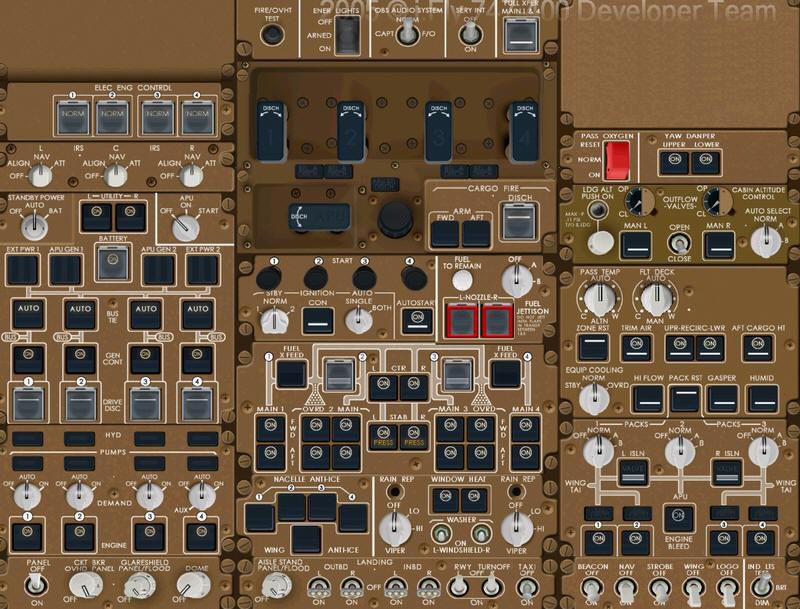
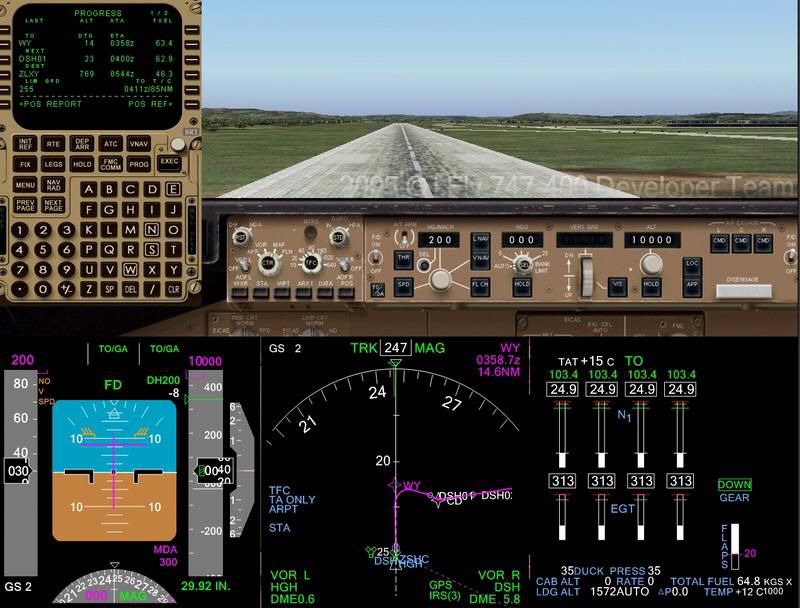
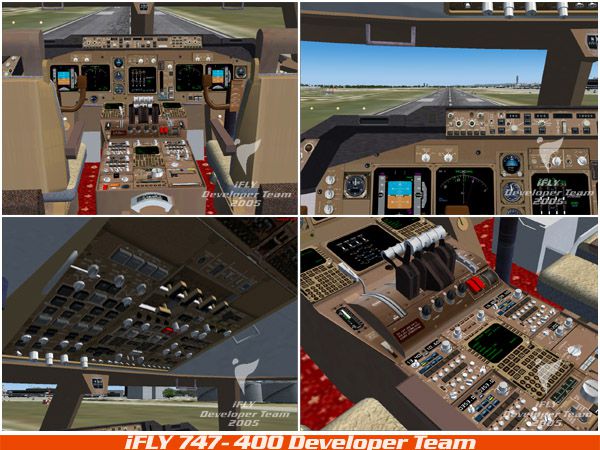
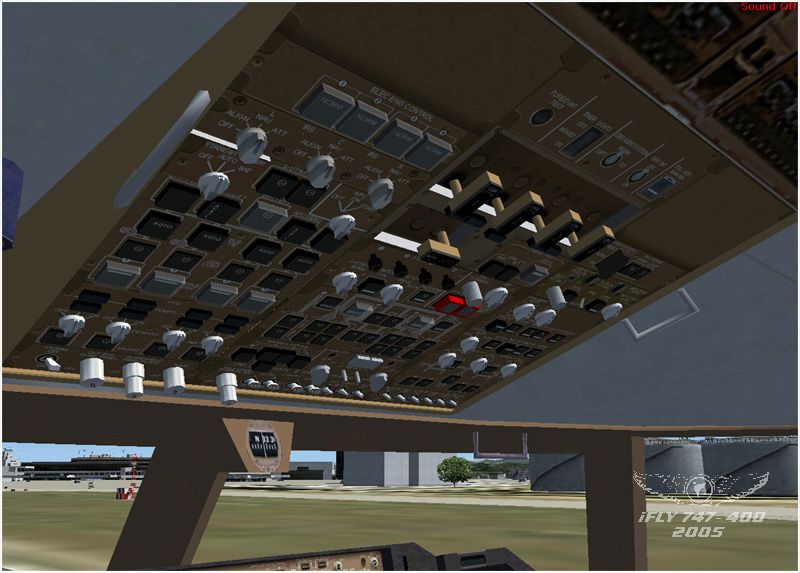
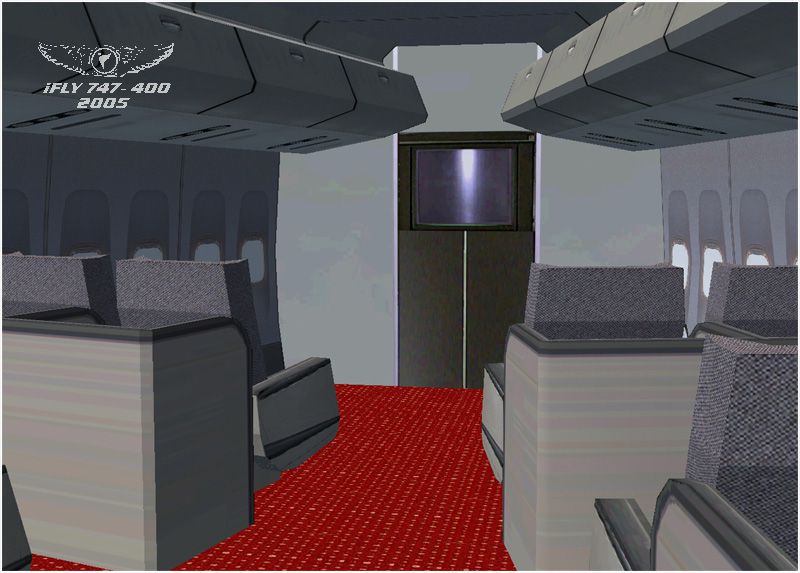
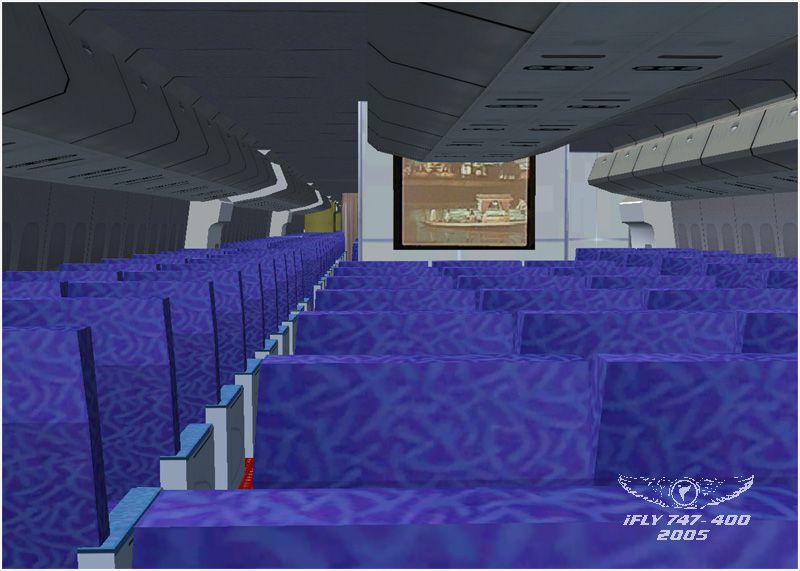
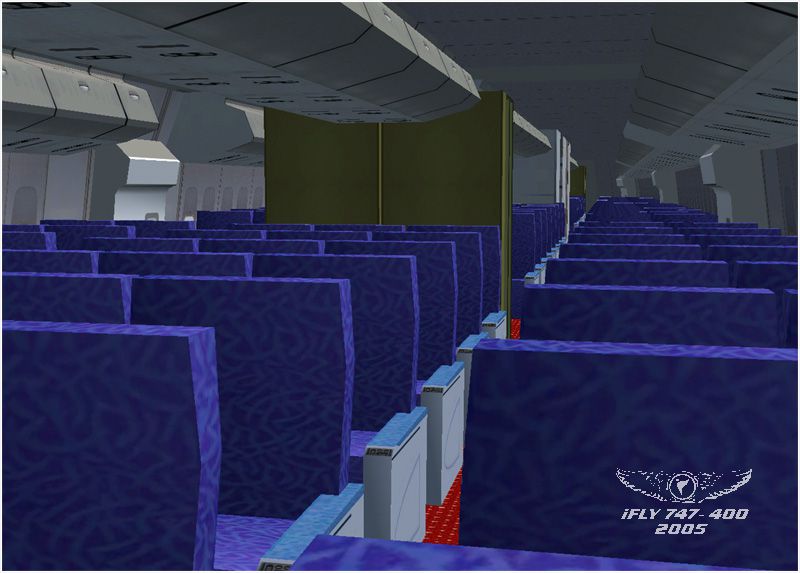
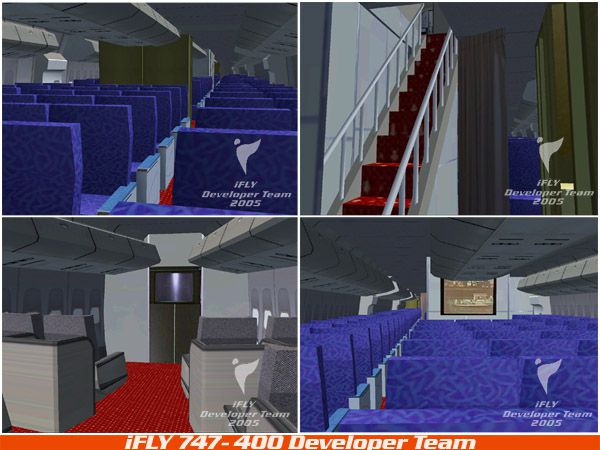
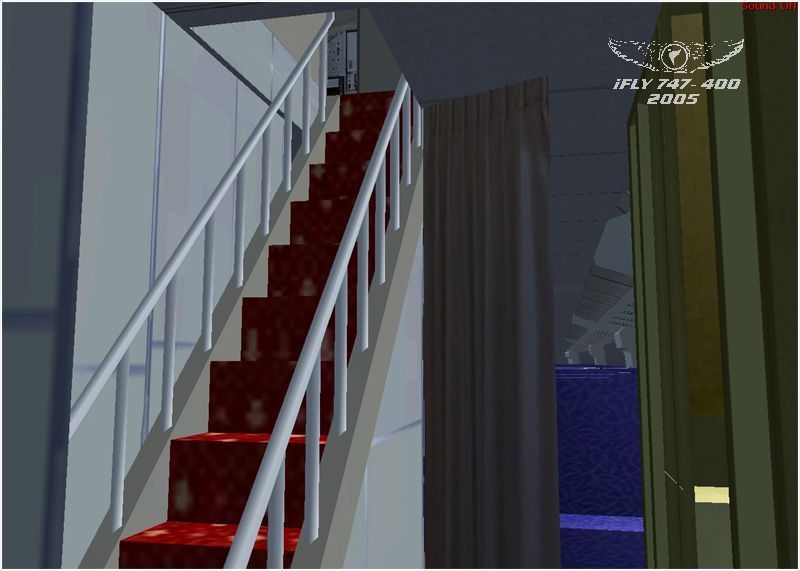
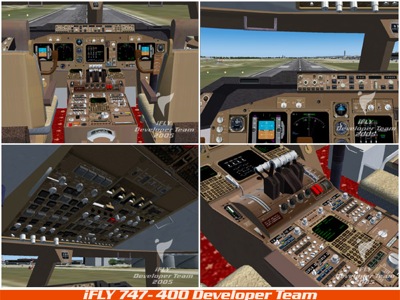
iFly’s Boeing 747-400 for FS2004 delivers a richly modeled airliner with an extreme-detail virtual cockpit, a fully simulated FMC, and TCAS featuring audio and visual TA/RA alerts. A realistic Inertial Reference System, mostly operational 3D cockpit buttons, three performance-friendly model options, and seven included liveries round out the package.




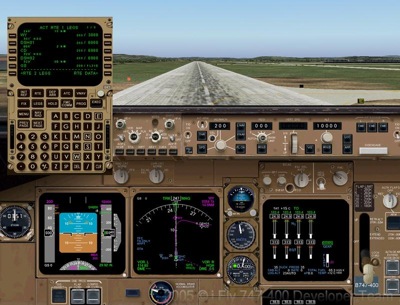
Free for all simmers · 63.33 MB · Scanned clean
Download speed: Free tier is capped at 0.5 Mbps (this file takes approximately 18 mins at the cap). PRO members download at full line speed.
FS9\Aircraft\, FS9\Addon Scenery\, FS9\Gauges\, or FS9\Effects\.readme.txt or README file. It tells you exactly where files go, what dependencies are needed, and any quirks specific to this add-on.The archive fly74710.zip has 22 files and directories contained within it.
This list displays the first 500 files in the package. If the package has more, you will need to download it to view them.
| Filename/Directory | File Date | File Size |
|---|---|---|
| iFly744_02.jpg | 12.19.05 | 92.73 kB |
| Fly74710.gif | 12.18.05 | 23.96 kB |
| iFly 747-400.exe | 12.19.05 | 62.16 MB |
| iFly744_01.jpg | 12.19.05 | 83.70 kB |
| FILE_ID.DIZ | 12.20.05 | 351 B |
| iFly744_03.jpg | 12.19.05 | 108.93 kB |
| iFly744_04.jpg | 12.18.05 | 181.41 kB |
| iFly744_05.jpg | 12.18.05 | 100.97 kB |
| iFly744_06.jpg | 12.18.05 | 138.59 kB |
| iFly744_07.jpg | 12.18.05 | 167.83 kB |
| iFly744_08.jpg | 12.18.05 | 267.05 kB |
| iFly744_09.jpg | 12.18.05 | 212.79 kB |
| iFly744_10.jpg | 12.18.05 | 180.11 kB |
| iFly744_11.jpg | 12.18.05 | 152.87 kB |
| iFly744_12.jpg | 12.18.05 | 141.41 kB |
| iFly744_13.jpg | 12.18.05 | 119.63 kB |
| iFly744_14.jpg | 12.18.05 | 153.06 kB |
| logo_iFly_744_01.jpg | 12.18.05 | 24.71 kB |
| logo_iFly_744_02.jpg | 12.18.05 | 31.09 kB |
| readme.txt | 12.19.05 | 3.64 kB |
| flyawaysimulation.txt | 10.29.13 | 959 B |
| Go to Fly Away Simulation.url | 01.22.16 | 52 B |
More FS2004 add-ons hand-picked based on this download.
FS2004 Civil Jet Aircraft
FS2004 iFly Boeing 747-400 SID/STAR Package And Additional Repaints, for use …
 FS2004 Civil Jet Aircraft
The standard Boeing 747-400 that comes with original FS2004 is not accurate; …
 FS2004 Civil Jet Aircraft
This is a repaint of the original 747-400 in Lufthansa livery. Textures only.…
 FS2004 Civil Jet Aircraft
GE Engines. Virgin Atlantic "Jersey Girl". Original by Project Opensky.
 FS2004 Civil Jet Aircraft
This is a repaint of the default Boeing 747-400 in Continental Airlines liver…
 FS2004 Civil Jet Aircraft
Boeing 747-400 in Air Canada's new livery, using AI Aardvark's 747-400 model,…
 FS2004 Civil Jet Aircraft
FS2004 KLM Boeing 747-400 Combi GE (new colors), registration PH-BFO. Model b…
 FS2004 Civil Jet Aircraft
A repaint of the default B747-400 in the American Airlines polished aluminum …
Read what other simmers think, or add your own.

When programming the FMC, after pressing the ARR/DEP key to look for the active runways, it shows NONE. As a result, I can’t continue with the programming.

I love this aircraft, but the lnav and the vnav aren't turning on. Any idea how to fix that?

In having some problems while trying to start a flight with this aircraft. I'm running windows 10 64bit with Flight Simulator 2004 and all the aircraft I have, they all load. But this one crashes the game. I used the installer as it says in the "readme" paper. The aircraft shows up in the game. It just crashes when I press the "FLY" button

