



#1
Eaglesoft Releases Hawker 400XP
Now available from Eaglesoft Development Group is their flightsim version of the Hawker 400XP, the most recent variant of the…
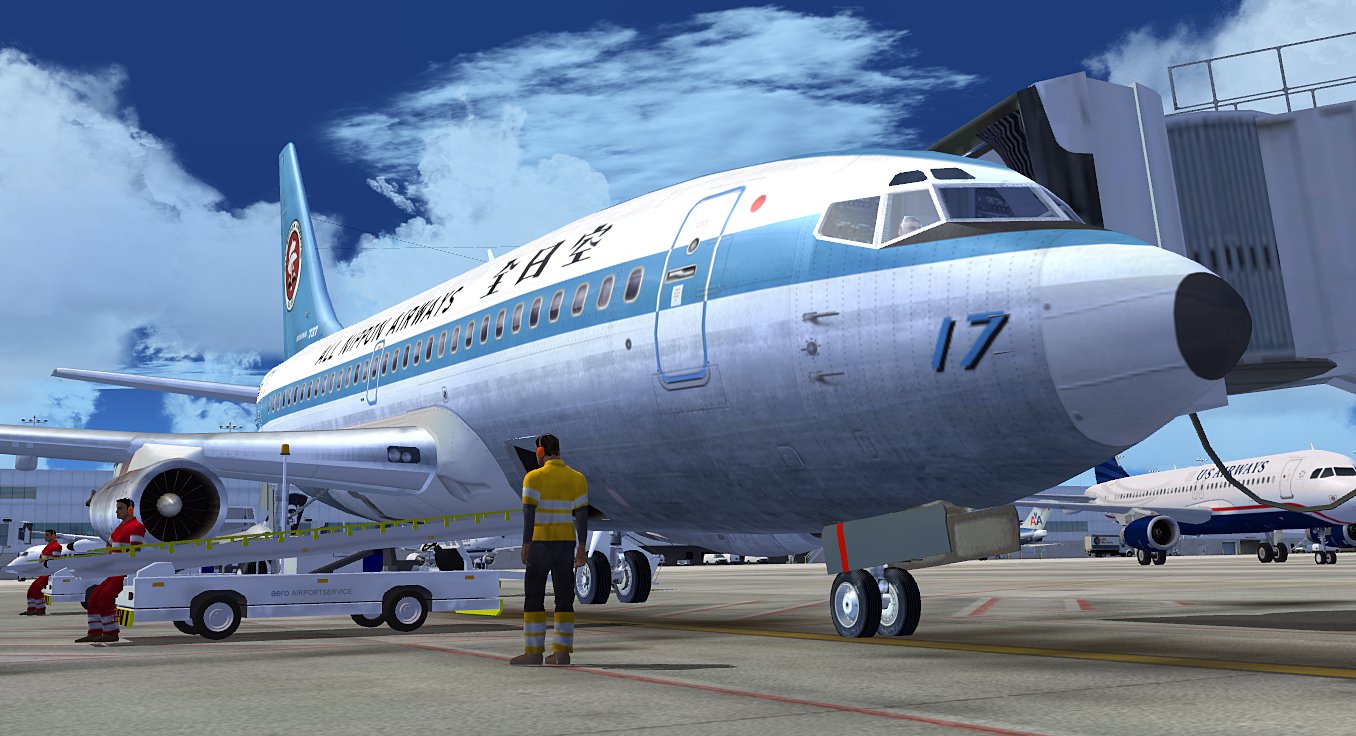 Microsoft Flight Simulator 2004 or FS2004 as it's known in the industry was the flight simulator that modernized the industry. Released back in 2003 by Microsoft, this version was a game-changer for the future of PC flight simulation.
While many years have passed since its release, many thousands of users have stuck with this old faithful and never even shifted to the newer FSX (which was released in 2006).
While the freeware and payware released have slowed down for this version, many developers have still built in compatibility for FS2004. From time to time, new releases come out that include FS2004 compatibility and we will announce them in the news section below.
Also included below are four articles that may be of interest (editor's selection), chosen by our in-house editors and updated every two days.
Don't forget, we still support FS2004 add-ons and have many thousands of free to download files in our file library here.
Now available from Eaglesoft Development Group is their flightsim version of the Hawker 400XP, the most recent variant of the…
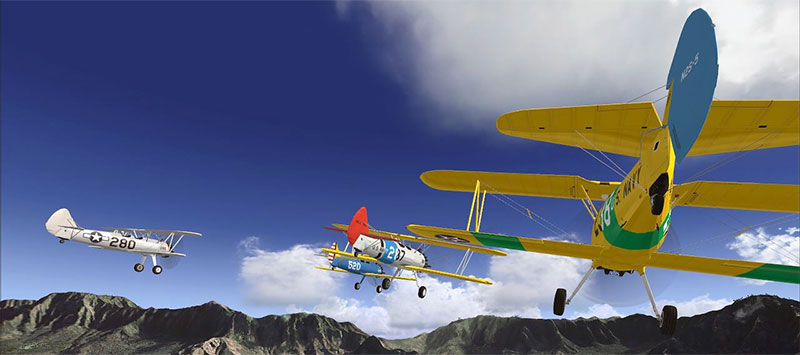
Now available from Eaglesoft Development Group is their Cessna Citationjet CJ1. Featured are models for different computer…

Now available for FS2004 and FS2002 is Gibraltar 2004. This downloadable scenery features a detailed airport, working traffic…
Now available in a downloadable version is FS Repaint, a utility for FS2004 and FS2002 that lets anyone easily and quickly…

Virtual Dispatch is a dynamic freeware resource that streamlines flight plan creation and precise route management for Microsoft Flight Simulator 2004. With integrated ACARS functionality, thorough airport data, and detailed weather insights, it caters to both beginners and veteran sim pilots seeking a well-rounded, efficient dispatch solution.
Flight simulator enthusiasts can now experience Carenado’s newly introduced PA32R 301 Saratoga SP for FS2004, a meticulously crafted single-engine standout with advanced autopilot systems, genuine Collins avionics, and nostalgic paint schemes. This detailed add-on replicates the aircraft’s authentic handling traits, offering smooth control, immersive audio, and a polished virtual cockpit.
CLS has introduced meticulously modeled Boeing 767-200 and -300 aircraft for FS2004, featuring 24 high-resolution liveries, a fully interactive 3D Virtual Cockpit, and rich animations that elevate realism through dynamic wing-flex and operational passenger doors. This comprehensive package merges advanced avionics, multiple engine variants, and realistic flight deck views for an unforgettable long-haul simulation.
FSWidgets has unveiled EFB2004 version 1.5 for FS2004, featuring newly integrated GMap capabilities that streamline essential flight data. This software-based flight deck tool replaces bulky paper references, enabling virtual pilots to quickly access performance guides, navigation charts, and procedural checklists within a streamlined interface suited for everything from light single-engine props to multi-engine airliners.
FS2004 enthusiasts can now experience Carenado’s newly built Piper PA-28-181 Archer II, complete with a refined 3D model, lifelike textures, and crisp flight dynamics. This fresh iteration features multiple configurations—with and without fairings—along with various paint schemes, plus added touches like GPS 295 integration and interactive cockpit elements. The upgrade also includes authentic stereo audio recorded from the real aircraft, ensuring a faithful, performance-friendly simulation for pilots who appreciate high-quality, detailed general aviation planes.
For simmers seeking a crisp, wide-angle cockpit in FS2004, SkyDecks’ Widescreen Panel Pack for Boeing 737, 747, and 777 jets eliminates screen distortion while enhancing gauge readability. Each redesigned layout supports 16:10 and 16:9 displays, ensuring an immersive yet practical flight deck experience.
SKYSimulations has revealed a meticulously crafted DC-9 for Flight Simulator 2004, mirroring genuine performance with comprehensive systems, dual 2D and 3D panels, and high-resolution textures. This addition spans numerous DC-9 family variants, features interactive cockpit controls, and offers in-depth maintenance modes for an authentic pilot-in-command experience that boosts realism and enriches every simulated flight.

This meticulously crafted Fokker 50 package from PAOB for FS2004 offers precise modeling, realistic flight dynamics, and integrated checklists that immerse pilots in genuine cockpit operations. Enjoy user-friendly procedures paired with comprehensive documentation for an authentic yet accessible aviation simulation experience.

Take flight in the newly released vintage 1958 Cessna 172 for FS2004 from SimFlight 3D, showcasing authentic flight dynamics, an accurate cockpit with functional gauges, and crisp photo-realistic textures. This time-honored four-seat trainer supports IFR capabilities, detailed animations like doors and windows, and multiple paint schemes, offering an immersive experience for general aviation enthusiasts.
Whether you’re tackling persistent glitches or refining your setup, this comprehensive walkthrough reveals how to fully remove Microsoft Flight Simulator 2004 from Windows XP and Vista systems. By meticulously deleting registry entries, leftover program data, and Start menu shortcuts, you can remedy corruption issues or pave the way for a clean reinstallation. Plus, the same strategy can be applied to Flight Simulator X.

Experience the meticulously recreated Homestead General Aviation Airport by MikeMax, a county-owned public-use facility in Florida showcased with photorealistic ground imagery, detailed 3D taxiways, and precise runway markings for Microsoft Flight Simulator 2004. Virtual aviators can enjoy immersive lighting solutions, custom PAPI configurations, and an authentic atmosphere that brings realistic takeoffs, landings, and general aviation operations to life.

LatinVFR’s new scenery showcases Cuzco (Cusco) in Peru for FS2004/FSX with stunning photoreal textures, precise topography, and faithful urban coverage. This high-altitude location at over 3,300 meters challenges sim pilots with VFR-only landings, unpredictable weather, and single-direction runway operations—perfect for those seeking a uniquely demanding environment near the breathtaking region of Machu Picchu.
For FS2004 pilots craving authentic turboprop immersion, TSS’s ATR 42/72 Soundpack merges pristine six-blade engine recordings with genuine cockpit cues—from crisp autopilot alerts to realistic stall warnings—creating a dynamic atmosphere that even includes feather startup for extra realism. This advanced audio suite also features personalized wind noise, custom gear sounds, and a vibrant cockpit hub, capturing every subtle nuance for an unmatched flight simulation experience.
Experience the freshly unveiled Sud Aviation Caravelle III for FS2004, meticulously crafted with intricate animations, a working brake parachute, and a specialized cockpit layout that honors its mid-century heritage. This short-to-medium range European airliner brings vintage allure and reliable flight dynamics, offering a unique slice of aviation history for any simulator enthusiast’s hangar.
Elevate your virtual aviation setup with this comprehensive lighting upgrade, complete with dynamic strobes, powerful beacons, and enhanced runway illuminations that integrate seamlessly into both FS2004 and FSX. Enjoy authentic, radiating effects that cast natural brightness into the 3D environment, improving realism for classic and modern jetliners alike.
In this new FS2004 texture bundle, you’ll find enriched runway, sky, and foliage visuals that ensure photoreal realism while maintaining minimal performance impact, courtesy of Aero Files’ advanced enhancements. Enjoy sharper taxiways, seasonal sky transitions, and revived airport roads in one streamlined purchase, elevating your flight simulator environment to a truly immersive experience.

CLS’s brand-new Eclipse 500 add-on elevates your virtual flights with a sleek, compact jet that features a meticulously crafted cockpit, interactive cabin elements, and robust weather systems for truly vivid conditions at altitude. Paired with cutting-edge navigation interfaces and a handy servicing mode, this nimble aircraft ranks as a standout choice for both aspiring pilots and seasoned aviators seeking next-level immersion.
In this fresh WWII pack from Shockwave Productions, sim pilots can immerse themselves in historically precise warbirds, including the famed P-51D Mustang and agile Mitsubishi A6M5 Zero. Now finalized for FS2004 and FSX, these meticulously rendered aircraft showcase unrivaled authenticity, from aerodynamic realism to detailed cockpit layouts.
Experience Just Flight’s meticulously rendered Boeing 777 for Flight Simulator 2004, offering an expertly modeled flight deck, multi-variant selection, and reactive control surfaces that reflect true-to-life aerodynamics. This Professional Series package, complete with 19 airline liveries, immerses virtual captains in a strikingly authentic wide-body jet environment designed to elevate any sim enthusiast’s collection.
Step into the cockpit with Concorde SSTSIM, developed in tandem with Flight One Software for FS2004, featuring advanced flight planning, meticulous engineering oversight, and thorough tutorials to replicate supersonic journeys. This robust package includes resources like a load calculator and customizable aircraft models, promising an authentic Concorde experience.