


 MSFS Utilities & Tools
Controls/Keyboard Commands
These are the final keyboard commands for Microsoft's latest flight simulator…
MSFS Weather Presets Pack (Expansion) broadens the range of selectable atmospheric scenarios with handcrafted setups for dramatic cloudscapes, gusty winds, de-icing conditions, fog and mist, snow, thunderstorms, and glider-friendly soaring. In Microsoft Flight Simulator, experimental location-specific presets around major airports add targeted weather phenomena for realistic training, approaches, and screenshot flights.
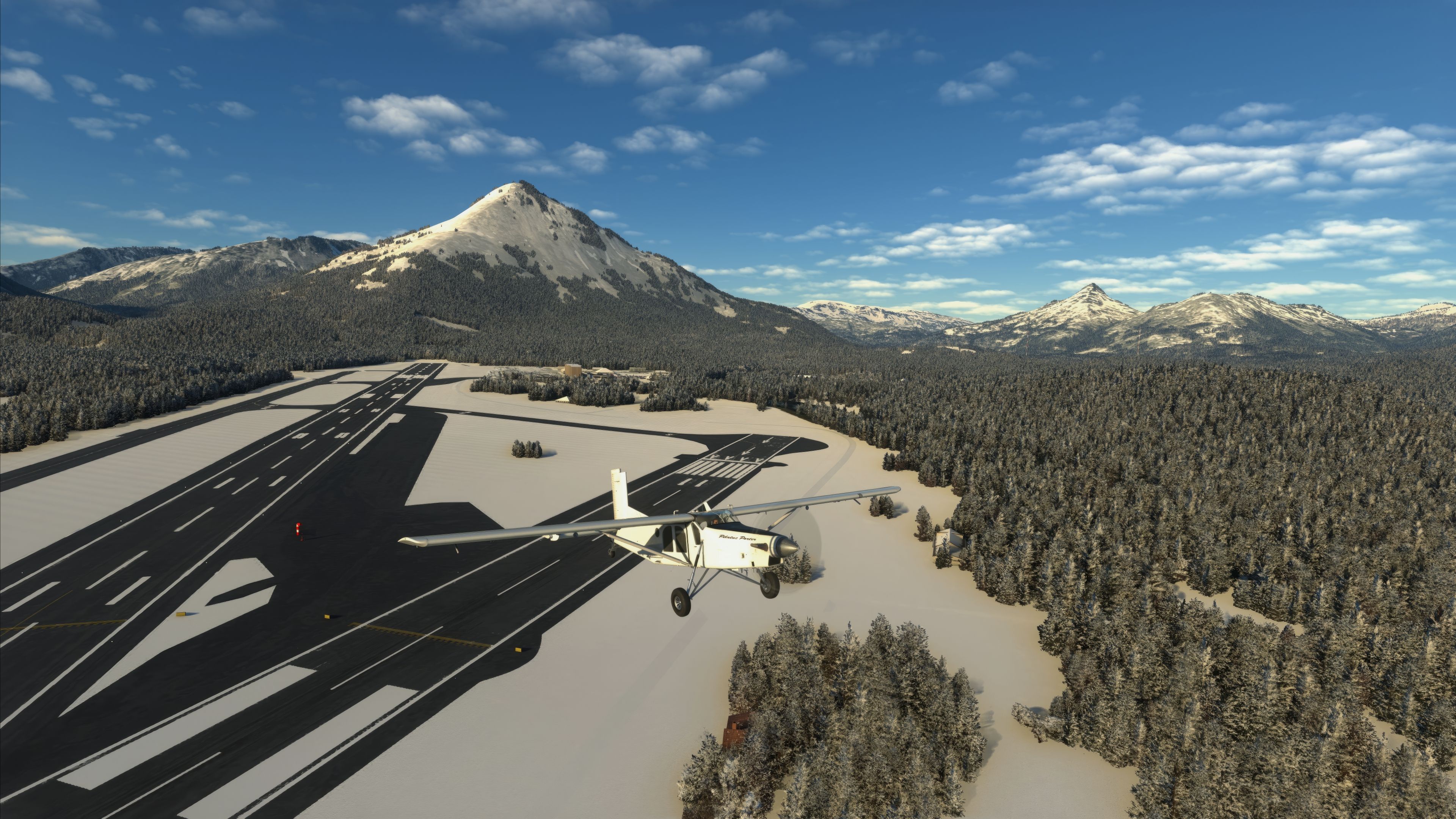
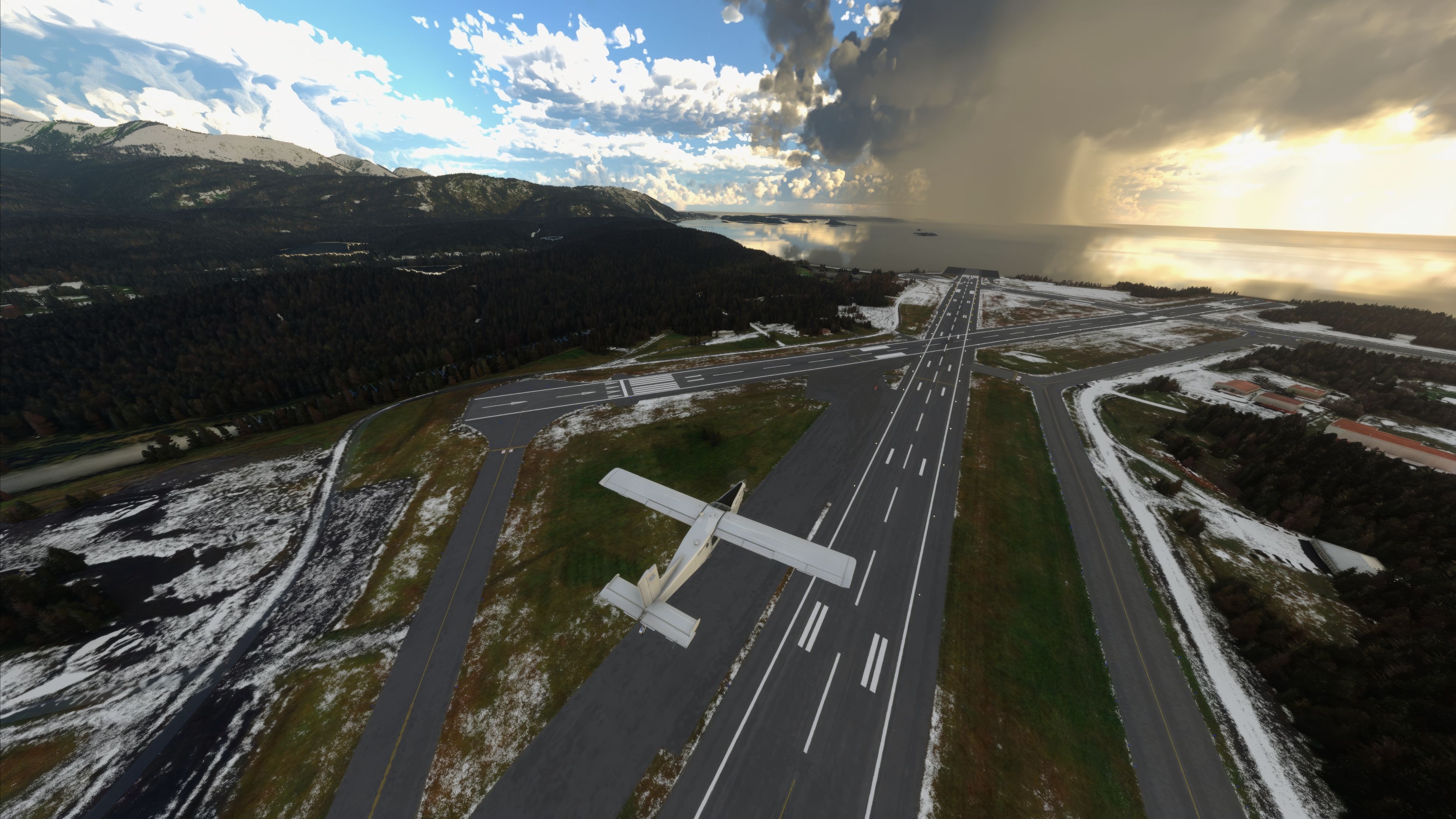
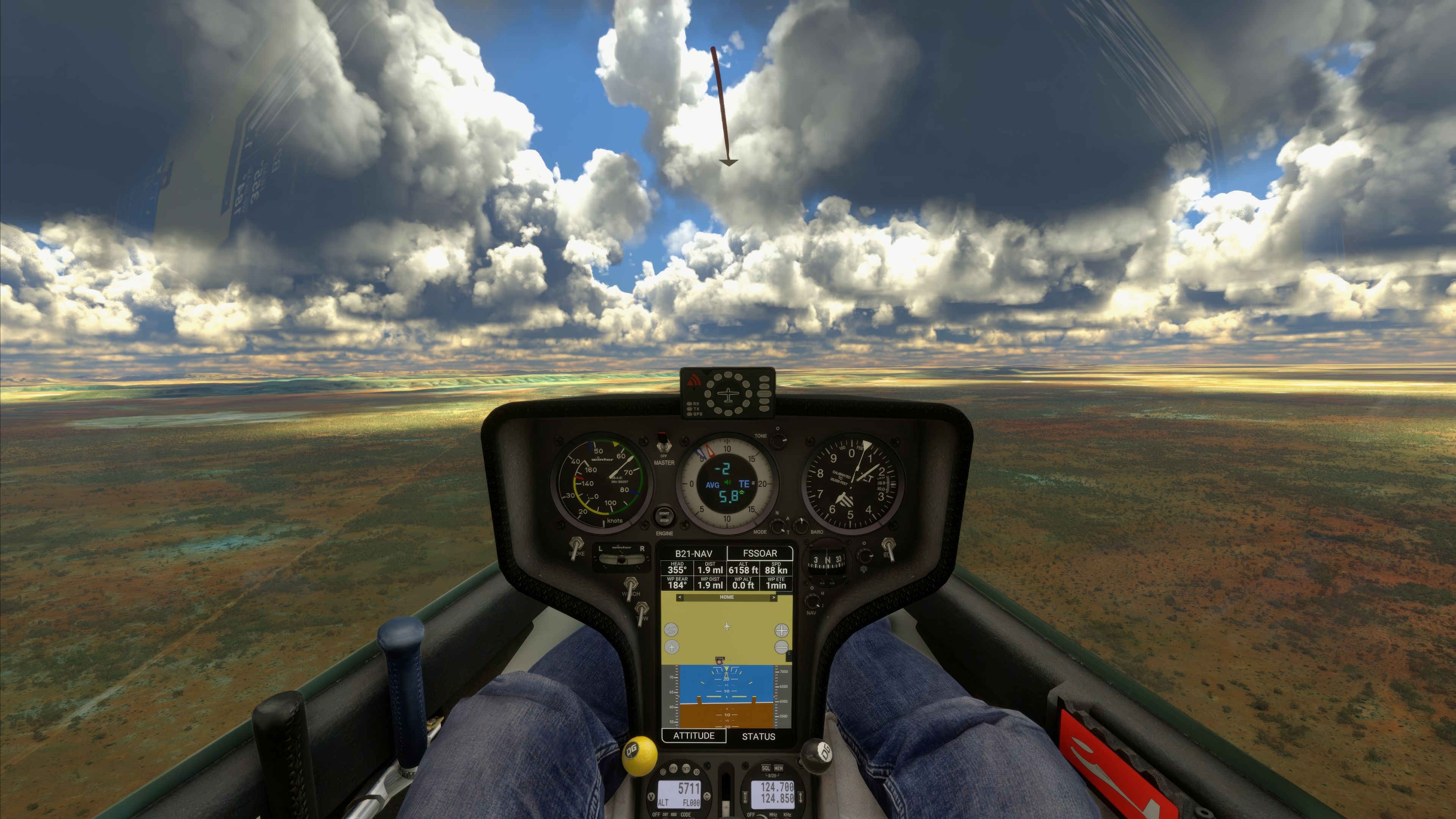
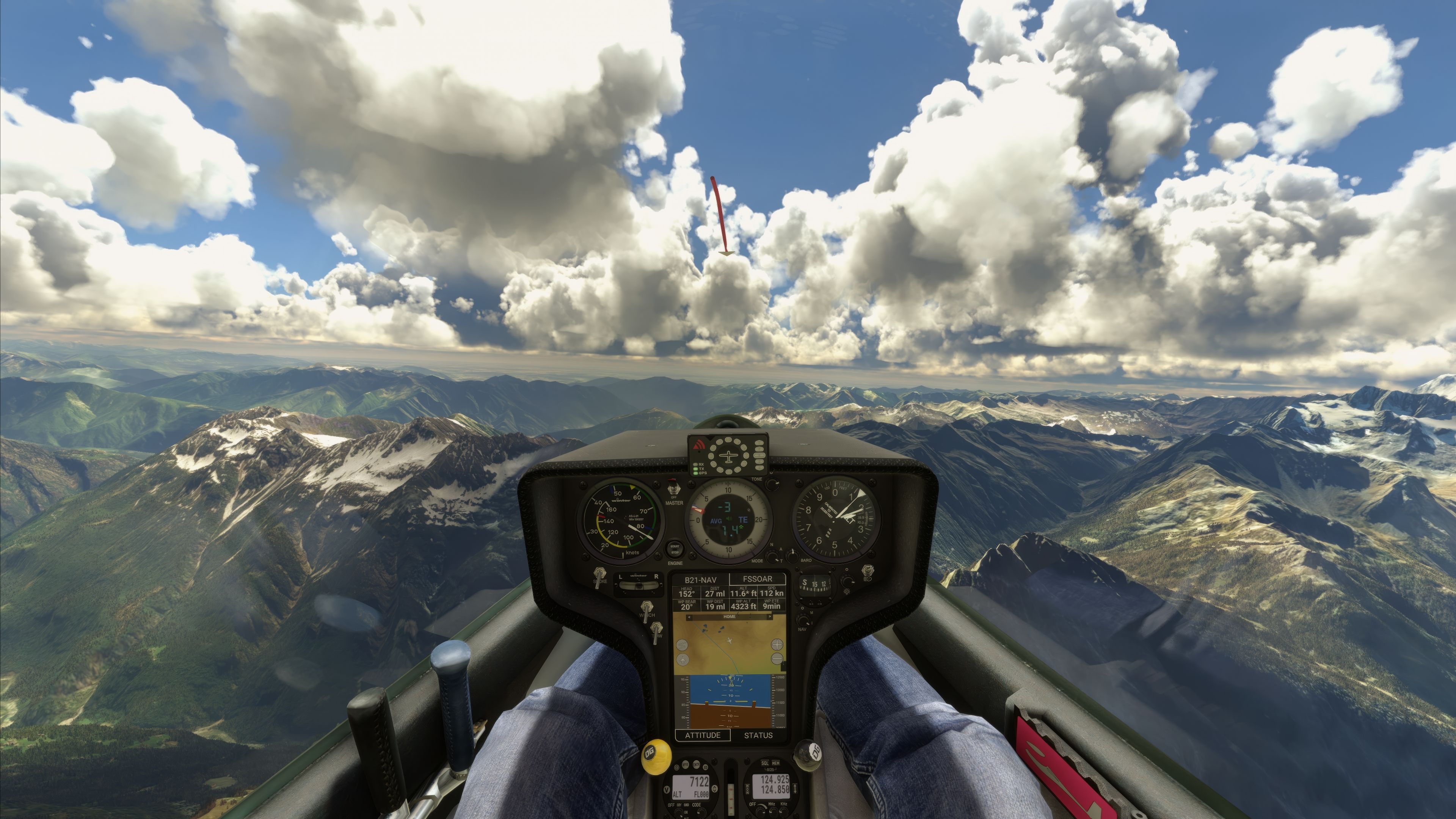
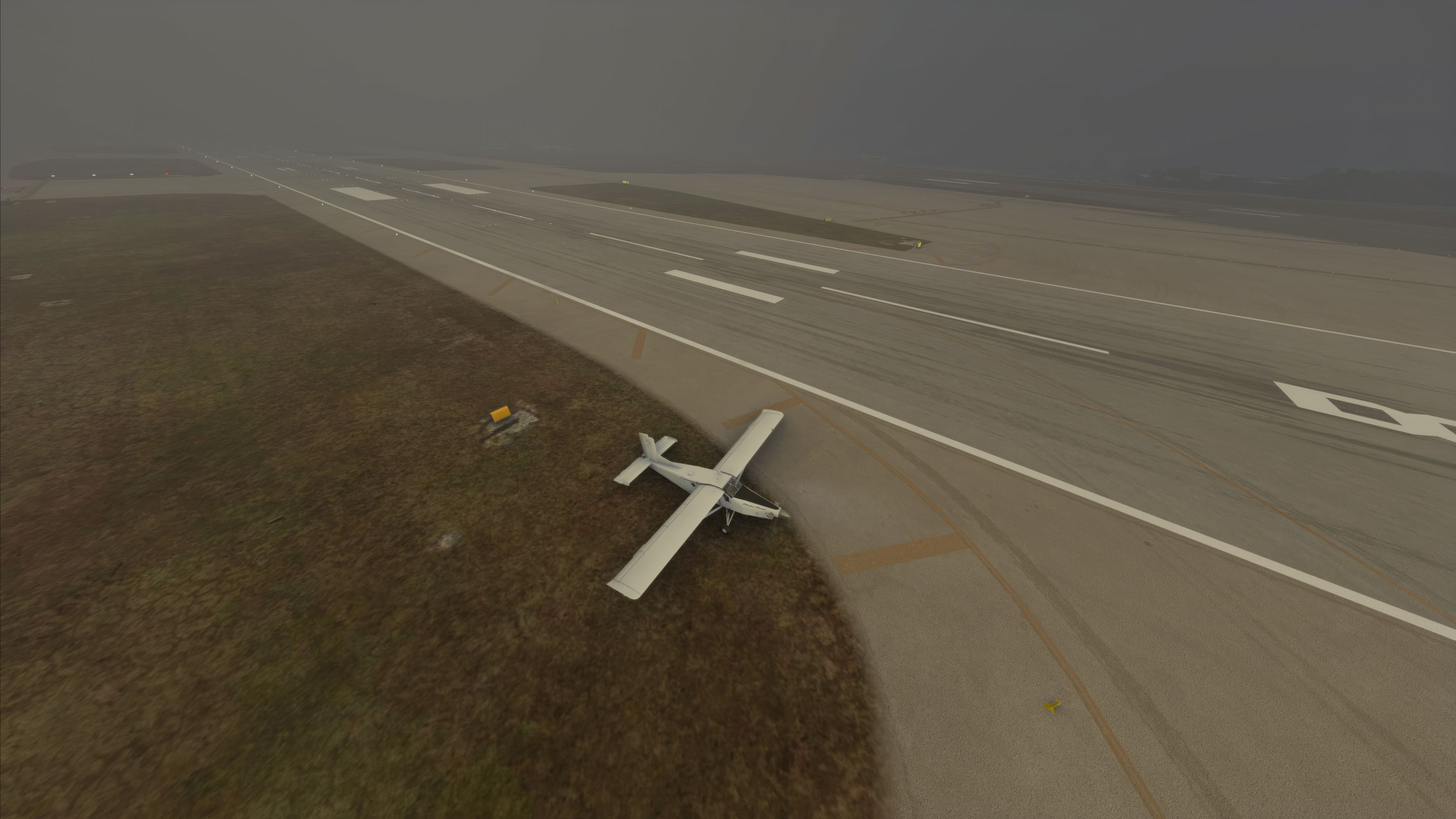
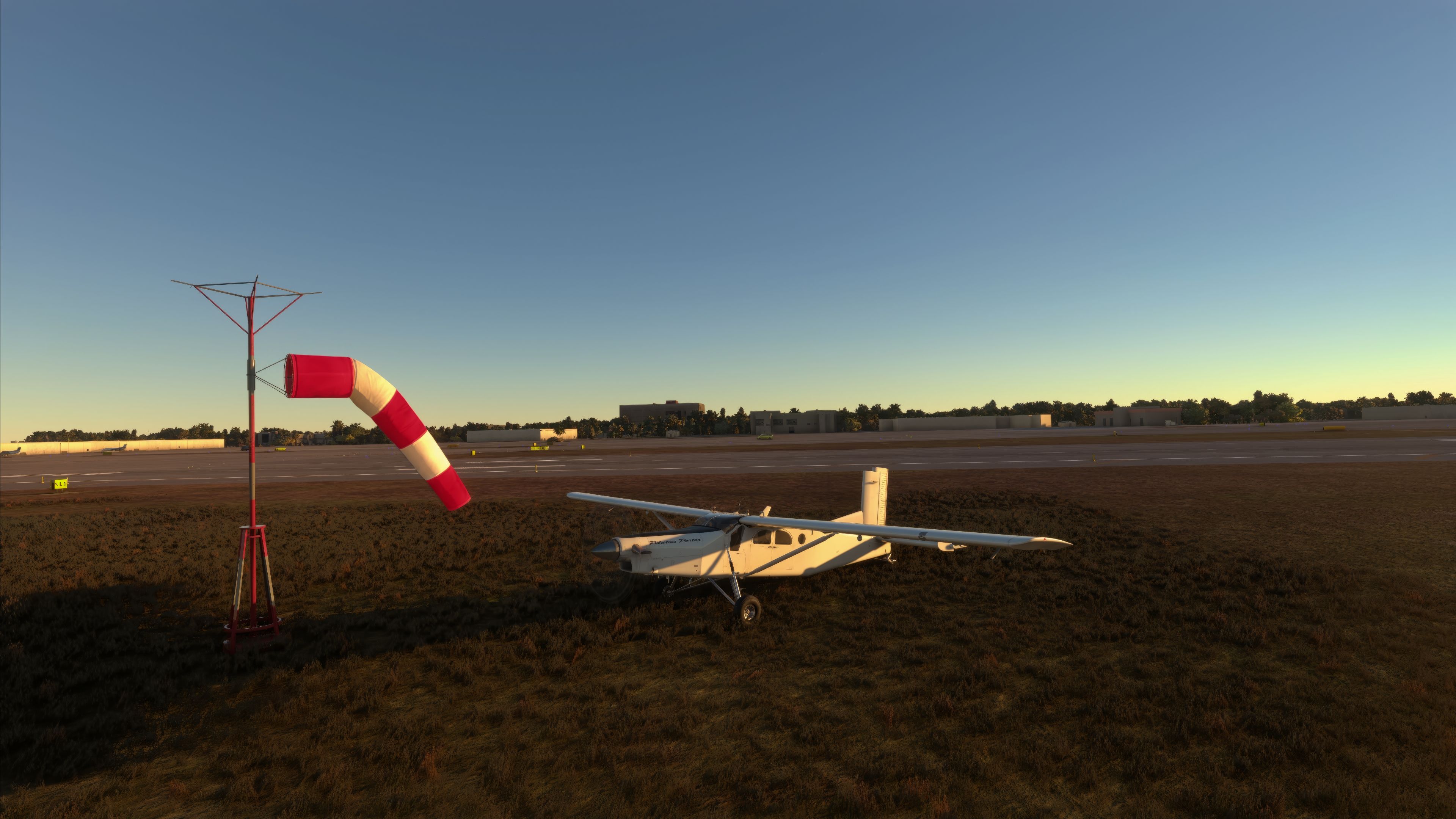

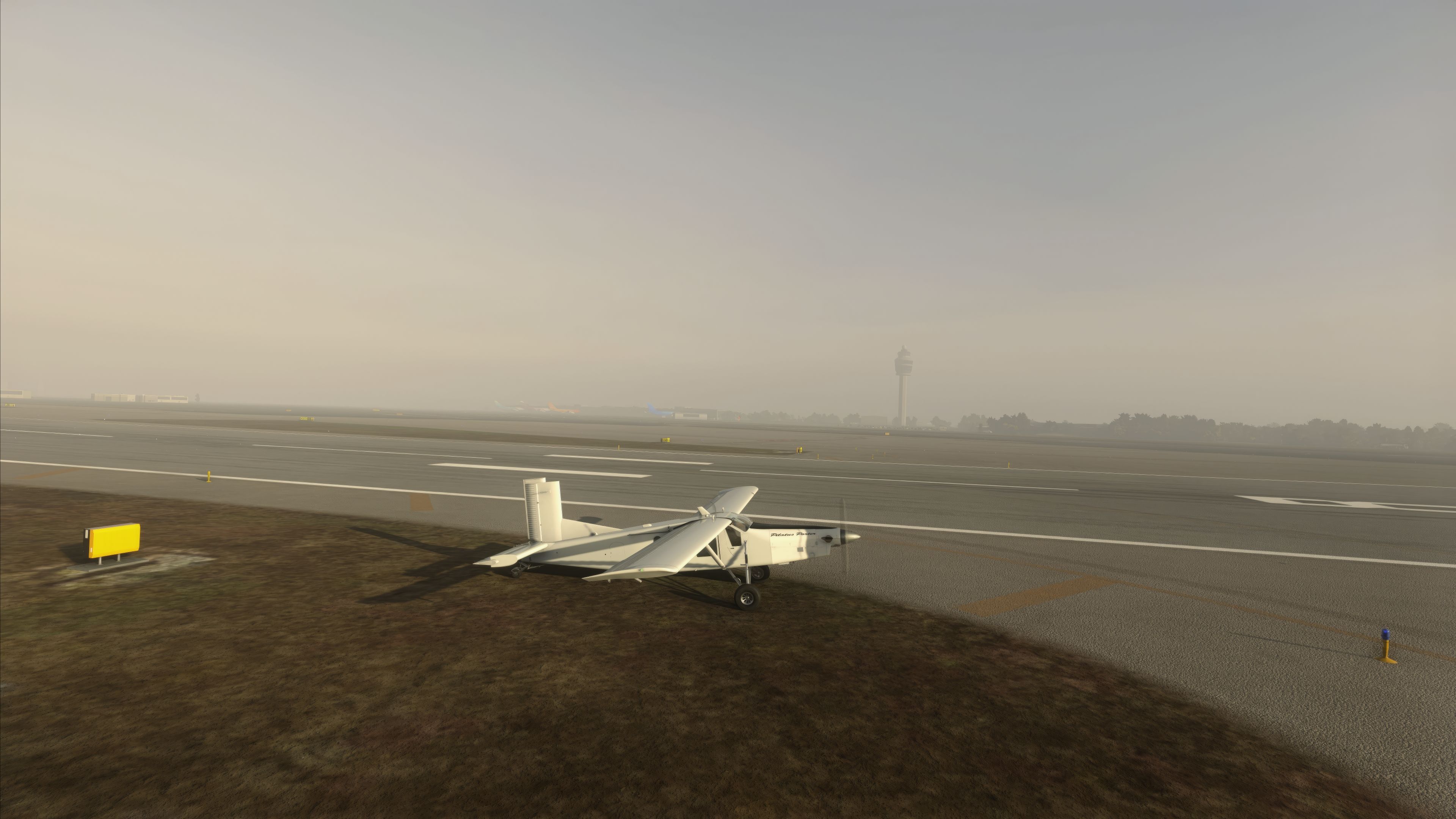
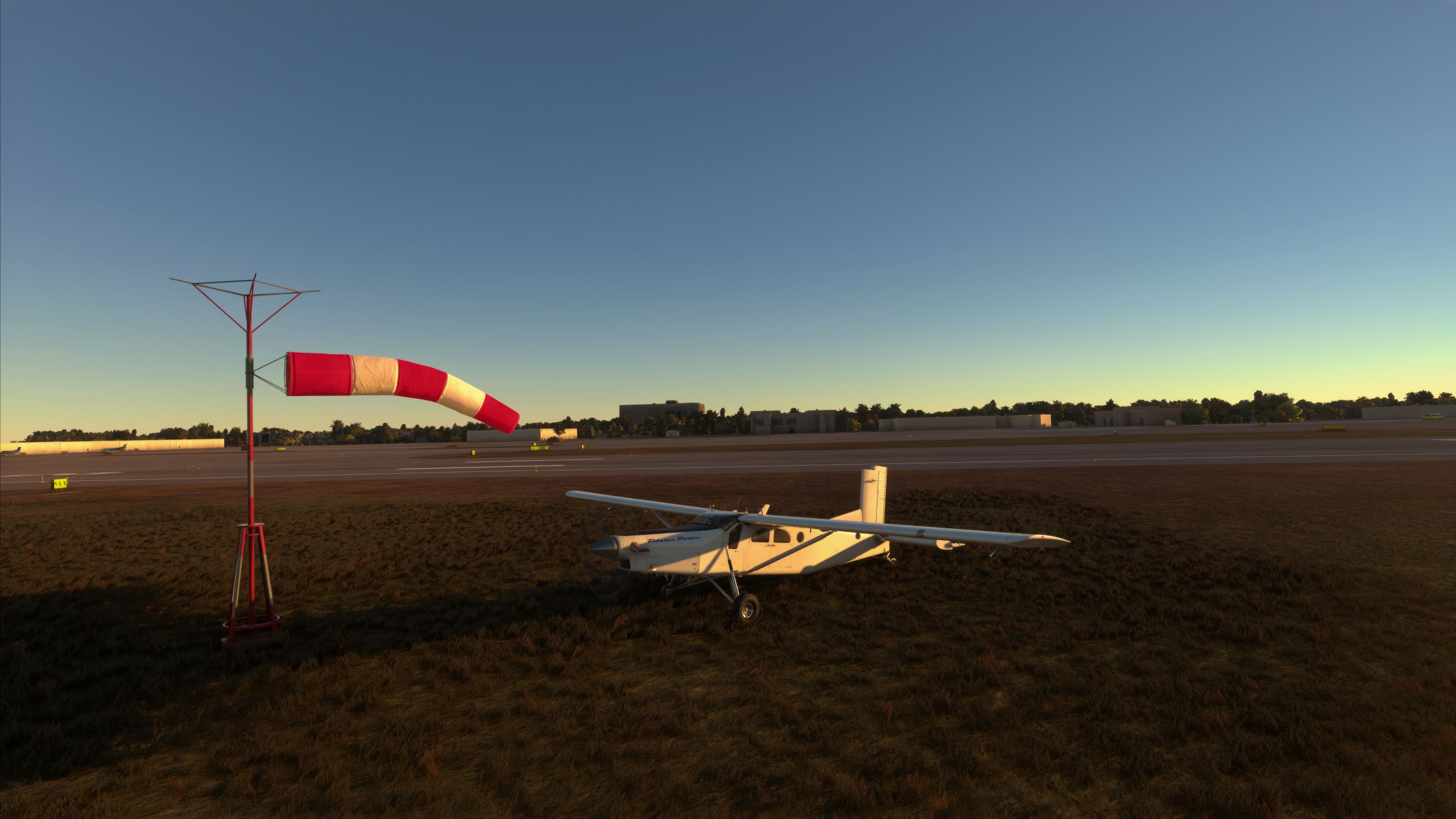
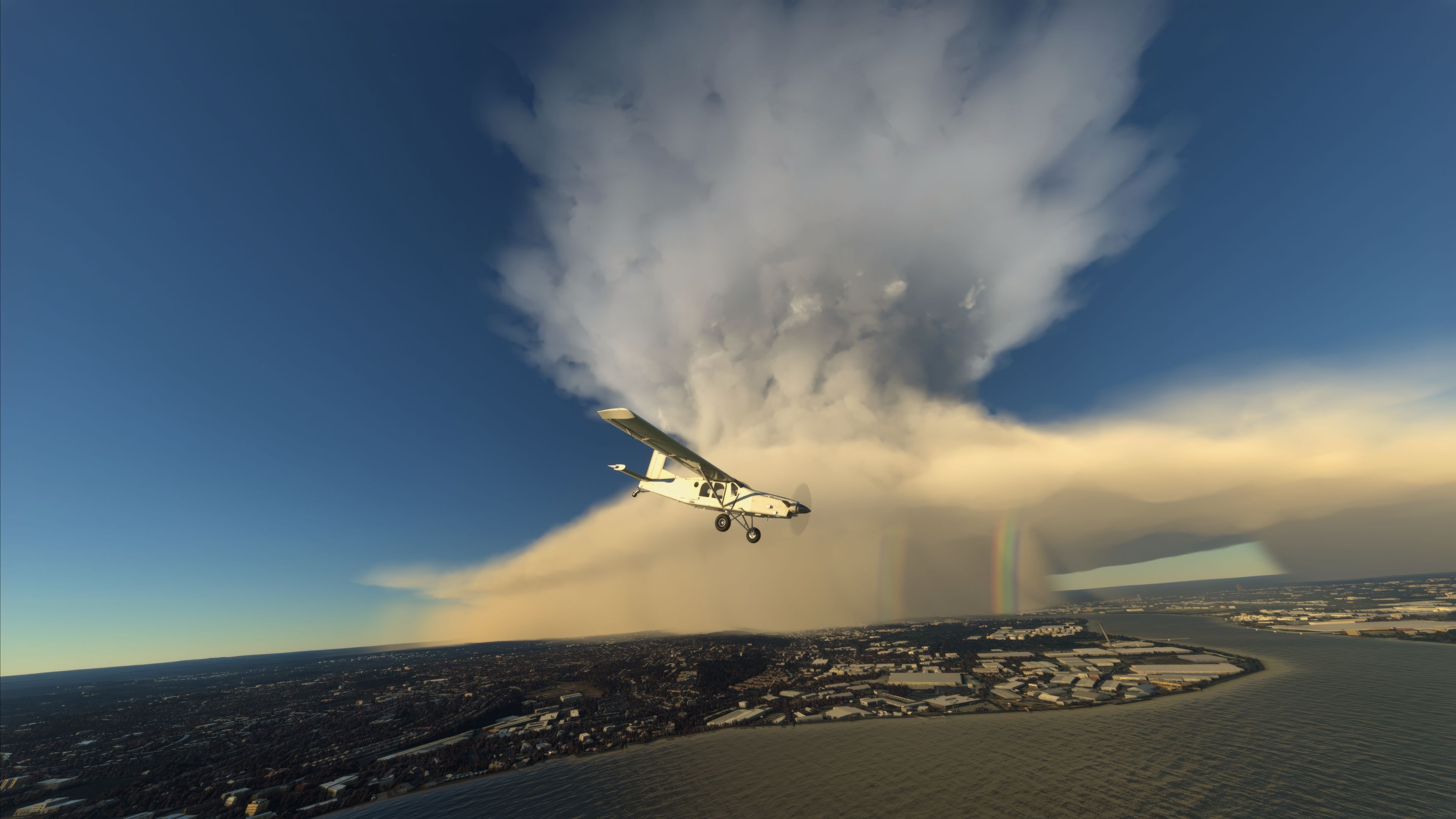

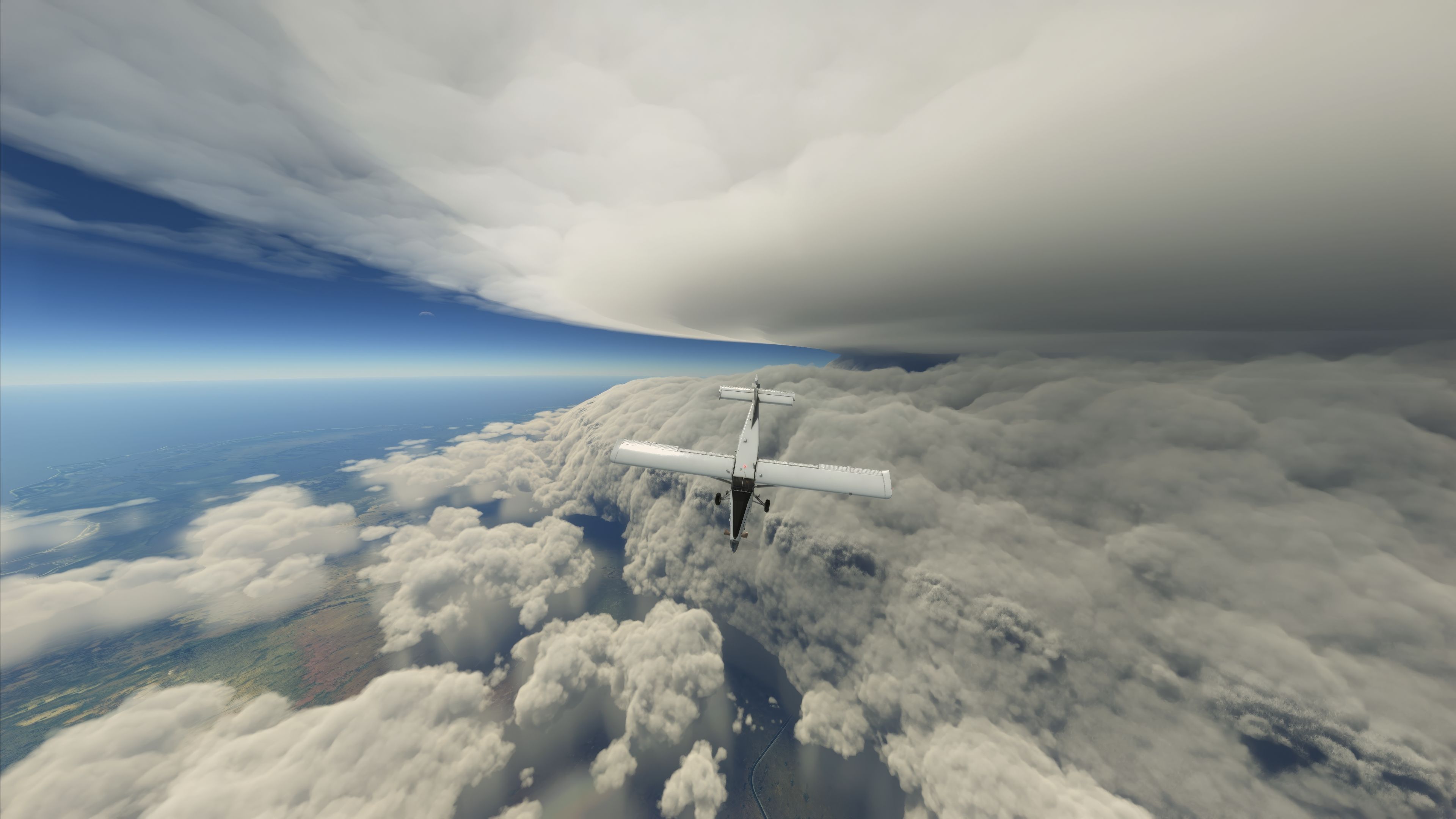
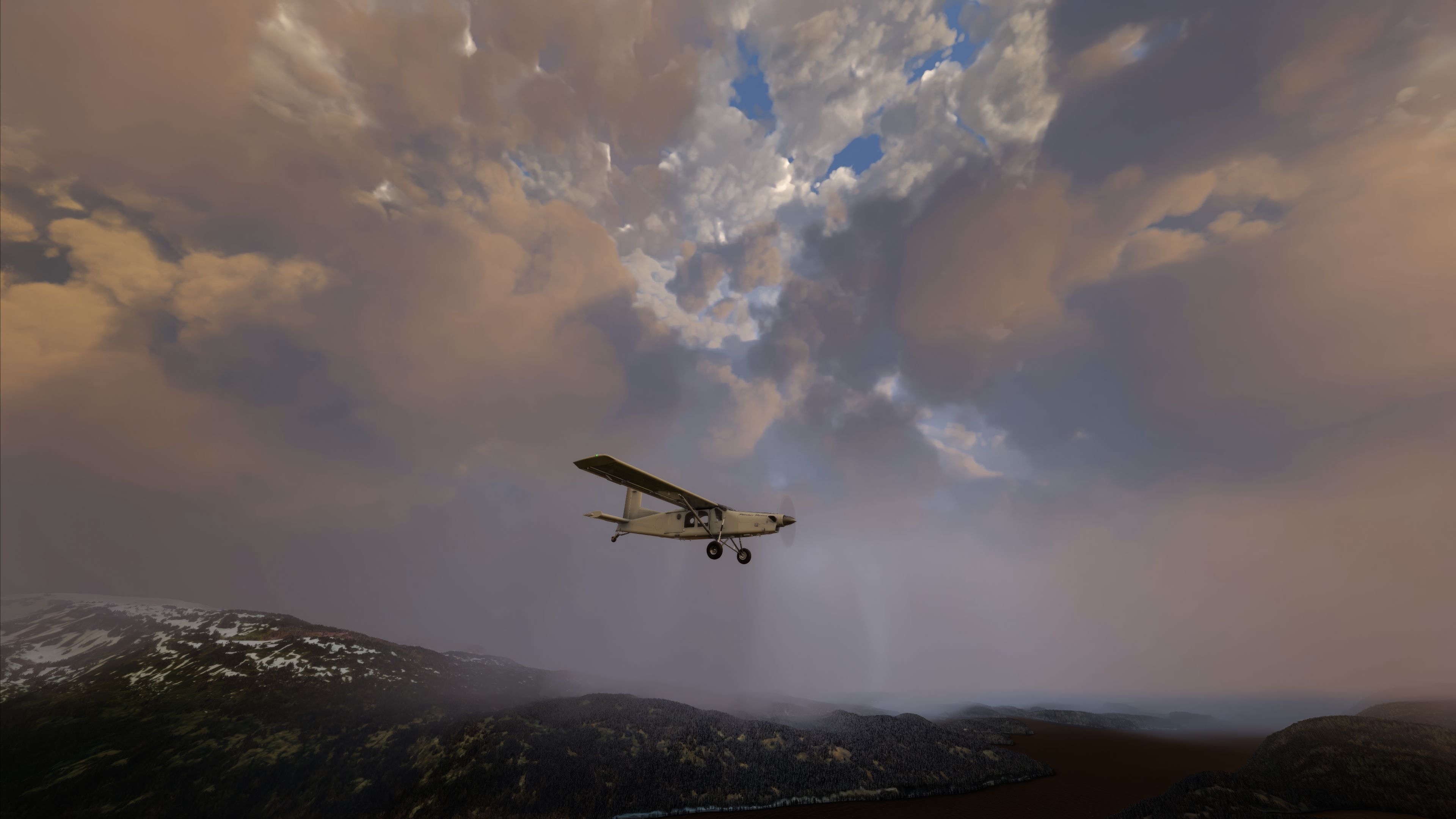
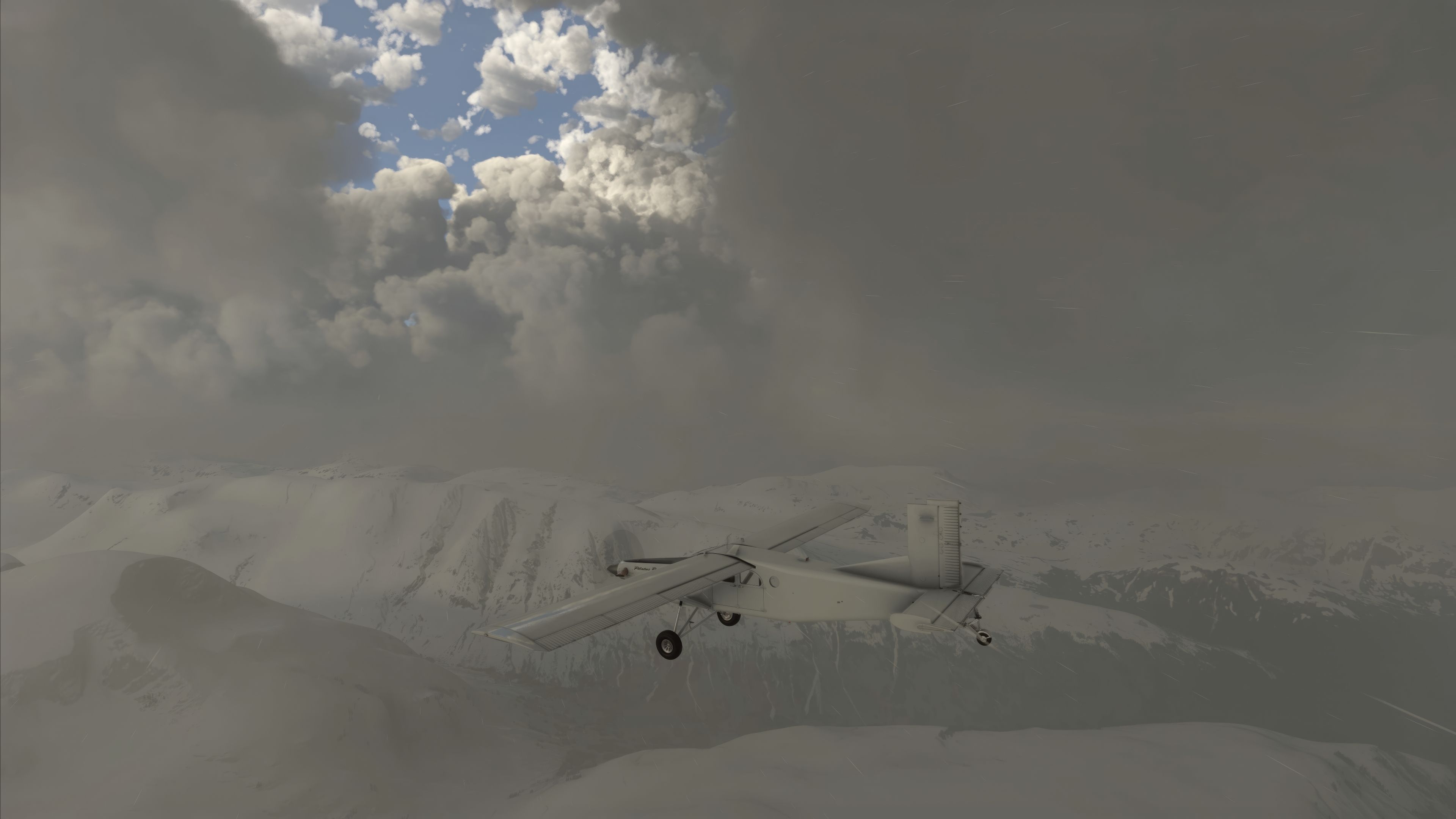

The MSFS Weather Presets Pack by DNBOF injects realistic, ready-made atmospheric configurations into Microsoft Flight Simulator, offering scenarios that range from calmer breeze patterns to full-throttle thunderstorms. Each preset is meticulously designed to simulate varying visibility levels, wind conditions, and thermal activity, making it a versatile tool for pilots who want to advance their flying acumen and capture spectacular in-sim visuals.
From my decades of experience in the flight simulation world, I’ve found these weather variations particularly useful for both recreational and instructional flights. The inclusion of experimental location-based presets adds an immersive twist, challenging users with region-specific phenomena around major airports, while retaining the performance-friendly and accessible nature of a freeware add-on that significantly broadens MSFS’s environmental realism.
Enhancing the realism and versatility of weather conditions in Microsoft Flight Simulator 2020, the MSFS Weather Presets Pack, crafted by DoNotBeOnFire (DNBOF), stands as a pivotal addition for sim enthusiasts. This freeware expansion enriches the simulation experience by introducing a diverse array of atmospheric scenarios, meticulously designed to elevate the realism of flight operations.
 Main Presets
The expansion also introduces an exciting segment – Experimental Weather Presets. These presets are location-specific, offering unique atmospheric phenomena around notable airports such as KSPS, KEWR, EGLC, RJTT, and YSSY. For instance, the EGLC - West preset simulates a large cloudy supercell to the west of London City Airport, impacting weather conditions even in the vicinity of Heathrow.
Each preset in this pack not only enhances the virtual flying experience but also serves as a practical tool for real-world pilots and enthusiasts. Understanding and adapting to diverse weather conditions is crucial in aviation. This pack provides an invaluable opportunity to experience and learn from a wide range of meteorological scenarios, directly transferrable to real-world flying skills.
This pack by DNBOF is a comprehensive, free addition for Microsoft Flight Simulator 2020 users. It not only elevates the visual and practical aspects of the simulation but also serves as an educational tool, offering insights into the complexities of weather in aviation. An essential download for any serious flight simulator enthusiast.
Weather presets in Microsoft Flight Simulator (MSFS) 2020 play a pivotal role in creating an immersive and realistic flying experience. These presets are predefined weather scenarios that can be easily selected and applied to any flight. The primary purpose of these presets is to simulate a wide range of atmospheric conditions, enhancing the realism and challenge of flight simulation.
A weather preset is a set of meteorological conditions that has been preconfigured and can be instantly applied to the simulation environment. These conditions include variables such as wind speed and direction, temperature, precipitation, cloud cover, and visibility. Each preset is designed to replicate specific weather phenomena, ranging from clear skies and calm winds to severe thunderstorms and low-visibility fog.
In essence, weather presets in MSFS 2020 are essential tools that not only augment the enjoyment and challenge of flight simulation but also serve as a practical means for education and skill enhancement in aviation.
Simply extract the archive, browse into the msfs2020-weather-presets-master folder and inside that folder, copy the dnbof-weather-presets-pack folder into your MSFS community folder.
Free for all simmers · 58.4 MB · Scanned clean
Download speed: Free tier is capped at 2 Mbps (this file takes approximately 4 mins at the cap). PRO members download at full line speed.
%LOCALAPPDATA%\Packages\Microsoft.FlightSimulator_8wekyb3d8bbwe\LocalCache\Packages\Community\. Steam version: %APPDATA%\Microsoft Flight Simulator\Packages\Community\. Tip: enable Developer Mode in MSFS to see your exact Community folder path.readme.txt or README file. It tells you exactly where files go, what dependencies are needed, and any quirks specific to this add-on.More MSFS add-ons hand-picked based on this download.
MSFS Utilities & Tools
These are the final keyboard commands for Microsoft's latest flight simulator…
 MSFS Utilities & Tools
A stand-alone scenery library containing effects to be used in scenery creati…
 MSFS Utilities & Tools
Explore the frontiers of flight simulation with the WidevieW & Widetraffic, a…
 FSX Panels & Gauges
For CRGSIM-0_040.ZIP. This pack includes both pack 1 and pack 2. This distrib…
 FSX General Aviation Aircraft
This is the expansion pack of 20 additional schemes for the Aeroworks Concept…
 FS2004 Utilities/Misc
FS2004 Free METAR Weather Program; updated version. FS2k4METAR reads worldwid…
 FS2004 Utilities/Misc
FS2004 Weather3 - 39 weather themes for FS2004. A complete revision of the pr…
 FS2004 Utilities/Misc
With this program it is possible to generate additional weather themes for th…
Be the first to leave a comment on this download.
Be the first to share your thoughts on this download.