


 FS2004 Civil Jet Aircraft
Tame Ecuador Boeing 727-200
V2.0. Textures only with no mips. Repaint by Alex Colka. Original 727-200 bas…
Tame Ecuador’s fictional Boeing 737-400 repaint brings fresh “new colors” to the default jet, offering a believable what-if fleet look inspired by the airline’s real-world renewal options. Designed for FS2004, it requires the default Boeing 737-400 and suits both regular flying and AI traffic with clean, cohesive textures.
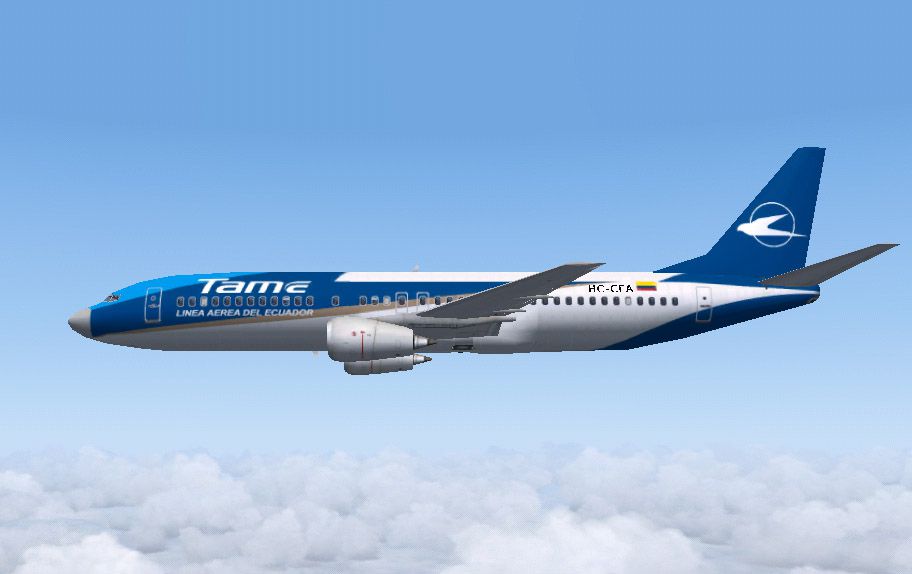
Tame Ecuador Boeing 737-400 (fictional); new colors. Textures only for the default B737-400. By Alex Colka.
Screenshot of Tame Ecuador Boeing 737-400 in flight.
Here you'll find a repaint of the default Boeing 737-400 in Tame New Colors of Ecuador. Although this is fictional rendition of this aircraft, Tame considered some aircraft manufacturers like Boeing, Fokker and Airbus, being Airbus the winner of the contract for the Tame's fleet renovation. Options originally included a Fokker F100, Airbus A320, A319, Boeing 737-300 and the 737-400. This repaint reflects the way this aircraft could be.
Installation:
Extract texture.Tame.zip inside your B737_400 subfolder (the new folder will be created), then copy the aircraft definition in aircraft.cfg and paste into yor aircraft.cfg at the end of your [fltsim.X] sequence. Warning: you should have a base knowledge in assembling aircraft.cfg files.
Note that these textures are freeware and not for sale.
Great for AI Traffic! Please enjoy!
Alex Colka
Free for all simmers · 858.95 KB · Scanned clean
Download speed: Free tier is capped at 0.5 Mbps. PRO members download at full line speed.
FS9\Aircraft\, FS9\Addon Scenery\, FS9\Gauges\, or FS9\Effects\.readme.txt or README file. It tells you exactly where files go, what dependencies are needed, and any quirks specific to this add-on.The archive b734eq4.zip has 7 files and directories contained within it.
This list displays the first 500 files in the package. If the package has more, you will need to download it to view them.
| Filename/Directory | File Date | File Size |
|---|---|---|
| File_Id.diz.txt | 10.13.03 | 194 B |
| Readme.txt | 10.13.03 | 1.09 kB |
| Image.jpg | 10.13.03 | 79.56 kB |
| texture.Tame.zip | 10.13.03 | 796.84 kB |
| aircraft.cfg | 10.13.03 | 867 B |
| flyawaysimulation.txt | 10.29.13 | 959 B |
| Go to Fly Away Simulation.url | 01.22.16 | 52 B |
More FS2004 add-ons hand-picked based on this download.
FS2004 Civil Jet Aircraft
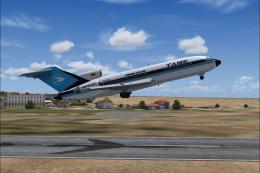
V2.0. Textures only with no mips. Repaint by Alex Colka. Original 727-200 bas…
 FS2004 Civil Jet Aircraft
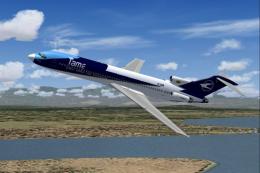
This complete freeware package brings the TAME Ecuador Boeing 727-100 (regist…
 FS2004 Civil Jet Aircraft
This complete freeware TAME Ecuador Boeing 727-200 HC-BHM add-on for Microsof…
 FS2004 Civil Jet Aircraft
This repaint of the Boeing 727-200, wearing TAME Ecuador’s HC-BZU registratio…
 FS2004 Civil Jet Aircraft
Tame Ecuador Airbus A320-200, registration HC-CDZ, "Ciudad de Guayaquil". A r…
 FS2004 Civil Jet Aircraft
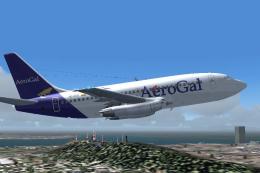
V2.0. Original 737-200 new base pack by SGA required. Textures only with no m…
 FS2004 Civil Jet Aircraft
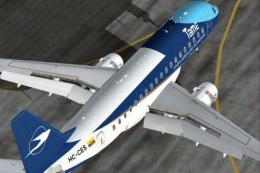
DreamWings Embraer 170 v3 TAME livery, registration HC-CES (fictional). Textu…
 FS2004 Civil Jet Aircraft
These textures works with FS2004 Airbus A320-200 by Stefano Piccinini (A3202K…
Be the first to leave a comment on this download.
Be the first to share your thoughts on this download.