

 Greece
  FSX Scenery
Photo Greece GR2-6
Photo Scenery Greece GR2-6. This package includes two islands of Greece, Agio…
Greece Photo Scenery Pack delivers wide photo-real coverage of the Greek mainland and Aegean islands, pairing sharp ground imagery with accurate mesh for convincing coastlines, elevations, and VFR landmarks from the virtual cockpit in Microsoft Flight Simulator X. GR1 provides the foundational layer and requires GR1 for all expansion regions, including higher-resolution areas around Athens.
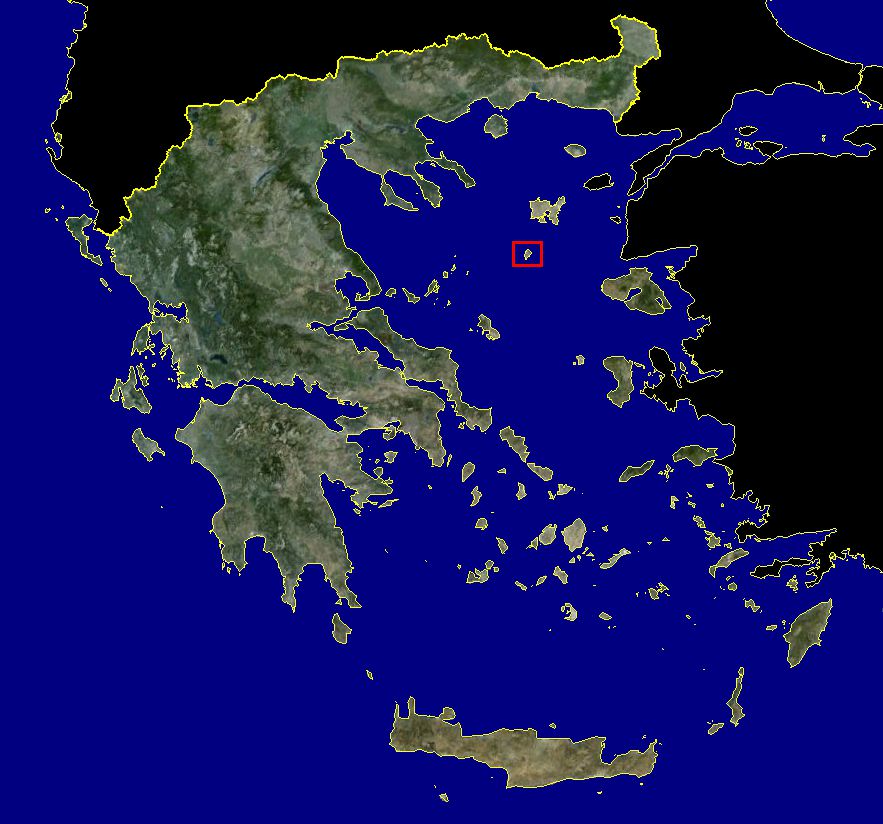
This comprehensive freeware package, crafted by PhotoScenery (PhotoScenery@yahoo.com), introduces an extensive photo-real depiction of Greece for Microsoft Flight Simulator X. It combines meticulously rendered imagery with mesh terrain data, making it possible to explore a broad portion of the Greek mainland and smaller Aegean islands, including the picturesque Agios Efstratios. Many subsequent releases build on these foundational files, adding detailed regions and higher-resolution sections.
FSX Photo Scenery Greece GR1 serves as the primary layer for this series. It introduces the essential mesh terrain that underpins the entire set, ensuring the landforms accurately match real-world elevation data. The area surrounding Agios Efstratios also appears in photo-real quality, reflecting the island’s coastal contours and terrain nuances in high fidelity.
The base content (GR1) lays the groundwork for additional packs, such as GR7-9, GR10-12, GR13-15, and GR16-18. These packages focus on various regions, some featuring 0.5-meter-per-pixel resolution that brings an impressive level of sharpness to notable locations—such as parts of Athens—enhancing the urban landscapes as well as peripheral districts. Keep in mind that GR1 is essential for all subsequent expansions to function correctly.
Several of the added segments showcase 0.5m/pixel resolution. This increased clarity is especially evident around Athens, delivering exceptionally crisp structures, roads, and coastlines. Such detail not only enriches VFR (Visual Flight Rules) flights but also provides a realistic snapshot of the region’s vibrant urban sprawl and adjoining mountainous terrain.
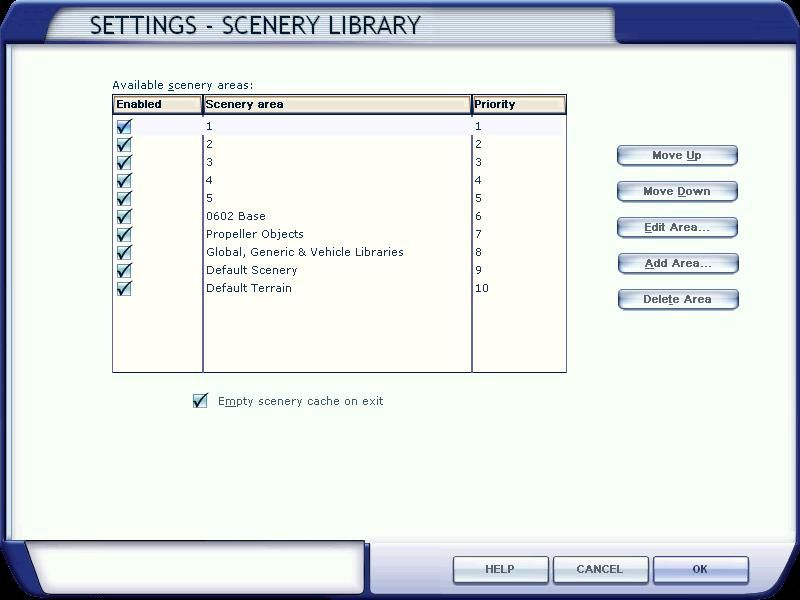
Pay special attention to the base GR1.zip requirement—without it, the expansions will not align or load correctly. If you have not already installed the GR1 scene, it should be your foremost step. In addition, proper layering within the Flight Simulator X Scenery Library remains vital for rendering all elements in the correct sequence.
This photo scenery compilation highlights Greece’s diverse topographical features, bringing a more immersive dimension to flights in Microsoft Flight Simulator X. By integrating accurate mesh data and high-resolution ground imagery, the developer—PhotoScenery—has provided an authentic way to view iconic Hellenic landscapes from the virtual cockpit.
All scenery content is courtesy of PhotoScenery (PhotoScenery@yahoo.com).
Free for all simmers · 1.1 GB · Scanned clean
Download speed: Free tier is capped at 2 Mbps (this file takes approximately 1h 18m at the cap). PRO members download at full line speed.
FSX\Addon Scenery\ containing scenery and texture sub-folders.readme.txt or README file. It tells you exactly where files go, what dependencies are needed, and any quirks specific to this add-on.Use these coordinates to fly directly to this location once the mod is installed.
37.98380000,23.72750000
Launch FSX or Prepar3D and use Flights → Load to open the downloaded .pln file. Your aircraft will be positioned at this location.
The archive greece-photo-scenery.zip has 64 files and directories contained within it.
This list displays the first 500 files in the package. If the package has more, you will need to download it to view them.
| Filename/Directory | File Date | File Size |
|---|---|---|
| Go to Fly Away Simulation.url | 08.22.19 | 52 B |
| Scenery Files | 03.11.25 | 0 B |
| GR1 | 01.03.11 | 0 B |
| FILE_ID.DIZ | 01.03.11 | 283 B |
| GR1.gif | 01.03.11 | 8.60 kB |
| Greece | 01.03.11 | 0 B |
| 1 | 01.03.11 | 0 B |
| C | 10.12.10 | 0 B |
| scenery | 01.03.11 | 0 B |
| GR01.BGL | 11.02.06 | 3.50 MB |
| 2 | 01.03.11 | 0 B |
| M | 10.12.10 | 0 B |
| scenery | 01.03.11 | 0 B |
| GR02.bgl | 12.30.06 | 10.48 MB |
| GR03.bgl | 12.30.06 | 4.53 MB |
| GR04.bgl | 12.30.06 | 16.15 MB |
| GR05.bgl | 12.30.06 | 16.18 MB |
| 3 | 01.03.11 | 0 B |
| 18 | 10.12.10 | 0 B |
| scenery | 09.28.10 | 0 B |
| 4 | 01.03.11 | 0 B |
| 16 | 10.12.10 | 0 B |
| scenery | 01.03.11 | 0 B |
| GR1.bgl | 12.09.10 | 17.91 MB |
| 5 | 01.03.11 | 0 B |
| J | 10.12.10 | 0 B |
| scenery | 10.12.10 | 0 B |
| Installation.txt | 01.03.11 | 689 B |
| covered area.jpg | 01.03.11 | 554.66 kB |
| library.jpg | 01.03.11 | 110.85 kB |
| path.jpg | 12.10.10 | 80.82 kB |
| GR10-12 | 06.08.12 | 0 B |
| FILE_ID.DIZ | 06.08.12 | 172 B |
| Installation.txt | 06.08.12 | 670 B |
| coverage.jpg | 06.08.12 | 497.57 kB |
| path3.jpg | 06.08.12 | 239.48 kB |
| scenery | 06.08.12 | 0 B |
| GR10-12.rar | 06.08.12 | 267.20 MB |
| GR13-15 | 06.08.12 | 0 B |
| FILE_ID.DIZ | 06.08.12 | 172 B |
| Installation.txt | 06.08.12 | 670 B |
| coverage.jpg | 06.08.12 | 497.57 kB |
| path3.jpg | 06.08.12 | 239.48 kB |
| scenery | 06.04.12 | 0 B |
| GR13.bgl | 03.20.12 | 87.15 MB |
| GR14.bgl | 03.20.12 | 89.86 MB |
| GR15.bgl | 03.20.12 | 90.30 MB |
| GR16-18 | 06.08.12 | 0 B |
| FILE_ID.DIZ | 06.08.12 | 172 B |
| Installation.txt | 06.08.12 | 670 B |
| coverage.jpg | 06.08.12 | 497.57 kB |
| path3.jpg | 06.08.12 | 239.48 kB |
| scenery | 06.04.12 | 0 B |
| GR16.bgl | 03.20.12 | 84.02 MB |
| GR17.bgl | 03.20.12 | 89.46 MB |
| GR18.bgl | 03.20.12 | 89.03 MB |
| GR7-9 | 06.08.12 | 0 B |
| FILE_ID.DIZ | 06.08.12 | 170 B |
| Installation.txt | 06.08.12 | 670 B |
| coverage.jpg | 06.08.12 | 497.57 kB |
| path3.jpg | 06.08.12 | 239.48 kB |
| scenery | 06.08.12 | 0 B |
| GR7-9.rar | 06.08.12 | 256.35 MB |
| flyawaysimulation.txt | 10.02.20 | 1.20 kB |
More FSX & P3D add-ons hand-picked based on this download.
FSX Scenery
Photo Scenery Greece GR2-6. This package includes two islands of Greece, Agio…
 FSX Scenery
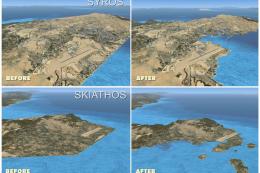
Revised, high detailed coastlines of Greece, mainland and all the islands, fo…
 FSX Scenery
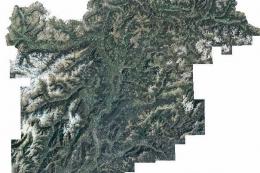
ItalVFR - Trentino Alto Adige Photorealistic Scenery. This scenery covers the…
 FSX Scenery
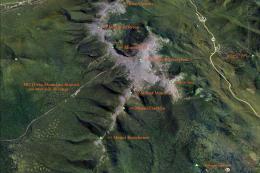
Mt Washington And The Presidential Range, NH. Welcome to the Presidential Ran…
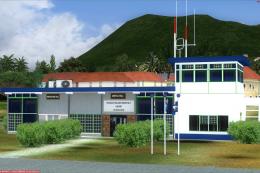 FSX Scenery
Photoreal model of terminal, tower and PIR in the photo scenery of St. Eustat…
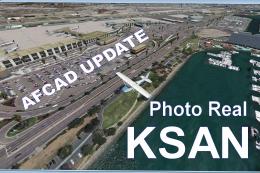 FSX Scenery
KSAN Photo Real Scenery and AFCAD update, San Diego International Airport, Ca…
 FSX Scenery
Americana Photo Realistic. Photoreal scenery of a fine country in Brasil call…
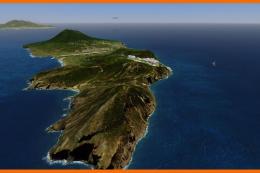 FSX Scenery
(TNCE). Scenery of St. Eustatius (Statia) in the Caribbean with the airport F…
Read what other simmers think, or add your own.


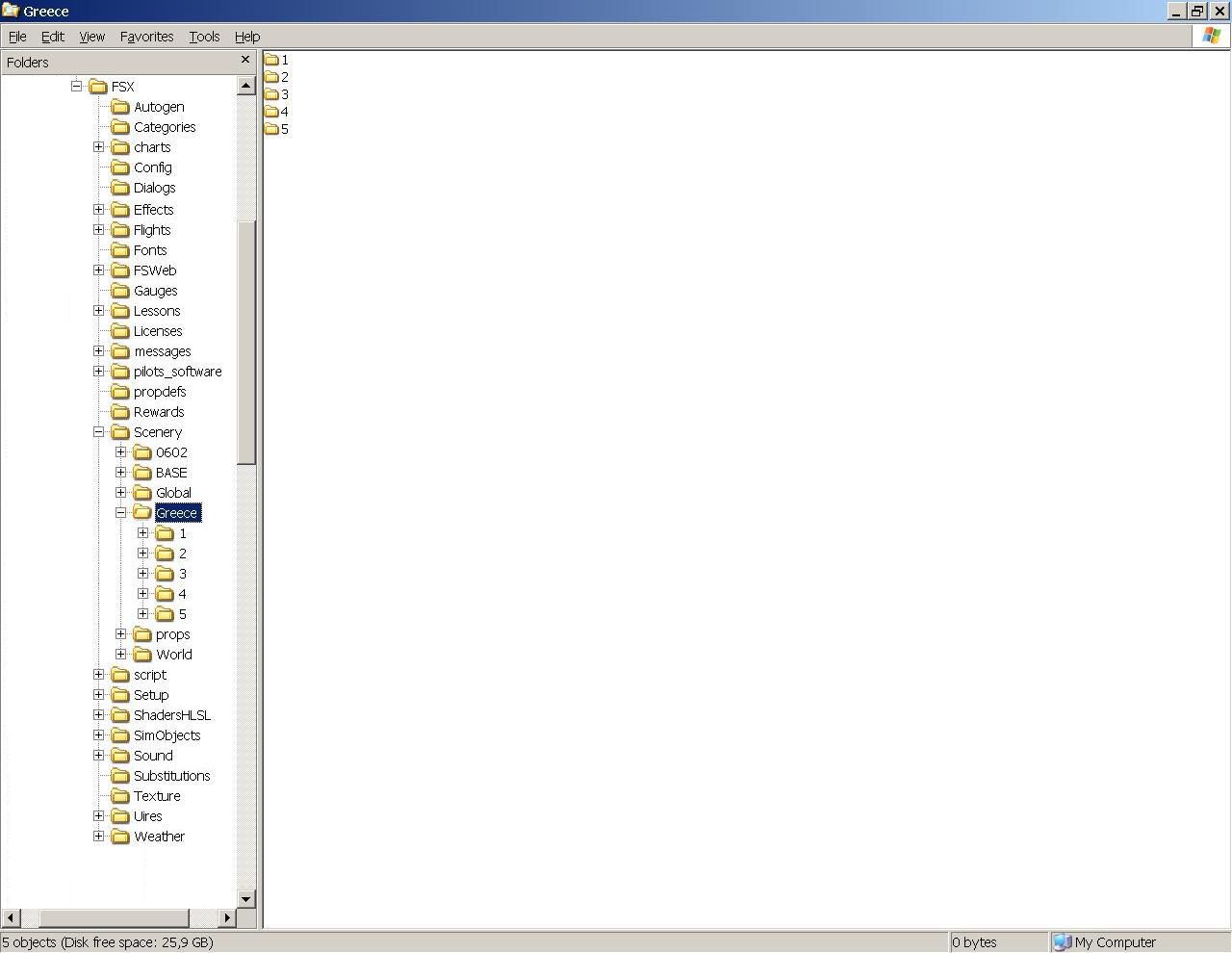
I have downloaded the FSX Photo Scenery Greece GR1file twice as their were two empty folders the first time but folders 3 & 5 are still empty (no .bgl files) so can't add them to the FSX scenery. ? Folders 1,2 & 4 add ok.

