


 FSX General Aviation Aircraft
Cessna 208B For FSX Carrier
After publishing my FSX AI Carrier package, I had several people contact me a…
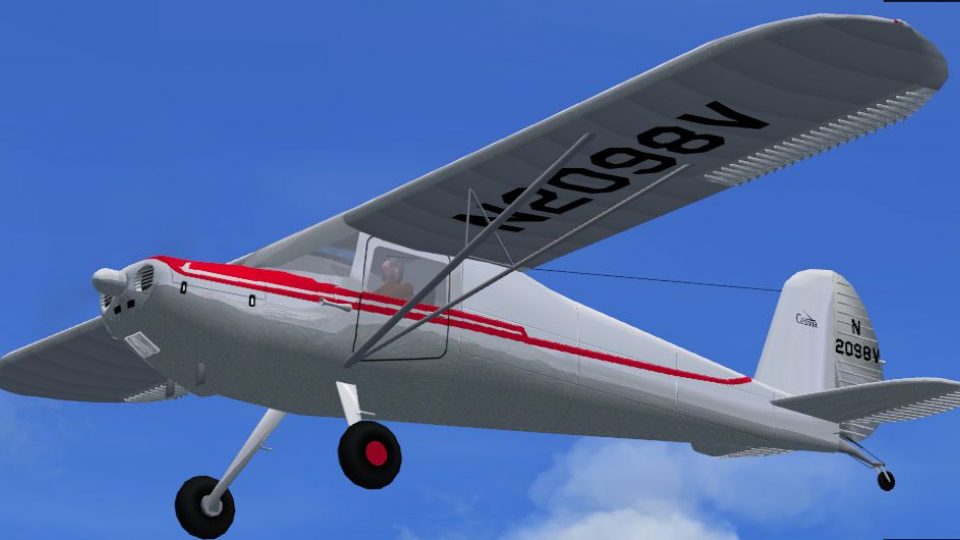
1946 Cessna 120 N2098V recreates the aircraft’s 1948 training configuration with a native FSX Acceleration model, crisp 2048x2048 DXT5 textures, and a virtual cockpit featuring animated flight controls and fully working gauges. Built from accurate three-view references, it delivers an authentic classic taildragger experience for vintage GA flying.
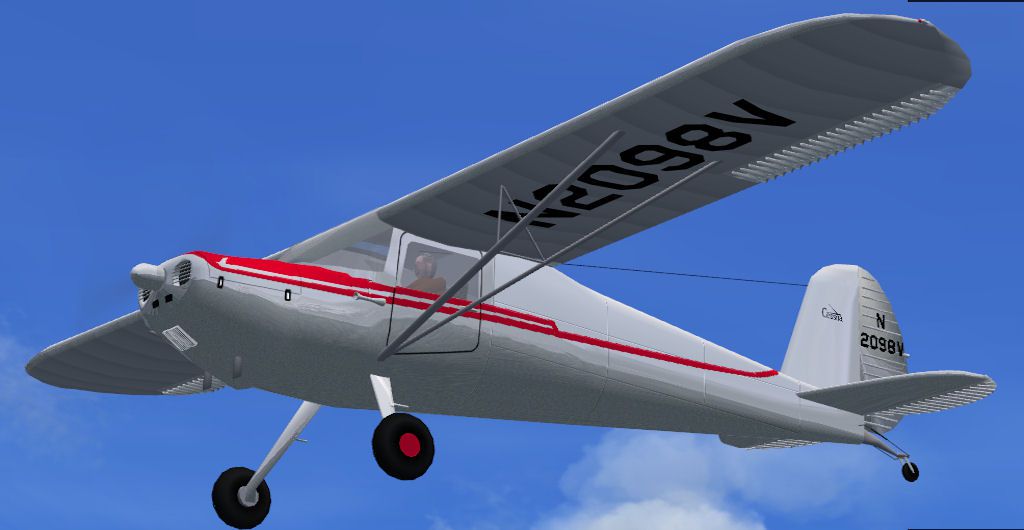
This is a native FSX Acceleration model of a 1946 Cessna C120. Specifically it is N2098V configured as it was in 1948. The designer soloed in this plane in the summer of 1948 at the ripe old age of 16. The project is based on Paul Matt's three views. It has 2048x2048 DXT5.dds textures. The VC has animated flight controls and working gauges. By Paul Clawson.
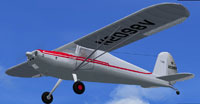
Screenshot of 1946 Cessna 120 N2098V in flight.
I lived in Bozeman Montana from 1946 to 1950. During the summer of 1948 (I was 16) I somehow convinced my parents I should learn how to fly. We went out to Gallatin field (right next to the town of Belgrade) There were two dealers at the field, one handling Luscombe's and a Cessna dealer called Gallatin Flying Service. I don't remember why I picked the Cessna dealer but it turned out to be a good choice because I wound up with Albert C. Newby as my instructor. Al had flown C-46 Commando's over the "Hump" during WW2 and was the definition of "there are no old, bold pilots" school. This was exactly what a 16 year old indestructible cowboy needed. The dealer had a 120 and a 140 dedicated to training. I spent most of my time in the 120 which was N2098V. I had to stretch my time over the next year since one had to be 17 to get a Private in those days. I was fortunate to take my check ride (in N2098V) and pass on my 17th birthday. I took my Mother for her first airplane ride that afternoon. I spent some time flying on Ski's as we had the blizzard of the century in 1948. I got some free solo time flying hay bales out to the cattle feed lots which were under about 6 feet of snow. We flew with carb heat on all the time and had the passenger door removed so we could put the plane on it's side and push the bales out hard enough to miss the horizontal stab.
INSTALLATION: Unzip C120vX into a temporary folder. Copy the folder Cessna 120 into the Airplanes folder of FSX. Copy the contents of the gauges folder into the Gauges folder of FSX. That's it.
Free for all simmers · 3.34 MB · Scanned clean
Download speed: Free tier is capped at 0.5 Mbps. PRO members download at full line speed.
FSX\SimObjects\Airplanes\. The folder must contain an aircraft.cfg file. Effects go into FSX\Effects\; gauges go into FSX\Gauges\.readme.txt or README file. It tells you exactly where files go, what dependencies are needed, and any quirks specific to this add-on.The archive c120vx.zip has 30 files and directories contained within it.
This list displays the first 500 files in the package. If the package has more, you will need to download it to view them.
| Filename/Directory | File Date | File Size |
|---|---|---|
| C120.jpg | 12.30.12 | 67.85 kB |
| Cessna 120 | 12.30.12 | 0 B |
| Aircraft.cfg | 12.16.12 | 10.15 kB |
| C-120.air | 08.05.07 | 8.34 kB |
| model | 12.30.12 | 0 B |
| C-120.mdl | 12.16.12 | 348.05 kB |
| c-120_Interior.mdl | 12.16.12 | 274.71 kB |
| Model.cfg | 12.16.12 | 49 B |
| panel | 12.30.12 | 0 B |
| panel.cfg | 12.08.12 | 1.49 kB |
| Thumbs.db | 08.08.07 | 10.00 kB |
| sound | 12.30.12 | 0 B |
| Sound.cfg | 11.20.02 | 28 B |
| texture | 12.30.12 | 0 B |
| C120trans.dds | 12.08.12 | 64.12 kB |
| C120w_1.dds | 12.08.12 | 4.00 MB |
| C120_1.dds | 12.08.12 | 4.00 MB |
| C120_3.dds | 12.08.12 | 4.00 MB |
| C120_prop.dds | 12.16.12 | 64.12 kB |
| thumbnail.jpg | 08.08.07 | 13.92 kB |
| Thumbs.db | 08.08.07 | 4.50 kB |
| File_id.diz | 01.07.13 | 382 B |
| gauges | 01.12.13 | 0 B |
| Cessna.dll | 09.26.07 | 2.32 MB |
| Cessna182s | 09.26.07 | 1.30 MB |
| Lockheed_Vega.cab | 06.12.03 | 415.28 kB |
| Readme.txt | 01.12.13 | 3.03 kB |
| C120vX | 01.11.13 | 0 B |
| flyawaysimulation.txt | 10.29.13 | 959 B |
| Go to Fly Away Simulation.url | 01.22.16 | 52 B |
More FSX & P3D add-ons hand-picked based on this download.
FSX General Aviation Aircraft
After publishing my FSX AI Carrier package, I had several people contact me a…
 FSX General Aviation Aircraft
Cessna 182 Skylane. This is the default Flight Simulator 2004 Cessna 182 Skyl…
 FSX General Aviation Aircraft
The Cessna 182 Skylane is an American four-seat, single-engined light airplan…
 FSX General Aviation Aircraft
A Gmax FSX/SDK retractable landing gear version of Cessna's 177 Cardinal prop…
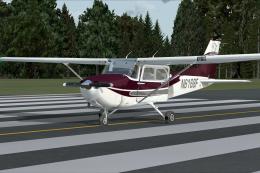 FSX General Aviation Aircraft
Cessna 172. This repaints the default Cessna to a modern Cessna paint stripe …
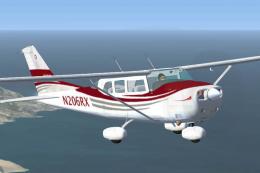 FSX General Aviation Aircraft
High Flight Simulations is pleased to introduce the Cessna C206T Turbo Statio…
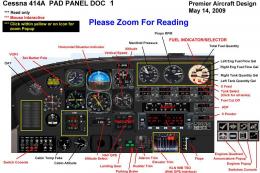 FSX General Aviation Aircraft
Cessna 414A Chancellor 6/8 place business and touring airplane. With custom p…
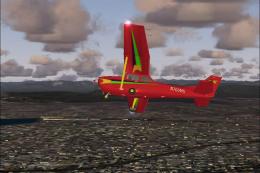 FSX General Aviation Aircraft
Experience a refined rendition of this popular four-seat light aircraft with …
Read what other simmers think, or add your own.

This model is great but I have one problem: the airspeed indicator gauge won't work. Is there a way to fix this?

I also learned to fly in N 2098V a Cessna 120. I took flight lessons in my fathers 20 here in Anchorage Alaska during the '80s.