FSX High Definition Airport Parking & Jetways
 In order to view the full high definition resolution within FSX, you will need to edit your fsx.cfg file and alter the entry:
TEXTURE_MAX_LOAD=4096
If the entry doesn't exist, copy the above and paste it under the [GRAPHICS] section in the fsx.cfg file. Example below:
[GRAPHICS]
TEXTURE_MAX_L...
In order to view the full high definition resolution within FSX, you will need to edit your fsx.cfg file and alter the entry:
TEXTURE_MAX_LOAD=4096
If the entry doesn't exist, copy the above and paste it under the [GRAPHICS] section in the fsx.cfg file. Example below:
[GRAPHICS]
TEXTURE_MAX_L...
- Download hits
- 48K

- Compatibility
- Microsoft Flight Simulator X (FSX) including Steam Edition & Prepar3D (P3D)
- Filename
- jetway_parking.zip
- File size
- 19.14 MB
- Virus Scan
- Scanned 22 days ago (clean)
- Access to file
- Free (Freeware)
- Content Rating
- Everyone

Rated 4 out of 5 stars by 4 PRO members.


In order to view the full high definition resolution within FSX, you will need to edit your fsx.cfg file and alter the entry:
TEXTURE_MAX_LOAD=4096
If the entry doesn't exist, copy the above and paste it under the [GRAPHICS] section in the fsx.cfg file. Example below:
[GRAPHICS]
TEXTURE_MAX_LOAD=4096
NOTE: This value resets to 1024 each time you make ANY adjustments in the FSX DISPLAY settings, so you'll need to reset it back to 4096 if you want the high definition version displayed.
[Installation]
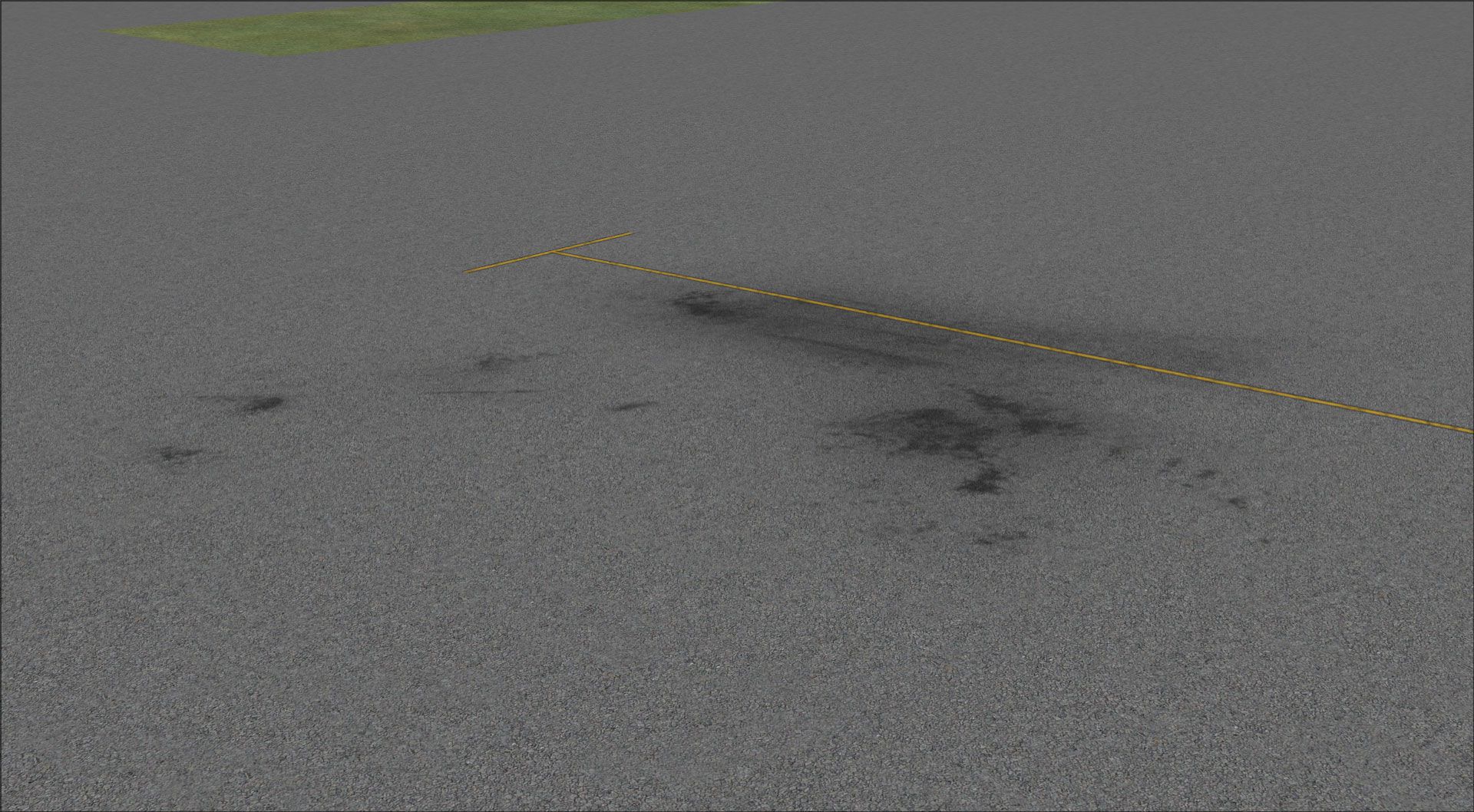
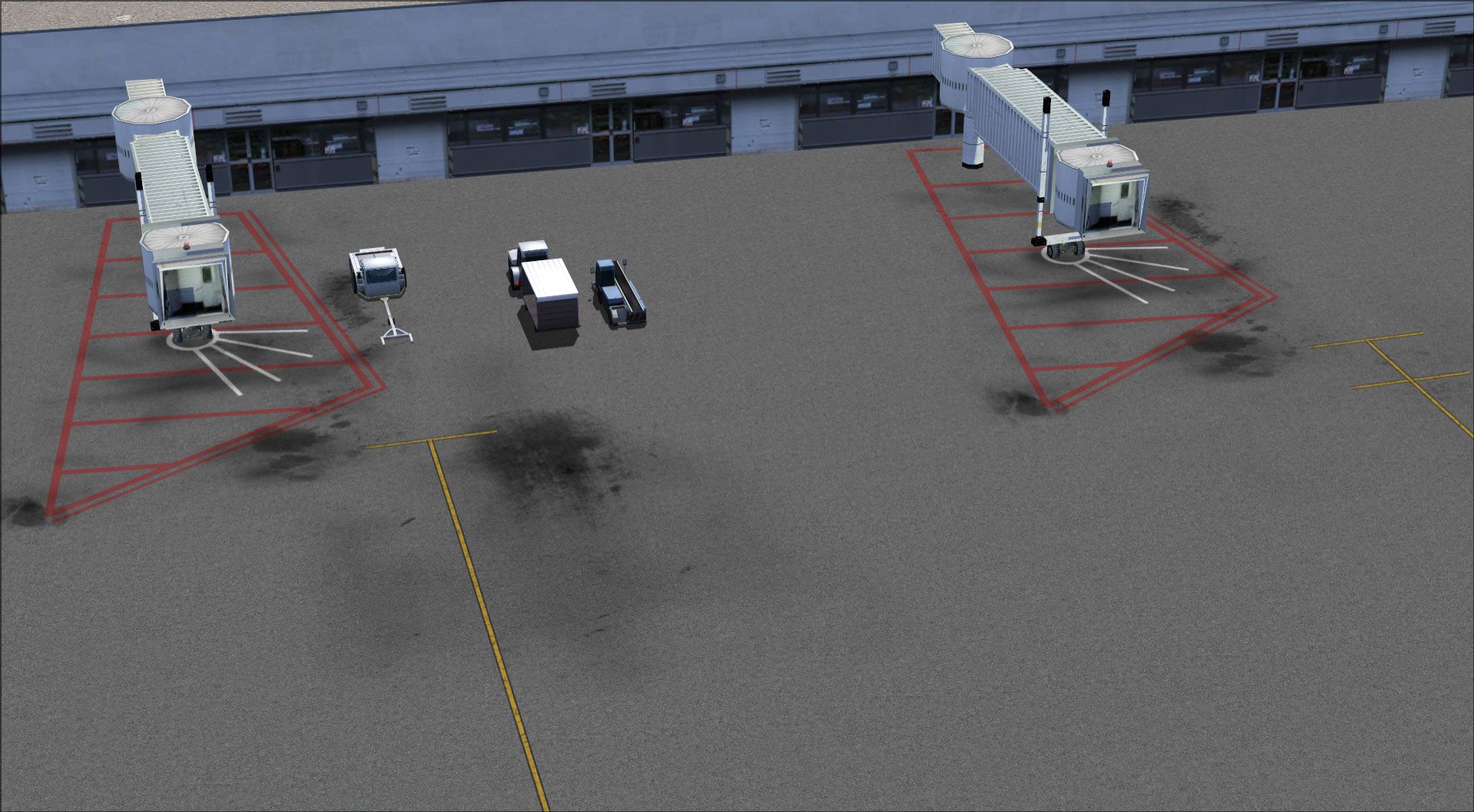
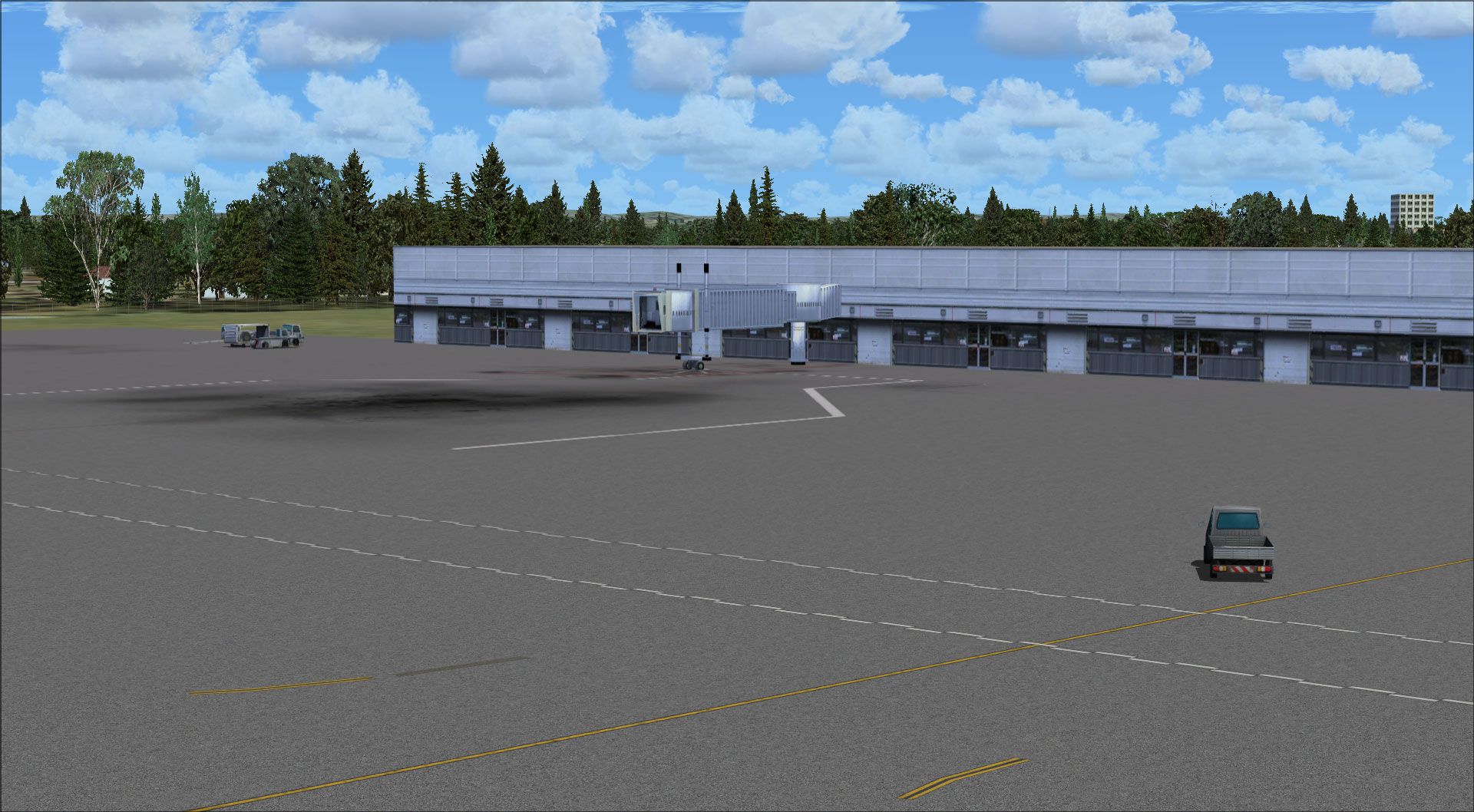
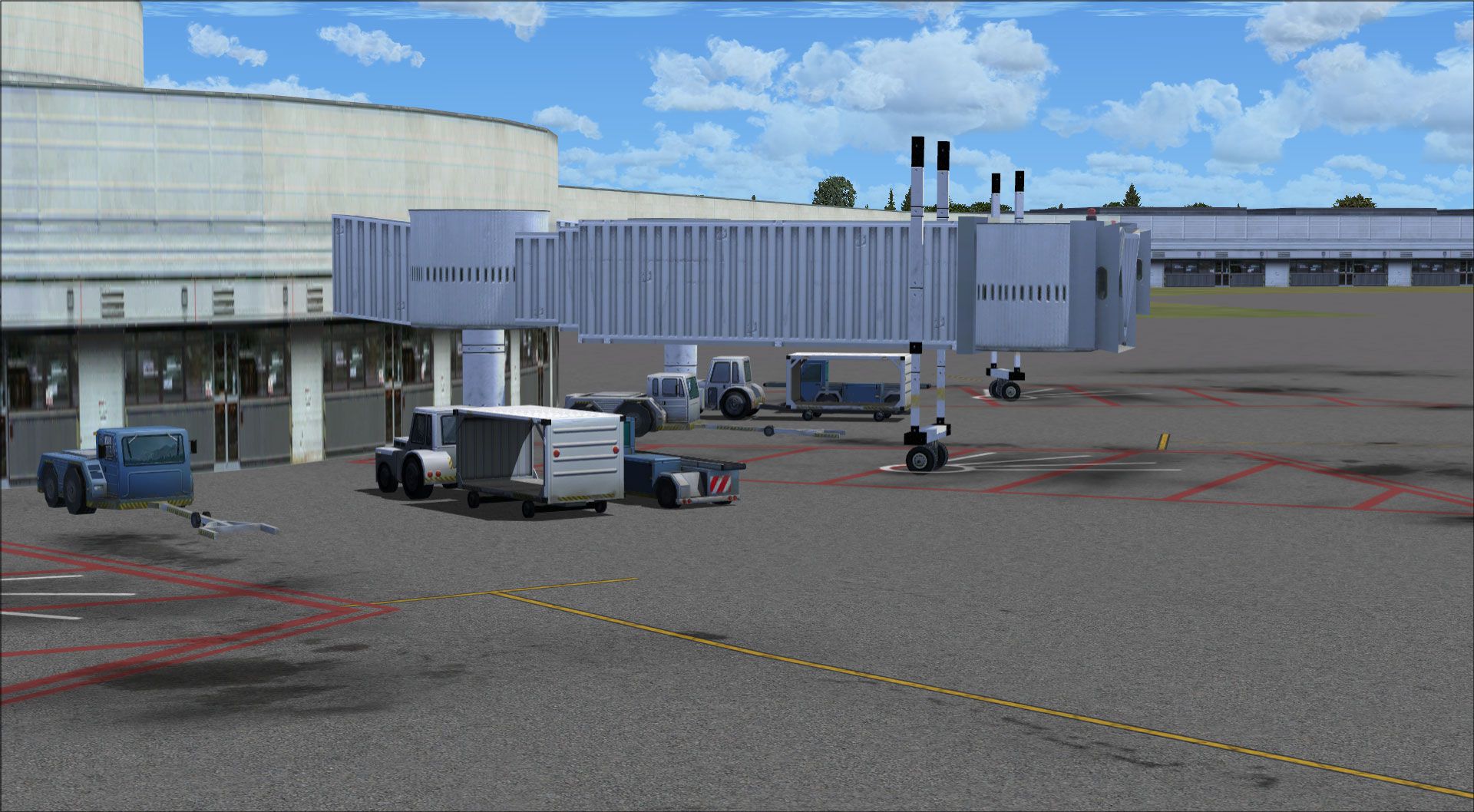
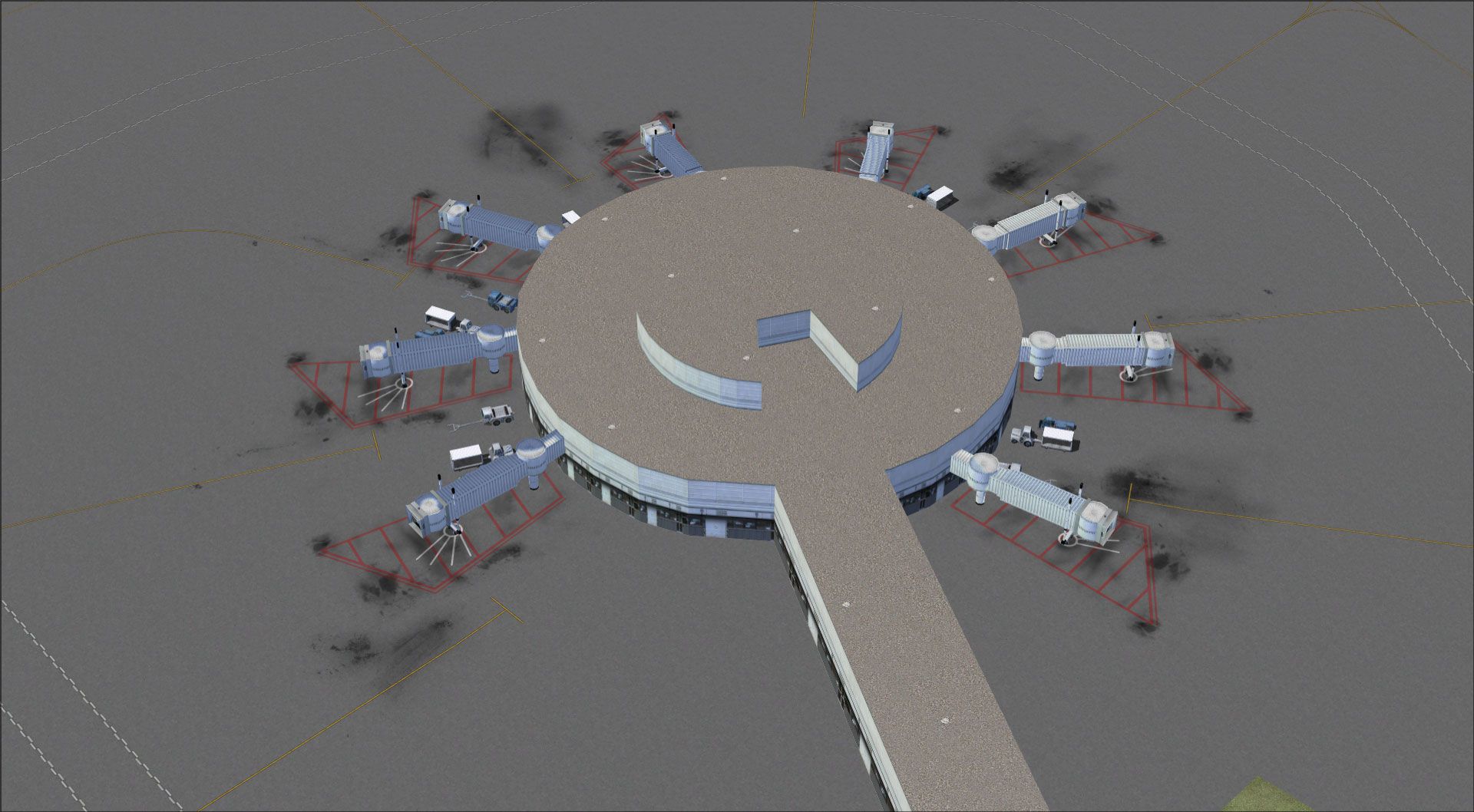
Make sure to install both the HD Jetways AND Airport Parking Spaces available in this package for best effect.
To install the High Definition Jetways
Copy the two files named AIR_Jetway2 and AIR_Jetway2_lm in the "High Definition Jetways" folder to your FSX SceneryGlobalTexture folder. Replace the files when asked. In case you would like to revert back to the original files, a backup is located in this package in the "Original Backup Files" folder.
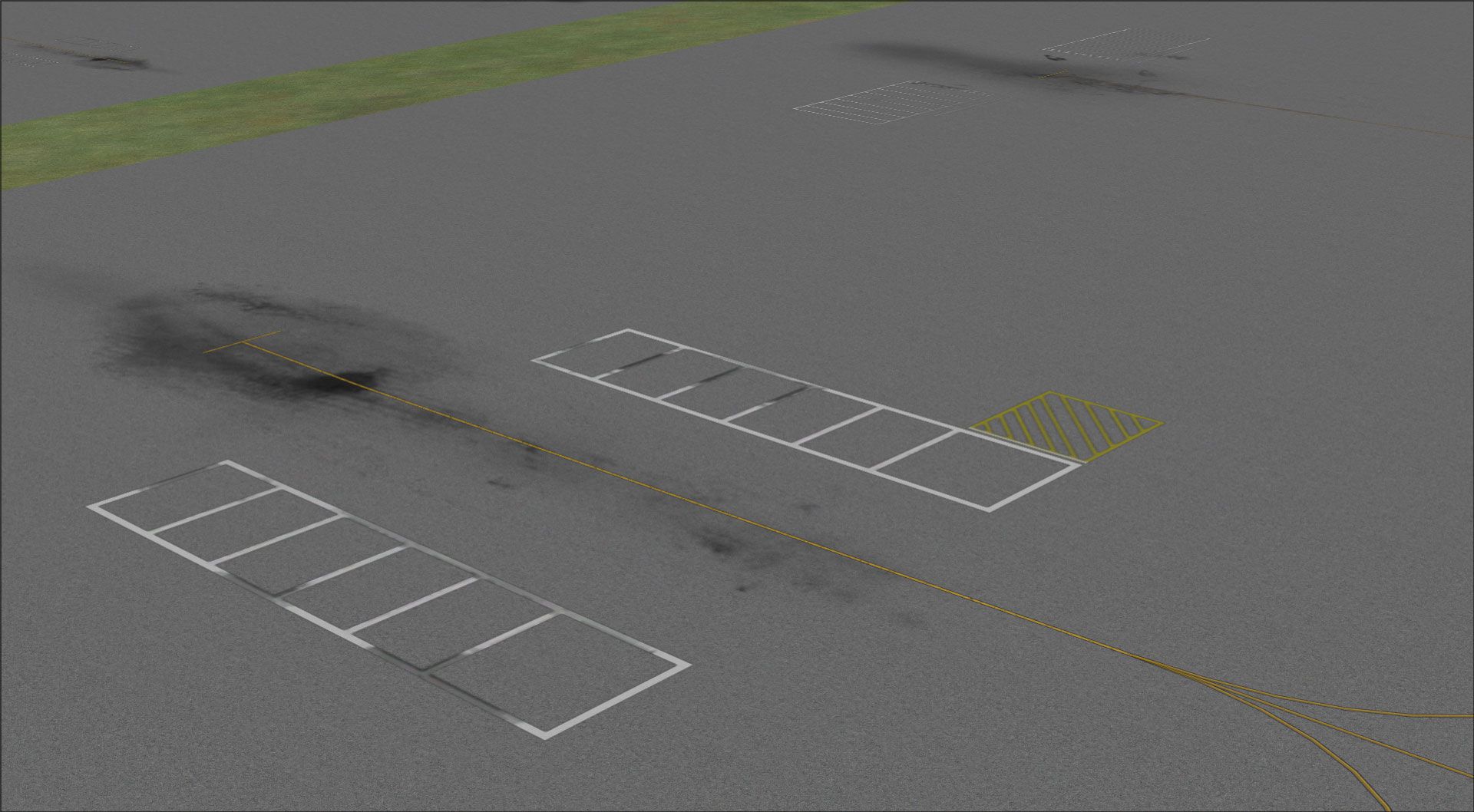
To install the High Definition Airport Parking Spaces
Copy the file named AirportParkingSpace in the "High Definition Airport Parking Spaces" folder to your FSXTexture folder. Replace the file when asked. In case you would like to revert back to the original file, a backup is located in this package in the "Original Backup File" folder.
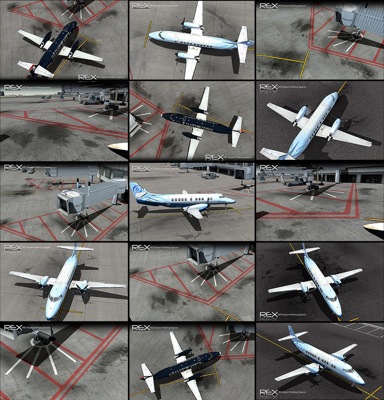
Images & Screenshots

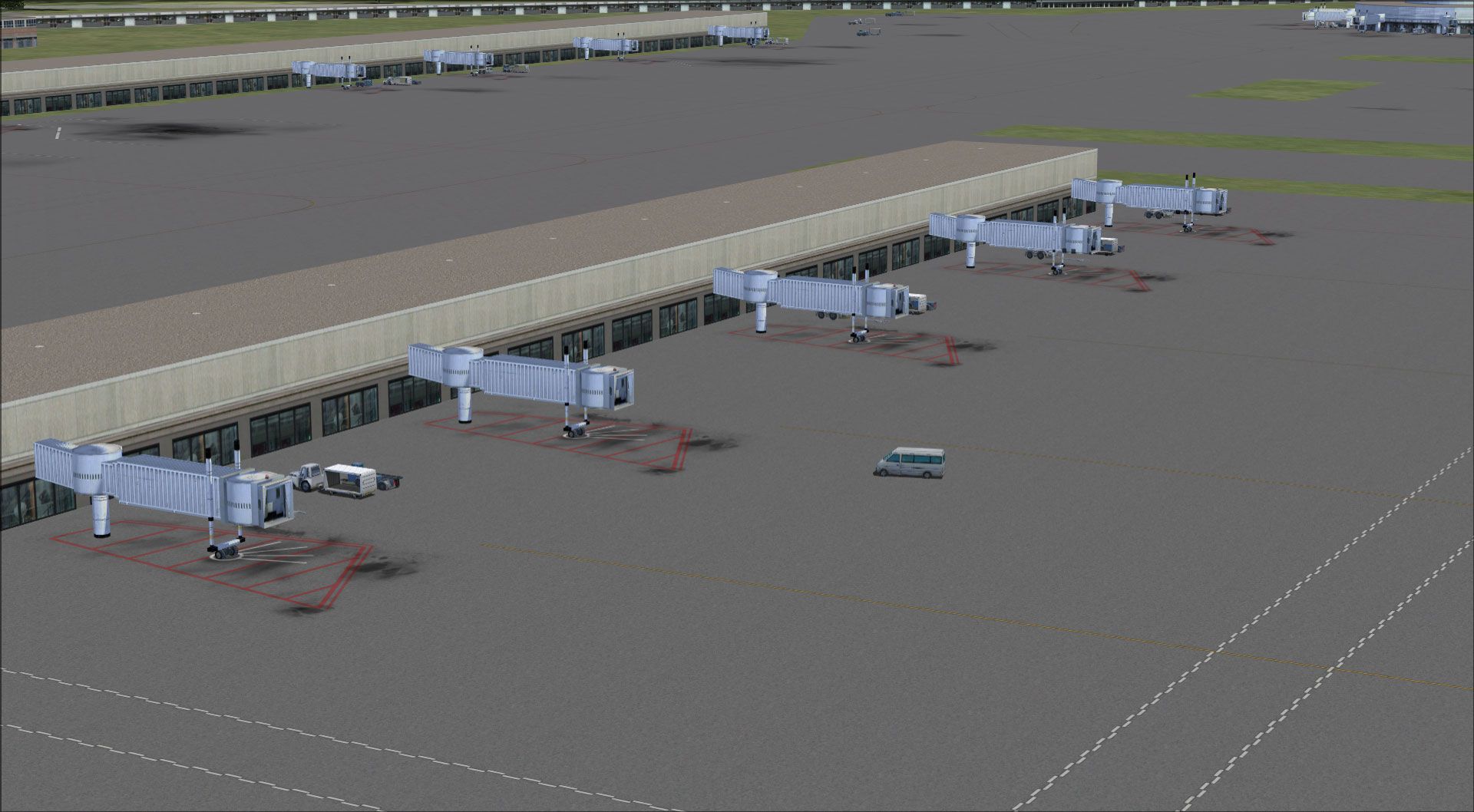
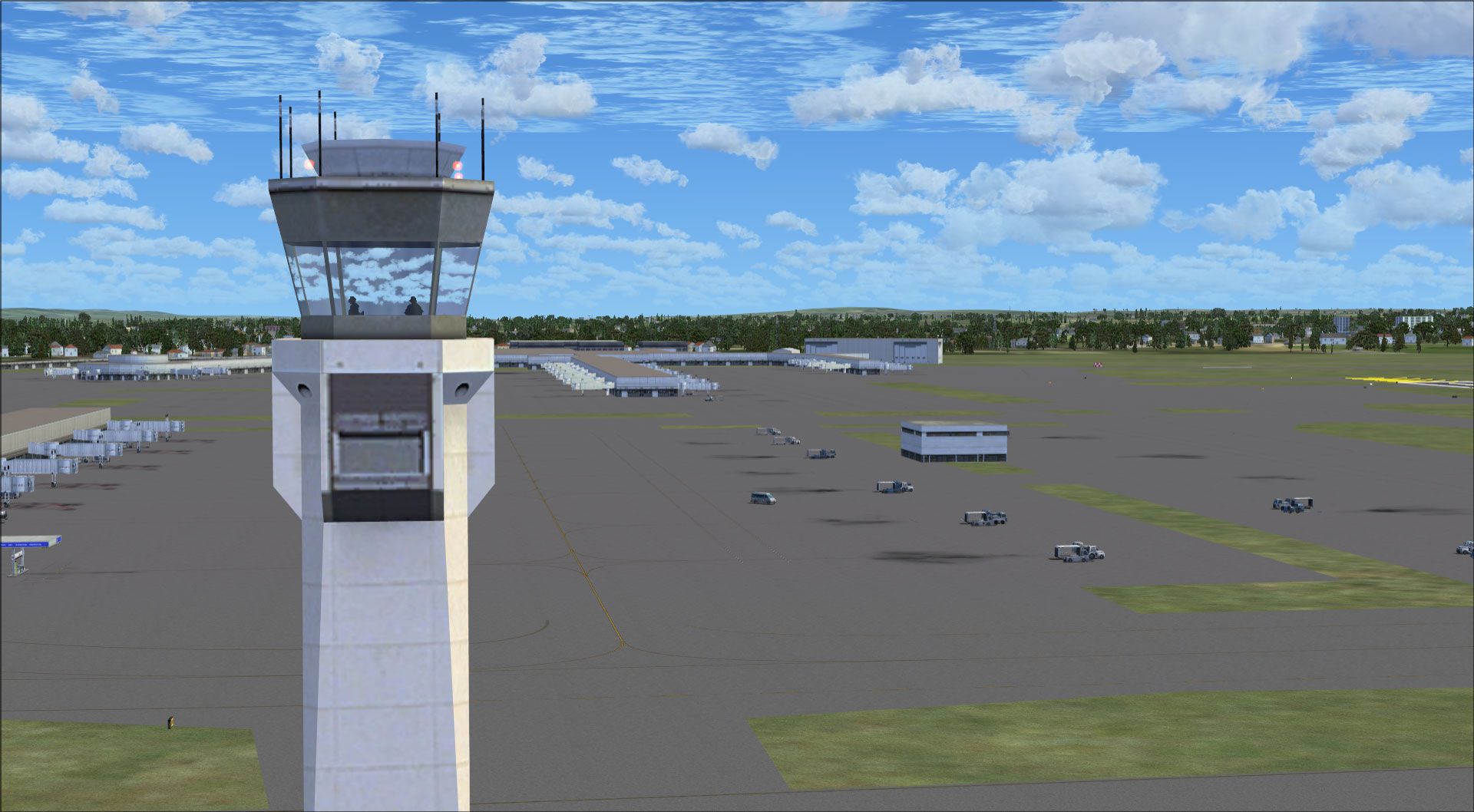
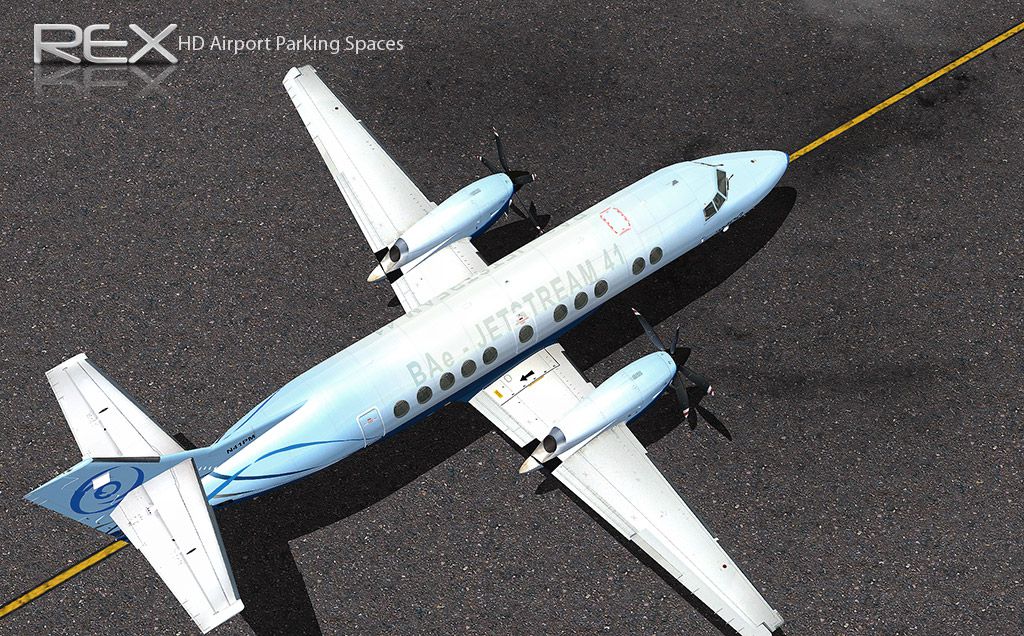
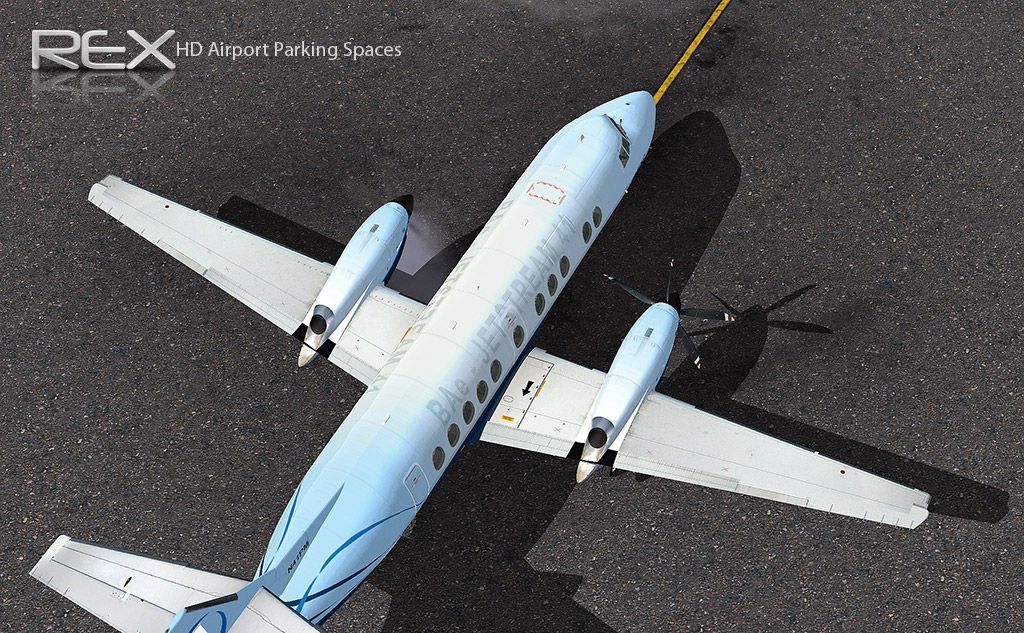
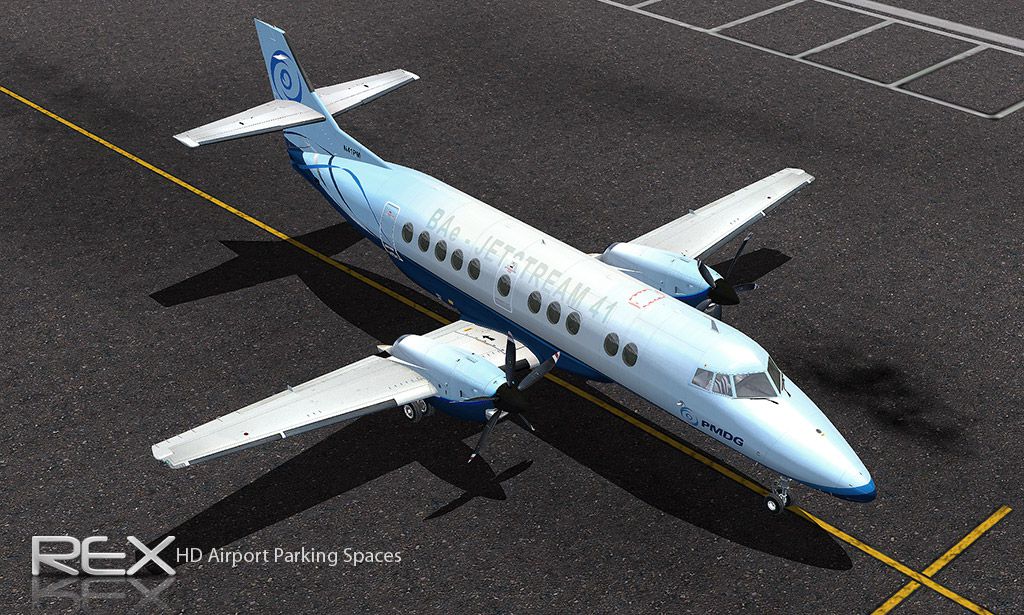

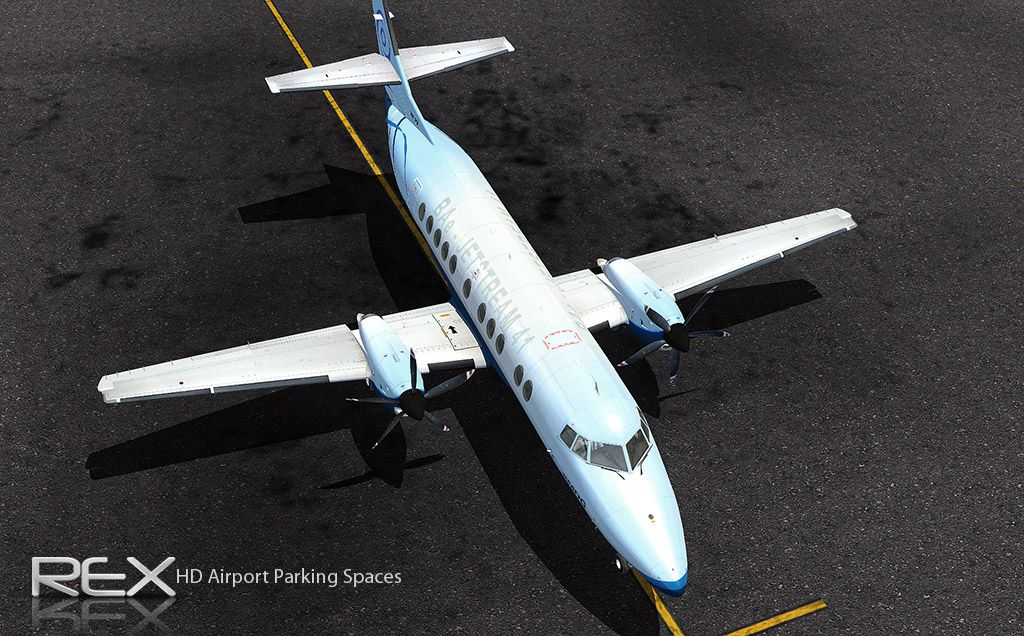
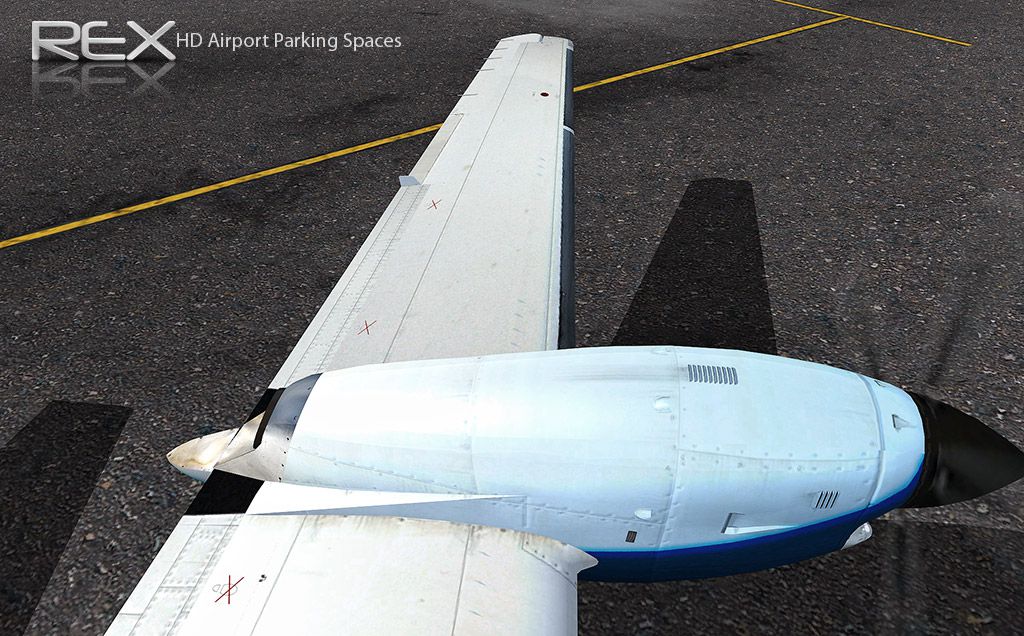
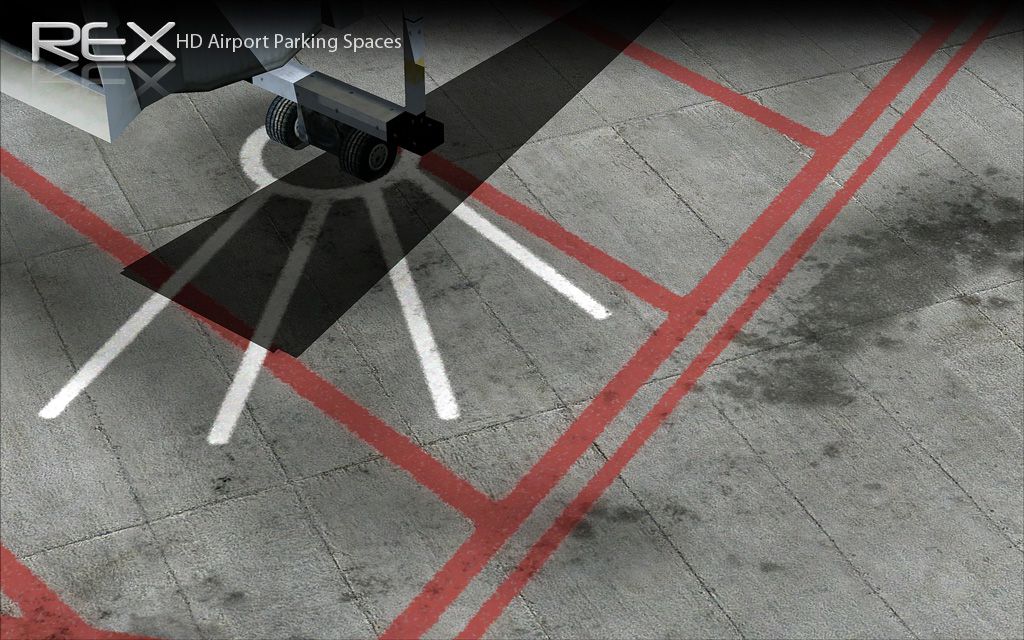
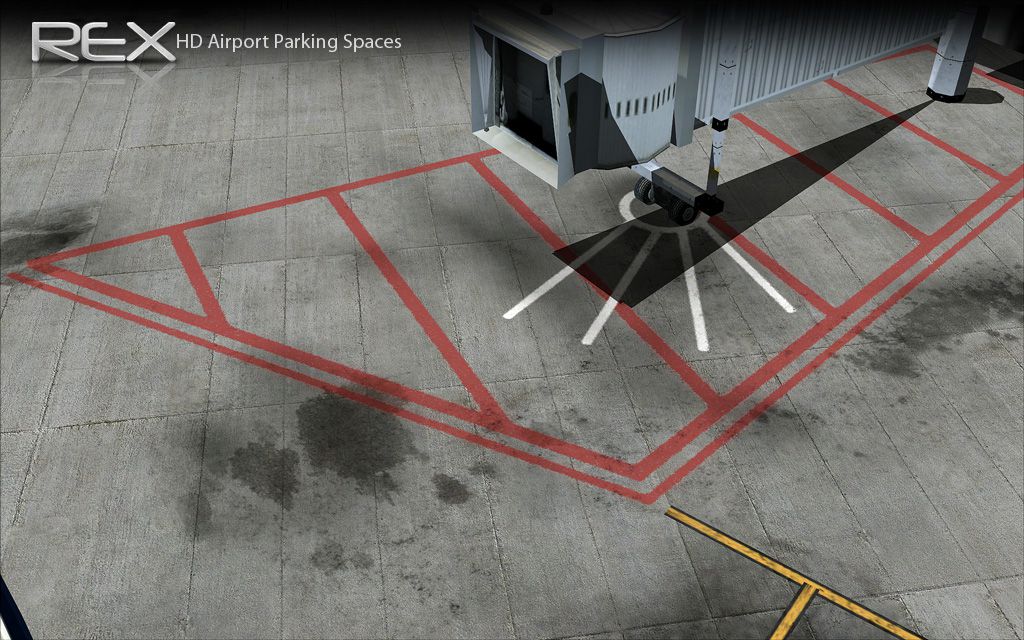
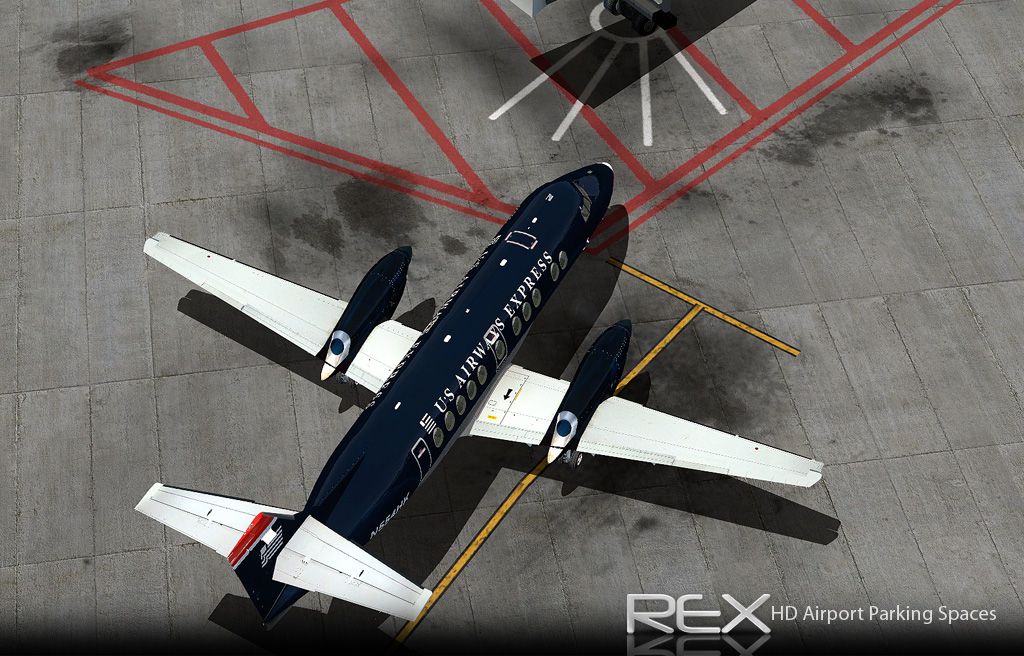
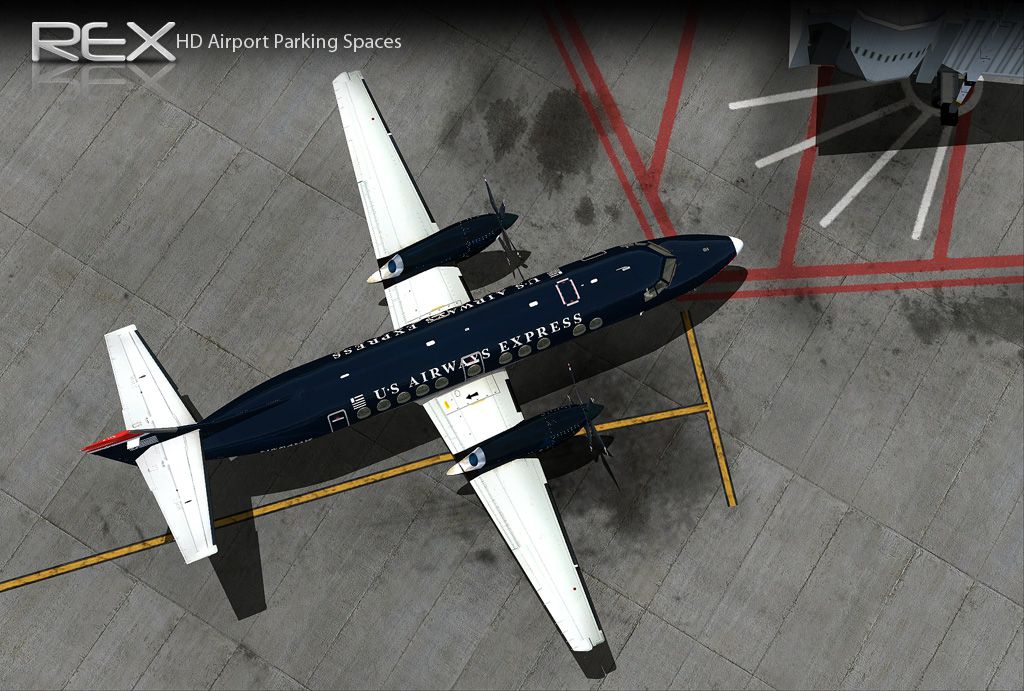
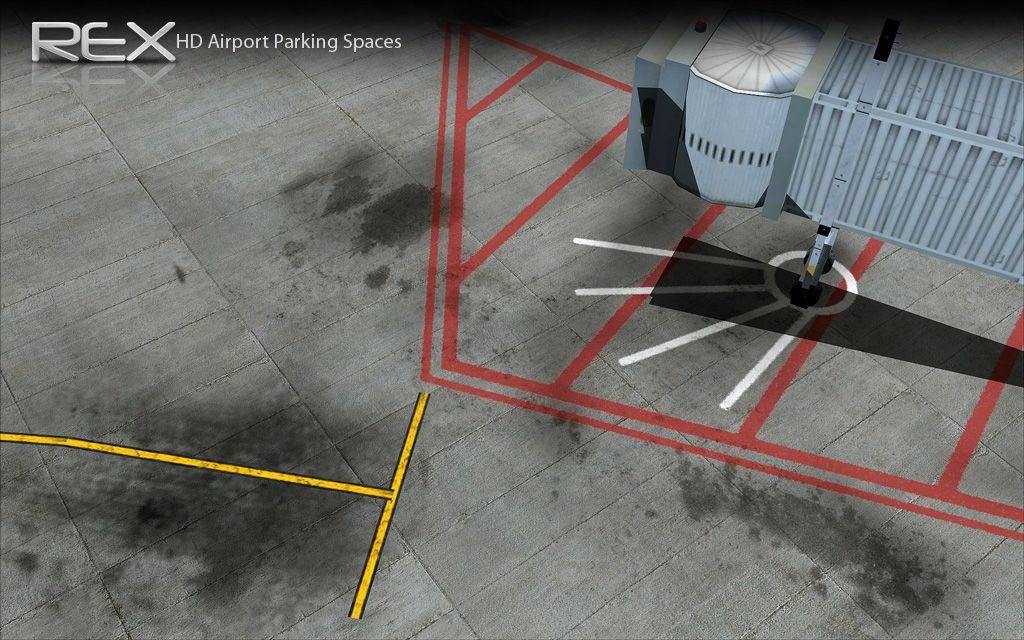

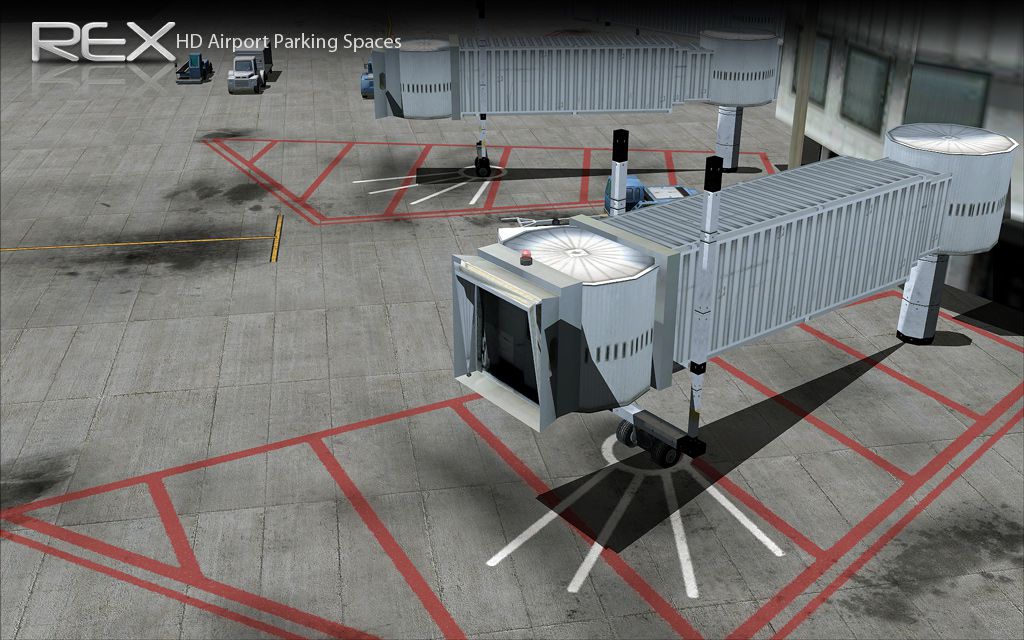
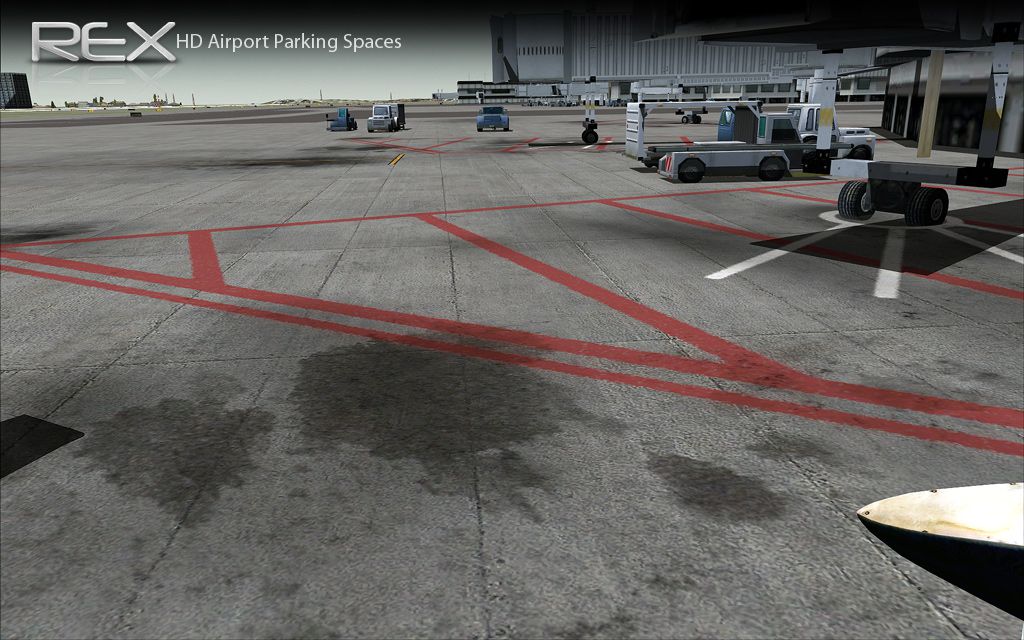
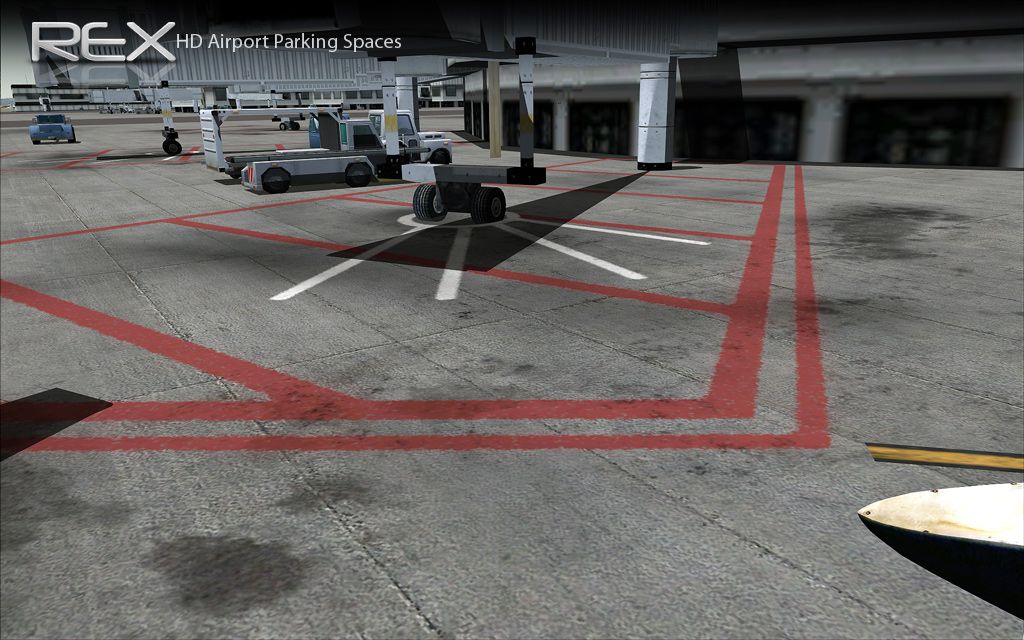

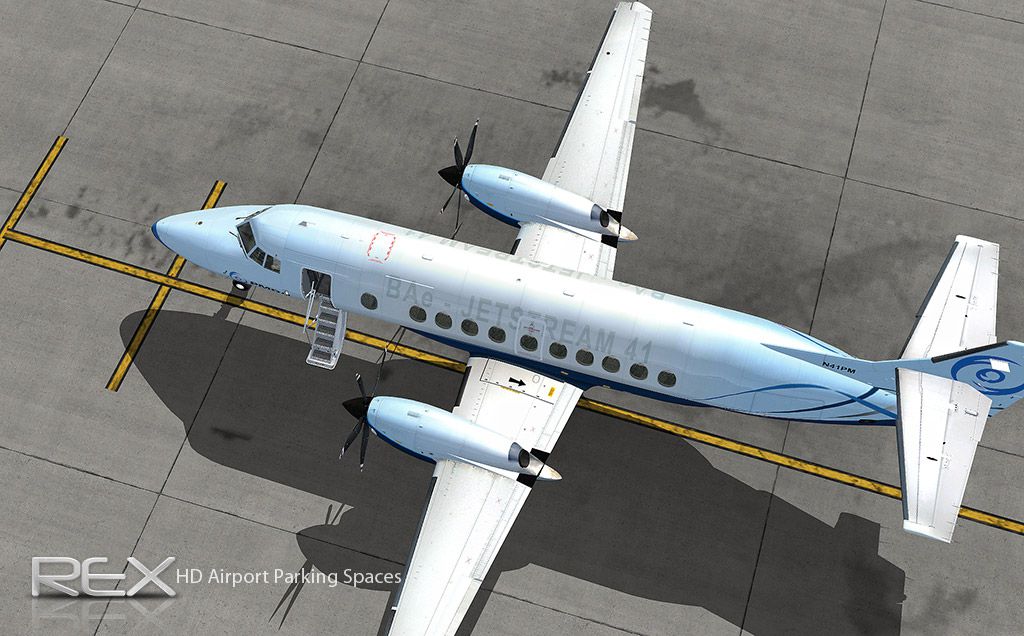
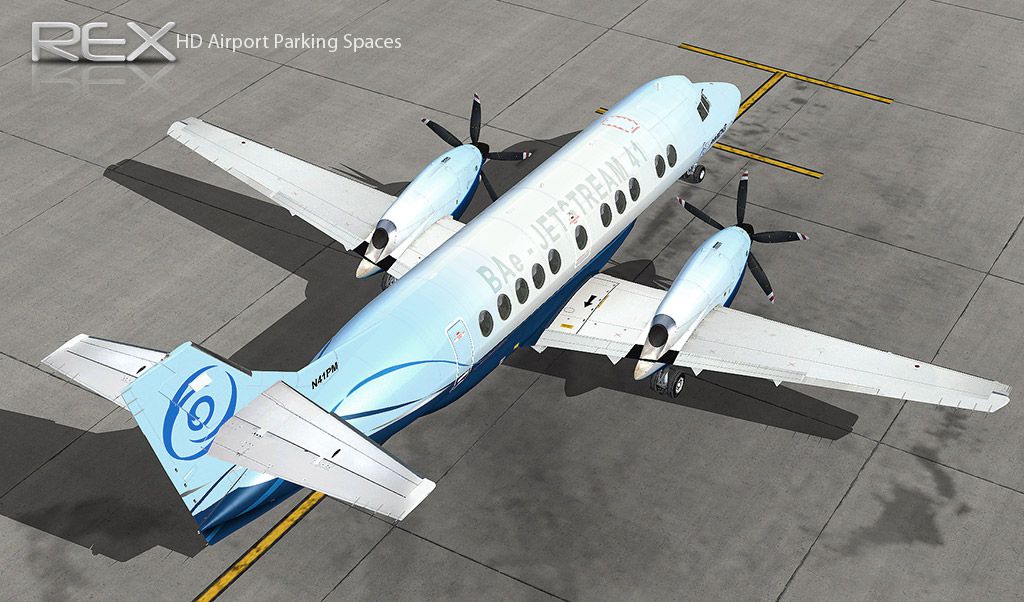
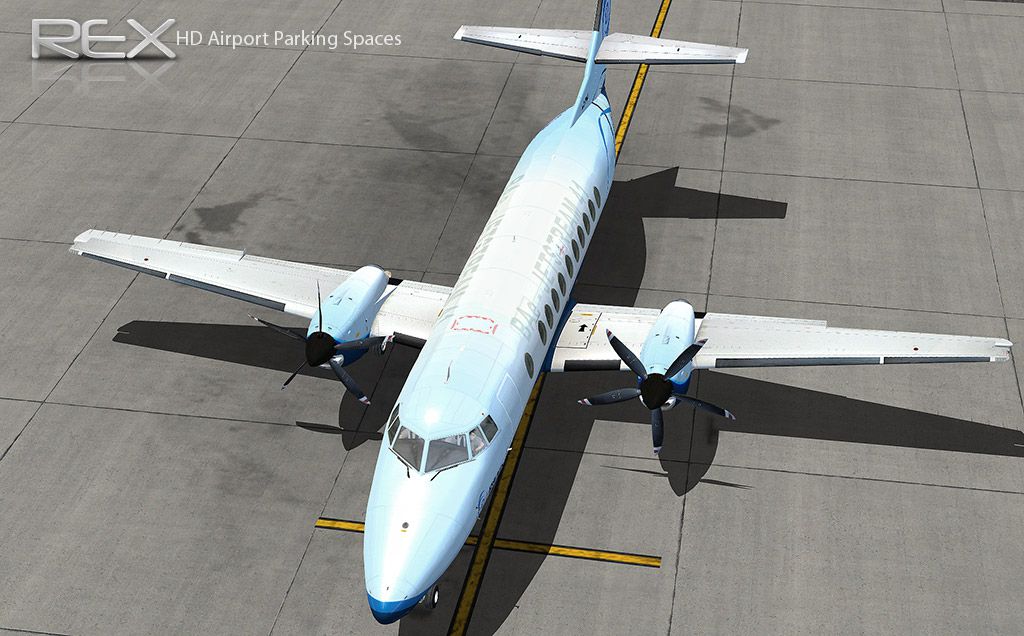
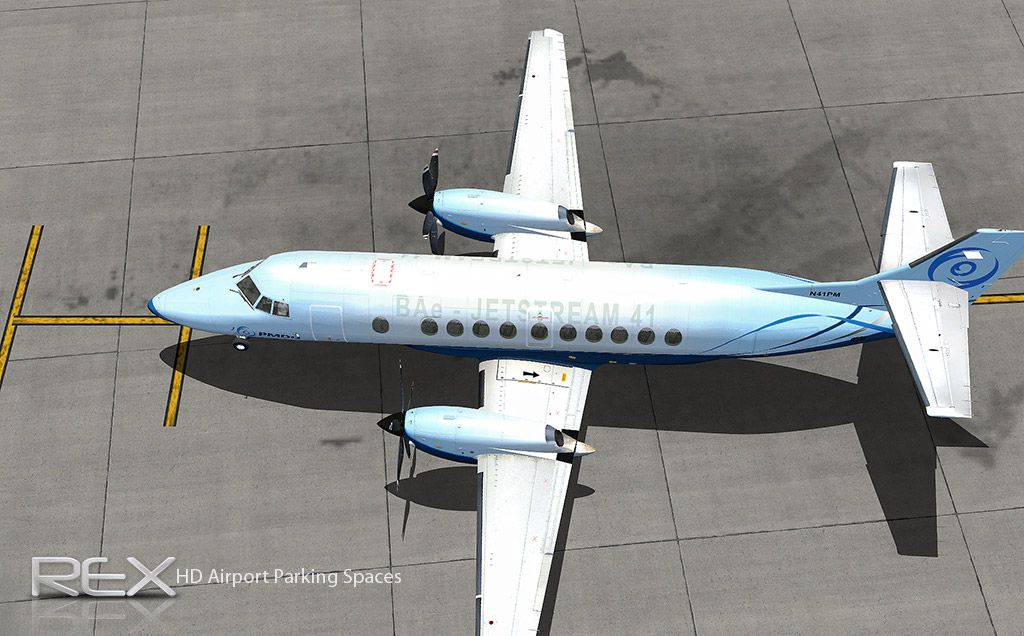
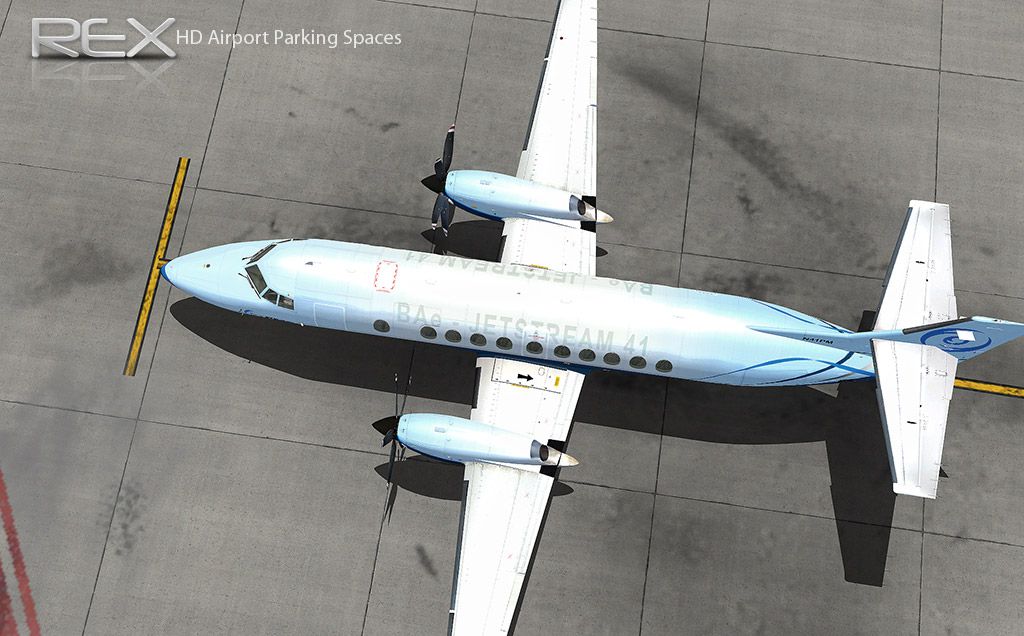
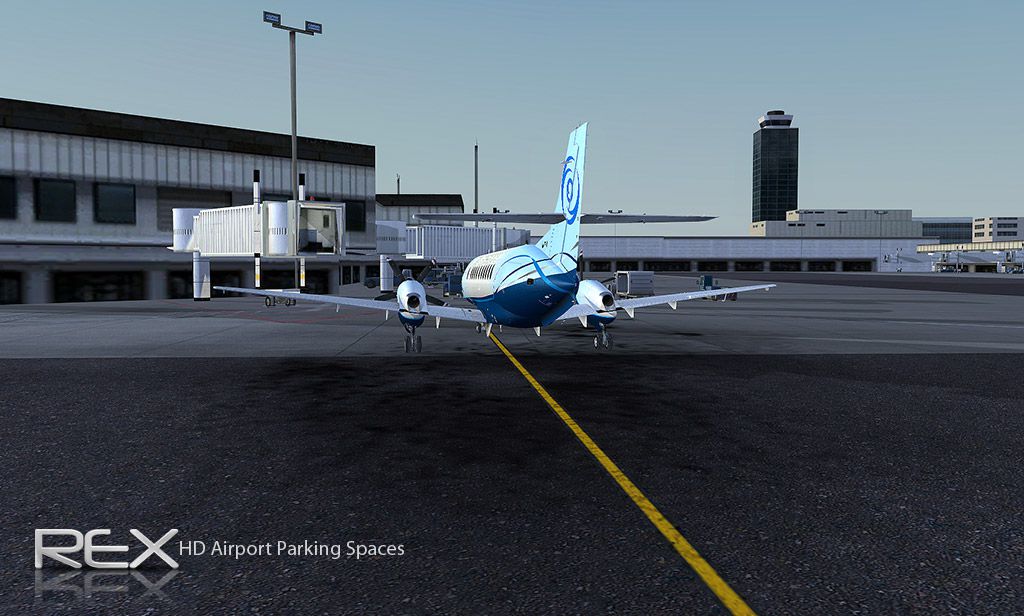
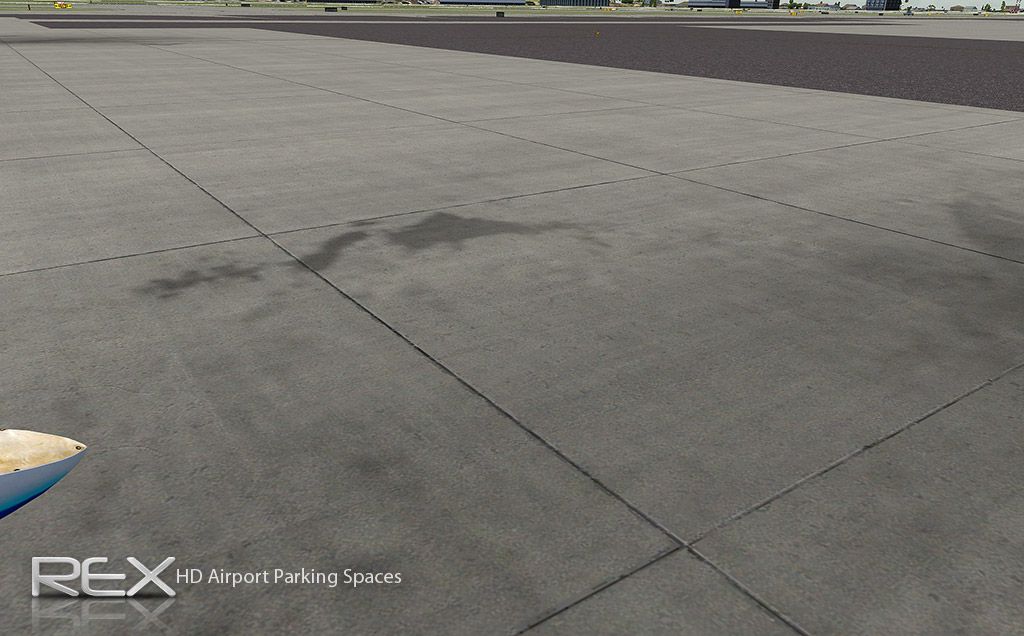

The archive jetway_parking.zip has 48 files and directories contained within it.
File Contents
This list displays the first 500 files in the package. If the package has more, you will need to download it to view them.
| Filename/Directory | File Date | File Size |
|---|---|---|
| HD Jetway and Airport Parking | 11.25.09 | 0 B |
| High Definition Airport Parking Spaces | 11.25.09 | 0 B |
| AirportParkingSpace.dds | 11.25.09 | 5.33 MB |
| Original Backup File | 11.25.09 | 0 B |
| AirportParkingSpace.dds | 07.11.06 | 1.33 MB |
| High Definition Jetways | 11.25.09 | 0 B |
| AIR_Jetway2.dds | 11.24.09 | 5.33 MB |
| AIR_Jetway2_lm.dds | 11.24.09 | 5.33 MB |
| Original Backup Files | 11.25.09 | 0 B |
| AIR_Jetway2.dds | 08.16.06 | 341.45 kB |
| AIR_Jetway2_lm.dds | 08.16.06 | 341.45 kB |
| Read Me.txt | 11.25.09 | 2.02 kB |
| Screenshot Samples | 11.25.09 | 0 B |
| 1.jpg | 11.25.09 | 305.79 kB |
| 10a.jpg | 11.15.09 | 264.64 kB |
| 11a.jpg | 11.15.09 | 318.19 kB |
| 12a.jpg | 11.15.09 | 162.53 kB |
| 13a.jpg | 11.15.09 | 247.74 kB |
| 1a.jpg | 11.15.09 | 188.75 kB |
| 2.jpg | 11.25.09 | 297.78 kB |
| 2a.jpg | 11.15.09 | 188.78 kB |
| 3.jpg | 11.25.09 | 297.84 kB |
| 3a.jpg | 11.15.09 | 304.18 kB |
| 4.jpg | 11.25.09 | 310.61 kB |
| 4a.jpg | 11.15.09 | 233.90 kB |
| 5.jpg | 11.25.09 | 305.15 kB |
| 5a.jpg | 11.15.09 | 178.99 kB |
| 6.jpg | 11.25.09 | 307.84 kB |
| 6a.jpg | 11.15.09 | 157.78 kB |
| 7.jpg | 11.25.09 | 307.38 kB |
| 7a.jpg | 11.15.09 | 176.70 kB |
| 8.jpg | 11.25.09 | 327.38 kB |
| 8a.jpg | 11.15.09 | 185.57 kB |
| 9.jpg | 11.25.09 | 298.90 kB |
| 9a.jpg | 11.15.09 | 171.03 kB |
| flyawaysimulation.txt | 10.29.13 | 959 B |
| Go to Fly Away Simulation.url | 01.22.16 | 52 B |
| Screenshots | 07.20.16 | 0 B |
| 001.jpg | 07.20.16 | 244.87 kB |
| 002.jpg | 07.20.16 | 355.53 kB |
| 003.jpg | 07.20.16 | 348.26 kB |
| 004.jpg | 07.20.16 | 243.65 kB |
| 005.jpg | 07.20.16 | 356.03 kB |
| 006.jpg | 07.20.16 | 442.64 kB |
| 007.jpg | 07.20.16 | 249.35 kB |
| 008.jpg | 07.20.16 | 264.25 kB |
| 009.jpg | 07.20.16 | 260.59 kB |
| 010.jpg | 07.20.16 | 178.21 kB |
Editorial
When I first started to use FSX, I found that whilst the graphical improvements over previous iterations were clearly noticeable, it wasn’t quite the “wow” jump I had come to expect. Perhaps seeing the massive leaps that gaming in general had taken, I expected flight simulators to be able to keep up with the pace and continue to deliver a truly stunning visual experience. This isn’t to say that I was disappointed, but it needed a little bit of a boost in the right direction. Thankfully, I was lucky enough to come across things like this excellent HD system.
Full HD resolutions are possible when using FSX, and you can easily enable them without too much trouble. All you need to do to enable these high resolutions – which massively improve the graphical quality and overall output of the flight simulator – is follow the basic instructions below prior to installing the FSX HD package. This will pretty much enable everything to flow nice and smoothly upon installation and get everything working nice as good as possible.
Of course, the graphical side of things is always going to be very important; whilst most people will always take a sway towards playability and performance over stunning visuals, it helps to know you can enable better graphical capacity with ease. This makes a massive change to your FSX performance in general, and will give you a much more polished looking performance. If you’ve found yourself a little underwhelmed in the past with the graphical capacity of FSX, then this can really help you turn things up a notch.
Thankfully, like just about any other FSX mod worth its salt, it’s incredibly easy to install and get working. You’ll notice a massive difference almost right away when you log into the game, as all of the textures become far smoother and easier to read. Struggling to make out the airport signs or finding everything is a bit too basic looking? Then this package ramps everything up around you.
The aircraft themselves always look good, as it’s the main focus of the simulator – the world that you fly around in though? It can feel a touch bare at times. It’s always nice to change this up with one of these excellent modifications, as it can help you pretty much balance out the whole experience. It might be a rather shallow trait, but I need the graphical output of my flight simulations to be the best they possibly can be – It helps to make the experience feel that little bit more realistic and engaging!
All you need to do when installing this file is follow the basic rules to get the jetways and the airport parking spaces looking far clearer and sharper than ever before. Now, you’ve got no excuses if you aren’t able to park your aircraft your aircraft properly or take the textbook approach!
Please note that if you make any alterations to the in-simulation display settings, the original [GRAPHICS] changes will be reset.

Adam McEnroe
Adam McEnroe is a flight sim enthusiast who has been simming since the days of FS95. Adam writes all of the download section editorials after testing each of the files. Adam has extensive knowledge using various flight simulator packages and thoroughly tests the files before writing about them. Adam also like to fly real-world aircraft in his spare time and is training for his PPL.
Should you wish, you can contact Adam via email at adam@flyawaysimulation.com.

Installation Instructions
Most of the freeware add-on aircraft and scenery packages in our file library come with easy installation instructions which you can read above in the file description. For further installation help, please see our Flight School for our full range of tutorials or view the README file contained within the download. If in doubt, you may also ask a question or view existing answers in our dedicated Q&A forum.




8 comments
Leave a ResponseThe content of the comments below are entirely the opinions of the individual posting the comment and do not always reflect the views of Fly Away Simulation. We moderate all comments manually before they are approved.
For everyone that does not know where FSX.cfg is, well here :
Go to start menu -> Type ‘run’ -> click on the program and type %appdata% -> Microsoft -> FSX > fsx.cfg
There you go. Now just open it with notepad and make the changes :)
The author should have posted the location of the folders and files he's referencing, very frustrating indeed.
Still cant find it... Can you give me an updated place for it.
I can't seem to find the scenery global texture folder. I use fsx steam edition
This is where the location of the file is in steam
AppDataRoamingMicrosoftFSX-SEfsx_se.cfg
I can't find the fsx.cfg in steam
I use Steam and can't find the fsx.cfg file.
very very good. thanks .