


 FSX Civil Aircraft
Air Caraibes Airbus A350-1000 XWB
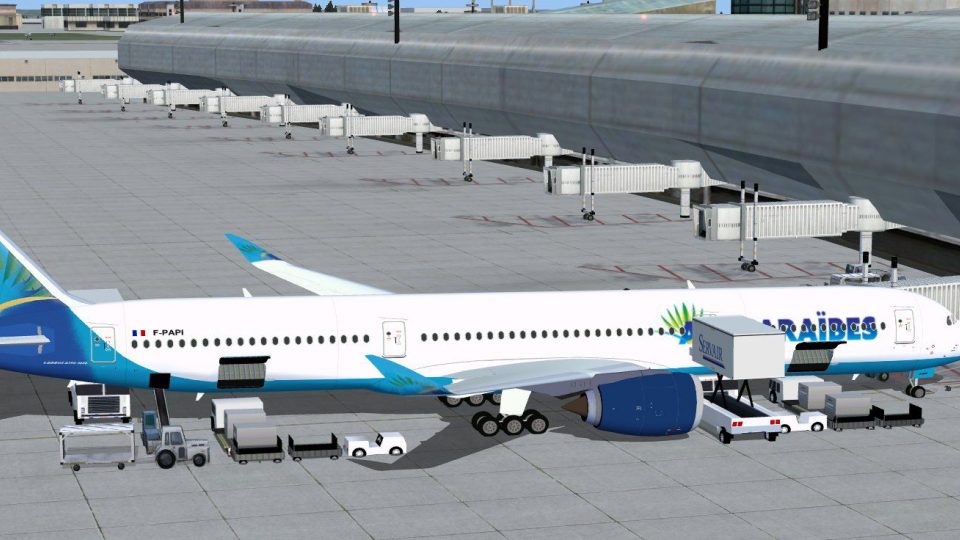
Experience a distinctive upgrade to your simulator with this freeware Air Car…
Air Caraibes Airbus A350-1000 XWB V2 brings a sharper long-haul widebody to Microsoft Flight Simulator X with a refined nose profile, reworked cockpit windows, and improved wing and winglet geometry. Animated Ground Servicing integrates door and turnaround animations alongside tuned flight dynamics for convincing airliner operations.
Experience the second release of this freeware Air Caraibes Airbus A350-1000 XWB add-on, featuring a refined nose shape, redesigned cockpit windows, and enhanced wing configuration. Created by Camil Valiquette, this comprehensive package incorporates Animated Ground Servicing and has been tailored for FSX users seeking a realistic commercial jet simulation experience. It couples refined visuals with accurate flight modeling, ensuring an immersive environment every time you fly.
The A350-1000 XWB is a wide-body, long-haul airliner that stands out for its cutting-edge aerodynamic design and efficient engines. Meanwhile, Air Caraibes is recognized for serving routes within the French Caribbean region, integrating modern aircraft to accommodate both regional and international travel. This freeware download, developed by Camil Valiquette, represents an accurate rendition for enthusiasts eager to explore advanced airliner operations.

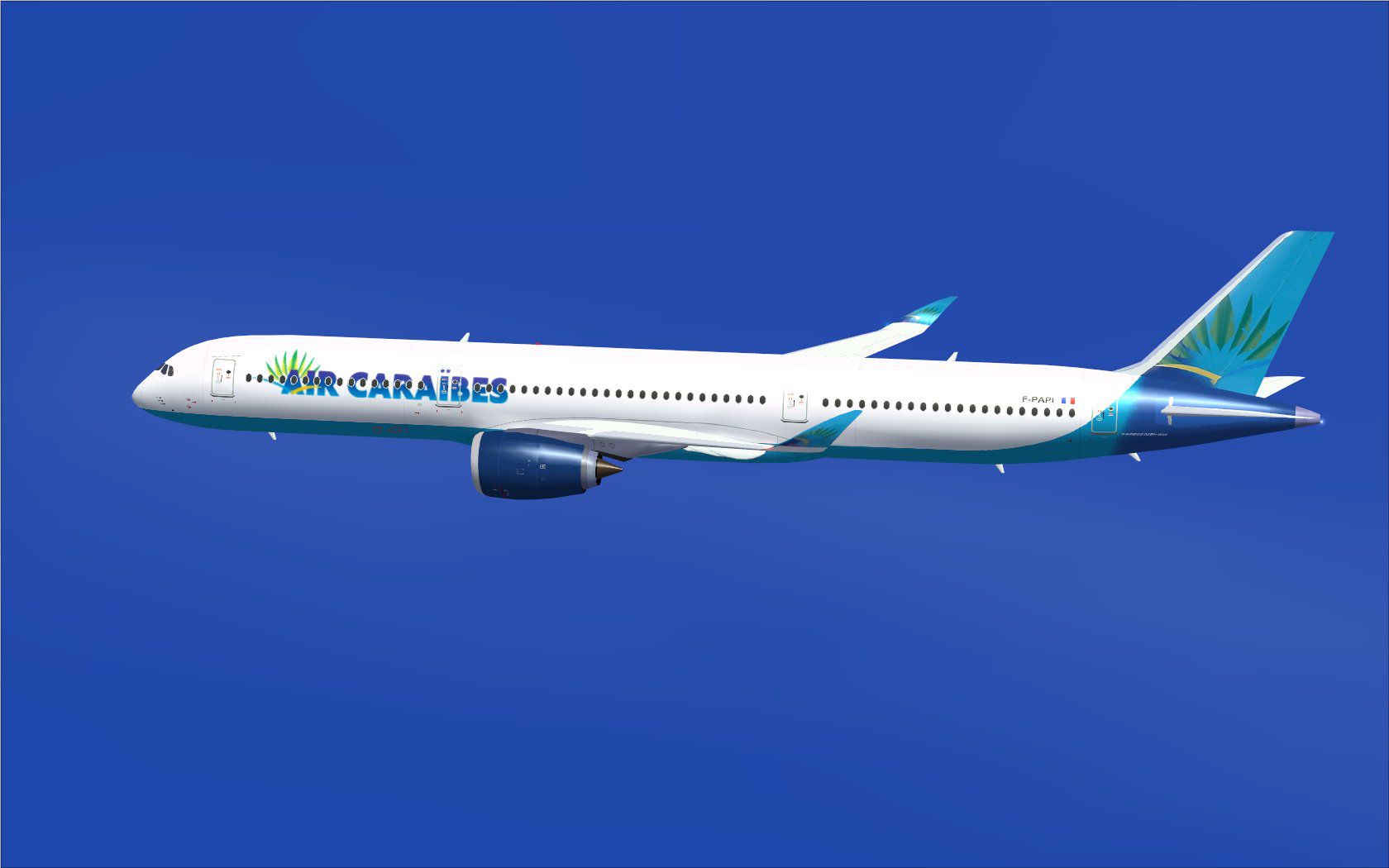
Air Caraibes Airbus A350-1000 XWB in flight.
If this is your first time using the Animated Ground Servicing, open the “Effects.zip” file. Place the contents into the “Effects” folder inside your FSX root directory.
To ensure proper functionality, assign these commands in the FSX options:
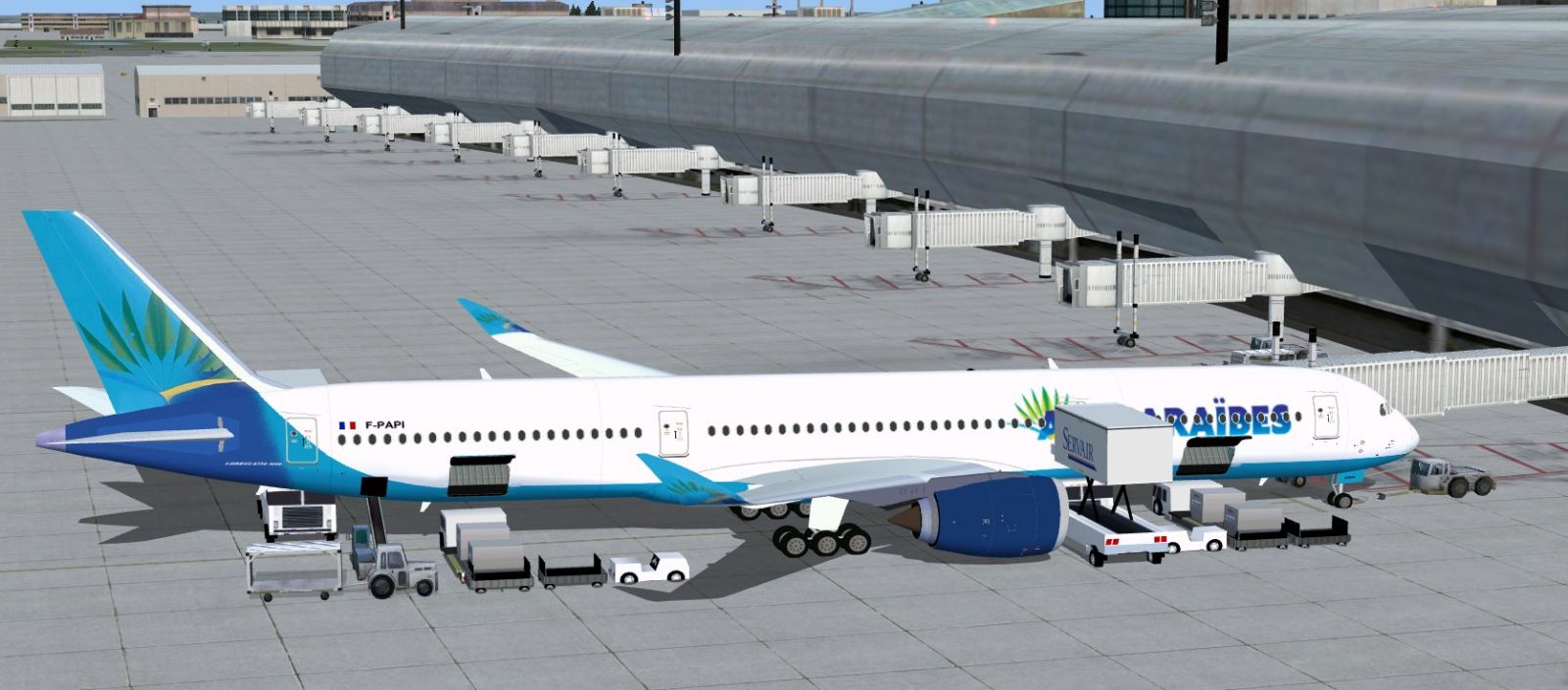
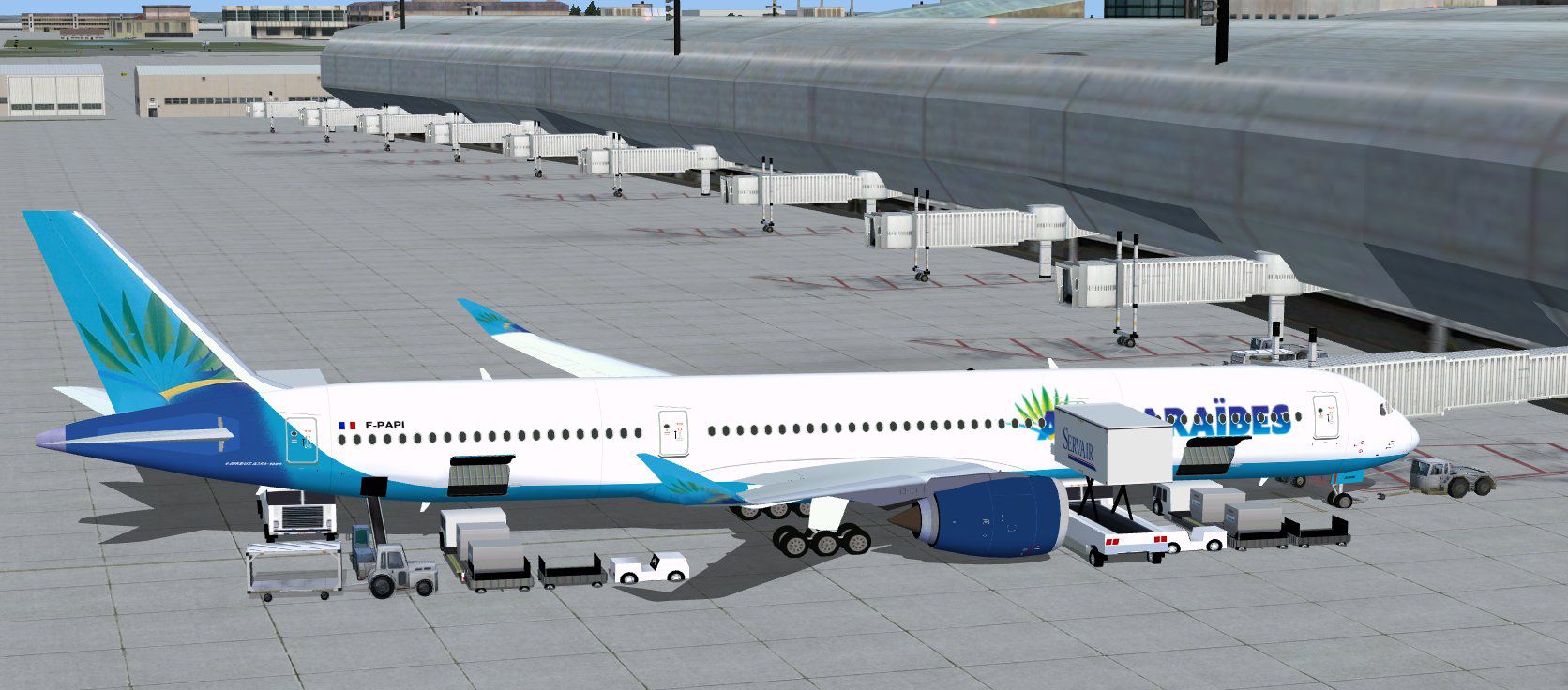
Air Caraibes Airbus A350-1000 XWB at boarding gate.
This project was modeled and painted by Camil Valiquette. No additional payware items are required, and all elements are packaged to function in FSX as a standalone setup. Feel free to explore authentic flight operations and advanced animations within your simulator environment.
Free for all simmers · 5.17 MB · Scanned clean
Download speed: Free tier is capped at 0.5 Mbps (this file takes approximately 1 min at the cap). PRO members download at full line speed.
This add-on may require the following files to function properly. If this is a repaint, the dependency below is likely the base aircraft package.
FSX\SimObjects\Airplanes\. The folder must contain an aircraft.cfg file. Effects go into FSX\Effects\; gauges go into FSX\Gauges\.readme.txt or README file. It tells you exactly where files go, what dependencies are needed, and any quirks specific to this add-on.The archive 350v2tx0.zip has 34 files and directories contained within it.
This list displays the first 500 files in the package. If the package has more, you will need to download it to view them.
| Filename/Directory | File Date | File Size |
|---|---|---|
| CamSim Airbus 350-1000 V2 Air Caraibes | 05.13.10 | 0 B |
| 350-1000.air | 02.25.10 | 12.75 kB |
| 350v2tx ags fsx.jpg | 05.12.10 | 200.25 kB |
| 350v2_tx_.jpg | 05.10.10 | 70.46 kB |
| aircraft.cfg | 05.12.10 | 14.32 kB |
| Effects.zip | 03.25.06 | 1.80 kB |
| file_id.diz | 05.12.10 | 282 B |
| model.350-1000 ags | 05.13.10 | 0 B |
| 350-1000 ags.mdl | 12.03.09 | 2.62 MB |
| Model.cfg | 08.09.07 | 31 B |
| PANEL | 05.13.10 | 0 B |
| 787_350_panel_background.bmp | 02.25.10 | 2.25 MB |
| 787_350_panel_background_night.bmp | 02.25.10 | 2.25 MB |
| Airbus_A321.cab | 09.04.06 | 2.72 MB |
| panel.cfg | 02.25.10 | 5.48 kB |
| Read Me_FSX.txt | 05.12.10 | 2.07 kB |
| SOUND | 05.13.10 | 0 B |
| Sound.cfg | 08.30.09 | 35 B |
| texture.tx | 05.13.10 | 0 B |
| 359fuse_t.bmp | 05.10.10 | 1.00 MB |
| 35eng_t.bmp | 05.10.10 | 1.00 MB |
| 35int_L.bmp | 05.12.10 | 4.00 MB |
| 35int_t.bmp | 05.12.10 | 1.00 MB |
| 35tail_t.bmp | 09.16.08 | 1.00 MB |
| 35wings_t.bmp | 05.10.10 | 1.00 MB |
| 787ext_L.bmp | 05.12.10 | 4.00 MB |
| 787ext_t.bmp | 05.12.10 | 1.00 MB |
| gris_t.bmp | 03.17.06 | 16.07 kB |
| pilot1.bmp | 12.06.06 | 256.07 kB |
| pilot1_l.bmp | 12.06.06 | 1.00 MB |
| thumbnail.jpg | 05.12.10 | 5.75 kB |
| w_t.bmp | 12.06.08 | 16.07 kB |
| flyawaysimulation.txt | 10.29.13 | 959 B |
| Go to Fly Away Simulation.url | 01.22.16 | 52 B |
More FSX & P3D add-ons hand-picked based on this download.
FSX Civil Aircraft
Experience a distinctive upgrade to your simulator with this freeware Air Car…
 FSX Civil Aircraft
Experience a refined Emirates-liveried Airbus A350-1000 XWB for FSX, featurin…
 FSX Civil Aircraft
This update introduces a refined release of the Airbus A350-1000 for FSX, fea…
 FSX Civil Aircraft
Immerse yourself in a modern wide-body experience with this British Airways A…
 FSX Civil Aircraft
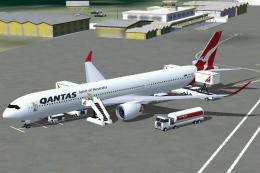
This comprehensive freeware package introduces a Qantas-liveried Airbus A350-…
 FSX Civil Aircraft
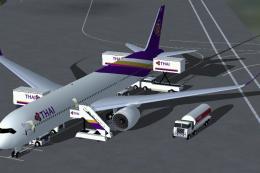
FSX Thai Airways International Airbus A350-1000 XWB (Extra Wide Body). Featur…
 FSX Civil Aircraft
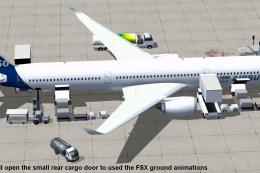
This updated freeware package depicts the House Colors Airbus A350-1000 XWB V…
 FSX Civil Aircraft
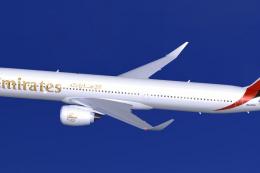
FSX Emirates Airbus A350-1000 XWB, including a new Animated Ground Servicing …
Read what other simmers think, or add your own.

Air Caraibes Airbus A350-1000 XWB at boarding gate. This Picture is wrong. A350 has it´s Bulk-Cargo-Door on left side .