FSX/P3D Antonov An-225 Mriya Complete
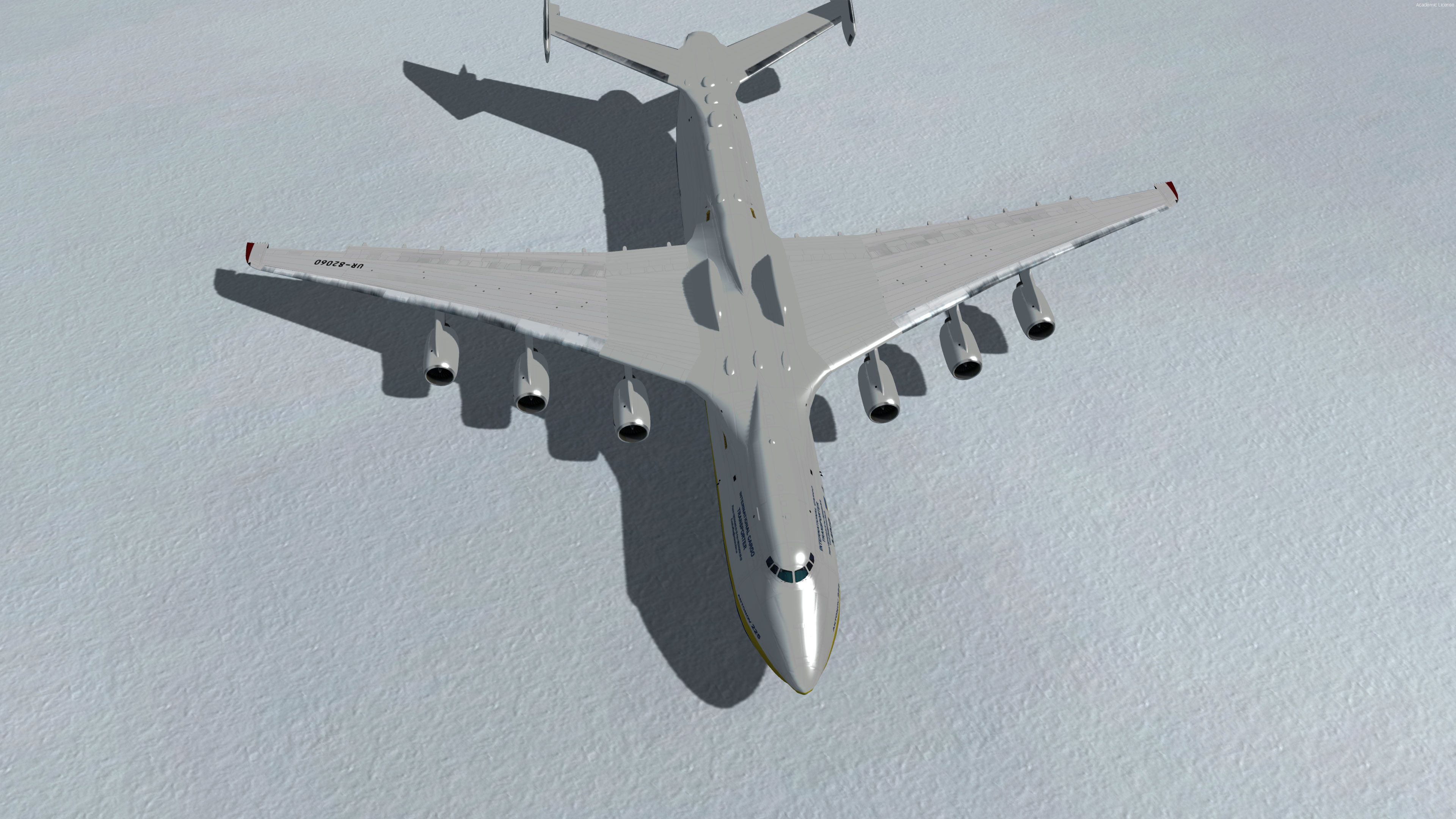
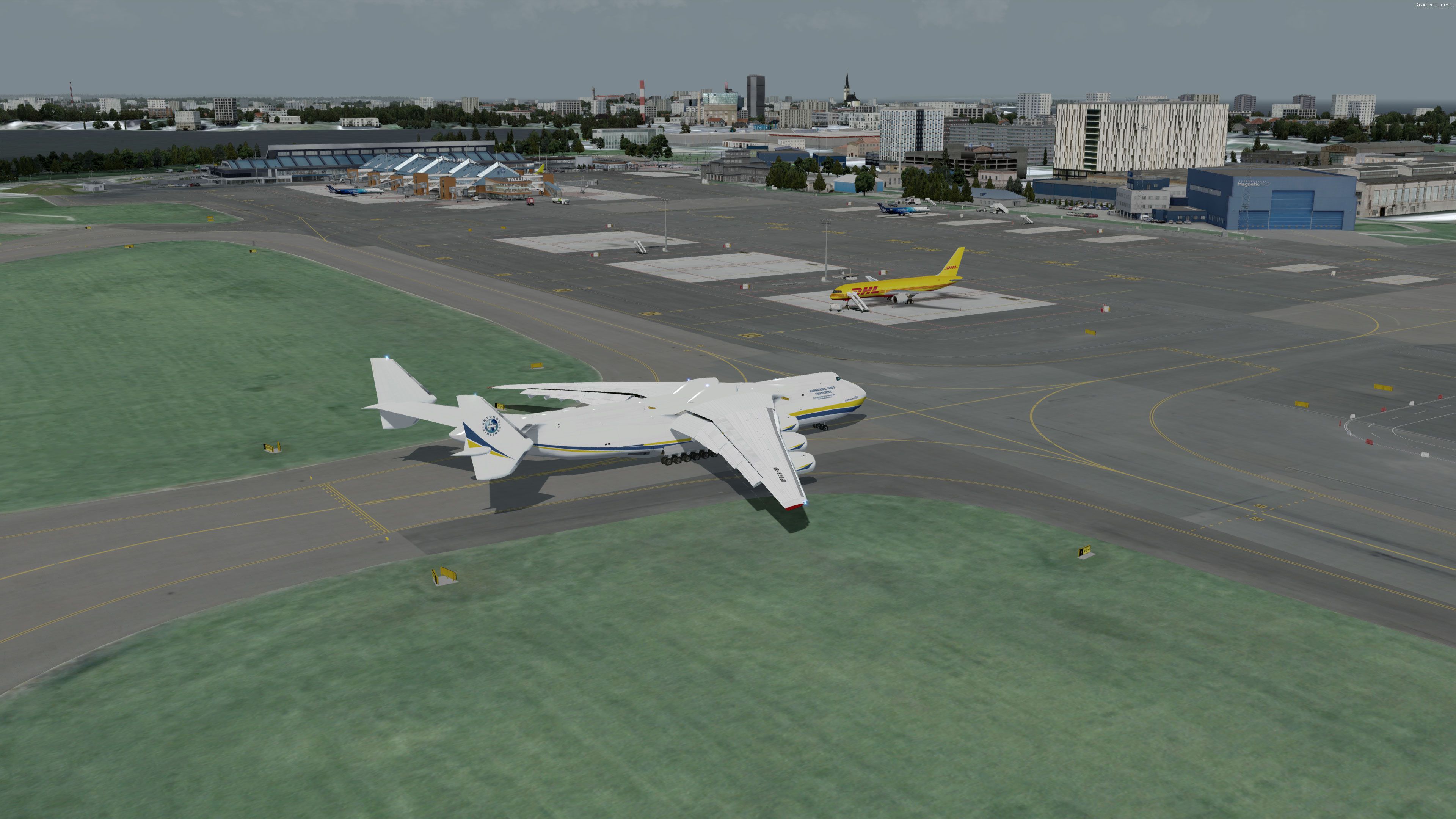
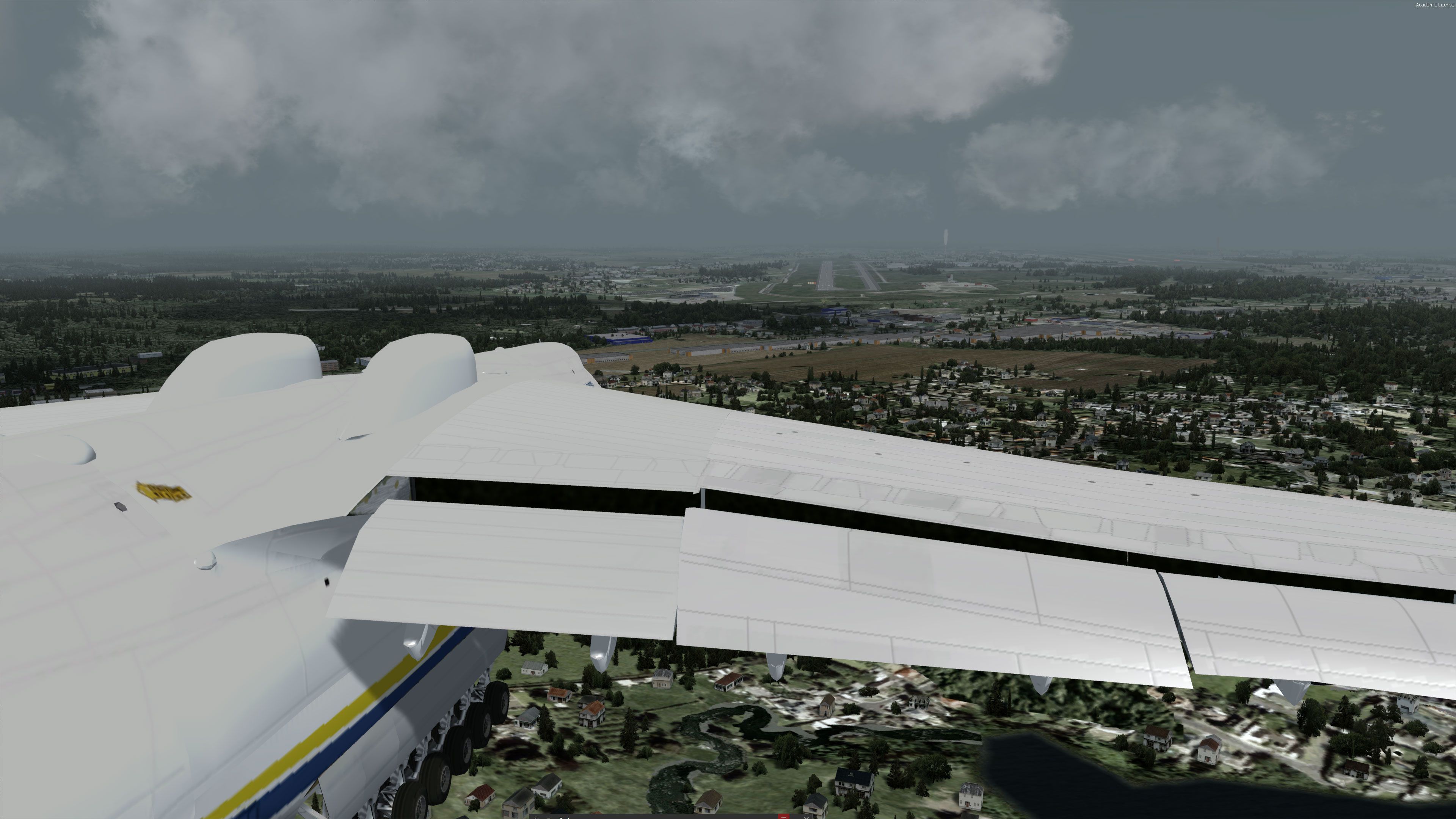
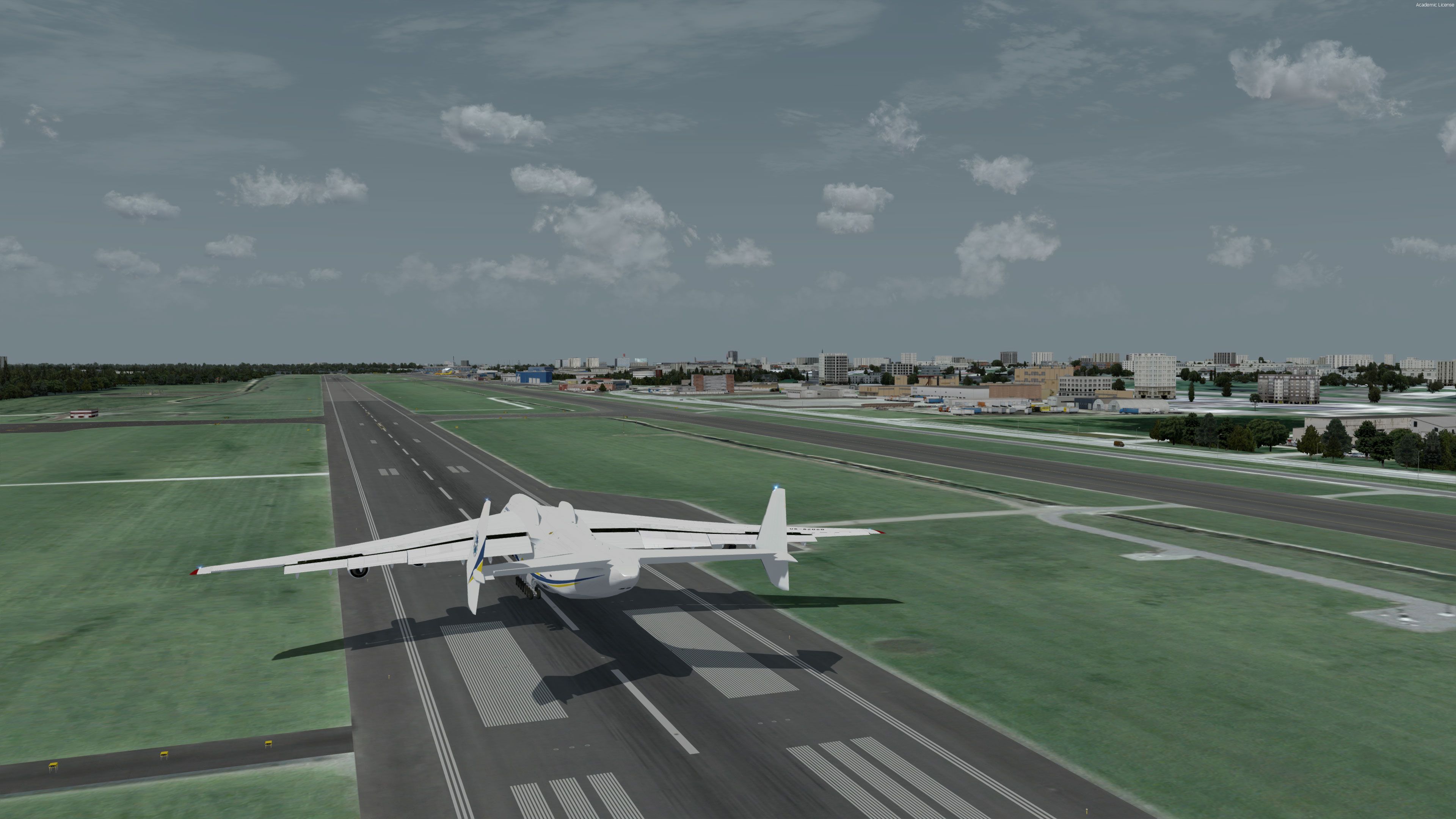
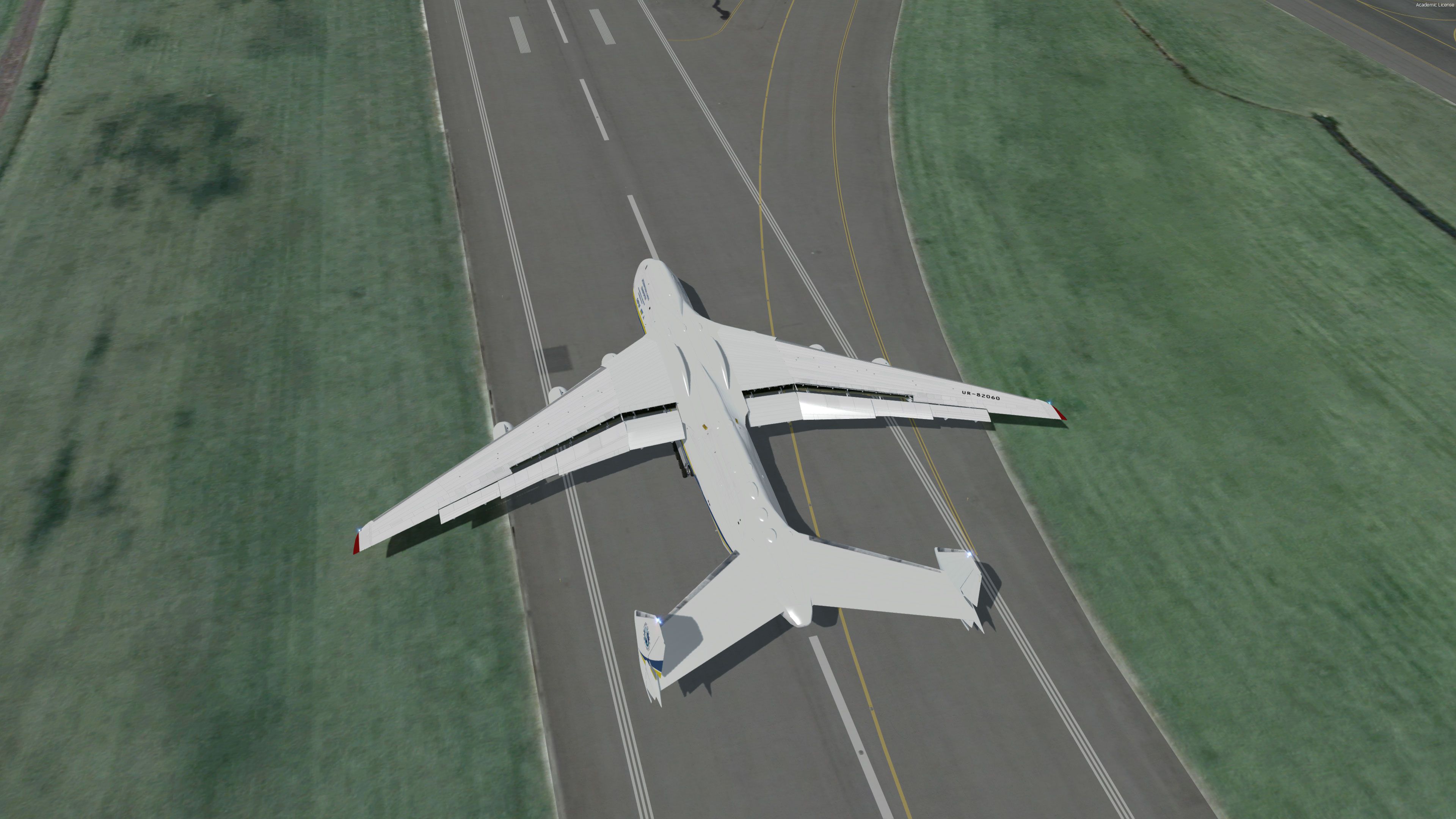
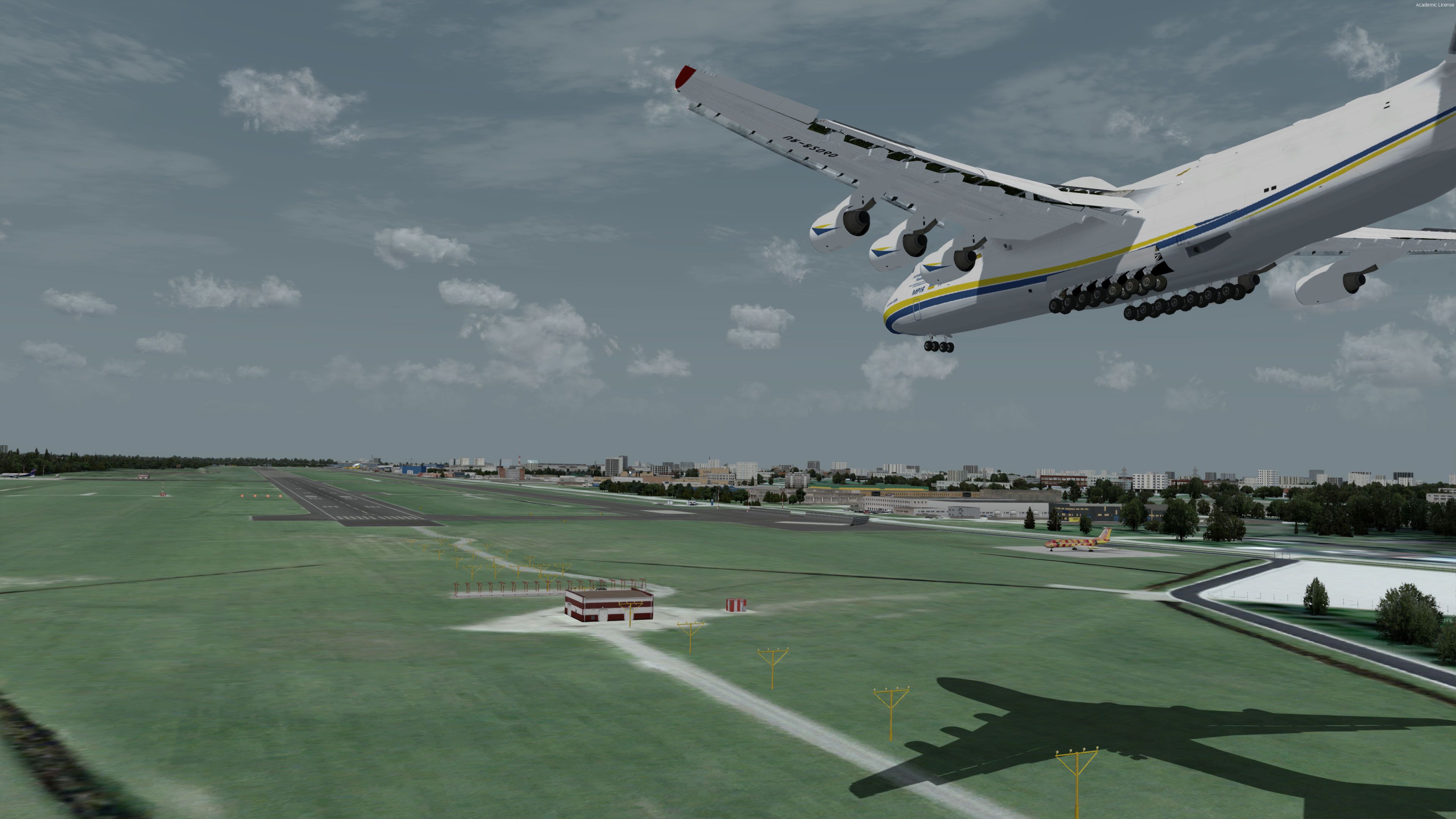
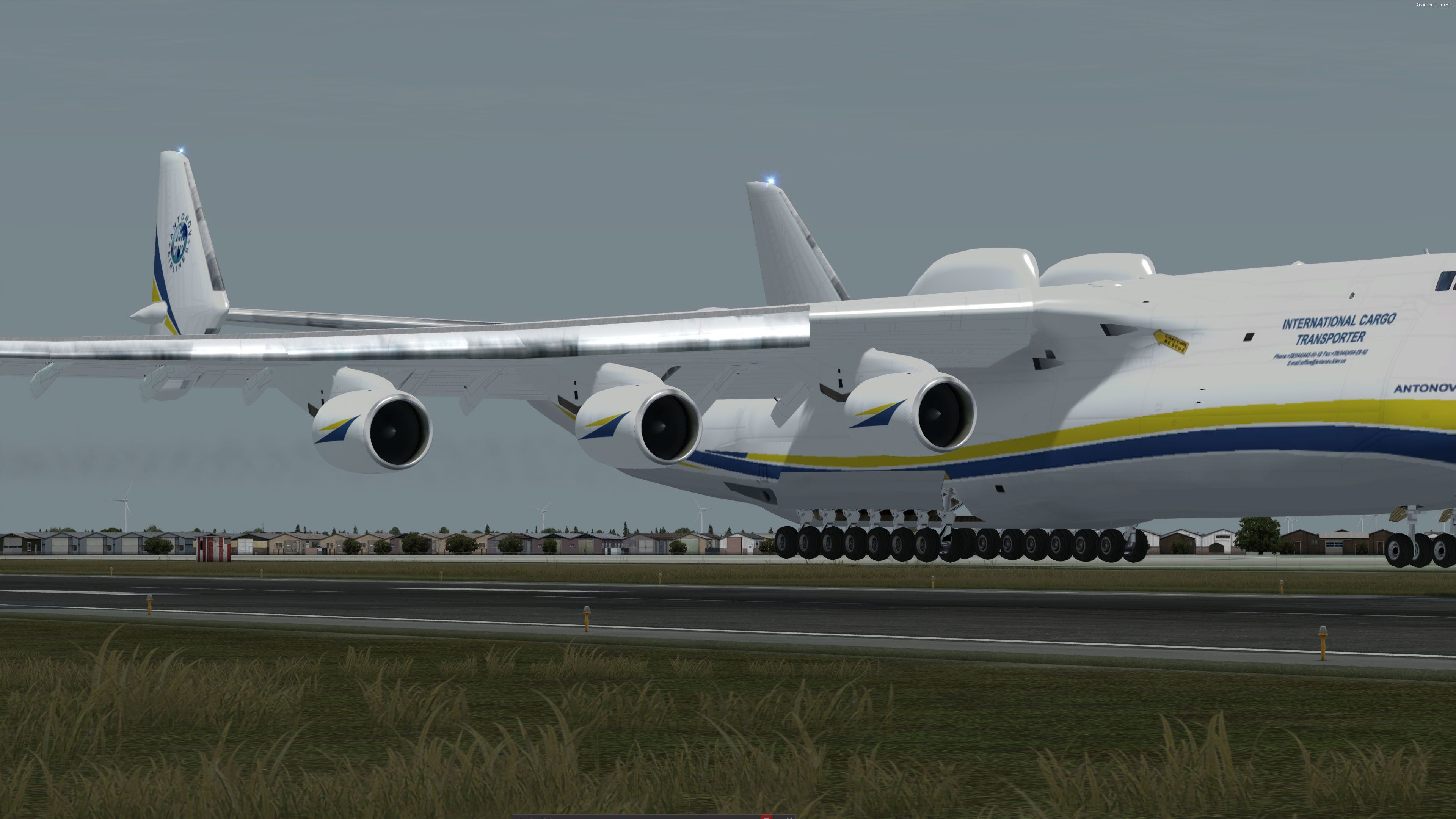
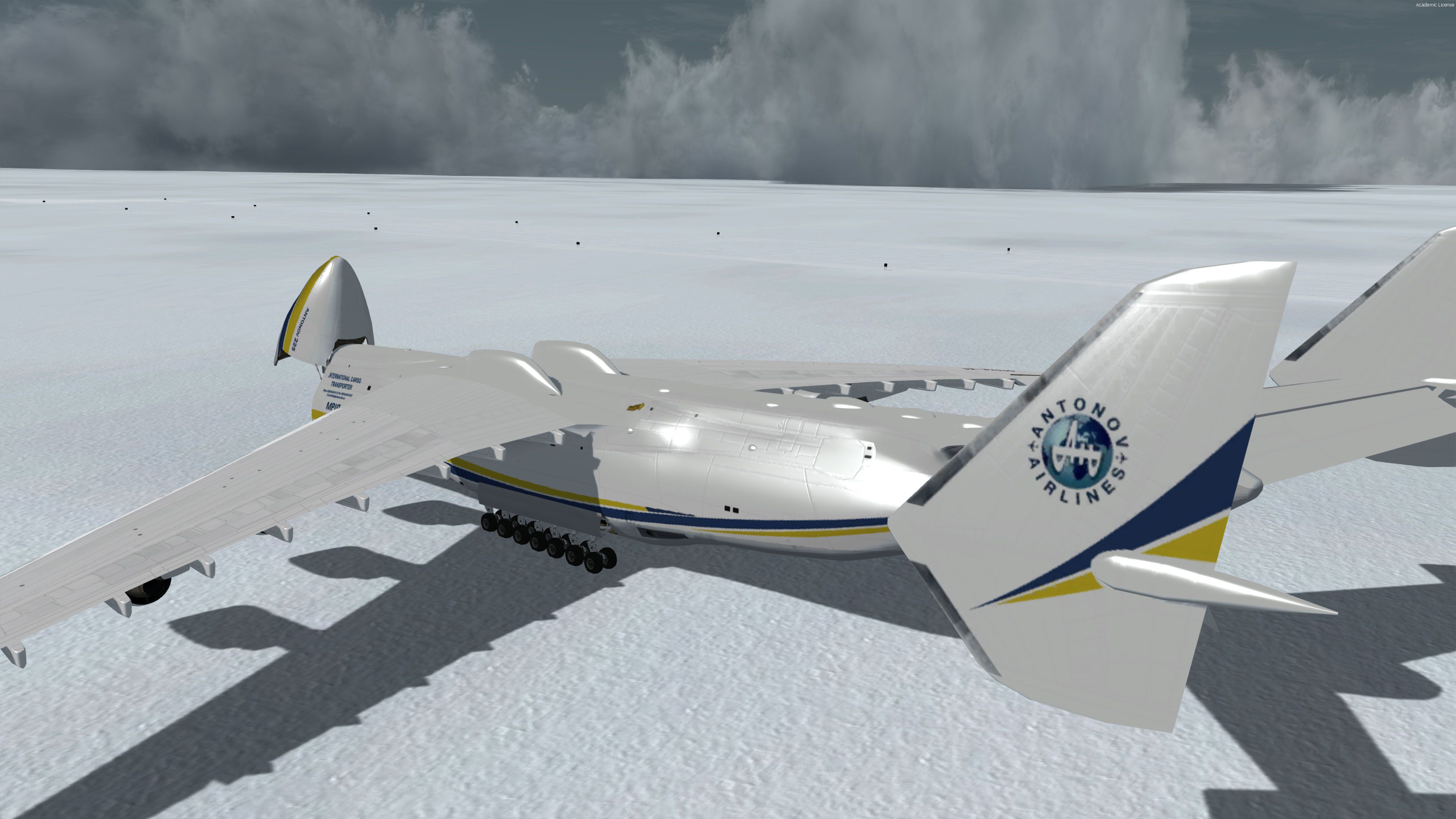
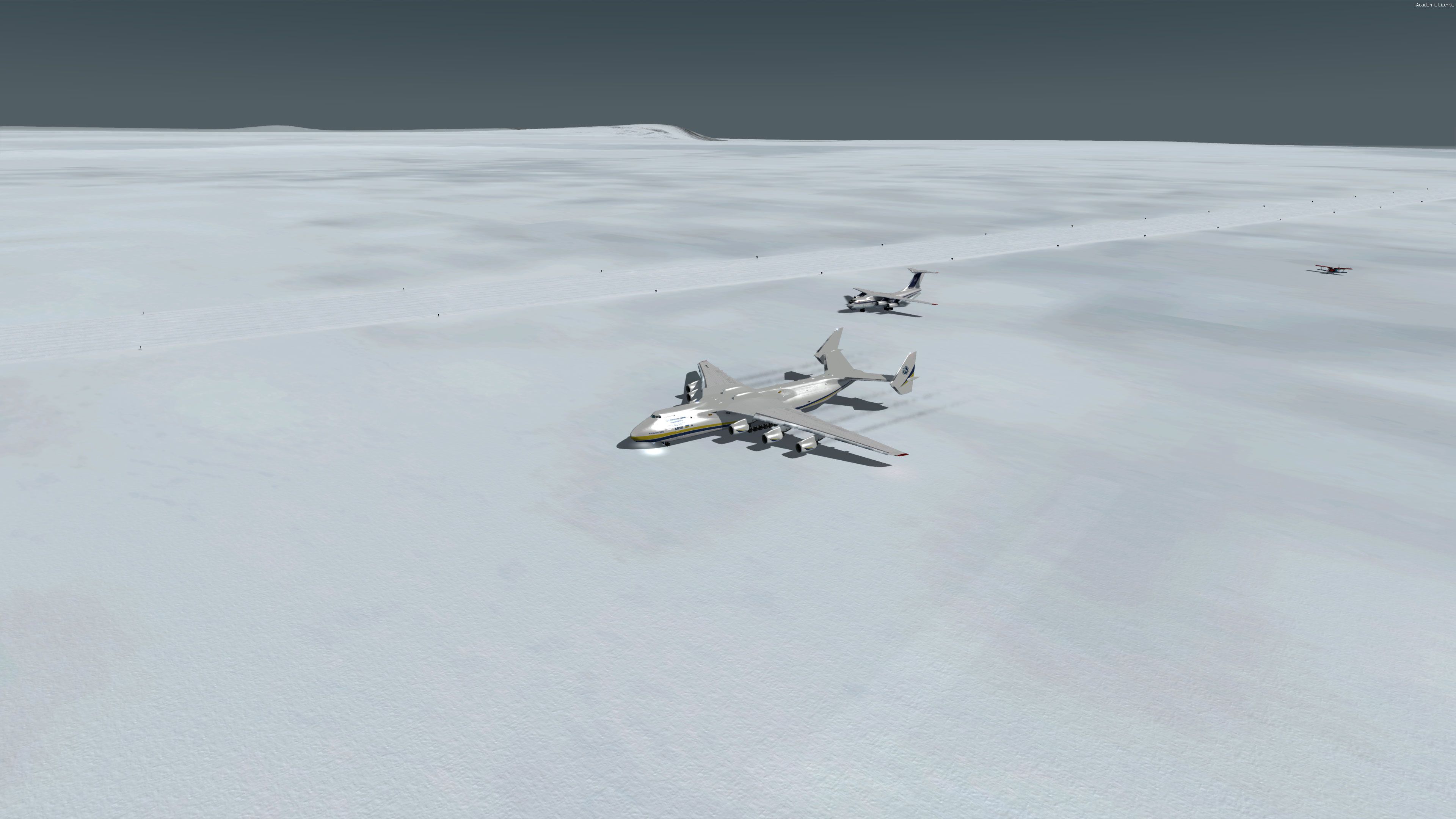
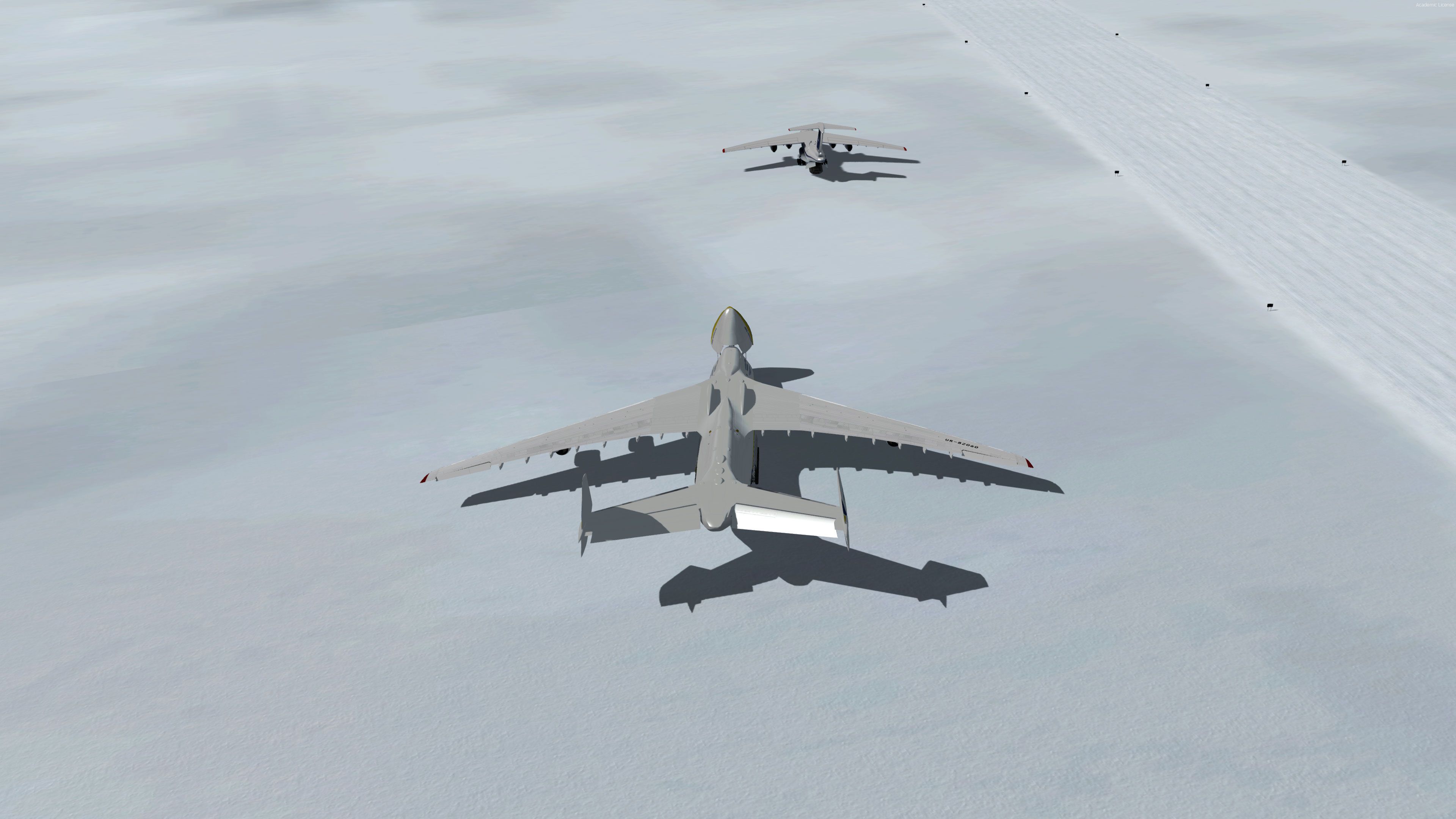
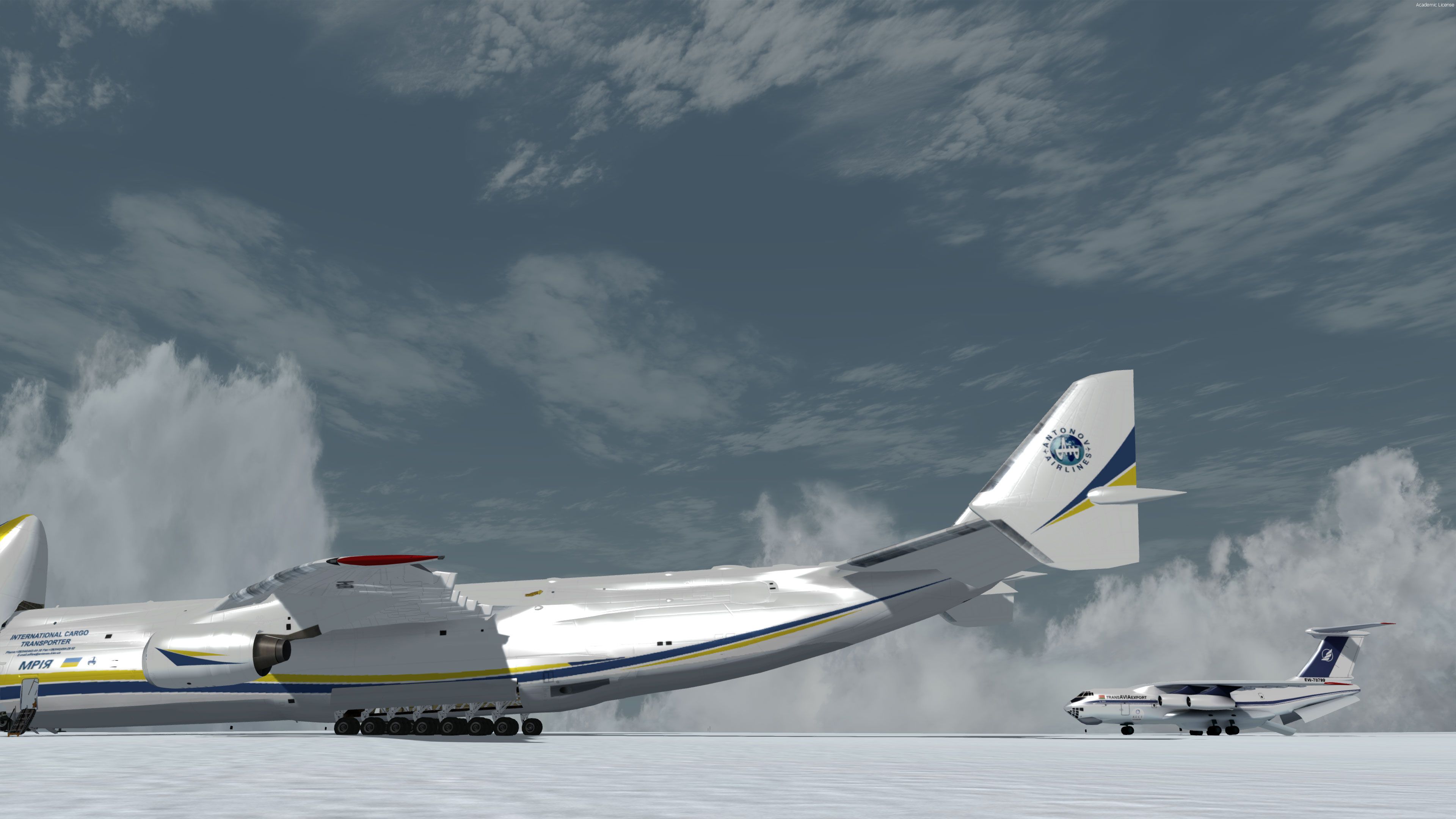
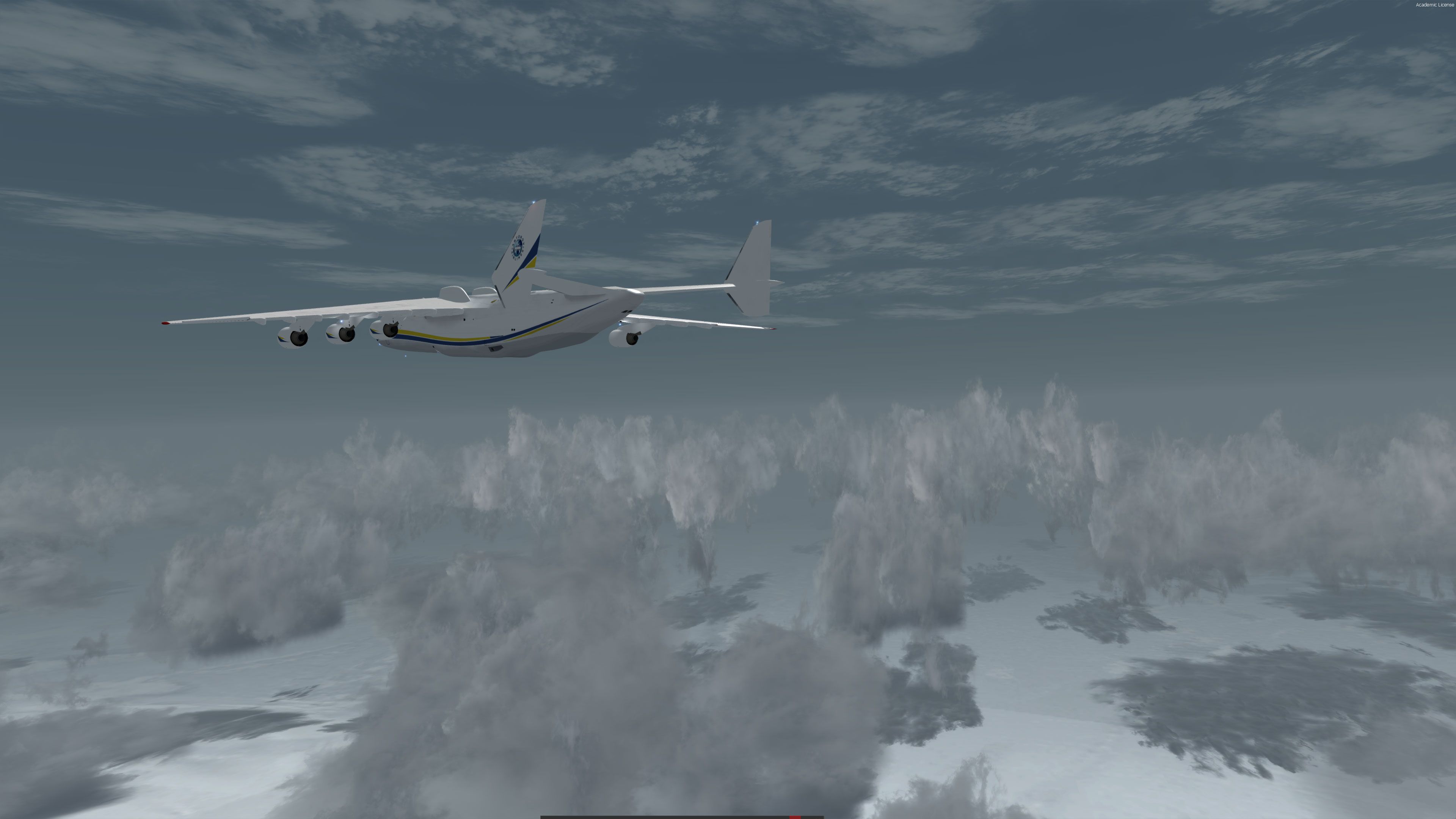
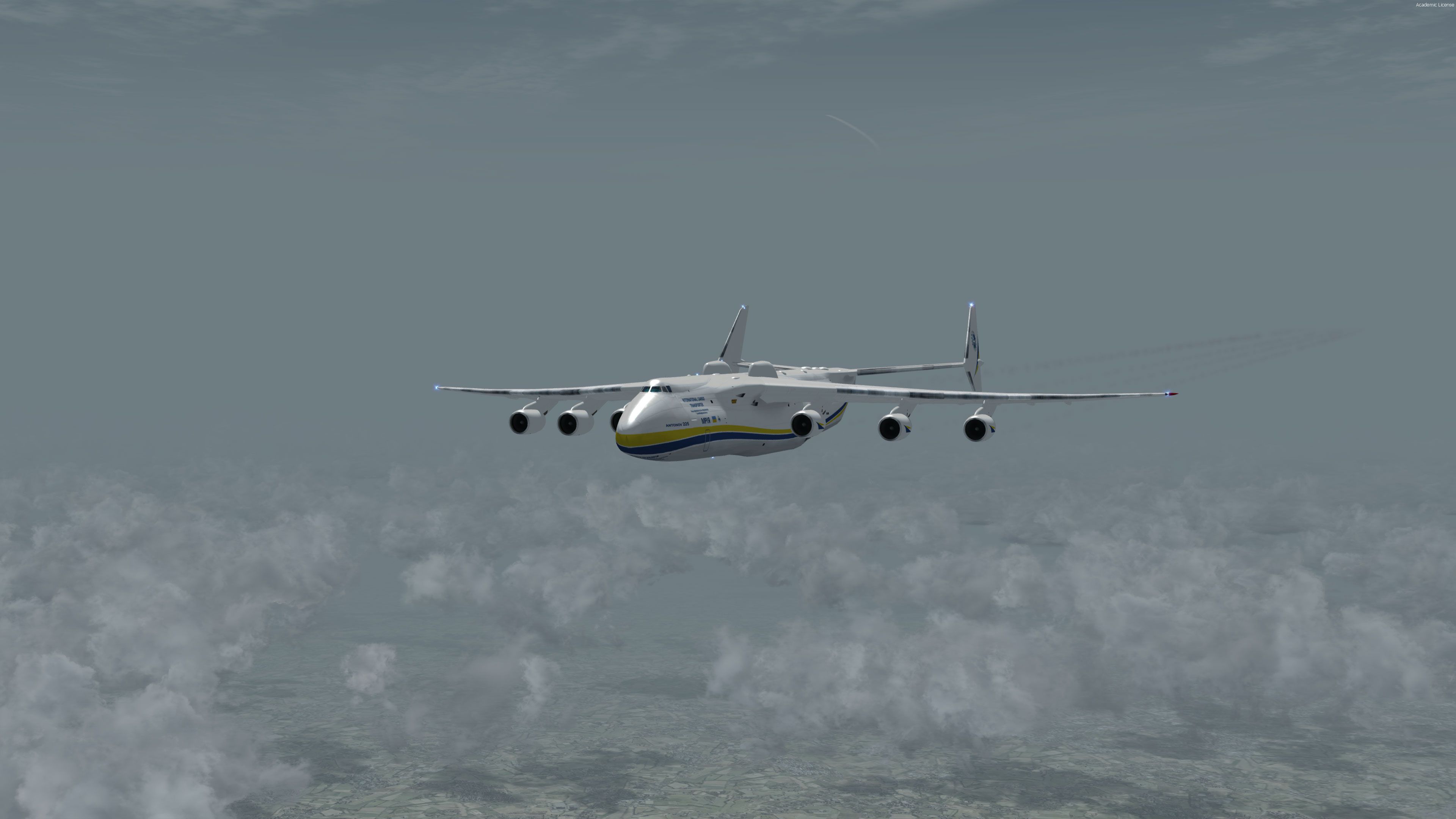
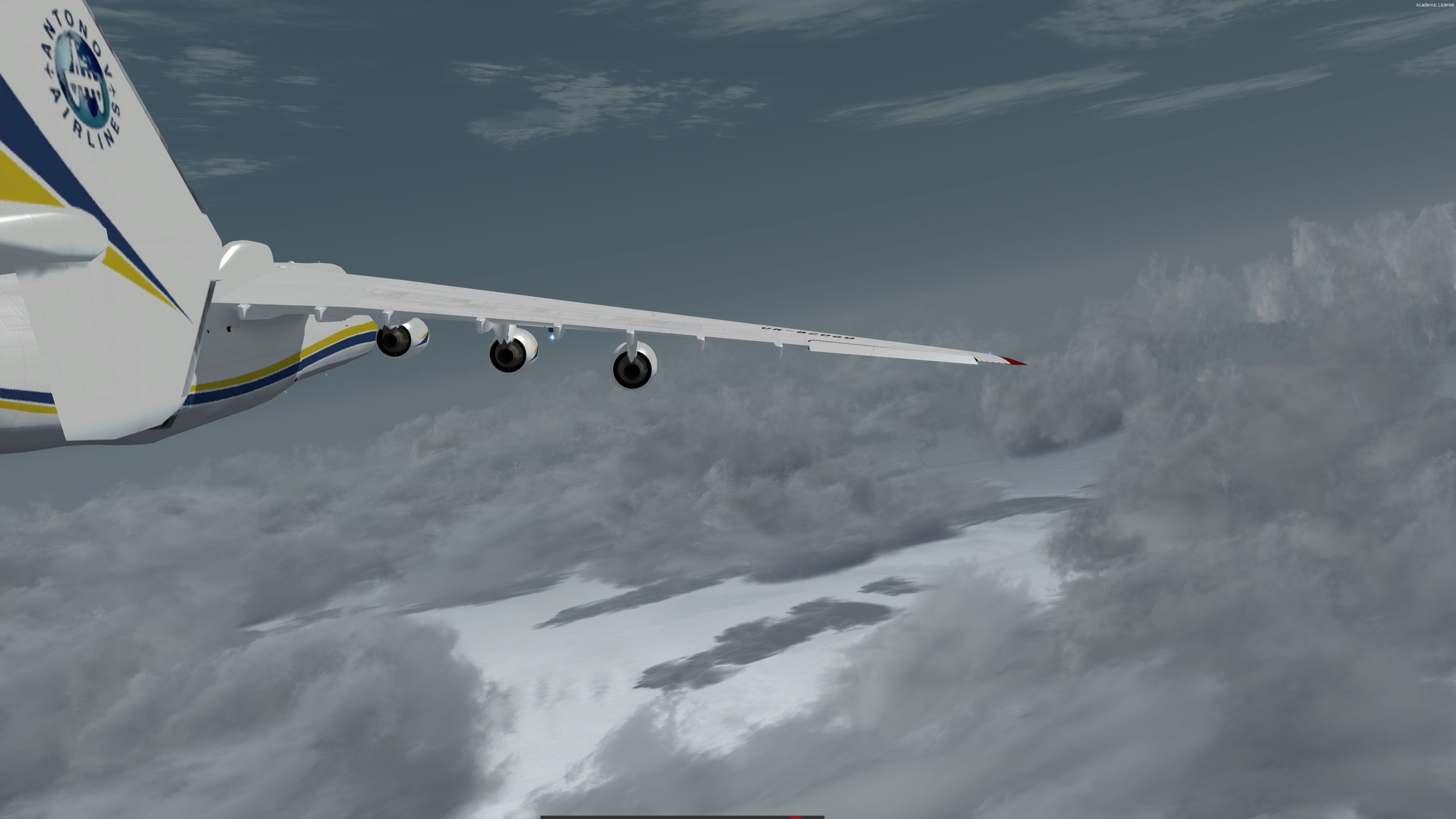
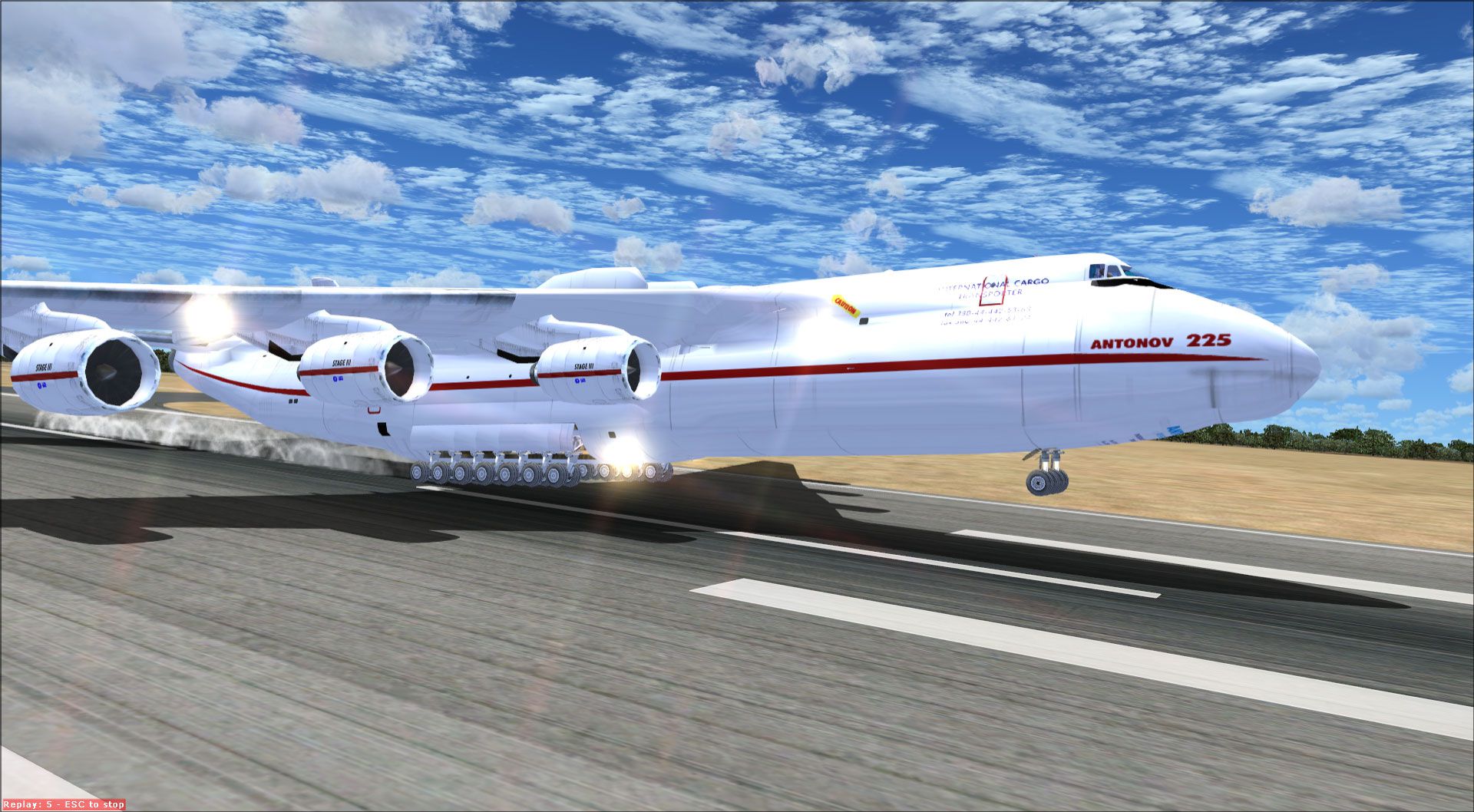
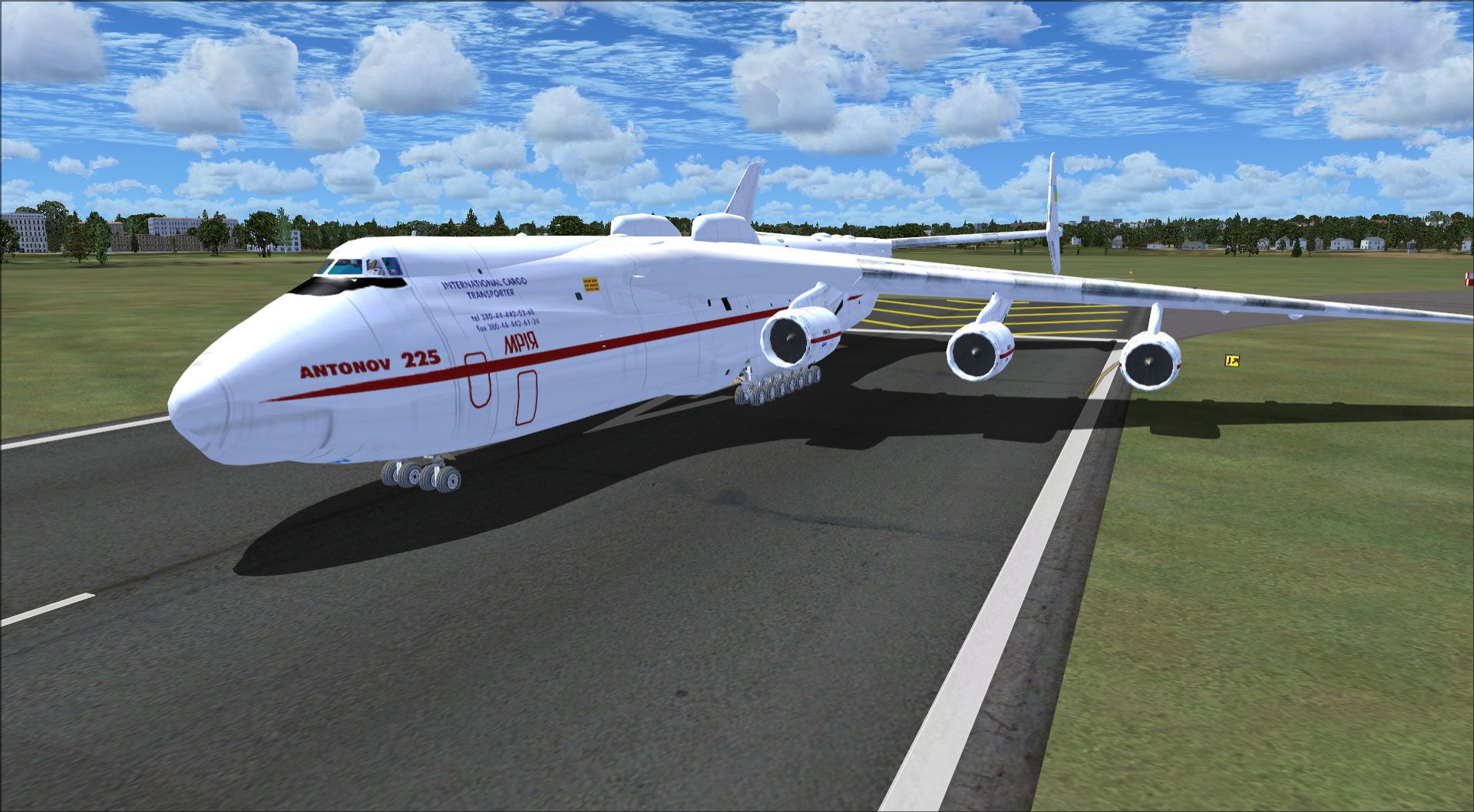
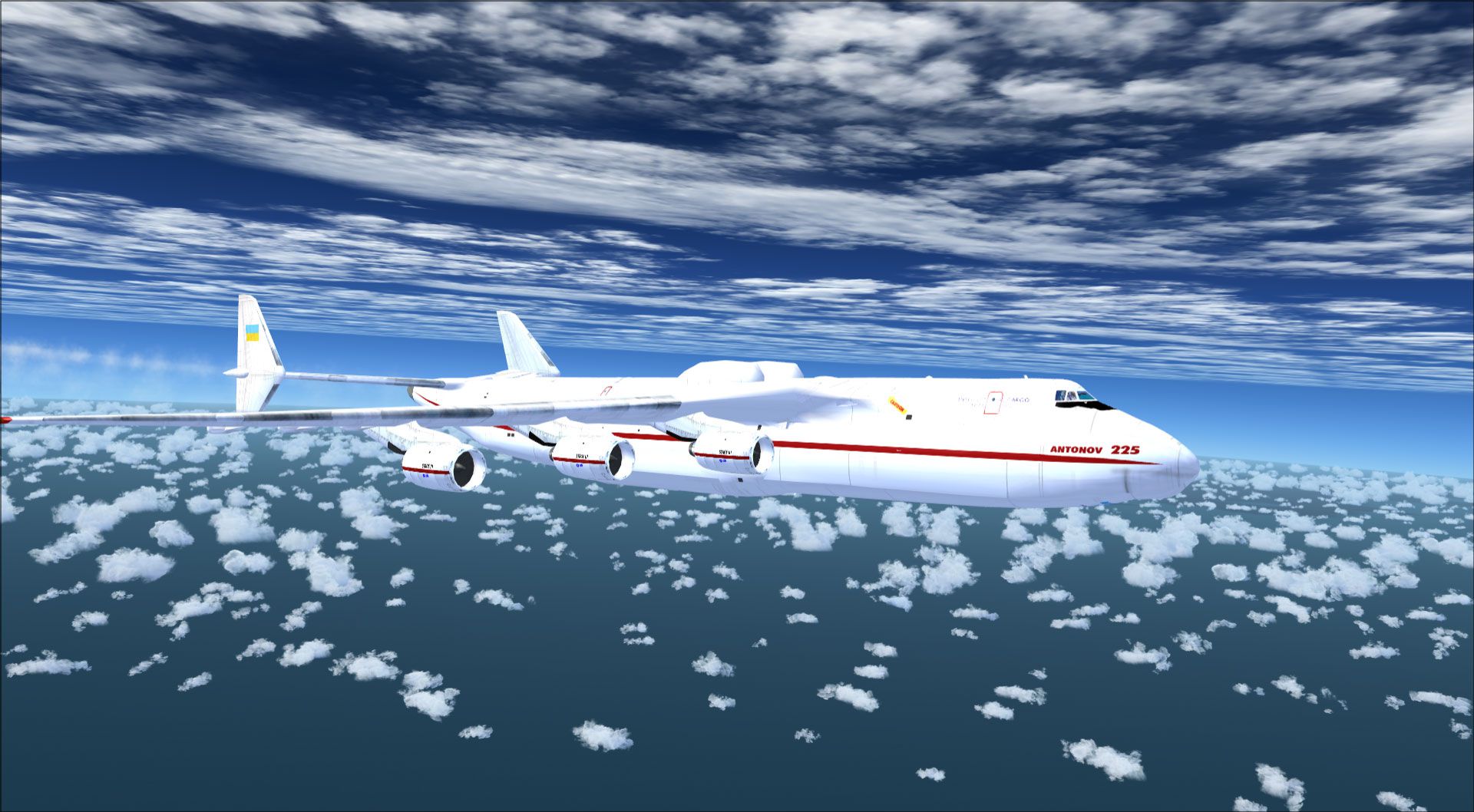
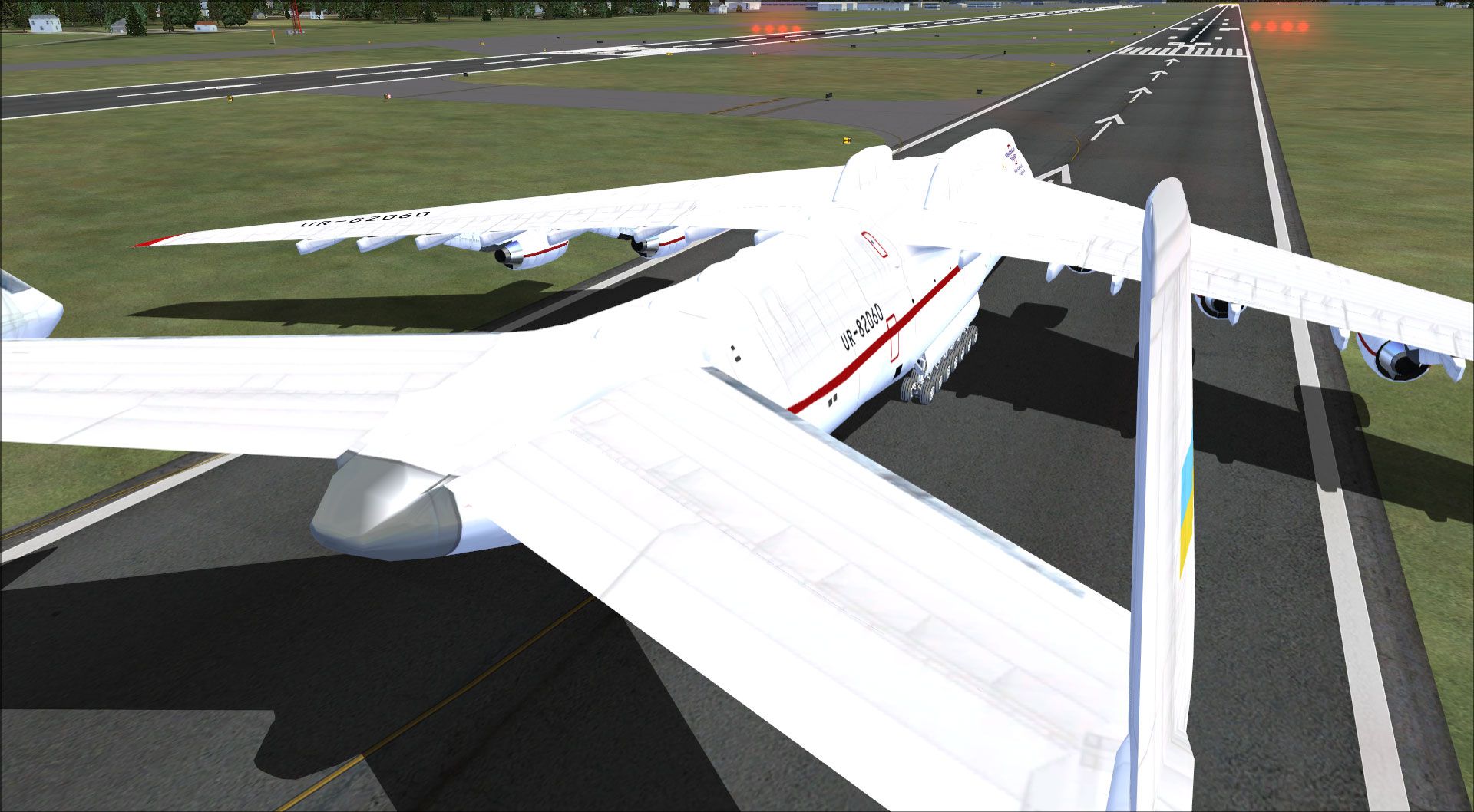
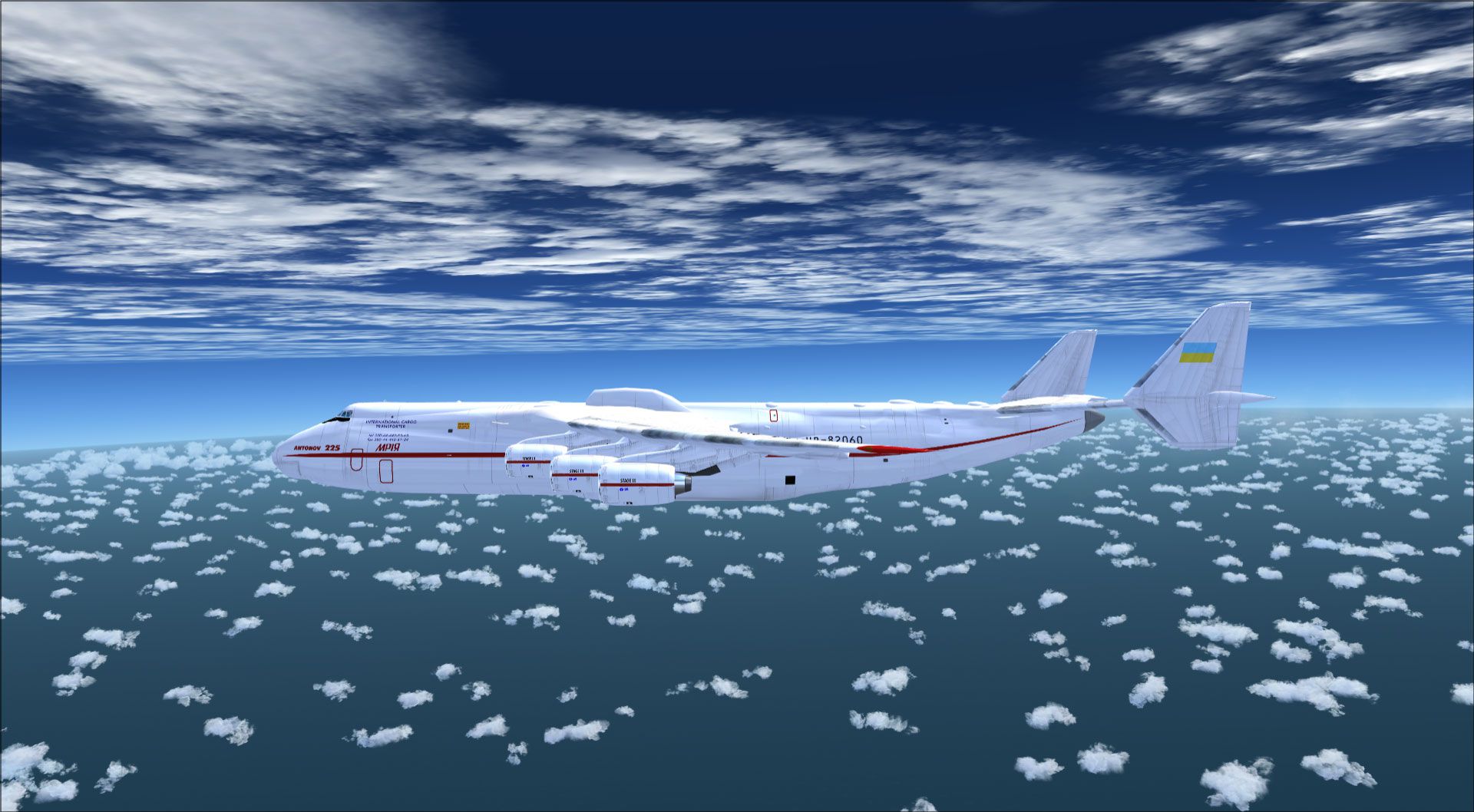
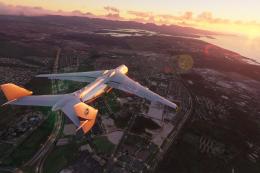
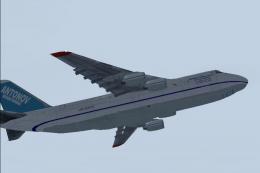
 A complete pack for Microsoft Flight Simulator X and Prepar3D featuring the world's largest aircraft, the Antonov An-225 "Mriya". Fully tested and working in all versions of Prepar3D (all versions including v4 and P3Dv5) and Microsoft Flight Simulator X (including Steam Edition).
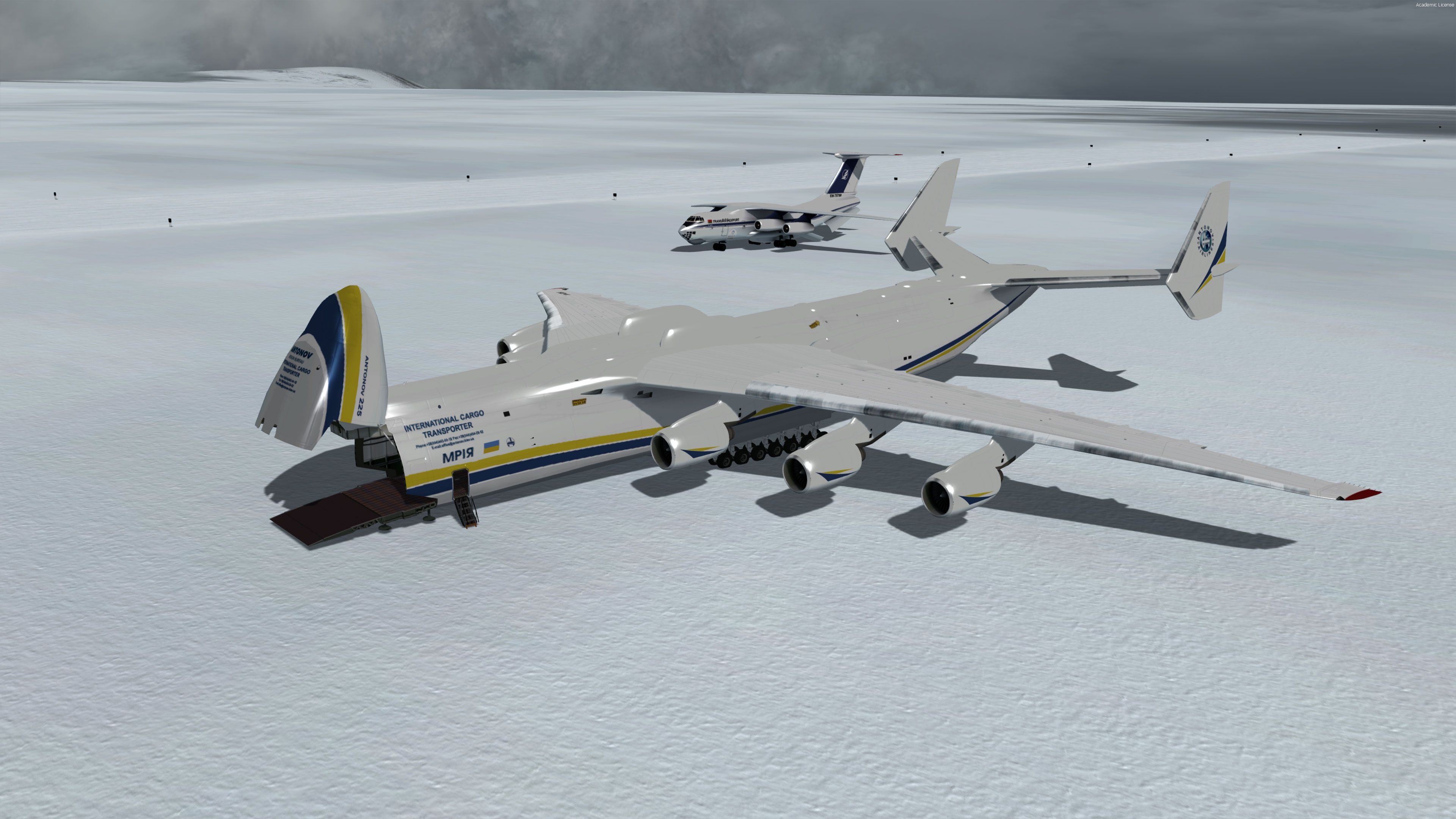

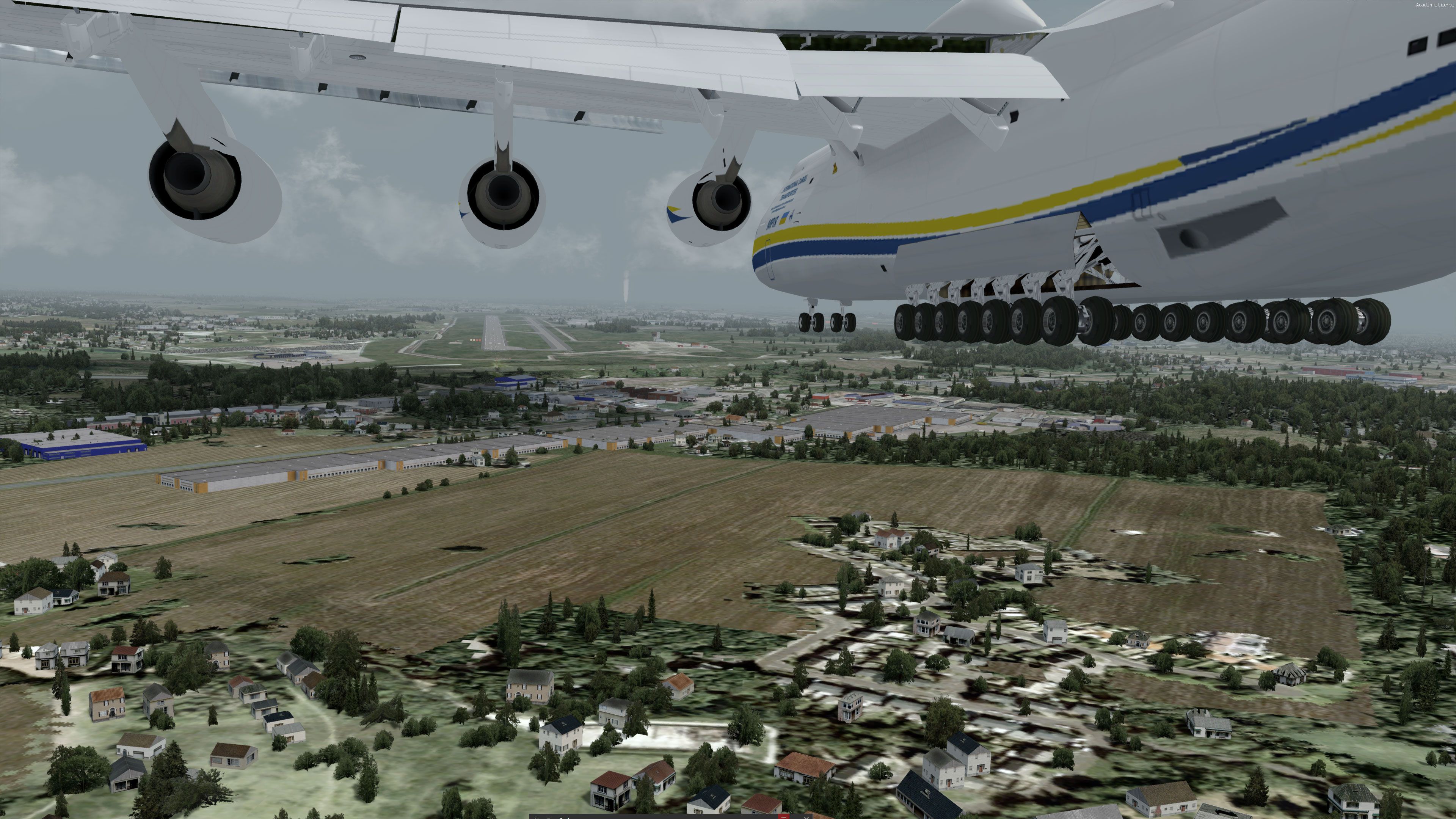
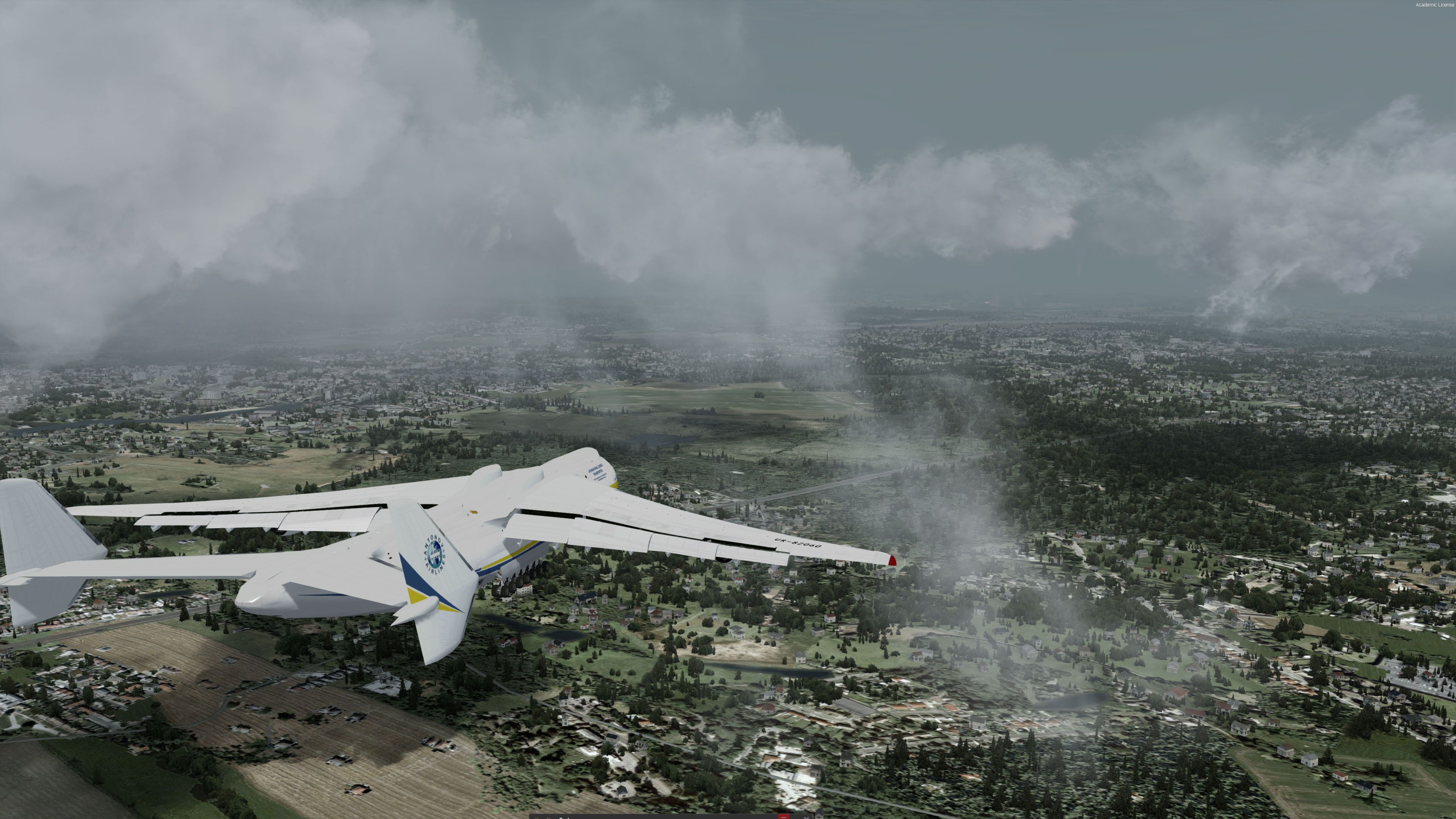
- Type
- Complete with Base Model
- Download hits
- 103.9K

- Compatibility
- Microsoft Flight Simulator X (FSX) including Steam Edition & Prepar3D (P3D) including P3Dv4 & P3Dv5
- Filename
- antonov-an-225-complete-fsx-p3d.zip
- File size
- 231.33 MB
- Virus Scan
- Scanned 24 days ago (clean)
- Access to file
- Free (Freeware)
- Content Rating
- Everyone

Rated 5 out of 5 stars by 21 PRO members.


A complete pack for Microsoft Flight Simulator X and Prepar3D featuring the world's largest aircraft, the Antonov An-225 "Mriya". Fully tested and working in all versions of Prepar3D (all versions including v4 and P3Dv5) and Microsoft Flight Simulator X (including Steam Edition).
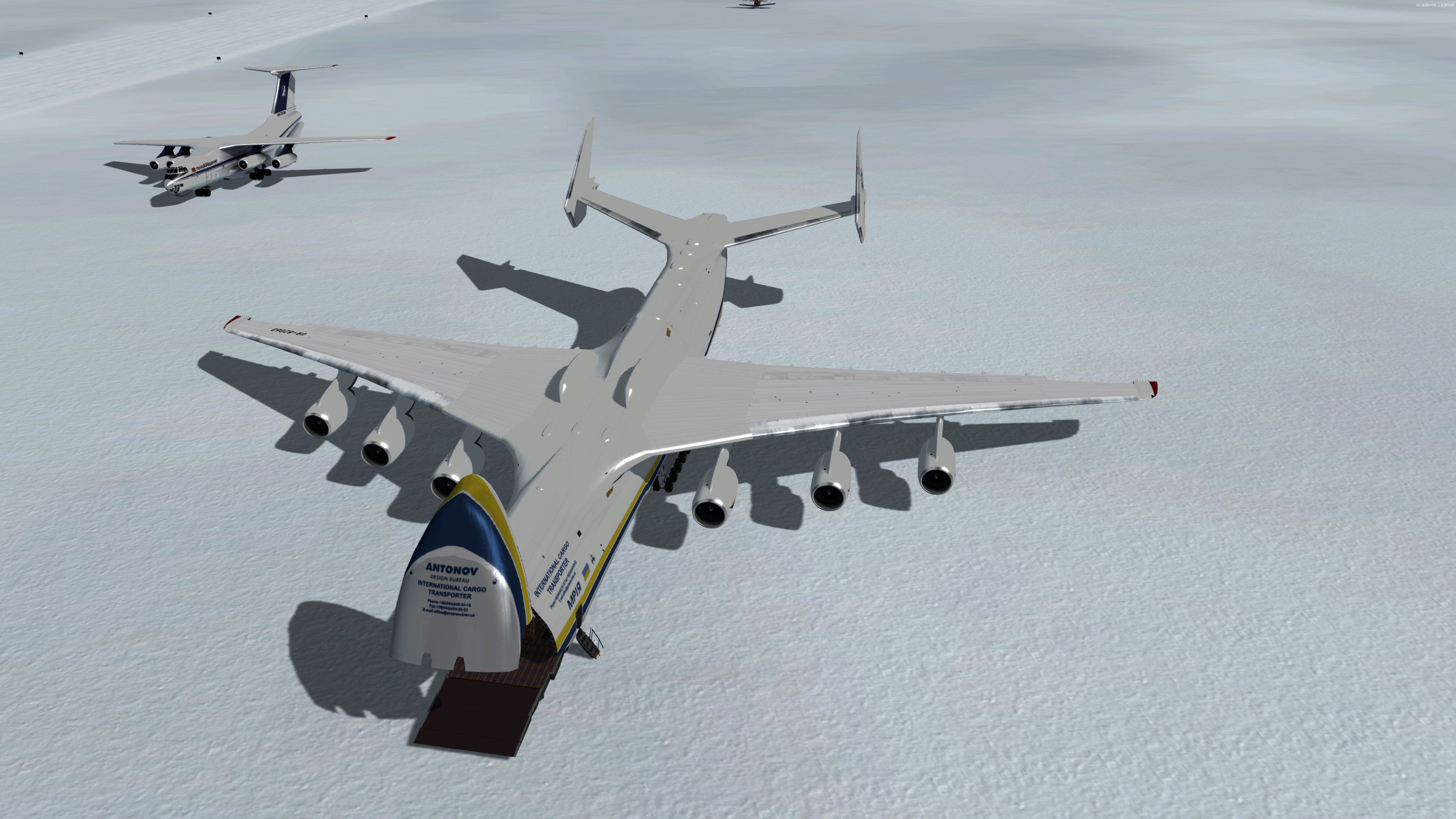
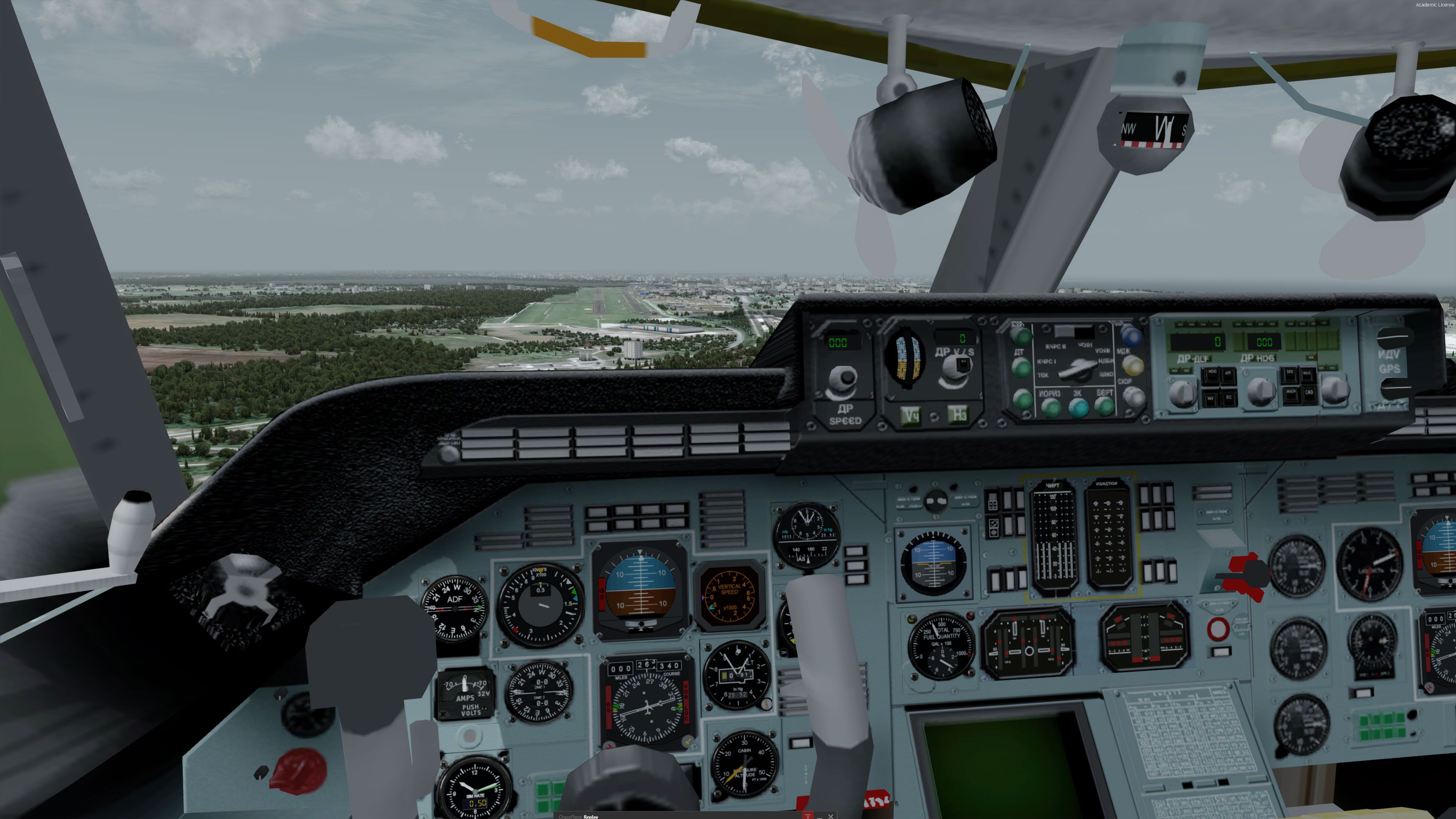
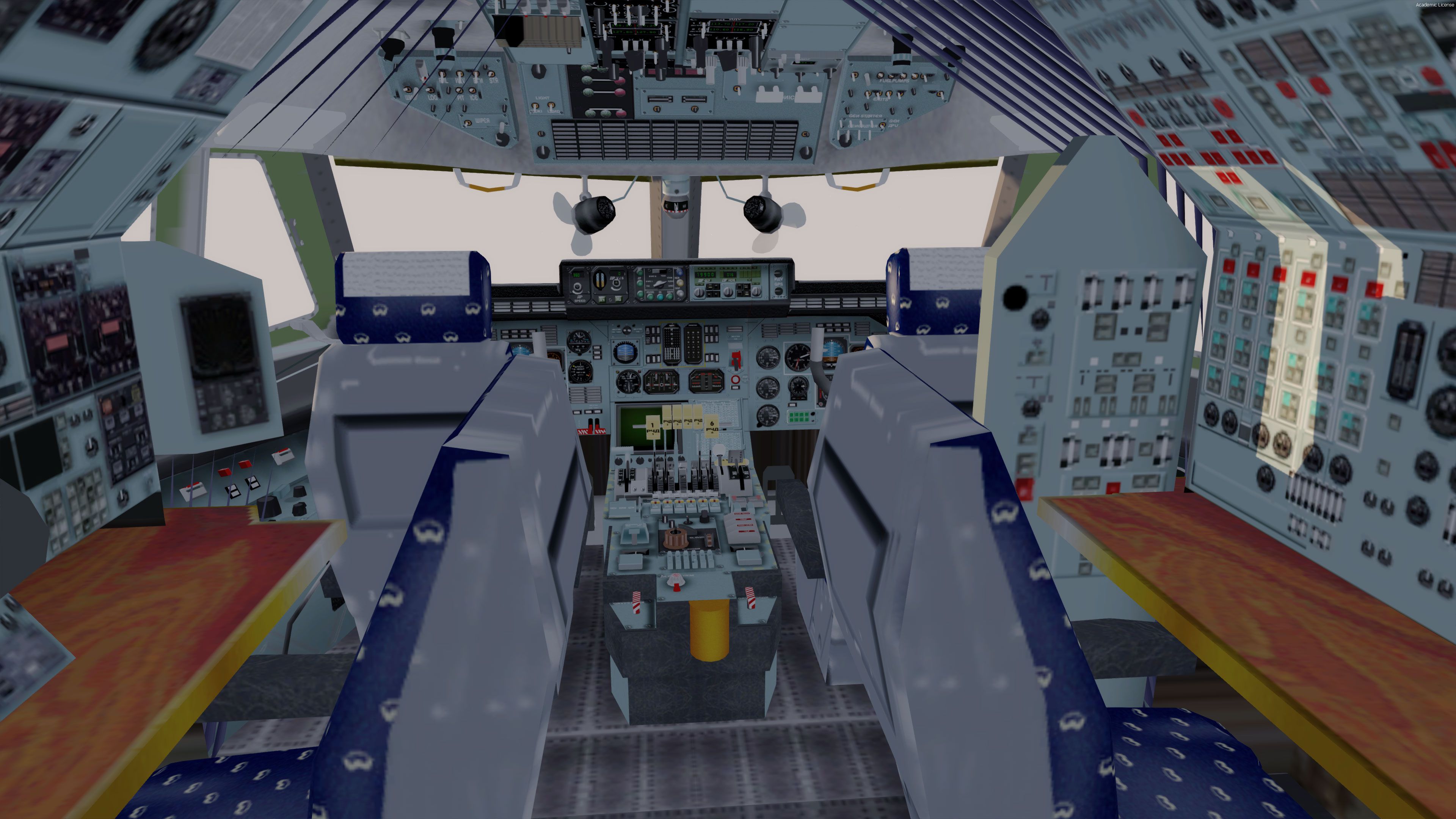
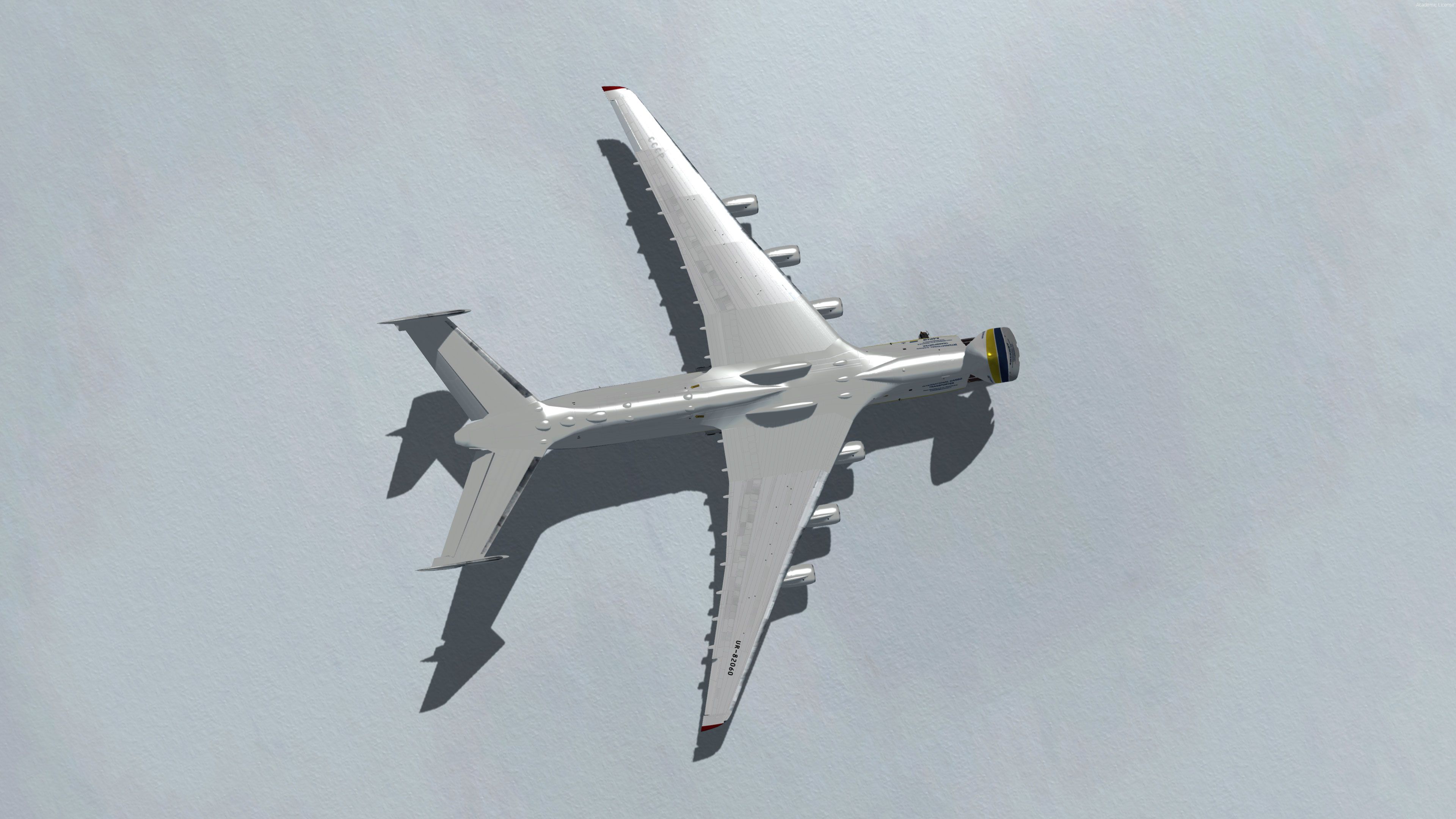
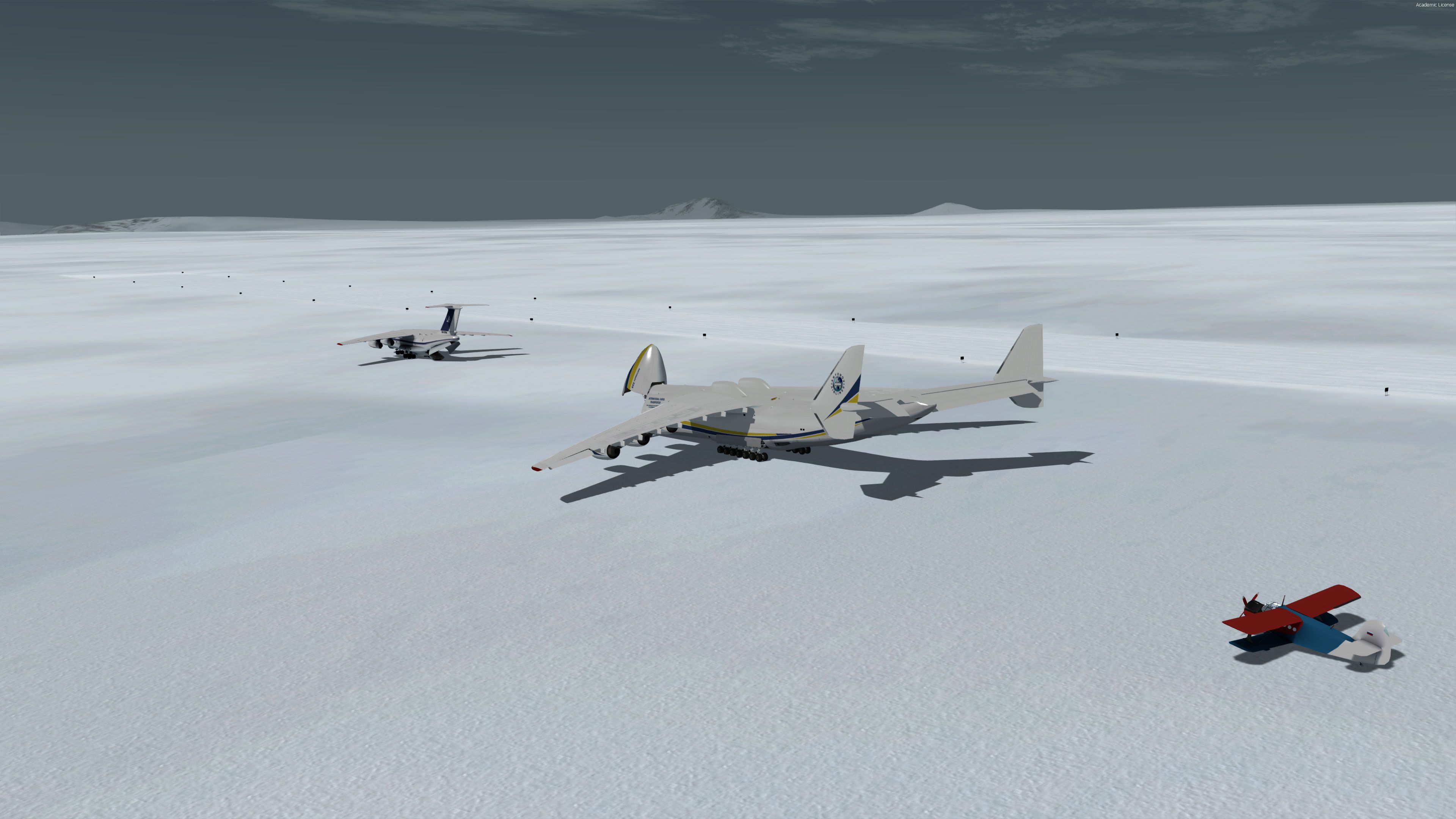
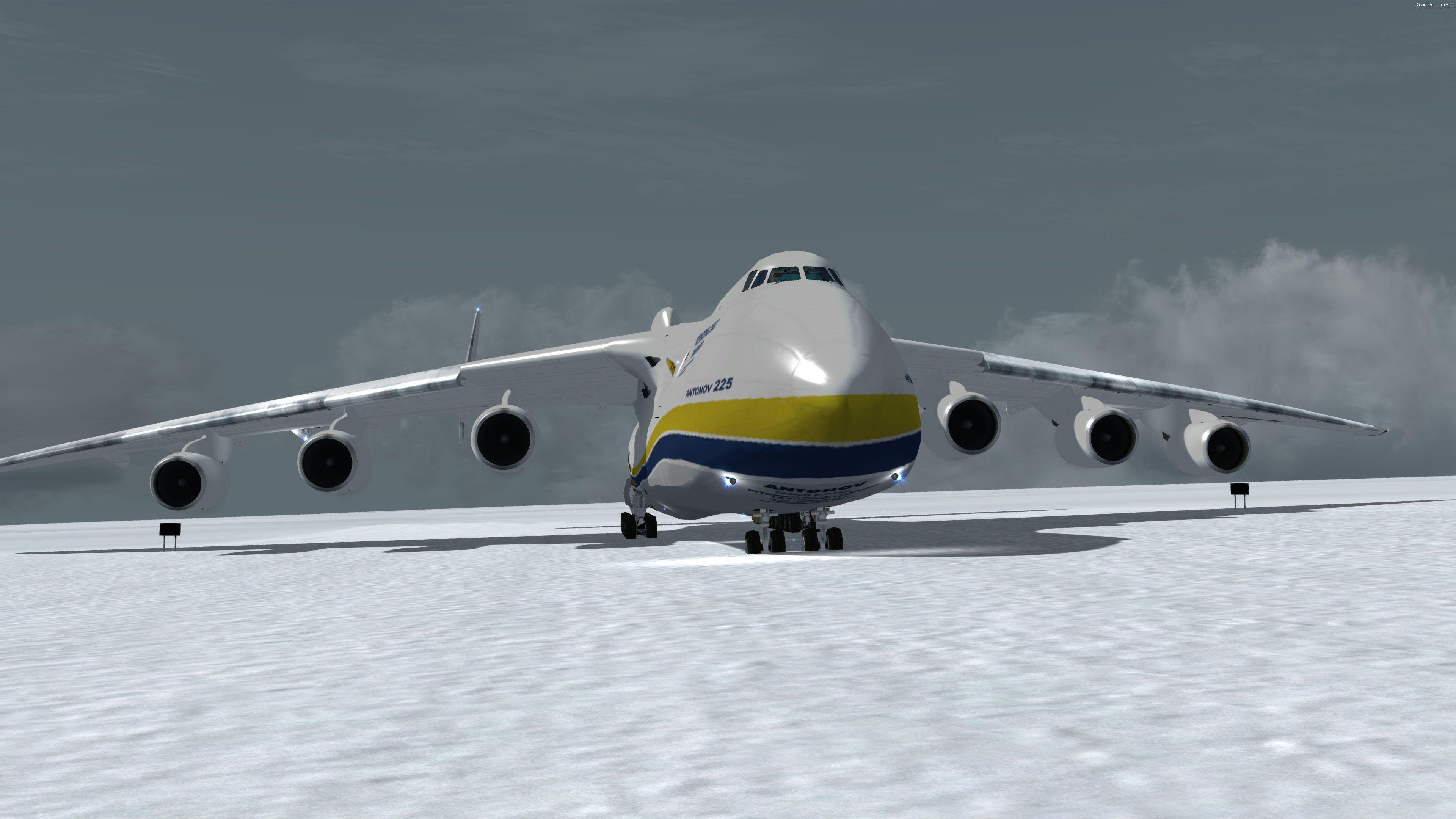
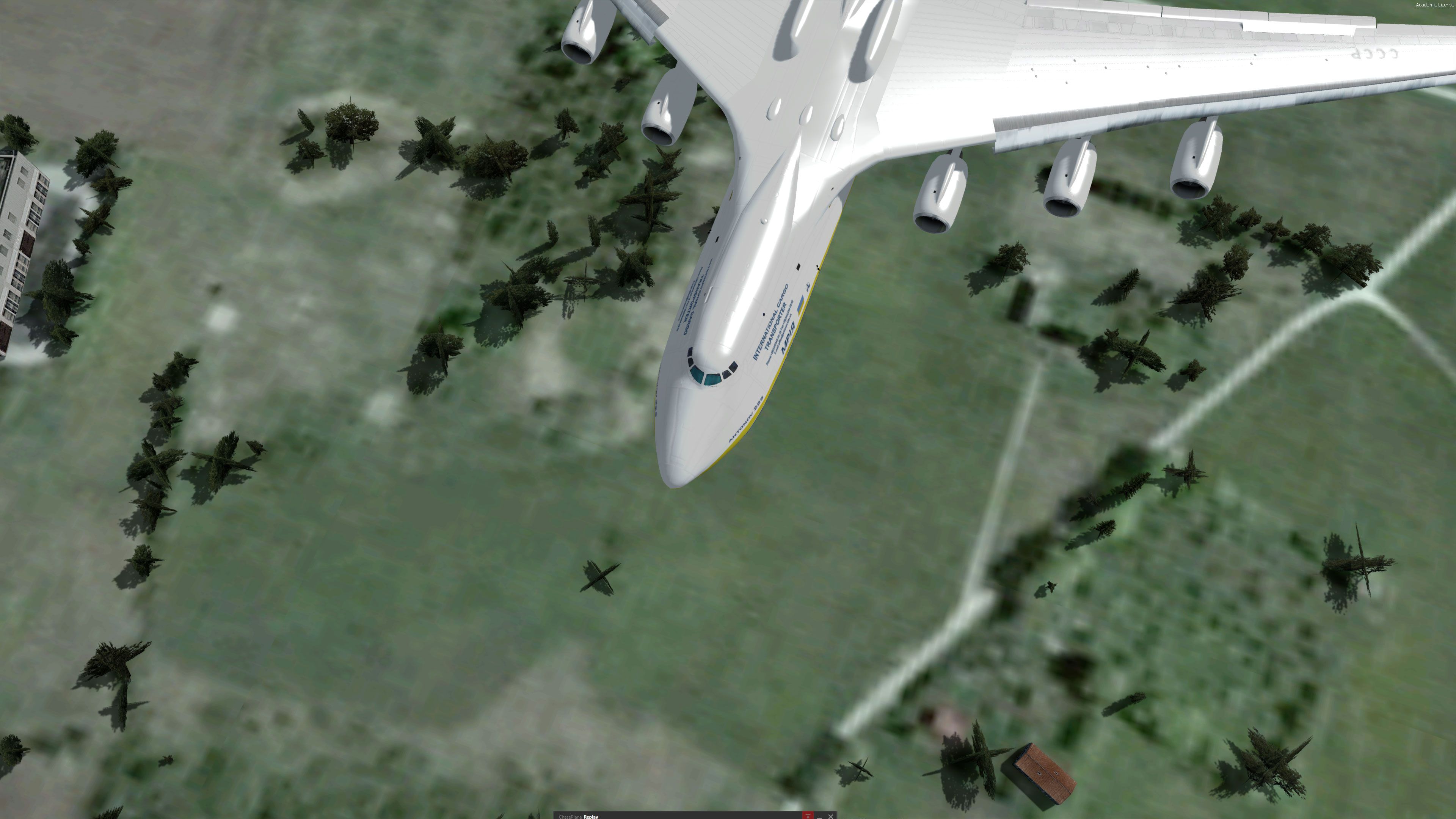
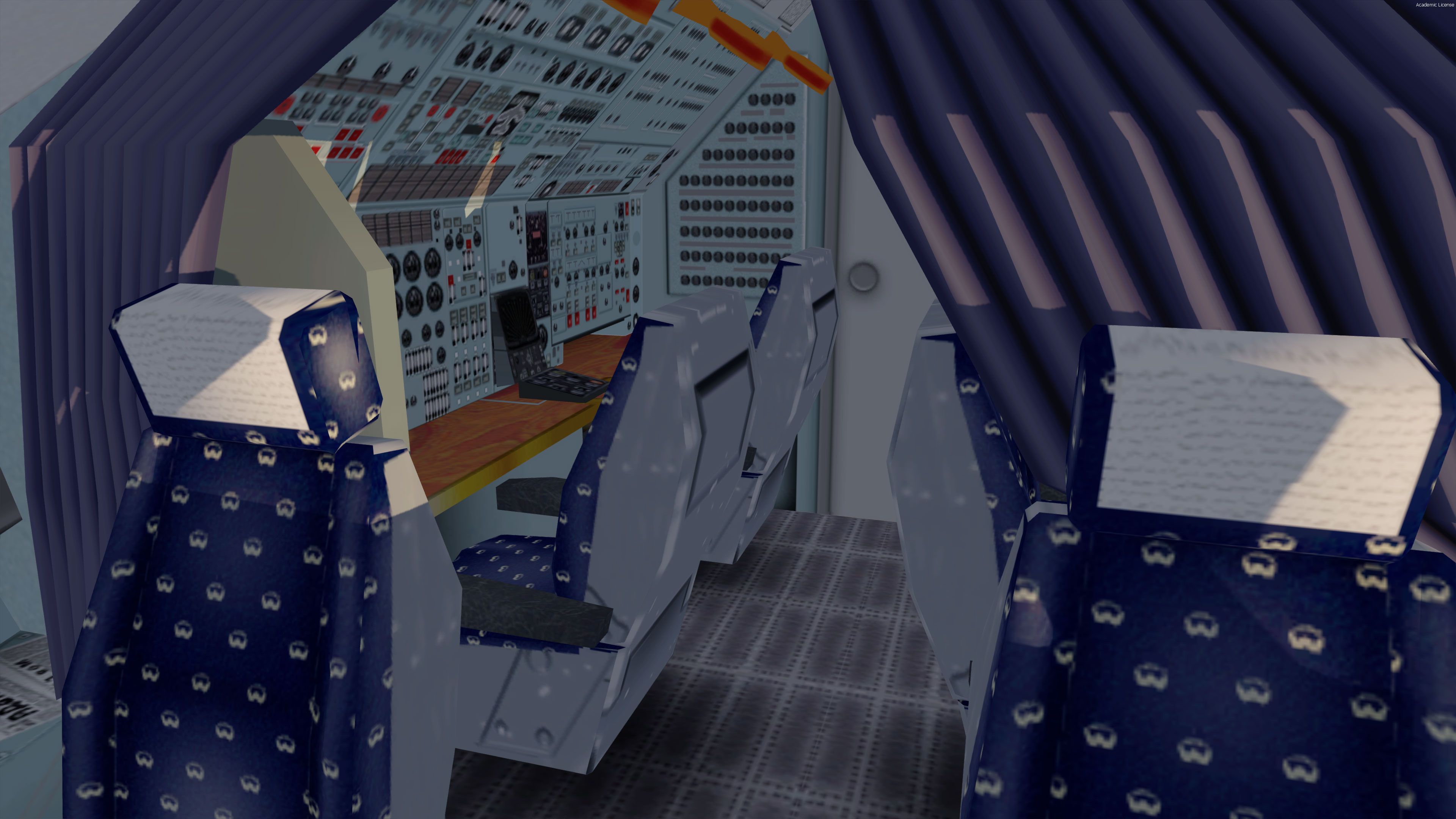
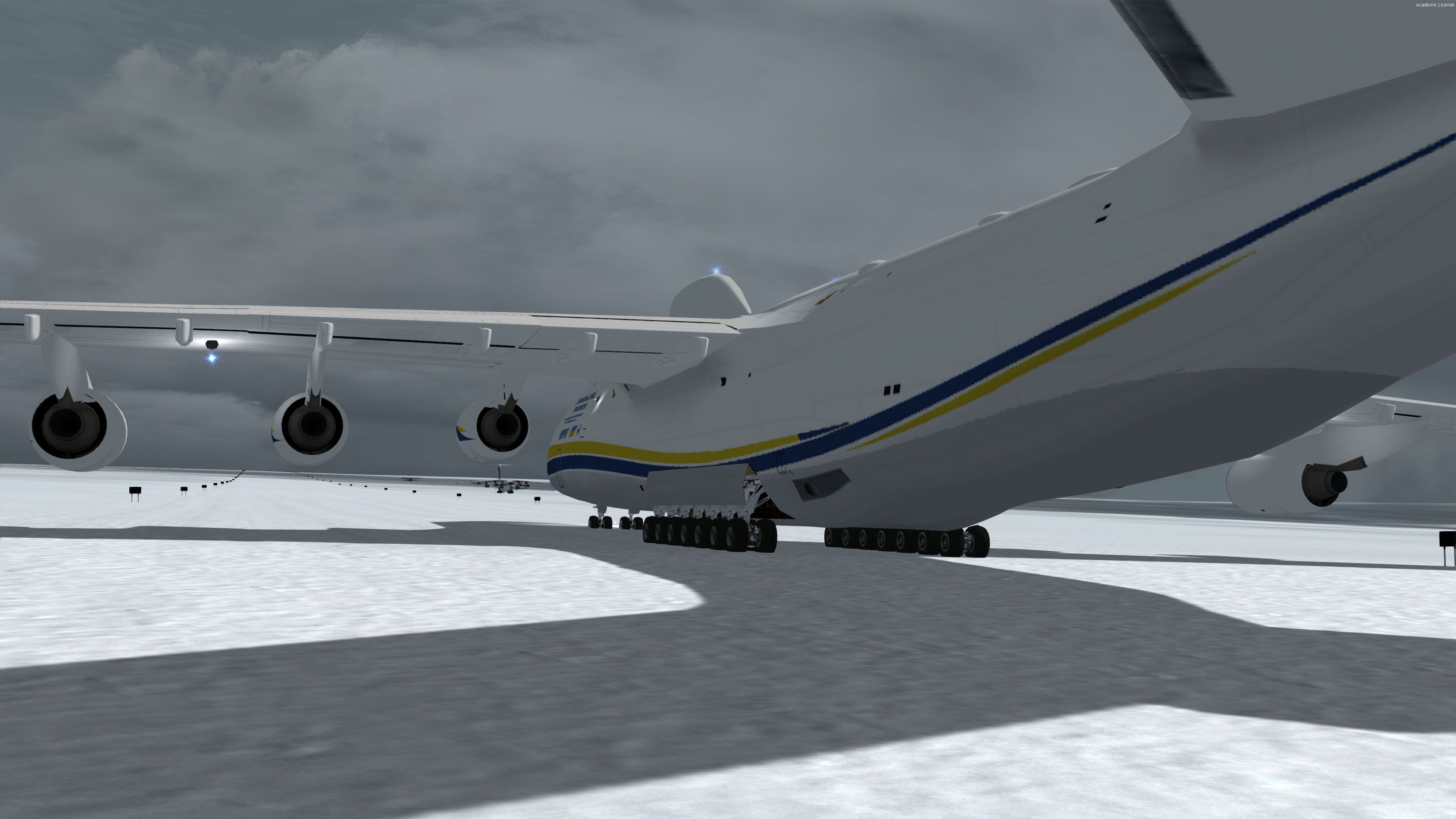
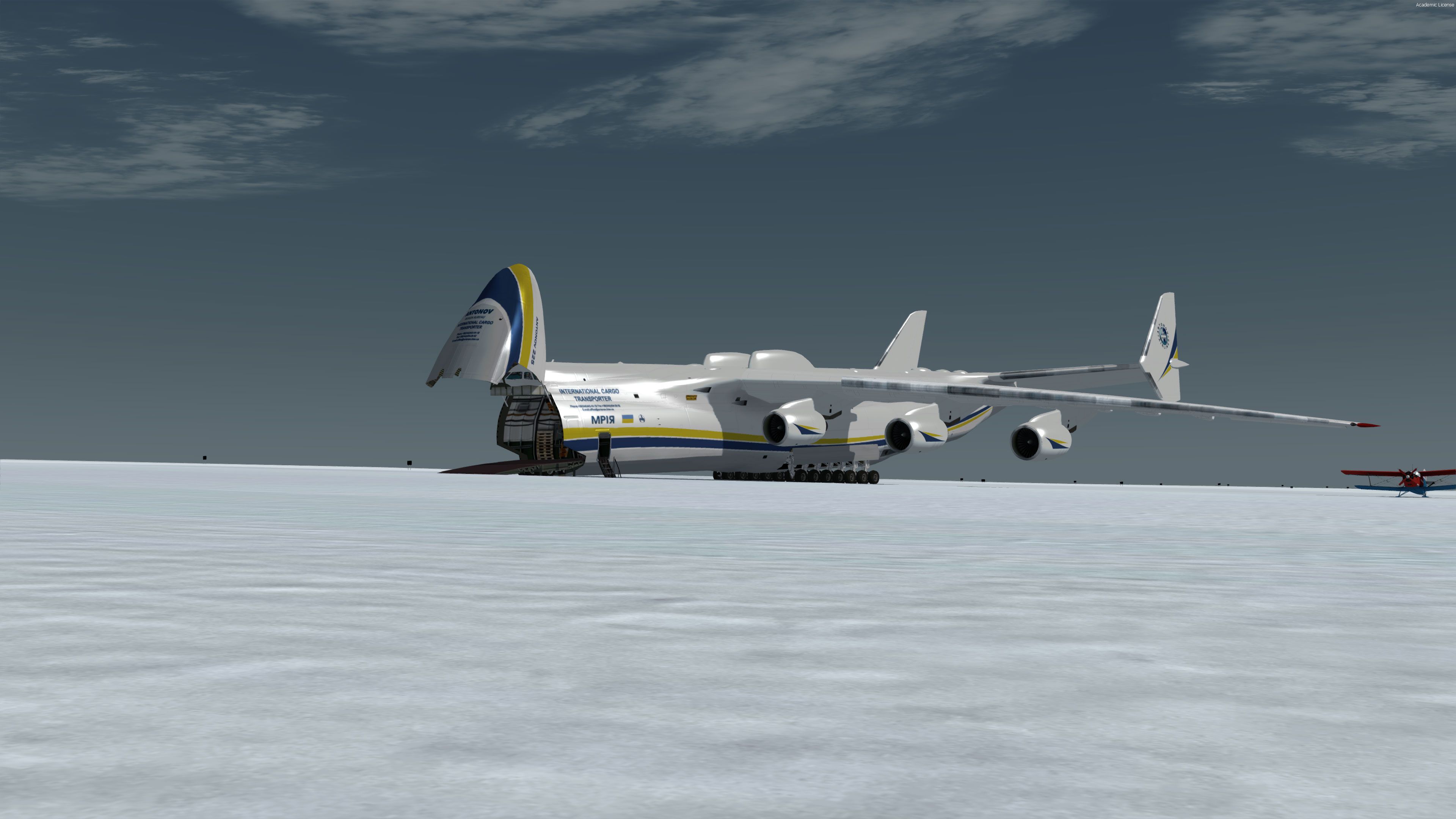
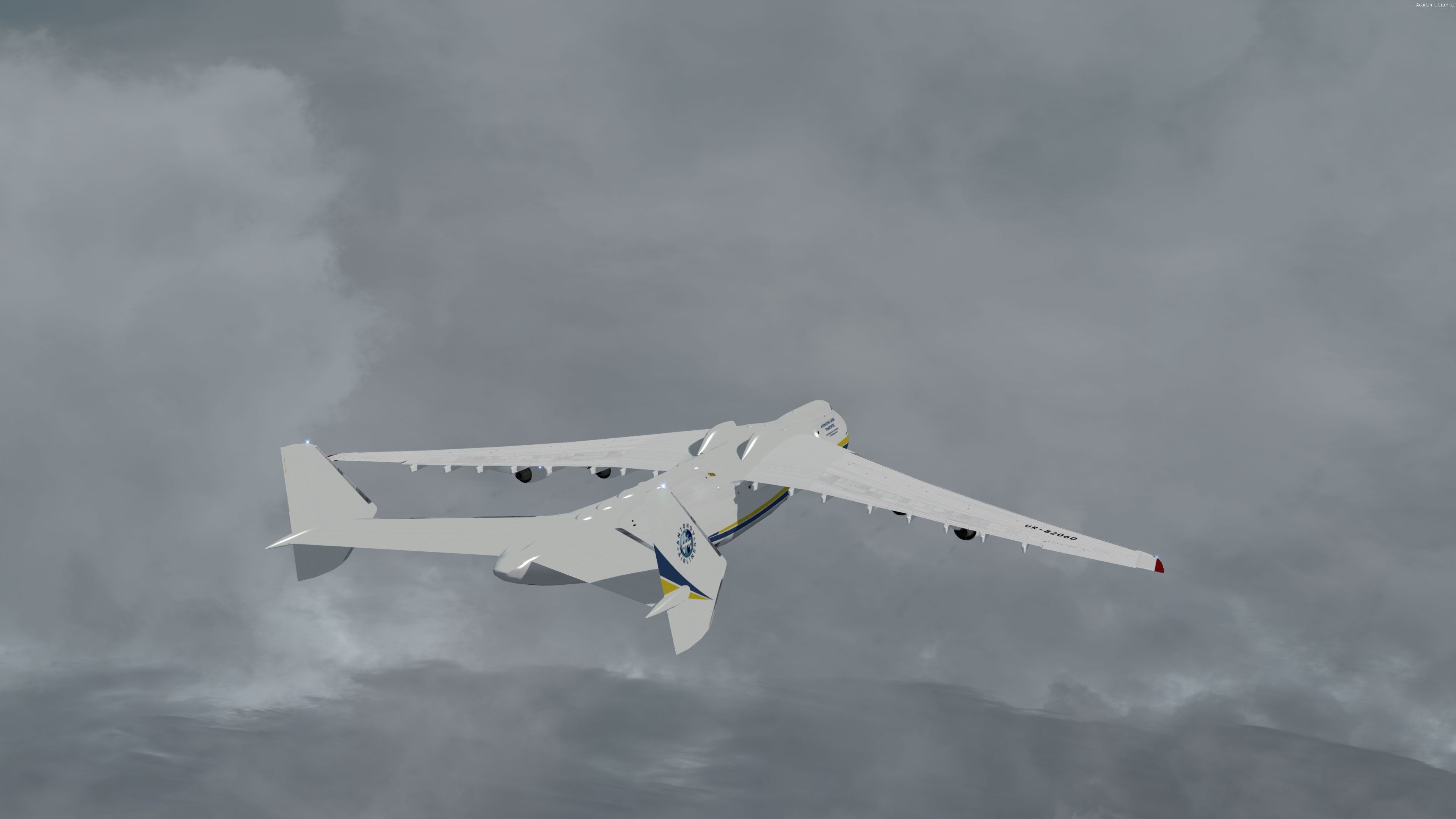
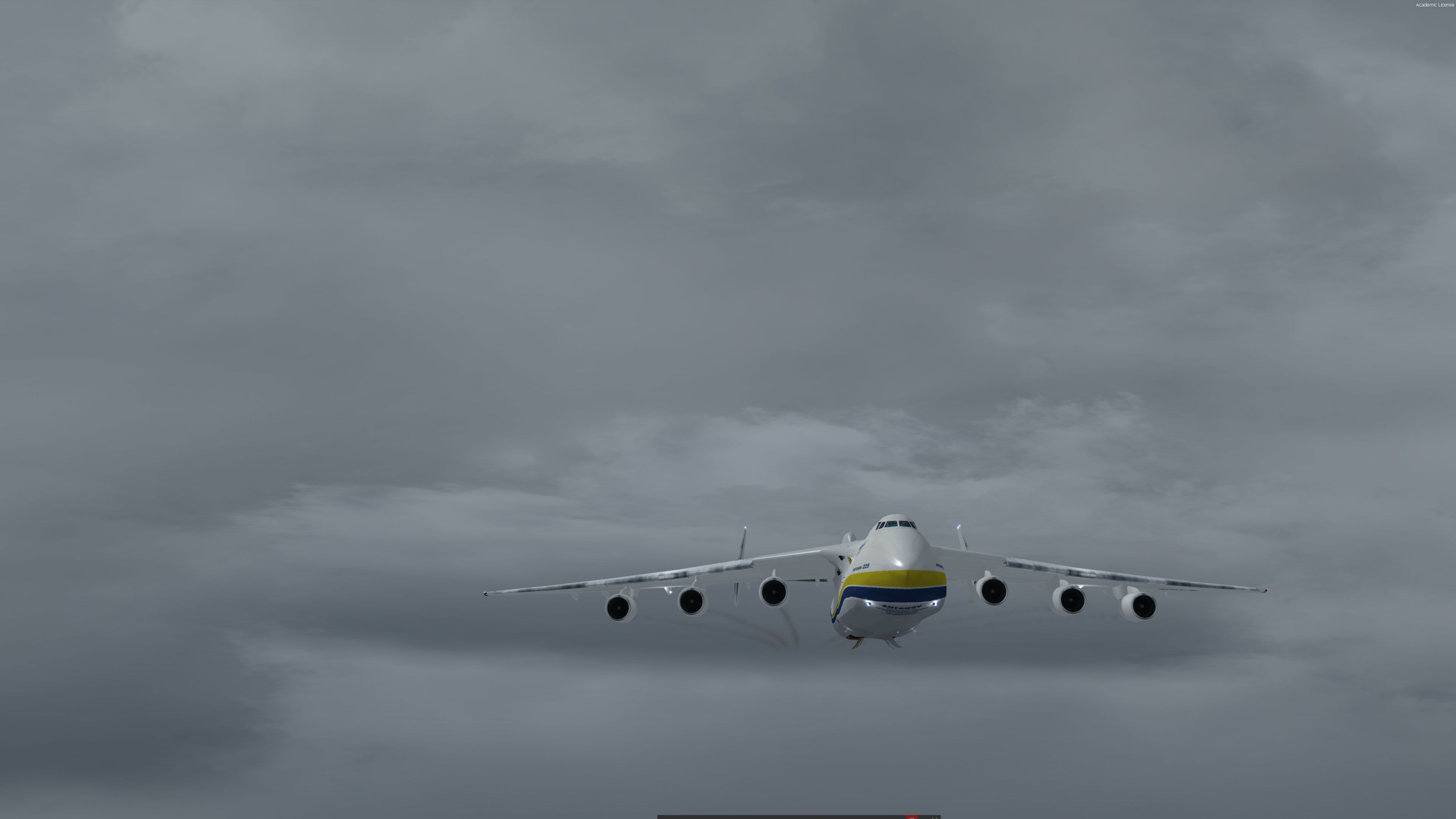
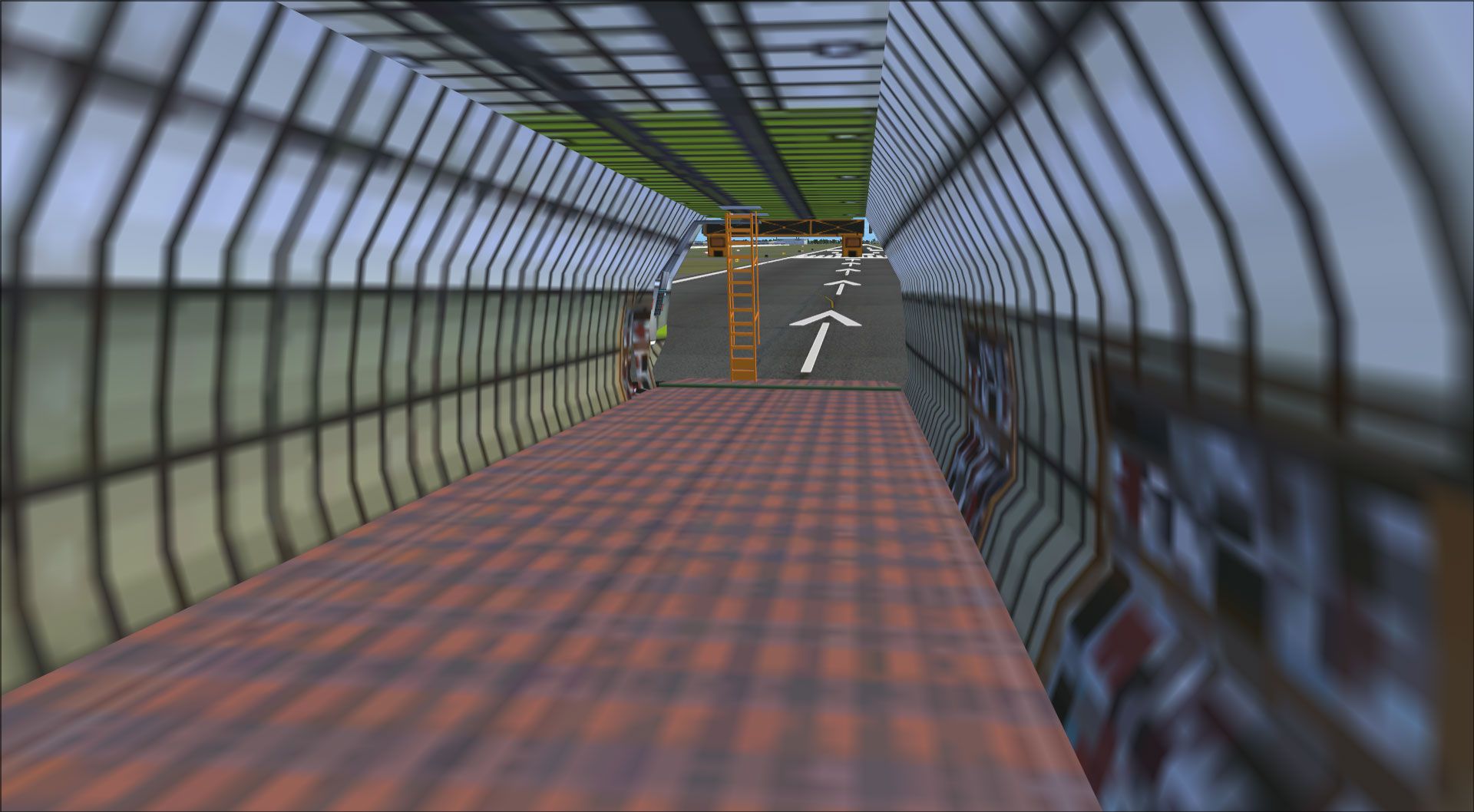
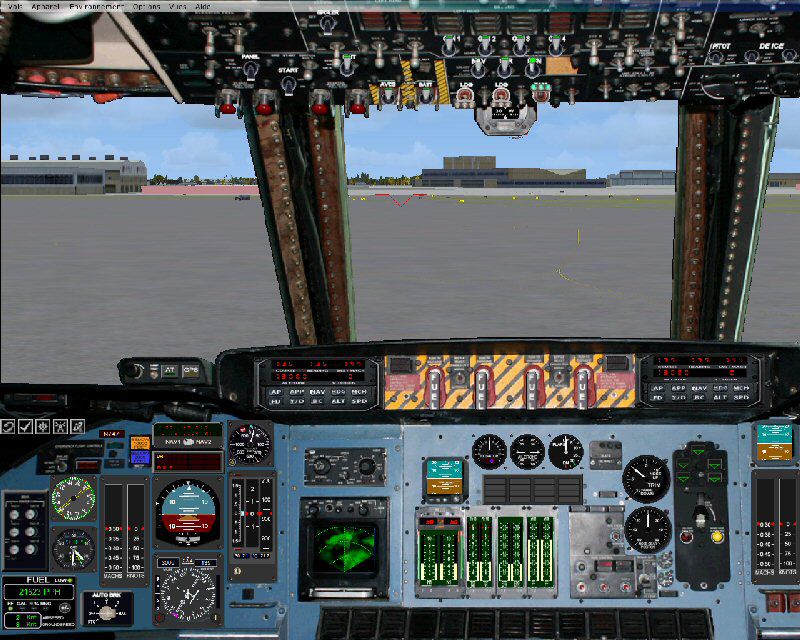
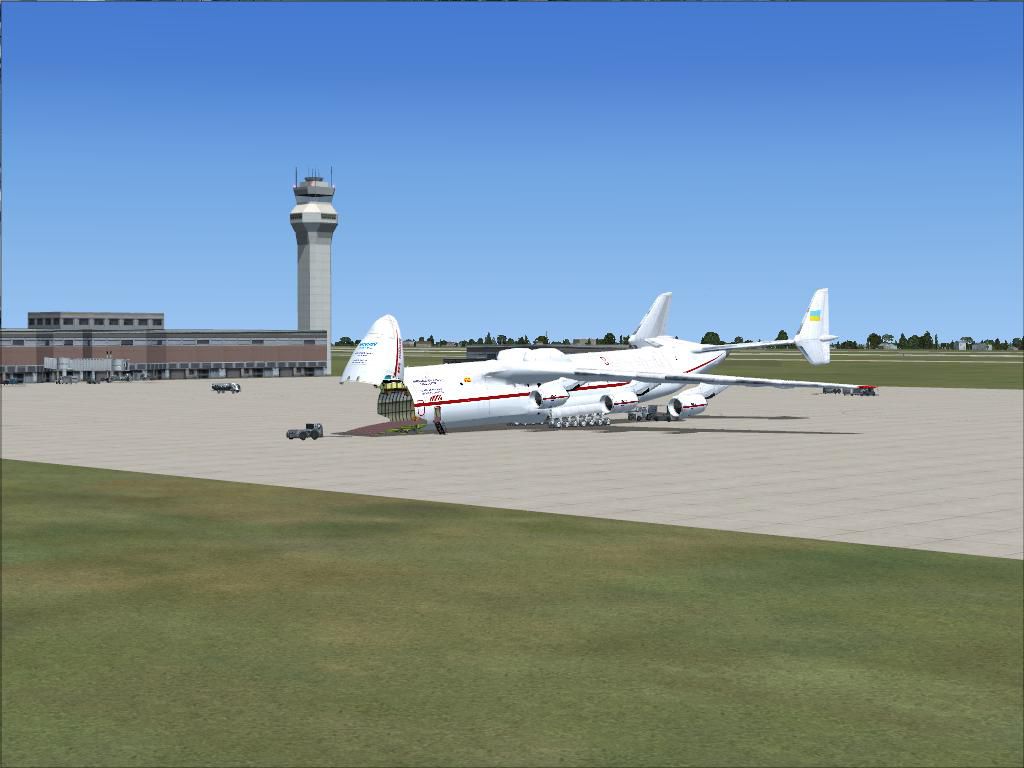
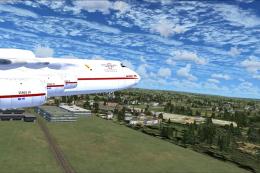
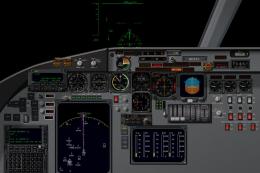
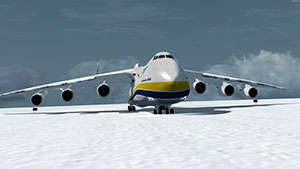 This model features a fully working opening nose cargo loading bay (and loaded cargo), 6 engines with full smoke effect in-flight along with a 3D VC (virtual cockpit) which is also working.
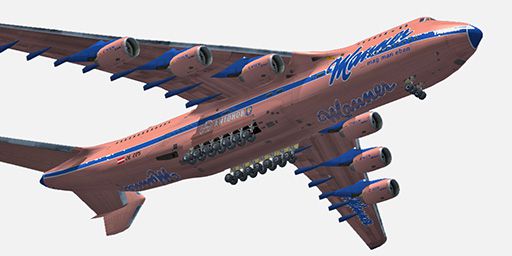
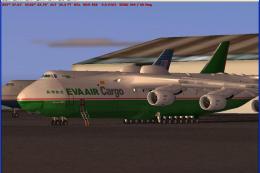
Also included are 11 extra repaints/liveries. These liveries are fictional as there was only ever one An-225 ever produced which carries the "International Cargo Transporter" paintwork.
This version of the world's largest aircraft includes over two years' worth of modifications and testing in comparison with the "real bird" data and is the most realistic version offered for any flight simulation other than the real simulators for this aircraft, which do not exist.
Everything has been tested and re-worked including all of the weight and balance, engine characteristics, distance range, and many other detailed specifications.
It includes high altitude realistic six engine contrails as well as cargo door opening and closing aspects detailed in the animations text file. It also includes a detailed kneeboard checklist and reference data as well as the realistic ATC callsign (ADB116F).
Antonov An-225 Specifications
- Engines: 6-Lotarev D-18T turbofans, 51,590 lbf each
- Length: 275.6 ft
- Height: 59.3 ft
- Wingspan: 290 ft 2 in
- Wing Area: 9,743.7 ft²
- Empty Weight: 385,805 lb/175,000 kg
- MTOW: 1,322,760 lb/600,000 kg
- Fuel Capacity: 98,712.0 US gal (661,370 lbs/300,000 kg)
- Payload (this model): 275,594 lb/125,009 kg (125 tons)
- Max Payload: 440,920 lb/200,000 kg (200 tons) Internal
- Takeoff Run (max load): 11,483 ft (3,500 m)
- Service Ceiling: 42,651 ft/13,000 m
- Max Climb Rate: 3,000 f/m @ 350 KIAS/mach .78
- Cruise Speed: Mach .74-.82 below FL350, Mach .82-.90 above FL350
- Max mach: .92
- Range: 7,400 nm @ FL410E, mach .88, 7,200 nm @ FL420W, mach .88
- Crew: 6
There is only one operational version of this aircraft in existence today, although one is still in mothballs awaiting funding and justifiable use of which most likely will be fitted with stronger engines (Rolls Royce RB211-524H-T, 60,600 lbs each) and will be likely dubbed the An-225-210.
Additional Fictional Repaints Included
Included with this package are an additional 11 repaints - they are;
- Aeroflot
- RAAF Camo
- Austrian
- BBC CCCP
- Cuba Camo
- Manner
- Camo Saudi
- Camo Snow
- Yemen North
- Yemen South
- Antonov MASKargo
- Olympic Air
Developer: original model by Thomas Ruth, modifications by Douglas E. Trapp and package and repaint compilation by William Luxton.
Images & Screenshots
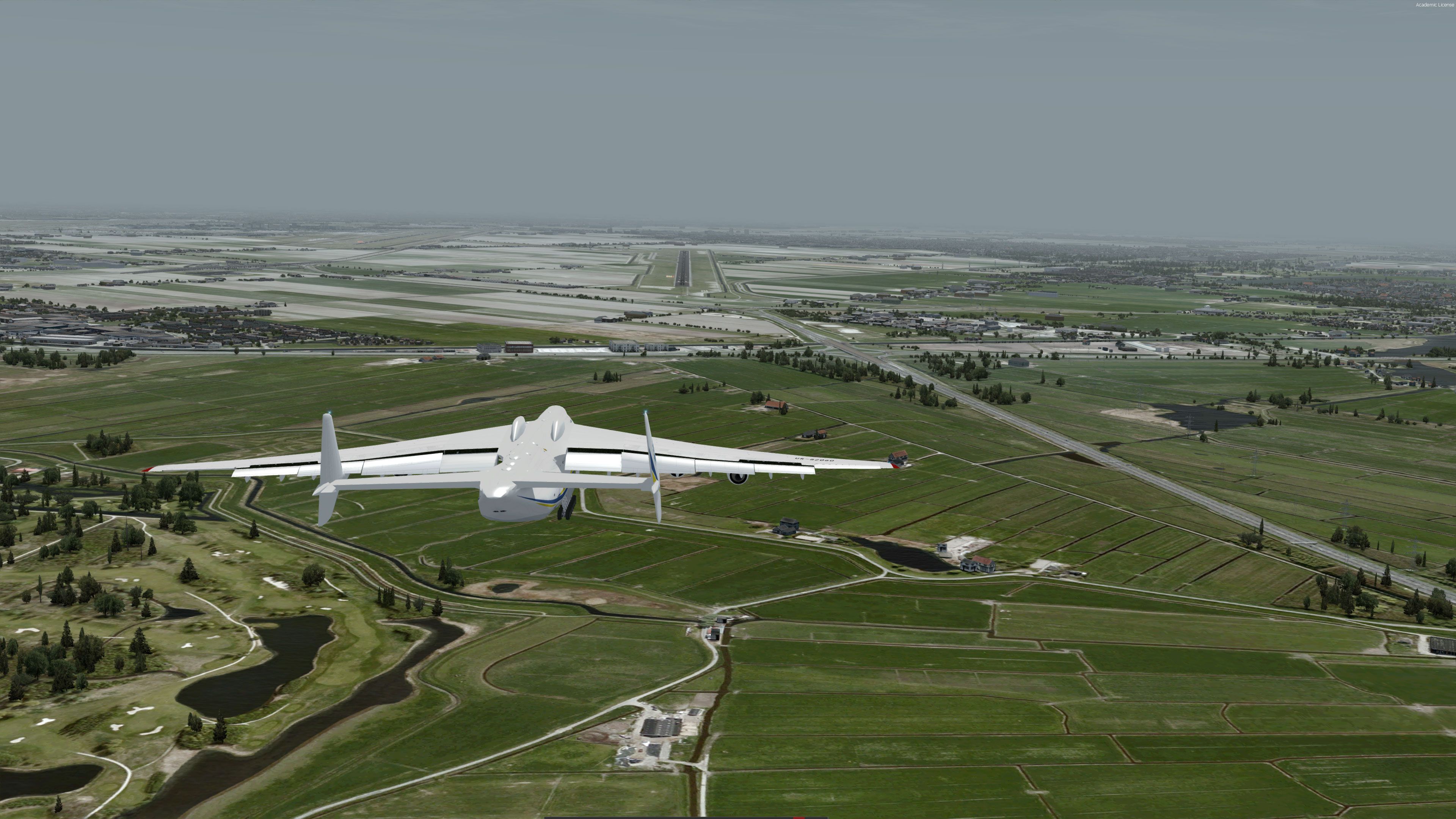

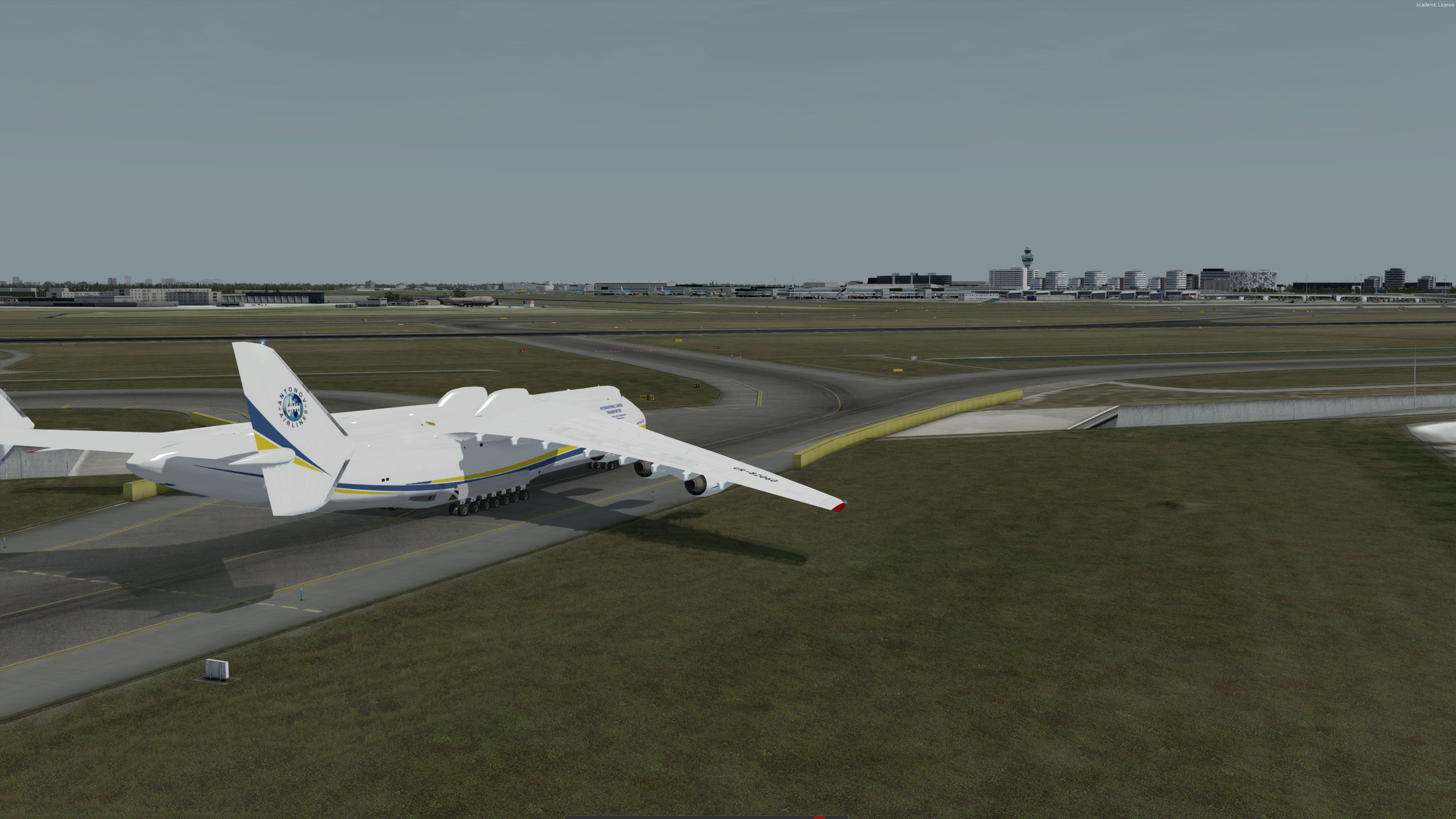
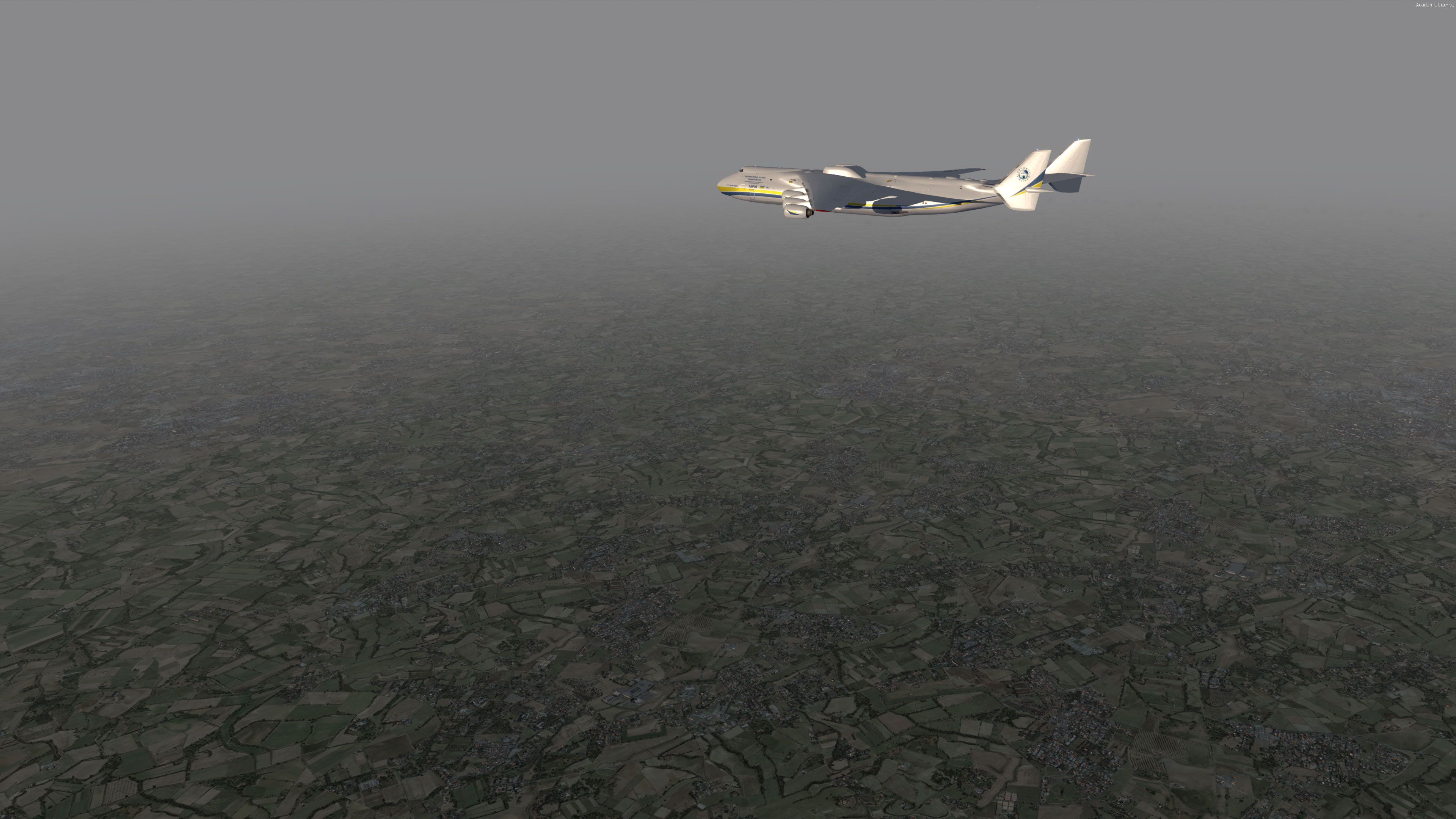








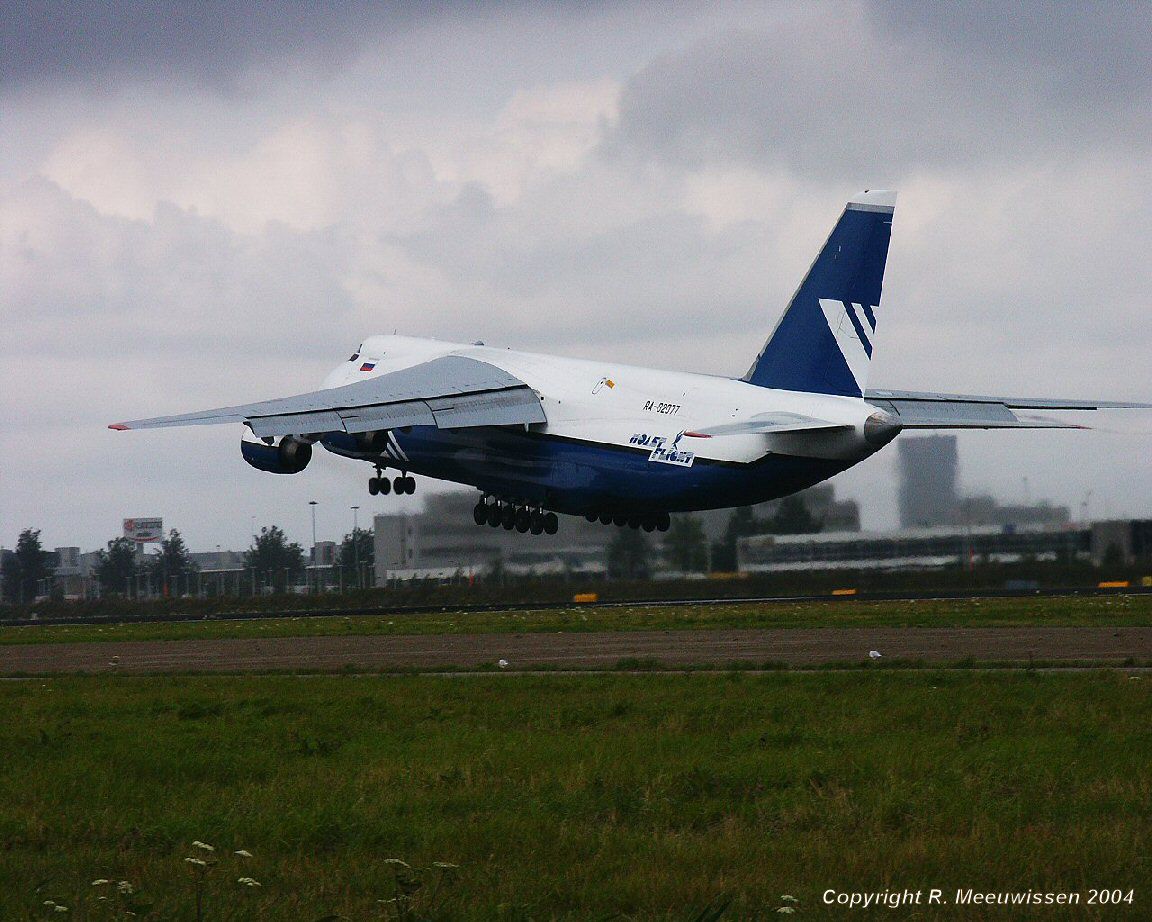
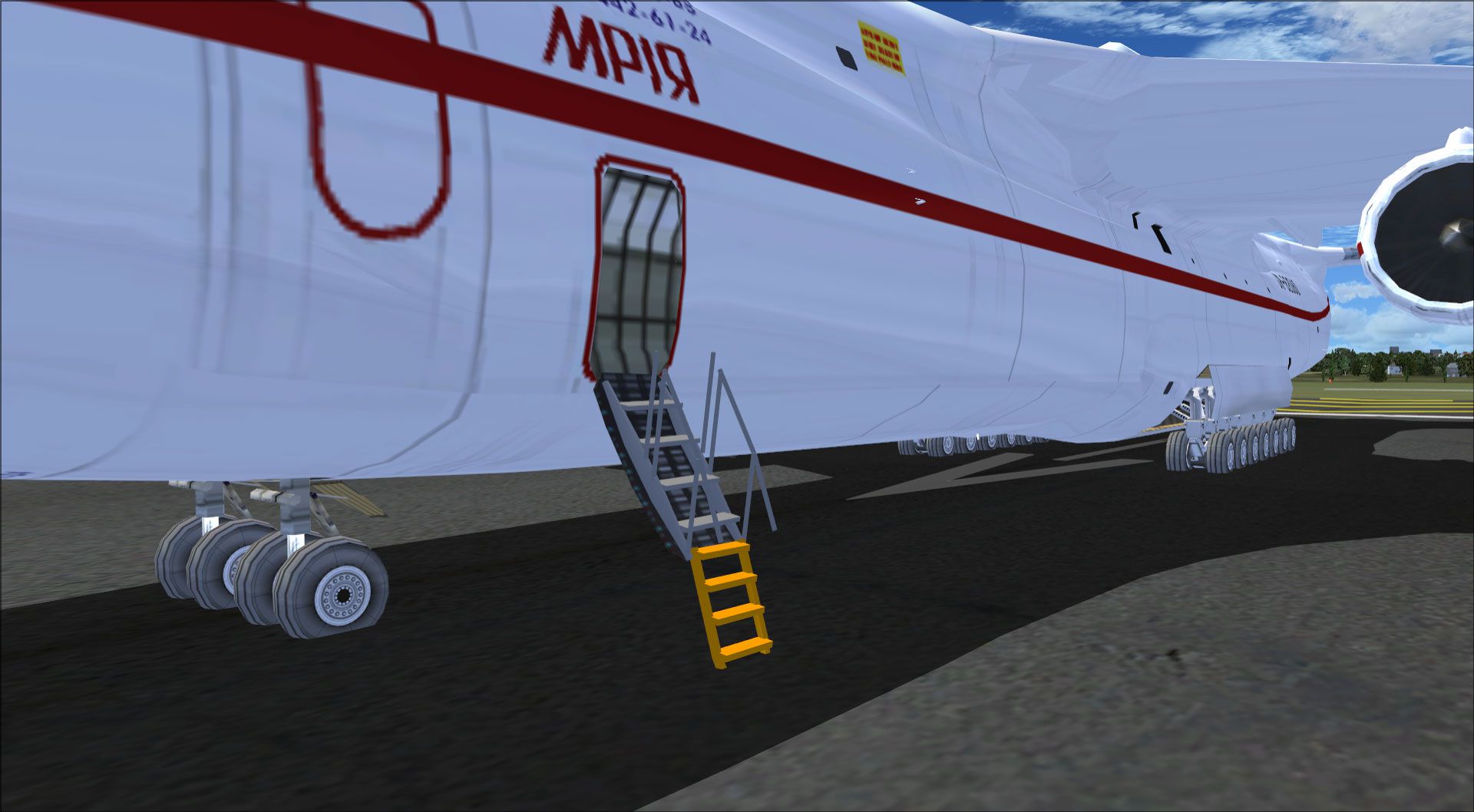
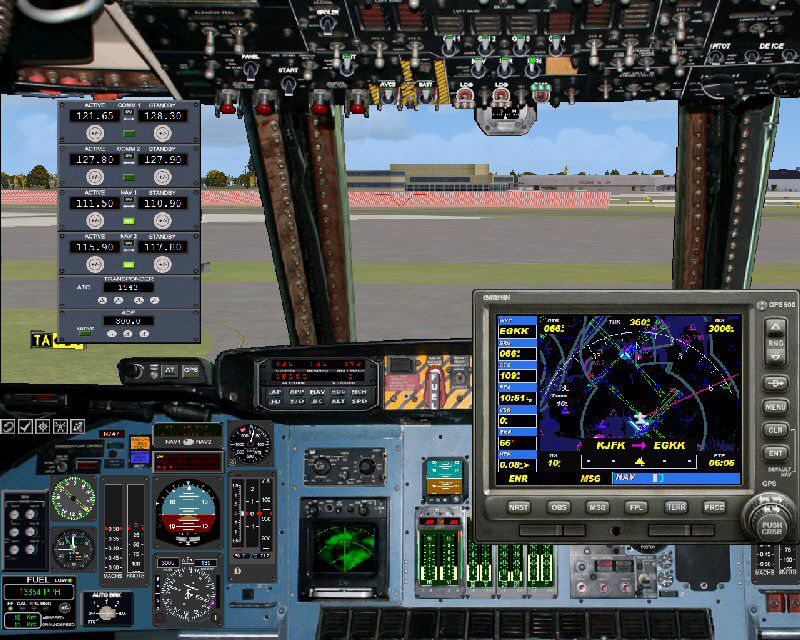
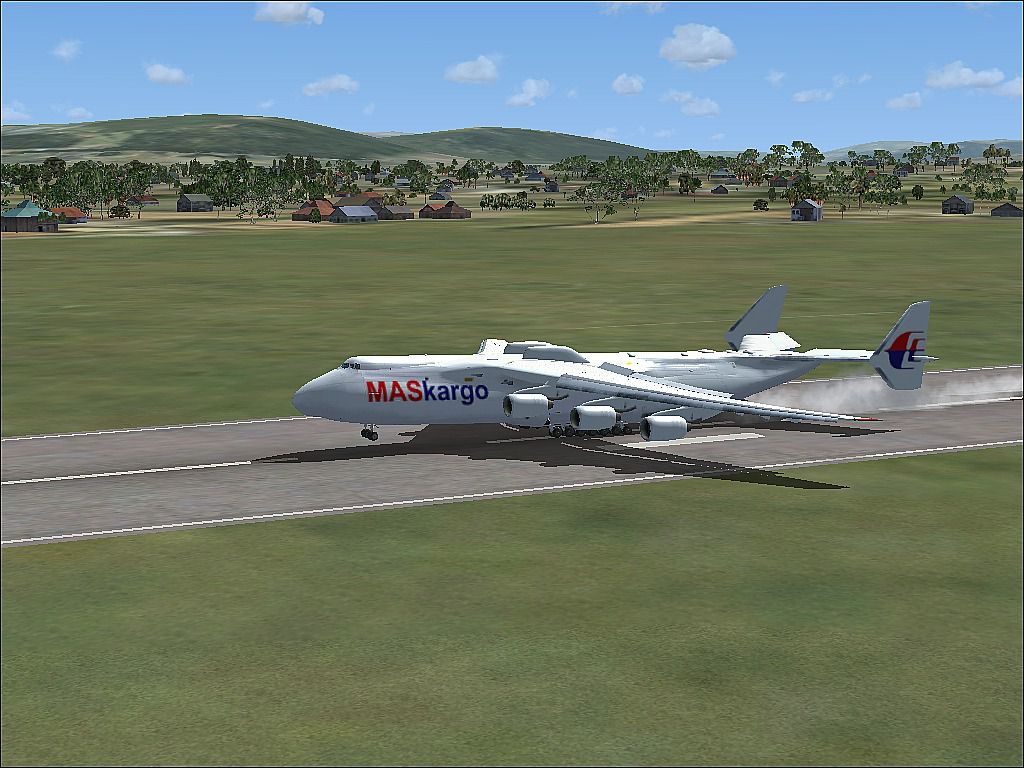
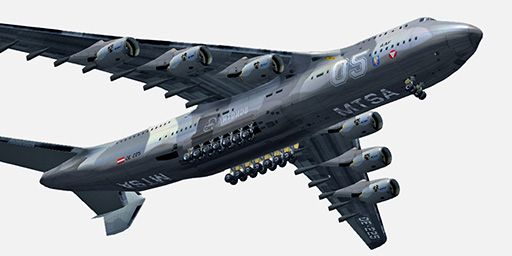
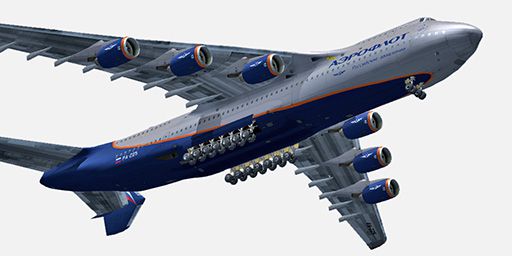

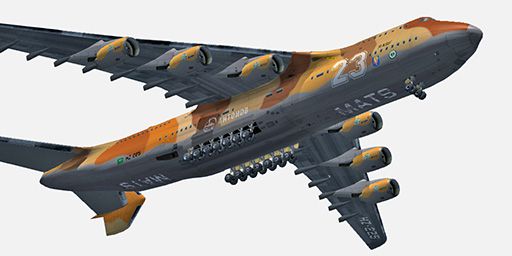

The archive antonov-an-225-complete-fsx-p3d.zip has 462 files and directories contained within it.
File Contents
This list displays the first 500 files in the package. If the package has more, you will need to download it to view them.
| Filename/Directory | File Date | File Size |
|---|---|---|
| AN-225 Info.txt | 04.15.20 | 10.28 kB |
| AN-225_Check.txt | 04.15.20 | 4.99 kB |
| Aircraft | 04.15.20 | 0 B |
| Antonov AN-225 | 04.15.20 | 0 B |
| D18T.air | 03.28.18 | 8.62 kB |
| Panel.43 | 04.14.20 | 0 B |
| $gauges.bmp | 11.05.11 | 3.00 MB |
| AN225.CAB | 08.24.15 | 906.41 kB |
| Main_Panel.bmp | 08.25.15 | 4.08 MB |
| Overhead_Panel.bmp | 06.21.15 | 3.71 MB |
| panel.cfg | 08.27.15 | 9.52 kB |
| aircraft.cfg | 04.15.20 | 32.57 kB |
| model | 04.14.20 | 0 B |
| Model.cfg | 07.05.16 | 49 B |
| an225.MDL | 07.05.16 | 7.77 MB |
| an225_interior.MDL | 07.05.16 | 1.74 MB |
| beta11.mdl | 06.17.17 | 2.10 MB |
| multiplayer | 04.14.20 | 0 B |
| an225.MDL | 07.05.16 | 7.77 MB |
| an225_interior.MDL | 07.05.16 | 1.74 MB |
| panel | 04.14.20 | 0 B |
| panel.169 | 04.14.20 | 0 B |
| $gauges.bmp | 11.05.11 | 3.00 MB |
| AN225.CAB | 08.24.15 | 906.41 kB |
| Main_Panel.bmp | 06.14.15 | 5.04 MB |
| Overhead_Panel.bmp | 06.21.15 | 3.71 MB |
| panel.cfg | 08.27.15 | 9.92 kB |
| panel.747 | 04.14.20 | 0 B |
| Panel.cfg | 06.12.08 | 32 B |
| $gauges.bmp | 01.14.11 | 3.00 MB |
| C5.CAB | 09.15.09 | 1.11 MB |
| Panel1.jpg | 09.13.09 | 144.66 kB |
| Panel2.jpg | 09.13.09 | 165.61 kB |
| Readme.txt | 09.16.09 | 727 B |
| Russian tank.bmp | 12.03.11 | 769.05 kB |
| overhead.bmp | 01.14.11 | 1.27 MB |
| overhead_night.bmp | 01.14.11 | 1.27 MB |
| panel.bmp | 09.14.09 | 2.53 MB |
| panel.cfg | 07.09.16 | 4.89 kB |
| panel_night.bmp | 01.14.11 | 2.25 MB |
| sound | 04.14.20 | 0 B |
| 124roll.wav | 01.16.11 | 370.11 kB |
| 124system.WAV | 01.16.11 | 84.20 kB |
| 124touch.wav | 01.16.11 | 35.64 kB |
| 124wind.wav | 01.16.11 | 55.96 kB |
| BAAPDIS.wav | 01.16.11 | 172.43 kB |
| BAGLIDE.wav | 01.16.11 | 7.19 kB |
| BAN11.wav | 01.16.11 | 301.72 kB |
| BAN12.wav | 01.16.11 | 668.03 kB |
| BAN13.wav | 01.16.11 | 397.63 kB |
| BAN14.wav | 01.16.11 | 48.04 kB |
| BAN1STRT.wav | 01.16.11 | 460.78 kB |
| BAN21.wav | 01.16.11 | 301.72 kB |
| BAN22.wav | 01.16.11 | 949.54 kB |
| BAN23.wav | 01.16.11 | 904.32 kB |
| BAN24.wav | 01.16.11 | 623.88 kB |
| BAN2SHUT.WAV | 01.16.11 | 259.75 kB |
| BAN2STRT.WAV | 01.16.11 | 29.54 kB |
| BAN2T.wav | 01.16.11 | 114.78 kB |
| BAOVER.wav | 01.16.11 | 22.23 kB |
| BBN11.wav | 01.16.11 | 301.72 kB |
| BBN12.wav | 01.16.11 | 668.03 kB |
| BBN13.wav | 01.16.11 | 397.63 kB |
| BBN14.wav | 01.16.11 | 48.04 kB |
| BBN1STRT.wav | 01.16.11 | 460.78 kB |
| BBN21.wav | 01.16.11 | 301.72 kB |
| BBN22.wav | 01.16.11 | 949.54 kB |
| BBN23.wav | 01.16.11 | 904.32 kB |
| BBN24.wav | 01.16.11 | 623.88 kB |
| BBN2SHUT.wav | 01.16.11 | 254.25 kB |
| BBN2STRT.WAV | 01.16.11 | 29.54 kB |
| BBN2T.wav | 01.16.11 | 119.28 kB |
| BMFLAPS.WAV | 01.16.11 | 68.31 kB |
| BMGEARDN.wav | 01.16.11 | 121.64 kB |
| BMGEARUP.wav | 01.16.11 | 121.64 kB |
| BMGWARN.wav | 01.16.11 | 14.73 kB |
| Polet_An-124.jpeg | 01.16.11 | 243.73 kB |
| Sound.cfg | 03.28.18 | 12.72 kB |
| XBAN11.wav | 01.16.11 | 302.45 kB |
| XBAN12.wav | 01.16.11 | 290.36 kB |
| XBAN13.wav | 01.16.11 | 992.08 kB |
| XBAN14.WAV | 01.16.11 | 215.37 kB |
| XBAN1STRT.wav | 01.16.11 | 460.78 kB |
| XBAN21.wav | 01.16.11 | 317.07 kB |
| XBAN22.wav | 01.16.11 | 301.25 kB |
| XBAN23.wav | 01.16.11 | 301.25 kB |
| XBAN24.wav | 01.16.11 | 413.98 kB |
| XBAN2SHUT.WAV | 01.16.11 | 227.75 kB |
| XBAN2STRT.WAV | 01.16.11 | 29.52 kB |
| XBAN2T.WAV | 01.16.11 | 662.90 kB |
| XBBN11.wav | 01.16.11 | 302.45 kB |
| XBBN12.wav | 01.16.11 | 290.36 kB |
| XBBN13.wav | 01.16.11 | 992.08 kB |
| XBBN14.WAV | 01.16.11 | 215.37 kB |
| XBBN1STRT.wav | 01.16.11 | 460.78 kB |
| XBBN21.wav | 01.16.11 | 317.07 kB |
| XBBN22.wav | 01.16.11 | 301.25 kB |
| XBBN23.wav | 01.16.11 | 301.25 kB |
| XBBN24.wav | 01.16.11 | 413.98 kB |
| XBBN2SHUT.WAV | 01.16.11 | 217.75 kB |
| XBBN2STRT.WAV | 01.16.11 | 29.52 kB |
| XBBN2T.WAV | 01.16.11 | 704.96 kB |
| door_large_close.wav | 01.16.11 | 131.81 kB |
| door_large_open.wav | 01.16.11 | 116.30 kB |
| readme.txt | 01.16.11 | 1.22 kB |
| soundai | 04.14.20 | 0 B |
| soundai.cfg | 07.05.16 | 34 B |
| texture.Aeroflot | 04.14.20 | 0 B |
| MAIN_225.dds | 04.14.20 | 16.00 MB |
| MAIN_225_LIGHT.dds | 04.14.20 | 16.00 MB |
| MAIN_225_SPEC.dds | 04.14.20 | 16.00 MB |
| MAIN_225_bump.dds | 04.14.20 | 4.00 MB |
| VC01_l.dds | 04.14.20 | 1.00 MB |
| VC01_t.dds | 04.14.20 | 1.00 MB |
| VC02_l.dds | 04.14.20 | 1.00 MB |
| VC02_t.dds | 04.14.20 | 1.00 MB |
| VC03_l.dds | 04.14.20 | 1.00 MB |
| VC03_t.dds | 04.14.20 | 1.00 MB |
| VC04_l.dds | 04.14.20 | 1.00 MB |
| VC04_t.dds | 04.14.20 | 1.00 MB |
| WINGL_SPEC225.dds | 04.14.20 | 4.00 MB |
| WINGL_bump225.dds | 04.14.20 | 4.00 MB |
| WINGR_SPEC225.dds | 04.14.20 | 4.00 MB |
| WINGR_bump225.dds | 04.14.20 | 4.00 MB |
| WING_L225.dds | 04.14.20 | 16.00 MB |
| WING_R225.dds | 04.14.20 | 16.00 MB |
| gaugesl.dds | 04.14.20 | 256.12 kB |
| glass.dds | 04.14.20 | 64.12 kB |
| grey_t.dds | 04.14.20 | 384 B |
| thumbnail.jpg | 04.14.20 | 67.29 kB |
| texture.Austrian | 04.14.20 | 0 B |
| MAIN_225.dds | 04.14.20 | 16.00 MB |
| MAIN_225_LIGHT.dds | 04.14.20 | 16.00 MB |
| MAIN_225_SPEC.dds | 04.14.20 | 16.00 MB |
| MAIN_225_bump.dds | 04.14.20 | 4.00 MB |
| VC01_l.dds | 04.14.20 | 1.00 MB |
| VC01_t.dds | 04.14.20 | 1.00 MB |
| VC02_l.dds | 04.14.20 | 1.00 MB |
| VC02_t.dds | 04.14.20 | 1.00 MB |
| VC03_l.dds | 04.14.20 | 1.00 MB |
| VC03_t.dds | 04.14.20 | 1.00 MB |
| VC04_l.dds | 04.14.20 | 1.00 MB |
| VC04_t.dds | 04.14.20 | 1.00 MB |
| WINGL_SPEC225.dds | 04.14.20 | 4.00 MB |
| WINGL_bump225.dds | 04.14.20 | 4.00 MB |
| WINGR_SPEC225.dds | 04.14.20 | 4.00 MB |
| WINGR_bump225.dds | 04.14.20 | 4.00 MB |
| WING_L225.dds | 04.14.20 | 16.00 MB |
| WING_R225.dds | 04.14.20 | 16.00 MB |
| gaugesl.dds | 04.14.20 | 256.12 kB |
| glass.dds | 04.14.20 | 64.12 kB |
| grey_t.dds | 04.14.20 | 384 B |
| thumbnail.jpg | 04.14.20 | 65.40 kB |
| texture.BBC_CCCP | 04.14.20 | 0 B |
| MAIN_225.dds | 04.14.20 | 16.00 MB |
| MAIN_225_LIGHT.dds | 04.14.20 | 16.00 MB |
| MAIN_225_SPEC.dds | 04.14.20 | 16.00 MB |
| MAIN_225_bump.dds | 04.14.20 | 4.00 MB |
| VC01_l.dds | 04.14.20 | 1.00 MB |
| VC01_t.dds | 04.14.20 | 1.00 MB |
| VC02_l.dds | 04.14.20 | 1.00 MB |
| VC02_t.dds | 04.14.20 | 1.00 MB |
| VC03_l.dds | 04.14.20 | 1.00 MB |
| VC03_t.dds | 04.14.20 | 1.00 MB |
| VC04_l.dds | 04.14.20 | 1.00 MB |
| VC04_t.dds | 04.14.20 | 1.00 MB |
| WINGL_SPEC225.dds | 04.14.20 | 4.00 MB |
| WINGL_bump225.dds | 04.14.20 | 4.00 MB |
| WINGR_SPEC225.dds | 04.14.20 | 4.00 MB |
| WINGR_bump225.dds | 04.14.20 | 4.00 MB |
| WING_L225.dds | 04.14.20 | 16.00 MB |
| WING_R225.dds | 04.14.20 | 16.00 MB |
| gaugesl.dds | 04.14.20 | 256.12 kB |
| glass.dds | 04.14.20 | 64.12 kB |
| grey_t.dds | 04.14.20 | 384 B |
| thumbnail.jpg | 04.14.20 | 60.85 kB |
| texture.Camo_Australia | 04.14.20 | 0 B |
| MAIN_225.dds | 04.14.20 | 16.00 MB |
| MAIN_225_LIGHT.dds | 04.14.20 | 16.00 MB |
| MAIN_225_SPEC.dds | 04.14.20 | 16.00 MB |
| MAIN_225_bump.dds | 04.14.20 | 4.00 MB |
| VC01_l.dds | 04.14.20 | 1.00 MB |
| VC01_t.dds | 04.14.20 | 1.00 MB |
| VC02_l.dds | 04.14.20 | 1.00 MB |
| VC02_t.dds | 04.14.20 | 1.00 MB |
| VC03_l.dds | 04.14.20 | 1.00 MB |
| VC03_t.dds | 04.14.20 | 1.00 MB |
| VC04_l.dds | 04.14.20 | 1.00 MB |
| VC04_t.dds | 04.14.20 | 1.00 MB |
| WINGL_SPEC225.dds | 04.14.20 | 4.00 MB |
| WINGL_bump225.dds | 04.14.20 | 4.00 MB |
| WINGR_SPEC225.dds | 04.14.20 | 4.00 MB |
| WINGR_bump225.dds | 04.14.20 | 4.00 MB |
| WING_L225.dds | 04.14.20 | 16.00 MB |
| WING_R225.dds | 04.14.20 | 16.00 MB |
| gaugesl.dds | 04.14.20 | 256.12 kB |
| glass.dds | 04.14.20 | 64.12 kB |
| grey_t.dds | 04.14.20 | 384 B |
| thumbnail.jpg | 04.14.20 | 64.12 kB |
| texture.Camo_Cuba | 04.14.20 | 0 B |
| MAIN_225.dds | 04.14.20 | 16.00 MB |
| MAIN_225_LIGHT.dds | 04.14.20 | 16.00 MB |
| MAIN_225_SPEC.dds | 04.14.20 | 16.00 MB |
| MAIN_225_bump.dds | 04.14.20 | 4.00 MB |
| VC01_l.dds | 04.14.20 | 1.00 MB |
| VC01_t.dds | 04.14.20 | 1.00 MB |
| VC02_l.dds | 04.14.20 | 1.00 MB |
| VC02_t.dds | 04.14.20 | 1.00 MB |
| VC03_l.dds | 04.14.20 | 1.00 MB |
| VC03_t.dds | 04.14.20 | 1.00 MB |
| VC04_l.dds | 04.14.20 | 1.00 MB |
| VC04_t.dds | 04.14.20 | 1.00 MB |
| WINGL_SPEC225.dds | 04.14.20 | 4.00 MB |
| WINGL_bump225.dds | 04.14.20 | 4.00 MB |
| WINGR_SPEC225.dds | 04.14.20 | 4.00 MB |
| WINGR_bump225.dds | 04.14.20 | 4.00 MB |
| WING_L225.dds | 04.14.20 | 16.00 MB |
| WING_R225.dds | 04.14.20 | 16.00 MB |
| gaugesl.dds | 04.14.20 | 256.12 kB |
| glass.dds | 04.14.20 | 64.12 kB |
| grey_t.dds | 04.14.20 | 384 B |
| thumbnail.jpg | 04.14.20 | 60.33 kB |
| texture.Camo_Saudi | 04.14.20 | 0 B |
| MAIN_225.dds | 04.14.20 | 16.00 MB |
| MAIN_225_LIGHT.dds | 04.14.20 | 16.00 MB |
| MAIN_225_SPEC.dds | 04.14.20 | 16.00 MB |
| MAIN_225_bump.dds | 04.14.20 | 4.00 MB |
| VC01_l.dds | 04.14.20 | 1.00 MB |
| VC01_t.dds | 04.14.20 | 1.00 MB |
| VC02_l.dds | 04.14.20 | 1.00 MB |
| VC02_t.dds | 04.14.20 | 1.00 MB |
| VC03_l.dds | 04.14.20 | 1.00 MB |
| VC03_t.dds | 04.14.20 | 1.00 MB |
| VC04_l.dds | 04.14.20 | 1.00 MB |
| VC04_t.dds | 04.14.20 | 1.00 MB |
| WINGL_SPEC225.dds | 04.14.20 | 4.00 MB |
| WINGL_bump225.dds | 04.14.20 | 4.00 MB |
| WINGR_SPEC225.dds | 04.14.20 | 4.00 MB |
| WINGR_bump225.dds | 04.14.20 | 4.00 MB |
| WING_L225.dds | 04.14.20 | 16.00 MB |
| WING_R225.dds | 04.14.20 | 16.00 MB |
| gaugesl.dds | 04.14.20 | 256.12 kB |
| glass.dds | 04.14.20 | 64.12 kB |
| grey_t.dds | 04.14.20 | 384 B |
| thumbnail.jpg | 04.14.20 | 67.72 kB |
| texture.Camo_Snow | 04.14.20 | 0 B |
| MAIN_225.dds | 04.14.20 | 16.00 MB |
| MAIN_225_LIGHT.dds | 04.14.20 | 16.00 MB |
| MAIN_225_SPEC.dds | 04.14.20 | 16.00 MB |
| MAIN_225_bump.dds | 04.14.20 | 4.00 MB |
| VC01_l.dds | 04.14.20 | 1.00 MB |
| VC01_t.dds | 04.14.20 | 1.00 MB |
| VC02_l.dds | 04.14.20 | 1.00 MB |
| VC02_t.dds | 04.14.20 | 1.00 MB |
| VC03_l.dds | 04.14.20 | 1.00 MB |
| VC03_t.dds | 04.14.20 | 1.00 MB |
| VC04_l.dds | 04.14.20 | 1.00 MB |
| VC04_t.dds | 04.14.20 | 1.00 MB |
| WINGL_SPEC225.dds | 04.14.20 | 4.00 MB |
| WINGL_bump225.dds | 04.14.20 | 4.00 MB |
| WINGR_SPEC225.dds | 04.14.20 | 4.00 MB |
| WINGR_bump225.dds | 04.14.20 | 4.00 MB |
| WING_L225.dds | 04.14.20 | 16.00 MB |
| WING_R225.dds | 04.14.20 | 16.00 MB |
| gaugesl.dds | 04.14.20 | 256.12 kB |
| glass.dds | 04.14.20 | 64.12 kB |
| grey_t.dds | 04.14.20 | 384 B |
| thumbnail.jpg | 04.14.20 | 59.32 kB |
| texture.Camo_Yemen_1 | 04.14.20 | 0 B |
| MAIN_225.dds | 04.14.20 | 16.00 MB |
| MAIN_225_LIGHT.dds | 04.14.20 | 16.00 MB |
| MAIN_225_SPEC.dds | 04.14.20 | 16.00 MB |
| MAIN_225_bump.dds | 04.14.20 | 4.00 MB |
| VC01_l.dds | 04.14.20 | 1.00 MB |
| VC01_t.dds | 04.14.20 | 1.00 MB |
| VC02_l.dds | 04.14.20 | 1.00 MB |
| VC02_t.dds | 04.14.20 | 1.00 MB |
| VC03_l.dds | 04.14.20 | 1.00 MB |
| VC03_t.dds | 04.14.20 | 1.00 MB |
| VC04_l.dds | 04.14.20 | 1.00 MB |
| VC04_t.dds | 04.14.20 | 1.00 MB |
| WINGL_SPEC225.dds | 04.14.20 | 4.00 MB |
| WINGL_bump225.dds | 04.14.20 | 4.00 MB |
| WINGR_SPEC225.dds | 04.14.20 | 4.00 MB |
| WINGR_bump225.dds | 04.14.20 | 4.00 MB |
| WING_L225.dds | 04.14.20 | 16.00 MB |
| WING_R225.dds | 04.14.20 | 16.00 MB |
| gaugesl.dds | 04.14.20 | 256.12 kB |
| glass.dds | 04.14.20 | 64.12 kB |
| grey_t.dds | 04.14.20 | 384 B |
| thumbnail.jpg | 04.14.20 | 61.55 kB |
| texture.Camo_Yemen_2 | 04.14.20 | 0 B |
| MAIN_225.dds | 04.14.20 | 16.00 MB |
| MAIN_225_LIGHT.dds | 04.14.20 | 16.00 MB |
| MAIN_225_SPEC.dds | 04.14.20 | 16.00 MB |
| MAIN_225_bump.dds | 04.14.20 | 4.00 MB |
| VC01_l.dds | 04.14.20 | 1.00 MB |
| VC01_t.dds | 04.14.20 | 1.00 MB |
| VC02_l.dds | 04.14.20 | 1.00 MB |
| VC02_t.dds | 04.14.20 | 1.00 MB |
| VC03_l.dds | 04.14.20 | 1.00 MB |
| VC03_t.dds | 04.14.20 | 1.00 MB |
| VC04_l.dds | 04.14.20 | 1.00 MB |
| VC04_t.dds | 04.14.20 | 1.00 MB |
| WINGL_SPEC225.dds | 04.14.20 | 4.00 MB |
| WINGL_bump225.dds | 04.14.20 | 4.00 MB |
| WINGR_SPEC225.dds | 04.14.20 | 4.00 MB |
| WINGR_bump225.dds | 04.14.20 | 4.00 MB |
| WING_L225.dds | 04.14.20 | 16.00 MB |
| WING_R225.dds | 04.14.20 | 16.00 MB |
| gaugesl.dds | 04.14.20 | 256.12 kB |
| glass.dds | 04.14.20 | 64.12 kB |
| grey_t.dds | 04.14.20 | 384 B |
| thumbnail.jpg | 04.14.20 | 56.88 kB |
| texture.MAS | 04.14.20 | 0 B |
| VC01_l.dds | 04.14.20 | 1.00 MB |
| VC01_t.dds | 04.14.20 | 1.00 MB |
| VC02_l.dds | 04.14.20 | 1.00 MB |
| VC02_t.dds | 04.14.20 | 1.00 MB |
| VC03_l.dds | 04.14.20 | 1.00 MB |
| VC03_t.dds | 04.14.20 | 1.00 MB |
| VC04_l.dds | 04.14.20 | 1.00 MB |
| VC04_t.dds | 04.14.20 | 1.00 MB |
| gaugesl.dds | 04.14.20 | 256.12 kB |
| glass.dds | 04.14.20 | 64.12 kB |
| grey_t.dds | 04.14.20 | 384 B |
| main_225.dds | 04.14.20 | 5.33 MB |
| main_225_bump.dds | 04.14.20 | 4.00 MB |
| main_225_light.dds | 04.14.20 | 1.00 MB |
| main_225_spec.dds | 04.14.20 | 256.12 kB |
| thumbnail.jpg | 04.14.20 | 220.60 kB |
| wing_l225.dds | 04.14.20 | 1.00 MB |
| wing_r225.dds | 04.14.20 | 1.00 MB |
| wingl_bump225.dds | 04.14.20 | 1.00 MB |
| wingl_spec225.dds | 04.14.20 | 64.12 kB |
| wingr_bump225.dds | 04.14.20 | 1.00 MB |
| wingr_spec225.dds | 04.14.20 | 64.12 kB |
| texture.Manner | 04.14.20 | 0 B |
| MAIN_225.dds | 04.14.20 | 16.00 MB |
| MAIN_225_LIGHT.dds | 04.14.20 | 16.00 MB |
| MAIN_225_SPEC.dds | 04.14.20 | 16.00 MB |
| MAIN_225_bump.dds | 04.14.20 | 4.00 MB |
| VC01_l.dds | 04.14.20 | 1.00 MB |
| VC01_t.dds | 04.14.20 | 1.00 MB |
| VC02_l.dds | 04.14.20 | 1.00 MB |
| VC02_t.dds | 04.14.20 | 1.00 MB |
| VC03_l.dds | 04.14.20 | 1.00 MB |
| VC03_t.dds | 04.14.20 | 1.00 MB |
| VC04_l.dds | 04.14.20 | 1.00 MB |
| VC04_t.dds | 04.14.20 | 1.00 MB |
| WINGL_SPEC225.dds | 04.14.20 | 4.00 MB |
| WINGL_bump225.dds | 04.14.20 | 4.00 MB |
| WINGR_SPEC225.dds | 04.14.20 | 4.00 MB |
| WINGR_bump225.dds | 04.14.20 | 4.00 MB |
| WING_L225.dds | 04.14.20 | 16.00 MB |
| WING_R225.dds | 04.14.20 | 16.00 MB |
| gaugesl.dds | 04.14.20 | 256.12 kB |
| glass.dds | 04.14.20 | 64.12 kB |
| grey_t.dds | 04.14.20 | 384 B |
| thumbnail.jpg | 04.14.20 | 67.46 kB |
| texture.UR | 04.14.20 | 0 B |
| VC01_l.dds | 07.05.16 | 1.00 MB |
| VC01_t.dds | 07.05.16 | 1.00 MB |
| VC02_l.dds | 07.05.16 | 1.00 MB |
| VC02_t.dds | 07.05.16 | 1.00 MB |
| VC03_l.dds | 07.05.16 | 1.00 MB |
| VC03_t.dds | 07.05.16 | 1.00 MB |
| VC04_l.dds | 07.05.16 | 1.00 MB |
| VC04_t.dds | 07.05.16 | 1.00 MB |
| gaugesl.dds | 07.05.16 | 256.12 kB |
| glass.dds | 07.05.16 | 64.12 kB |
| grey_t.dds | 07.05.16 | 384 B |
| main_225.dds | 07.05.16 | 4.00 MB |
| main_225_bump.dds | 07.05.16 | 4.00 MB |
| main_225_light.dds | 07.05.16 | 1.00 MB |
| main_225_spec.dds | 07.05.16 | 256.12 kB |
| texture.cfg | 07.05.16 | 140 B |
| thumbnail.jpg | 07.05.16 | 5.28 kB |
| wing_l225.dds | 07.05.16 | 1.00 MB |
| wing_r225.dds | 07.05.16 | 1.00 MB |
| wingl_bump225.dds | 07.05.16 | 1.00 MB |
| wingl_spec225.dds | 07.05.16 | 64.12 kB |
| wingr_bump225.dds | 07.05.16 | 1.00 MB |
| wingr_spec225.dds | 07.05.16 | 64.12 kB |
| texture.oal | 04.14.20 | 0 B |
| VC01_l.dds | 04.14.20 | 1.00 MB |
| VC01_t.dds | 04.14.20 | 1.00 MB |
| VC02_l.dds | 04.14.20 | 1.00 MB |
| VC02_t.dds | 04.14.20 | 1.00 MB |
| VC03_l.dds | 04.14.20 | 1.00 MB |
| VC03_t.dds | 04.14.20 | 1.00 MB |
| VC04_l.dds | 04.14.20 | 1.00 MB |
| VC04_t.dds | 04.14.20 | 1.00 MB |
| gaugesl.dds | 04.14.20 | 256.12 kB |
| glass.dds | 04.14.20 | 64.12 kB |
| grey_t.dds | 04.14.20 | 384 B |
| main_225.dds | 04.14.20 | 1.00 MB |
| main_225_bump.dds | 04.14.20 | 4.00 MB |
| main_225_light.dds | 04.14.20 | 1.00 MB |
| main_225_spec.dds | 04.14.20 | 256.12 kB |
| texture.cfg | 04.14.20 | 140 B |
| thumbnail.jpg | 04.14.20 | 4.31 kB |
| wing_l225.dds | 04.14.20 | 1.00 MB |
| wing_r225.dds | 04.14.20 | 1.00 MB |
| wingl_bump225.dds | 04.14.20 | 1.00 MB |
| wingl_spec225.dds | 04.14.20 | 64.12 kB |
| wingr_bump225.dds | 04.14.20 | 1.00 MB |
| wingr_spec225.dds | 04.14.20 | 64.12 kB |
| Effects | 04.14.20 | 0 B |
| fx_an124beacon.fx | 07.05.16 | 3.57 kB |
| fx_an124land.fx | 07.05.16 | 1.22 kB |
| fx_an124land2.fx | 07.05.16 | 4.55 kB |
| fx_an124logo.fx | 07.05.16 | 1.21 kB |
| fx_an124taxi.fx | 07.05.16 | 4.54 kB |
| fx_an124vc.fx | 07.05.16 | 1.31 kB |
| fx_smoke_B47.fx | 05.17.10 | 5.79 kB |
| fx_smoke_f6.fx | 04.28.12 | 1.17 kB |
| README.txt | 04.15.20 | 437 B |
| Screenshots | 04.19.20 | 0 B |
| screen-1.jpg | 04.19.20 | 174.00 kB |
| screen-10.jpg | 04.19.20 | 1.08 MB |
| screen-11.jpg | 04.19.20 | 748.34 kB |
| screen-12.jpg | 04.19.20 | 1.20 MB |
| screen-13.jpg | 04.19.20 | 600.38 kB |
| screen-14.jpg | 04.19.20 | 771.42 kB |
| screen-15.jpg | 04.19.20 | 546.56 kB |
| screen-16.jpg | 04.19.20 | 535.94 kB |
| screen-17.jpg | 04.19.20 | 459.22 kB |
| screen-18.jpg | 04.19.20 | 490.74 kB |
| screen-19.jpg | 04.19.20 | 458.36 kB |
| screen-2.jpg | 04.19.20 | 400.39 kB |
| screen-20.jpg | 04.19.20 | 545.26 kB |
| screen-21.jpg | 04.19.20 | 499.68 kB |
| screen-22.jpg | 04.19.20 | 707.16 kB |
| screen-23.jpg | 04.19.20 | 392.76 kB |
| screen-24.jpg | 04.19.20 | 464.54 kB |
| screen-25.jpg | 04.19.20 | 610.02 kB |
| screen-26.jpg | 04.19.20 | 641.03 kB |
| screen-27.jpg | 04.19.20 | 735.82 kB |
| screen-28.jpg | 04.19.20 | 792.58 kB |
| screen-29.jpg | 04.19.20 | 481.82 kB |
| screen-3.jpg | 04.19.20 | 327.52 kB |
| screen-30.jpg | 04.19.20 | 537.03 kB |
| screen-31.jpg | 04.19.20 | 170.87 kB |
| screen-32.jpg | 04.19.20 | 206.61 kB |
| screen-33.jpg | 04.19.20 | 840.29 kB |
| screen-34.jpg | 04.19.20 | 654.81 kB |
| screen-35.jpg | 04.19.20 | 691.75 kB |
| screen-36.jpg | 04.19.20 | 673.25 kB |
| screen-37.jpg | 04.19.20 | 1.89 MB |
| screen-38.jpg | 04.19.20 | 326.94 kB |
| screen-39.jpg | 04.19.20 | 821.85 kB |
| screen-4.jpg | 04.19.20 | 339.61 kB |
| screen-40.jpg | 04.19.20 | 774.35 kB |
| screen-41.jpg | 04.19.20 | 596.57 kB |
| screen-5.jpg | 04.19.20 | 1.04 MB |
| screen-6.jpg | 04.19.20 | 1.42 MB |
| screen-7.jpg | 04.19.20 | 1.10 MB |
| screen-8.jpg | 04.19.20 | 630.46 kB |
| screen-9.jpg | 04.19.20 | 958.06 kB |
| flyawaysimulation.txt | 10.29.13 | 959 B |
| Go to Fly Away Simulation.url | 01.22.16 | 52 B |
Editorial
As a flight simulation fan, it always struck me that the largest aircraft ever made has ever really been taken on with any gusto. This was until I stumbled across this edition of the Antonov An-225-100 for FSX/P3D, and to be honest I was quite blown away by just how accurate it was.
Given the sheer size and scale of the task, it’s no surprise that it took more than two years to build, but the end result is the most faithful recreation of the world's larger aircraft ever seen in a flight simulator.
While others might have tried to make it look excellent and really stand out from the crowd, it simply was something I’d never tried and truly felt as if I was flying such a magnificently important part of aviation history.
This package, though, delivers this and more – it’s massively realistic and has been created with many modifications and additions over time, eventually creating a truly realistic product that stands out from the crowd.
Attention to Detail
As a simulation fan, I always want to see the most authentic features included and this makes an excellent job of doing just that, by including every possible prospect that can be included within the realms of the simulators limits. Every last detail from the speed it climbs at to the overall weight and size of the aircraft have been faithfully followed, making sure that your aircraft will feel as real as it possibly can.
The attention to detail goes beyond just the feel of the aircraft, though. Inside and out it’s a truly resplendent take on this stunning piece of hardware as it gives every last part of the aircraft the attention it desires and deserves.
These extra additions and changes really make the Antonov AN-225 stand out and if you want to fly an aircraft that performs and feels totally different from anything else in the series, this is an ideal place to get started.
One of a Kind
At the time of writing, there is only one of these incredible aircraft in the skies and this means that you can get yourself a piece of genuine history. Not many people will have enjoyed being part of such a dynamic vehicle, so this can bring out some new experiences even for flight simulation veterans who feel like they have taken on just about everything they could!
The attention to detail is so much better because the aircraft is such a rarity – it absolutely shines in comparison to many of its contemporaries and looks absolutely astounding when you view it from the further away camera possible. The size difference is truly remarkable and makes giving this a shot an interesting challenge for flight simulation fans around the world.
Every little detail has been included to make you feel as if you are really in the actual one of a kind aircraft itself and pays incredibly close attention to the small parts of the design that might not be needed, but finish it off perfectly.

Adam McEnroe
Adam McEnroe is a flight sim enthusiast who has been simming since the days of FS95. Adam writes all of the download section editorials after testing each of the files. Adam has extensive knowledge using various flight simulator packages and thoroughly tests the files before writing about them. Adam also like to fly real-world aircraft in his spare time and is training for his PPL.
Should you wish, you can contact Adam via email at adam@flyawaysimulation.com.

Installation Instructions
Most of the freeware add-on aircraft and scenery packages in our file library come with easy installation instructions which you can read above in the file description. For further installation help, please see our Flight School for our full range of tutorials or view the README file contained within the download. If in doubt, you may also ask a question or view existing answers in our dedicated Q&A forum.


33 comments
Leave a ResponseThe content of the comments below are entirely the opinions of the individual posting the comment and do not always reflect the views of Fly Away Simulation. We moderate all comments manually before they are approved.
A big thank you from Metz France.
What is the other Antonov next to the 225? Do you have his mod?
It does not load the exterior texture, I only see wings. (FSX Golden Edition) Spanish. Any solution? Thanks. Lewis.
I can't seem to get it in-game, it does everything well until it is extracting then it finishes extracting then plays a tone that means error. IDK what to do from here. Need help!
Whoa that's a big plane
"It's Russian...eh.."
I am going to attempt to make it work in MSFS2020 conversion, will comment back here if successful!
Very, very nice aircraft in general. But the question is where is the engine smoke? but without that 11/10 :-)
Best AN225 free option there is. Out of the several free options I've downloaded and tried this is the very best I've seen by a wide margin. Using FSX Steam and everything looks great. The only issue is the rear ramp doesn't open, but the other doors and forward ramps do work. several interesting liveries round out this amazing free pack.
The latest update fixes many bugs mentioned in the comments section below and includes additional repaints and finally brings compatibility to Prepar3D v4 and Prepar3D v5.
Very well made and works great!
What an awesome aircraft!!!! It could really use a virtual cockpit though. Also, how do you open the front ramp?!?!?
Don't load texture :( - FSX Deluxe edition.
Very nice and detailed VC, good physics. I recommend downloading.
Relatively small file download. Nice visual details of nose ramp, cargo, and two pilot ladders. Nice virtual cockpit. Works well with Direct X 10 with Steve Larson's DX10 controller.
Great!! It works but I don't know how to drop the shuttle on it. Somebody help me please.
Tried downloading the AN225 but cannot install. What am I doing wrong? It is flyable in FSX, isn't it???
every thing looks good but cannot open cargo doors
If you are wanting the VC, there is another varsion of this aircraft that I really like. It has a pretty VC, most of its in Russian though (you're still able to know what and where everything is). Heres the link, I'd highly recommend it.
https://flyawaysimulation.com/downloads/files/3396/fsx-antonov-an225/
No virtual cockpit......pls fix it
Wow!! What an aircraft!!!
Hey i am not see anything about this plane.I just see wings and interior cockpit
how to install this package?
No Virtual Cockpit view...fix?
Nice plane flies great, any plans for a upgraded VC or panel?
Overall best plane I have downloaded off here.. Great Job
I dont see any body, fuselage, wheels, engines, just wings during camera view from outside... Could anybody help me?
No VC, just 2-D cocpit from Boeing 747... Is anybody having the same problem??
Just downloaded the tom225x.zip (Antonov 225) it worked great!!