FSX Cirrus SR22-GTS Turbo G3
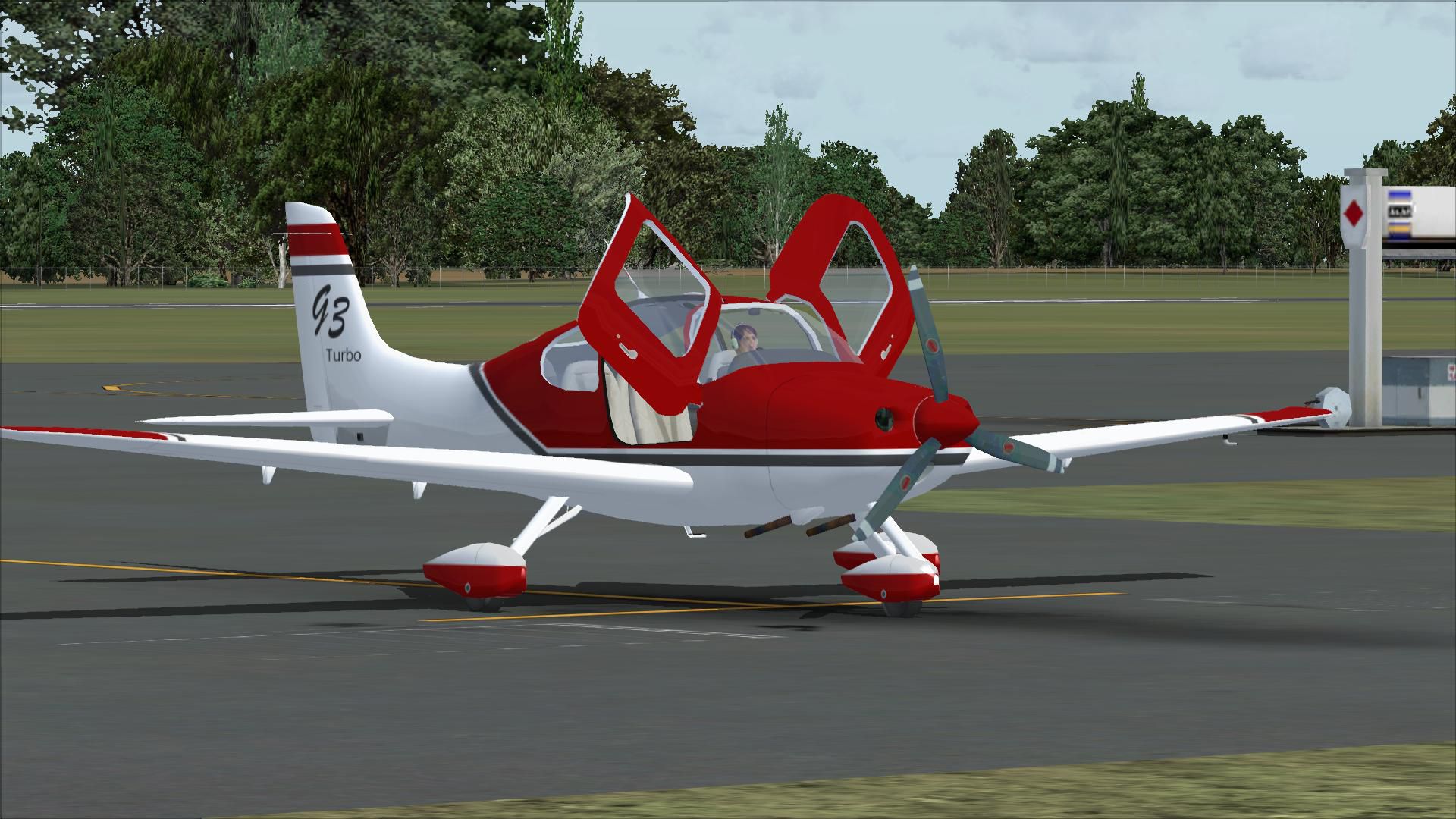
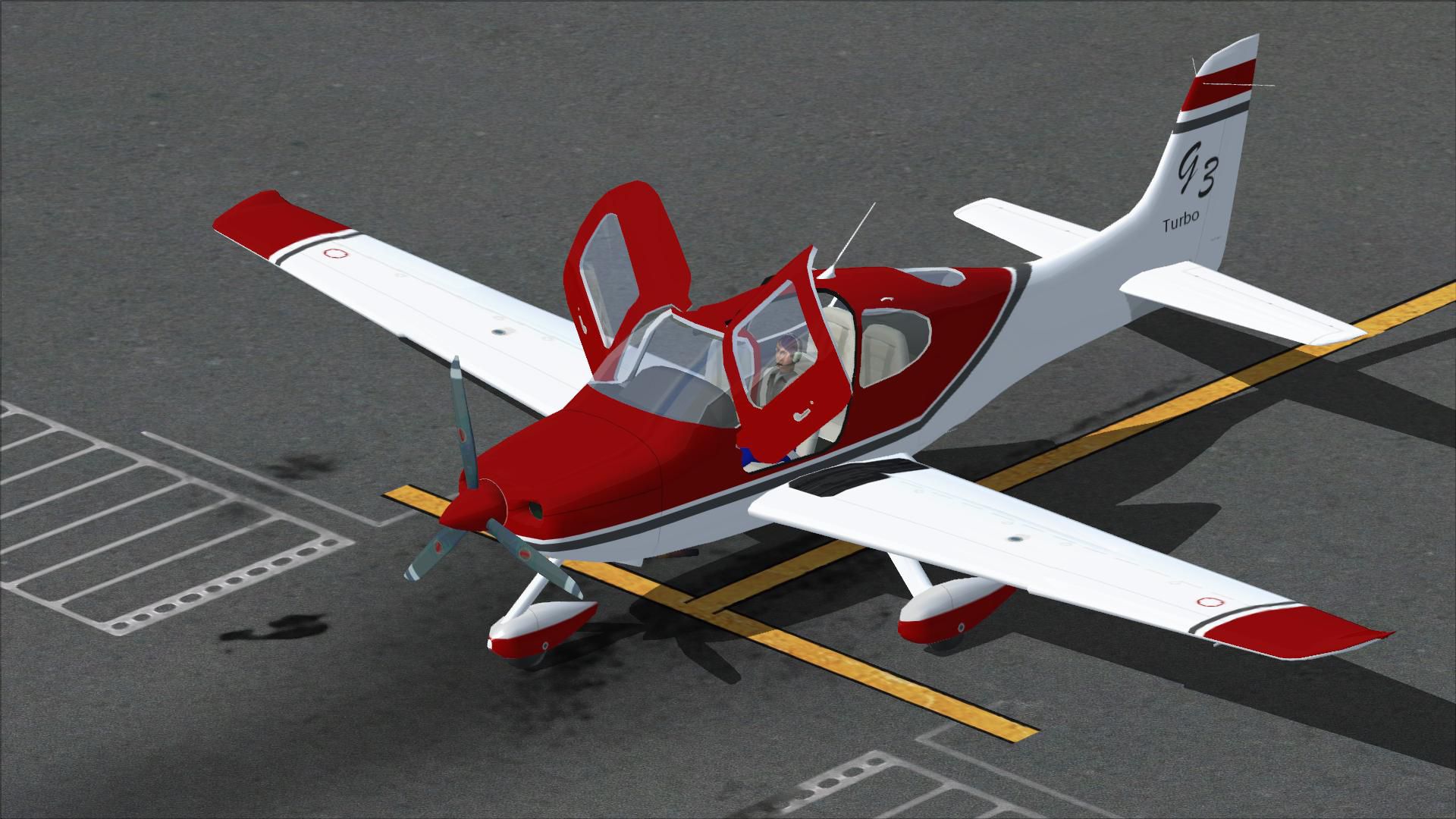
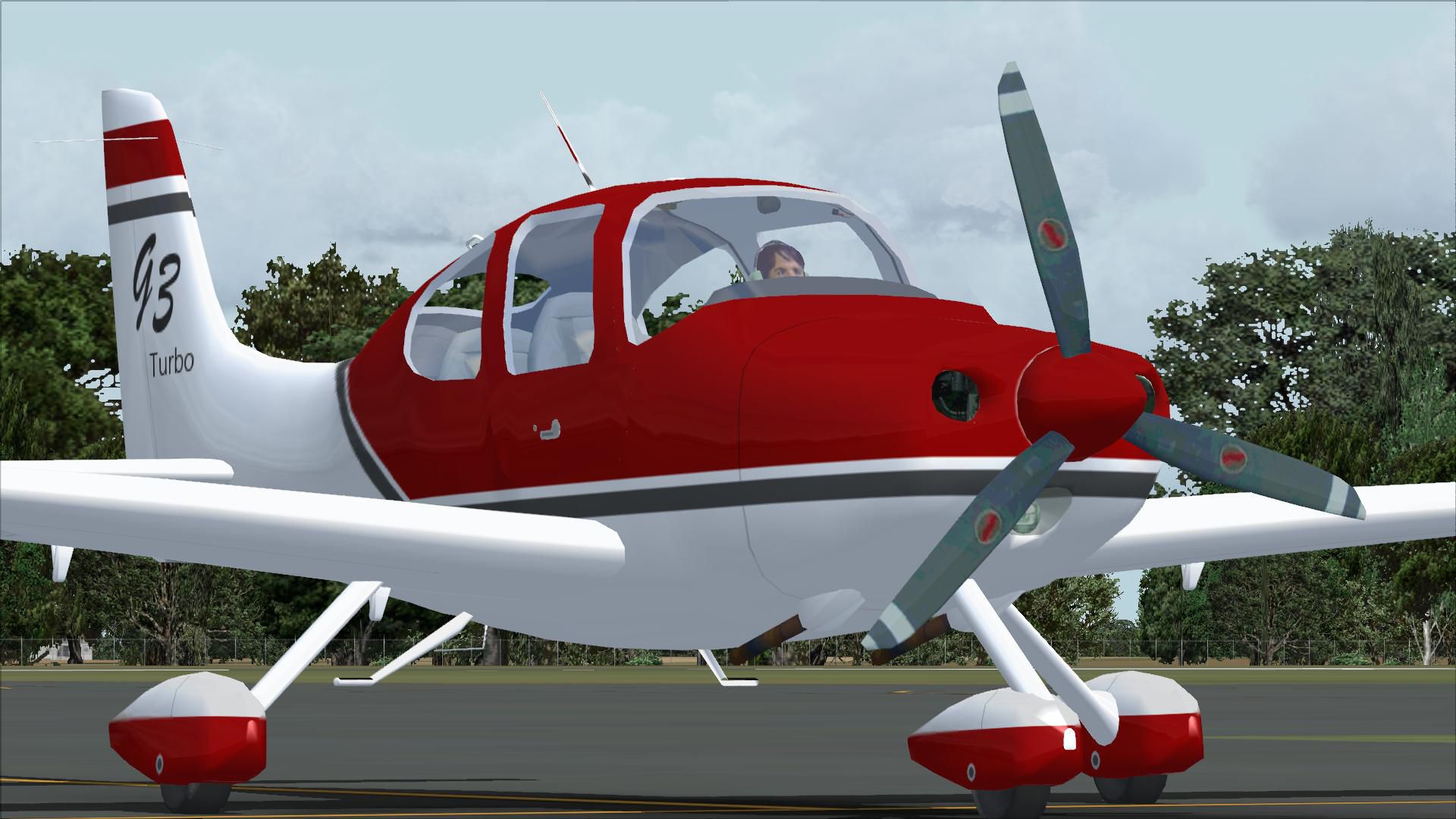
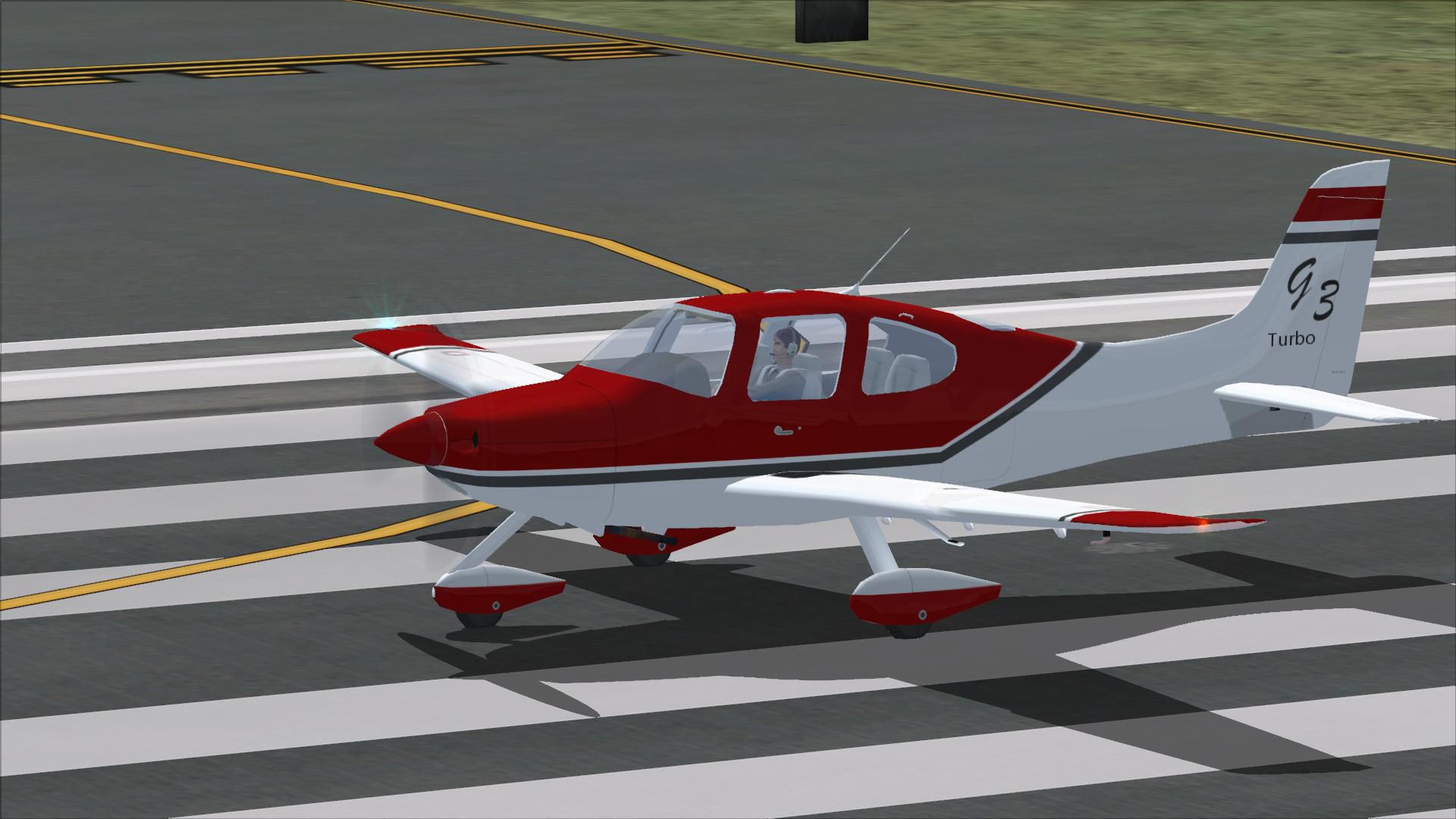
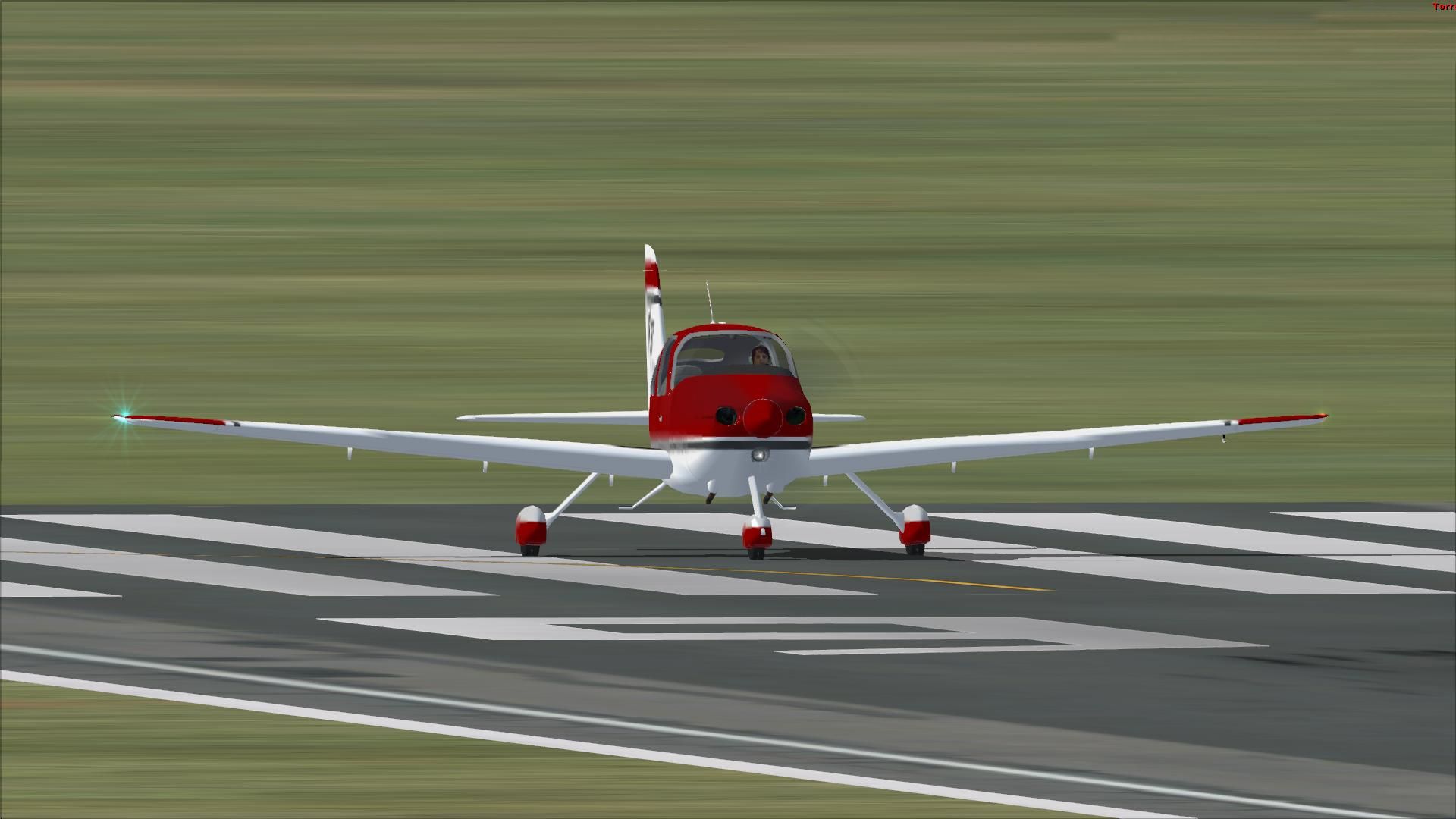
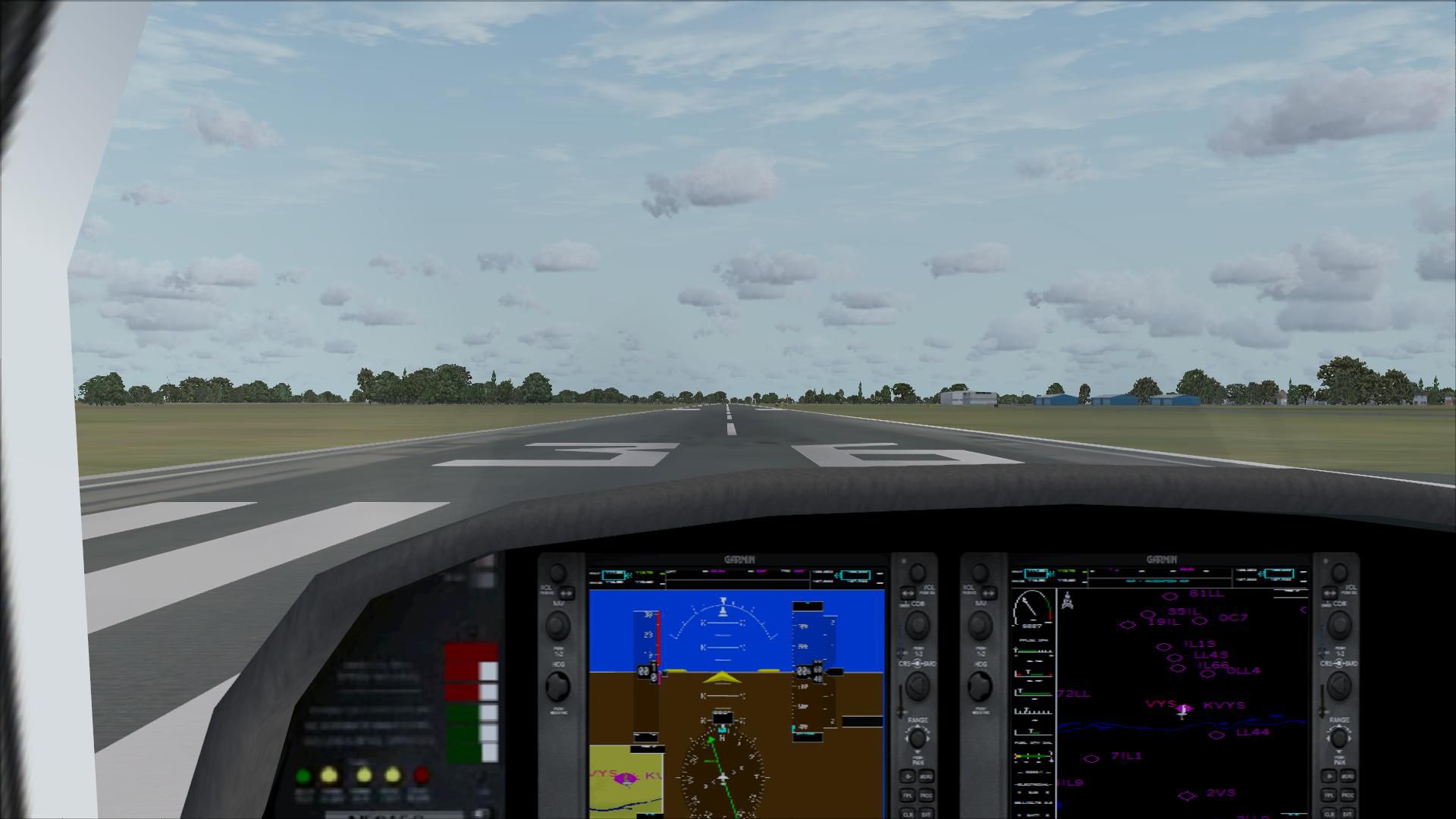
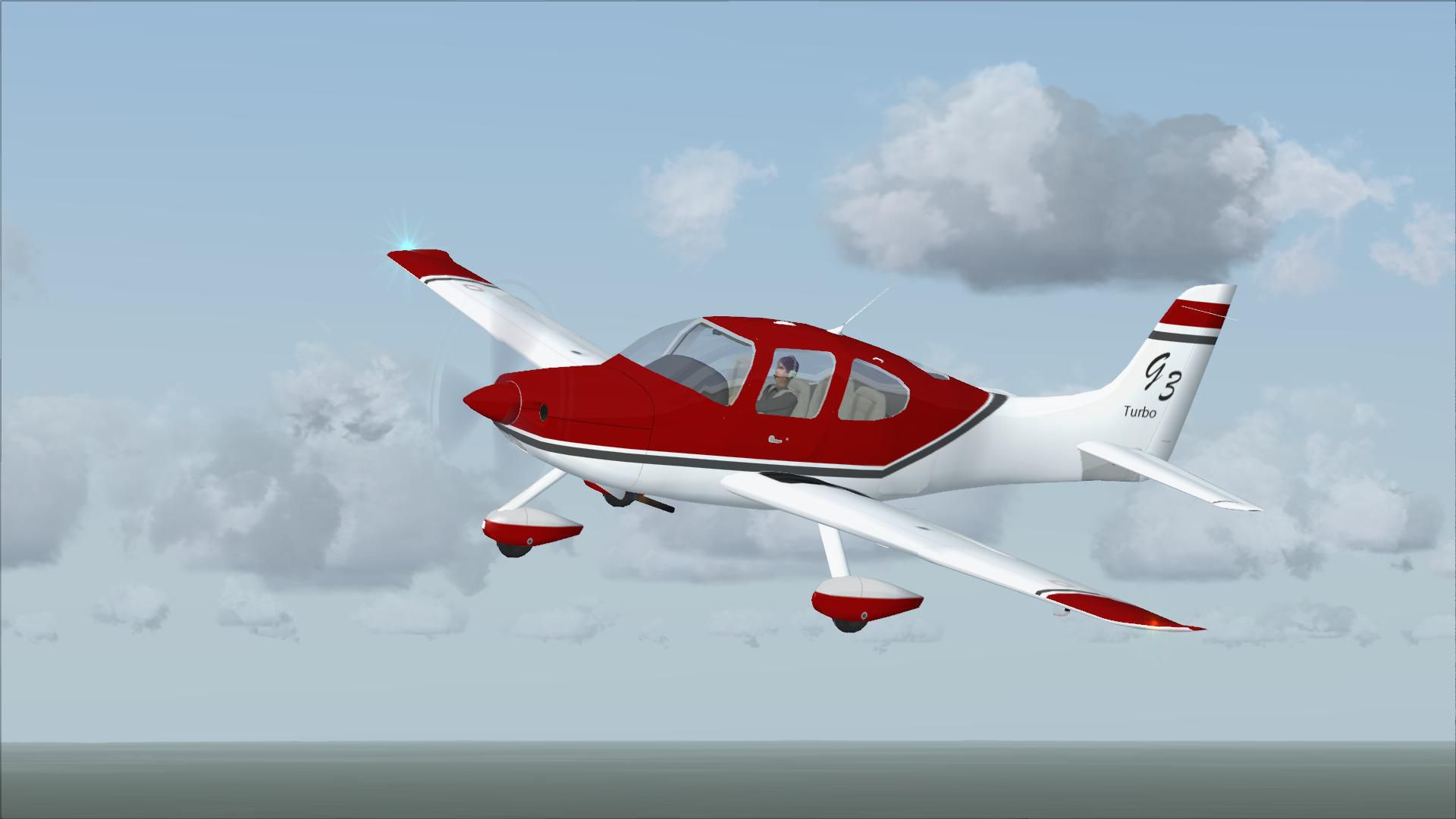
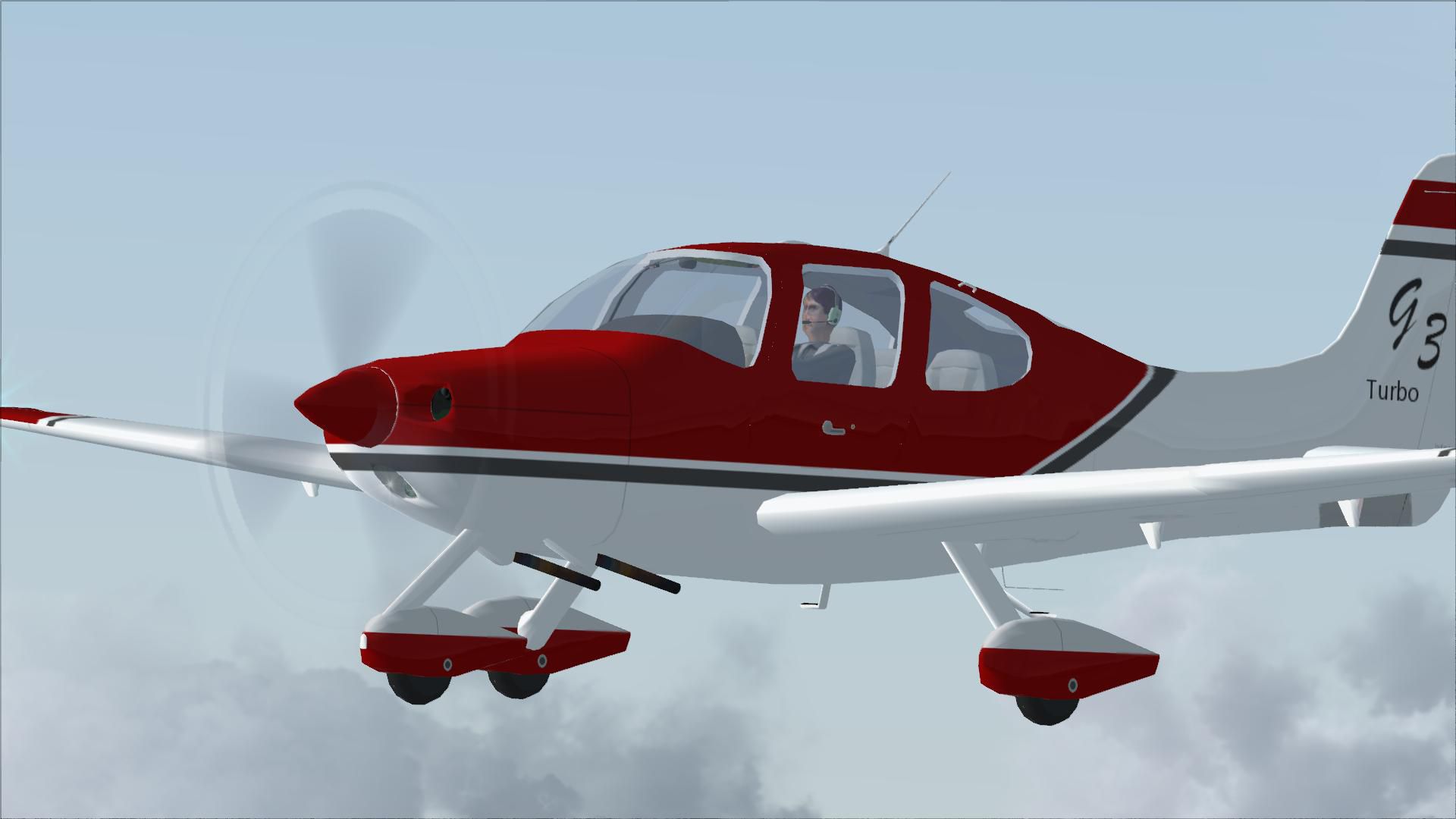
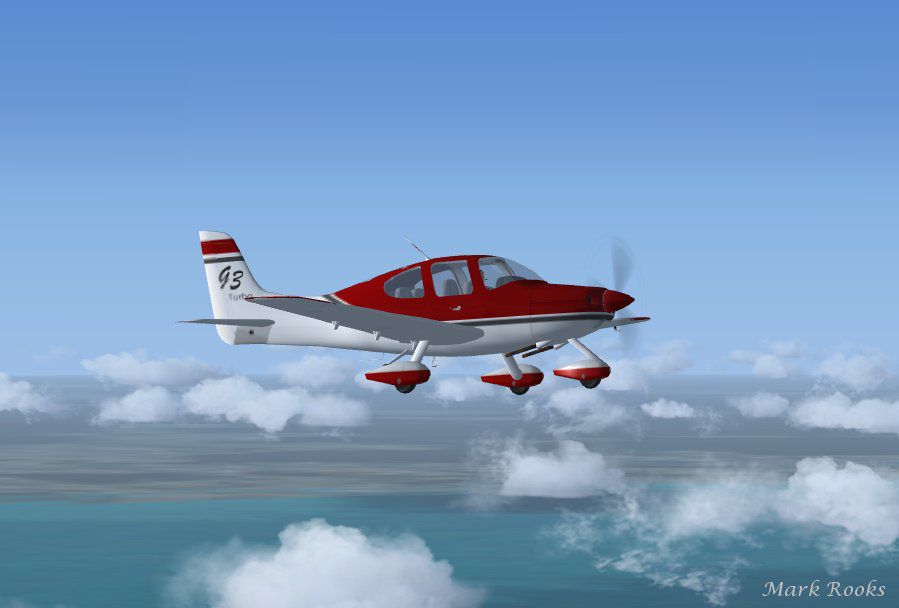
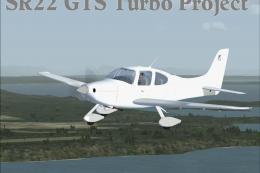
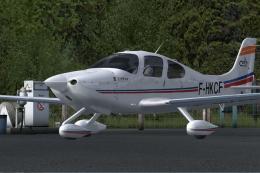
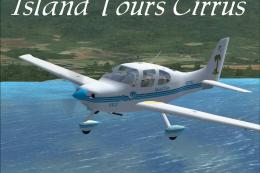
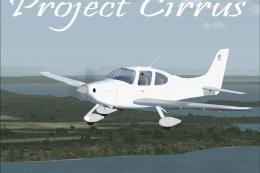
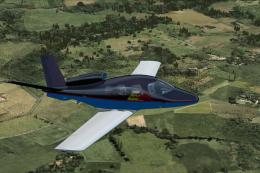
 Cirrus SR22-GTS Turbo G3. This is Wolfram Beckert and Guenter Kraemer's Cirrus SR22 updated for Flight Simulator X. This aircraft has been modified to the specs of a Cirrus SR22-GTS Turbo G3.

- Type
- Complete with Base Model
- Download hits
- 27.6K

- Compatibility
- Microsoft Flight Simulator X (FSX) including Steam Edition & Prepar3D (P3D)
- Filename
- sr-22glass.zip
- File size
- 19.84 MB
- Virus Scan
- Scanned 16 days ago (clean)
- Access to file
- Free (Freeware)
- Content Rating
- Everyone

Rated 5 out of 5 stars by 13 PRO members.


Cirrus SR22-GTS Turbo G3. This is Wolfram Beckert and Guenter Kraemer's Cirrus SR22 updated for Flight Simulator X. This aircraft has been modified to the specs of a Cirrus SR22-GTS Turbo G3.
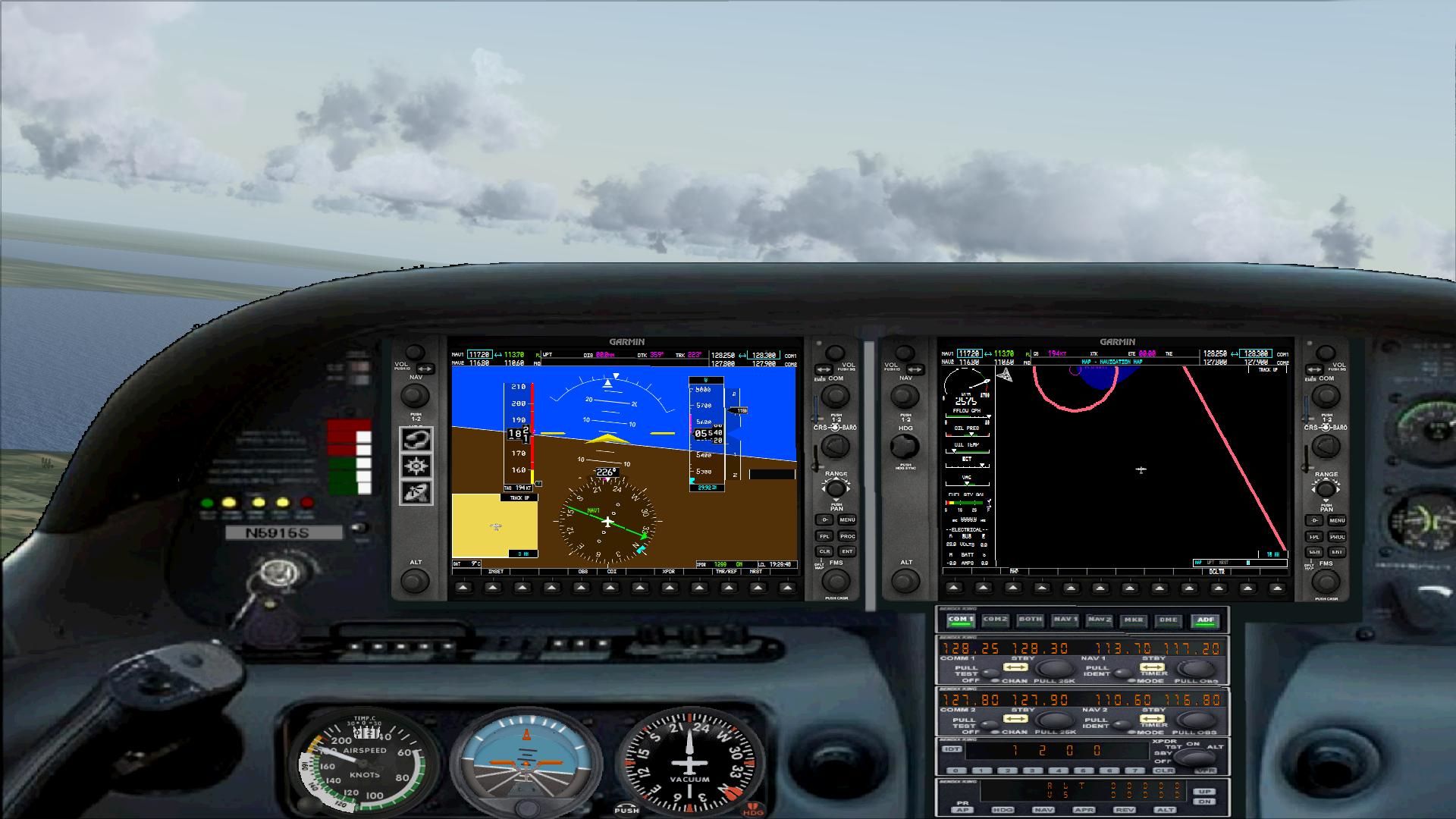
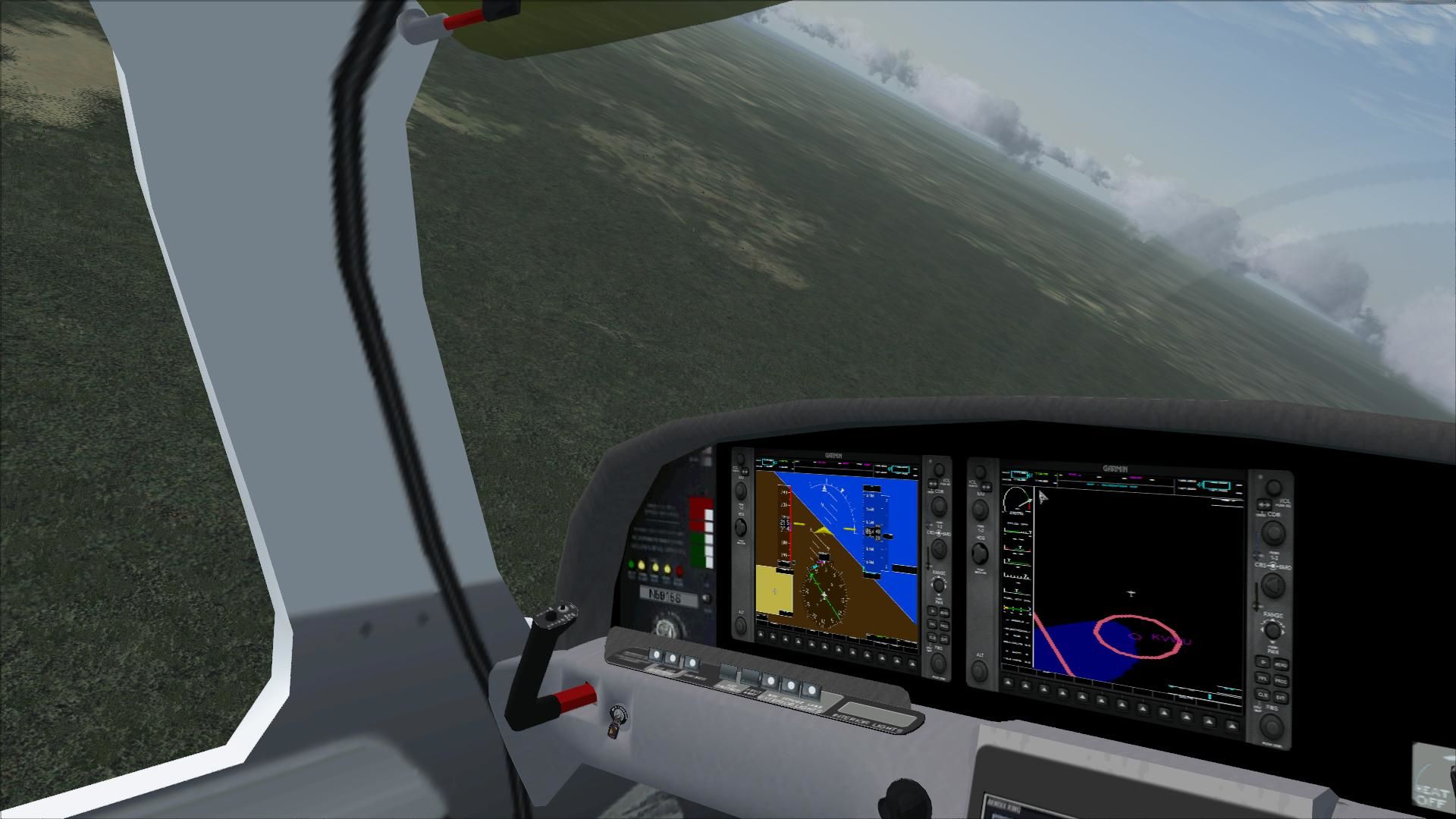
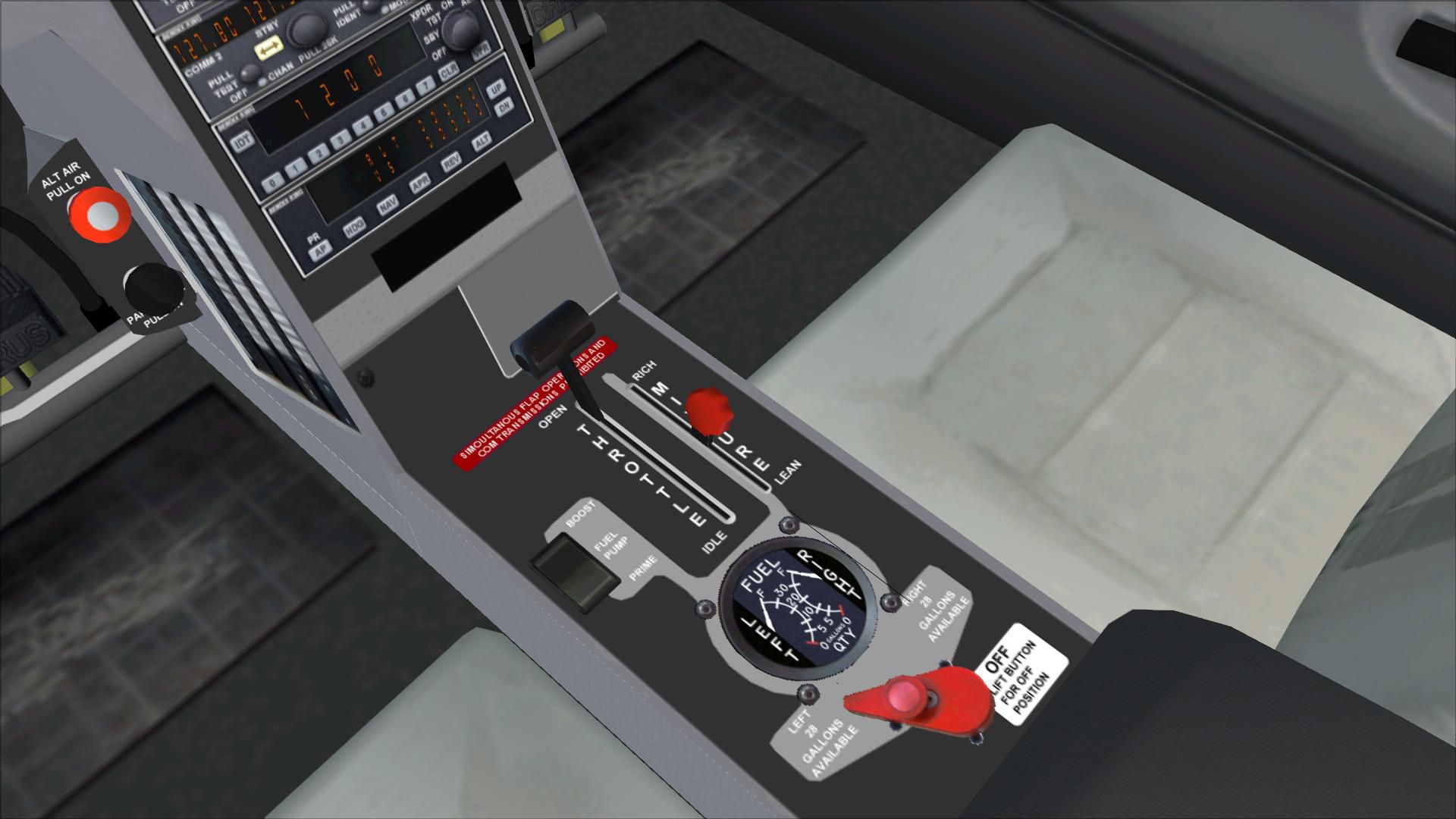
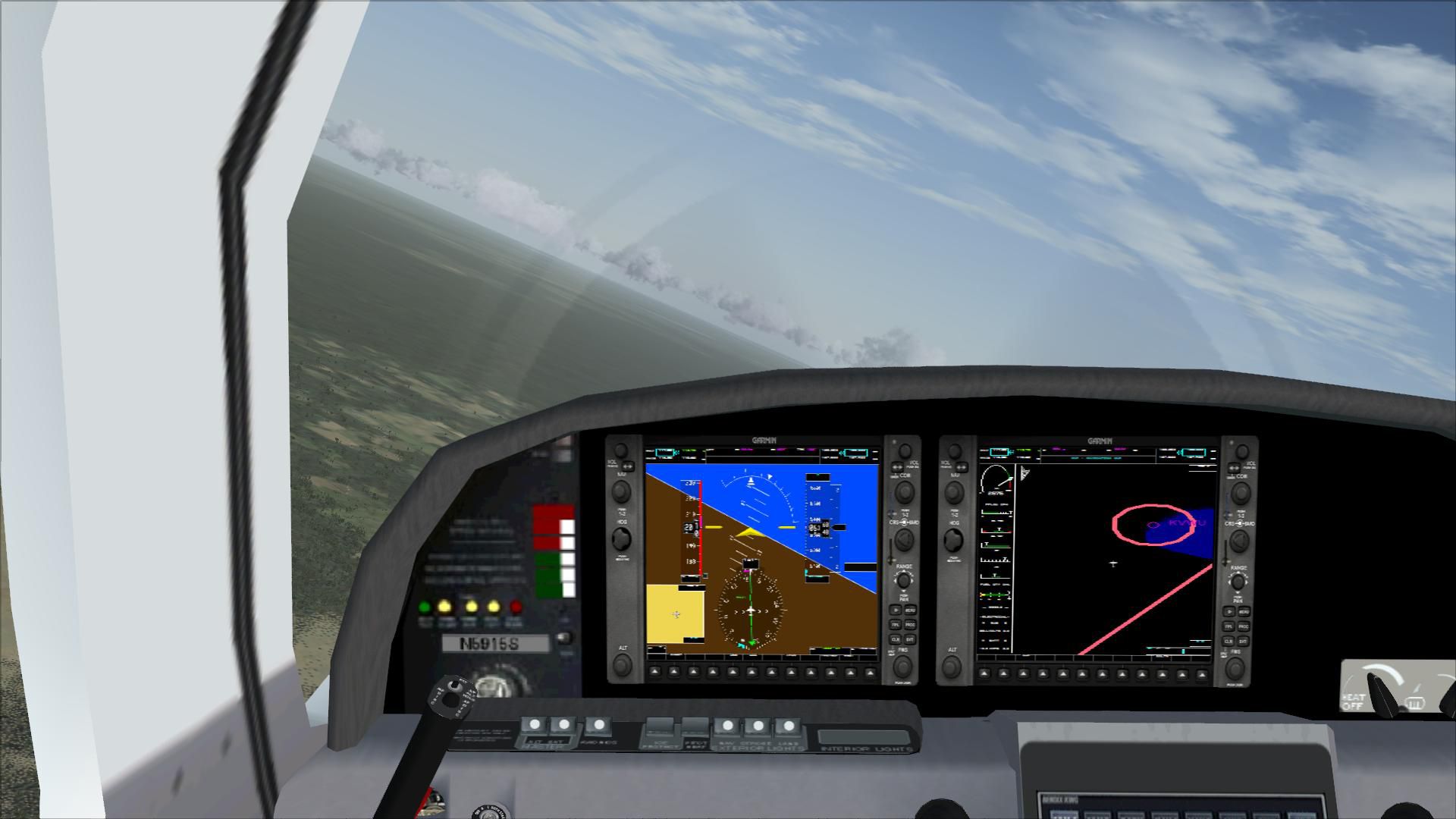
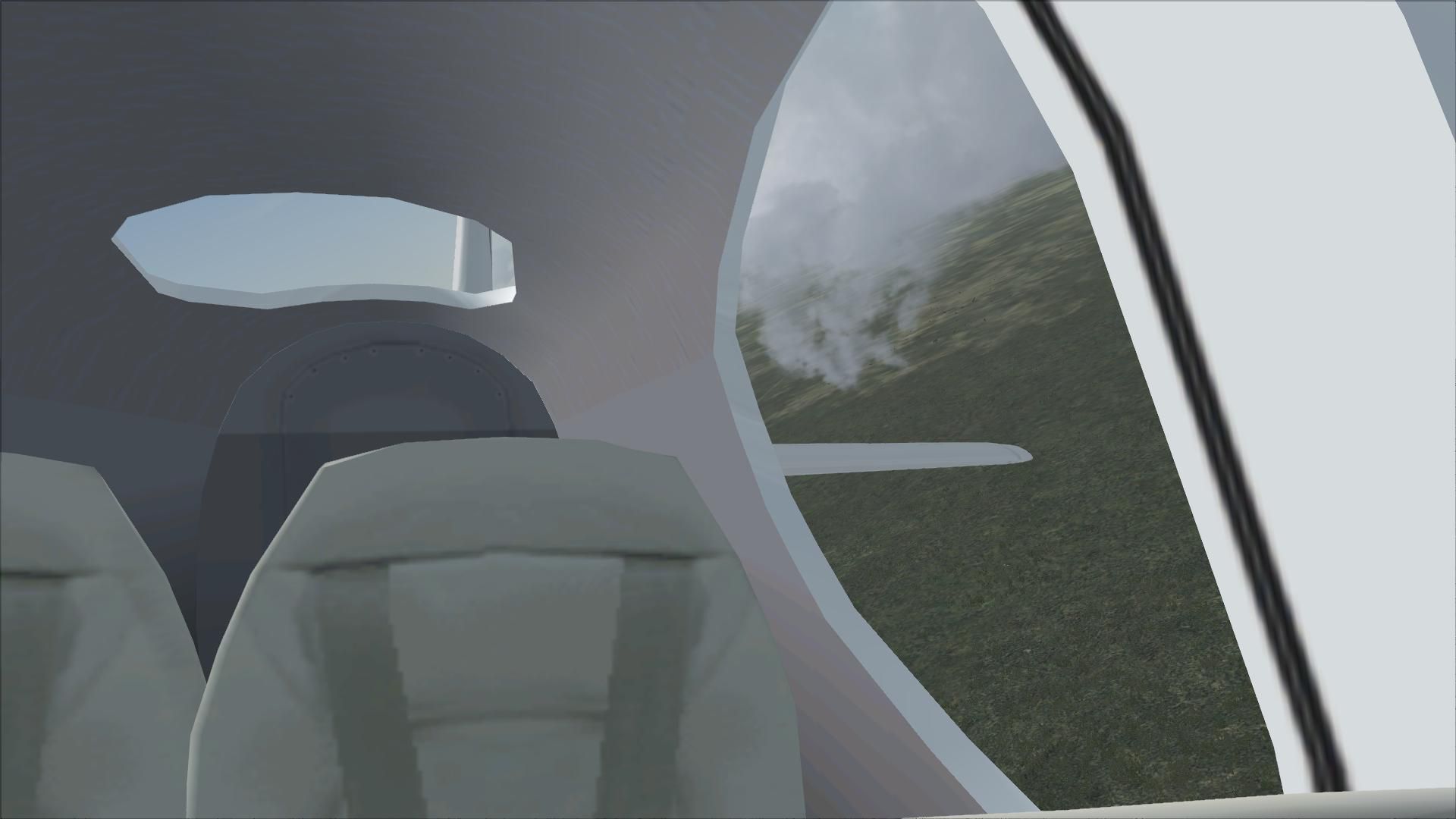
The new flight dynamics were created to match the performance of Cirrus's new Cirrus Turbo G3. This aircraft package has a working Cirrus airframe parachute system, new 2D and VC glass cockpit with a new GPS. Textures and updates by Mark Rooks of RDG Aircraft.
 Cirrus SR22-GTS Turbo G3 Support a Mercy Flight near you.
To install this aircraft:
As always back up any original files.
- Unzip downloaded folders to your desktop or temporary directory of your choice.
- Copy the " Cirrus SR22-GTS Turbo G3.zip " and paste it in the main aircraft folder.
By default the main aircraft folder is located at:
"C:\Program Files\Microsoft Games\FSX\SIM Objects /Aircraft. - Be sure to completely unzip all files the aircraft file when complete will contain 6 files the Following 6 files go in the aircraft folder CFG Airfile Model Sound Panel Textures.
Made Simpler.
Make sure all files are unzipped the New Plane folder should contain 6 files unzipped they are CFG Airfile Sound Model Texture Panel the New Plane folder with the 6 files goes in the game aircraft folder found at C:\Program Files\Microsoft Games\Microsoft Flight Simulator X\SimObjects\Airplanes follow the path ie open the c drive then open program files then open Microsoft Games then open Microsoft Flight Simulator X then open SimObjects then open Airplanes folder the New Plane goes in that folder.
Mark Rooks. Textures and FSX updates created by Mark "Fire Ball" Rooks.
Enjoy your new repaint. Thanks for downloading it.
"Fire Ball"
In The Words of Tim Conrad AKA Piglet.
Enjoy!
This model was built to the best of my skills, knowledge, and simply to my own tastes and standards. If something is "missing", or "wrong", oh well, you got it for a good price:-) For a one-man shop, I think I do pretty well:-p
Images & Screenshots


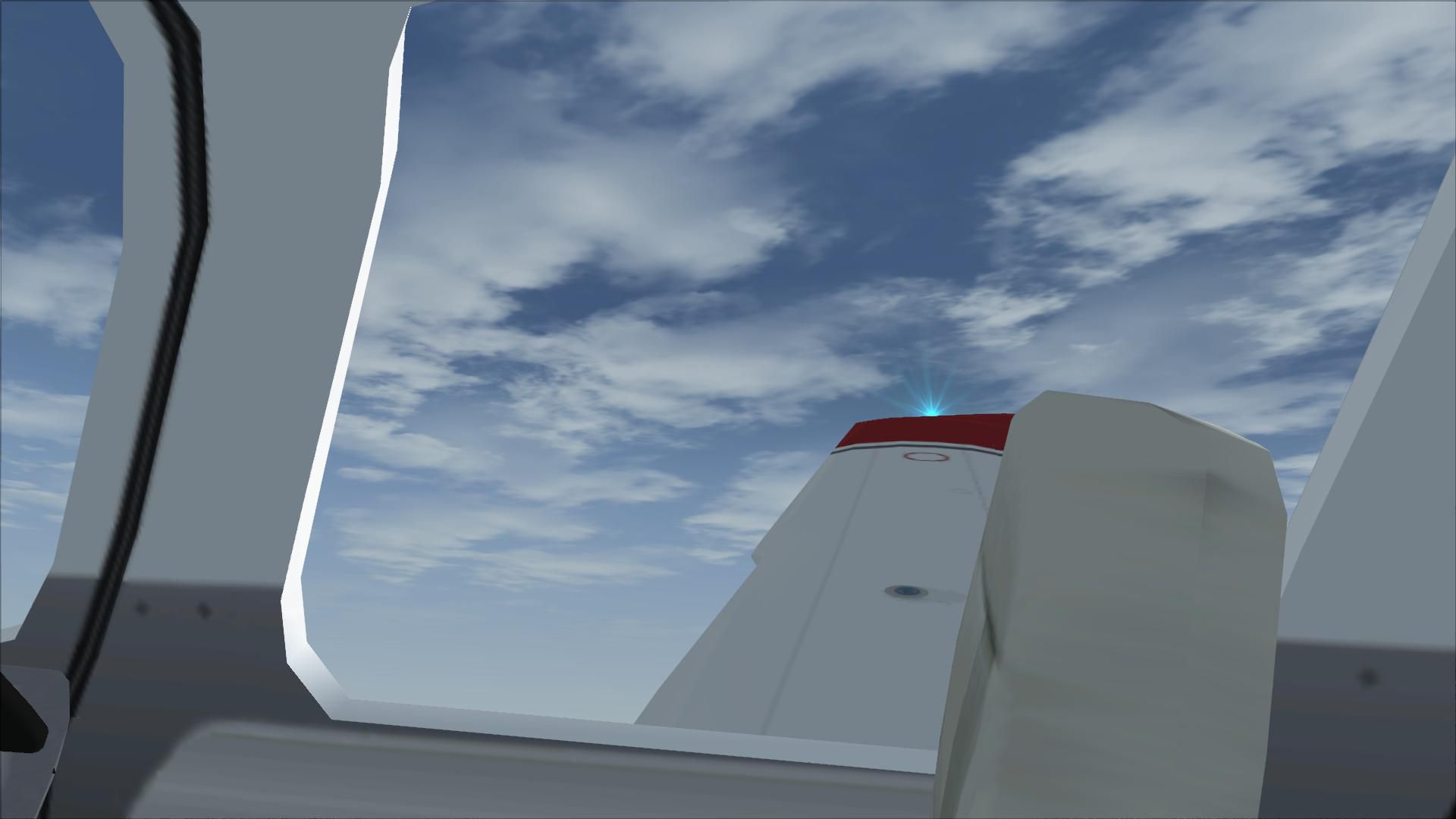
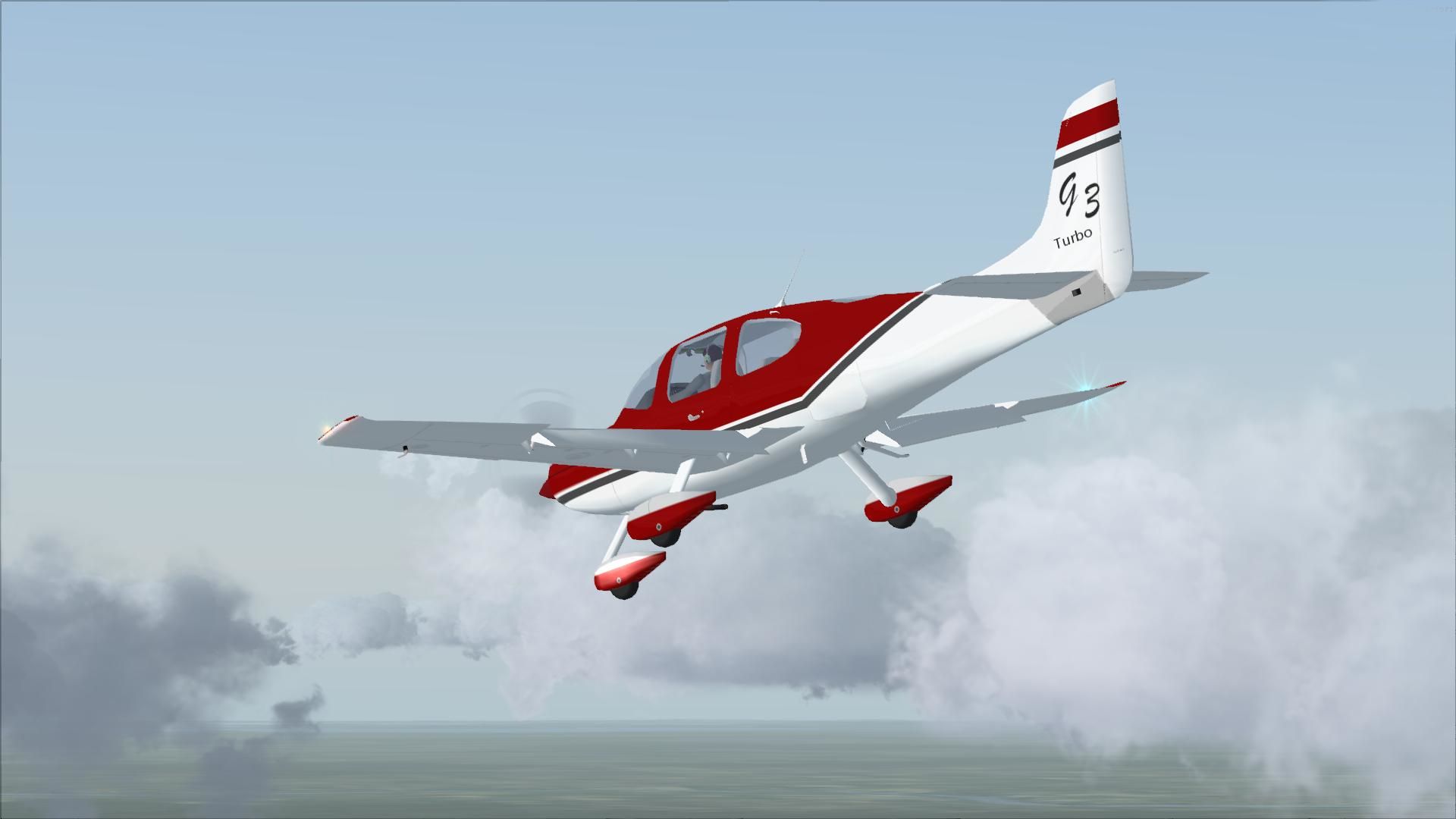
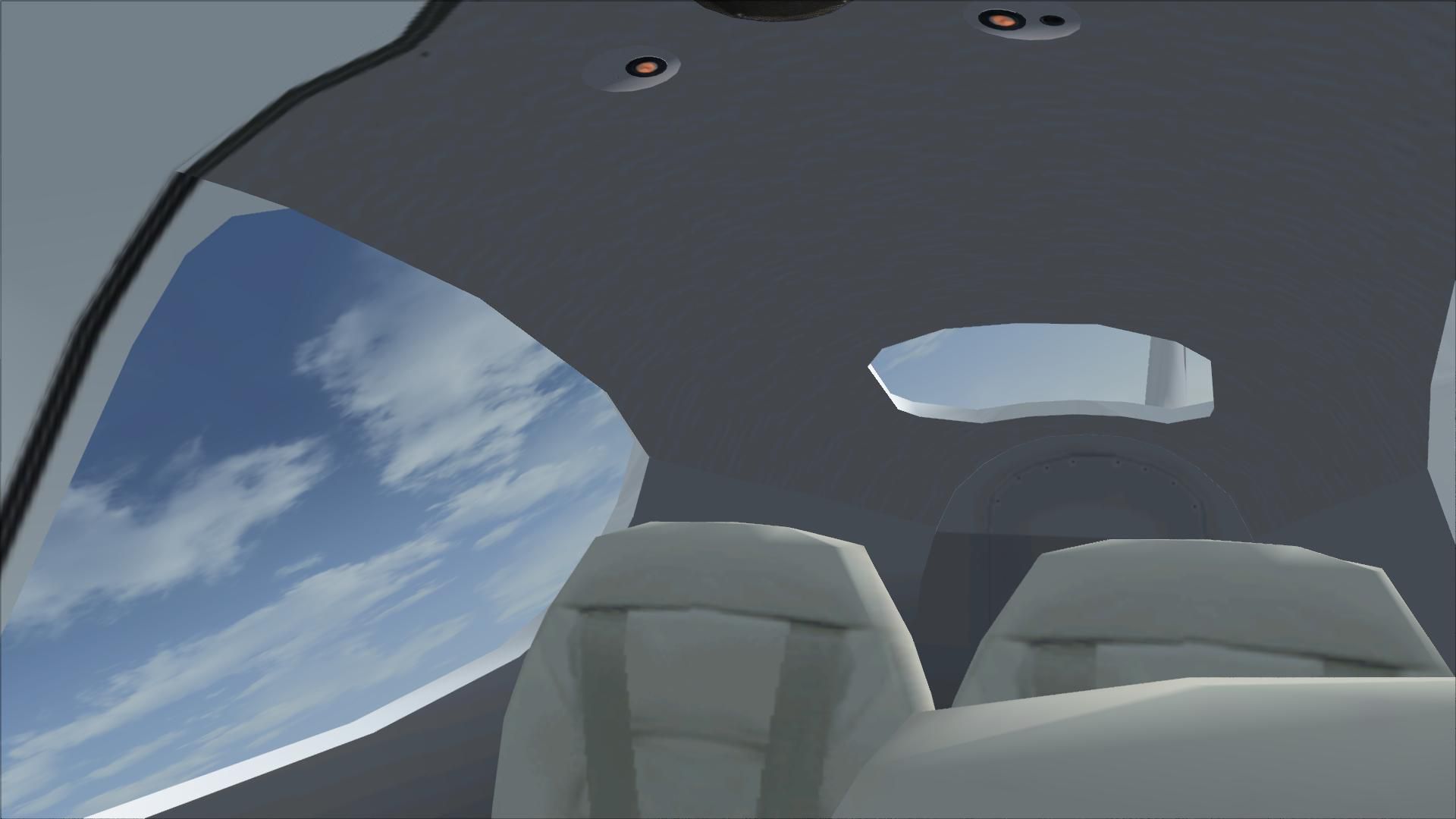

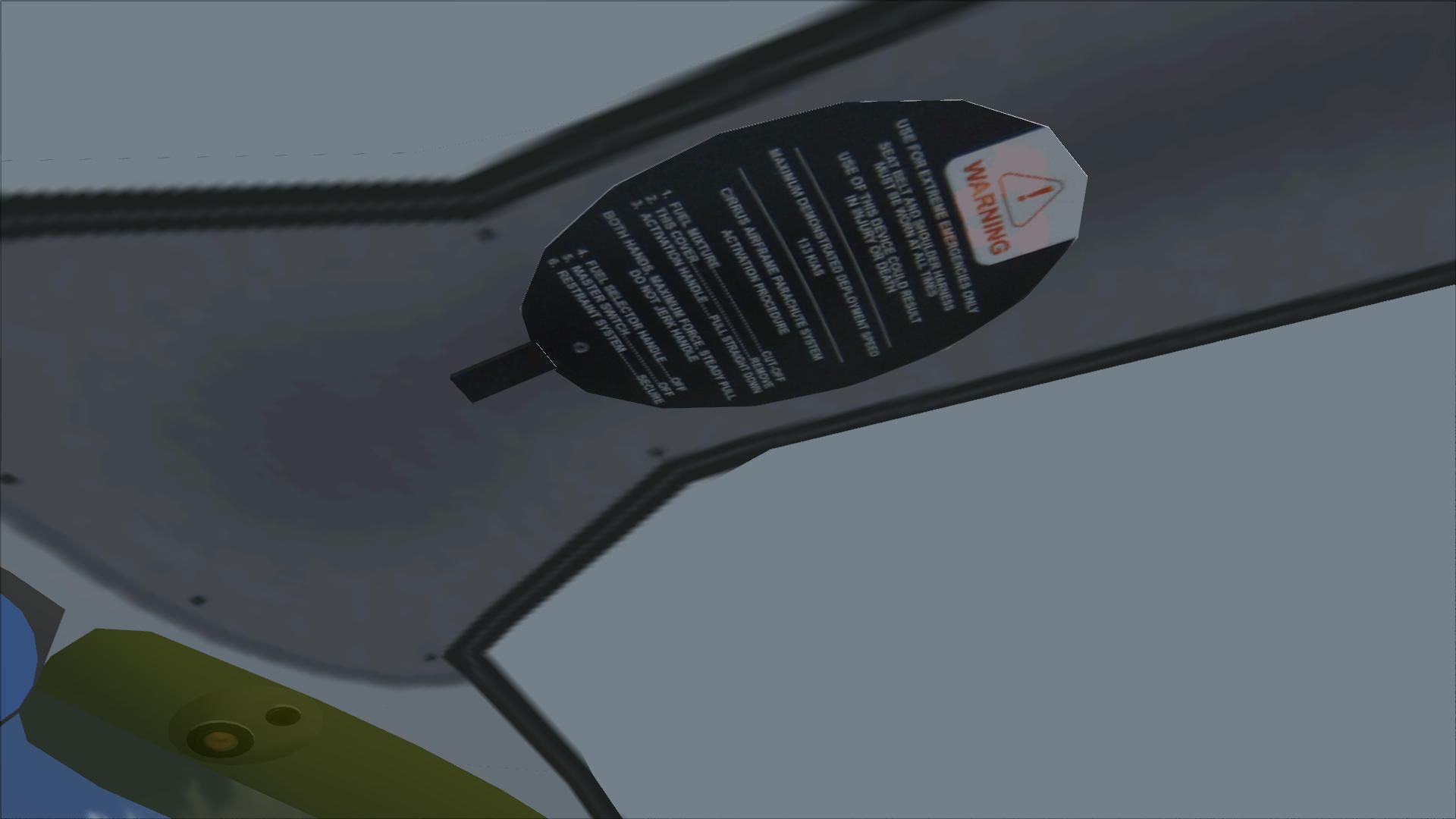

The archive sr-22glass.zip has 30 files and directories contained within it.
File Contents
This list displays the first 500 files in the package. If the package has more, you will need to download it to view them.
| Filename/Directory | File Date | File Size |
|---|---|---|
| Cirrus SR22-GTS Turbo G3.zip | 04.30.11 | 14.01 MB |
| Pictures.zip | 04.30.11 | 1.35 MB |
| Read Me First.txt | 04.30.11 | 2.38 kB |
| Reg. Text.txt | 04.30.11 | 425 B |
| Screen SR22.jpg | 04.30.11 | 43.91 kB |
| flyawaysimulation.txt | 10.29.13 | 959 B |
| Go to Fly Away Simulation.url | 01.22.16 | 52 B |
| Screenshots | 07.04.19 | 0 B |
| screen-1.jpg | 07.03.19 | 91.98 kB |
| screen-10.jpg | 07.03.19 | 167.35 kB |
| screen-11.jpg | 07.03.19 | 78.32 kB |
| screen-12.jpg | 07.03.19 | 81.30 kB |
| screen-13.jpg | 07.03.19 | 151.01 kB |
| screen-14.jpg | 07.03.19 | 561.69 kB |
| screen-15.jpg | 07.03.19 | 261.60 kB |
| screen-16.jpg | 07.03.19 | 165.18 kB |
| screen-17.jpg | 07.03.19 | 508.62 kB |
| screen-18.jpg | 07.03.19 | 138.98 kB |
| screen-19.jpg | 07.03.19 | 253.62 kB |
| screen-2.jpg | 07.03.19 | 348.19 kB |
| screen-20.jpg | 07.03.19 | 203.84 kB |
| screen-21.jpg | 07.03.19 | 247.28 kB |
| screen-22.jpg | 07.03.19 | 207.26 kB |
| screen-3.jpg | 07.03.19 | 80.29 kB |
| screen-4.jpg | 07.03.19 | 91.45 kB |
| screen-5.jpg | 07.03.19 | 767.42 kB |
| screen-6.jpg | 07.03.19 | 146.14 kB |
| screen-7.jpg | 07.03.19 | 90.68 kB |
| screen-8.jpg | 07.03.19 | 102.96 kB |
| screen-9.jpg | 07.03.19 | 223.07 kB |
Editorial
When I first decided to download this remake of the Cirrus, I was not really sure what to expect –what could it bring to the table that I otherwise had not seen before? Well, I was about to find out. This remake was sold to me as something that was a fresh and engaging repaint whilst also offering multiple changes to the realism of the aircraft itself.
I quickly found that during my time using this aircraft that it felt fresh and easy to manipulate in the skies, giving me something that is clear and exceptionally simple to manage.
The Performance
Performance levels were excellent – it flew very much like the real thing would have been expected to use. It also comes with a really impressive flight handling system, ensuring that it flies with the precision and care that you would hope for when using a modern aircraft system.
The Realism
The level of realism and the overall attention to detail was another thing I felt very impressed by – it did a wonderful job of capturing what this aircraft is all about. With the level of realism in the cockpit as well as the exterior of the aircraft, it was very easy for me to see where it was in terms of design and quality.
Given that the aircraft is so well-known for its safety elements and the ease of use that it provides, this makes a massive difference in terms of seeing a progressive change in the flight style. I felt really safe when flying this model as if I was at home in the comfort of the real thing.
The quality put into this design really is something that I would love to get to grips with further, but so far I’ve been hugely impressed with it.
The Verdict
Its attention to detail, the level of quality put into the design and also the depth of performance ensures that this feels like a lot of fun to fly around in. whilst the original aircraft is not something I had a massive amount of real-life knowledge about, I’m certainly interested in learning now!
A huge fan of the design and the precision of the features, I would happily recommend this mod to anyone who wants to experience the world of the Cirrus aircraft without having to look too far or having to get invested in any premium packages.

Adam McEnroe
Adam McEnroe is a flight sim enthusiast who has been simming since the days of FS95. Adam writes all of the download section editorials after testing each of the files. Adam has extensive knowledge using various flight simulator packages and thoroughly tests the files before writing about them. Adam also like to fly real-world aircraft in his spare time and is training for his PPL.
Should you wish, you can contact Adam via email at adam@flyawaysimulation.com.

Installation Instructions
Most of the freeware add-on aircraft and scenery packages in our file library come with easy installation instructions which you can read above in the file description. For further installation help, please see our Flight School for our full range of tutorials or view the README file contained within the download. If in doubt, you may also ask a question or view existing answers in our dedicated Q&A forum.




4 comments
Leave a ResponseThe content of the comments below are entirely the opinions of the individual posting the comment and do not always reflect the views of Fly Away Simulation. We moderate all comments manually before they are approved.
Nice airplane enjoying flying, I still unable to get the parachute to function, I assigned the "wing fold/unfold" button which works very well with the Corsair F4U, the wings folds and unfolds perfectly, but when I try deploying the parachute via same key assignment nothing happens? Is there something I need to do to achieve the parachute to deploy, any help would be helpful?
Thank you
P.S. Did more research, to deploy the parachute use the "Spoiler (extend/retract)" in the controls setting, it works.
The airplane flies good, but I have a couple of issues. First, the parachute looks to be continually deployed, even when it isn't. Takes away a lot from the realism. Second, I had a very hard time trying to configure it to fly direct via GPS. Nice work, but it just doesn't quite fit the bill for me.
I download the sr-22 file with glass cockpit then installed per readme.txt file. However, the glass cockpit are both darken/black. the airplane it self flies fine. But, again, no glass cockpit. How do I enable the glass cockpit? Thanks.
This airplane have a emergency parachute?