FSX Operation "Wherewolf 1942" Mission
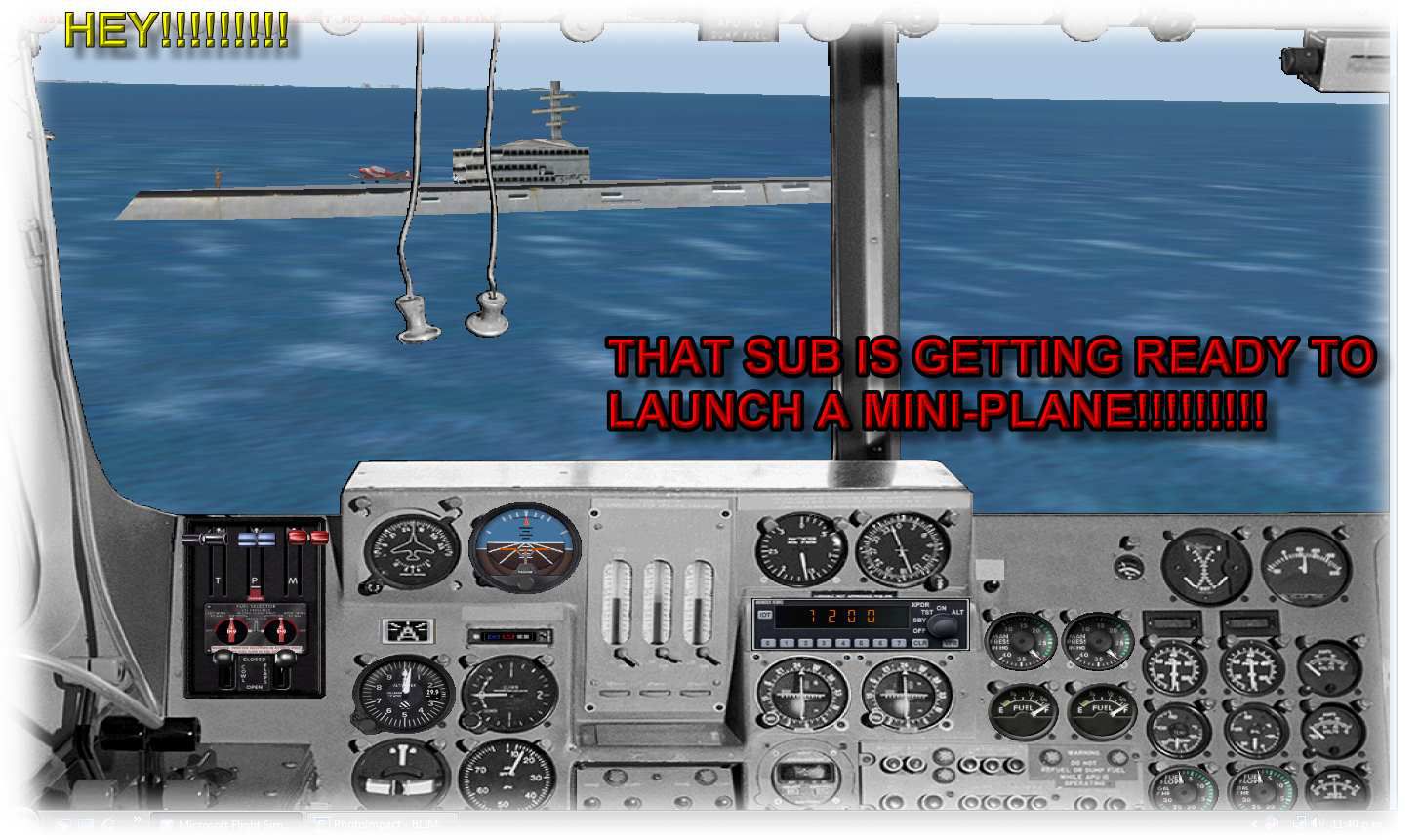
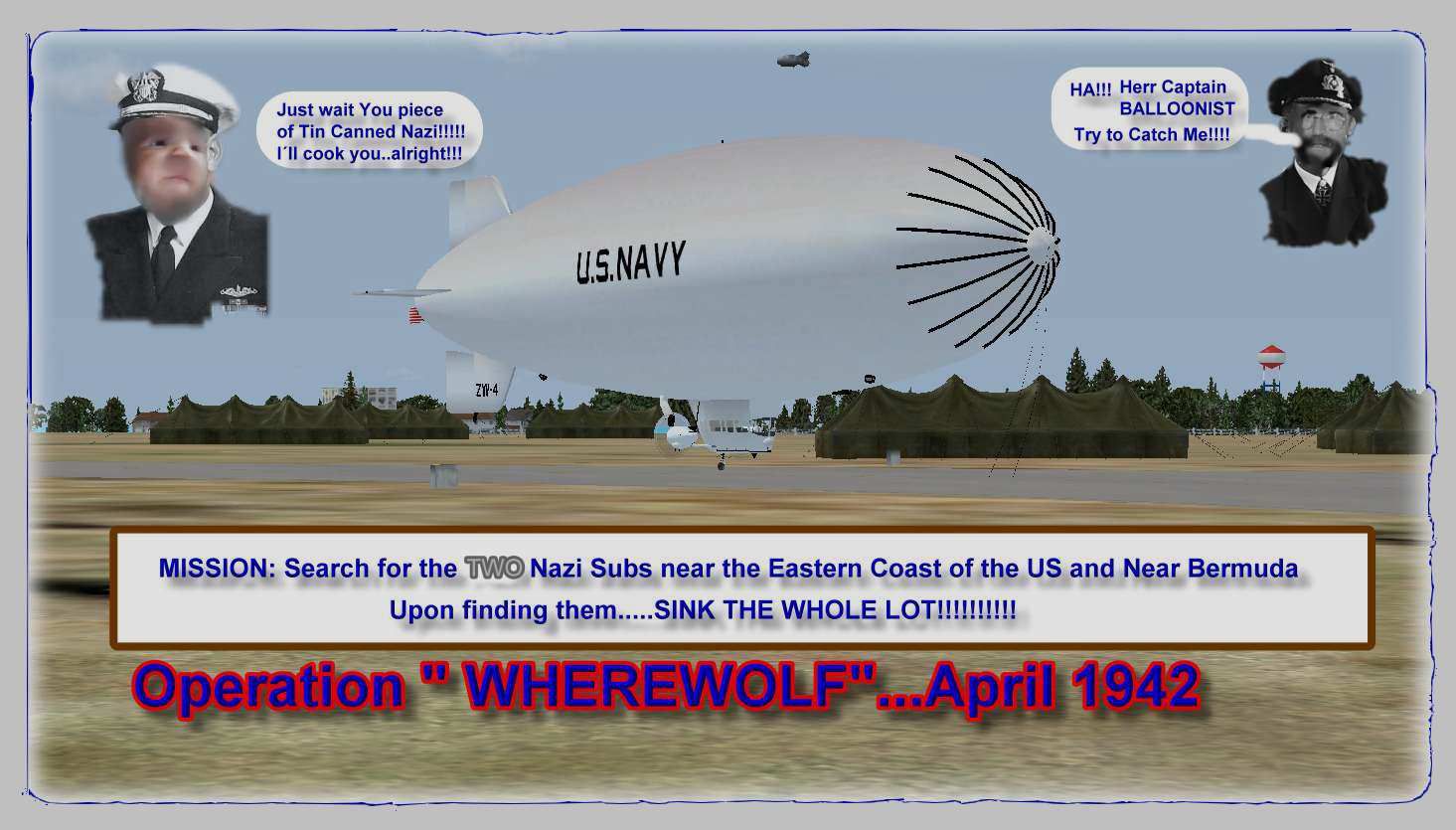
 Operation "Wherewolf 1942". Captain Swanzy Clickaram Buckter, top Navy submarine destroyer pilot, has been ordered to take a B-24 from Quantico Naval base and check the shipping lane between the coast of eastern USA and Bermuda. Two ships, the USS Marin, a coastal patrol destroyer and the Norw...

- Download hits
- 538
- Compatibility
- Microsoft Flight Simulator X (FSX) including Steam Edition & Prepar3D (P3D)
- Filename
- wherewol.zip
- File size
- 932.49 KB
- Virus Scan
- Scanned 17 days ago (clean)
- Access to file
- Free (Freeware)
- Content Rating
- Everyone


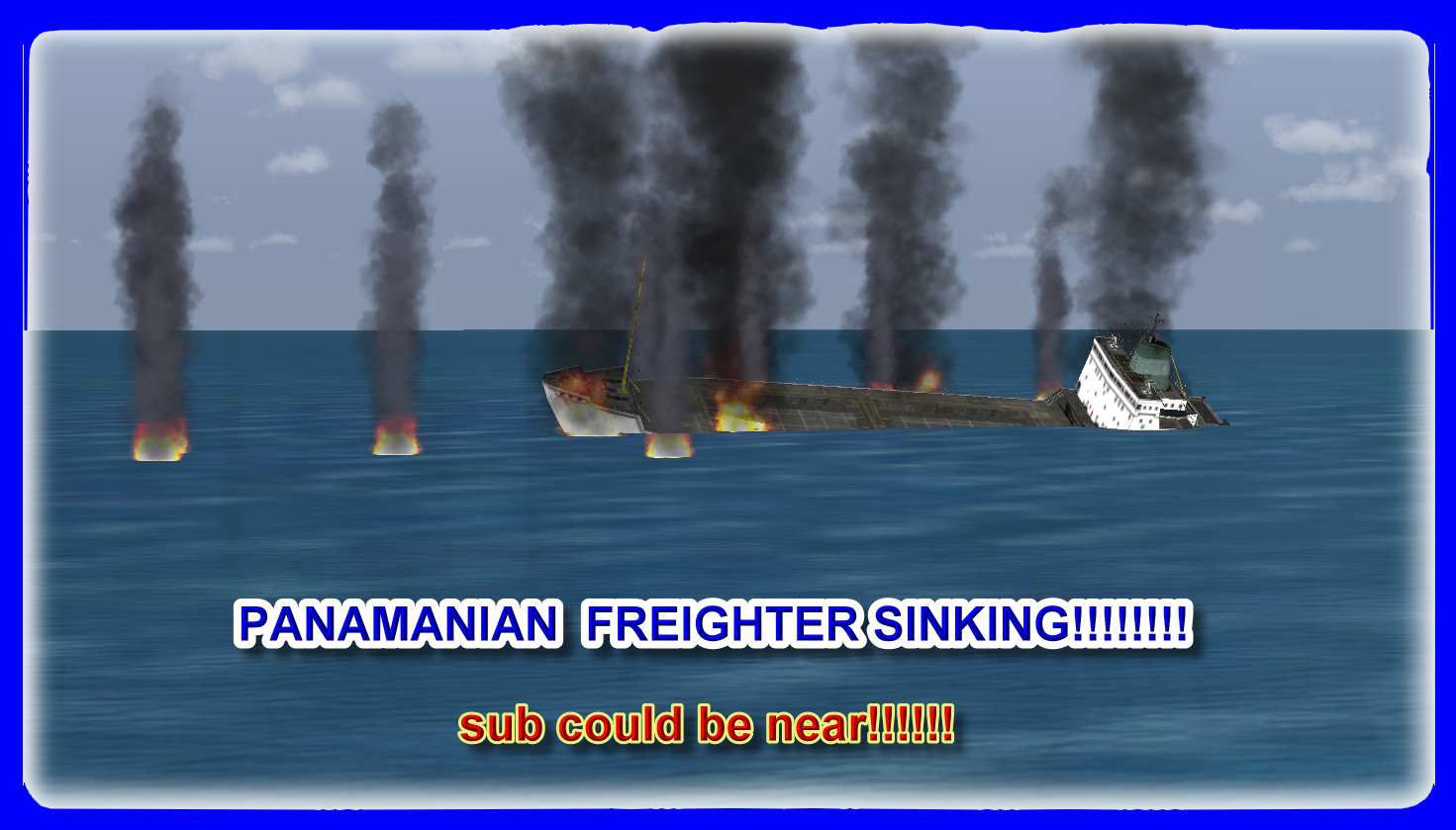
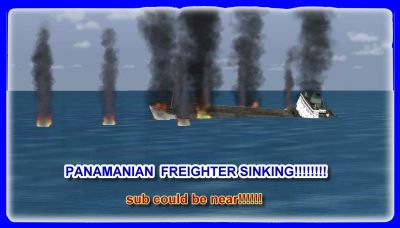
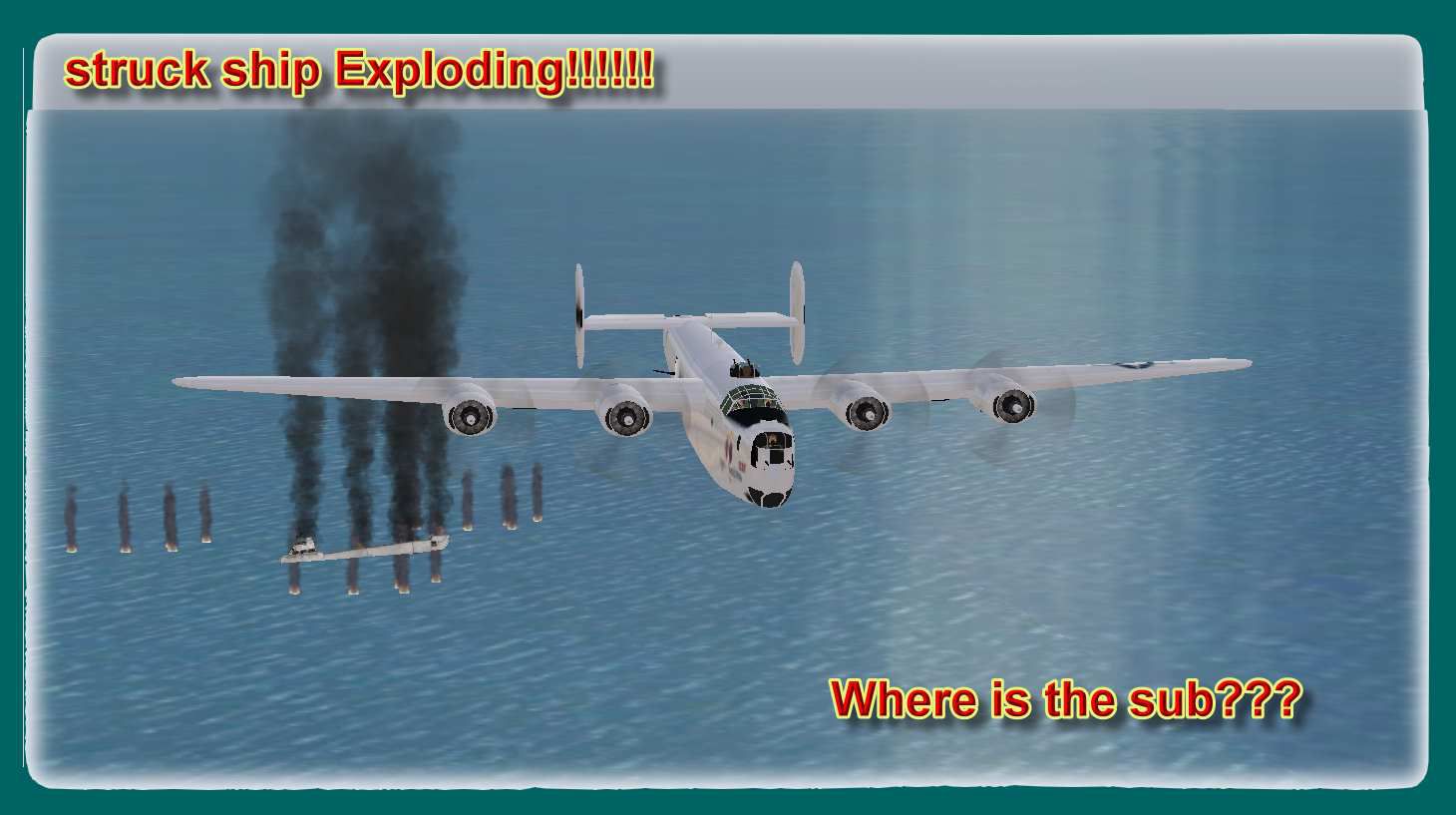
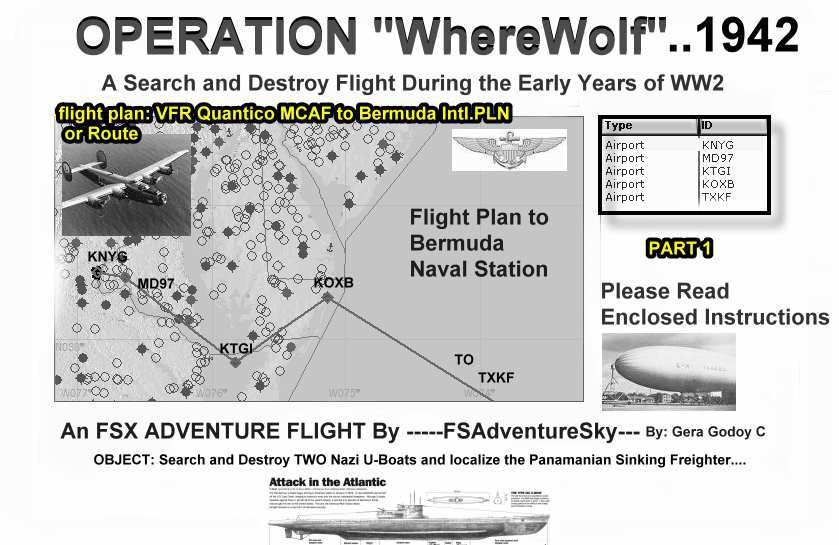
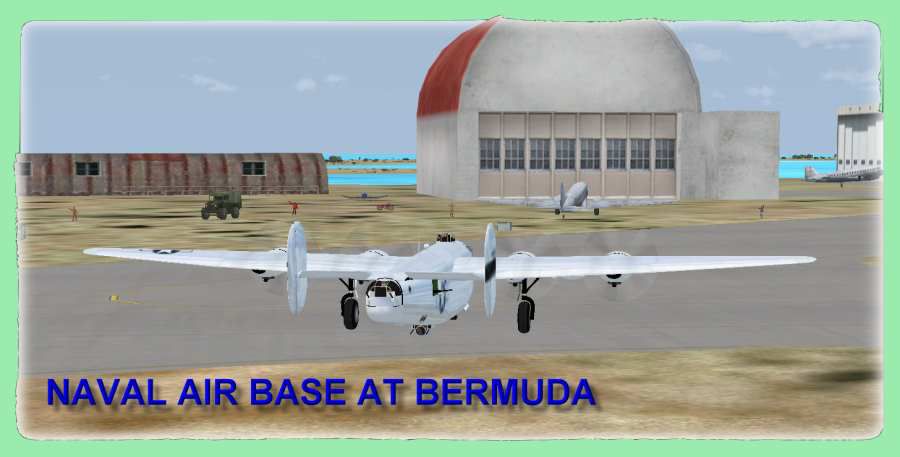
Operation "Wherewolf 1942". Captain Swanzy Clickaram Buckter, top Navy submarine destroyer pilot, has been ordered to take a B-24 from Quantico Naval base and check the shipping lane between the coast of eastern USA and Bermuda. Two ships, the USS Marin, a coastal patrol destroyer and the Norwegian freighter, Sunnycoast, were sunk two days ago. It was reported, by coastal observers in Bermuda, that at least two Nazi submarines of the SDR type have been seen near these coasts. Captain Clickaram has gathered a special crew, you among them, to carry out the "search and destroy operation". Flying a B-24 and US Navy blimp...a hard operation is on its way! By Gera Godoy C.
Operation "Wherewolf 1942" Mission.
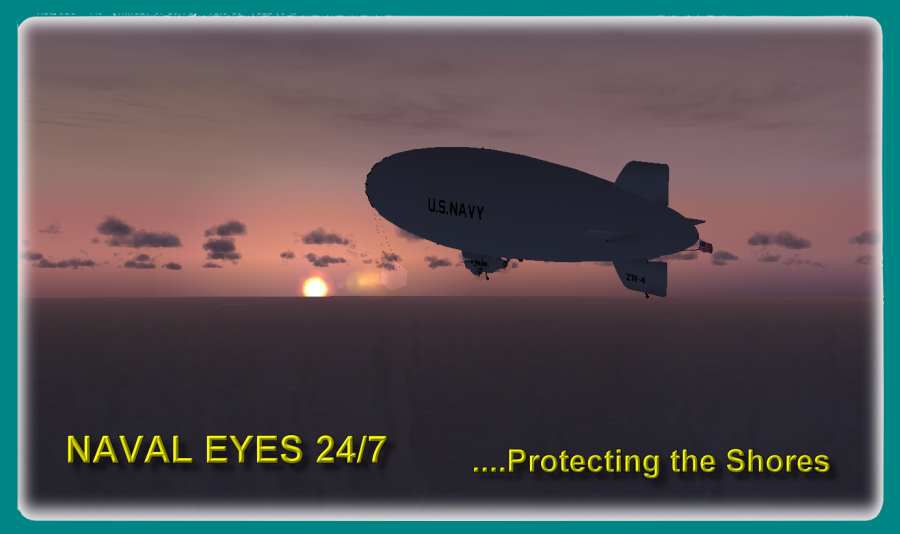
In order to fly the advenure in a B-24 and a Navy WW2 Blimp as required:
YOU NEED TO DOWNLOAD BLIMP (gdyr2k2.zip) The Blimp for the Adventure and Textures (milblimp.zip) The WW2 Navy Textures.........B-24 FILE ( b-24-up.zip)or any other, available at the usual sites.
1) Place SEAWOLF.bgl file in your FSX/Addon Scenery/Scenery Directory
2) Place "VFR Bermuda Intl to Brunswick Co.PLN" File in your SFX Plans directory
3) Place " VFR Quantico MCAF to Bermuda Intl.PLN" File in your SFX Plans directory
4) PRINT and READ:- flight Route-Chart to Bermuda.jpg
flight Route-Chart to Brusnwick.jpg
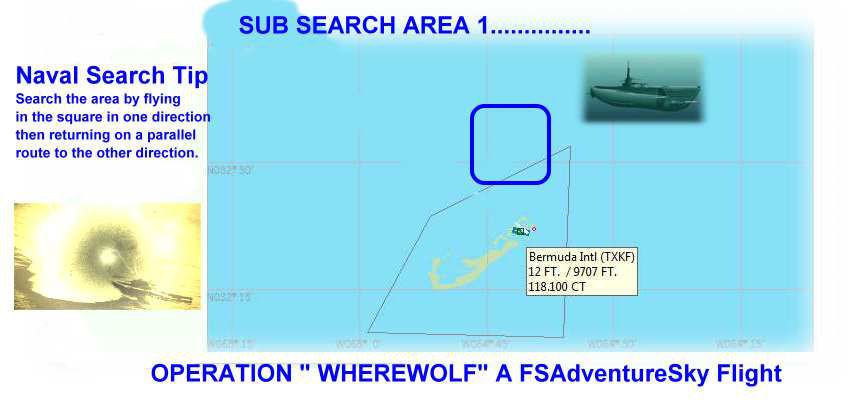
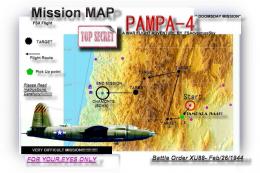
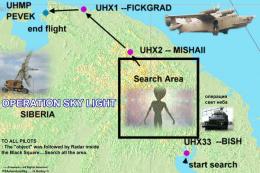
Search Area Blue.jpg--------------------Submarine Search Area 1
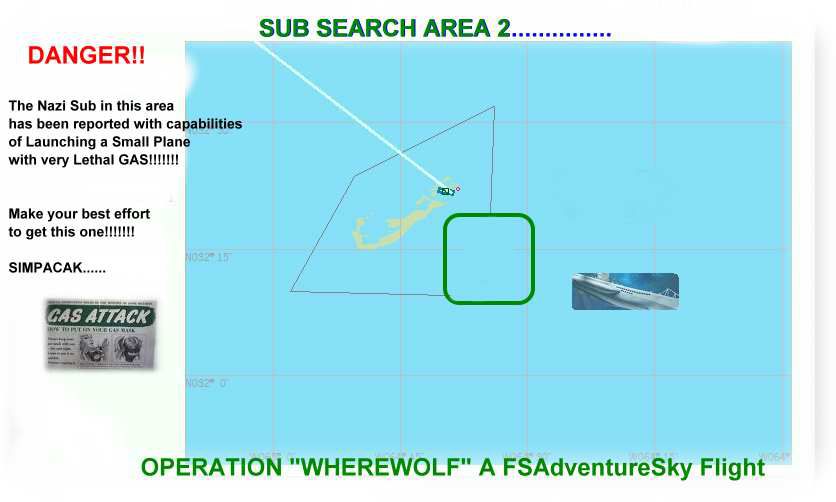
Search Area Green.jpg-------------------Submarine Search Area 2
CAREFULLY READ AND FOLLOW INSTRUCTIONS: Operation "WhereWolf" 1942:SD Inmediatly"
5)..........fly
Gera Godoy C
Operation "Wherewolf 1942" Mission.
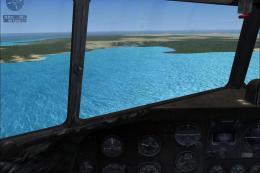
Images & Screenshots

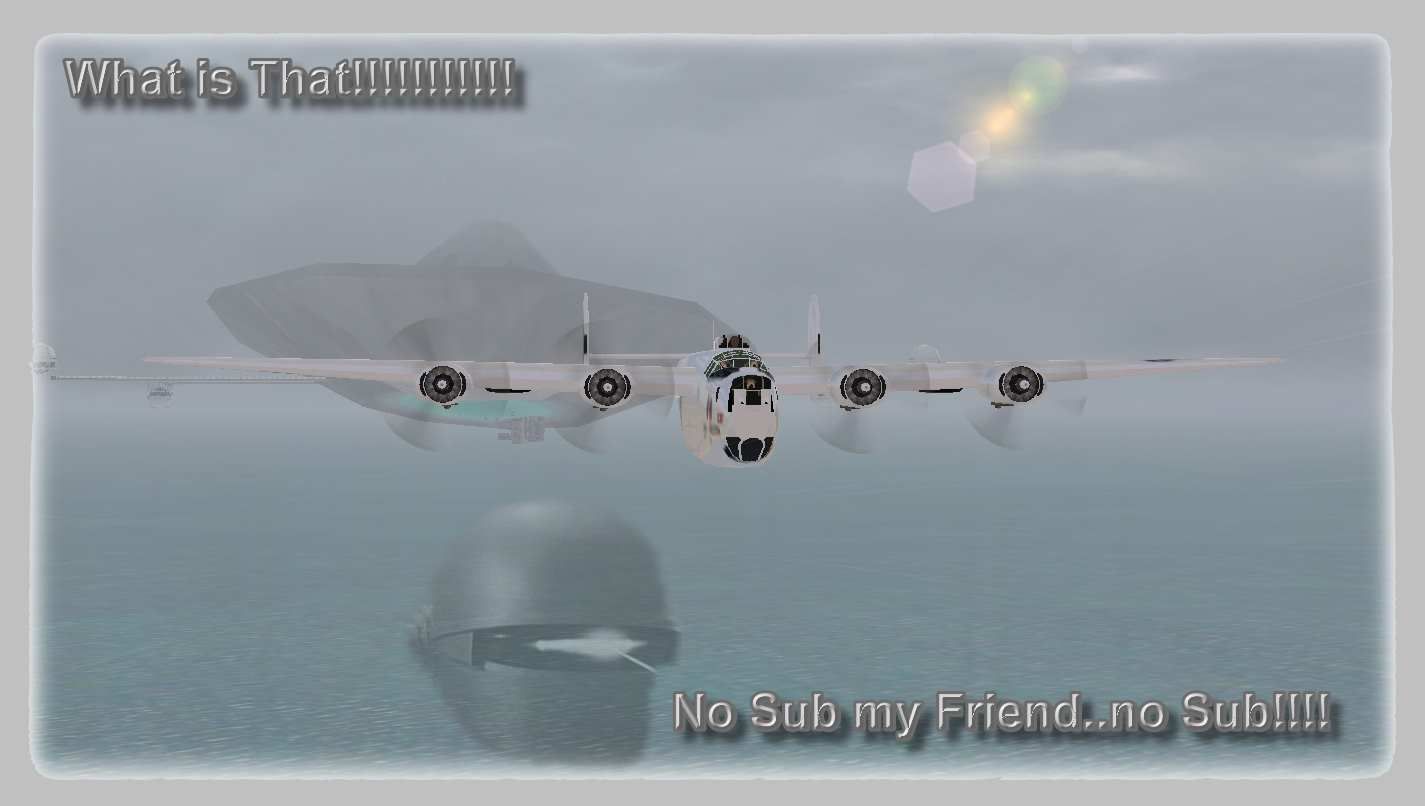
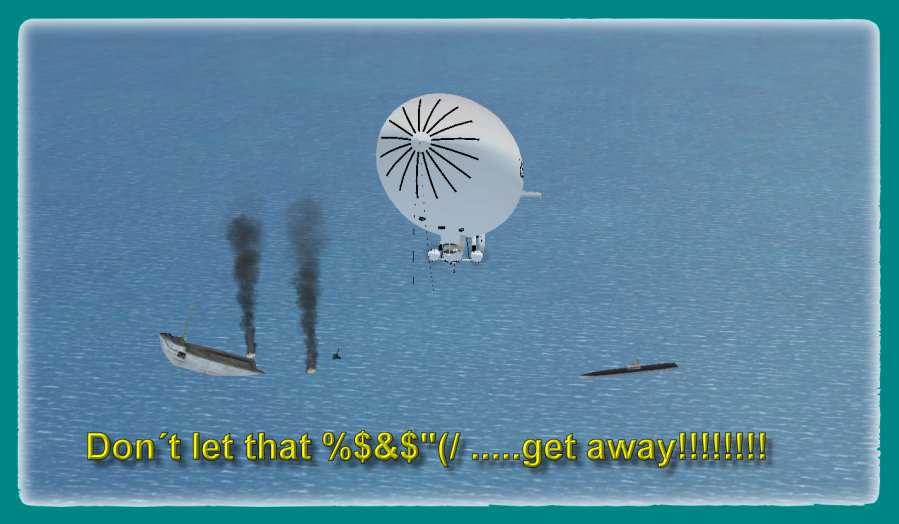
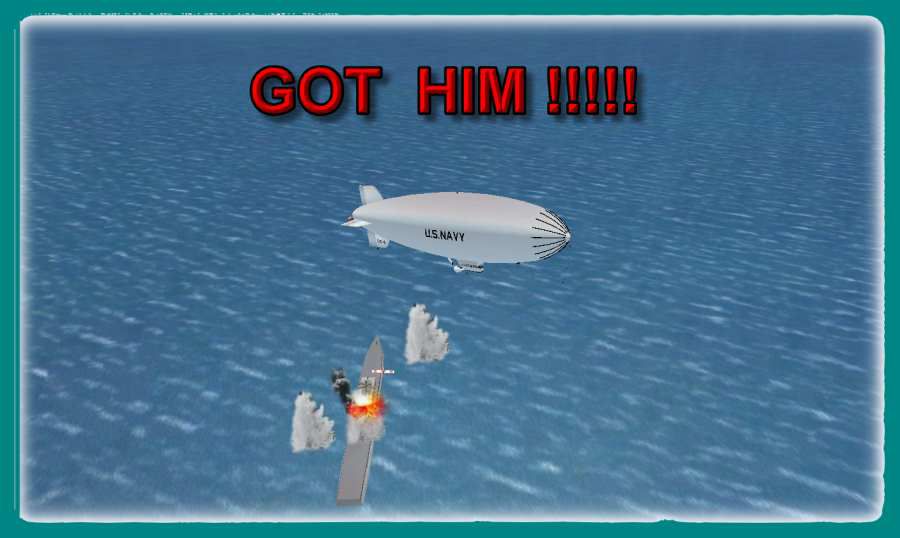
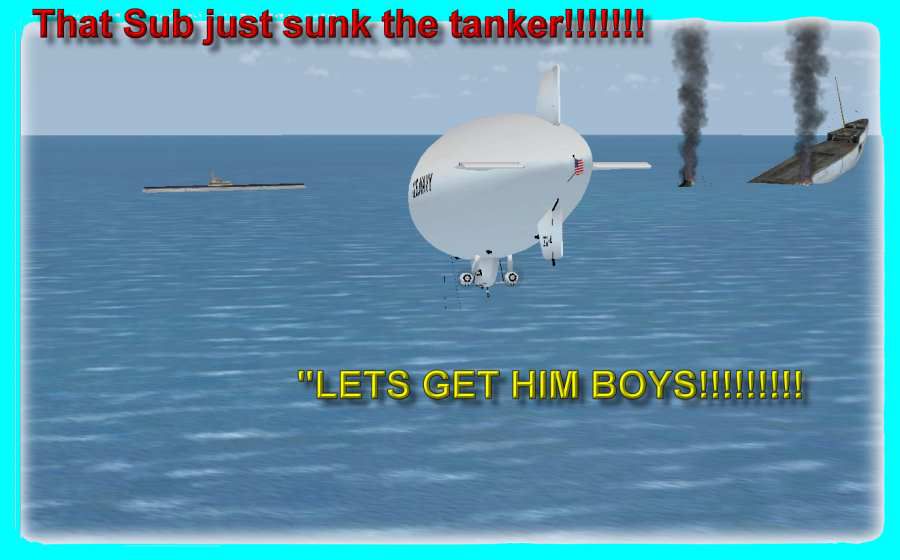

The archive wherewol.zip has 23 files and directories contained within it.
File Contents
This list displays the first 500 files in the package. If the package has more, you will need to download it to view them.
| Filename/Directory | File Date | File Size |
|---|---|---|
| flight ROUTE-CHART-TO BERMUDA.jpg | 10.25.07 | 73.95 kB |
| flight ROUTE-CHART-TO- BRUNSWICK.jpg | 10.25.07 | 55.59 kB |
| SEARCH AREA GREEN.jpg | 10.25.07 | 34.75 kB |
| SEARCH AREA BLUE.jpg | 10.25.07 | 33.23 kB |
| SEAWOLF.bgl | 10.23.07 | 7.98 kB |
| VFR Bermuda Intl to Brunswick Co.PLN | 10.23.07 | 1.46 kB |
| VFR Quantico MCAF to Bermuda Intl.PLN | 10.23.07 | 2.30 kB |
| FileID.diz | 10.25.07 | 999 B |
| READ-ME-FIRST.txt | 10.25.07 | 1.42 kB |
| OP-WHEREWOLF-INSTRUCTIONS.txt | 10.25.07 | 7.56 kB |
| BERMUDA AIR BASE.jpg | 10.22.07 | 38.18 kB |
| BLIMP 5.jpg | 10.22.07 | 139.07 kB |
| BLIMP-1.jpg | 10.25.07 | 122.08 kB |
| BLIMP-2.jpg | 10.22.07 | 43.66 kB |
| BLIMP-3.jpg | 10.22.07 | 44.51 kB |
| BLIMP-4.jpg | 10.22.07 | 29.98 kB |
| BLIMP-5.jpg | 10.22.07 | 43.90 kB |
| BLIMP-6.jpg | 10.23.07 | 118.60 kB |
| panam-freighter-sinking.jpg | 10.23.07 | 92.54 kB |
| panam-freighter-sinking222.jpg | 10.23.07 | 84.67 kB |
| THE UFO---.jpg | 10.23.07 | 50.65 kB |
| flyawaysimulation.txt | 10.29.13 | 959 B |
| Go to Fly Away Simulation.url | 01.22.16 | 52 B |

Installation Instructions
Most of the freeware add-on aircraft and scenery packages in our file library come with easy installation instructions which you can read above in the file description. For further installation help, please see our Flight School for our full range of tutorials or view the README file contained within the download. If in doubt, you may also ask a question or view existing answers in our dedicated Q&A forum.




0 comments
Leave a Response