


 FSX Missions
Flights For The Space Shuttle Atlantis, Edwards CA
Flights For The Space Shuttle Atlantis. Two approaches to shuttle landing fac…
Space Shuttle Atlantis flight scenarios recreate a full mission arc in Microsoft Flight Simulator X, from a Cape Canaveral launch with cockpit and external viewing to booster and tank separation, orbital attitude flying, and satellite deployment from the payload bay. Requires Bruce Fitzgerald’s ATLANTIS-1.ZIP shuttle for the prepared launch setup and animations.
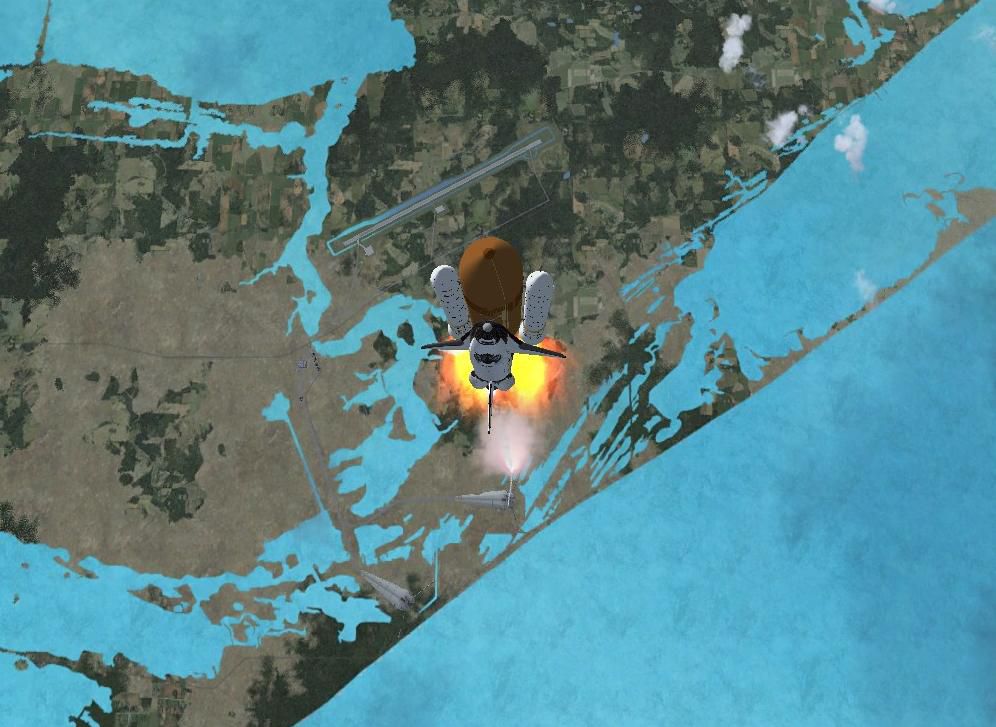
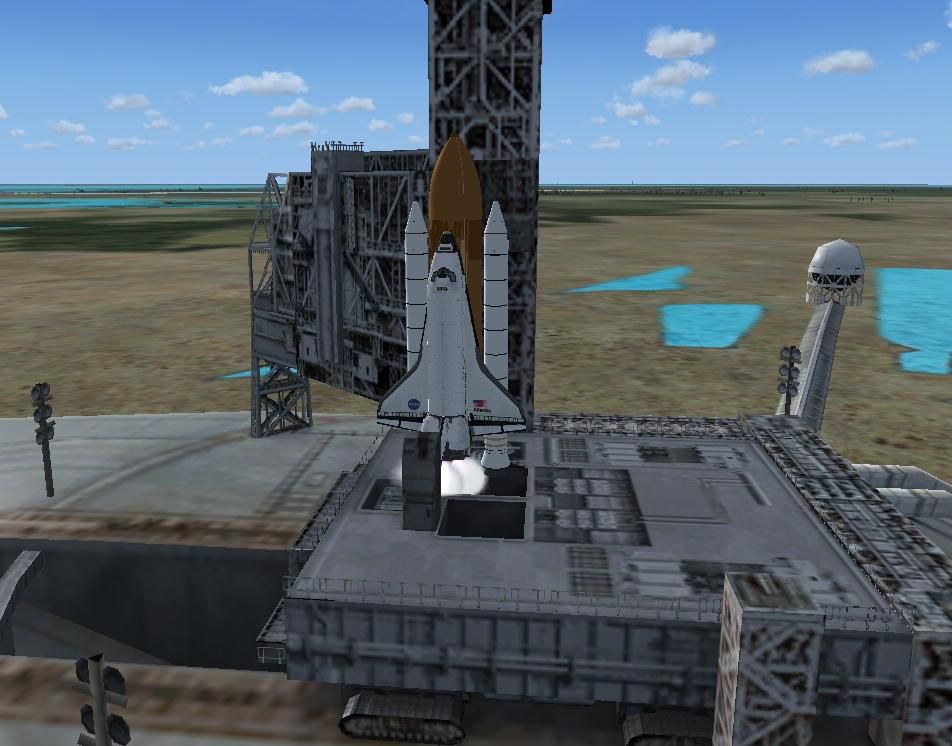
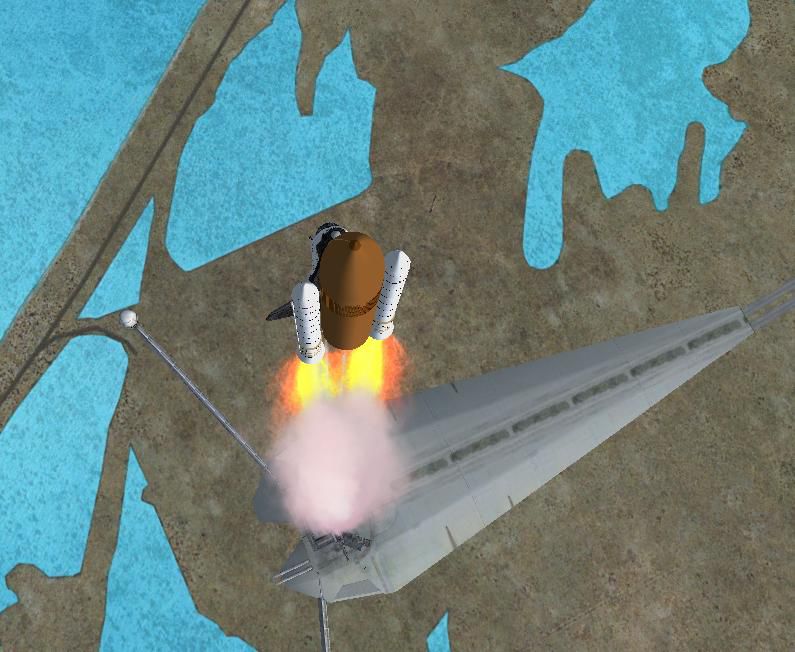
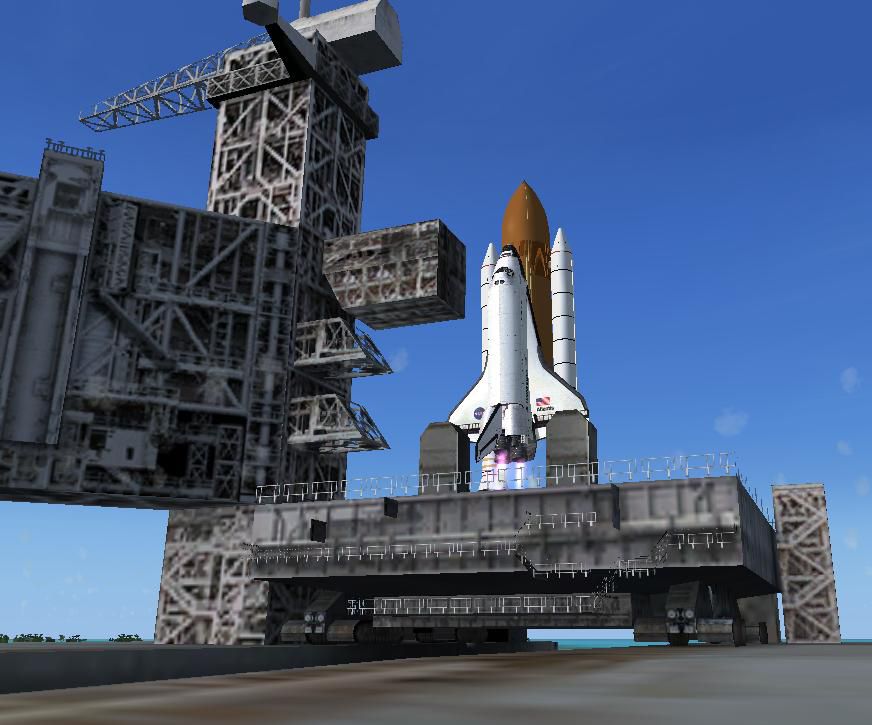
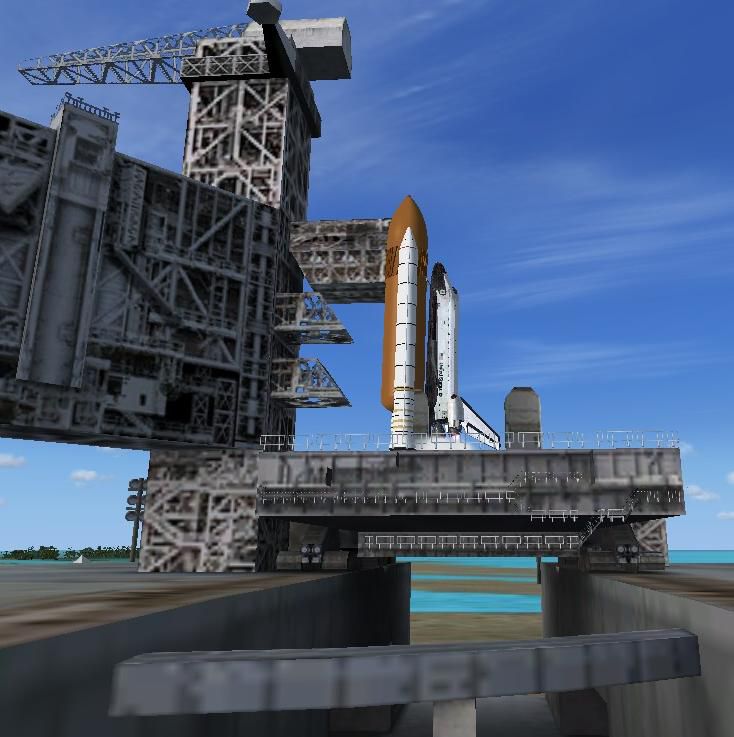
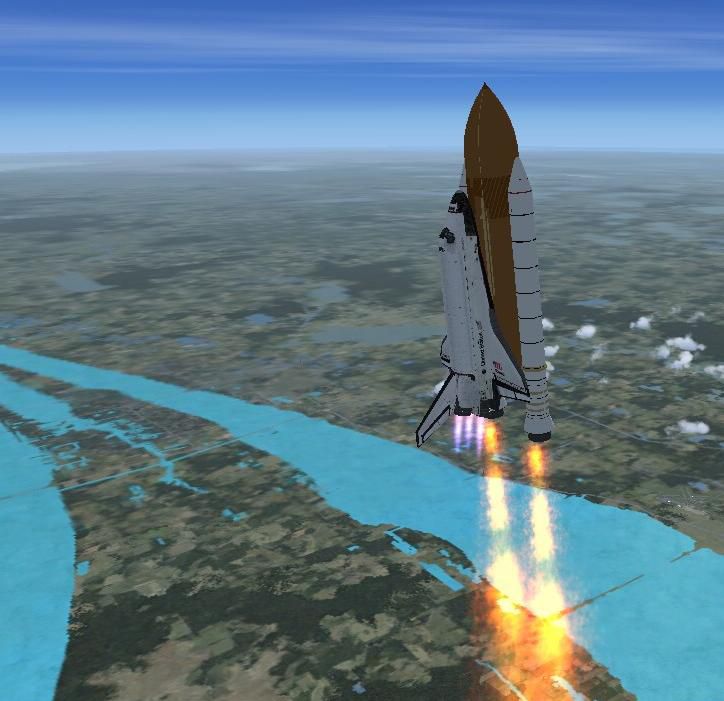
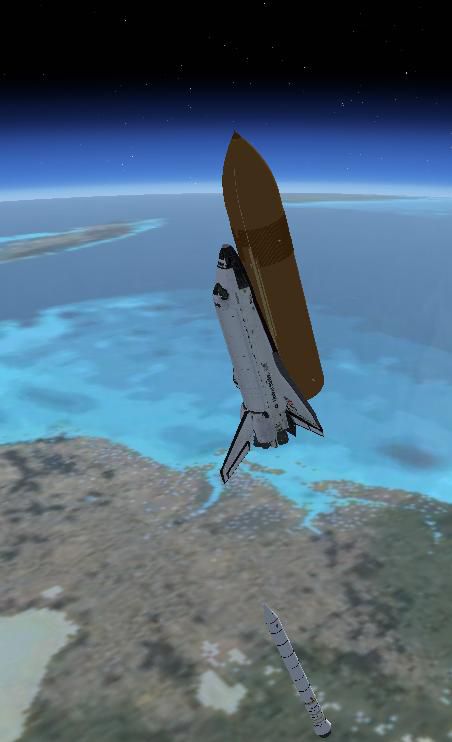
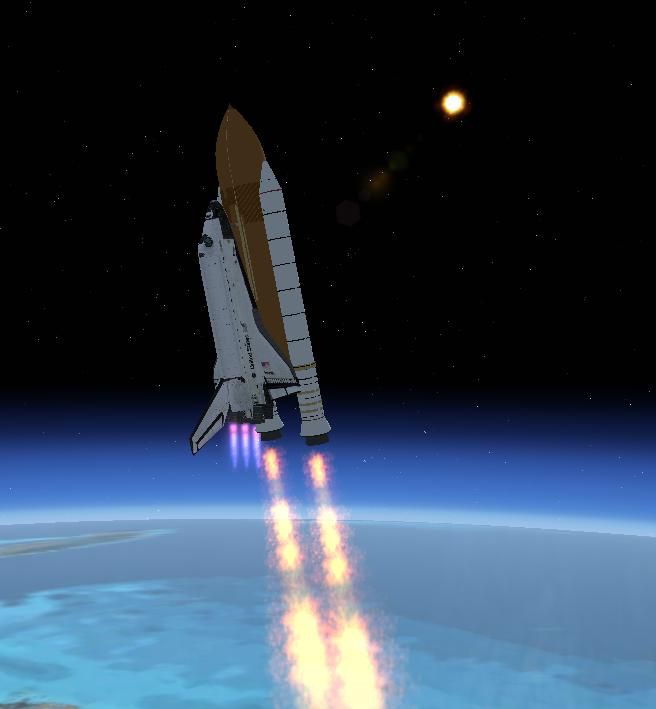

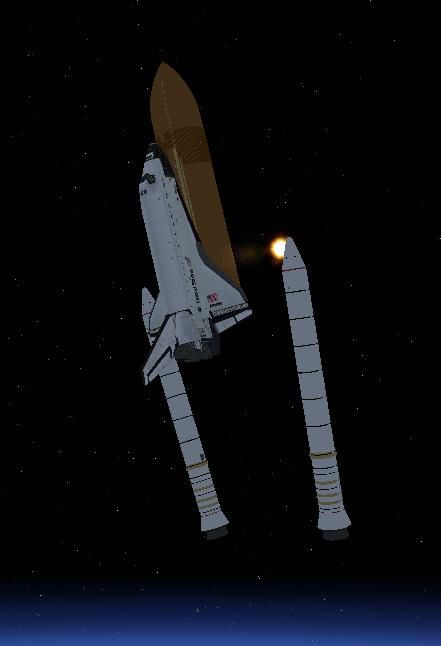

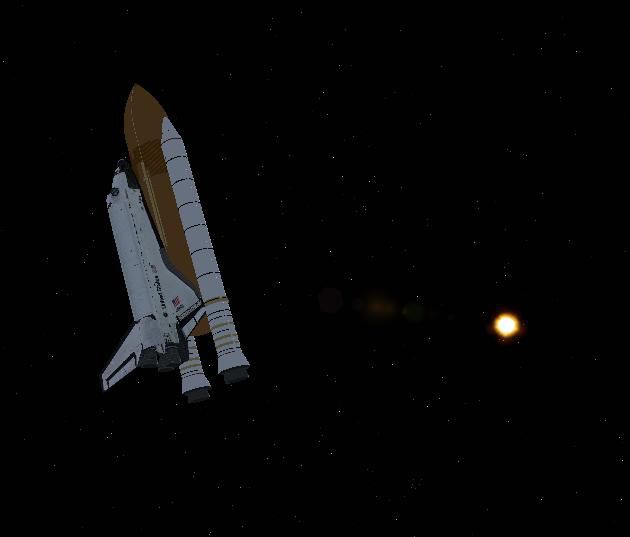
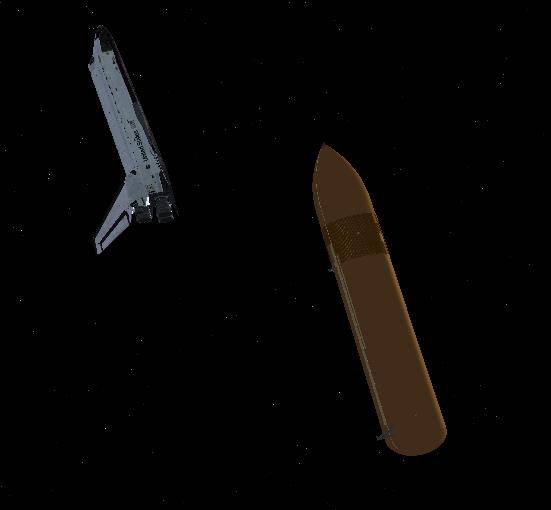
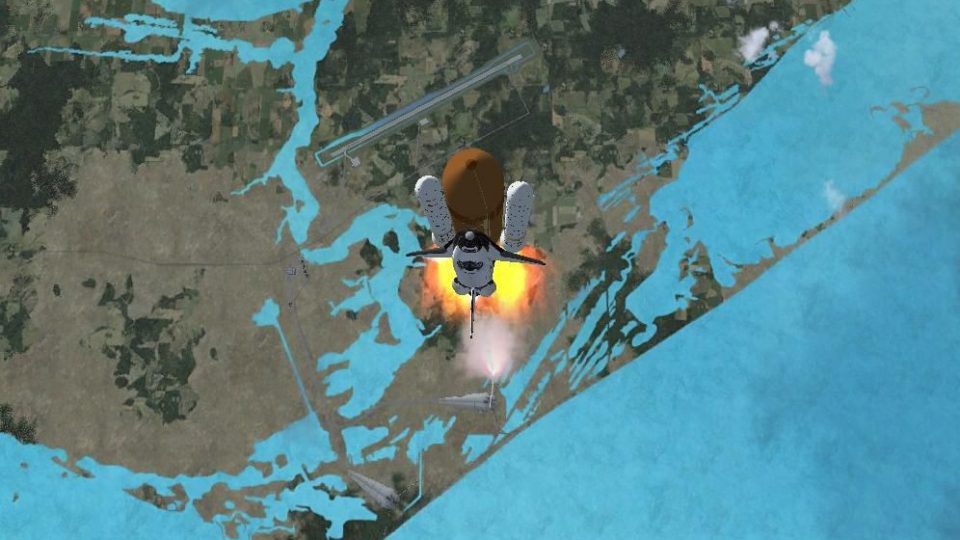
Flights For The Space Shuttle Atlantis. First you can perform a launch from Cape Canaveral, Florida. Your Shuttle, standing at the launch tower, is prepared for the lift off (ATLANTIS-1.ZIP from Bruce Fitzgerald required). You can watch the spectacle as commander through the window from the cockpit or as spotter from external view. After leaving the stratosphere you can release the boosters and the external tank. Now take control of the shuttle. The second flight is in the orbit in upside down position. Now the blue planet is above your head. Bring out the satellite. Flights from Erwin Welker.
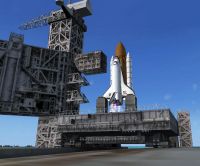
Flights For The Space Shuttle Atlantis.
INSTALLATION:
1. Install the great animated shuttle from Bruce Fitzgerald with its Effects first (atlantis-1.zip).
2. Copy the folder with my flights (Flight Simulator X Files) to the place where you have all the others. It should be somewhere at the OWN Files.
Thats all!
INSTRUCTIONS and ORDERS:
1. Set the throttle to full power before you perform the launch.
2. Load the flight Space Shuttle launch Cape Canaveral
3. Press Y for the lift off
4. After leaving the stratosphere throttle down to zero and release the boosters (Shift E2)
5. After your external tank is empty, release it (Shift E3). To take control again for the shuttle press Y again.
6. After you reached the desired orbit, load my flight Space Shuttle in orbit
7. Open the cargobay (Shift E)
8. Set out the satellite into the orbit (Sh E4)
This file is FREEWARE. It should not harm your computer, but you install it on your own risk.
Feel free to copy or to distribute it, but don't make any money with it. It is not permitted to use it for commercial-purpose.
Happy landings.
Erwin Welker
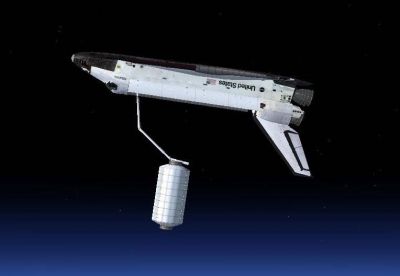
Flights For The Space Shuttle Atlantis.
Free for all simmers · 702.74 KB · Scanned clean
Download speed: Free tier is capped at 0.5 Mbps. PRO members download at full line speed.
This add-on may require the following files to function properly. If this is a repaint, the dependency below is likely the base aircraft package.
SimObjects\Airplanes\, Addon Scenery\, Effects\, or Gauges\.readme.txt or README file. It tells you exactly where files go, what dependencies are needed, and any quirks specific to this add-on.The archive shtlnch1.zip has 28 files and directories contained within it.
This list displays the first 500 files in the package. If the package has more, you will need to download it to view them.
| Filename/Directory | File Date | File Size |
|---|---|---|
| Admin please read.diz | 12.23.09 | 243 B |
| file_id.diz | 12.22.09 | 603 B |
| Flight Simulator X Files | 12.22.09 | 0 B |
| Space Shuttle in orbit.FLT | 12.22.09 | 9.84 kB |
| Space Shuttle in orbit.FSSAVE | 12.22.09 | 45.16 kB |
| Space Shuttle in orbit.WX | 12.22.09 | 225.11 kB |
| Space Shuttle launch Cape Canaveral.FLT | 12.22.09 | 8.80 kB |
| Space Shuttle launch Cape Canaveral.FSSAVE | 12.22.09 | 8.05 kB |
| Space Shuttle launch Cape Canaveral.WX | 12.22.09 | 218.61 kB |
| Flight1.jpg | 12.22.09 | 76.20 kB |
| Flight2.jpg | 12.22.09 | 23.44 kB |
| Readme.txt | 12.22.09 | 2.12 kB |
| sequences-pics | 12.22.09 | 0 B |
| 1.jpg | 12.22.09 | 67.28 kB |
| 10.JPG | 12.22.09 | 11.82 kB |
| 2.jpg | 12.22.09 | 84.51 kB |
| 3.jpg | 12.22.09 | 27.63 kB |
| 3a.JPG | 12.22.09 | 80.26 kB |
| 4.jpg | 12.22.09 | 60.82 kB |
| 5.jpg | 12.22.09 | 99.56 kB |
| 6.JPG | 12.22.09 | 27.44 kB |
| 7.JPG | 12.22.09 | 15.53 kB |
| 8.JPG | 12.22.09 | 17.16 kB |
| 8a.JPG | 12.22.09 | 29.71 kB |
| 9.JPG | 12.22.09 | 16.39 kB |
| Thumbs.db | 12.22.09 | 4.00 kB |
| flyawaysimulation.txt | 10.29.13 | 959 B |
| Go to Fly Away Simulation.url | 01.22.16 | 52 B |
More FSX & P3D add-ons hand-picked based on this download.
FSX Missions
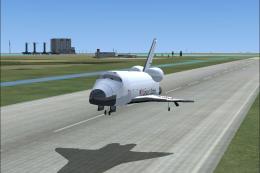
Flights For The Space Shuttle Atlantis. Two approaches to shuttle landing fac…
 FSX Missions
Land The Space Shuttle at NASA's Shuttle Landing Facility in Titusville. Flig…
 FSX Missions
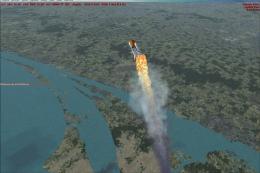
Space Shuttle Launch. While you have no control over the actual launch, once …
 FSX Missions
Space Shuttle Landing. Requires Captain Sim Space Shuttle. By Dennny Puka.
 FSX Missions
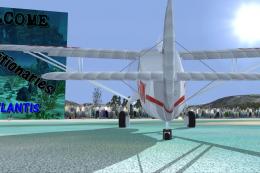
Door to Atlantis Episode I. Dr. Jackes Lamont has, he thinks, discovered the …
 FSX Missions
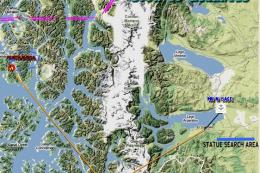
Door to Atlantis Episode II, "Looking for the Mysterious Statue..." Dr. Lamon…
 FSX Missions
Flights--World's Scariest Runways. Eight short flights that set you up on fin…
 FSX Missions
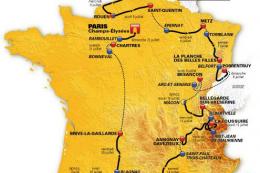
On 30 June 2012, the Tour de France 2012 starts in Liege, Belgium. The 21 fli…
Read what other simmers think, or add your own.

dear creator I have problems with installing this launchpad on both fsx and p3d pls mail me a detailed explanation my email is:jeandre_alex@hotmail.com thx for your attention