FSX/P3D Boeing 727-100/200/ADV Mega Pack
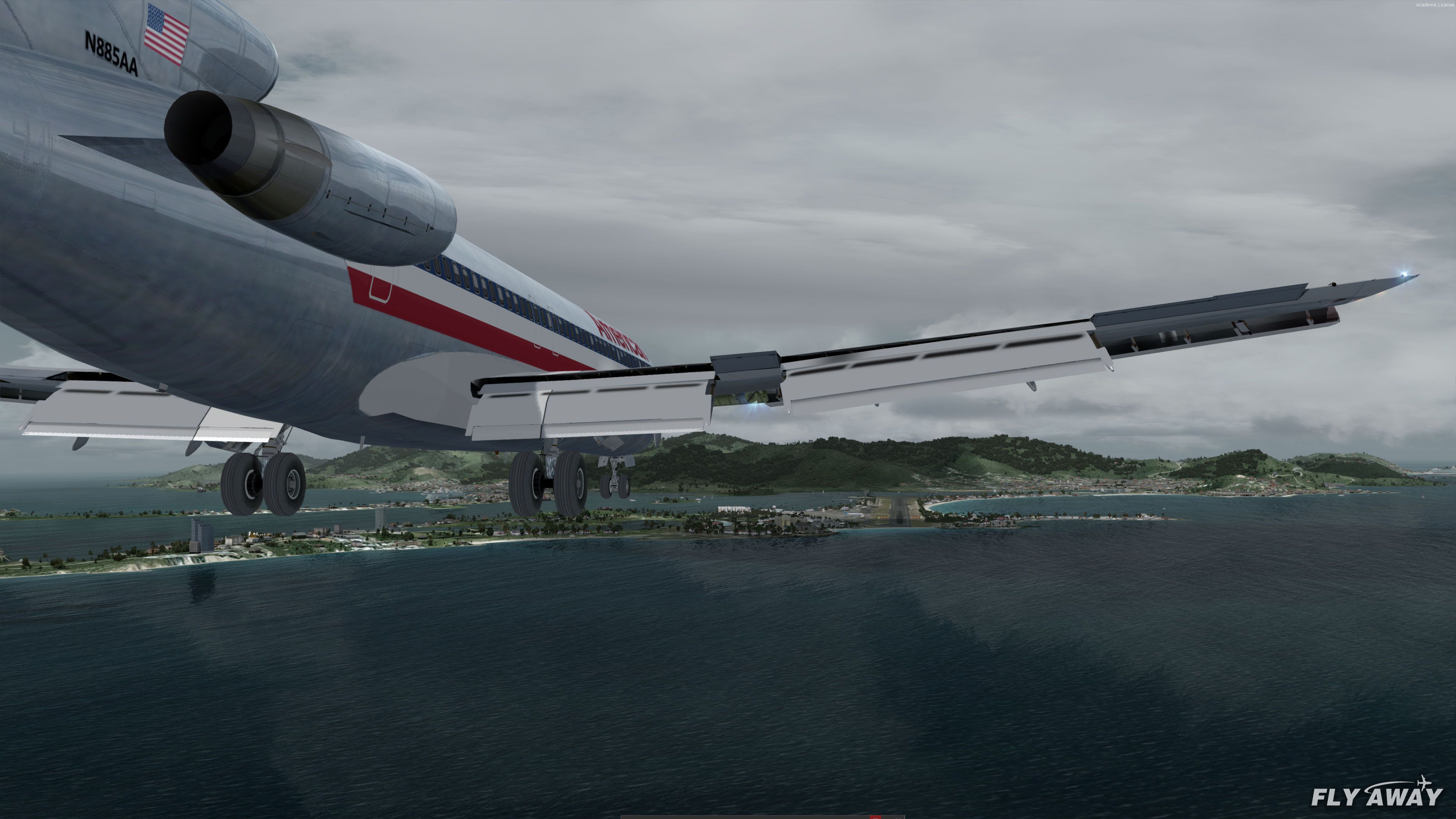
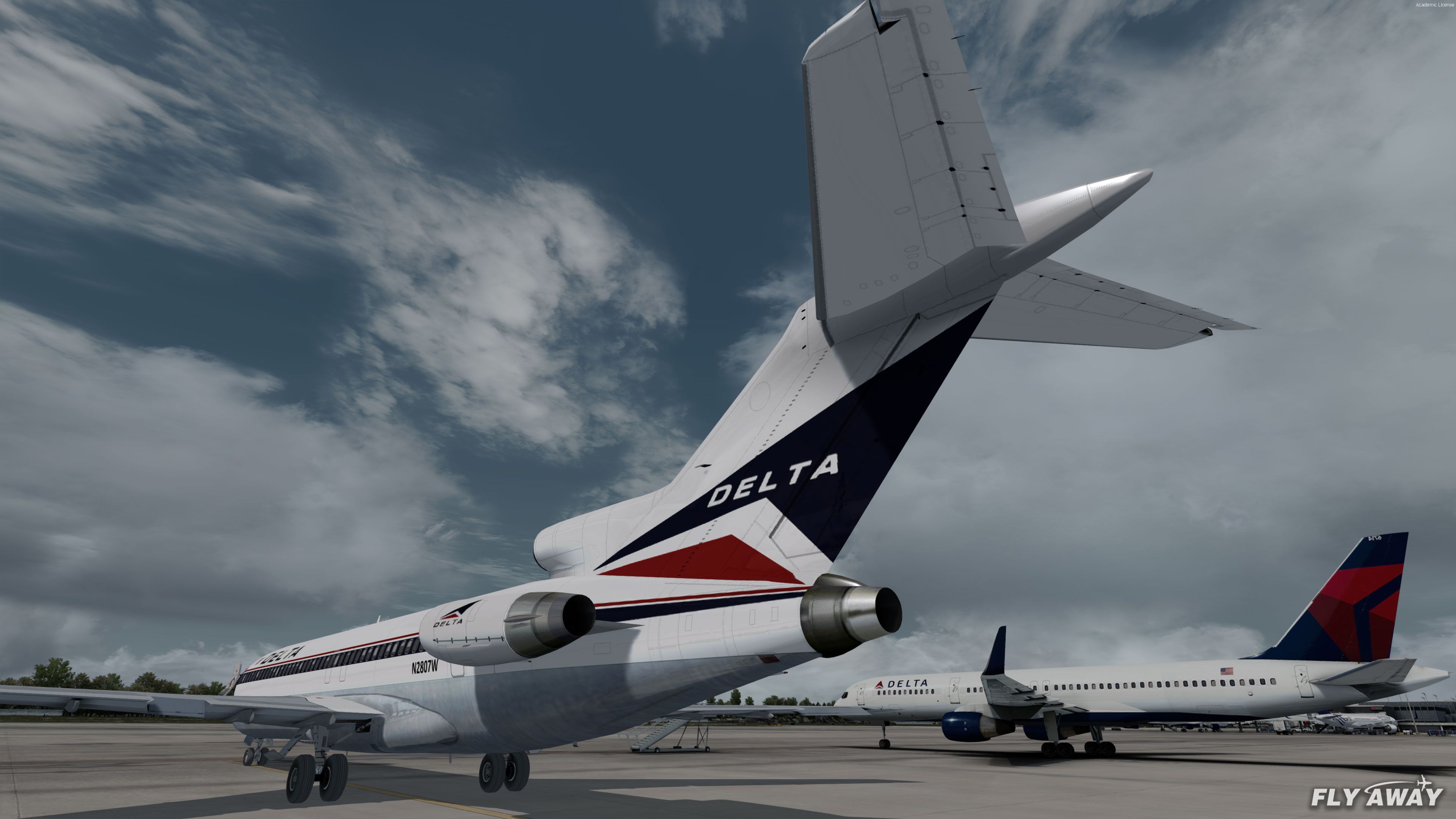
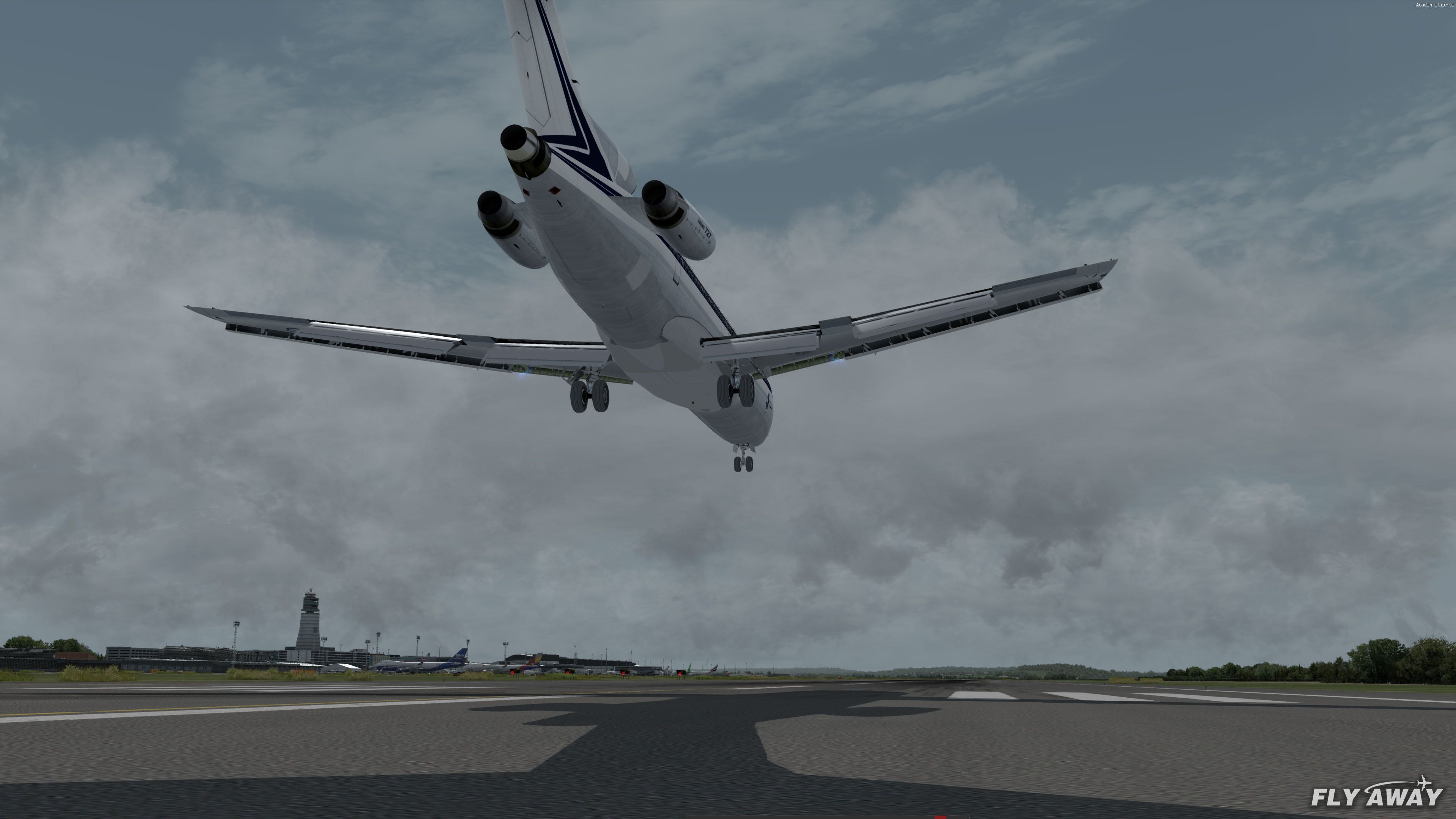
 A complete package featuring three different Boeing 727 models along with a huge selection of liveries and repaints for Microsoft Flight Simulator X (all versions including Steam Edition) and Prepar3D (all versions including v4).
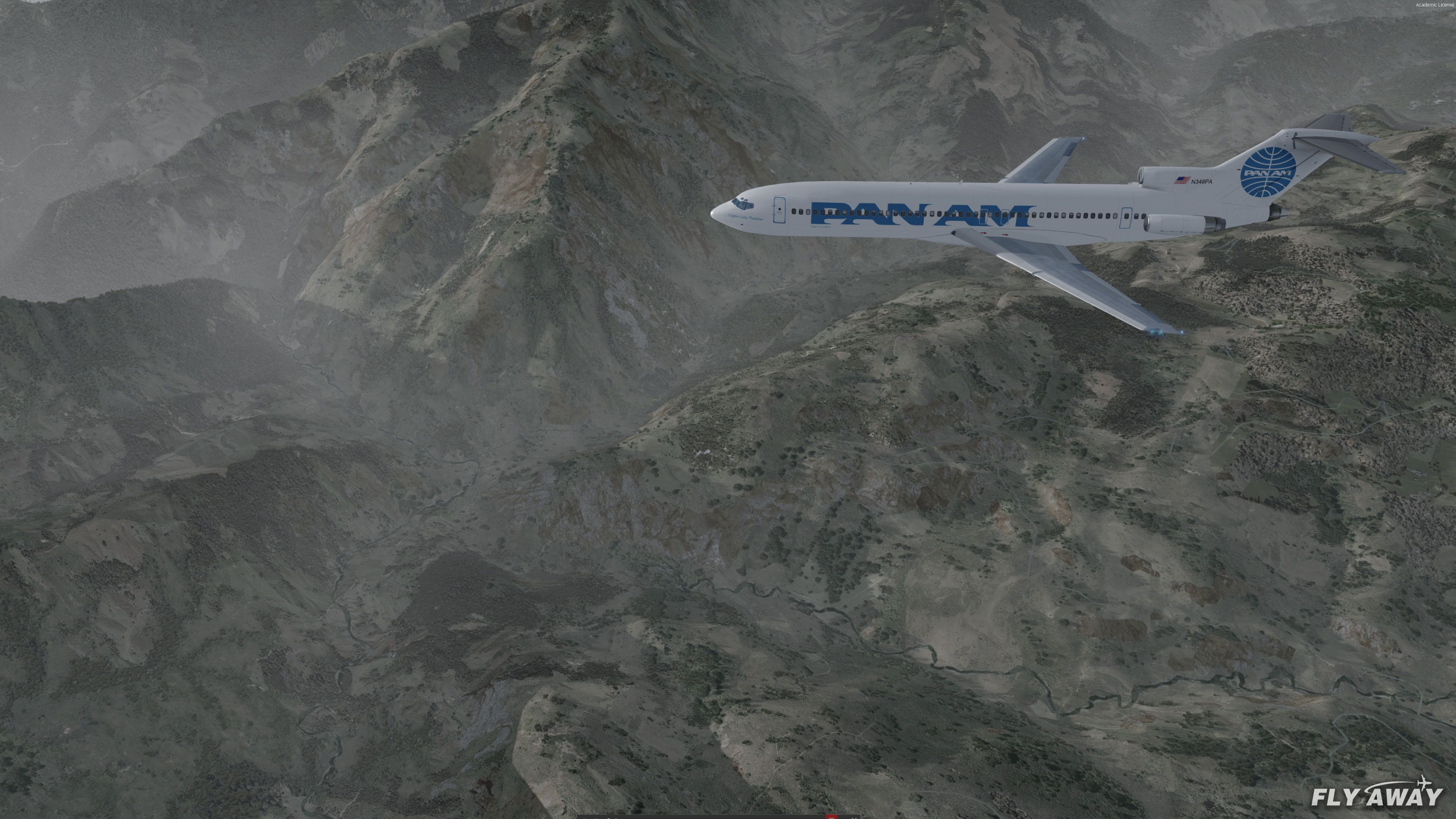
- Type
- Complete with Base Model
- Download hits
- 46.1K

- Compatibility
- Microsoft Flight Simulator X (FSX) including Steam Edition & Prepar3D (P3D) including P3Dv4 & P3Dv5
- Filename
- 727-100-200-adv-mega-pack-fsx-p3dv4.zip
- File size
- 573.72 MB
- Virus Scan
- Scanned 22 days ago (clean)
- Access to file
- Free (Freeware)
- Content Rating
- Everyone

Rated 5 out of 5 stars by 37 PRO members.


A complete package featuring three different Boeing 727 models along with a huge selection of liveries and repaints for Microsoft Flight Simulator X (all versions including Steam Edition) and Prepar3D (all versions including v4).
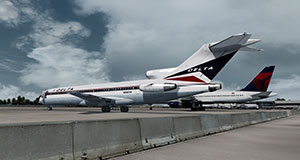 The package features three models originally developed by the well-known freeware developer Thomas Ruth which are all FSX native (not conversions from FS2004 models).
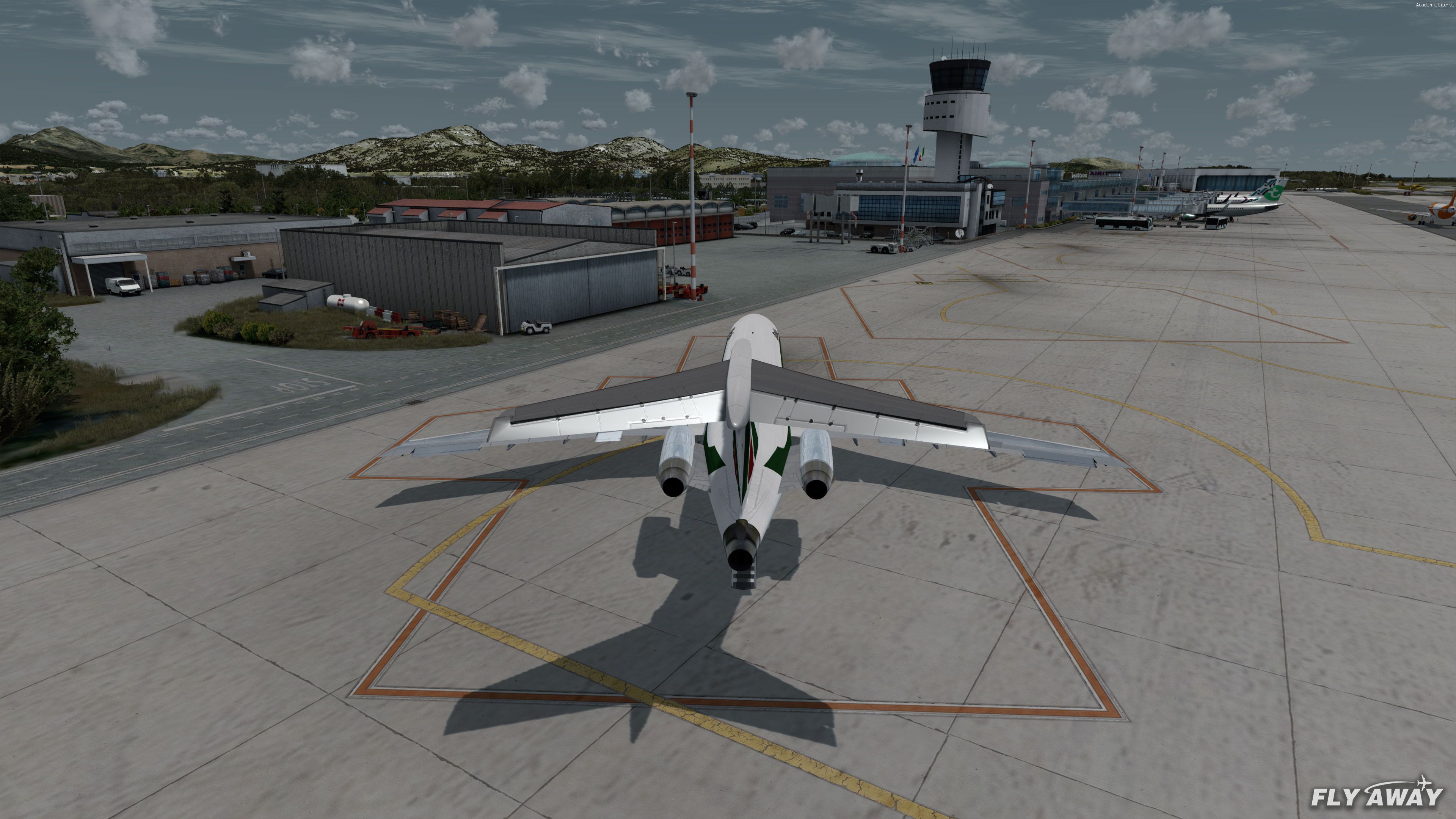
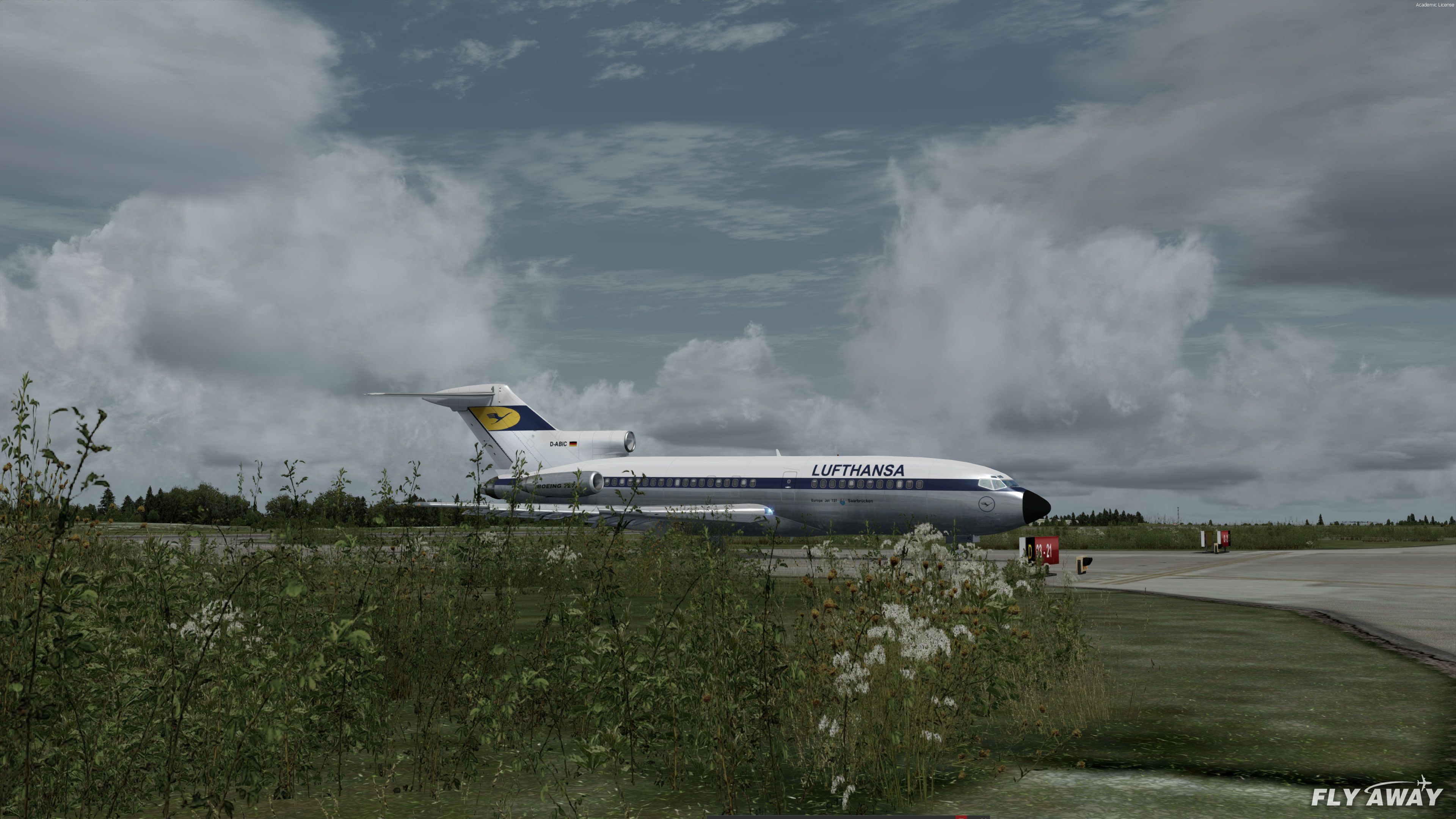
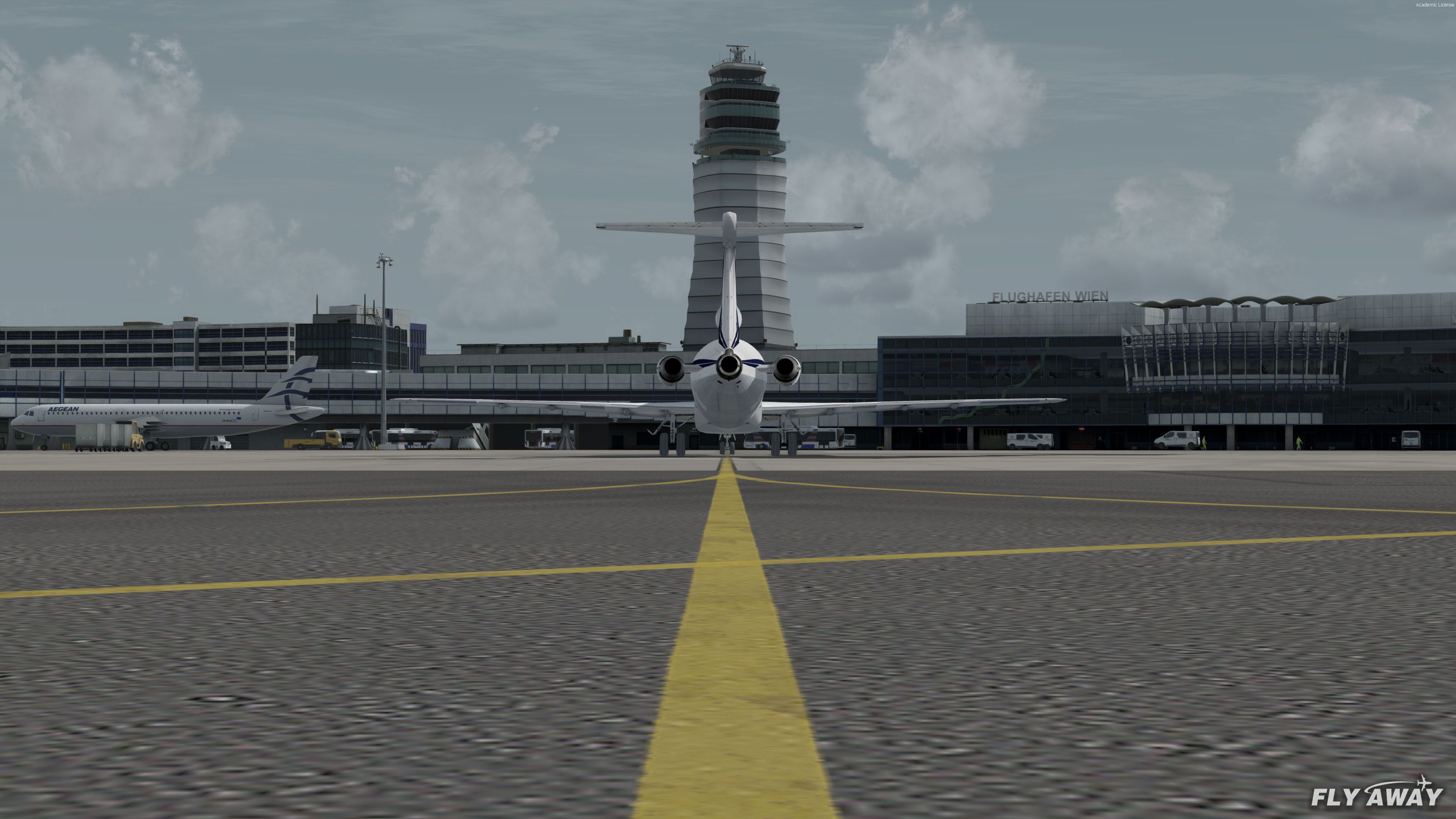
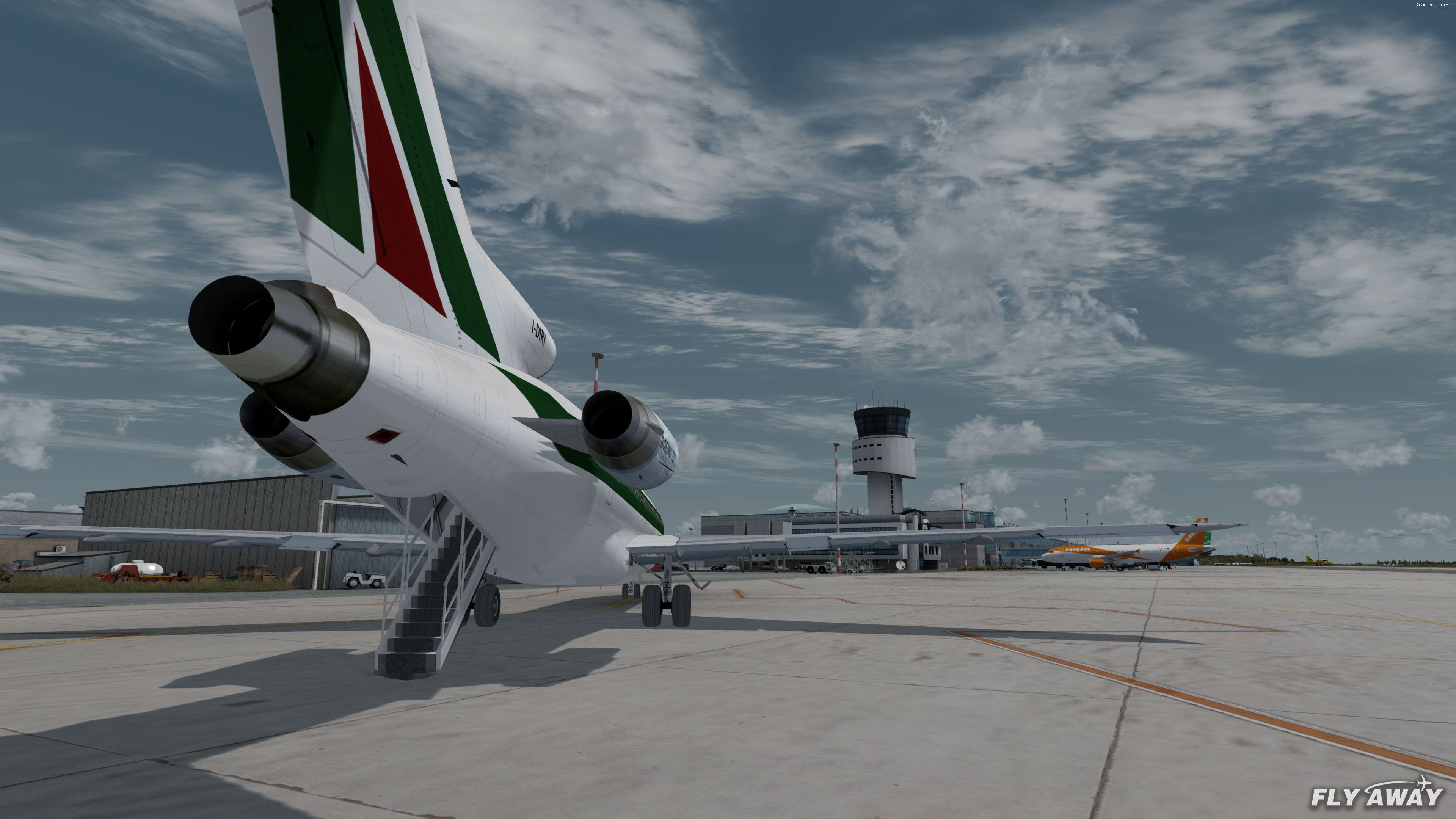
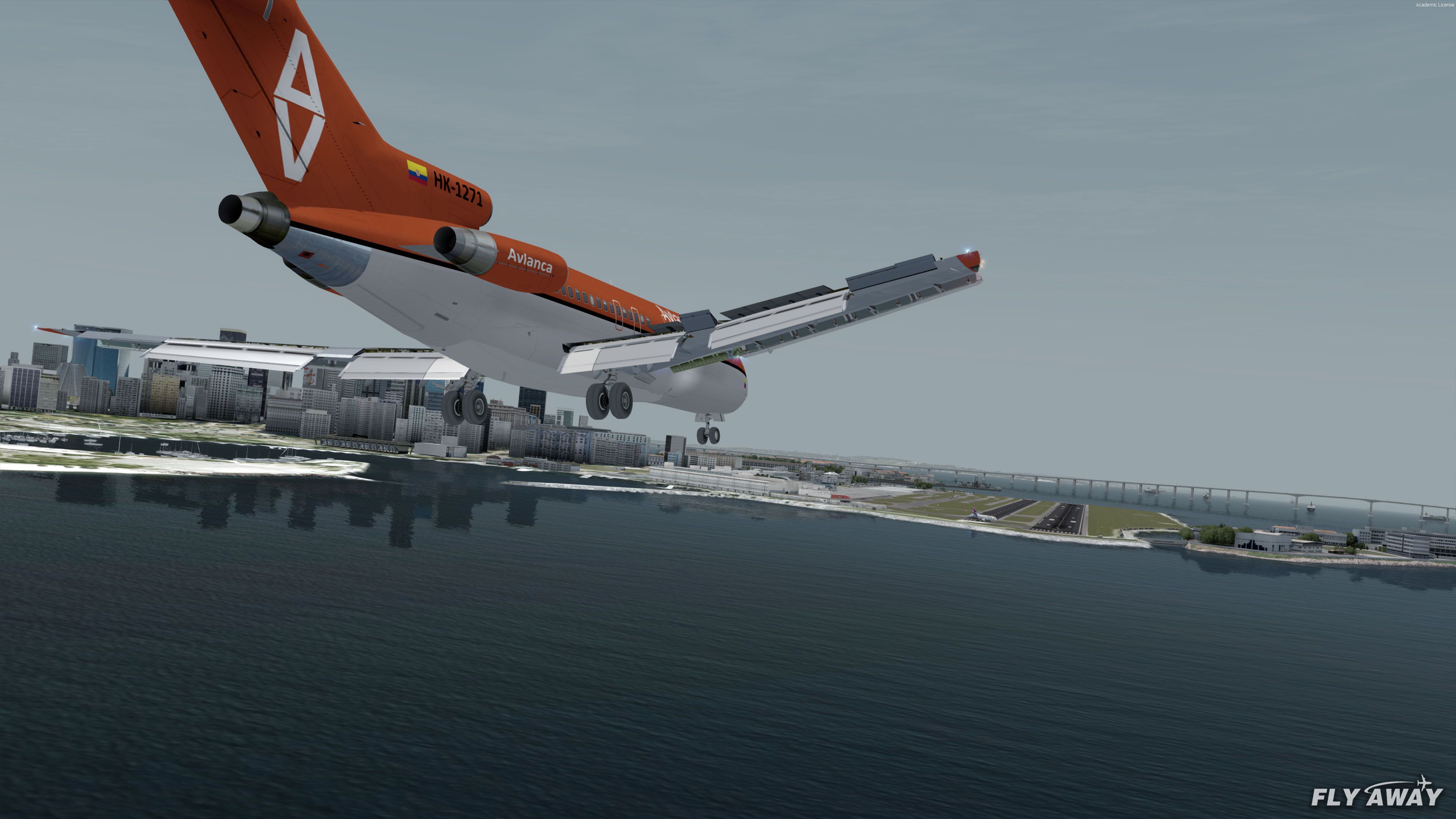
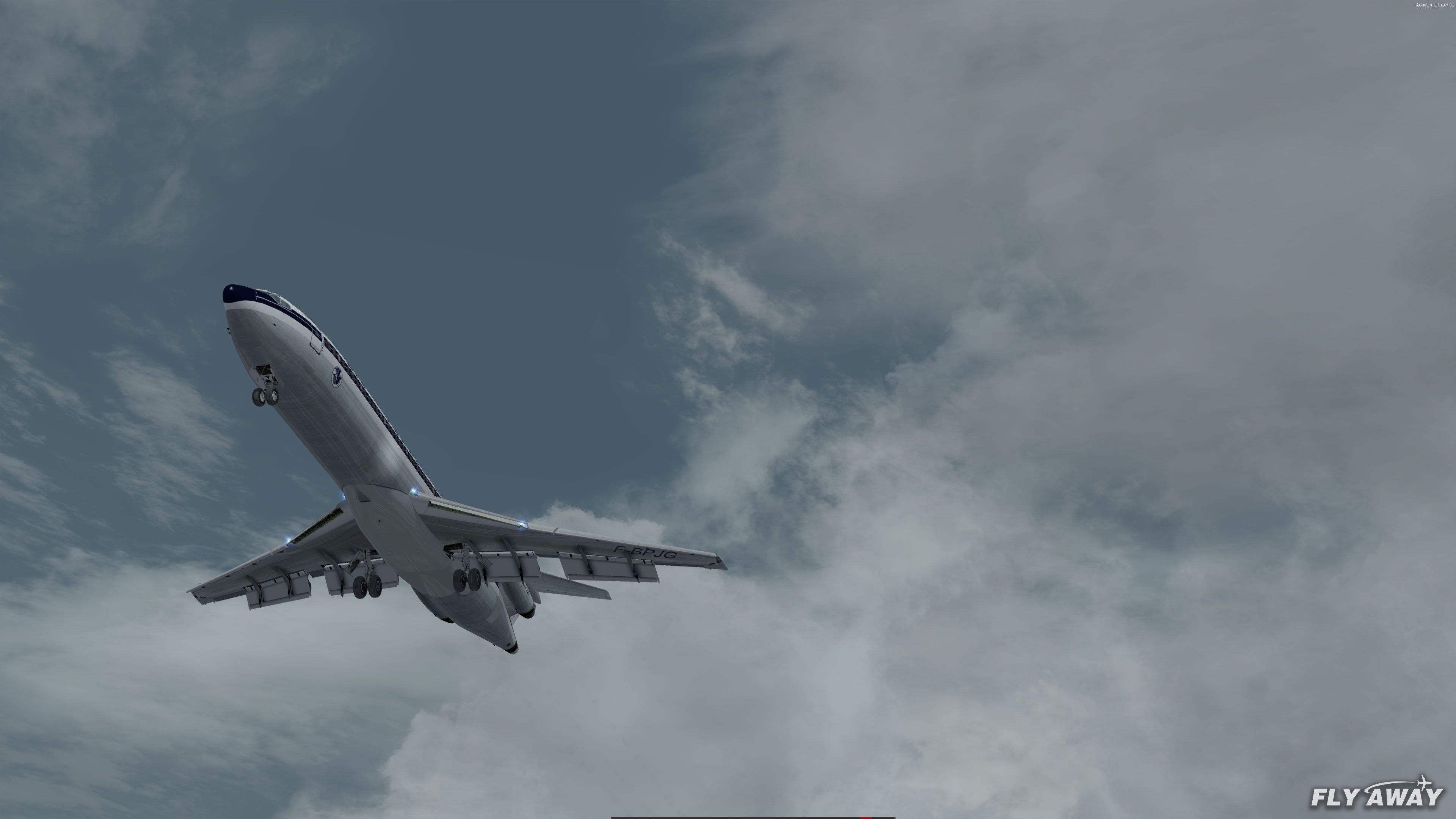
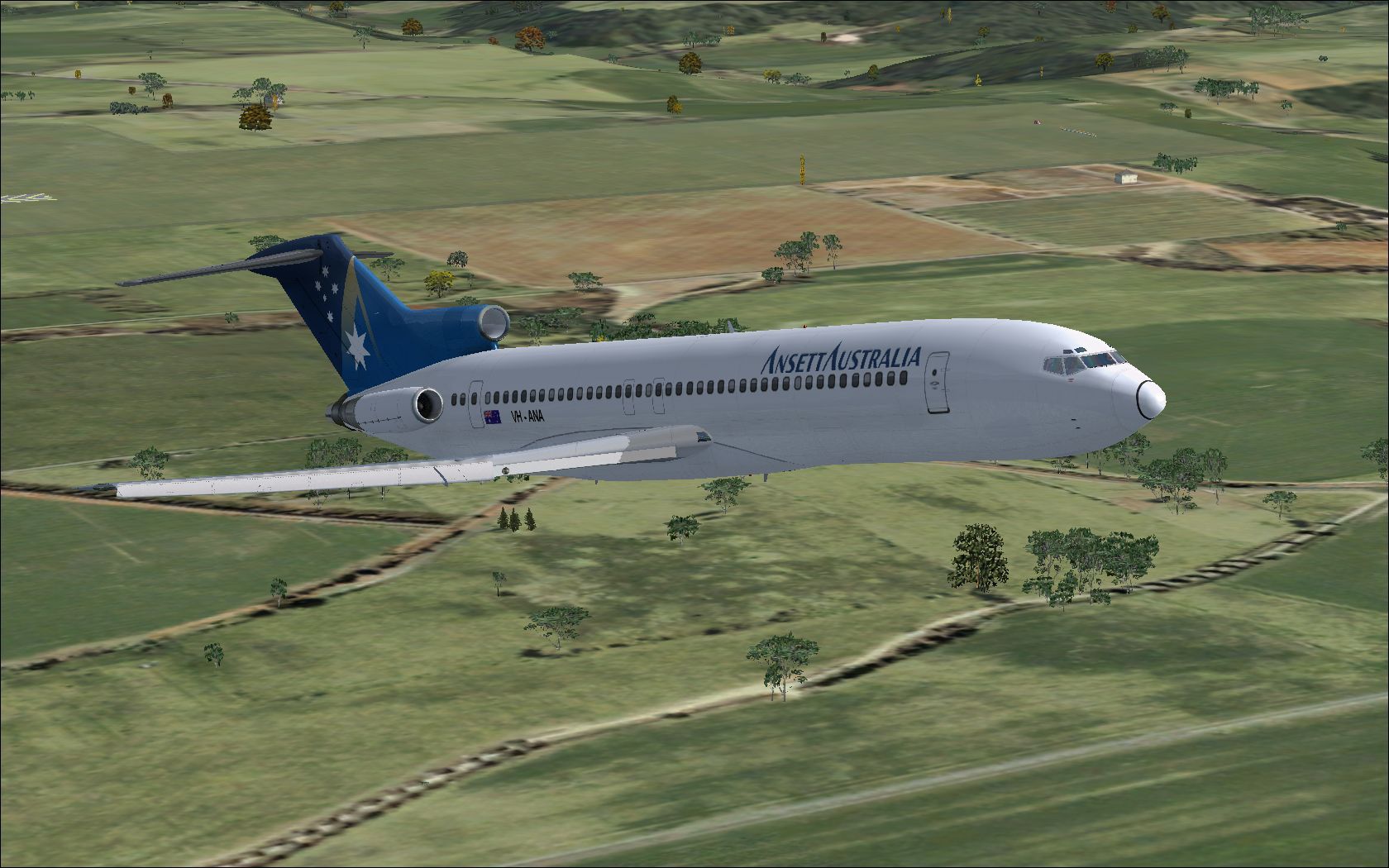
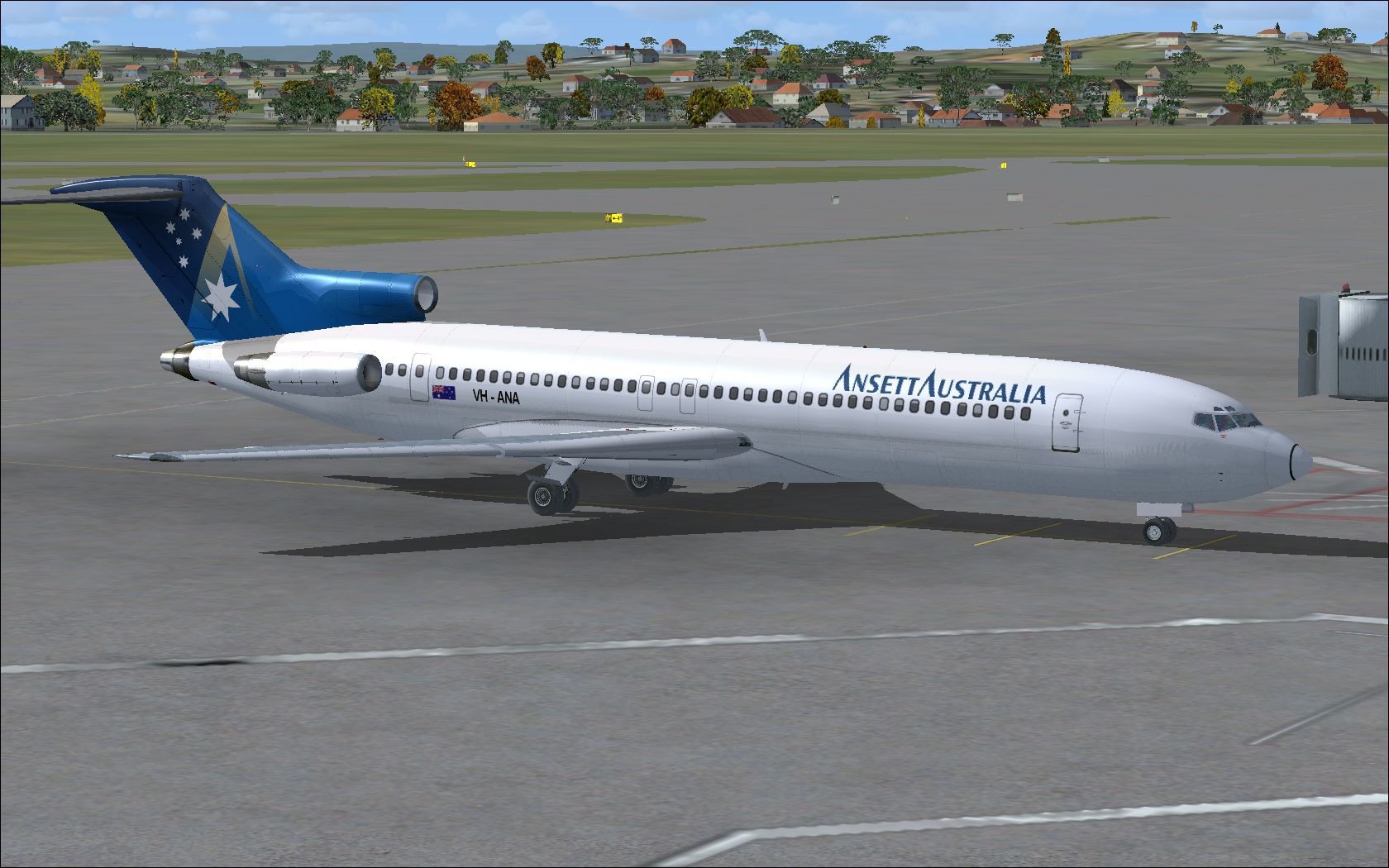
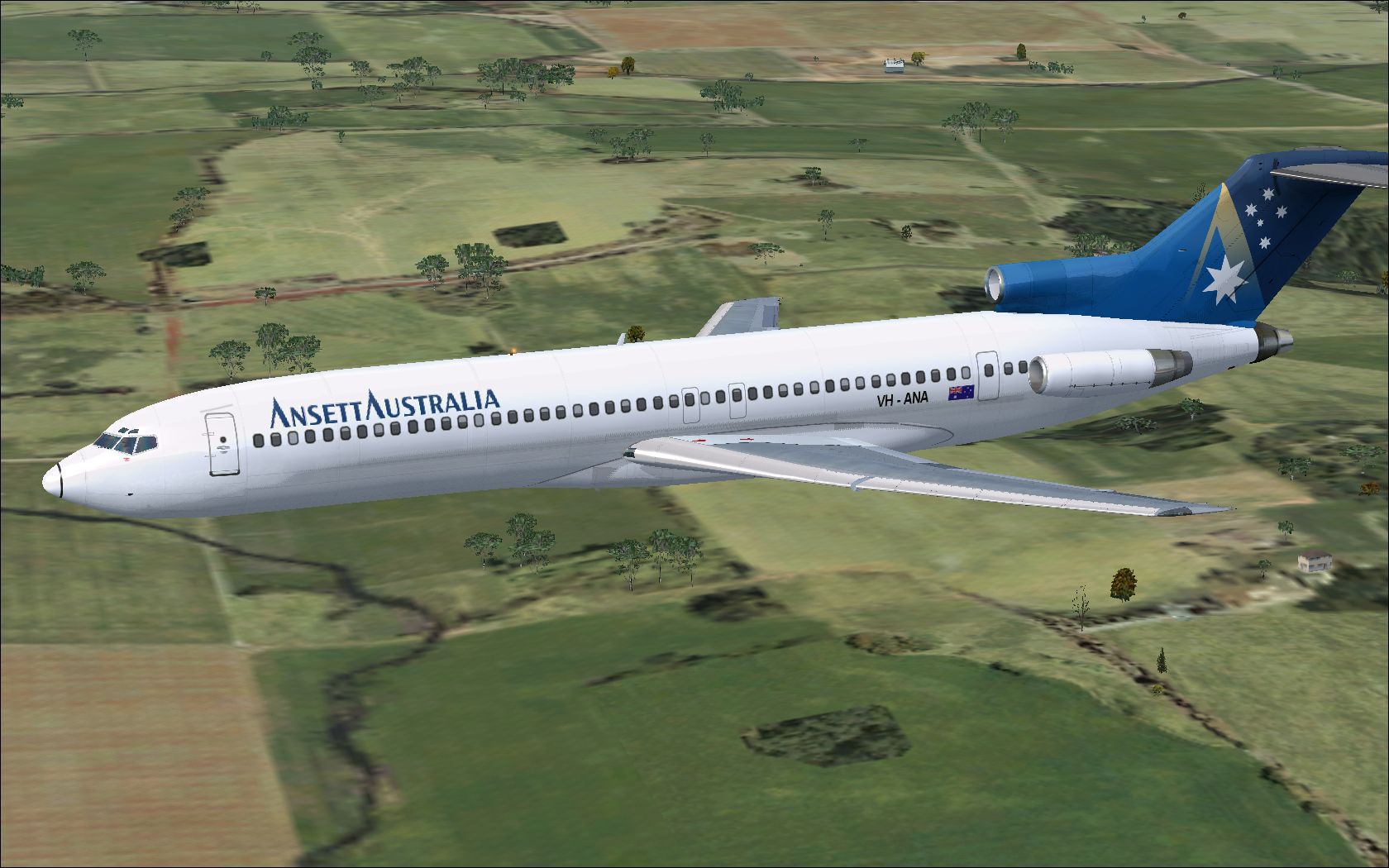
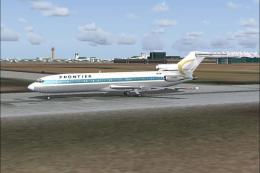
The models include the Boeing 727-100, 727-200 and the 727-200 Advanced (ADV). Along with these three models, each has a passenger and cargo-specific model with different repaints and liveries for each.
With this pack you can fly the passenger aircraft or if you want to, you can also become a virtual cargo pilot delivering freight around the globe.
The Boeing 727 is one of the most iconic aircraft ever to grace the skies and this package brings that to your simulator. The Thomas Ruth model is actually quite old and one of the most well known and highly rated 727 models available for FSX/P3D. This pack has been updated to include better sound effects (especially in P3D).
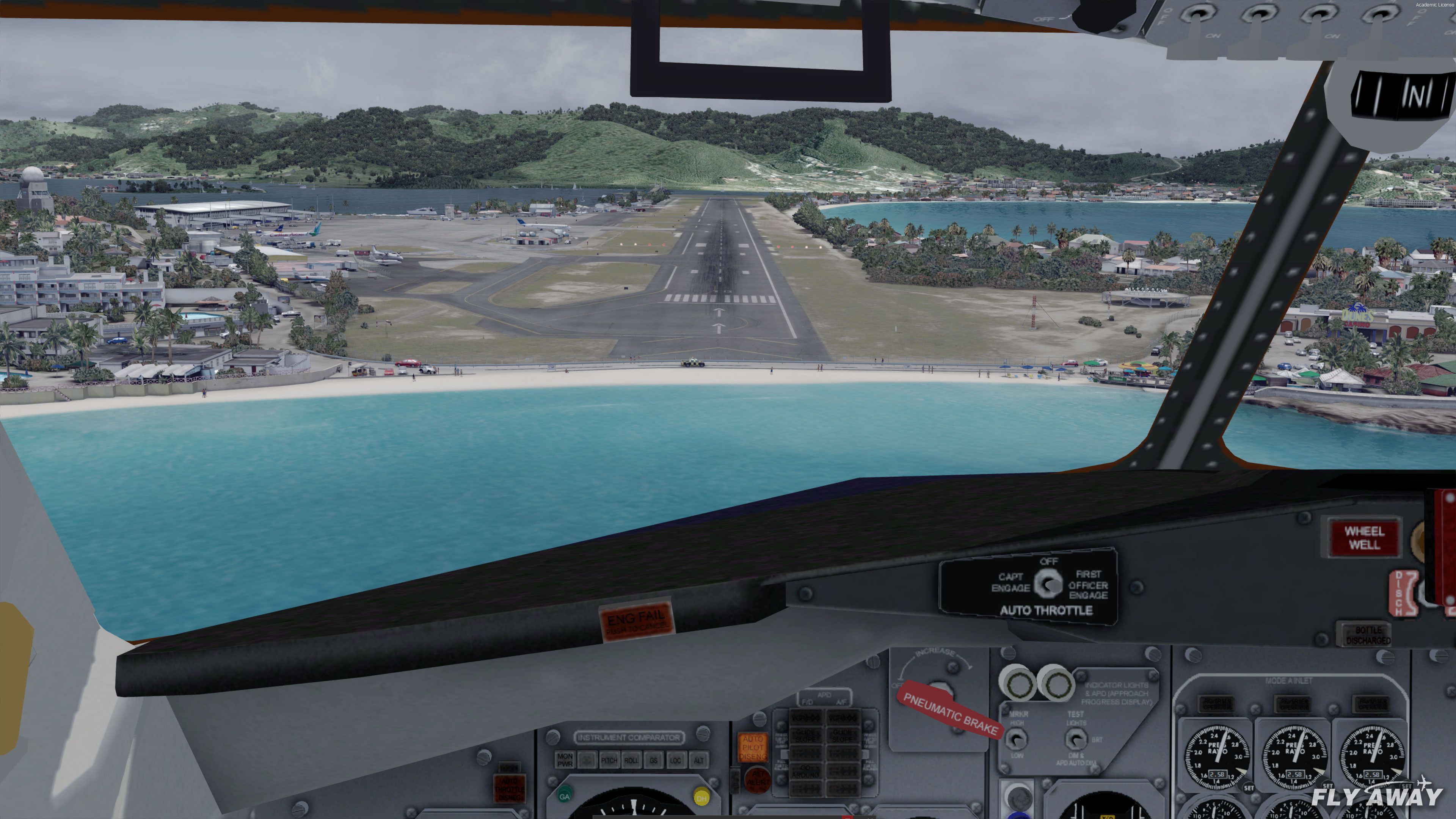
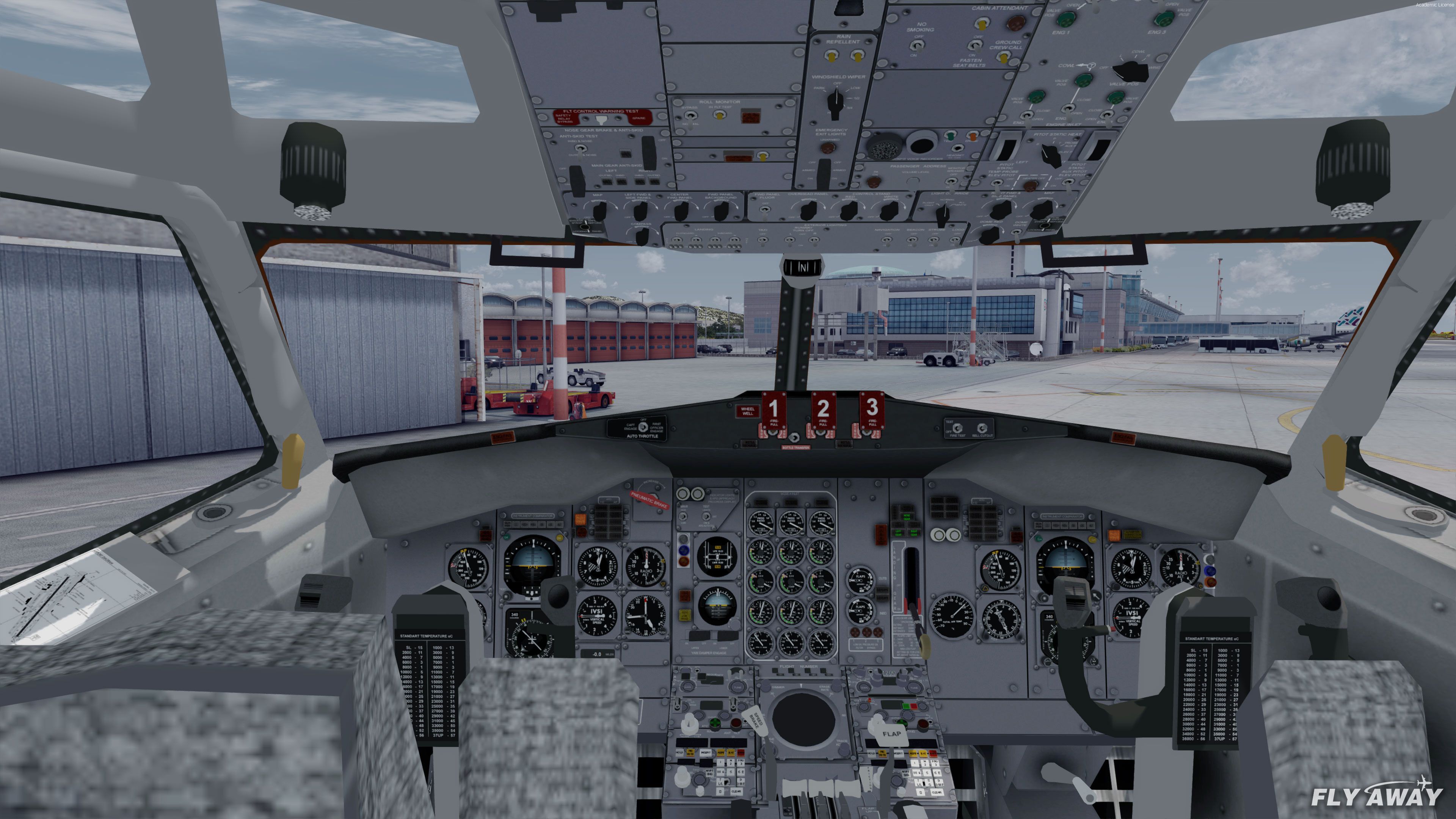
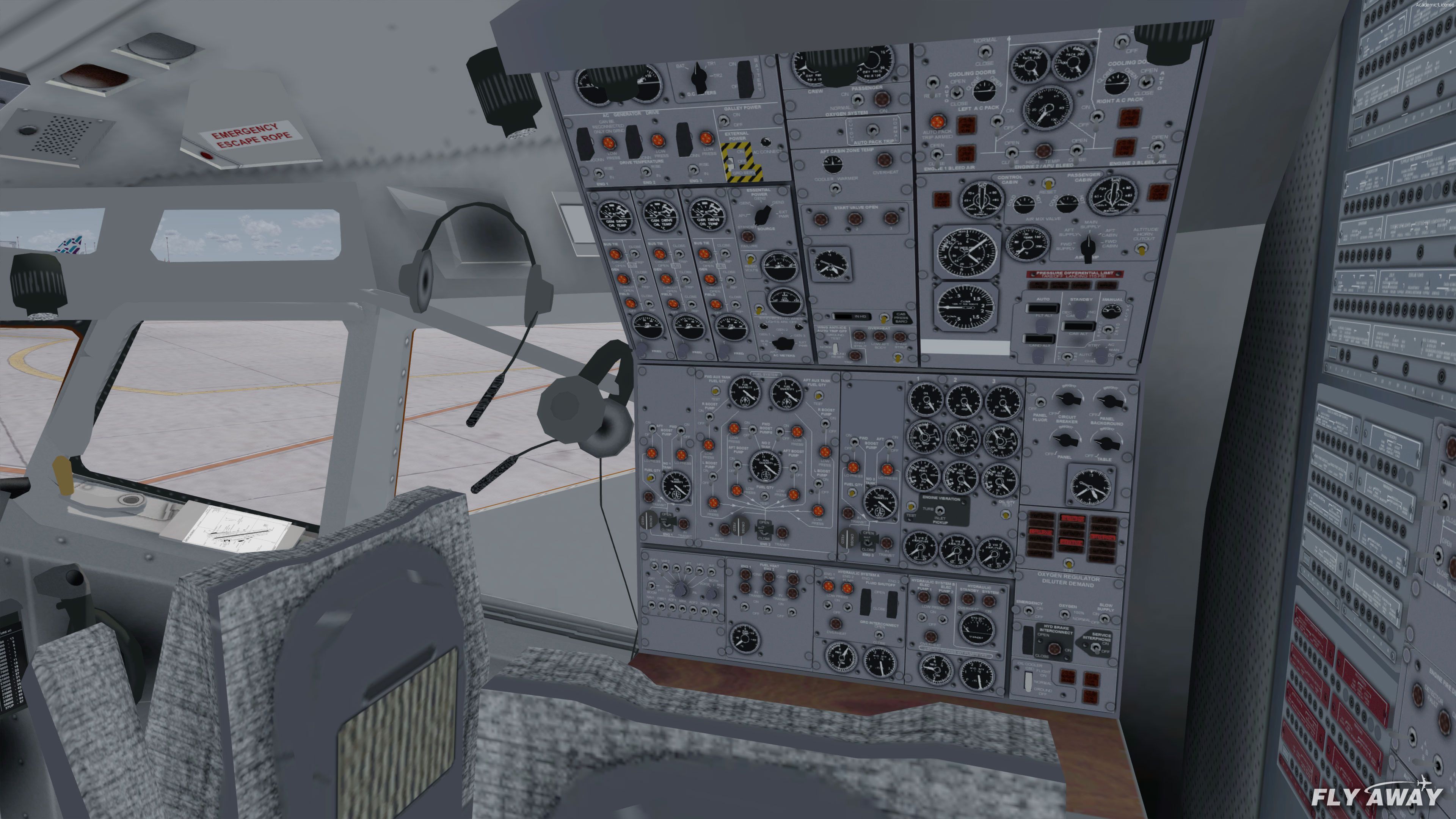
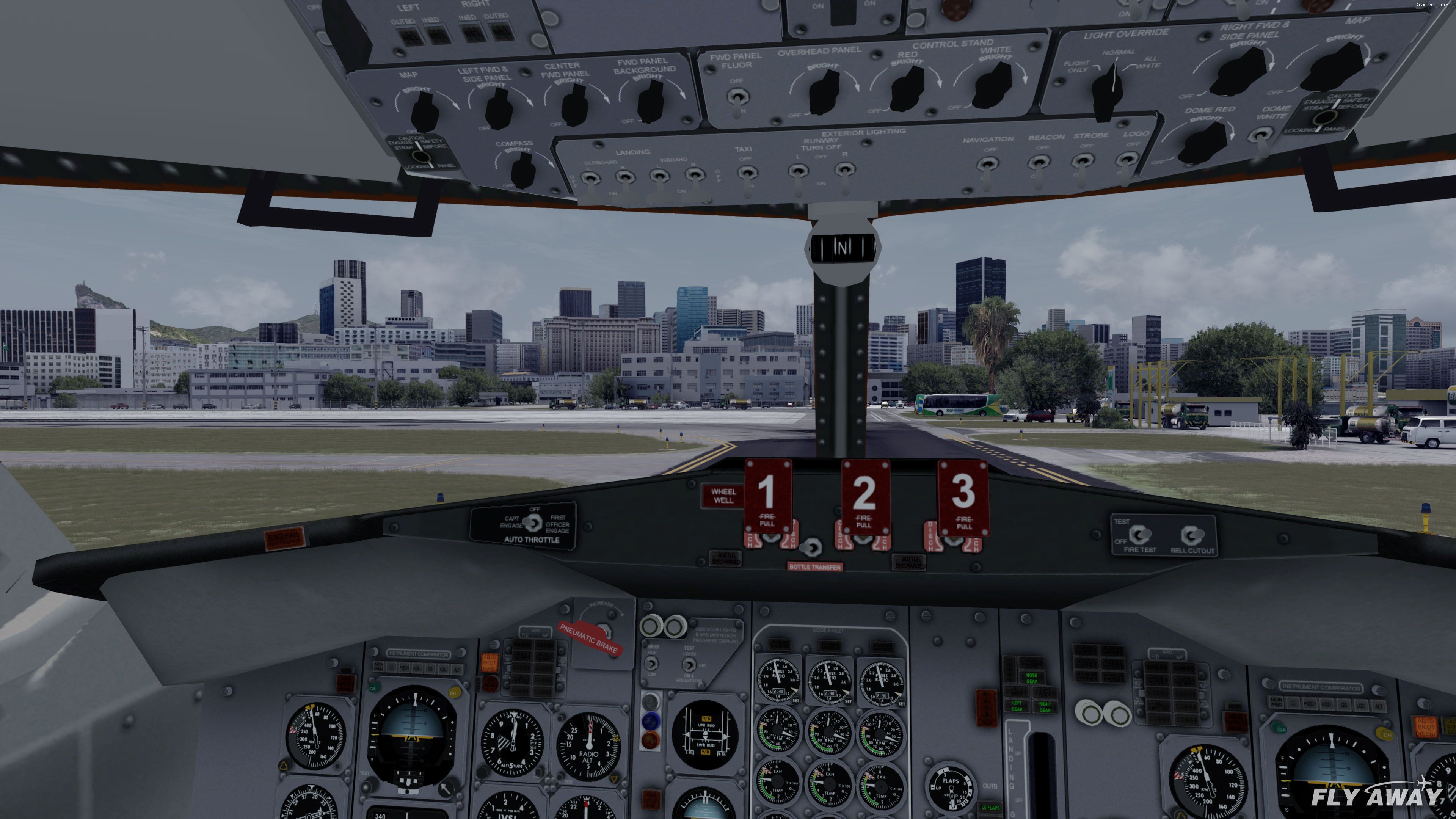
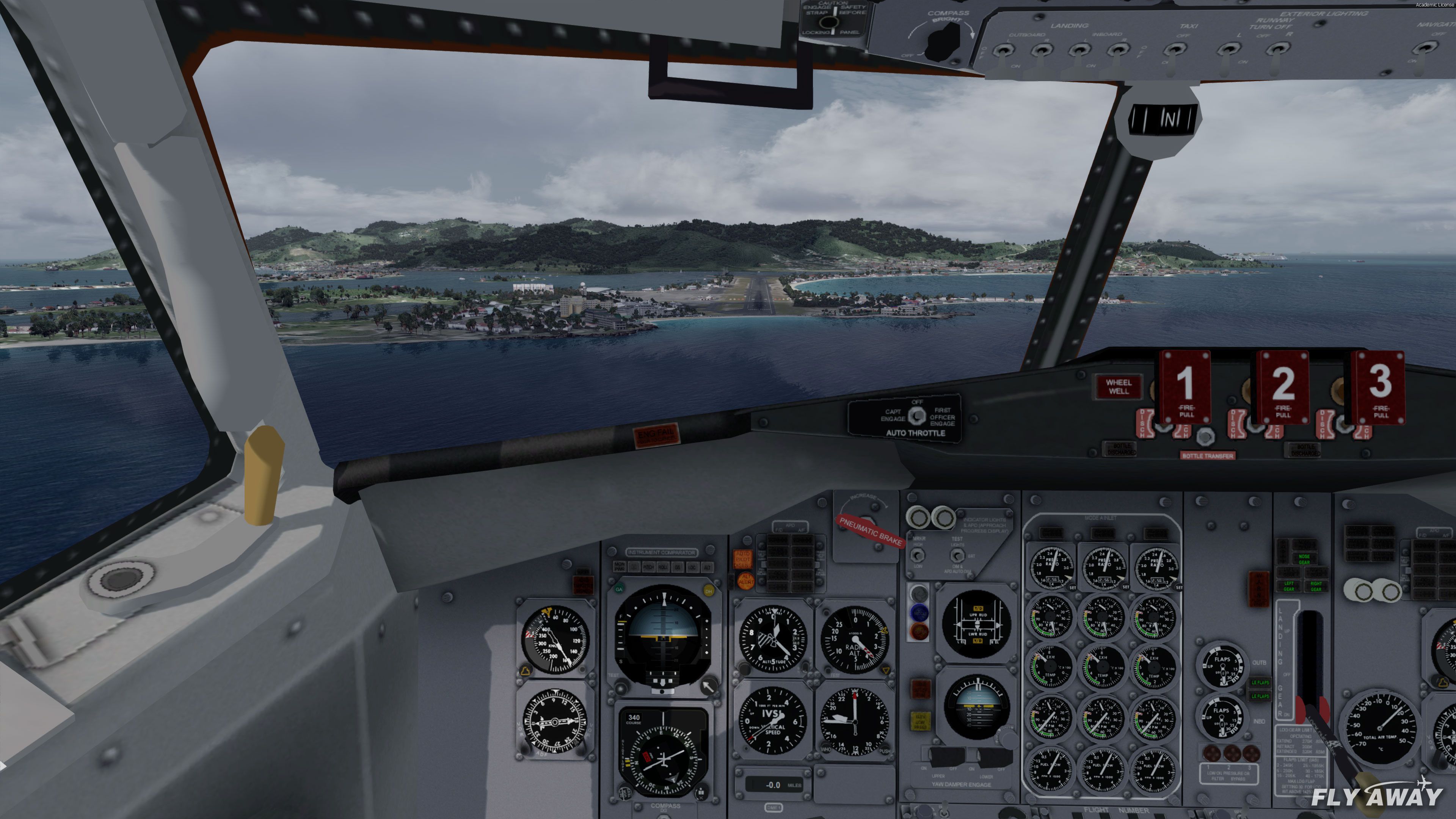
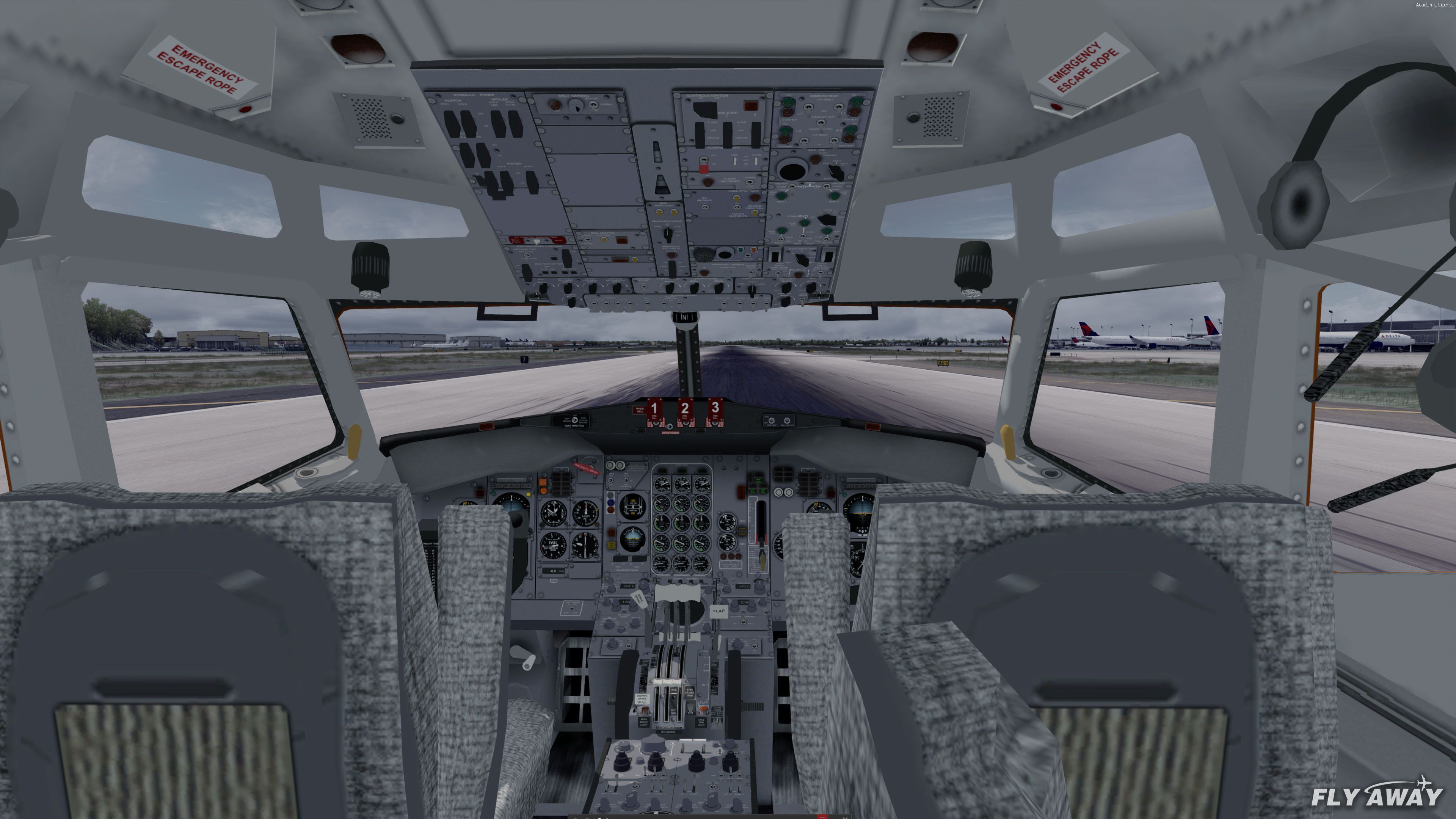
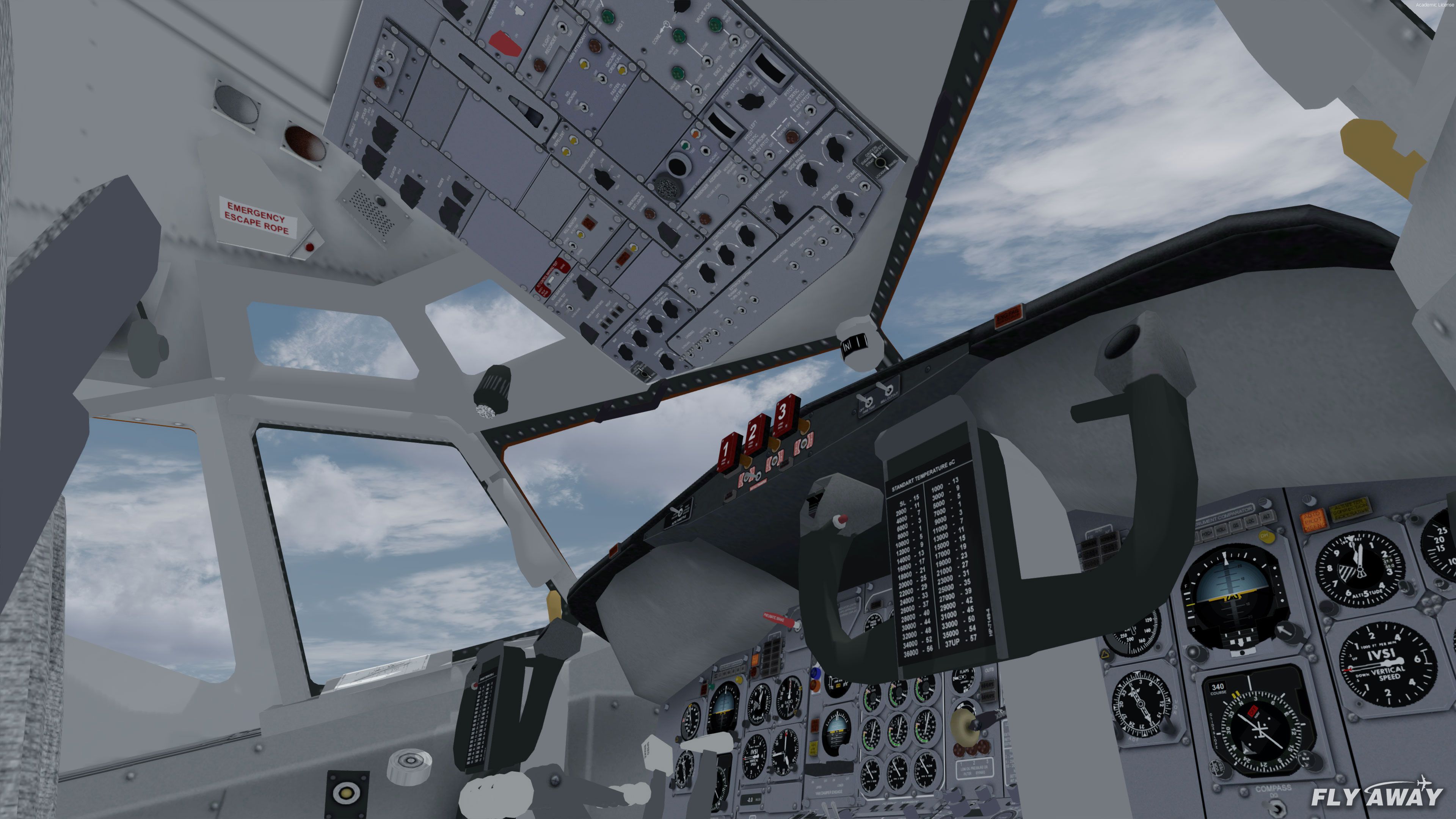
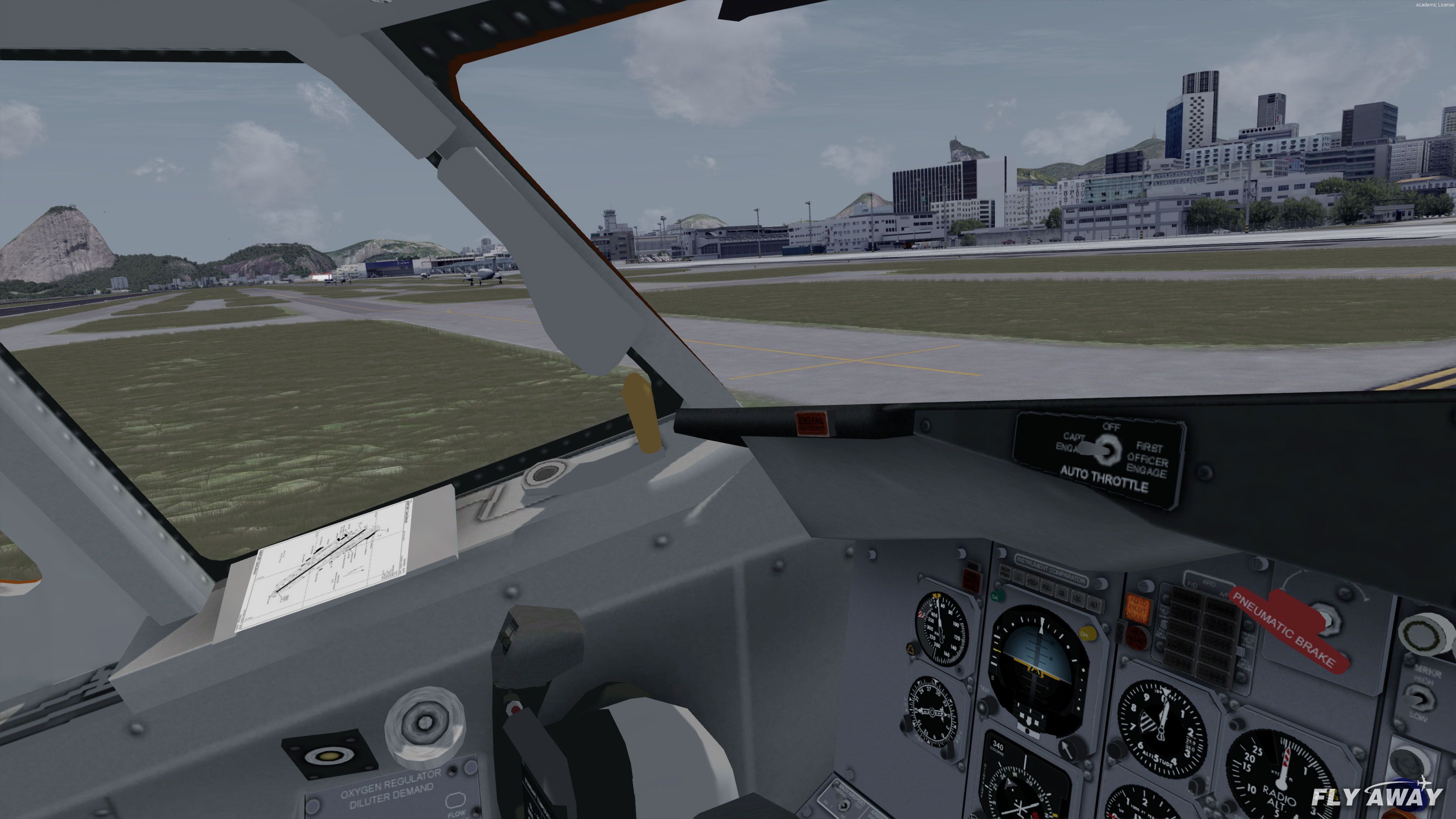
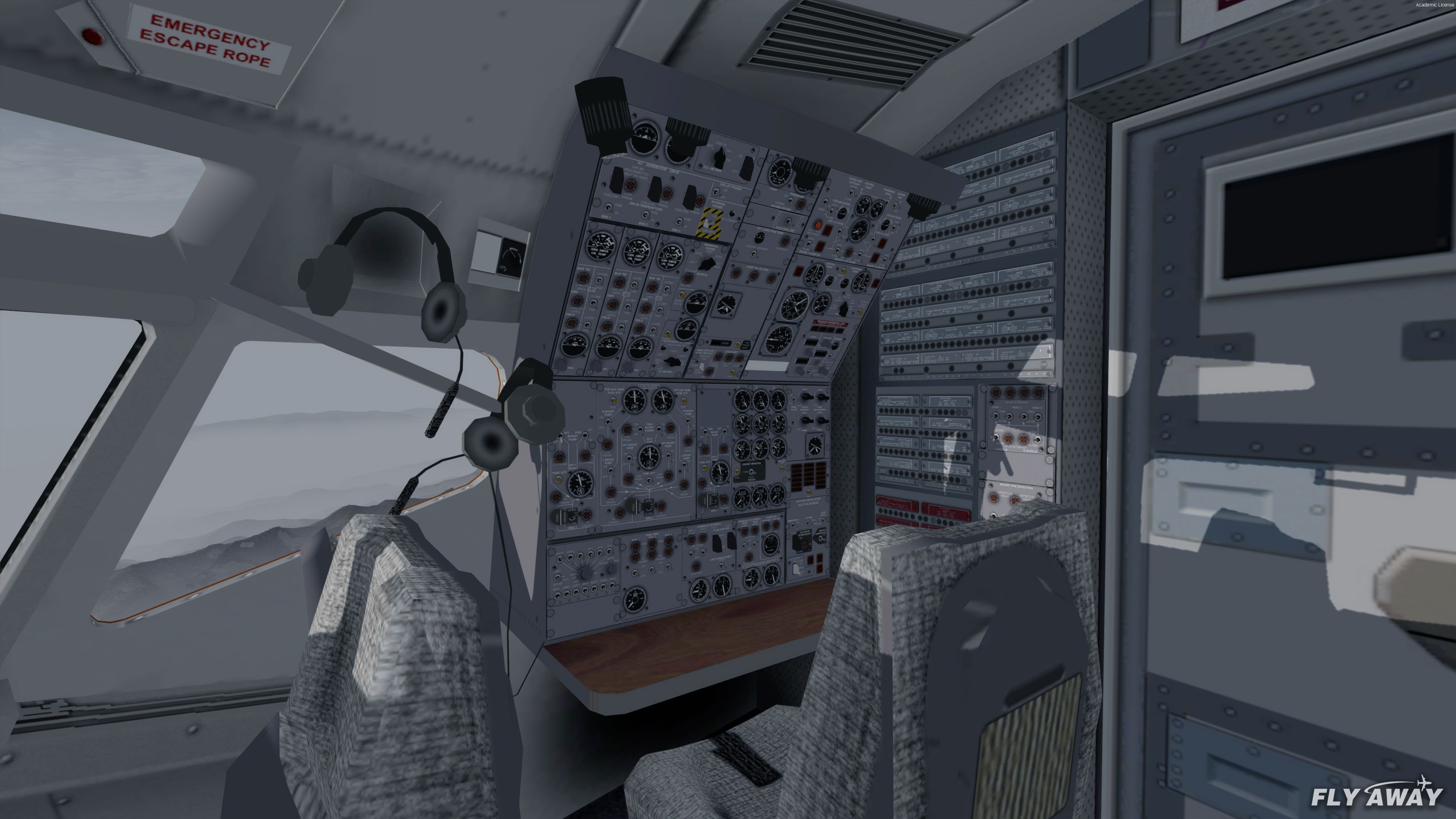
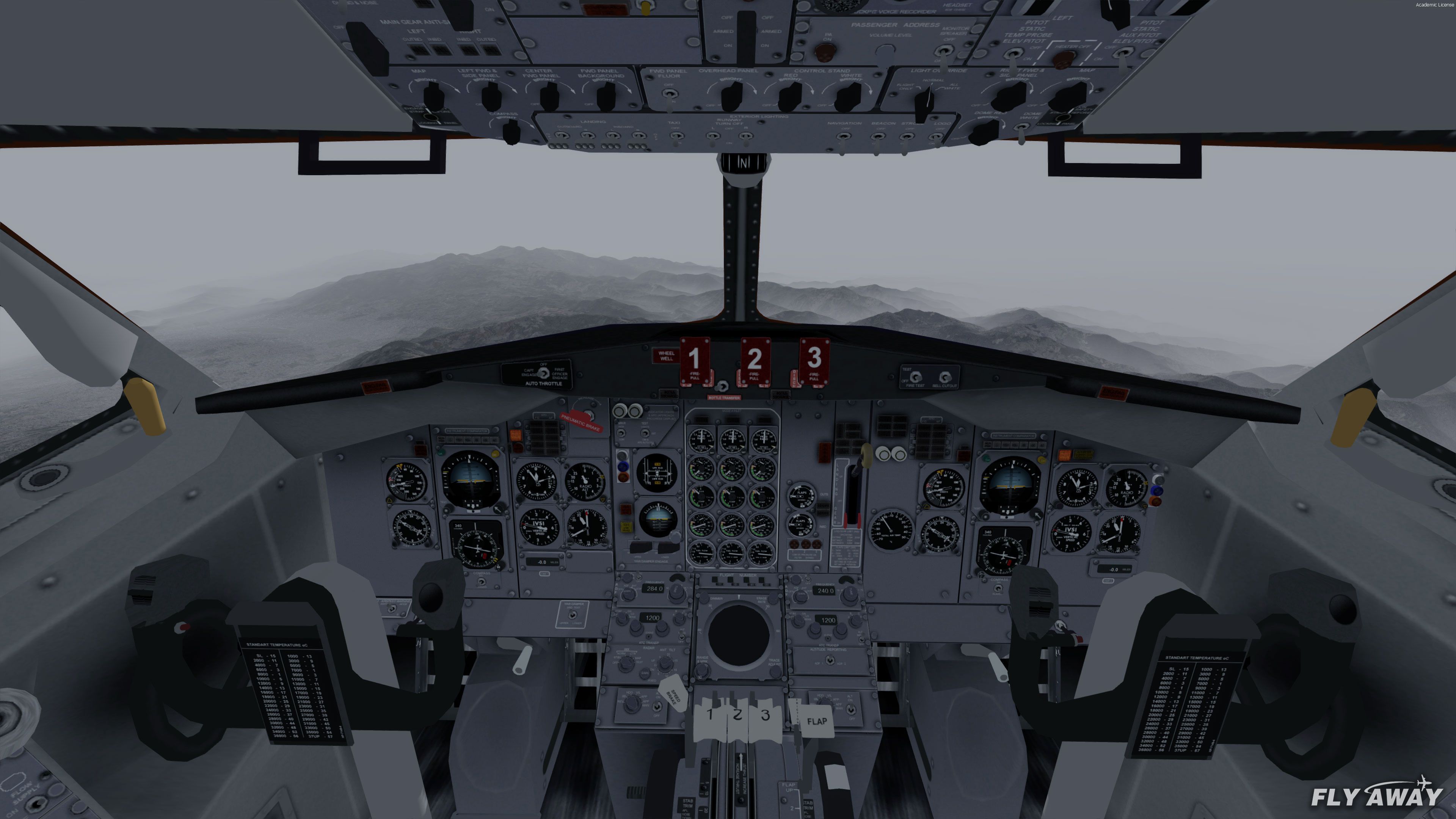
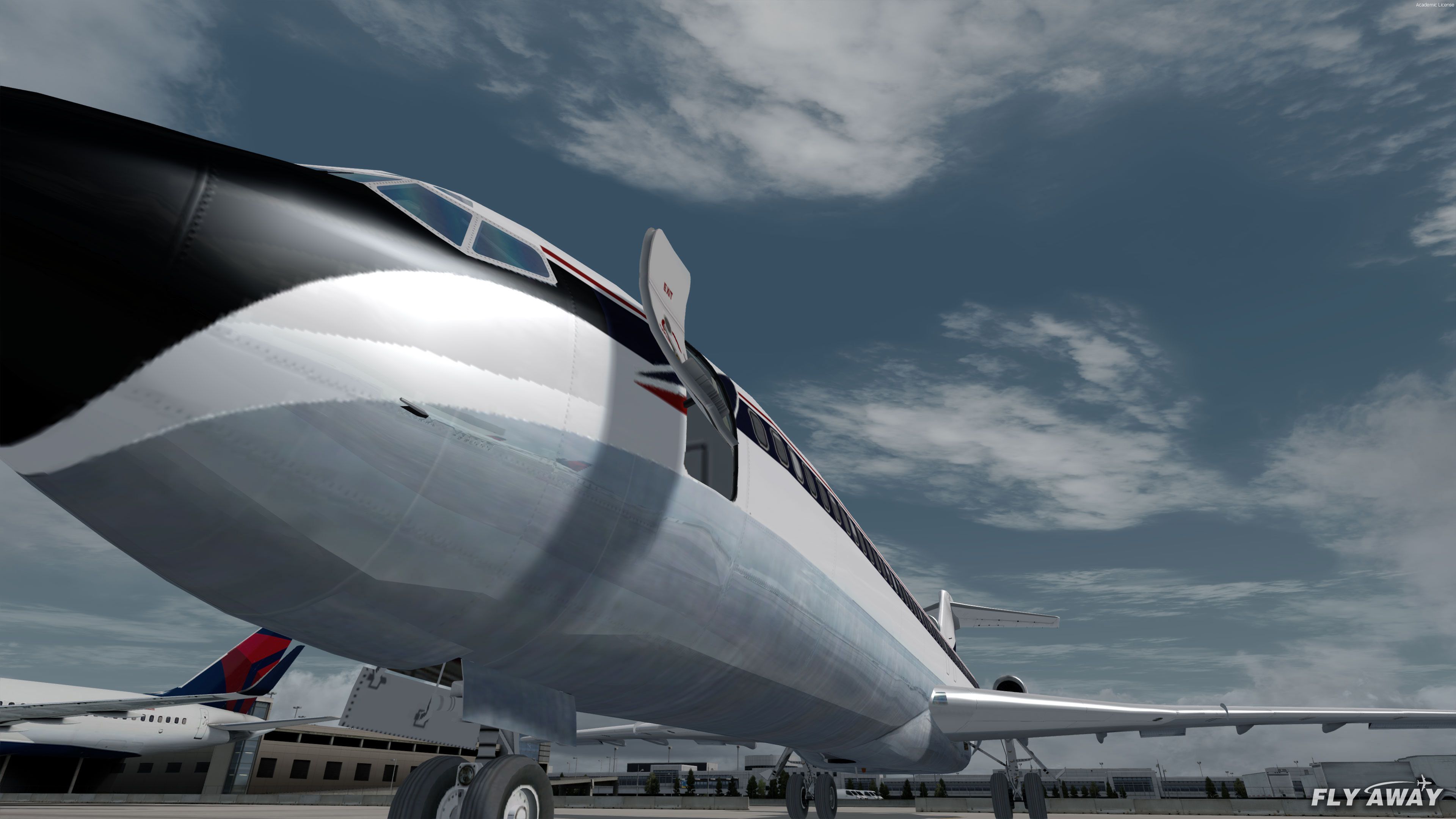
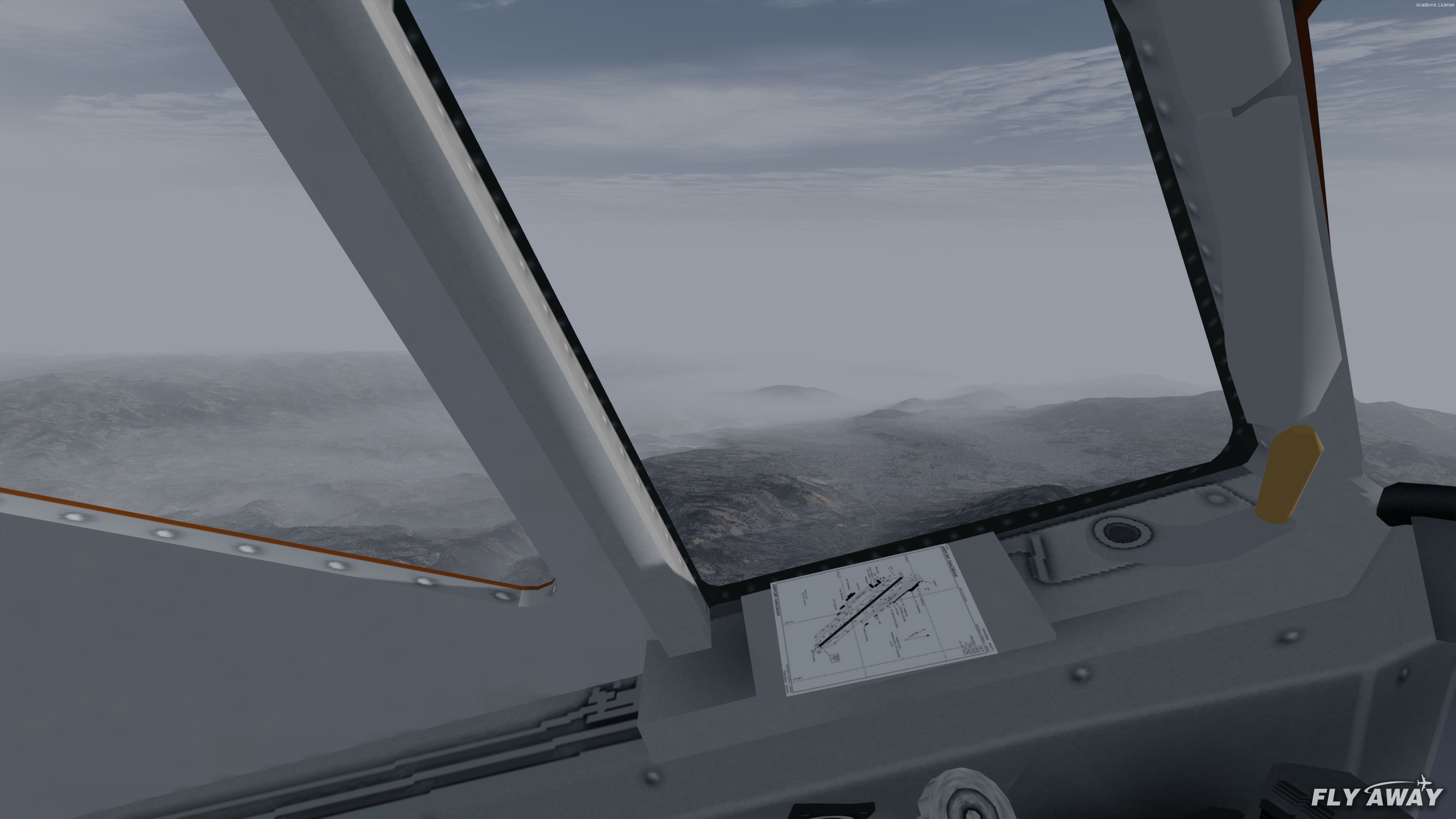
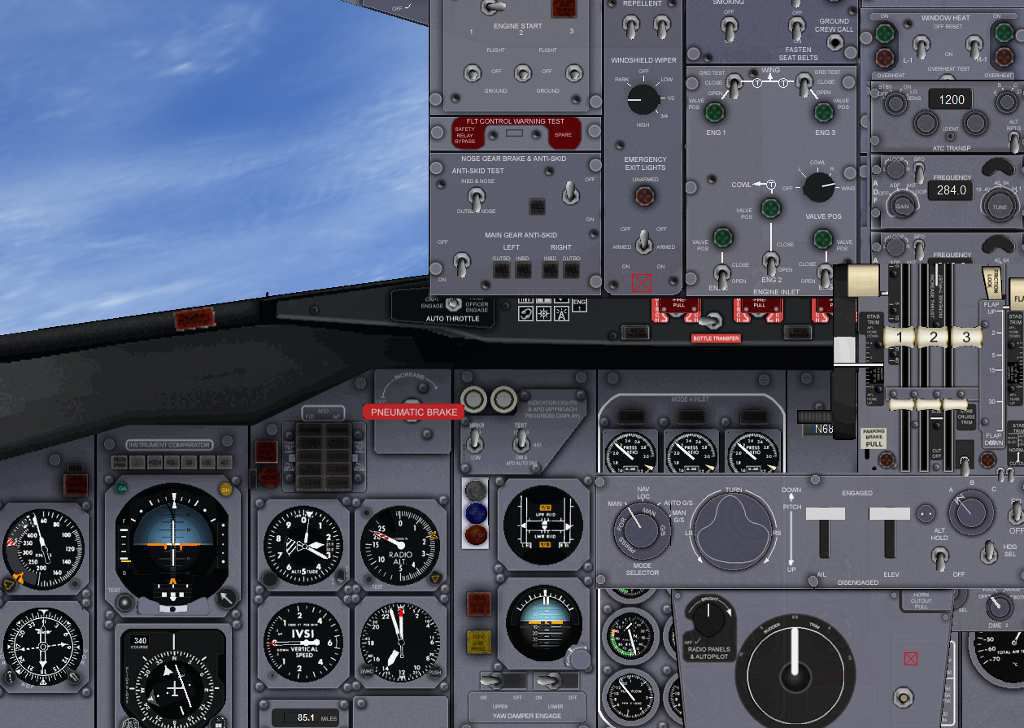
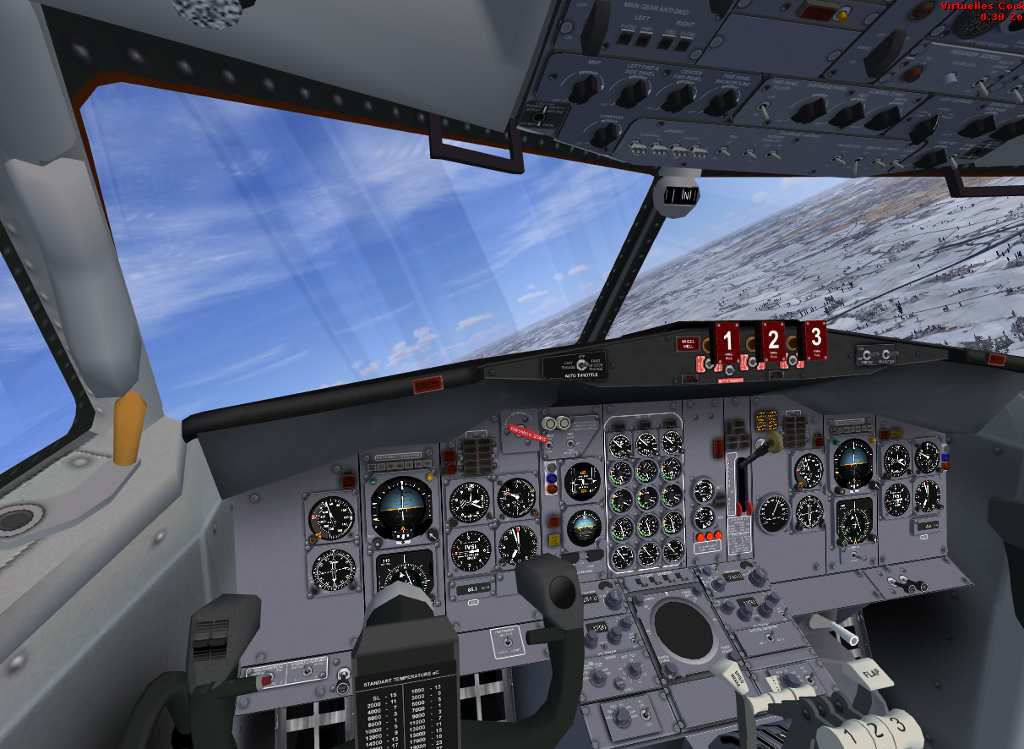
The aircraft comes with a fully working 3D VC (Virtual Cockpit) which is how many modern virtual pilots prefer to fly (especially when using VR). However, also included is a standard 2D panel for our older simulator enthusiasts that have been with us since the days of FS98.
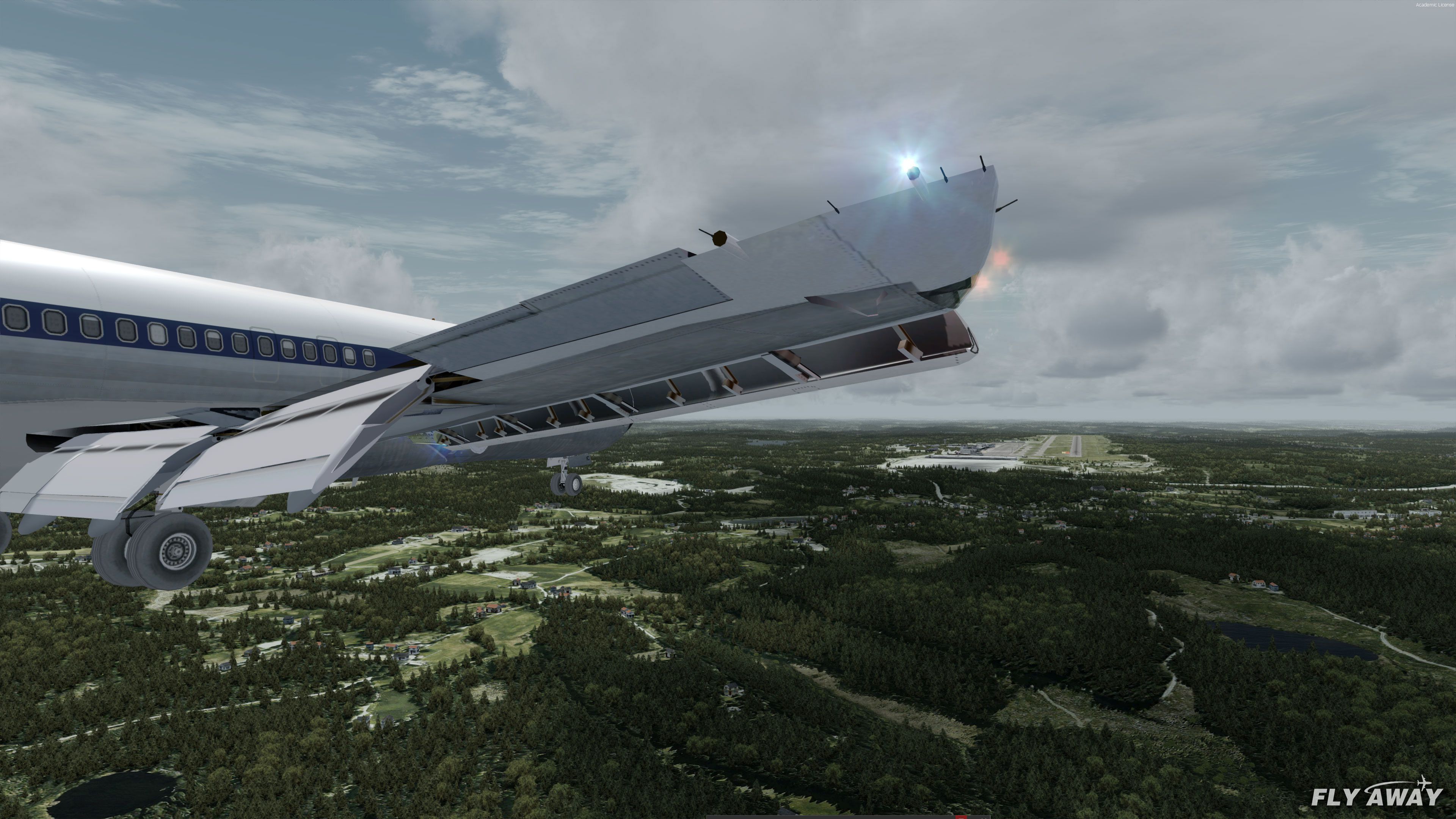
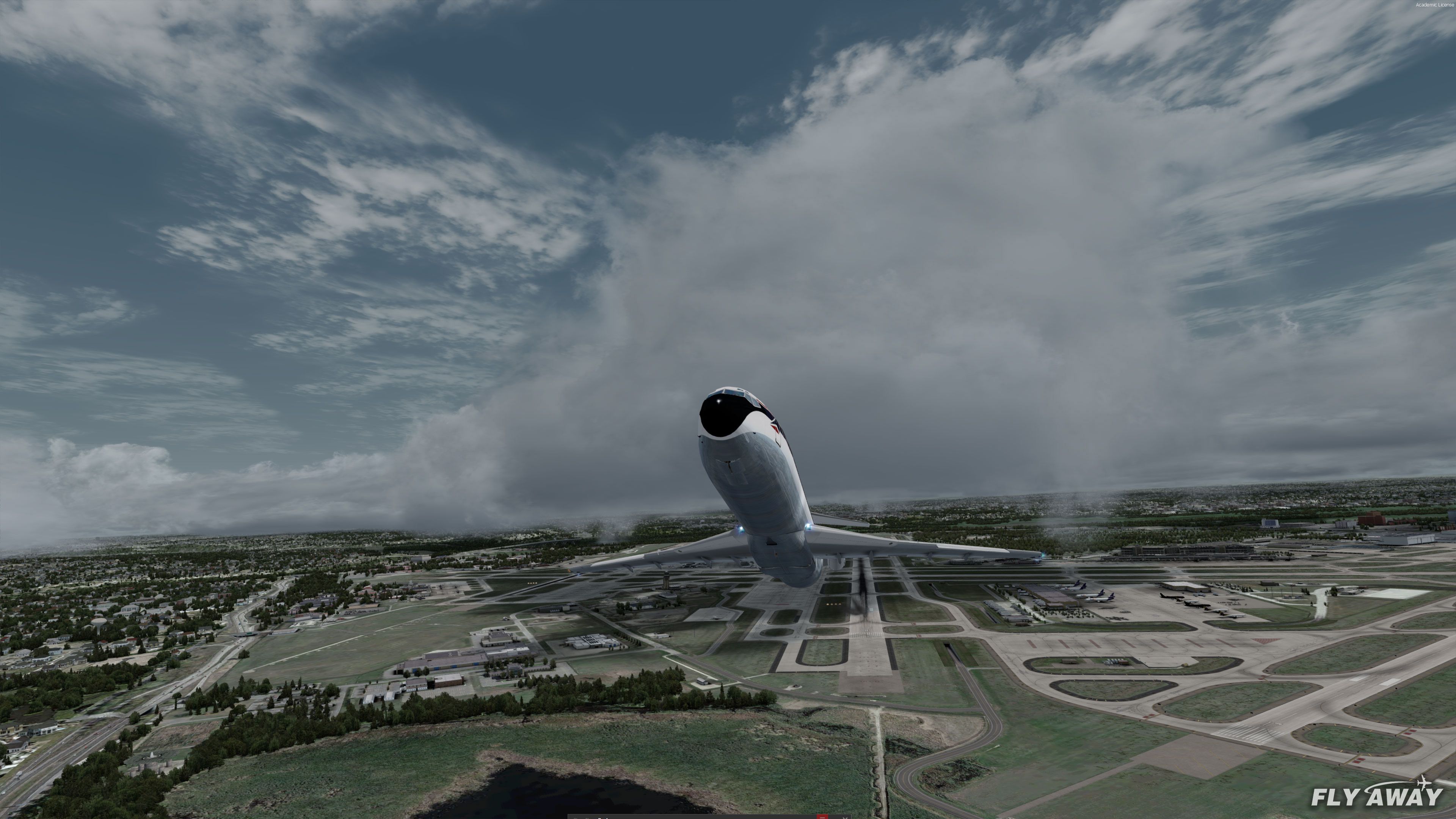
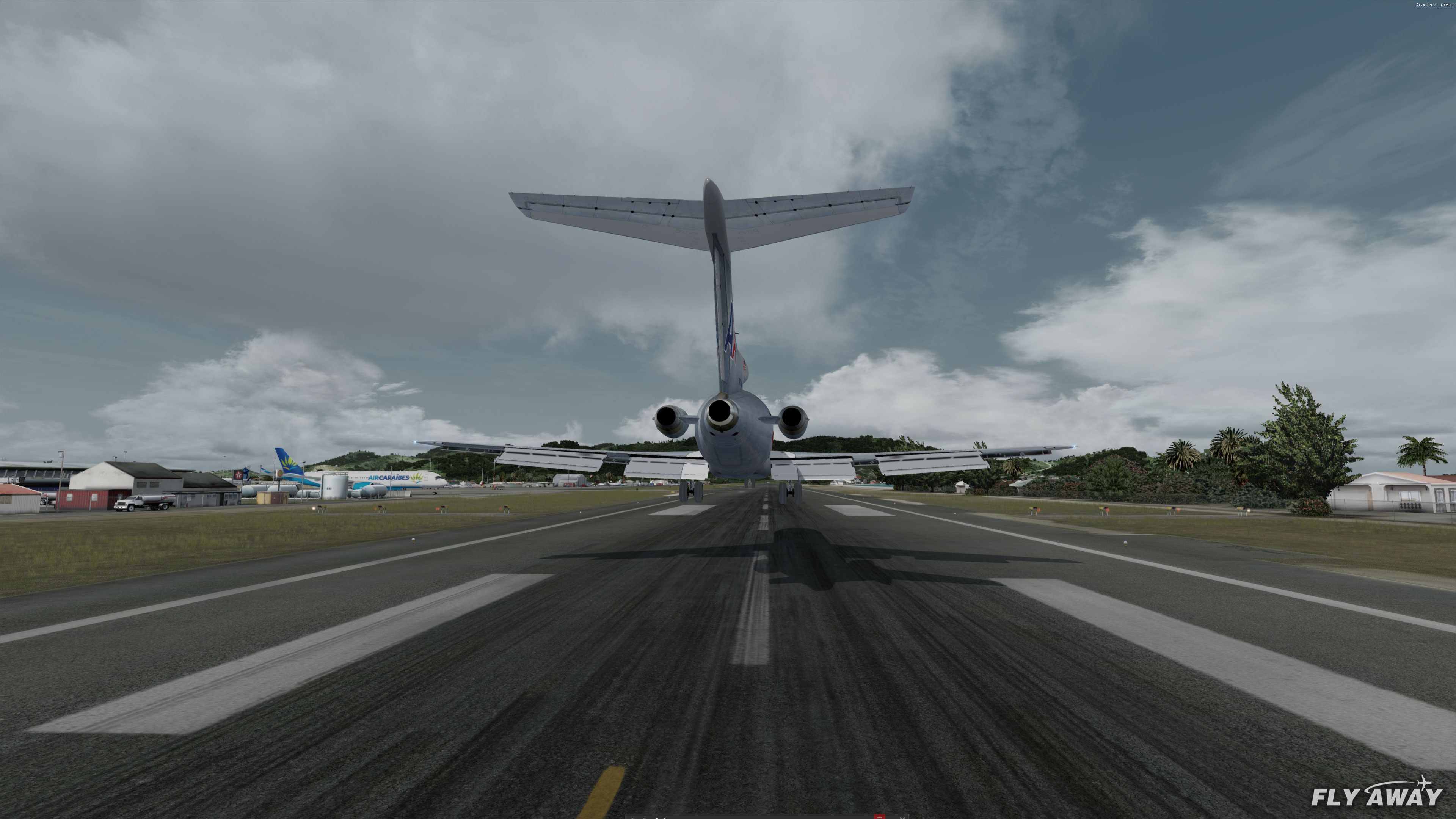
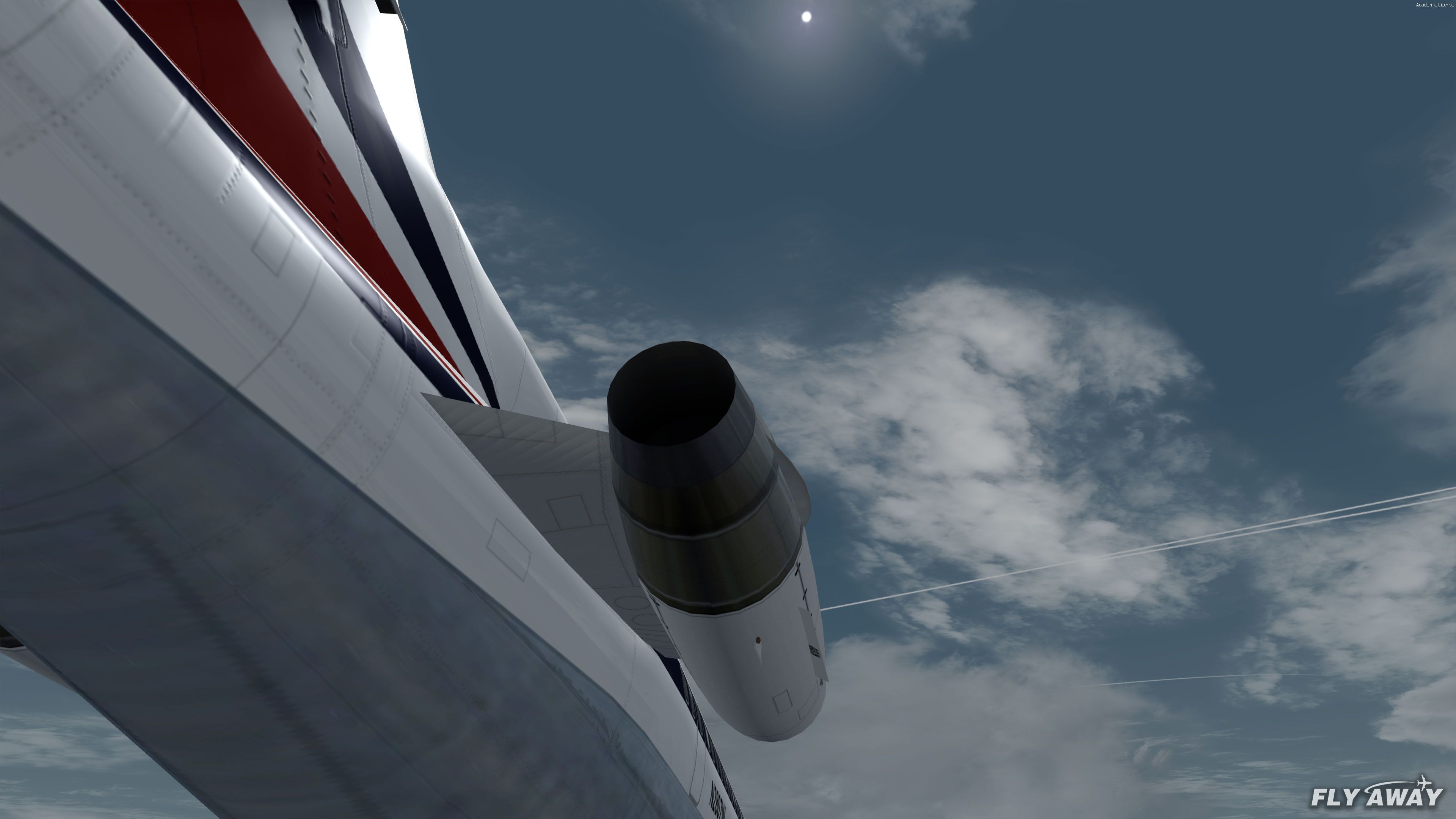
Also included are effects like the well-known 727 engine smoke and bucket reverse deflector thrusters (on early 727-100 models). However, with a little tweaking you can (if you want to) enable them on all of the 727 variants in this package like you can see in the video.
Models Included
- Boeing 727-100
- Boeing 727-200
- Boeing 727-200 Advanced (ADV)
Repaints Included
Please note: Some of the real-world liveries included below may include different repaints by different developers but we have only listed each airliner/operator once.
727-100 Passenger
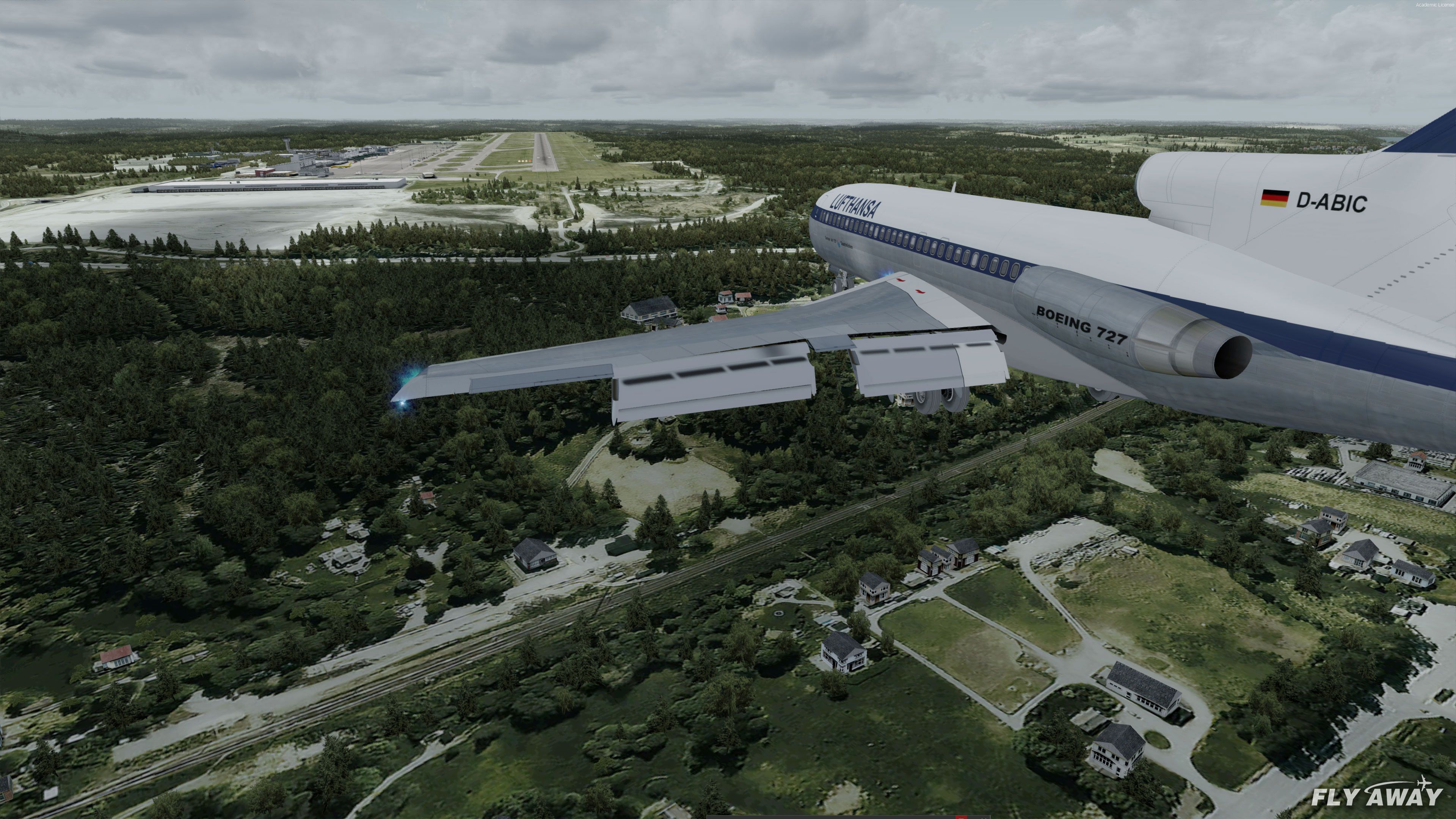
- Lufthansa Classic
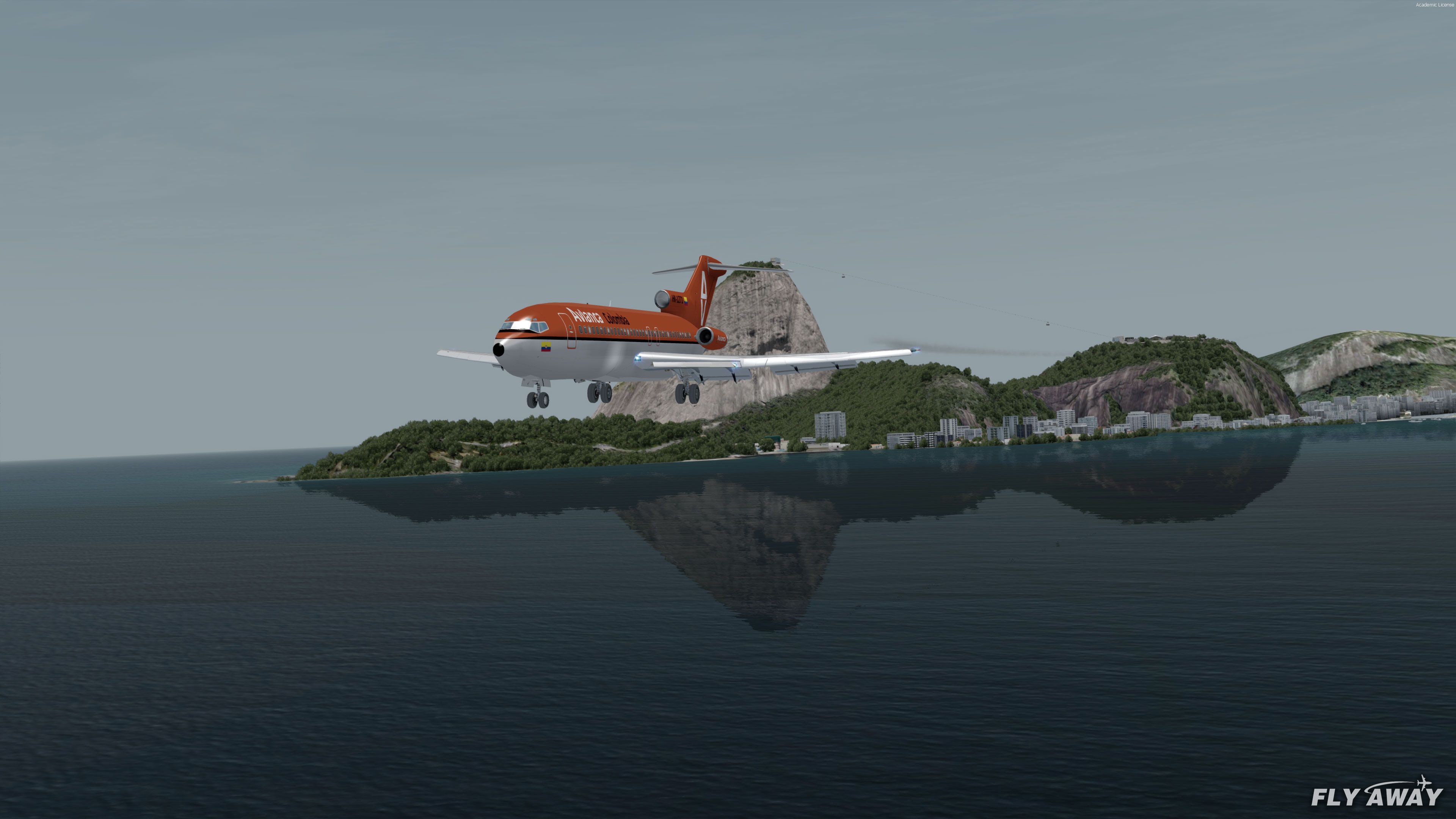
- Avianca Colombia
- Kingfisher
- Mexicana
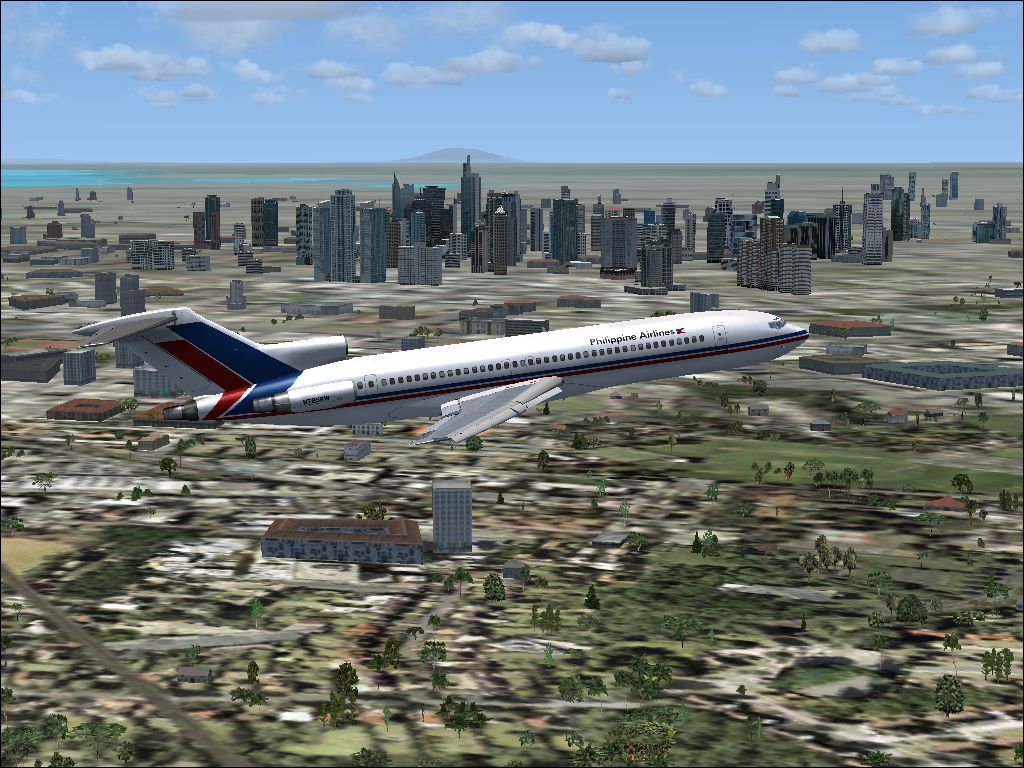
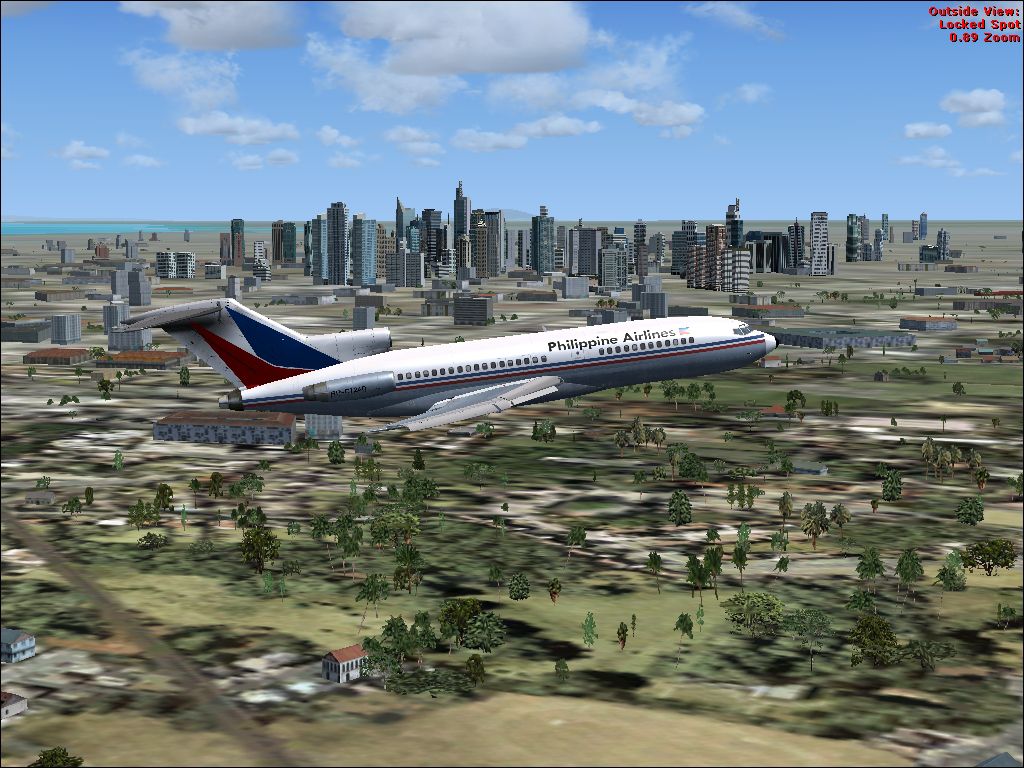
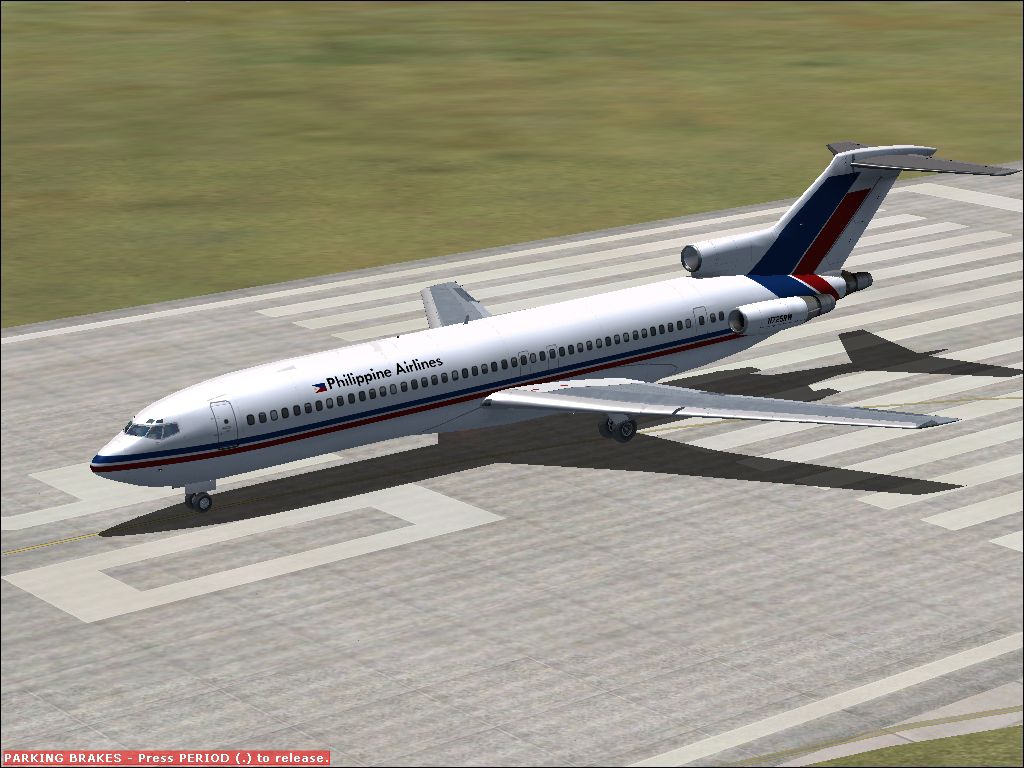
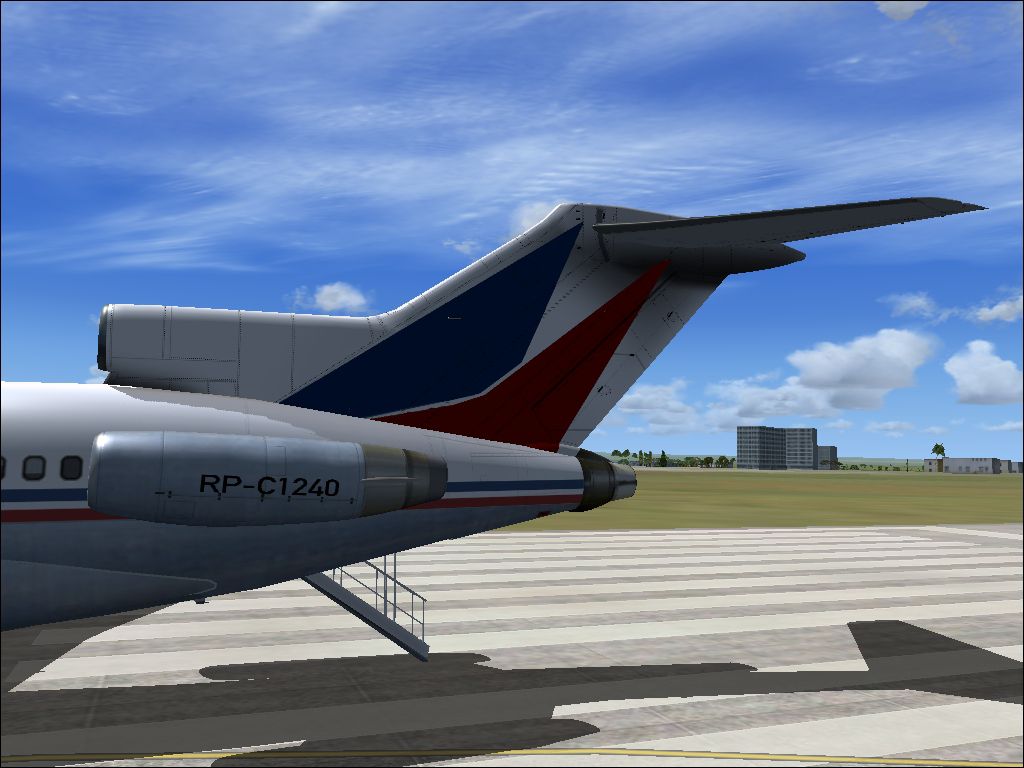
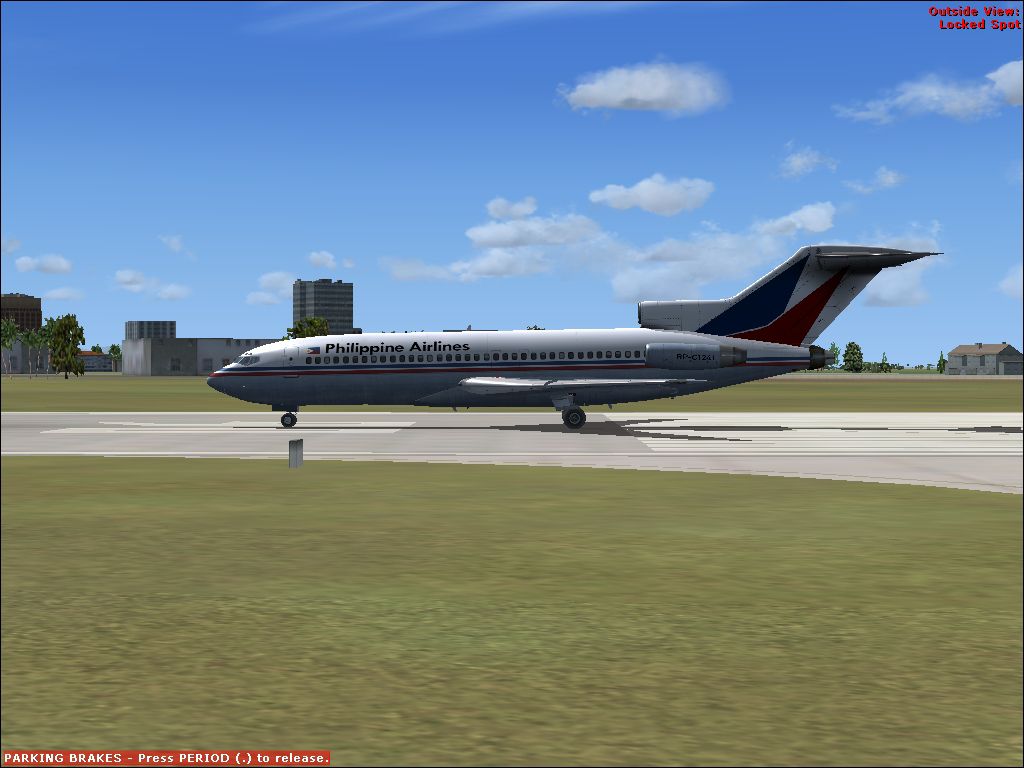
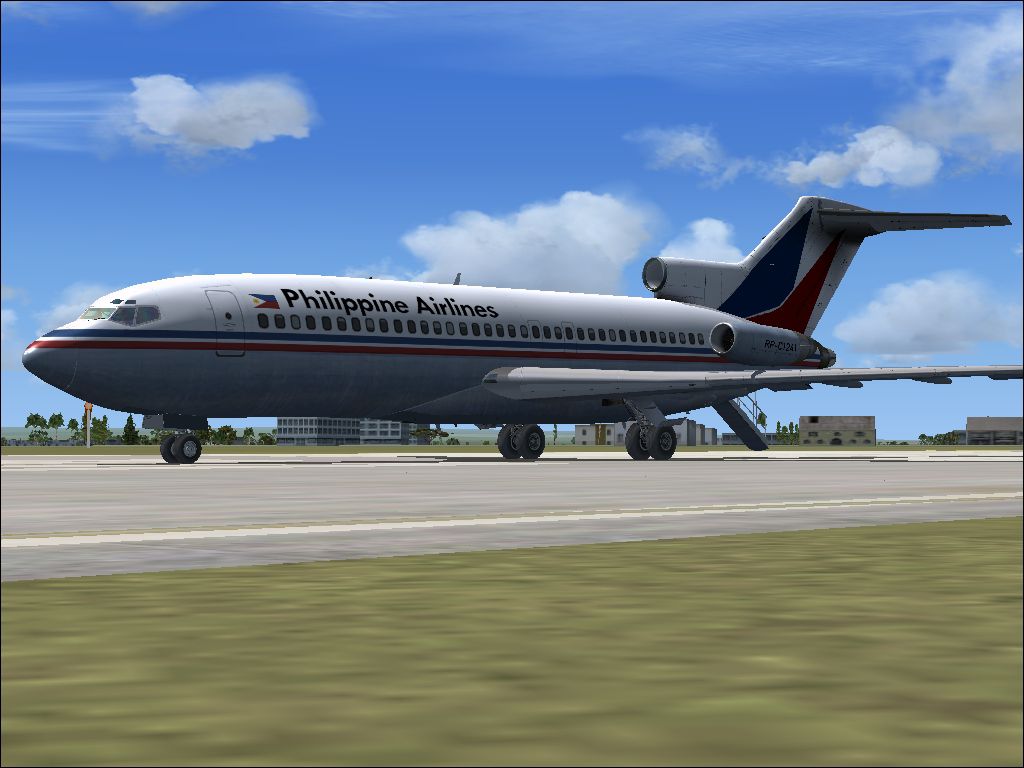
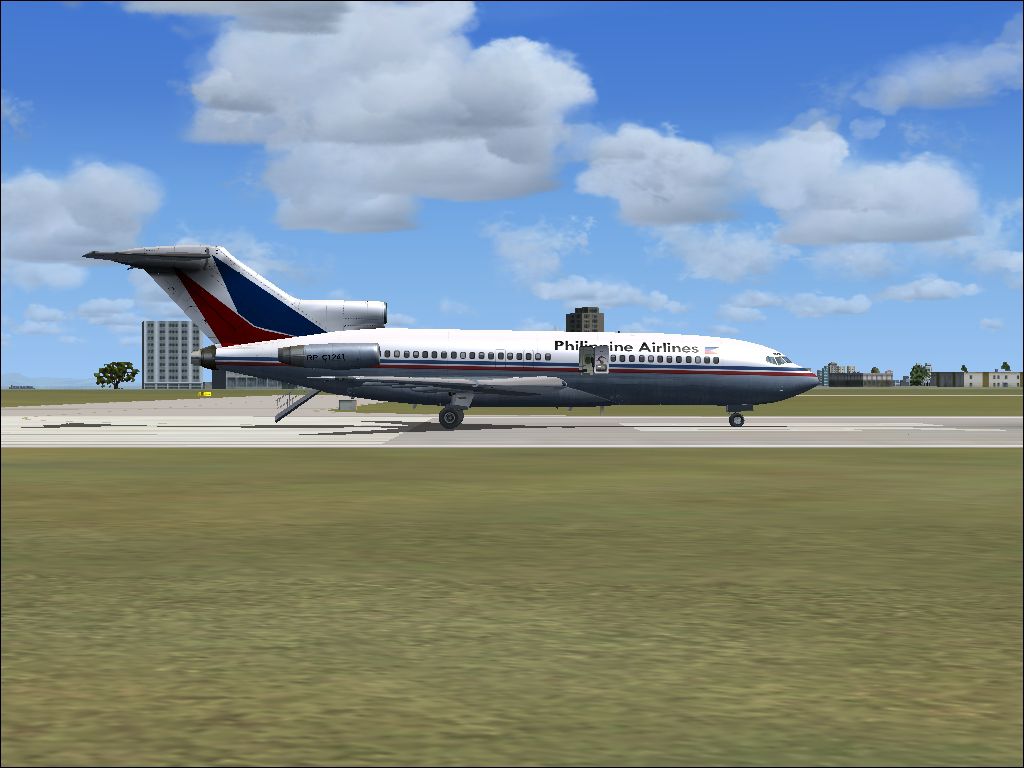
- Philippine Airlines Classic
- Pacific Southwest Airlines
- RNZAF NZ7271
- United Airlines
- USAF C22-B
727-100 Cargo
- UPS Classic
- Contract Air
- Northern Air
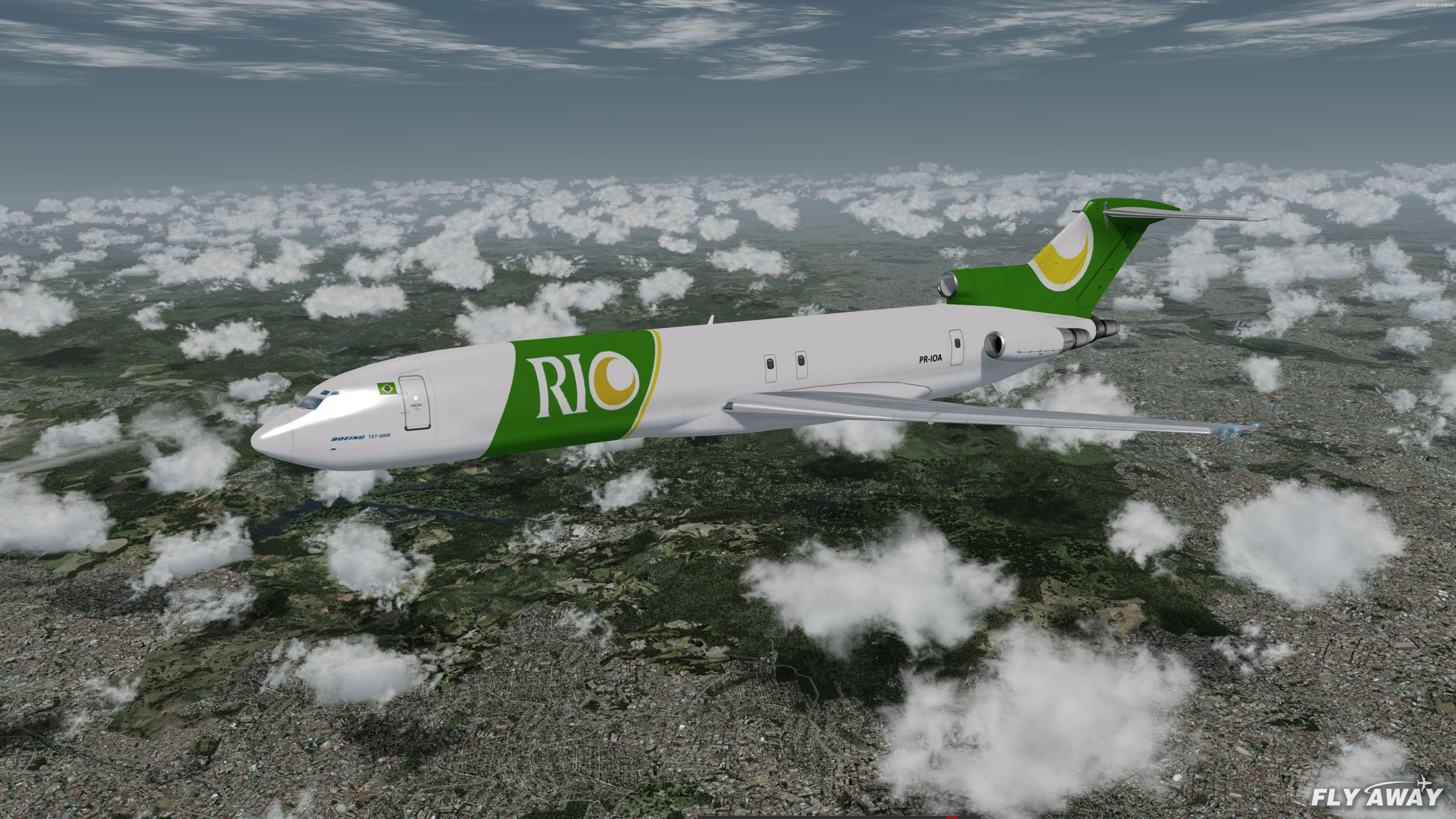
- Rio Linhas Aéreas
727-200 Passenger
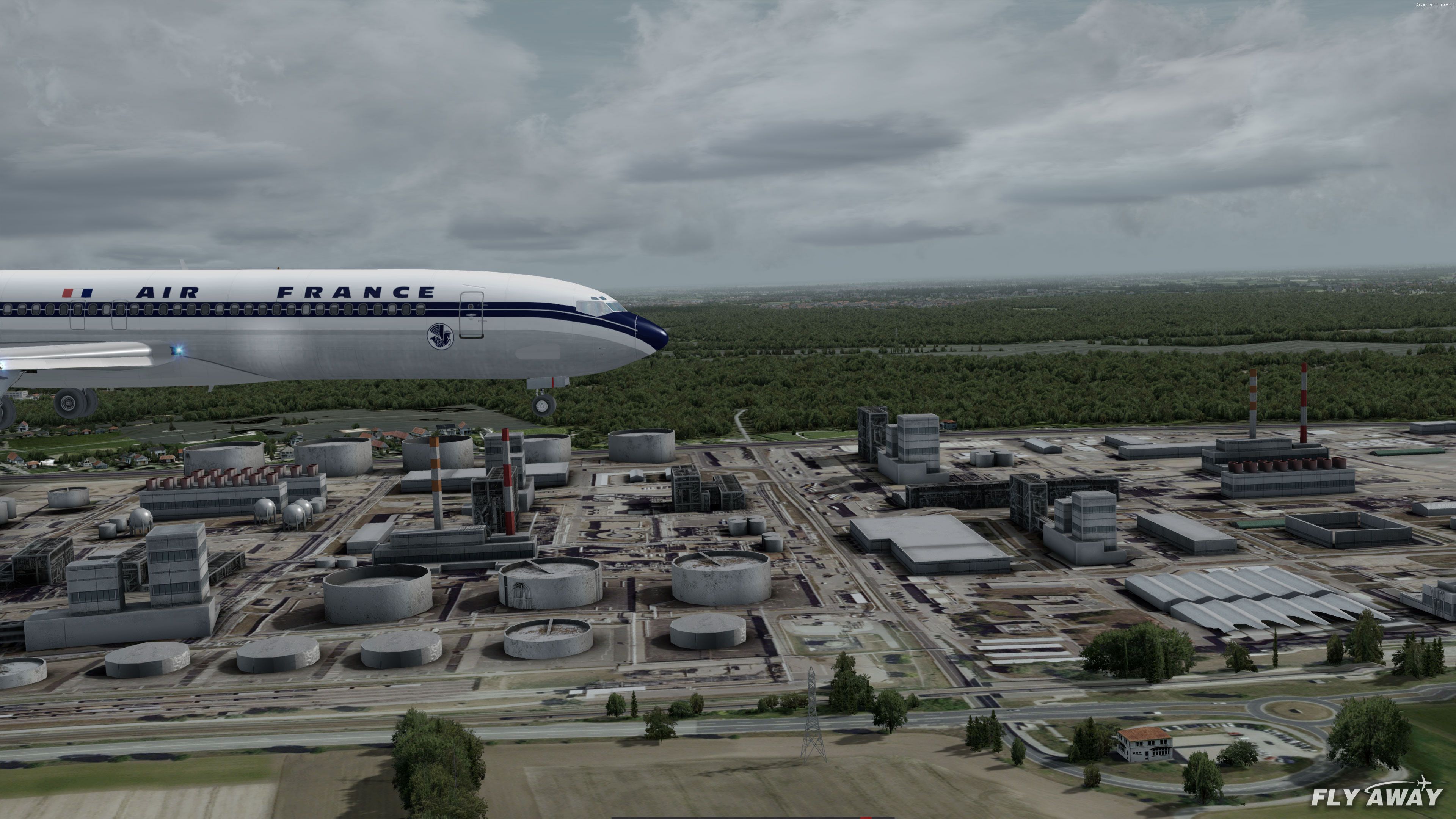
- Air France Classic
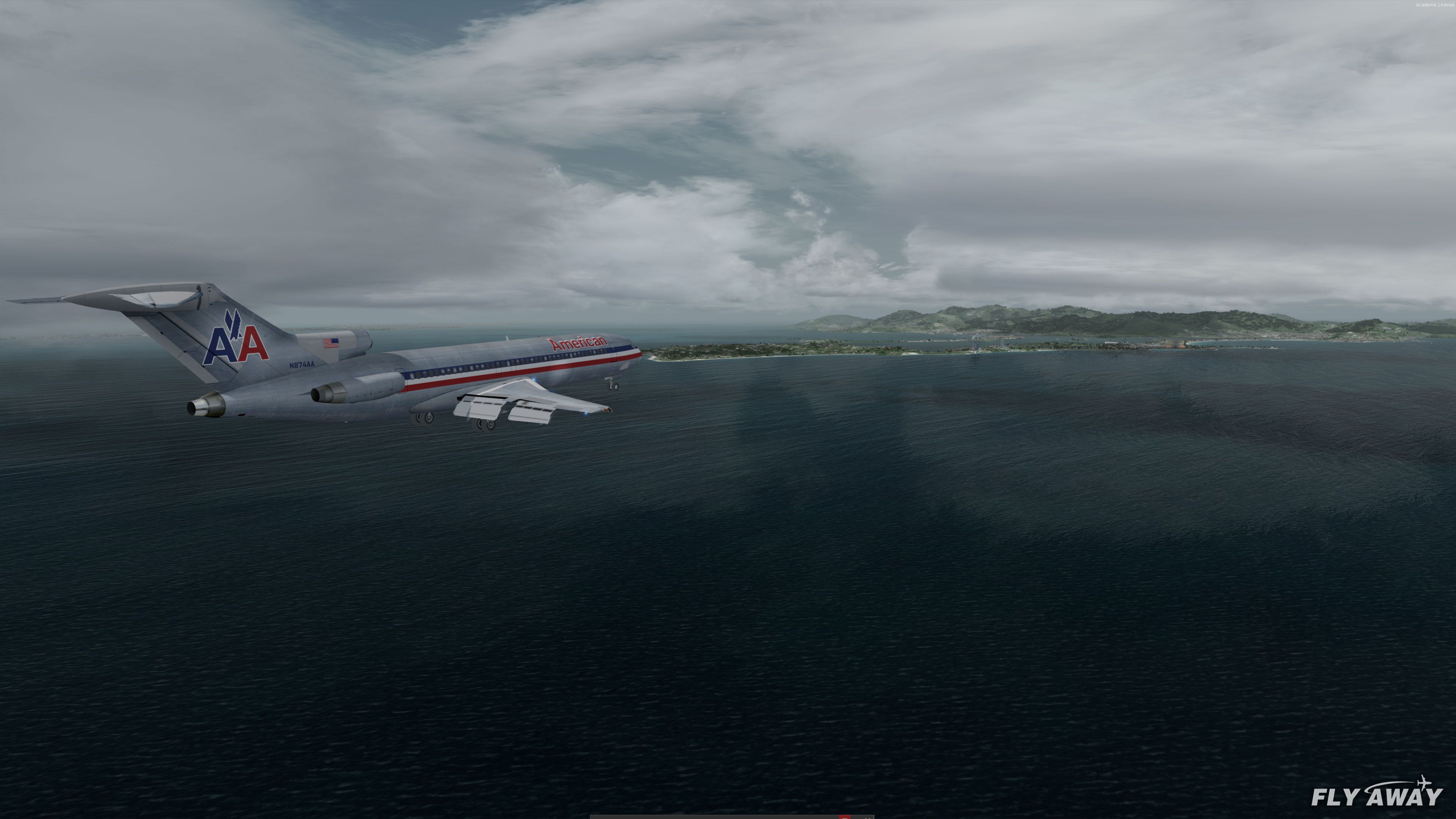
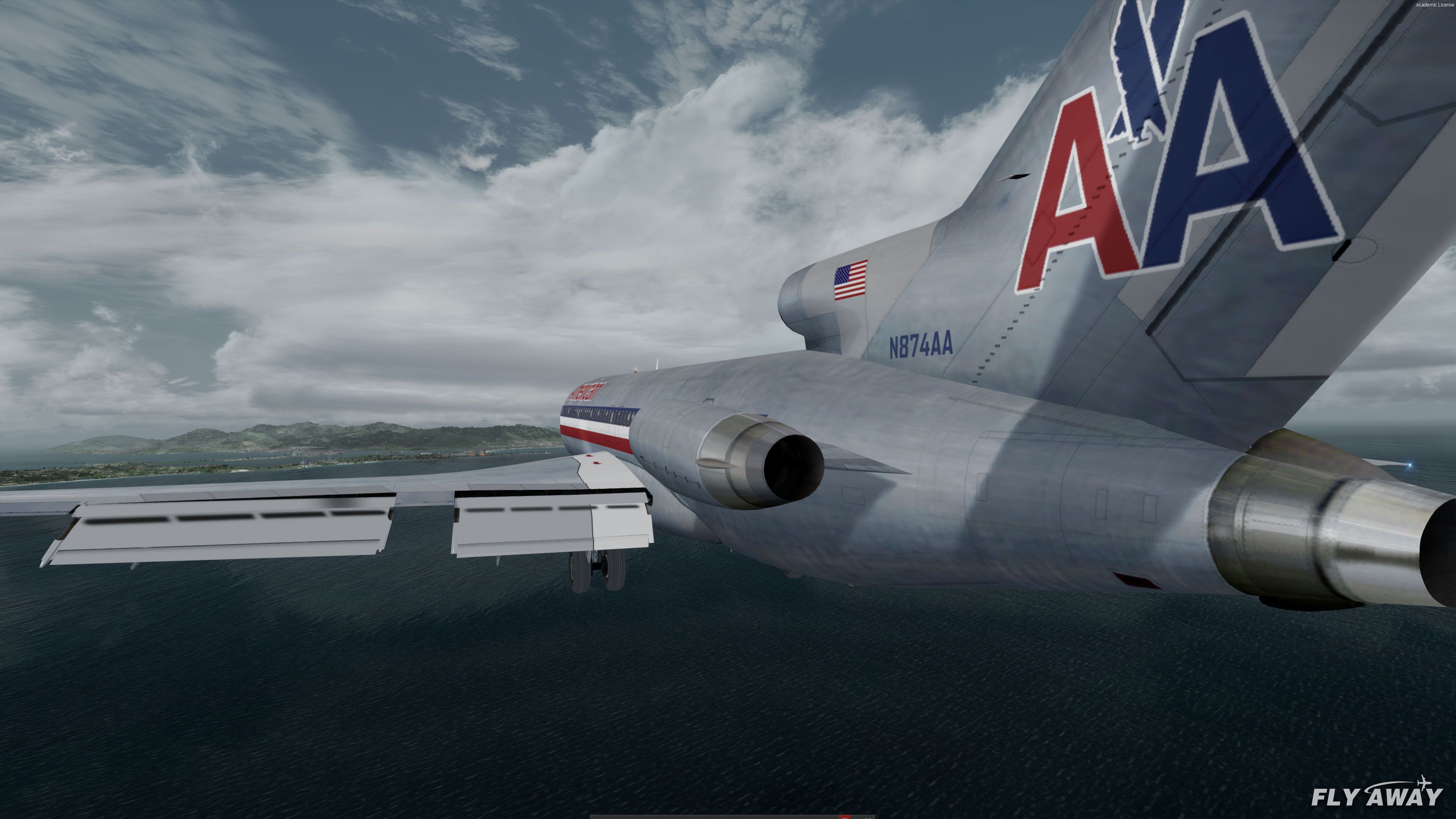
- American Airlines
- Air Canada
- Air France Modern
- Braniff International
- Continental Airlines
- DAN-AIR
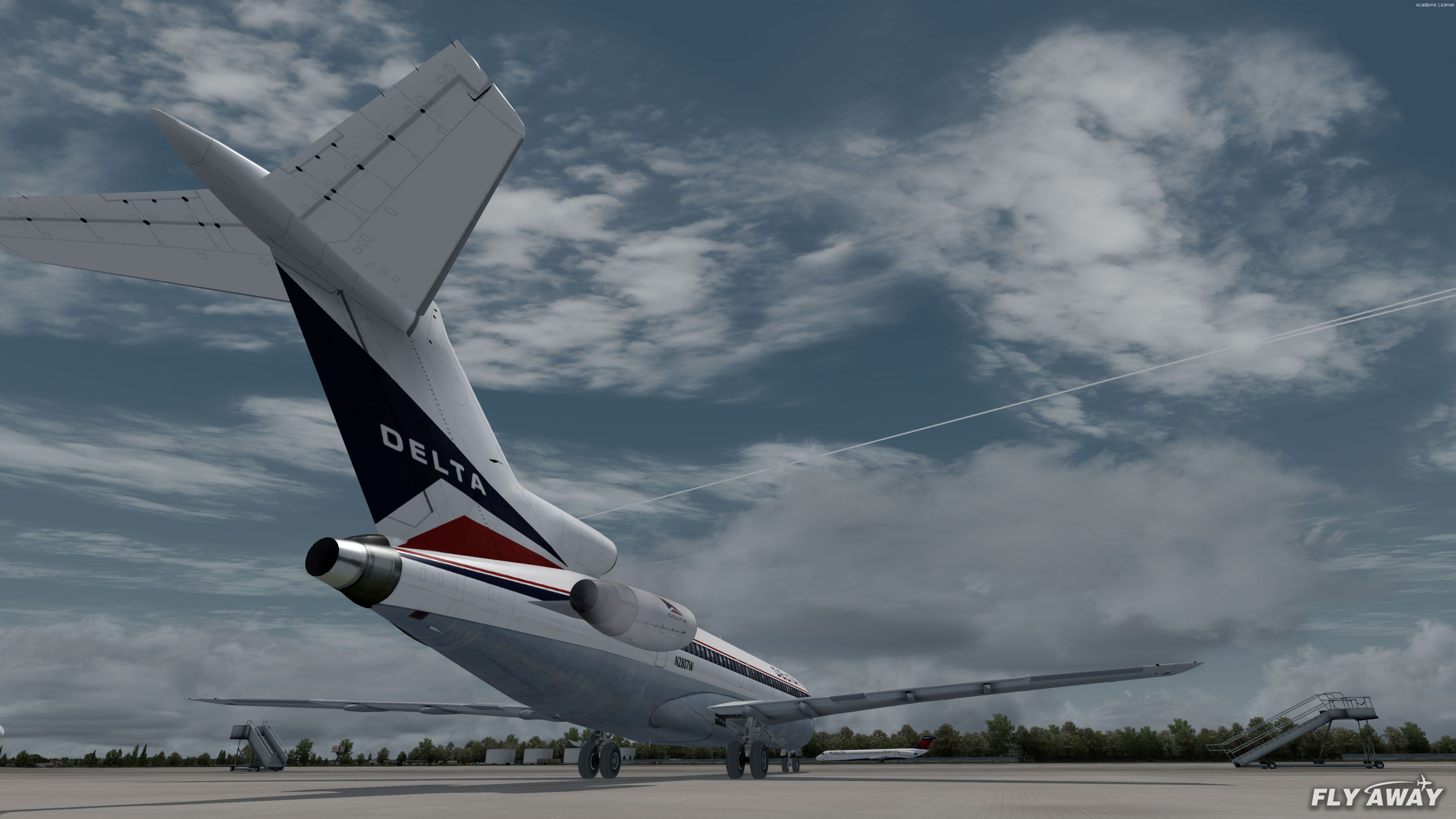
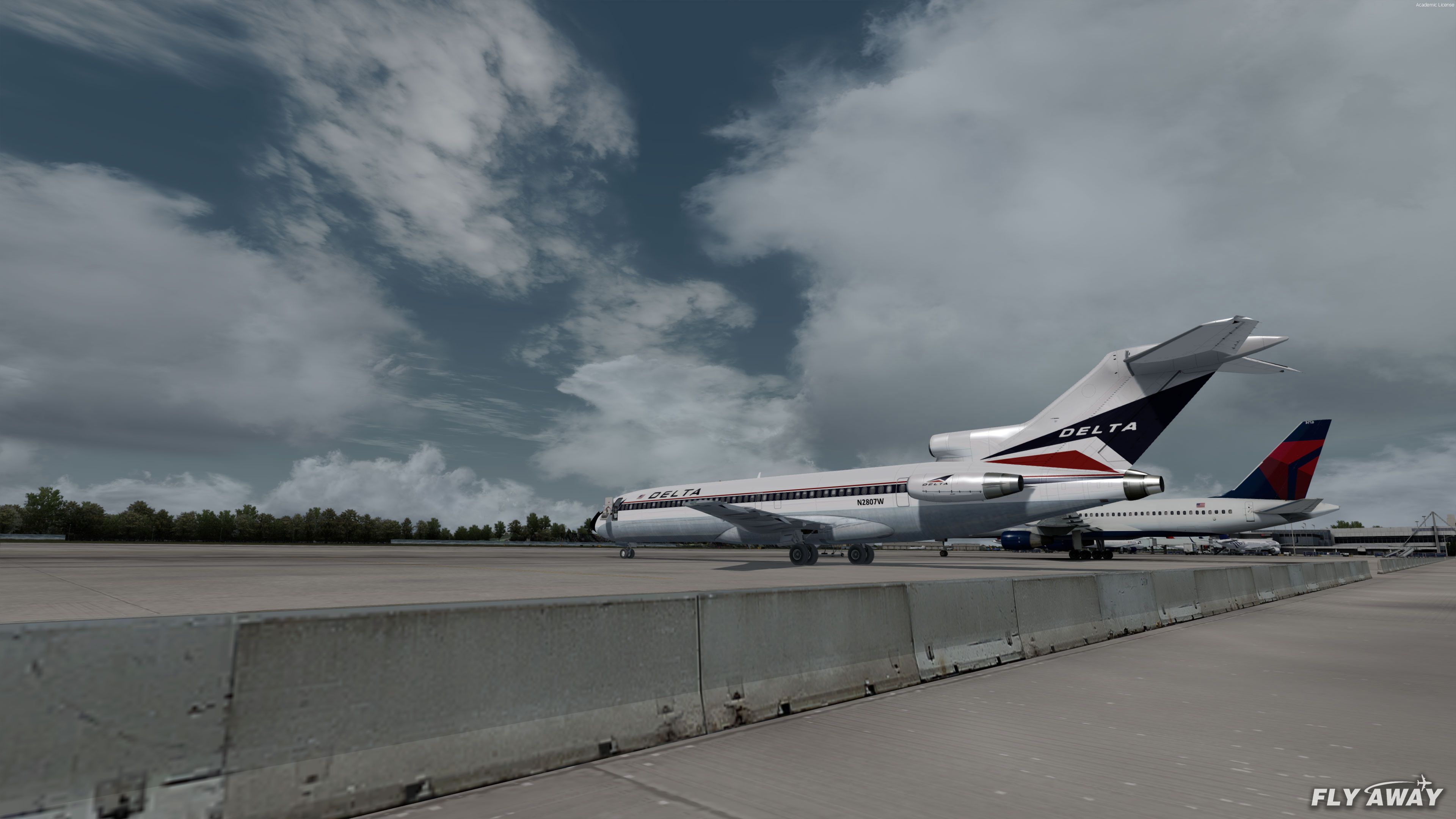
- Delta Airlines
- Dominicana
- Eastern Airlines
- Iberia
- Iran Air
- Lufthansa
- Mexicana
- Olympic Airways
- Pan Am Clipper "Defender"
- South Eastern Consolidated Air
- Southern Airways Blue/White
- Amerijet International
- Pan Am
- TWA - Trans World Airlines
- Turkish Airlines
- United Airlines 1980s
- USAir
- Western Airlines
727-200 Cargo
- Kittyhawk
- Capital Cargo International
- DHL
- FedEx Express
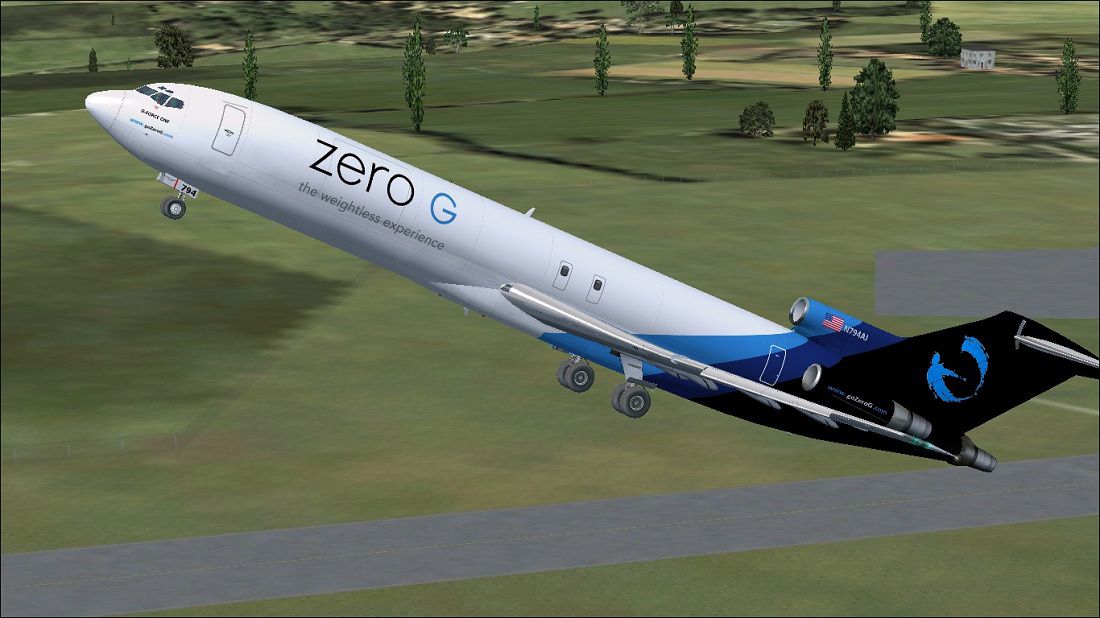
- Zero-G (Amerijet)
727-200 Advanced (ADV) Passenger
- HAPAG
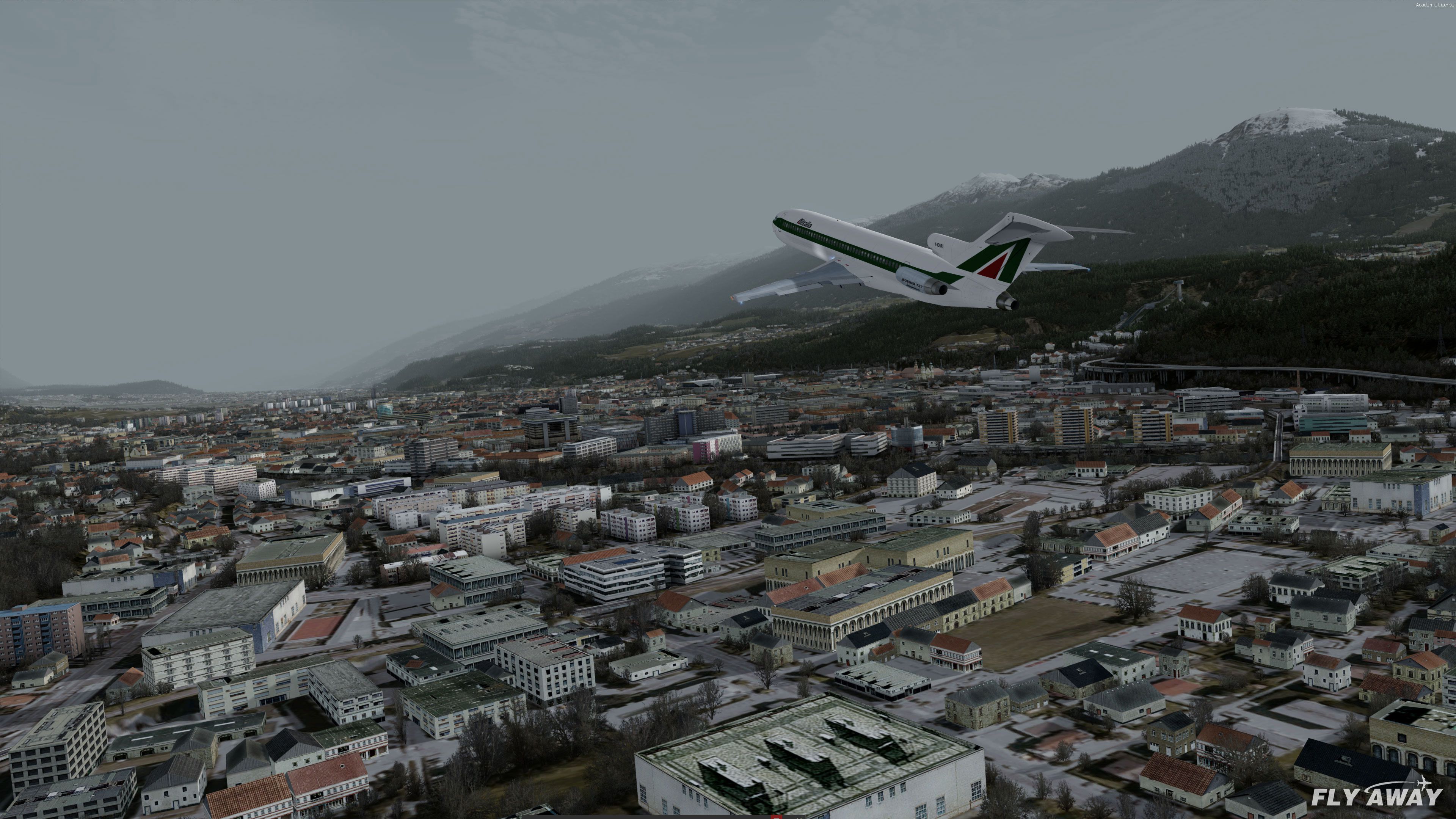
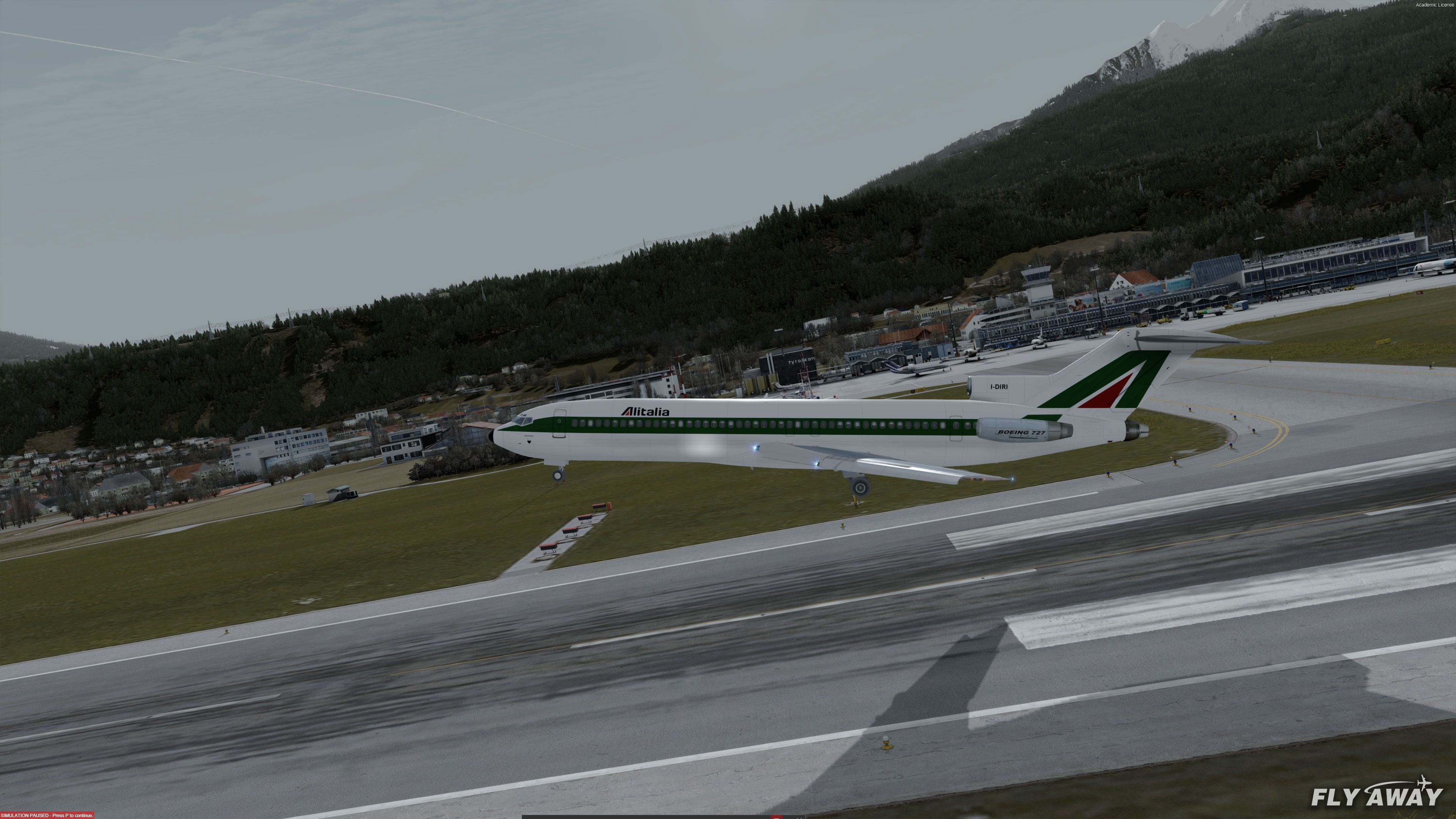
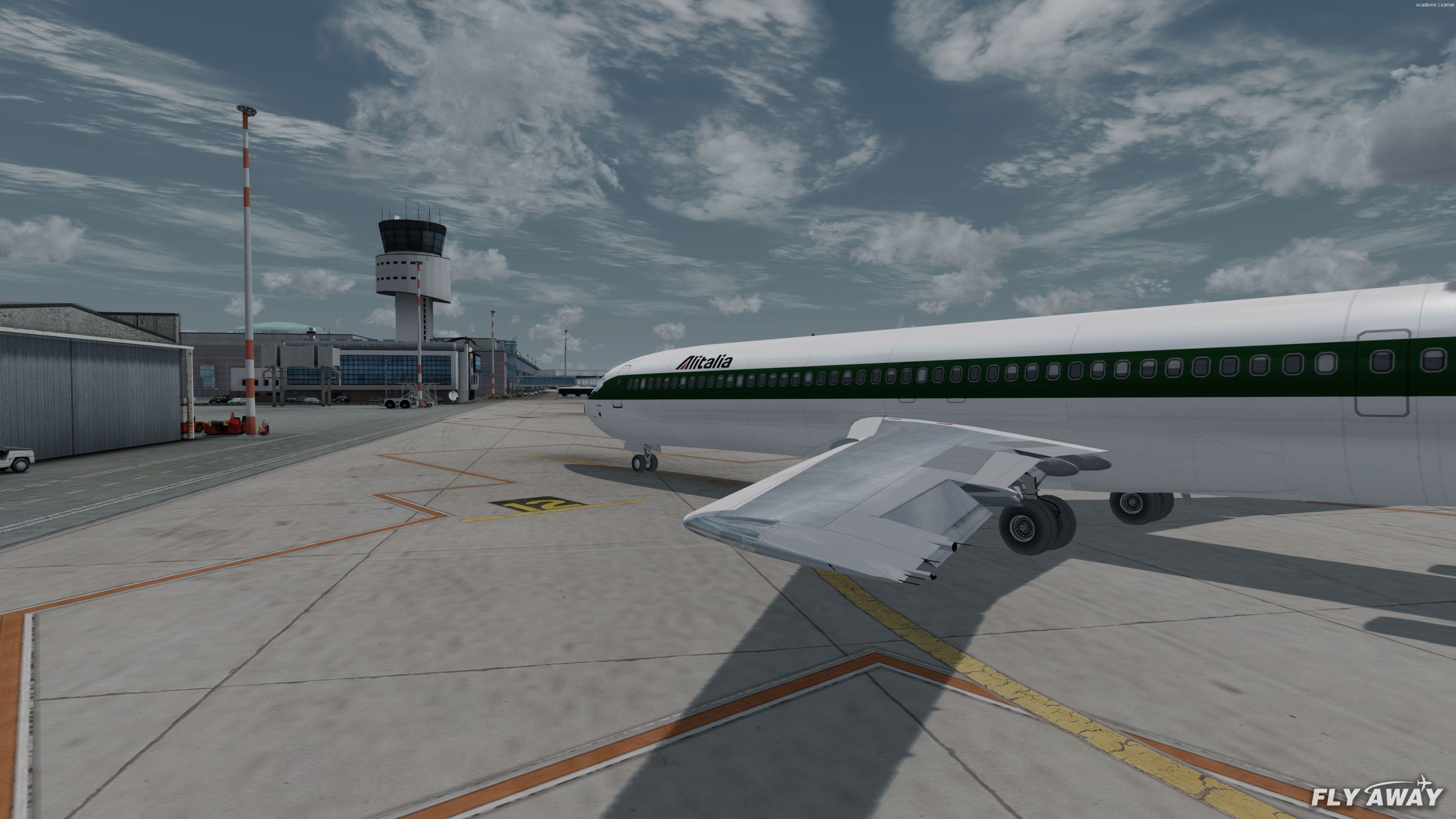
- Alitalia
- Northwest (Bowling Shoe)
- Icelandair
- Philippine Airlines (Old)
- Piedmont Airlines
- Royal Jordanian
- Ansett Airlines
- United Airlines
727-200 Advanced (ADV) Cargo
- Pacific Air Express
- VARIGLOG
Installation
To Install in FSX (all versions including Steam Edition) and Prepar3D (all versions including v4):
- Extract the entire archive into a folder on your computer.
- Move the two folders (tom727100, tom727200) inside the "Gauges" folder into your FSX or Prepar3D "gauges" folder.
- Move the three folders (Tom_B727-100, Tom_B727-200, Tom_B727-200ADV) inside the "Aircraft" folder into your FSX or Prepar3D "SimObjects\Airplanes" folder.
- Copy all files from the "Effects" folder into your FSX or Prepar3D "Effects" folder.
- The aircraft are now visible and usable in your simulator.
Developer: Original FSX models by Thomas Ruth. Updates, conversions, new sound and package compilation by William Luxton and repaints from various freeware developers/hobbyists.
Images & Screenshots
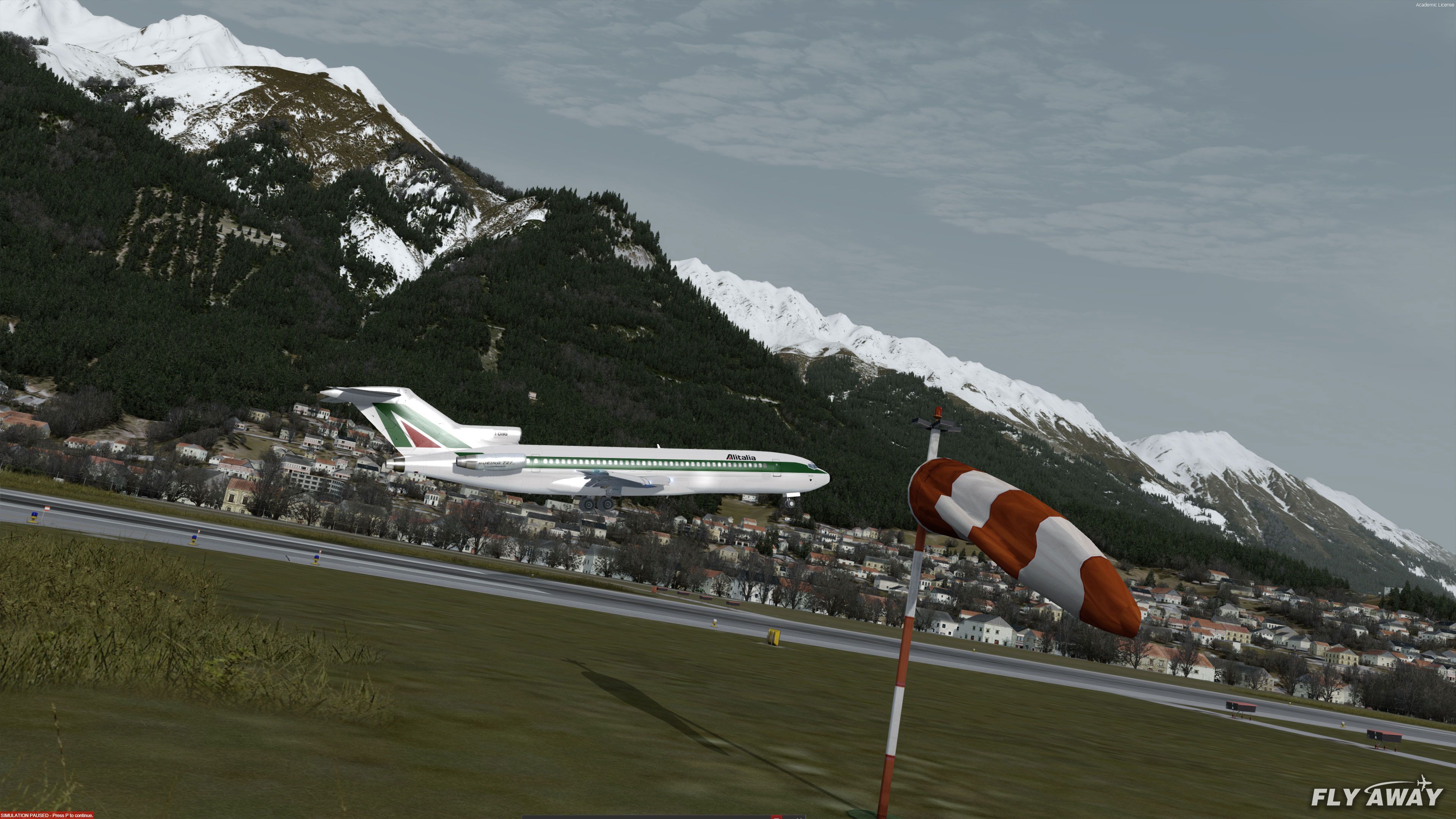
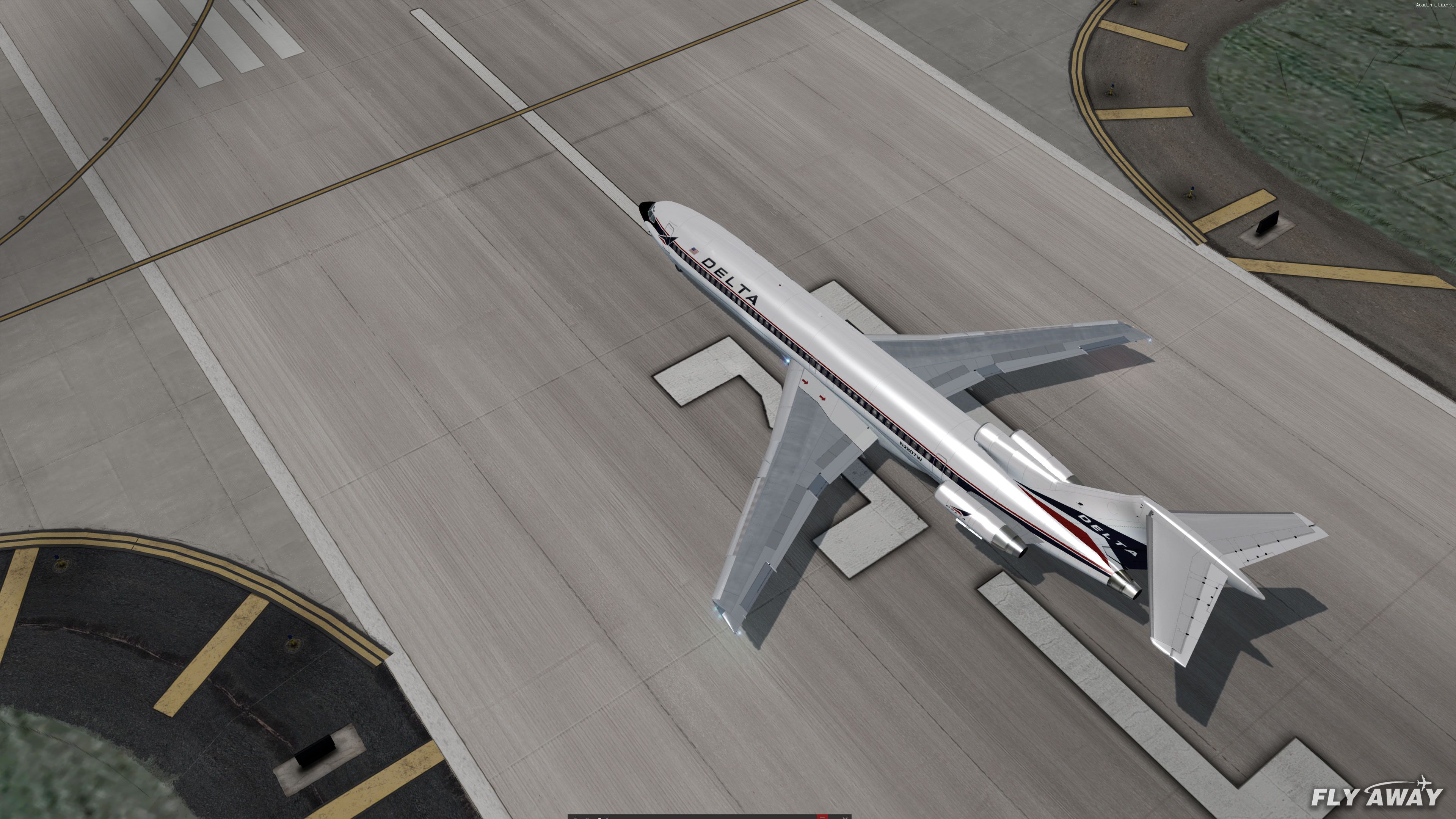









The archive 727-100-200-adv-mega-pack-fsx-p3dv4.zip has 2372 files and directories contained within it.
File Contents
This list displays the first 500 files in the package. If the package has more, you will need to download it to view them.
| Filename/Directory | File Date | File Size |
|---|---|---|
| Aircraft | 04.05.20 | 0 B |
| Tom_B727-100 | 04.06.20 | 0 B |
| Thumbs.db | 08.05.10 | 6.00 kB |
| aircraft.cfg | 03.28.20 | 27.81 kB |
| model.100cargo | 04.05.20 | 0 B |
| model.cfg | 01.13.11 | 60 B |
| tom_727100C.MDL | 02.05.11 | 8.26 MB |
| tom_727100_interior.MDL | 02.03.11 | 1.98 MB |
| model.100pax | 04.05.20 | 0 B |
| model.cfg | 10.14.10 | 59 B |
| tom_727100.MDL | 02.05.11 | 8.36 MB |
| tom_727100_interior.MDL | 02.03.11 | 1.98 MB |
| panel | 04.05.20 | 0 B |
| panel.cfg | 02.03.11 | 11.52 kB |
| panelengineer.bmp | 02.03.11 | 2.63 MB |
| panelengineerL.bmp | 02.03.11 | 2.63 MB |
| panelmain.bmp | 12.08.10 | 3.75 MB |
| panelmainL.bmp | 12.08.10 | 3.75 MB |
| panelohead.bmp | 12.08.10 | 893.73 kB |
| paneloheadL.bmp | 12.08.10 | 893.73 kB |
| panelpedestal.bmp | 12.10.10 | 942.10 kB |
| panelpedestalL.bmp | 12.10.10 | 942.10 kB |
| panelradio.bmp | 12.08.10 | 407.91 kB |
| panelradioL.bmp | 12.08.10 | 407.91 kB |
| pussy.bmp | 12.10.10 | 65.10 kB |
| pussyL.bmp | 12.10.10 | 66.07 kB |
| sound | 06.28.10 | 0 B |
| 732RODAJE.wav | 06.28.10 | 337.69 kB |
| 732RODAJE2.wav | 06.28.10 | 337.69 kB |
| baapdis.wav | 06.28.10 | 223.08 kB |
| baglide.wav | 06.28.10 | 21.57 kB |
| ban11.wav | 06.28.10 | 1.27 MB |
| ban12.wav | 06.28.10 | 331.13 kB |
| ban13.wav | 06.28.10 | 720.13 kB |
| ban14.wav | 06.28.10 | 447.90 kB |
| ban1shut.wav | 06.28.10 | 207.27 kB |
| ban1strt.wav | 06.28.10 | 388.84 kB |
| ban21.wav | 06.28.10 | 1.09 MB |
| ban22.wav | 06.28.10 | 969.18 kB |
| ban23.wav | 06.28.10 | 271.22 kB |
| ban24.wav | 06.28.10 | 505.37 kB |
| ban2shut.wav | 06.28.10 | 260.27 kB |
| ban2strt.wav | 06.28.10 | 636.09 kB |
| ban2t.wav | 06.28.10 | 1.14 MB |
| baover.wav | 06.28.10 | 59.18 kB |
| bbn11.wav | 06.28.10 | 1.56 MB |
| bbn12.wav | 06.28.10 | 562.56 kB |
| bbn13.wav | 06.28.10 | 235.67 kB |
| bbn14.wav | 06.28.10 | 658.79 kB |
| bbn1shut.wav | 06.28.10 | 212.77 kB |
| bbn1strt.wav | 06.28.10 | 343.34 kB |
| bbn21.wav | 06.28.10 | 1.09 MB |
| bbn22.wav | 06.28.10 | 969.18 kB |
| bbn23.wav | 06.28.10 | 271.22 kB |
| bbn24.wav | 06.28.10 | 447.90 kB |
| bbn2shut.wav | 06.28.10 | 254.77 kB |
| bbn2strt.wav | 06.28.10 | 636.09 kB |
| bbn2t.wav | 06.28.10 | 470.60 kB |
| bmflaps.wav | 06.28.10 | 175.61 kB |
| bmgeardn.wav | 06.28.10 | 1.01 MB |
| bmgearup.wav | 06.28.10 | 275.09 kB |
| bmgwarn.wav | 06.28.10 | 21.57 kB |
| door_large_close.wav | 06.28.10 | 131.81 kB |
| door_large_open.wav | 06.28.10 | 116.30 kB |
| sound.cfg | 06.28.10 | 17.09 kB |
| x737a-n1f01.wav | 06.28.10 | 478.10 kB |
| x737a-n1f02.wav | 06.28.10 | 241.91 kB |
| x737a-n1f03.wav | 06.28.10 | 1.01 MB |
| x737a-n1f04.WAV | 06.28.10 | 1.27 MB |
| x737a-n2r01.wav | 06.28.10 | 478.10 kB |
| x737a-n2r02.wav | 06.28.10 | 241.91 kB |
| x737a-n2r03.wav | 06.28.10 | 1.01 MB |
| x737a-n2r04.WAV | 06.28.10 | 160.90 kB |
| x737b-n1f01.wav | 06.28.10 | 478.10 kB |
| x737b-n1f02.wav | 06.28.10 | 241.91 kB |
| x737b-n1f03.wav | 06.28.10 | 1.01 MB |
| x737b-n1f04.wav | 06.28.10 | 1.19 MB |
| x737b-n2r01.wav | 06.28.10 | 478.10 kB |
| x737b-n2r02.wav | 06.28.10 | 241.91 kB |
| x737b-n2r03.wav | 06.28.10 | 1.56 MB |
| x737b-n2r04.wav | 06.28.10 | 162.78 kB |
| xban1shut.wav | 06.28.10 | 212.25 kB |
| xban1strt.wav | 06.28.10 | 496.81 kB |
| xban2shut.wav | 06.28.10 | 227.75 kB |
| xban2strt.wav | 06.28.10 | 636.09 kB |
| xban2t.wav | 06.28.10 | 3.41 MB |
| xbbn1shut.wav | 06.28.10 | 220.25 kB |
| xbbn1strt.wav | 06.28.10 | 460.81 kB |
| xbbn2shut.wav | 06.28.10 | 217.75 kB |
| xbbn2strt.wav | 06.28.10 | 636.09 kB |
| xbbn2t.wav | 06.28.10 | 3.41 MB |
| soundai | 04.05.20 | 0 B |
| soundai.cfg | 01.10.11 | 32 B |
| texture.Avianca | 04.05.20 | 0 B |
| VC01.dds | 11.18.10 | 4.00 MB |
| VC01L.dds | 11.25.10 | 4.00 MB |
| VC02.dds | 01.10.11 | 4.00 MB |
| VC02L.dds | 11.25.10 | 4.00 MB |
| glass.dds | 09.30.10 | 64.12 kB |
| main.dds | 04.09.11 | 4.00 MB |
| main_bump.dds | 01.13.11 | 4.00 MB |
| main_light.dds | 01.14.11 | 2.00 MB |
| main_spec.dds | 01.13.11 | 4.00 MB |
| reflection.dds | 11.25.10 | 64.12 kB |
| sec.dds | 04.09.11 | 4.00 MB |
| sec_bump.dds | 09.23.10 | 4.00 MB |
| sec_spec.dds | 01.13.11 | 4.00 MB |
| texture.cfg | 04.09.11 | 145 B |
| thumbnail.jpg | 04.09.11 | 9.85 kB |
| texture.CAC | 04.05.20 | 0 B |
| VC01.dds | 11.18.10 | 4.00 MB |
| VC01L.dds | 11.25.10 | 4.00 MB |
| VC02.dds | 01.10.11 | 4.00 MB |
| VC02L.dds | 11.25.10 | 4.00 MB |
| glass.dds | 09.30.10 | 64.12 kB |
| main.dds | 09.18.11 | 4.00 MB |
| main_bump.dds | 01.13.11 | 4.00 MB |
| main_light.dds | 01.14.11 | 2.00 MB |
| main_spec.dds | 01.13.11 | 4.00 MB |
| reflection.dds | 11.25.10 | 64.12 kB |
| sec.dds | 09.18.11 | 4.00 MB |
| sec_bump.dds | 09.23.10 | 4.00 MB |
| sec_spec.dds | 01.13.11 | 4.00 MB |
| texture.cfg | 04.09.11 | 145 B |
| thumbnail.jpg | 09.19.11 | 7.61 kB |
| texture.Kingfisher | 04.05.20 | 0 B |
| VC01.dds | 11.18.10 | 4.00 MB |
| VC01L.dds | 11.24.10 | 4.00 MB |
| VC02.dds | 01.10.11 | 4.00 MB |
| VC02L.dds | 11.24.10 | 4.00 MB |
| glass.dds | 09.30.10 | 64.12 kB |
| main.dds | 02.19.11 | 4.00 MB |
| main_bump.dds | 01.13.11 | 4.00 MB |
| main_light.dds | 01.14.11 | 2.00 MB |
| main_spec.dds | 01.13.11 | 4.00 MB |
| reflection.dds | 11.24.10 | 64.12 kB |
| sec.dds | 02.19.11 | 4.00 MB |
| sec_bump.dds | 09.23.10 | 4.00 MB |
| sec_spec.dds | 01.13.11 | 4.00 MB |
| thumbnail.jpg | 02.19.11 | 11.89 kB |
| texture.Mexicana | 04.05.20 | 0 B |
| VC01.dds | 11.18.10 | 4.00 MB |
| VC01L.dds | 11.24.10 | 4.00 MB |
| VC02.dds | 01.10.11 | 4.00 MB |
| VC02L.dds | 11.24.10 | 4.00 MB |
| glass.dds | 09.30.10 | 64.12 kB |
| main.dds | 11.18.11 | 4.00 MB |
| main_bump.dds | 01.13.11 | 4.00 MB |
| main_light.dds | 01.14.11 | 2.00 MB |
| main_spec.dds | 11.17.11 | 4.00 MB |
| reflection.dds | 11.24.10 | 64.12 kB |
| sec.dds | 02.21.11 | 4.00 MB |
| sec_bump.dds | 09.23.10 | 4.00 MB |
| sec_spec.dds | 11.17.11 | 4.00 MB |
| texture.cfg | 04.09.11 | 145 B |
| thumbnail.jpg | 11.18.11 | 12.41 kB |
| texture.N7004U | 04.05.20 | 0 B |
| VC01.dds | 11.18.10 | 4.00 MB |
| VC01L.dds | 11.24.10 | 4.00 MB |
| VC02.dds | 01.10.11 | 4.00 MB |
| VC02L.dds | 11.24.10 | 4.00 MB |
| glass.dds | 09.30.10 | 64.12 kB |
| main.dds | 03.01.11 | 4.00 MB |
| main_bump.dds | 09.30.10 | 4.00 MB |
| main_light.dds | 09.30.10 | 1.00 MB |
| main_spec.dds | 09.30.10 | 1.00 MB |
| reflection.dds | 11.24.10 | 64.12 kB |
| sec.dds | 01.16.11 | 4.00 MB |
| sec_bump.dds | 09.23.10 | 4.00 MB |
| sec_spec.dds | 09.02.10 | 4.00 MB |
| texture.cfg | 11.18.10 | 140 B |
| thumbnail.jpg | 03.01.11 | 28.10 kB |
| texture.NAC | 04.05.20 | 0 B |
| VC01.dds | 11.18.10 | 4.00 MB |
| VC01L.dds | 11.25.10 | 4.00 MB |
| VC02.dds | 01.10.11 | 4.00 MB |
| VC02L.dds | 11.25.10 | 4.00 MB |
| glass.dds | 09.30.10 | 64.12 kB |
| main.dds | 04.08.11 | 4.00 MB |
| main_bump.dds | 01.13.11 | 4.00 MB |
| main_light.dds | 01.14.11 | 2.00 MB |
| main_spec.dds | 01.13.11 | 4.00 MB |
| reflection.dds | 11.25.10 | 64.12 kB |
| sec.dds | 04.08.11 | 4.00 MB |
| sec_bump.dds | 09.23.10 | 4.00 MB |
| sec_spec.dds | 01.13.11 | 4.00 MB |
| texture.cfg | 04.08.11 | 141 B |
| thumbnail.jpg | 04.08.11 | 10.03 kB |
| texture.PSA | 04.05.20 | 0 B |
| VC01.dds | 11.18.10 | 4.00 MB |
| VC01L.dds | 11.25.10 | 4.00 MB |
| VC02.dds | 01.10.11 | 4.00 MB |
| VC02L.dds | 11.25.10 | 4.00 MB |
| glass.dds | 09.30.10 | 64.12 kB |
| main.dds | 04.27.11 | 4.00 MB |
| main_bump.dds | 01.13.11 | 4.00 MB |
| main_light.dds | 01.14.11 | 2.00 MB |
| main_spec.dds | 01.13.11 | 4.00 MB |
| reflection.dds | 11.25.10 | 64.12 kB |
| sec.dds | 04.27.11 | 4.00 MB |
| sec_bump.dds | 09.23.10 | 4.00 MB |
| sec_spec.dds | 01.13.11 | 4.00 MB |
| texture.cfg | 04.09.11 | 145 B |
| thumbnail.jpg | 04.27.11 | 12.90 kB |
| texture.RNZAF | 04.05.20 | 0 B |
| VC01.dds | 11.18.10 | 4.00 MB |
| VC01L.dds | 11.24.10 | 4.00 MB |
| VC02.dds | 01.10.11 | 4.00 MB |
| VC02L.dds | 11.24.10 | 4.00 MB |
| glass.dds | 09.30.10 | 64.12 kB |
| main.dds | 02.18.11 | 4.00 MB |
| main_bump.dds | 01.13.11 | 4.00 MB |
| main_light.dds | 01.14.11 | 2.00 MB |
| main_spec.dds | 01.13.11 | 4.00 MB |
| reflection.dds | 11.24.10 | 64.12 kB |
| sec.dds | 02.18.11 | 4.00 MB |
| sec_bump.dds | 09.23.10 | 4.00 MB |
| sec_spec.dds | 01.13.11 | 4.00 MB |
| texture.cfg | 01.14.11 | 141 B |
| thumbnail.jpg | 02.18.11 | 11.04 kB |
| texture.RP-C1240 | 04.05.20 | 0 B |
| main.dds | 04.12.11 | 4.00 MB |
| main_spec.dds | 04.12.11 | 1.00 MB |
| sec.dds | 04.12.11 | 4.00 MB |
| texture.cfg | 11.18.10 | 140 B |
| thumbnail.JPG | 04.12.11 | 33.56 kB |
| texture.RP-C1241 | 04.05.20 | 0 B |
| main.dds | 04.12.11 | 4.00 MB |
| main_spec.dds | 04.12.11 | 1.00 MB |
| sec.dds | 04.12.11 | 4.00 MB |
| texture.cfg | 11.18.10 | 140 B |
| thumbnail.JPG | 04.12.11 | 33.11 kB |
| texture.USAF | 04.05.20 | 0 B |
| VC01.dds | 11.18.10 | 4.00 MB |
| VC01L.dds | 11.24.10 | 4.00 MB |
| VC02.dds | 01.10.11 | 4.00 MB |
| VC02L.dds | 11.24.10 | 4.00 MB |
| glass.dds | 09.30.10 | 64.12 kB |
| main.dds | 03.13.11 | 4.00 MB |
| main_bump.dds | 01.13.11 | 4.00 MB |
| main_light.dds | 01.14.11 | 2.00 MB |
| main_spec.dds | 01.13.11 | 4.00 MB |
| reflection.dds | 11.24.10 | 64.12 kB |
| sec.dds | 03.13.11 | 4.00 MB |
| sec_bump.dds | 09.23.10 | 4.00 MB |
| sec_spec.dds | 01.13.11 | 4.00 MB |
| thumbnail.jpg | 03.13.11 | 10.81 kB |
| texture.lh | 04.05.20 | 0 B |
| VC01.dds | 11.18.10 | 4.00 MB |
| VC01L.dds | 11.24.10 | 4.00 MB |
| VC02.dds | 01.10.11 | 4.00 MB |
| VC02L.dds | 11.24.10 | 4.00 MB |
| glass.dds | 09.30.10 | 64.12 kB |
| main.dds | 11.02.10 | 4.00 MB |
| main_bump.dds | 09.30.10 | 4.00 MB |
| main_light.dds | 09.30.10 | 1.00 MB |
| main_spec.dds | 09.30.10 | 1.00 MB |
| reflection.dds | 11.24.10 | 64.12 kB |
| sec.dds | 01.16.11 | 4.00 MB |
| sec_bump.dds | 09.23.10 | 4.00 MB |
| sec_spec.dds | 09.02.10 | 4.00 MB |
| texture.cfg | 11.18.10 | 140 B |
| thumbnail.jpg | 11.18.10 | 8.75 kB |
| texture.ups | 04.05.20 | 0 B |
| VC01.dds | 11.18.10 | 4.00 MB |
| VC01L.dds | 11.24.10 | 4.00 MB |
| VC02.dds | 01.10.11 | 4.00 MB |
| VC02L.dds | 11.24.10 | 4.00 MB |
| glass.dds | 09.30.10 | 64.12 kB |
| main.dds | 01.14.11 | 4.00 MB |
| main_bump.dds | 01.13.11 | 4.00 MB |
| main_light.dds | 01.14.11 | 2.00 MB |
| main_spec.dds | 01.13.11 | 4.00 MB |
| reflection.dds | 11.24.10 | 64.12 kB |
| sec.dds | 02.01.11 | 4.00 MB |
| sec_bump.dds | 09.23.10 | 4.00 MB |
| sec_spec.dds | 01.13.11 | 4.00 MB |
| texture.cfg | 01.14.11 | 141 B |
| thumbnail.jpg | 01.14.11 | 8.21 kB |
| tom727.air | 01.10.11 | 6.77 kB |
| Tom_B727-200 | 04.06.20 | 0 B |
| Thumbs.db | 08.05.10 | 6.00 kB |
| aircraft.cfg | 03.28.20 | 37.06 kB |
| model.200cargo | 04.05.20 | 0 B |
| model.cfg | 02.01.11 | 60 B |
| tom_727200C.MDL | 02.05.11 | 8.48 MB |
| tom_727200_interior.MDL | 02.03.11 | 1.98 MB |
| model.200pax | 04.05.20 | 0 B |
| model.cfg | 01.14.11 | 59 B |
| tom_727200.MDL | 02.05.11 | 8.64 MB |
| tom_727200_interior.MDL | 02.03.11 | 1.98 MB |
| panel | 04.05.20 | 0 B |
| panel.cfg | 02.03.11 | 11.52 kB |
| panelengineer.bmp | 02.03.11 | 2.63 MB |
| panelengineerL.bmp | 02.03.11 | 2.63 MB |
| panelmain.bmp | 12.08.10 | 3.75 MB |
| panelmainL.bmp | 12.08.10 | 3.75 MB |
| panelohead.bmp | 12.08.10 | 893.73 kB |
| paneloheadL.bmp | 12.08.10 | 893.73 kB |
| panelpedestal.bmp | 12.10.10 | 942.10 kB |
| panelpedestalL.bmp | 12.10.10 | 942.10 kB |
| panelradio.bmp | 12.08.10 | 407.91 kB |
| panelradioL.bmp | 12.08.10 | 407.91 kB |
| pussy.bmp | 12.10.10 | 65.10 kB |
| pussyL.bmp | 12.10.10 | 66.07 kB |
| sound | 06.28.10 | 0 B |
| 732RODAJE.wav | 06.28.10 | 337.69 kB |
| 732RODAJE2.wav | 06.28.10 | 337.69 kB |
| baapdis.wav | 06.28.10 | 223.08 kB |
| baglide.wav | 06.28.10 | 21.57 kB |
| ban11.wav | 06.28.10 | 1.27 MB |
| ban12.wav | 06.28.10 | 331.13 kB |
| ban13.wav | 06.28.10 | 720.13 kB |
| ban14.wav | 06.28.10 | 447.90 kB |
| ban1shut.wav | 06.28.10 | 207.27 kB |
| ban1strt.wav | 06.28.10 | 388.84 kB |
| ban21.wav | 06.28.10 | 1.09 MB |
| ban22.wav | 06.28.10 | 969.18 kB |
| ban23.wav | 06.28.10 | 271.22 kB |
| ban24.wav | 06.28.10 | 505.37 kB |
| ban2shut.wav | 06.28.10 | 260.27 kB |
| ban2strt.wav | 06.28.10 | 636.09 kB |
| ban2t.wav | 06.28.10 | 1.14 MB |
| baover.wav | 06.28.10 | 59.18 kB |
| bbn11.wav | 06.28.10 | 1.56 MB |
| bbn12.wav | 06.28.10 | 562.56 kB |
| bbn13.wav | 06.28.10 | 235.67 kB |
| bbn14.wav | 06.28.10 | 658.79 kB |
| bbn1shut.wav | 06.28.10 | 212.77 kB |
| bbn1strt.wav | 06.28.10 | 343.34 kB |
| bbn21.wav | 06.28.10 | 1.09 MB |
| bbn22.wav | 06.28.10 | 969.18 kB |
| bbn23.wav | 06.28.10 | 271.22 kB |
| bbn24.wav | 06.28.10 | 447.90 kB |
| bbn2shut.wav | 06.28.10 | 254.77 kB |
| bbn2strt.wav | 06.28.10 | 636.09 kB |
| bbn2t.wav | 06.28.10 | 470.60 kB |
| bmflaps.wav | 06.28.10 | 175.61 kB |
| bmgeardn.wav | 06.28.10 | 1.01 MB |
| bmgearup.wav | 06.28.10 | 275.09 kB |
| bmgwarn.wav | 06.28.10 | 21.57 kB |
| door_large_close.wav | 06.28.10 | 131.81 kB |
| door_large_open.wav | 06.28.10 | 116.30 kB |
| sound.cfg | 06.28.10 | 17.09 kB |
| x737a-n1f01.wav | 06.28.10 | 478.10 kB |
| x737a-n1f02.wav | 06.28.10 | 241.91 kB |
| x737a-n1f03.wav | 06.28.10 | 1.01 MB |
| x737a-n1f04.WAV | 06.28.10 | 1.27 MB |
| x737a-n2r01.wav | 06.28.10 | 478.10 kB |
| x737a-n2r02.wav | 06.28.10 | 241.91 kB |
| x737a-n2r03.wav | 06.28.10 | 1.01 MB |
| x737a-n2r04.WAV | 06.28.10 | 160.90 kB |
| x737b-n1f01.wav | 06.28.10 | 478.10 kB |
| x737b-n1f02.wav | 06.28.10 | 241.91 kB |
| x737b-n1f03.wav | 06.28.10 | 1.01 MB |
| x737b-n1f04.wav | 06.28.10 | 1.19 MB |
| x737b-n2r01.wav | 06.28.10 | 478.10 kB |
| x737b-n2r02.wav | 06.28.10 | 241.91 kB |
| x737b-n2r03.wav | 06.28.10 | 1.56 MB |
| x737b-n2r04.wav | 06.28.10 | 162.78 kB |
| xban1shut.wav | 06.28.10 | 212.25 kB |
| xban1strt.wav | 06.28.10 | 496.81 kB |
| xban2shut.wav | 06.28.10 | 227.75 kB |
| xban2strt.wav | 06.28.10 | 636.09 kB |
| xban2t.wav | 06.28.10 | 3.41 MB |
| xbbn1shut.wav | 06.28.10 | 220.25 kB |
| xbbn1strt.wav | 06.28.10 | 460.81 kB |
| xbbn2shut.wav | 06.28.10 | 217.75 kB |
| xbbn2strt.wav | 06.28.10 | 636.09 kB |
| xbbn2t.wav | 06.28.10 | 3.41 MB |
| soundai | 04.05.20 | 0 B |
| soundai.cfg | 01.10.11 | 32 B |
| texture.Air Canada | 04.05.20 | 0 B |
| VC01.dds | 11.18.10 | 4.00 MB |
| VC01L.dds | 11.24.10 | 4.00 MB |
| VC02.dds | 01.10.11 | 4.00 MB |
| VC02L.dds | 11.24.10 | 4.00 MB |
| glass.dds | 09.30.10 | 64.12 kB |
| main.dds | 03.22.11 | 4.00 MB |
| main_bump.dds | 02.01.11 | 4.00 MB |
| main_light.dds | 02.01.11 | 4.00 MB |
| main_spec.dds | 02.01.11 | 4.00 MB |
| reflection.dds | 11.24.10 | 64.12 kB |
| sec.dds | 03.22.11 | 4.00 MB |
| sec_bump.dds | 09.23.10 | 4.00 MB |
| sec_spec.dds | 02.01.11 | 4.00 MB |
| texture.cfg | 11.18.10 | 140 B |
| thumbnail.jpg | 03.22.11 | 11.84 kB |
| texture.Air France | 04.05.20 | 0 B |
| VC01.dds | 11.18.10 | 4.00 MB |
| VC01L.dds | 11.24.10 | 4.00 MB |
| VC02.dds | 01.10.11 | 4.00 MB |
| VC02L.dds | 11.24.10 | 4.00 MB |
| glass.dds | 09.30.10 | 64.12 kB |
| main.dds | 02.16.11 | 4.00 MB |
| main_bump.dds | 02.01.11 | 4.00 MB |
| main_light.dds | 02.01.11 | 4.00 MB |
| main_spec.dds | 02.01.11 | 4.00 MB |
| reflection.dds | 11.24.10 | 64.12 kB |
| sec.dds | 02.16.11 | 4.00 MB |
| sec_bump.dds | 09.23.10 | 4.00 MB |
| sec_spec.dds | 02.01.11 | 4.00 MB |
| texture.cfg | 11.18.10 | 140 B |
| thumbnail.jpg | 02.16.11 | 11.46 kB |
| texture.American Airlines | 04.05.20 | 0 B |
| VC01.dds | 11.18.10 | 4.00 MB |
| VC01L.dds | 11.24.10 | 4.00 MB |
| VC02.dds | 01.10.11 | 4.00 MB |
| VC02L.dds | 11.24.10 | 4.00 MB |
| glass.dds | 09.30.10 | 64.12 kB |
| main.dds | 02.24.11 | 4.00 MB |
| main_bump.dds | 02.01.11 | 4.00 MB |
| main_light.dds | 02.01.11 | 4.00 MB |
| main_spec.dds | 02.01.11 | 4.00 MB |
| reflection.dds | 11.24.10 | 64.12 kB |
| sec.dds | 02.24.11 | 4.00 MB |
| sec_bump.dds | 09.23.10 | 4.00 MB |
| sec_spec.dds | 02.01.11 | 4.00 MB |
| texture.cfg | 11.18.10 | 140 B |
| thumbnail.jpg | 02.24.11 | 11.43 kB |
| texture.Braniff | 04.05.20 | 0 B |
| VC01.dds | 11.18.10 | 4.00 MB |
| VC01L.dds | 11.25.10 | 4.00 MB |
| VC02.dds | 01.10.11 | 4.00 MB |
| VC02L.dds | 11.25.10 | 4.00 MB |
| glass.dds | 09.30.10 | 64.12 kB |
| main.dds | 04.04.11 | 4.00 MB |
| main_bump.dds | 02.01.11 | 4.00 MB |
| main_light.dds | 02.01.11 | 4.00 MB |
| main_spec.dds | 02.01.11 | 4.00 MB |
| reflection.dds | 11.25.10 | 64.12 kB |
| sec.dds | 04.04.11 | 4.00 MB |
| sec_bump.dds | 09.23.10 | 4.00 MB |
| sec_spec.dds | 02.01.11 | 4.00 MB |
| texture.cfg | 11.18.10 | 140 B |
| thumbnail.jpg | 04.04.11 | 8.93 kB |
| texture.CO | 04.05.20 | 0 B |
| VC01.dds | 11.18.10 | 4.00 MB |
| VC01L.dds | 11.24.10 | 4.00 MB |
| VC02.dds | 01.10.11 | 4.00 MB |
| VC02L.dds | 11.24.10 | 4.00 MB |
| glass.dds | 09.30.10 | 64.12 kB |
| main.dds | 03.07.11 | 4.00 MB |
| main_bump.dds | 02.01.11 | 4.00 MB |
| main_light.dds | 02.01.11 | 4.00 MB |
| main_spec.dds | 02.01.11 | 4.00 MB |
| reflection.dds | 11.24.10 | 64.12 kB |
| sec.dds | 03.07.11 | 4.00 MB |
| sec_bump.dds | 09.23.10 | 4.00 MB |
| sec_spec.dds | 02.01.11 | 4.00 MB |
| texture.cfg | 11.18.10 | 140 B |
| thumbnail.jpg | 03.07.11 | 11.59 kB |
| texture.Capital Cargo | 04.05.20 | 0 B |
| VC01.dds | 11.18.10 | 4.00 MB |
| VC01L.dds | 11.24.10 | 4.00 MB |
| VC02.dds | 01.10.11 | 4.00 MB |
| VC02L.dds | 11.24.10 | 4.00 MB |
| glass.dds | 09.30.10 | 64.12 kB |
| main.dds | 02.25.11 | 4.00 MB |
| main_bump.dds | 02.01.11 | 4.00 MB |
| main_light.dds | 02.10.11 | 4.00 MB |
| main_spec.dds | 02.01.11 | 4.00 MB |
| reflection.dds | 11.24.10 | 64.12 kB |
| sec.dds | 02.25.11 | 4.00 MB |
| sec_bump.dds | 09.23.10 | 4.00 MB |
| sec_spec.dds | 02.01.11 | 4.00 MB |
| texture.cfg | 11.18.10 | 140 B |
| thumbnail.jpg | 02.25.11 | 10.64 kB |
| texture.DAN-AIR | 04.05.20 | 0 B |
| VC01.dds | 11.18.10 | 4.00 MB |
| VC01L.dds | 11.25.10 | 4.00 MB |
| VC02.dds | 01.10.11 | 4.00 MB |
| VC02L.dds | 11.25.10 | 4.00 MB |
| glass.dds | 09.30.10 | 64.12 kB |
| main.dds | 04.29.11 | 4.00 MB |
| main_bump.dds | 02.01.11 | 4.00 MB |
| main_light.dds | 02.01.11 | 4.00 MB |
| main_spec.dds | 02.01.11 | 4.00 MB |
| reflection.dds | 11.25.10 | 64.12 kB |
| sec.dds | 04.28.11 | 4.00 MB |
| sec_bump.dds | 09.23.10 | 4.00 MB |
| sec_spec.dds | 02.01.11 | 4.00 MB |
| texture.cfg | 11.18.10 | 140 B |
| thumbnail.jpg | 04.29.11 | 9.23 kB |
| texture.DHL | 04.05.20 | 0 B |
| VC01.dds | 11.18.10 | 4.00 MB |
| VC01L.dds | 11.24.10 | 4.00 MB |
| VC02.dds | 01.10.11 | 4.00 MB |
| VC02L.dds | 11.24.10 | 4.00 MB |
| glass.dds | 09.30.10 | 64.12 kB |
| main.dds | 02.09.11 | 4.00 MB |
| main_bump.dds | 02.01.11 | 4.00 MB |
| main_light.dds | 02.01.11 | 4.00 MB |
| main_spec.dds | 02.01.11 | 4.00 MB |
| reflection.dds | 11.24.10 | 64.12 kB |
| sec.dds | 02.09.11 | 4.00 MB |
| sec_bump.dds | 09.23.10 | 4.00 MB |
| sec_spec.dds | 02.01.11 | 4.00 MB |
| texture.cfg | 11.18.10 | 140 B |
| thumbnail.jpg | 02.09.11 | 10.39 kB |
| texture.Delta | 04.05.20 | 0 B |

Installation Instructions
Most of the freeware add-on aircraft and scenery packages in our file library come with easy installation instructions which you can read above in the file description. For further installation help, please see our Flight School for our full range of tutorials or view the README file contained within the download. If in doubt, you may also ask a question or view existing answers in our dedicated Q&A forum.



20 comments
Leave a ResponseThe content of the comments below are entirely the opinions of the individual posting the comment and do not always reflect the views of Fly Away Simulation. We moderate all comments manually before they are approved.
Truly wonderful visuals. The shape is spot-on! Just a minor gripe with performance but I made a very minor tweak in the .cfg file to increase performance and am trying to 'gear-down' an overzealous trim switch where the slightest touch of elevator trim sees the entire stabilizer moving a little too quickly! I don't know how to fix the back-to-front trim wheels on the center console which rotate the wrong way or the similarly back-to-front wingtip nav lights.
For a freeware package, it looks excellent externally! The many liveries are well done too! My issue is pitch and power. Many years ago I got a jump-seat ride in a 727 and don't recall a large amount of power required to fly at typical speeds.
The two versions seem a little underpowered. But the big problem is the pitch. Try to approach and land at 160kts, reducing to 135-140, this is a little fast at lighter weights, and the pitch up required to not fall out of the sky always results in tail strikes. Climb and cruise seem excessively pitched up too. It also seems impossible to trim. Do the trim wheels rotate in the opposite direction to what they should but trim logically? With the minimum trim change I can achieve, the VSI will go from -1000ft/min to +2500ft/min. You just have to do the best you can by hand then hit the ALT HOLD switch on the autopilot.
Hi, I am kindly requesting if you have the Texture for Ethiopian B727 200 ADV Thanks.
Hi. I don't see the effect folder.
I have experienced the same problem as ALFONSO (see below). I cannot see the plane after it is selected; only the windscreen and a line or two of the fuselage. The instructions seemed simple enough. Is there a step I missed?
This is the second time I've tried this install. I had a similar problem with the AN 225 created by another designer (Douglas E. Trapp FS Aerodynamics Engineer). I would like to know if there are other things I should learn about core FSX files and configuration mods that would improve these kinds of issues. Any suggestions about where to learn more about how FSX planes are created and where files are stored.
What do you guys have against XPlane 11? Nothing is easy and nothing works as it should. Very Few aircraft for X-Plane11. What?
Downloaded the aircraft this morning. I first took off at KEDW to see how it handles. Nice. It took about an hour to figure out Panel 3 (Auto Pilot). I won't repeat what the developers called it. This 727 will be my go-to aircraft for short jumps, like KLAX to KSAN, etc. I would like to figure out how to change the pink/purple Panel 3 to match the cockpit panel grey. Great aircraft for a freebie.
I have downloaded it done everything they say to do and still no plane to fly please make this easier so other people like me that aren't that great with computers can fly this great aircraft.
Great aircraft. Unfort. the navigation lights are mixed up, meaning the port is green and the starboard is red in color. How can I change it to the right place, port red-starboard green? That would make the aircraft more than perfect. Thank you.
Can someone tell me how to make FSX use all the liveries given in the files as FSX only loads the Avianca livery for all the aircraft even if I click the plane with the other livery and the only the plane that have the thumbnail in the aircraft selection menu is the Avianca thumbnail? please tell me how to fix that.
Thanks!
I have followed all the instructions and still can not get the plane loaded bout to just give up on it I'm one with not a lot of no how on the computer I'd love to be flying this jet I have the FSX sim been on it for a long while Why can't it be a auto install like the concord would make it a lot easier for people like me who isn't a computer tech.
I find this aircraft really realistic and relaxing. Nice way to learn some new things and get more experience. A very nice option for freeware.
I found this aircraft quire difficult to fly, the autopilot system was quite baffling. So I created a free flight with this aircraft so I could get the hang of it. Once I had got used to it, it was great. I've been playing flight sims for many years so was surprised I found it a bit tricky. But a bit of a challenge is fun.
I followed the instructions in the installation file. in my FSX, I can see the aircraft thumbnails on the list of airplanes but when I pick one it does not show up in the preview nor in the flight.....( I only can see the windscreens and the tip of the wings. The rest is transparent). Am I missing something? I've never had the Boeing 727 install in my FSX. Have the same problem with the Boeing 747 megapack...
Downloaded and followed the instructions. No GPS? The auto pilot panel is bright pink and does some weird stuff all on its own. Have I missed something?
Hello, how to "....with a little tweaking you can (if you want to) enable them on all of the 727 variants..."? Thanks a lot!
Great add-on! I really recommend it. It has good sounds, a good cockpit, and lots of good liveries. I really like it.
Great visual models and VCs, but even max throttle are so slow. Need full thrust just to reach a typical cruise speed M.77 or .78 at any cruise alt.
The panels don't work. How do I correct this issue? Many Thanks, Conk.
Hello,
I think the freeware you are making available is amazing thank you, can you advise if the above instructions will work with Win 10 64-bit and P3D v4.5 plus hotfix 3?
Amusing that any virus software must be disabled.
Best Regards Charlie.