FSX Douglas Boston Panel
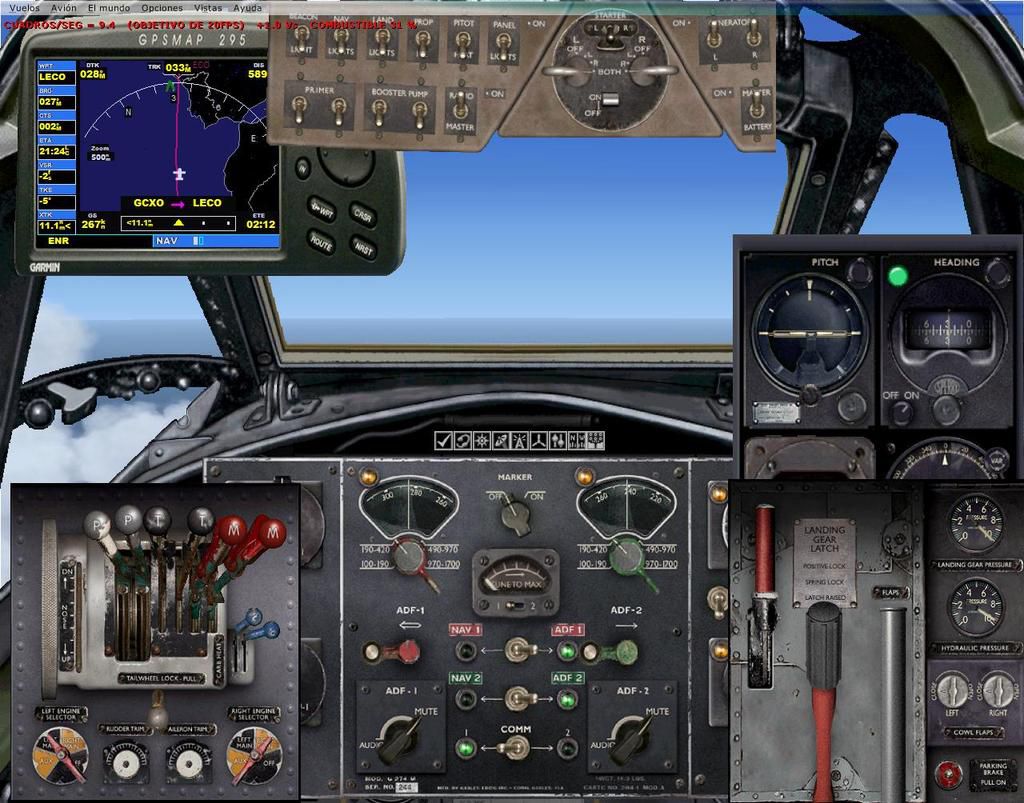
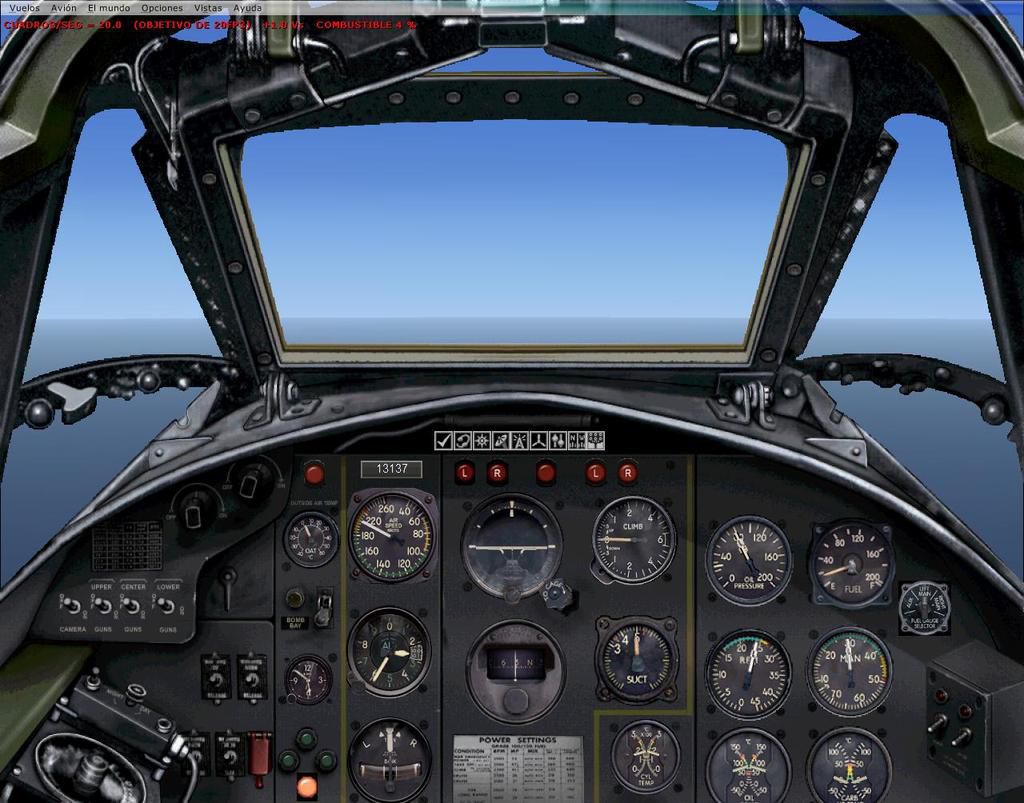
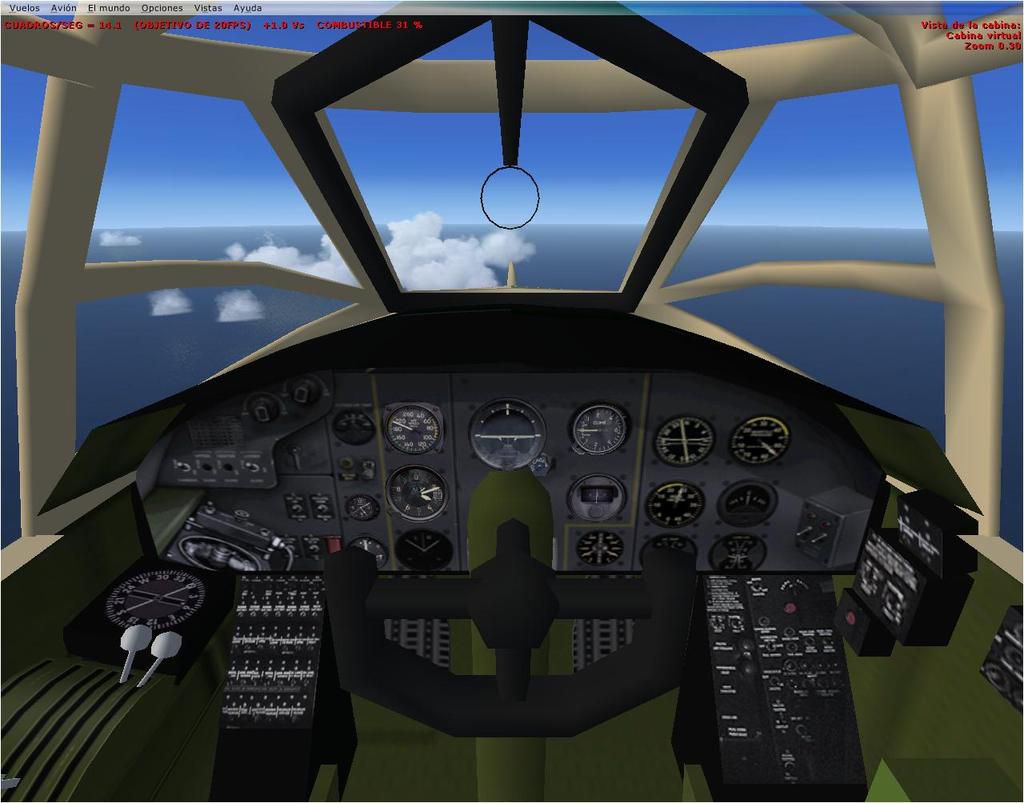
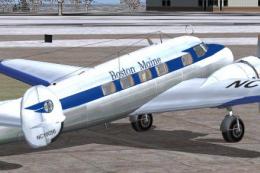
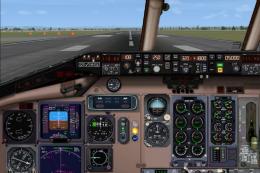
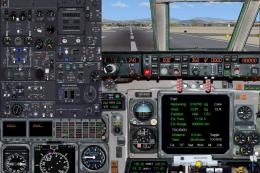
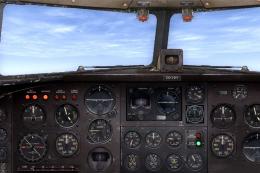
 Panel--Douglas Boston. This alternative 2D and 3D panel is for Alphasim's freeware Douglas Boston MkIII / A-20 Havoc (BOSTONMKIII.ZIP or ALPHBST9.ZIP), and uses the default gauges of the Douglas DC-3. Updated for FSX by Enrique Medal.
- Download hits
- 400
- Compatibility
- Microsoft Flight Simulator X (FSX) including Steam Edition & Prepar3D (P3D)
- Filename
- panel_alphabostonmkiii.zip
- File size
- 610.41 KB
- Virus Scan
- Scanned 24 days ago (clean)
- Access to file
- Free (Freeware)
- Content Rating
- Everyone


Panel--Douglas Boston. This alternative 2D and 3D panel is for Alphasim's freeware Douglas Boston MkIII / A-20 Havoc (BOSTONMKIII.ZIP or ALPHBST9.ZIP), and uses the default gauges of the Douglas DC-3. Updated for FSX by Enrique Medal.
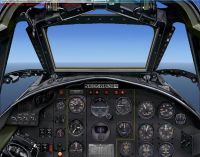
Douglas Boston Panel.
I dont know if this panel could be used in Fs2004.
DEFAULT FS2004 GAUGES NEEDED: Douglas DC3.
Installation :
1. Copy new panel.cfg and bitmap files into "panel" folder of your aircraft previously downloaded.
2. For use in FSX, should be replaced (or added if not) the following lines into the file aircraft.cfg:
//LINES TO REPLACE/ADD in FSX (for the correct functioning of gauges)
[autopilot]

	autopilot_available=1

	flight_director_available=0

	pitch_takeoff_ga=0.0

	default_vertical_speed=700.000000

	autothrottle_available=0

	direction_indicator=1

	attitude_indicator=1

	max_pitch=10.000000

	max_pitch_acceleration=1.000000

	max_pitch_velocity_lo_alt=2.000000

	max_pitch_velocity_hi_alt=1.500000

	max_pitch_velocity_lo_alt_breakpoint=20000.000000

	max_pitch_velocity_hi_alt_breakpoint=28000.000000

	max_bank=25.000000

	max_bank_acceleration=1.800000

	max_bank_velocity=3.000000

	max_throttle_rate=0.100000

	nav_proportional_control=9.000000

	nav_integrator_control=0.250000

	nav_derivative_control=0.000000

	nav_integrator_boundary=2.500000

	nav_derivative_boundary=0.000000

	gs_proportional_control=9.520000

	gs_integrator_control=0.260000

	gs_derivative_control=0.000000

	gs_integrator_boundary=0.700000

	gs_derivative_boundary=0.000000

	yaw_damper_gain=0.0

	default_bank_mode=2 //Default to Heading Hold
[direction_indicators]

	;/1 Type: 0=None, 1=Vacuum Gyro, 2=Electric Gyro, 3=Electro-Mag Slaved Compass, 4=Slaved to another

	;/2 Indicator number of slaving indicator if Type = 4

	direction_indicator.0=1,0

	direction_indicator.1=2,0
[attitude_indicators]

	;/Type: 0=None, 1=Vacuum Gyro, 2=Electric Gyro

	attitude_indicator.0=1

	attitude_indicator.1=2
[altimeters]

	altimeter.0=1

	altimeter.1=1
[turn_indicators]

	;/Type: 0=None, 1=Electric Gyro, 2=Vacuum Gyro

	turn_indicator.0=2,0
[Radios]

	;/ Radio Type = availiable, standby frequency, has glide slope

	Audio.1=1

	Com.1=1, 0

	Com.2=1, 0

	Nav.1=1, 0, 1

	Nav.2=1, 0, 0

	Adf.1=1

	Adf.2=1

	Transponder.1=0

	Marker.1=1
//END OF LINES TO REPLACE/ADD in FSX.
NOTE: In FSX, if the starters does not work, simply change the following value in aircraft.cfg:
[piston_engine]

	...

	normalized_starter_torque= 0.35
This is freeware and is not to be sold or used to make money in any way.
Enrique Medal
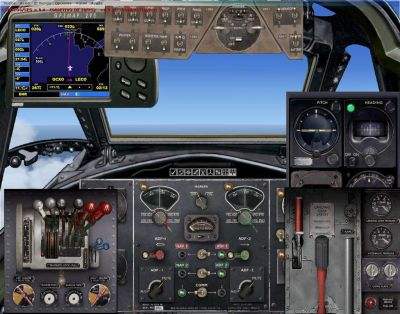
Douglas Boston Panel.
Images & Screenshots

The archive panel_alphabostonmkiii.zip has 11 files and directories contained within it.
File Contents
This list displays the first 500 files in the package. If the package has more, you will need to download it to view them.
| Filename/Directory | File Date | File Size |
|---|---|---|
| panel | 08.21.11 | 0 B |
| DB-7pnl.bmp | 08.21.11 | 769.05 kB |
| Navpanel.bmp | 01.23.01 | 134.53 kB |
| panel.cfg | 08.21.11 | 6.17 kB |
| panel_backup001.cfg | 10.11.04 | 3.20 kB |
| AltPanel_ALPHA_Boston_MkIII_1.jpg | 08.21.11 | 132.63 kB |
| README.txt | 08.22.11 | 2.92 kB |
| AltPanel_ALPHA_Boston_MkIII_2.jpg | 08.21.11 | 156.54 kB |
| AltPanel_ALPHA_Boston_MkIII_VC.jpg | 08.21.11 | 92.73 kB |
| flyawaysimulation.txt | 10.29.13 | 959 B |
| Go to Fly Away Simulation.url | 01.22.16 | 52 B |

Installation Instructions
Most of the freeware add-on aircraft and scenery packages in our file library come with easy installation instructions which you can read above in the file description. For further installation help, please see our Flight School for our full range of tutorials or view the README file contained within the download. If in doubt, you may also ask a question or view existing answers in our dedicated Q&A forum.



0 comments
Leave a Response