FSX BAe 146-100
 BAe 146-100. The BAe 146 is a medium sized commercial aircraft, powered by four turbofan jet engines, which was manufactured in the United Kingdom by British Aerospace. Production ran from 1983 until 2002. In August 2008, a total of 140 BAE 146 aircraft (all variants) remained in airline service ...
- Type
- Complete with Base Model
- Download hits
- 13.1K

- Compatibility
- Microsoft Flight Simulator X (FSX) including Steam Edition & Prepar3D (P3D)
- Filename
- bae146_cc2_x.zip
- File size
- 8.85 MB
- Virus Scan
- Scanned 18 days ago (clean)
- Access to file
- Free (Freeware)
- Content Rating
- Everyone

Rated 5 out of 5 stars by 3 PRO members.


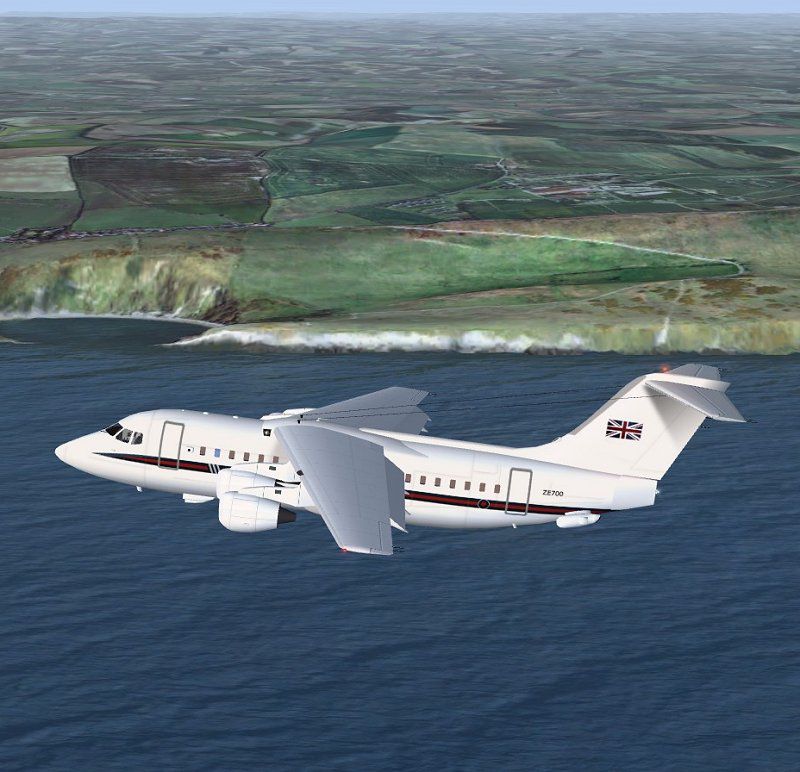
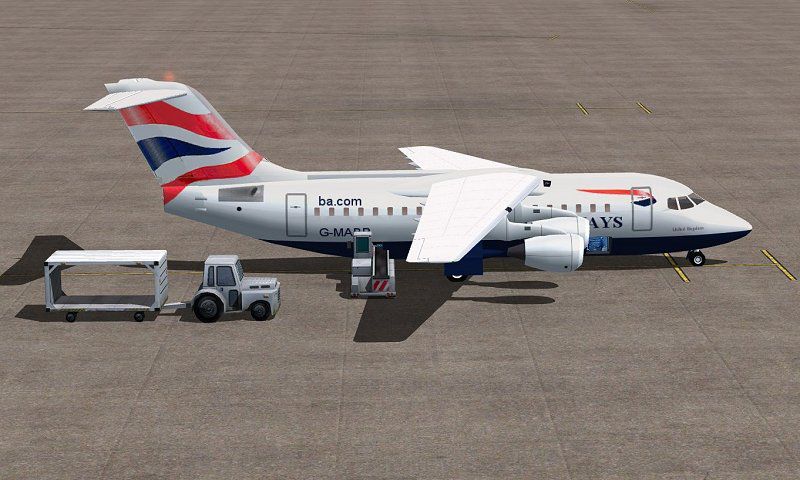
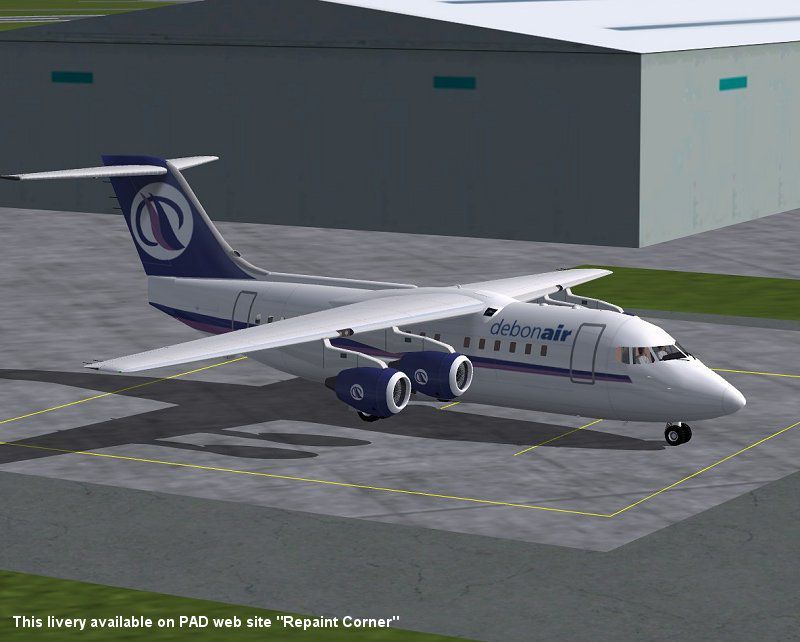
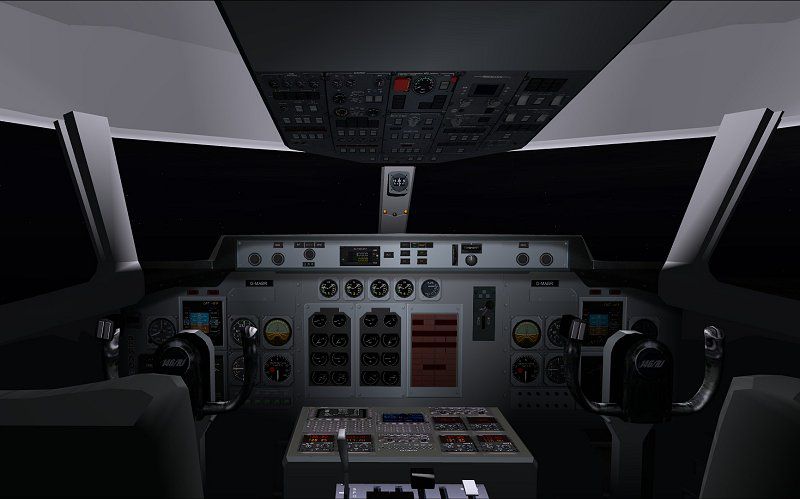
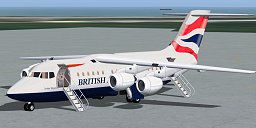
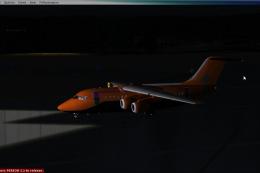
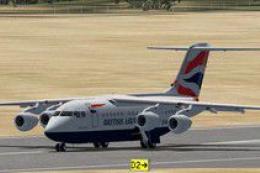
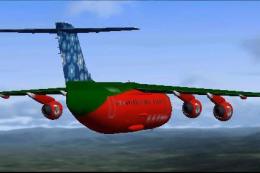
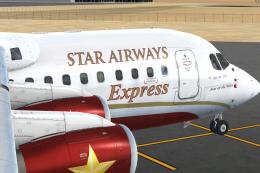
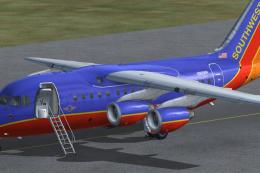
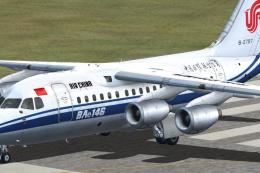
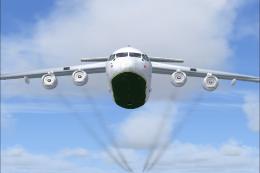
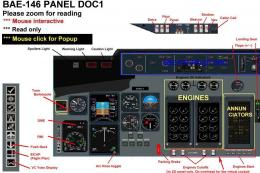
BAe 146-100. The BAe 146 is a medium sized commercial aircraft, powered by four turbofan jet engines, which was manufactured in the United Kingdom by British Aerospace. Production ran from 1983 until 2002. In August 2008, a total of 140 BAE 146 aircraft (all variants) remained in airline service worldwide. The aircraft has very quiet operation, it sees wide usage at small city-based airports. In its primary role it serves as a regional jet, short-haul airliner or regional airliner. Full package for FSX/SP2 with custom panels and VC, full moving parts and air stairs. Realistic and pleasant flight dynamics. The package includes British Airways livery and the RAF CC2 variant with VIP interior. By Jean-Pierre Brisard and Bob May - Premier Aircraft Design.
BAe 146-100 on tarmac.
BAe 146-100 in flight.
Images & Screenshots

The archive bae146_cc2_x.zip has 113 files and directories contained within it.
File Contents
This list displays the first 500 files in the package. If the package has more, you will need to download it to view them.
| Filename/Directory | File Date | File Size |
|---|---|---|
| airplanes | 10.05.10 | 0 B |
| BAE_1461-CC2_x | 10.05.10 | 0 B |
| 145-100_Deb_800.jpg | 09.27.10 | 67.58 kB |
| 146-100_BA_grd_800.jpg | 09.27.10 | 78.88 kB |
| 146-CC2_800_2.jpg | 09.27.10 | 106.74 kB |
| 146_VC_800.jpg | 10.02.10 | 51.22 kB |
| aircraft.cfg | 10.05.10 | 14.20 kB |
| bae146-100.air | 09.04.10 | 13.08 kB |
| BAE1461_readme_first.pdf | 10.01.10 | 142.10 kB |
| bae146_check.htm | 09.28.10 | 2.87 kB |
| bae146_ref.htm | 09.28.10 | 1.31 kB |
| MANUALS | 10.05.10 | 0 B |
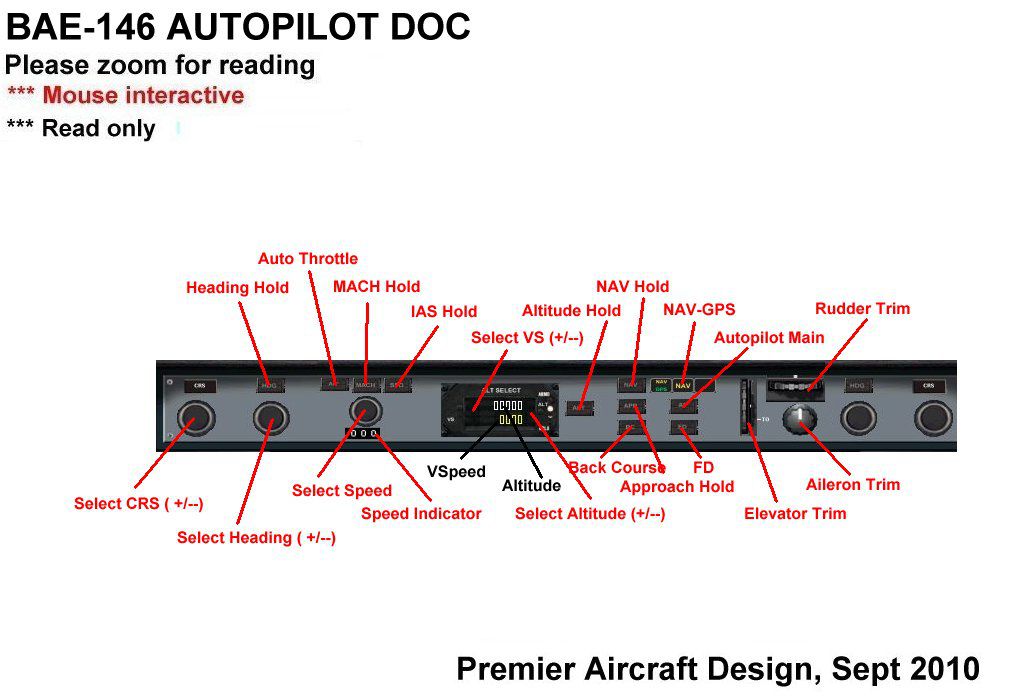
| bae146_autopilot_doc.jpg | 09.18.10 | 92.10 kB |
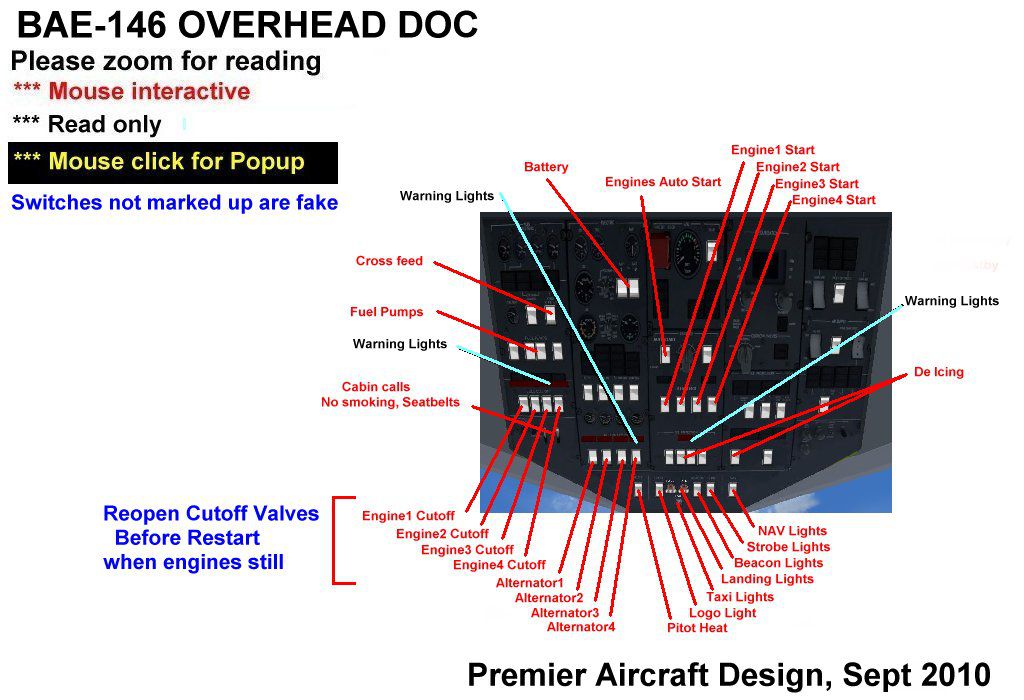
| bae146_Overhead_Doc.jpg | 09.16.10 | 129.20 kB |
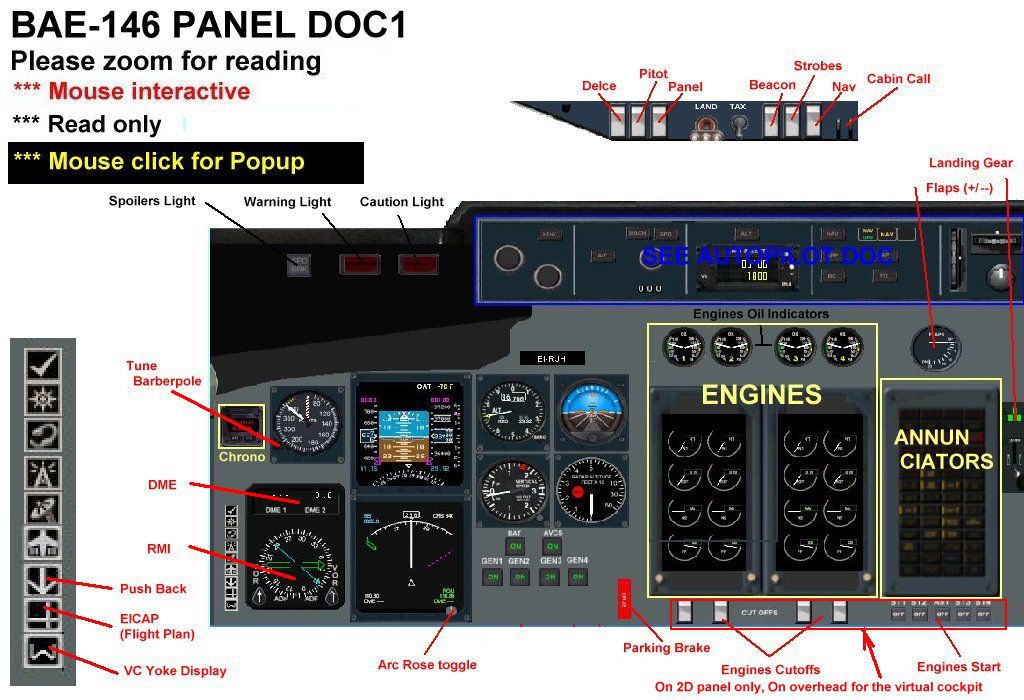
| bae146_PanDoc1_up.jpg | 09.15.10 | 156.84 kB |
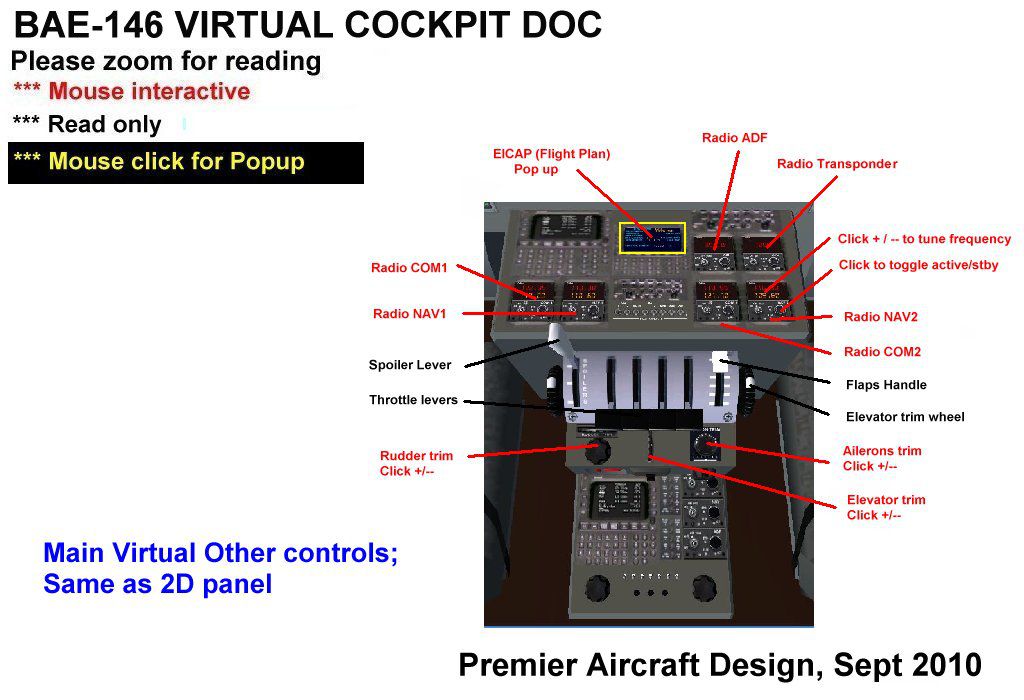
| bae146_Virtual_Doc.jpg | 09.16.10 | 111.54 kB |
| README Groundhandling5_01.txt | 09.27.10 | 21.03 kB |
| Thumbs.db | 09.18.10 | 16.00 kB |
| Model.100 | 10.05.10 | 0 B |
| bae1461_fix20.mdl | 10.01.10 | 3.12 MB |
| Model.cfg | 09.28.10 | 32 B |
| Model.CC2 | 10.05.10 | 0 B |
| bae1461_cc2_fix20.mdl | 09.27.10 | 3.11 MB |
| Model.cfg | 09.25.10 | 36 B |
| panel.BAE1461_x | 10.05.10 | 0 B |
| Annunciators.bmp | 08.29.10 | 190.18 kB |
| B1900.CAB | 05.10.08 | 508.61 kB |
| bae146.CAB | 09.03.10 | 398.86 kB |
| BAE146_annun.CAB | 09.03.10 | 23.01 kB |
| bae146_autopilot.CAB | 09.02.10 | 156.61 kB |
| bae146_clock.CAB | 09.02.10 | 14.67 kB |
| BAE146_PFD.CAB | 06.08.08 | 496.34 kB |
| BAE146_quadrant.CAB | 08.30.10 | 202.85 kB |
| BAE146_rad.CAB | 09.07.10 | 57.41 kB |
| BAE146_sw.CAB | 09.12.10 | 108.05 kB |
| engines.CAB | 09.19.10 | 73.71 kB |
| Engines_Panel.bmp | 08.28.10 | 750.64 kB |
| GH_Sound.gau | 04.15.05 | 80.00 kB |
| Kingair_C90_Radio.gau | 02.28.05 | 456.00 kB |
| magnetic_compass.gau | 06.13.03 | 124.00 kB |
| Panel.cfg | 10.05.10 | 22.81 kB |
| panelmain.bmp | 10.05.10 | 9.00 MB |
| Quadrant.bmp | 08.30.10 | 49.41 kB |
| rcb-gauges.CAB | 12.05.07 | 27.06 kB |
| RCB_Groundhandling5.CAB | 10.20.06 | 26.63 kB |
| RCB_Groundhandling5_Sound.dll | 10.19.06 | 96.80 kB |
| README Groundhandling5_01.txt | 10.22.06 | 20.75 kB |
| Thumbs.db | 09.18.10 | 20.00 kB |
| Xfs9gps.cab | 06.12.03 | 296.71 kB |
| sound.0 | 10.05.10 | 0 B |
| sound.cfg | 10.02.10 | 51 B |
| Texture.BA | 10.05.10 | 0 B |
| Bae146_fuse.bmp | 09.28.10 | 1.00 MB |
| Bae146_fuse_L.bmp | 08.30.10 | 512.07 kB |
| BAE146_Overhead.bmp | 09.11.10 | 1.00 MB |
| Bagages.bmp | 09.12.10 | 256.07 kB |
| Cock.bmp | 09.07.10 | 512.07 kB |
| Elevator.bmp | 08.24.10 | 256.07 kB |
| Eng.bmp | 09.19.10 | 256.07 kB |
| Interiors.bmp | 10.02.10 | 1.00 MB |
| lights.bmp | 08.05.10 | 32.07 kB |
| lights_L.bmp | 08.05.10 | 65.05 kB |
| misc.bmp | 09.15.10 | 1.00 MB |
| PanelVCL.bmp | 10.05.10 | 1.00 MB |
| PanelVCR.bmp | 10.05.10 | 1.00 MB |
| pilots.bmp | 10.05.05 | 257.05 kB |
| pilots_L.bmp | 10.06.05 | 257.05 kB |
| roue.bmp | 08.25.10 | 32.07 kB |
| thumbnail.jpg | 08.29.10 | 8.98 kB |
| Thumbs.db | 09.16.10 | 194.00 kB |
| Wings.bmp | 08.25.10 | 1.00 MB |
| yoke.bmp | 09.08.10 | 256.07 kB |
| Texture.cc2 | 10.05.10 | 0 B |
| Bae146_fuse.bmp | 09.20.10 | 4.00 MB |
| Bae146_fuse_L.bmp | 09.20.10 | 512.07 kB |
| BAE146_Overhead.bmp | 09.11.10 | 1.00 MB |
| Bagages.bmp | 09.18.10 | 256.07 kB |
| cabin.bmp | 09.24.10 | 1.00 MB |
| Cock.bmp | 09.07.10 | 512.07 kB |
| Elevator.bmp | 09.20.10 | 256.07 kB |
| Eng.bmp | 09.20.10 | 256.07 kB |
| Interiors.bmp | 09.25.10 | 1.00 MB |
| lights.bmp | 08.05.10 | 32.07 kB |
| lights_L.bmp | 08.05.10 | 65.05 kB |
| misc.bmp | 09.15.10 | 1.00 MB |
| PanelVCL.bmp | 10.05.10 | 1.00 MB |
| PanelVCR.bmp | 10.05.10 | 1.00 MB |
| pilots.bmp | 10.05.05 | 257.05 kB |
| pilots_L.bmp | 10.06.05 | 257.05 kB |
| roue.bmp | 08.25.10 | 32.07 kB |
| thumbnail.jpg | 09.25.10 | 11.23 kB |
| Thumbs.db | 09.24.10 | 201.50 kB |
| Wings.bmp | 09.20.10 | 1.00 MB |
| yoke.bmp | 09.08.10 | 256.07 kB |
| Simobjects | 12.22.09 | 0 B |
| File_ID.diz | 10.05.10 | 781 B |
| Groundhandling | 10.08.09 | 0 B |
| Groundhandling5 | 10.08.09 | 0 B |
| GH01_Conversation1.wav | 10.26.03 | 188.92 kB |
| GH02_Conversation2.wav | 10.30.03 | 76.44 kB |
| GH03_Conversation3.wav | 11.04.03 | 55.39 kB |
| GH04_Conversation4A.wav | 10.14.06 | 114.56 kB |
| GH05_Conversation5.wav | 10.30.03 | 134.51 kB |
| GH06_SoftClick.wav | 03.07.05 | 551 B |
| GH07_Error.wav | 10.26.03 | 8.75 kB |
| GH08_PushbackRoll.wav | 05.11.05 | 44.58 kB |
| GH09_Conversation4B.wav | 10.14.06 | 67.76 kB |
| GH10_Attention.wav | 10.14.06 | 21.57 kB |
| GH11_Brakes.wav | 11.06.03 | 29.74 kB |
| Sound.ini | 03.20.07 | 925 B |
| sound | 06.19.10 | 0 B |
| flyawaysimulation.txt | 10.29.13 | 959 B |
| Go to Fly Away Simulation.url | 01.22.16 | 52 B |

Installation Instructions
Most of the freeware add-on aircraft and scenery packages in our file library come with easy installation instructions which you can read above in the file description. For further installation help, please see our Flight School for our full range of tutorials or view the README file contained within the download. If in doubt, you may also ask a question or view existing answers in our dedicated Q&A forum.



5 comments
Leave a ResponseThe content of the comments below are entirely the opinions of the individual posting the comment and do not always reflect the views of Fly Away Simulation. We moderate all comments manually before they are approved.
@Chen Daniel, It's definitely tarmac. You definitely need to buy a dictionary and learn some aviation terminology.
* no such thing as tarmac
This plane is good! Rowen I sugest you search up a video of how to download planes to FSX SE
I can't see to download this on my Steam edition. Oh and I can't download any of the planes from this website. It might be a me problem. but if it's not somebody please tell me how to fix it, because I really want this plane.
Really nice plane great cockpit. Another great job by you guys.