
 Ian Stephens
Realism, attention to detail, and absolute authenticity are at the heart of any top-notch flight simulation experience. Whether it is how authentic the planes themselves look, or the attention to detail on the many famous airports that are themselves household names around the world, it is arguable that the real journey of flight simulation begins once one begins to explore the abundance of extra choices available.
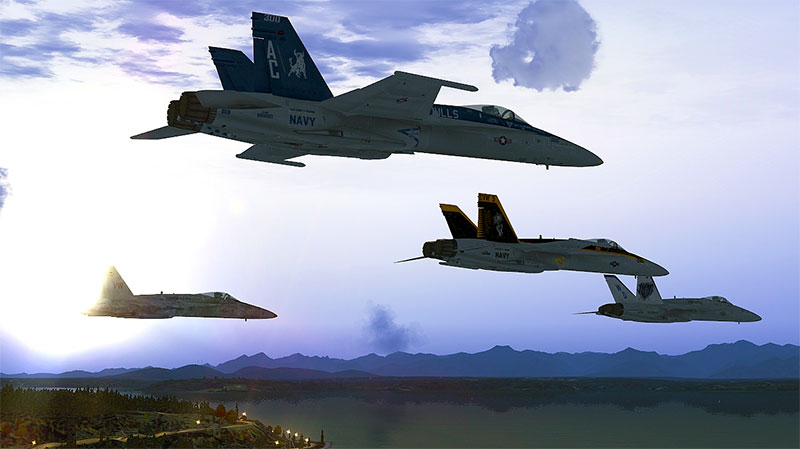
Indeed, while Microsoft Flight Simulator X is perhaps the platform that shows the gateways to the virtual world, it is the add-ons that hold the keys to opening them and truly exploring what lays beyond each one. Such is the beauty of flight simulation and the details and data these add-ons provide, that the experiences are potentially endless and leave the pilot with a plethora of opportunities to choose from.
The add-ons and mods featured below are mainly (mostly) freeware. However, to make things clear, all payware options have been marked in the header with, "(Payware)".
Compatibility with Steam Edition and P3D(v4).
Also worth noting, we have ensured that all of the mods featured below are compatible with the Steam Edition of FSX. Finally, some of the add-ons will also work with Prepar3D and even P3Dv4 - it's just a case of trying them out.
As this article is quite lengthy, you can jump to individual sections using the links below;
- AI Traffic
- Mesh Scenery
- Airport Enhancements
- Photoreal Scenery
- Environment Enhancements
- Payware Add-ons
- Freeware Add-ons
With that in mind, then, here some of the best add-ons available for FSX that contribute greatly to achieving such realism, realistic graphics and environment and of course authenticity.
AI Traffic
While there is much focus – and rightly so – on the specifics of the planes themselves and even the airports upon approach and landing, some of the most important aspects of flight simulation for that all-around authentic feel is AI traffic. Basically, the accurate and lifelike activity taking place all around you as you go about your missions.
This background activity takes places completely independently of your actions, much as it would in real life, meaning not only is it enthralling to watch but you, as the pilot of your own plane, have to be completely aware and ready to react accordingly to any given situation.
World-Of-AI
As you might imagine, such aspects of flight simulation as AI traffic will be subject to constant change and updates. As times goes on, generally speaking, the details improve and, in turn, the overall experiences become ever-more lifelike.
With that in mind, then, it will be well worth exploring – and installing – the World of AI Installer – which you will need for any such World of AI releases in the future. Once you have this installer in place on your system, it will provide an avalanche of freeware AI traffic that will contribute to making your simulated flight experience all the more real.
What’s more, this add-on installer is compatible with both FSX and FS2004. Essentially, if you are looking to spend a long time in the virtual skies, then sooner or later – if it is authenticity you seek – you are going to have to add the World of AI Installer.
View/download over in the file library here. You'll also need the AI traffic packages that go with the installer, which can be downloaded here.
Traffic Global (AI-Traffic Mod) (Payware)
OK, so once you have the WOAI installer (above) and you have played around with it, you may want something more advanced. And Traffic Global is perhaps one of the best options for AI traffic out there. With over 2,000 new aircraft variants and a whopping half a million flight plans, this Traffic Global version utilizes authentic real-life flight schedules that span the entire planet.
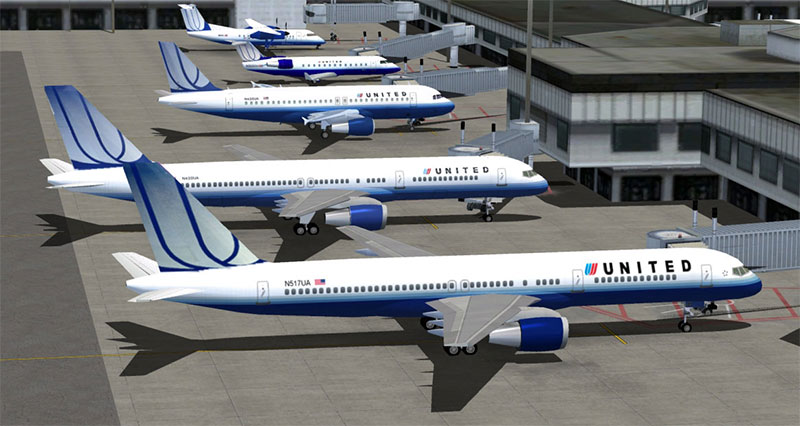
In short, by incorporating Traffic Global into your flight simulation arsenal, the simulation suddenly becomes as close to the real thing as one can get without actually setting foot inside a real plane. In fact, it is the realism that makes it stand out so much from similar add-ons that have come before it.
All aspects of flight simulation have been catered for, both in the air and on the ground at your chosen airport with some of the best animations regarding the finer aspects of aviation available for the virtual pilot. Even the 29 new sounds and audio features – which again contribute greatly to the overall realism - make Traffic Global well worth the small charge for its use.
As well as several commercial airliners included in the program – civilian and cargo – there is also a large array of military aircraft (including helicopters), as well as other general aviation aircraft. Furthermore, the availability of the Traffic Control Centre truly helps the virtual aviator experience by offering an insight into such a world through the eyes of those guiding and landing the relentless tide of aircraft coming in from all over the world.
This is a paid-for product and can be purchased over at SimShack here (with immediate download after purchase).
Mesh Scenery
Of course, when you take a peek outside of your virtual cockpit, what you see there goes just as much towards the overall experience as what’s inside. Indeed, much as you would from a real plane, once you are up in the air, as much as going from A to B is the goal, the stunning views such travel offers is, at least for some, as much a part of the reason why aviation and flight – virtual or otherwise – is so enthralling in the first place as anything else.
With that said, then, what is on offer to the eye needs to be fit for visual consumption. And with improvements happening all the time, the following add-ons are perhaps essential for virtual pilots who wish to appreciate the beauty of travel from the air in terms of the detail outside the cockpit as much as in.
FreeMeshX Global Terrain Mesh Scenery 2.0
So, with that in mind, it is perhaps very much worth considering the FreeMeshX which, once installed, will replace and update the terrain stock for FSX, FSX: SE and P3D programs.
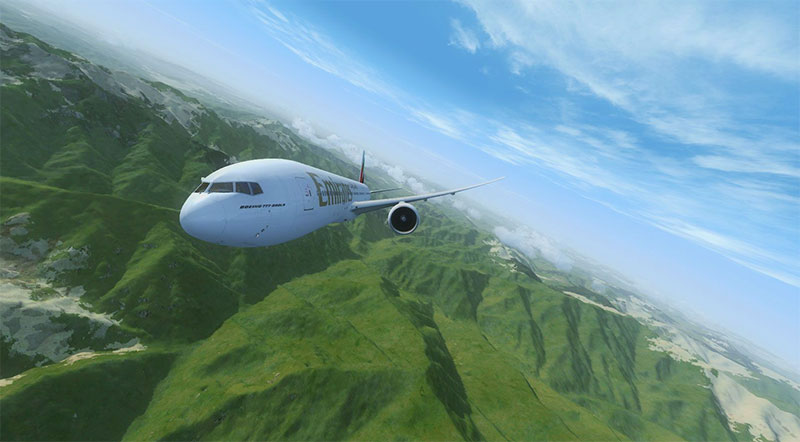
This program also features meshing that is LOD10 (38m) for the vast majority of the planet, which is a huge improvement on the previous versions which ranged between LOD6 to LOD9. This includes the rest of the North American continent (the US is already at LOD10), all of Europe, Asia, Africa, and Australia, as well as Oceania.
We should note, that while there may be some minimal changes and improvements to Antarctica, Greenland and the regions of Russia which lay beyond the 60N latitude line, most of these three areas may still be at LOD9, at least for the foreseeable future.
Download from the file library here.
FreeMeshX USA LOD-12 Mesh Scenery Add-On
While the United States is already at the highest possible terrain level of detail out of the box (and the same level as the standard FreeMeshX package above), the FreeMeshX USA LOD-12 will be of particular interest to anyone who likes to explore the United States from the virtual skies as it brings the USA terrain up to LOD-12 level of detail.
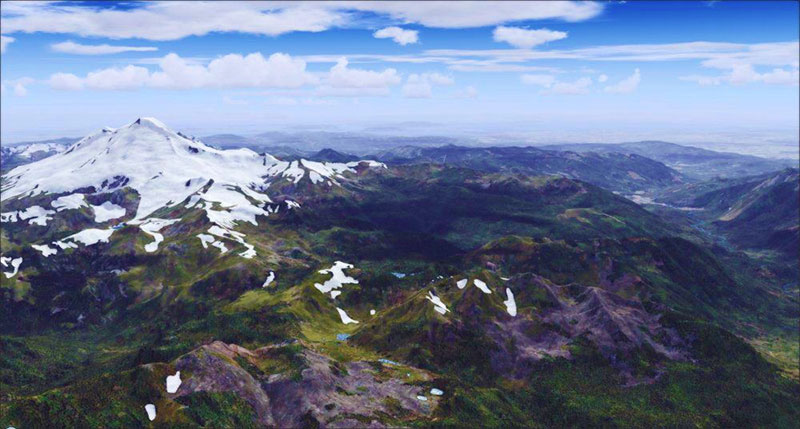
There is much improved and finer detailed terrain over most areas of America. However, while such intriguing and beautiful areas as Hawaii and the mysterious and brutal landscapes of Alaska are still awaiting significant improvements, we would imagine this will surely only be a matter of time.
It is still very much worth installing for those who wish to traverse over the majestic landscapes of the United States. And what’s more, it is compatible with all versions of FSX, including the Steam Edition, as well as all versions of Prepar3D. Furthermore, there is no need to download the N40W085.bgl fix as this is also included within the program.
View/download over in the file library.
Airport Enhancements
As aviation fans and experts will be more than aware, every airport – particularly some of the smaller ones – have their quirks, looks, and uniqueness that makes them stand out from each other. Whether it be the composition or distinct color of the tarmac on the runway, or the way lush greenery separates the landing strips, or even how the lights appear upon approach, the finer details available in some of the airport enhancement programs make all the difference.
Airport Ground Texture Upgrade
As the title suggests, this particular add on focuses on the appearance and texture of the ground and runways of the world’s airports. While this might sound trivial, such detail often makes the difference between an “OK” flight simulation experience and a genuinely authentic one.
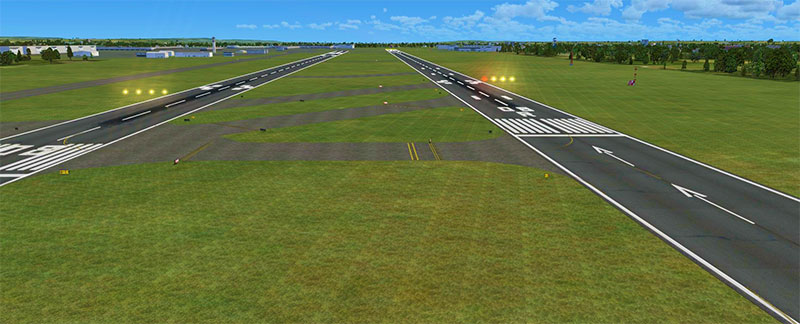
So, whether you are approaching one of the world’s largest and state-of-the-art airports, or a single runway out-of-the-way place in the middle of the country, what you see on your computer screen will be as close as dammit to what you would see if you peered out of a real cockpit window as you brought your plane into land.
Adding an even further level of authenticity is the “weathering effects” and general wear-and-tear on the runways themselves, right down to the individual cracks in the tarmac.
Grab the file in the library here.
High Definition Airport Parking & Jetways
Compatible with the FSX, including Steam Edition and Prepar3D, the HD add-on of airport parking and jetways is another often overlooked little extra that packs a punch far above its weight in terms of detail and that everlasting search for realistic views from the cockpit.
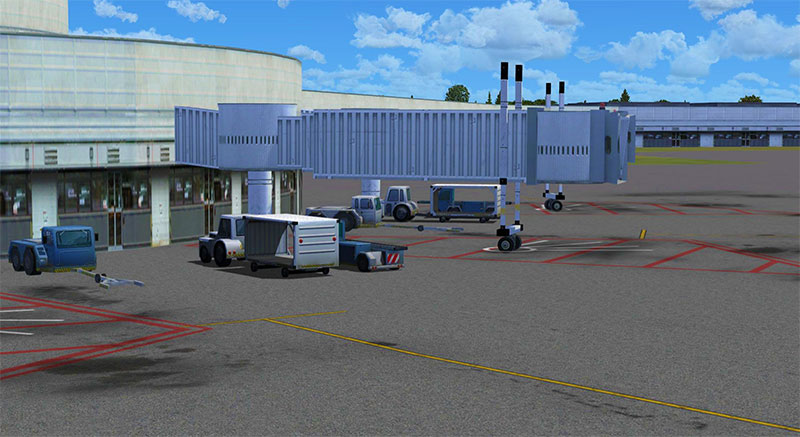
Indeed, with this add-on, both when you prepare to leave from your chosen location to when you arrive at your destination, it will look to you in the virtual world very much as it would in the real one. It is the overall clarity that the add-on provides that makes this a necessity for those who wish to wrangle out every last drop of realism from their virtual flying experience.
View/download in the file library here.
Photoreal Scenery
Depending on what type of plane you are flying and, in turn, at what altitude you are operating at, determines how much of the terrain below you can see. What is for sure, however, with the various photoreal scenery add-ons – many of which are completely free, for example – it will be detailed and authentic in the extreme.
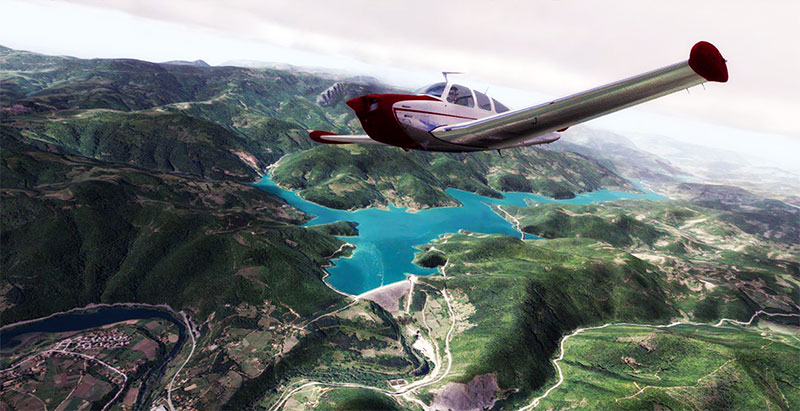
So whether you are ferrying commercial civilian airlines across the metropolis-splashed landscapes of the United States or most of “modern” Europe, or whether you taking smaller, single-engine planes to look at the wonders of the ancient worlds in modern-day Asia or the Middle East, it perhaps goes without saying that whatever you are looking down upon from your virtual cockpit, needs to be as realistic as possible.
Needless to say, the Photoreal Scenery add-ons is perhaps as good a place as any to start once you wish to start fleshing out your environments, and will without a doubt, make the world you are about to explore from the comfort of your computer chair as close to the real thing as is currently possible.
This topic deserves a whole article to itself - you can read our entire article covering the latest photoreal scenery for FSX here.
Environment Enhancements
OK, so there is plenty available in terms of extra and more authentic detail for the airports, the runways, the layout of the some of the most iconic and historic cities all over the planet, not to mention such details as the mountains, vast landscapes, fields, and natural formations, however, what about such extra features.
Features such as the moon, for example, or indeed the further layout of the night sky, and the stars and planets, as well as more terrestrial details such as vastly different terrains of the planet below. From the jagged mountains to the open seas, some of the environment enhancement add-ons just go that little bit further in turning up the realism another notch and making your chosen flight all the more authentic.
FSPassengers
Many people want flight simulator to be as close as possible to real life, this is why PC Pilots are searching for moving seats, vibrating joysticks and other enhancements, however people tend to forget about the business side of real life.
On one hand, people want to experience not only "the real deal", but on the other hand, the industry cannot be fully simulated without the business end. This is why I would like to share my experience with FsPassengers X (for Flight Simulator X).
?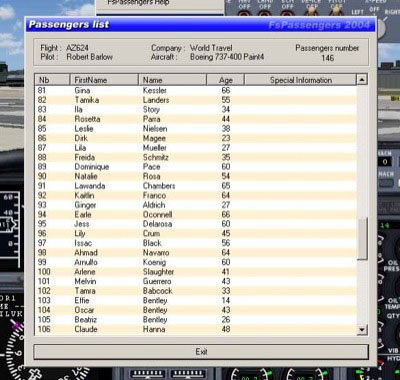
Passengers list in FSPassengers
In general, FsPassengers/FsPassengers X is built as a tool that allows the PC Pilot to create his own airline and experience - the dream combination between management and piloting.
Just after creating your airline there is a choice between playing from scratch meaning the PC aviator has to work his way up the aviation ladder and getting airtime on the clock (very close to real life). The second option is skipping the type ratings and allowing the PC pilot to fly any plane he wants with the option to choose the amount of money the company starts off with.
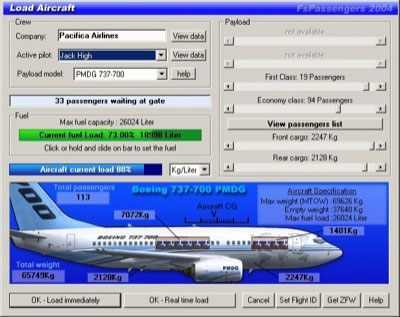
Aircraft load screen
The monetary choice is a crucial one since it influences greatly the purchasing and maintaining of your fleet. After you have completed choosing your company scenario you can choose the reality settings and adjust them to your needs: mechanical failures, the harshness of the various Penalties, the currency for financial information and many more.
After completing the initial setup of your company it is time to hit the sky. Before starting a flight the pilot needs to purchase the selected aircraft for the airline. The aircraft market gives the pilot/manager the options of choosing a used aircraft for a cheaper price but with the risk of purchasing a poorly maintained aircraft from the previous user (with the risk of expensive long-term permanent maintenance) or the option of purchasing a totally new plane for a high price, your choice what to do, but think well, that's my tip of the day.
The second and also very important part of being a successful airline is the ticket and onboard service price against the service quality. When you start off your airline will have a lower reputation which means lower load factor (my tip: lower your ticket price a little bit to attract customers). The reputation will rise with on-time schedule performance and a good after flight report in your pilot logbook.
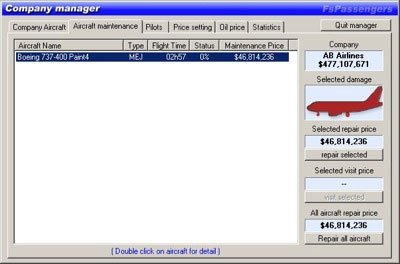
Company manager screen in FS Passengers
I used FS Passengers with Flight Simulator 2004 and FSX and I can tell you that the logbook and all the other add-on features made me experience the simulator more intensively. The logbook made me fly more carefully since the logbook monitors all flight phases and it includes them in your report, meaning you really have to fly disciplined and follow all air traffic rules and regulations, one more hint, don't forget to make a nice safe landing at the end.
FsPassengers works with all versions of FSX including the Steam Edition and all versions of Prepar3D (including P3Dv4). This add-on is great fun and can add that extra level of realism not usually found in a flight simulation package alone. You can grab the software over at the FsPassengers website here.
HD Moon Texture V3.0
For those who like night flying, a large part of the experience is how the moon might look like a permanent companion on such flights. With V3 of the moon texture add-on, it will automatically update and replace the features of its previous versions.
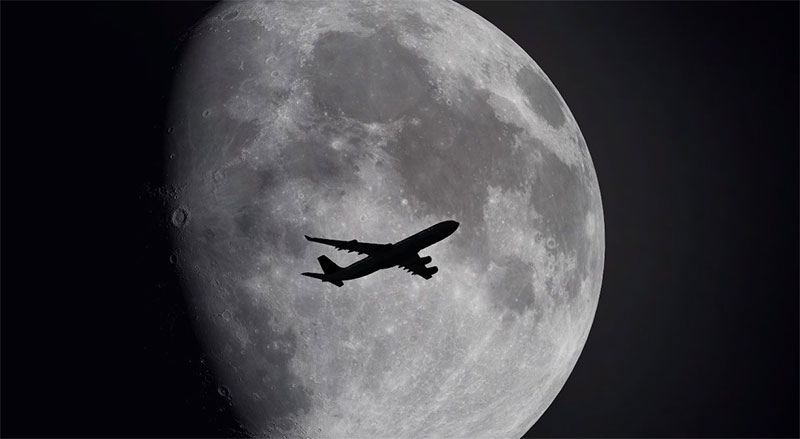
What this means, then, is that every aspect of the lunar service, its positioning, what’s visible and when, is brought to you in greater detail than ever before. And the chances are, if you have an interest in the upgrading how the texture of nearest cosmic neighbor appears, then you will very likely be interested in our next add-on.
Download from the file library here.
AutoStar X
One of the most popular recent add-ons is the AutoStar X which not only adds new and better details to the night skies for night flyers, but the placements of the planets and star systems is astronomically accurate, regardless of any “date” you choose to fly. While it might seem like a trivial add-on when the real focus is the vehicle and the flight itself, the AutoStar X adds so much that it would be to the user’s detriment to not install it.

Indeed, rather than simply flying into and through a perpetual blackness, this add-on literally brings your virtual night skies to life with splashes of accurate star formations and planets, all of which are not only correct in the positioning/dates, but also will shine and glow in sympathy with their real versions making your nighttime flights as authentic as possible.
Even more amazing and bringing even more life to this add-on is the fact that you just might witness the odd meteor pass by your virtual cockpit or even an eclipse. If it is realism you want – and most virtual flyers do – then this easily missed add-on will bring it, albeit discreetly, in absolute abundance.
Grab the add-on over in the file library here.
HDE Sky Textures V2.0
Even if you are flying during the daylight hours, whether it is early morning, in the middle of the afternoon or in the early evening, you want to get the same out of your virtual surroundings as when you take to the star-splashed night skies.

With that in mind, then, you might wish to look at V2 of the HDE Sky Textures add-on, which assists greatly in bringing the skies to life, wherever you are and at whatever time of day you wish to travel.
And that amount of detail is perhaps best reflected in the knowledge that the user will gain access to 140 different sky textures, each of which comes with additional choices and details.
Grab the mod from our downloads section here.
Road Textures Scenery
In the same way that the above add-ons all add that extra little bit of detail to the virtual flying experience, so does the Road Textures Scenery add-on, which brings alive already accurate depictions of some of the world’s most famous cities, by adding in moving traffic, or indeed having none, as well as various lighting effects.
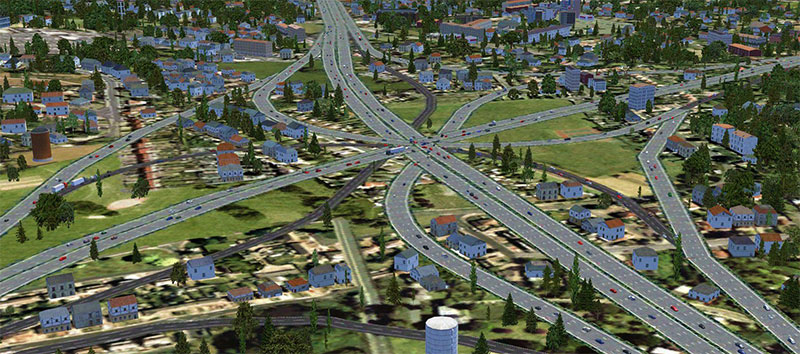
For those who like to partake in lower altitude flying, as well as for anyone who enjoys taking in the scenery when coming into land, this add-on provides a solid amount of detail and is something any virtual pilot should look to put to good use.
Download the mod over in the file library page here.
Flight Simulator Water Configurator
Given that, approximately, two-thirds of the Earth is covered by water, with various oceans and seas separating land mass, as well as hundreds of great lakes and rivers cutting their way inland, it would make sense for those who are looking to get as much realism as possible out of their virtual flights to also look at adding as much detail and realism to the water systems of the world beneath them as the various terrains of the land.
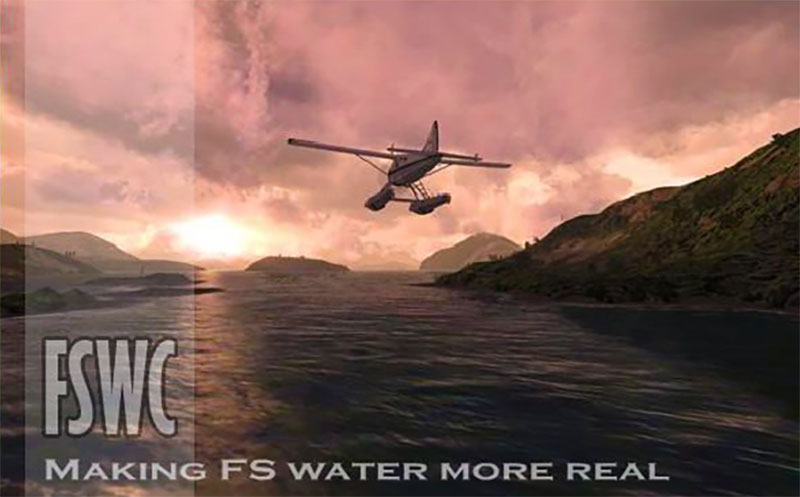
What’s more, not only does the water configurator change the shading and appearance of the water below – right down to the glare of the sun of the waves – but it also accounts and adjusts accordingly for small areas of water on the runway, or indeed complete saturation if flying in the middle of a rain storm, for example.
Because of the ability for this shading of the water – which any user can now manipulate to their own ends in real time without having to restart or reinstall – the appearance of such wet surfaces, as well as flights over vast oceans, means that virtual flight takes another step forward in terms of realism and authenticity.
Download the installer/mod in our file library here.
Replacement Water Textures
With all of the above in mind, virtual flyers might wish to look at the FGSX Replacement Water Textures add-on, which provides that little bit of extra detail to the waters below. This is an add-on perhaps especially to virtual flyers who conduct many of their flights in or around coastal areas of the world.
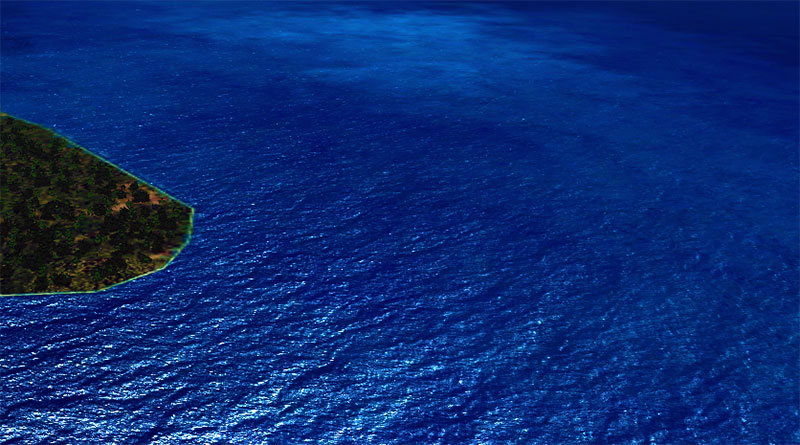
This add-on brings into focus much more sharply the varying water levels and “roughness” of the waters below. For example, as you near the coast and the waters become much shallower, the detail and texture below will clearly reflect that and so adding yet another layer of detail that contributes to a more realistic experience.
Given that this particular add-on is free to use and download, and like all of the others mentioned above conforms to and is compatible with FSX, Steam Edition and Prepar3D, it would be a shame to leave it out of your flight simulation tool bag.
Download the file from our library here.
Payware Add-ons
While most of the above add-ons are free, or of minimal charge, there are, of course, various other such payware add-ons, each of which brings their own particular twists and additions to virtual flying. And what’s more, and as good as the free add-ons undoubtedly are, because of the access these “professional” programs usually have to genuine flight information – on occasion including military records – as well as direct involvement with aviation professionals, including utilizing genuine pilot training programs, the payware add-ons are very often some of the slickest and most detailed programs to be found.
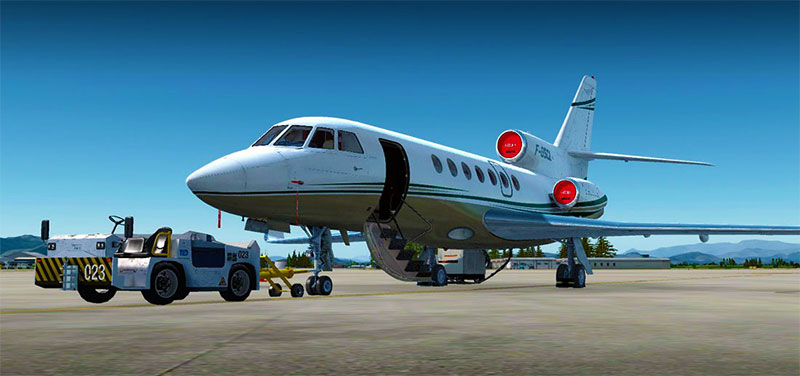
In fact, it is because of the great quality of the thousands of freeware add-ons available that makes the vast majority of these charge-for programs even better, with industry experts fully aware of having to justify such a charge when compared to such freeware. And that isn’t a bad thing, for either side, or indeed, you, the pilot and consumer.
What’s more, in the unlikely event that you run into trouble with any of the paid-for add-ons, there is usually access to online support, meaning you won’t be stuck on the virtual runway for long once you make it known you need assistance.
And perhaps above all else, the sheer choice of vehicles, airports, terrain, even boats from which to launch your mission from, basically anything connected to aviation you can shake a virtual windsock at is very likely to be available – for a small fee, of course.
We have a dedicated payware store called SimShack which stocks thousands of pay-for add-ons for FSX, P3D, and X-Plane. Visit and browse our SimShack site here.
Use of Freeware Expansions
Whatever version of Microsoft Flight Simulator X you begin with, it is important to utilize and (literally) take advantage of the FSX add-ons, which are freeware extras that enhance the overall flying experience dramatically.
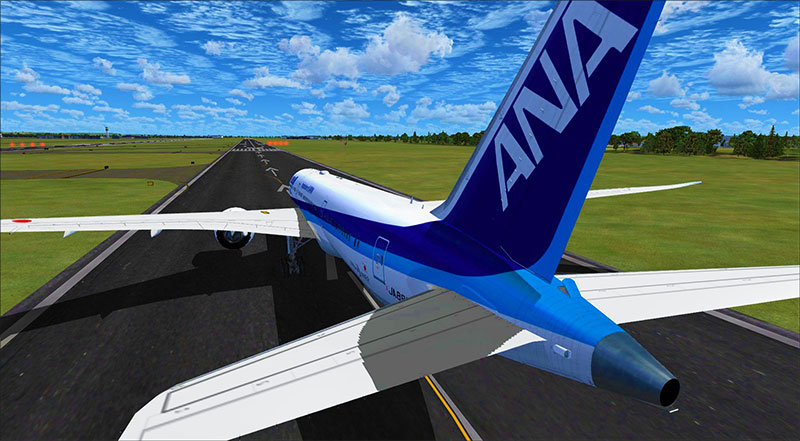
Furthermore, for the most part, these add-ons give the virtual pilot the power to personalize and control much of their environment as possible. So, if you choose to add on weather conditions and environment changes, you can perhaps work flying while at the mercy of the elements or flying during the day or night.
Or perhaps you wish to opt for more specific aircraft, maybe even helicopters or a classic, small, single-engine plane from the early years of aviation? Maybe you wish to try your hand with military aircraft? Perhaps launch from one of the US Navy aircraft carriers in the middle of the Pacific Ocean, for example?
Whatever you wish to do once you have mastered the basics of flight simulation, the utilization of freeware add-ons is one of the first points of order on each of your virtual pilot’s to-do list.
Firstly, we have a couple of articles that feature a "best" selection of add-ons such as our article here. However, if you want to view the entire library, jump over to our freeware FSX expansions library here (over 22,000 files).
Your Thoughts Please...
We'd love to hear your thoughts in the comments sections below. What makes your FSX experience more realistic? What do you use to enhance your simulation experience? Have we missed any realism enhancements? Please comment below!
 Don't forget... We have a huge selection (over 24,000 files) of free mods and add-ons for MSFS, FSX, P3D & X-Plane in the file library. Files include aircraft, scenery, and utilities All are free-to-download and use - you don't even need to register. Browse on down to the file library here.


14 comments
Leave a ResponseThe content of the comments below are entirely the opinions of the individual posting the comment and do not always reflect the views of Fly Away Simulation. We moderate all comments manually before they are approved.
Excellent article. I usually buy enhancements but this has brought some fine freeware to my attention. Cudos to those brilliant people who donate their hard work to the community.
Dirt -- or the lack of it. Nearly all sim add-on programs are too clean, too pristine. Have you ever seen an airport with ramps, taxiways or runways without dirt? Tire skid marks, spilled oil, accumulated carbon deposits from engine exhausts, etc., etc. The list is endless. I flew professionally for 42 years in both the military and airlines and I never encountered a clean flight deck, tarmac, runway -- or roadway leading to a terminal. If you want realism, the next time you're at an airport look around and analyze what you're seeing. It's everywhere. And it makes the big difference between reality and make-believe -- for me anyway.
Do you ever have any add ons for real weather?
Thank you very much for the information. I will try one by one and enjoy making my flight simulator as close as to the real world every step.
Got an error message when I tried to install the large scenery zip; FreeMeshX-Global-2.0.zip I use the addon wizard. This is the first problem I have ever had. The error is #2147319779 and says Library Not Registered Can you help?
Very good work I am still checking P3Dv4 vs FSX for improvement.
Thanks Fly Away, you just keep getting better and better for us simflyers.
Would like to have a float plane like Piper Cub or Super Cub floatplane.
Alan.. Your commenting in the section where there are add-ons for these issues, take a look at Airport Ground Texture Upgrade and High Definition Airport Parking & Jetways.
I am really interested in this am just waiting to be admitted.
Greetings. In this page you mention:
"This program also features meshing that is LOD10 (38m) for the vast majority of the planet, which is a huge improvement on the previous versions which ranged between LOD6 to LOD9. This includes the rest of the North American continent (the US is already at LOD10), all of Europe, Asia, Africa, and Australia, as well as Oceania."
Do you have something for Central and South America?
Regards
Hi All,
Have only recently come across your website following Jack's TV tutorials and I can say that the quality and enhancement of the add-ons I have downloaded from your site are exceptional. Being the skeptic I am I always have concerns over anything "Free" but have none with Fly-Away Sim. In fact, my expectations have been exceeded. Well done guys.
I've only just come back to FSX after a few years away, so I wanted to say thank you for being a great resource for the realism and expansion mods you've made available here.
And articles like this (which make it easier to direct my searches) are really appreciated. I'm a paid member now and I think it's worth every penny.
Cheers!
Trying to see if there are any updates for older aircraft 7 C/S B727 C/S B707 etc. in your organization.