


 Gibraltar
  MSFS Scenery
Monaco Photogrammetry
The MSFS Monaco Photogrammetry Scenery mod is an intricate addition to Micros…
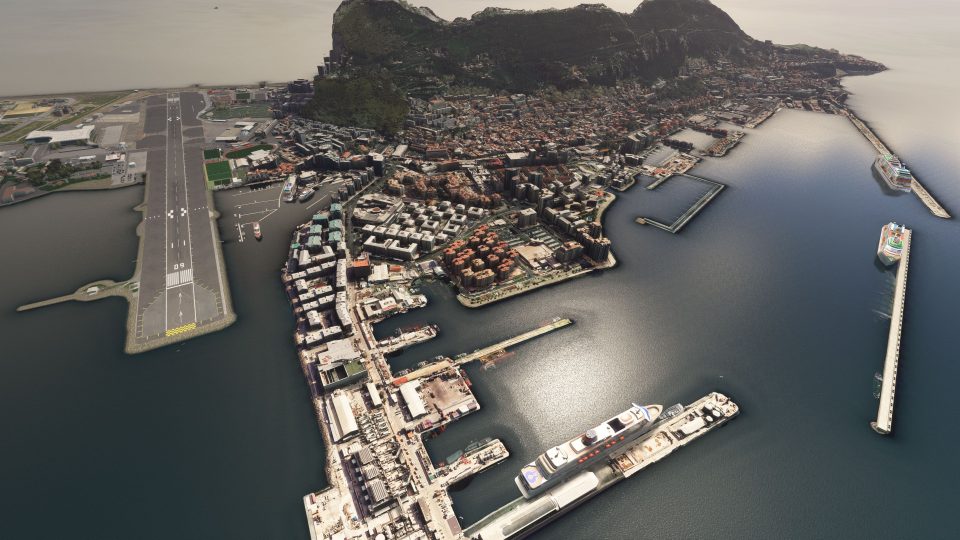
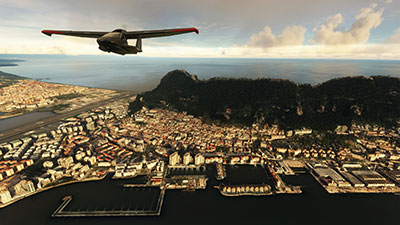
Gibraltar’s Rock, cityscape, and airport environs gain crisp photogrammetry detail with a true-to-life 3D layout that strengthens VFR landmark spotting and low-level approaches in Microsoft Flight Simulator. The scenery uses high-resolution Google Maps-derived data, includes accurate georeferencing, and refines terrain elevation around the RAF base for smoother realism.
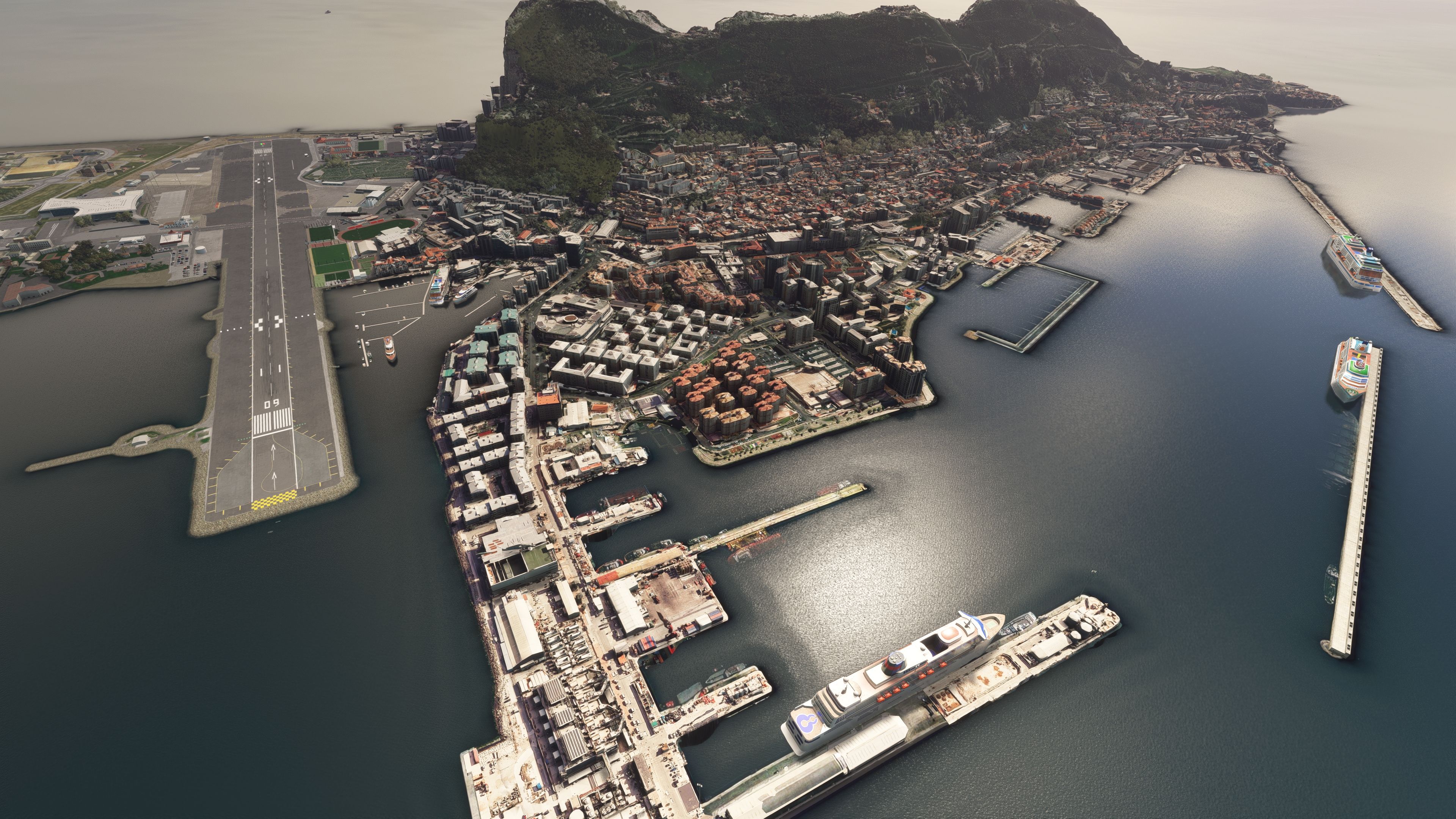
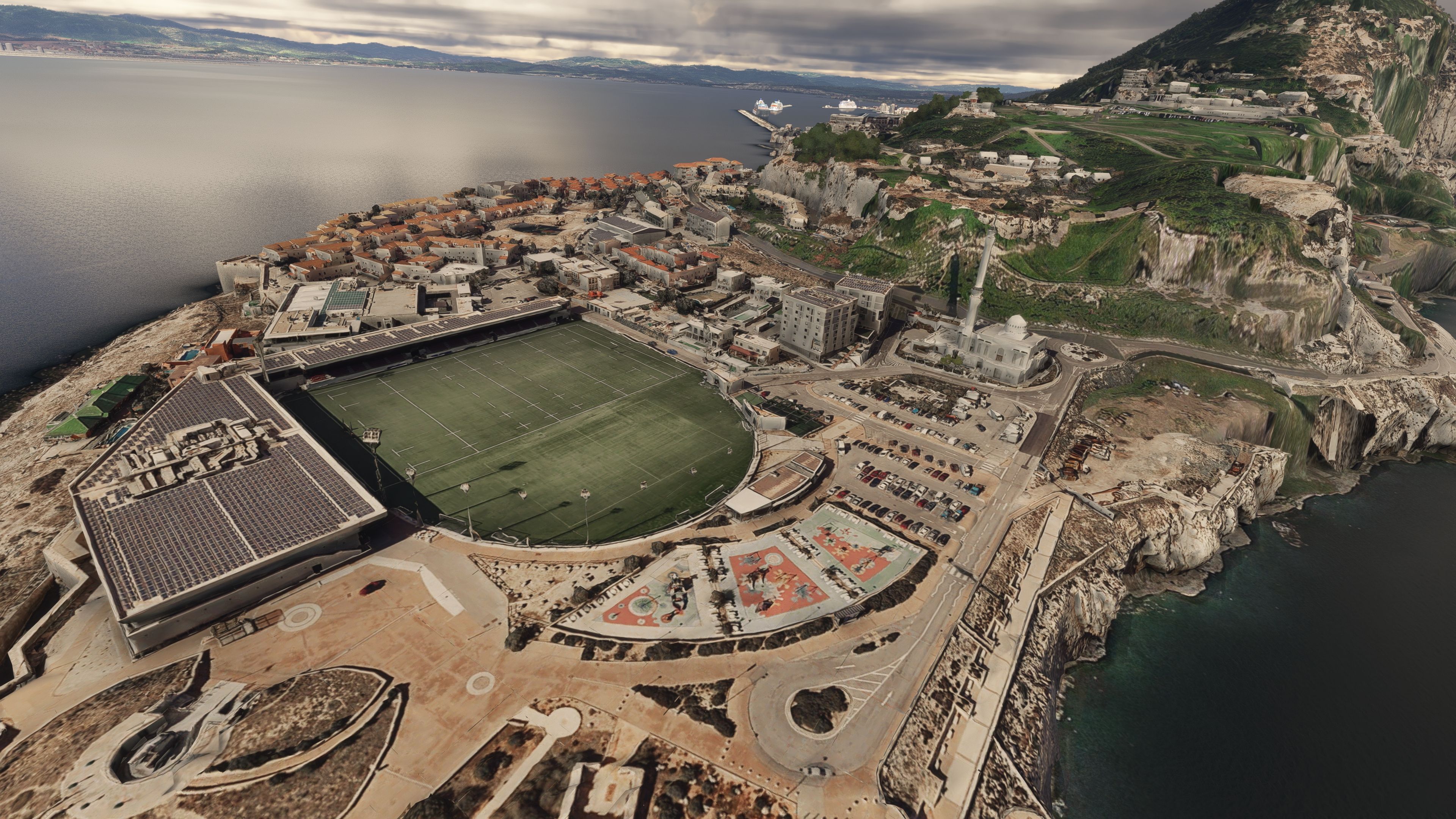
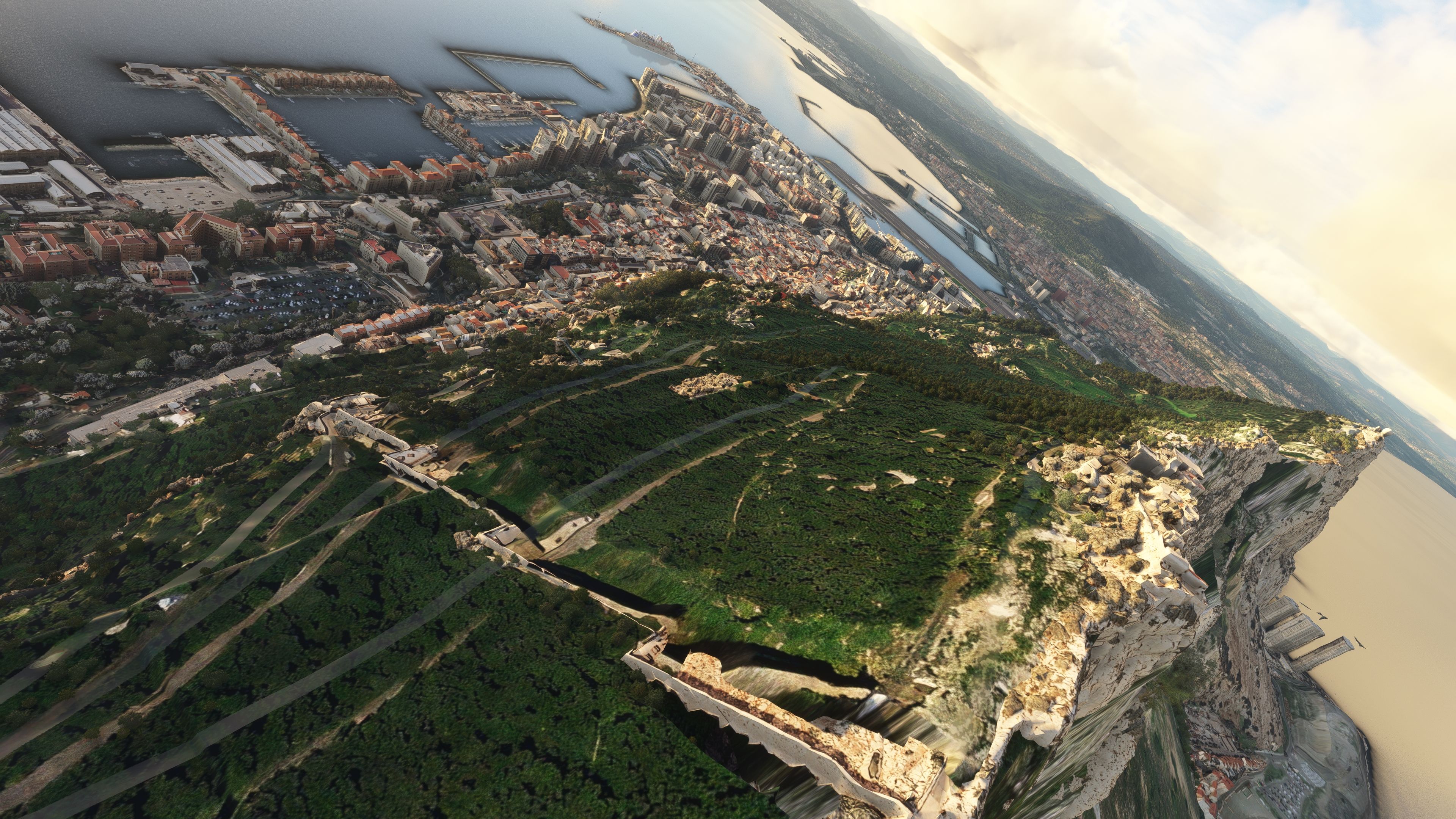
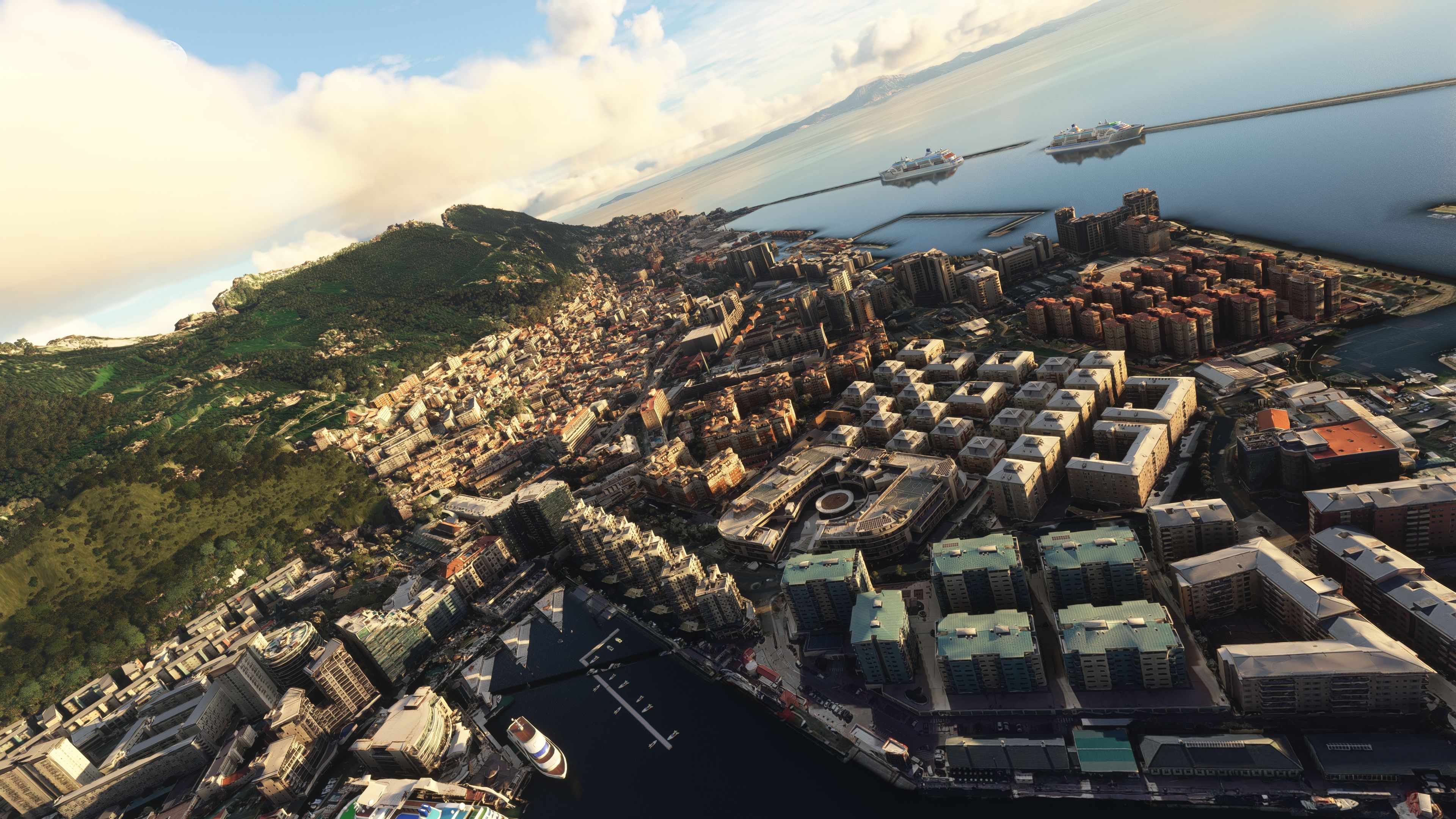
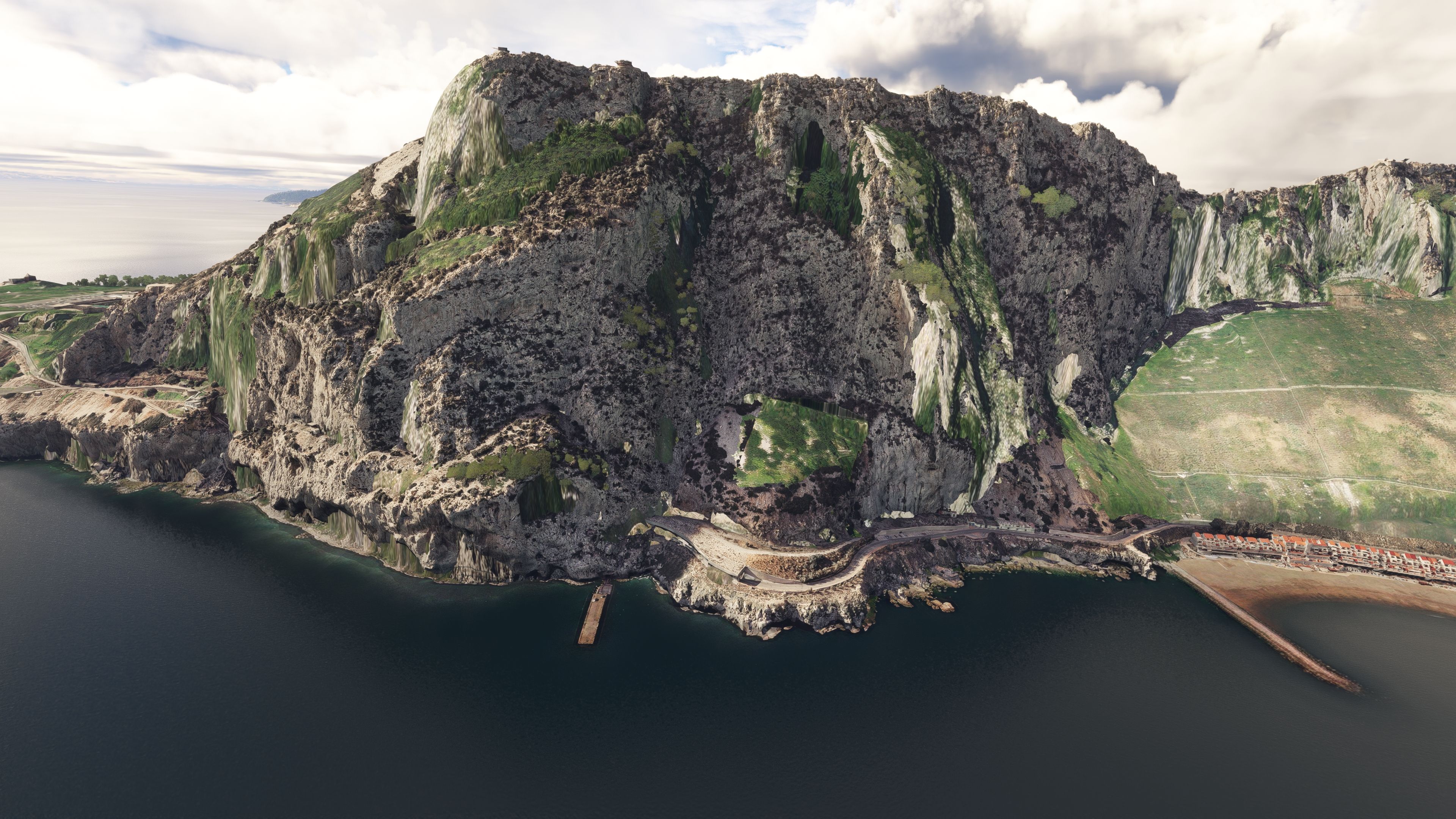
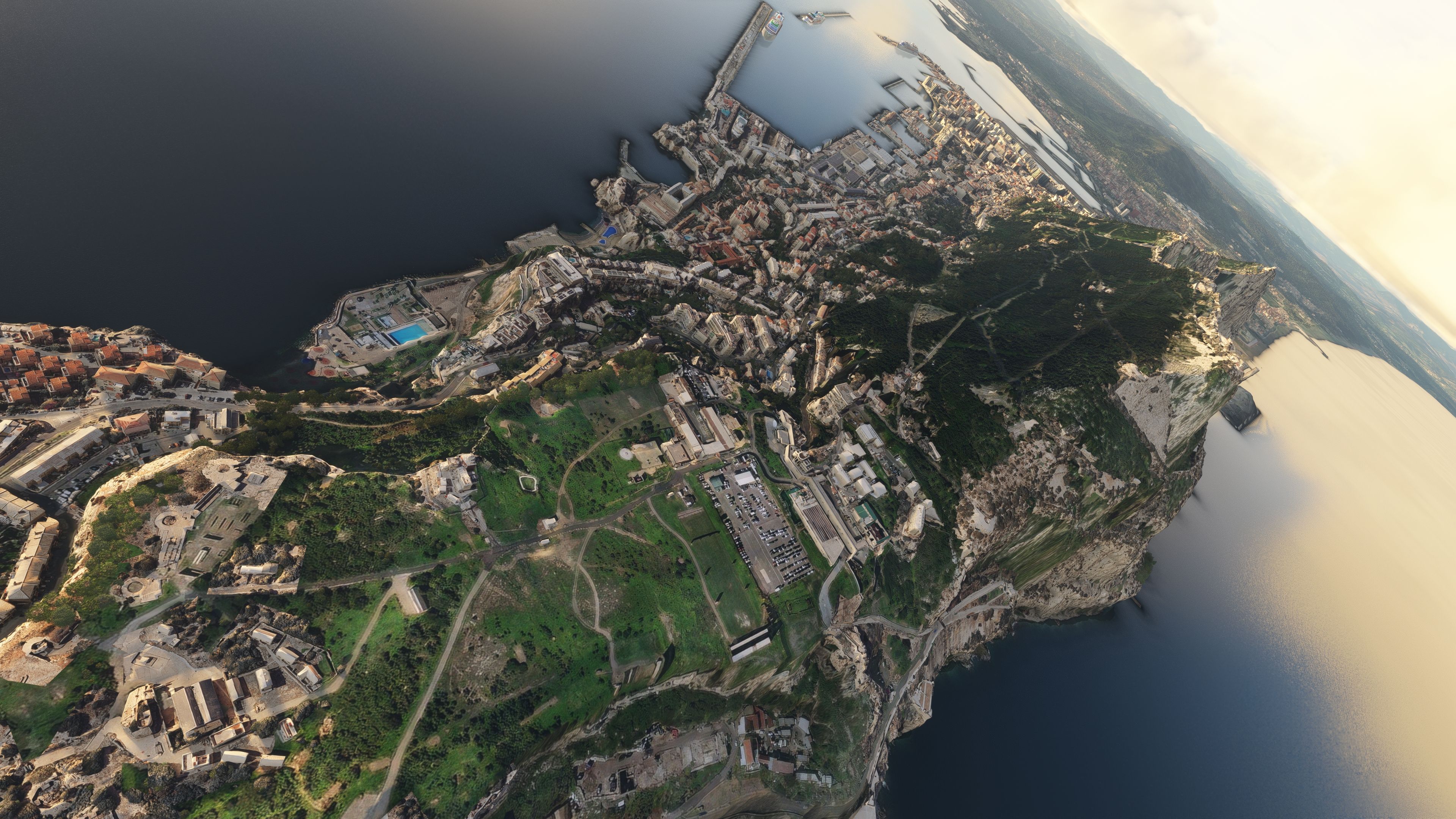
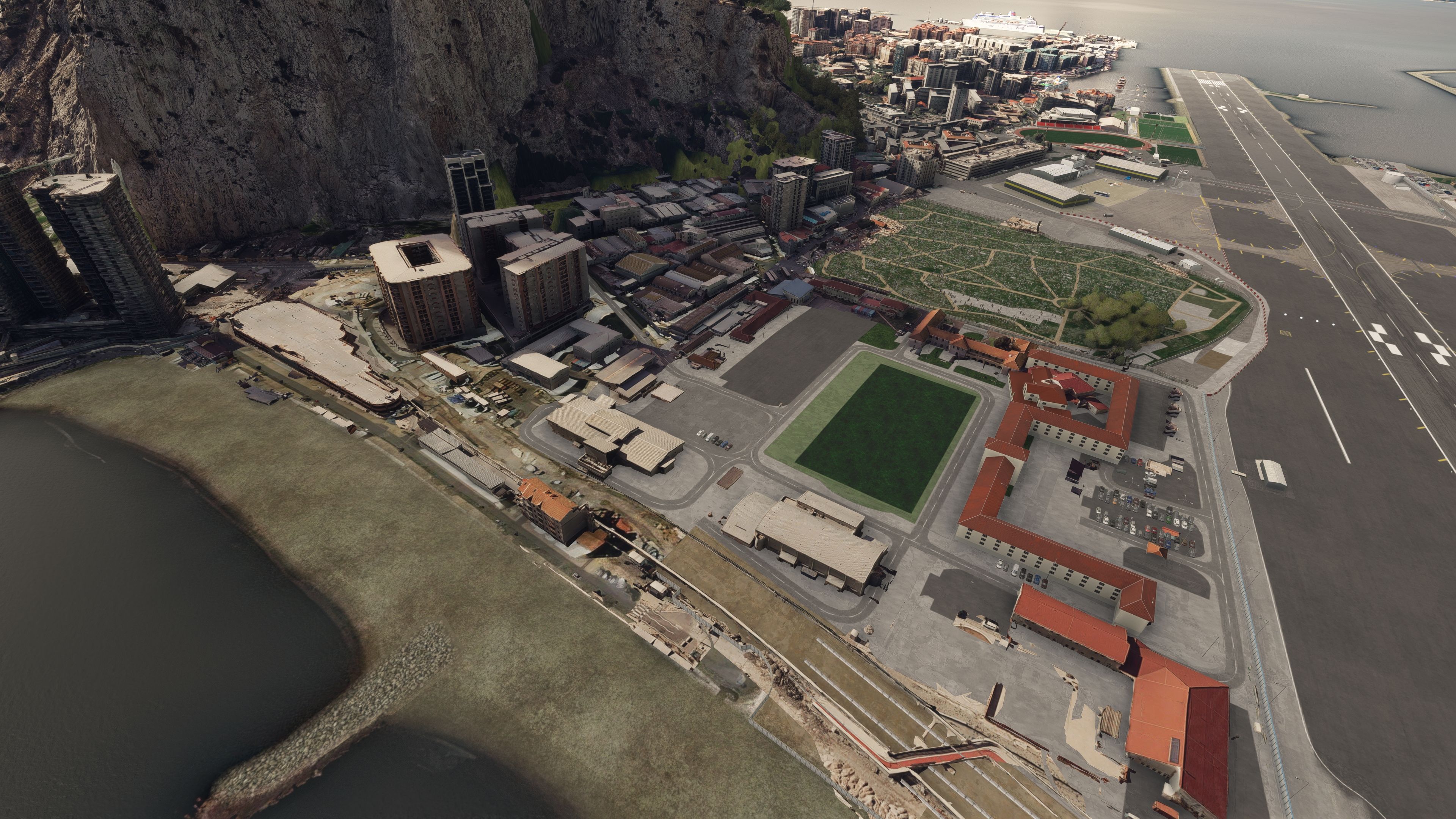
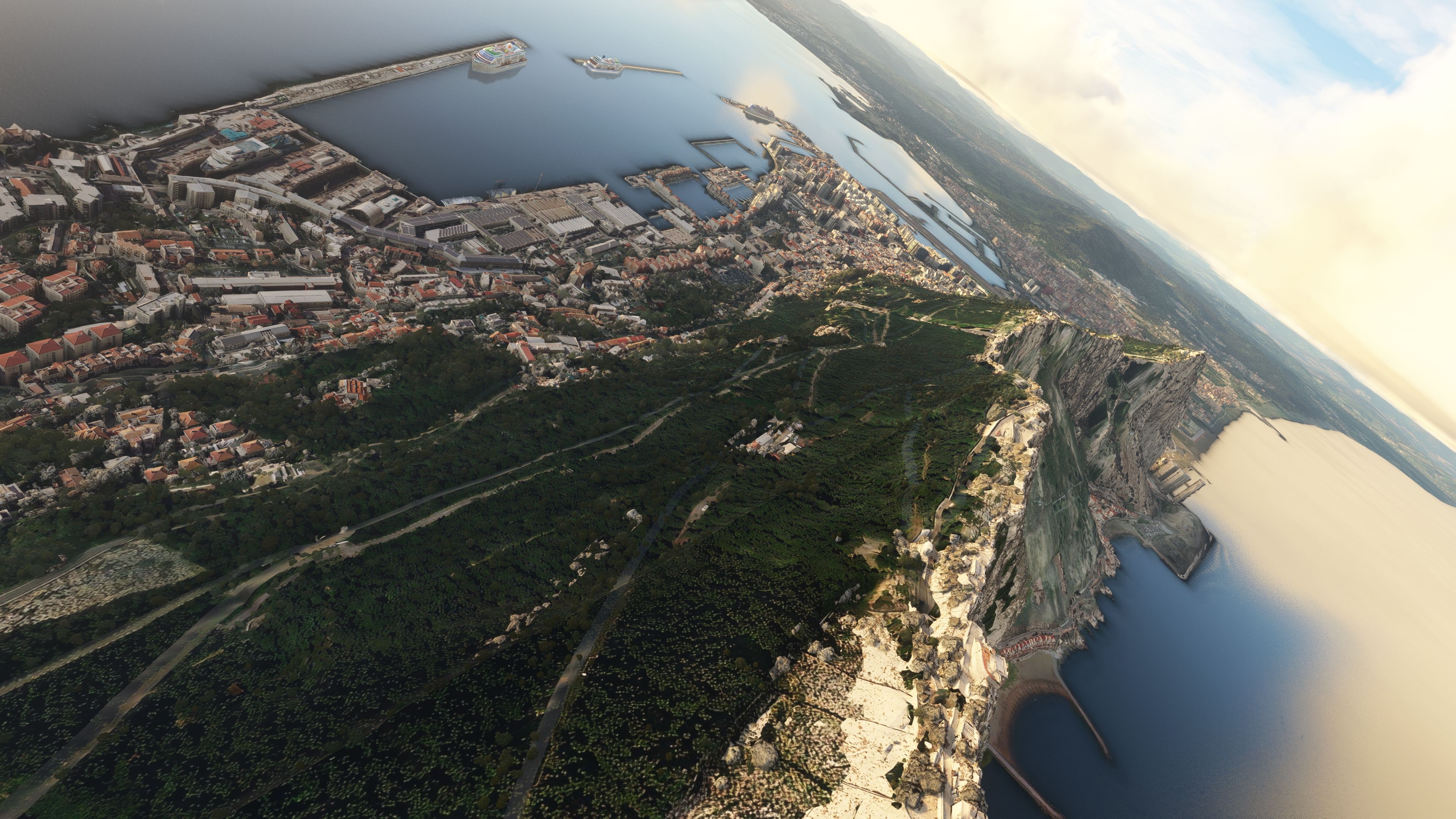
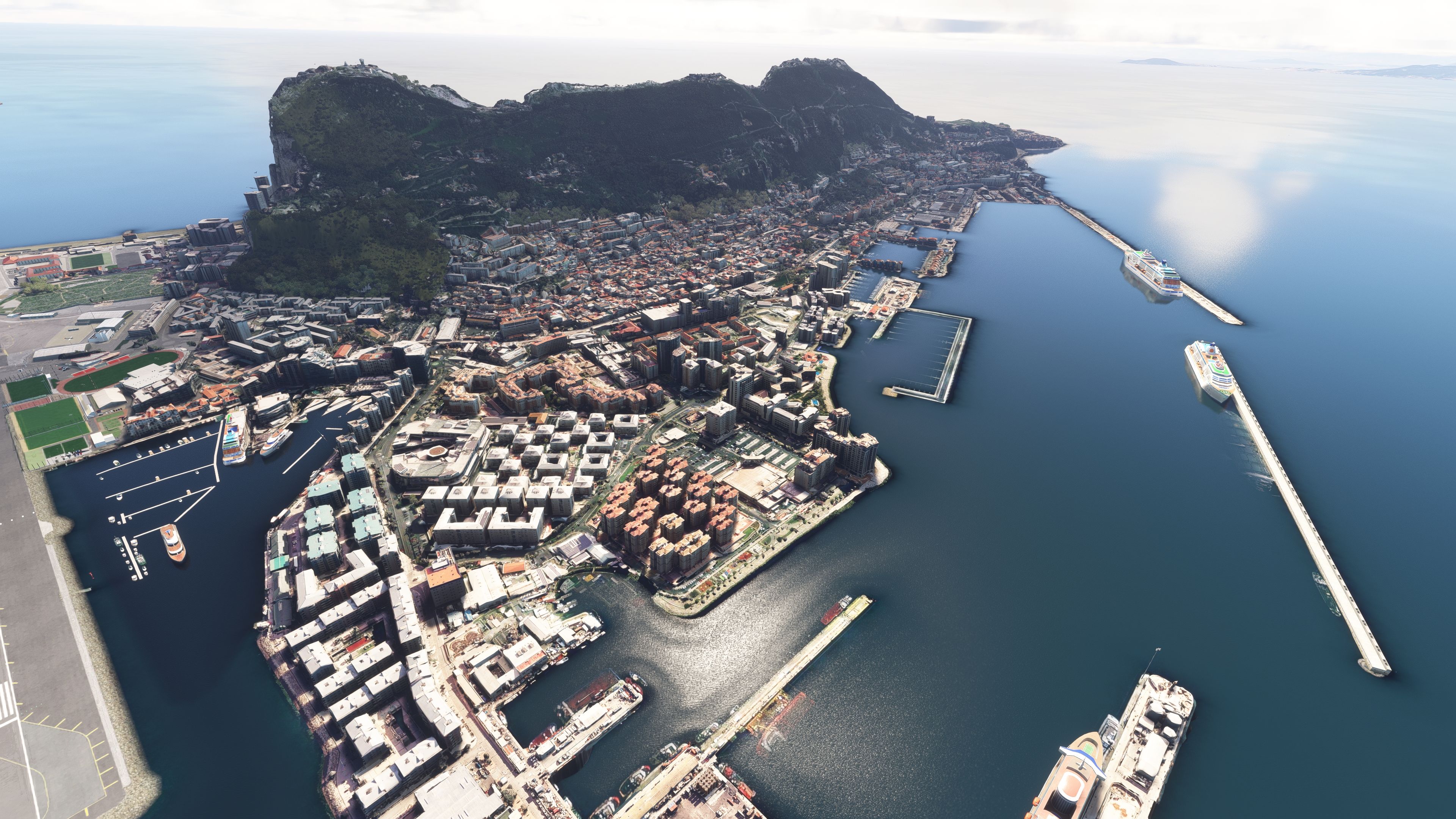
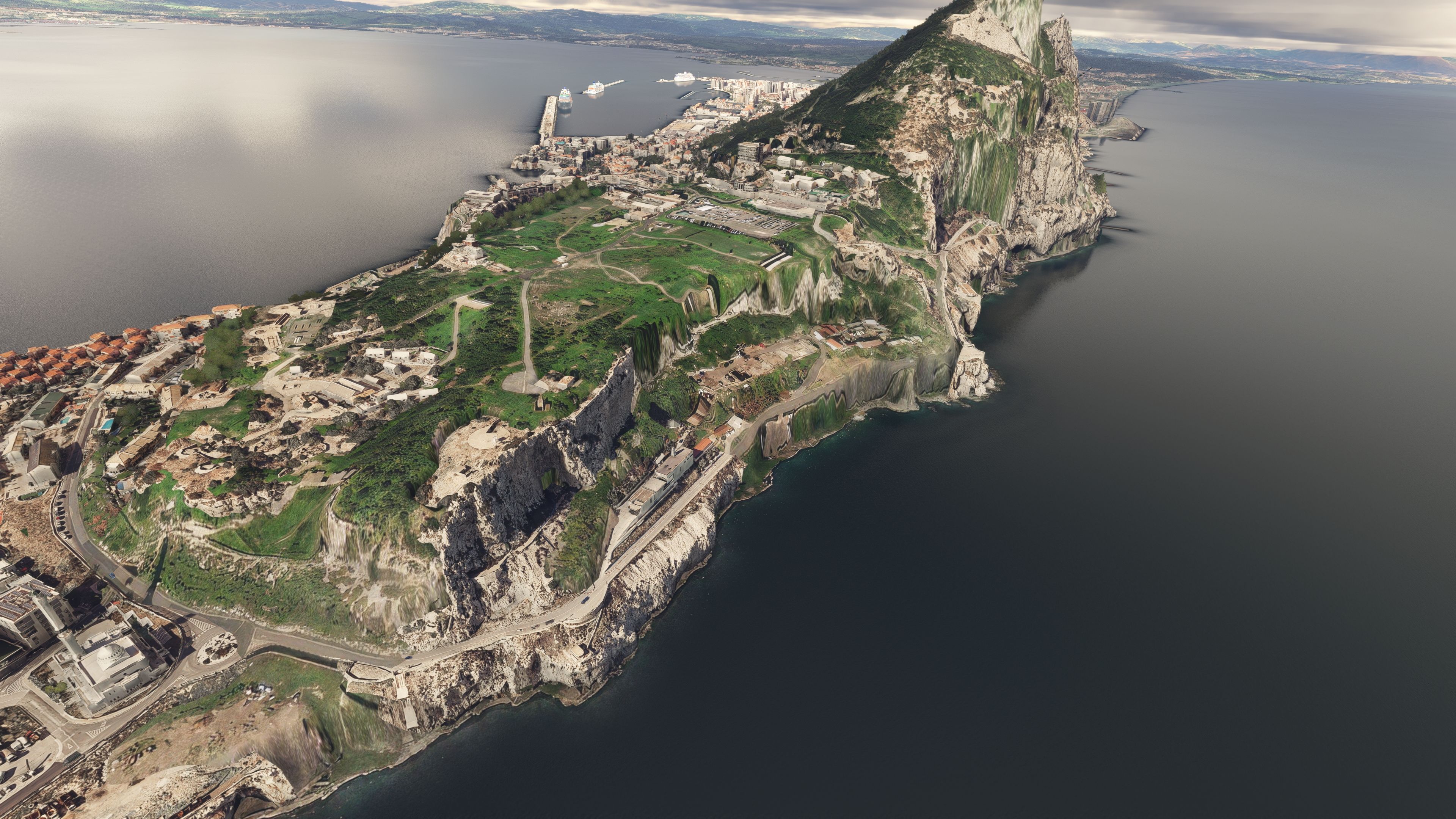
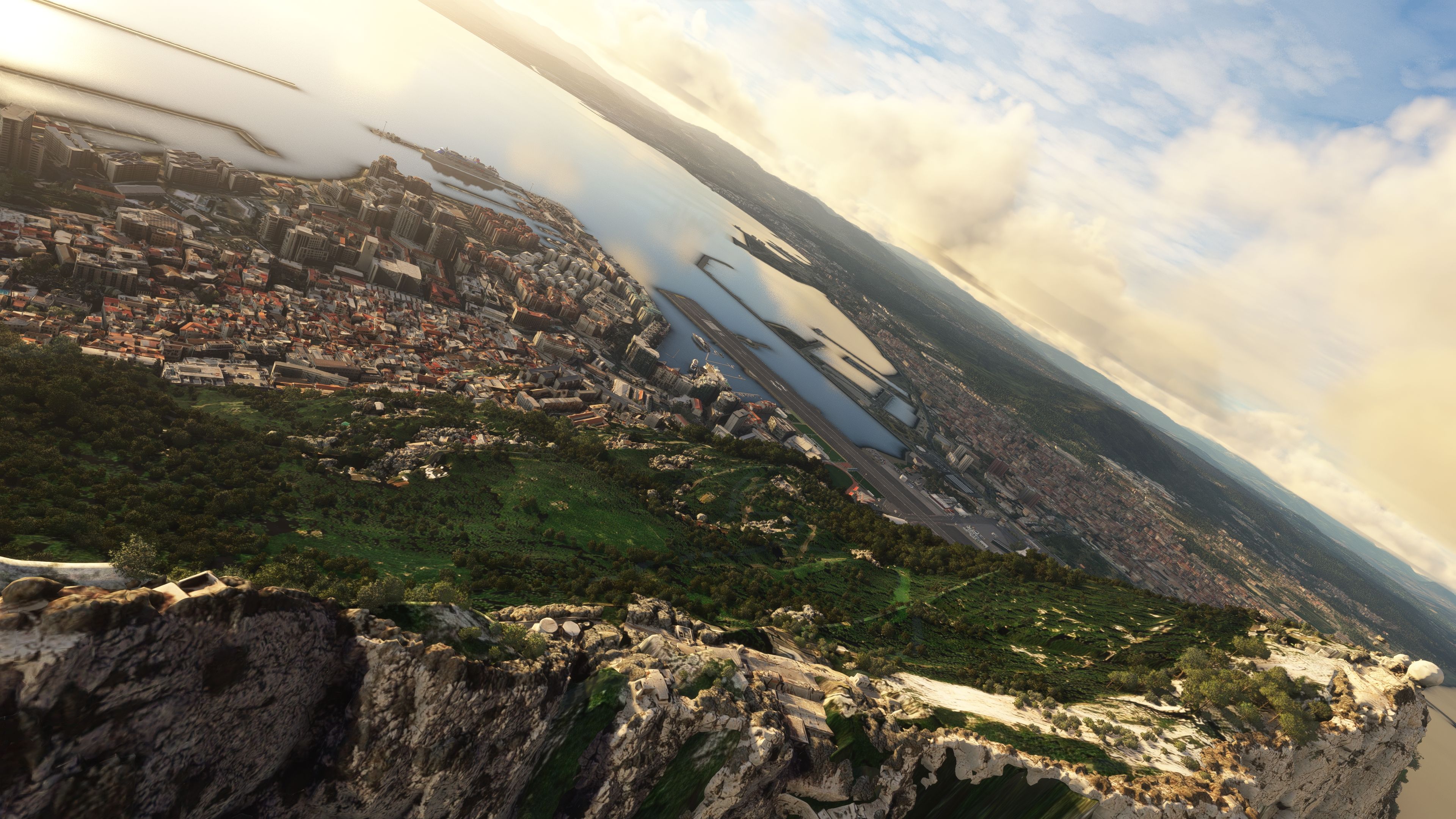
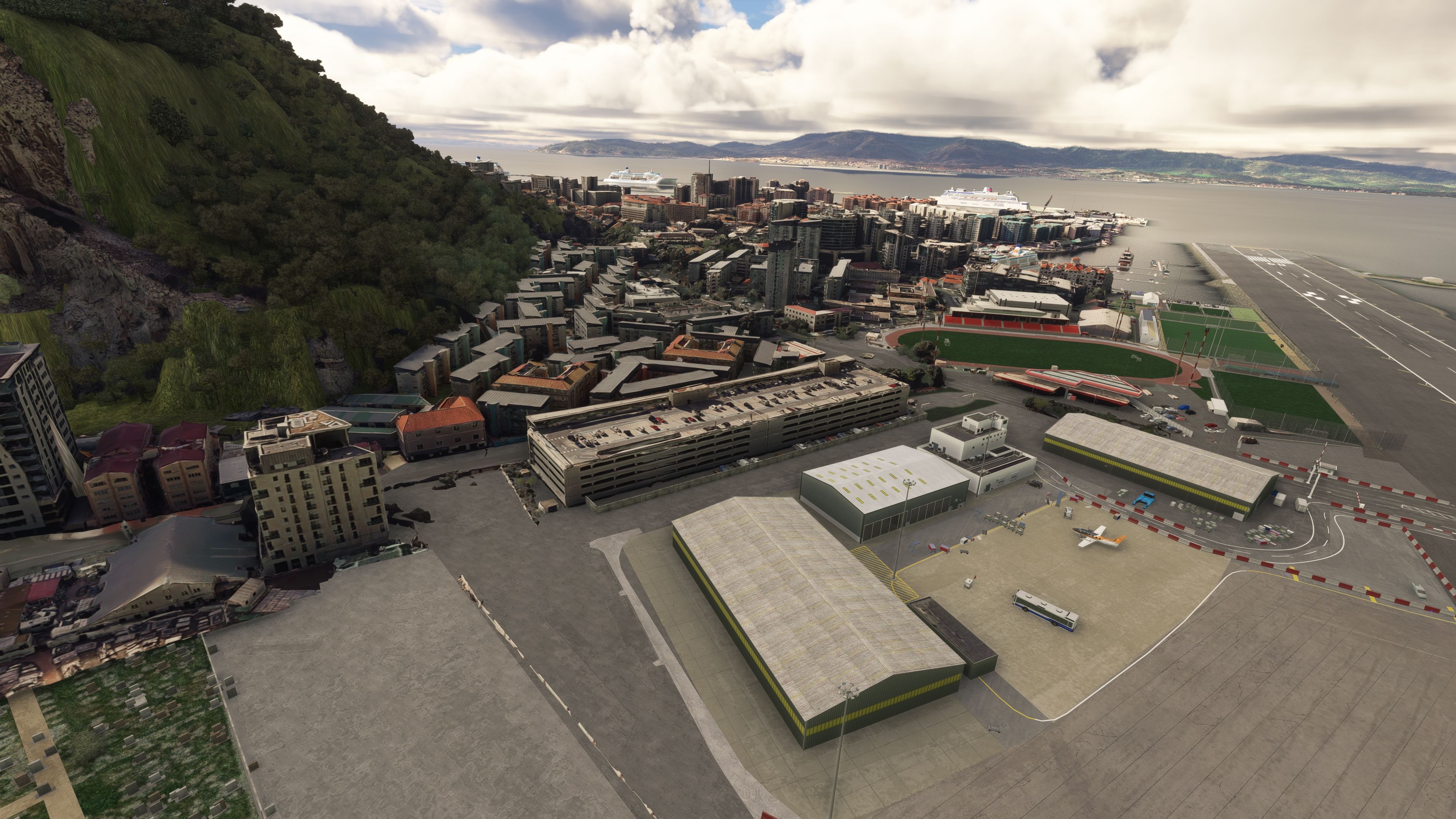
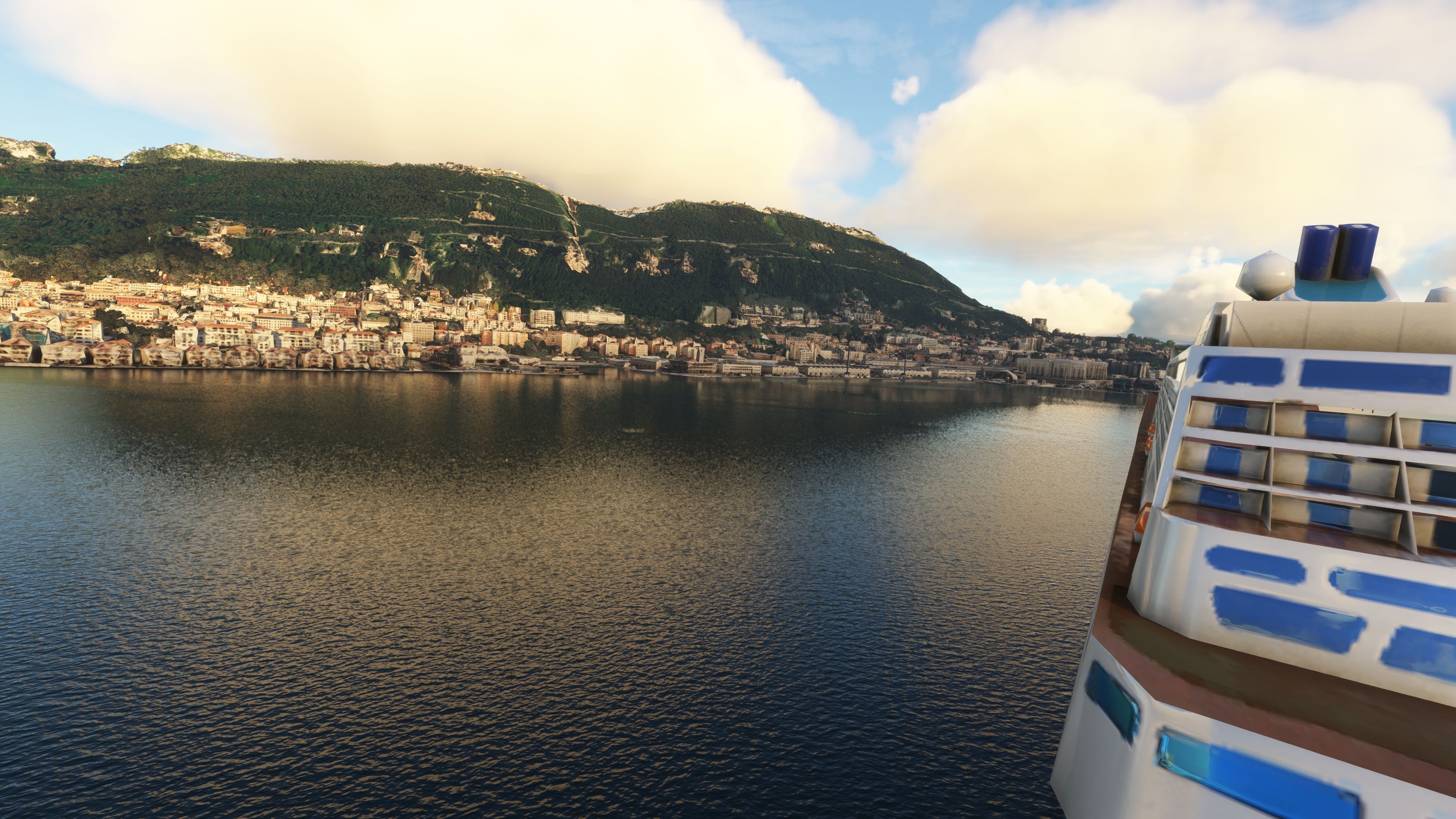
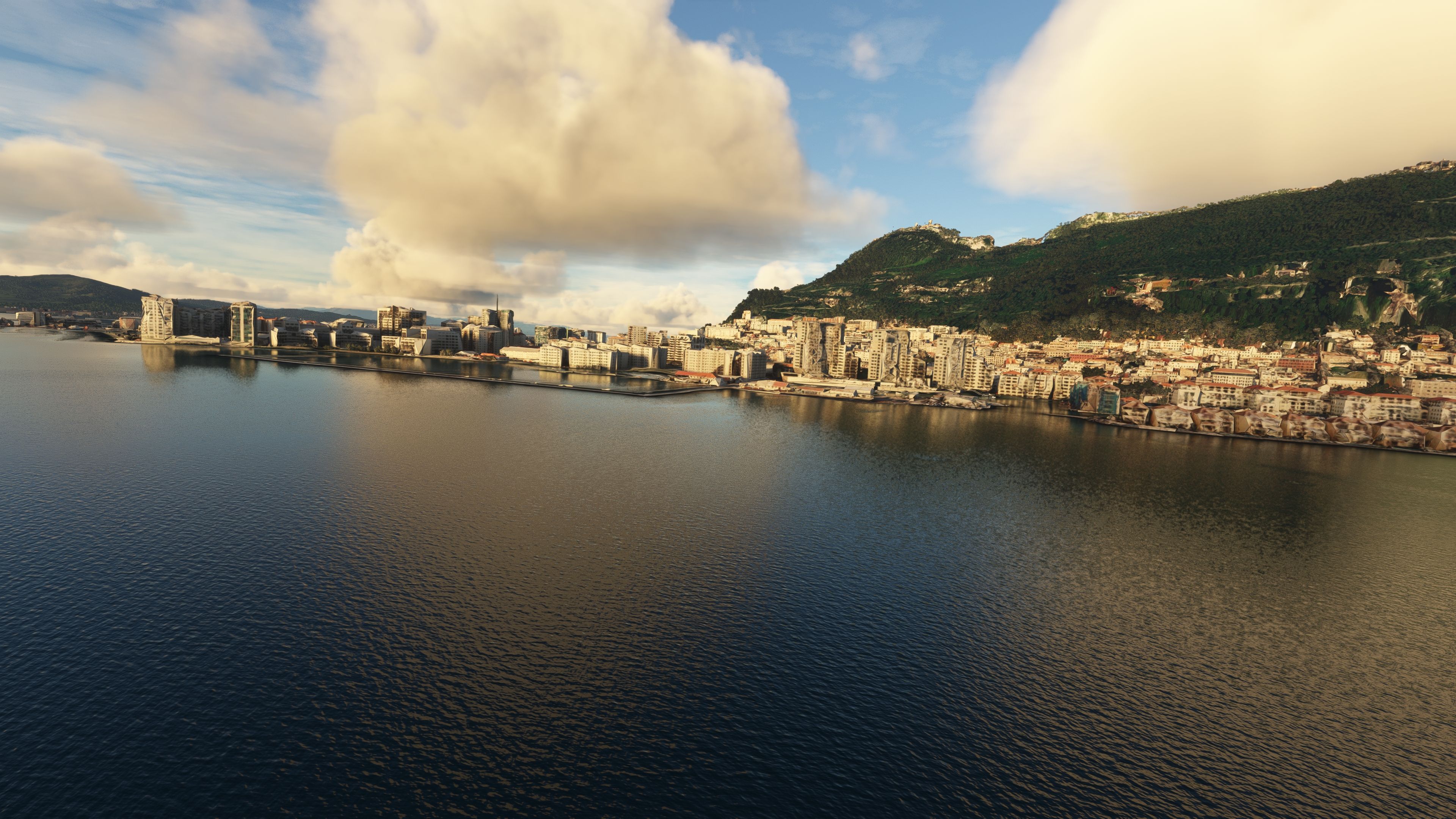
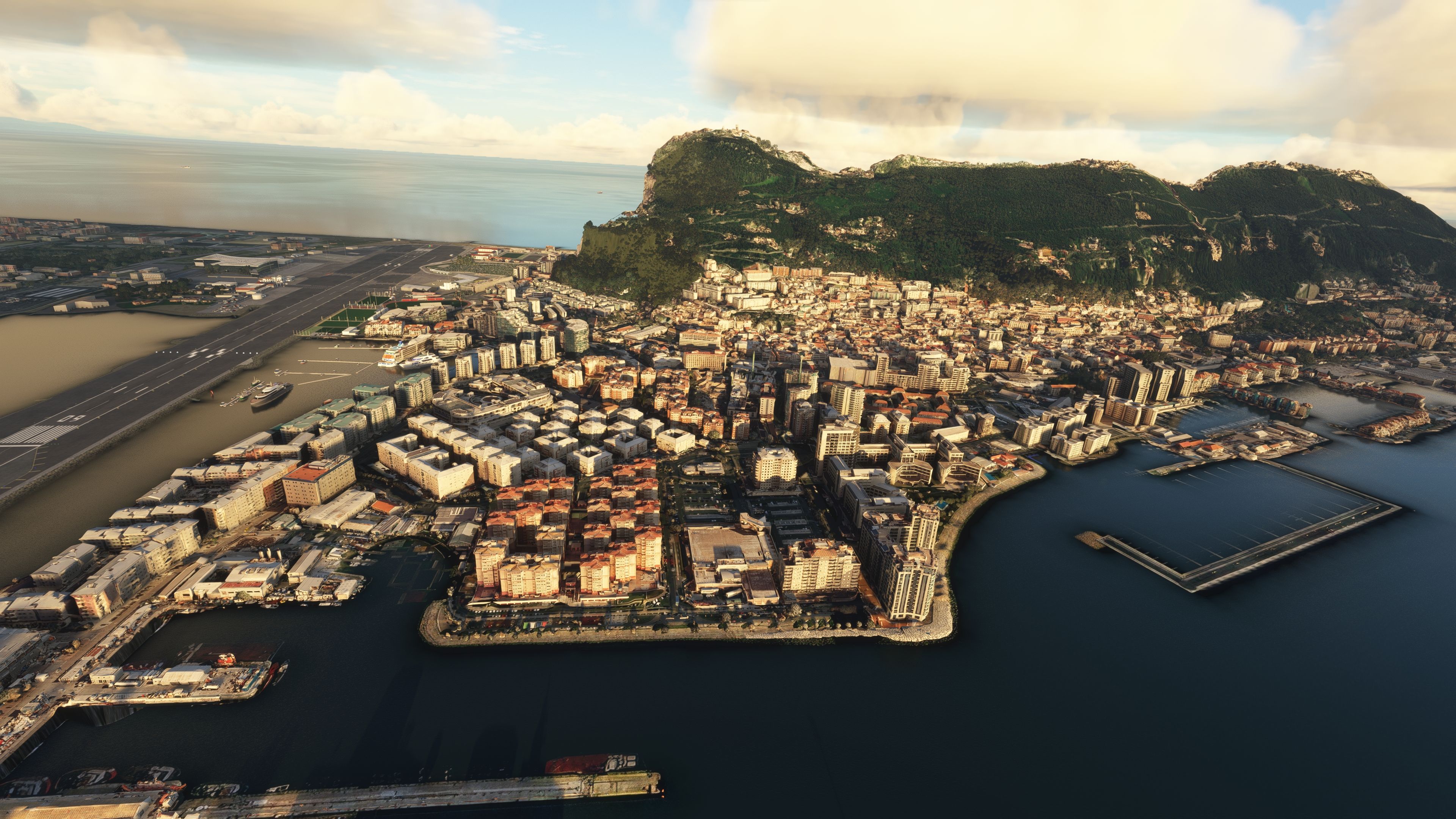
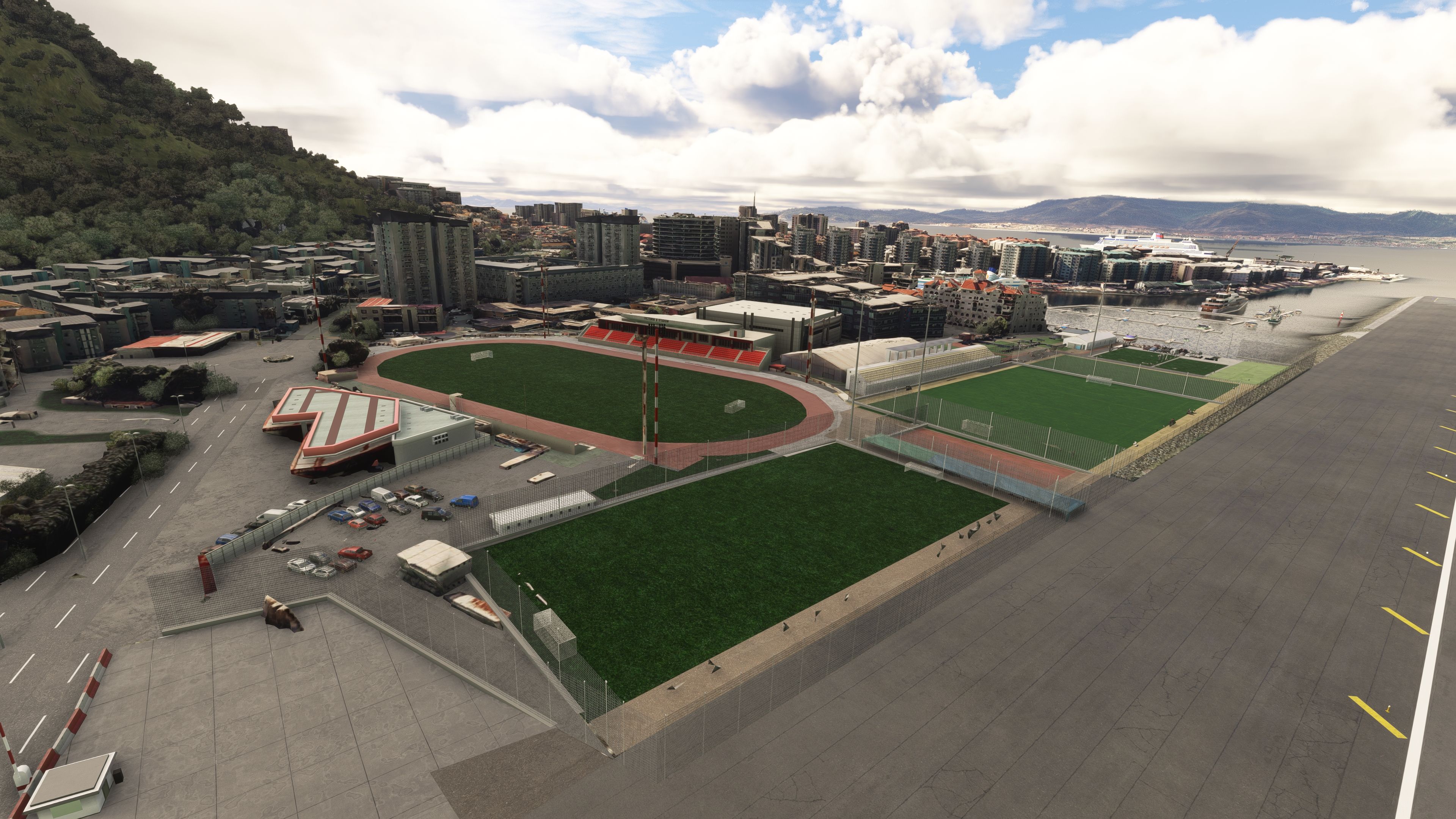
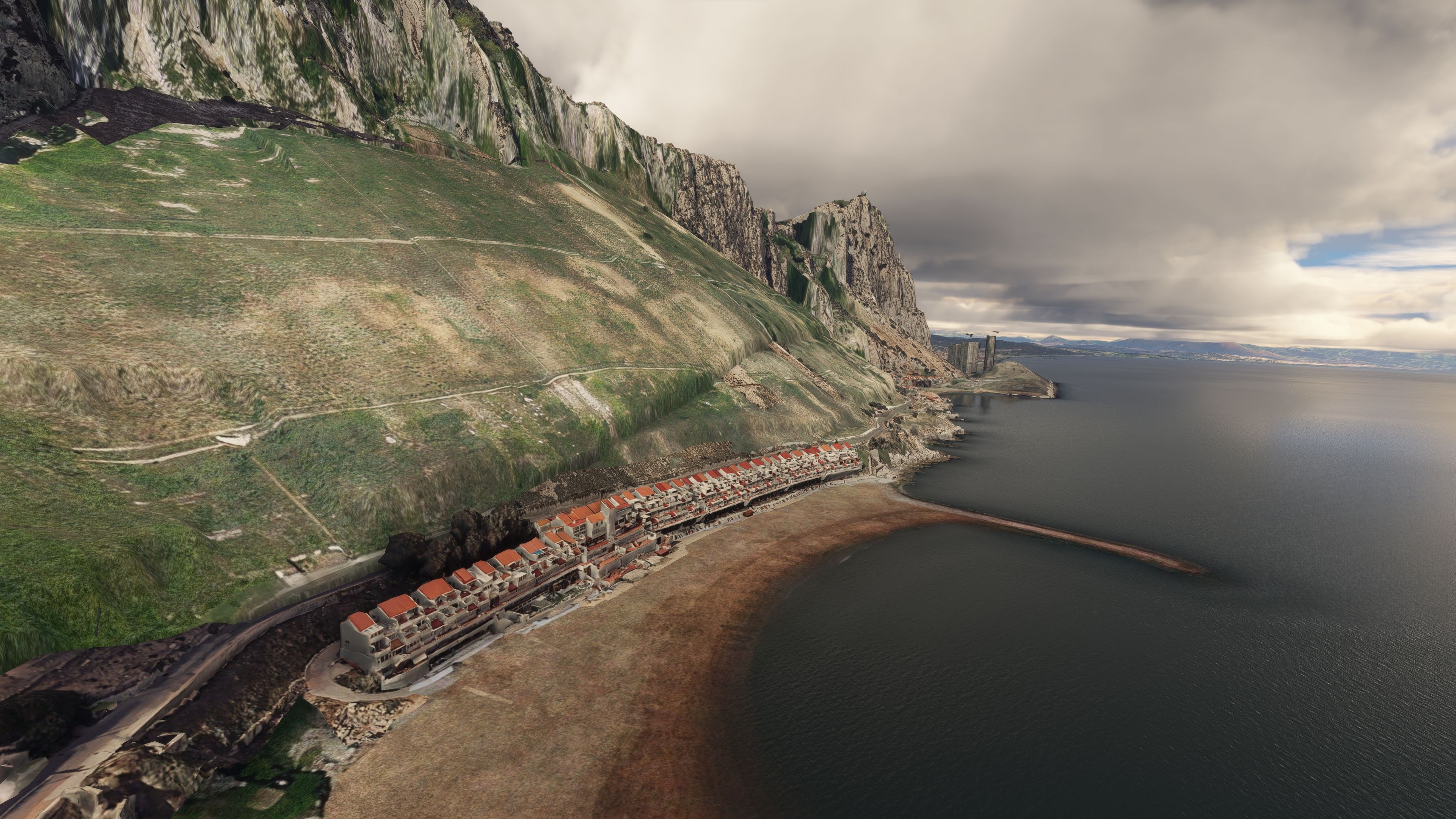
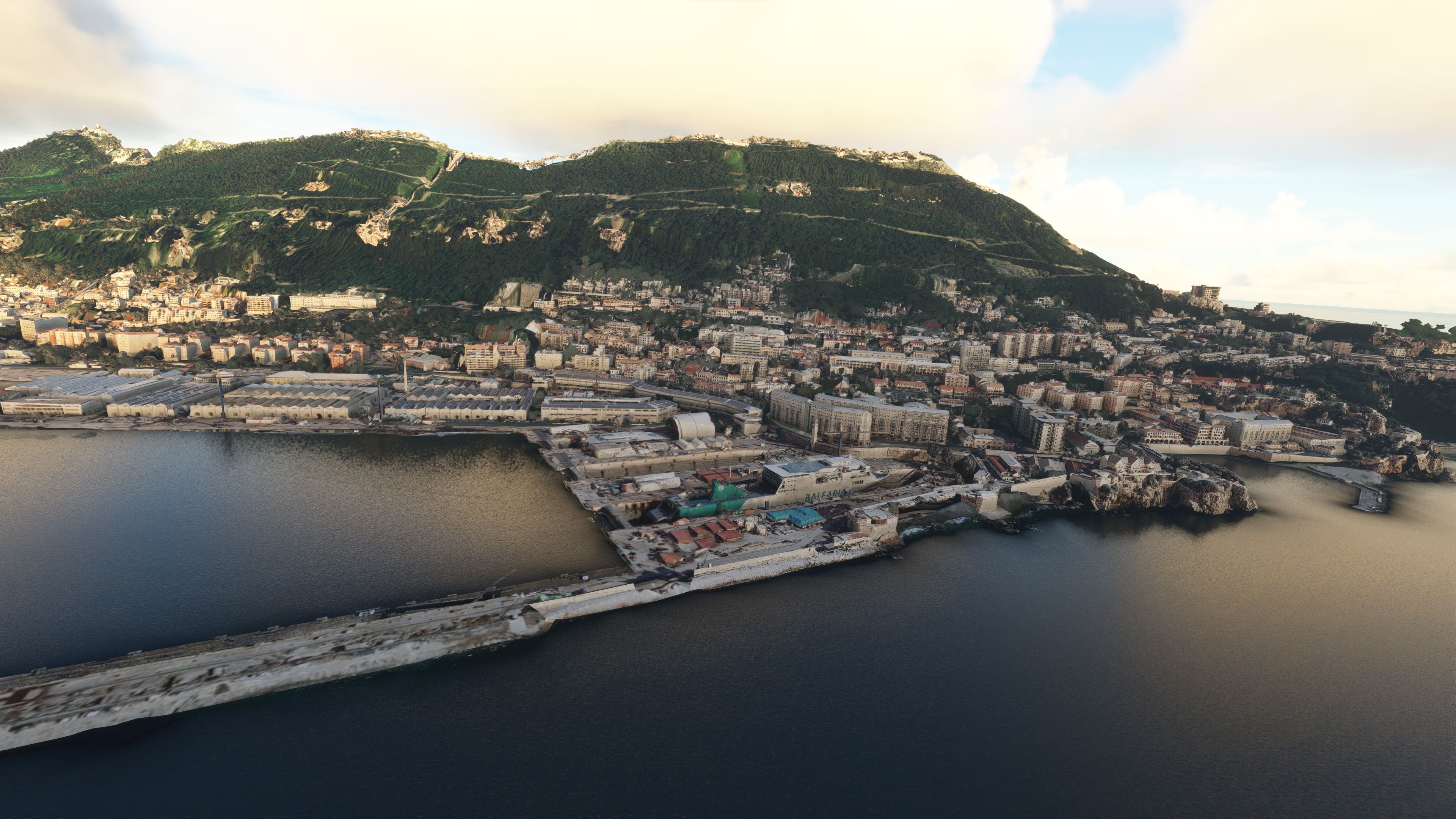
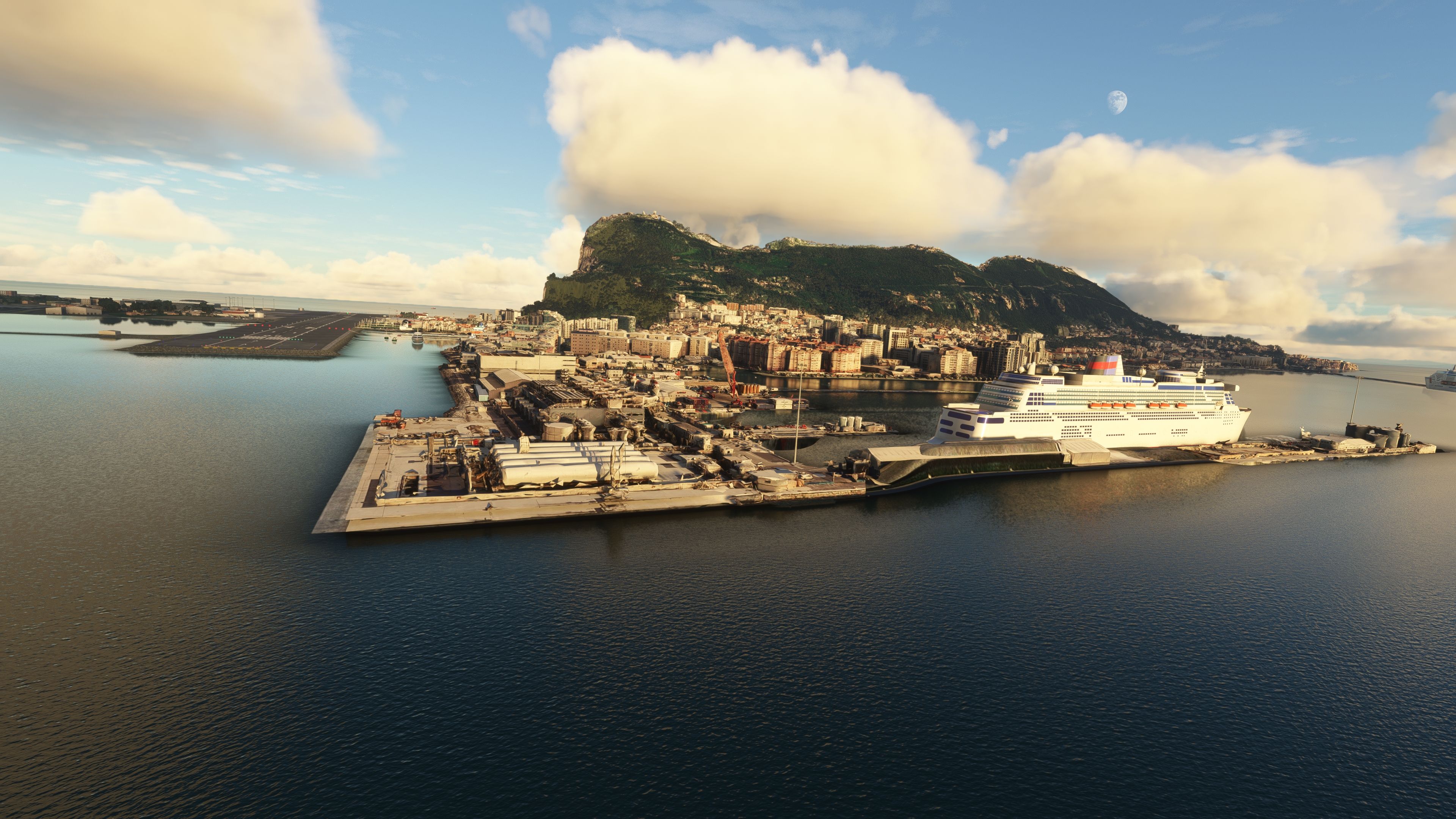
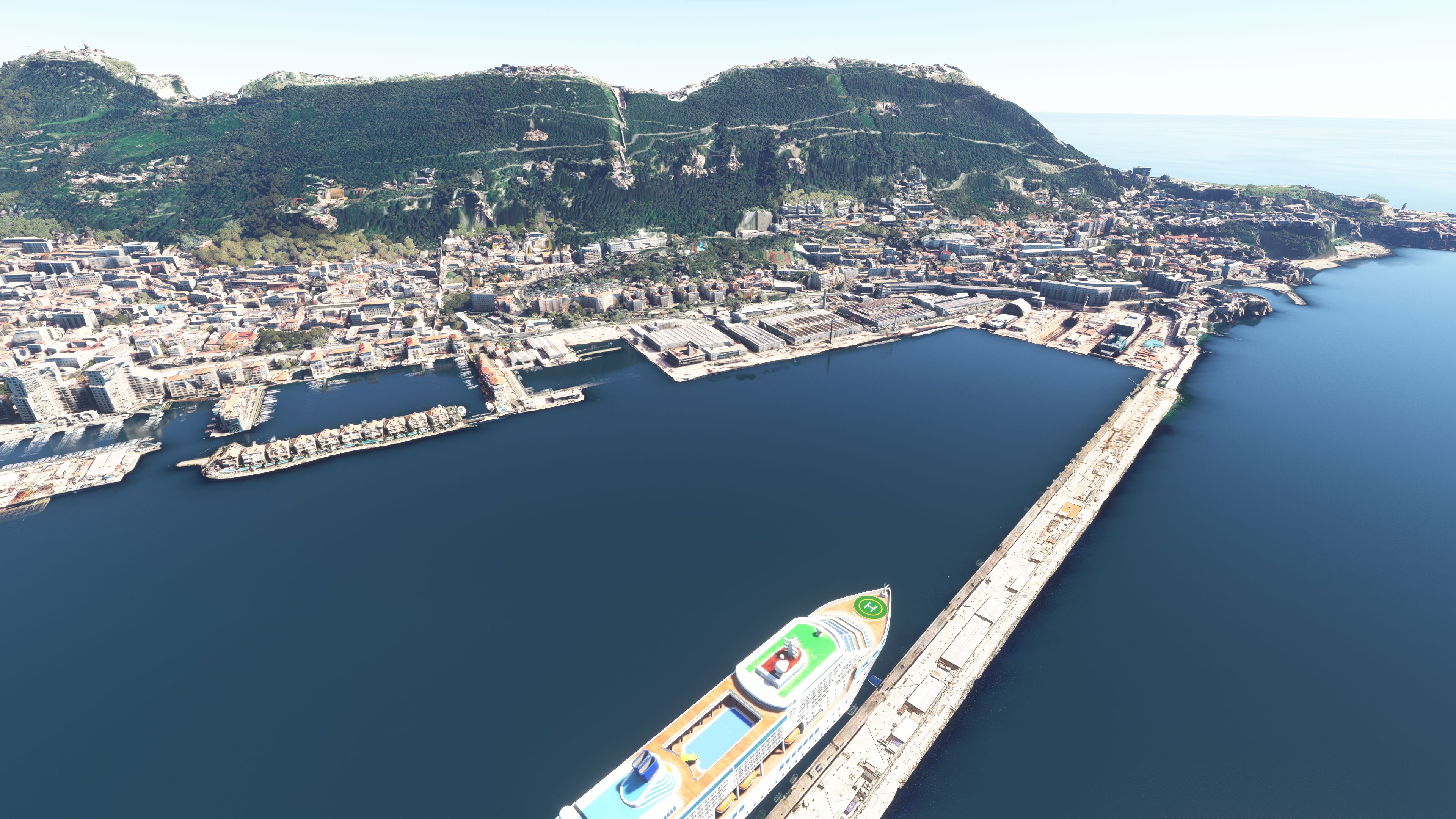
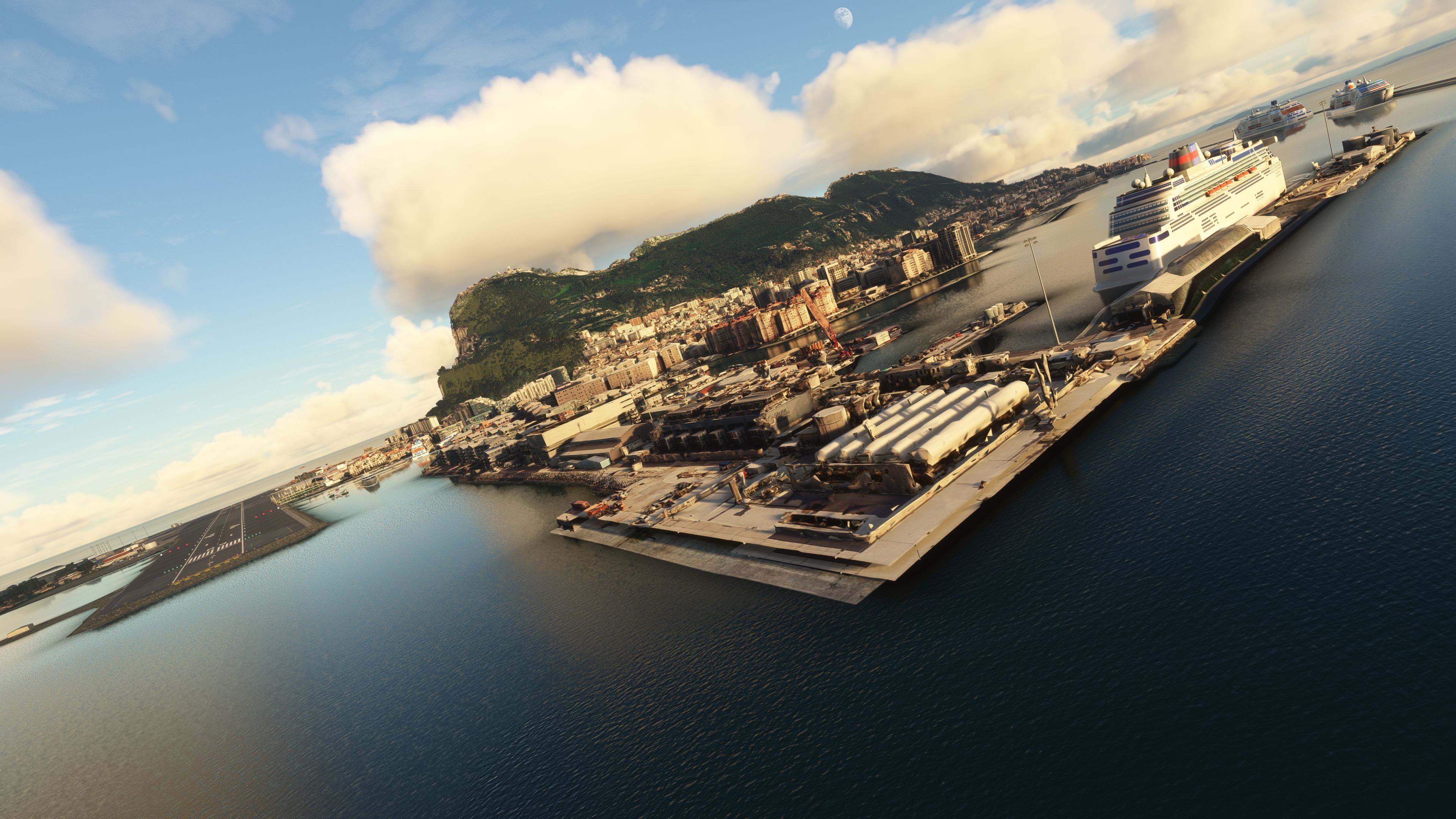
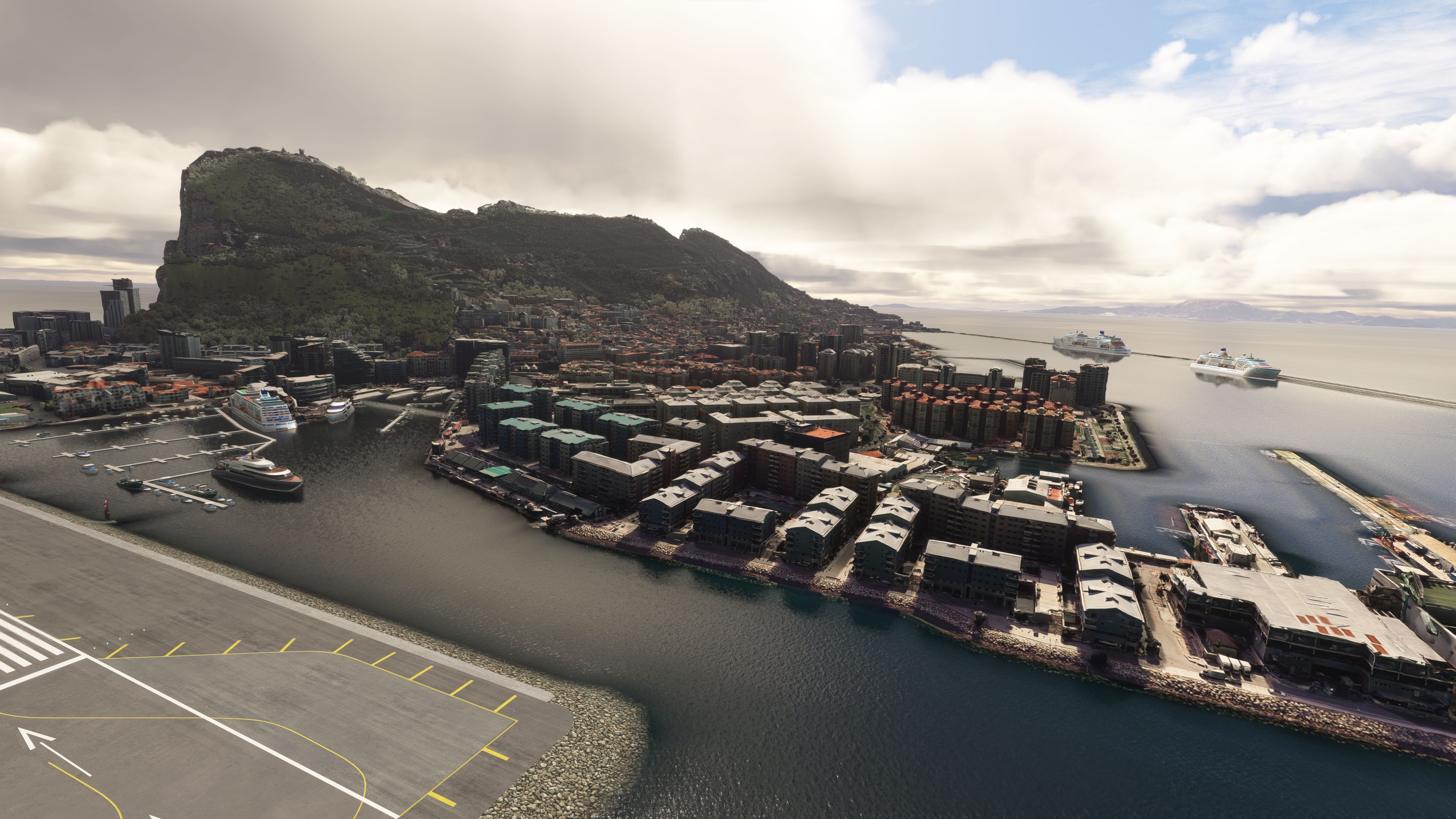
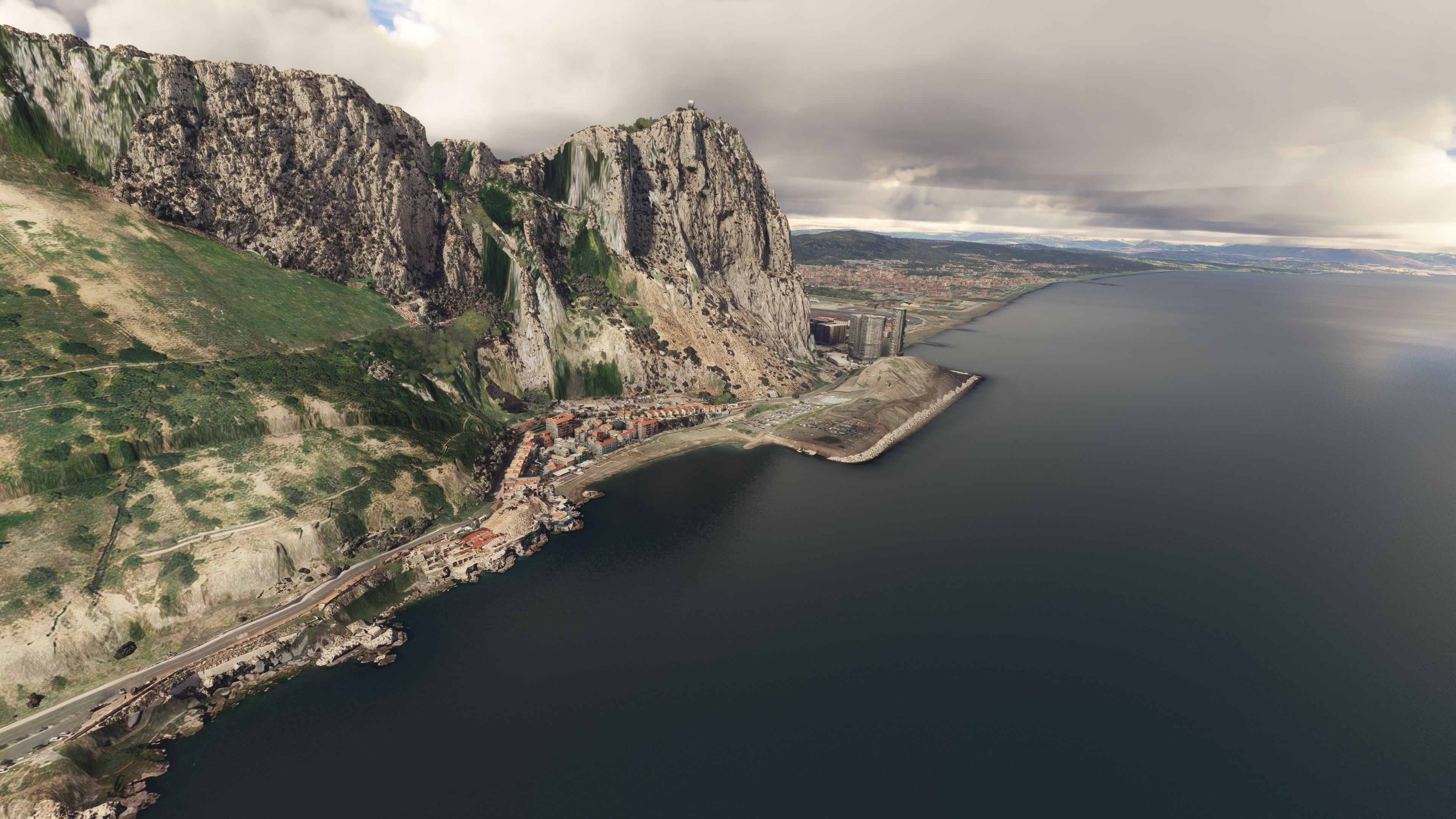
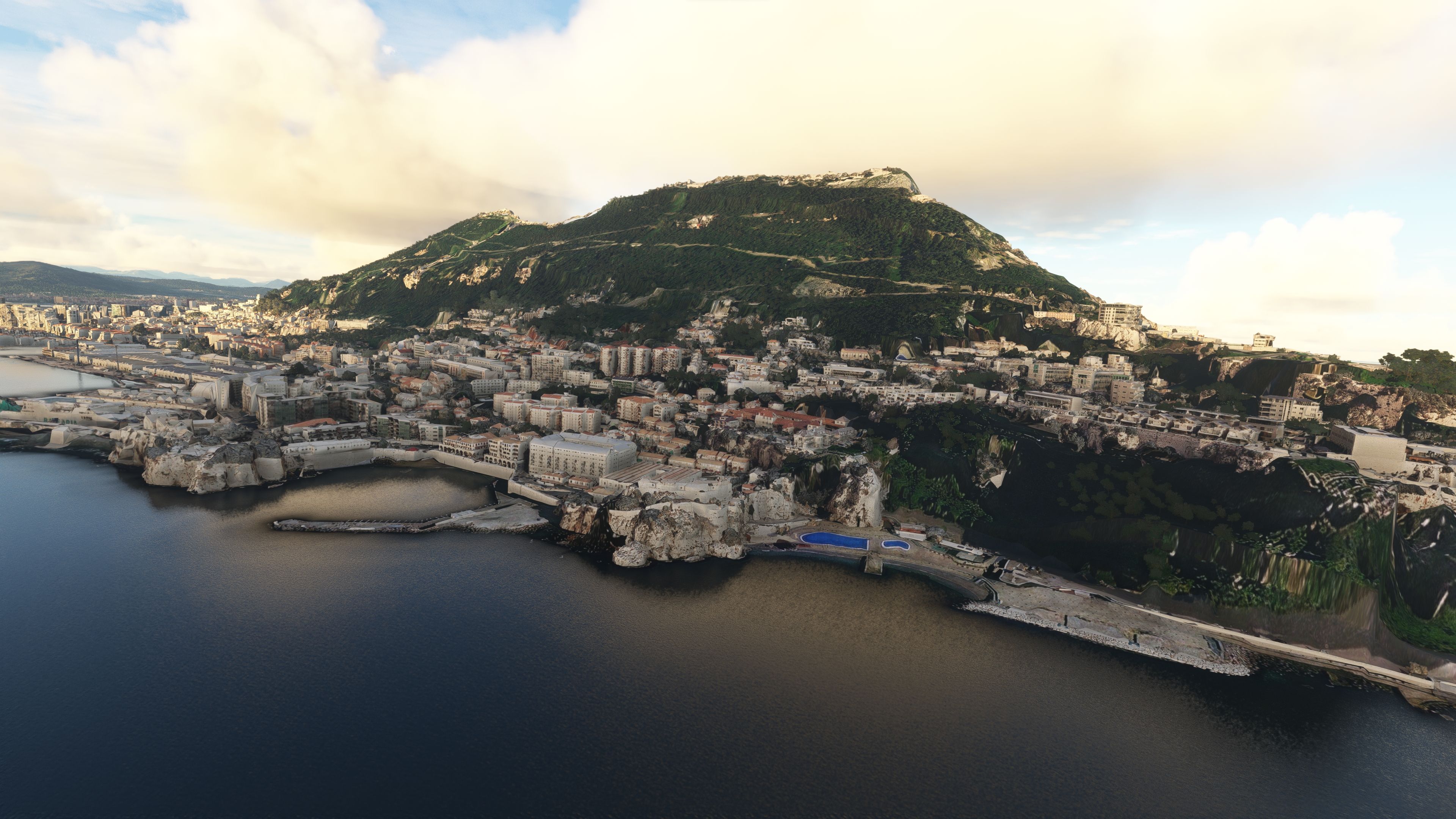
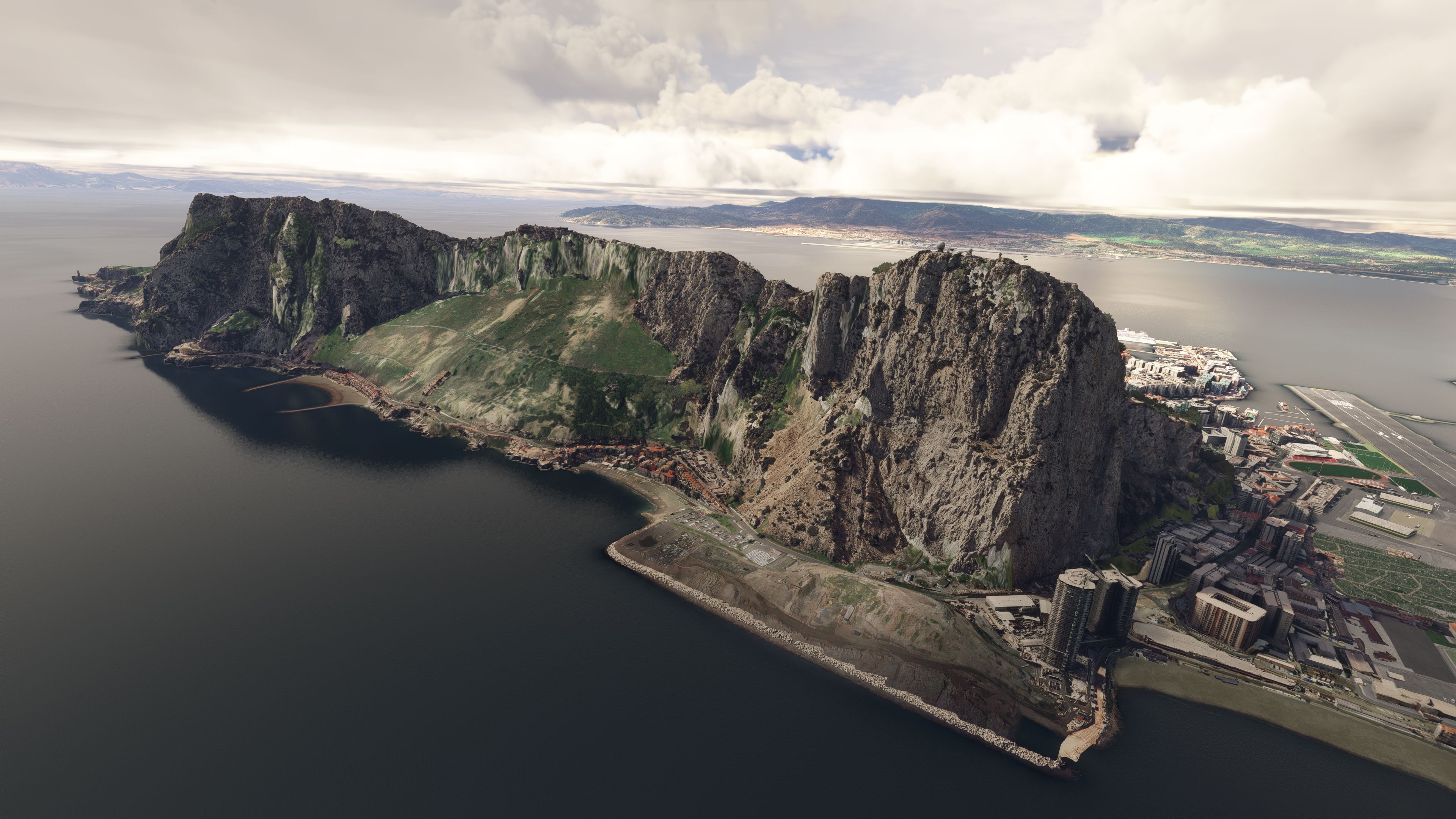
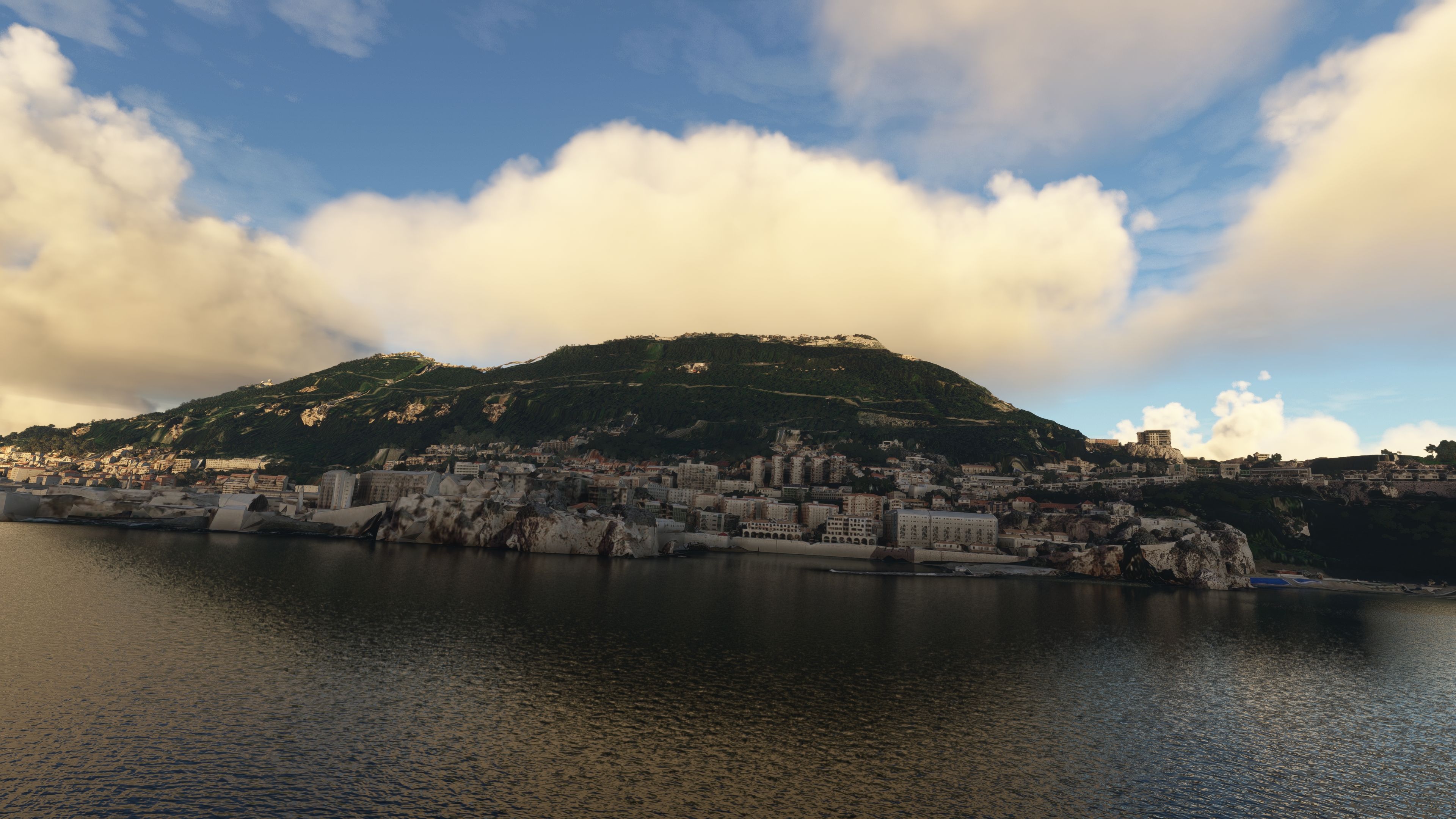
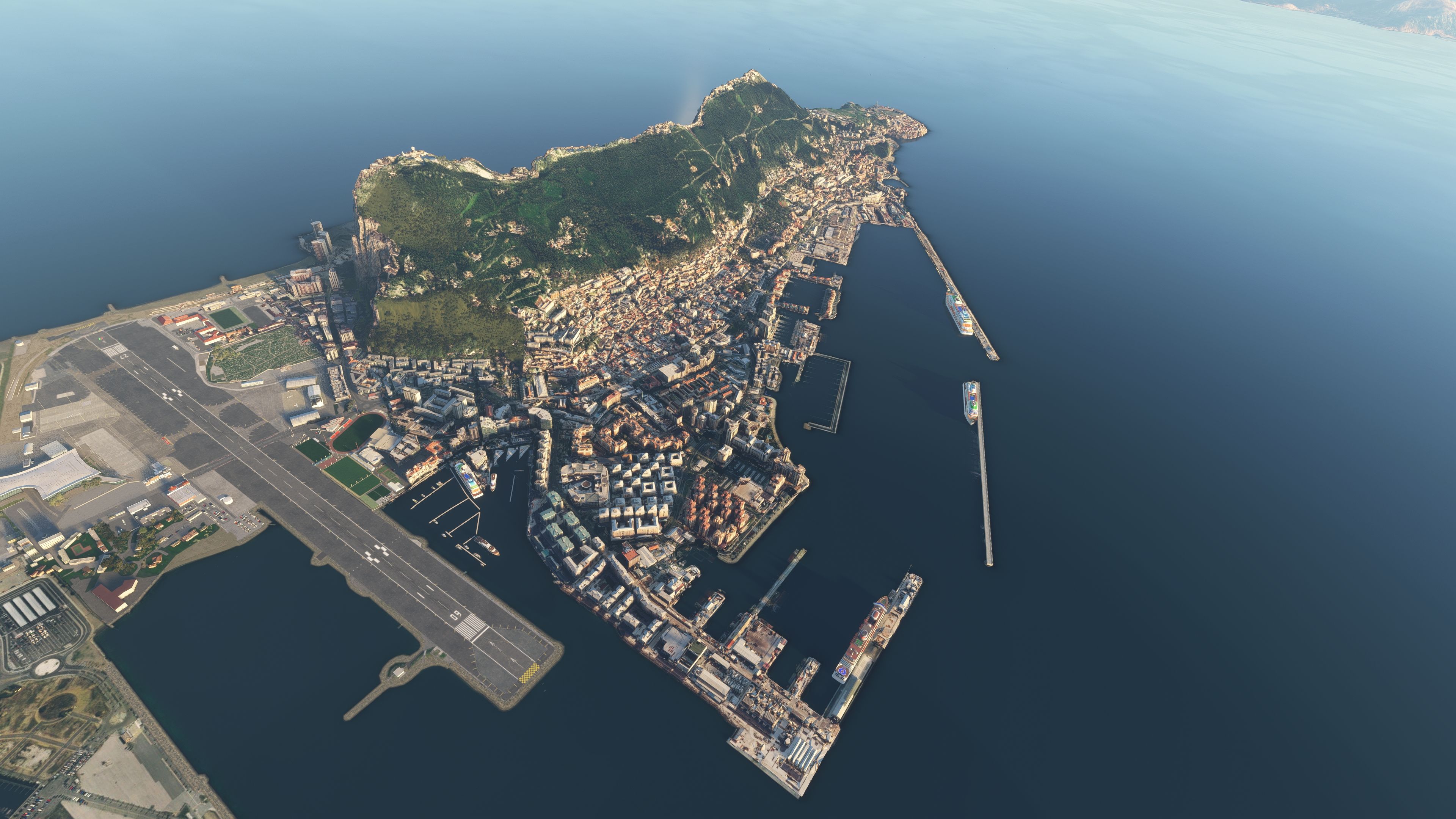
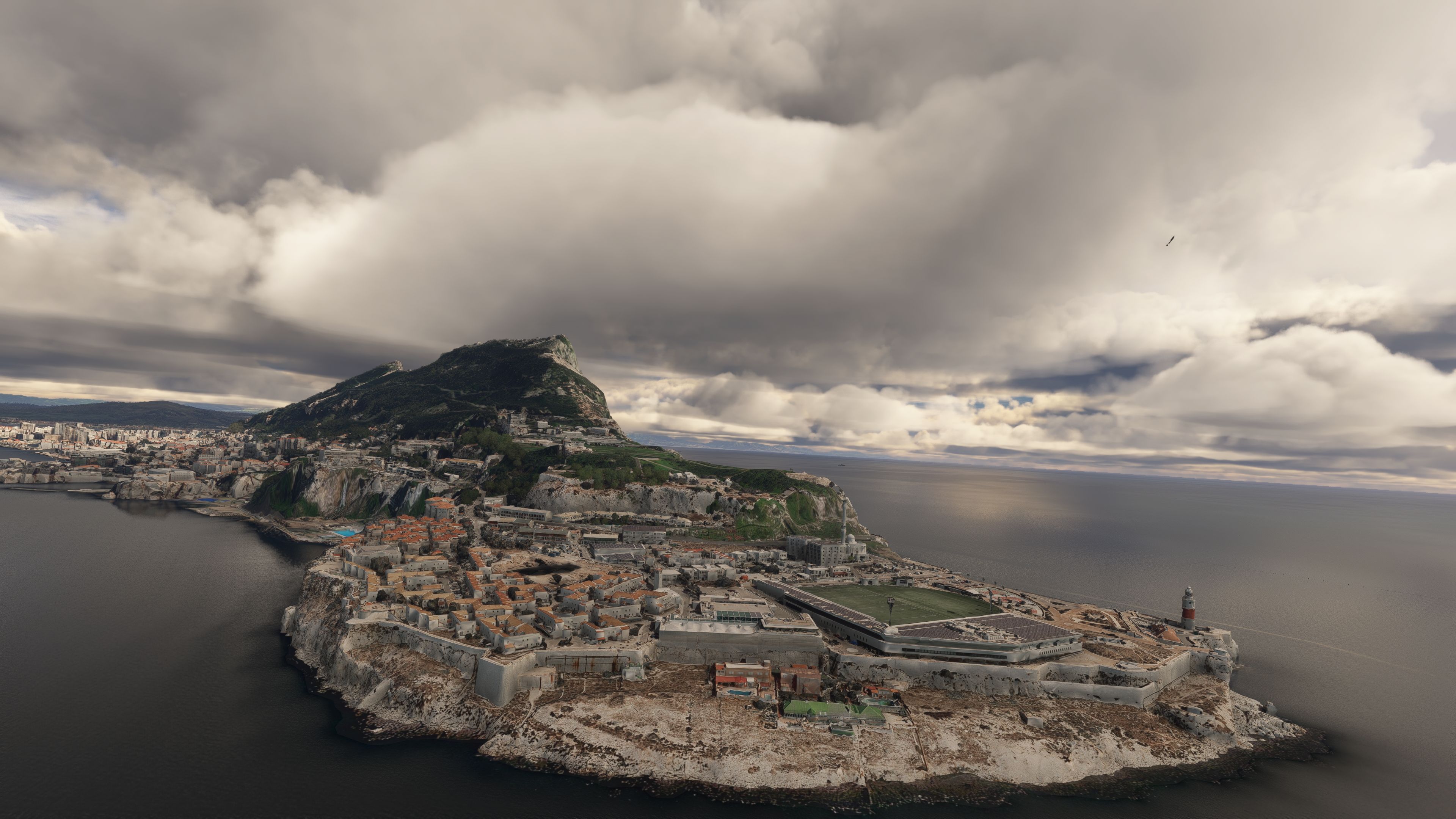
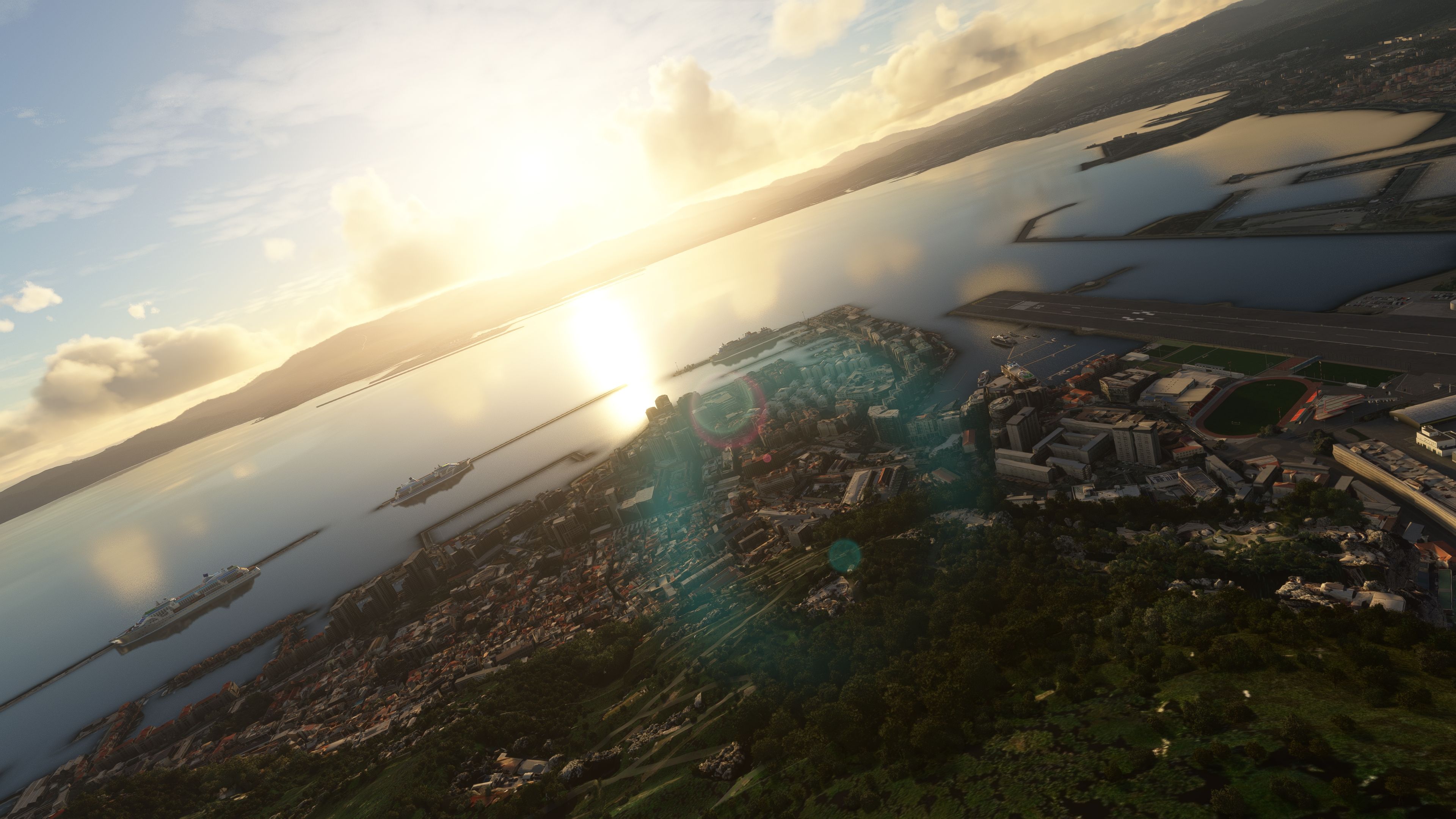
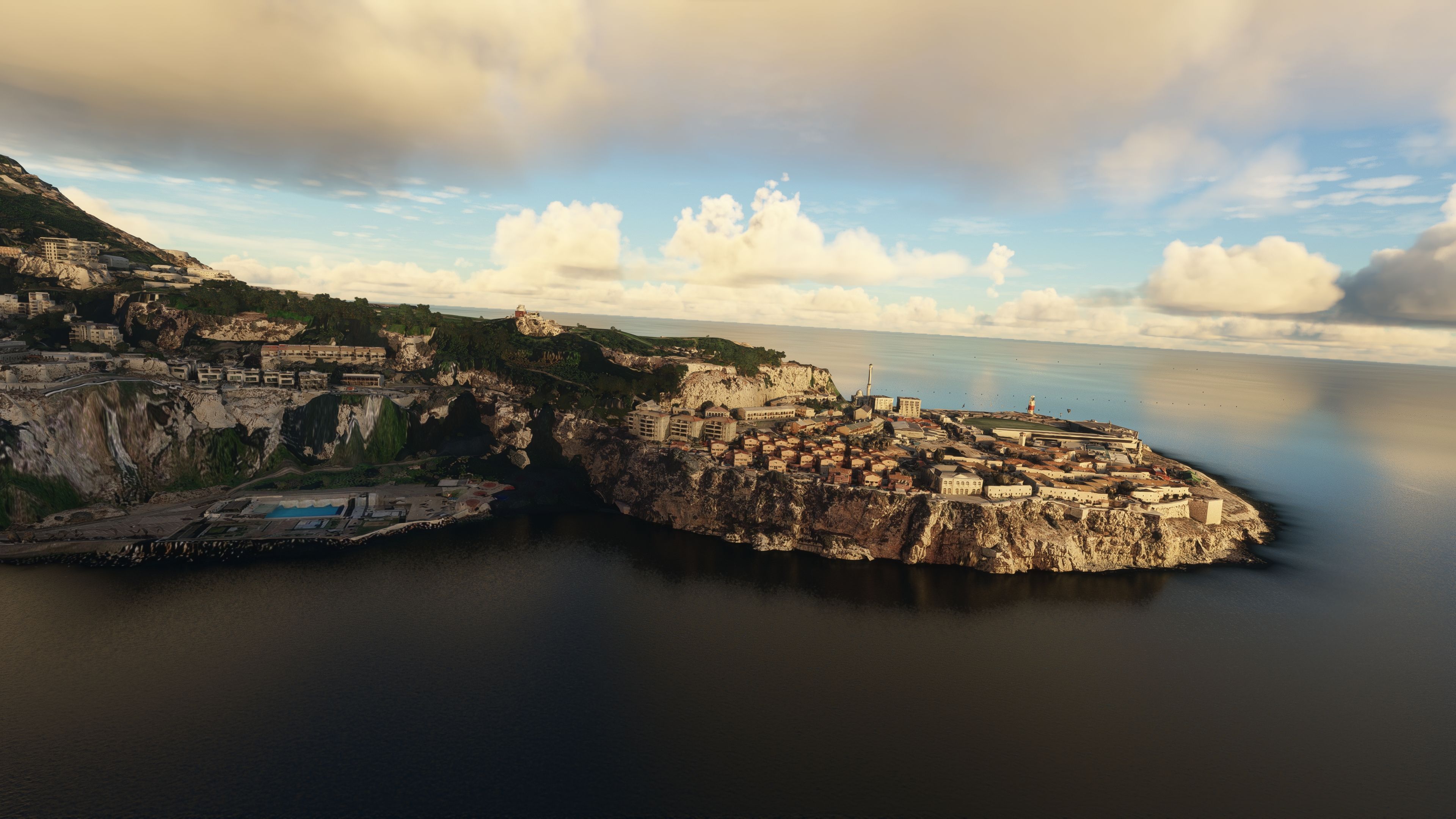
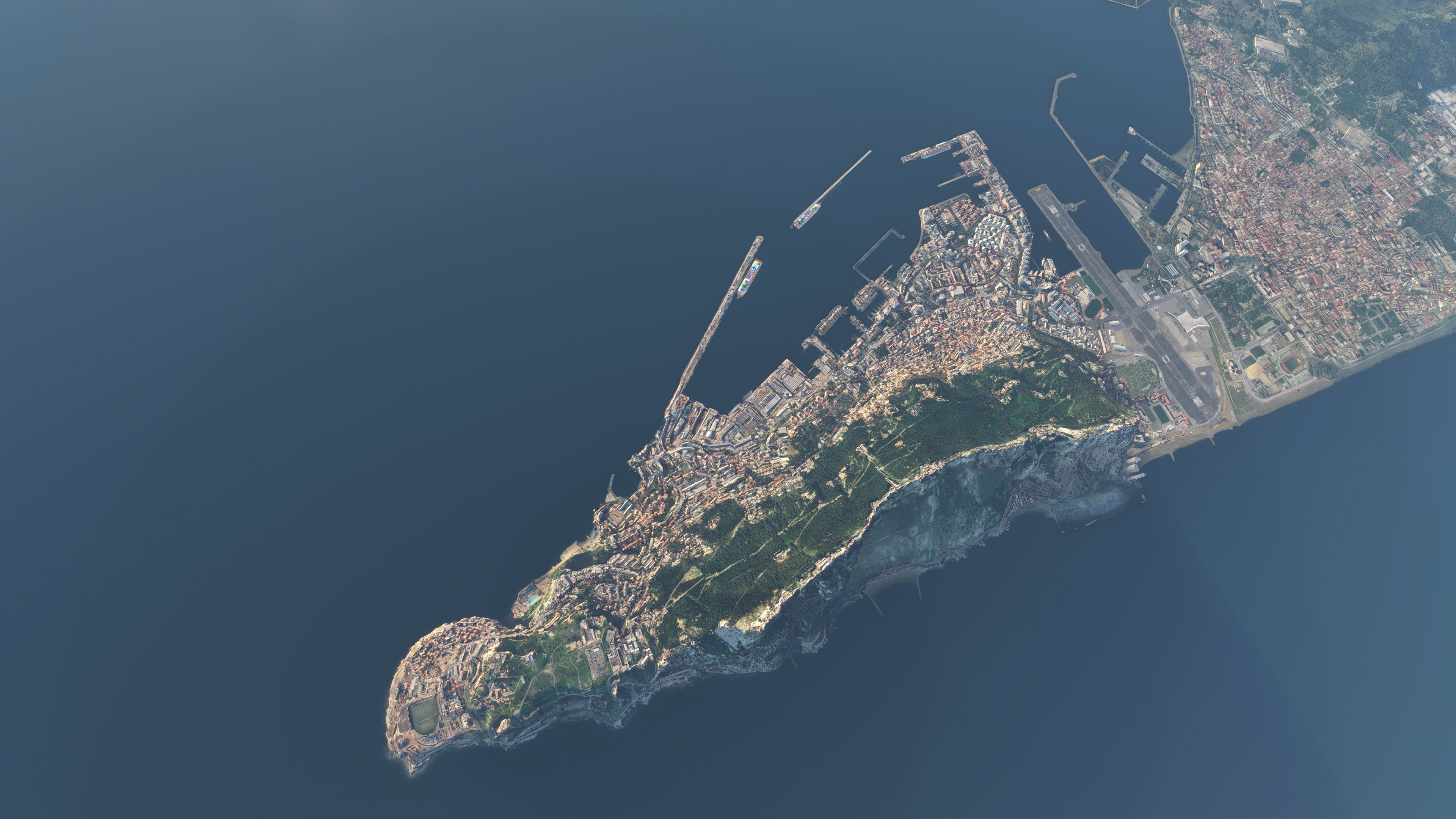
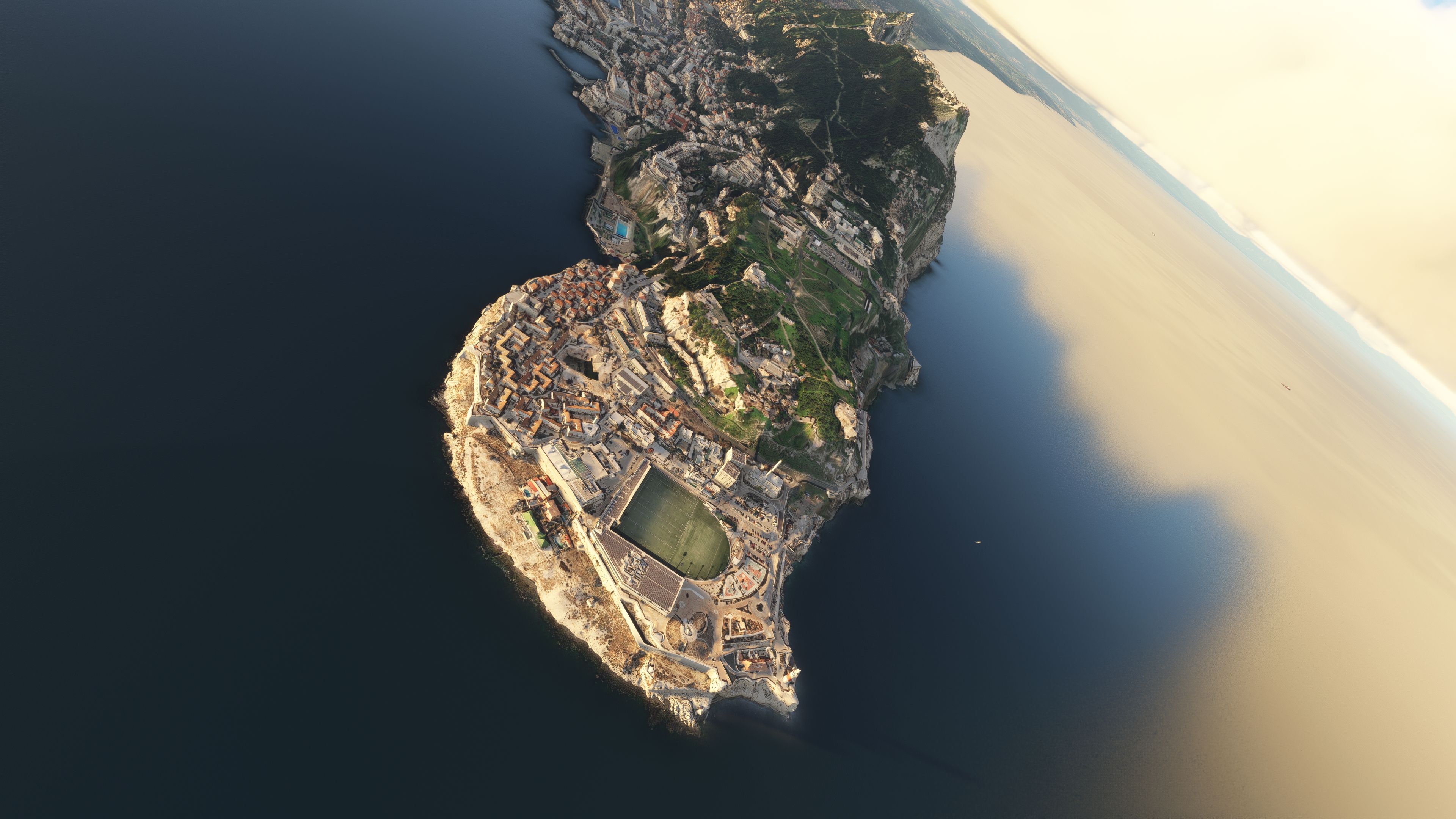
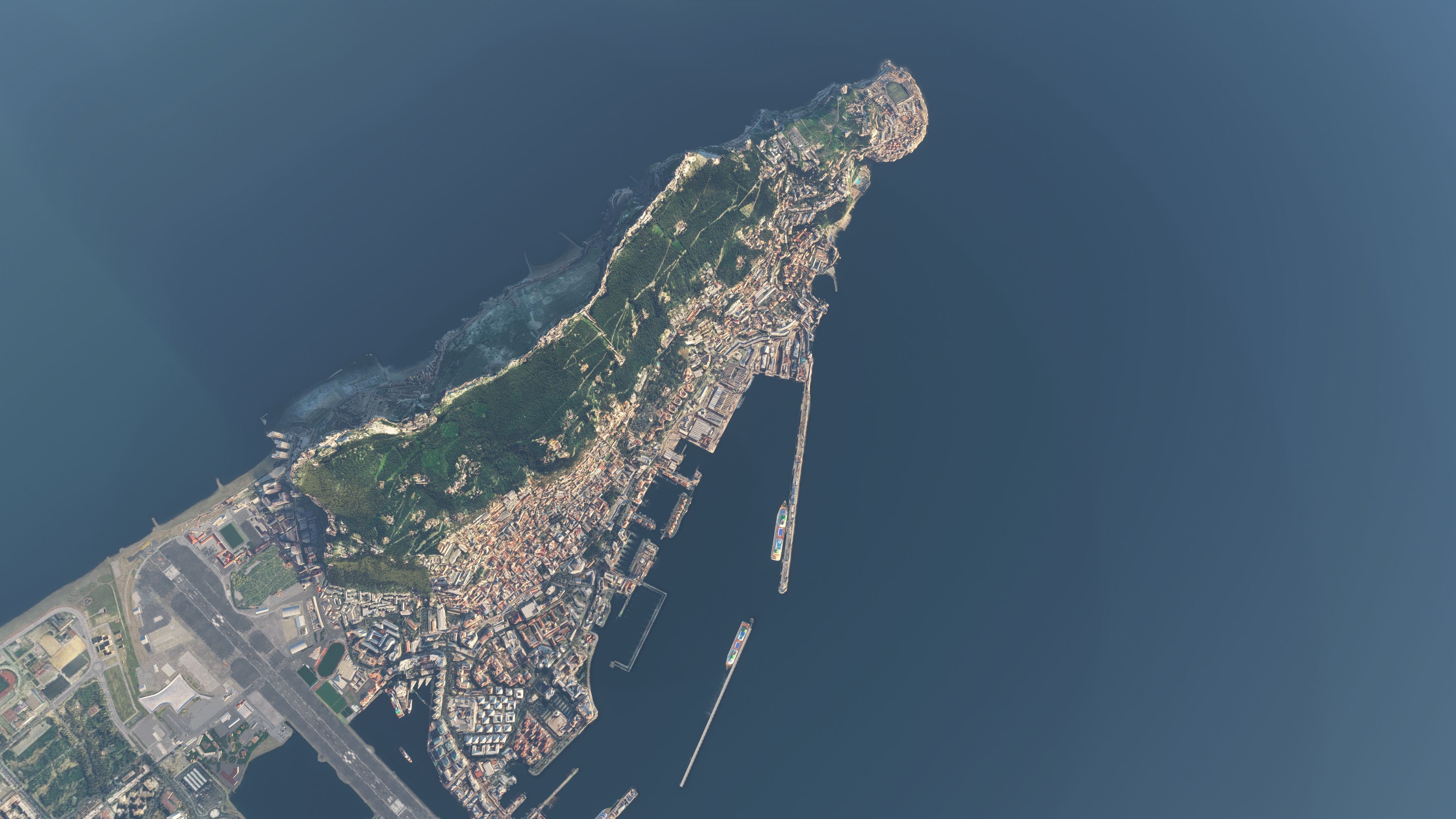
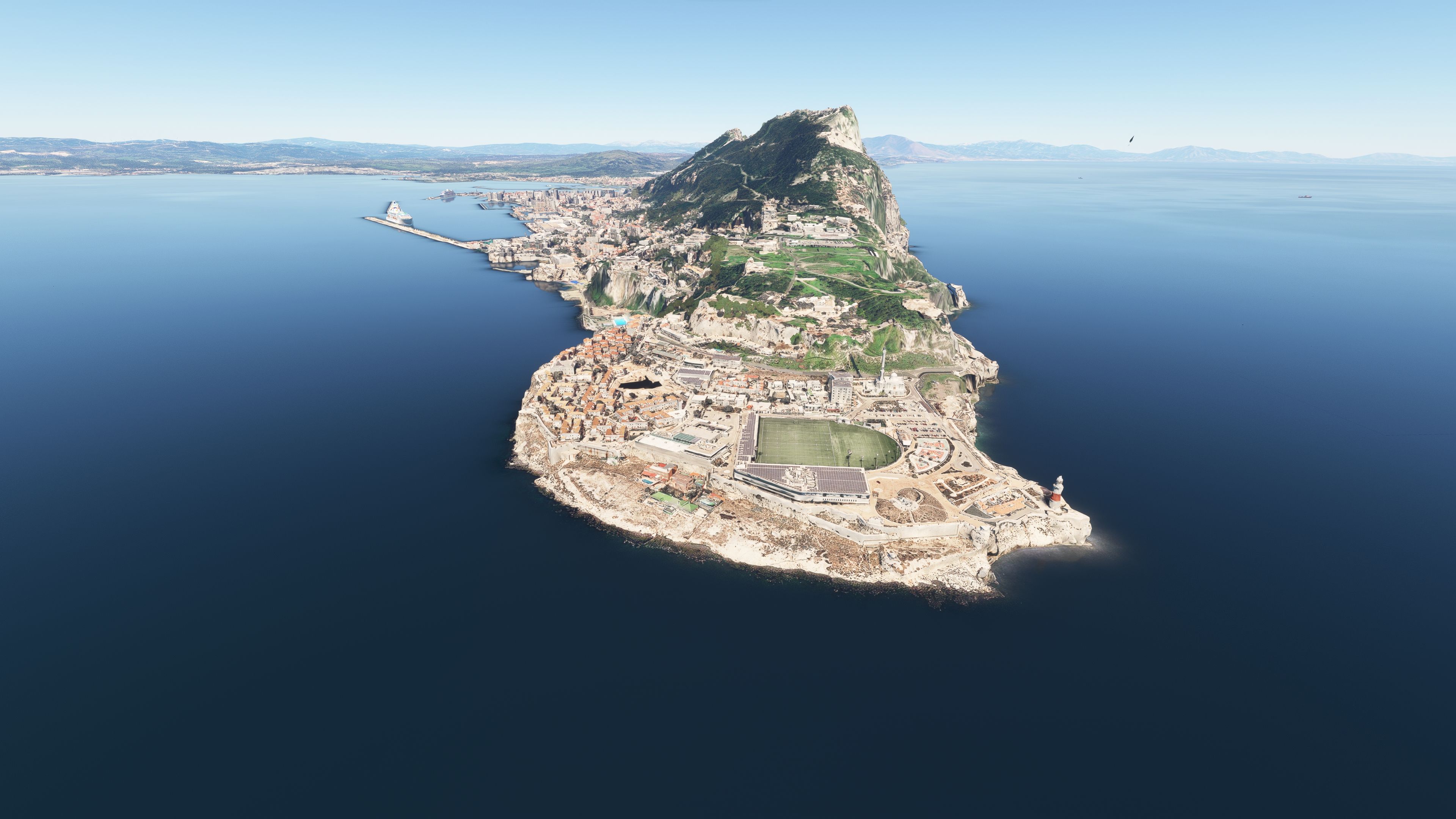
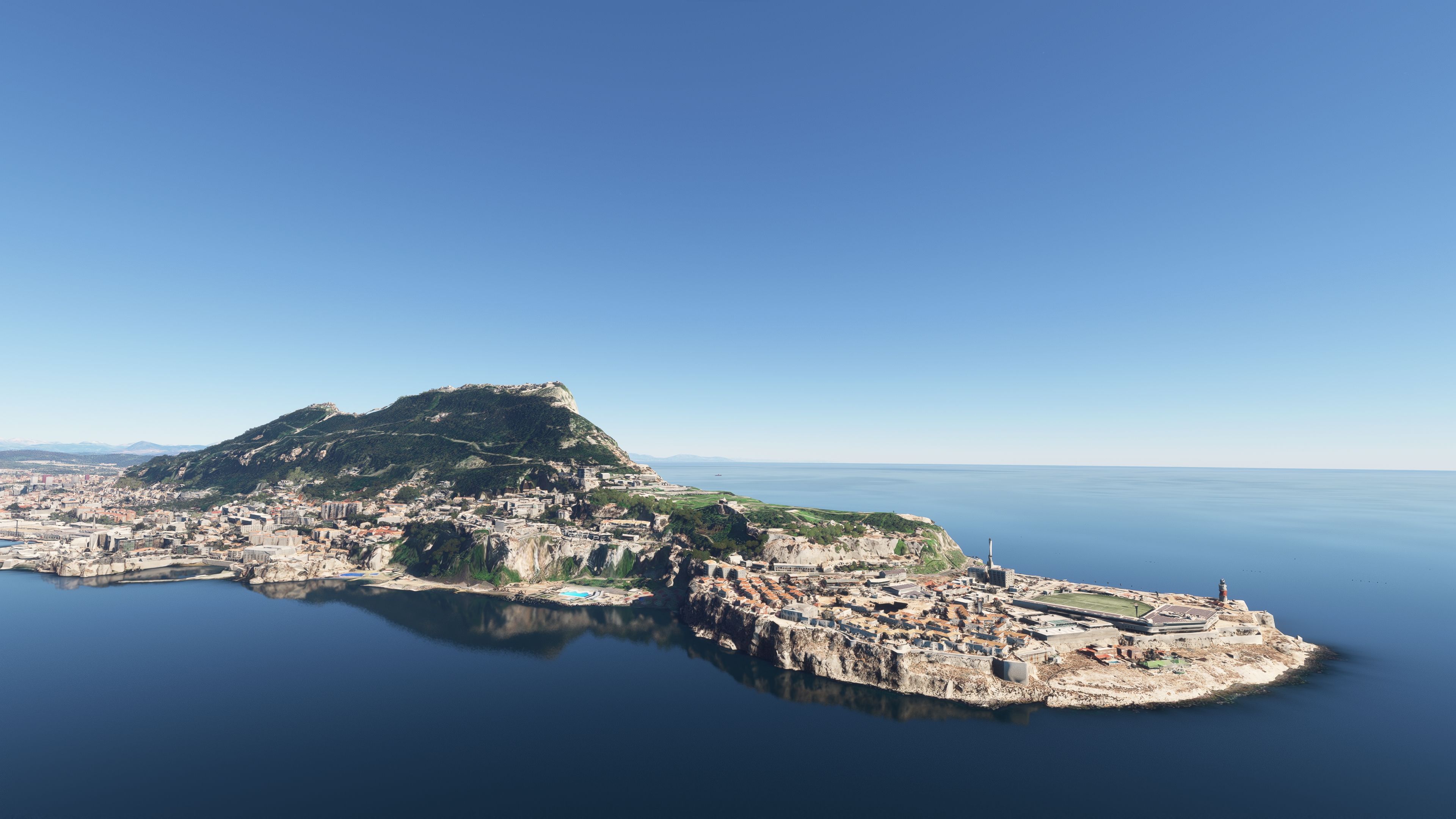
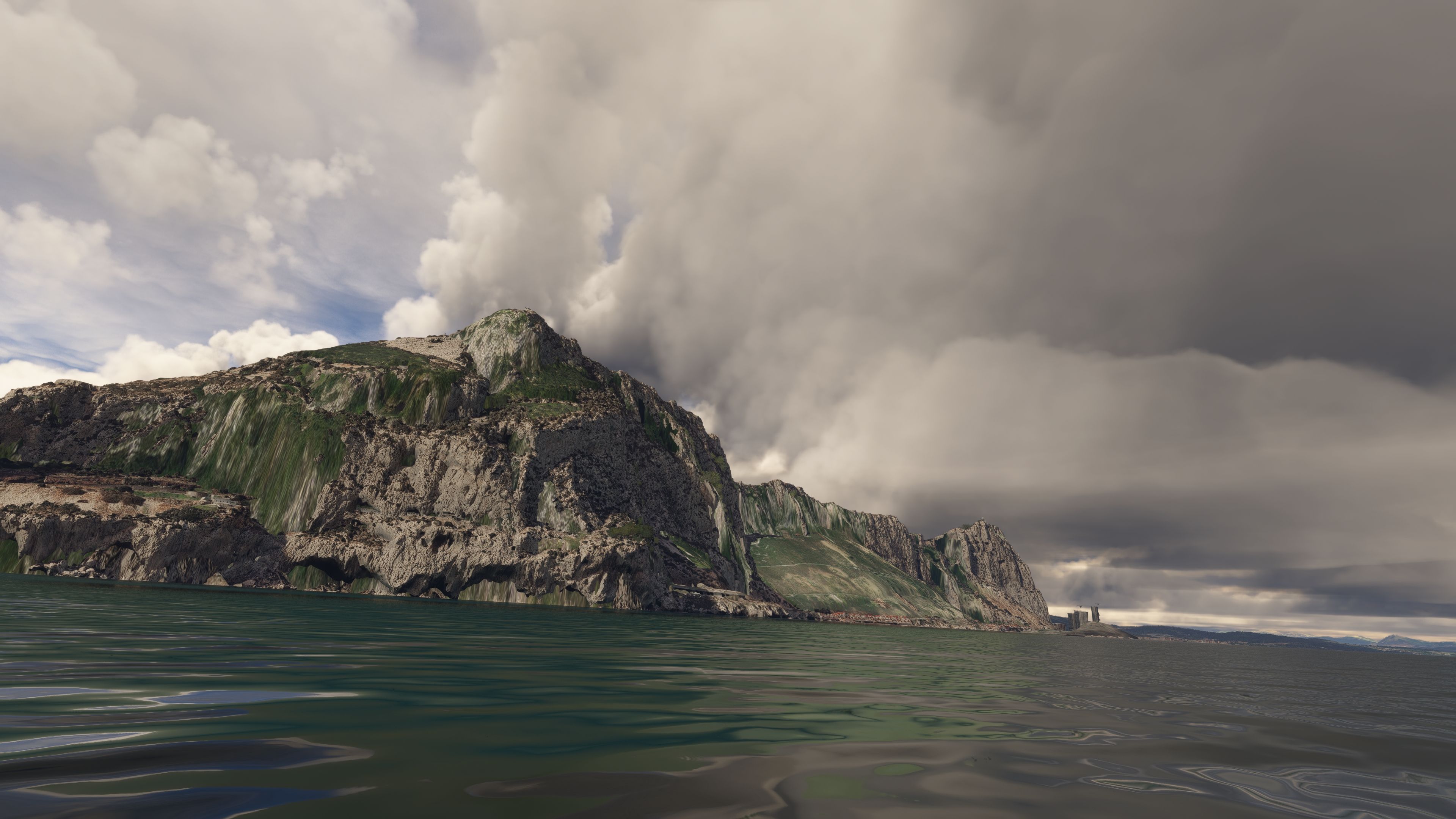
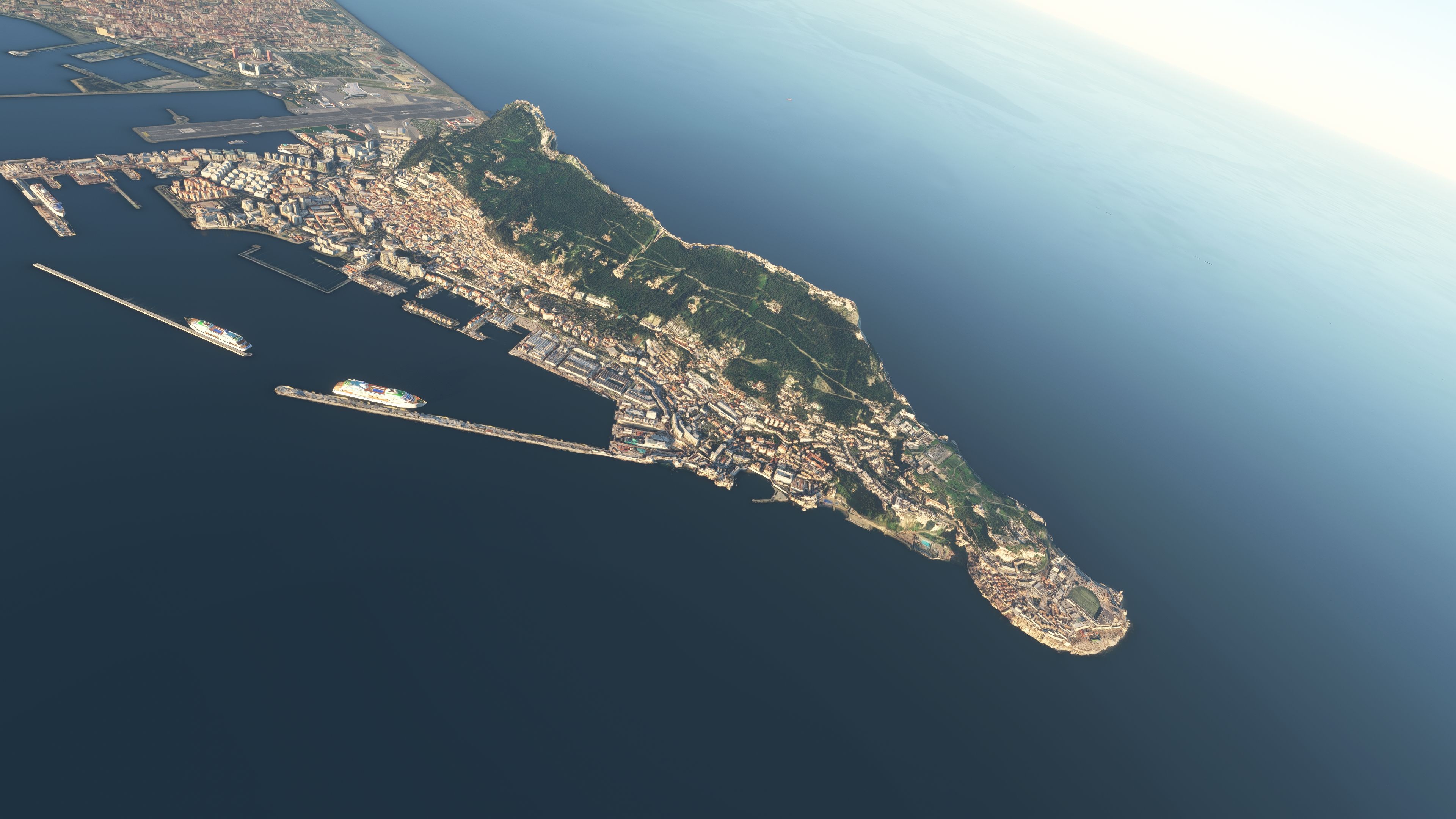
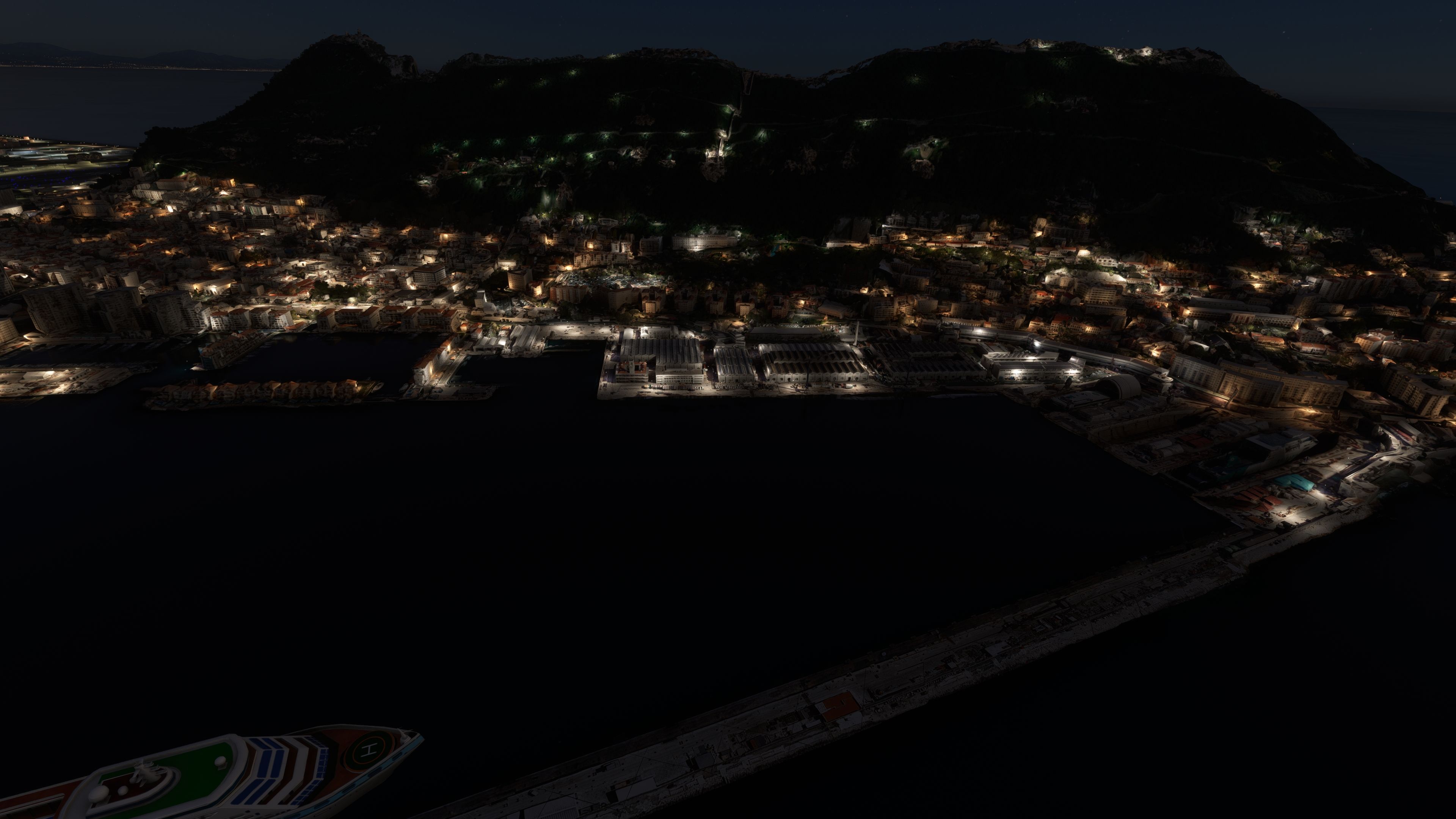
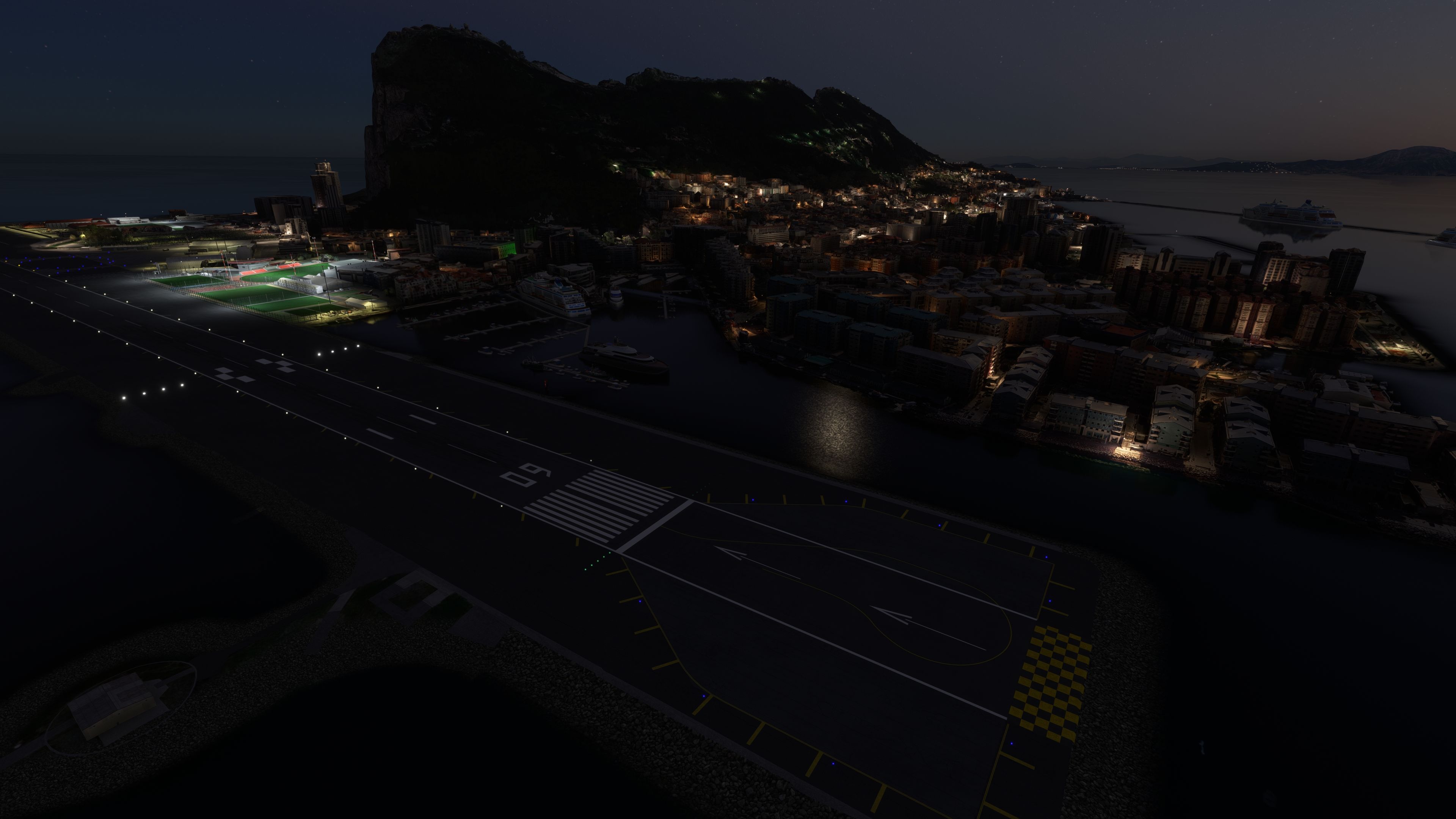
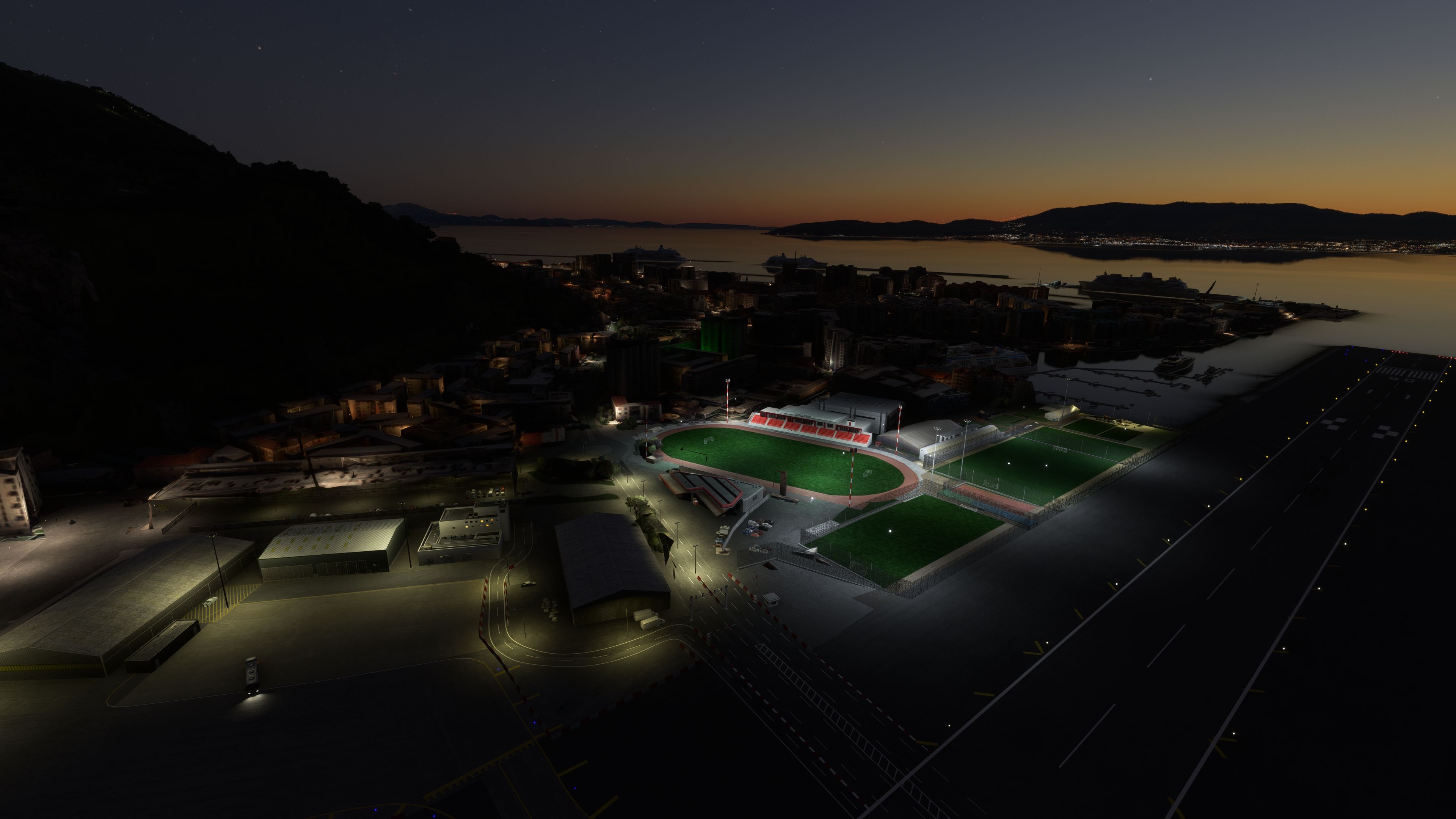
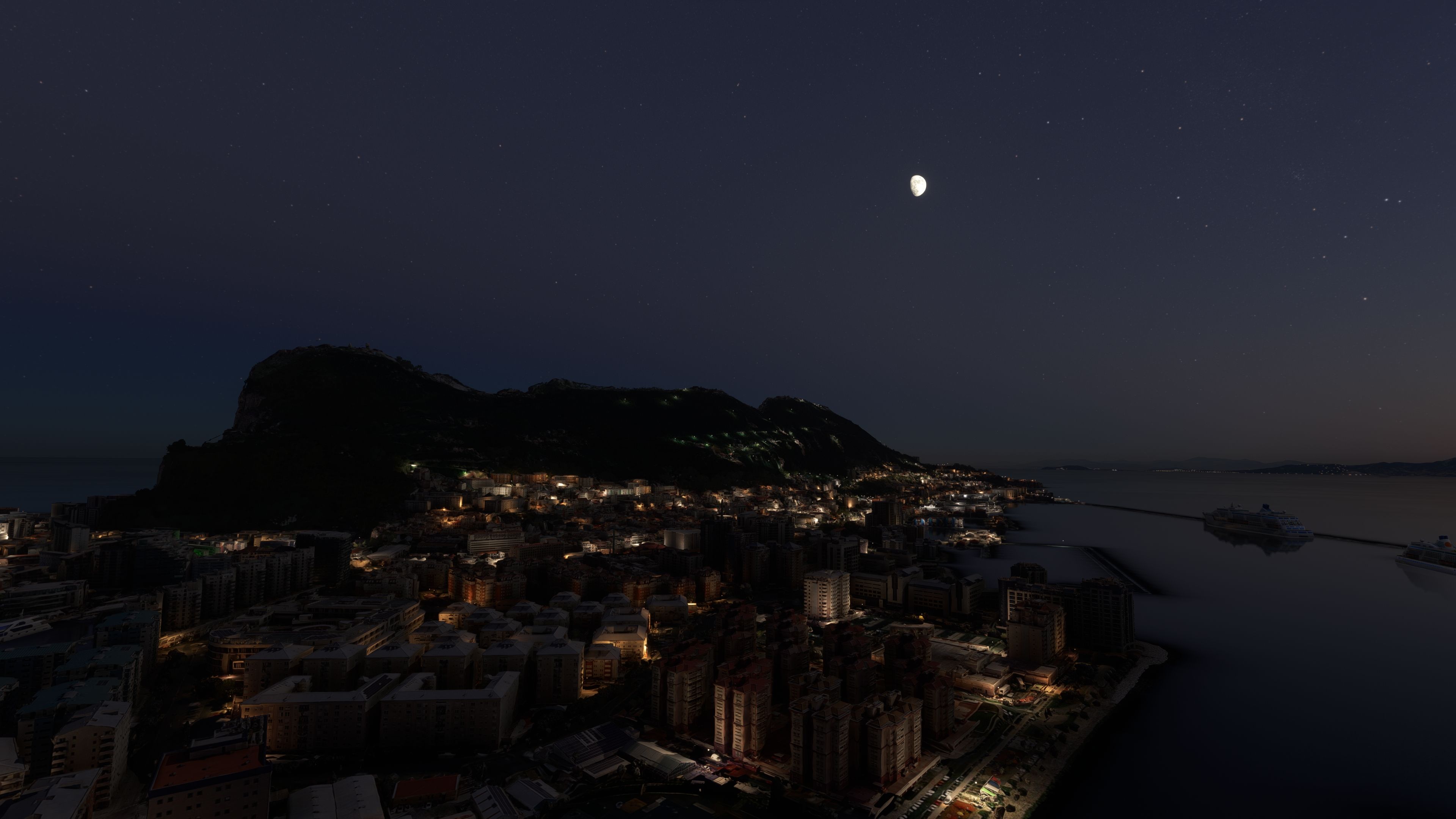
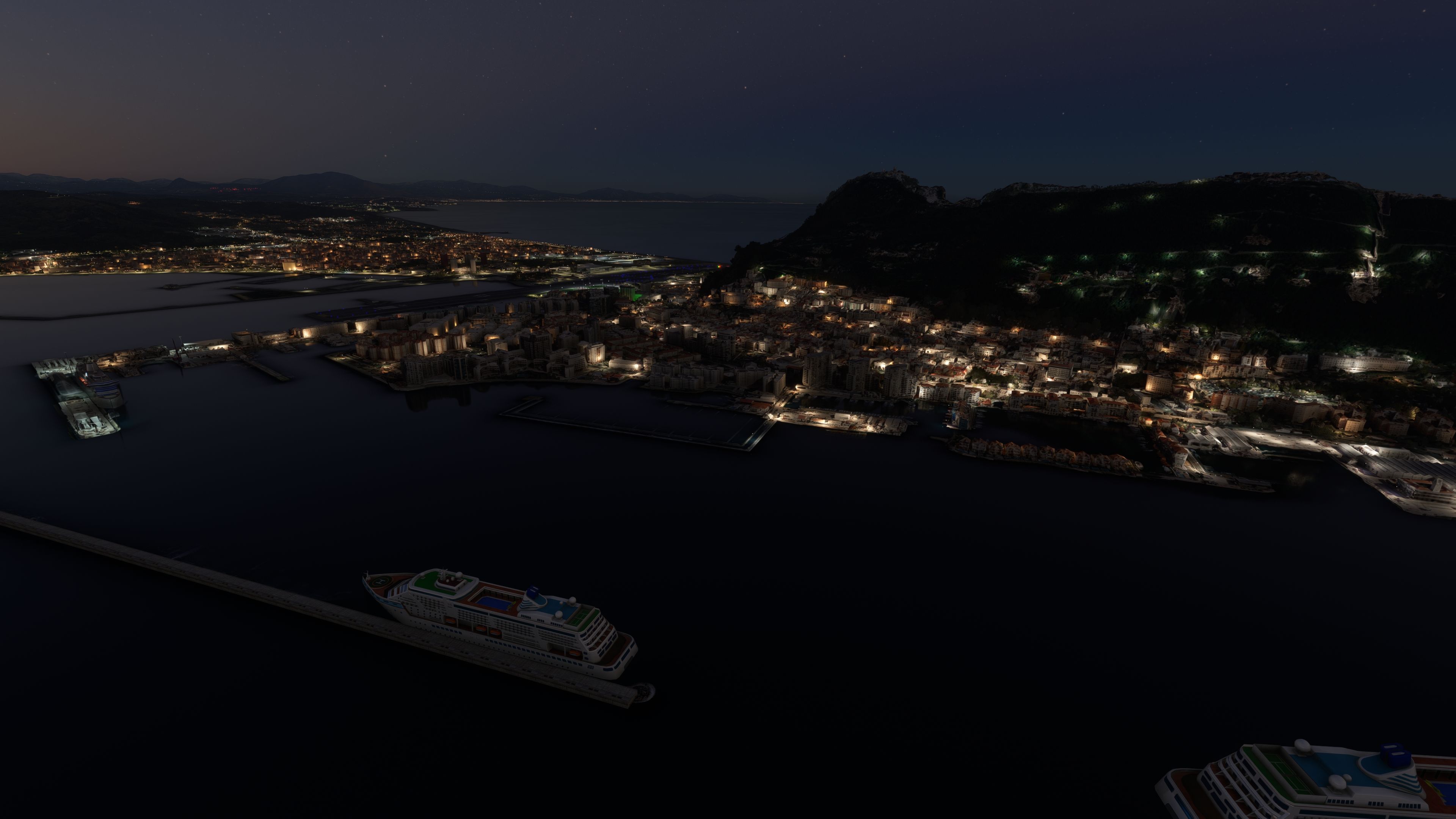
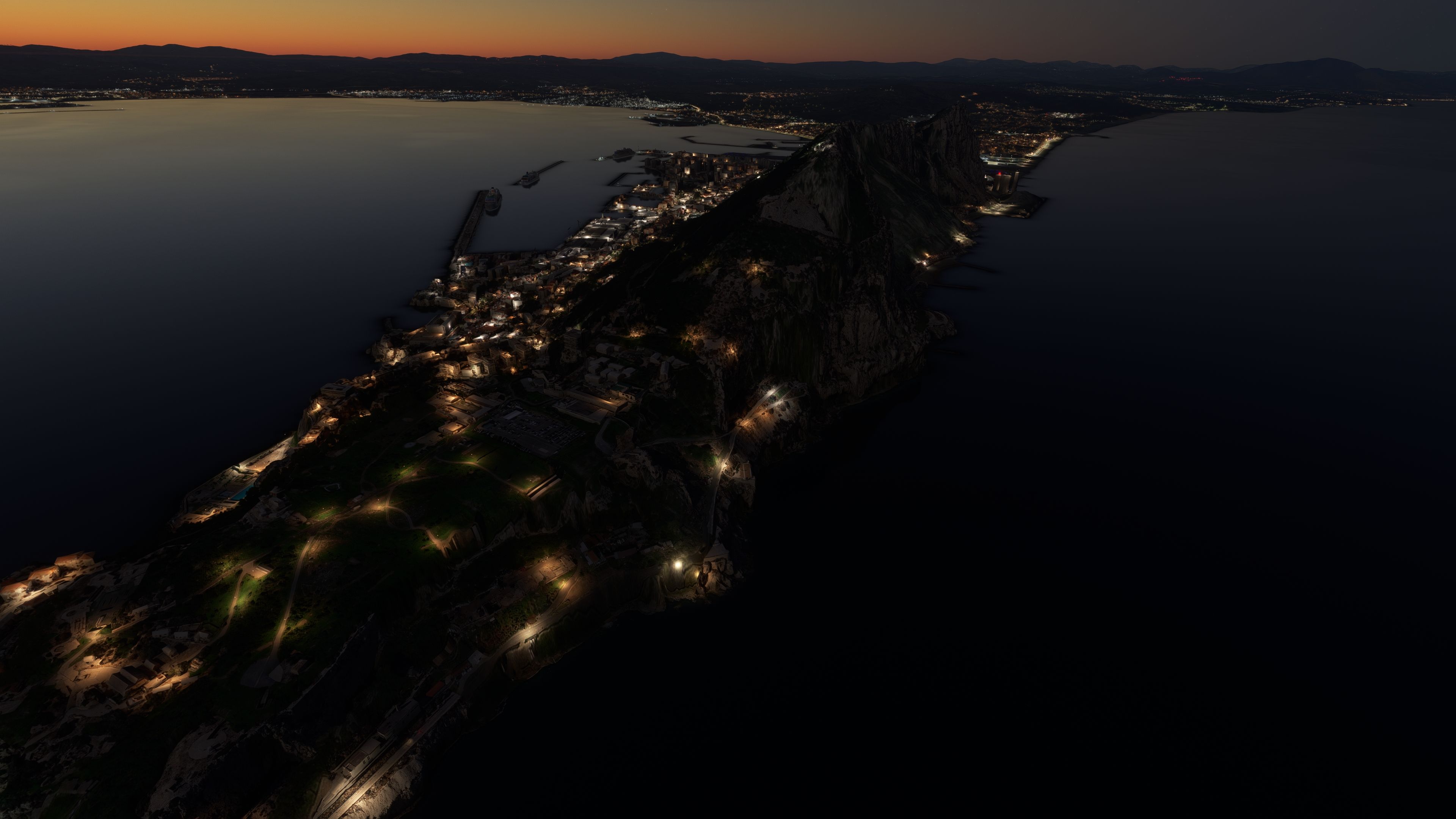
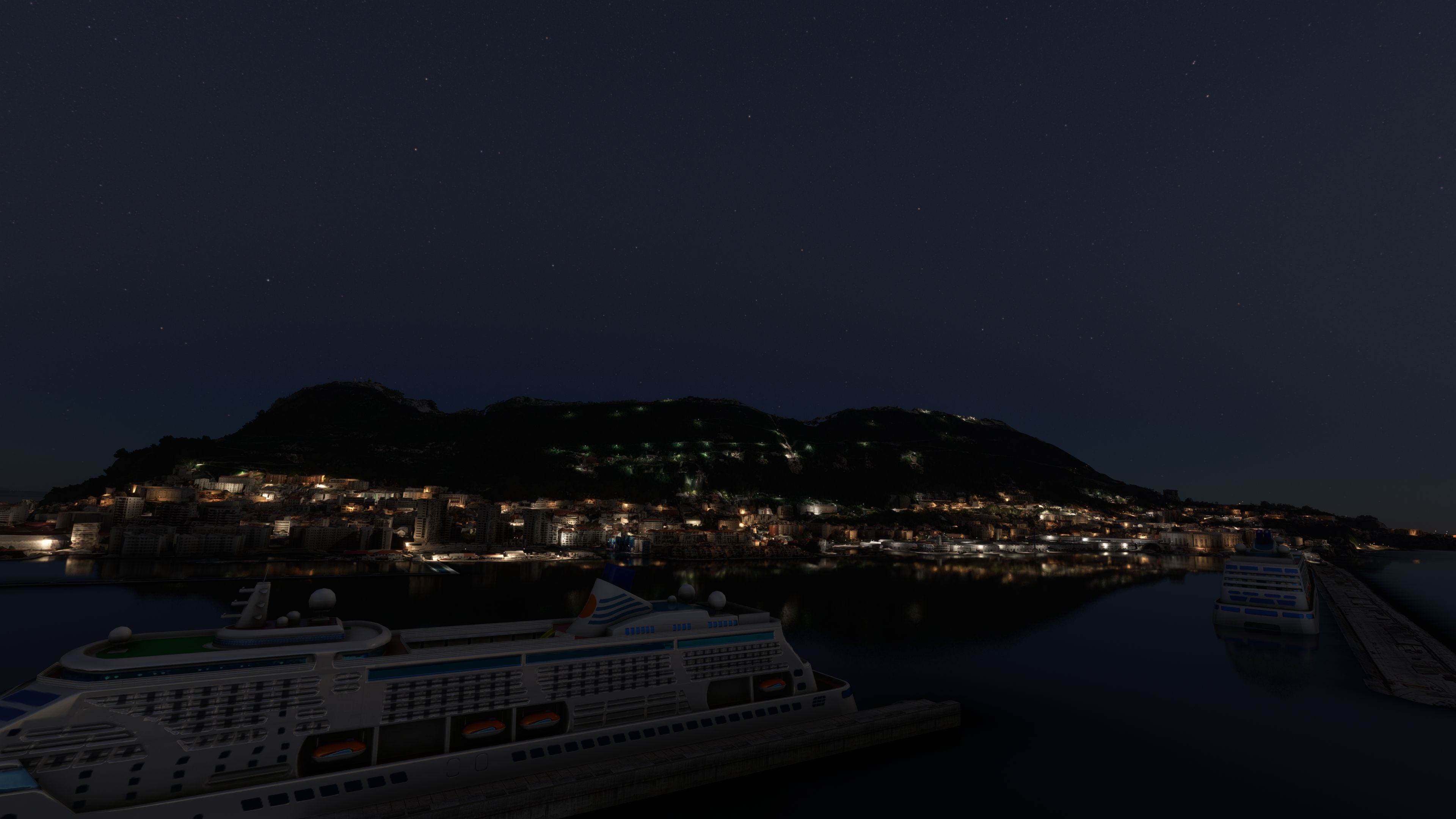
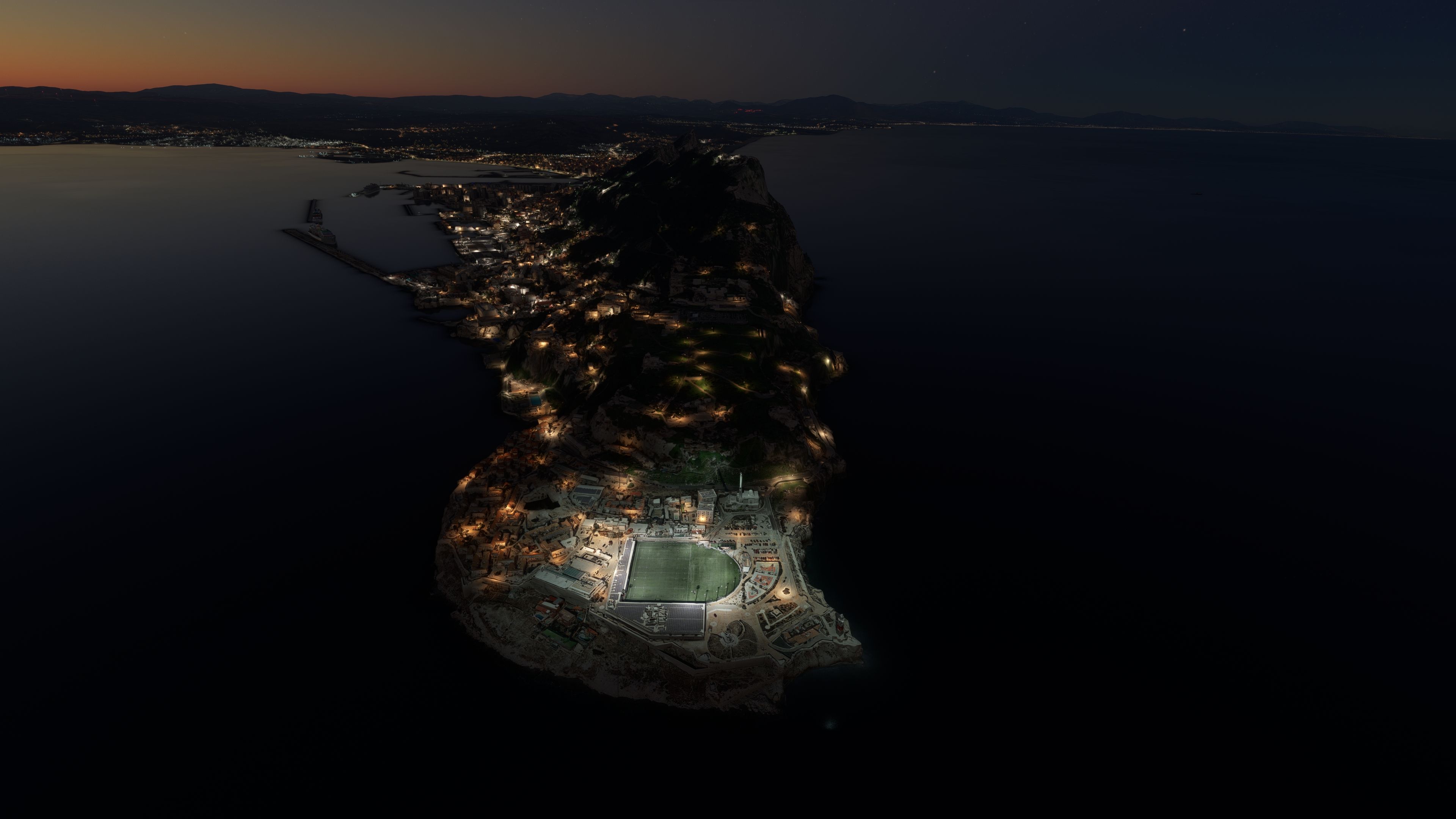
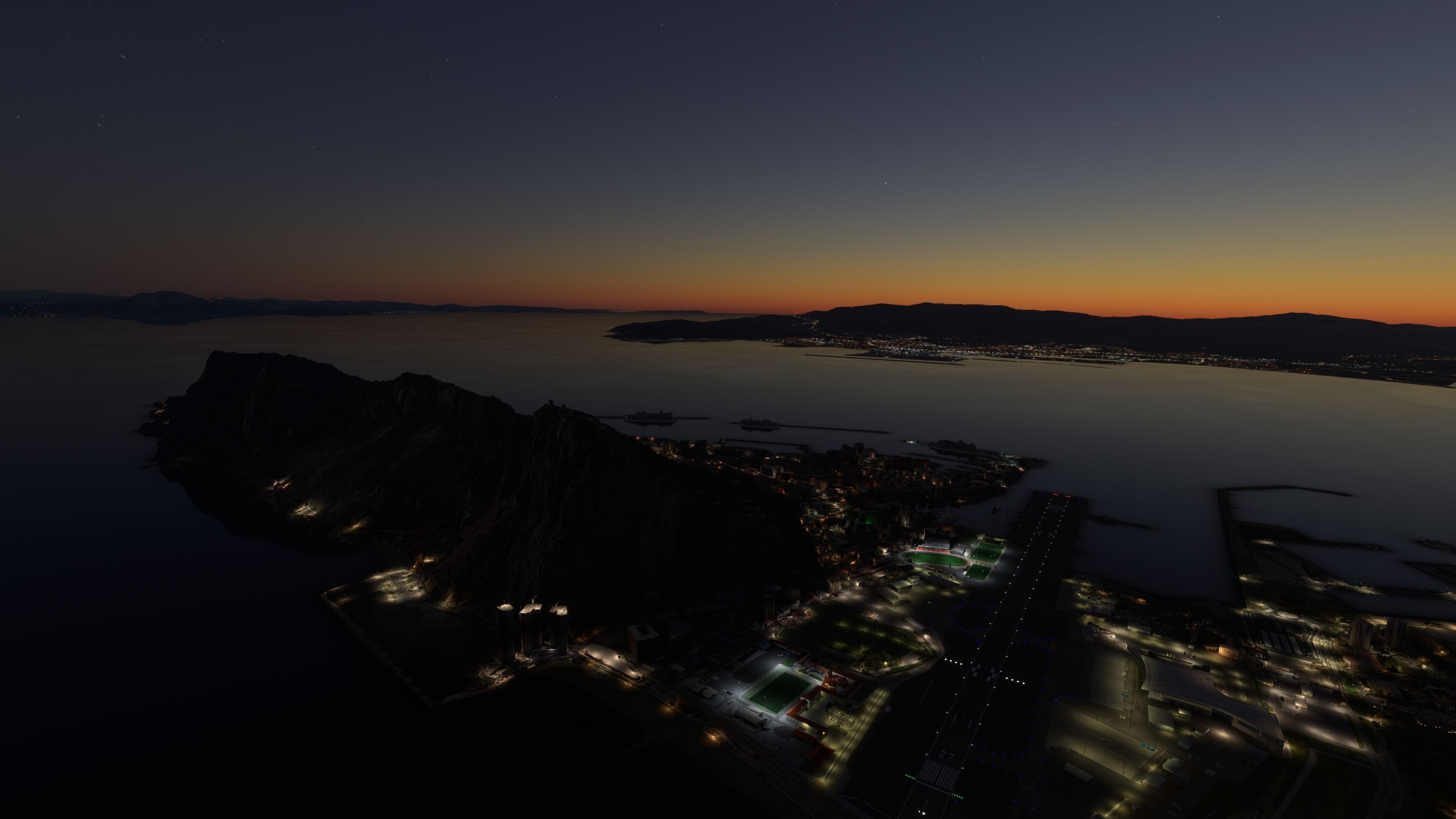
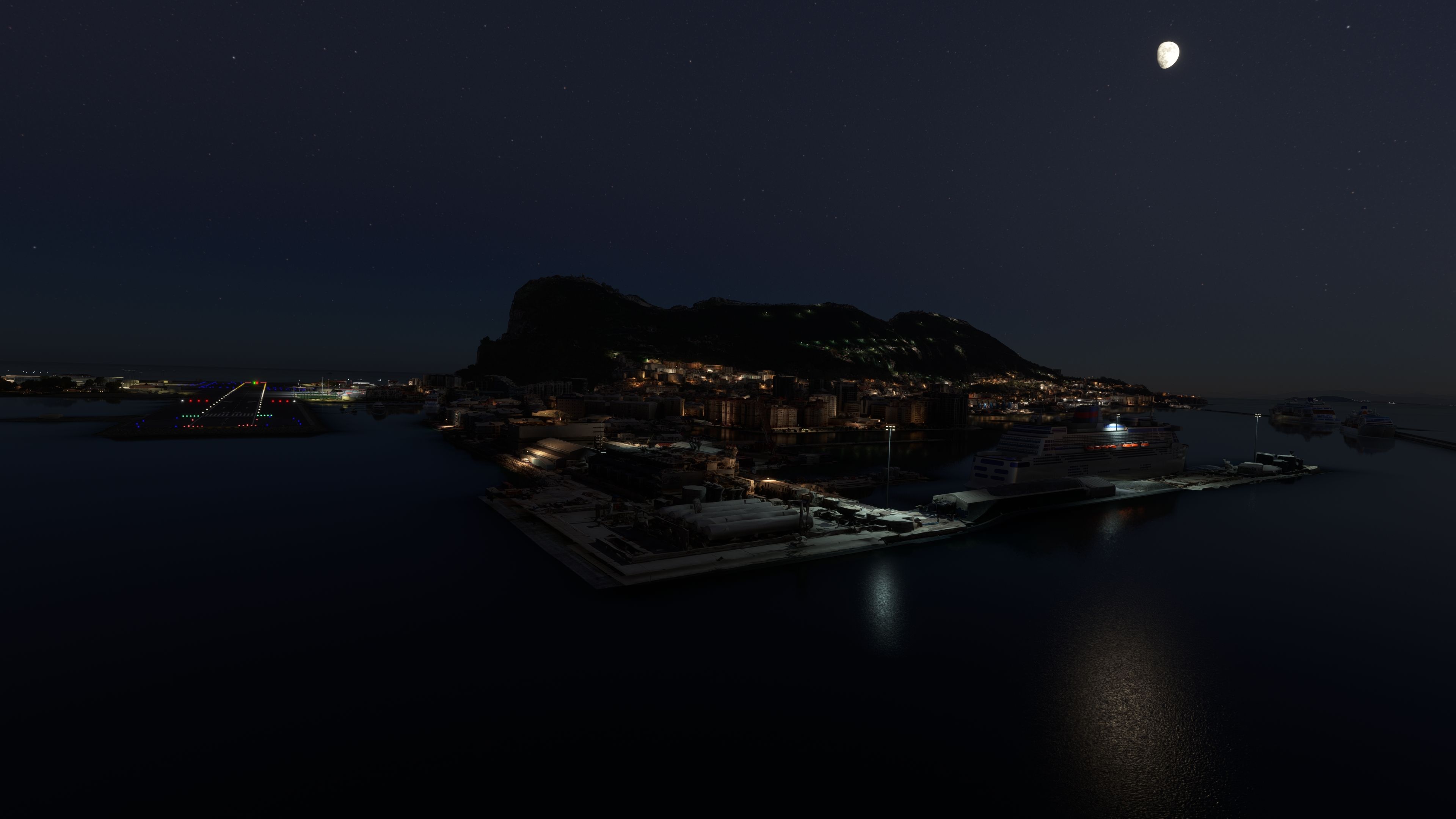
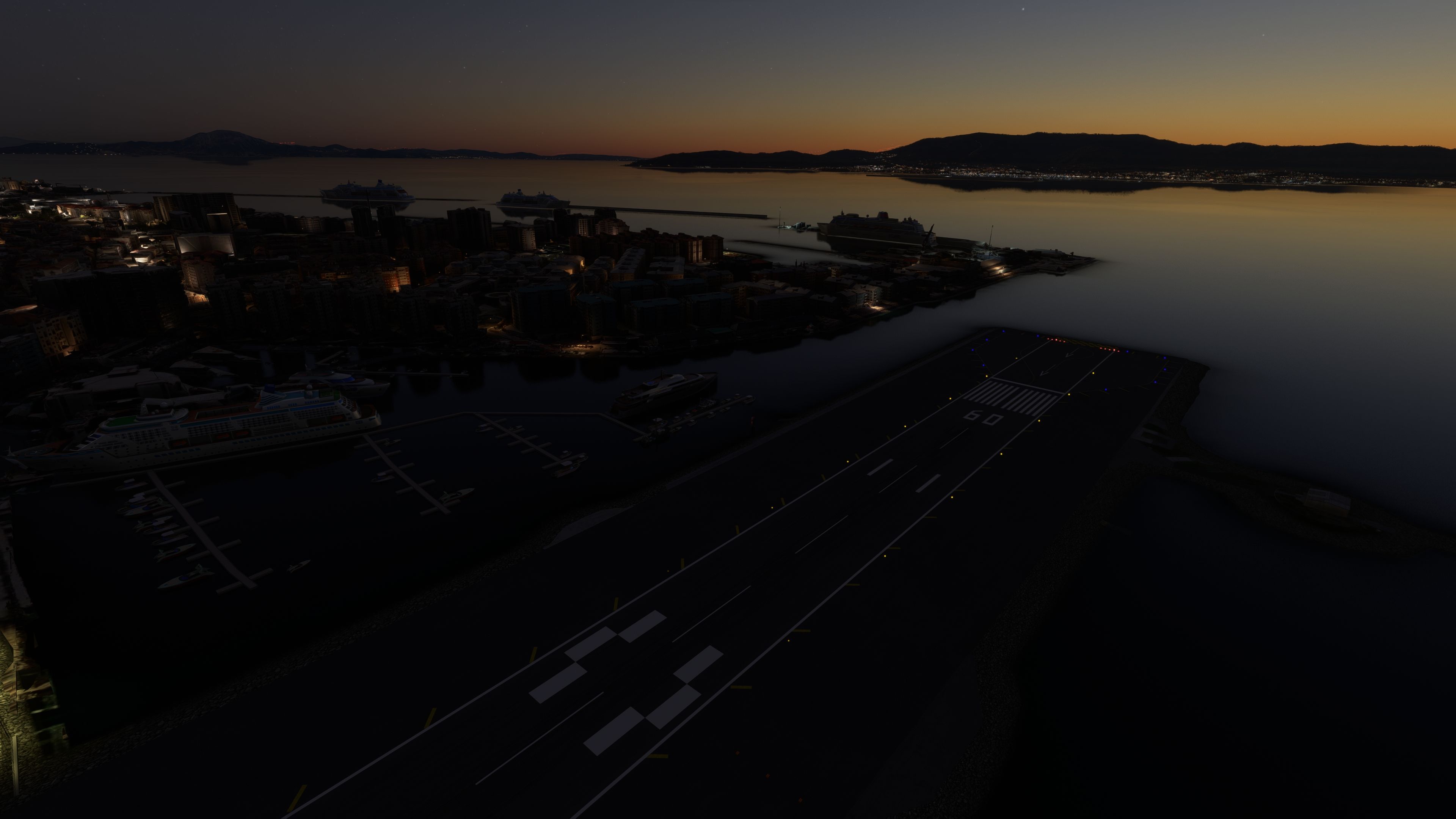
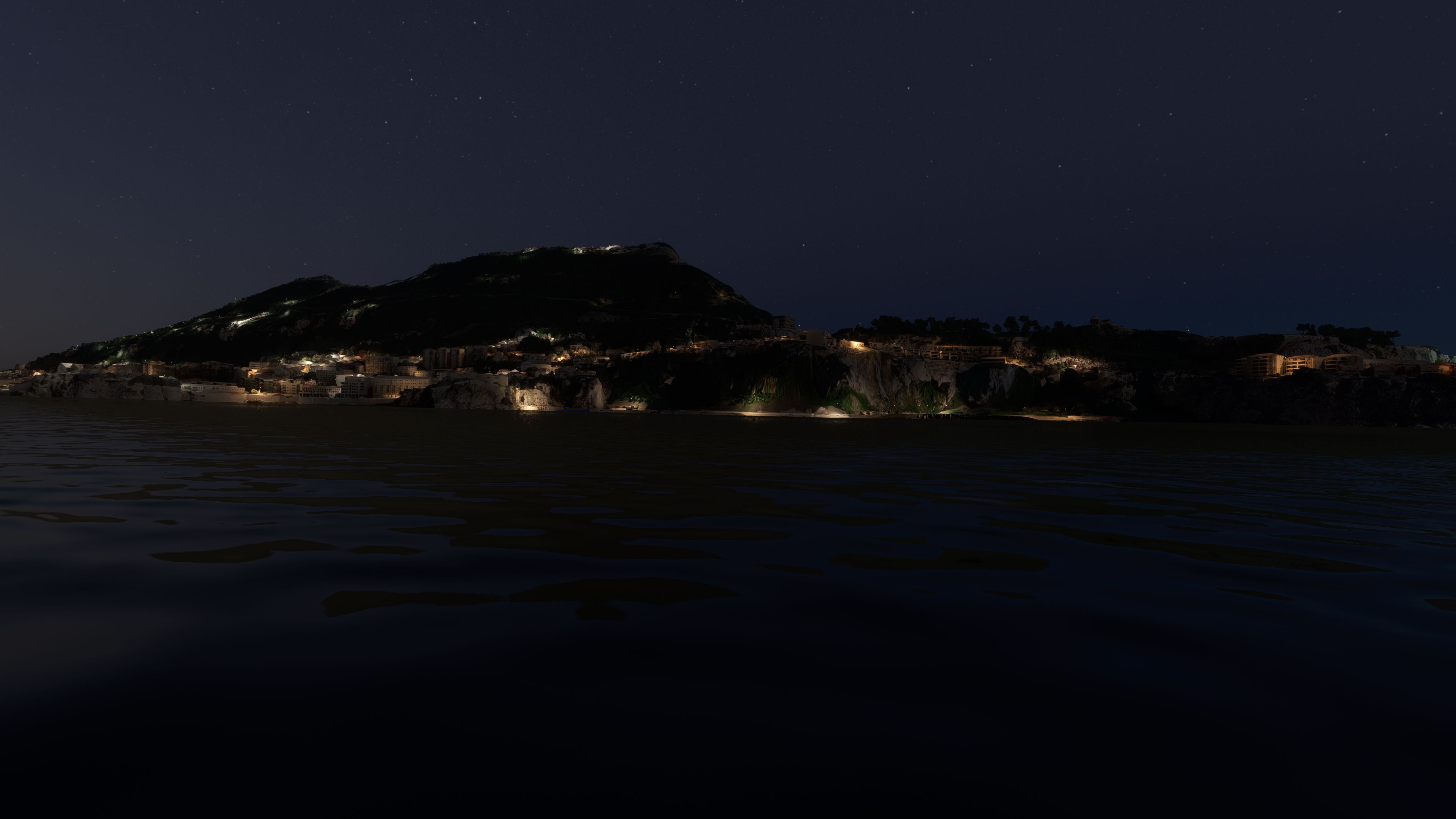
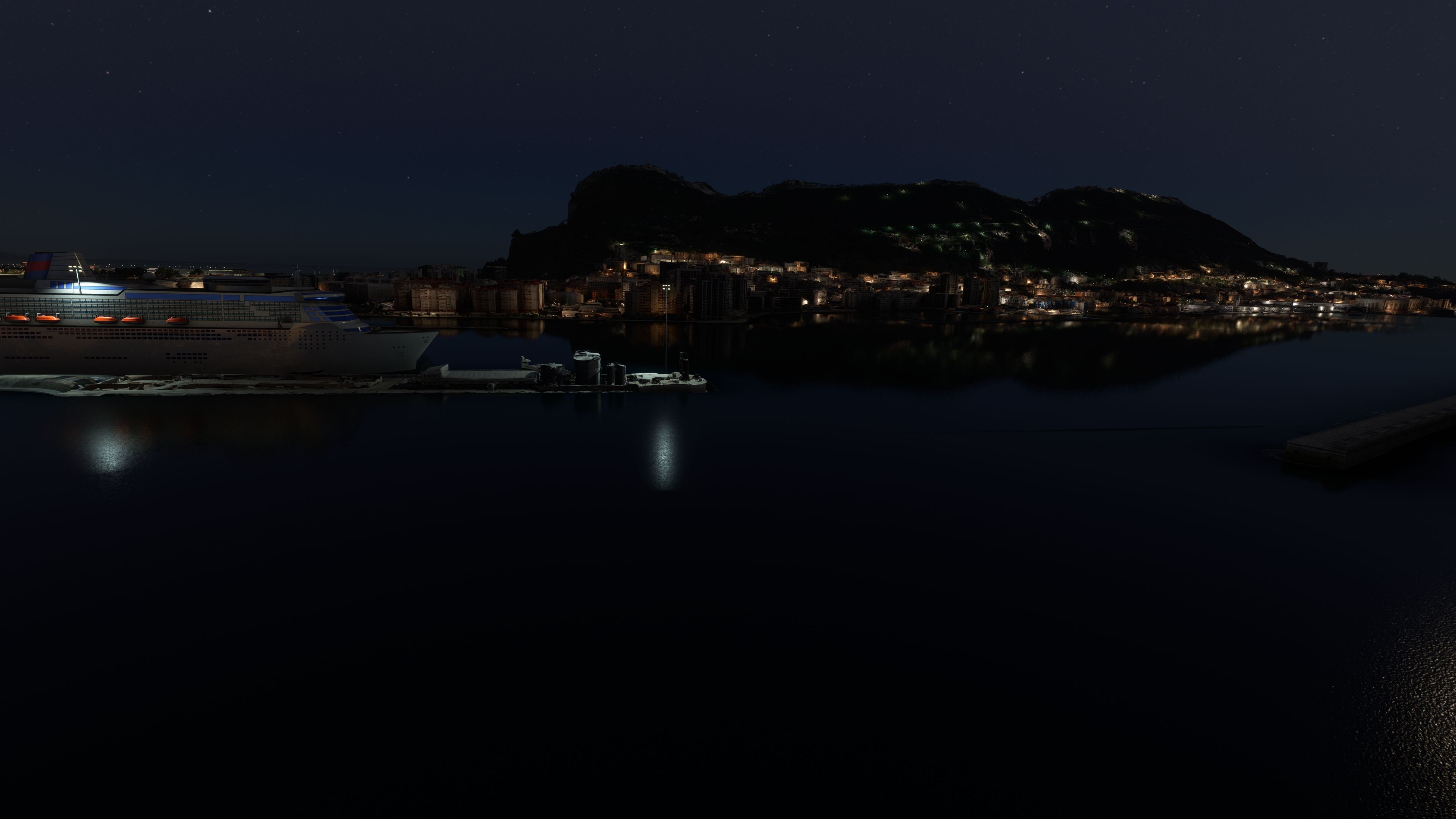

This freeware Gibraltar photogrammetry mod boosts the realism of Microsoft Flight Simulator by delivering high-resolution 3D modeling derived from accurate source imagery. The result is a remarkably immersive virtual environment, showcasing the dramatic landscape of the British Overseas Territory—including the iconic Rock of Gibraltar, bustling city streets, and meticulously recreated coastlines. With version 1.1 addressing prior terrain anomalies near the RAF base, the mod delivers smoother flight dynamics and a faithful portrayal of the region’s unique geography.
As someone with decades of flight sim experience, I appreciate how this scenery seamlessly integrates with the simulator's engine, providing fluid transitions between real-world landmarks and cockpit instrumentation. The detail is especially noticeable during low-altitude flights—with buildings, roads, and shorelines precisely matching real-world data. For sim pilots seeking a deeper connection to Gibraltar’s strategic importance and rich heritage, this mod offers an extraordinarily authentic aviation experience that elevates any MSFS journey.
Immerse yourself in the stunningly recreated Gibraltar region in Microsoft Flight Simulator (MSFS) 2020. This freeware photogrammetry scenery mod, meticulously designed for avid flight simulation enthusiasts, enhances the virtual experience by bringing the iconic and strategic British Overseas Territory to life with exceptional accuracy and detail.
 Key Features
Gibraltar's rich history and unique geography are expertly captured in this scenery mod. From the imposing Rock of Gibraltar to the densely populated city area, every aspect has been replicated with precision. The region's strategic importance, evident through its control over the Strait of Gibraltar, and its vibrant economy based on tourism and financial services are subtly reflected in the scenery's layout and design.
Photogrammetry, a process where 2D images are converted into 3D models, brings unmatched realism to flight simulation. This technology allows for the creation of intricate and accurate landscapes, providing pilots with an immersive experience that closely mirrors real-world environments. In the MSFS Gibraltar Scenery mod, photogrammetry ensures that every building, terrain feature, and landmark corresponds with its real-life counterpart.
Installing the scenery is straightforward. Simply download the archive, extract it, and copy the thalixte-gibraltar folder directly into the MSFS Community folder. This process integrates the mod with the existing game setup, enabling you to experience the beauty of Gibraltar immediately after installation.
This mod is a testament to the collaboration within the flight simulation community. Credits go to Microsoft and Asobo for creating MSFS, Google Maps for the source imagery, and /u/Jonahex111 for the Google Earth Decoder tool.
Free for all simmers · 1.38 GB · Scanned clean
Download speed: Free tier is capped at 2 Mbps (this file takes approximately 1h 39m at the cap). PRO members download at full line speed.
%LOCALAPPDATA%\Packages\Microsoft.FlightSimulator_8wekyb3d8bbwe\LocalCache\Packages\Community\. Steam version: %APPDATA%\Microsoft Flight Simulator\Packages\Community\. Tip: enable Developer Mode in MSFS to see your exact Community folder path.readme.txt or README file. It tells you exactly where files go, what dependencies are needed, and any quirks specific to this add-on.Use these coordinates to fly directly to this location once the mod is installed.
36.13223492,-5.35227333
Paste these coordinates into the Microsoft Flight Simulator search bar when planning a flight, or into the Developer Mode Teleport window, to fly directly to this location.

Thalixte is a developer that has focused on creating photogrammetry and scenery packs for the latest Microsoft Flight Simulator (MSFS) 2020 release. All of this developer's releases have received fantastic feedback from many users on various flight sim websites including Fly Away Simulation.
Based in France, the developer tends to focus on creation of European packs however some "further afield" packs have also been created.
More MSFS add-ons hand-picked based on this download.
MSFS Scenery
The MSFS Monaco Photogrammetry Scenery mod is an intricate addition to Micros…
 MSFS Scenery
Step into a world of historical authenticity and stunning detail with the Car…
 MSFS Scenery
Embark on a visually stunning exploration with the Lisbon Photogrammetry Scen…
 MSFS Scenery
Immerse yourself in the rugged beauty of Iceland's capital with the Reykjavik…
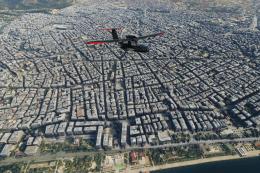 MSFS Scenery
Immerse yourself in the historic charm and breathtaking landscapes of Greece'…
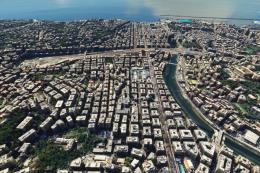 MSFS Scenery
Embark on a visually rich journey over Genoa, the pivotal maritime city in It…
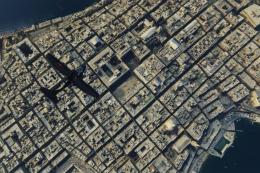 MSFS Scenery
Immerse yourself in the historical and architectural splendor of Valletta, th…
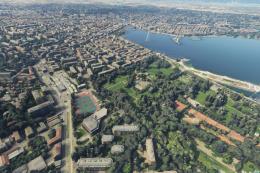 MSFS Scenery
Delve into the heart of Europe with the Geneva City Photogrammetry Scenery, a…
Be the first to leave a comment on this download.
Be the first to share your thoughts on this download.