


 Brazil
  FSX AFCAD Files
AFCAD File For LPPT
Elevate Microsoft Flight Simulator X with a refined rendition of Lisbon Inter…
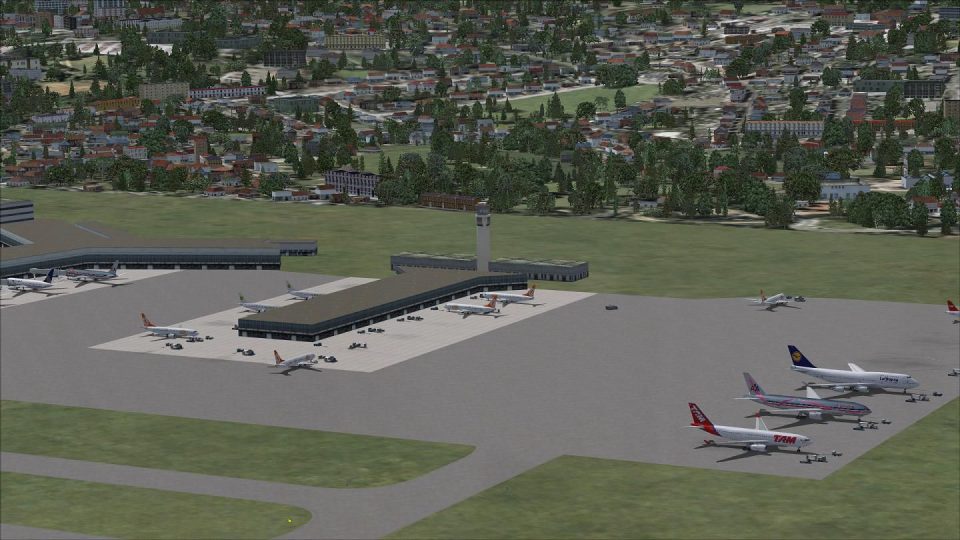
Guarulhos International Airport (SBGR) gets a sharper, more traffic-friendly ground layout with expanded parking, more accurate gate placement, and improved service-vehicle routing for smoother taxi and ramp operations. Designed for the default Microsoft Flight Simulator X airport, it also adds extra ground support, including fuel trucks, to streamline turnarounds.
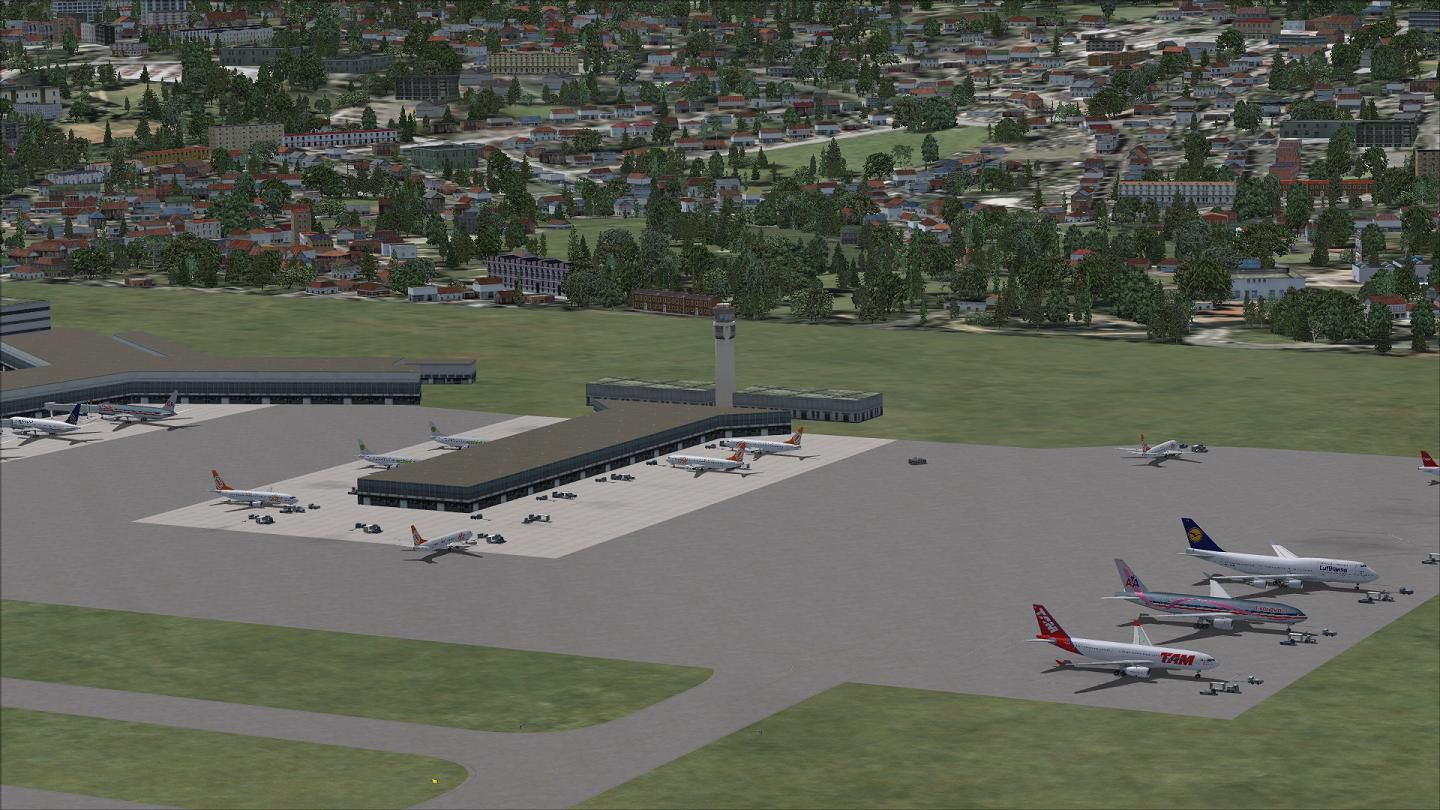
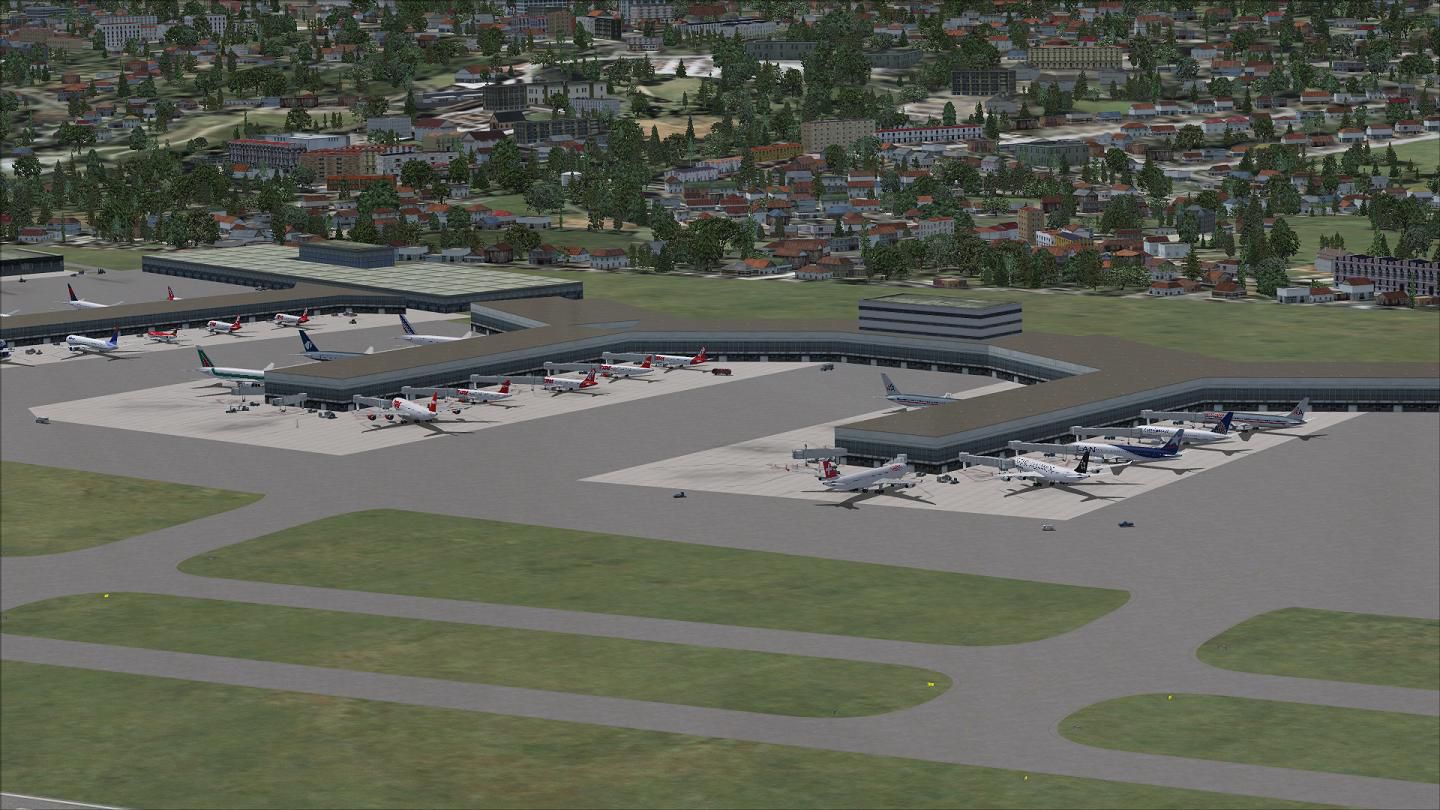
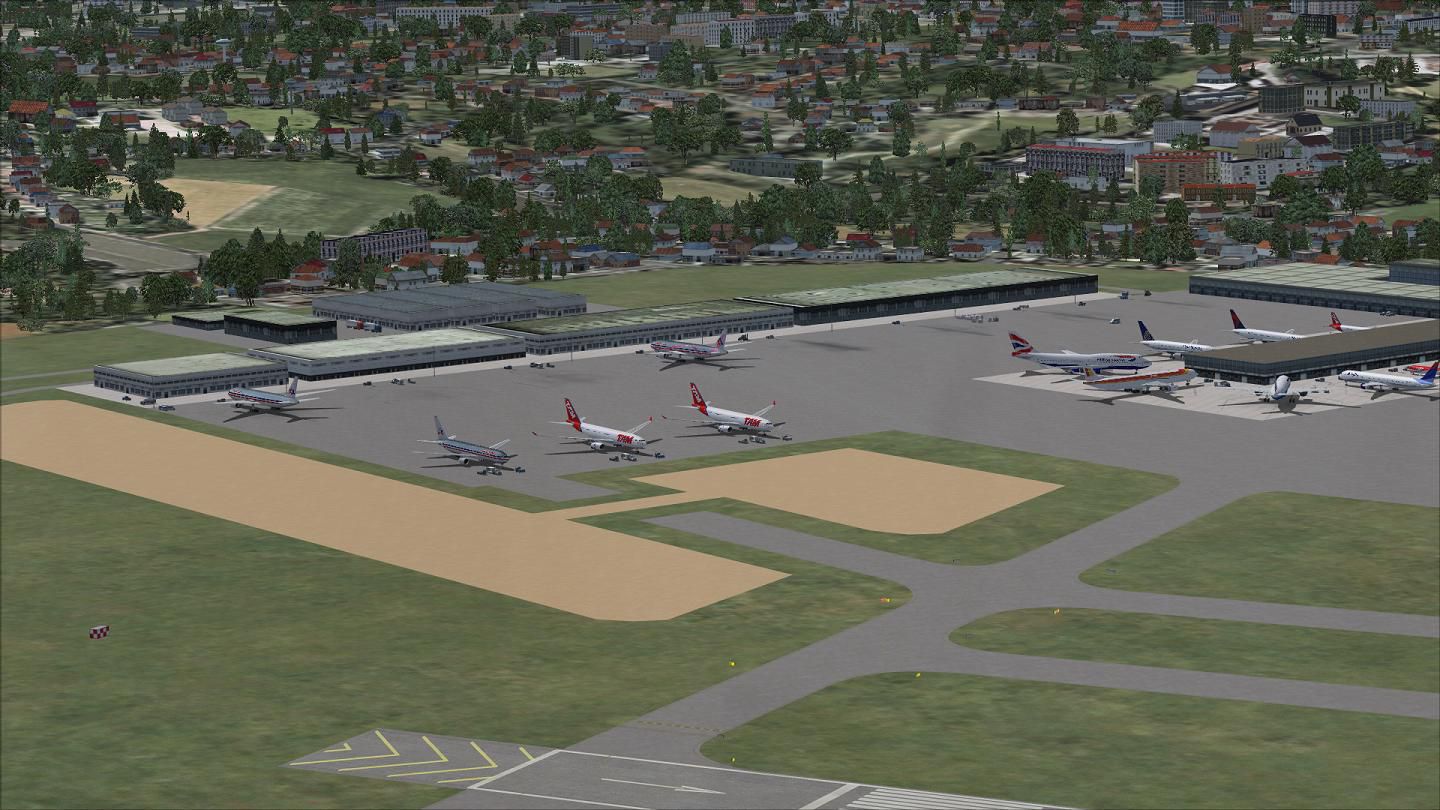
This custom AFCAD refinement for Guarulhos International Airport (SBGR) in São Paulo, Brazil introduces extensive parking enhancements, realigned routing for service vehicles, and supplemental ground support, all tailored for the default Microsoft Flight Simulator X environment. It has been meticulously recreated by Ray Smith to ensure more streamlined gate assignments and efficient aircraft movements.
By integrating additional parking spots throughout the apron, this design optimizes capacity for both AI traffic and user flights. Special attention has been given to realistic ramp layouts, aligning gates to mirror real-world positioning. This provides an authentic experience for those simulating domestic and international routes out of one of Brazil’s busiest aviation hubs.
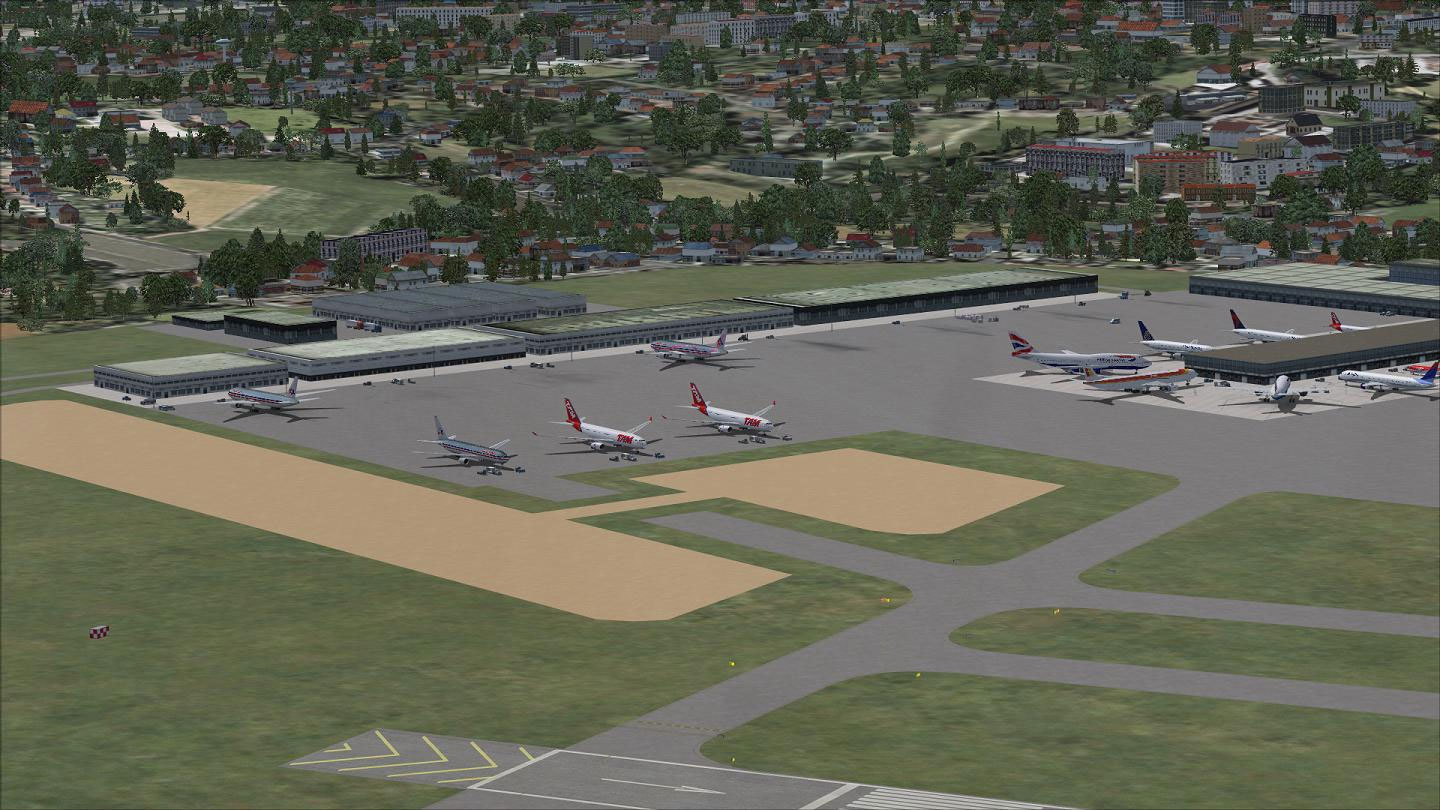
Aerial view of Guarulhos International Airport.
Service roads have been amended to limit ground traffic overlaps and congestion. Users will notice the addition of extra fuel trucks, which helps maintain realistic dispatch times. These tweaks create a smoother circulation of baggage tugs and other auxiliary vehicles around terminal zones.
All revisions were completed by Ray Smith, whose attention to detail aims for a more immersive flight simulation experience in and around São Paulo. Fly safely with improved ground accuracy and more versatile parking options.
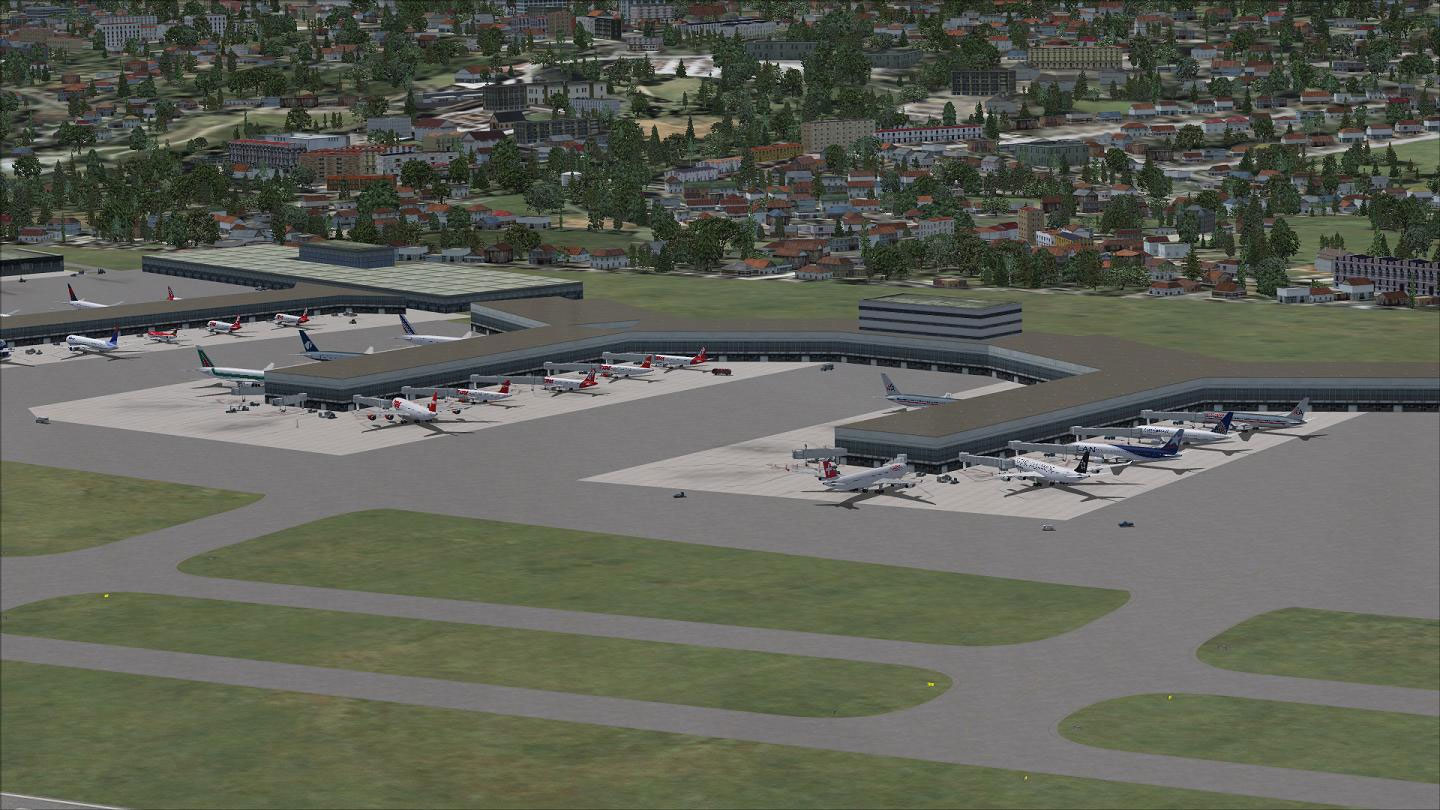
Aerial view of Guarulhos International Airport.
Free for all simmers · 578.07 KB · Scanned clean
Download speed: Free tier is capped at 0.5 Mbps. PRO members download at full line speed.
AF2_*.bgl or AFX_*.bgl) go into FSX\Addon Scenery\Scenery\ or a dedicated AFCAD folder you create.readme.txt or README file. It tells you exactly where files go, what dependencies are needed, and any quirks specific to this add-on.Use these coordinates to fly directly to this location once the mod is installed.
-23.43555600,-46.47305600
Launch FSX or Prepar3D and use Flights → Load to open the downloaded .pln file. Your aircraft will be positioned at this location.
The archive sbgr_ade_rs_fsx.zip has 9 files and directories contained within it.
This list displays the first 500 files in the package. If the package has more, you will need to download it to view them.
| Filename/Directory | File Date | File Size |
|---|---|---|
| ReadMe.txt | 06.06.12 | 2.54 kB |
| SBGR.jpg | 02.16.12 | 185.23 kB |
| SBGR1.jpg | 02.16.12 | 186.04 kB |
| SBGR2.jpg | 02.16.12 | 189.59 kB |
| SBGR_ADE_OBJ.BGL | 02.16.12 | 9.08 kB |
| SBGR_ADE_RS.BGL | 02.16.12 | 32.96 kB |
| FSX_sbgr_ade_rs | 02.16.12 | 0 B |
| flyawaysimulation.txt | 10.29.13 | 959 B |
| Go to Fly Away Simulation.url | 01.22.16 | 52 B |
More FSX & P3D add-ons hand-picked based on this download.
FSX AFCAD Files
Elevate Microsoft Flight Simulator X with a refined rendition of Lisbon Inter…
 FSX AFCAD Files
John F. Kennedy International Airport, New York, NY, USA, v2. This airport up…
 FSX AFCAD Files
Dubai International Airport, United Arab Emirates (UAE). This airport update …
 FSX AFCAD Files
Los Angeles International Airport (LAX), California (CA), USA. This airport u…
 FSX AFCAD Files
This freeware package modernizes Zurich International Airport (LSZH) in Micro…
 FSX AFCAD Files
Lic Benito Juarez International Airport, Mexico City, Mexico. This airport up…
 FSX AFCAD Files
Enhance Kastrup Airport (EKCH) in Copenhagen, Denmark with this freeware upgr…
 FSX AFCAD Files
This enhanced update for Schiphol (EHAM) in Amsterdam focuses on reconstructi…
Be the first to leave a comment on this download.
Be the first to share your thoughts on this download.