


 Global (World)
  FSX Scenery
Mesh for Southern Africa (All Parts)
A complete package containing all parts and files of the highly detailed 76m …
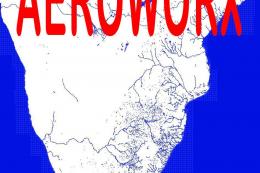
Southern Africa Scenery v2 sharpens the region’s terrain with redrawn coastlines, rivers, roads, rail lines, power corridors, dams, and bridges across South Africa, Mozambique, Namibia, Botswana, Zimbabwe, and Swaziland for Microsoft Flight Simulator X. It bundles all prior updates and requires Aeroworx Vector Polygon parts plus Aeroworx 76 m mesh for accurate water and elevation alignment.
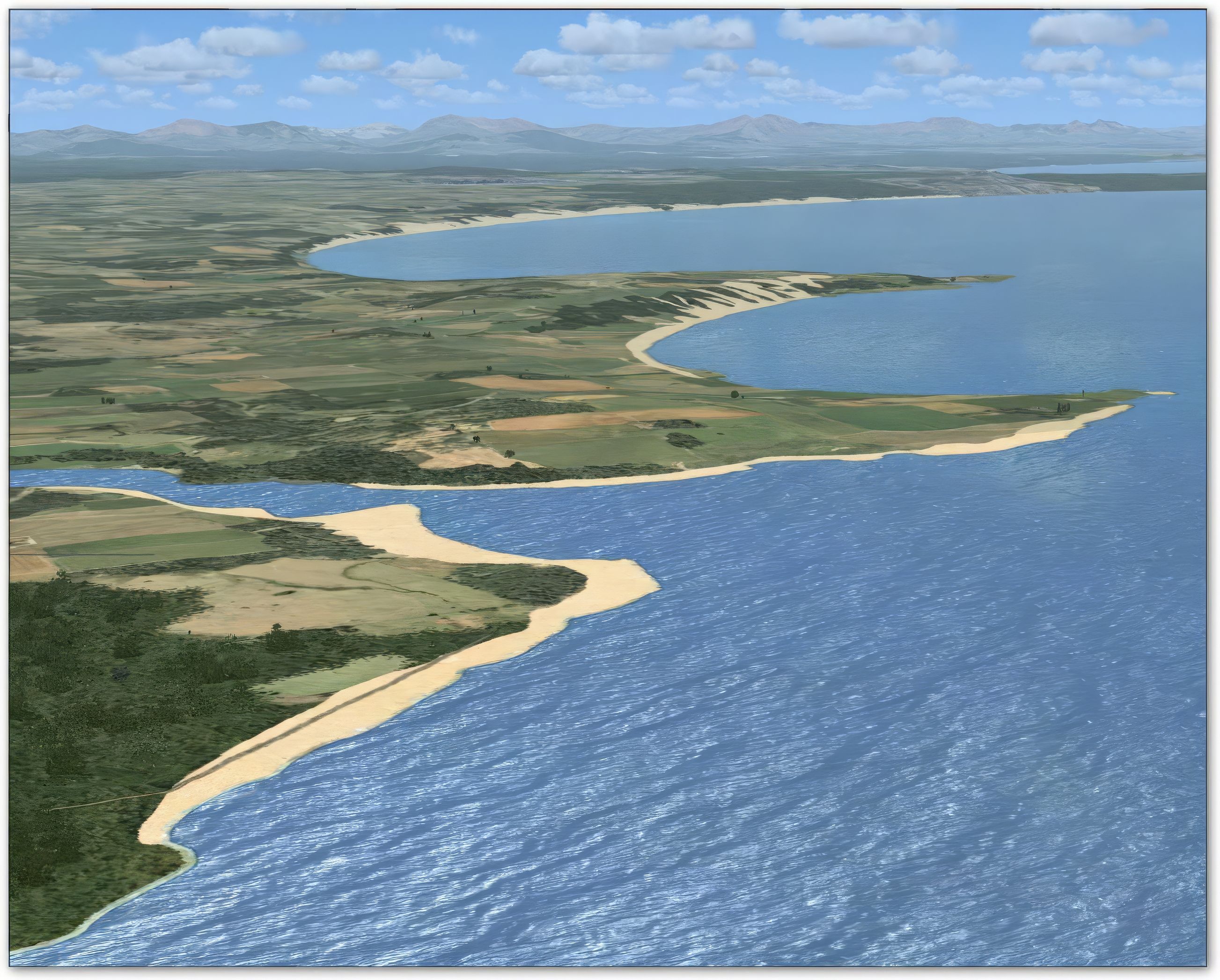
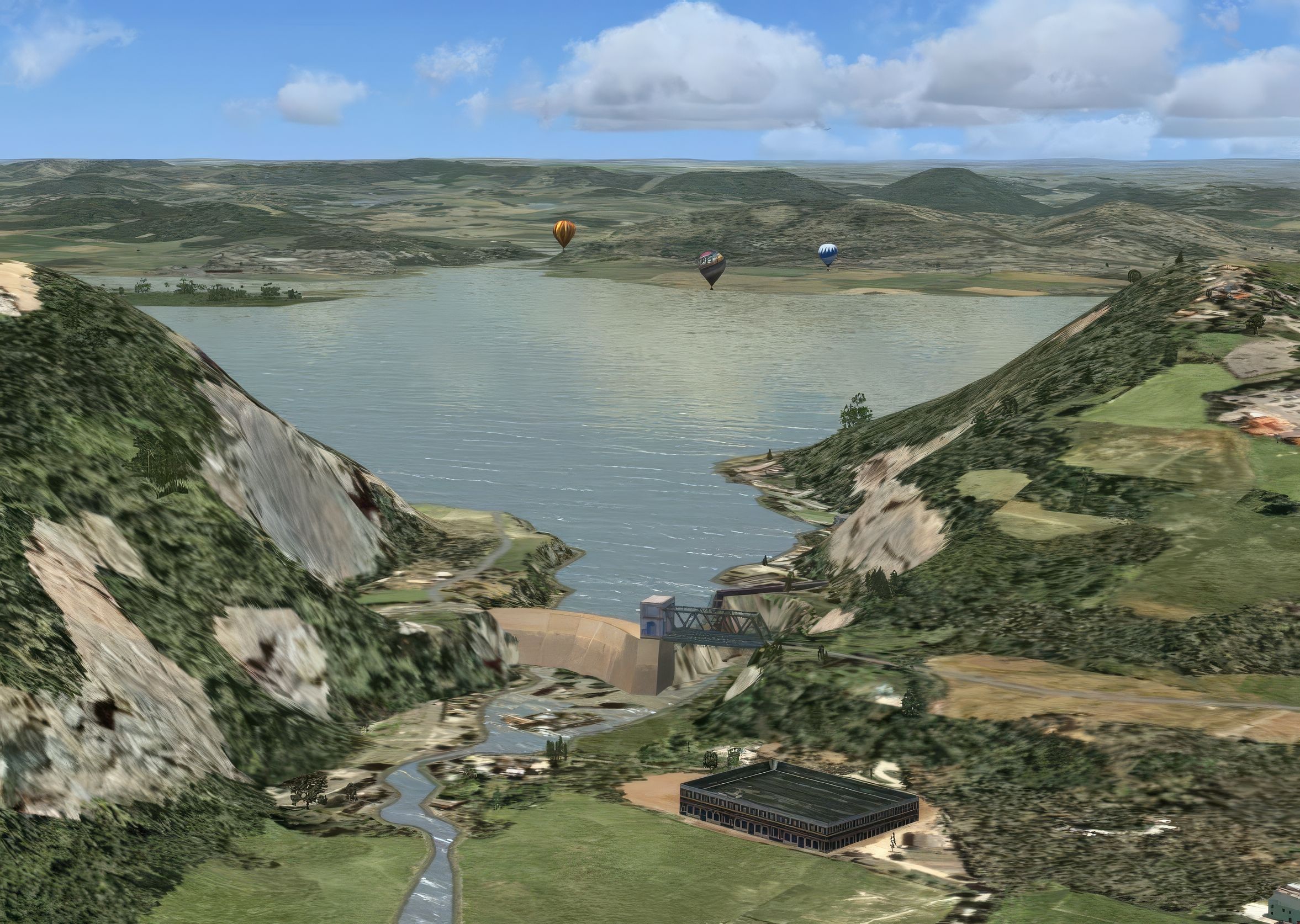
Expand your virtual flights across Southern Africa with a detailed freeware scenery package (version 2) that refines numerous land and water features. Months of dedicated work have culminated in an ever-evolving enhancement covering South Africa, Mozambique, Namibia, Botswana, Zimbabwe, and Swaziland. Developed by Hannes Steyn and Johan van Wyk of Aeroworx, this add-on brings refined road networks, power line paths, dam elevations, and more to Microsoft Flight Simulator X.
This complete pack contains all updates: fsxWorx17upd1, fsxWorx17upd2, fsxWorx17upd3, fsxWorx17upd4, fsxWorx17upd5, fsxWorx17upd6, fsxWorx17upd7.
The developers have meticulously redrawn regional elements to capture coastlines, river systems, and stream paths that mirror real-world alignments. By incorporating new vector data, they have also improved rail pathways and even extrusion bridges in key areas. These features highlight distinctive landscapes like Botswana’s Kalahari zones and South Africa’s coastal plains. Power lines have been placed for added realism, reflecting important infrastructure throughout the region.
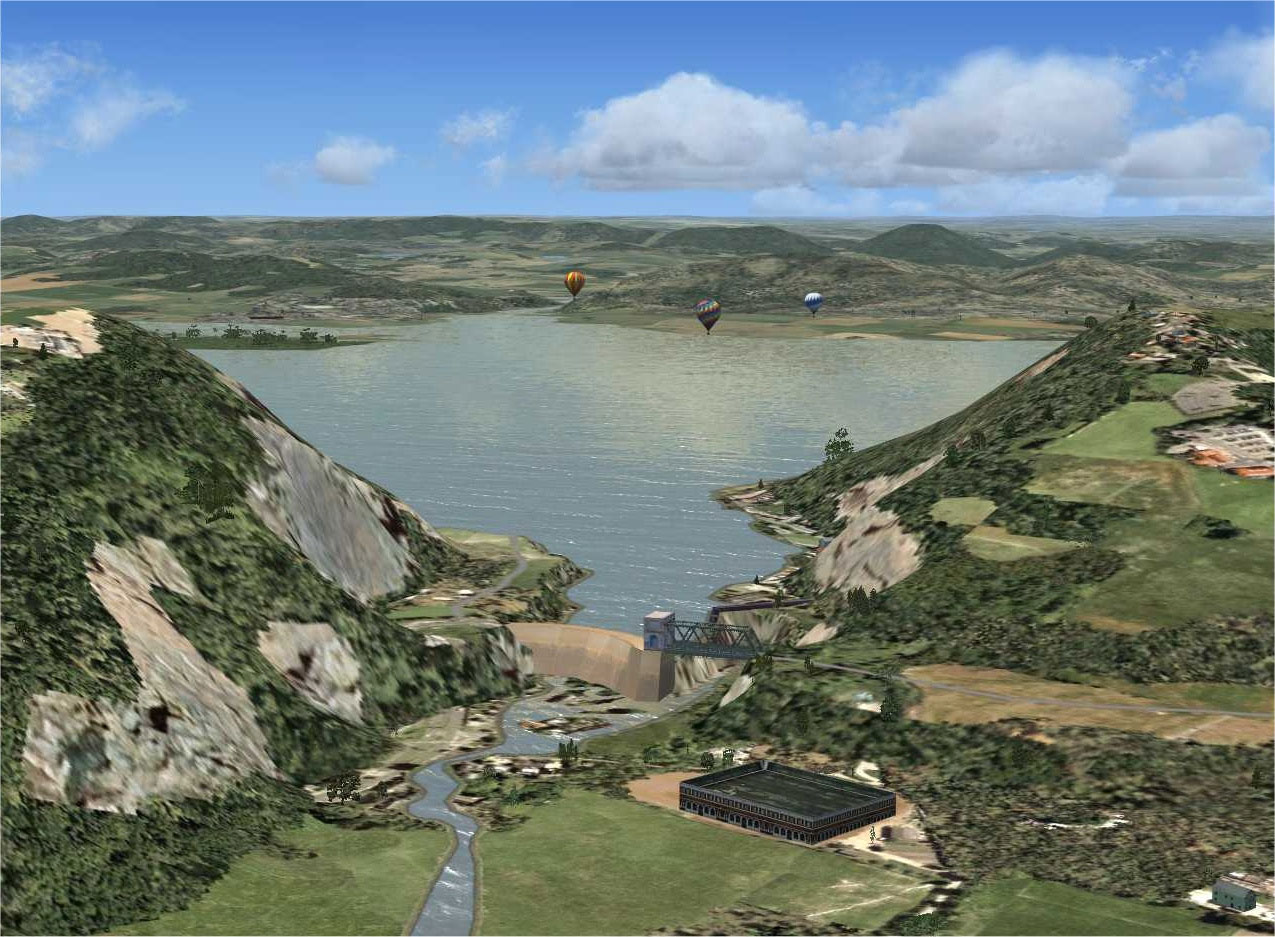
Captures of the updated terrain and water features across Southern Africa.
Credit for this comprehensive Southern Africa scenery improvement goes to Hannes Steyn and Johan van Wyk, along with the Aeroworx team. Their dedication ensures this constantly evolving project will keep receiving updates as further regions within Southern Africa are improved.
Free for all simmers · 144.59 MB · Scanned clean
Download speed: Free tier is capped at 0.5 Mbps (this file takes approximately 40 mins at the cap). PRO members download at full line speed.
This add-on may require the following files to function properly. If this is a repaint, the dependency below is likely the base aircraft package.
FSX\Addon Scenery\ containing scenery and texture sub-folders.readme.txt or README file. It tells you exactly where files go, what dependencies are needed, and any quirks specific to this add-on.The archive fsxworx17.zip has 46 files and directories contained within it.
This list displays the first 500 files in the package. If the package has more, you will need to download it to view them.
| Filename/Directory | File Date | File Size |
|---|---|---|
| Go to Fly Away Simulation.url | 01.22.16 | 52 B |
| Screens | 04.18.25 | 0 B |
| fsxWorx17a-upscale-2x.jpeg | 04.18.25 | 3.06 MB |
| fsxWorx17upd1-upscale-2x.jpeg | 04.18.25 | 4.04 MB |
| fsxWorx17upd4-upscale-2x.jpeg | 04.18.25 | 3.94 MB |
| flyawaysimulation.txt | 10.30.13 | 959 B |
| fsxWorx17 | 04.18.25 | 0 B |
| Aeroworx_License_Agreement.PDF | 04.29.08 | 66.69 kB |
| ReadmefsxWorx17.txt | 08.22.09 | 3.91 kB |
| fsxWorx17.exe | 08.22.09 | 25.26 MB |
| license.txt | 04.04.09 | 7.38 kB |
| fsxWorx17upd1 | 04.18.25 | 0 B |
| Aeroworx_License_Agreement.PDF | 04.29.08 | 66.69 kB |
| ReadmefsxWorx17upd1.txt | 10.17.09 | 3.98 kB |
| fsxWorx17upd1.exe | 10.17.09 | 12.15 MB |
| license.txt | 04.04.09 | 7.38 kB |
| fsxWorx17upd2 | 01.10.10 | 0 B |
| Aeroworx_License_Agreement.PDF | 04.29.08 | 66.69 kB |
| ReadmefsxWorx17upd2.txt | 01.10.10 | 3.58 kB |
| fsxWorx17upd2.exe | 01.10.10 | 3.04 MB |
| license.txt | 04.04.09 | 7.38 kB |
| fsxWorx17upd3 | 03.21.10 | 0 B |
| Aeroworx_License_Agreement.PDF | 04.29.08 | 66.69 kB |
| ReadmefsxWorx17upd3.txt | 03.21.10 | 3.77 kB |
| fsxWorx17upd3.exe | 03.21.10 | 15.42 MB |
| license.txt | 04.04.09 | 7.38 kB |
| fsxWorx17upd4 | 12.19.10 | 0 B |
| Aeroworx_License_Agreement.PDF | 04.29.08 | 66.69 kB |
| ReadmefsxWorx17upd4.txt | 12.19.10 | 3.63 kB |
| fsxWorx17upd4.exe | 12.19.10 | 24.52 MB |
| license.txt | 04.04.09 | 7.38 kB |
| fsxWorx17upd5 | 04.17.11 | 0 B |
| Aeroworx_License_Agreement.PDF | 04.29.08 | 66.69 kB |
| ReadmefsxWorx17upd5.txt | 04.17.11 | 3.59 kB |
| fsxWorx17upd5.exe | 04.17.11 | 14.29 MB |
| license.txt | 04.04.09 | 7.38 kB |
| fsxWorx17upd6 | 01.22.12 | 0 B |
| Aeroworx_License_Agreement.PDF | 04.29.08 | 66.69 kB |
| ReadmefsxWorx17upd6.txt | 01.22.12 | 3.78 kB |
| fsxWorx17upd6.exe | 01.22.12 | 25.68 MB |
| license.txt | 04.04.09 | 7.38 kB |
| fsxWorx17upd7 | 03.18.12 | 0 B |
| Aeroworx_License_Agreement.PDF | 04.29.08 | 66.69 kB |
| ReadmefsxWorx17upd7.txt | 03.18.12 | 3.96 kB |
| fsxWorx17upd7.exe | 03.18.12 | 12.83 MB |
| license.txt | 04.04.09 | 7.38 kB |
More FSX & P3D add-ons hand-picked based on this download.
FSX Scenery
A complete package containing all parts and files of the highly detailed 76m …
 FSX Scenery
Non airport scenery consists of all previous released scenery concerning Krug…
 FSX Scenery
This comprehensive update refines terrain class design throughout southern Af…
 FSX Scenery
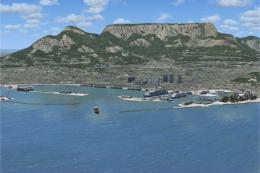
This comprehensive scenery enhancement introduces detailed harbors and promin…
 FSX Scenery
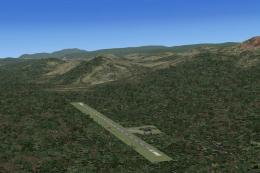
This comprehensive freeware package enriches Microsoft Flight Simulator X by …
 FSX Scenery
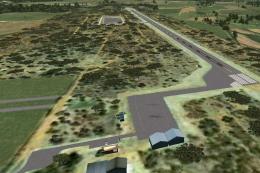
This freeware add-on introduces several smaller airstrips across northwestern…
 FSX Scenery
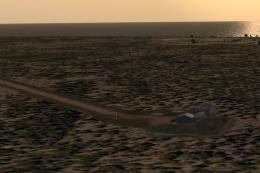
This freeware expansion enriches the collection of smaller aerodromes along t…
 FSX Scenery
Scenery consists of a few dam walls for southern Africa countries. To help as…
Read what other simmers think, or add your own.

Hi guys, I really need your help. I really want to download/install/use these scenery addons and updates on my FSX. Problem is that I am very confused as to what files / updates to install/ download in what order? I really want this very badly as I am a student pilot doing training in South Africa. Could you maybe please just give me a list which shows what I should install when and in what order? I'd really aappreciate support in this matter, thank you...