


 FSX Historic & Vintage Aircraft
Boeing B-17 Flying Fortress F-BEEA
Repaint for FS-Cast Boeing B-17G for FSX, version 1.0, 2008.05.16 Created by …
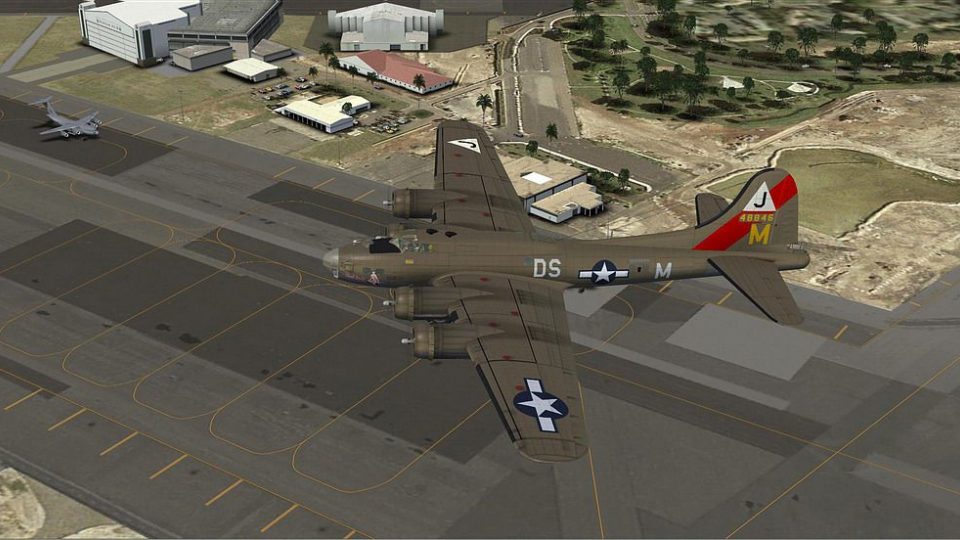
Boeing B-17G “Pink Lady” livery brings the French-registered F-AZDX warbird to life with authentic markings and period character for Microsoft Flight Simulator X. Designed for the FS-Cast B-17G model, it complements the virtual cockpit experience with a historically grounded paint scheme inspired by the aircraft’s long postwar service.
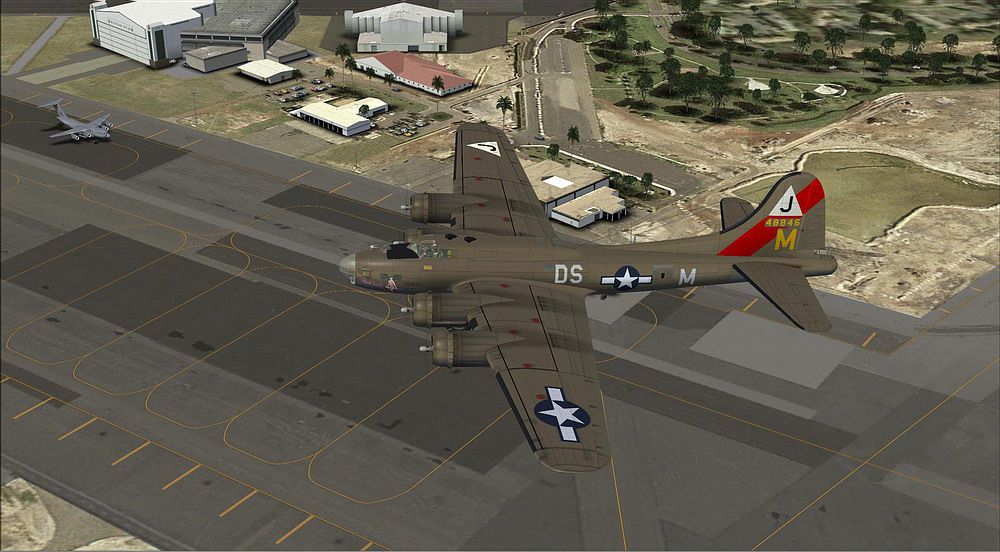

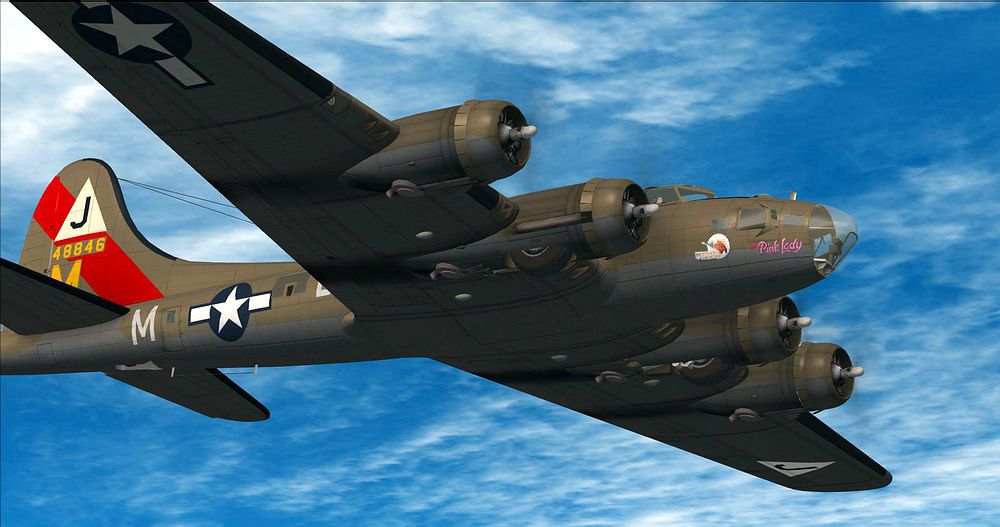
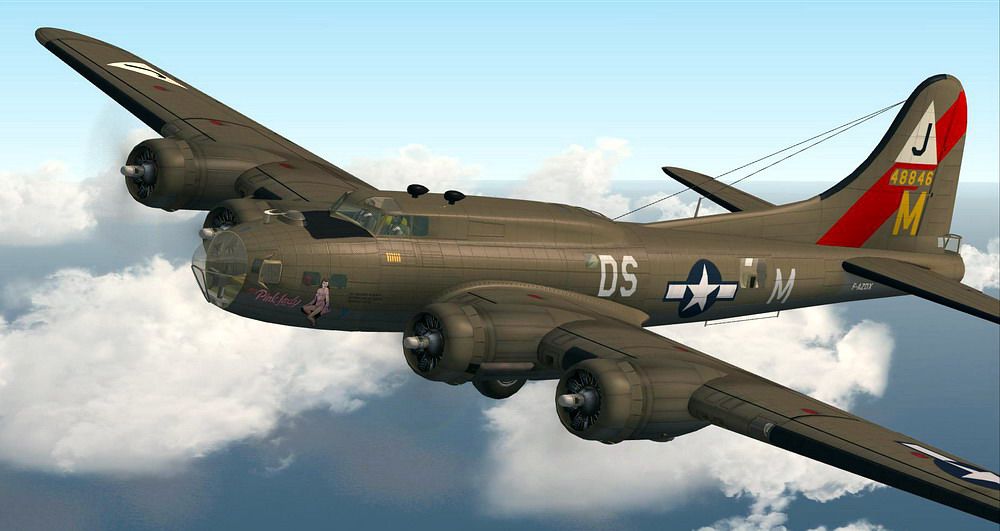
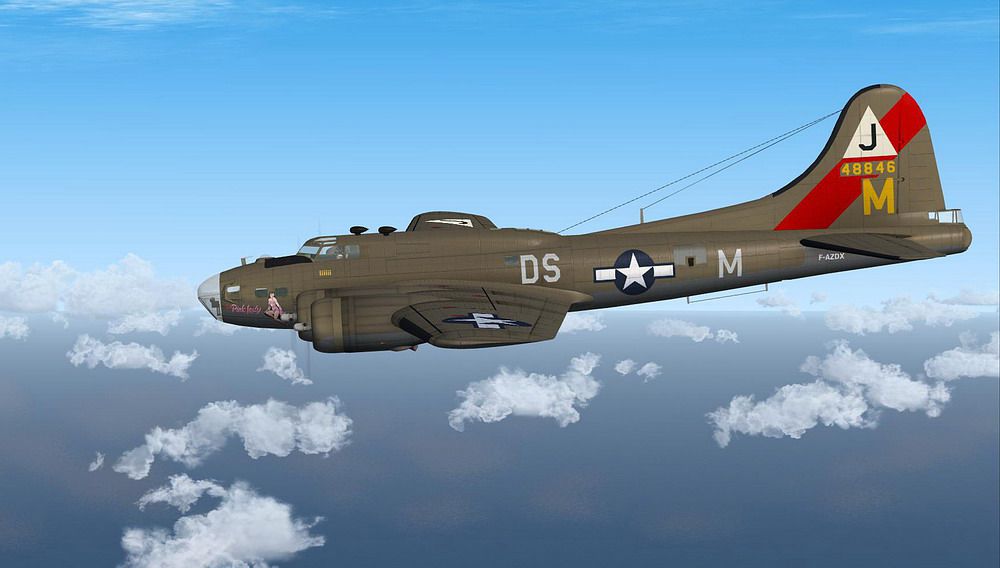
Repaint for FS-Cast Boeing B-17G, version 1.0, 2008.05.16, created by Francisco Sanchez-Castaner. Livery of Pink Lady matricule F-AZDX by Martial Feron.
Screenshot of Boeing B-17 Flying Fortress in flight.
B-17G-85-EV No. 44-8846: (9483 hours IGN) Delivered to the Army January 17, 1945 in Cheyenne, the aircraft conducted six missions of war within the 351BG, then was assigned to the 45 Reconnaissance Squadron in Germany before returning to the USA. It was bought by IGN December 7, 1954 and received the registration F-BGSP (some sources give the registration F-BWFU and stored from 1959). The plane flight was arrested August 27, 1979 but still maintained by the IGN on its base at Creil. It is restored to flight July 14, 1984 and scrolls with two DC-3 of the Royal. In 1985 he received the registration F-AZDX (D-AZ to register aircraft collection) in 1987 is given to the association Still Flying Fortress and is based at Orly. In 1999 he rediscovered the colors that have been endorsed during the war
INSTALLATION
1. Unzip texture.Pink Lady.zip to a temporary folder, ensuring that you retain folder names.
2. Within the download, move the texture folder 'Pink Lady' to the folder 'FSC_B_17' within your 'Microsoft Flight Simulator XSimObjectsAirplanes' folder.
3. Open the aircraft.cfg with a text editor. Enter the following section under the last [flightsim.XX] entry, numbering it sequentially:
[fltsim.X]

Title="B-17 PINK LADY

sim=B-17

model=fab

Panel=""

Sound=""

texture=Pink Lady

kb_reference=B-17_ref

KB_checklists = CheckList_B-17

atc_id_enable=1

atc_id=F-BGSP

atc_id_color=1

ui_manufacturer=Boeing

ui_type="B-17 Flying Fortress"

ui_variation=Pink Lady

atc_heavy=0

atc_airline=IGN

atc_flight_number=17

prop_anim_ratio=0.5

description=
By Martial FERON
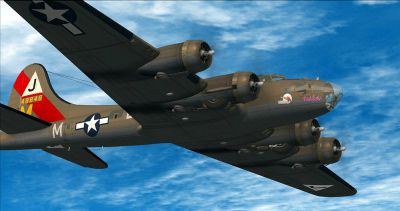
Screenshot of Boeing B-17 Flying Fortress in flight.
Free for all simmers · 2.63 MB · Scanned clean
Download speed: Free tier is capped at 0.5 Mbps. PRO members download at full line speed.
FSX\SimObjects\Airplanes\. The folder must contain an aircraft.cfg file. Effects go into FSX\Effects\; gauges go into FSX\Gauges\.readme.txt or README file. It tells you exactly where files go, what dependencies are needed, and any quirks specific to this add-on.The archive pinklady-1.zip has 19 files and directories contained within it.
This list displays the first 500 files in the package. If the package has more, you will need to download it to view them.
| Filename/Directory | File Date | File Size |
|---|---|---|
| Alpha.bmp | 08.17.08 | 4.00 MB |
| file_id.diz | 02.21.10 | 221 B |
| maina_spec.dds | 02.29.08 | 256.12 kB |
| maina_t.dds | 02.08.10 | 4.00 MB |
| mainb_spec.dds | 03.01.08 | 256.12 kB |
| mainb_t.dds | 02.05.10 | 4.00 MB |
| readme.txt | 02.21.10 | 3.72 kB |
| screenshot3442.JPG | 01.30.10 | 124.96 kB |
| screenshot3445.JPG | 01.30.10 | 107.66 kB |
| screenshot3467.JPG | 02.04.10 | 95.50 kB |
| screenshot3478.JPG | 02.04.10 | 174.26 kB |
| screenshot3482.JPG | 02.04.10 | 127.39 kB |
| simple_spec.dds | 02.10.08 | 256.12 kB |
| simple_t.dds | 03.07.08 | 1.00 MB |
| texture.cfg | 08.14.06 | 137 B |
| thumbnail.JPG | 01.30.10 | 107.66 kB |
| Pink Lady | 02.21.10 | 0 B |
| flyawaysimulation.txt | 10.29.13 | 959 B |
| Go to Fly Away Simulation.url | 01.22.16 | 52 B |
More FSX & P3D add-ons hand-picked based on this download.
FSX Historic & Vintage Aircraft
Repaint for FS-Cast Boeing B-17G for FSX, version 1.0, 2008.05.16 Created by …
 FSX Historic & Vintage Aircraft
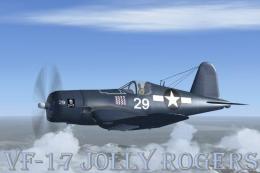
This is a Repaint of the Guy Hulin Corsair model updated for Flight Simulator…
 FSX Historic & Vintage Aircraft
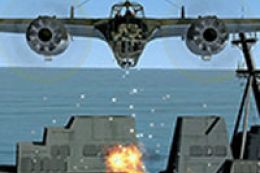
Dornier Do 17 with accurate bombing from 12000 feet or 100 feet. Simulating t…
 FSX Historic & Vintage Aircraft
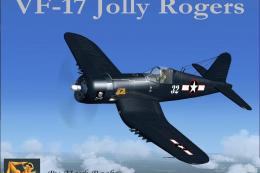
VF-17 Jolly Rogers Vought F4U-7 Corsair "First Mate". A repaint of Guy Hulin'…
 FSX Historic & Vintage Aircraft
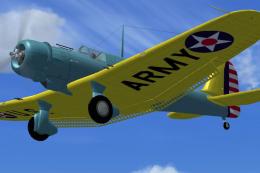
The A-17 was developed from the very successful and high performance Northrop…
 FSX Historic & Vintage Aircraft
A repaint of Guy Hulin's Corsair updated for Flight Simulator X. This aircraf…
 FSX Historic & Vintage Aircraft
These famous aircraft formed the backbone of the Imperial Airways, it's suces…
 FSX Historic & Vintage Aircraft
Included are some historical pictures and history of the AVC aircraft this is…
Read what other simmers think, or add your own.

I want to purchase the FSX B17 flight simulator for the gold edition I have on my computer. I want it in disk form, not in download form.
How do I get this?
Thanks.