

 Global (World)

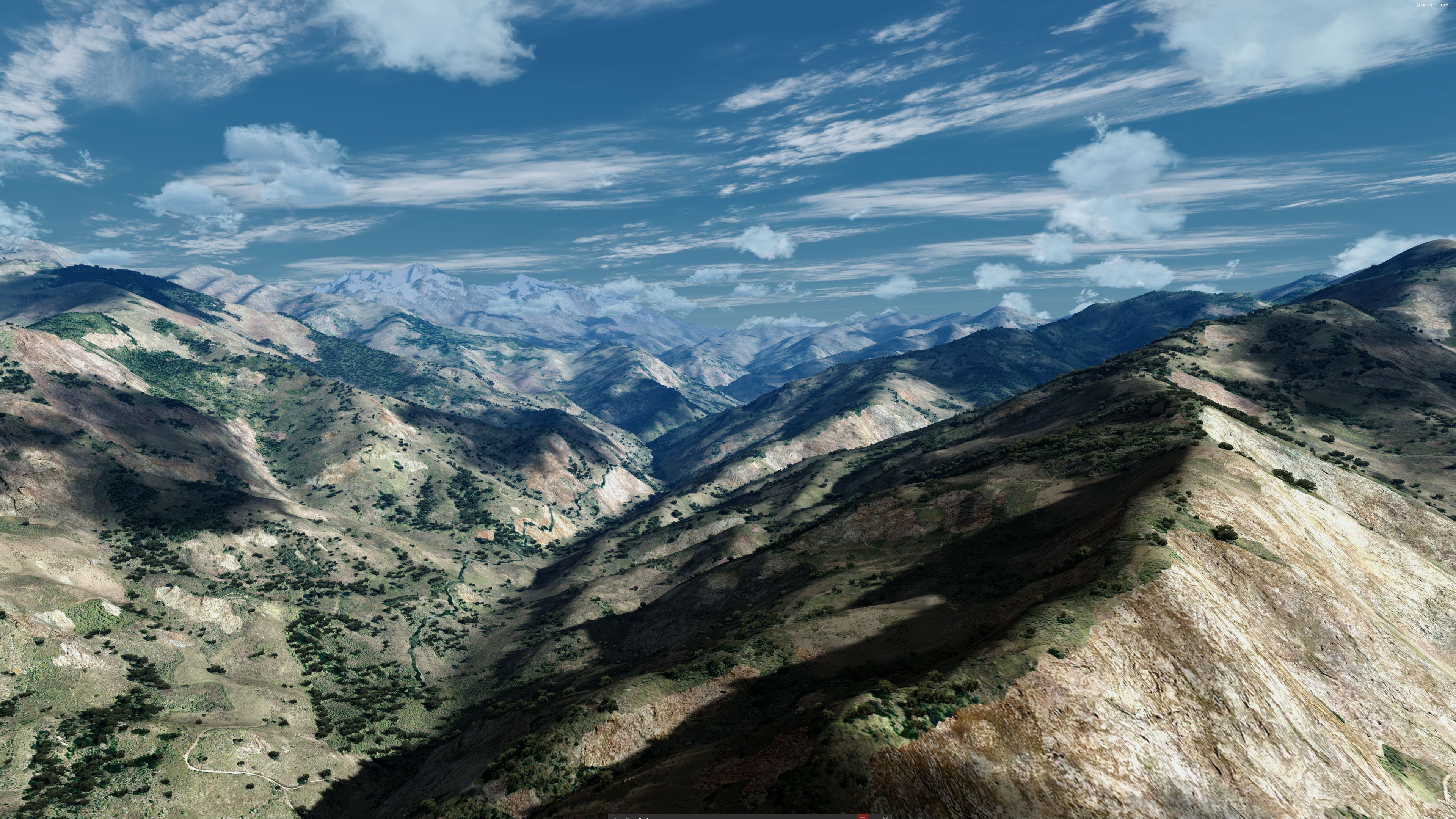
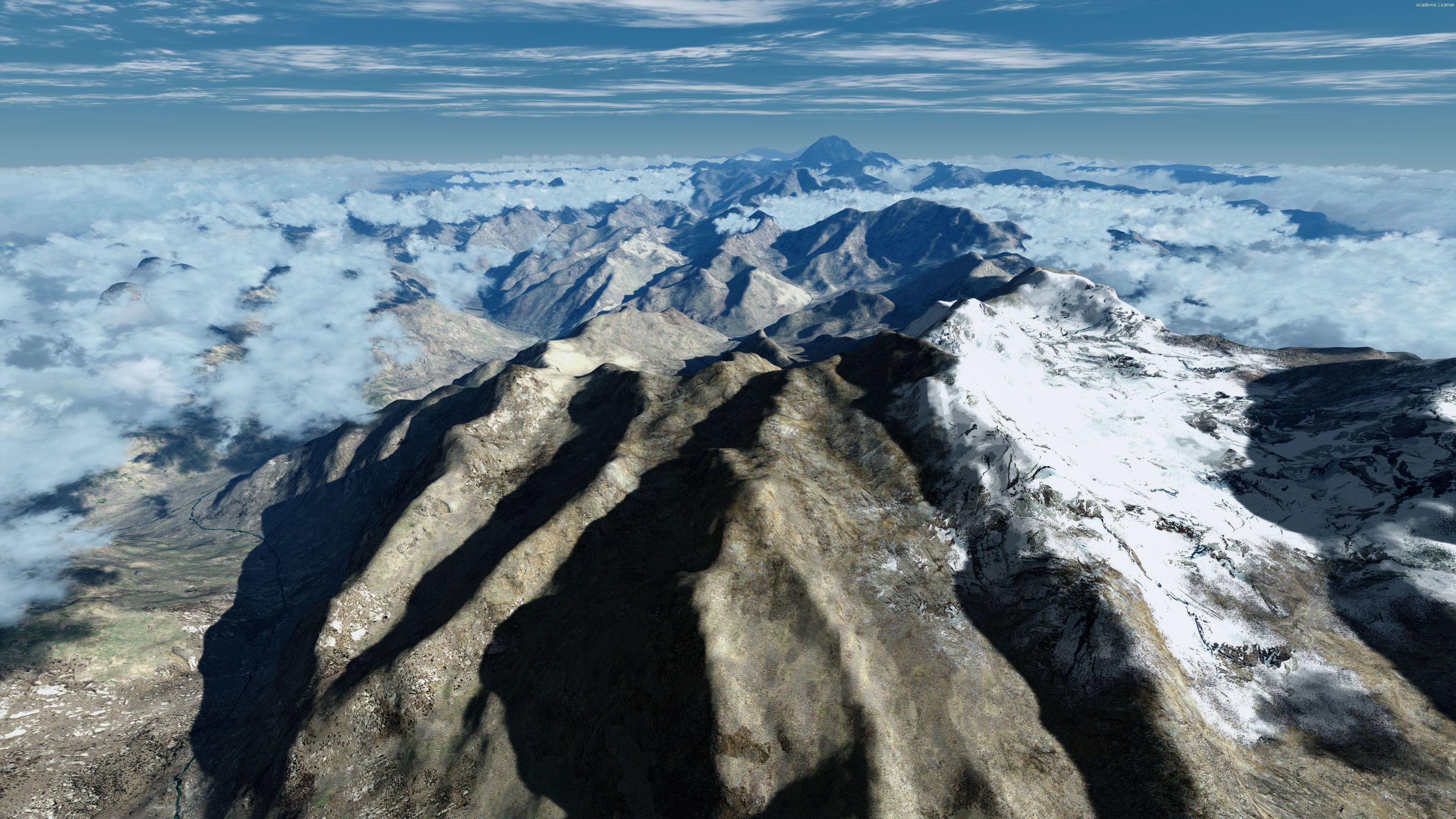
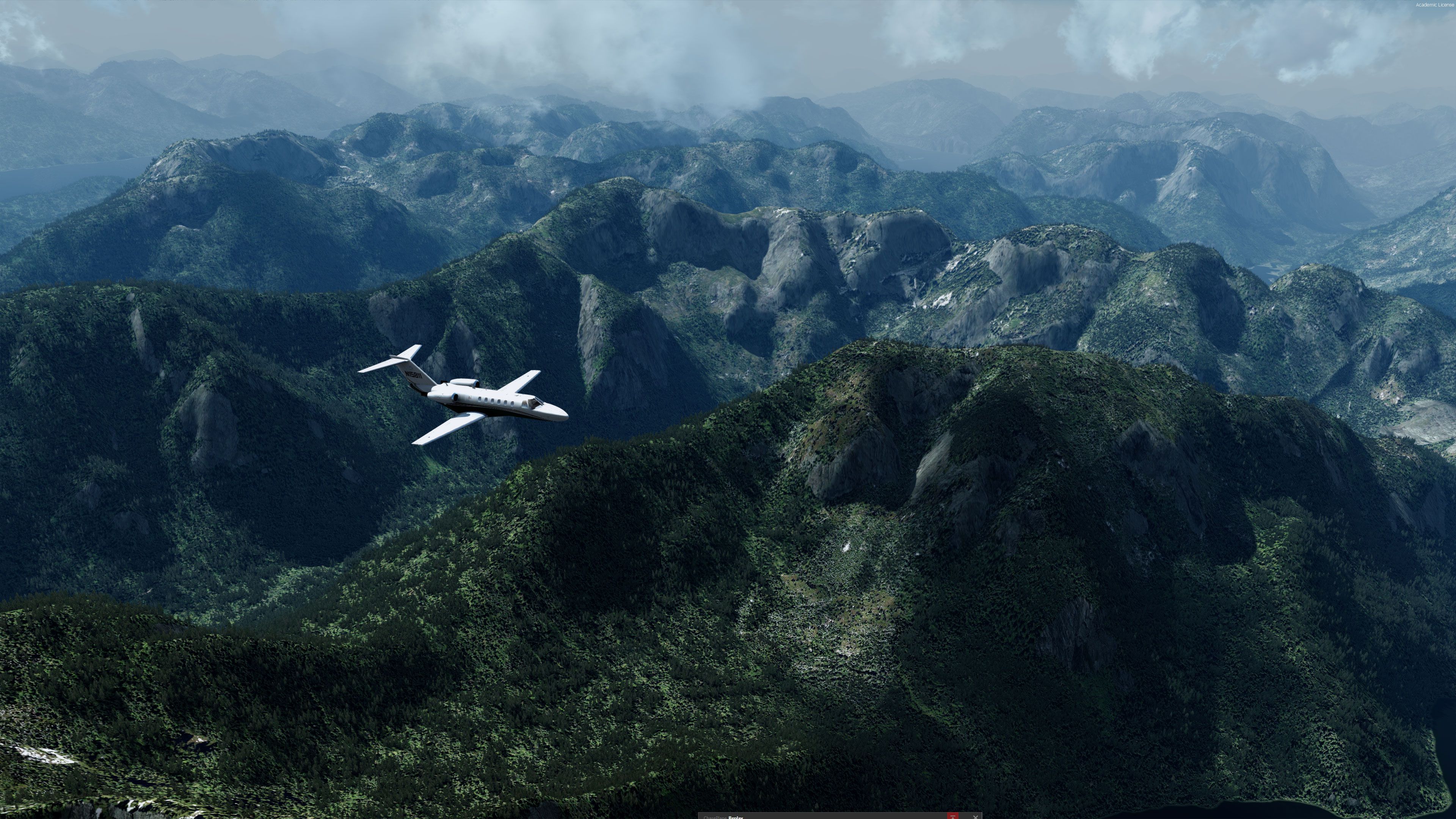
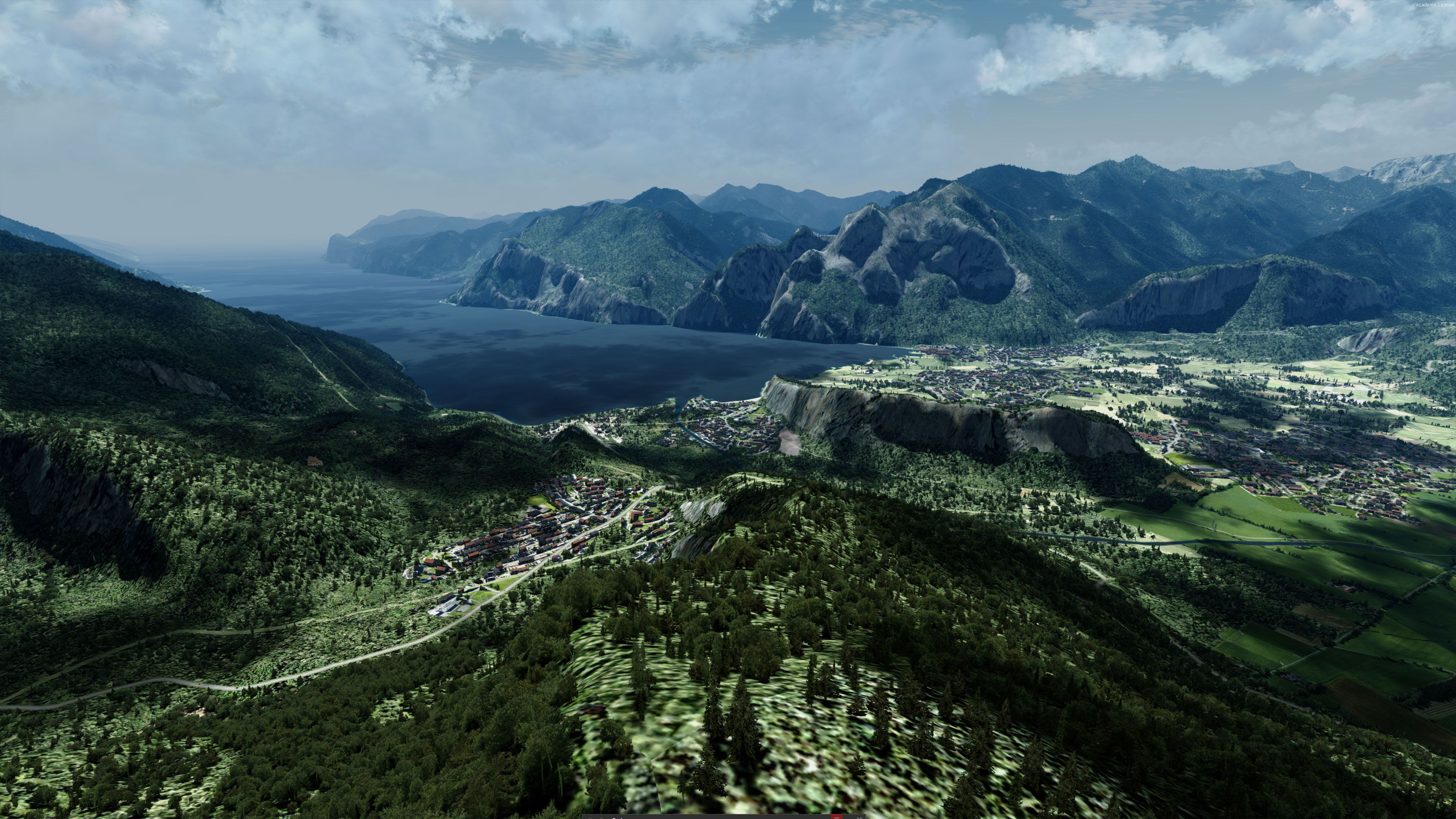


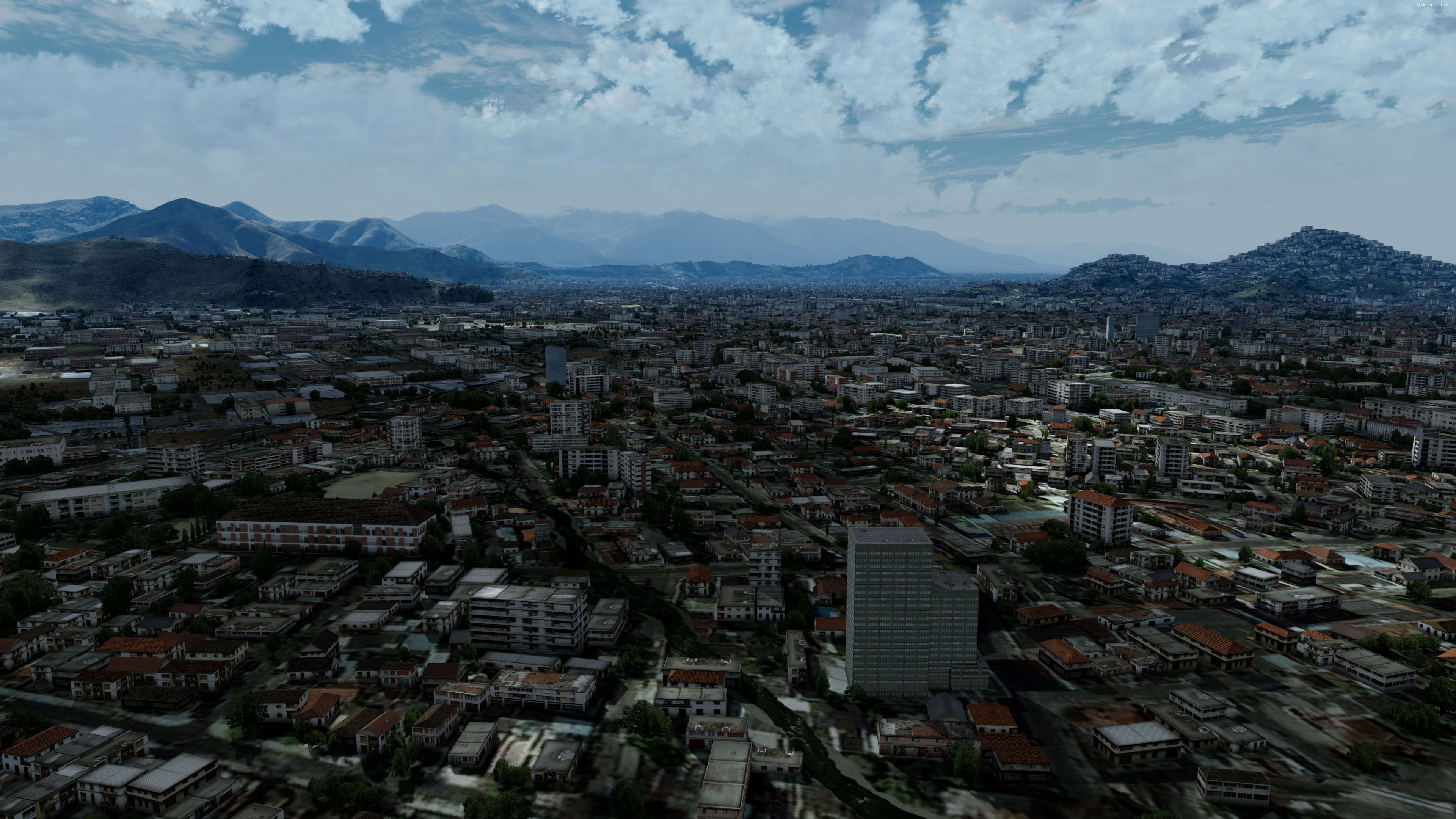
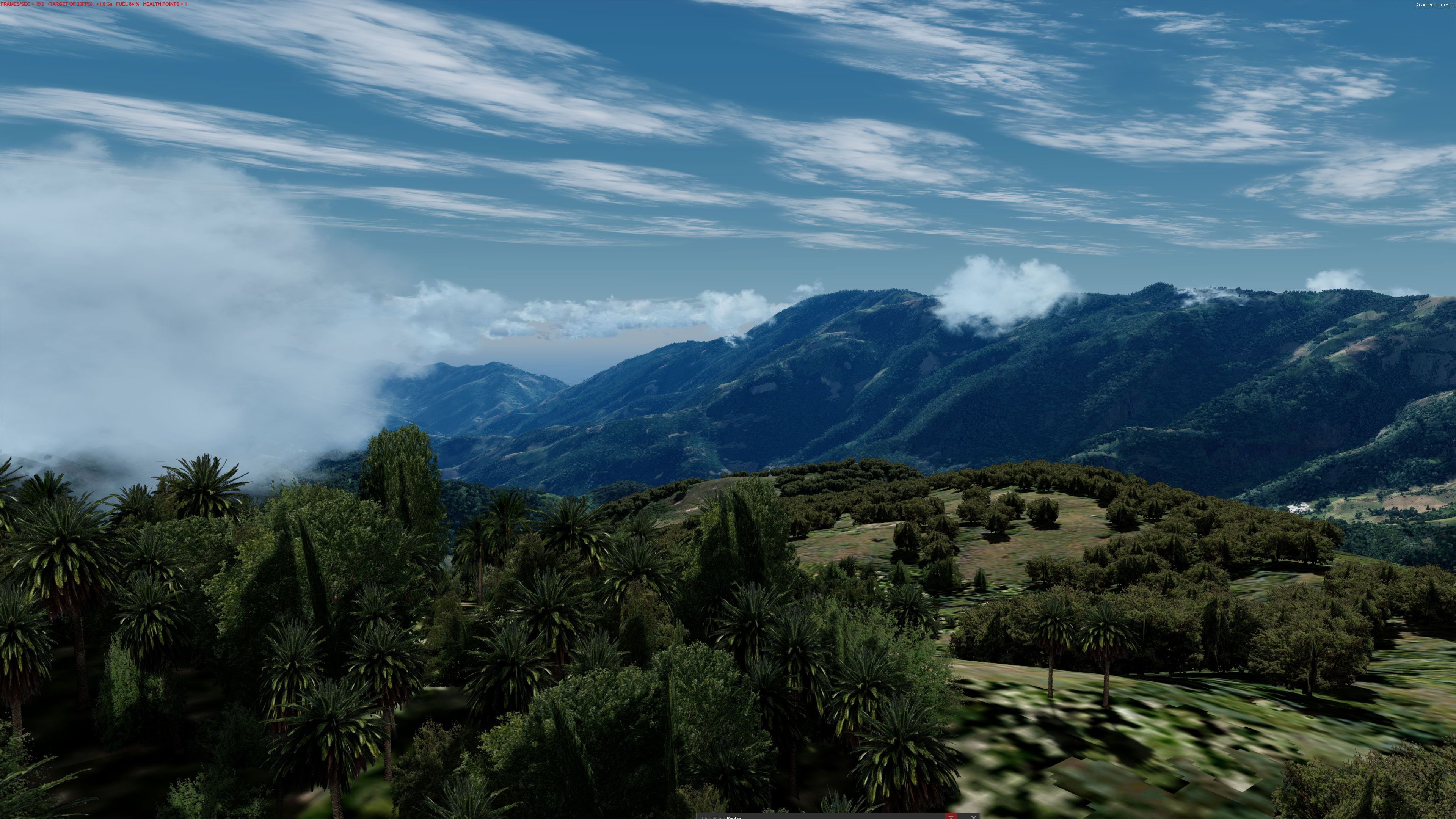
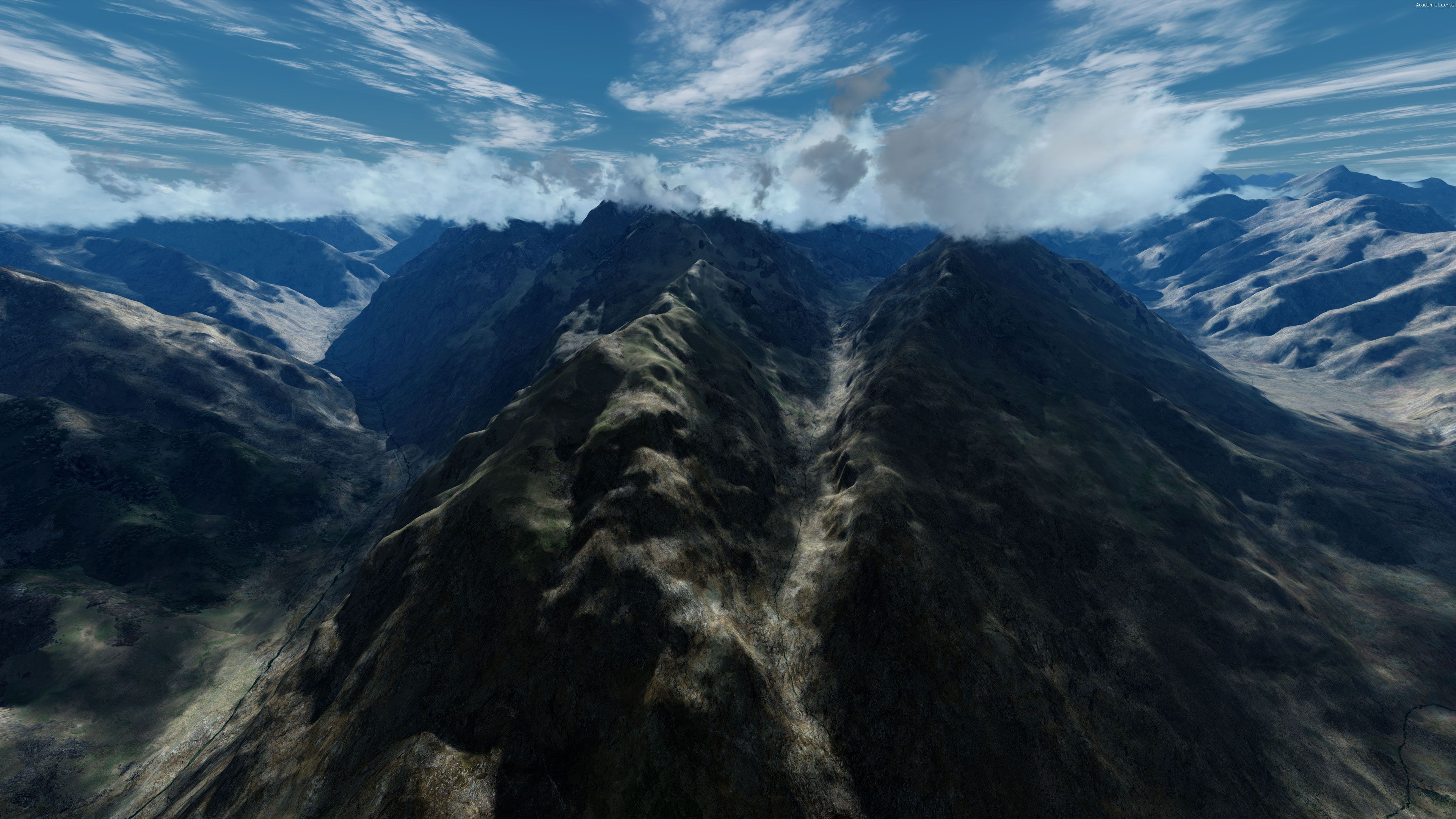
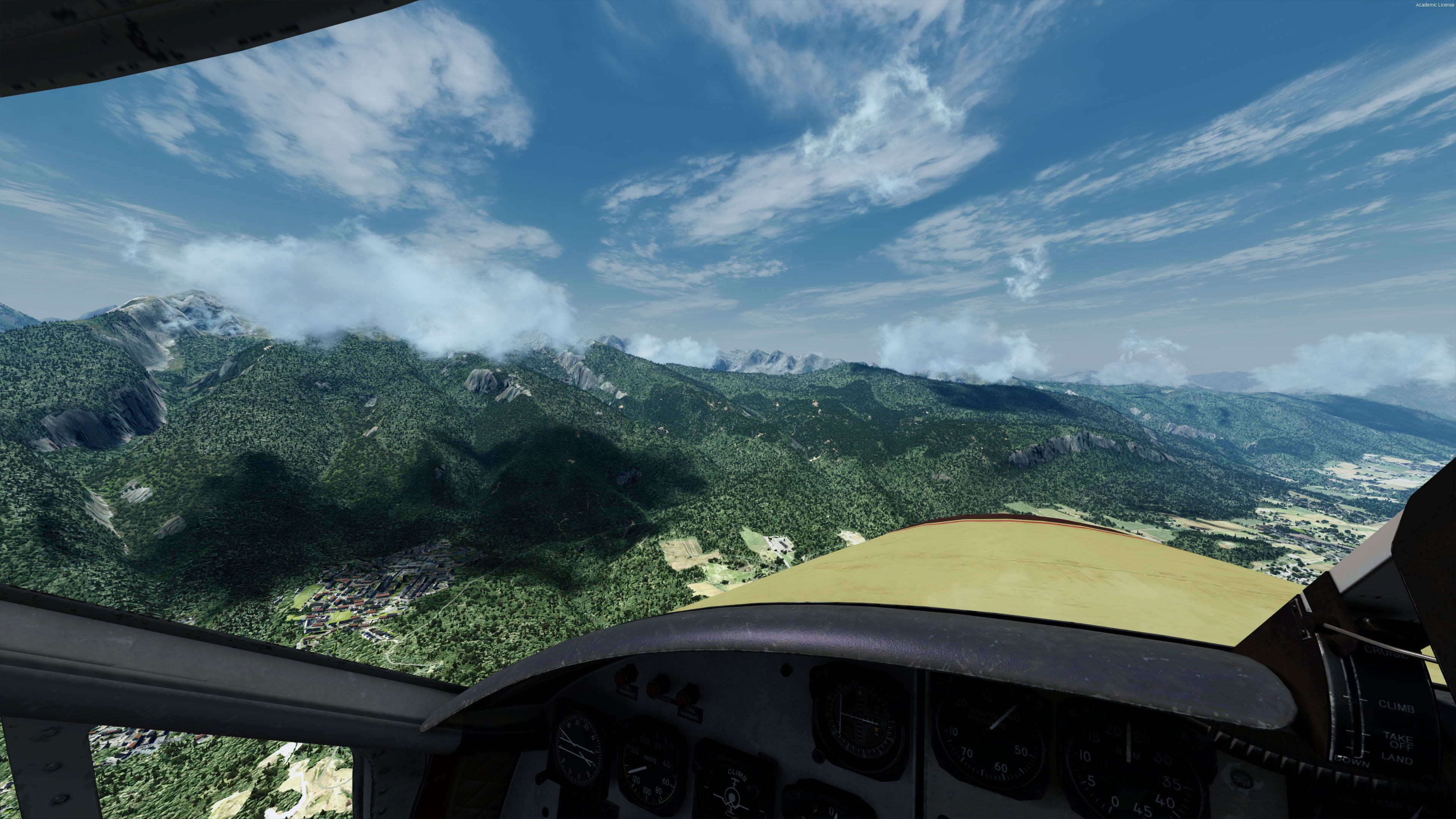
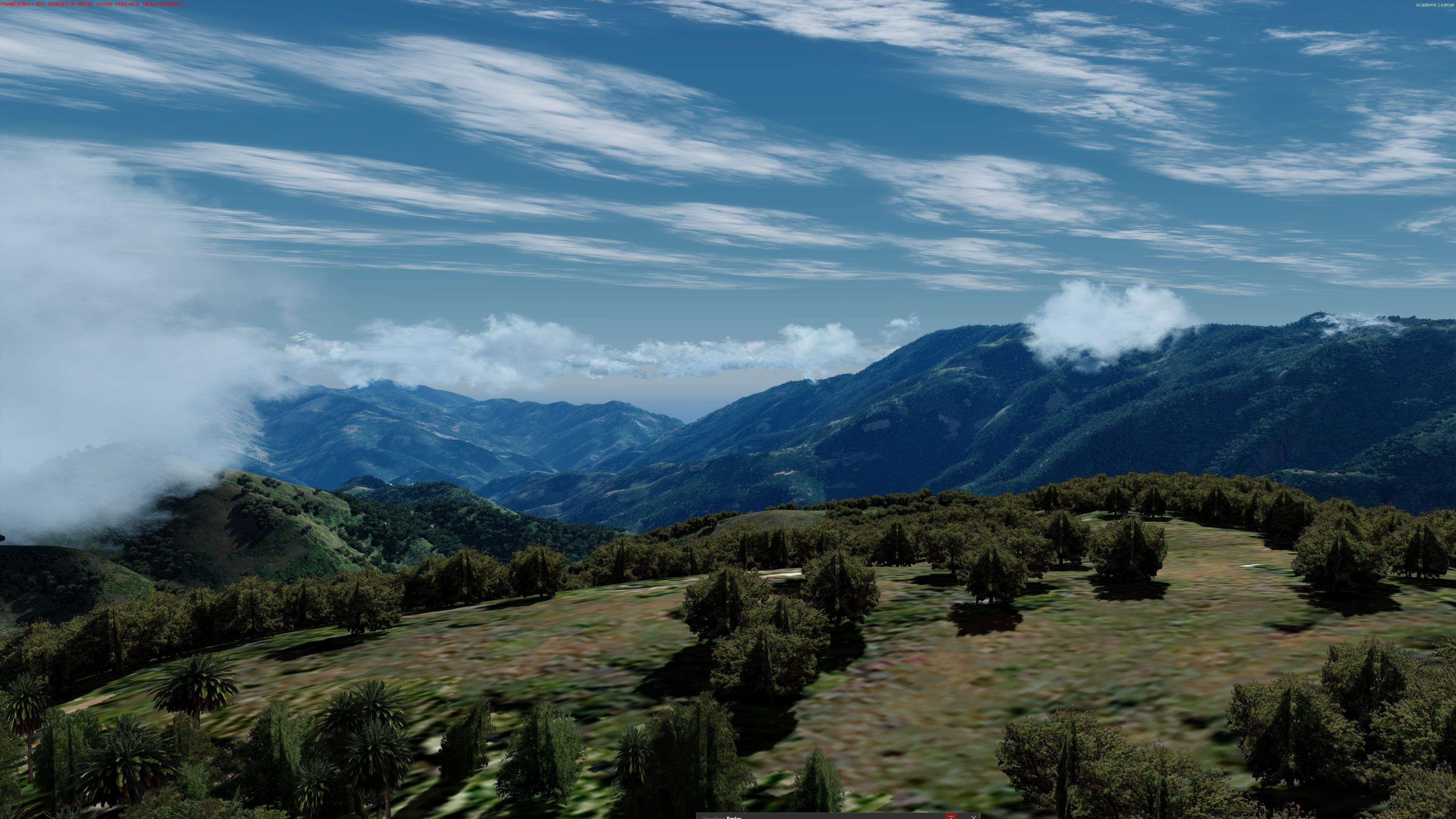
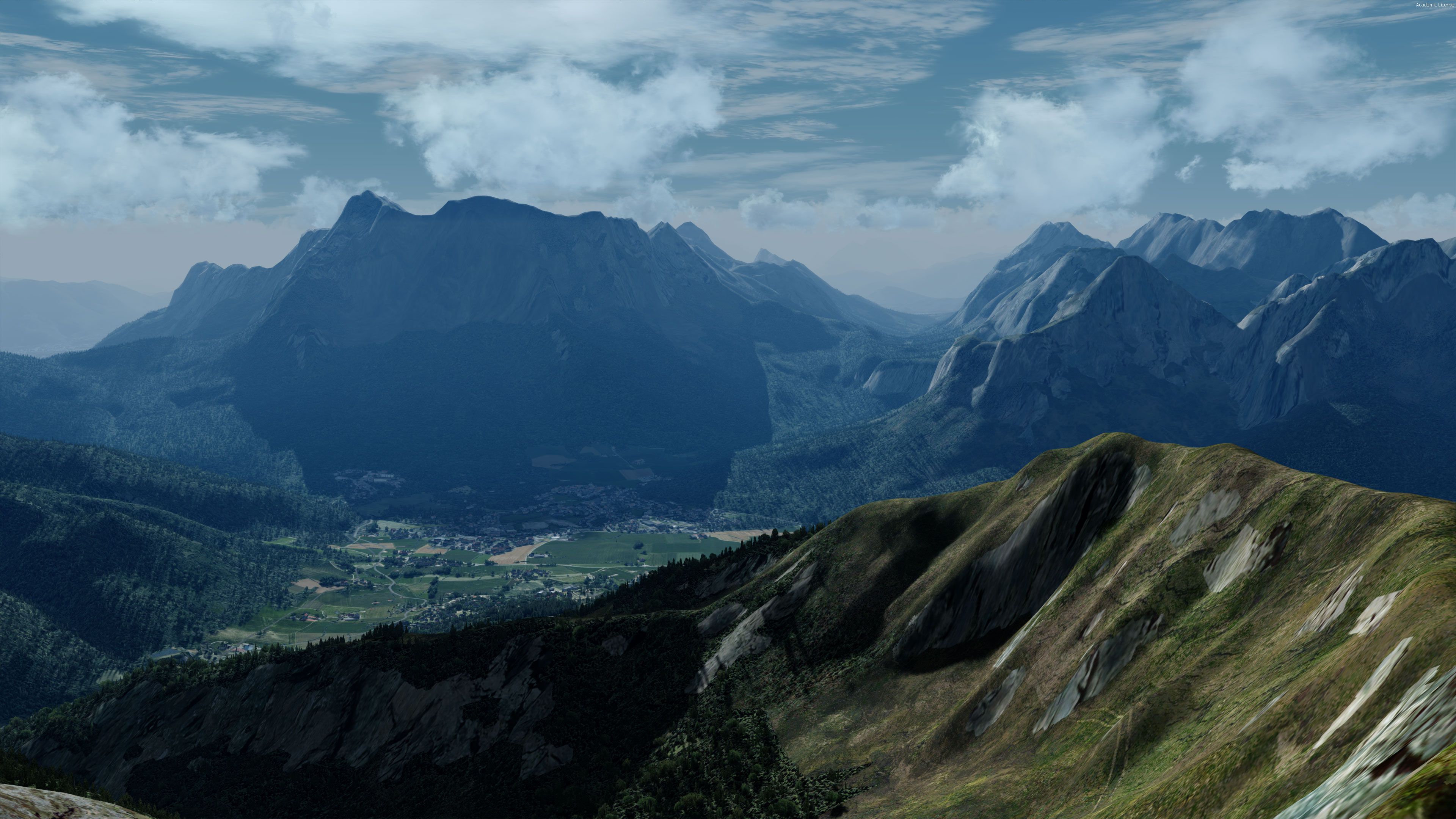
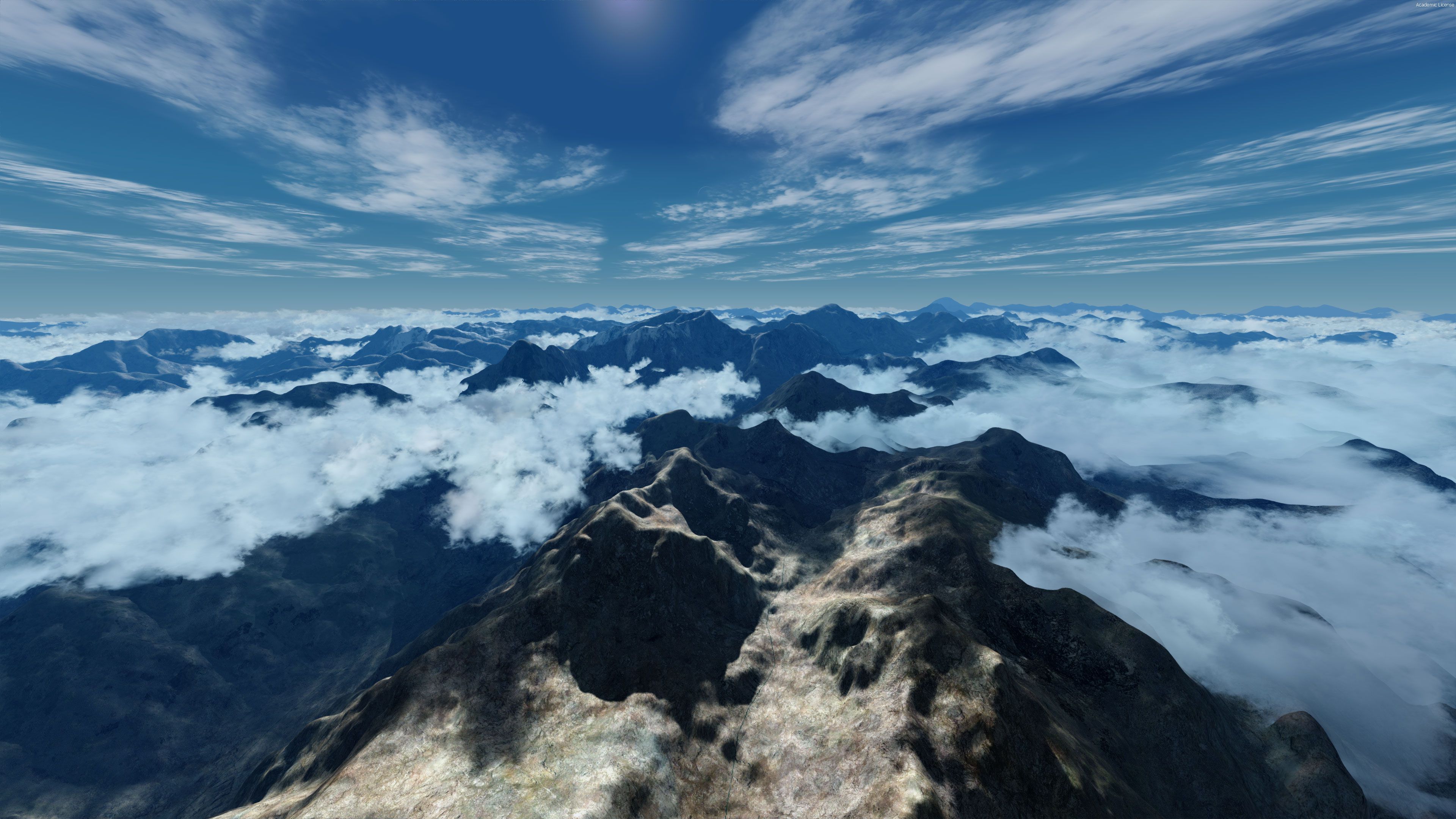
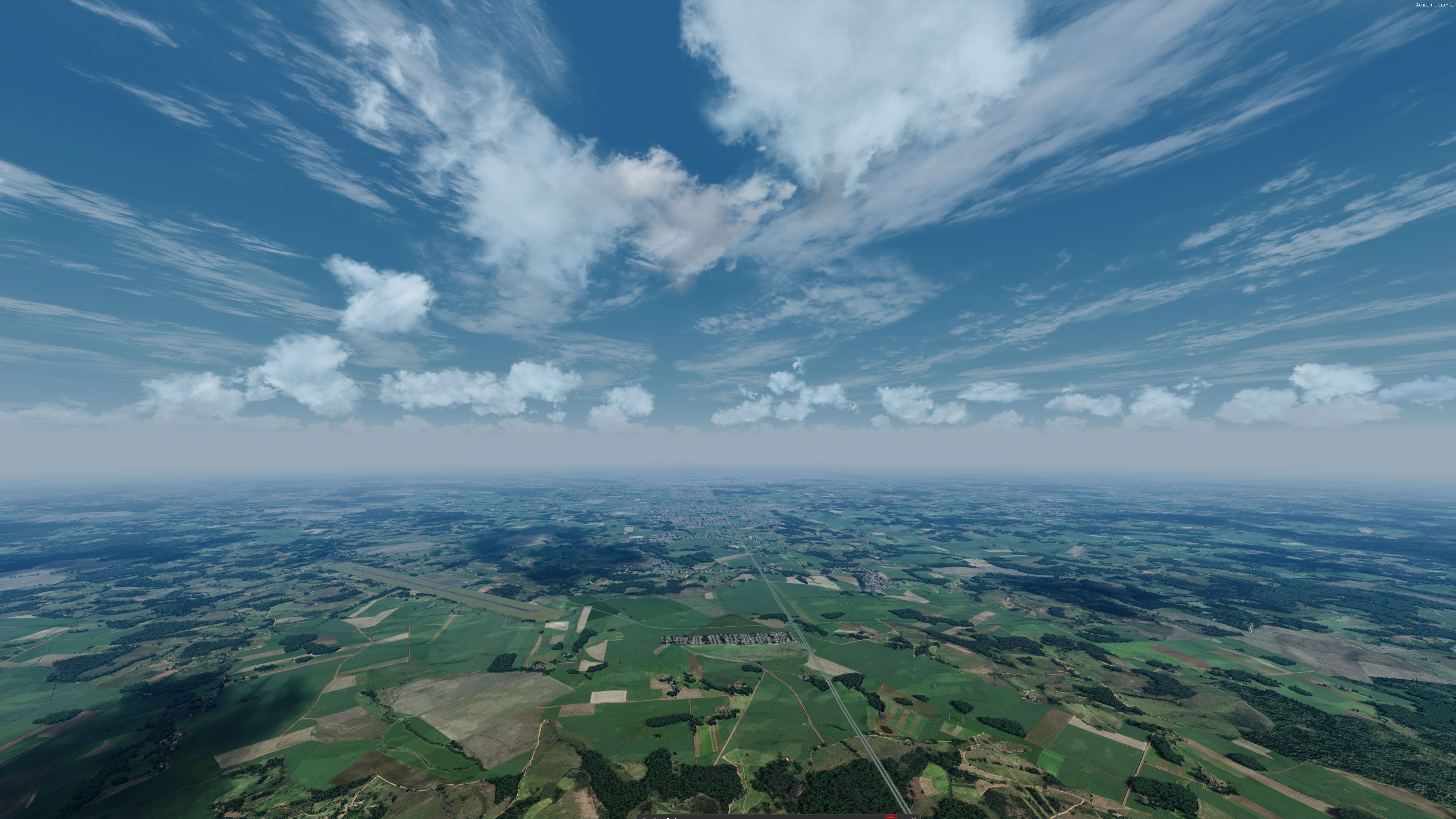
 FSX Scenery
FreeMeshX USA LOD12 Mesh Add-on
This is the open beta for FreeMeshX USA at LOD12 depth. The current stock me…
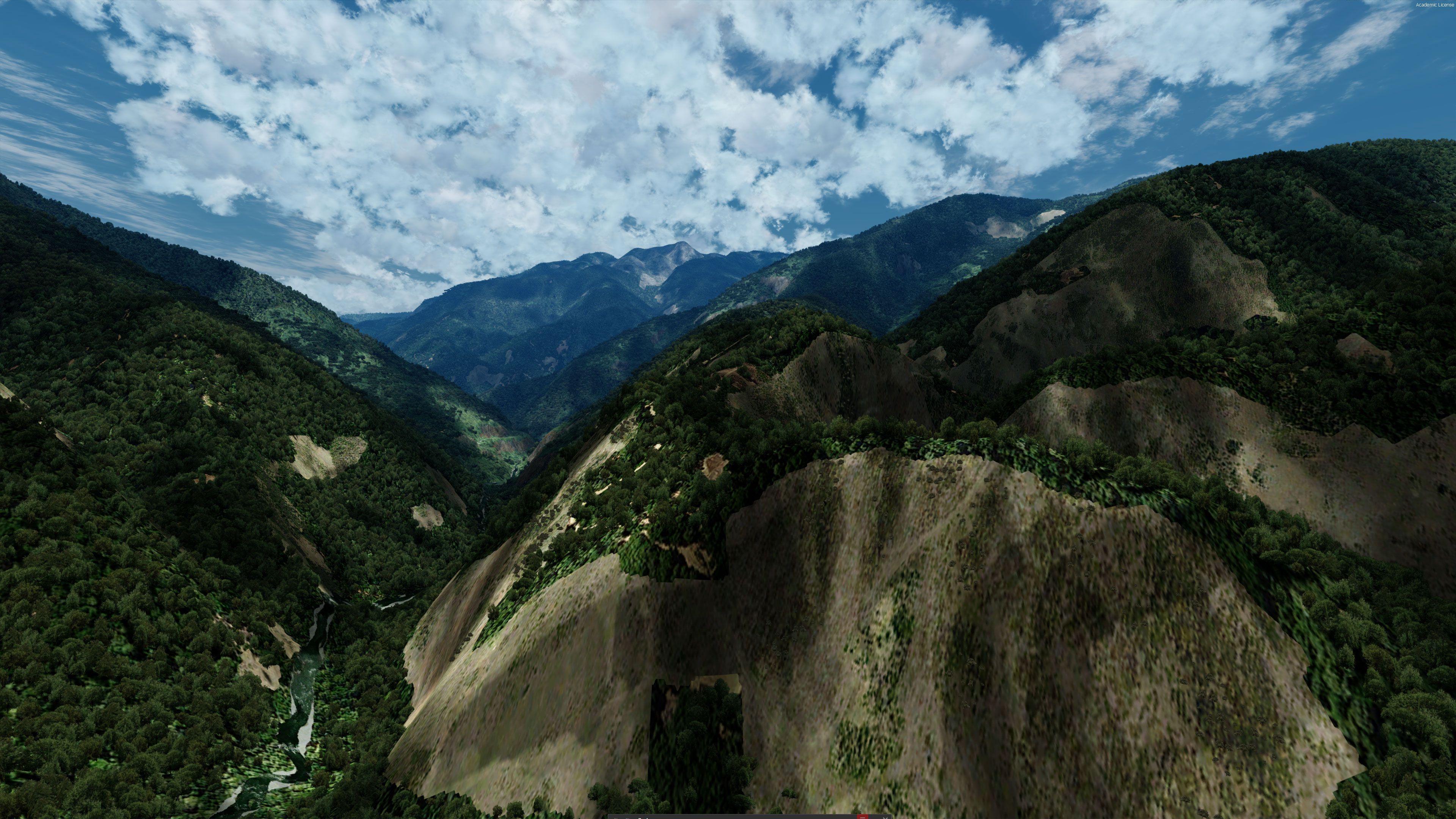
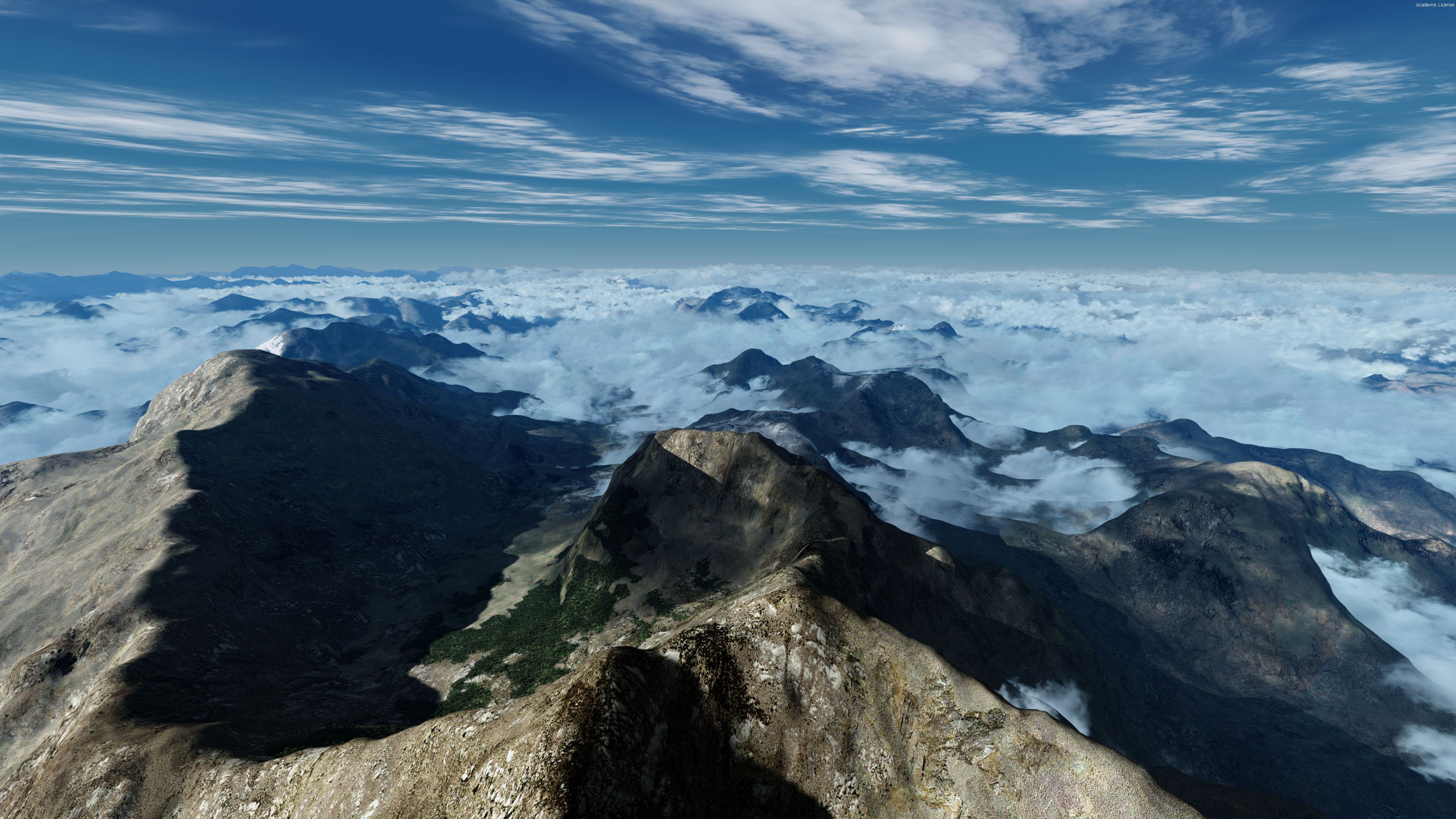
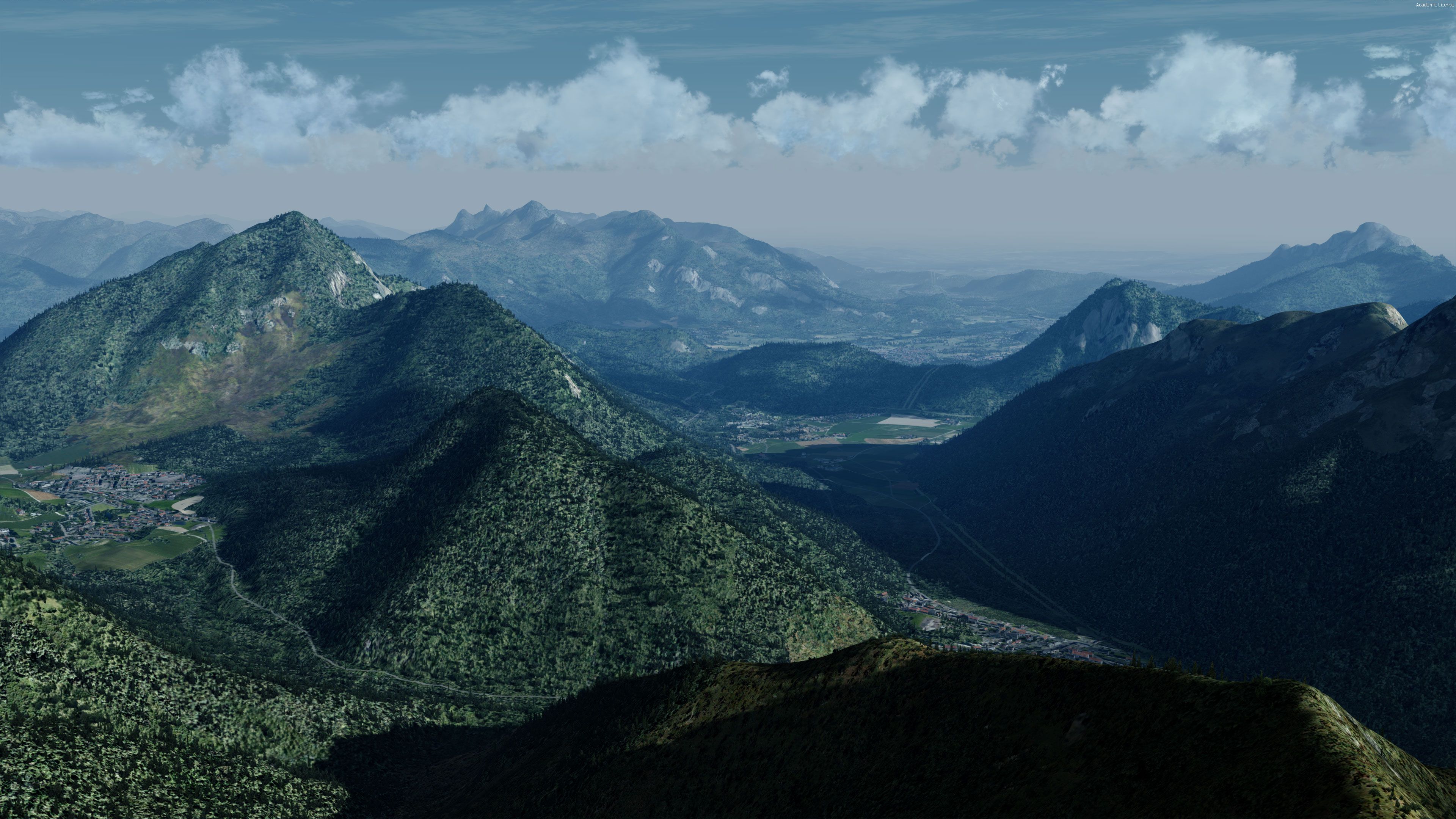
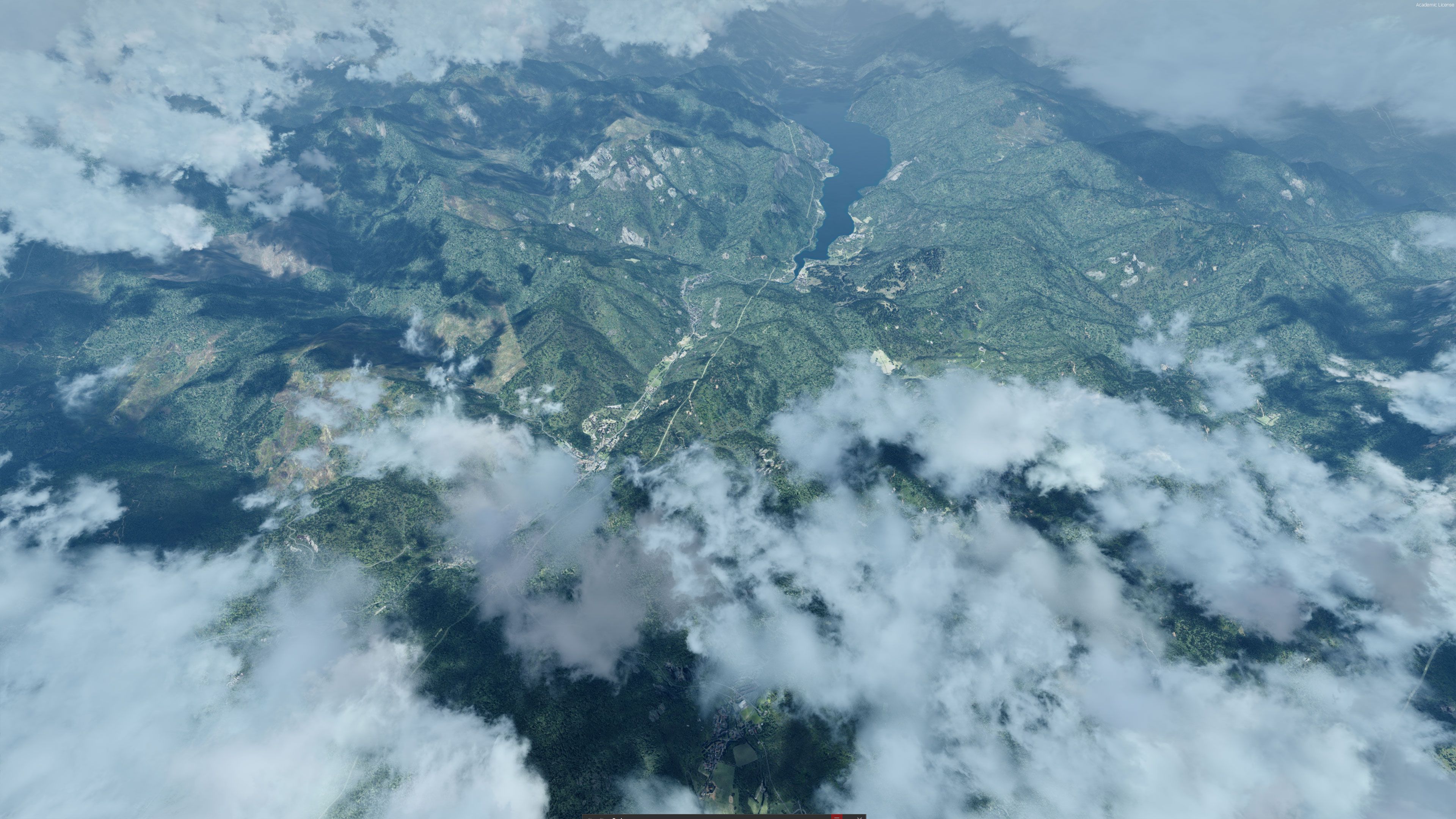
FreeMeshX Global replaces the stock terrain mesh with near-worldwide LOD10 elevation data, sharpening mountains, ridgelines, valleys, and coastlines for more believable low-level VFR and high-altitude routes. Built for FSX and Prepar3D v4/v5, it serves as a solid base for photoreal scenery and requires an up-to-date vector product for correct water and airport elevations.

FSX FreeMeshX Global Terrain Mesh Scenery 2.0 revitalizes the entire planet with advanced LOD10 coverage, bringing stunning depth to mountains, valleys, and remote landscapes within FSX, FSX: Steam Edition, and Prepar3D. Developed by Nine Two Productions, it compiles over 40GB of raw data into a transformative global mesh package that corrects and enhances default terrain, especially across continents like Africa, Asia, and South America where low-detail mesh once stood out.
Most regions reach LOD10, with exceptions like Antarctica and parts of Russia at LOD9, and an optional HD LOD12 expansion for the United States adds even greater realism. In my decades of testing add-ons, FreeMeshX 2.0 proves itself essential for flight sim fans seeking a truly immersive environment. Its comprehensive approach to terrain detail pairs seamlessly with vector updates, elevating the overall landscape accuracy and delivering an engaging, lifelike world you can explore for hours on end.
For users of Flight Simulator X (and FSX: Steam Edition) and/or Prepar3D, terrain meshing can feel dated. With the immersion of a flight simulation being increasingly important to the enjoyment of the process, we recommend that you take a look at FreeMeshX.
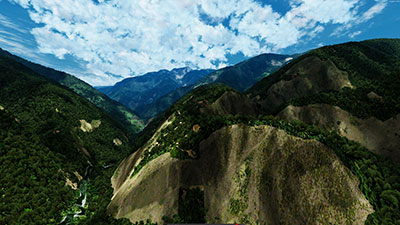
This is a groundbreaking global mesh scenery replacement for stock FSX, FSX: SE, and P3D (it works with P3Dv5 and P3Dv4 too) mesh terrain.
This add-on looks to add a global terrain transformation, replacing all stock mesh and features for the vast majority of the planet. This works on all meshing and features LOD10 (38m) coverage. This improves the quality of detail and precision to around the same level used in the default United States of America scenery.
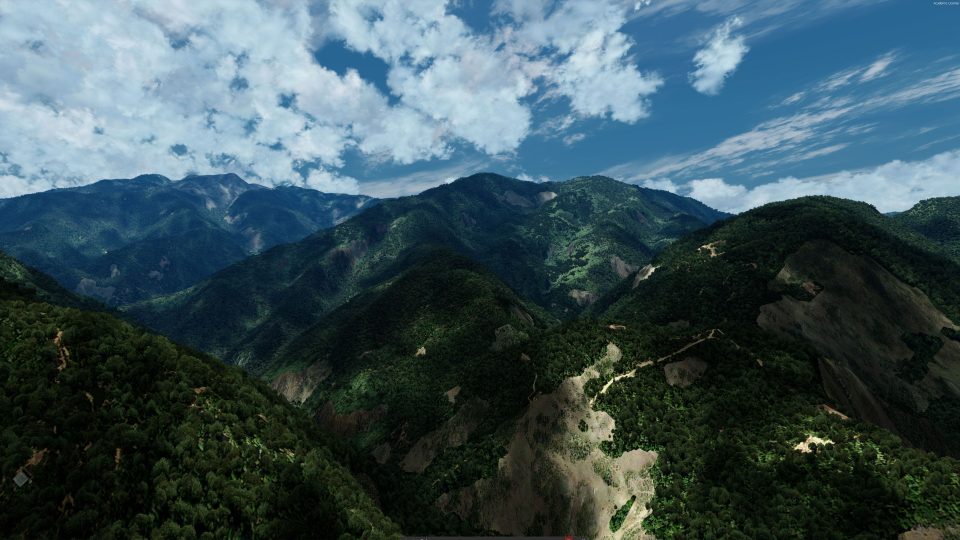
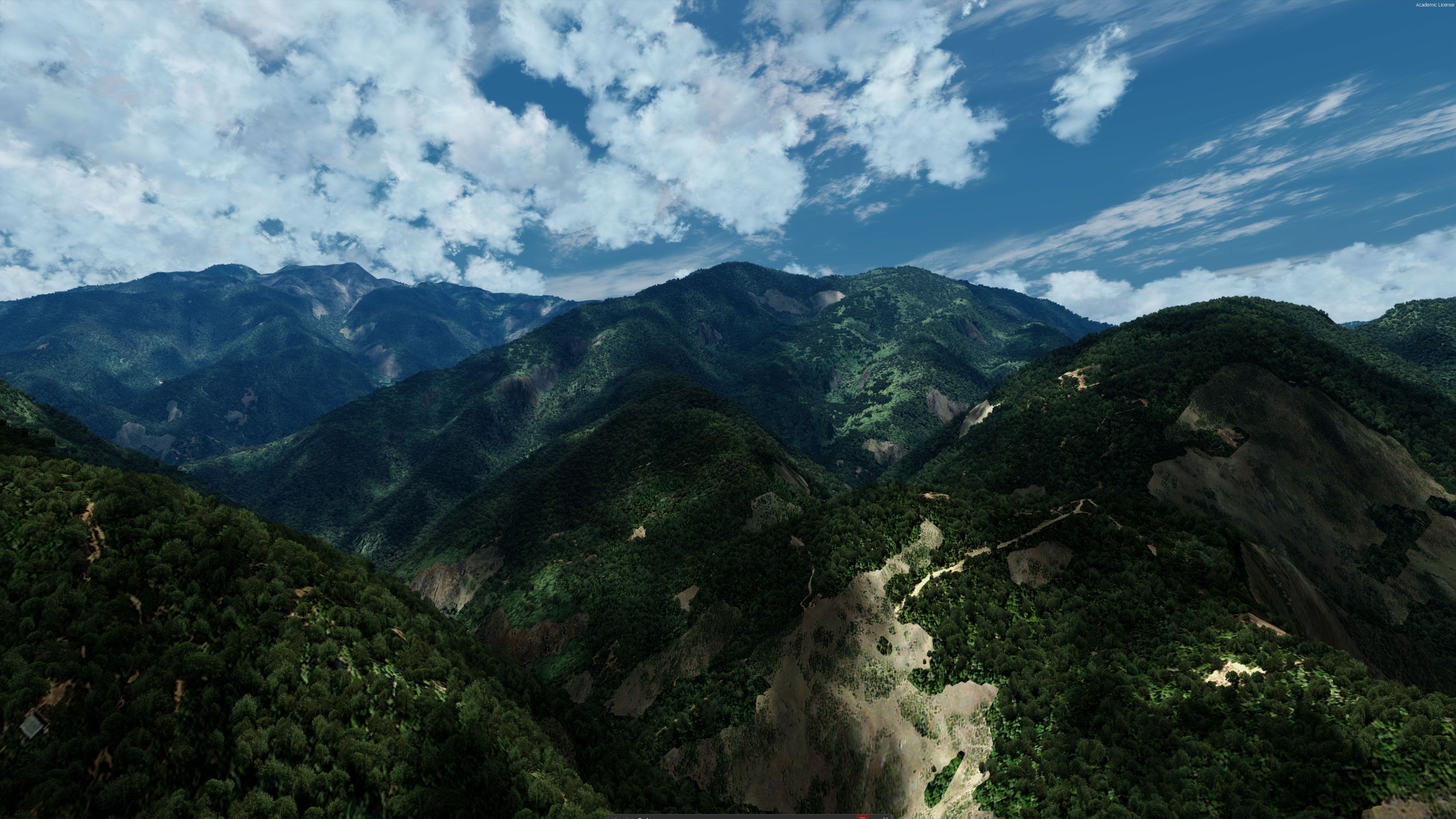
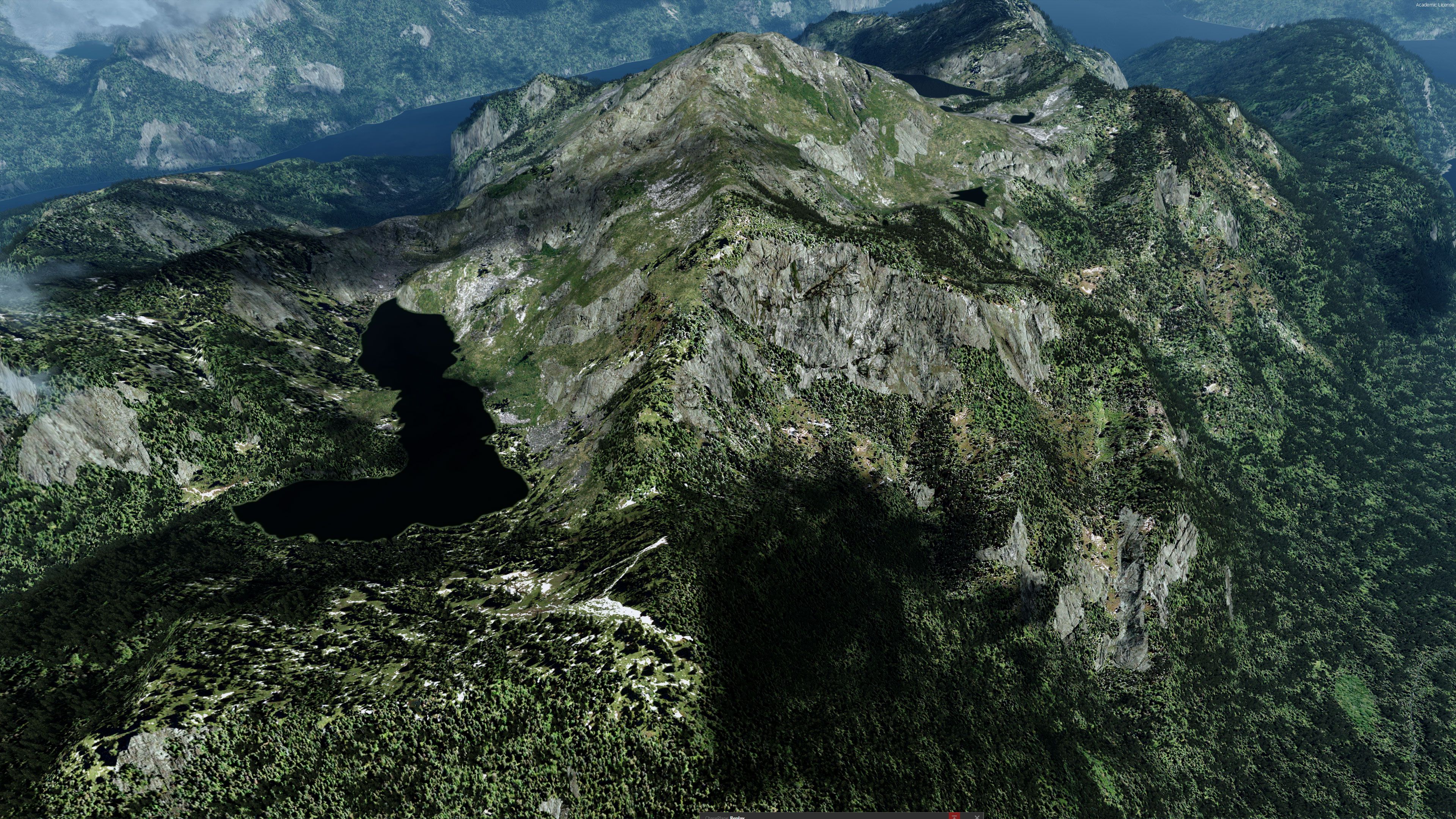
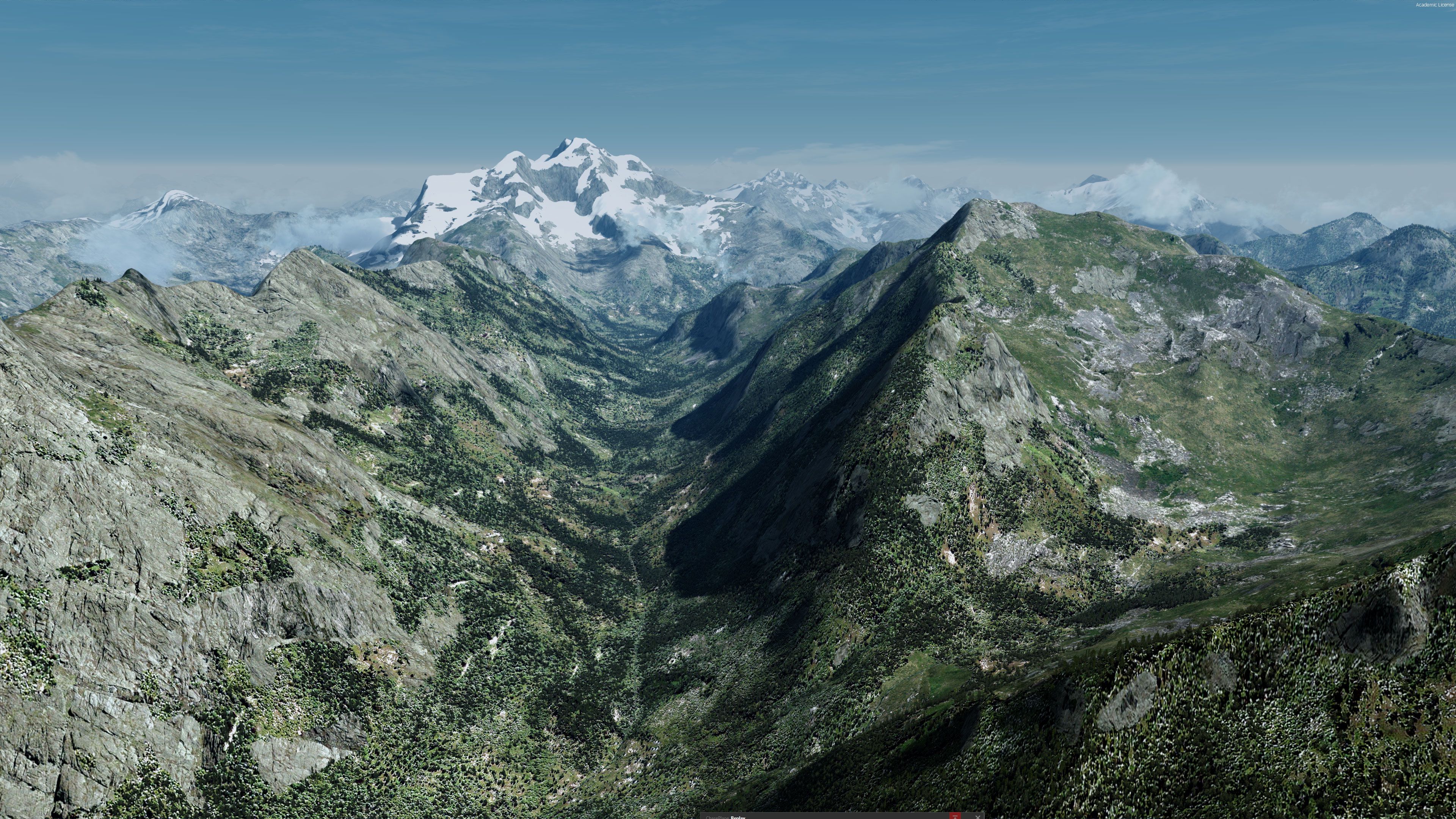
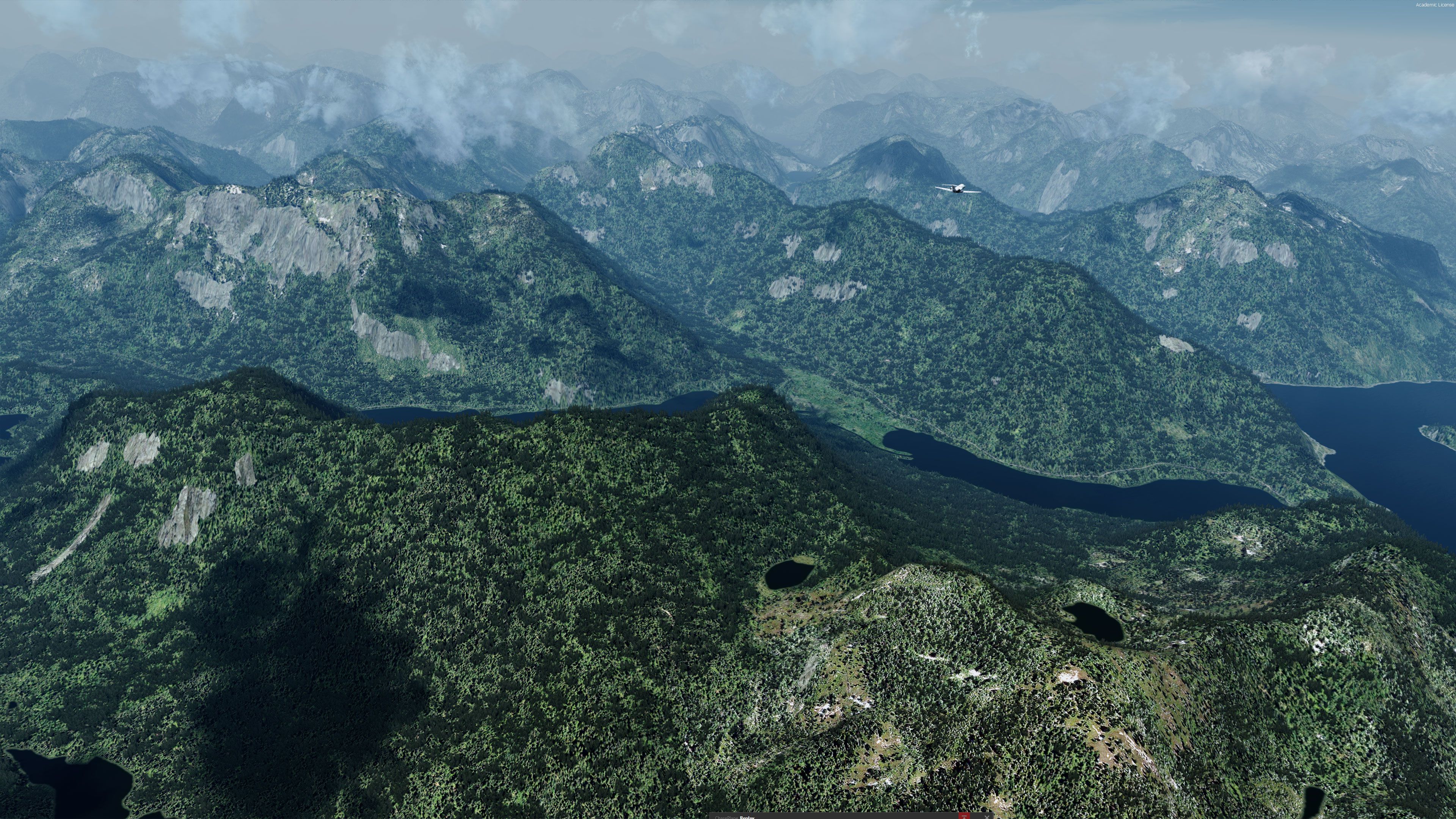
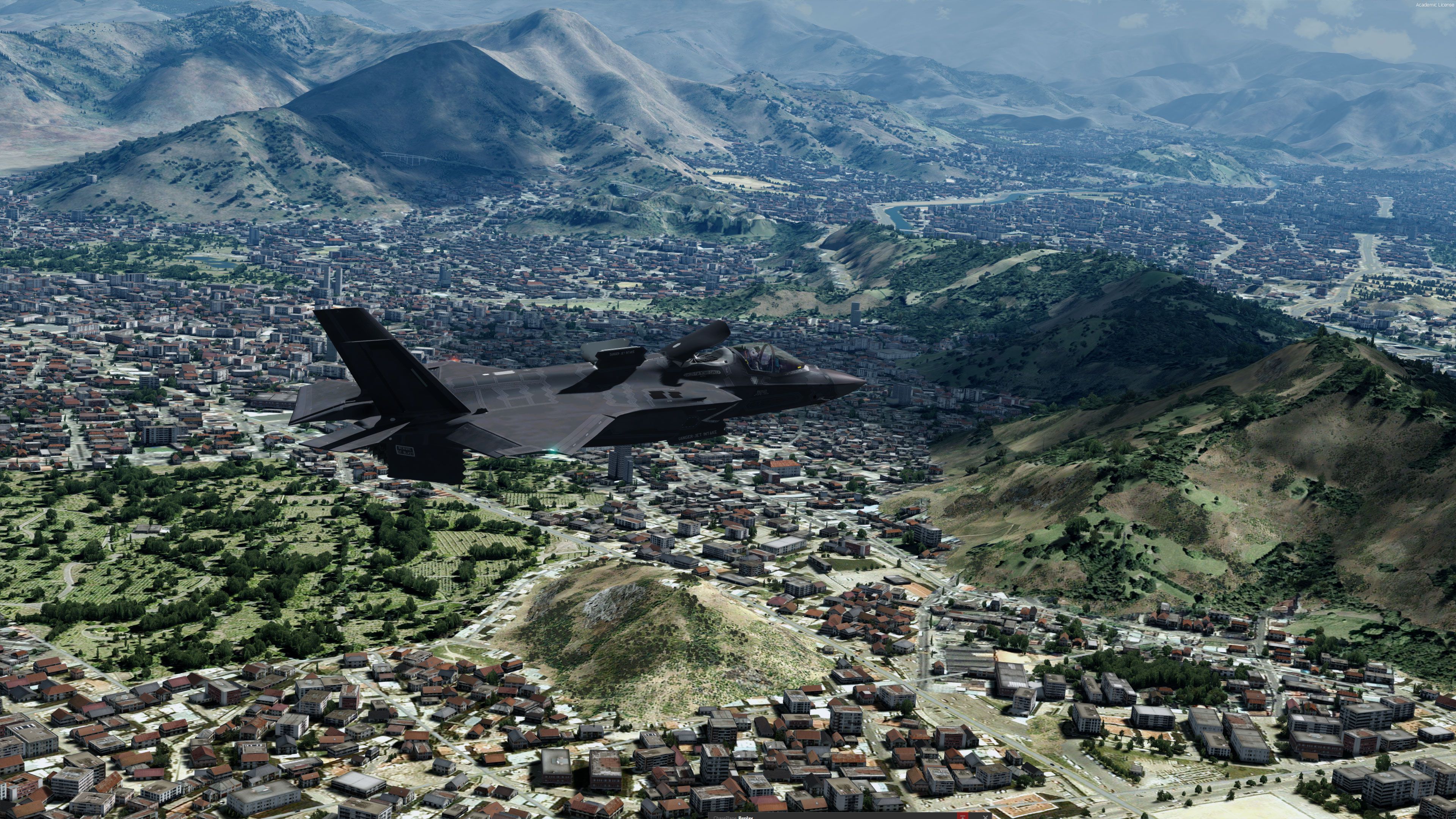
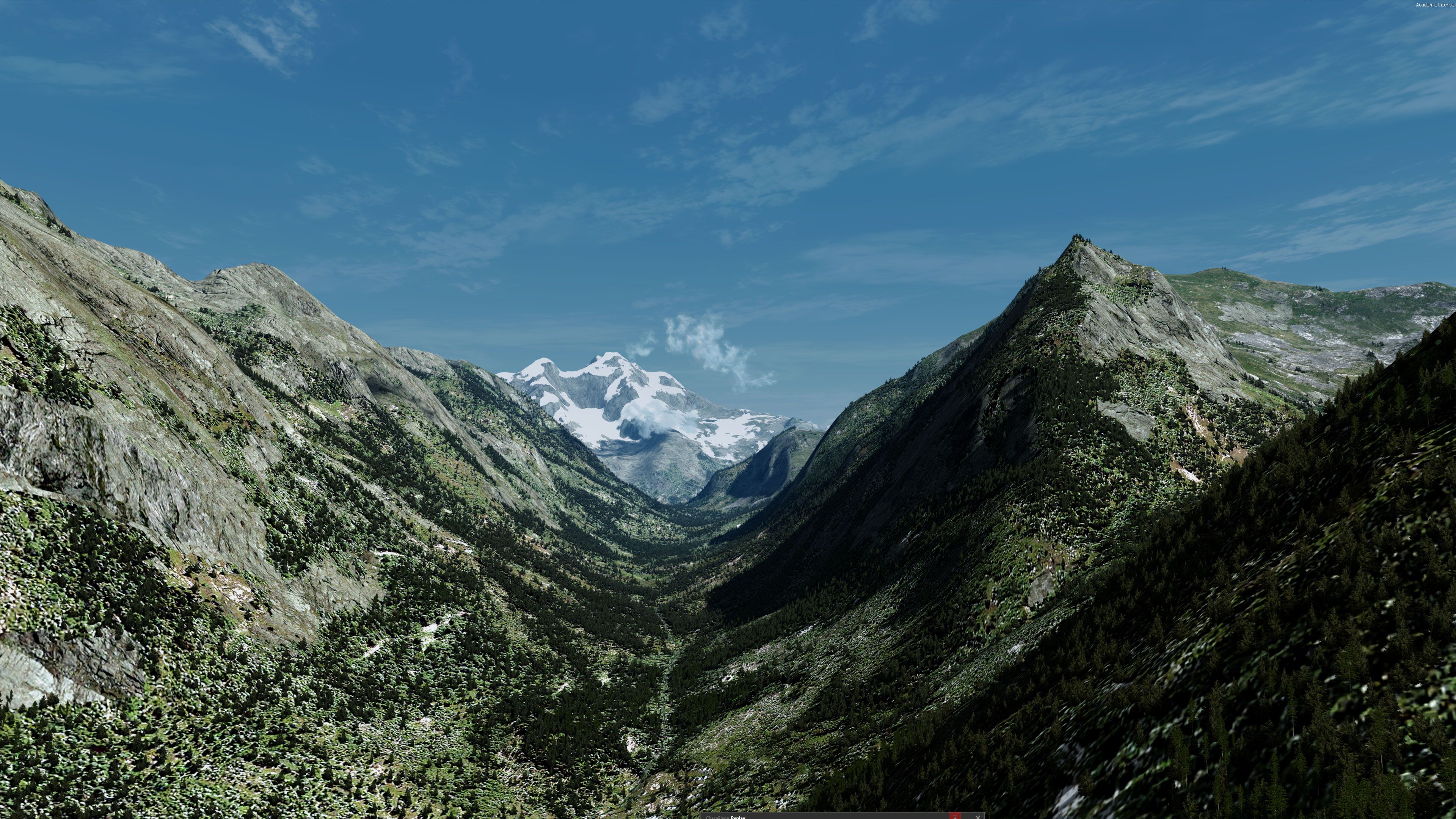
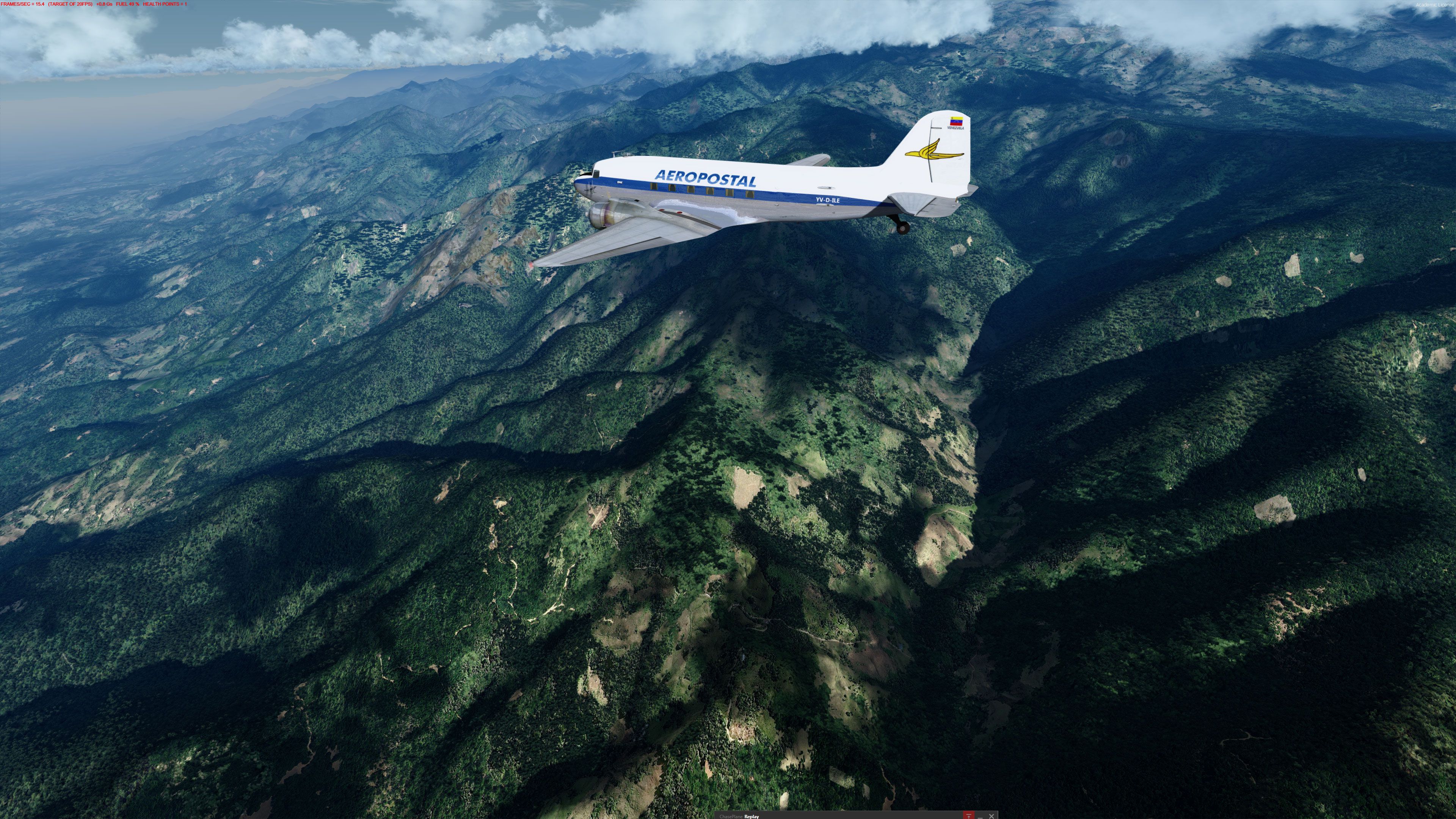
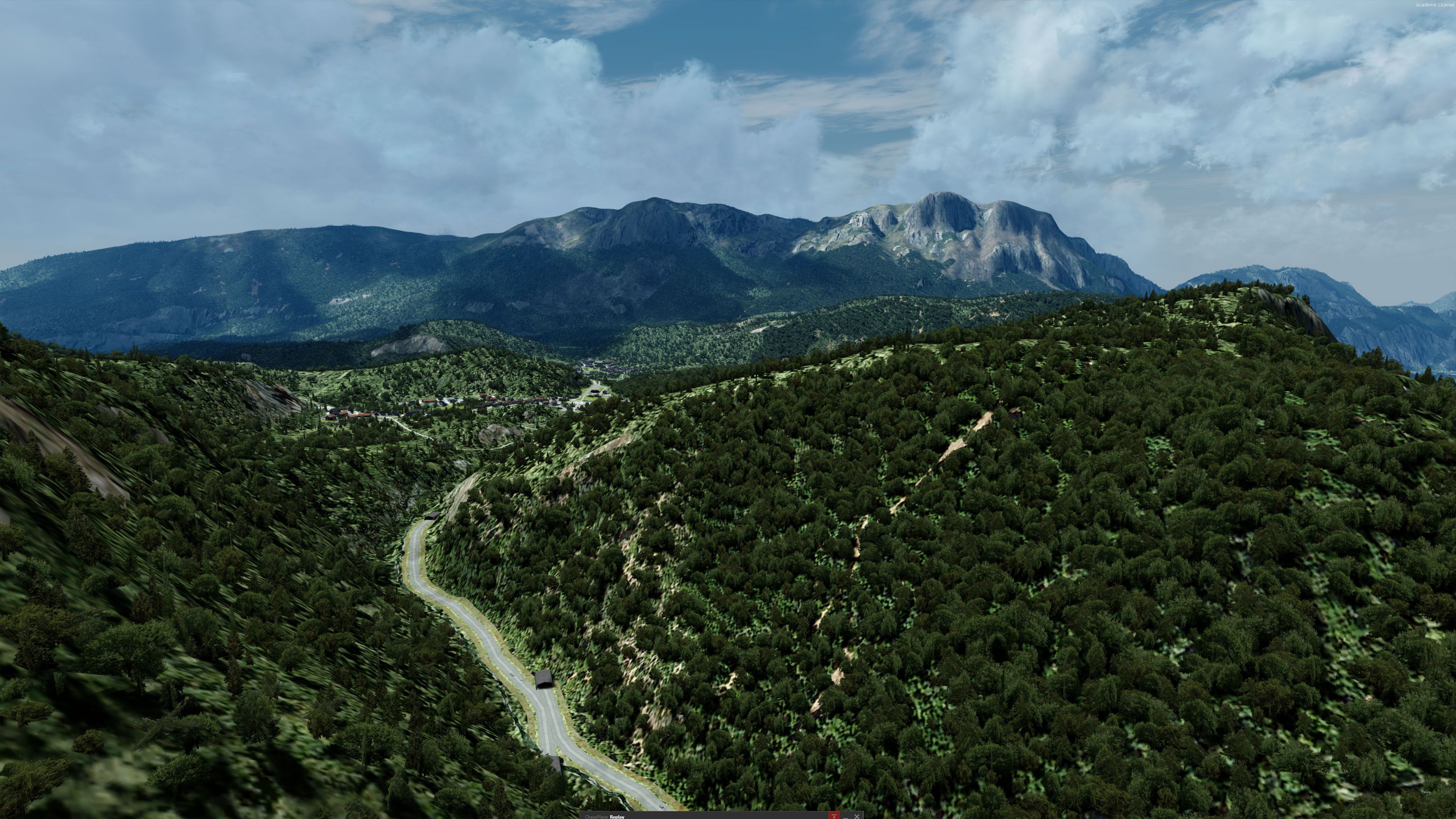
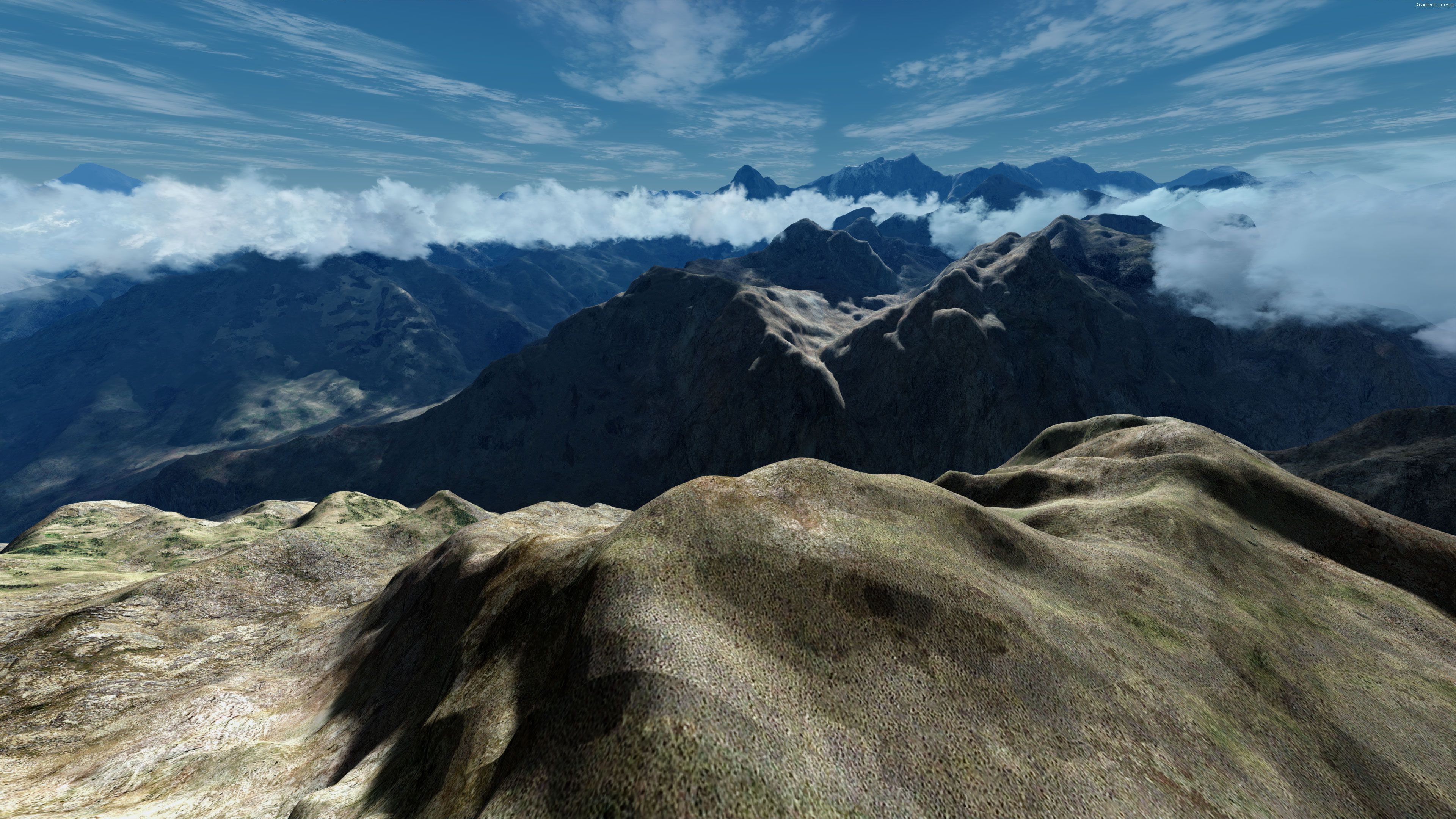
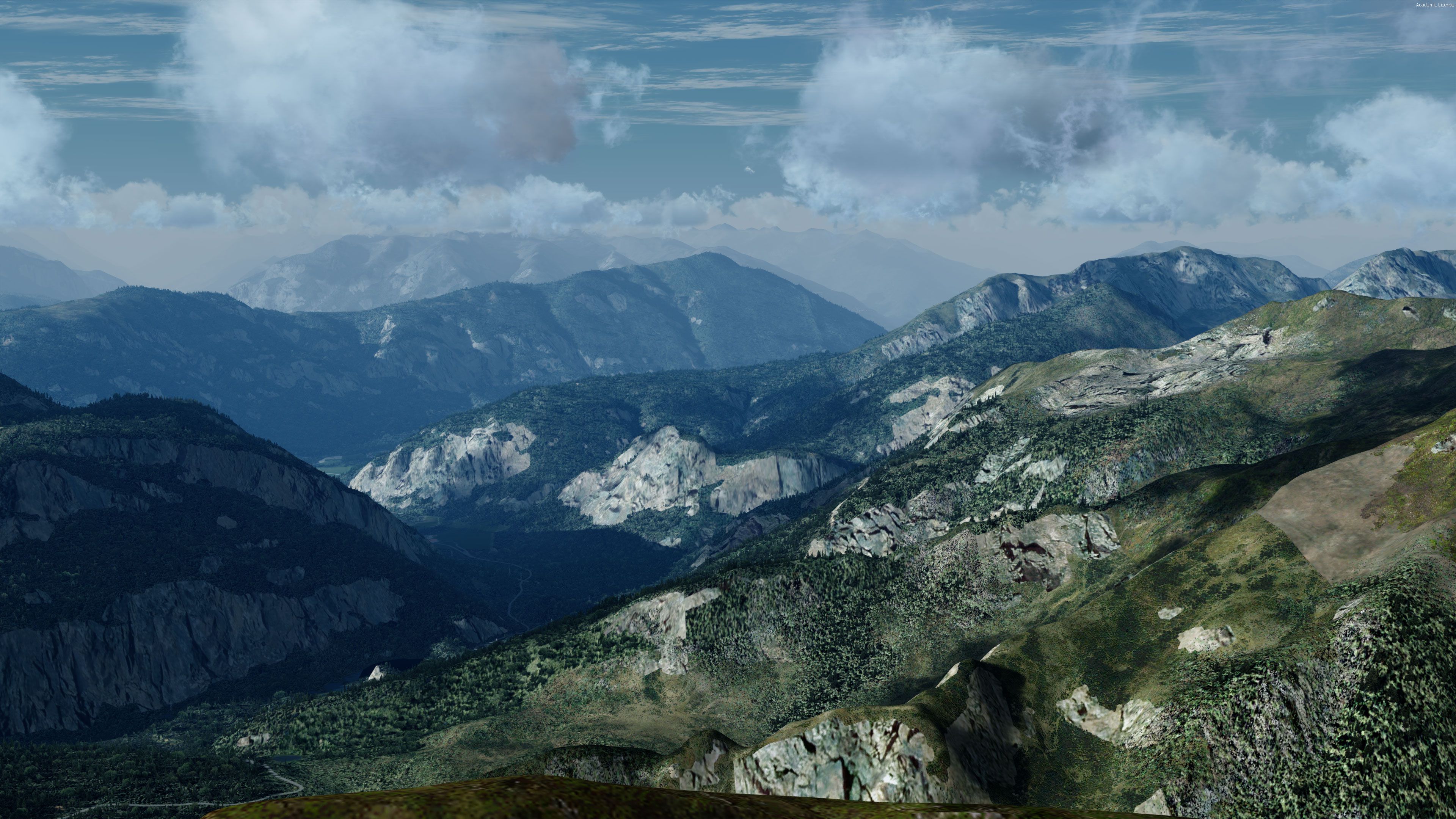
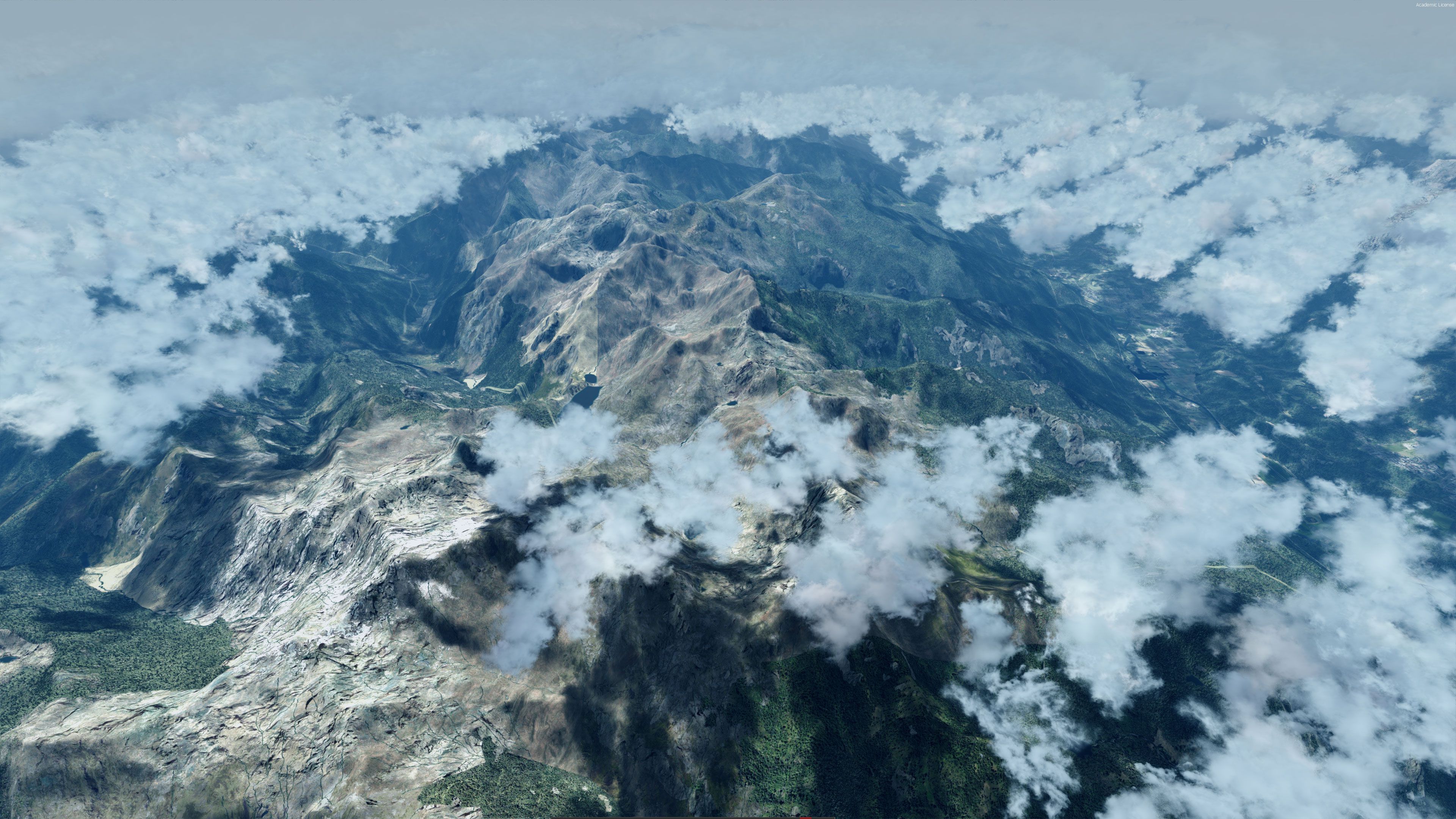
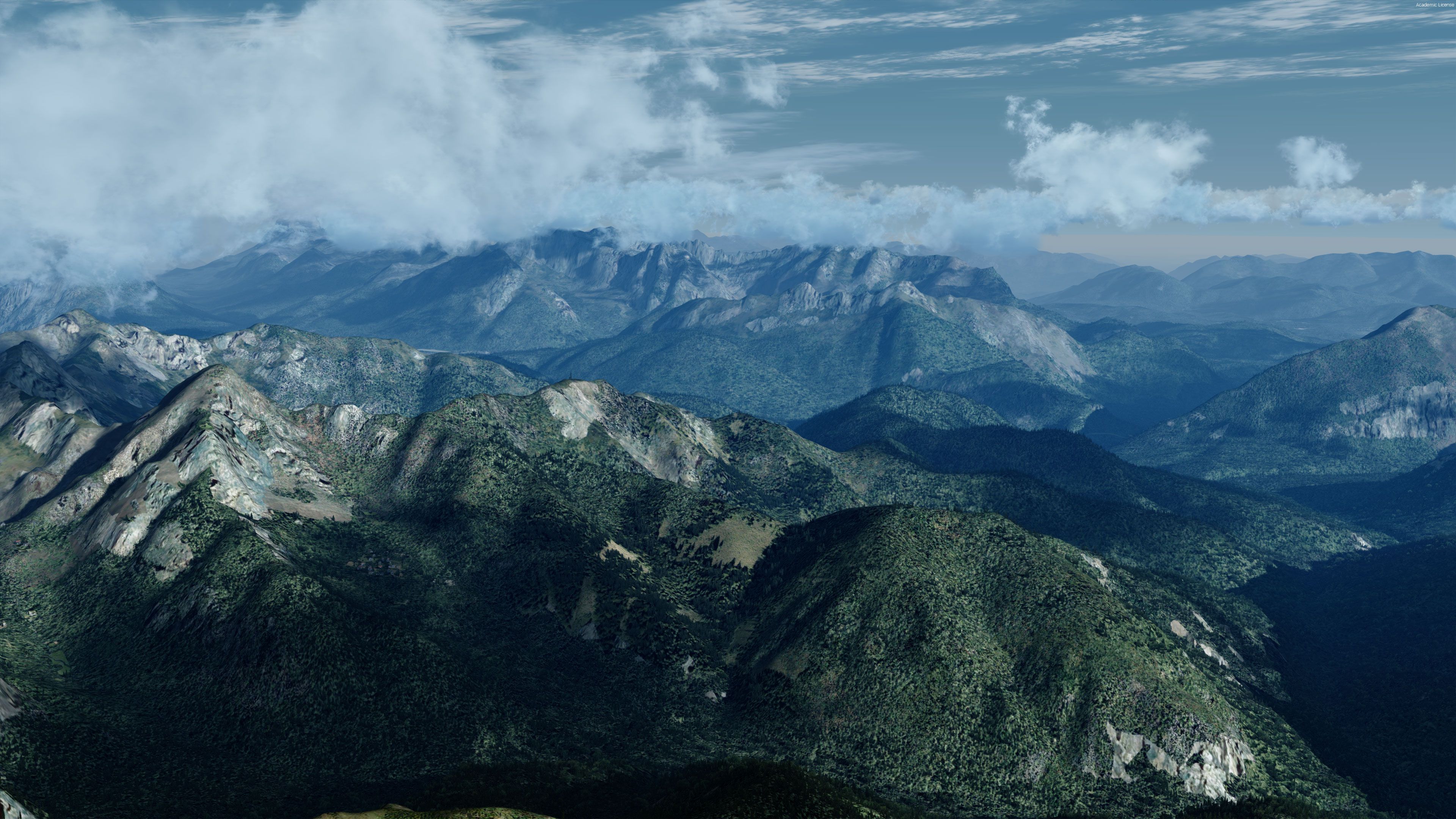
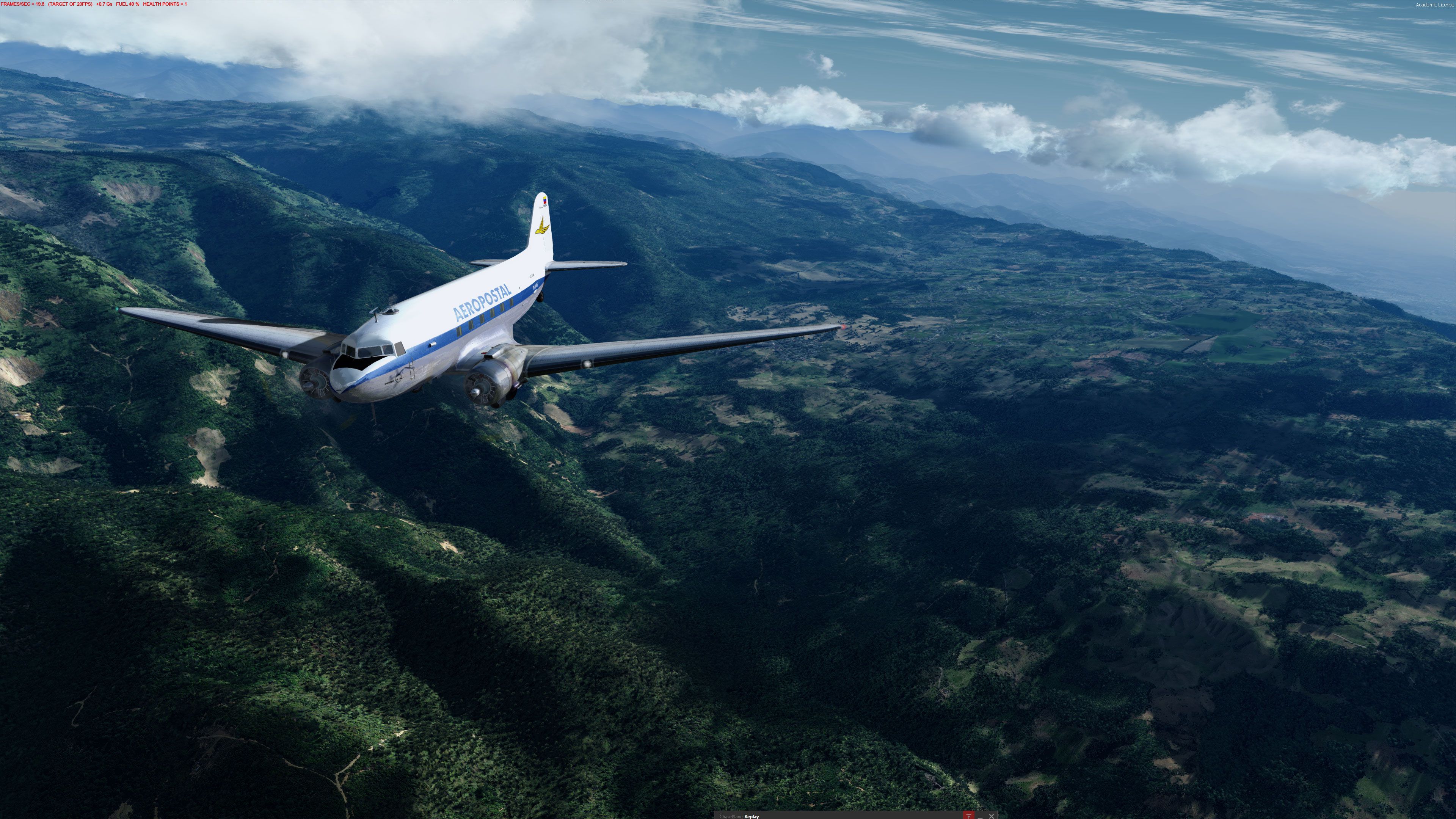
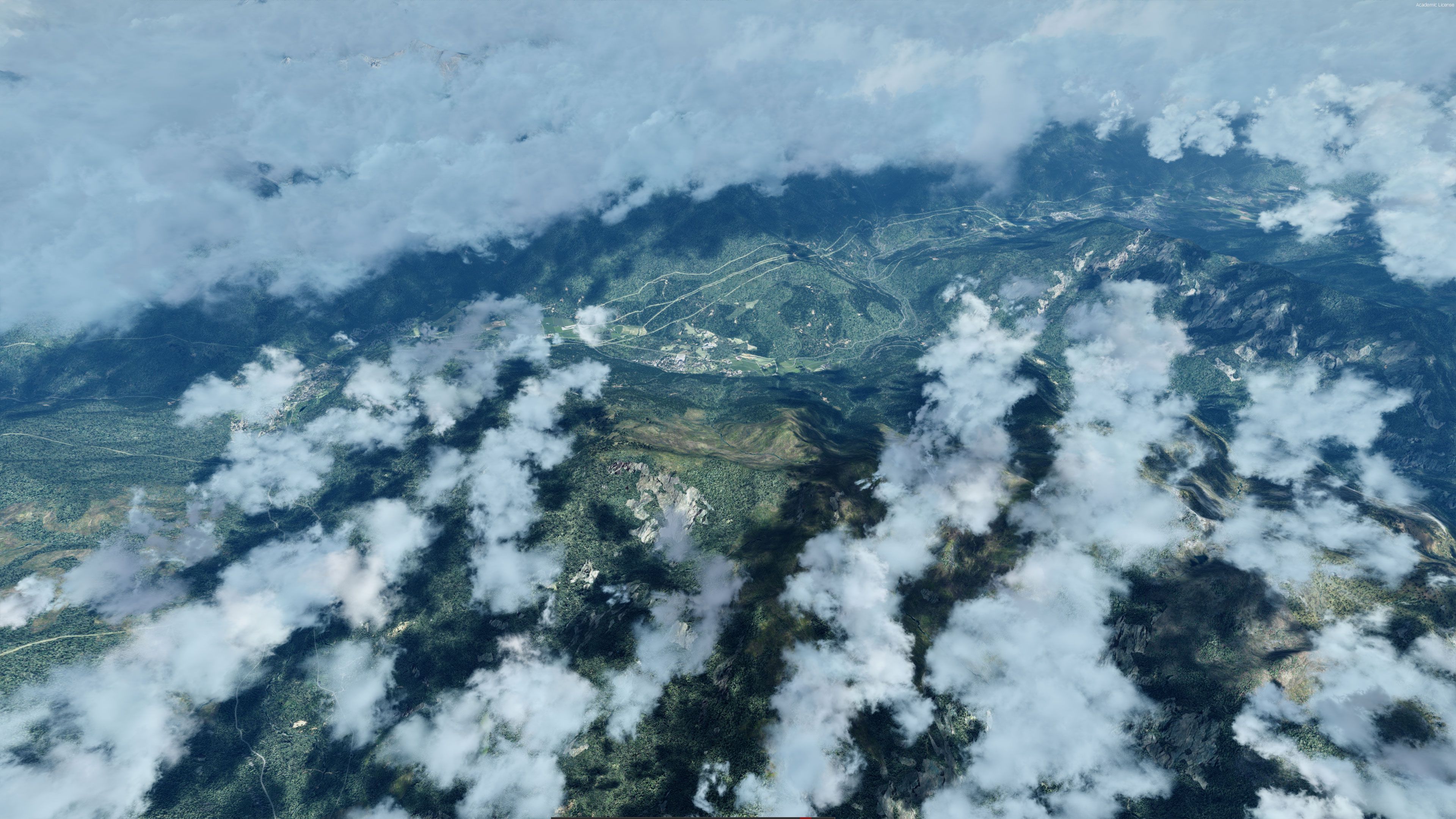
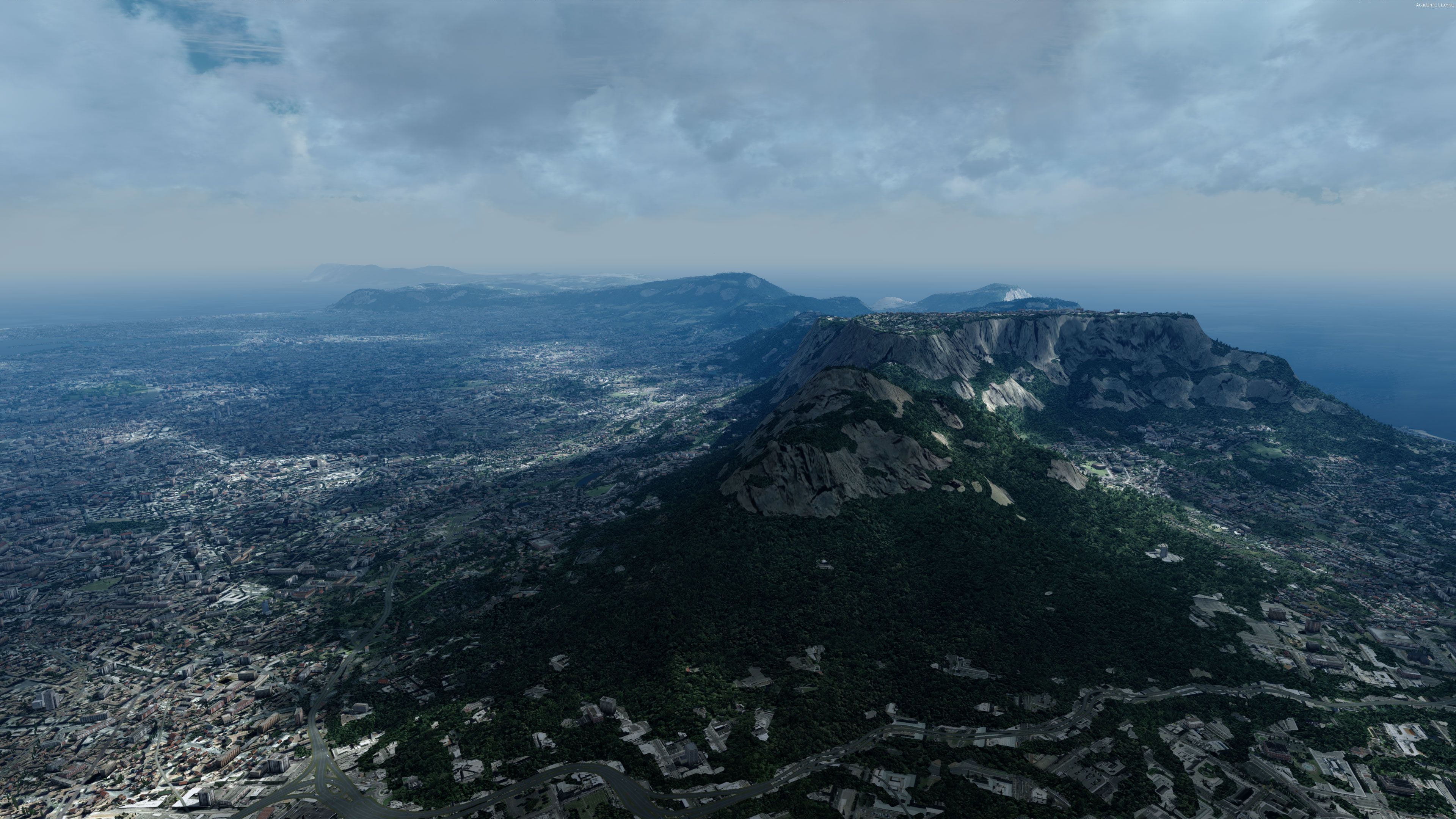
It's essentially a global scenery upgrade that improves the terrain beneath you as you fly. This is not photoreal scenery that contains textures as such, it is the terrain detailing that brings mountains, hills, and valleys to life.
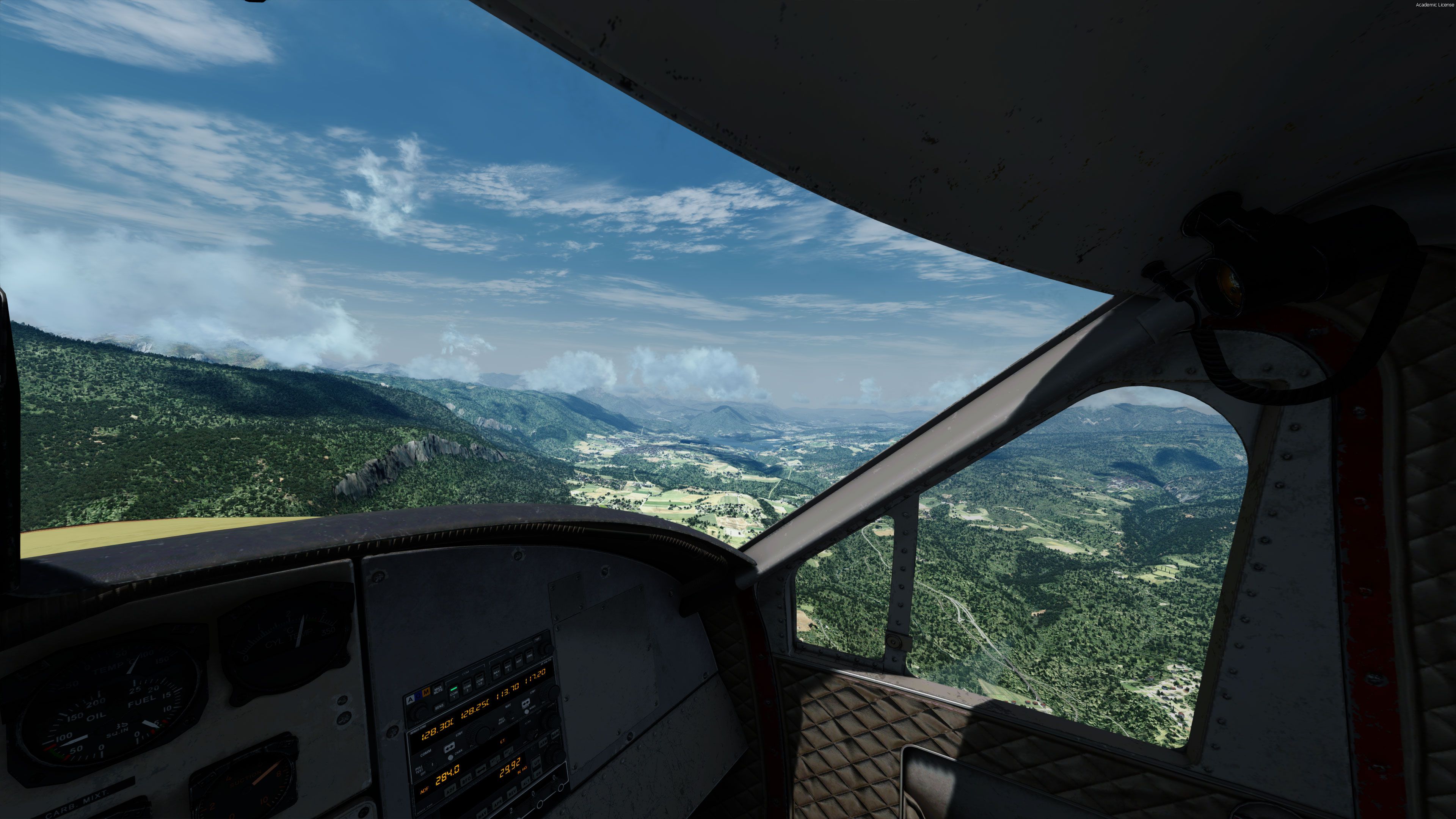
This package is an excellent base for photorealistic scenery packages and essential to install first if you are going to use them. This package can (and by most users is) used on its own and all of the screenshots you see display this addon being used without anything else installed except default FSX/P3D scenery. If you are interested in photorealistic scenery then check out our article here.
Typically, the rest of the world will be around LOD6 to LOD9. With the whole world scaled and improved to LOD10, this vastly improves major parts of the world to a greater level of detail than before. Since anything above LOD11 is a space-eater with minimal improvements, maximizing the world to LOD10 is absolutely worthwhile.
With over 44GB of new meshing in here, users can enjoy an immersive change to the wider world. This is created to help add LOD10 standard detail as the base. However, please be aware that the following areas are released with LOD9 data:
However, users can enjoy transformative LOD10 changes to the following areas:
This means that the vast majority of the world, with the exception of a few snowy zones, will look fresher than ever. New detail and meshing help to make your general flights feel much more immersive, using over 40GB of space to improve the imagery entirely.
What about the USA?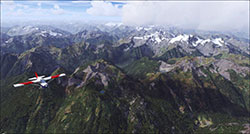
If you want to take the USA further with an even higher HD version of this add-on, then this exists as "FreeMeshX USA".
As pretty much all of the USA is already LOD10 in the stock install - this scenery will improve on the default meshing but not as much as you would expect.
To remedy that, FreeMeshX has been released for the entire USA using HD LOD12 data (currently in beta).
It really brings some crisp terrain to the entire USA - and it highly rated by our users. Also compatible with all versions of FSX and Prepar3D.
You can download/view the USA HD Mesh LOD12 FreeMeshX pack here.
Note: Please consider using defragmentation of all mechanical hard drives for easier, less time-consuming loading.
To install FreeMeshX, all you need to do is follow the basic installation instructions provided. However, please make sure that FreeMeshX is placed above all default terrain entries in your Scenery Library. Also, please make sure that the add-on is placed below all airports, FTX regions, or landclasses.
By using FreeMeshX, you will be working with a solution that does not update or edit flight simulator vectors. It is important that you use a simulator vector update tool, such as FTX Vectors or UTX. Otherwise, the topography will be incorrect.
Using FreeMeshX alone will not update any vectors within Microsoft Flight Simulator X or Prepar3D. The vectors used within the simulator are often used to help control water elevations and airport elevations. Meshing alone will not adjust this.
If you were to use FreeMeshX without the use of a third-party solution to update the vectors, conflicts may emerge. This may result in the topography of any updated terrain to sit at different elevation levels, ruining the spectacle. This could see issues like immersion-breaking water bodies and/or airports that are excessively sunken/raised.
At present, we recommend that you use a reliable vector updating tool, as it will improve the overall atmosphere and ensure accuracy in the layout.
Added by popular demand in the comment section below are more complete installation instructions.
Note - quote from Nine Two Productions
There is a bug in FSX where clicking OK does nothing, and may seem you are stuck. Don’t despair! Clicking anywhere any white space in the browsing menu will close the dialog window.
NOTE: If these installation instructions are vague, not helpful, or need revision then please let us know in the comments section below.
Developer: Nine Two Productions (FreeMeshX).

Donate to the developer
You can donate to the developer using their PayPal donation page here.
Free for all simmers · 45.47 GB · Scanned clean
Download speed: Free tier is capped at 2 Mbps (this file takes approximately 24h+ at the cap). PRO members download at full line speed.
FSX\Addon Scenery\ containing scenery and texture sub-folders.readme.txt or README file. It tells you exactly where files go, what dependencies are needed, and any quirks specific to this add-on.Inspect every file inside this archive, verify the SHA-256 checksum, and view the full manifest. Files are scanned monthly with ClamAV.
3cede906d241…
Verification policy
Report this file
3cede906d241bc006f0de2e192caf187171eb9890c9a5a2f86c8b0757149d2c2
Get-FileHash -Algorithm SHA256 ".\FreeMeshX-Global-2.0.zip"shasum -a 256 FreeMeshX-Global-2.0.zip| Folder | Files | Total size |
|---|---|---|
| FreeMeshX - Asia | 104 | 15.36 GB |
| FreeMeshX - Africa | 48 | 9.01 GB |
| FreeMeshX - South and Central America | 48 | 6.79 GB |
| FreeMeshX - North America | 54 | 5.47 GB |
| FreeMeshX - Europe | 35 | 4.08 GB |
| FreeMeshX - Australia and Oceania | 62 | 3.15 GB |
| FreeMeshX - Patches | 27 | 1.24 GB |
| FreeMeshX - Antarctica | 94 | 982.18 MB |
| HD-Screenshots | 35 | 52.49 MB |
| New-Screenshots | 51 | 14.27 MB |
| Screenshots | 20 | 4.21 MB |
| [root] | 4 | 7.21 kB |
| File | Size | Date | CRC32 |
|---|---|---|---|
| N20E100.bgl | 500.42 MB | 2018-12-11 | 99FC718C |
| N30E100.bgl | 473.71 MB | 2018-12-11 | 05219AD6 |
| N30E070.bgl | 473.10 MB | 2018-12-11 | CD3E52E5 |
| N20E090.bgl | 462.62 MB | 2018-12-11 | 80E66623 |
| N30E090.bgl | 428.99 MB | 2018-12-11 | 4A99721B |
| S10W080.bgl | 421.30 MB | 2018-12-11 | 7D8B40FC |
| N30E060.bgl | 413.43 MB | 2018-12-11 | 57E292B5 |
| S10W060.bgl | 407.65 MB | 2018-12-11 | B176A131 |
| N30E080.bgl | 393.96 MB | 2018-12-11 | 7A47768E |
| S10E020.bgl | 393.65 MB | 2018-12-11 | 64976CEC |
| Name (relative) | Date | Size | CRC32 |
|---|---|---|---|
| scenery/N00E000.bgl | 2018-12-11 | 180.17 MB | 14D0CDAC |
| scenery/N00E010.bgl | 2018-12-11 | 386.41 MB | CC5C1A2E |
| scenery/N00E020.bgl | 2018-12-11 | 373.74 MB | F3CBD44B |
| scenery/N00E030.bgl | 2018-12-11 | 366.96 MB | EF798EE2 |
| scenery/N00E040.bgl | 2018-12-11 | 239.55 MB | E9E190A6 |
| scenery/N00E050.bgl | 2018-12-11 | 1.10 MB | F5ECB46C |
| scenery/N0W010.bgl | 2018-12-11 | 193.70 MB | 1CFDE674 |
| scenery/N0W020.bgl | 2018-12-11 | 42.35 MB | EB2E8F7A |
| scenery/N10E000.bgl | 2018-12-11 | 351.57 MB | 83B04AD2 |
| scenery/N10E010.bgl | 2018-12-11 | 381.25 MB | 11B7BEF5 |
| scenery/N10E020.bgl | 2018-12-11 | 363.57 MB | 7E0F8559 |
| scenery/N10E030.bgl | 2018-12-11 | 355.74 MB | 645B993A |
| scenery/N10E040.bgl | 2018-12-11 | 305.78 MB | 7EEE419A |
| scenery/N10W010.bgl | 2018-12-11 | 361.32 MB | F24975B7 |
| scenery/N10W020.bgl | 2018-12-11 | 230.20 MB | 7562A8A9 |
| scenery/N10W030.bgl | 2018-12-11 | 2.05 MB | F7108FB6 |
| scenery/N20E000.bgl | 2018-12-11 | 371.31 MB | F74CBC06 |
| scenery/N20E010.bgl | 2018-12-11 | 388.66 MB | 36BA747C |
| scenery/N20E020.bgl | 2018-12-11 | 390.66 MB | 130BB01C |
| scenery/N20E030.bgl | 2018-12-11 | 321.37 MB | 27137E46 |
| scenery/N20W010.bgl | 2018-12-11 | 376.01 MB | E8AB3009 |
| scenery/N20W020.bgl | 2018-12-11 | 169.00 MB | 34FE91A0 |
| scenery/S10E000.bgl | 2018-12-11 | 8.41 MB | 3034E90E |
| scenery/S10E010.bgl | 2018-12-11 | 339.17 MB | D27EC1DA |
| scenery/S10E020.bgl | 2018-12-11 | 393.65 MB | 64976CEC |
| Name (relative) | Date | Size | CRC32 |
|---|---|---|---|
| scenery/S70E000.bgl | 2018-12-11 | 122.22 kB | 1AEE863F |
| scenery/S70E010.bgl | 2018-12-11 | 505.49 kB | E79CB10F |
| scenery/S70E020.bgl | 2018-12-11 | 238.37 kB | F03CDF44 |
| scenery/S70E030.bgl | 2018-12-11 | 2.27 MB | 55F3815C |
| scenery/S70E040.bgl | 2018-12-11 | 7.14 MB | 1F93A575 |
| scenery/S70E050.bgl | 2018-12-11 | 11.48 MB | ADAE35B2 |
| scenery/S70E060.bgl | 2018-12-11 | 7.20 MB | C6186299 |
| scenery/S70E070.bgl | 2018-12-11 | 2.79 MB | 4B789626 |
| scenery/S70E080.bgl | 2018-12-11 | 8.38 MB | 70C3A8BF |
| scenery/S70E090.bgl | 2018-12-11 | 10.42 MB | 211FCF4B |
| scenery/S70E100.bgl | 2018-12-11 | 10.85 MB | 82E3C2C7 |
| scenery/S70E110.bgl | 2018-12-11 | 10.25 MB | CA660BD2 |
| scenery/S70E120.bgl | 2018-12-11 | 9.32 MB | 2CB9386D |
| scenery/S70E130.bgl | 2018-12-11 | 10.52 MB | 62851D9D |
| scenery/S70E140.bgl | 2018-12-11 | 8.02 MB | 65D31662 |
| scenery/S70E150.bgl | 2018-12-11 | 4.14 MB | 97E7C853 |
| scenery/S70E160.bgl | 2018-12-11 | 69.45 kB | AB47E7F4 |
| scenery/S70W010.bgl | 2018-12-11 | 76.02 kB | FFE682E9 |
| scenery/S70W050.bgl | 2018-12-11 | 215.72 kB | 28FBF921 |
| scenery/S70W060.bgl | 2018-12-11 | 2.93 MB | DADEA31E |
| scenery/S70W070.bgl | 2018-12-11 | 17.14 MB | 374B7671 |
| scenery/S70W080.bgl | 2018-12-11 | 2.03 MB | BFED3399 |
| scenery/S80E000.bgl | 2018-12-11 | 19.75 MB | 5ABEFC58 |
| scenery/S80E010.bgl | 2018-12-11 | 18.90 MB | 6F28C1AE |
| scenery/S80E020.bgl | 2018-12-11 | 19.10 MB | 1D3B00DD |
| Name (relative) | Date | Size | CRC32 |
|---|---|---|---|
| scenery/N00E070.bgl | 2018-12-11 | 16.66 MB | E719F203 |
| scenery/N00E080.bgl | 2018-12-11 | 19.96 MB | CE0AA7E1 |
| scenery/N00E090.bgl | 2018-12-11 | 66.86 MB | F8B571E7 |
| scenery/N00E100.bgl | 2018-12-11 | 98.40 MB | DF026EC5 |
| scenery/N00E110.bgl | 2018-12-11 | 170.55 MB | D0A4FA29 |
| scenery/N00E120.bgl | 2018-12-11 | 70.47 MB | 4592F527 |
| scenery/N00E130.bgl | 2018-12-11 | 1.43 MB | C495AA5E |
| scenery/N00E140.bgl | 2018-12-11 | 484.04 kB | 72242F92 |
| scenery/N00E150.bgl | 2018-12-11 | 1.16 MB | 740F8BC7 |
| scenery/N00E160.bgl | 2018-12-11 | 831.09 kB | 8060D0FA |
| scenery/N00E170.bgl | 2018-12-11 | 646.89 kB | C486C6B2 |
| scenery/N10E050.bgl | 2018-12-11 | 110.04 MB | A5BD1E7F |
| scenery/N10E070.bgl | 2018-12-11 | 213.63 MB | 455FD749 |
| scenery/N10E080.bgl | 2018-12-11 | 60.95 MB | 86BC1805 |
| scenery/N10E090.bgl | 2018-12-11 | 146.34 MB | A68B5004 |
| scenery/N10E100.bgl | 2018-12-11 | 294.73 MB | 462A6182 |
| scenery/N10E110.bgl | 2018-12-11 | 8.85 MB | 9DFCB553 |
| scenery/N10E120.bgl | 2018-12-11 | 69.15 MB | FD296E96 |
| scenery/N10E130.bgl | 2018-12-11 | 22.54 kB | 64470394 |
| scenery/N10E140.bgl | 2018-12-11 | 758.30 kB | 819FC0E3 |
| scenery/N10E160.bgl | 2018-12-11 | 948.73 kB | 8139A9B2 |
| scenery/N10E170.bgl | 2018-12-11 | 52.75 kB | 01D4DD2B |
| scenery/N20E040.bgl | 2018-12-11 | 351.32 MB | 1804535D |
| scenery/N20E050.bgl | 2018-12-11 | 306.70 MB | 62E3A394 |
| scenery/N20E060.bgl | 2018-12-11 | 211.91 MB | E86D7445 |
| Name (relative) | Date | Size | CRC32 |
|---|---|---|---|
| scenery/S10E070.bgl | 2018-12-11 | 345.91 kB | CFE875FA |
| scenery/S10E090.bgl | 2018-12-11 | 2.79 MB | 1CCAFC9D |
| scenery/S10E100.bgl | 2018-12-11 | 115.11 MB | A32B44CD |
| scenery/S10E110.bgl | 2018-12-11 | 150.83 MB | 144B631C |
| scenery/S10E120.bgl | 2018-12-11 | 81.00 MB | 5C07A3B2 |
| scenery/S10E130.bgl | 2018-12-11 | 118.76 MB | D8082A84 |
| scenery/S10E140.bgl | 2018-12-11 | 164.23 MB | A5DEAFD8 |
| scenery/S10E150.bgl | 2018-12-11 | 28.20 MB | FE0EA2DE |
| scenery/S10E160.bgl | 2018-12-11 | 4.55 MB | FA6F780B |
| scenery/S10E170.bgl | 2018-12-11 | 761.40 kB | 5C43AA7E |
| scenery/S10W140.bgl | 2018-12-11 | 349.83 kB | B6F2C1FB |
| scenery/S10W150.bgl | 2018-12-11 | 342.28 kB | 5F9F4952 |
| scenery/S10W160.bgl | 2018-12-11 | 743.97 kB | 88D11F38 |
| scenery/S10W170.bgl | 2018-12-11 | 262.17 kB | ED96B37C |
| scenery/S10W180.bgl | 2018-12-11 | 499.31 kB | C29F398D |
| scenery/S20E060.bgl | 2018-12-11 | 81.26 kB | D3CEF6ED |
| scenery/S20E090.bgl | 2018-12-11 | 45.52 kB | 0470EE4C |
| scenery/S20E100.bgl | 2018-12-11 | 90.65 kB | B6C47D4E |
| scenery/S20E110.bgl | 2018-12-11 | 353.74 kB | 6AF472D6 |
| scenery/S20E120.bgl | 2018-12-11 | 140.41 MB | E92996AC |
| scenery/S20E130.bgl | 2018-12-11 | 210.20 MB | B0A4B407 |
| scenery/S20E140.bgl | 2018-12-11 | 124.38 MB | 8B70183C |
| scenery/S20E150.bgl | 2018-12-11 | 3.82 MB | 592C8D7D |
| scenery/S20E160.bgl | 2018-12-11 | 9.09 MB | 176562ED |
| scenery/S20E170.bgl | 2018-12-11 | 9.09 MB | 1A4AB268 |
| Name (relative) | Date | Size | CRC32 |
|---|---|---|---|
| scenery/N30E000.bgl | 2018-12-11 | 265.83 MB | 4DCD6237 |
| scenery/N30E010.bgl | 2018-12-11 | 96.73 MB | AF5B59CE |
| scenery/N30E020.bgl | 2018-12-11 | 150.99 MB | 4A6954FB |
| scenery/N30E030.bgl | 2018-12-11 | 274.15 MB | 71F8589A |
| scenery/N30W010.bgl | 2018-12-11 | 283.14 MB | FB6918D8 |
| scenery/N30W020.bgl | 2018-12-11 | 669.45 kB | 90CBFFA8 |
| scenery/N30W030.bgl | 2018-12-11 | 1.39 MB | 306082C5 |
| scenery/N30W040.bgl | 2018-12-11 | 131.66 kB | 4B7FF9B0 |
| scenery/N40E000.bgl | 2018-12-11 | 290.17 MB | FB7E5AE0 |
| scenery/N40E010.bgl | 2018-12-11 | 301.13 MB | EFA85E62 |
| scenery/N40E020.bgl | 2018-12-11 | 336.83 MB | 35857017 |
| scenery/N40E030.bgl | 2018-12-11 | 201.63 MB | A42DF2A6 |
| scenery/N40W010.bgl | 2018-12-11 | 166.38 MB | DC32557D |
| scenery/N40W020.bgl | 2018-12-11 | 517.22 kB | 24441ED1 |
| scenery/N50E000.bgl | 2018-12-11 | 114.53 MB | 72DCE3CD |
| scenery/N50E010.bgl | 2018-12-11 | 227.82 MB | 6ABC246E |
| scenery/N50E020.bgl | 2018-12-11 | 263.18 MB | 292180FB |
| scenery/N50E030.bgl | 2018-12-11 | 309.29 MB | 2C936E8C |
| scenery/N50W010.bgl | 2018-12-11 | 138.44 MB | C5D030FE |
| scenery/N50W020.bgl | 2018-12-11 | 1010.20 kB | 81DA2535 |
| scenery/N60E000.bgl | 2018-12-11 | 60.77 MB | CBFB21FD |
| scenery/N60E010.bgl | 2018-12-11 | 212.11 MB | 2160DDAD |
| scenery/N60E020.bgl | 2018-12-11 | 223.43 MB | BFB74603 |
| scenery/N60E030.bgl | 2018-12-11 | 142.75 MB | 656E513C |
| scenery/N60E040.bgl | 2018-12-11 | 44.56 MB | EFB903F9 |
| Name (relative) | Date | Size | CRC32 |
|---|---|---|---|
| scenery/N50W050.bgl | 2018-12-11 | 1005.89 kB | A469662C |
| scenery/N50W060.bgl | 2018-12-11 | 50.50 MB | B2CD1850 |
| scenery/N50W070.bgl | 2018-12-11 | 272.66 MB | 0D57CD06 |
| scenery/N50W080.bgl | 2018-12-11 | 260.18 MB | 8002EC85 |
| scenery/N50W090.bgl | 2018-12-11 | 134.10 MB | 6854EF8B |
| scenery/N50W100.bgl | 2018-12-11 | 236.43 MB | 7A4BE032 |
| scenery/N50W110.bgl | 2018-12-11 | 288.05 MB | 61A3E5AA |
| scenery/N50W120.bgl | 2018-12-11 | 326.98 MB | FDFACBDF |
| scenery/N50W130.bgl | 2018-12-11 | 371.66 MB | 25C09257 |
| scenery/N50W140.bgl | 2018-12-11 | 131.97 MB | 432CB7C6 |
| scenery/N50W150.bgl | 2018-12-11 | 2.82 MB | 7461689D |
| scenery/N50W160.bgl | 2018-12-11 | 61.68 MB | 359F8326 |
| scenery/N50W170.bgl | 2018-12-11 | 21.72 MB | E182A67A |
| scenery/N50W180.bgl | 2018-12-11 | 3.81 MB | 6E2F1E25 |
| scenery/N60W040.bgl | 2018-12-11 | 16.92 MB | AFE5A8E1 |
| scenery/N60W050.bgl | 2018-12-11 | 34.47 MB | B03CAD45 |
| scenery/N60W060.bgl | 2018-12-11 | 17.29 MB | 1FFECAC2 |
| scenery/N60W070.bgl | 2018-12-11 | 135.94 MB | A2A18BCE |
| scenery/N60W080.bgl | 2018-12-11 | 153.48 MB | 9399972F |
| scenery/N60W090.bgl | 2018-12-11 | 101.05 MB | E1223F93 |
| scenery/N60W100.bgl | 2018-12-11 | 174.85 MB | FE779D9F |
| scenery/N60W110.bgl | 2018-12-11 | 201.53 MB | 4955BA9F |
| scenery/N60W120.bgl | 2018-12-11 | 191.88 MB | B9450F90 |
| scenery/N60W130.bgl | 2018-12-11 | 249.85 MB | 1C812A32 |
| scenery/N60W140.bgl | 2018-12-11 | 295.77 MB | E771ADDF |
| Name (relative) | Date | Size | CRC32 |
|---|---|---|---|
| scenery/a_borneo_01.bgl | 2018-12-11 | 4.13 MB | 83E624A4 |
| scenery/a_borneo_02.bgl | 2018-12-11 | 7.16 MB | 3BFDA31E |
| scenery/a_E030_01.bgl | 2018-12-11 | 280.18 MB | 3D82CE7E |
| scenery/a_E030_02.bgl | 2018-12-11 | 23.83 MB | 4A3FFB40 |
| scenery/a_E060_01.bgl | 2018-12-11 | 107.48 MB | 6F0F47B8 |
| scenery/a_E060_02.bgl | 2018-12-11 | 7.56 MB | 0BE4269B |
| scenery/a_E090_01.bgl | 2018-12-11 | 143.88 MB | ADA7DFE6 |
| scenery/a_E090_02.bgl | 2018-12-11 | 12.35 MB | B7672489 |
| scenery/a_E120_01.bgl | 2018-12-11 | 199.99 MB | 04FCC91E |
| scenery/a_E120_02.bgl | 2018-12-11 | 8.44 MB | C702CBC1 |
| scenery/a_E150_01.bgl | 2018-12-11 | 61.48 MB | D6515151 |
| scenery/a_E150_02.bgl | 2018-12-11 | 8.70 MB | 5AC9AB5D |
| scenery/a_edson_01.bgl | 2018-12-11 | 1.71 kB | 017B1E89 |
| scenery/a_fiji_01.bgl | 2018-12-11 | 1.74 MB | 16052B3A |
| scenery/a_fiji_02.bgl | 2018-12-11 | 1.60 MB | 87CB7701 |
| scenery/a_fiji_03.bgl | 2018-12-11 | 138.95 kB | D006A100 |
| scenery/a_fiji_04.bgl | 2018-12-11 | 711.79 kB | 88BEB4B5 |
| scenery/a_fiji_05.bgl | 2018-12-11 | 177.82 kB | 63DB5C33 |
| scenery/a_florida_01.bgl | 2018-12-11 | 9.01 MB | DFB4E414 |
| scenery/a_frenchpoly_01.bgl | 2018-12-11 | 72.09 kB | 441236AC |
| scenery/a_himalayas_01.bgl | 2018-12-11 | 172.11 MB | D138C2FF |
| scenery/a_himalayas_02.bgl | 2018-12-11 | 194.28 MB | 96FA99A5 |
| scenery/a_k2.bgl | 2018-12-11 | 5.58 MB | EBBDAEB1 |
| scenery/a_madagascar_01.bgl | 2018-12-11 | 4.41 MB | 99867C29 |
| scenery/a_newzealand_01.bgl | 2018-12-11 | 5.98 MB | 165462B6 |
| Name (relative) | Date | Size | CRC32 |
|---|---|---|---|
| scenery/N00W050.bgl | 2018-12-11 | 849.90 kB | 787B70F3 |
| scenery/N00W060.bgl | 2018-12-11 | 243.06 MB | 0C225E00 |
| scenery/N00W070.bgl | 2018-12-11 | 350.25 MB | EE288026 |
| scenery/N00W080.bgl | 2018-12-11 | 312.03 MB | 589E8F5F |
| scenery/N00W090.bgl | 2018-12-11 | 28.68 MB | 191B38BB |
| scenery/N00W100.bgl | 2018-12-11 | 294.12 kB | 32F11C33 |
| scenery/N10W060.bgl | 2018-12-11 | 186.68 kB | 00706448 |
| scenery/N10W070.bgl | 2018-12-11 | 40.20 MB | 45E9A556 |
| scenery/N10W080.bgl | 2018-12-11 | 62.29 MB | 21CA418C |
| scenery/N10W090.bgl | 2018-12-11 | 144.11 MB | 77DD6765 |
| scenery/N10W100.bgl | 2018-12-11 | 168.10 MB | 7097AD15 |
| scenery/N10W110.bgl | 2018-12-11 | 49.37 MB | 00B3E0ED |
| scenery/N10W120.bgl | 2018-12-11 | 224.44 kB | A7C3C4FC |
| scenery/N20W080.bgl | 2018-12-11 | 28.09 MB | CCA0A9B1 |
| scenery/N20W090.bgl | 2018-12-11 | 63.04 MB | 1D5C396E |
| scenery/N20W100.bgl | 2018-12-11 | 116.32 MB | 2922D94E |
| scenery/N20W110.bgl | 2018-12-11 | 343.86 MB | 215A08BF |
| scenery/N20W120.bgl | 2018-12-11 | 55.66 MB | B79C575E |
| scenery/S10W040.bgl | 2018-12-11 | 108.59 MB | D4029B35 |
| scenery/S10W050.bgl | 2018-12-11 | 313.39 MB | AD522579 |
| scenery/S10W060.bgl | 2018-12-11 | 407.65 MB | B176A131 |
| scenery/S10W070.bgl | 2018-12-11 | 375.71 MB | C8AE603E |
| scenery/S10W080.bgl | 2018-12-11 | 421.30 MB | 7D8B40FC |
| scenery/S10W090.bgl | 2018-12-11 | 22.11 MB | D0EAF00D |
| scenery/S10W100.bgl | 2018-12-11 | 2.26 MB | 094E76FC |
| Name (relative) | Date | Size | CRC32 |
|---|---|---|---|
| screen-30.jpg | 2020-06-26 | 1.24 MB | 839B24FA |
| screen-18.jpg | 2020-06-26 | 1.16 MB | 9A07C876 |
| screen-34.jpg | 2020-06-26 | 1007.05 kB | 52BBD4C8 |
| screen-25.jpg | 2020-06-26 | 1.28 MB | 20451457 |
| screen-11.jpg | 2020-06-26 | 1.67 MB | 01F0C0FA |
| screen-2.jpg | 2020-06-26 | 2.21 MB | E5E4C3AD |
| screen-21.jpg | 2020-06-26 | 1.31 MB | 6ED3864C |
| screen-10.jpg | 2020-06-26 | 1.44 MB | 19425BC7 |
| screen-35.jpg | 2020-06-26 | 966.03 kB | AE21414E |
| screen-27.jpg | 2020-06-26 | 1.31 MB | 5DA40BF5 |
| screen-5.jpg | 2020-06-26 | 2.33 MB | 89D8B54E |
| screen-4.jpg | 2020-06-26 | 1.80 MB | 06943F97 |
| screen-29.jpg | 2020-06-26 | 1.07 MB | BADF11E3 |
| screen-6.jpg | 2020-06-26 | 1.76 MB | 297E1F9F |
| screen-16.jpg | 2020-06-26 | 1.25 MB | E0390E2D |
| screen-32.jpg | 2020-06-26 | 1.14 MB | 4832FAE8 |
| screen-9.jpg | 2020-06-26 | 1.33 MB | 9235C638 |
| screen-7.jpg | 2020-06-26 | 1.41 MB | 31713865 |
| screen-8.jpg | 2020-06-26 | 1.33 MB | 0FC0F898 |
| screen-17.jpg | 2020-06-26 | 1.57 MB | 1AB70831 |
| screen-20.jpg | 2020-06-26 | 1.42 MB | BFC4C04F |
| screen-33.jpg | 2020-06-26 | 1.20 MB | 72A49B4F |
| screen-15.jpg | 2020-06-26 | 1.63 MB | 2D1E1A74 |
| screen-3.jpg | 2020-06-26 | 2.35 MB | AD523FD2 |
| screen-22.jpg | 2020-06-26 | 1.40 MB | B4D89BFC |
| Name (relative) | Date | Size | CRC32 |
|---|---|---|---|
| screen-49.jpg | 2019-09-13 | 283.62 kB | 1495F433 |
| screen-30.jpg | 2019-09-13 | 183.17 kB | 44903738 |
| screen-18.jpg | 2019-09-13 | 201.80 kB | E6519CA8 |
| screen-34.jpg | 2019-09-13 | 212.57 kB | 5FD6DCAB |
| screen-25.jpg | 2019-09-13 | 388.74 kB | 3971985D |
| screen-11.jpg | 2019-09-13 | 234.86 kB | 671F1970 |
| screen-36.jpg | 2019-09-13 | 211.79 kB | B7A09561 |
| screen-2.jpg | 2019-09-13 | 360.62 kB | EFB3394E |
| screen-21.jpg | 2019-09-13 | 509.46 kB | 2508ECF2 |
| screen-50.jpg | 2019-09-13 | 171.31 kB | AEED970E |
| screen-10.jpg | 2019-09-13 | 141.02 kB | F4F2007F |
| screen-35.jpg | 2019-09-13 | 217.08 kB | A664B89B |
| screen-27.jpg | 2019-09-13 | 369.90 kB | 7E006111 |
| screen-5.jpg | 2019-09-13 | 192.14 kB | AFDECCA0 |
| screen-4.jpg | 2019-09-13 | 274.93 kB | A4B29204 |
| screen-29.jpg | 2019-09-13 | 315.34 kB | 0CF0F371 |
| screen-6.jpg | 2019-09-13 | 173.64 kB | 52A216B5 |
| screen-16.jpg | 2019-09-13 | 266.53 kB | 5F0320D4 |
| screen-52.jpg | 2019-09-13 | 142.54 kB | ECE9554C |
| screen-38.jpg | 2019-09-13 | 446.74 kB | ABFBC4B9 |
| screen-32.jpg | 2019-09-13 | 297.98 kB | 92D7D6AD |
| screen-44.jpg | 2019-09-13 | 302.78 kB | 21243733 |
| screen-9.jpg | 2019-09-13 | 227.17 kB | 4F116FDD |
| screen-7.jpg | 2019-09-13 | 441.21 kB | 965F3AF1 |
| screen-54.jpg | 2019-09-13 | 278.82 kB | 8AD49A42 |
| Name (relative) | Date | Size | CRC32 |
|---|---|---|---|
| 1-after.jpg | 2018-12-11 | 219.35 kB | CC48C7BC |
| 1-before.jpg | 2018-12-11 | 202.88 kB | EE857E6B |
| 10-after.jpg | 2018-12-11 | 145.57 kB | 64A20934 |
| 10-before.jpg | 2018-12-11 | 142.14 kB | 9120809D |
| 2-after.jpg | 2018-12-11 | 217.08 kB | 4AC58FA4 |
| 2-before.jpg | 2018-12-11 | 173.88 kB | E0718683 |
| 3-after.jpg | 2018-12-11 | 211.79 kB | 89C99D56 |
| 3-before.jpg | 2018-12-11 | 181.16 kB | 9299FFCB |
| 4-after.jpg | 2018-12-11 | 201.26 kB | 713B1BB3 |
| 4-before.jpg | 2018-12-11 | 189.03 kB | 3DD8F1AD |
| 5-after.jpg | 2018-12-11 | 245.29 kB | 2DB0BDD6 |
| 5-before.jpg | 2018-12-11 | 217.57 kB | 8040D3EF |
| 6-after.jpg | 2018-12-11 | 266.53 kB | 73E74A5A |
| 6-before.jpg | 2018-12-11 | 252.45 kB | BDE69530 |
| 7-after.jpg | 2018-12-11 | 148.64 kB | D33E680A |
| 7-before.jpg | 2018-12-11 | 133.50 kB | 31A274C6 |
| 8-after.jpg | 2018-12-11 | 274.93 kB | FC930D3C |
| 8-before.jpg | 2018-12-11 | 265.83 kB | 604CB613 |
| 9-after.jpg | 2018-12-11 | 311.61 kB | 8D87BE42 |
| 9-before.jpg | 2018-12-11 | 306.13 kB | EB65EF9C |
| Name (relative) | Date | Size | CRC32 |
|---|---|---|---|
| Changelog.txt | 2018-12-11 | 2.07 kB | 15319018 |
| README_2.0.txt | 2018-12-11 | 4.15 kB | F39B5D13 |
| flyawaysimulation.txt | 2013-10-29 | 959 B | 54E97CBA |
| Go to Fly Away Simulation.url | 2016-01-22 | 52 B | C02C1942 |
Use the manifest links above for the complete file list.
More FSX & P3D add-ons hand-picked based on this download.
FSX Scenery
This is the open beta for FreeMeshX USA at LOD12 depth. The current stock me…
 FSX Scenery
Alaska 38 Terrain Mesh Part 1 & 2. FSX Alaska 38 Terrain Mesh Replacement ter…
 FSX Scenery
New Zealand Terrain Mesh. These files have had extensive work done on them to…
 FSX Scenery
19 M Balearic Terrain Mesh. Specifically designed for FSX, this is a highly d…
 FSX Scenery
Extreme Westgreenland Terrain Mesh for Greenland. Everybody who flies in Gree…
 FSX Scenery
Extreme Southwestgreenland Terrain Mesh For Greenland. Everybody who flies in…
 FSX Scenery
Oceania - Asia SRTM Terrain Mesh. Covers Australia, New Zealand (including Au…
 FSX Scenery
This freeware scenery enhances the German landscape in FSX by incorporating d…
Read what other simmers think, or add your own.


@Ultrageoff
I understand the confusion you're experiencing with the FreeMeshX Global Terrain Mesh Scenery 2.0 installation, especially regarding the hierarchy of add-ons in FSX Steam Edition. Let's clarify this to get you soaring with improved terrain in no time.
In FSX, especially with comprehensive mods like FreeMeshX, the order in the Scenery Library is crucial. The seeming contradiction you've encountered is actually about balancing mesh scenery with other types of add-ons. Here's the key: FreeMeshX, being a terrain mesh, should indeed be placed above all base terrain entries. This ensures that the enhanced terrain meshes it provides take precedence over the default FSX terrain.
However, specific types of add-ons, like airports and land class modifications, require a higher priority. That's why the instructions suggest placing FreeMeshX below these. It's about ensuring that the detailed changes these add-ons provide (like airport layouts or land class definitions) overlay the terrain mesh correctly.
Regarding the 'Parches' and regions - think of these as layers. The 'Parches' are designed to refine and correct certain areas, and hence they should be placed above the broader regional meshes in your Scenery Library.
In practice, your Scenery Library might look something like this:
A working example, as you requested, would ideally show these layers in the FSX Scenery Library settings. Unfortunately, I can't provide a screenshot here, but this hierarchy should guide you.
If you're still facing challenges, please share more specifics about the issues encountered. Are there error messages? Does FSX fail to load certain areas? These details will help in troubleshooting more effectively.
Remember, the flight sim community is here to assist. If further clarification is needed, our dedicated flight sim Q&A forum at Fly Away Simulation Q&A Forum is a great resource for detailed guidance from fellow enthusiasts and experts.
Happy flying and best of luck with your FreeMeshX installation!
Ian Stephens
Fly Away Simulation


Which programs exactly are needed to achieve the graphics shown in the screenshots???
I have downloaded the 45 GB of data, but it still looks the same as before...

I need help with this. I have FSX Steam Edition and I have followed every single installation step to the letter. No matter how many times I try or how many times I add the mod from the Scenery Library (it's not the FSX bug previously stated above; it adds to the Scenery Library just fine), nothing changes and I still have the default terrain mesh.
The only change I had at the end after I reinstalled everything again is that FSX keeps freezing every time I try to start it. It's either that, or when it actually loads, no changes are visible anywhere.

I just downloaded and installed FREEMESH X 2.0, and paid for ORBX VECTOR.
Under the “Installation Instructions” lines #6 and #7, it says:
“Once all are added, ensure that they are at the top of your scenery library - higher (priority) than any other add-ons. Then press ‘OK’.”
Then, on Tue, 16 Jan 2024 22:09:32 GMT, Ian Stephens wrote:
“Ensure you've added the FreeMeshX folders correctly in the Scenery Library, prioritizing them above default terrain but below airports and other add-ons.”
Can someone please tell me which one is “Correct?” Thank you in advance....... #USAFVeteran
@Yago,
I understand you're facing issues with the "OK" button in the FSX dialog box after following the installation steps for FreeMeshX. This is a known FSX bug, where clicking "OK" seems unresponsive. The workaround is simple: click on any white space in the browsing menu after hitting "OK". This should close the dialog window and proceed with the installation. If the files still don't appear, ensure you've added the FreeMeshX folders correctly in the Scenery Library, prioritizing them above default terrain but below airports and other add-ons.
If you've followed these steps and the issue persists, it could be a different technical hiccup. In that case, could you provide more details about your installation process and FSX version? This will help me offer a more tailored solution. Also, feel free to discuss this further on our dedicated flight sim Q&A forum at Fly Away Simulation Forum for more in-depth assistance.

I have spent days and days over Xmas trying to get this working. I'd love to experience the transformation some people are seeing, but - despite being a bloke who can code a database-driven website in PHP/HTML/CSS and JS - I cannot get this running. I'm on Steam edition. To give just one illustration of my difficulties: the instructions say that 'the add-on' should go below airports and land classes. The instructions also say that the mesh should be above everything else. How can both of those things be true? Sorry, I just don't understand. For one thing, this seems to be not one but several add-ons, with the 'Parches' having to be above the regions. PLEASE, if you have got this installed and working, please let me know the priority of each of the added areas for this mesh. ANY WORKING EXAMPLE will do, a screenshot is ideal. Sorry if I've not been polite, at my wit's end with this.

Great Add-On. Looks great for most barren areas. Highly recommend especially for the retired very limited-budget-minded! THANK YOU ALL!


Here is another (newbie) person with UHD620 graphics, wanting to know if the mesh will be usable with this spec?
Others have asked, but the query seems to have received no responses.
To put it another way, what is the minimum usable PC spec for this mesh, please?
Thanks in anticipation.

So I have Prepar3D installed (latest v5).
I was a bit skeptical at first and with the huge filesize, I wasn't sure if the download was worth it.
However, I was amazed at the sheer depth of detail this add-on brings to the ground below. It's like night and day in terms of the ups/downs of the hills and valleys in the simulator.
This pack brings a much greater depth of terrain detailing - not in terms of textures but in terms of the actual 3D data provided.
While a lengthy download (on my connection) - it was worth it for sure. You will be blown away, especially when visiting mountainous regions.
Enjoy!

Just installed this in a default Steam Edition of FSX. Blown away by the detail of the ground I fly over now.
It seems to add more "punch" to the ground detailing below and flying over mountainous regions is much more detailed and accurate. Super impressed by this (freeware) add-on.
You won't be disappointed (apart from the long download of the file itself). I even paired it with some of the photoreal scenery packs available on this website. Stunning and completely overhauls the stock scenery. It's like running FS2020 in FSX - honestly (well maybe not as extreme).
Overall very happy with this mod and thanks goes to the developer Nine Two Productions and Fly Away Simulation for hosting it.

Wow. I thought the default P3D scenery was stunning until I installed this pack. It really brings the terrain to life - the hills and valleys are much more pronounced after installing this scenery pack.
It took a while to download I must admit (I could have done with signing up for PRO for this) but once installed the detail of the terrain was like night and day.
Thanks for this wonderful pack!

I followed all the steps, but when I click "OK" in the dialog box, nothing happens. The files don't even appear on the screen...


I followed the instructions to a tee, but when I click OK to add the scenery nothing happens. I click anywhere in the white space in the browsing menu as the note says but the dialog window does not close. Worked fine with the USA mesh LOD12 add-on, but not with the global mesh 2.0 add-on.


Basic question. If we install this a) is there any point in installing the "FreeMeshX USA LOD12 Mesh Scenery Add-on"? b) if we already have "Montenegro Complete Photoreal" installed would this negate that?
Trying to understand the point of this pack where there are 3,000+ scenery downloads. Absolutely new here so I do not understand how any of this works.
Is there a reason someone would install this large pack AND the "FreeMeshX USA LOD12 Mesh Scenery" pack?? Is that redundant? I have no idea. Thanks

I would like to know how I get the tool: FTX vectors. I've downloaded the Free MeshX Global 2.0 zip, and I can't bring myself to install it until I get the FTX vectors tool. Sincerely!

Greetings and thanks for this much-needed compliment, I have a question... Install the mesh correctly (I live in Maracay, Venezuela) and the lake we have in the city is at an exaggeratedly higher elevation, what solution would there be for that?

Is there a way to purchase a disk with freemesh on it -with an install feature I can load?

Added the north America scenery but when I use to add the "Add Area" area, nothing shows up in the addon scenery folder to select from.
Why would this be as the video clearly shows the files added ?? Any help would be appreciated Thank you.
Mac.

I would love to download it and try it out, but since I cannot locate a username or password, PRO has not been activated. VERY FRUSTRATING !!!!!

Only contained FreeMesh Africa, Antarctica, Asia, Australia, and Europe. Will try to download it again tomorrow.

Many people ask about installation instructions, these are above, just below the images. In Bold.
Maybe this a dumb question, will this addon default my already installed sceneries?

I'm totally new to downloading, installing, and tweaking FSX addons. I finally was able to get an old pc to replace the first one that I ever ran FSX on, to begin with, many years ago, and am happy to say that I am even able to run FSX at pretty high settings now with decent performance.
However, now with the new release of FS 2020 and even the ability to download and install pretty cool freeware packages for the old FSX, I am jealous that I am unable to experience the kind of graphics clarity that so many others are able to achieve. This is primarily due to the fact that I don't have the kind of hardware required to run such high-performance graphics settings or programs.
The other thing is that I don't know the ins and outs of downloading and installing addons like the one I'm writing about with a positive outcome. In other words, I don't know how to successfully install and make operable the various aircraft and scenery addons and mods to make my FSX experience up to date in 2021.
This particular addon and many others simply need better and simpler dummy level instructions for installation because I have not found that very many of them have worked very well so far. this particular add-on, FSX FreeMeshX 2.0 does not have any instructions at all for installation, so I have basically downloaded a hard drive anchor for my FSX game.


Thanks to Fly Away Simulation for this wonderful free mesh. @Ian Stephens the package is standalone however without new vector software you can end up with some crazy issues with regard to airports at wrong elevation or buildings or terrain in the middle of runways.
I fly a lot in the Caribbean as this is where I live and I am happy with the greater detail the mesh adds but I do have elevation and other issues with some of my addon scenery. Unfortunately, the fix seems to be expensive payware.
@tchtkg - no, this package is totally standalone and can be used without any other additional third-party payware or freeware.
The freeware photoreal scenery packs we list in the library do look really great on top of this mesh but the mesh can be used with the default simulator scenery alone.

So I guess that I have to download the payware (FTX Vectors or UTX) before I can download and use the mesh or the photorealistic scenery add-ons? Otherwise, it's a waste of time and disk space if you don't?

I followed the instructions, and when I clicked on the "scenery" folder through FSX I was not able to see or add the BGL-files. But when I opened them on my desk, they were visible. How can I add them to my FSX (steam edition)? I have tried to transfer them directly into the scenery folder in FSX, but nothing happened.


Thank you for this release of this global scenery and the mesh of exceptional formidable quality. I will then download it and see what it looks like on my PC! But in advance, thank you.


@ndblaikie (and other users experiencing the same issue):
It appears there is a bug in FSX causing this behavior. We have updated the installation instructions above to announce a fix to the "does nothing and may seem you are stuck" error.
Please read above and please also confirm this fixes it for you.
Okay. So when I use the instructions as posted, nothing works.
Steps - Load Flight Sim FSX Go to Settings, Scenery Library Click Add Area Browse to File Location (on another partition on my computer as no room on the drive with FSX) Click on FreeMeshX - Europe Fields Populate with the directory where the files are Scenery Area title - FreeMesh X - Europe Click Ok It opens the directory to Scenery Directory Field is BLANK Scenery Area Title - FreeMesh X - Europe Click OK
NOTHING HAPPENS.
What am I doing wrong? I know it's not the fact it is on another drive as have scenery active and working on another drive.
Any suggestions.
Brand-new, more detailed installation instructions have been included above after numerous user requests in this comments section. If they are confusing, do not work, or need revising please let us know and we will update them accordingly. Enjoy!


Hello, I have a decent laptop but a potato GPU - IT'S A UHD 620. I'm running 8GB of dual-channel memory btw. Will it work? I have an i5-8265U as well.
Man, I wish I had more than 8GB ram with UHD 620 because I don't think that my PC can actually handle this addon LMFAO.

How to install this addon for FSX? There were no instructions when I downloaded it. PLEASE HELP!


Does this scenery work on low pc specs? I got an intel HD 620, standard FSX works fine, how about this?


After a day of downloading and a power cutoff (rural area), I couldn't resume. The file started from scratch.

Just finished a 2+ hour download of FreemeshX global. It seemed to be going well. It was almost done, I left the room for a few minutes and when I came back it seemed to be "finished." But now I can't find the download on my computer!! Any ideas that might have happened???!!!

How to install this? No instructions at all. Do you simply replace the default scenery? Laurence Bolton.

:¬)
I first put this one a couple of years ago, and my home city suddenly had all the hills and valleys in the right places, and at the right heights - I even "flew" to my brother's house in Sweden, and I sent him a video from above the aircraft, - he could see maybe 5 meters on each side - and he knew exactly where I had parked my float-plane ... in the Stockholm Archipelago, that's effing amazing !!!!
Thanks, everyone, it's just wonderful and it really is 75% of what makes my setup immersive and seems like I really am flying for real :¬)

Does it have the same requirements as the game or higher? I've got an old pc, but I don't want to waste a lot of time downloading if it's not working, I mean lagging. Thanks.

How do I install it to FSX Steam Edition, I still do not understand, please help!


For those who have installation problems, here is an example of how to install it: https://www.youtube.com/watch?v=ycZXJTNowUw

Wow, the terrain looks beautiful now! :D
Took me about 6–7 hours (even with pro) to download, but it was worth every second.

I need a real guide to install this in FSX Steam, because adding it to the Scenery Library doesn’t work. Thanks.
Confirmed to be compatible with the latest version of Prepar3D v5. Enjoy the mesh.


I was new to this and took me a couple days to figure it out myself, so hoping this helps others! Works for all addon scenery installs!

Wow. Just wow. Really impressed with this package. After a somewhat lengthy download, I was able to see "Earth" from a new perspective. All mountains, hills, and valleys were brought to life. More than impressed - quite possibly the best addition to my copy of Prepar3D and FSX. Thanks, Fly Away Simulation!


As a 90-year-old new flight sim player I find it very frustrating that no instructions come with mesh X scenery after a 3 to 4-hour download I attempted several times to install with very little idea what I was doing; in the end not only did I get nowhere I lost the download. I would hope FLY AWAY can do better than this, some instructions, please.

So, this add-on requires FTX Vectors or UTX. FTX Vectors, a payware add-on, itself says it requires FTX Global Base, combining to cost about $100 between the two. Do I need Global Base if I am going to be using this add-on?

I had DL'ed this and installed it just fine but unfortunately, my SSD failed and I had to start all over again. Since then every time I have tried to install this it tells me that some files are missing.....?
Has anyone else experienced this issue and did you manage to resolve the problem as I have now DL'ed it 6 times in total with the same results and to be honest I am starting to get (just a little) frustrated by it all.
Thanks in advance for any help offered.
Ian.
No, all you have to do is open the cfg. when it asks where ( in notebook) and put in the next number as directed in this tutorial. If it doesn't show up stay in that tab and put a checkmark in "show all variations".
https://flyawaysimulation.com/knowledge/page/32/installing-aircraft-repaints-textures-in-microsoft-flight/
:radar:


Where is the complete tutorial on how to install these sceneries? It is really disappointing!


Hi, I just downloaded the Emirates A380 and the CFG panel says to use the 747 layouts. So I downloaded the a380 gauges etc. and the dashboard shows no gauges. Instructions said:
Open the unzipped folder "AirbusA380_FSX" move the unzipped folder "a380" into your FSXGauges folder. move the unzipped folder "Panel" into your FSxSimObjects Panel of your choice.
I found a gauges folder but not where it suggested and "Panel of your choice" means what?


How do you install this? The readme file mentions some batch installer but it's simply not there.

FSX INSTALLATION.
FSX... Settings... "Other Settings", Scenery Library... Scroll down until you see the names of the 9/10 Scenery Area names ie. Oceana, Africa, etc... Remove or delete original files... Click "Add Area"... Add the files download and replace them with the current ones... Save... and it should work... fingers crossed!


I had FS Global 2010 and didn't think this would make a big difference, but it does. I have a lot of Orbx and other scenery addons and my game used to stutter in-flight fairly often. I would never have associated this with the mesh, but since installing FreeMeshX, the stuttering has all but disappeared! It also looks very good, it's easy to install - and it's free.

Please clarify. FAS instructions state place in addon scenery file, but your instructions state to place it in default Scenery Library folder. I am on FSX: SE. Please assist in the installation.

Sounds great, but the installation looks complicated and needs third party tools which are not clear and no links. Anybody here install it? Can you help please?

Hello,
I was looking for something to improve the FSX scenery and then found this.
Pics look really interesting and I would love to start the download. But, please provide a few details on the installation procedure.
Thanks in advance.

Really improved the global terrain worldwide (especially Europe and the Alps). Took a while to download though. But hey, it was free!


I need help with the installation, please. I have FSX Steam. Hello !! They can help me to install it I do not know how it's done and everything has already been dealt

What is a Simulator Vector Tool and if it's needed to download the Global Terrain update, why on earth did the authors not provide a link to it.


hi, not sure how to install as i cant find a read me? dont want to waste 10 hours of download time, any help is much appricated
thanks Ian


I wish there a was a torrent download link for this file. 45gb on an unstable connection is impossible for me.


I like something tha enhances FSX - I like it more if it's free. seriously though - thank god for ADSL.
Really improved the global terrain worldwide (especially Europe and the Alps). Took a while to download though. But hey, it was free!