

 FSX Propliners
TWA Douglas DC-2 NC13711
This repaint adds a detailed Trans World Airlines (TWA) Douglas DC-2 “NC13711…
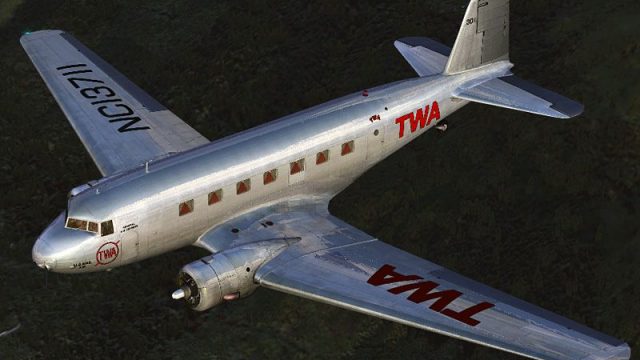
TWA’s first Douglas DC-2, NC13711, is recreated in its 1934 livery to match the aircraft that launched early U.S. airline routes like Columbus–Pittsburgh–Newark. Designed for Microsoft Flight Simulator X, this repaint refreshes exterior markings and period details, and requires the Uiver Team X Douglas DC-2 package.
 Rate
Rate
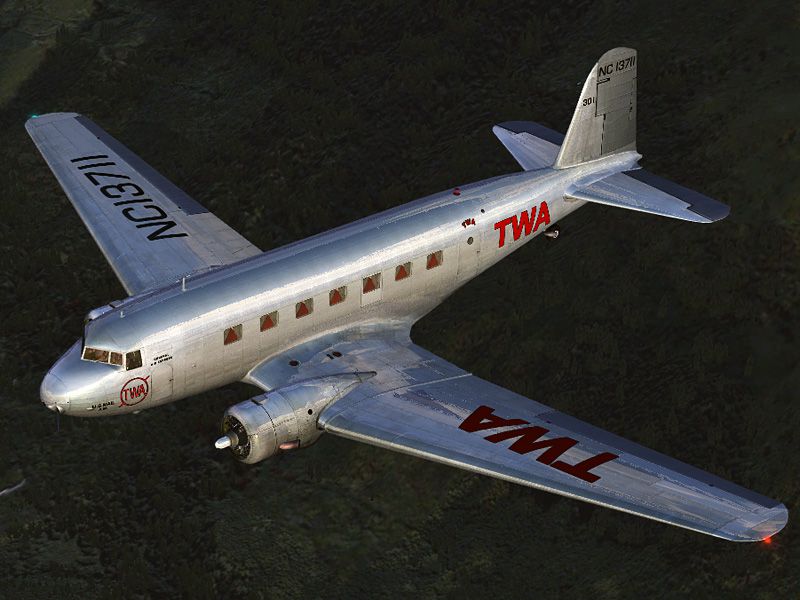
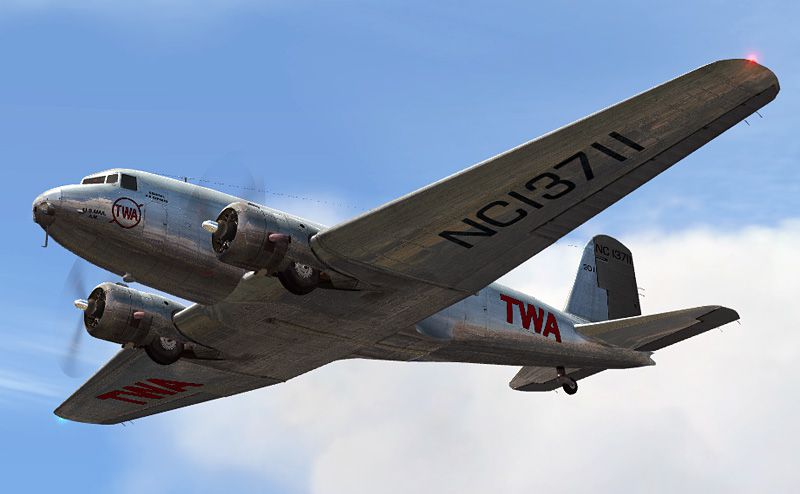

Douglas DC2-112 (c/n 1237), in service with TWA and registered 'NC13711' was the first DC-2 ever built. The first flight took place on 11 May 1934 and three days later the plane was delivered to TWA. On 11 May 1934 - only one week after its first flight - it entered commercial service with TWA on the Columbus-Pittsburgh-Newark route. This is a repaint for the Douglas DC-2 package by the Uiver Team X. The revenue from the sales of the DC-2 package will be donated to the Aviodrome, Dutch National Aviation Theme Park and Museum. By Tim Scharnhop.
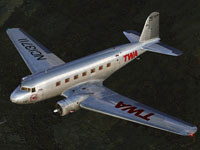
Screenshot of TWA Douglas DC-2 in flight.
[fltsim.XX]

title=Douglas DC-2 TWA 1934 X

sim=uiver_aviodrome

model=old

panel=old

sound=

texture=twa2

checklists=

kb_checklists=douglas_dc2_check

kb_reference=douglas_dc2_ref

atc_id_enable=1

atc_id=NC13711

description=Douglas DC2-112 (c/n 1237), in service with TWA and registered 'NC13711' was the first DC-2 ever build. The first flight took place on 11 May 1934 and three days later the plane was delivered to TWA. On 11 May 1934 - only one week after it's first flight - it entered commercial service with TWA on the Columbus-Pittsburgh-Newark route.\n\nFSX Flight Dynamics: Tom Falley, Rob Cappers\nModel: Alexander Schreijnders, Jan Visser, Rob Cappers\nTextures: Tim Scharnhop, Gerrit Kranenbarg, Jan Visser\nVC, Interior: Rob Cappers, Tim Scharnhop, Jan Visser\nXML & DLL Programming: HansJoerg Naegele\nGauge bitmaps: Rob Cappers, Tim Scharnhop\nEffects: Roland Berger

ui_manufacturer=Douglas

ui_type=DC-2

ui_variation=TWA 1934

ui_typerole="Twin Engine Prop"

ui_createdby=""Uiver" Team X"

atc_airline=TWA

atc_heavy=0

atc_flight_number=1934

atc_id_color=0x00000000

atc_id_font=Verdana,-11,1,600,0

visual_damage=0

atc_parking_types=RAMP
Save the file. You're done. Your new aircraft will now appear in the aircraft selection menu within the sim.
Free for all simmers · 13.86 MB · Scanned clean Oct 2026
Download speed: Free tier is capped at 0.5 Mbps (this file takes approximately 4 mins at the cap). PRO members download at full line speed.
texture.{airline}) inside FSX\SimObjects\Airplanes\{base-aircraft}\.aircraft.cfg in Notepad. Add a new [fltsim.X] section per the readme.readme.txt or README file. It tells you exactly where files go, what dependencies are needed, and any quirks specific to this add-on.The archive dc2x_twa2.zip has 19 files and directories contained within it.
This list displays the first 500 files in the package. If the package has more, you will need to download it to view them.
| Filename/Directory | File Date | File Size |
|---|---|---|
| dc2x_twa2.jpg | 05.17.11 | 107.53 kB |
| dc2x_twa2_2.jpg | 05.17.11 | 182.21 kB |
| file_id.diz | 05.17.11 | 745 B |
| readme.txt | 05.17.11 | 4.39 kB |
| Thumbnail.gif | 05.17.11 | 8.08 kB |
| dc2_CabinPlate.dds | 12.15.10 | 128.12 kB |
| dc2_CabinPlate_l.dds | 12.15.10 | 128.12 kB |
| dc2_CabinPlate_on.dds | 12.15.10 | 128.12 kB |
| DC2_exterior.dds | 05.17.11 | 16.00 MB |
| DC2_exterior_spec.dds | 03.07.11 | 4.00 MB |
| dc2_flag.dds | 02.03.09 | 64.12 kB |
| dc2_interior_1.dds | 12.08.10 | 2.00 MB |
| dc2_interior_2.dds | 05.17.11 | 2.00 MB |
| dc2_interior_3.dds | 05.17.11 | 2.67 MB |
| door_decal.dds | 11.05.09 | 341.45 kB |
| texture.cfg | 11.06.08 | 122 B |
| thumbnail.jpg | 05.17.11 | 66.17 kB |
| flyawaysimulation.txt | 10.29.13 | 959 B |
| Go to Fly Away Simulation.url | 01.22.16 | 52 B |
Only PRO members can place votes.
More FSX & P3D add-ons hand-picked based on this download.
FSX Propliners
This repaint adds a detailed Trans World Airlines (TWA) Douglas DC-2 “NC13711…
 FSX Propliners
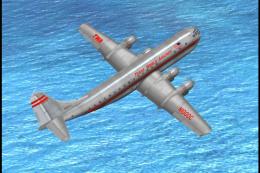
This repaint showcases an authentic Trans World Airlines (TWA) livery designe…
 FSX Propliners
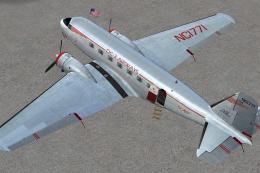
This carefully crafted repaint showcases a gleaming bare metal finish on a Do…
 FSX Propliners
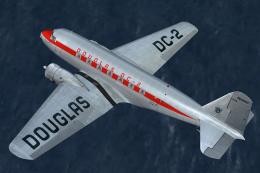
This freeware package offers a custom livery repaint for the payware Douglas …
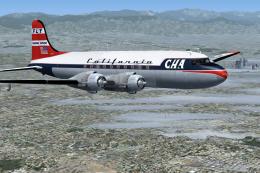 FSX Propliners
This is a mega pack containing a highly detailed Douglas DC-4 & C-54 model fo…
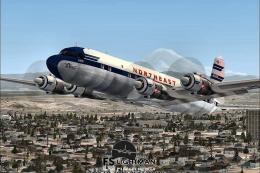 FSX Propliners
The flight model was created by Classic Airliners. All other updates were add…
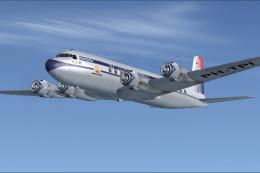 FSX Propliners
This package includes the DC6 in its earliest form with short nose (no weathe…
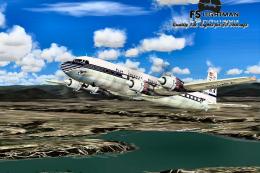 FSX Propliners
Pan Am Douglas DC-7 in Pan American 1990's livery. DC7 model by Classic Airli…
Be the first to leave a comment on this download.
Be the first to share your thoughts on this download.