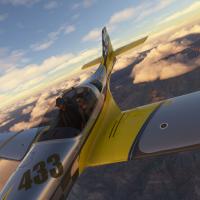
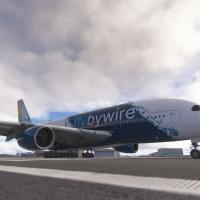
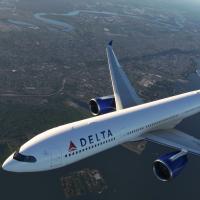
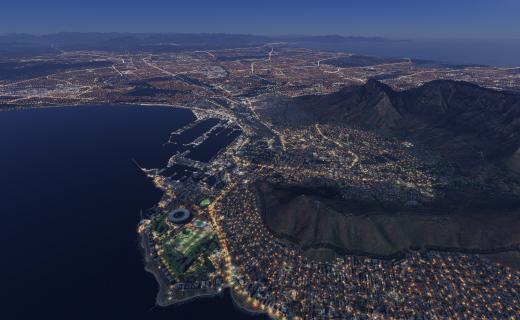
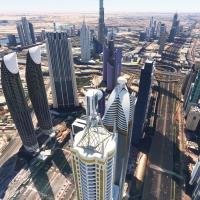
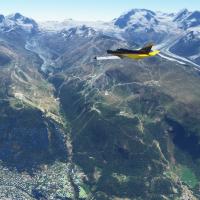
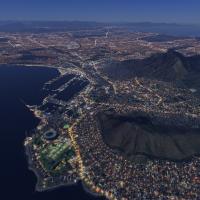
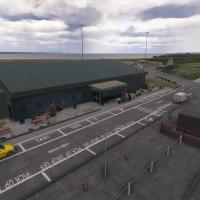
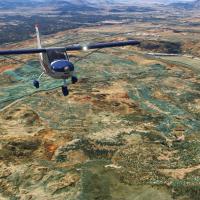
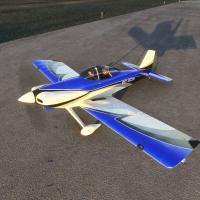
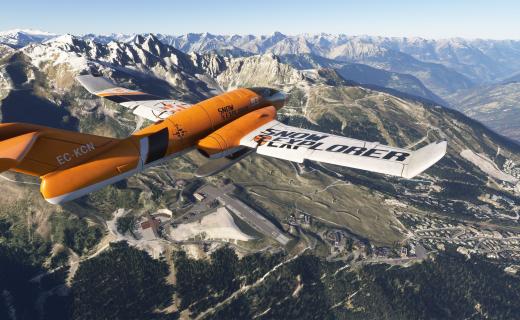
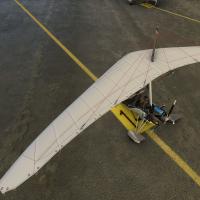
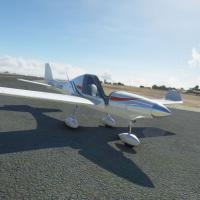
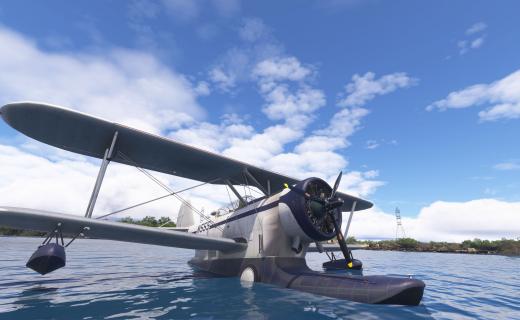
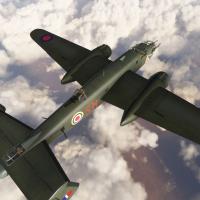
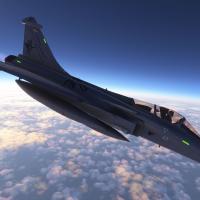
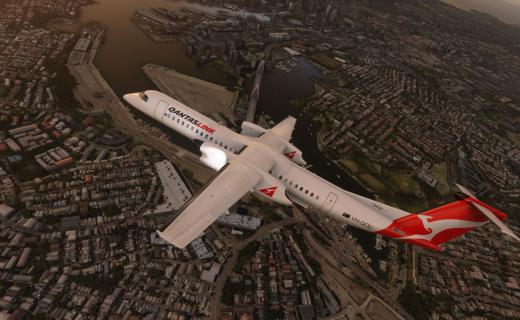
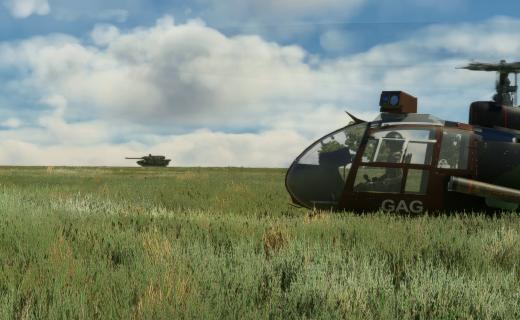
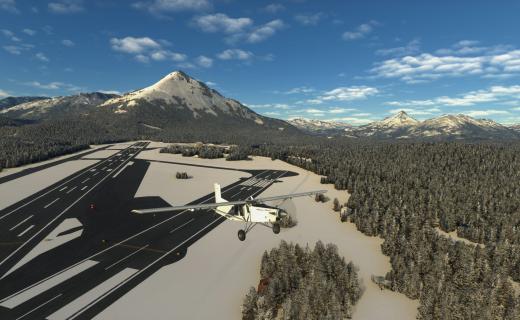
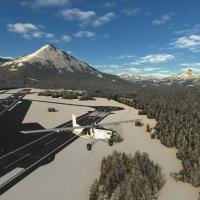
Six years in, MSFS is a different proposition than any flight sim that came before it. The base game is photoreal globally. The default aircraft are already excellent (the GA fleet in MSFS 2024 is genuinely impressive). The cloud streaming means you get satellite imagery, AI-generated buildings, and live weather without having to install anything. For the first time in flight simulation history, you can boot up the sim, click "Fly Now", and the entire world is already there.
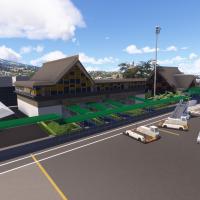
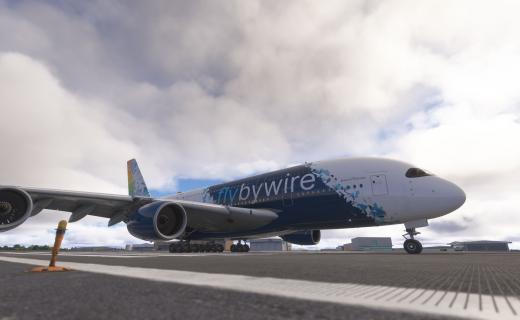
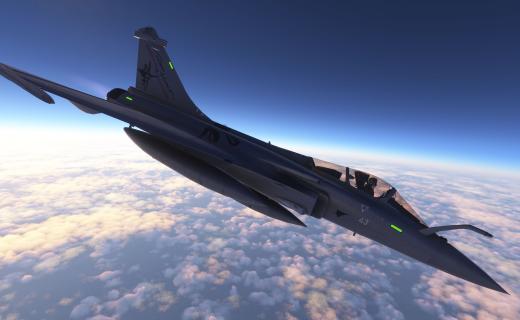
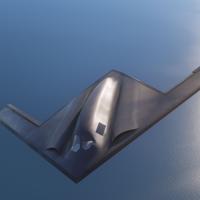
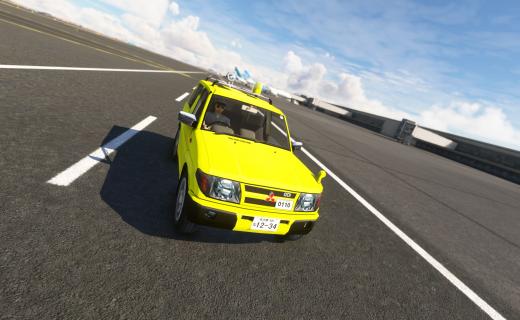
So where does that leave modders? Different from past sims. The community isn't scrambling to fill obvious gaps the way the FSX or X-Plane communities did — instead, MSFS mods are about refinement. Better-than-default aircraft. Hand-crafted airports that surpass the auto-generated ones. Specific photogrammetry of historically significant locations. Liveries for every airline that has ever flown. Tools that polish the experience.
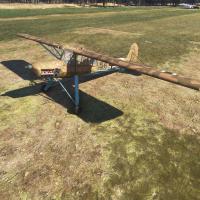
The MSFS 2024 release added a Career Mode, new aircraft types (helicopters, gliders, hot air balloons), and improved photogrammetry. The freeware community responded fast — new aircraft for 2024-specific features, career-mode scenarios, balloon-specific routes. It's an active, growing scene.
What you'll find in this section: aircraft (both freeware models and repaints), scenery (custom airports, photogrammetry, regional packs), missions, utility tools, and World Hub-related content. If you're new to MSFS modding, start with the Community Folder — most freeware installs by dropping a folder into ...\AppData\Local\Packages\Microsoft.FlightSimulator_8wekyb3d8bbwe\LocalCache\Packages\Community\ (or your equivalent location). Restart the sim, and the new content appears in the Content Manager.