Free aircraft, scenery and utilities tested in 64-bit Prepar3D — v6, v5 and v4. Most of the FSX library works in P3D too; this page tells you which categories do, which don't, and how to tell in 30 seconds.
Searches the whole library — FSX & P3D results carry a compatibility pill on every file pageThe three current branches share the same add-on architecture. A file that works in v4 almost always works in v5 and v6; a file that breaks does so because it carries 32-bit code from the FSX era.
The first 64-bit Prepar3D. Removed the 4 GB memory ceiling that limited FSX and v3, and made every compiled 32-bit gauge and module obsolete. PBR materials arrived in v4.4.
New DirectX 12 renderer, Enhanced Atmospherics and revised lighting. The add-on model is unchanged from v4, so the files here carry across. v5.4 is the version most v5 pilots run.
Builds on the v5 platform: physically based HDR lighting, SSAO and TAA, overhauled volumetric clouds and updated global airports. A separate purchase from v5; v5 add-ons mostly work with minor updates.
.gau and .dll gauges, old modules\ plug-ins — does not, and the aircraft's panel comes up blank. Still on v3 or earlier? That branch is 32-bit and takes the whole FSX library as-is.Freeware P3D aircraft, scenery and utilities our editors have installed and flown in 64-bit Prepar3D, ordered by all-time downloads. Every card opens the file page with screenshots, readme and a free download — no registration.
Complete packages and mega packs whose panels run in 64-bit P3D — airliners, military, GA, vintage and helicopters.


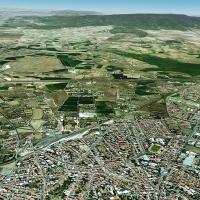
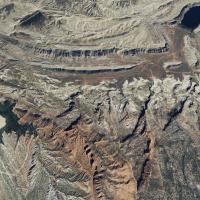
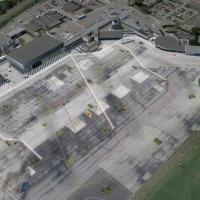
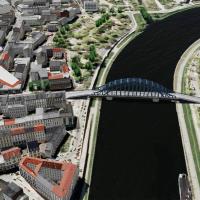
Photoreal regions, global mesh and airports. Scenery is the safest category in P3D; these are the packs we have confirmed.

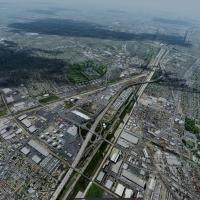
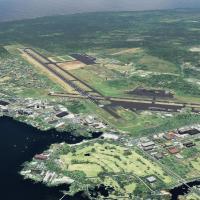



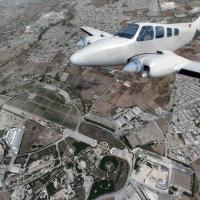



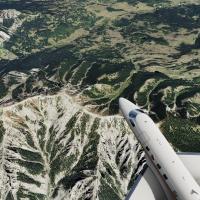
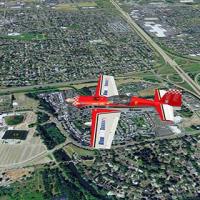
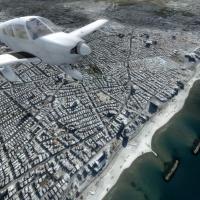
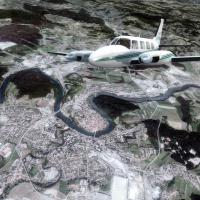
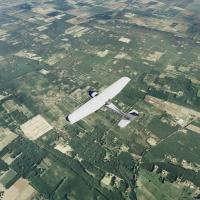
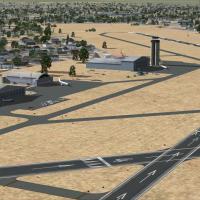
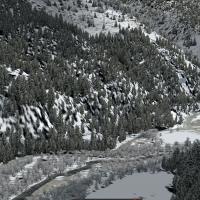
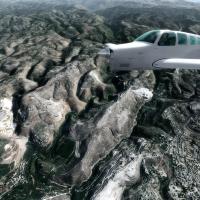
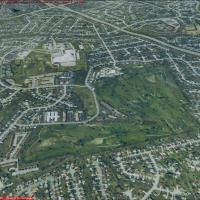


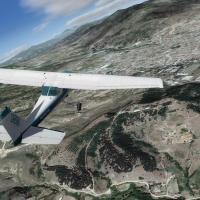
AI traffic, carriers and tools that have been run in P3D.
Prepar3D inherited the FSX/ESP add-on architecture, so the 13K files in our FSX section are the real P3D library. We don't duplicate them here; each category below links straight into it with the rule that applies.
Scenery, mesh and photoreal carry no gauges or DLLs. The BGL and texture formats are the same, so they drop straight in.
AFCAD Files558 files WorksAFCAD airport layouts are plain FSX-format BGLs that every 64-bit P3D still reads.
Other Aircraft & Vehicles196 files Usually worksAI ships, carriers, vehicles and traffic files have no cockpit code. The odd one needs an effect or a 64-bit traffic compiler.
Sound6 files WorksSound sets are WAV files and a sound.cfg — nothing version-specific.
General Aviation Aircraft1.1K files Panel decidesGA aircraft are the best bet — most use default or XML gauges, which work.
Civil Aircraft3.6K files Panel decidesThe model and textures load. XML gauges fly fine; compiled 32-bit .gau/.dll gauges give a blank panel.
Historic & Vintage Aircraft598 files Panel decidesVintage types often use simple XML gauges — good odds, but check panel.cfg.
Propliners232 files Panel decidesPropliners tend to use XML gauges. Check panel.cfg for any .gau or .dll entries.
Turboprops433 files Panel decidesTurboprops load; the engine and avionics gauges decide whether the panel is live.
Helicopters301 files Panel decidesHelicopters load and fly; check panel.cfg for .gau/.dll gauges before you commit.
Military Aircraft1.8K files Panel decidesMilitary models load; weapons and radar gauges are the usual 32-bit .dll culprits.
Business Jet Aircraft172 files Panel decidesBizjets usually ship with FMC-style gauges — those are often compiled, so check panel.cfg.
Panels & Gauges174 files Mixed2D panels and XML gauges work. Compiled 32-bit gauges (.gau/.dll) do not load in v4, v5 or v6.
Utilities149 files Check the fileStand-alone tools are fine; anything that hooks into the sim (modules, FSUIPC-dependent) needs a 64-bit build.
Misc375 files Check the fileA mixed bag — textures and effects usually work, in-sim modules need 64-bit builds.
Missions373 files Not compatibleP3D replaced the FSX mission system with its own scenarios, so FSX mission packs generally don't load.

Prepar3D started life as a licensed copy of Microsoft's ESP engine — the same core as FSX. That is why the FSX add-on formats never changed: aircraft are still a SimObjects folder with an aircraft.cfg, scenery is still BGL files plus a texture folder, airports are still AFCAD-style BGLs, and sounds are still WAVs. Lockheed Martin kept all of it through v4, v5 and v6, which is why a 2008 scenery pack installs in v6 exactly as it did in FSX.
What changed in v4 was the executable: Prepar3D became a 64-bit program. A 64-bit process cannot load 32-bit code. The only FSX add-on content that is compiled code is the gauge and module layer — .gau and .dll files referenced from panel.cfg, and the old modules\ plug-ins. When a 64-bit P3D hits one of those it simply skips it, which is why the classic symptom of an "incompatible" FSX aircraft is a model that loads and flies with a blank or half-empty panel, not a crash.
That makes the odds predictable by category. Scenery, mesh, photoreal and AFCADs contain no code at all and work in every 64-bit version. AI traffic models and sound sets likewise. Aircraft are the mixed bag: an aircraft whose gauges are XML (the default and most freeware gauges are) works; one that relies on a compiled FMC, radar or weapons DLL needs a 64-bit rebuild from the developer, which for abandoned freeware usually never comes. Many pilots keep those models and swap the panel for a working default or XML gauge set — that is often all that stands between the file and your v6 install.
Across the three current branches the picture is simple: v4, v5 and v6 are three releases of one 64-bit platform, installed side by side in their own folders. Something that runs in v4 almost always runs in v5 and v6. v6 has the newest renderer and the smallest native add-on base, so where a developer says "v5 only", read that as "not yet tested in v6" rather than "will not work". Install the P3D way where you can: v4 and later read add-on.xml packages from Documents\Prepar3D v6 Add-ons\ (or the v5/v4 equivalent), which keeps the core folder clean — but dropping files into SimObjects\ and Addon Scenery\ the FSX way still works in all three.
.gau/.dll gauges. FSX missions do not work — P3D uses its own scenario system. The category table above gives the rule for each FSX section.panel.cfg, find the .gau/.dll entries and replace them with default or XML gauges, or look for a 64-bit update from the developer.add-on.xml inside Documents\Prepar3D v6 Add-ons\ (v5 and v4 have their own folders); P3D discovers it on launch and asks to enable it. The FSX way still works: aircraft into SimObjects\Airplanes\, scenery into Addon Scenery\ and added through the Scenery Library. Each version has its own folders — never share one install between branches.Step-by-step answers written by the Fly Away team, plus our Prepar3D news coverage and the community forum.
Publish your 64-bit freeware to 145,000+ simmers through the creators portal. We handle the screenshots, the listing and the hosting, and we tag the P3D branches you tested so it lands on this page.



