

 FSX Helicopters
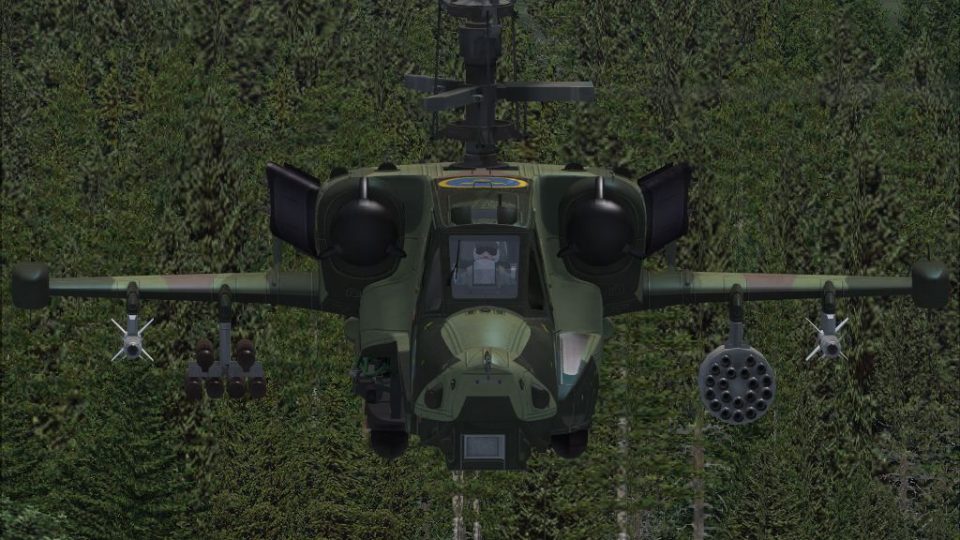
Swedish Armed Forces Desert Ka-50 Alphasim Repaint
This unique repaint showcases a desert-themed Swedish Armed Forces livery for…
Swedish Armed Forces-style M90 camouflage gives the AlphaSim Ka-50 a bold Scandinavian look, with crisp angular geometry, subtle weathering, and markings that suit the helicopter’s aggressive lines and coaxial-rotor stance. Built for Microsoft Flight Simulator X, it preserves the model’s exterior detail and virtual cockpit feel, and requires the payware AlphaSim Ka-50.
 Rate
Rate
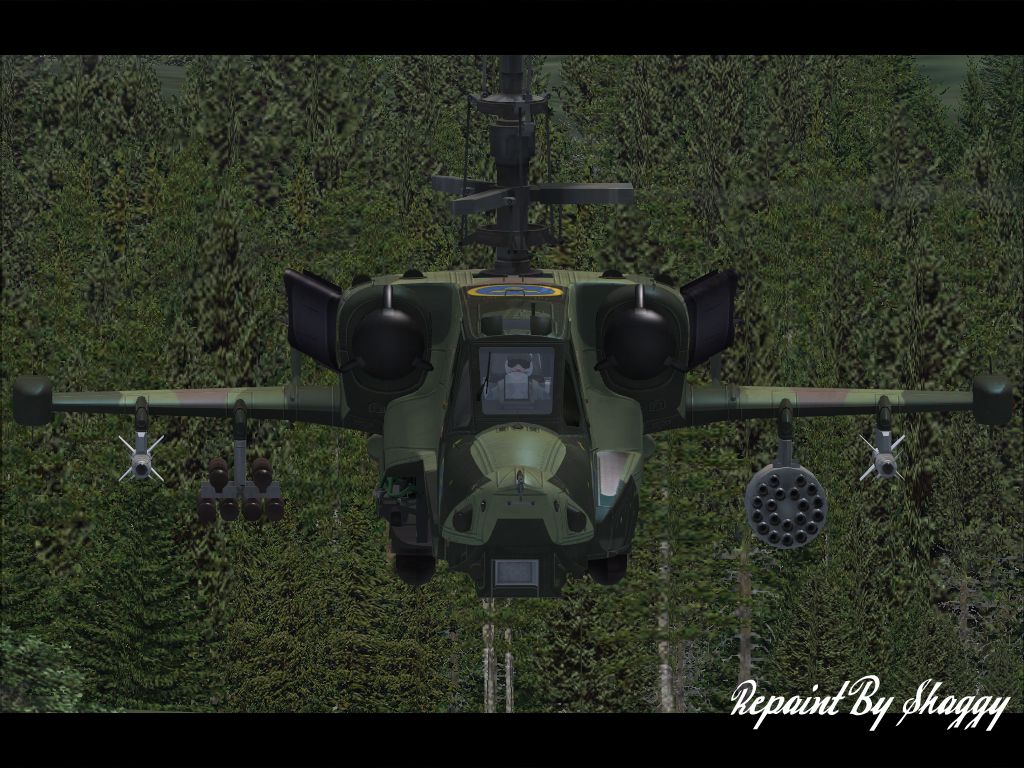
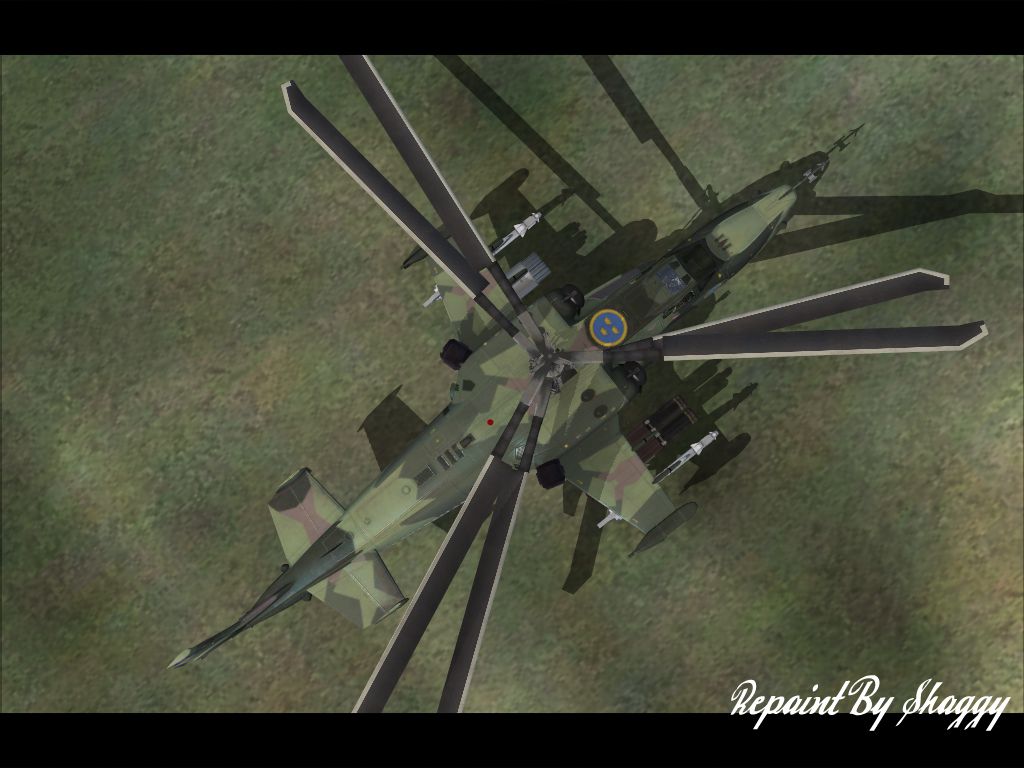
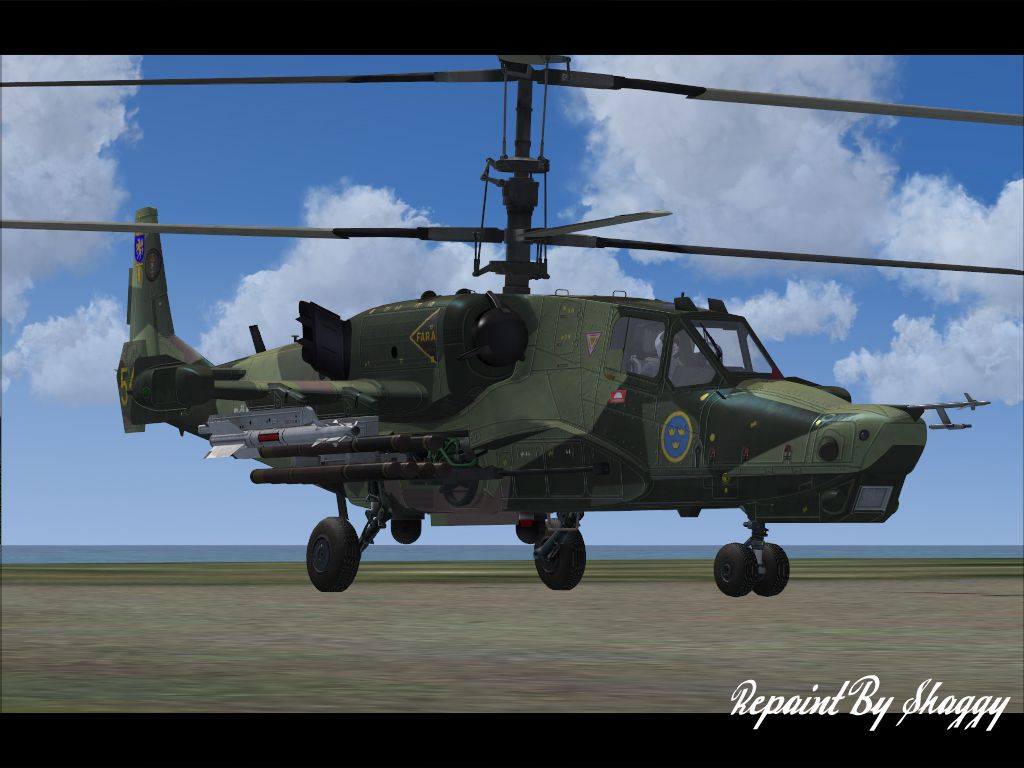
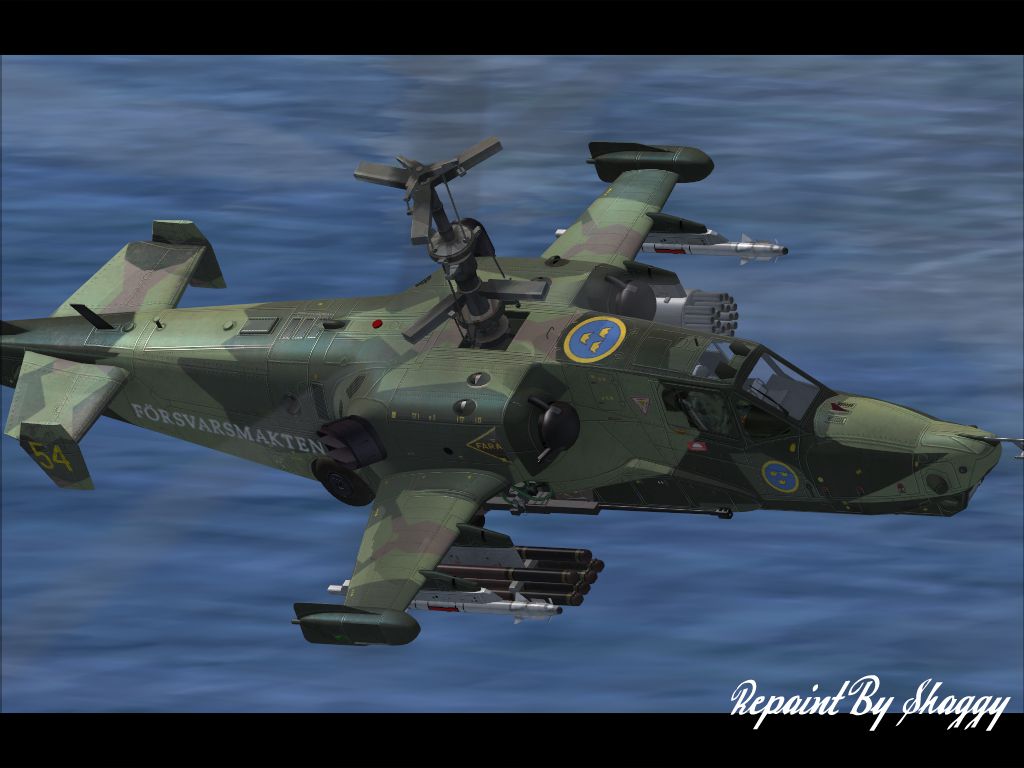
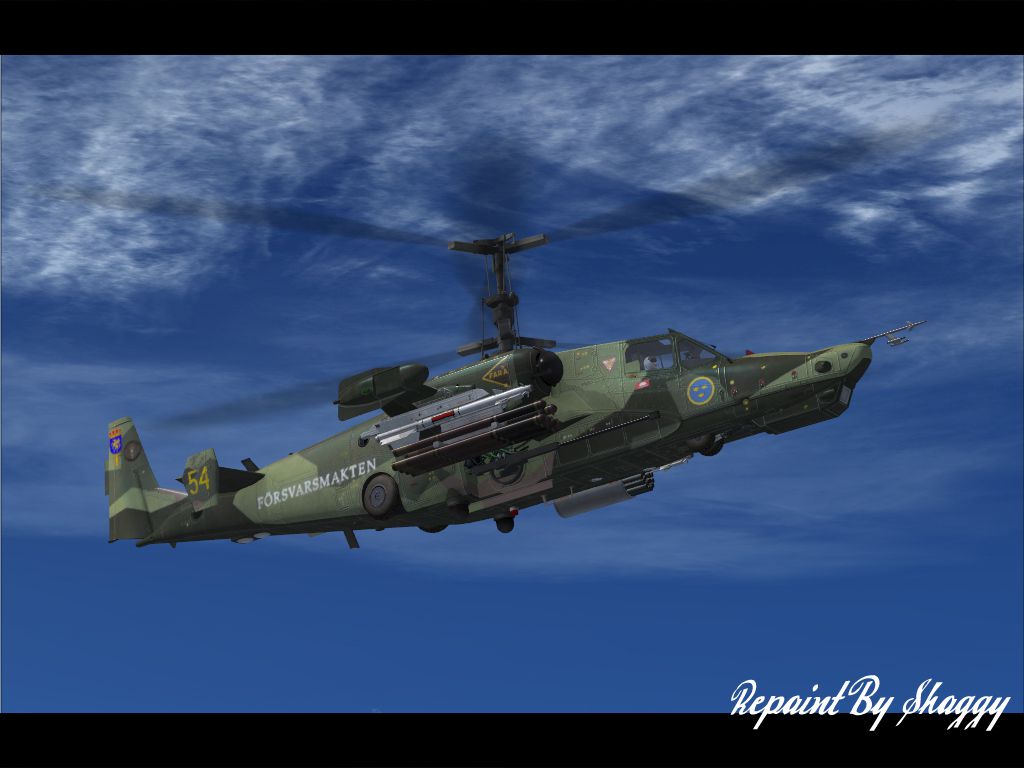

Enhance your rotorcraft collection with a striking adaptation of the Russian-designed Ka-50, now reimagined through a distinctive M90-style camouflage scheme. Originally crafted by the renowned Kamov design bureau, this single-seat attack helicopter features a coaxial rotor system that provides enhanced agility, making it highly regarded in military aviation circles. In this fictional repaint, artist Bjorn Jason Evans merges the aircraft’s aggressive lines with an authentic Scandinavian pattern that’s commonly seen on real Nordic rotorcraft, giving flight simulator enthusiasts a vivid new take on an iconic model. Although the Ka-50 is most often associated with its service in the Russian Air Force, this add-on envisions how the design might appear under the Swedish Armed Forces banner.
This upgraded texture replicates the remarkable angular geometry central to the Swedish M90 pattern. Traditionally employed on helicopters operated by Scandinavian forces, the visual element lends a unique aesthetic to an aircraft known for its remarkable performance and advanced avionics. The blend of muted hues and bold geometry accentuates the Ka-50’s robust fuselage, while the updated markings acknowledge a fictional Swedish unit. The end result is a lively transformation without compromising the helicopter’s original structural details.
Designed for Microsoft Flight Simulator X, this repaint incorporates high-resolution graphics that simulate realistic wear and subtle weathering. Users will immediately notice how the camouflage interacts with various lighting conditions inside the simulator, reflecting the intricacies of the Ka-50’s fuselage contours. The helicopter’s coaxial rotors, prized for their reduced vibration levels and compact footprint, remain prominently displayed. This fictional scheme also complements the rotorcraft’s reputed agility and maneuverability, reinforcing the sense of immersion many pilots seek.
In order to experience this unique repaint in your virtual hangar, the payware AlphaSim Ka-50 is required. The base model offers a detailed cockpit layout, sophisticated flight dynamics, and a fully operational weapon system, making it a robust platform for advanced rotorcraft simulation. Please note, the payware package itself is not included with this repaint; a separate purchase from a vendor such as SimShack is necessary.
Once you have acquired the payware rotorcraft, installing this texture is straightforward. Extract the repaint files into your existing Ka-50 folder, update the aircraft configuration, and load the game to see the newly applied livery. The creative vision behind this repaint is courtesy of Bjorn Jason Evans, whose attention to detail and color accuracy provides an immersive blend of realism and fictional styling. Anyone seeking a vibrant design motif for the Ka-50 should find this repaint to be an appealing addition to their virtual flights.
Free for all simmers · 5.23 MB · Scanned clean Oct 2026
Download speed: Free tier is capped at 0.5 Mbps (this file takes approximately 1 min at the cap). PRO members download at full line speed.
texture.{airline}) inside FSX\SimObjects\Airplanes\{base-aircraft}\.aircraft.cfg in Notepad. Add a new [fltsim.X] section per the readme.readme.txt or README file. It tells you exactly where files go, what dependencies are needed, and any quirks specific to this add-on.The archive safka-50.zip has 20 files and directories contained within it.
This list displays the first 500 files in the package. If the package has more, you will need to download it to view them.
| Filename/Directory | File Date | File Size |
|---|---|---|
| Installation.txt | 08.10.08 | 2.16 kB |
| gearF.dds | 07.19.08 | 1.00 MB |
| gearM.dds | 07.19.08 | 1.00 MB |
| helmet1_t.dds | 07.19.08 | 1.00 MB |
| hokbits.dds | 08.10.08 | 1.33 MB |
| hokfront.dds | 08.10.08 | 1.33 MB |
| hokparts.dds | 07.19.08 | 1.00 MB |
| hokrear.dds | 08.10.08 | 1.33 MB |
| Pilot.dds | 07.19.08 | 1.00 MB |
| PilotFace1.dds | 07.19.08 | 256.12 kB |
| texture.cfg | 06.18.07 | 70 B |
| thumbnail.jpg | 08.10.08 | 43.05 kB |
| Readme.txt | 08.10.08 | 644 B |
| AS_SwedishKA-50.jpg | 08.10.08 | 406.79 kB |
| AS_SwedishKA-501.jpg | 08.10.08 | 361.01 kB |
| AS_SwedishKA-502.jpg | 08.10.08 | 771.83 kB |
| AS_SwedishKA-503.jpg | 08.10.08 | 370.15 kB |
| AS_SwedishKA-504.jpg | 08.10.08 | 439.34 kB |
| flyawaysimulation.txt | 10.29.13 | 959 B |
| Go to Fly Away Simulation.url | 01.22.16 | 52 B |
Only PRO members can place votes.
More FSX & P3D add-ons hand-picked based on this download.
FSX Helicopters
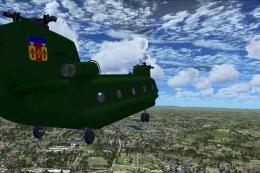
This unique repaint showcases a desert-themed Swedish Armed Forces livery for…
 FSX Helicopters
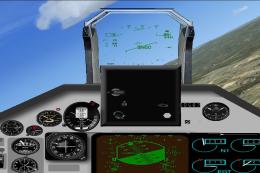
This comprehensive update brings newly refined repaint textures, plus the ori…
 FSX Helicopters
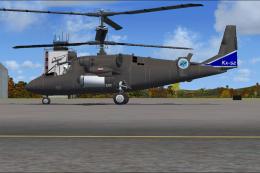
Update of the Pierre Marchadier and Francois Reitz Kamov Ka50 Hokum Package b…
 FSX Helicopters
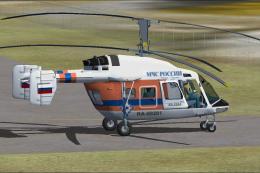
An update of the Kazunori Ito Kamov Ka52 Alligator to work in FSX by replacin…
 FSX Helicopters
An update to the Vladimir Zhyhulskiy FS2002 Kamov Ka-226 Ru MCS to work in FS…
 FSX Helicopters
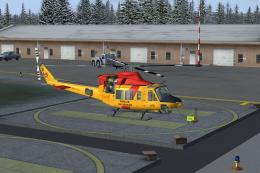
Canadian Forces Bell 412. in rescue colors. A repaint of the CERA model. Text…
 FSX Helicopters
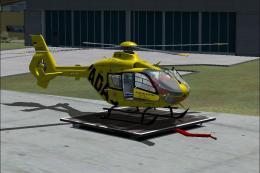
This file contains 24 repaints of the German Air Ambulance "ADAC Luftrettung"…
 FSX Helicopters
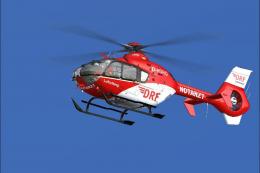
This file contains 14 repaints of the German Air Ambulance "DRF" for the Neme…
Be the first to leave a comment on this download.
Be the first to share your thoughts on this download.