



 Switzerland






 MSFS Scenery
Geneva City Photogrammetry
Delve into the heart of Europe with the Geneva City Photogrammetry Scenery, a…
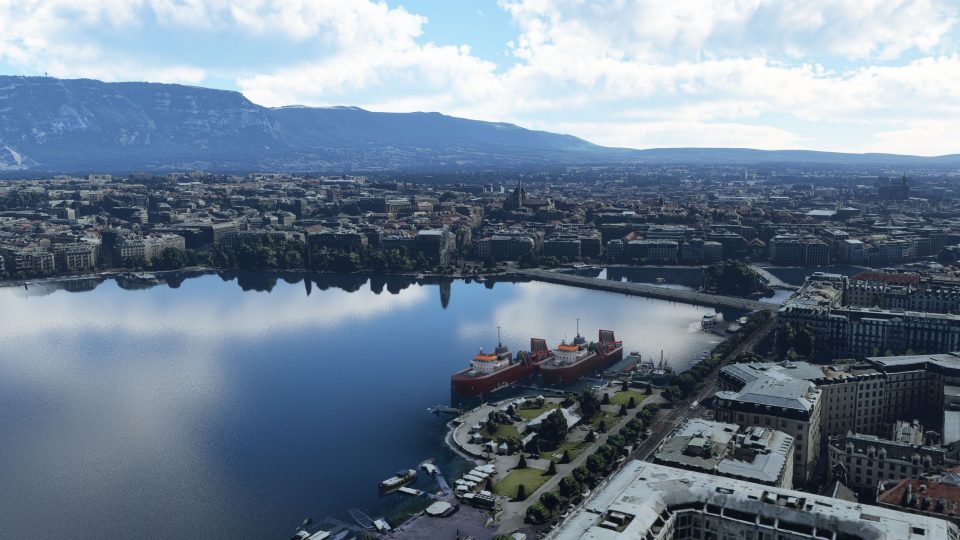
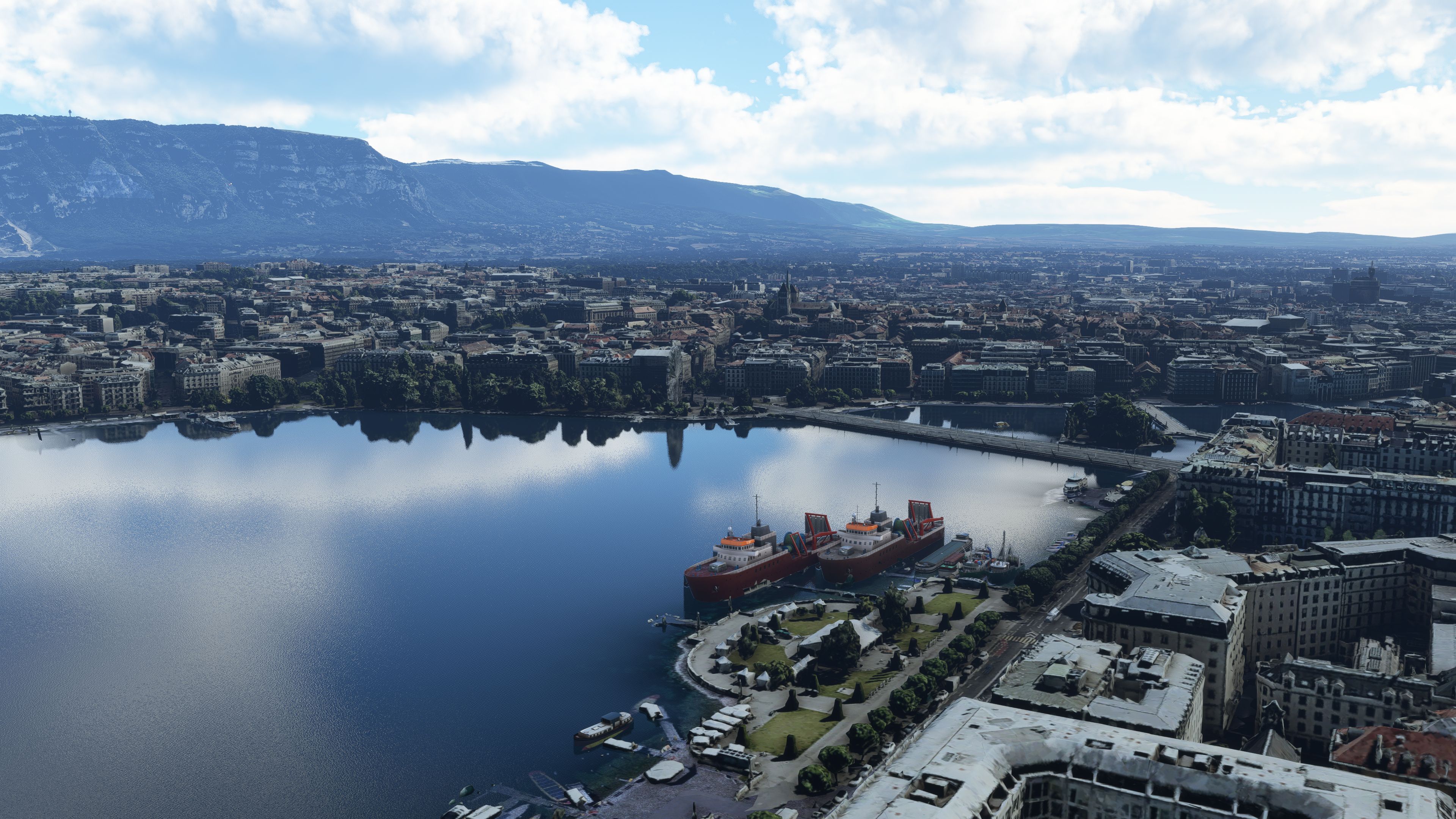
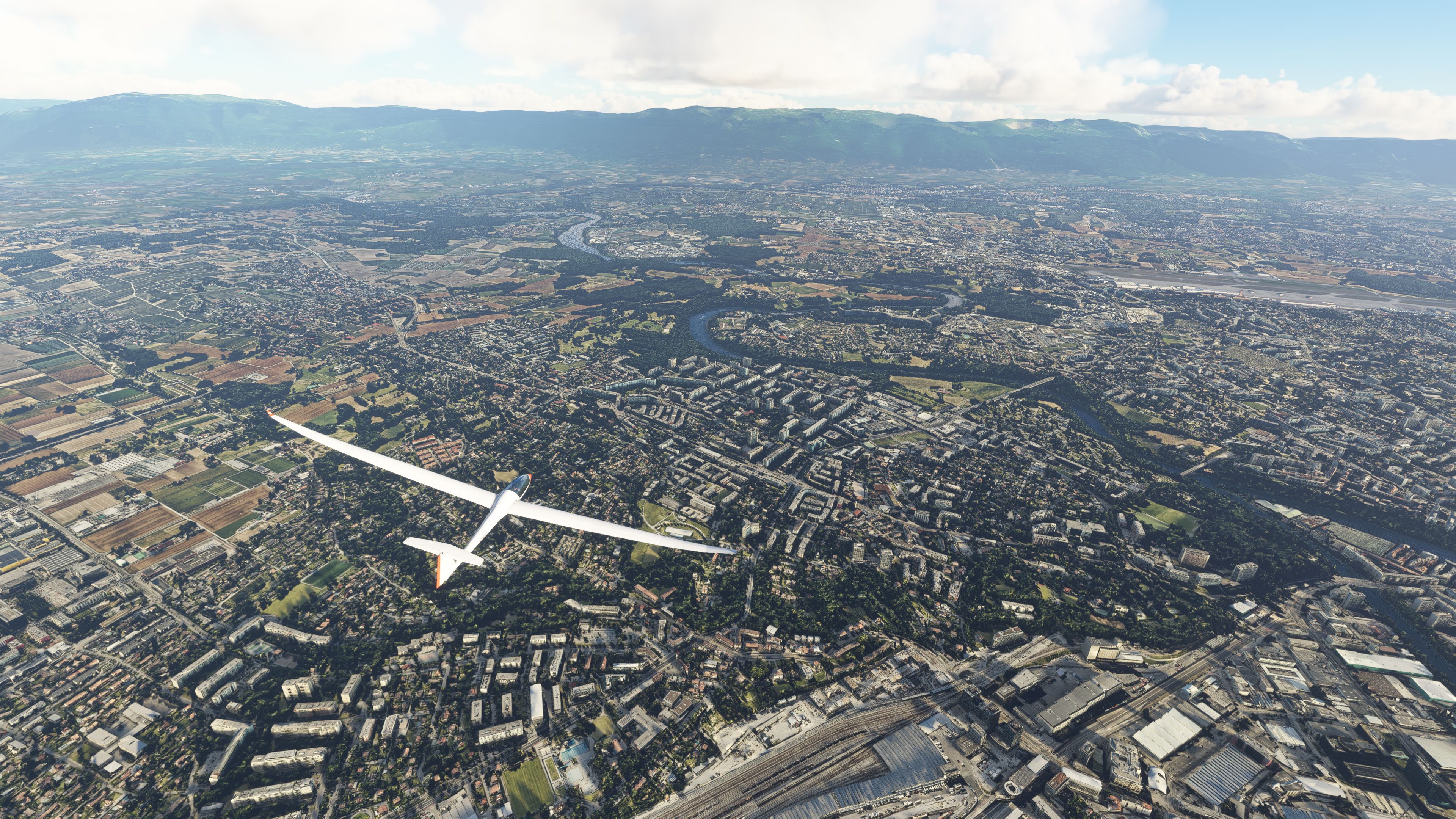
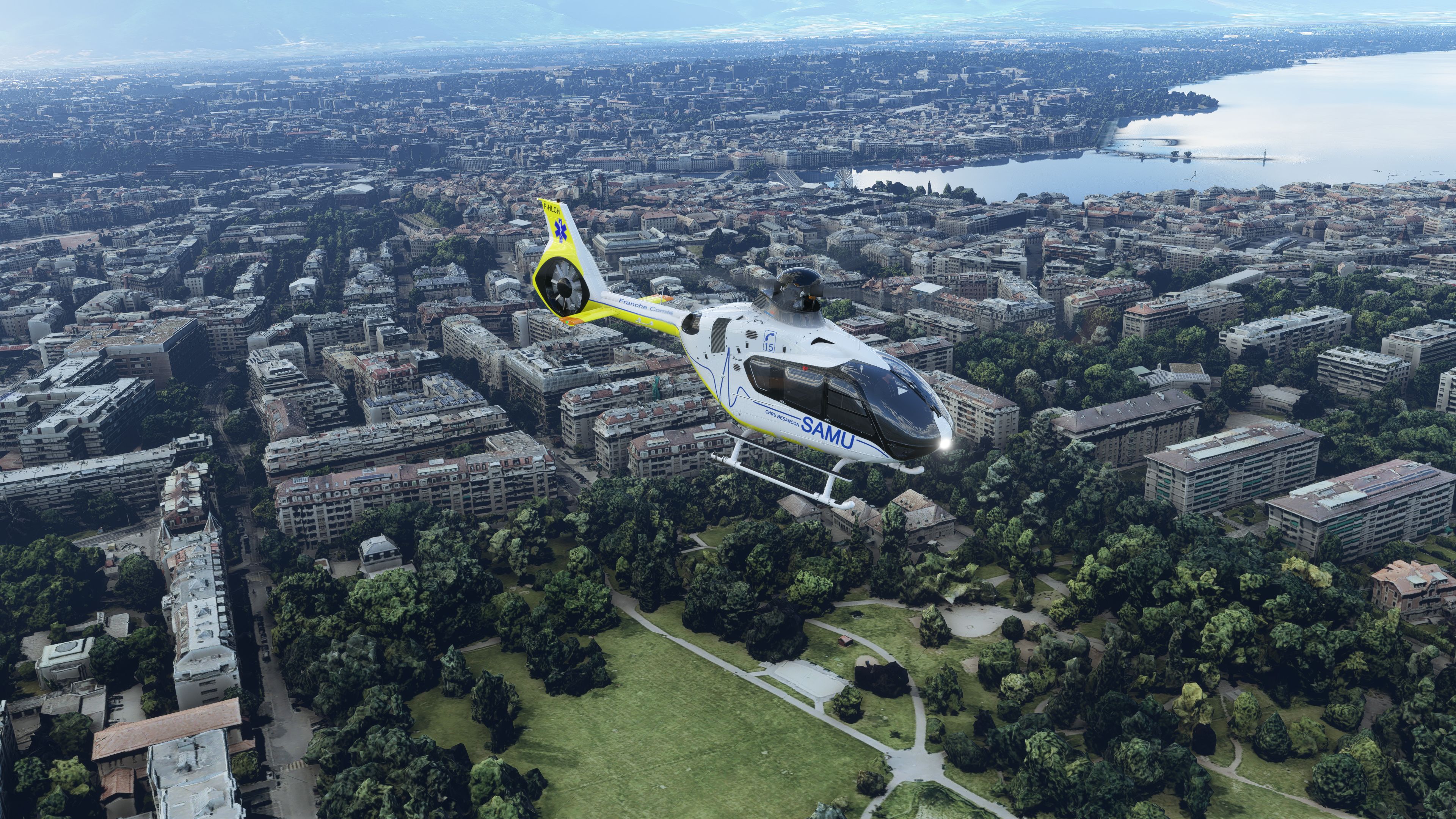
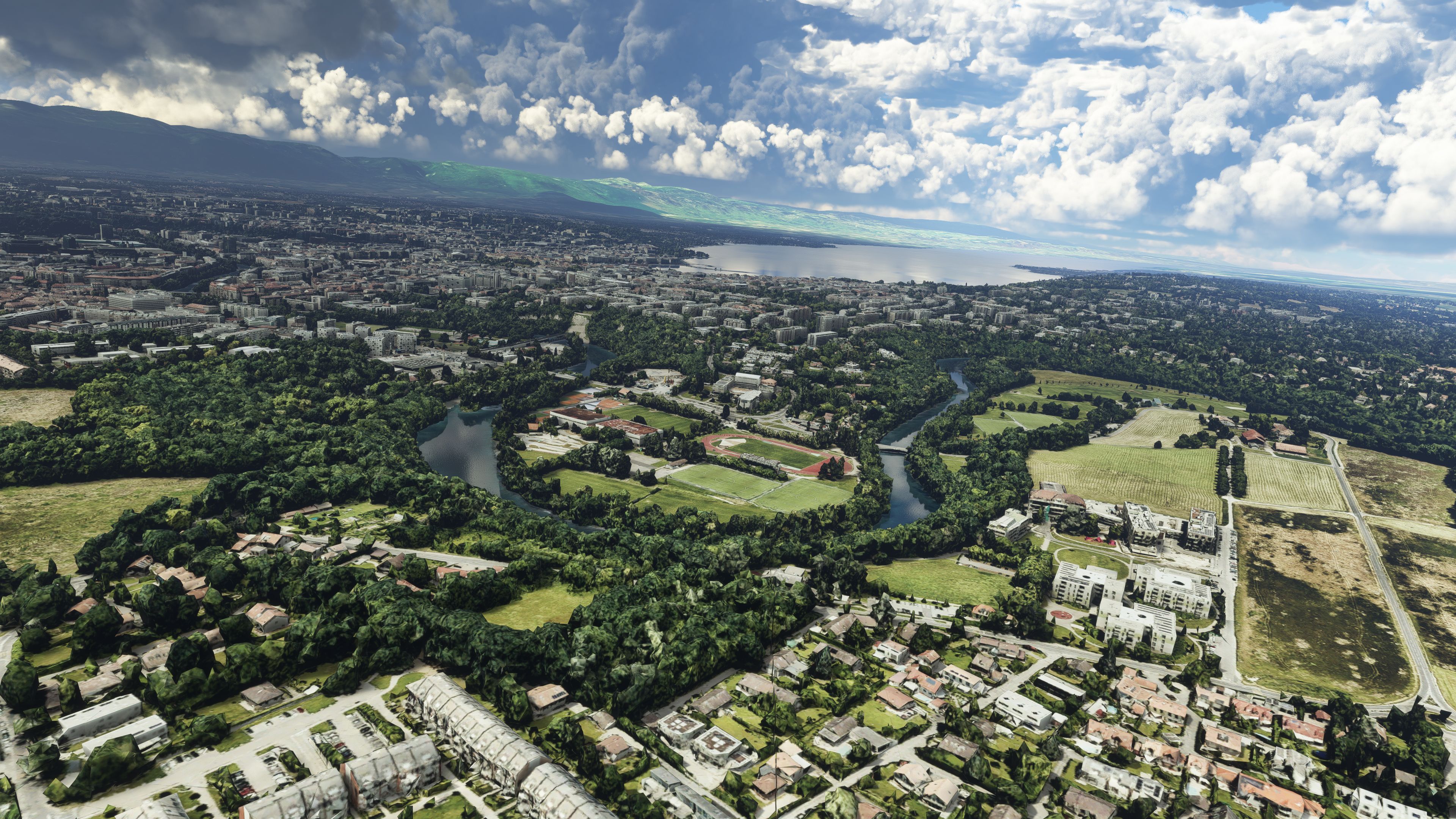
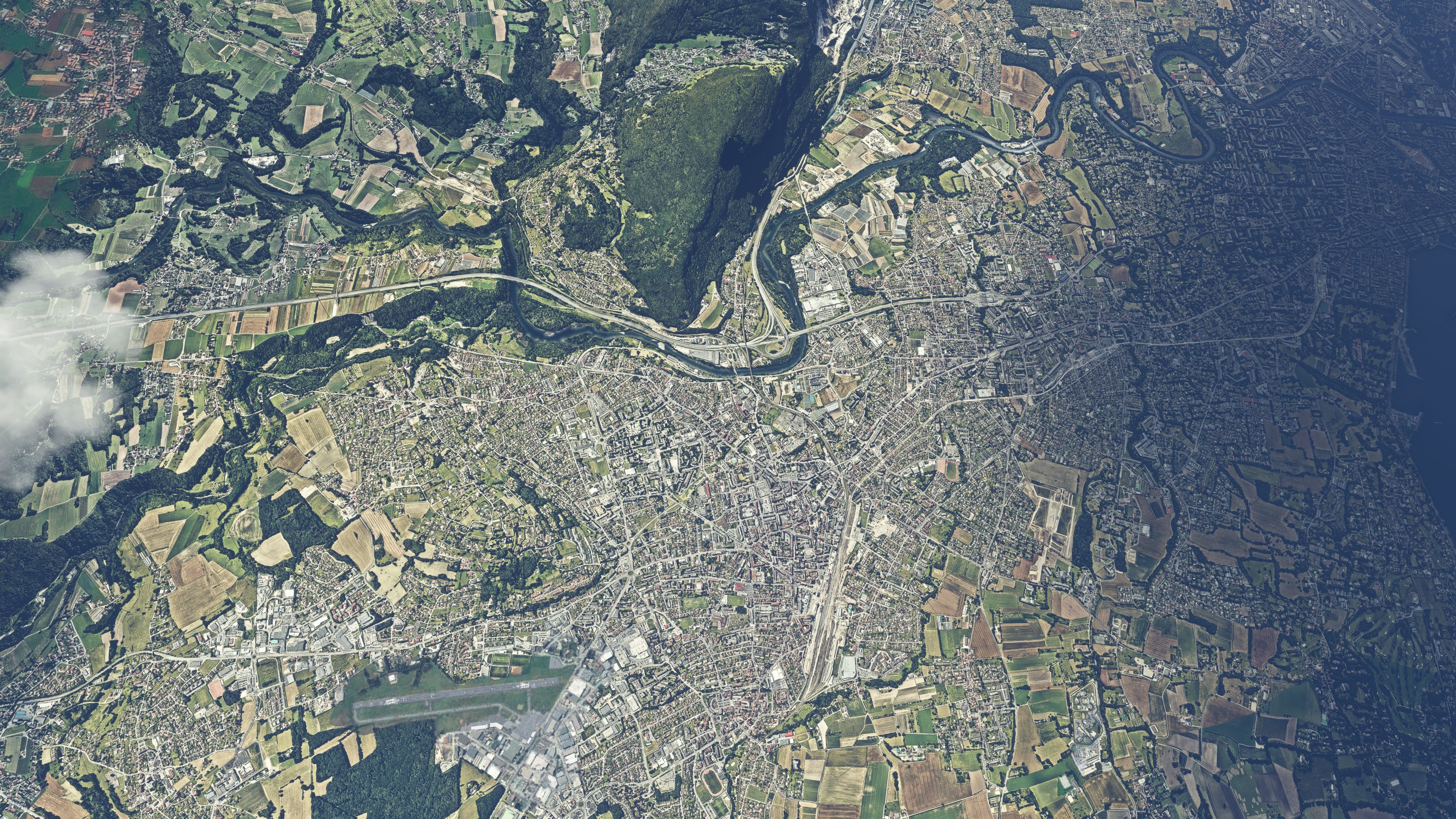
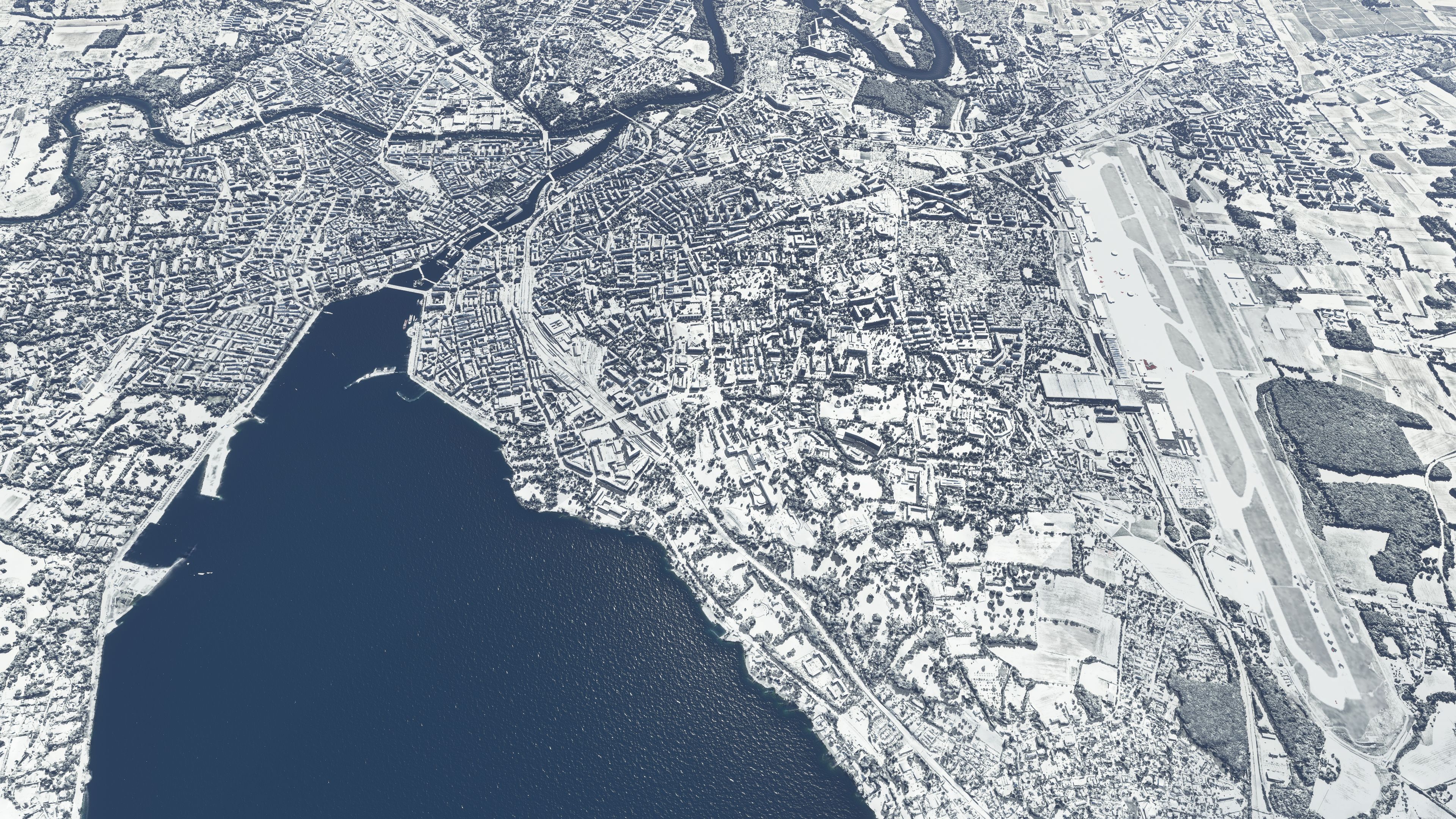
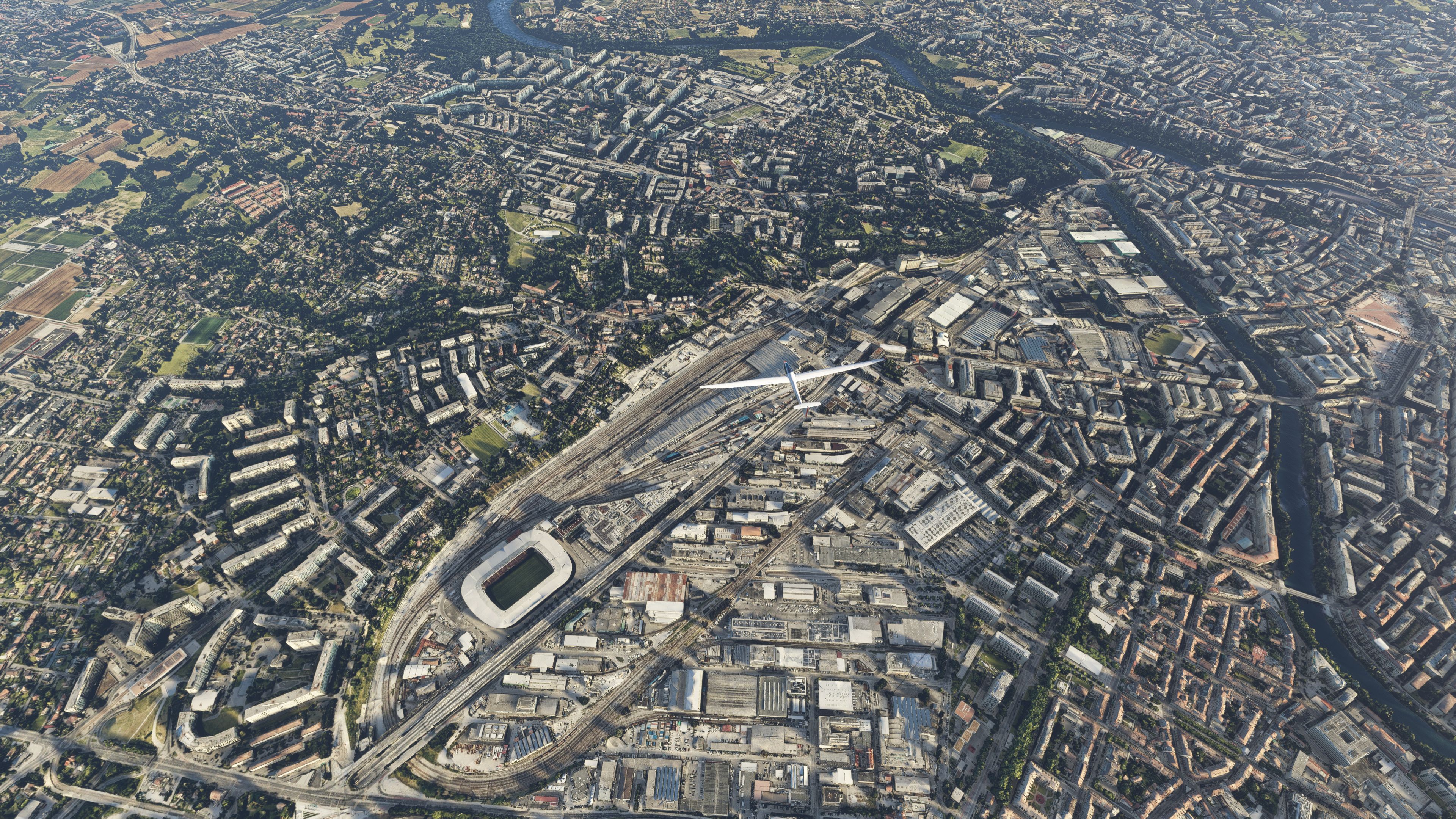
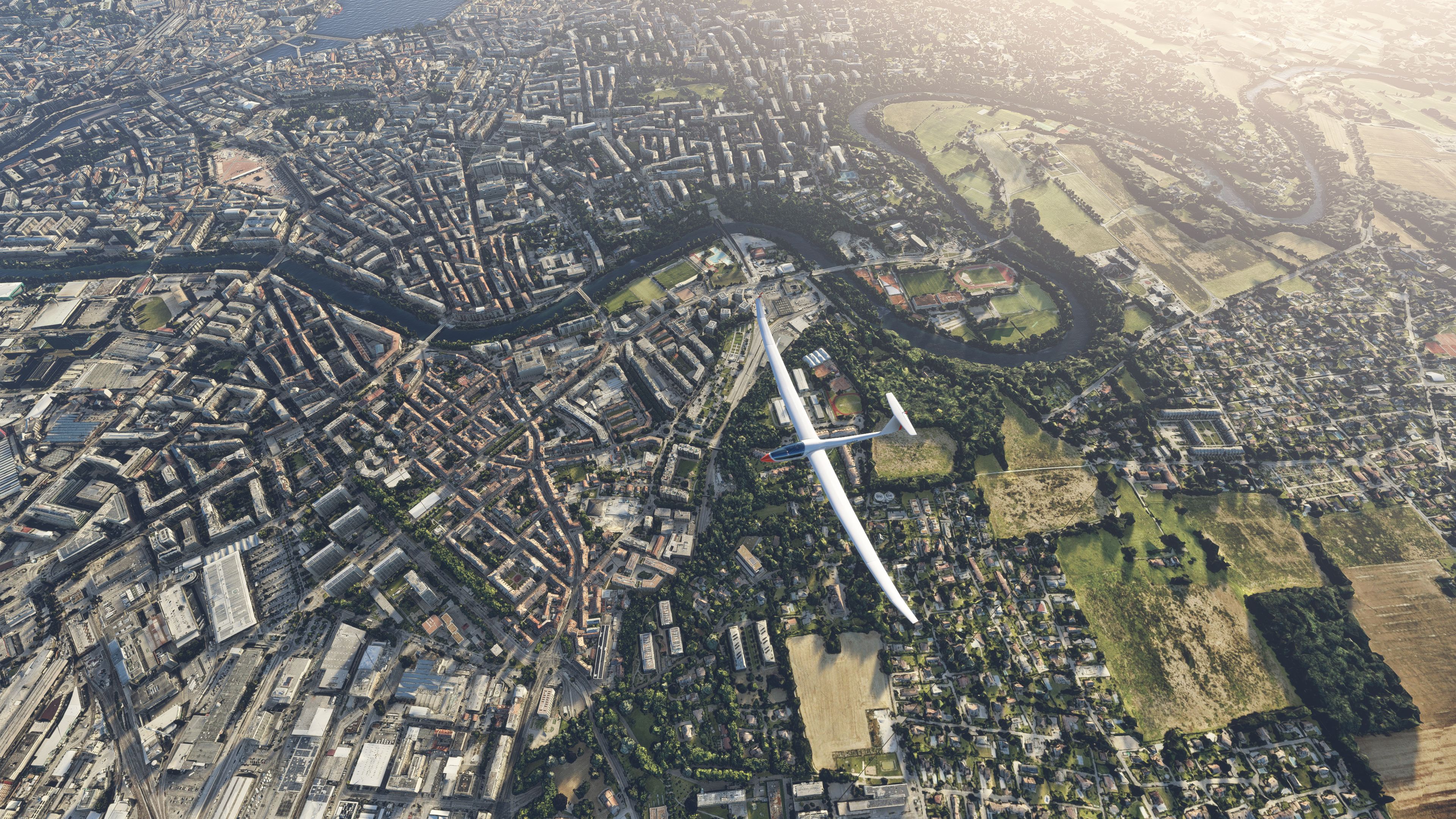
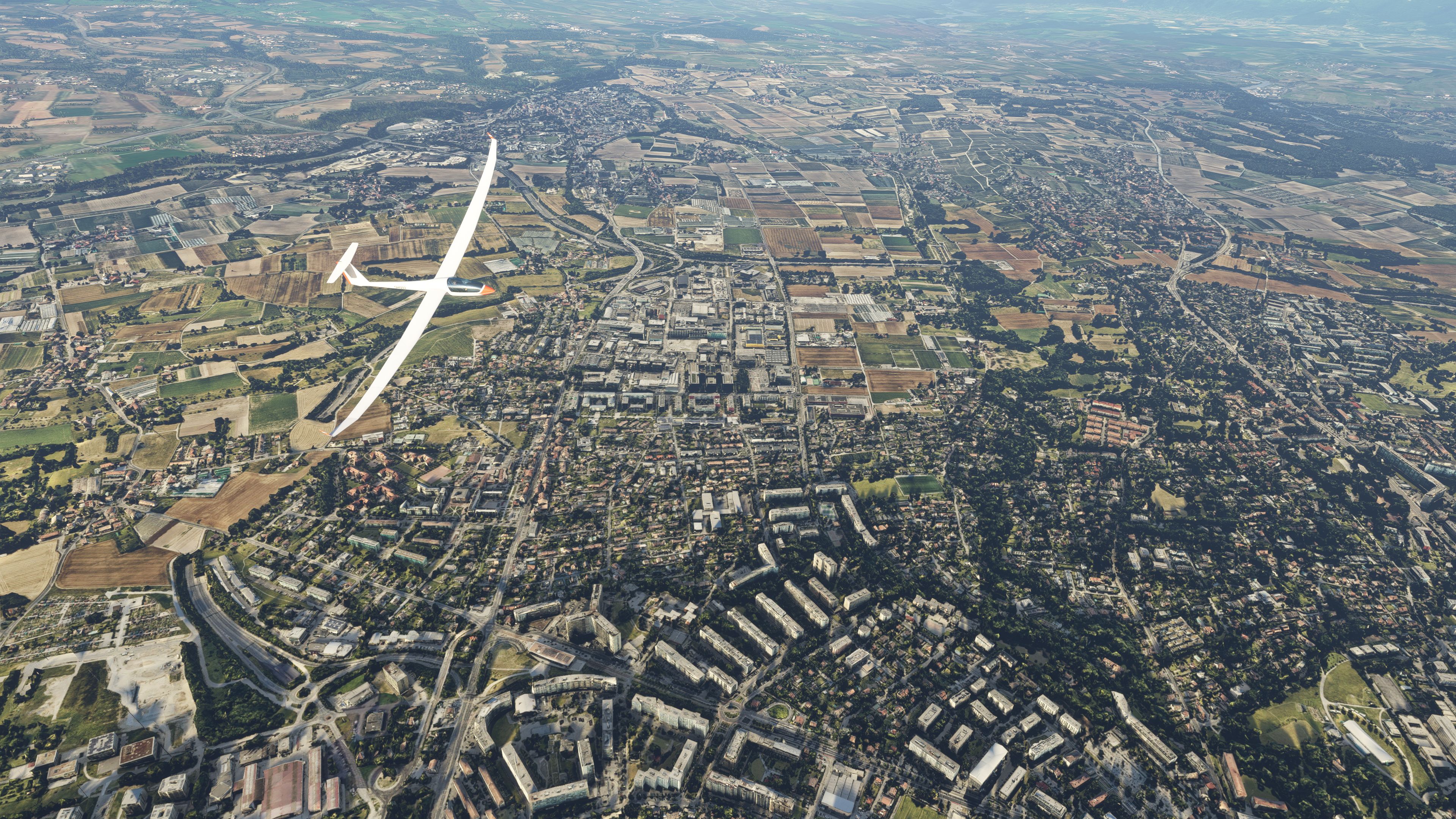
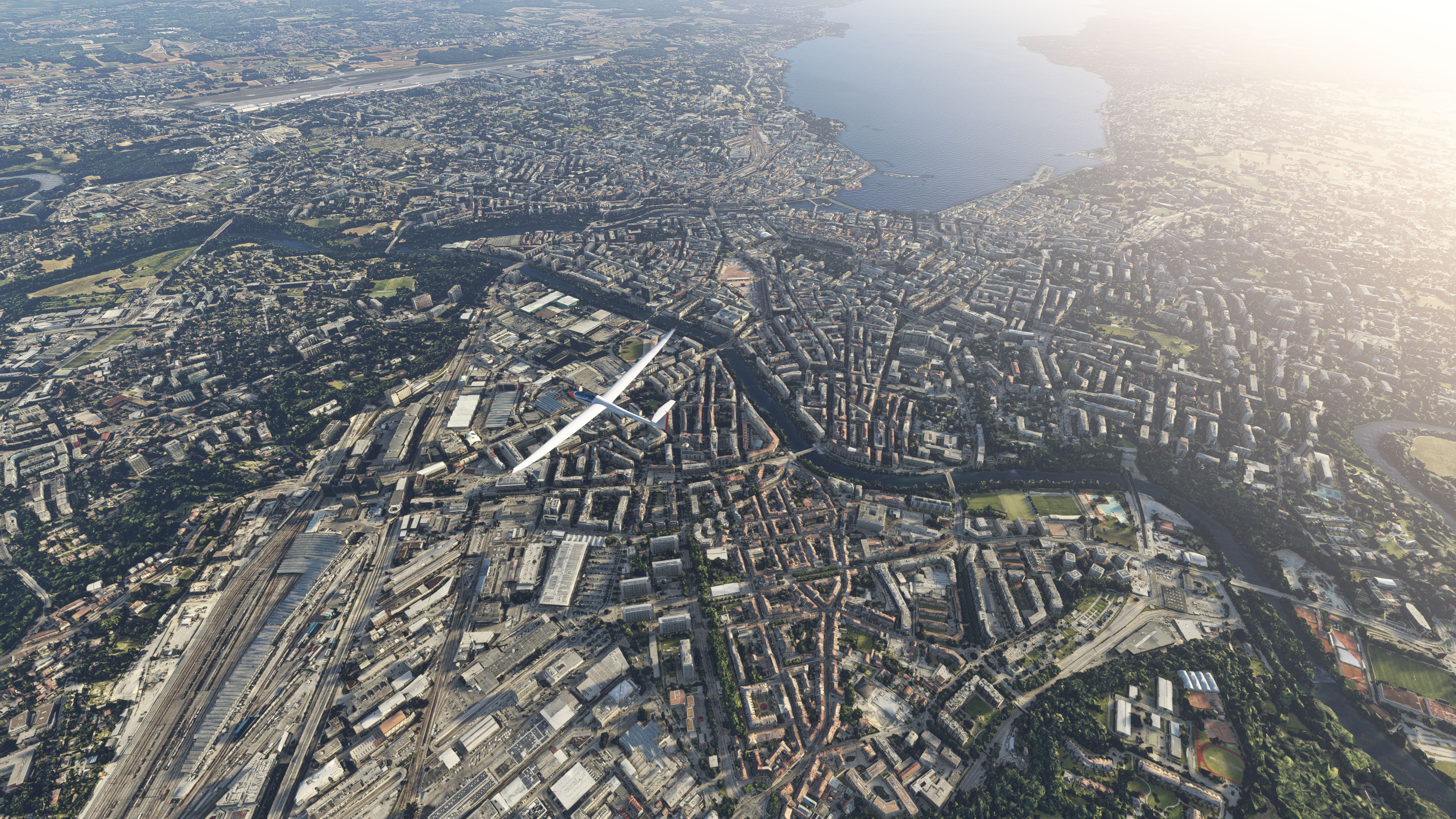
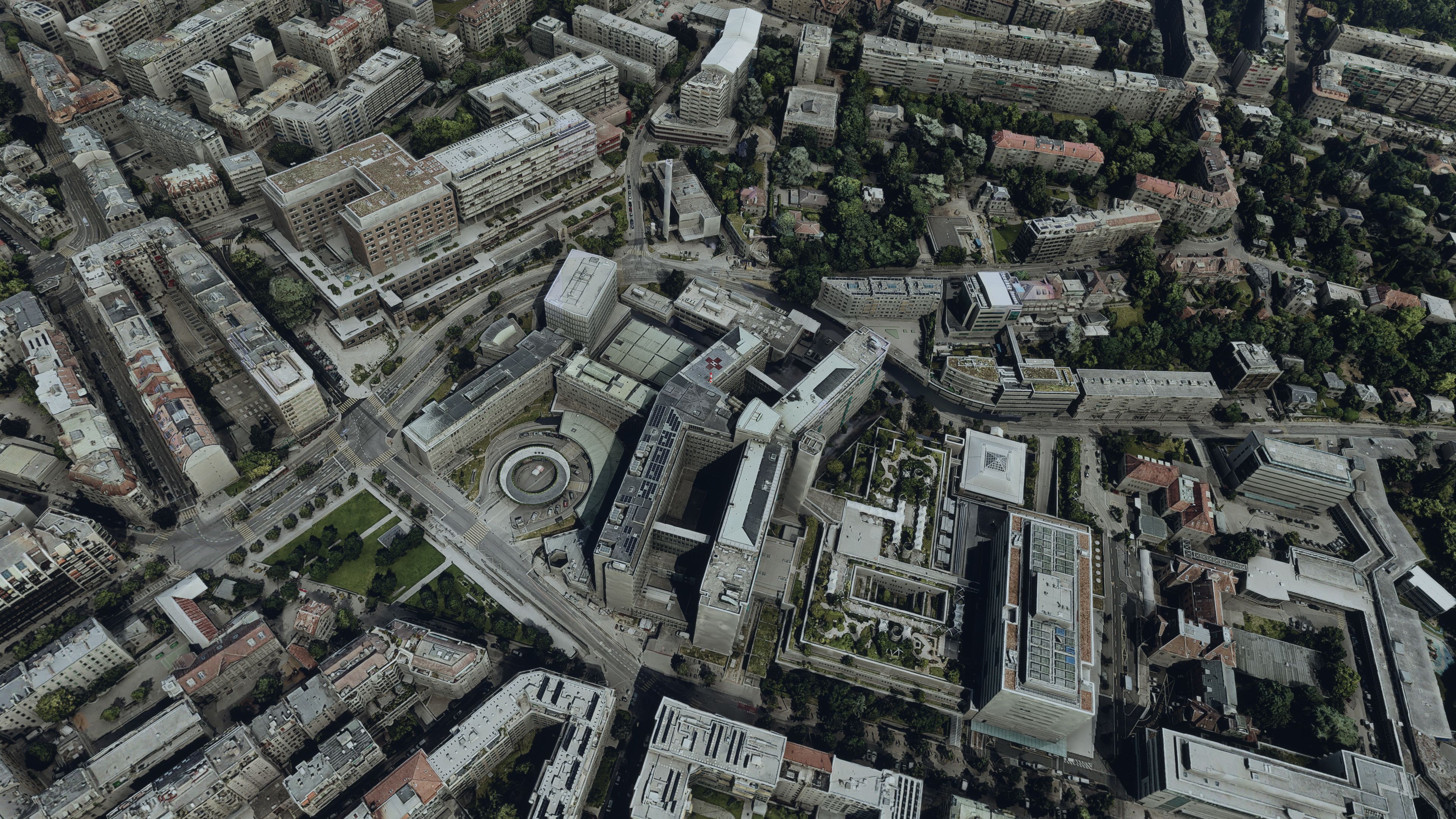
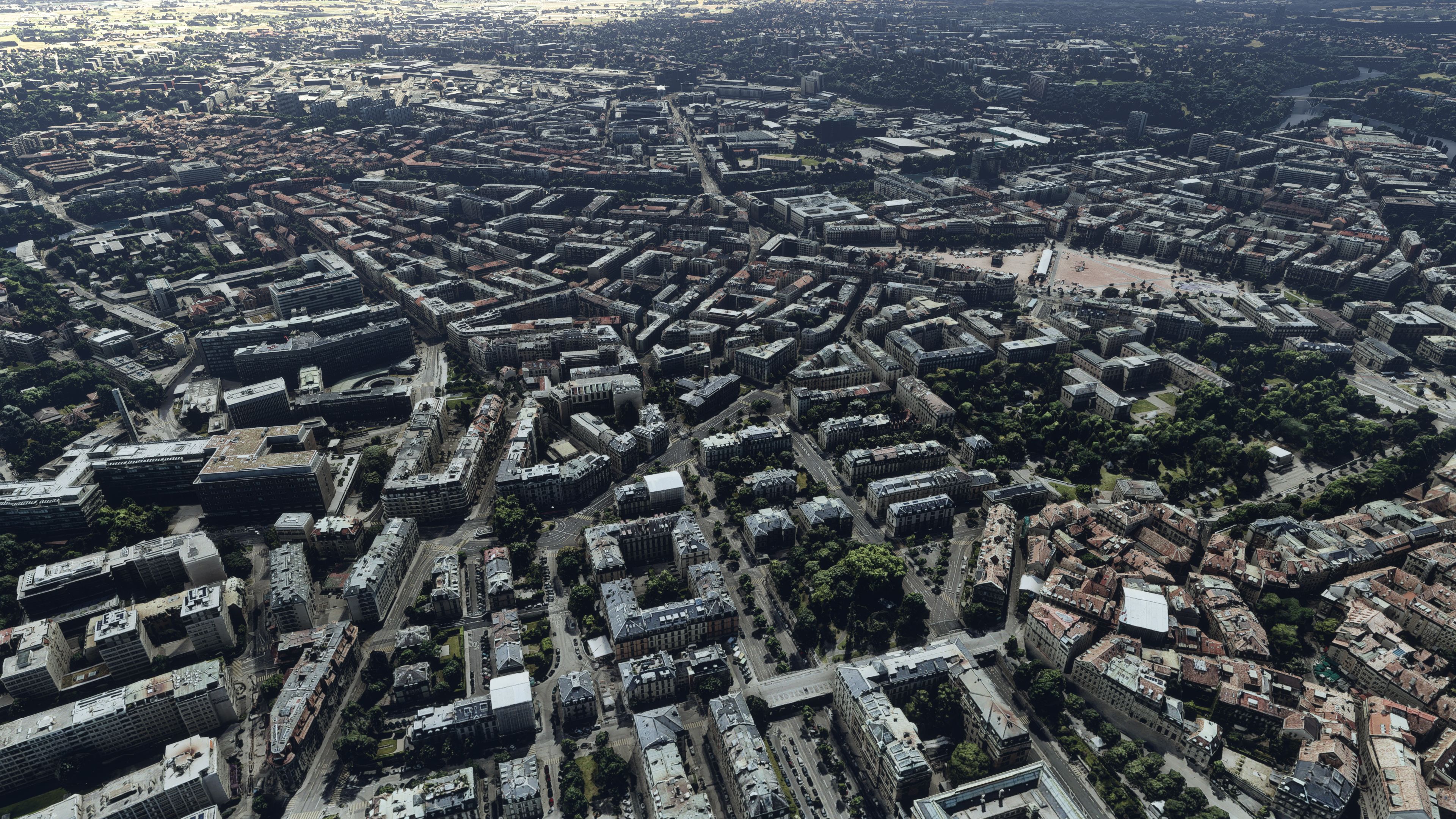
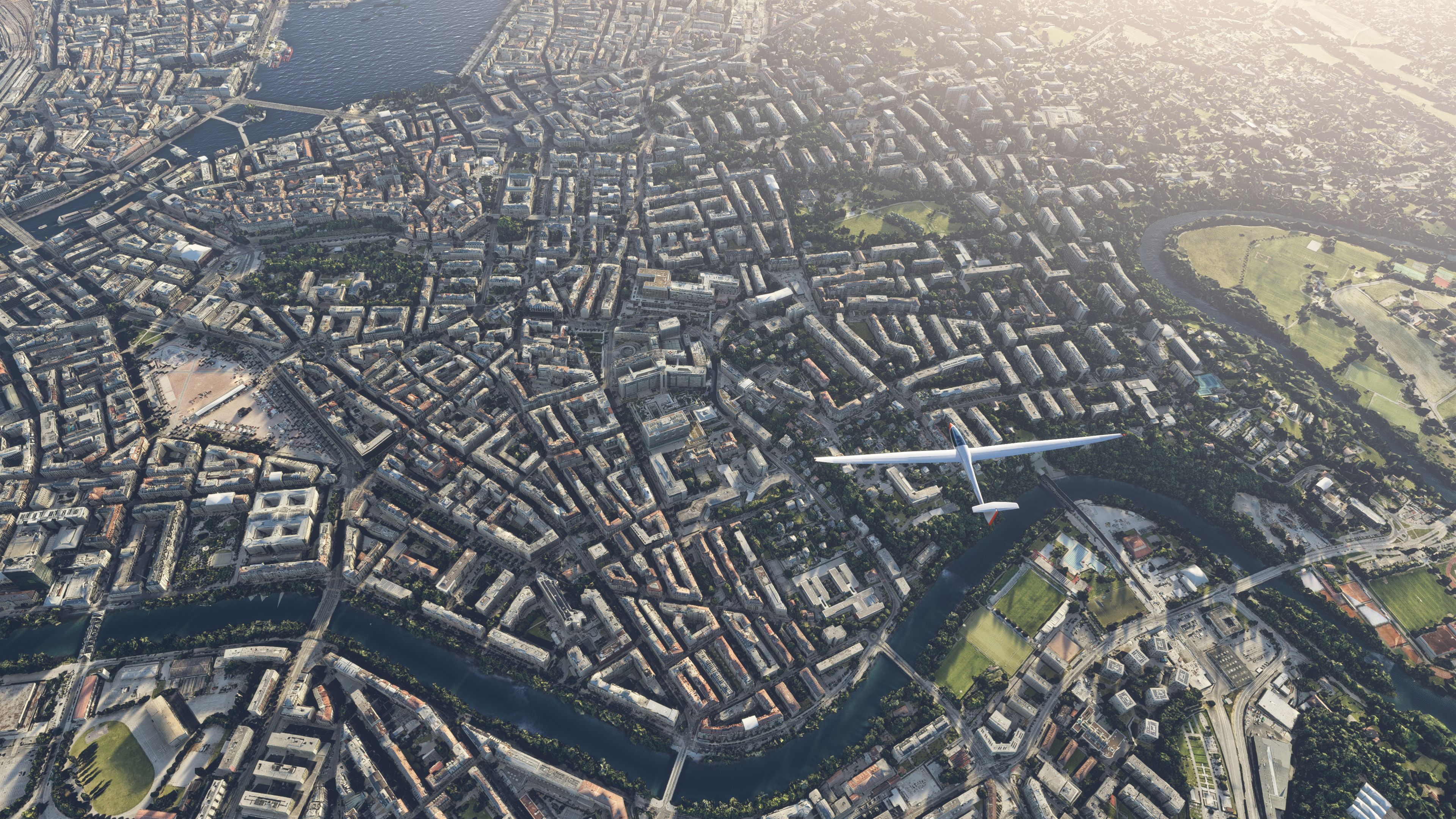
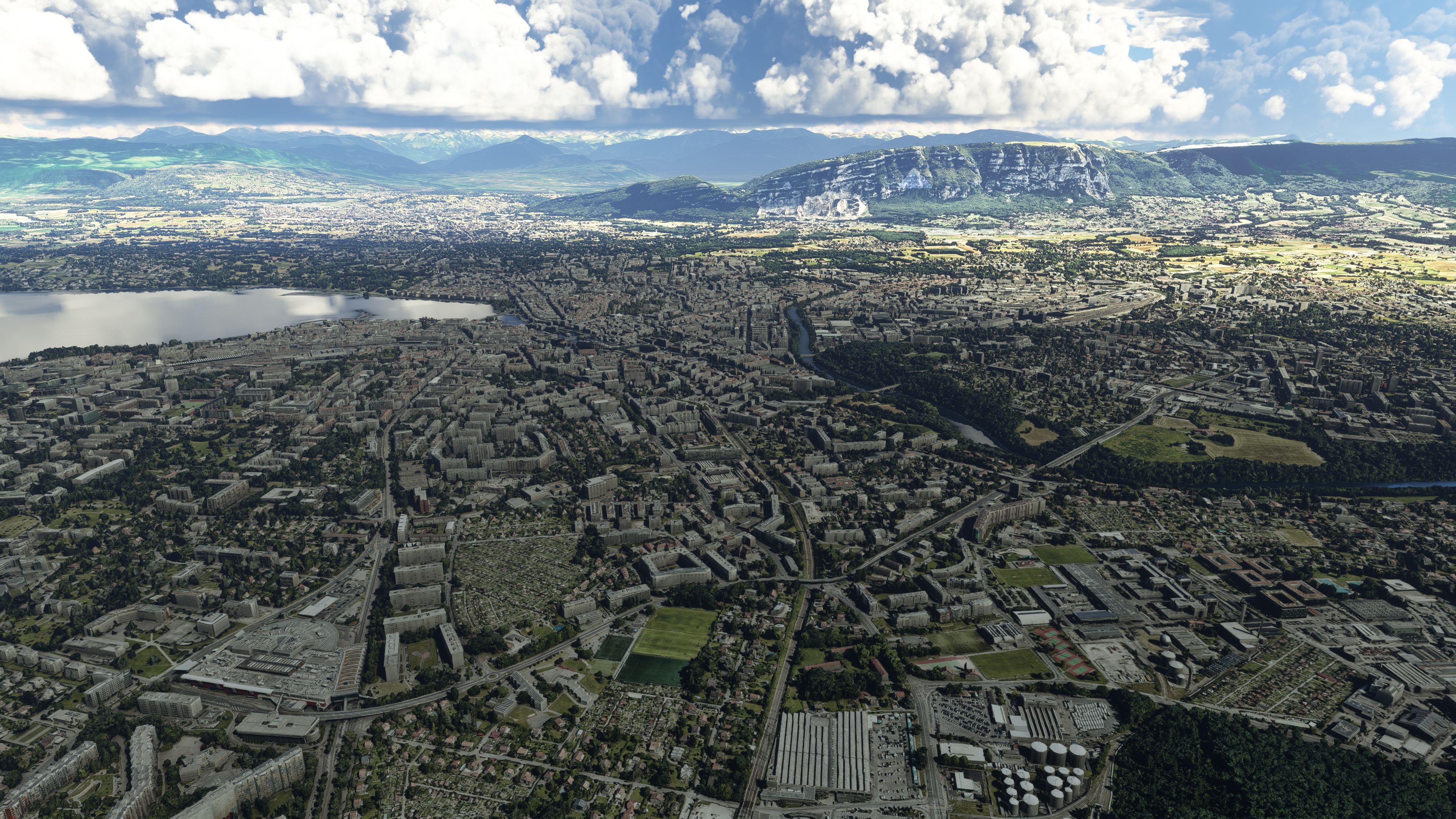
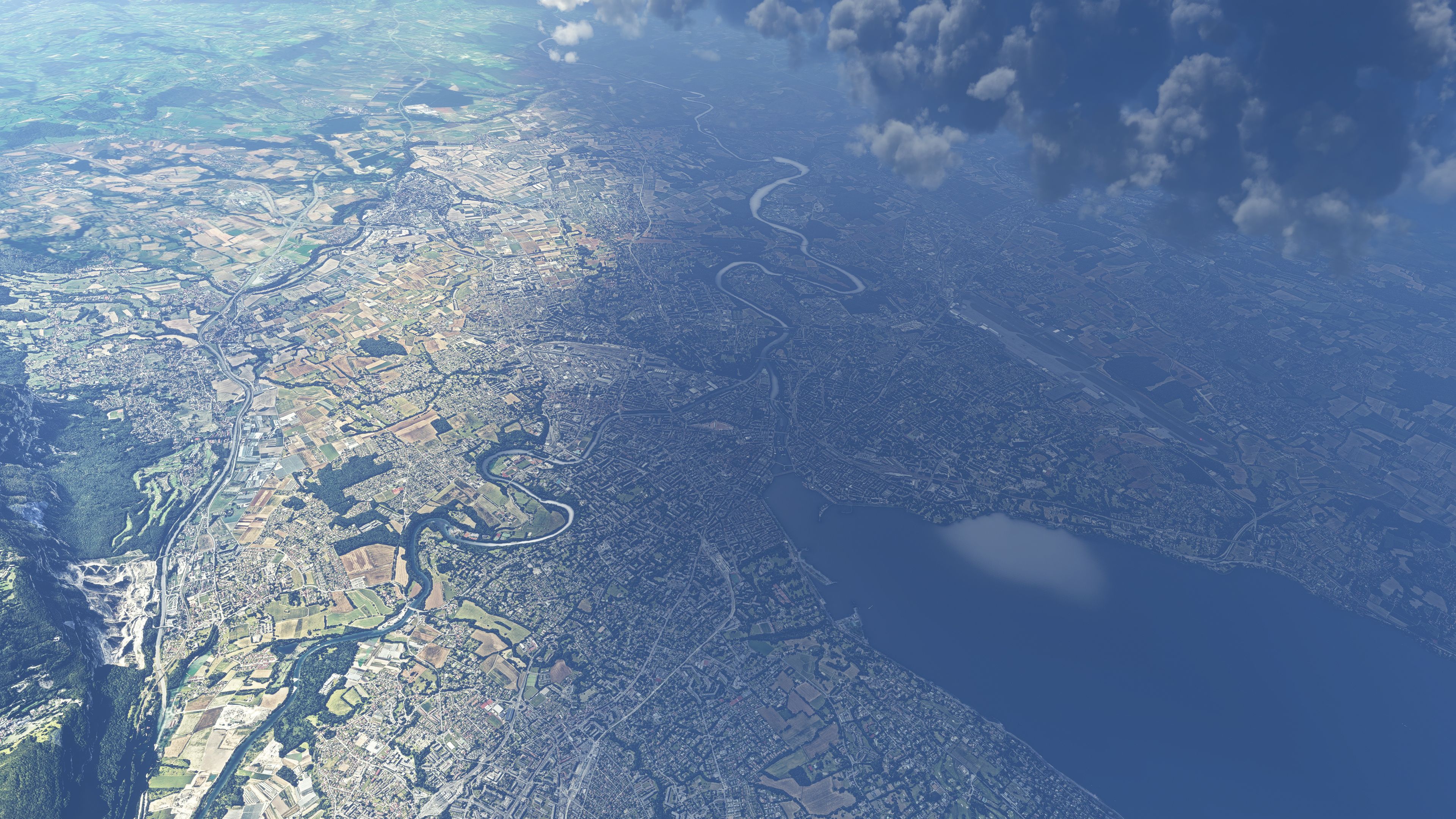
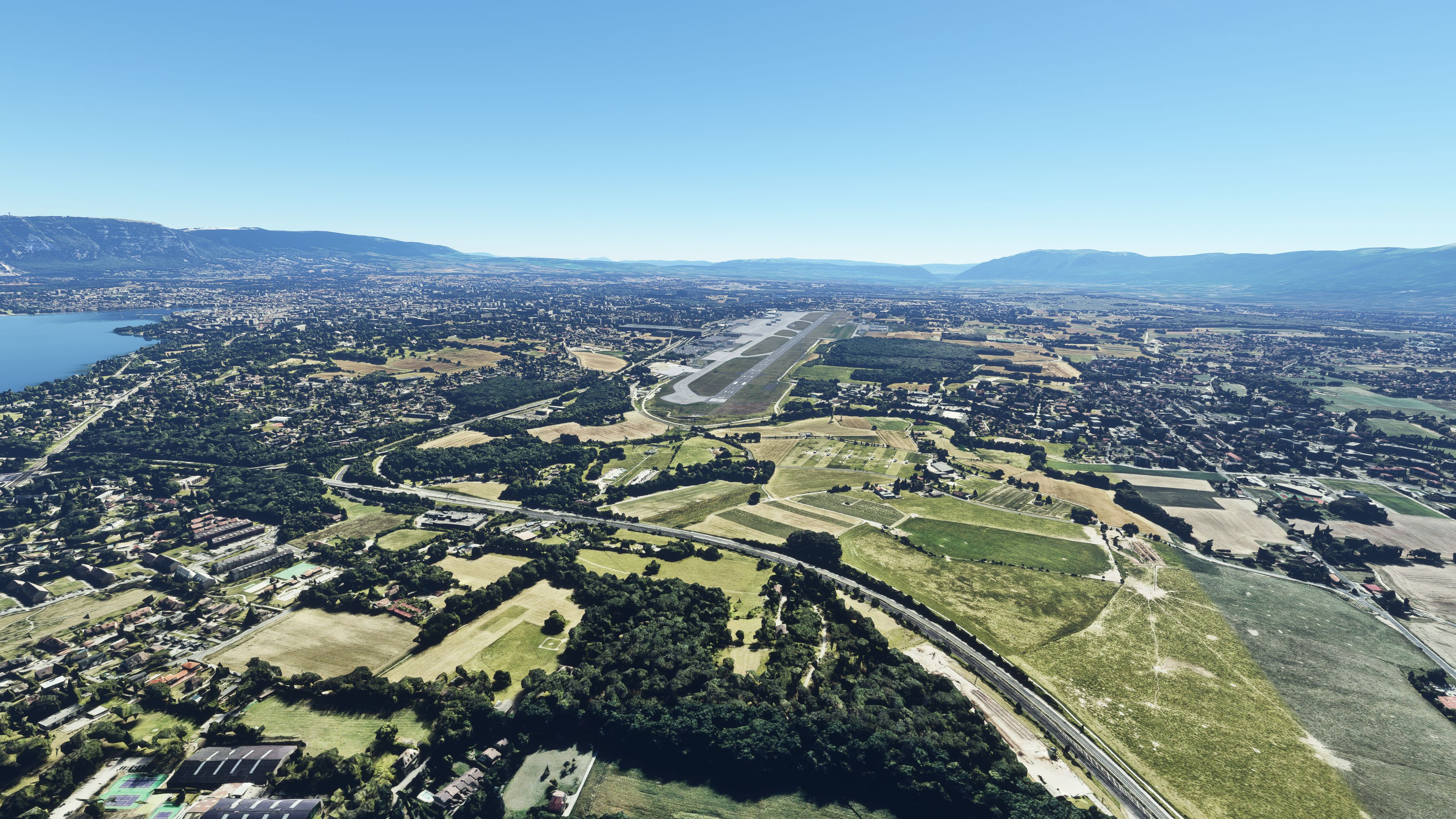
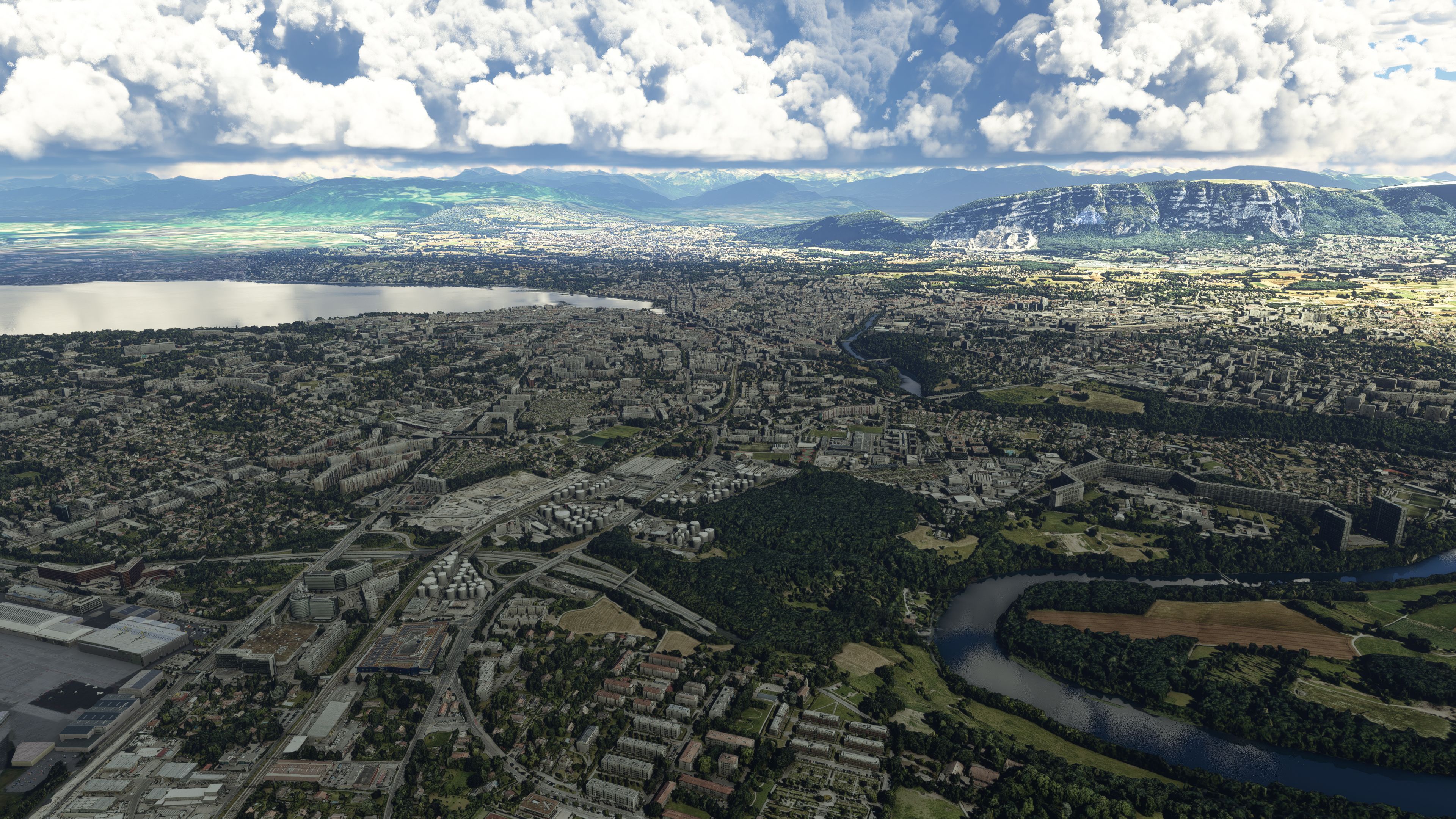
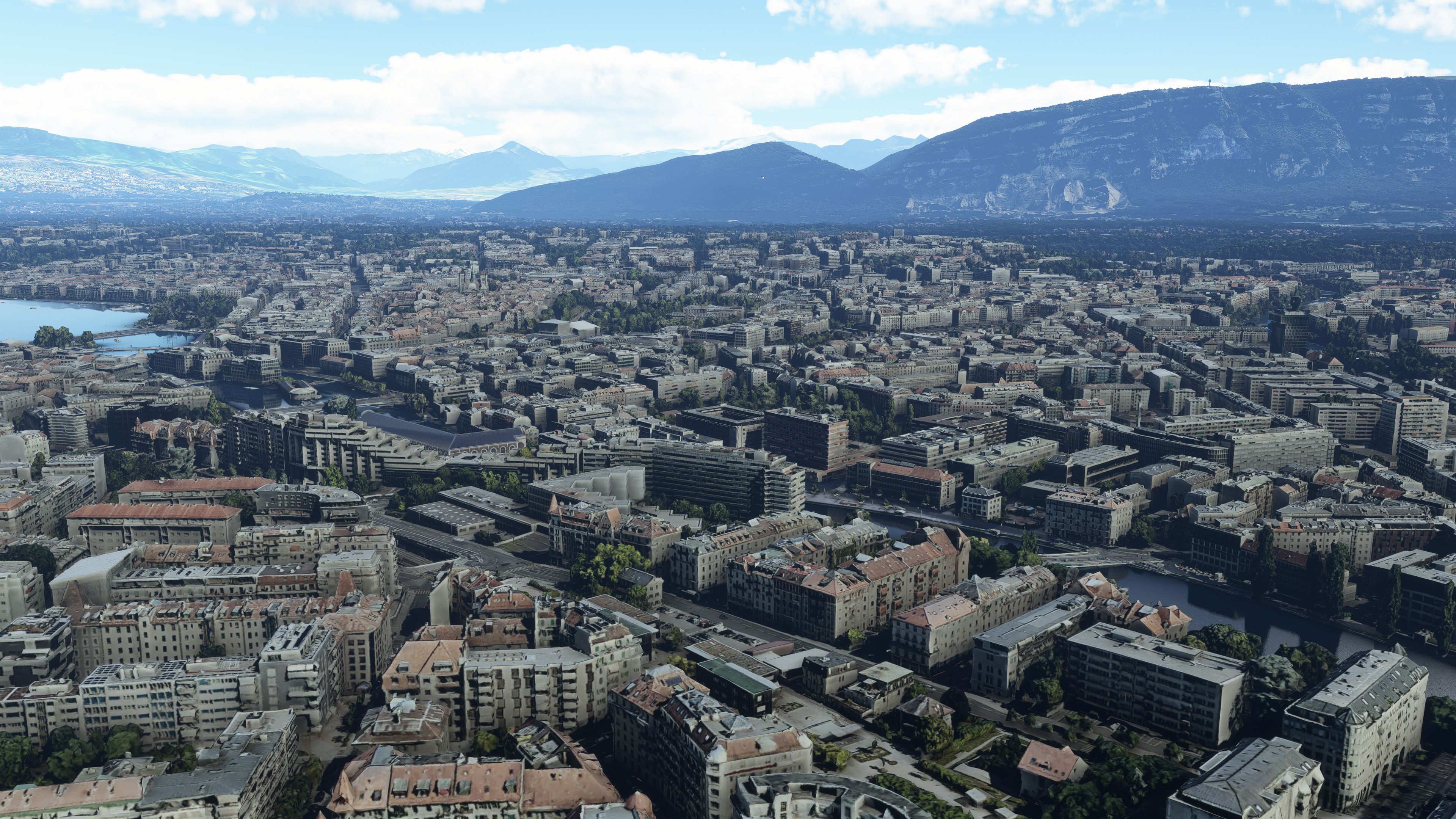
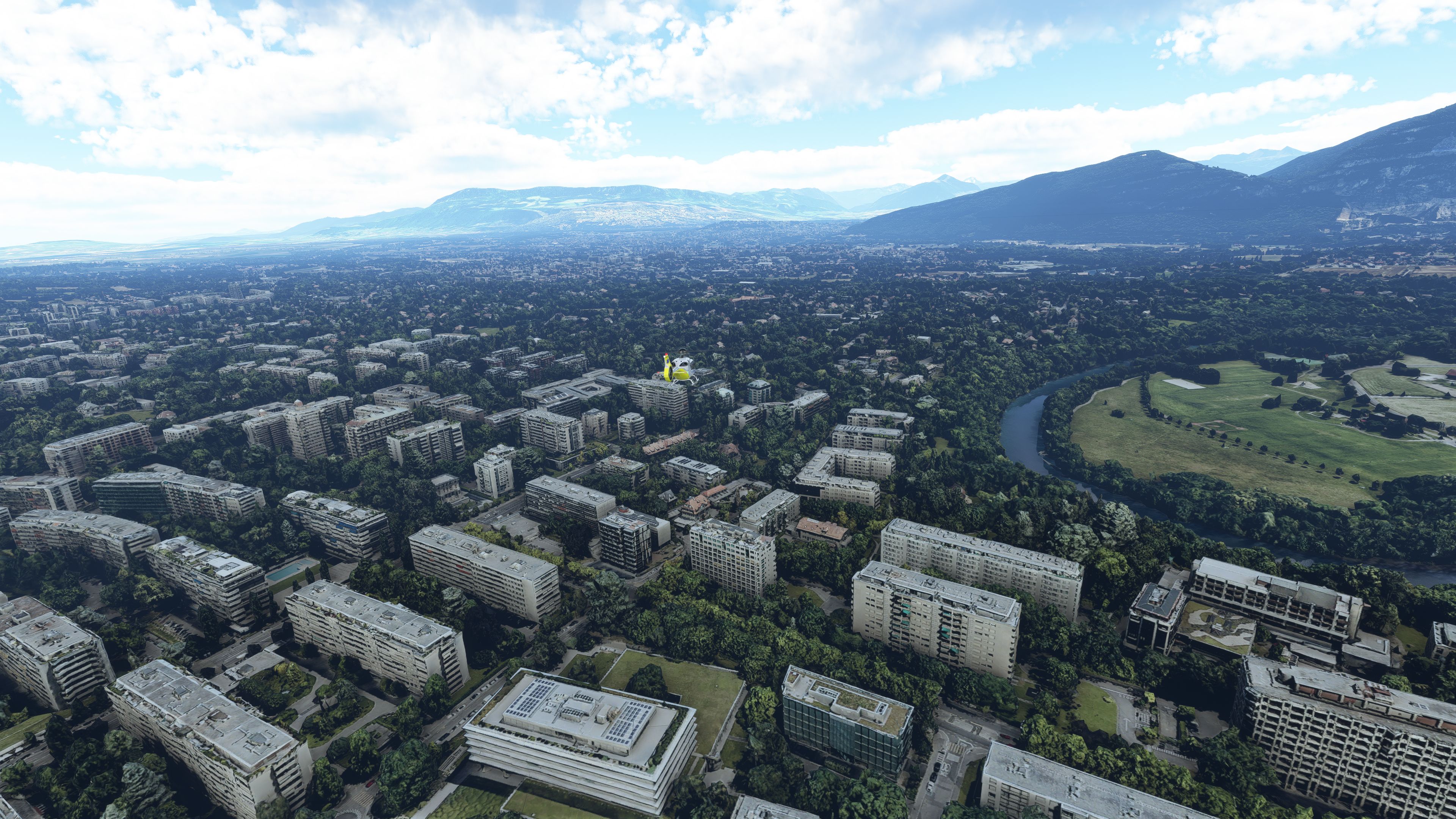
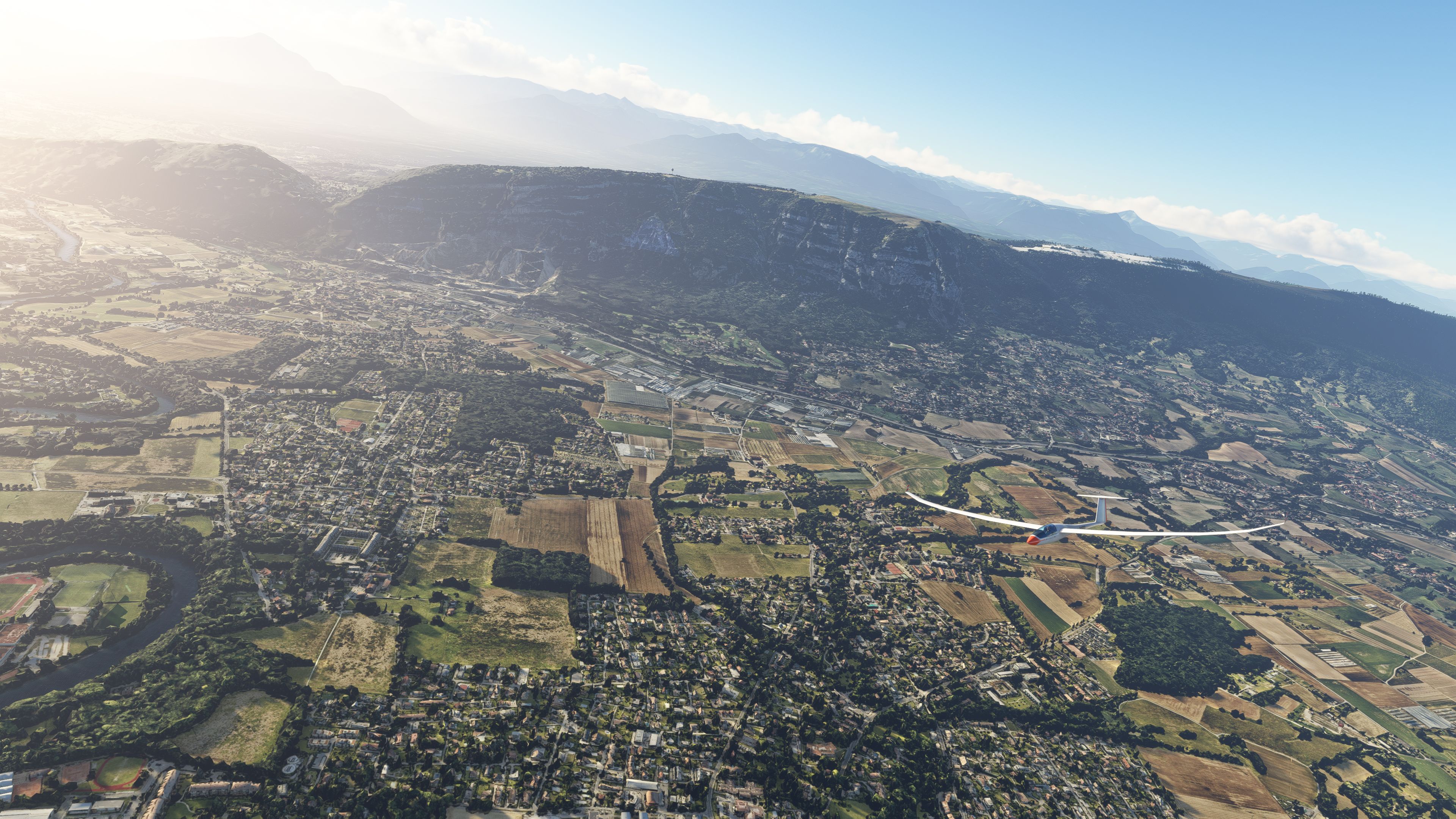
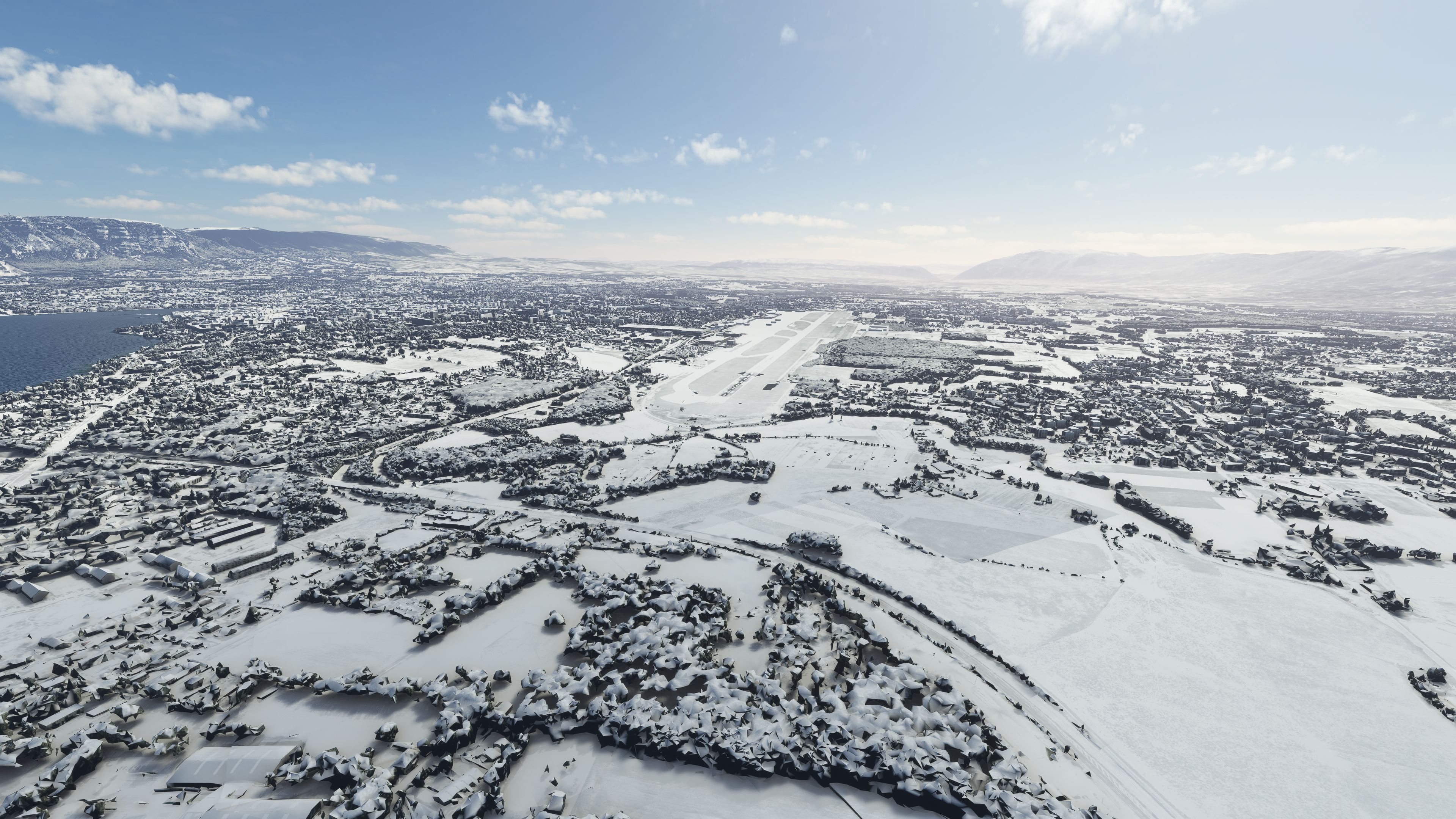
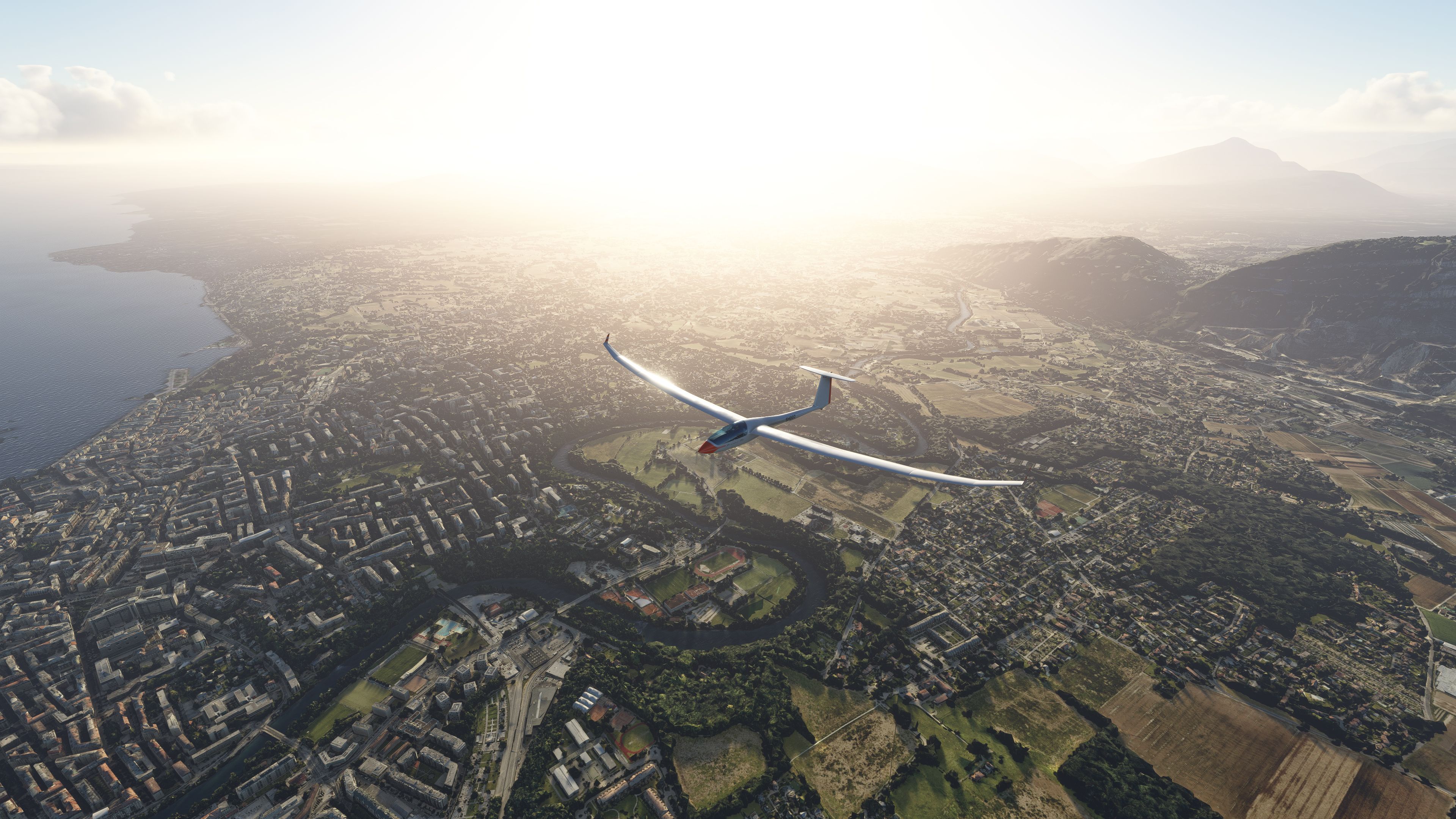
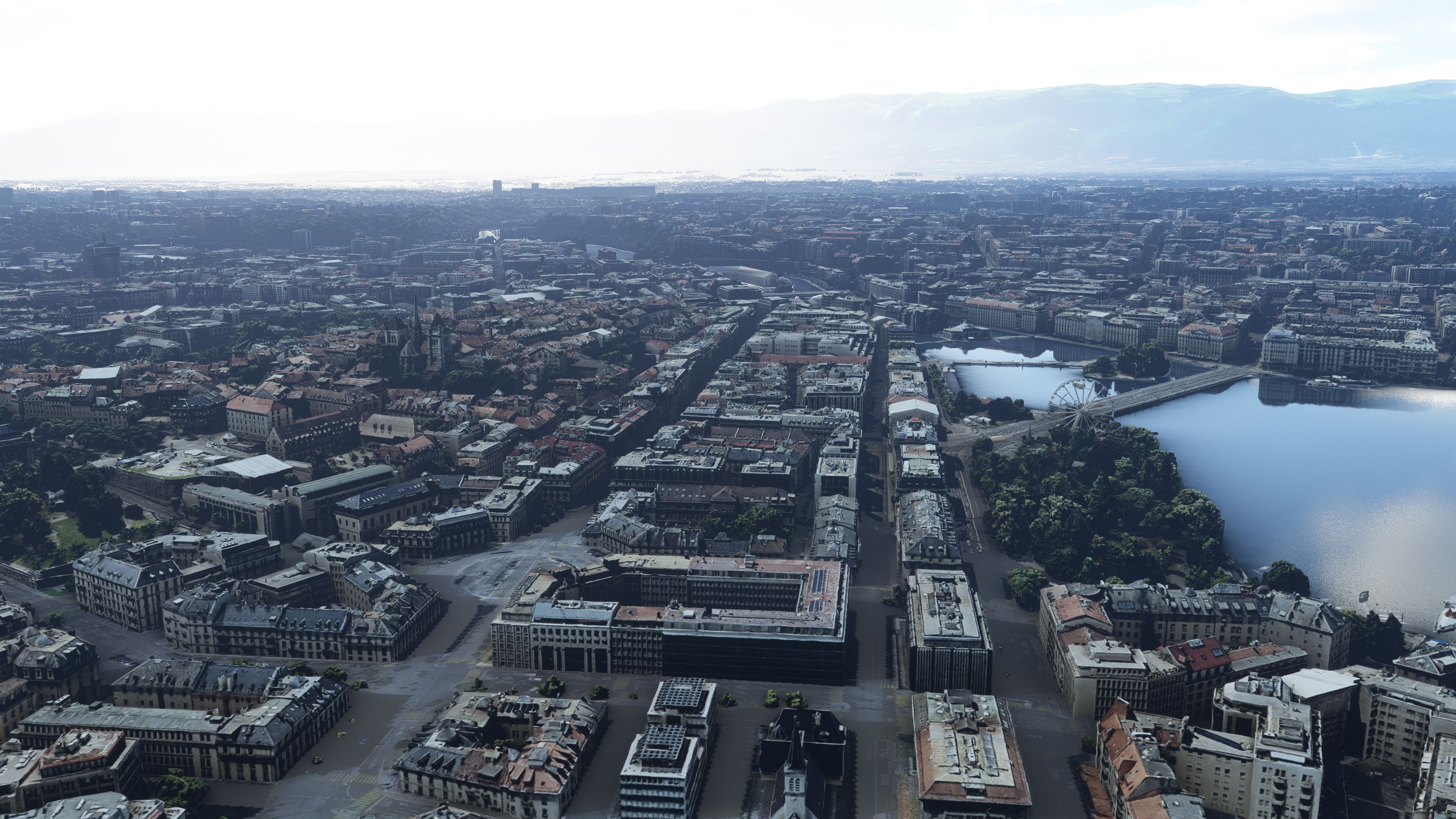
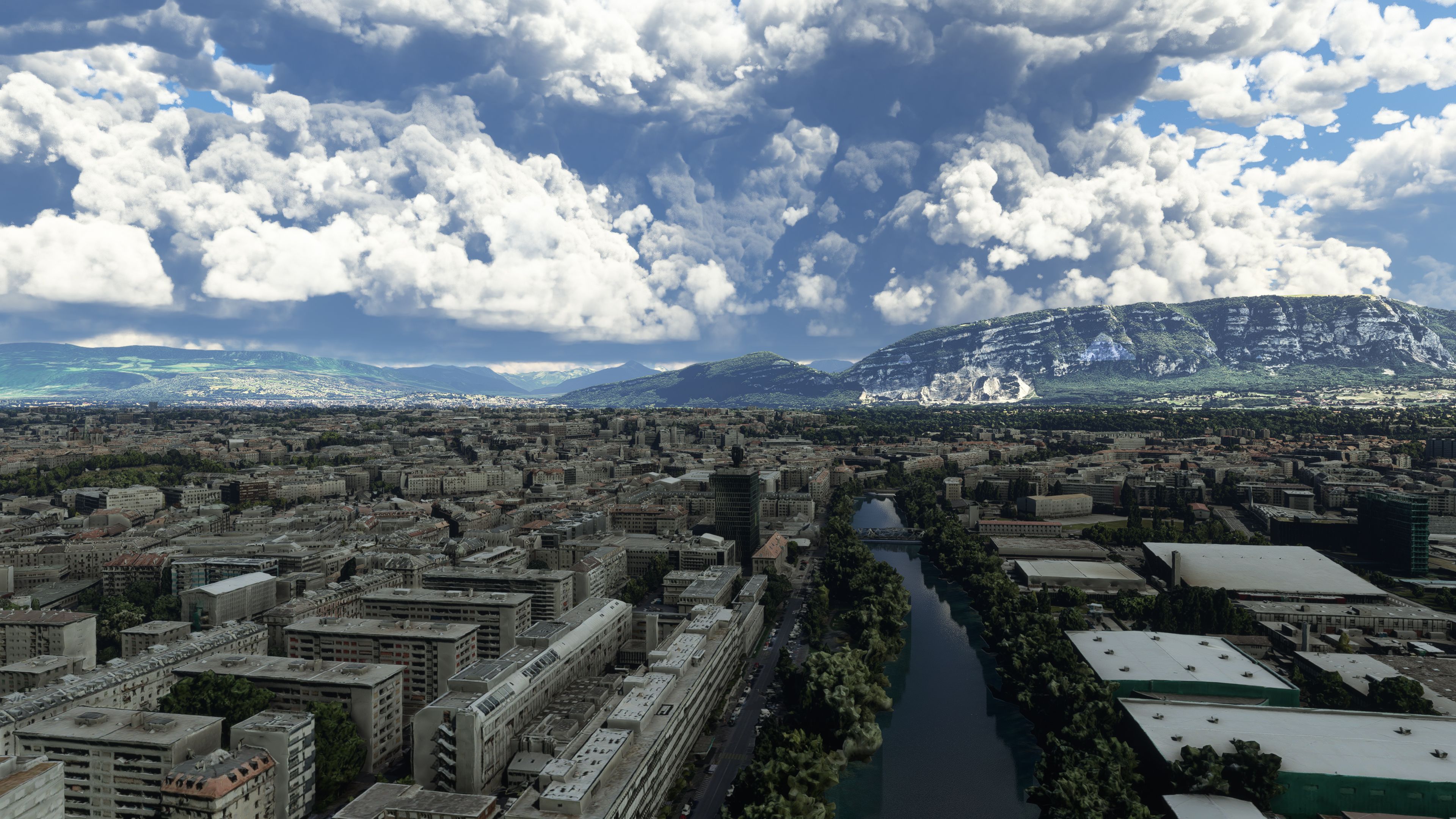
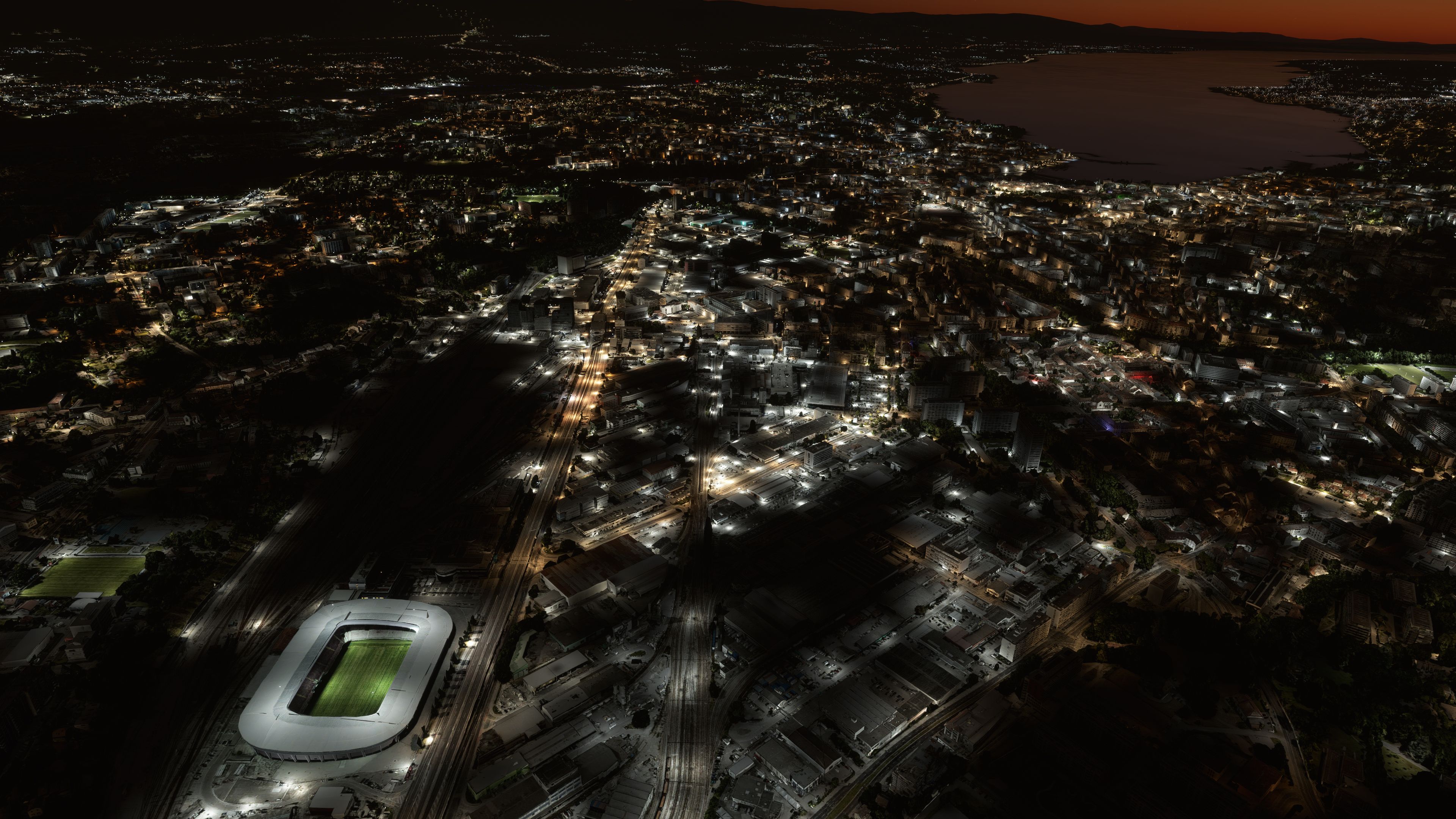
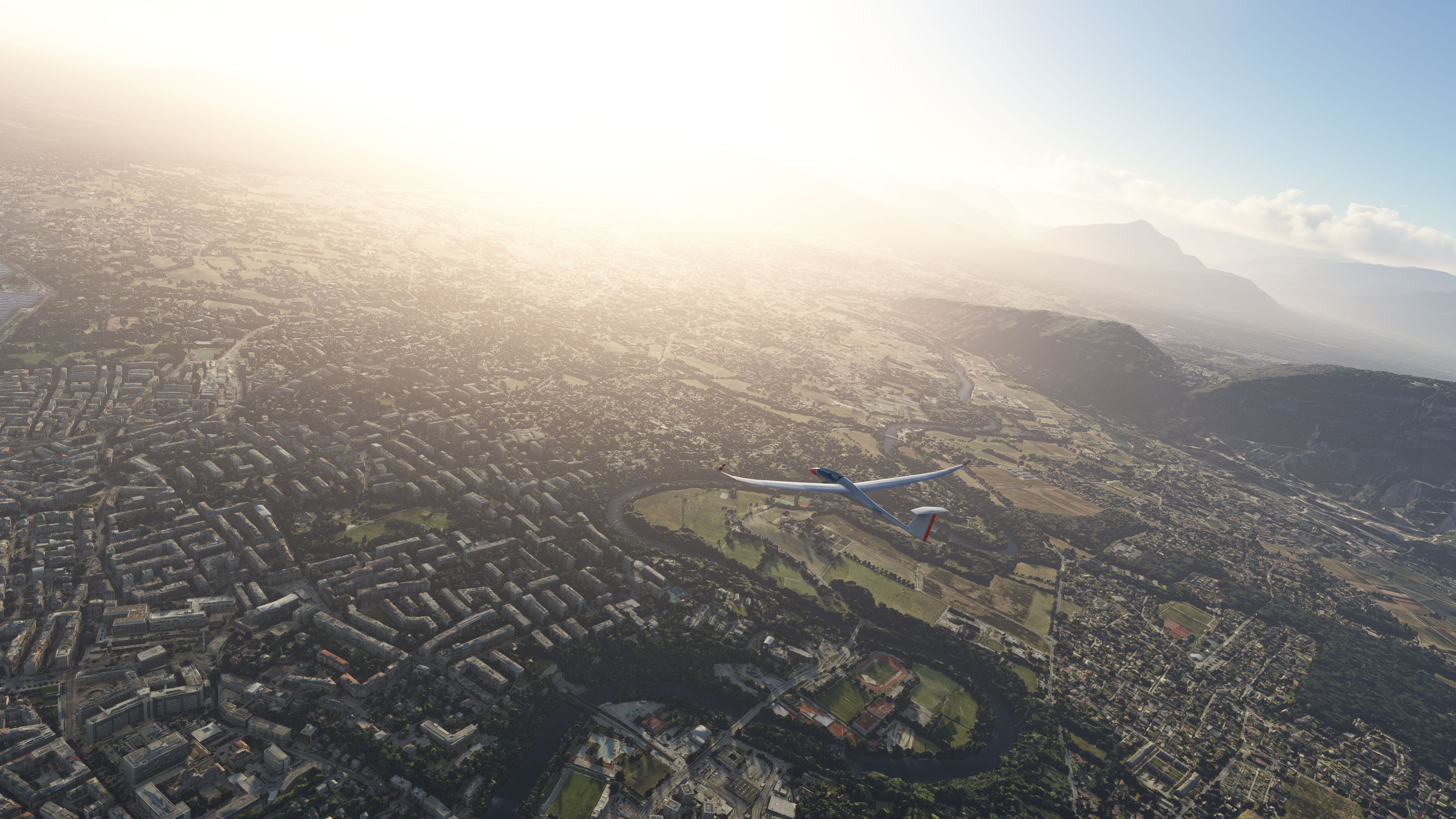
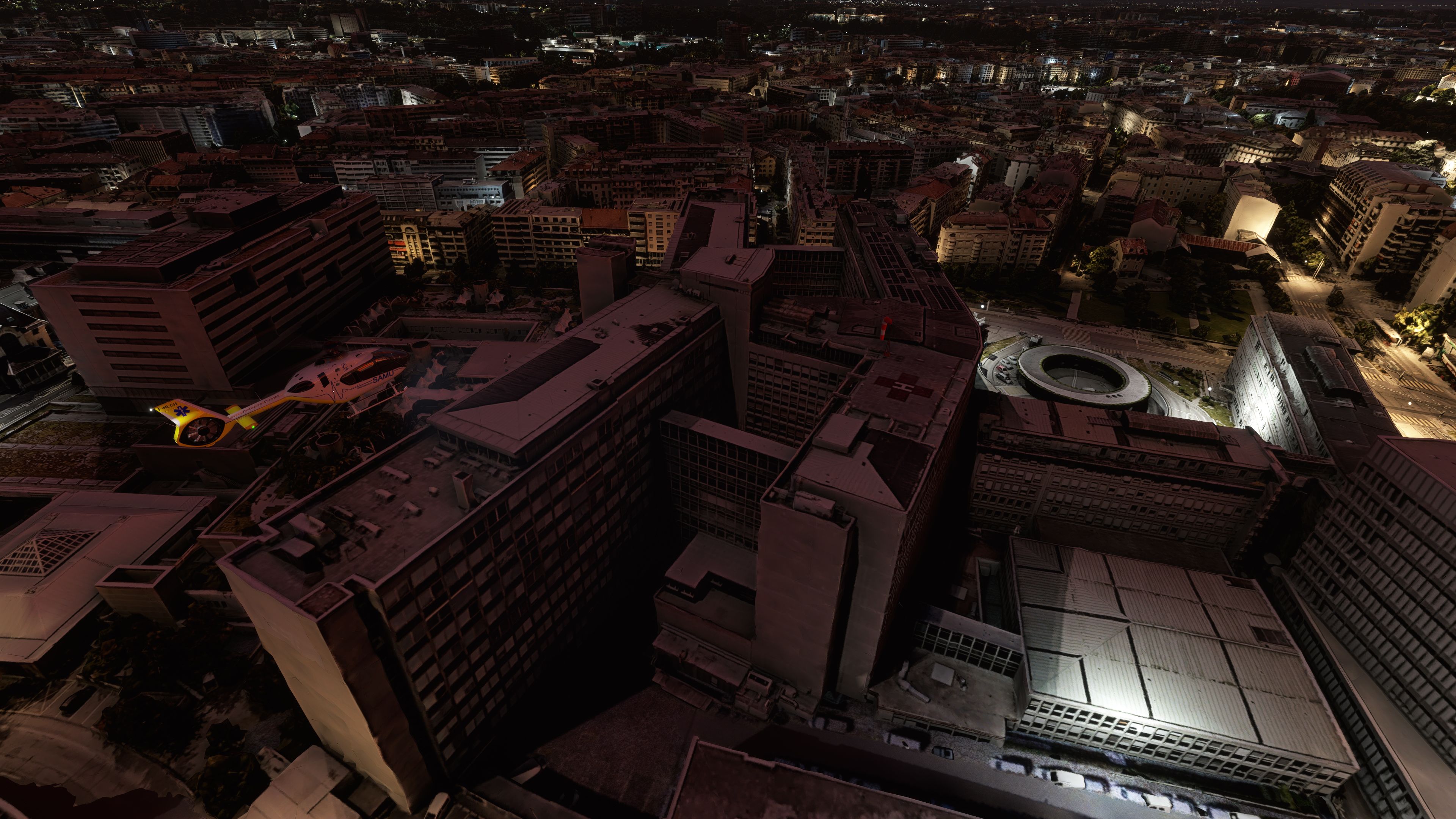
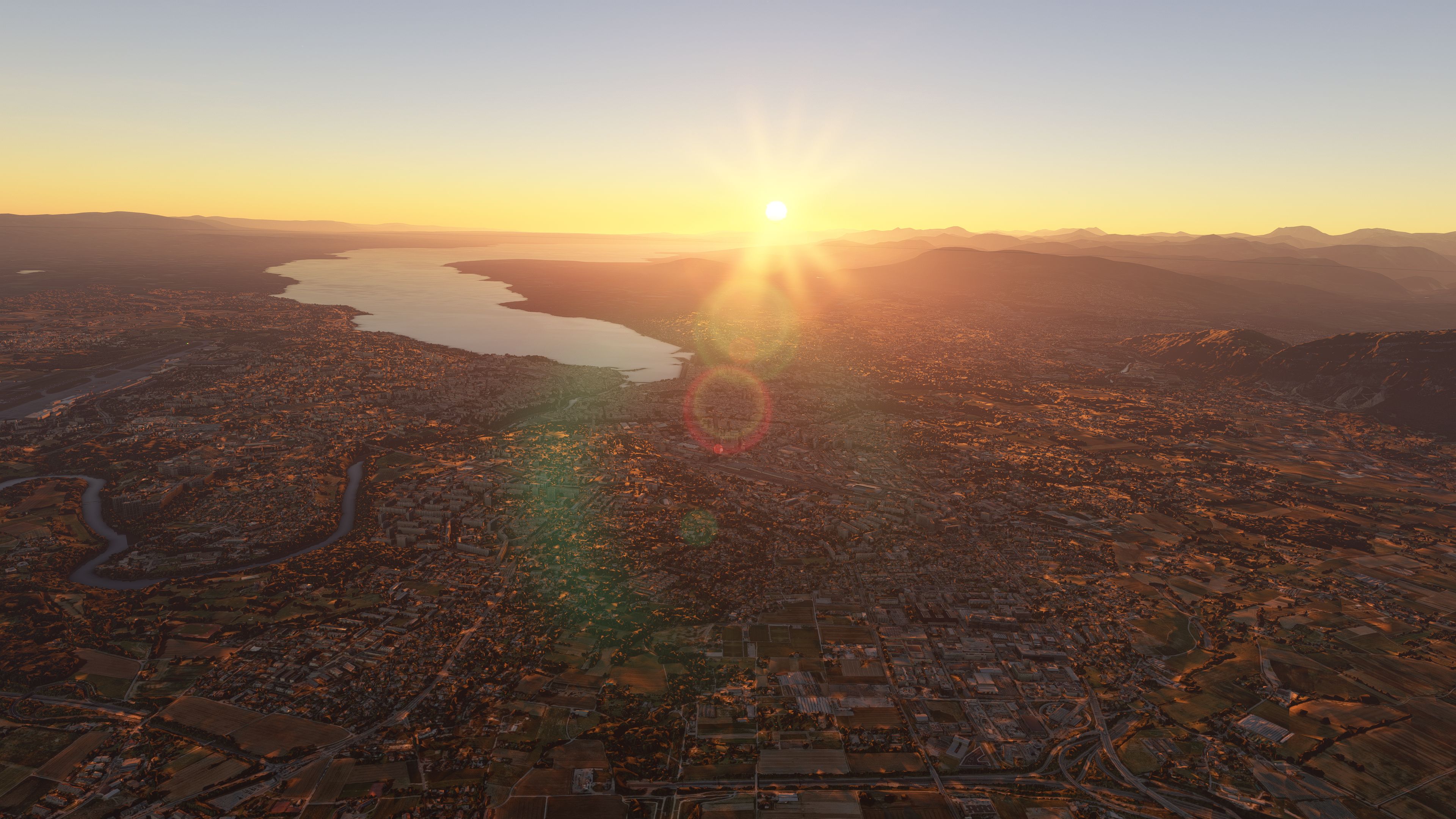
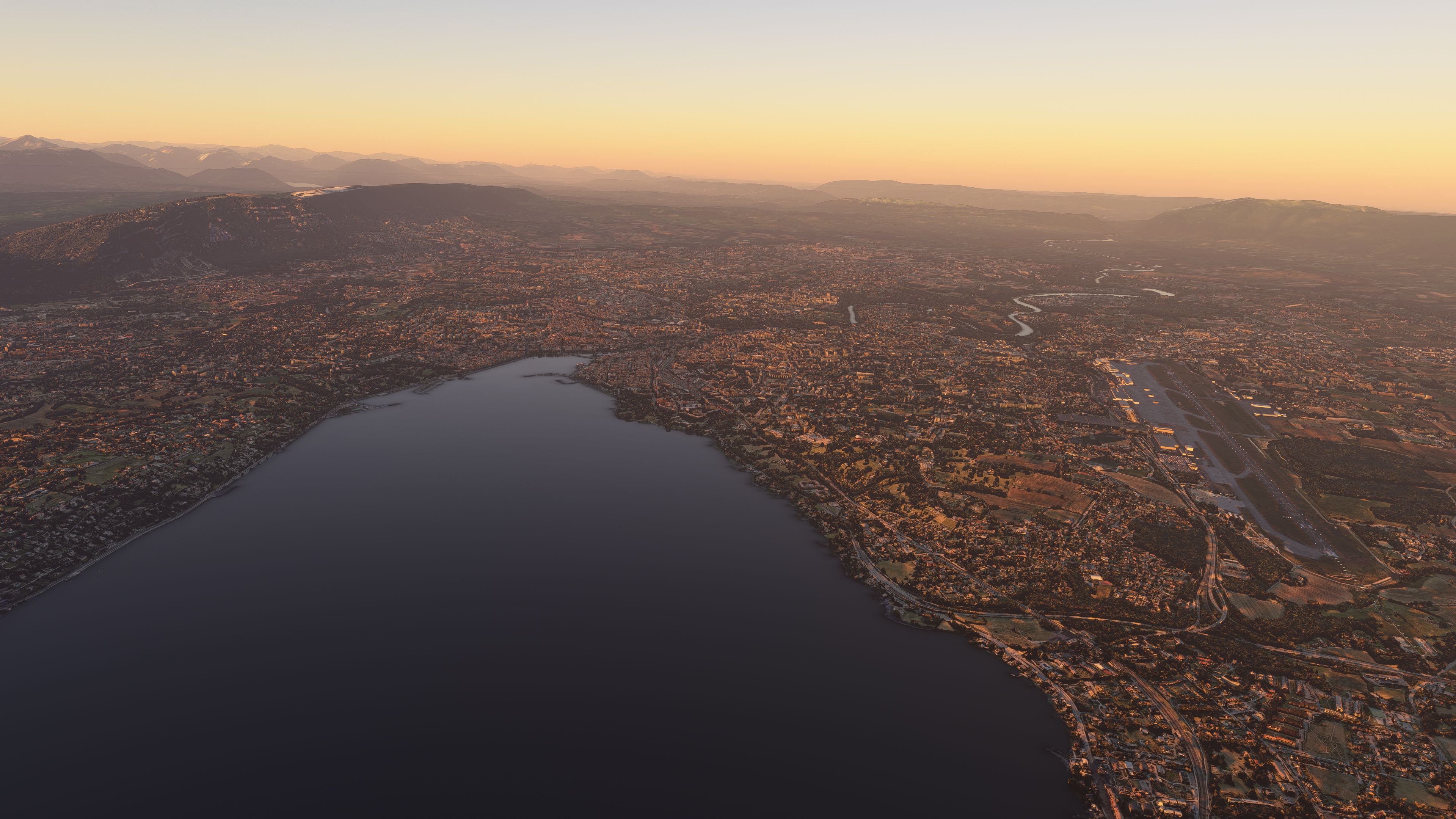
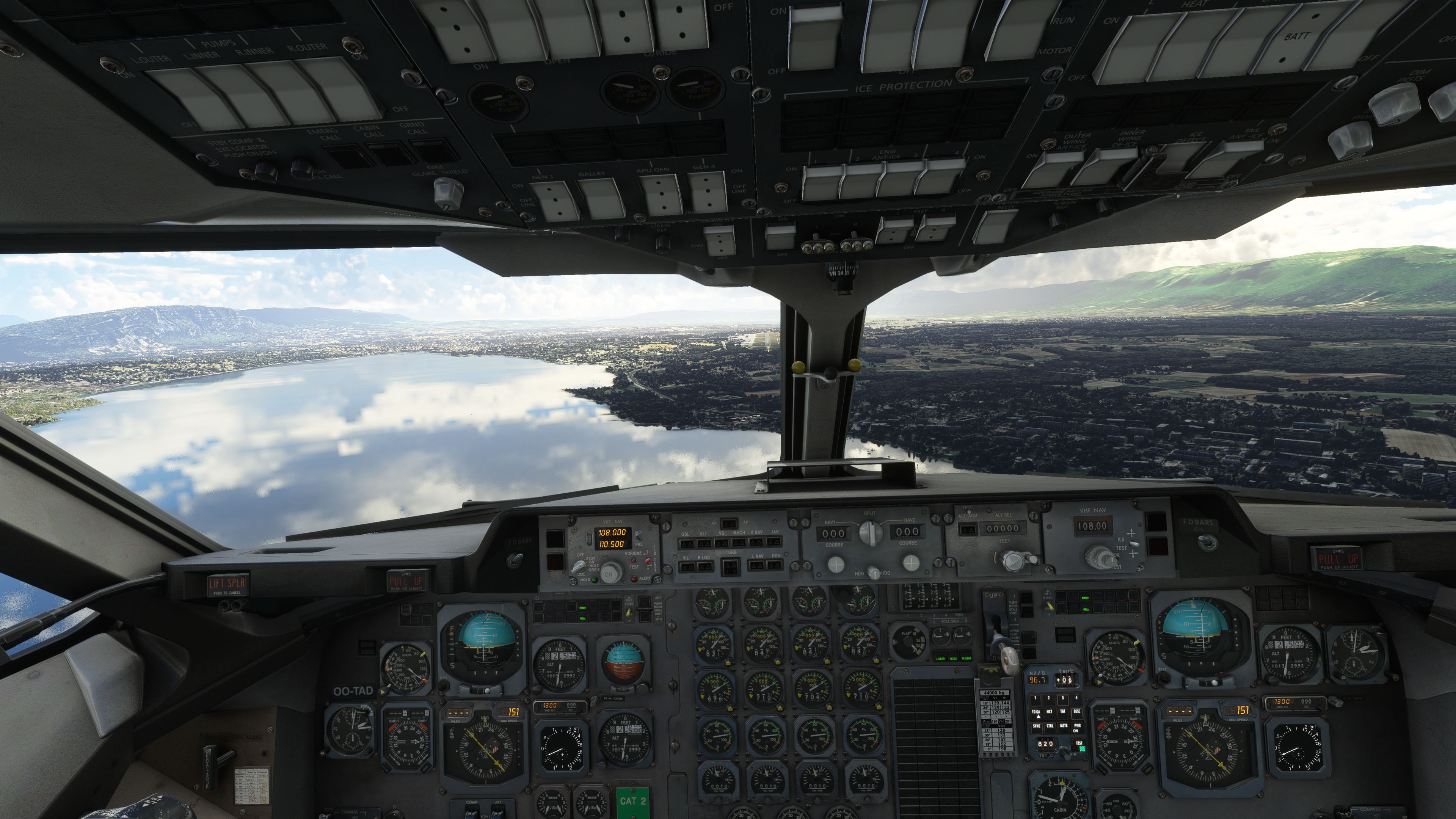
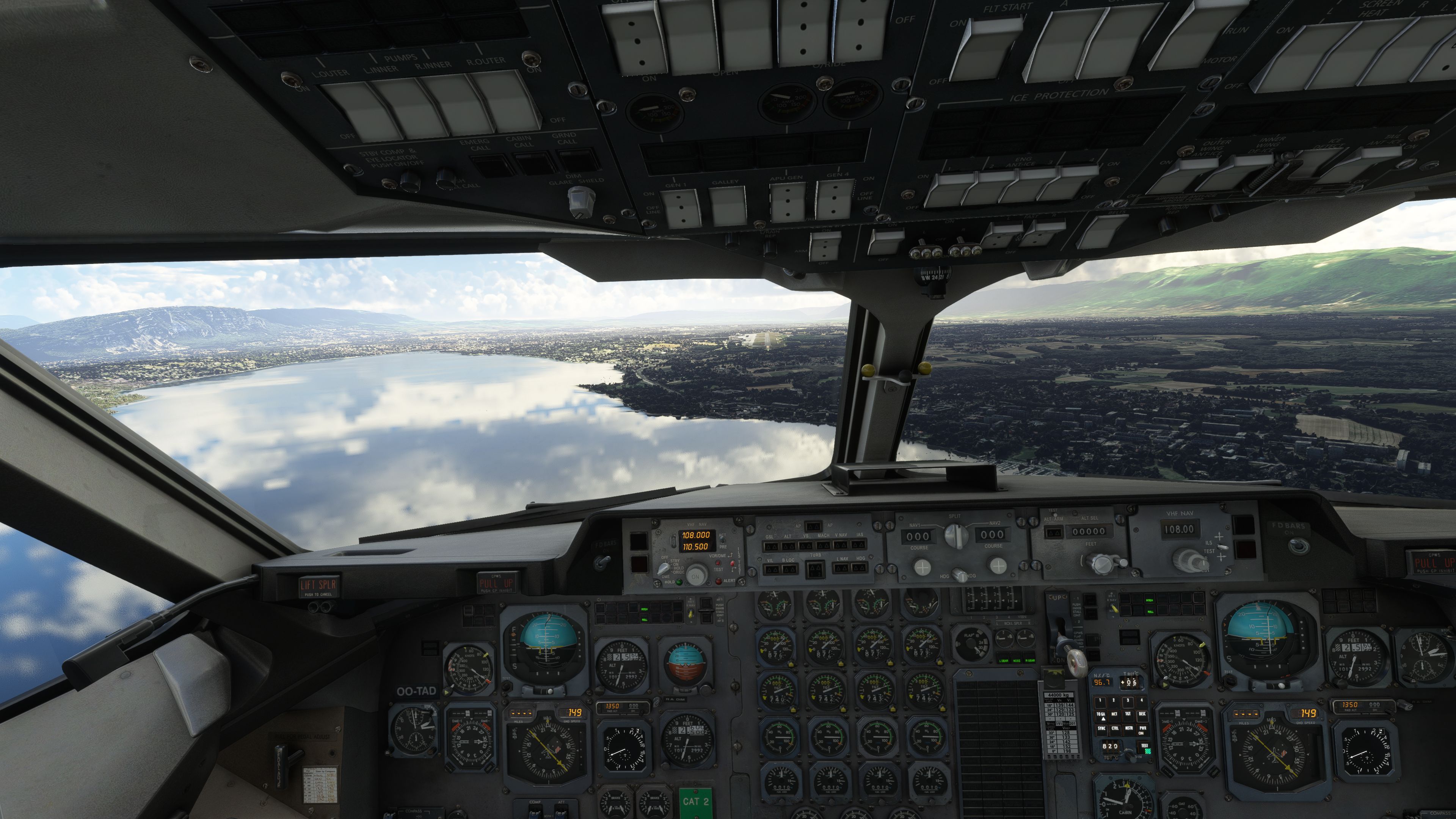
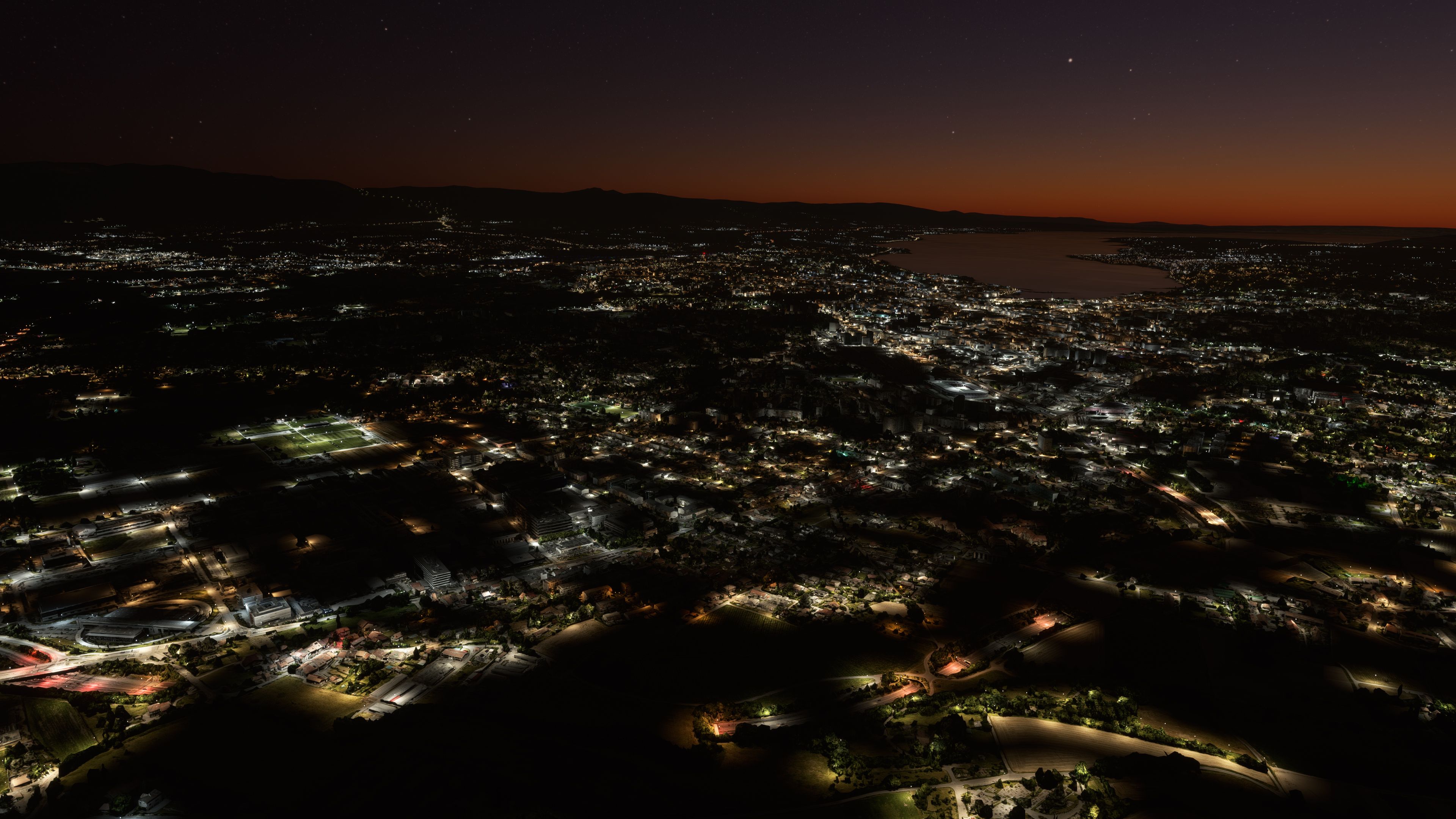
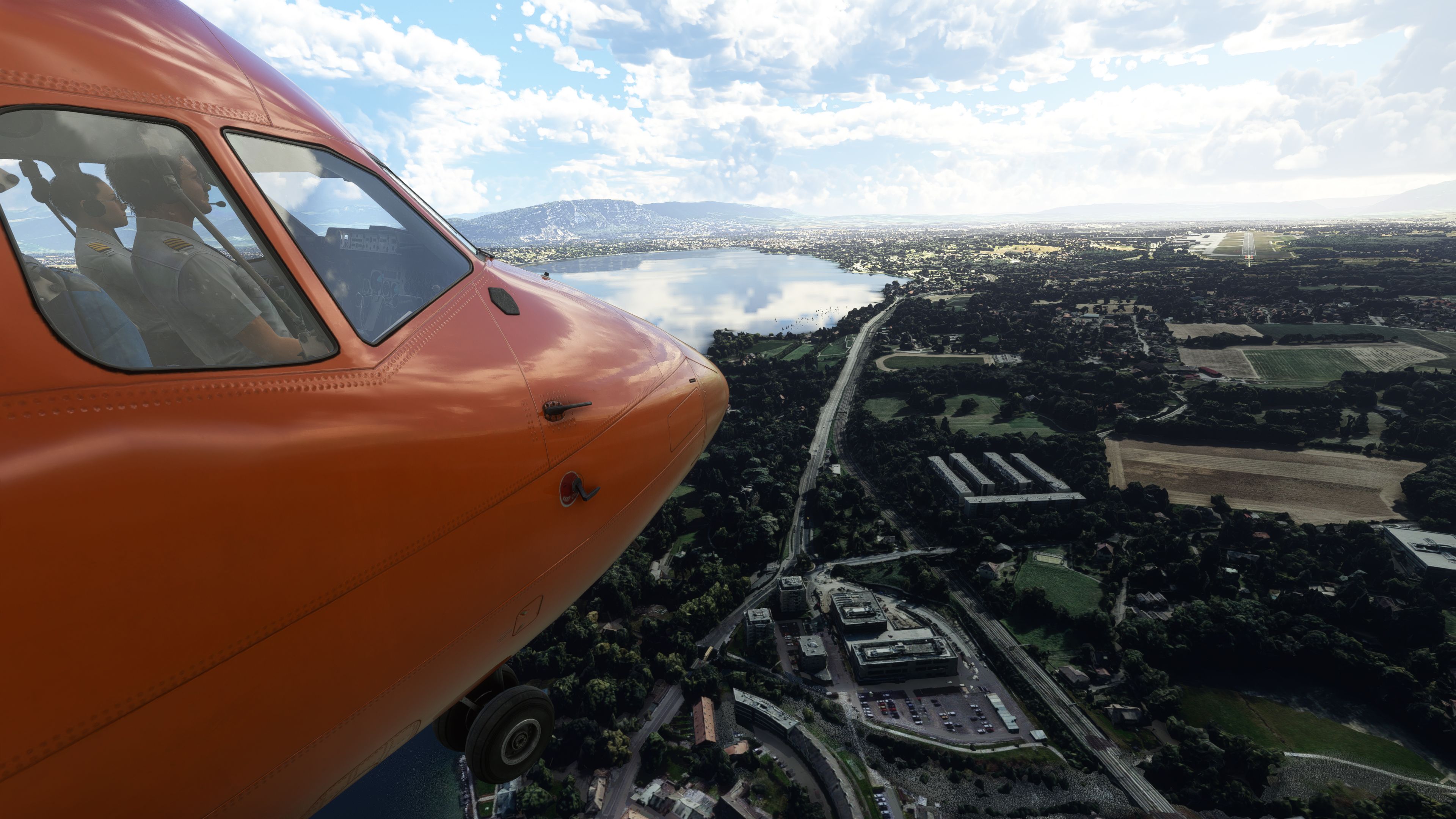
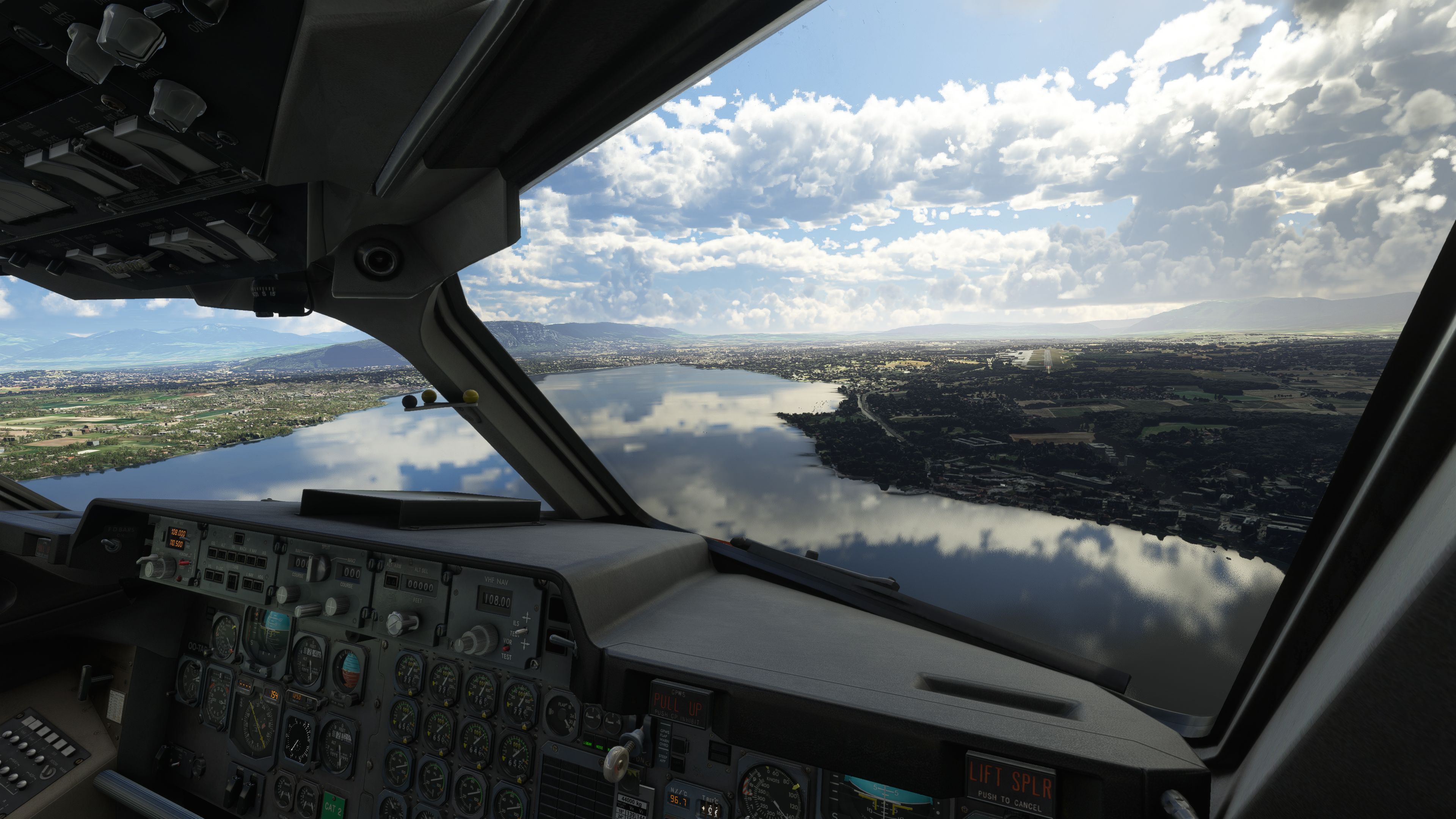
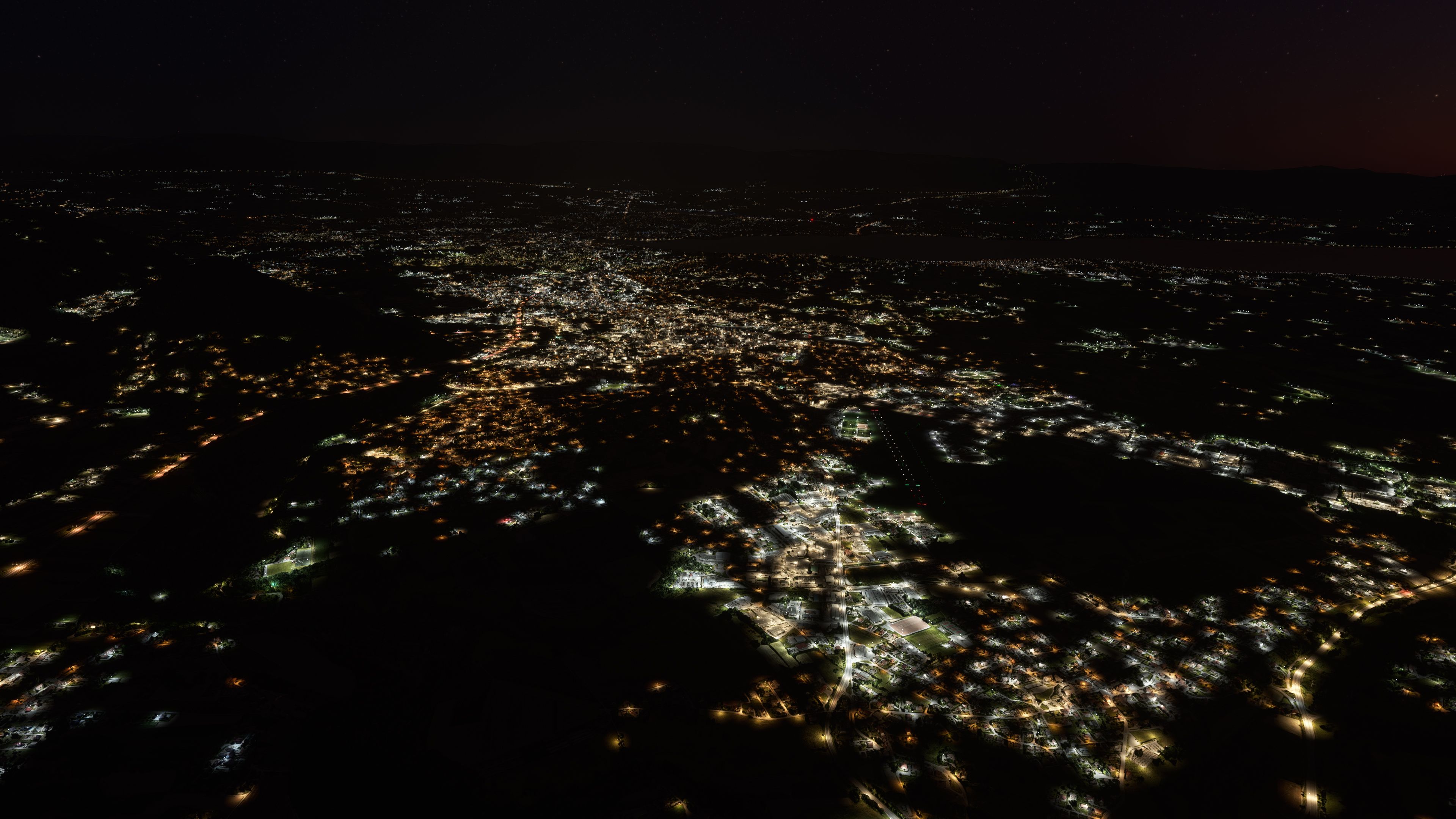
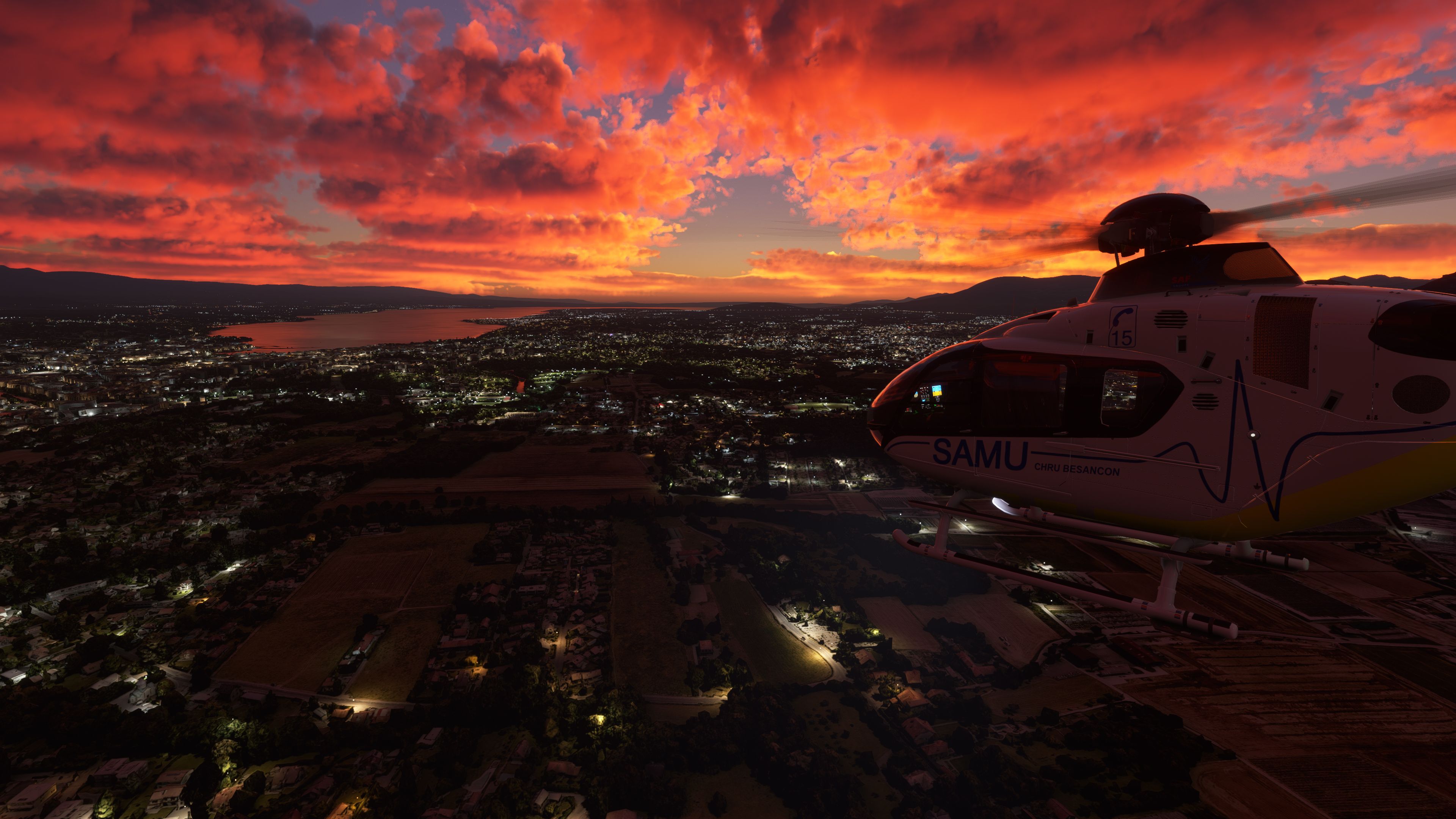
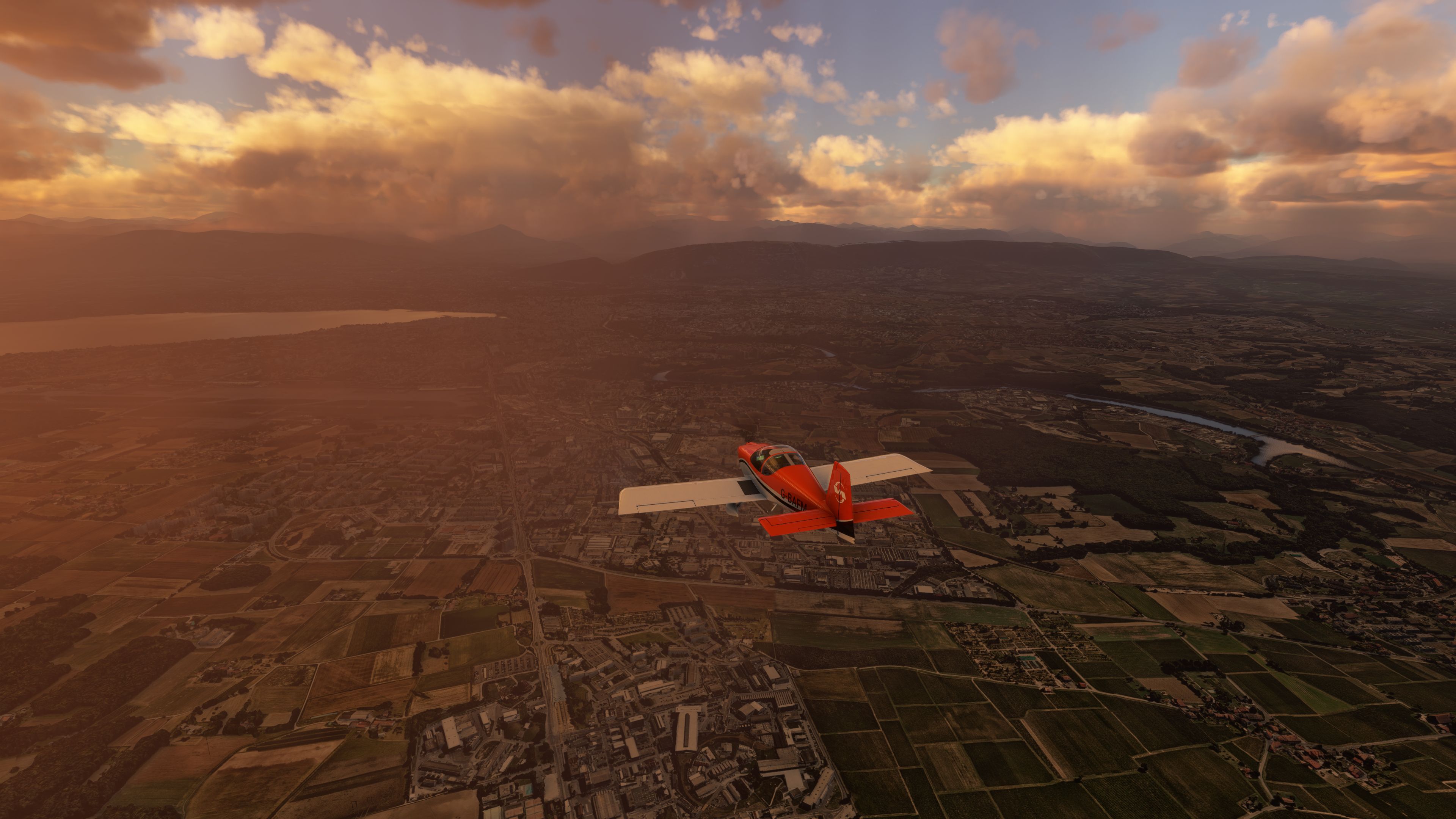
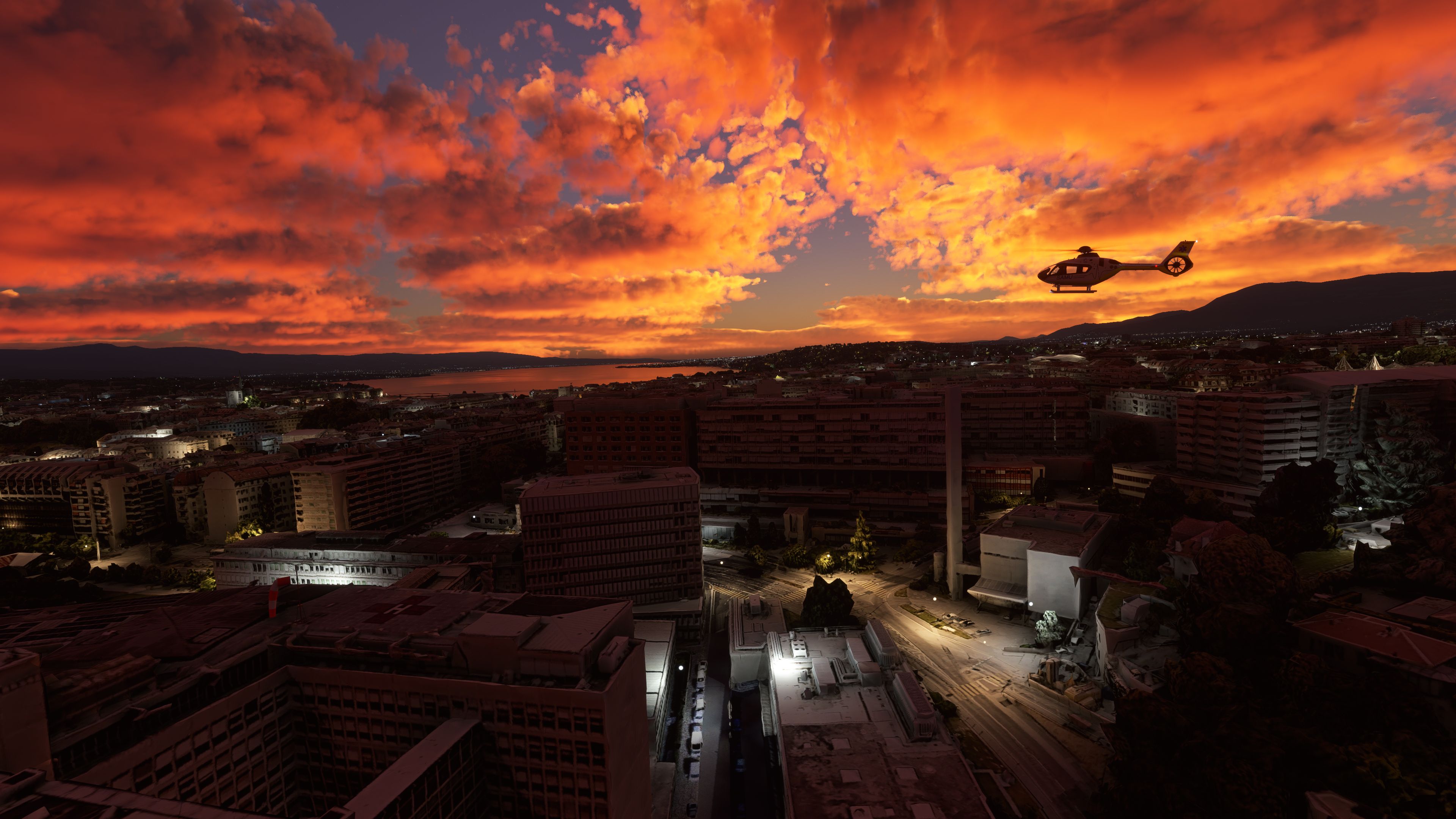
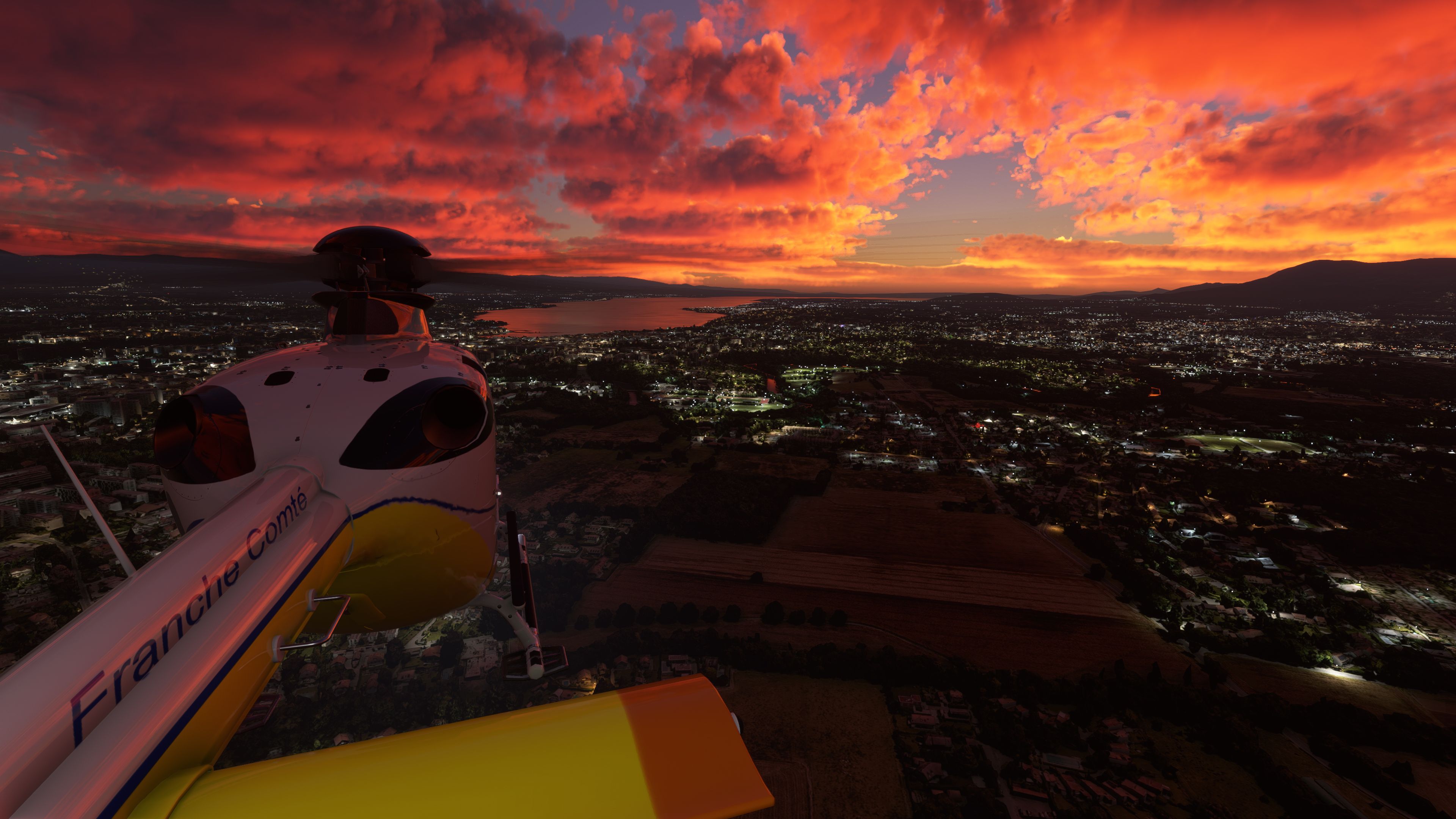
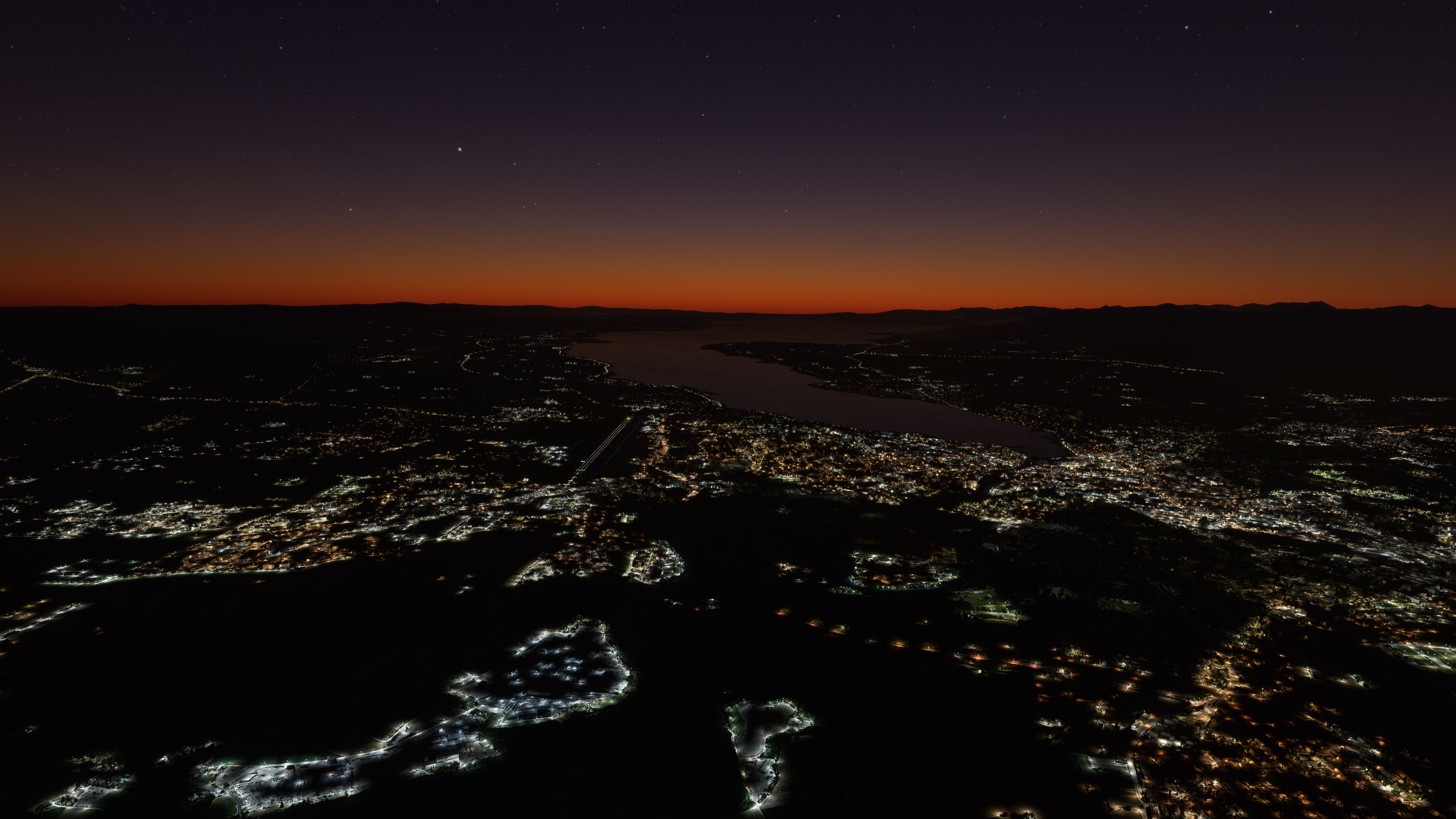
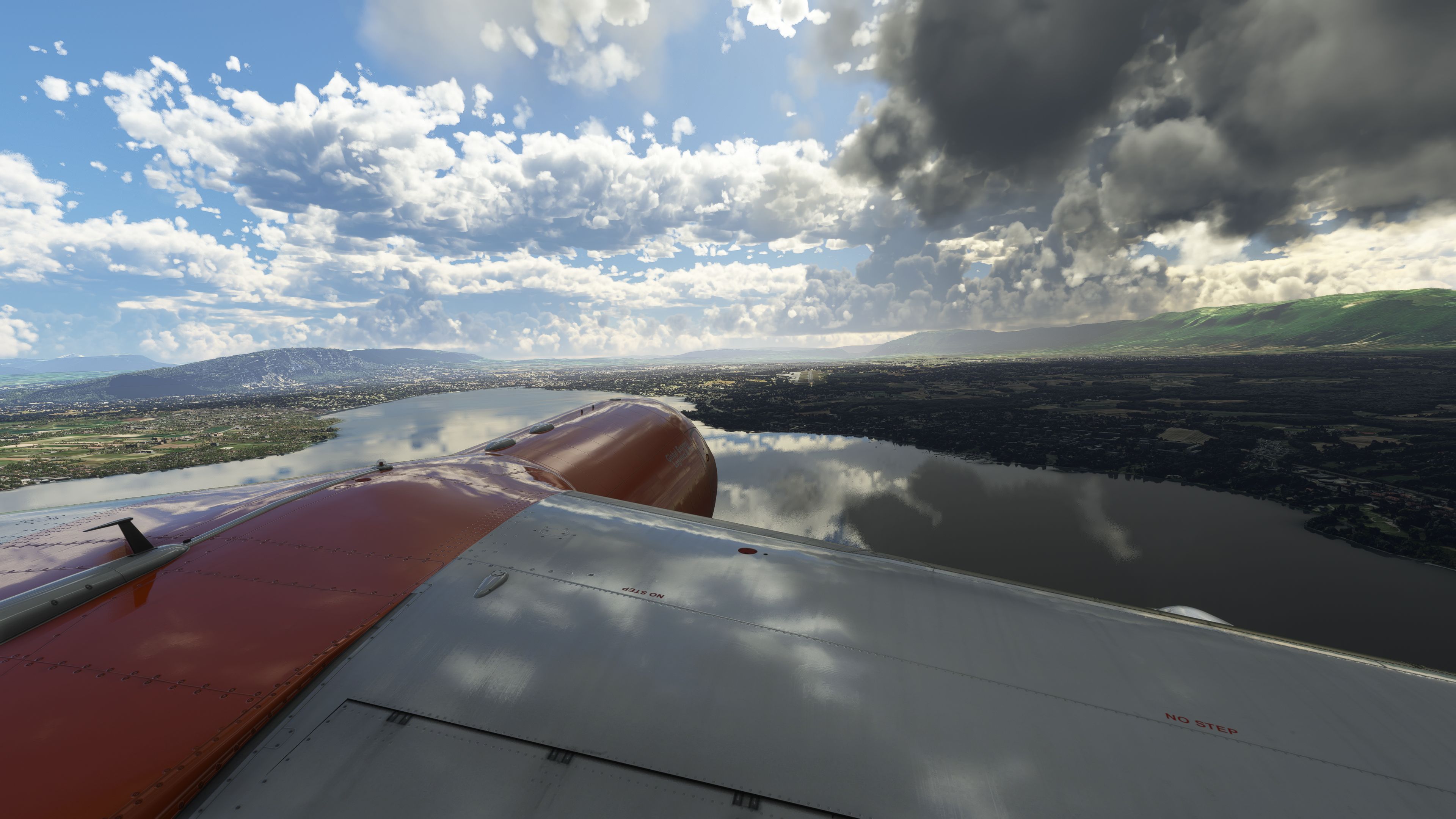
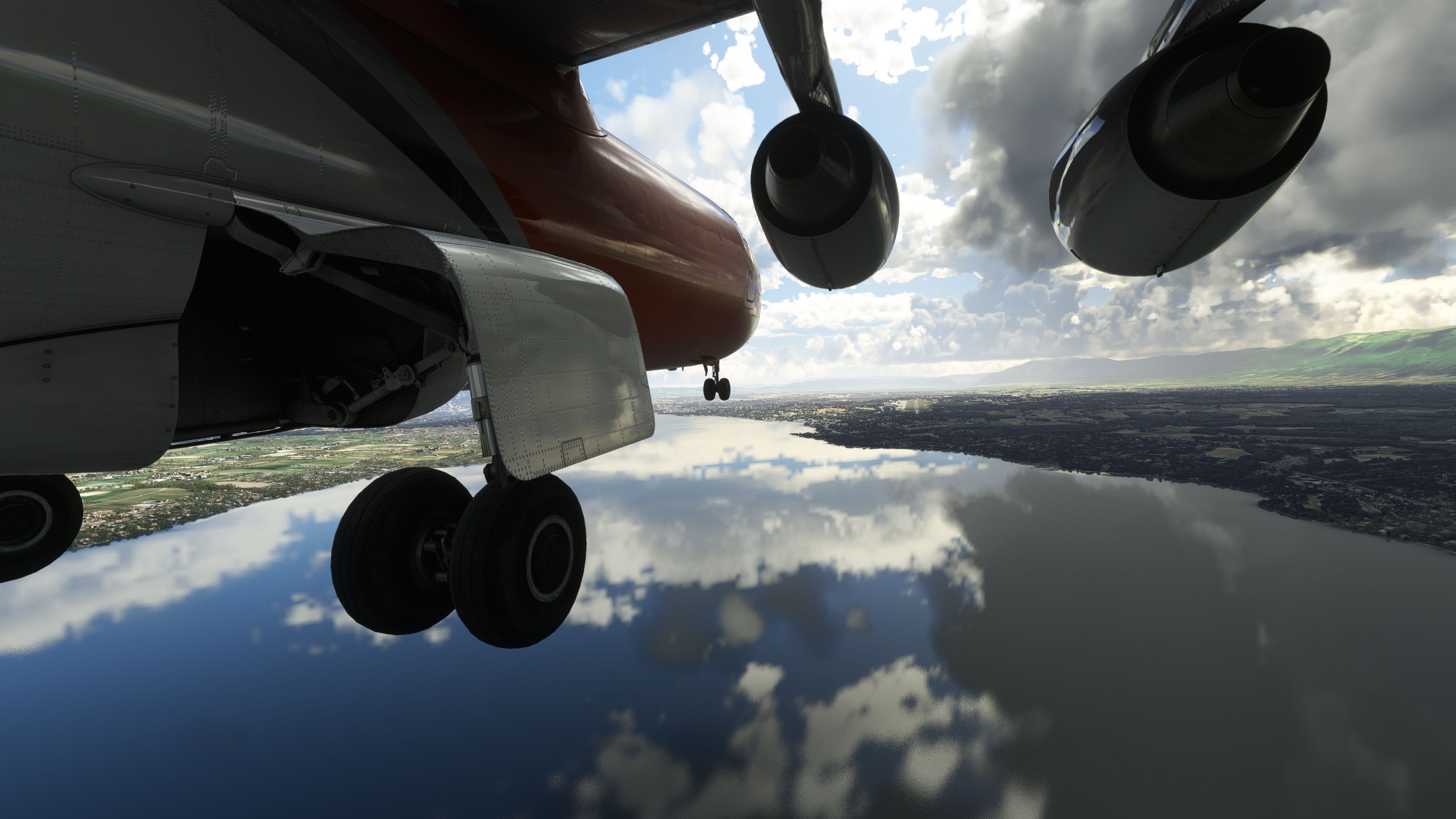
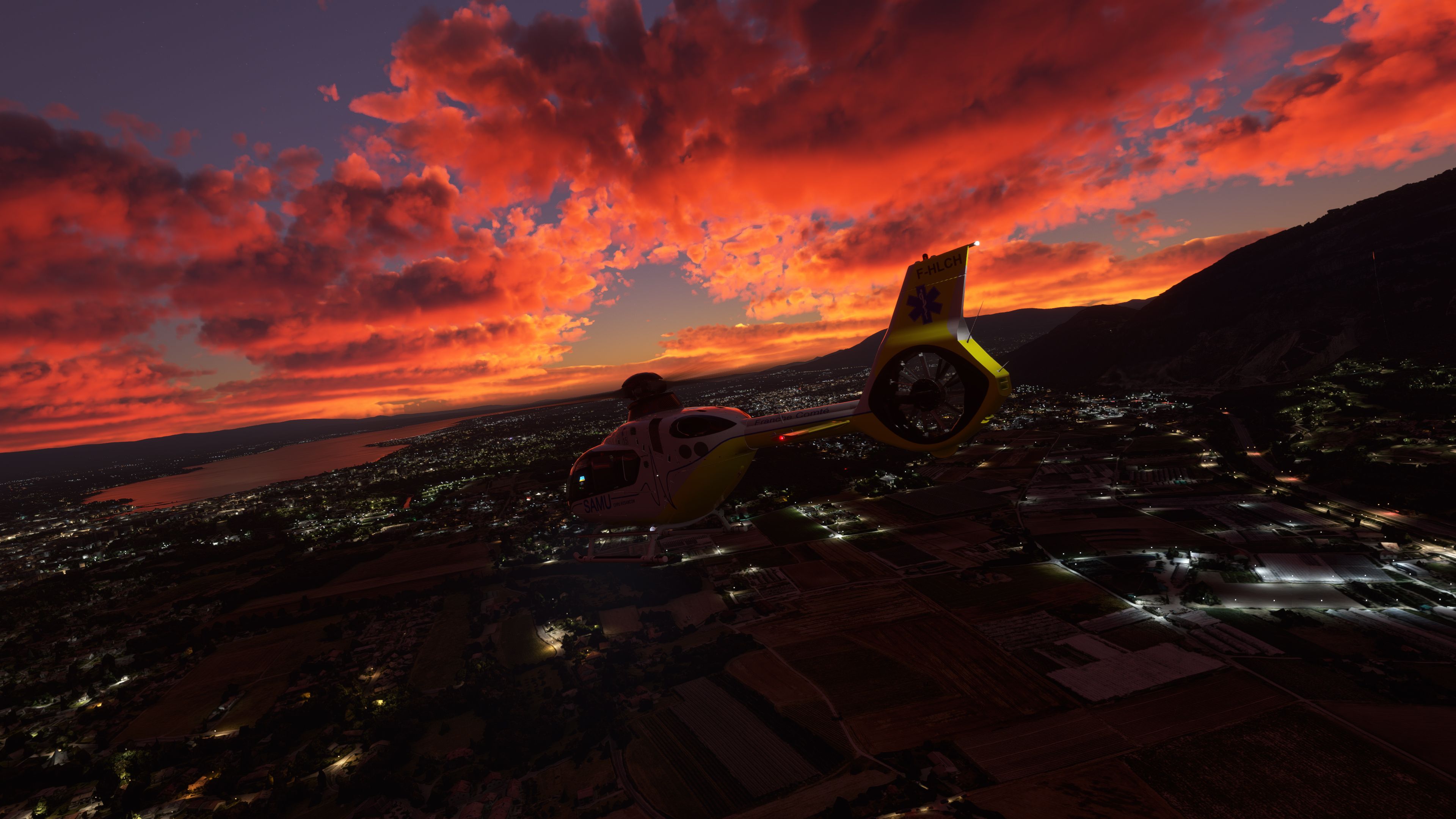
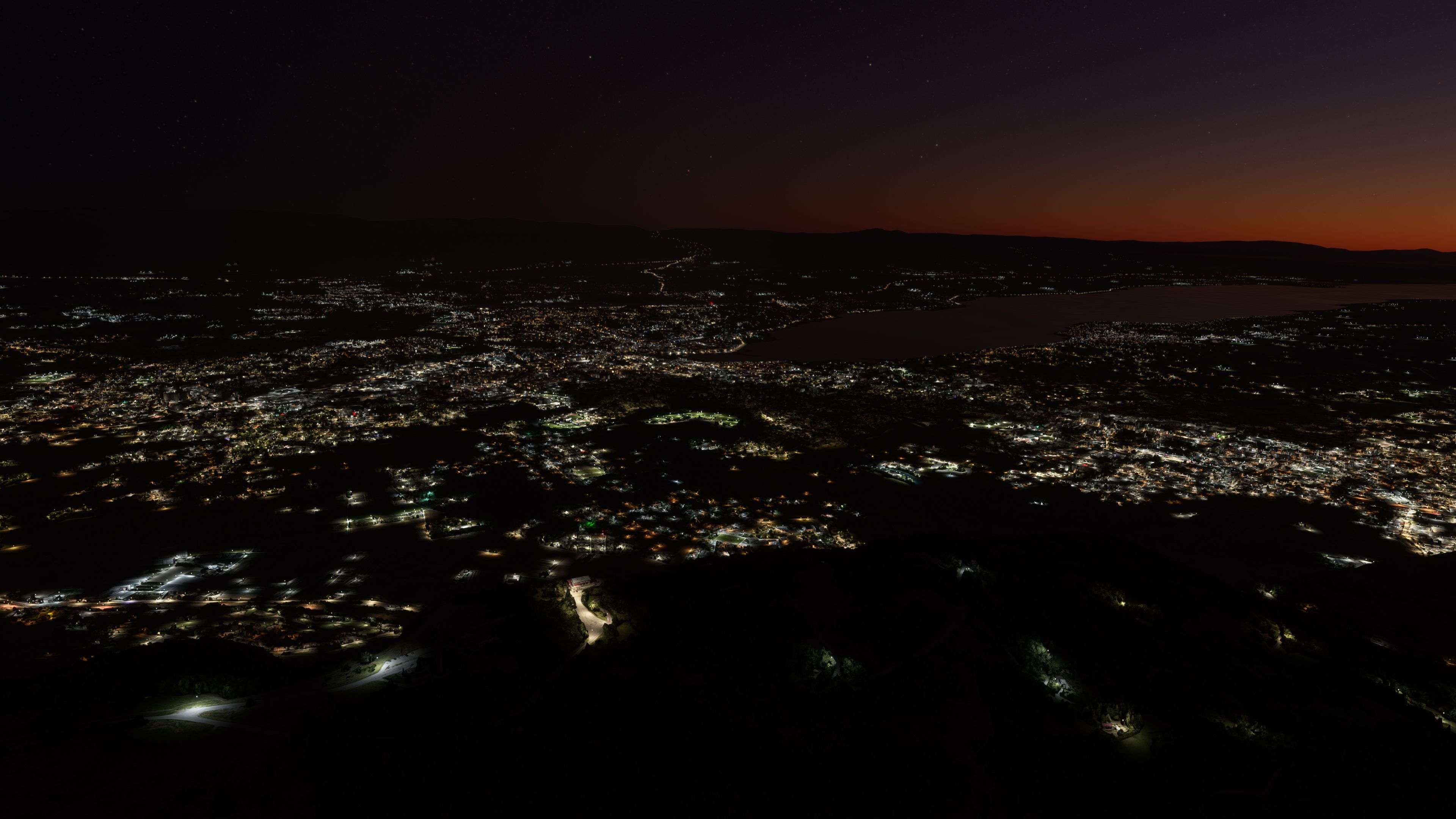
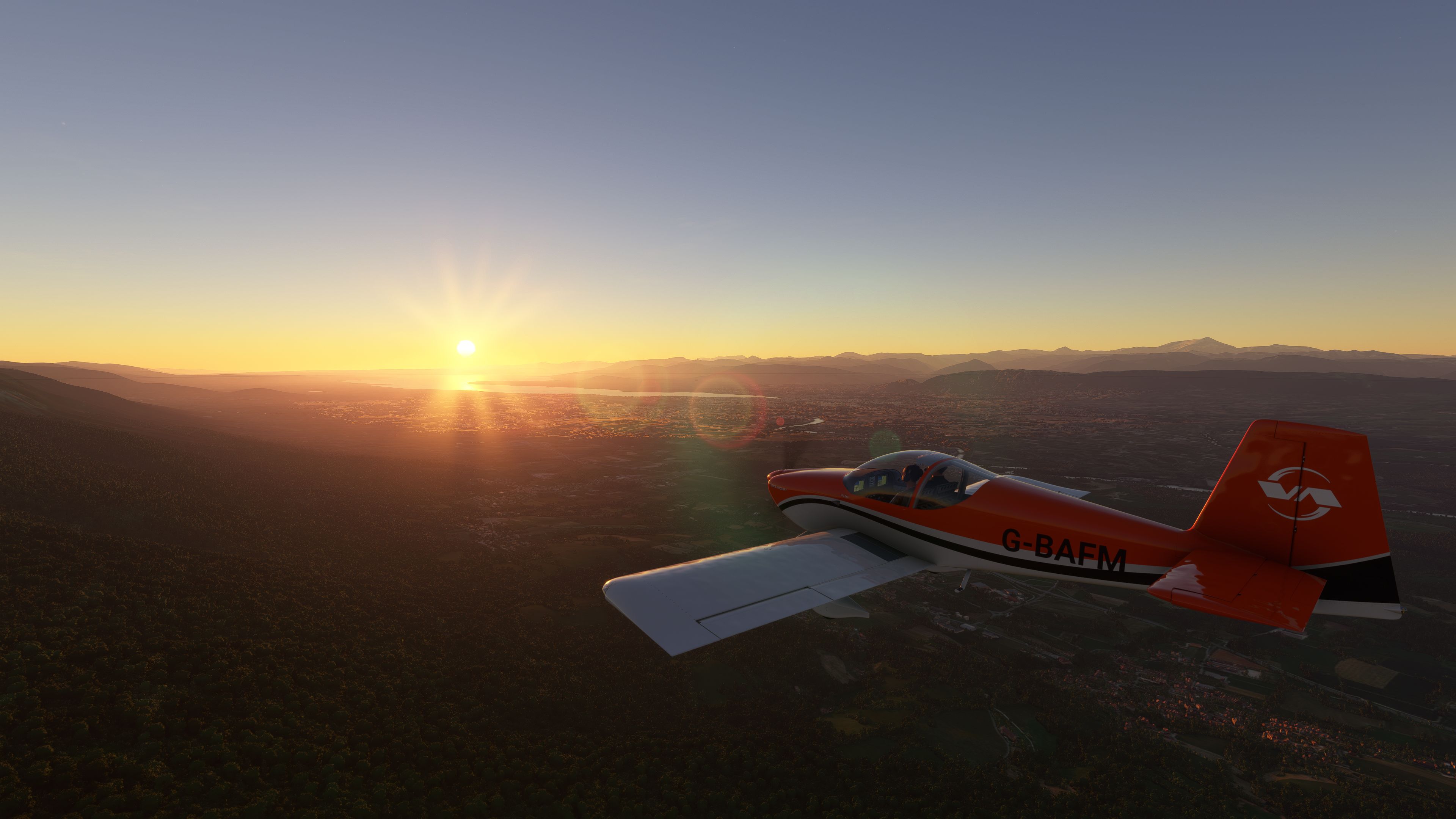
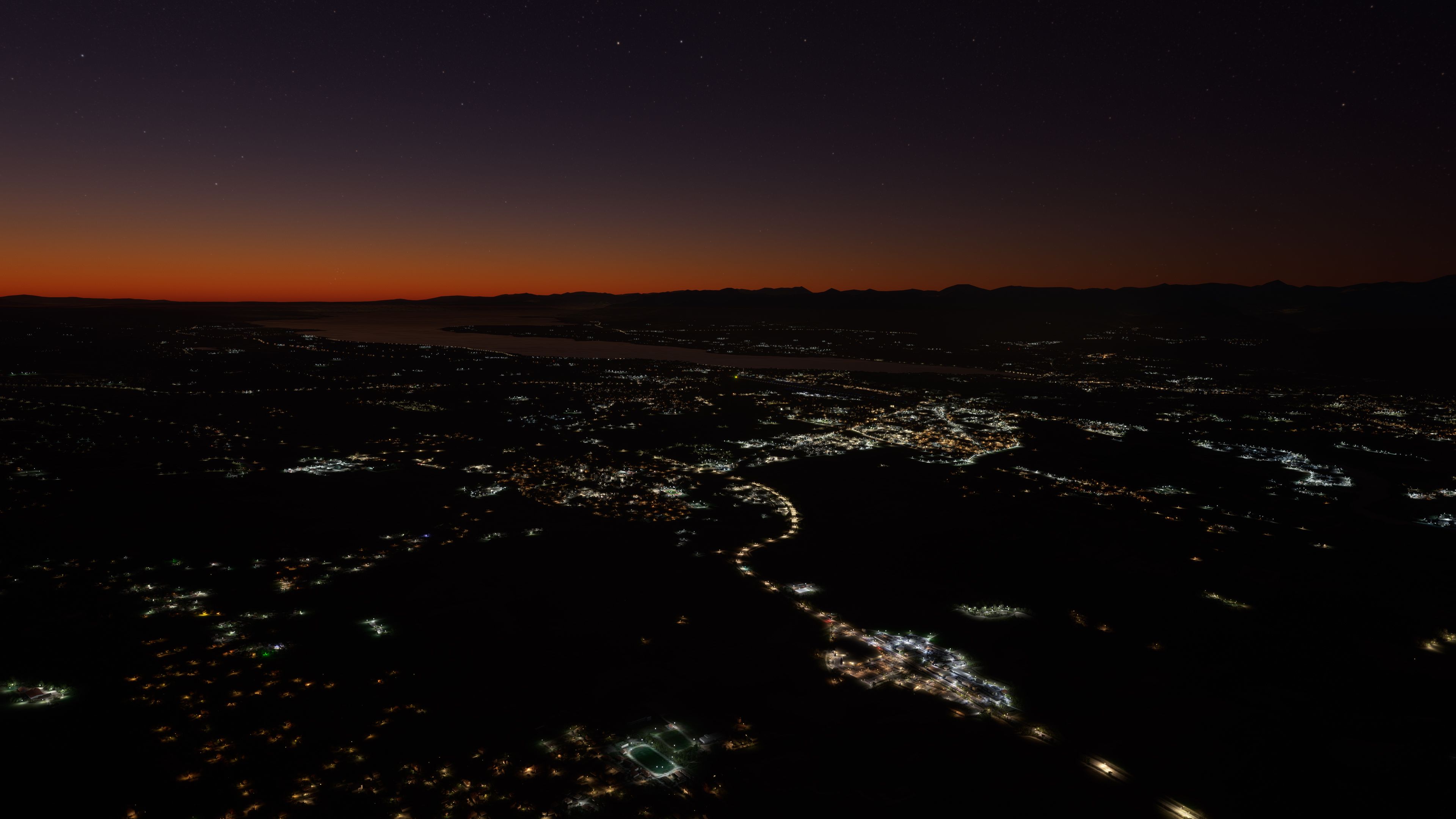
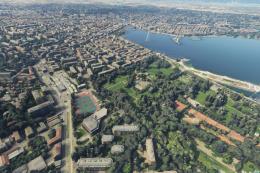
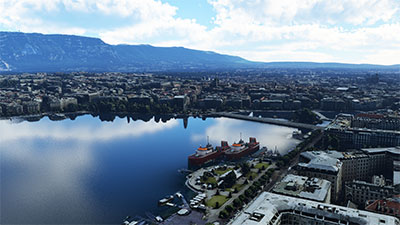
Geneva, Switzerland gets a full scenery overhaul with dense photogrammetry-style buildings, crisp ground imagery, and updated real-world layouts that make Lake Geneva and the city center feel alive. Built for Microsoft Flight Simulator, it also reworks Geneva Airport (LSGG) and boosts detail around Annemasse and the HUG hospital zone with ultra-high-resolution textures.

This complete scenery mod for Geneva transforms the city with advanced photogrammetric data, giving you a vivid aerial perspective anchored by photoreal ground textures and distinctly modeled 3D structures. The add-on includes a fully reworked Geneva Airport (LSGG) alongside high-resolution coverage of surrounding landmarks, capturing everything from the city center’s skyline to the hospital district in remarkable detail. Drawing on the latest Google Maps data, it offers one of the most accurate Swiss scenery packages currently available for Microsoft Flight Simulator.
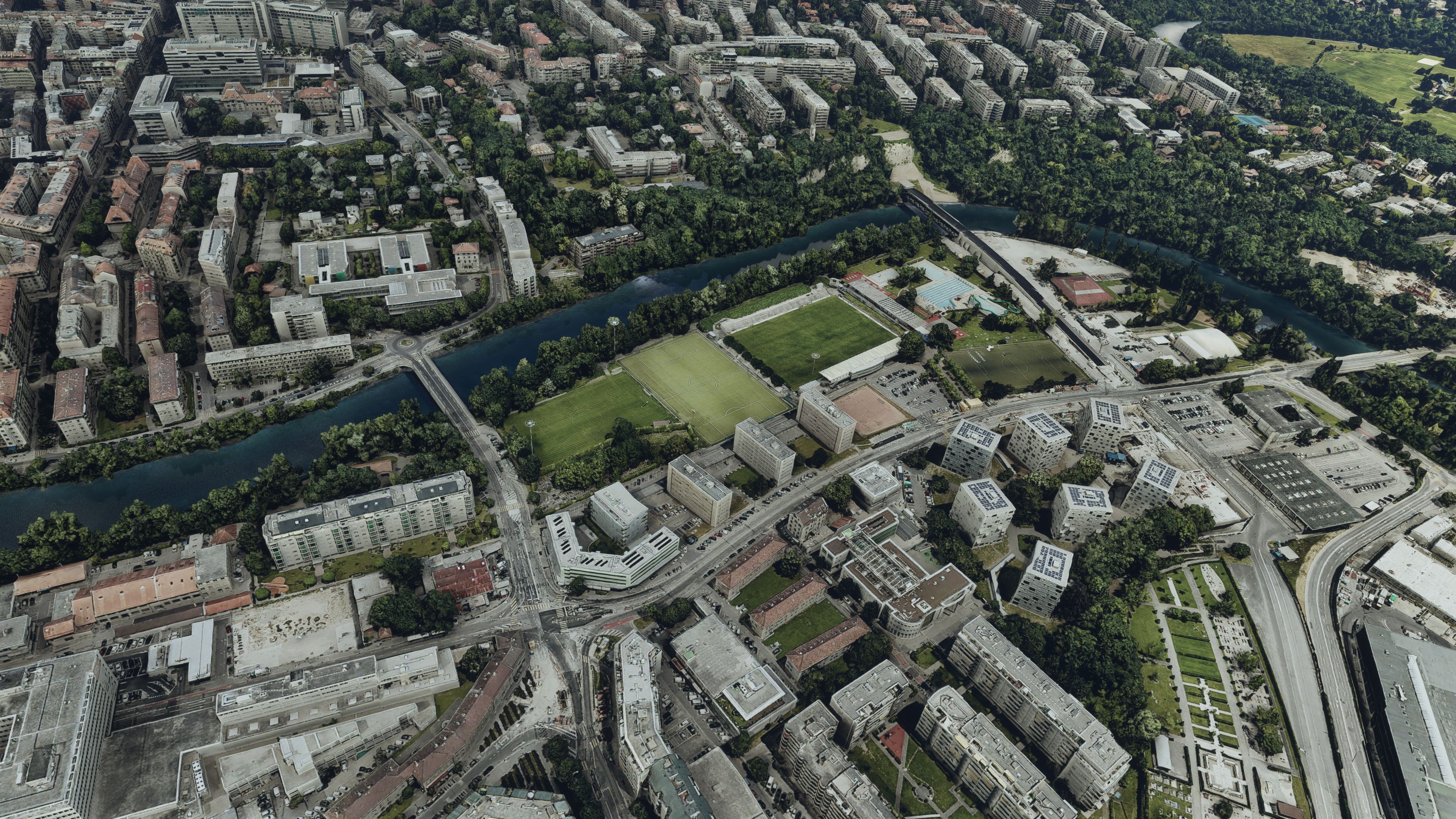
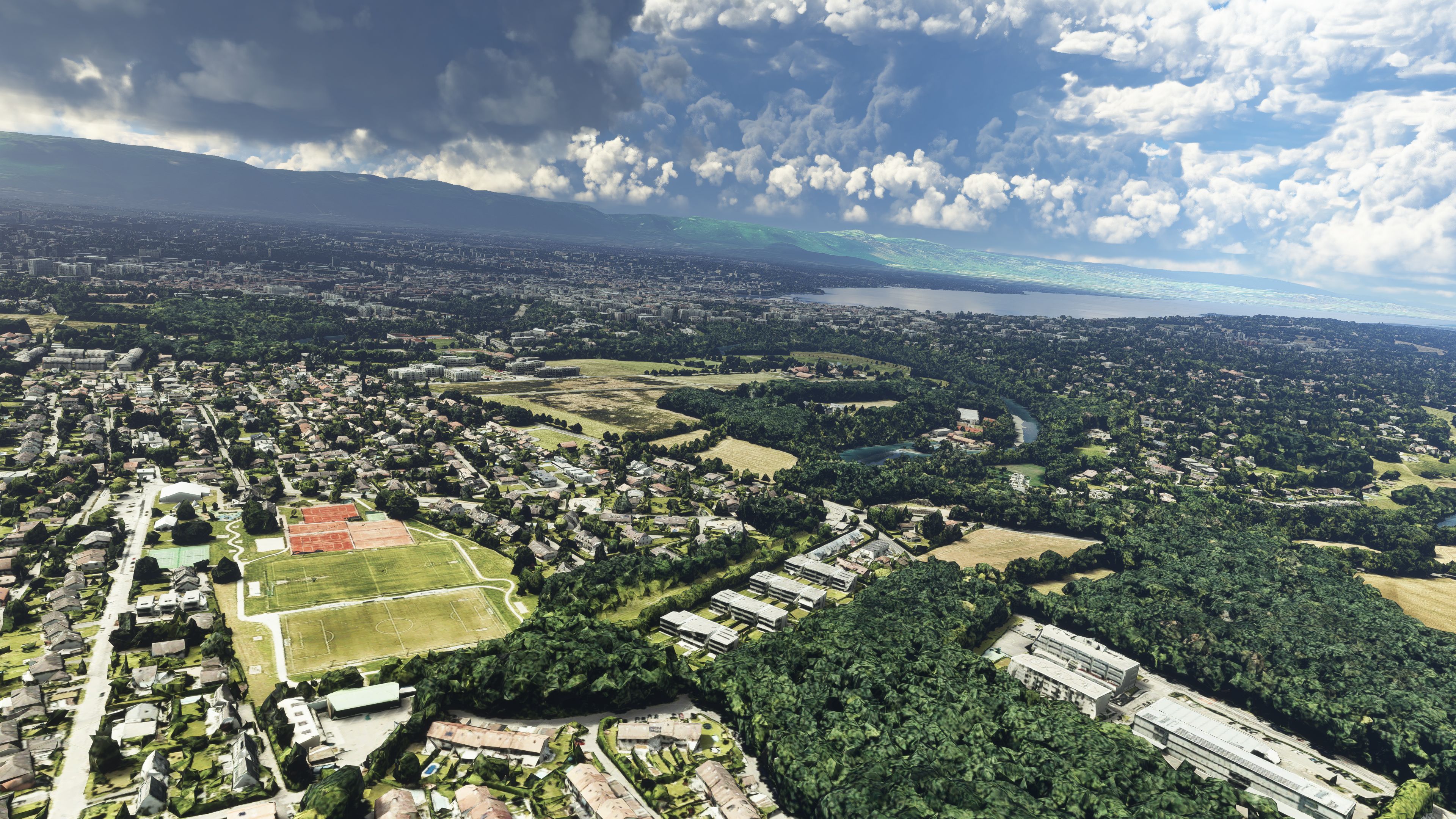
During testing, I noticed seamless integration with the sim’s environment and impressive performance despite its substantial file size. City textures resolve at up to 38 cm per tile with key areas boasting an even sharper 19 cm to 9 cm per tile, ensuring breathtaking clarity when flying lower altitudes. In my expert experience, this mod delivers a superb flight simulation experience in Geneva, elevating visual immersion for both casual pilots and serious simmers alike.
A complete scenery replacement for Geneva, Switzerland using accurate and more up-to-date data than the default sim offerings. Compatible with Microsoft Flight Simulator (MSFS) 2020 release. This replacement scenery pack brings this iconic Swiss city to life in MSFS.
 The developer released this pack in several parts due to file size limitations however the version we feature here is the complete version with all parts (part 1, part 2, A & B) all put together in one easy-to-use scenery package.
Also included is a reworked version of Geneva Airport (LSGG) to complement the photoreal scenery pack which is also authored by the same developer, AdrianLscenery.
All of the scenery in the pack is essentially photogrammetric scenery - similar to what you would have called "photoreal" in the days of FSX/P3D. However, as well as including photorealistic data for the ground, 3D objects are also included for the buildings and objects based on real-world data.
The developer has sourced all of the data for Geneva from the latest Google Maps public information.
This add-on has been tested and confirmed functional in the latest MSFS Sim Update 10.
Included in the scenery pack;
Installation
The pack extracts to around 20GB so it's a very large scenery expansion however it brings much fun to flights in and around the Geneva area.
To install, simply extract the archive and drag/drop the following folders inside the extracted folder into your Microsoft Flight Simulator community folder.
adrianl-genava-airportadrianl-genava-part-aadrianl-genava-part-badrianl-genava-part-north-eastadrianl-genava-part-south-eastadrianl-genava-part-westFree for all simmers · 10.21 GB · Scanned clean Oct 2026
Download speed: Free tier is capped at 2 Mbps (this file takes approximately 12h 11m at the cap). PRO members download at full line speed.
%LOCALAPPDATA%\Packages\Microsoft.FlightSimulator_8wekyb3d8bbwe\LocalCache\Packages\Community\. Steam version: %APPDATA%\Microsoft Flight Simulator\Packages\Community\. Tip: enable Developer Mode in MSFS to see your exact Community folder path.readme.txt or README file. It tells you exactly where files go, what dependencies are needed, and any quirks specific to this add-on.Are you AdrianLScenery? Sign in to Fly Away Creators for download stats, comment replies and updates. Make add-ons? Publish them here.
Only PRO members can place votes.
More MSFS add-ons hand-picked based on this download.
MSFS Scenery
Delve into the heart of Europe with the Geneva City Photogrammetry Scenery, a…
 MSFS Scenery
A quick rework of several Swiss cities and landmarks such as the Matterhorn u…
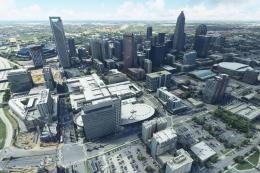 MSFS Scenery
A complete replacement scenery package, advancing on the default offerings by…
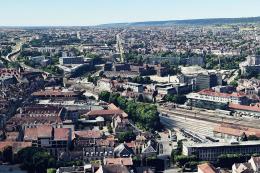 MSFS Scenery
A fully complete and extensive freeware scenery mod featuring photogrammetric…
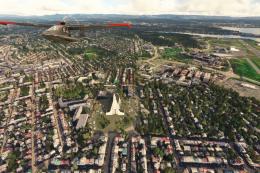 MSFS Scenery
Immerse yourself in the rugged beauty of Iceland's capital with the Reykjavik…
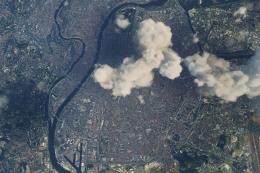 MSFS Scenery
Embark on an authentic virtual journey over Lyon, France's third-largest city…
 MSFS Scenery
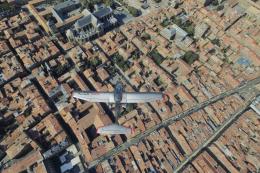
Immerse yourself in the detailed and vibrant scenery of La Rochelle, a histor…
 MSFS Scenery
A large freeware scenery add-on pack put together by the developer who goes b…
Be the first to leave a comment on this download.
Be the first to share your thoughts on this download.