

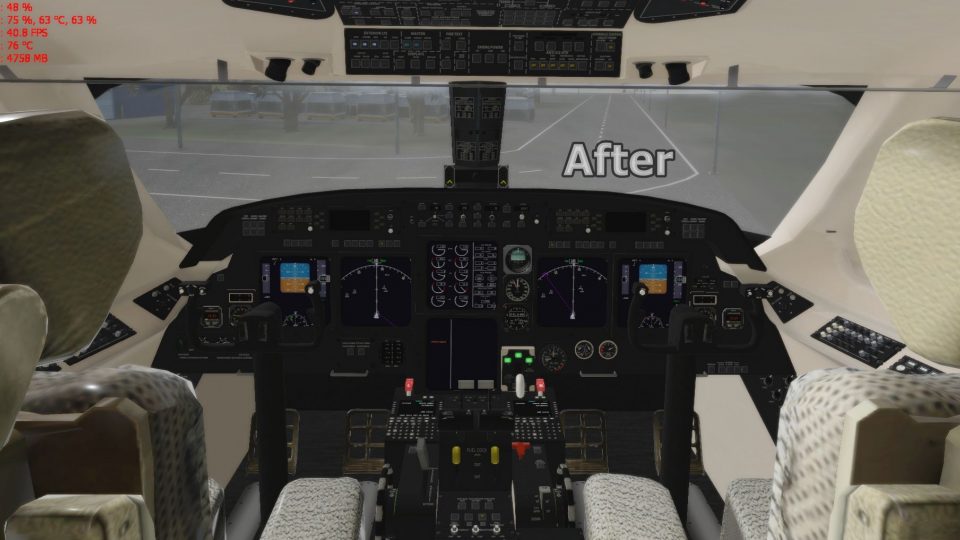
 X-Plane Civil Heavy Aircraft
Gulfstream G280 1.0
X-Plane 11 Gulfstream G280 1.0. The Gulfstream G280 is a twin-engine business…
Gulfstream G-IV SP pilots get a cleaner, more refined virtual cockpit with subtle visual tweaks and darker glazing that enhance the business-jet feel without changing the aircraft’s core setup in X-Plane 11. Requires gulfstream_g-iv_sp_11.zip, since this package updates cockpit textures and appearance only.
 Rate
Rate

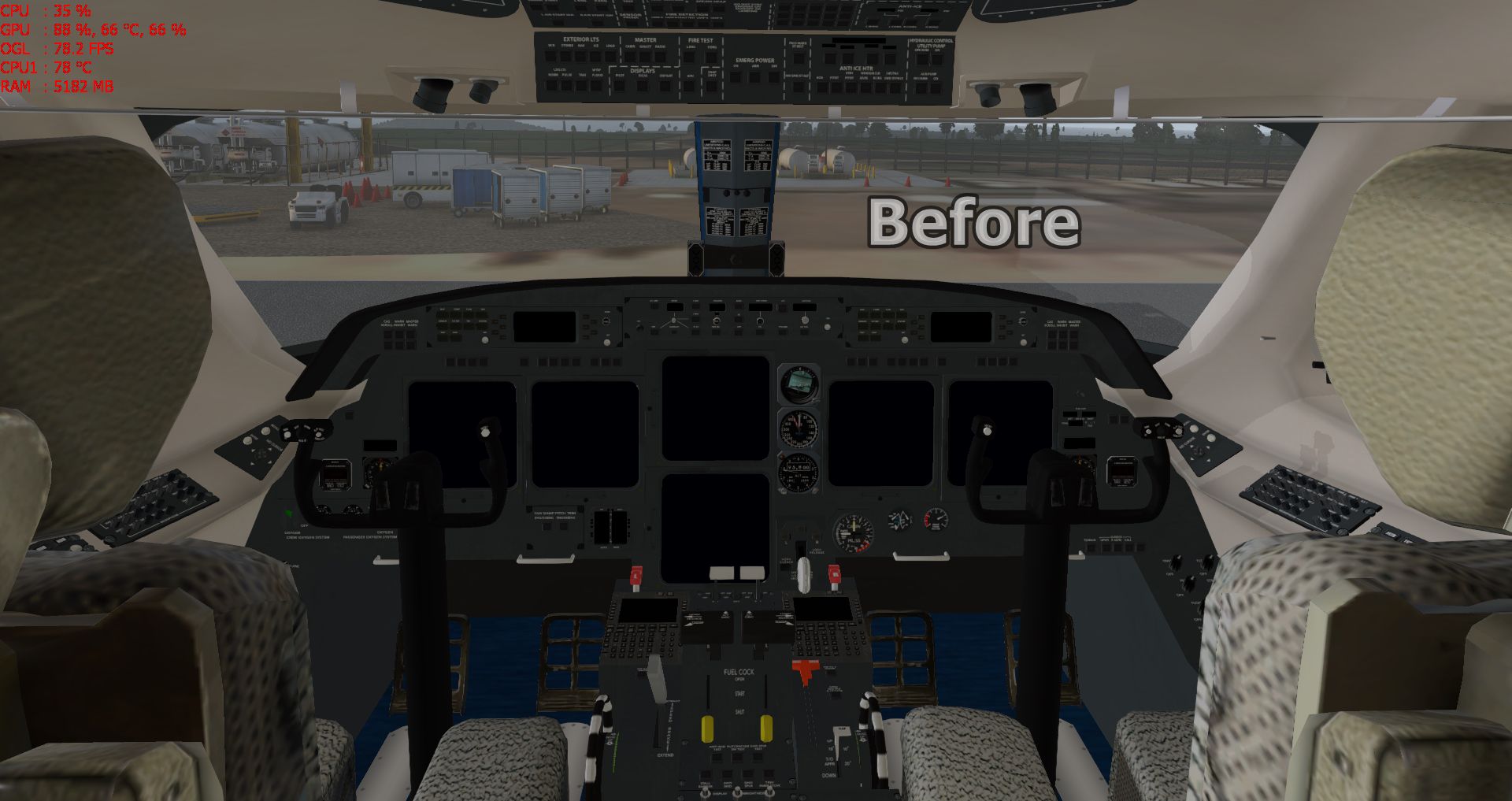
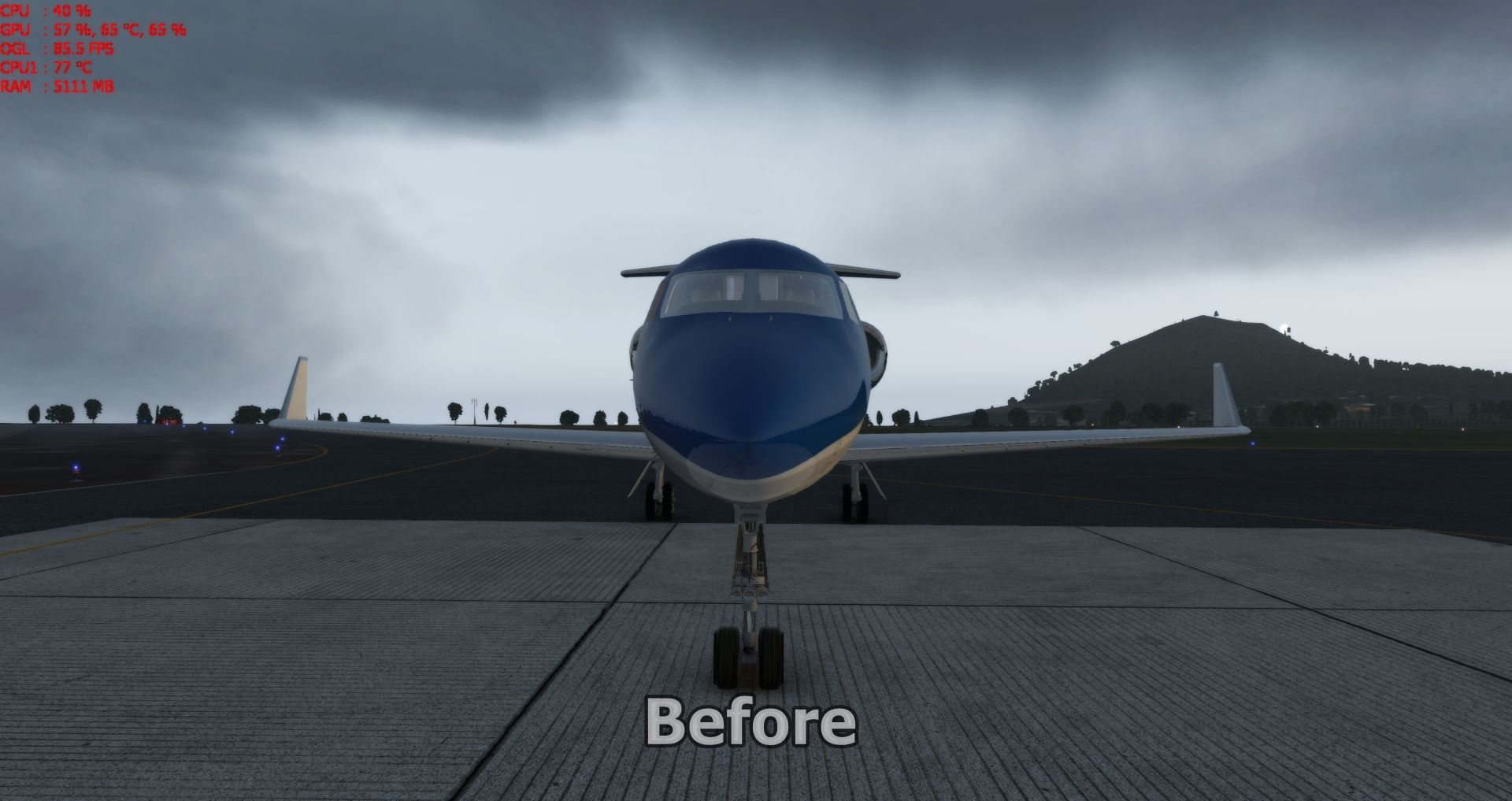
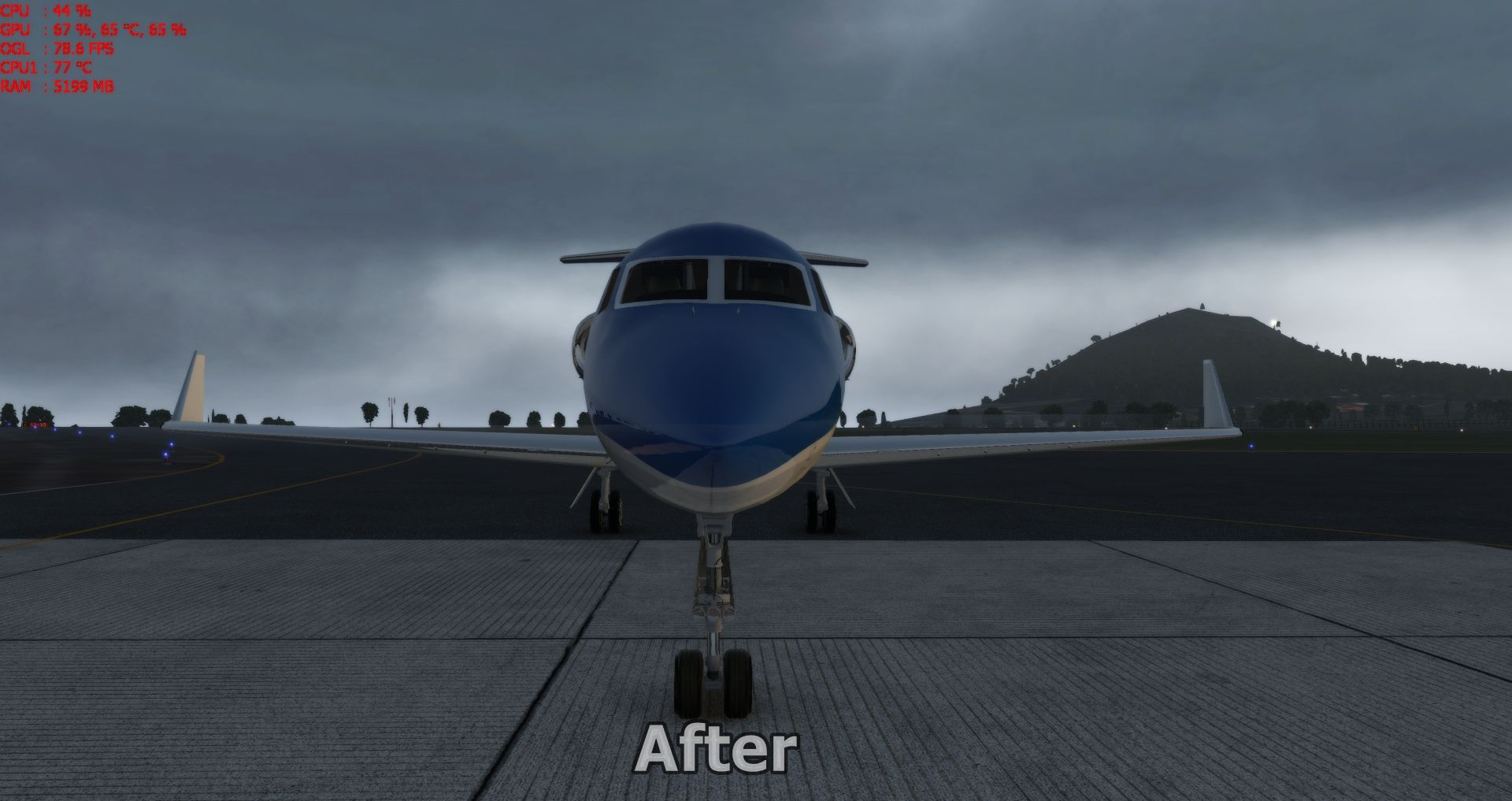
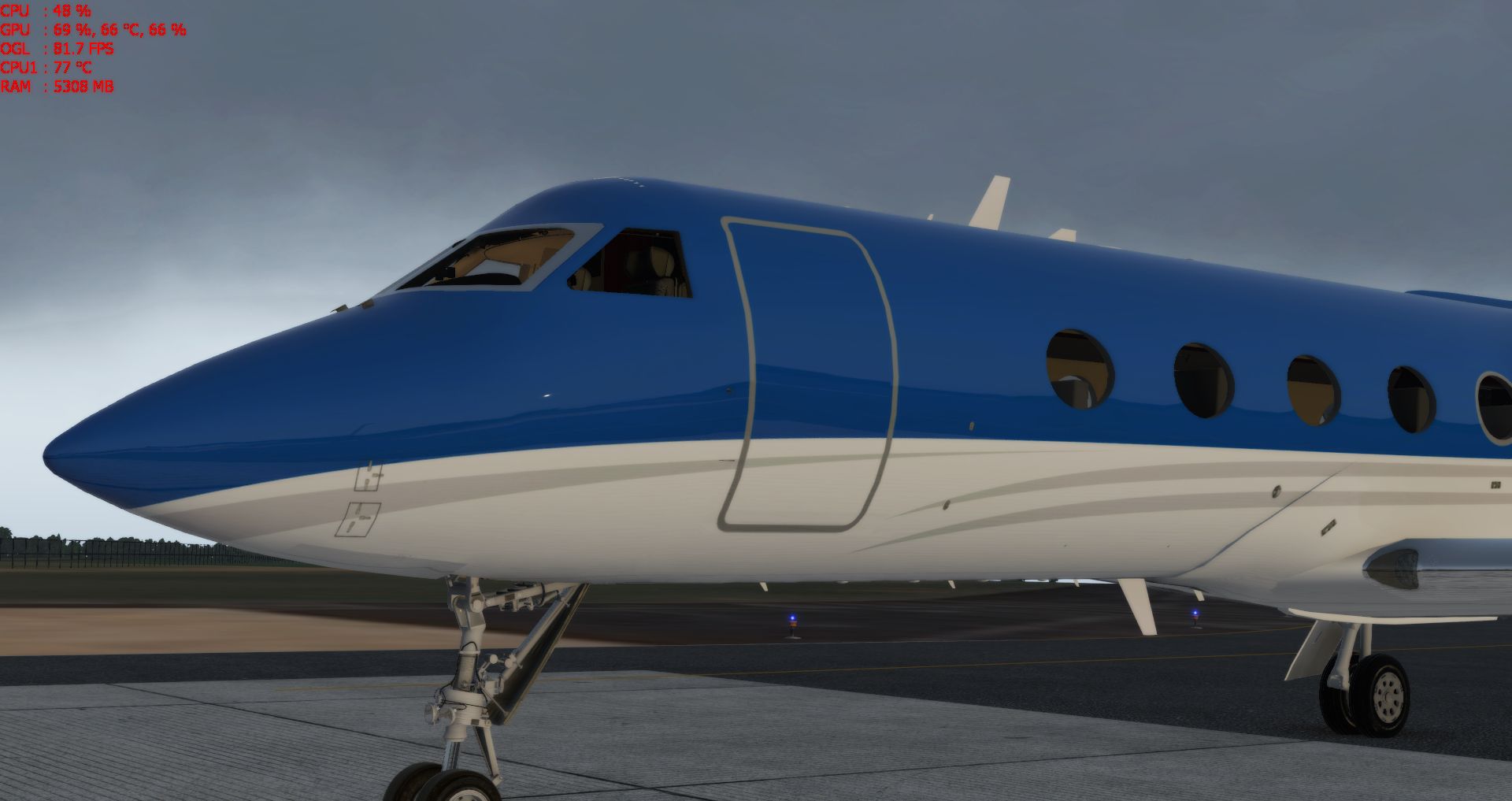
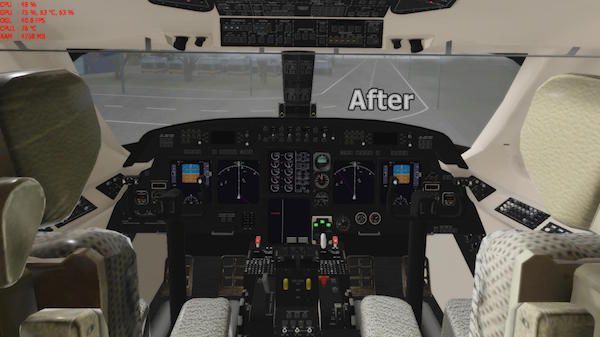
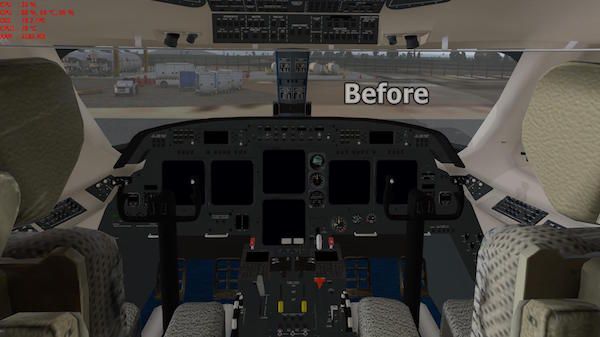
Small improvements in cockpit and dark glass for Gulfstream G-IV SP. To install just follow the folders.
Requires gulfstream_g-iv_sp_11.zip as this is only an update of the cockpit.
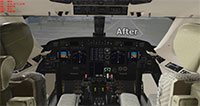 Author: Sabach Greg.
Free for all simmers · 19.56 MB · Scanned clean Oct 2026
Download speed: Free tier is capped at 0.5 Mbps (this file takes approximately 5 mins at the cap). PRO members download at full line speed.
Aircraft/ (planes), Custom Scenery/ (airports, mesh), or Resources/plugins/ (plugins).readme.txt or README file. It tells you exactly where files go, what dependencies are needed, and any quirks specific to this add-on.The archive gulfstream_g-iv_sp_cockpit_1_0.zip has 20 files and directories contained within it.
This list displays the first 500 files in the package. If the package has more, you will need to download it to view them.
| Filename/Directory | File Date | File Size |
|---|---|---|
| Gulfstream G-IV SP_Cockpit_1.0 | 04.12.17 | 0 B |
| GulfstreamGIV_paint.png | 04.11.17 | 9.87 MB |
| PICs | 04.12.17 | 0 B |
| G1.jpg | 04.09.17 | 837.05 kB |
| G2.jpg | 04.12.17 | 897.05 kB |
| G3.jpg | 04.09.17 | 910.76 kB |
| G4.jpg | 04.09.17 | 891.83 kB |
| G5.jpg | 04.09.17 | 676.66 kB |
| cockpit_3d | 04.12.17 | 0 B |
| -PANELS- | 04.12.17 | 0 B |
| panel.png | 04.11.17 | 372.31 kB |
| image1.jpg | 04.12.17 | 30.69 kB |
| image2.jpg | 04.12.17 | 32.73 kB |
| objects | 04.12.17 | 0 B |
| Cabin.png | 04.09.17 | 3.19 MB |
| Glass.png | 04.09.17 | 51.28 kB |
| Seats.png | 04.09.17 | 2.02 MB |
| read-me.txt | 04.12.17 | 148 B |
| flyawaysimulation.txt | 10.29.13 | 959 B |
| Go to Fly Away Simulation.url | 01.22.16 | 52 B |
Only PRO members can place votes.
More X-Plane add-ons hand-picked based on this download.
X-Plane Civil Heavy Aircraft
X-Plane 11 Gulfstream G280 1.0. The Gulfstream G280 is a twin-engine business…
 X-Plane Civil Heavy Aircraft
X-Plane 10 And 11 Learjet 23 3.0. The Lear 23 is an American six-to-eight-sea…
 X-Plane Civil Heavy Aircraft
X-Plane 11 Boeing 787 Dreamliner 1.0. This is Jacques Brault's X-Plane 8 and …
 X-Plane Civil Heavy Aircraft
Freeware repaint. This livery/skin repaint is for X-Plane 11. Default B737 Zi…
 X-Plane Civil Heavy Aircraft
A repaint of the default Boeing 737-800 model in the colours of All Nippon Ai…
 X-Plane Civil Heavy Aircraft
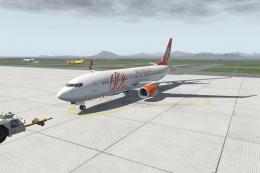
FOR X-PLANE 11 BOEING 737-800 DEFAULT. PAINT GOL PR-GTE INSTALL: COPY "GOL" T…
 X-Plane Civil Heavy Aircraft
This is a repaint of the default Boeing 737-800 in X-Plane 11. The paint incl…
 X-Plane Civil Heavy Aircraft
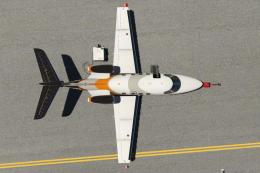
Livery Skin Repaint for X-Plane 11 and X-Plane 10. Requires the payware Caren…
Read what other simmers think, or add your own.

Hi, I put all the folders in their respective areas and the cockpit hasn't changed...
Support would be appreciated.
Kind Regards-

Hello, Robert. Carefully observe and follow the speeds published in the normal procedures tablet. If unstable on approach, the plane will go around. Kind regards Dfender.

Maybe it's me and my lack of skills and/or knowledge but, is it normal for this plane, when reducing power to land--to enter an immediate uncontrollable CLIMB?
Even pushing the yoke full forward--doesn't help much!
What about the PITCH TRIM? Is it NORMAL to max out trim UP--prior to being able to maintain a decent climb rate? I'm usually flying NEAR level or descending.