

 FSX Panels & Gauges
Airbus Cockpit Texture Upgrade
Virtual cockpit textures upgrade for Airbus A321, A330-200/300, A340-200/300/…
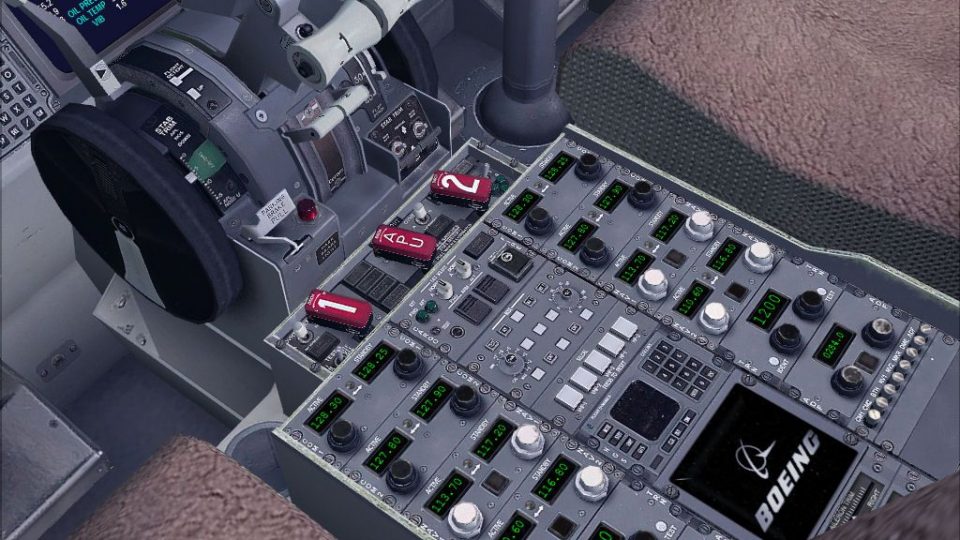
Boeing 737-800 cockpit textures sharpen the default flight deck with full-resolution panels, richer color, and added detail for a more convincing virtual cockpit. Designed for the stock aircraft in FSX, the repaint also integrates smoothly with common 737-800 virtual cockpit upgrades while keeping the original layout and readability intact.
 Rate
Rate
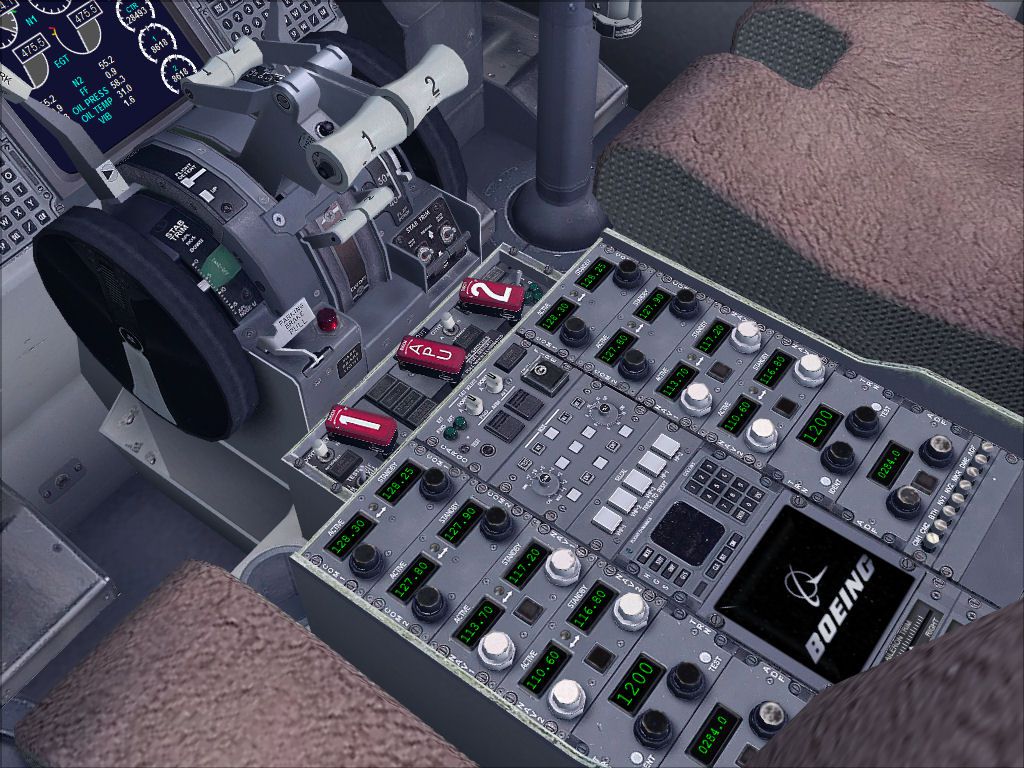
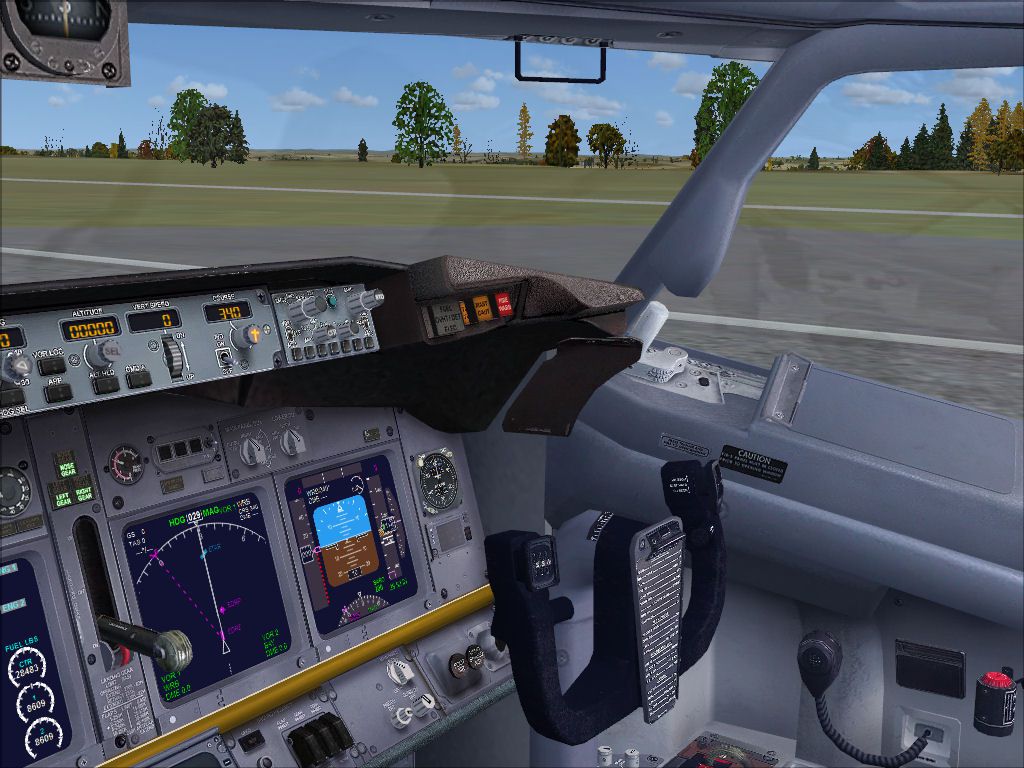

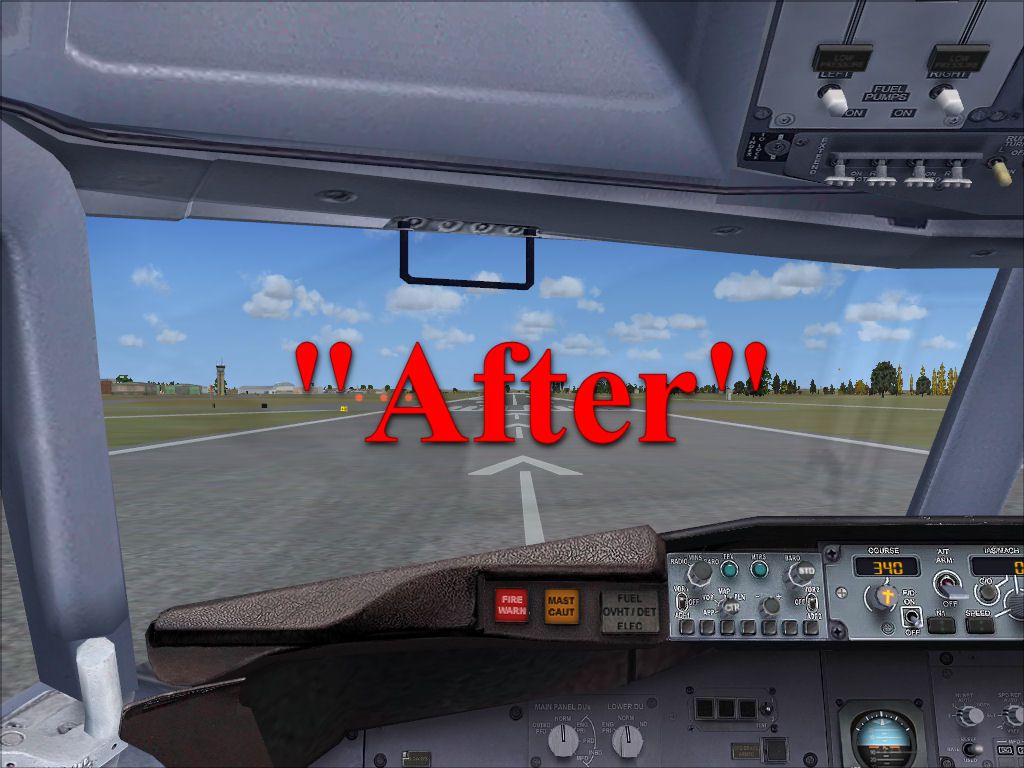
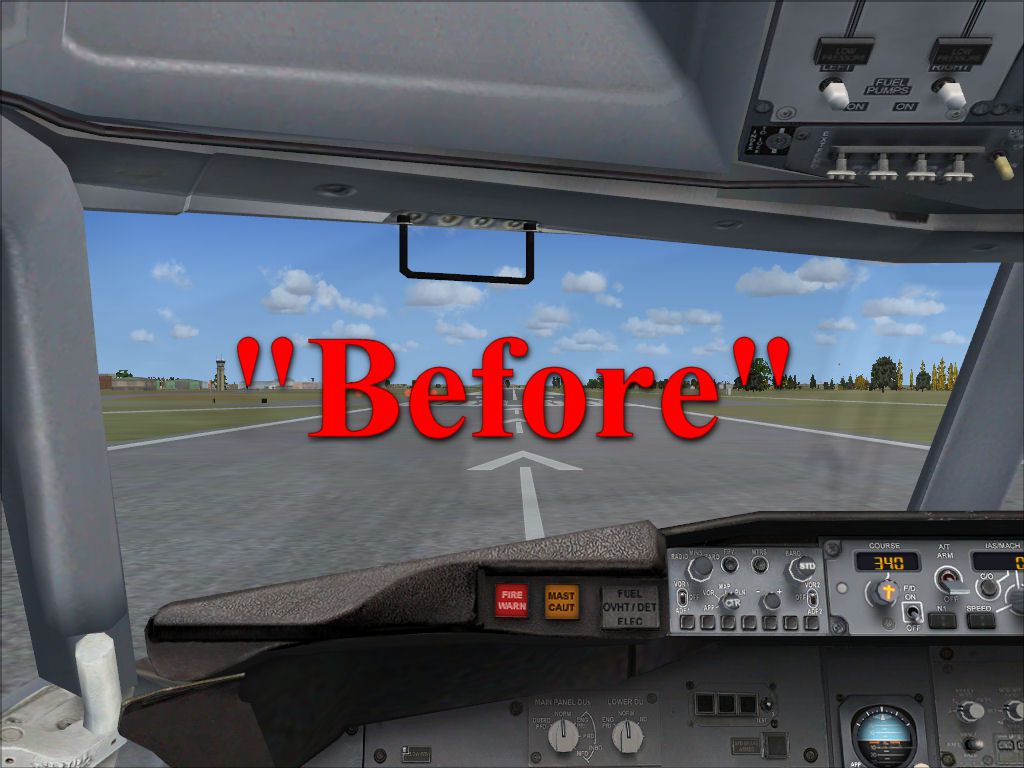
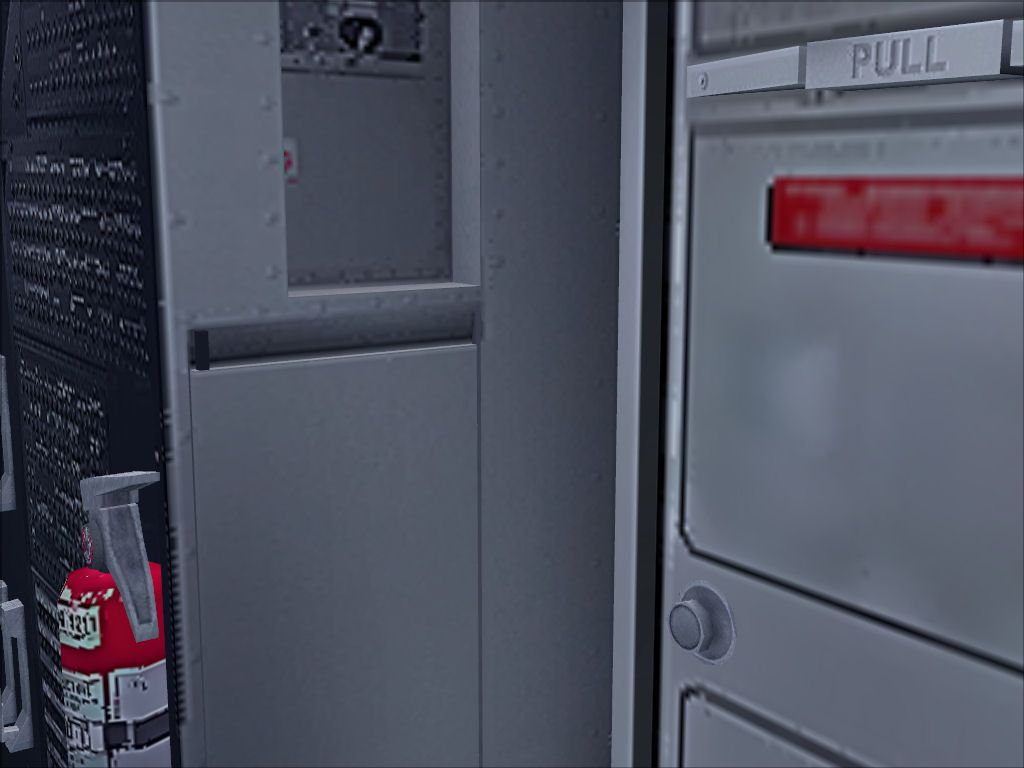
This package contains repaint textures that will make the default B737-800 cockpit textures appear in full resolution and with more color and details. VC repaint by Enrique Cornejo.
Screenshot of Boeing 737-800 cockpit.
First, please make a "back up" of the original B737-800 texture folder, if you have to restore the default texture. (The default B737-800 textures are in the default texture.zip).
Copy these textures to your FSX 737-800 directory, and place them in the "texture" folder. DO NOT PLACE IN ANY OTHER FOLDER, OR THIS WILL NOT WORK.
Note: This upgrade cockpit also works in the 737-800 upgraded Virtual Cockpit by Alejandro Rojas Lucena.
After that, open up your FS, and enjoy the upgrade!
Free for all simmers · 25.81 MB · Scanned clean Oct 2026
Download speed: Free tier is capped at 0.5 Mbps (this file takes approximately 7 mins at the cap). PRO members download at full line speed.
FSX\SimObjects\Airplanes\{aircraft}\panel\. Back up the existing panel folder first.readme.txt or README file. It tells you exactly where files go, what dependencies are needed, and any quirks specific to this add-on.The archive fsx737-800_cockpit_texture_upgrade.zip has 34 files and directories contained within it.
This list displays the first 500 files in the package. If the package has more, you will need to download it to view them.
| Filename/Directory | File Date | File Size |
|---|---|---|
| 737_Refection.dds | 10.25.12 | 1.00 MB |
| B737_800_1_C.dds | 10.25.12 | 4.00 MB |
| b737_800_1_LM.dds | 09.04.06 | 170.79 kB |
| B737_800_1_night_C.dds | 09.04.06 | 682.79 kB |
| b737_800_1_T.dds | 09.04.06 | 1.33 MB |
| b737_800_1_T_Bump.dds | 09.04.06 | 1.00 MB |
| b737_800_1_T_Specular.dds | 09.04.06 | 1.33 MB |
| B737_800_2_C.dds | 10.25.12 | 4.00 MB |
| B737_800_2_night_C.dds | 09.04.06 | 682.79 kB |
| b737_800_2_T.dds | 09.04.06 | 1.33 MB |
| b737_800_2_T_Bump.dds | 09.04.06 | 1.00 MB |
| b737_800_2_T_Specular.dds | 09.04.06 | 1.33 MB |
| B737_800_3_C.dds | 10.25.12 | 4.00 MB |
| B737_800_3_night_C.dds | 09.04.06 | 682.79 kB |
| B737_800_4_C.dds | 10.25.12 | 4.00 MB |
| B737_800_4_night_C.dds | 09.04.06 | 682.79 kB |
| B737_800_5_C.dds | 10.25.12 | 1.00 MB |
| B737_800_5_night_C.dds | 09.04.06 | 170.79 kB |
| B737_800_C.bmp | 05.12.06 | 682.74 kB |
| B737_800_Interior.dds | 09.04.06 | 170.79 kB |
| Fresnel_Ramp.dds | 09.04.06 | 640 B |
| lluvia.dds | 07.28.12 | 1.00 MB |
| Pilots_737.dds | 09.04.06 | 42.79 kB |
| texture.cfg | 08.14.06 | 137 B |
| 1_B737_Before.jpg | 10.25.12 | 122.31 kB |
| 1_B737_After.jpg | 10.25.12 | 128.53 kB |
| 3.jpg | 10.25.12 | 164.81 kB |
| 4.jpg | 10.25.12 | 159.35 kB |
| 5.jpg | 10.25.12 | 205.03 kB |
| 6.jpg | 10.25.12 | 78.57 kB |
| Readme.txt | 10.25.12 | 1.03 kB |
| Default texture Backup.zip | 10.25.12 | 8.95 MB |
| flyawaysimulation.txt | 10.29.13 | 959 B |
| Go to Fly Away Simulation.url | 01.22.16 | 52 B |
Only PRO members can place votes.
More FSX & P3D add-ons hand-picked based on this download.
FSX Panels & Gauges
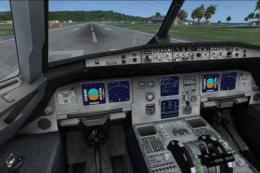
Virtual cockpit textures upgrade for Airbus A321, A330-200/300, A340-200/300/…
 FSX Panels & Gauges
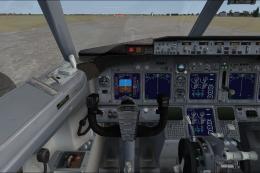
New virtual cockpit textures for the default A321. These textures make the A3…
 FSX Panels & Gauges
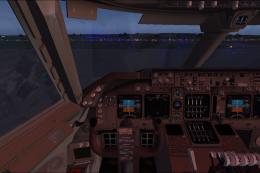
Default FSX B737-800 VC for the Project Open Sky Boeing 737-800 only. By Paul…
 FSX Panels & Gauges
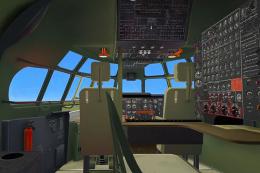
POSKY Boeing 747-400 Virtual Cockpit. This files enables you to use the FSX d…
 FSX Panels & Gauges
Military cockpit for the A2A B377/C97. Includes new cockpit textures, new Air…
 FSX Panels & Gauges
Military cockpit for the payware A2A B377/C97. This is an update to C97_GRN_C…
 FSX Panels & Gauges
Default FSX Airbus A321 VC for the Project Airbus A320 and A321 series; may a…
 FSX Panels & Gauges
Default FSX Bombardier CRJ700 VC for the Project Open Sky Bombardier CRJ-700 …
Read what other simmers think, or add your own.

My basic 737-800 has the following folders:
Your file has folder "Textures": B737-800 1_C / 2_C / ------- 5_C.
Which folders do I change—my Texture and your Textures?

Brilliant textures, so much better and far more clear than the original FSX version. Easy to set up and install which makes a nice change
