



 Papua New Guinea

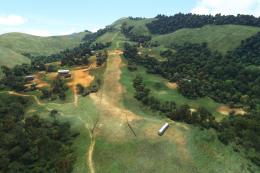 MSFS Scenery
Owena Airstrip (AYWW) Papua New Guinea
A fun and exciting scenery mod bringing Owena Airstrip (AYWW) in Papua New Gu…
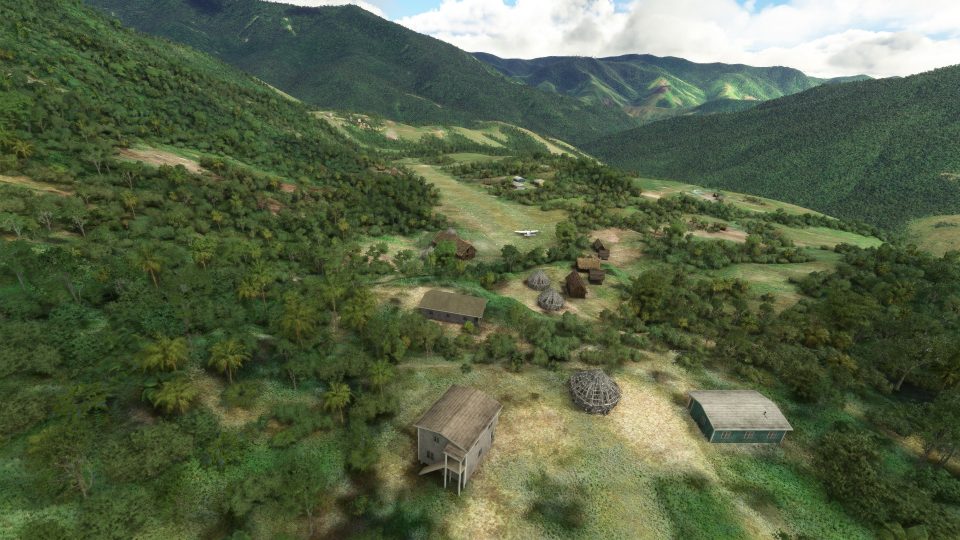
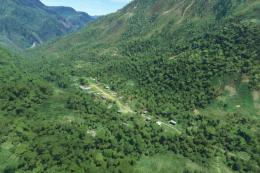
Simogu Airstrip (AYQM) in Papua New Guinea gets a true-to-life rebuild with a 510 m grass-and-dirt runway, steep 7.5% upslope, and refined terrain shaping for realistic bush operations. Custom local-style structures and hand-tuned details based on drone footage and pilot input bring authentic atmosphere to Microsoft Flight Simulator.

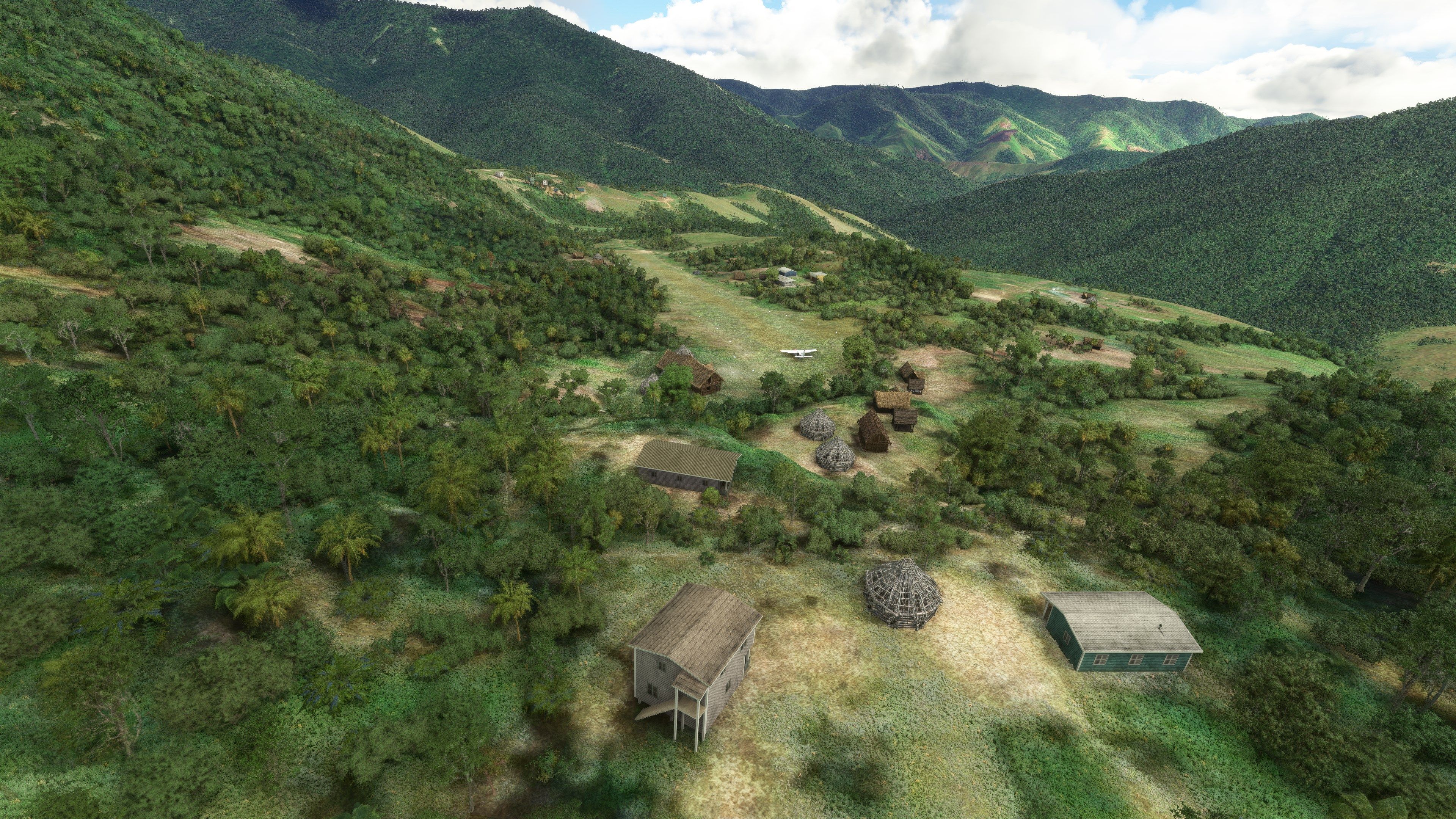
MSFS Simogu Airstrip (AYQM) in Papua New Guinea offers a refreshingly authentic take on bush flying with its challenging 510m grass and dirt runway featuring a steep 7.5% upslope. Perched at an elevation roughly 200 feet higher in-sim than in the real world (due to a Microsoft Flight Simulator limitation), this scenery has been crafted using real-world references, pilot insights, and drone footage to faithfully replicate the dramatic terrain and unique approach into the mountains.
Extensive terraforming has been applied to correct default scenery inaccuracies, ensuring accurate gradients and contours that make every landing feel thrilling yet realistic. The mod also includes meticulously modeled Papuan buildings and infrastructure to enrich immersion, reflecting the distinctive character of remote airstrips throughout the region. From my own experience, this add-on stands out for its attention to detail and genuine sense of adventure, making it an ideal choice for sim pilots seeking to expand their bush flying horizons in MSFS.
A complete scenery mod featuring Simogu Airstrip (AYQM) in Papua New Guinea bringing it up to accurate and true-to-life detail in Microsoft Flight Simulator (MSFS) 2020 release. The default Microsoft scenery for this airstrip is lacking (or even missing) and this mod aims to fill that gap.
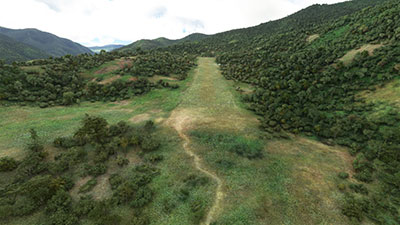 The airstrip itself (AYQM) is just to the west of Gema Airstrip (another included in this series by the same developer and can be found here).
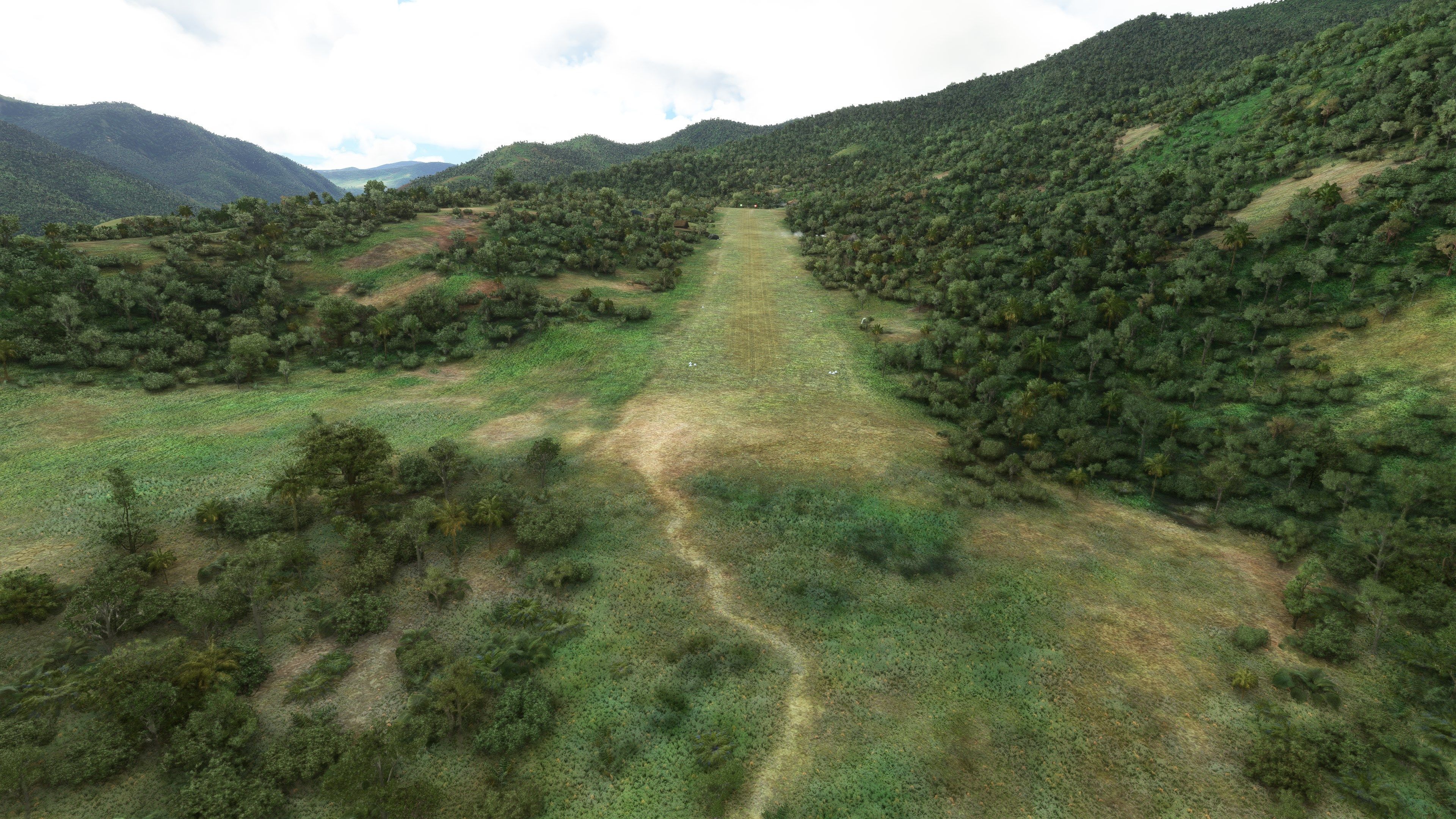
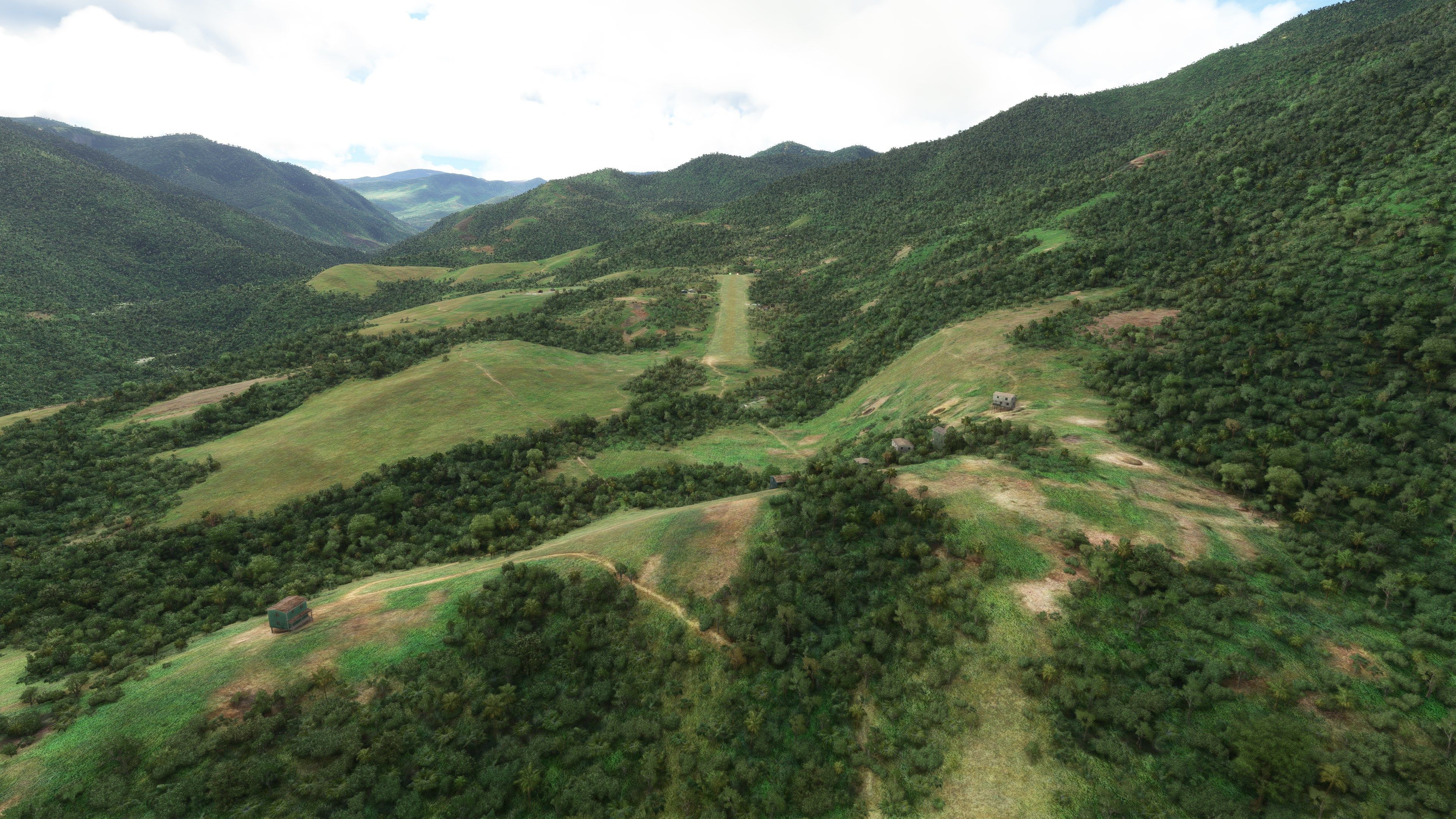
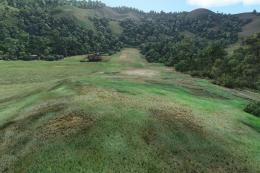
The landing surface is grass and dirt and only 510m long with an upslope gradient of 7.5%. The airstrip sits at an elevation of 4,800 feet however the elevation in the sim is ~200 feet higher than in the real world (due to a limitation in MSFS).
The developer has gone to great lengths to make Simogu Airstrip (AYQM) appear as accurate and true-to-life as possible utilizing data from various sources including videos, real-world pilot feedback and comments, and drone footage.
Custom models have been included and they match the style and design of Papua New Guinean buildings and architecture to give the airstrip an authentic look, feel, and atmosphere.
The developer has also noted a lot of terraforming has been completed to remove any inconsistencies in the default Microsoft (AI-based) scenery and it is completely hand-generated and tweaked for better detail and accuracy.
Simogu airstrip (AYQM) is located in Papua New Guinea just to the west of the Gema airstrip, It is a grass/dirt strip 510m long with a 7.5% slope at an elevation of 4800' and should only be landed on runway 16 heading South. The elevation in the sim is 200 feet higher than in real life because of an MSFS sim limitation.
Landing short is not recommended unless you have a good mechanic on board.
The strip has been developed to loosely show the airstrip based on drone footage of the location kindly provided by Ryan, the Missionary bush pilot.
A lot of terraforming has been done and custom models used to give a feel for the real world in Papua New Guinea.
Once you have extracted the archive, simply move/copy the pbk-simogu-ayqm folder into your MSFS community folder.
Free for all simmers · 264.41 MB · Scanned clean Oct 2026
Download speed: Free tier is capped at 2 Mbps (this file takes approximately 18 mins at the cap). PRO members download at full line speed.
%LOCALAPPDATA%\Packages\Microsoft.FlightSimulator_8wekyb3d8bbwe\LocalCache\Packages\Community\. Steam version: %APPDATA%\Microsoft Flight Simulator\Packages\Community\. Tip: enable Developer Mode in MSFS to see your exact Community folder path.readme.txt or README file. It tells you exactly where files go, what dependencies are needed, and any quirks specific to this add-on.I'm retired and now spend my time digging holes and burying bodies in MSFS scenery mods.
Are you Photosbykev? Sign in to Fly Away Creators for download stats, comment replies and updates. Make add-ons? Publish them here.
Only PRO members can place votes.
More MSFS add-ons hand-picked based on this download.
MSFS Scenery
A fun and exciting scenery mod bringing Owena Airstrip (AYWW) in Papua New Gu…
 MSFS Scenery
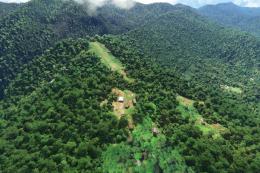
Bambui (BCP) is an exciting dirt strip in Papua New Guinea that is perched ri…
 MSFS Scenery
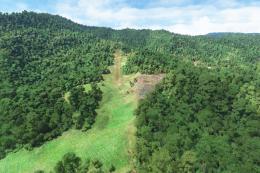
Another obscure airstrip in Papua New Guinea, Gema Airstrip (AYGM) by develop…
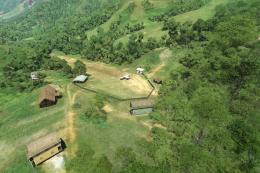 MSFS Scenery
A fun and exciting scenery pack for MSFS featuring Aziana Airstrip (AYLA) in …
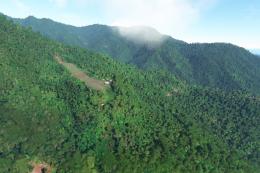 MSFS Scenery
Another fun and challenging strip in Papua New Guinea from Photosbykev - this…
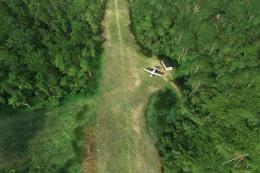 MSFS Scenery
A stunning little scenery mod featuring the dirt strip Lele Airstrip (AYLE) i…
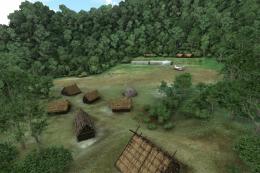 MSFS Scenery
This scenery pack covers Bawan Airstrip (BWJ) in Papua New Guinea. It's a su…
 MSFS Scenery
This airstrip, Dinangat Airstrip (AYDN) Papua New Guinea was sorely lacking i…
Be the first to leave a comment on this download.
Be the first to share your thoughts on this download.