

 X-Plane Civil Heavy Aircraft
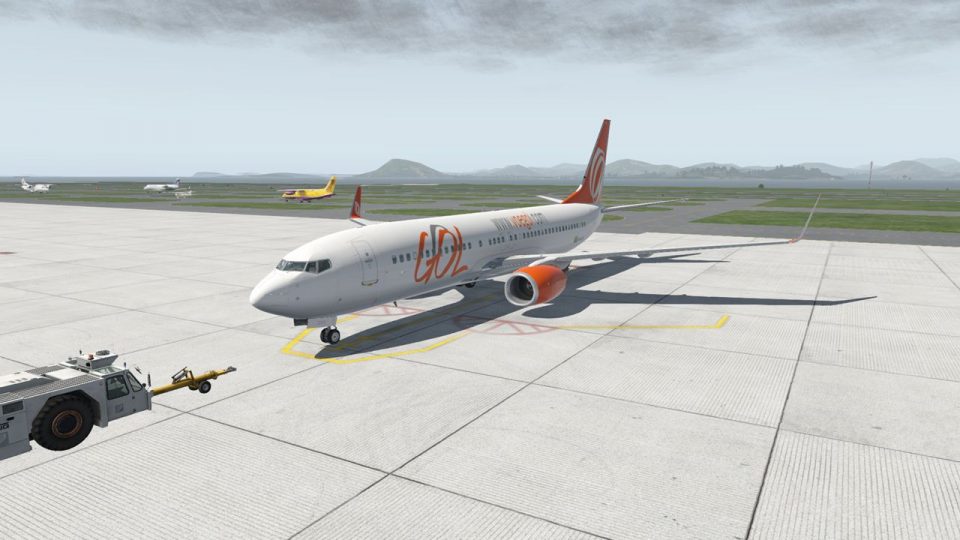
Gol Brazilian Airlines Boeing 737 MAX8 (PR-XMA)
Freeware repaint. This livery/skin repaint is for X-Plane 11. Default B737 Zi…
GOL Linhas Aéreas livery for the default Boeing 737-800 delivers PR-GTE markings with clean airline colors and accurate exterior branding for a more authentic Brazilian short-haul look. Built for X-Plane 11, it refreshes ramp presence and screenshot realism while keeping the stock aircraft workflow and performance intact.
 Rate
Rate
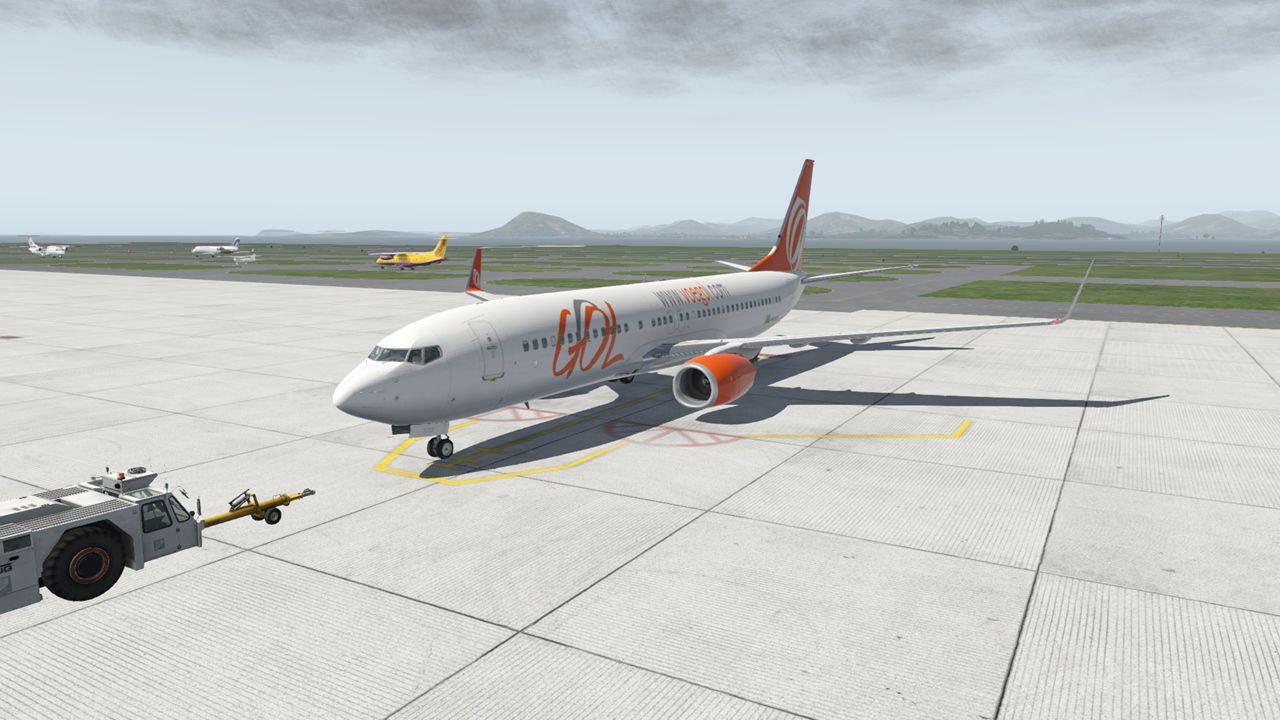
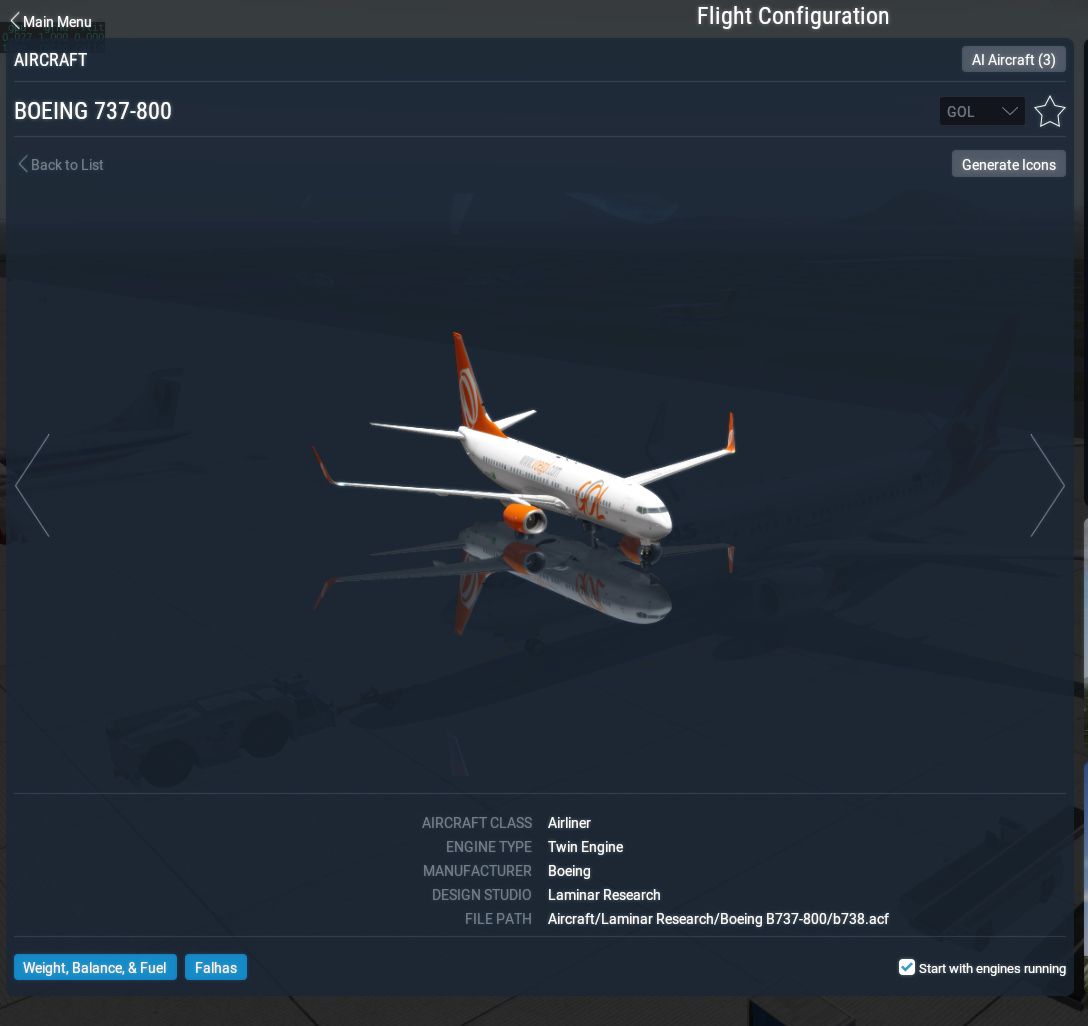
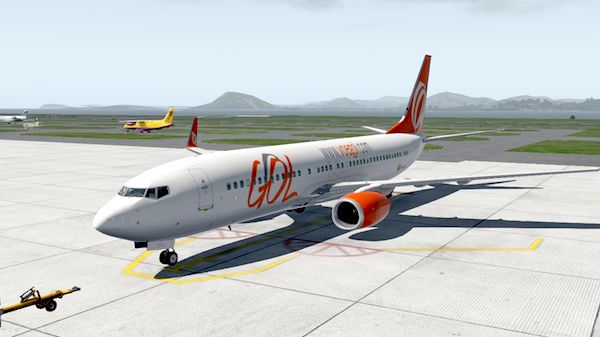
FOR X-PLANE 11 BOEING 737-800 DEFAULT. PAINT GOL PR-GTE
INSTALL: COPY "GOL" TO: \X-Plane 11\Aircraft\Laminar Research\Boeing B737-800\liveries\
 Author: Sabach Greg.
Free for all simmers · 46.15 MB · Scanned clean Oct 2026
Download speed: Free tier is capped at 0.5 Mbps (this file takes approximately 13 mins at the cap). PRO members download at full line speed.
{aircraft-folder}/liveries/.readme.txt or README file. It tells you exactly where files go, what dependencies are needed, and any quirks specific to this add-on.The archive gol_pr_gte.zip has 20 files and directories contained within it.
This list displays the first 500 files in the package. If the package has more, you will need to download it to view them.
| Filename/Directory | File Date | File Size |
|---|---|---|
| GOL_PR_GTE | 04.13.17 | 0 B |
| B738_GOL_PR_GTE_1.jpg | 12.24.16 | 176.81 kB |
| B738_GOL_PR_GTE_2.jpg | 12.24.16 | 353.37 kB |
| GOL | 12.24.16 | 0 B |
| b738_icon11.png | 12.24.16 | 114.56 kB |
| b738_icon11_thumb.png | 12.24.16 | 8.96 kB |
| objects | 12.24.16 | 0 B |
| 738alpha.dds | 12.24.16 | 1.33 MB |
| 738cfm56.png | 12.24.16 | 3.56 MB |
| 738cfm56_NML.png | 12.24.16 | 8.51 MB |
| 738cockpit_main_panel.dds | 12.24.16 | 2.67 MB |
| 738fuselage.png | 12.24.16 | 5.33 MB |
| 738fuselage_LIT.dds | 12.24.16 | 10.67 MB |
| 738fuselage_NML.png | 12.24.16 | 12.58 MB |
| 738tail.png | 12.24.16 | 4.61 MB |
| 738tail_NML.png | 12.24.16 | 9.26 MB |
| image1.jpg | 04.13.17 | 101.96 kB |
| readme please.txt | 12.24.16 | 468 B |
| flyawaysimulation.txt | 10.29.13 | 959 B |
| Go to Fly Away Simulation.url | 01.22.16 | 52 B |
Only PRO members can place votes.
More X-Plane add-ons hand-picked based on this download.
X-Plane Civil Heavy Aircraft
Freeware repaint. This livery/skin repaint is for X-Plane 11. Default B737 Zi…
 X-Plane Civil Heavy Aircraft
A repaint of the default Boeing 737-800 model in the colours of All Nippon Ai…
 X-Plane Civil Heavy Aircraft
This is a repaint of the default Boeing 737-800 in X-Plane 11. The paint incl…
 X-Plane Civil Heavy Aircraft
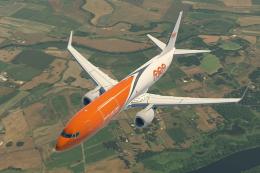
X-Plane 11 TNT Cargo Boeing 737-800F 1.0.1. This is a fictitious paint of a 7…
 X-Plane Civil Heavy Aircraft
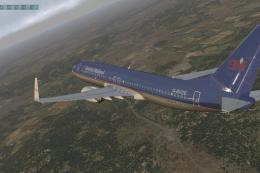
This is a British Midlands (polished) livery for the default X-Plane 11 Boein…
 X-Plane Civil Heavy Aircraft
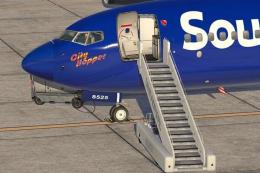
This is a paint of a real 737-800 "Southwest Airlines" The aircraft N8525S th…
 X-Plane Civil Heavy Aircraft
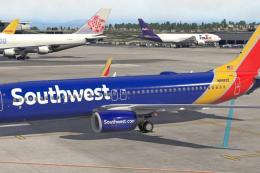
This is a repaint of a real Southwest Airlines 737-800. The aircraft (N8583Z)…
 X-Plane Civil Heavy Aircraft
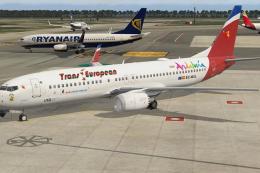
This is the storyline. The Board at the IAG (Iberia + British Airways + Air N…
Read what other simmers think, or add your own.
