

 FS2004 Helicopters
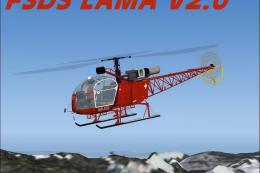
FS2004/FS2002 AEROSPATIALE SA 315B LAMA
This SA315B Lama package contains two models created in Abacus FSDS2, one set…
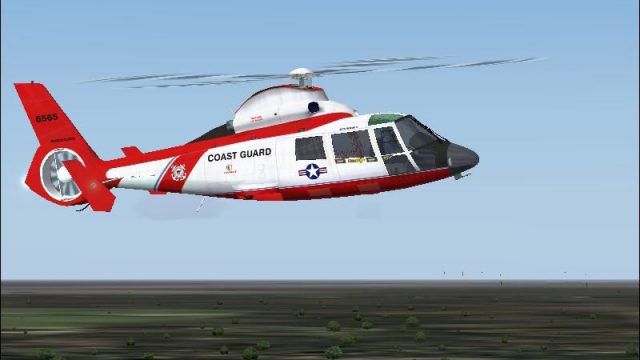
US Coast Guard HH-65A Dolphin repaints for the AS365N3 Dauphin deliver eight airframes from stations across the United States, paired with tailored panels, authentic smoke and sound, and a flashing beacon tied to the strobe key. Designed as a complete package for FS2002 and FS2004, it comes ready to fly.
 Rate
Rate
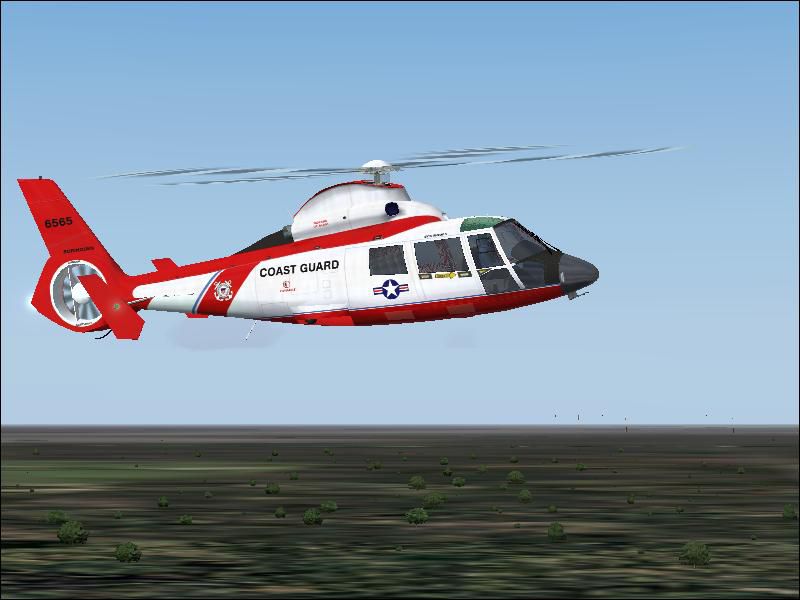
Version 1.1 This package consists of repaints of Antti Pankkonen's AS365N3 Dauphin in the colors of the US Coast Guard aka the HH65A Dolphin. This package consists of 8 HH65s stationed around the US, also includes 2 panels for both versions of Flight Simulator, smoke effects, a new flashing beacon operated by the strobe key, sounds and much more. This is a complete package so there is nothing else to download. Credits: Brian MacIntyre, Hugh Pratt, Terega, Antti Pankkonen (AS365 model creator). Presented by GSpider Rotorcraft Designs.
To install, double click on the set-up program, enter the path of your Flight Simulator directory. Once you have done that, click next and the set-up should be automatic. There are 2 panel versions, one for FS2004 and one for FS2002. If you plan on flying the helicopter in FS2002, rename panelFS2002 to panel since that version has the landing gear lever installed.
Free for all simmers · 9.73 MB · Scanned clean Oct 2026
Download speed: Free tier is capped at 0.5 Mbps (this file takes approximately 3 mins at the cap). PRO members download at full line speed.
FS9\Aircraft\, FS9\Addon Scenery\, FS9\Gauges\, or FS9\Effects\.readme.txt or README file. It tells you exactly where files go, what dependencies are needed, and any quirks specific to this add-on.The archive hh65a_dolphin.zip has 9 files and directories contained within it.
This list displays the first 500 files in the package. If the package has more, you will need to download it to view them.
| Filename/Directory | File Date | File Size |
|---|---|---|
| repaint templates.zip | 01.23.04 | 2.00 MB |
| HH65A Dolphin.txt | 01.23.04 | 711 B |
| Read_Me.txt | 01.23.04 | 812 B |
| set-up.exe | 01.23.04 | 7.69 MB |
| HH65A_Dolphin.jpg | 01.16.04 | 49.72 kB |
| HH65A_Dolphin.gif | 01.23.04 | 8.86 kB |
| avsim.diz | 03.24.03 | 360 B |
| flyawaysimulation.txt | 10.29.13 | 959 B |
| Go to Fly Away Simulation.url | 01.22.16 | 52 B |
Only PRO members can place votes.
More FS2004 add-ons hand-picked based on this download.
FS2004 Helicopters
This SA315B Lama package contains two models created in Abacus FSDS2, one set…
 FS2004 Helicopters
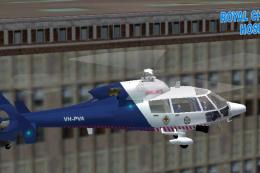
Dauphin "AIR-493". Designed by Andrew Gilchrist. Update by Timothy Horgan.
 FS2004 Helicopters
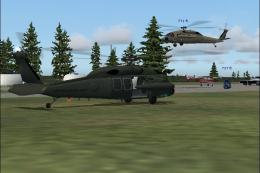
Standard/Troop transport/Aux tanks Available in two colors and 3 liveries. Co…
 FS2004 Helicopters
Engine systems and gauge programming by Steve Hanley 180 degree views by Tonn…
 FS2004 Helicopters
by Alan Devins. Features reflective paint, specular lighting, Compressing Ski…
 FS2004 Helicopters
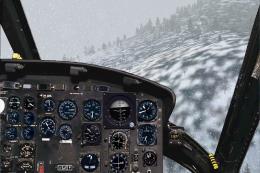
MODEL By Deane Baunton-Repaint Angelos Hatzikatakos. This model is a UH-1H He…
 FS2004 Helicopters
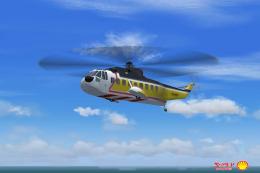
of Brunei Shell's Sikorsky S-61N helicopter used to ferry workers to offshore…
 FS2004 Helicopters
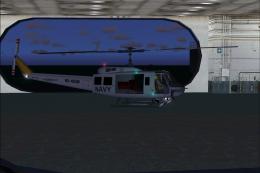
This complete freeware package features a meticulously modeled Bell 205A-1 Hu…
Read what other simmers think, or add your own.

Very well designed! almost flies too easily!, a little shakey at top speeds though other than that for a free download some nice folks designed a very nice chopper!