
 Ian Stephens
 The TrackIR head tracking product has been around for a few years now, and its name is becoming recognized within the world of Flight Sim. With technological advances with every release, the realism offered in the current release is superb. The guys at NaturalPoint have sent us one of the latest products, the TrackIR3 Pro for review, but not only that - we have the vector expansion pack included to review, giving you "Six Degrees of freedom (6DOF)" as stated by the manufacturer, for most realistic head tracking that's fully supported in Microsoft Flight Simulator 2004.
By Ian Stephens
I will be reviewing this fully featured, hottest new piece of hardware, TrackIR3 Pro (with Vector Expansion) from NaturalPoint...
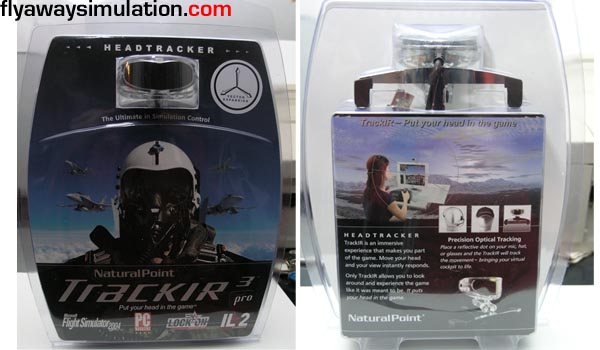
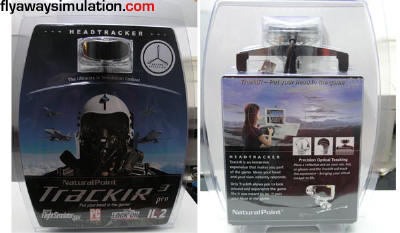
Showing the front-back of packaging
TrackIR is a hardware add-on for your computer that can provide realistic head movement tracking in many popular gaming and simulation titles, including FS2004. The tracking software/hardware eliminates the need to move your point of view with interaction with a keyboard or mouse, it simply tracks the movement of your head and sets the view on your game/simulation appropriately. Therefore, this gives the user that extra degree of realism, and as we all know, Flight Sim users demand the utmost levels of realism. It also works in several other flight-sims and PC Games.
System Requirements
Intel Pentium II 300 or equivalent
USB 1.1 or 2.0 port
Installation of software requires CD-ROM drive
Windows 98 SE, ME, 2000 or XP
Retail Price
TrackIR3 Pro with Vector Expansion: $188.95
Package includes
- The Shipping Box
- The TrackIR 3-Pro™ Device
- One software CD-ROM installation disk (includes Vector Expansion)
- Electronic user’s manual
- 26 reflective targets
- Quick start guide
- 1 Mounting Clip
Expansion
- The Vector Clip
- 1 TrackHat
- Quick start guide
- Vector Activation code
The package arrived pretty much as expected, in our case UPS international shipping. When I was given the package, upon opening the box, I was greeted with the product and a rather attractive looking cap - which at this point I believed to be manufacturer merchandise. I was keen to test out the product, so I went straight ahead a took a few photographs for the review, click on the images for the larger version:
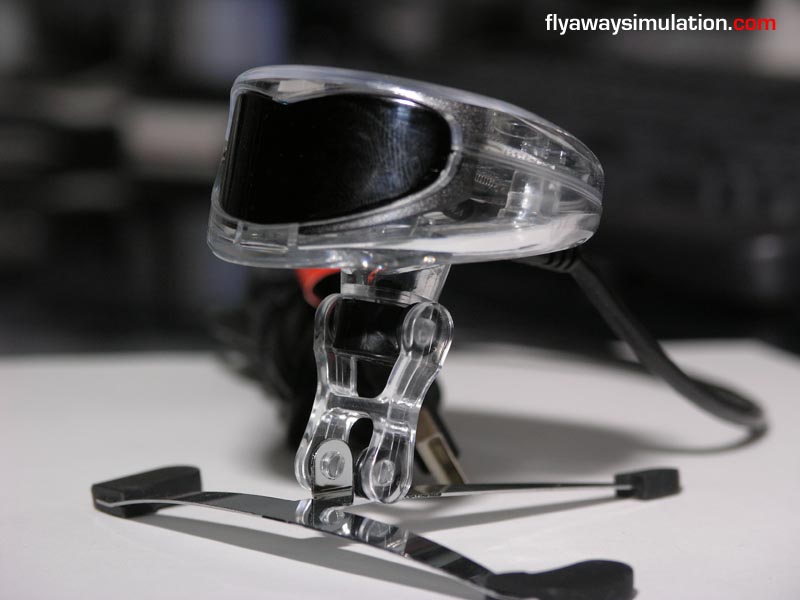
Close-up of the tracking device

CD-Rom and reflective target pack
After several minutes taking pictures and closer inspecting the product, I attempted to mount it on a couple of my monitors. With all of my monitors being LCD, I had a slight problem with balancing it correctly because the depth of the display was minimal for the product to sit on. It take a bit of time trying to balance it correctly on these type of screens, you have to rely on the USB cable also to keep it balanced.
Perhaps I was missing something, there was a hidden feature for flat panel displays - if not, a bit of Blu-Tack will do the trick. Also, please note that when you take the product out of the package, you will need to turn the tracker 180 degrees around its base for it to sit correctly... don't be worried if it's stiff, apply a little force and it will turn. I took some shots of it mounted:

If you're a windows user with an Apple screen, it will still mount
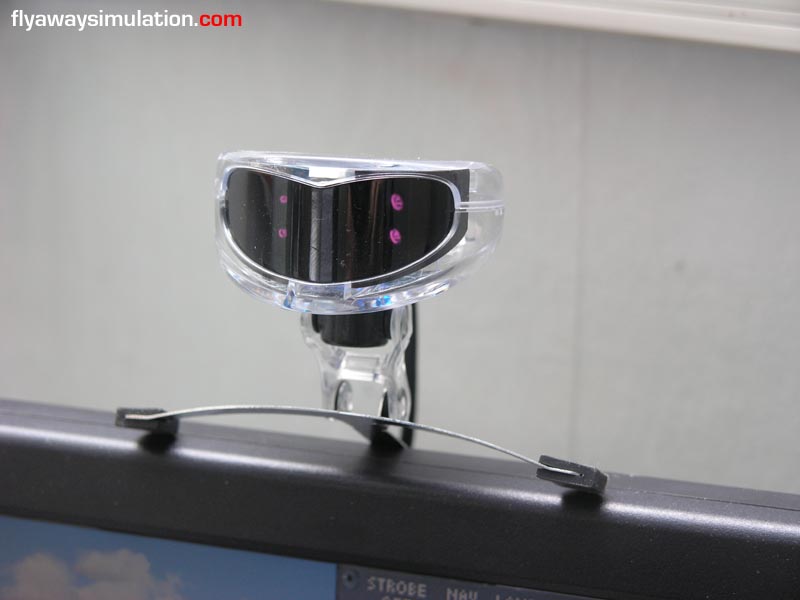
Mounted on review machine
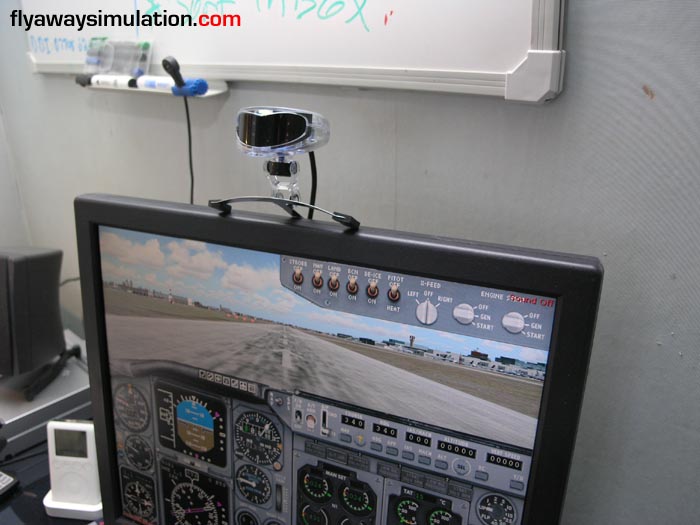
Mounted on review machine
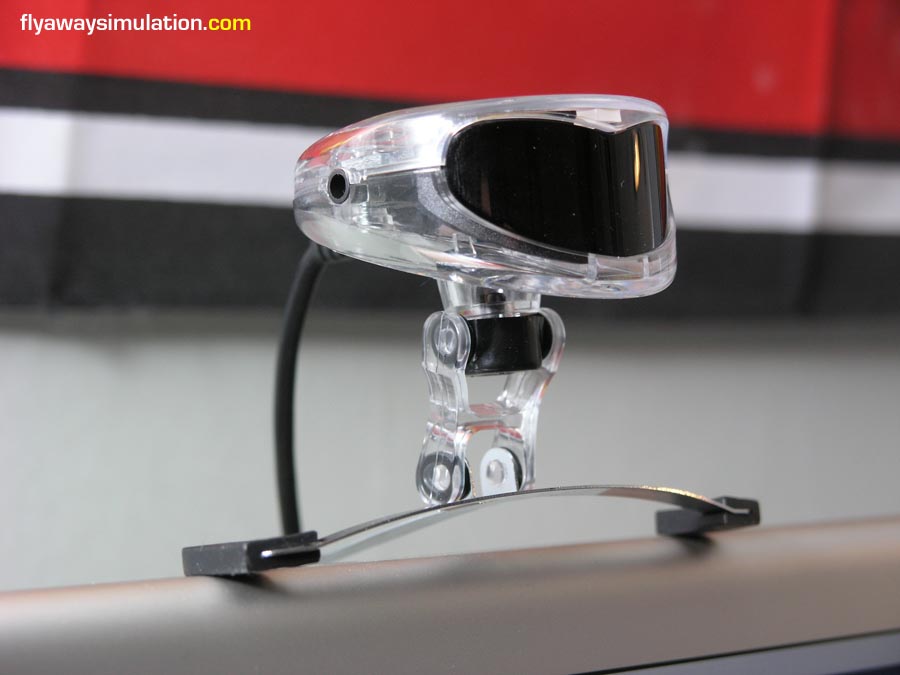
Perched on the Apple display
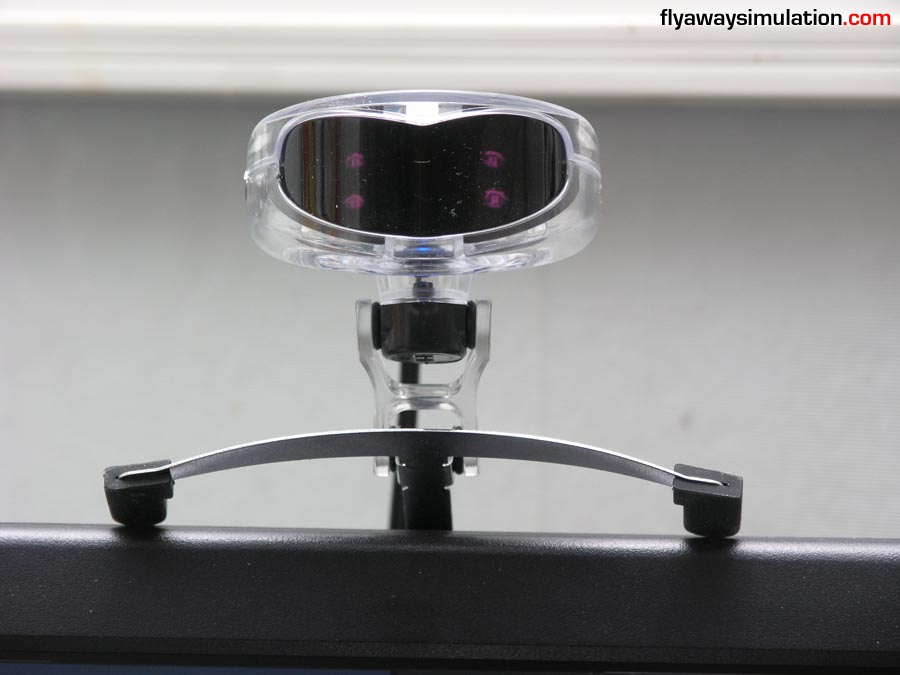
Close-up on test machine
It's probably wise to read the installation procedures carefully before you install the product. You should run the software from the CD first, to load the drivers and then plug the device in, the operating system should then recognize the product using the drivers you just installed.
The installation procedure is very simple, with a nice installation interface for ease of use. When reaching the profiles menu, I was surprised to not find FS2004 on the list, only FS2002 - I'm sure it's going to work anyway... fingers crossed - below are some screenshots from the installer:
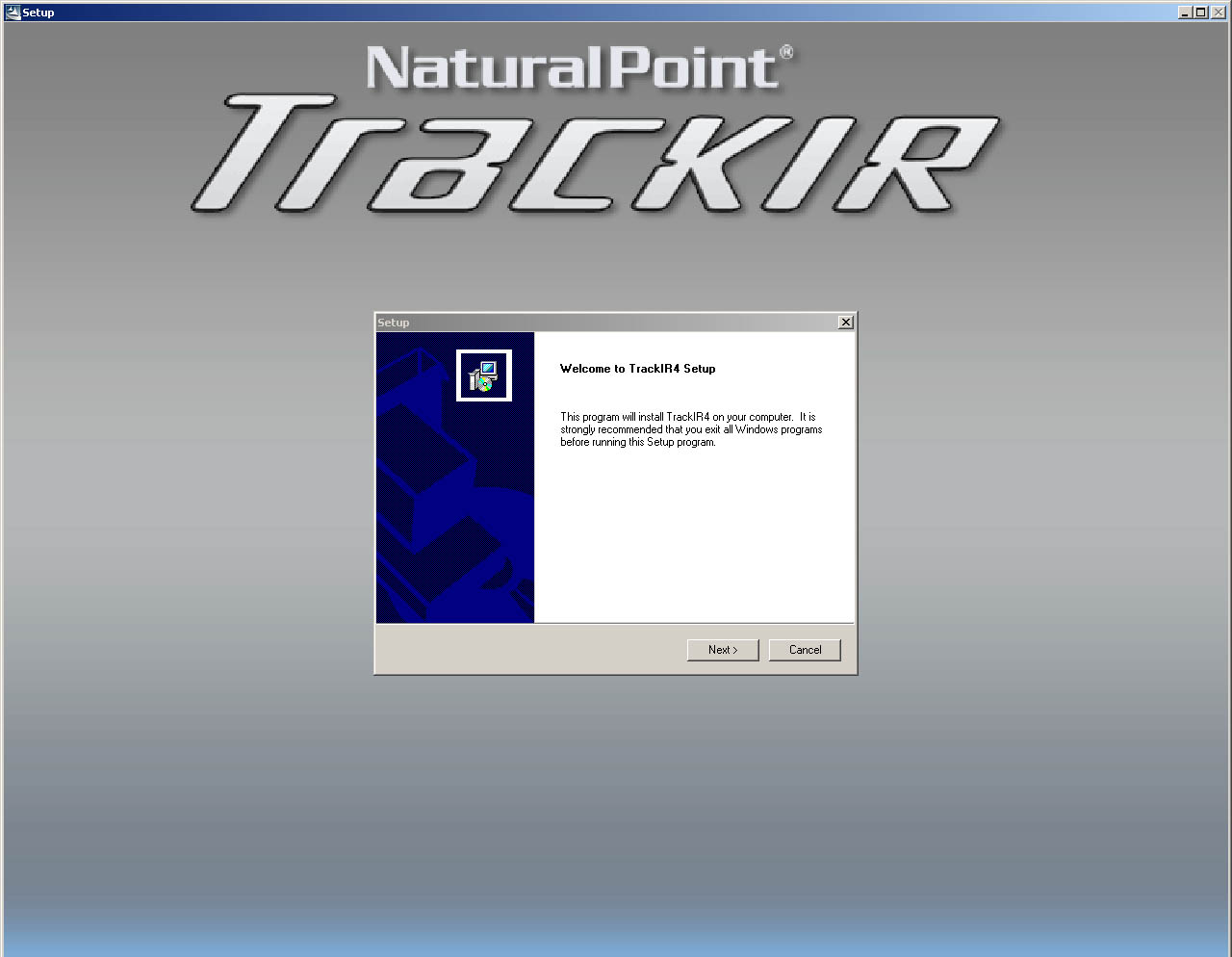
The installation welcome screen
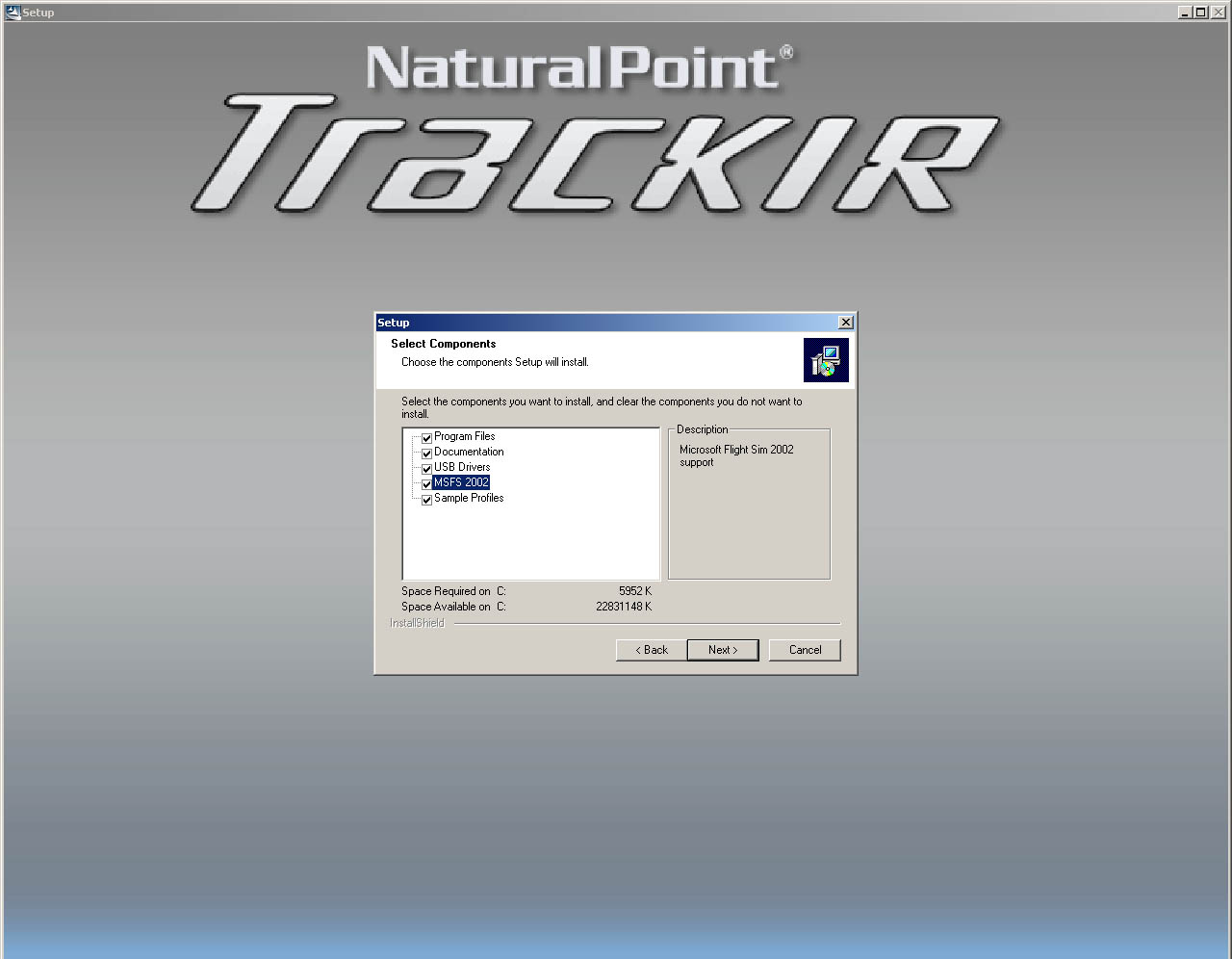
Special profiles (FS2004 not shown)
Once the software was installed and the device was plugged in, I loaded up the TrackIR software that was installed and began tinkering... In the profiles screen, I was pleased to see FS2004 included in the list, see image below. First thing was to activate the Vector expansion, giving me those 6 degrees of freedom - this was done by visiting the activation website I was redirected to by the software, and entering the serial number provided in the package. Once this was active, I could then use the Vector Expansion mode. In order for this to function properly, you should use the cap provided and attach the reflective plastic device.
Sure, I wouldn't be caught dead walking into town with the whole works on, but if you remove the reflective device from the hat, it could make that perfect summer cap (or until you can find your favourite). See images below.
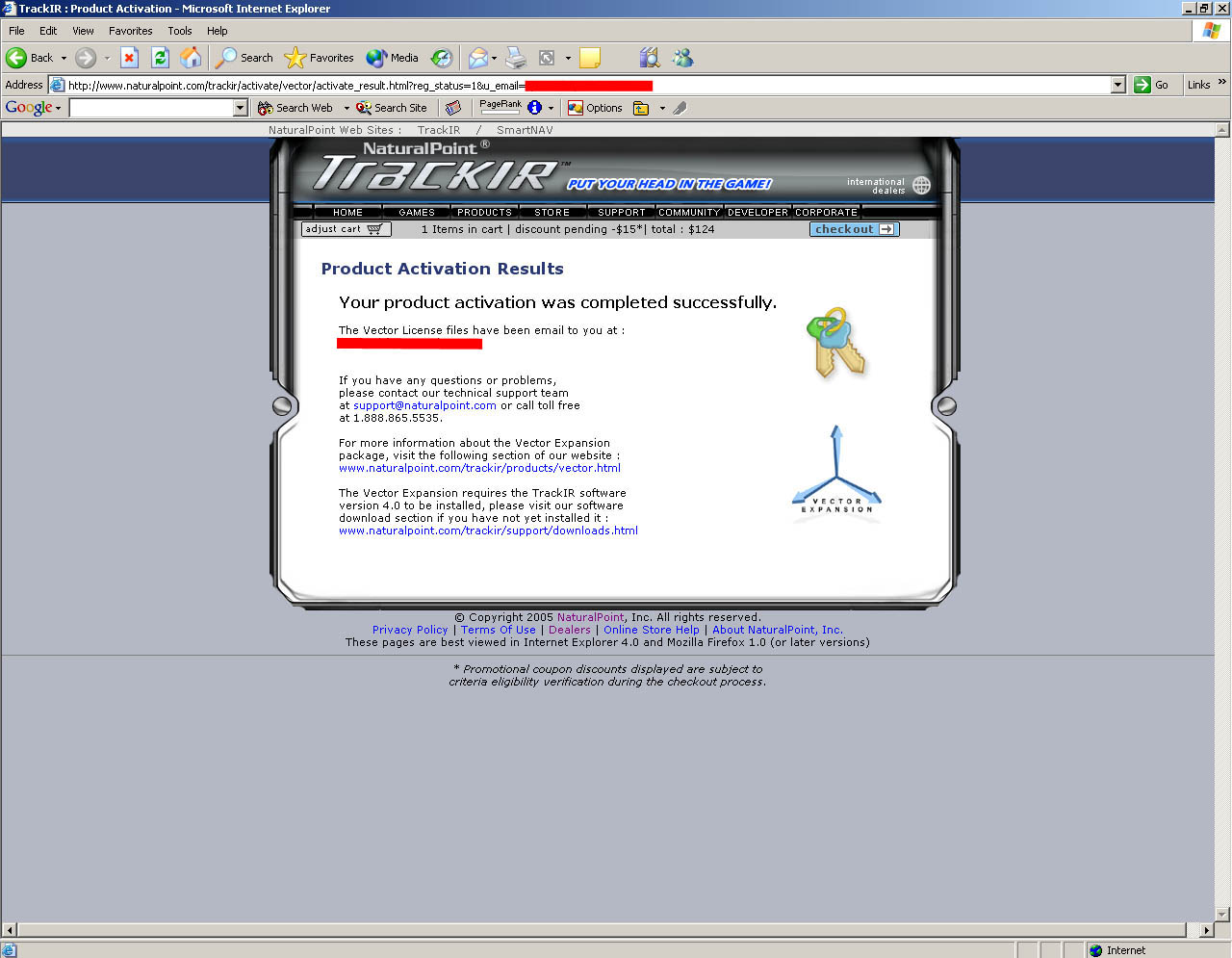
Activating Vector Expansion
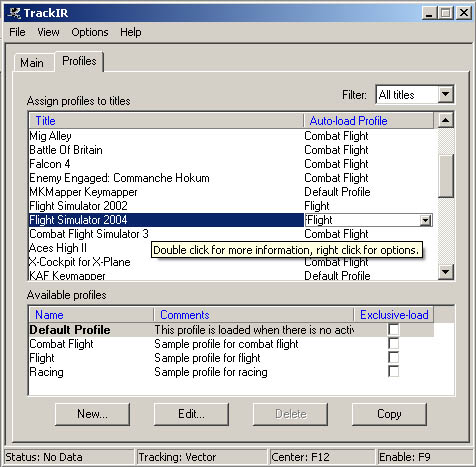
Worry over, FS2004 on the list!
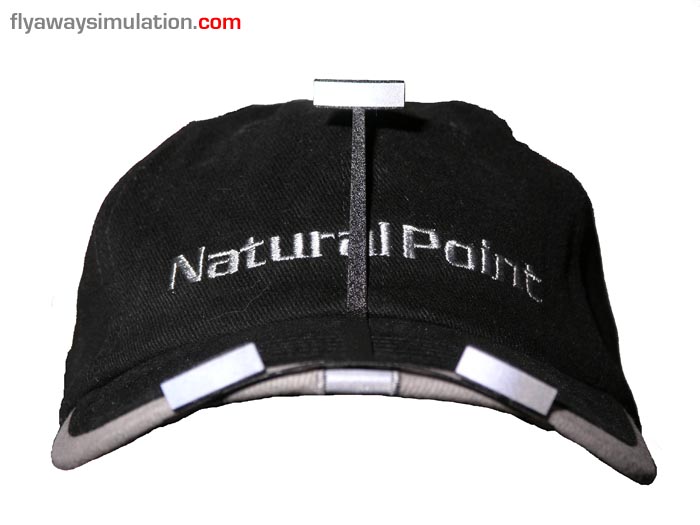
The included cap... it does serve a purpose
I was now able to use the full fields of view by the tracker, to bring more realism - below are some shots showing the tracker in action:
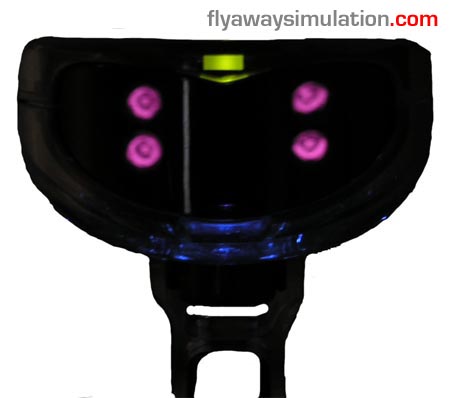
Taken in low light, show shows TrackIR sensors

Tracking and setup
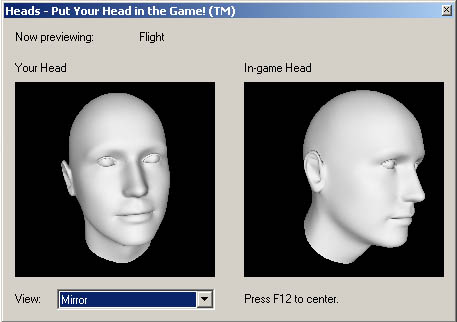
Calibration preview
The time had come to load up FS2004. Once I was in my aircraft of choice and sitting on my favourite runway, I spent about 5 minutes trying things, the tracker didn't seem to be moving the viewpoint. I then tried Virtual Cockpit mode, which worked immediately - tracking my head movement. At first the motion was slightly off-centre and a bit jumpy, but after pressing F12 a few times, and re-adjusting the device on the display, I had a central view that moved the display quite effectively. It was a shame about the tracker not working in the other view modes, as I very rarely use virtual cockpit mode for flights, and always find myself in cockpit view. What about the add-on aircrafts, with no VC? It's going to be annoying...
Once I was off the ground in my Cessna 182, it was great to use the TrackIR - it really gave me a sense of realism that took FS to a new level, something I knew that would become an essential part of my FS flights... but only in aircraft that had virtual cockpits. Below is a video demonstration of the product.
Video
Conclusion
The TrackIR 3 is a great product, that really opens a whole new world for the flight sim user. Once tried, never forgotten - you'll be using your TrackIR for every flight. However, the fact that the tracker only works in Virtual Cockpit mode is quite a letdown, mainly for the masses of add-on aircraft that do not feature virtual cockpits - but if your a standard FS2004 user, who wishes to simply use without any add-ons, the Tracker would be just fine, and WILL work in every aircraft.
The product comes packaged neatly, with a well thought about way of making sure those reflective dots are in the right place (the hat). If you do not have the vector expansion, I believe you will need to stick the little reflective dots pictured above to your forehead. You have to remember that the TrackIR can be used for many, if not hundreds of games and simulations apart from FS2004, so it's got great potential.
It's not often I review hardware for FS, I usually write about aircraft - but I would really recommend the TrackIR to any FS user who's willing to spend a little extra in order to achieve optimum levels of realism... the TrackIR certainly puts Flight Simulator one step closer to the phrase, "As real as it gets"!
| PRO | CON |
|
|
| INFORMATION | TEST SYSTEM |
|
|
 Don't forget... We have a huge selection (over 24,000 files) of free mods and add-ons for MSFS, FSX, P3D & X-Plane in the file library. Files include aircraft, scenery, and utilities All are free-to-download and use - you don't even need to register. Browse on down to the file library here.



0 comments
Leave a Response