


FS2004 POSKY 757-200 Wing Views
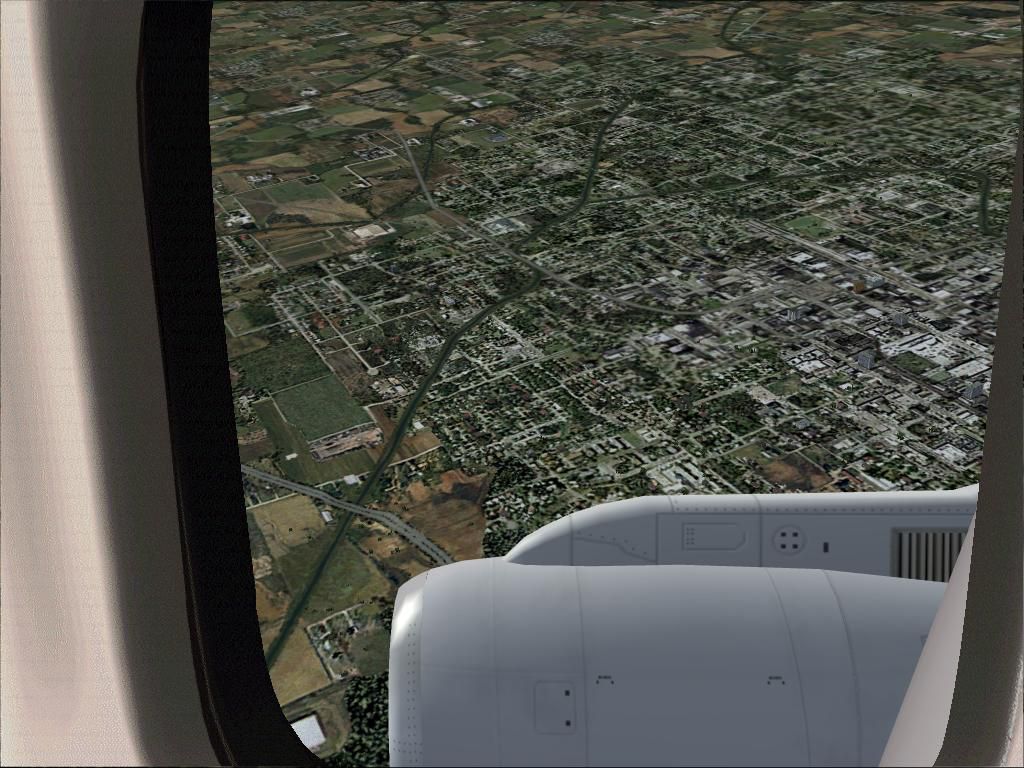
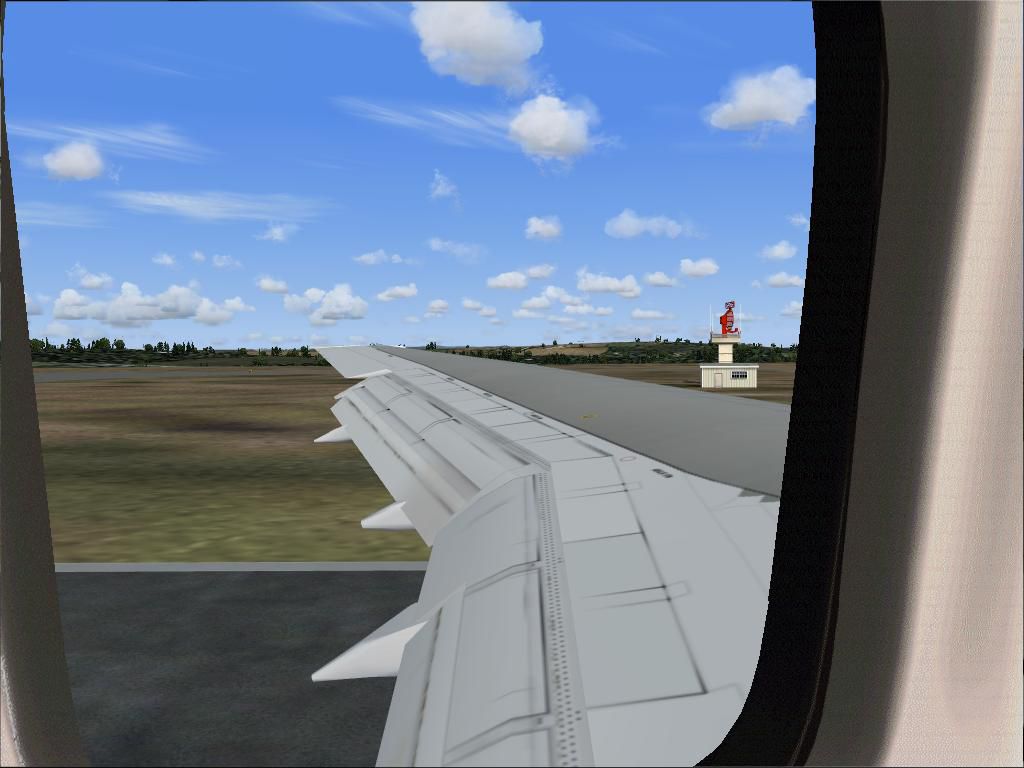
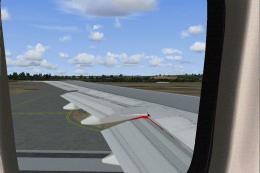
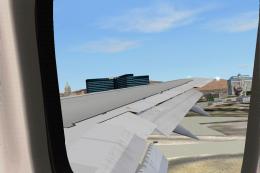
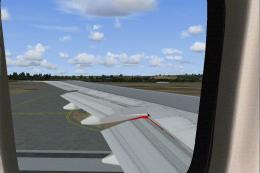
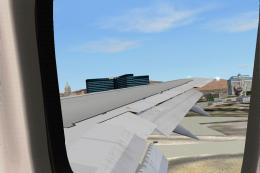
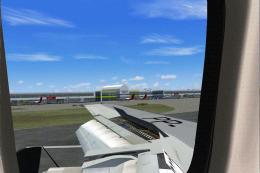
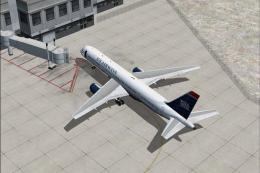
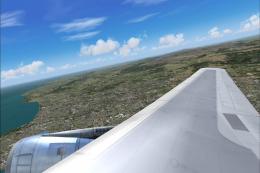
Wing and engine passenger-style views bring the Project Open Sky Boeing 757-200 to life in FS2004, placing the left perspective just aft of the wing and the right beside the engine for immersive sightseeing. Adjustable camera angles suit different seating positions and framing, and it requires the 767CJPN.ZIP panel for best results.
- File: wngpo752.zip
- Size:529.42 KB
- Scan:
Clean (10d)

- Access:Freeware
- Content:Everyone

 Description
 Comments
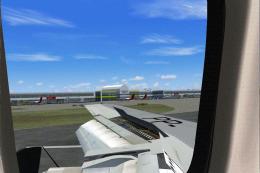
 Wing and engine views for the Project Open Sky Boeing 757-200. In these views the left wing is a window seat just aft of the wing, the right side incorporates the view you would have if you were seated right next to the engine. These views are adjustable. Recommended for use with the panel 767CJPN.ZIP. By Steve Quinn.
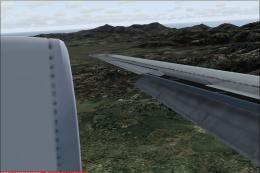
Looking out over the engine of POSKY 757-200.
Images & Screenshots

The archive wngpo752.zip has 9 files and directories contained within it.
File Contents
This list displays the first 500 files in the package. If the package has more, you will need to download it to view them.
| Filename/Directory | File Date | File Size |
|---|---|---|
| 757-200 POSKY left wing T.O flap.JPG | 04.30.04 | 73.22 kB |
| 757-200 POSKY right engine view.JPG | 04.30.04 | 142.89 kB |
| 757_left_aft.bmp | 03.21.03 | 769.05 kB |
| 757_right_aft.bmp | 03.21.03 | 215.39 kB |
| description.diz | 05.02.04 | 377 B |
| Readme.txt | 05.02.04 | 2.05 kB |
| wing views update for the project opensky 757-200 | 05.02.04 | 0 B |
| flyawaysimulation.txt | 10.29.13 | 959 B |
| Go to Fly Away Simulation.url | 01.22.16 | 52 B |

Installation Instructions
Most of the freeware add-on aircraft and scenery packages in our file library come with easy installation instructions which you can read above in the file description. For further installation help, please see our Flight School for our full range of tutorials or view the README file contained within the download. If in doubt, you may also ask a question or view existing answers in our dedicated Q&A forum.



0 comments
Leave a Response