




 FSX Scenery
USA & Europe Replacement Ground Textures
Modified replacement ground textures for the USA and Europe including all par…
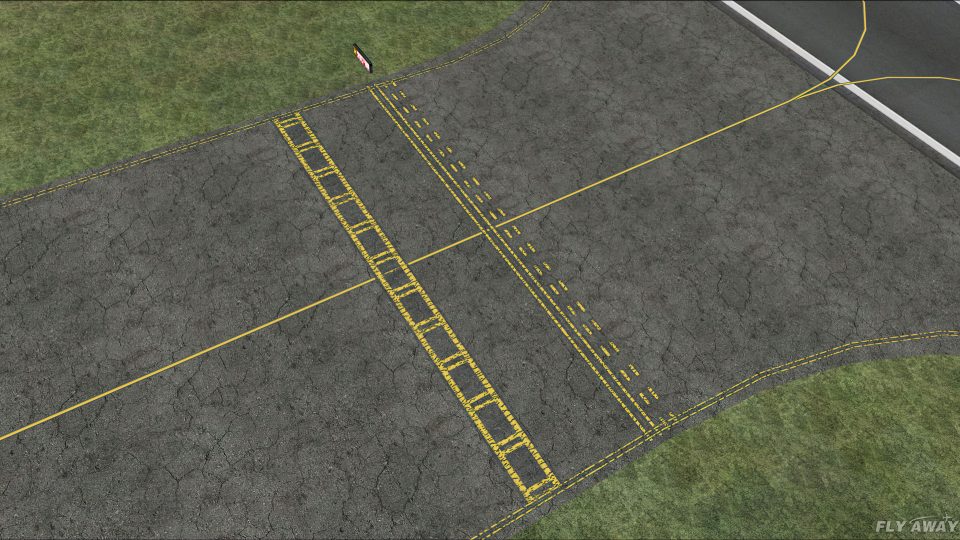
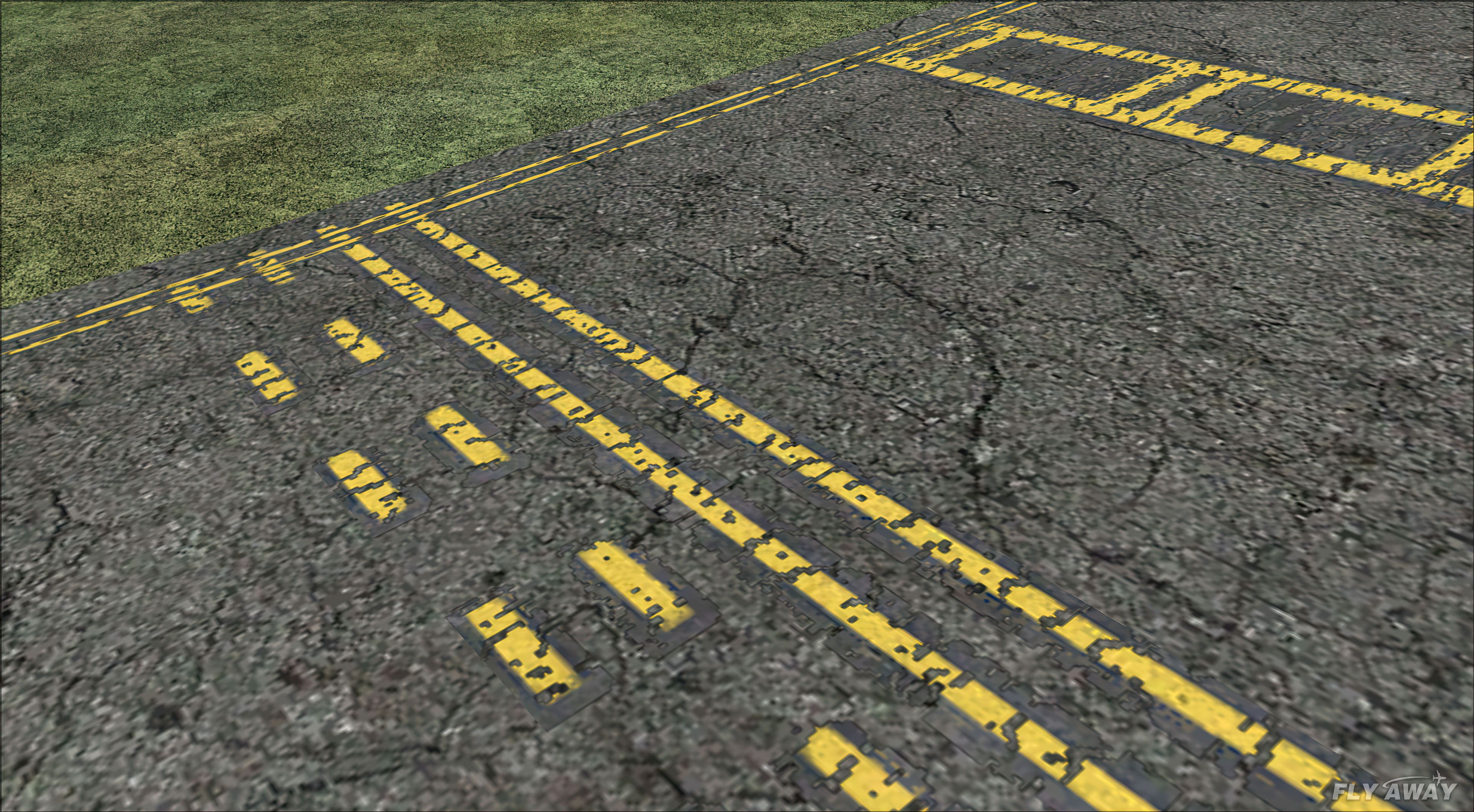
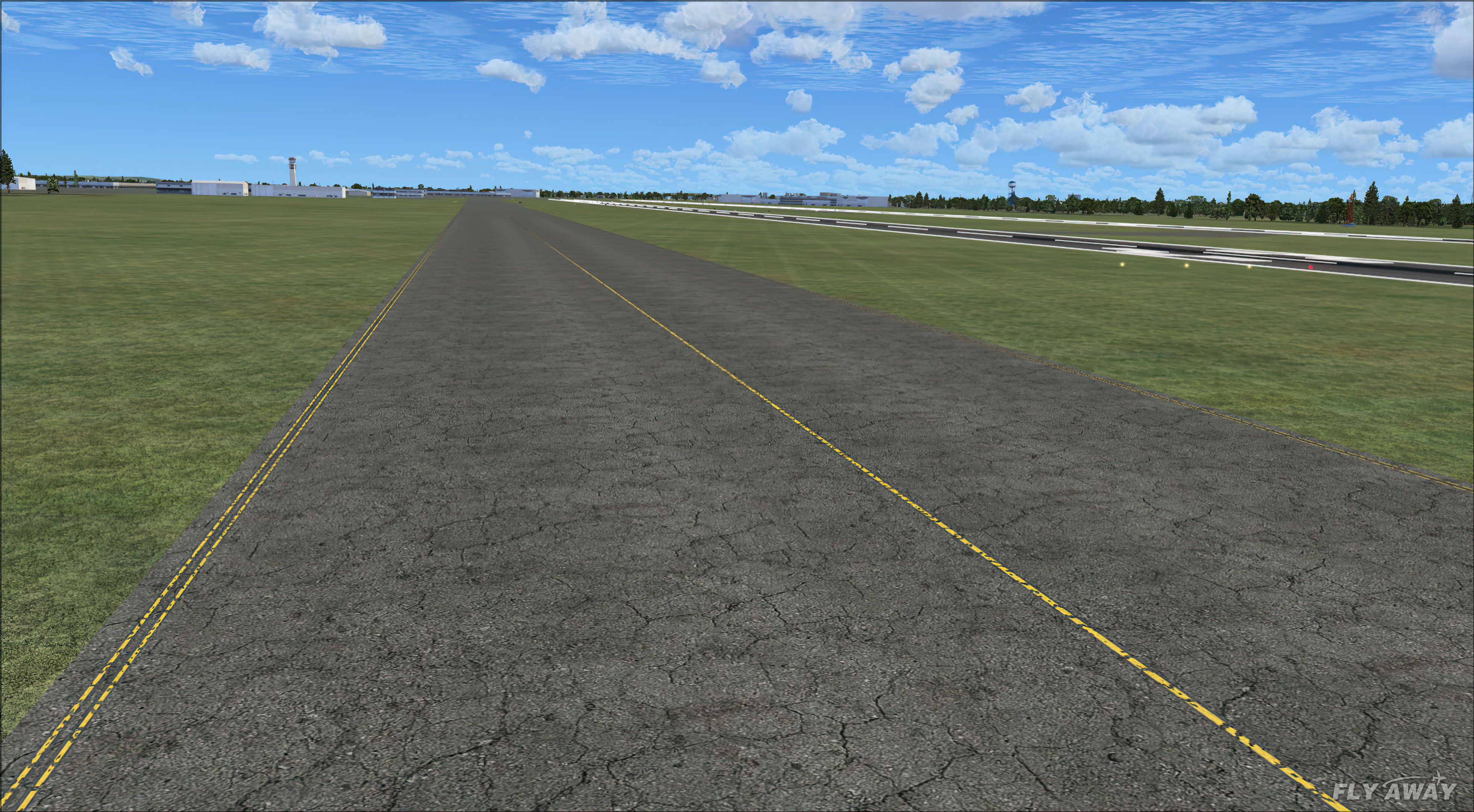
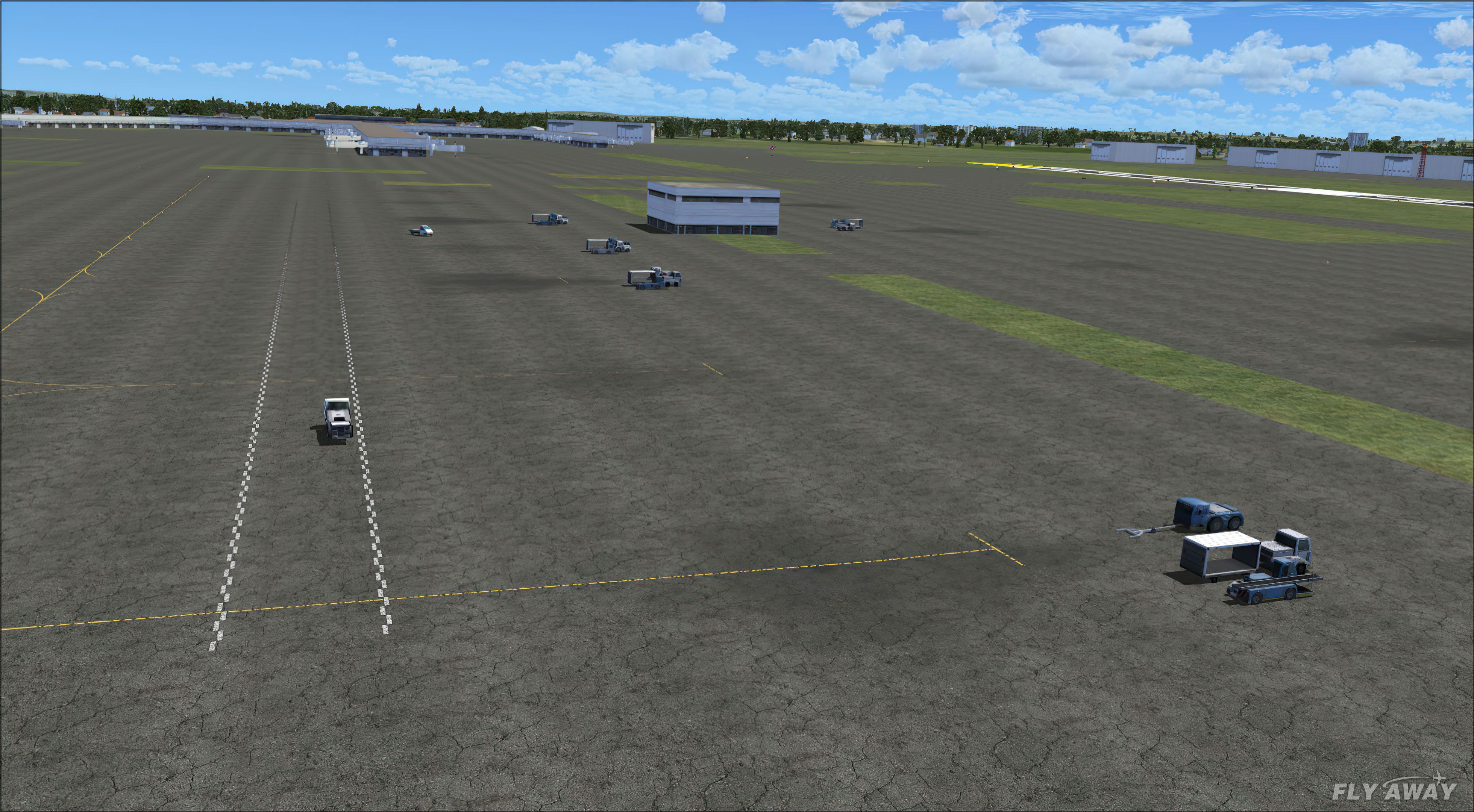
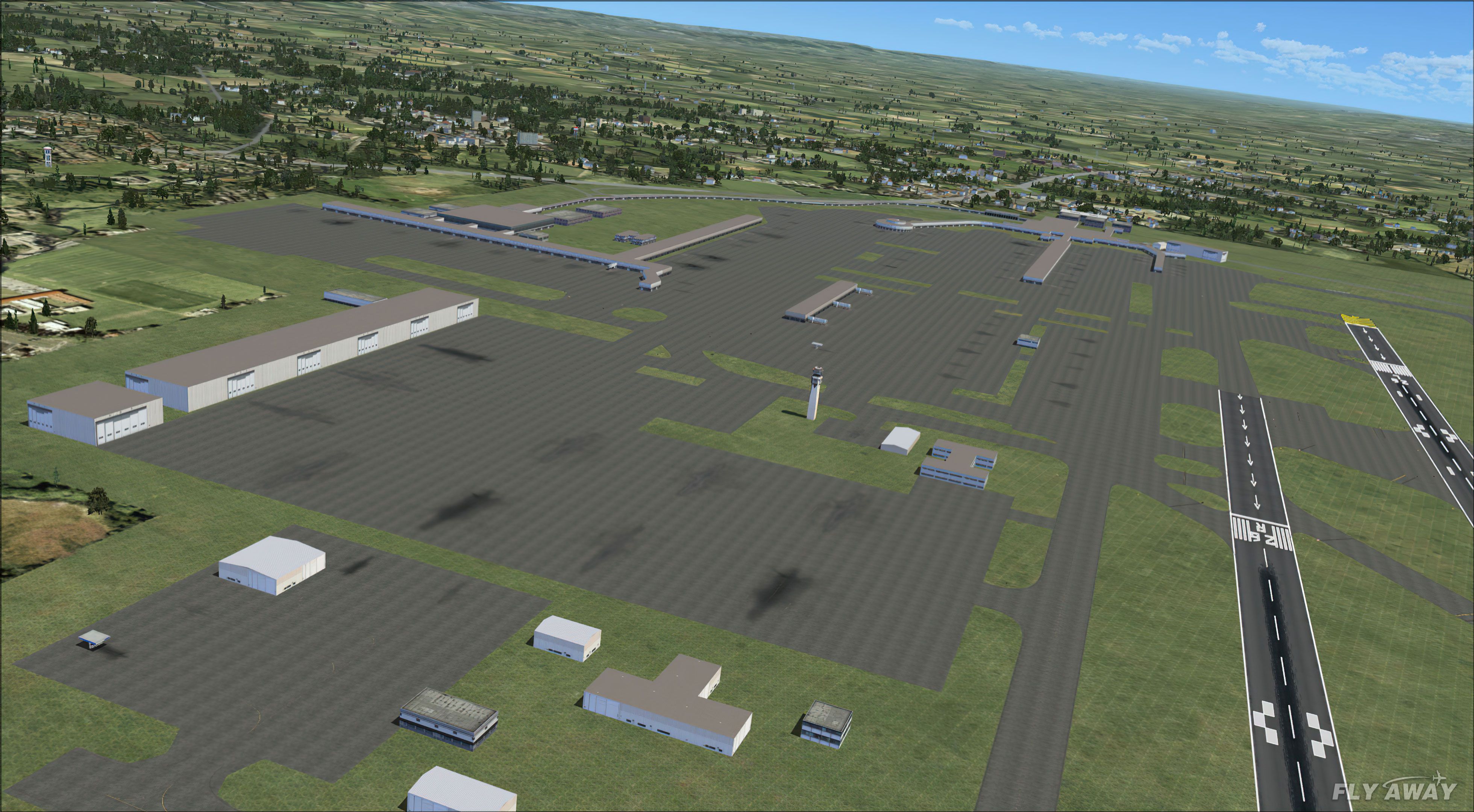
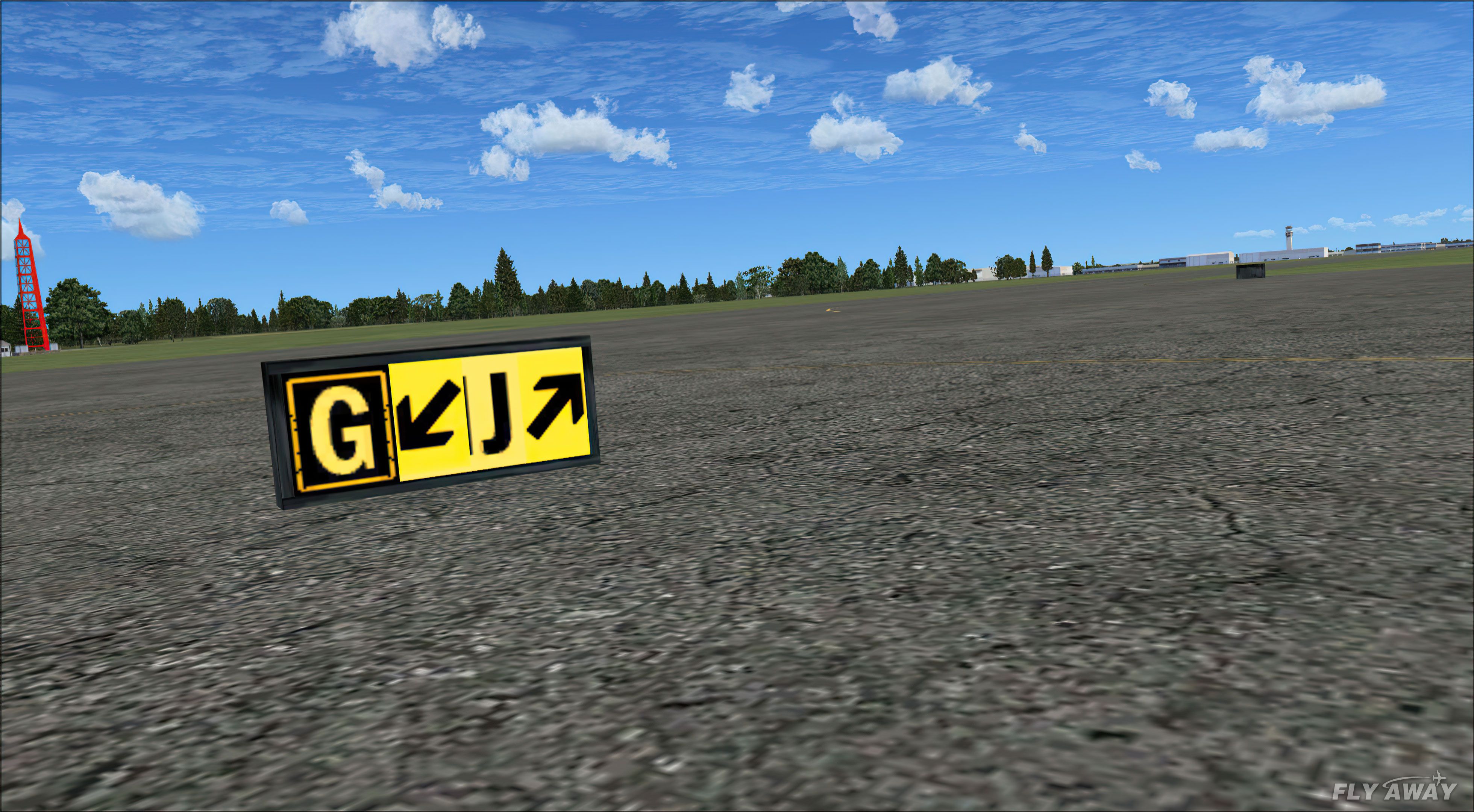
Airport ground textures gain a sharper, more convincing look with rebuilt taxiway surfaces, refreshed apron detail, and reworked taxiway markings that show subtle wear, cracks, and weathering. Designed for FSX, the set replaces default asphalt, concrete, tarmac, and detail textures to improve overall realism and better blend autogen with paved areas.
 Rate
Rate
 Global (World)
These new textures for FSX enhance your default ground airport textures. This package contains all-new high detailed taxiway textures, ground textures, and all new taxiway line textures.
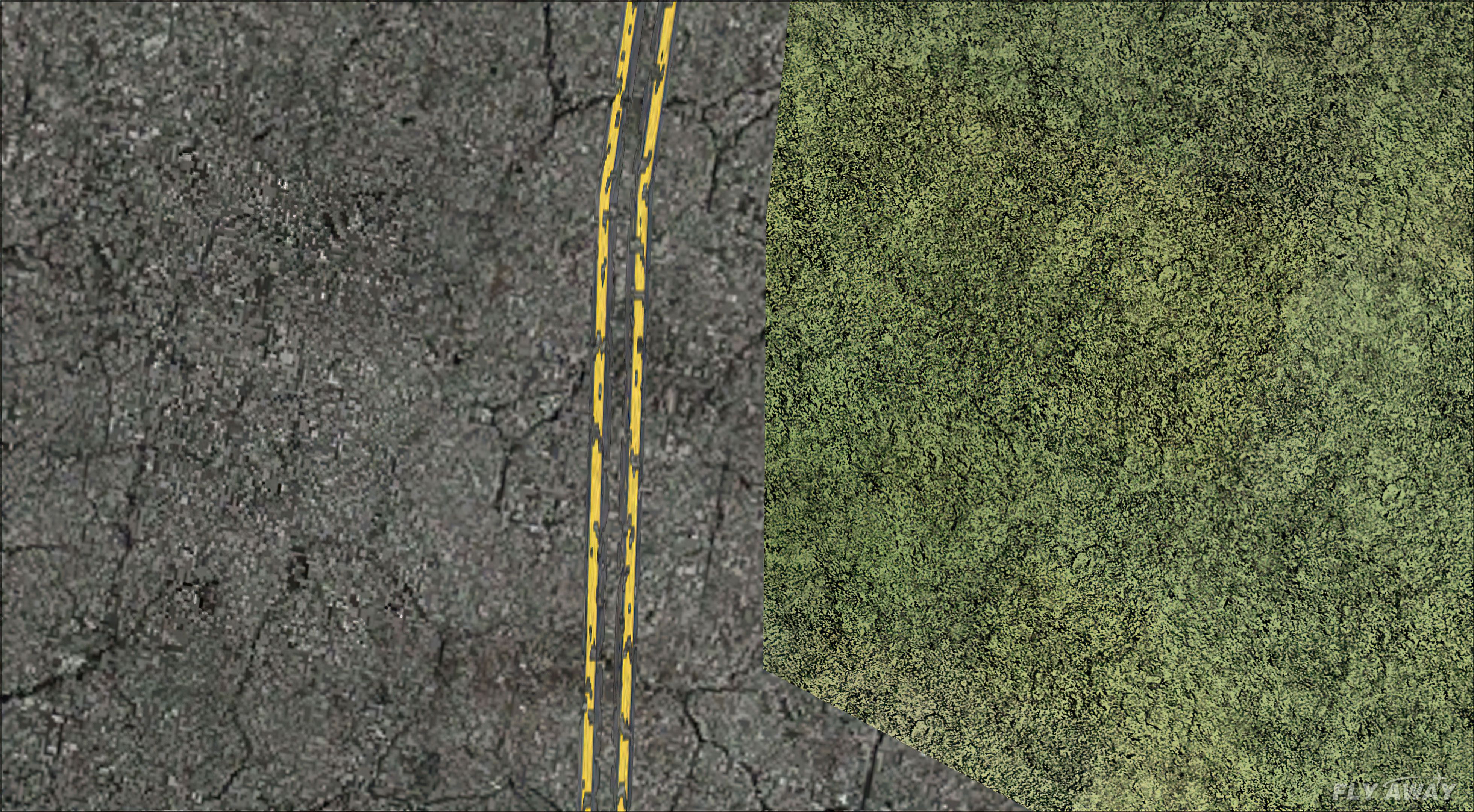
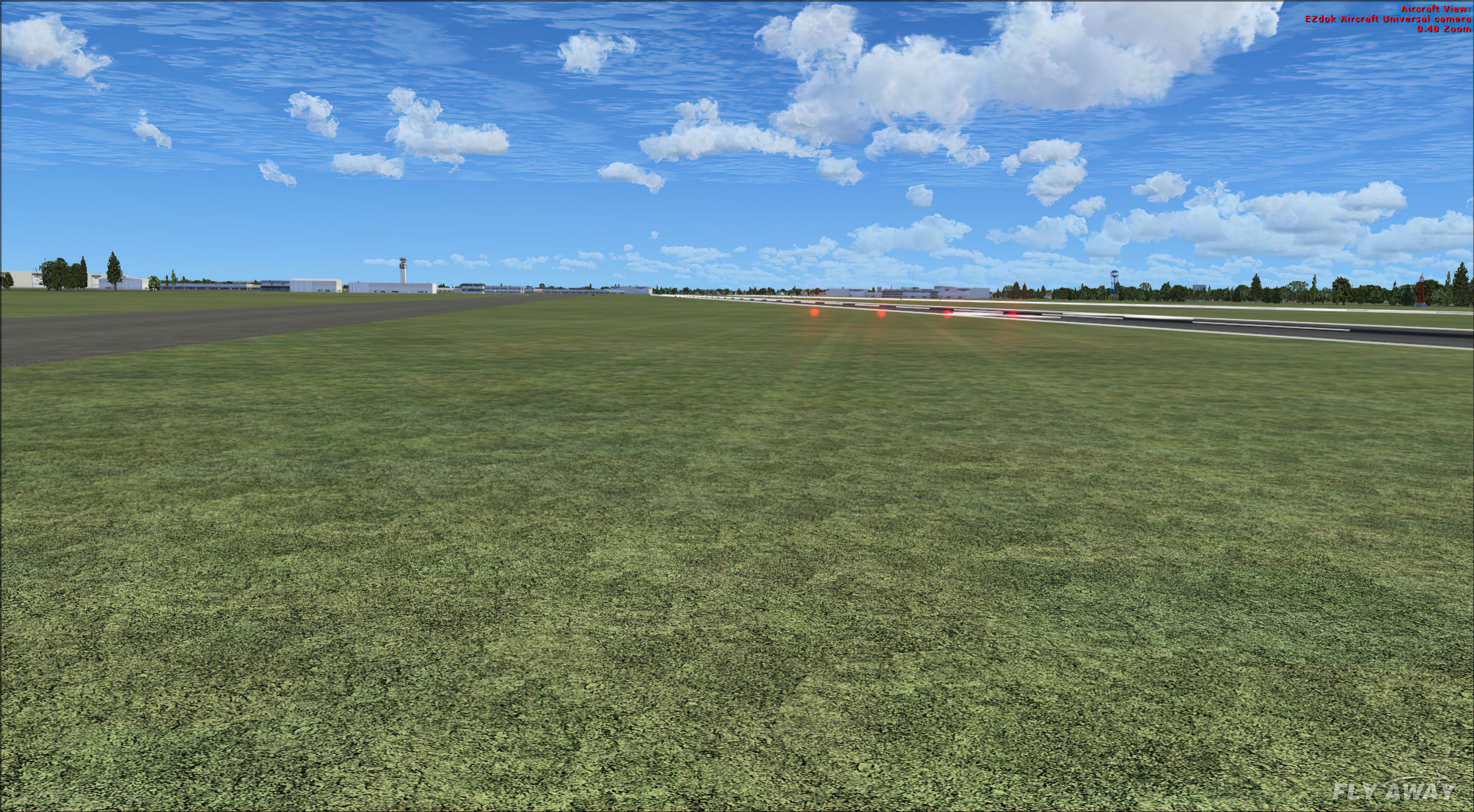
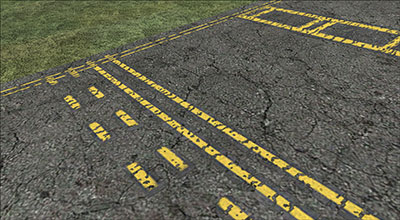 The new ground textures give a more realistic illusion of rocks, grass, etc. Autogen as well as taxiways, will now look more realistic and "in place" since they are no longer over a low-resolution detail 1.bmp file.
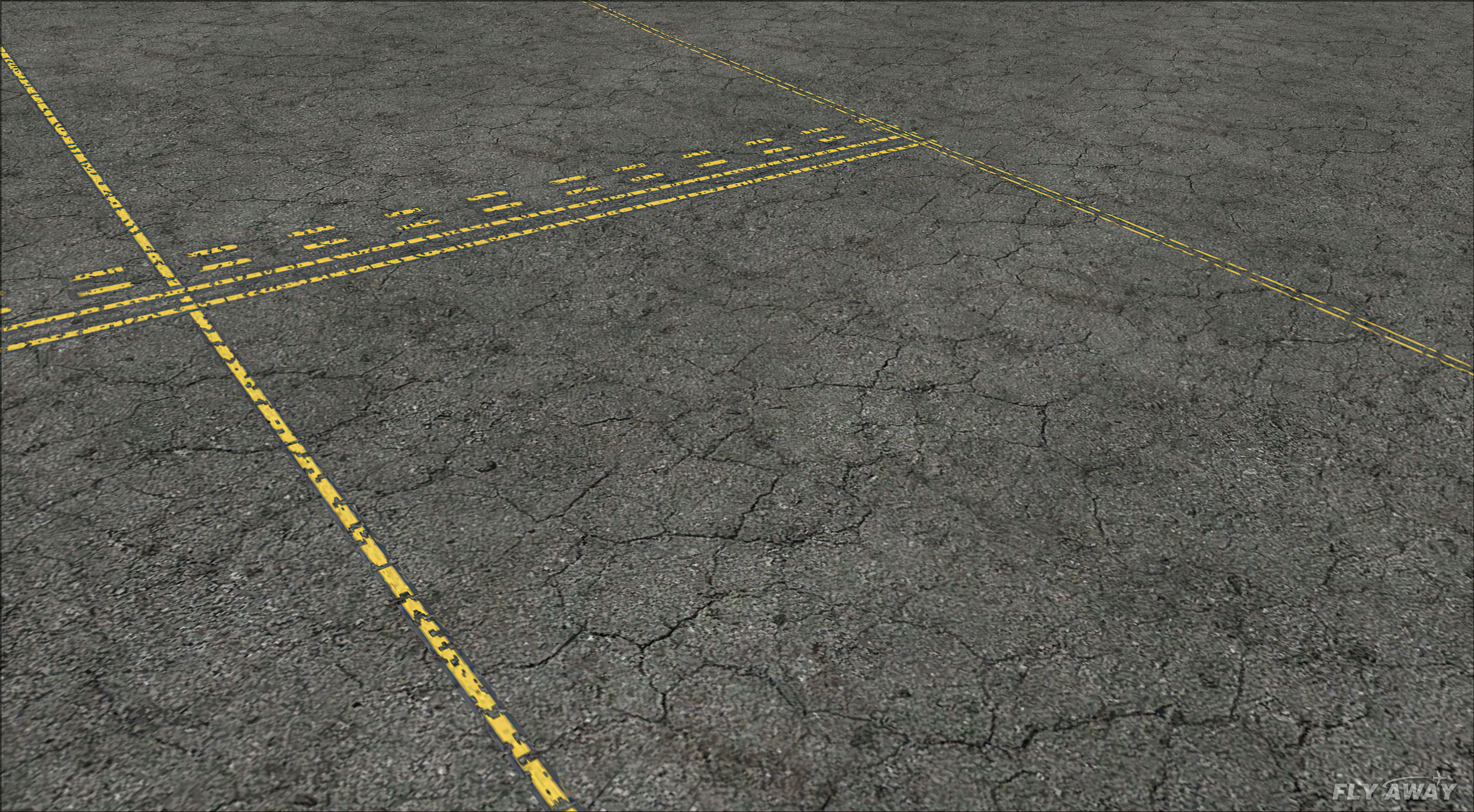
The new taxiway line textures (or taxi lines as I call them) make your default taxi lines look even more realistic. Now you will see environmental weathering effects such as cracks and holes on the taxi line paint. And finally, the new taxiway textures upgrade the default FSX ones.
Every detail, crack, and pebble was carefully analyzed and created with the aid of hi-res sources.
Pre Installation
VERY IMPORTANT! BE SURE TO BACK UP THE FOLLOWING DDS FILES LOCATED IN YOUR C:\Program Files\Microsoft Games\Microsoft Flight Simulator X\Texture FOLDER:
Now back up the following BMP file located in your C:\Program Files\Microsoft Games\Microsoft Flight Simulator X\Scenery\World\Texture folder:
Installation
Extract the following DDS and the one BMP file to a temporary location of your choice:
Now, take the following DDS files:
And place them into your C:\Program Files\Microsoft Games\Microsoft Flight Simulator X\Texture folder. Click yes to overwrite, Now take the detail 1 BMP file, and place it in your C:\Program Files\Microsoft Games\Microsoft Flight Simulator X\Scenery\World\Texture folder. Click yes to overwrite.
That's it! Run FSX and go to any airport of your choice.
*Tip*
The detail 1 BMP file included here is fully compatible with FS2004. Installation is very similar, just place the detail 1 BMP file in your C:\Program Files\Microsoft Games\Microsoft Flight Simulator 2004\Scenery\World\Texture folder
You may re-upload these textures to another site of your choice, as long as my name is stated as the original author.
Do not attempt to remodify or edit these textures.
Developer: Gamalier Padilla.
Free for all simmers · 18.87 MB · Scanned clean Oct 2026
Download speed: Free tier is capped at 0.5 Mbps (this file takes approximately 5 mins at the cap). PRO members download at full line speed.
FSX\Addon Scenery\ containing scenery and texture sub-folders.readme.txt or README file. It tells you exactly where files go, what dependencies are needed, and any quirks specific to this add-on.The archive FSXGrnd_Tex.zip has 21 files and directories contained within it.
This list displays the first 500 files in the package. If the package has more, you will need to download it to view them.
| Filename/Directory | File Date | File Size |
|---|---|---|
| FSXgroundtextures | 11.17.06 | 0 B |
| Readme.txt | 11.16.06 | 2.80 kB |
| detail1.bmp | 11.17.06 | 512.07 kB |
| taxi_asphalt.dds | 11.16.06 | 682.80 kB |
| taxi_concrete.dds | 11.16.06 | 682.80 kB |
| taxi_tarmac.dds | 11.16.06 | 682.80 kB |
| taxi_tranm.dds | 11.16.06 | 682.80 kB |
| taxiway_marks.dds | 11.16.06 | 170.80 kB |
| Go to Fly Away Simulation.url | 01.22.16 | 52 B |
| Screenshots | 10.05.20 | 0 B |
| ground-tex-screen-10ai.jpg | 10.05.20 | 1.31 MB |
| ground-tex-screen-1ai.jpg | 10.05.20 | 1.54 MB |
| ground-tex-screen-2ai.jpg | 10.05.20 | 1.50 MB |
| ground-tex-screen-3ai.jpg | 10.05.20 | 1.64 MB |
| ground-tex-screen-4ai.jpg | 10.05.20 | 2.37 MB |
| ground-tex-screen-5ai.jpg | 10.05.20 | 1.12 MB |
| ground-tex-screen-6ai.jpg | 10.05.20 | 1.95 MB |
| ground-tex-screen-7ai.jpg | 10.05.20 | 2.35 MB |
| ground-tex-screen-8ai.jpg | 10.05.20 | 2.00 MB |
| ground-tex-screen-9ai.jpg | 10.05.20 | 1.33 MB |
| flyawaysimulation.txt | 10.30.13 | 959 B |
Only PRO members can place votes.
More FSX & P3D add-ons hand-picked based on this download.
FSX Scenery
Modified replacement ground textures for the USA and Europe including all par…
 FSX Scenery
NFNM Matei Airport Upgrade for the default scenery. Includes more parking spa…
 FSX Scenery
Scenery Antigua (TAPA) Upgrade Corrects bug effect on Antigua scenery (ANTIGU…
 FSX Scenery
This is the NL2000 v4.03 tree upgrade package for the NL2000 scenery version …
FSX Scenery
Slovenia Scenery Upgrade. Includes a set of points and one navaid (LJLJ marke…
 FSX Scenery
Barbuda Upgrade. Correct sound effect for the Barbuda scenery (BARBUDA.ZIP). …
FSX Scenery
Varna Airport Texture Fix. Fix for the freeware Varna Airport add-on scenery.…
FSX Scenery
This freeware add-on enhances KHFD, commonly referred to as Hartford–Brainard…
Read what other simmers think, or add your own.


The only flaw is that taxiways don't tile very well--artifacts are noticeable at low altitudes, say 30 ft above taxiway.

Very nice package, adds great scenery to the ground when I taxi and land, and looks realistic compared to looking at the ground at airports put of a window during taxi, takeoff, and landing.

I love these textures, but there's one thing that bugs me. IT seems as though the turns are still default taxiway lines. I dont know if this is because I installed it wrong or something, but i think i did it correctly. Thanks for the awesome textures. Thanks!

Very detailed taxiways! I really enjoy making FSX having better scenery, and this, well this, is amazing. Thanks! Can you do runway textures, too that has tire marks and stuff like that? :D


It did improve the ground scenery at airports, but after I added this add-on, there were a lot of cracks where in real life there aren`t any in that spot. However, it made most airports more realistic, and the rest of it, no problem.


This all new scenery recreates a very exclusive quality while running Flight Simulator. It do works absolutely fine without no game-error. I recommend this for every simmer.

