


 Hungary
  MSFS Scenery
Dubai, UAE City Building & Pack
A large freeware scenery add-on pack put together by the developer who goes b…
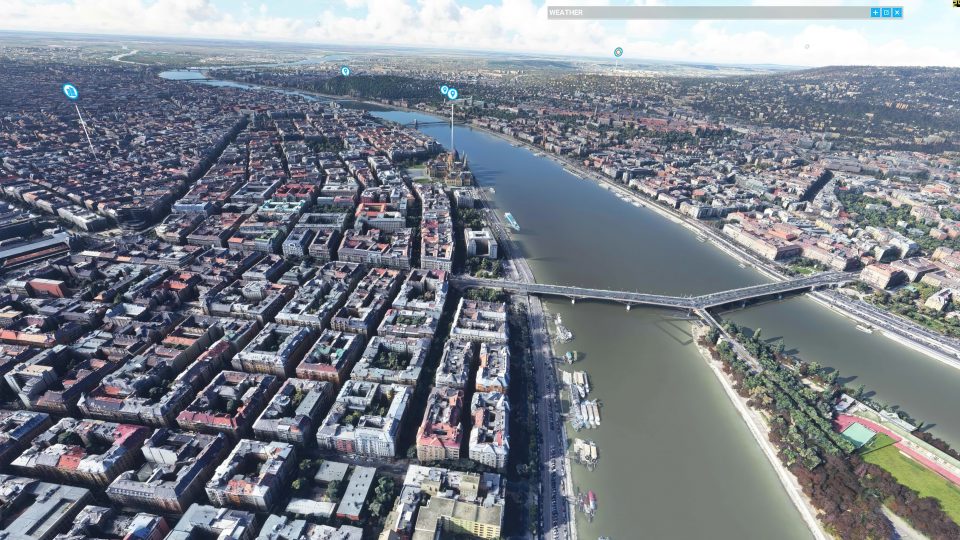
Budapest, Hungary gets a full city scenery rebuild with LOD20 satellite ground imagery and refreshed 3D buildings, delivering sharper color, cleaner blending, and more lifelike riverside landmarks along the Danube. Designed for Microsoft Flight Simulator, it replaces default textures and objects for a crisp, immersive urban VFR environment.
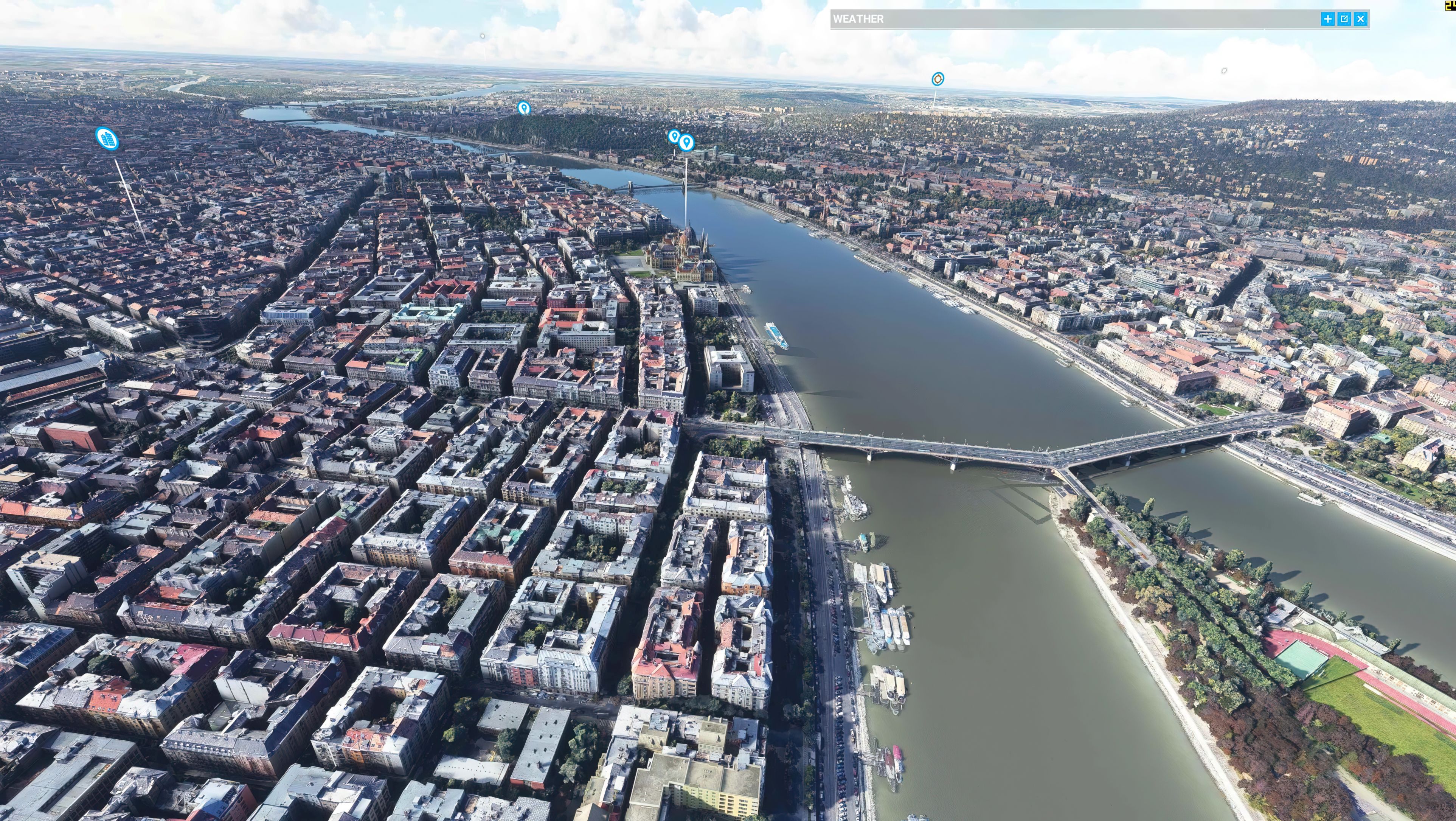
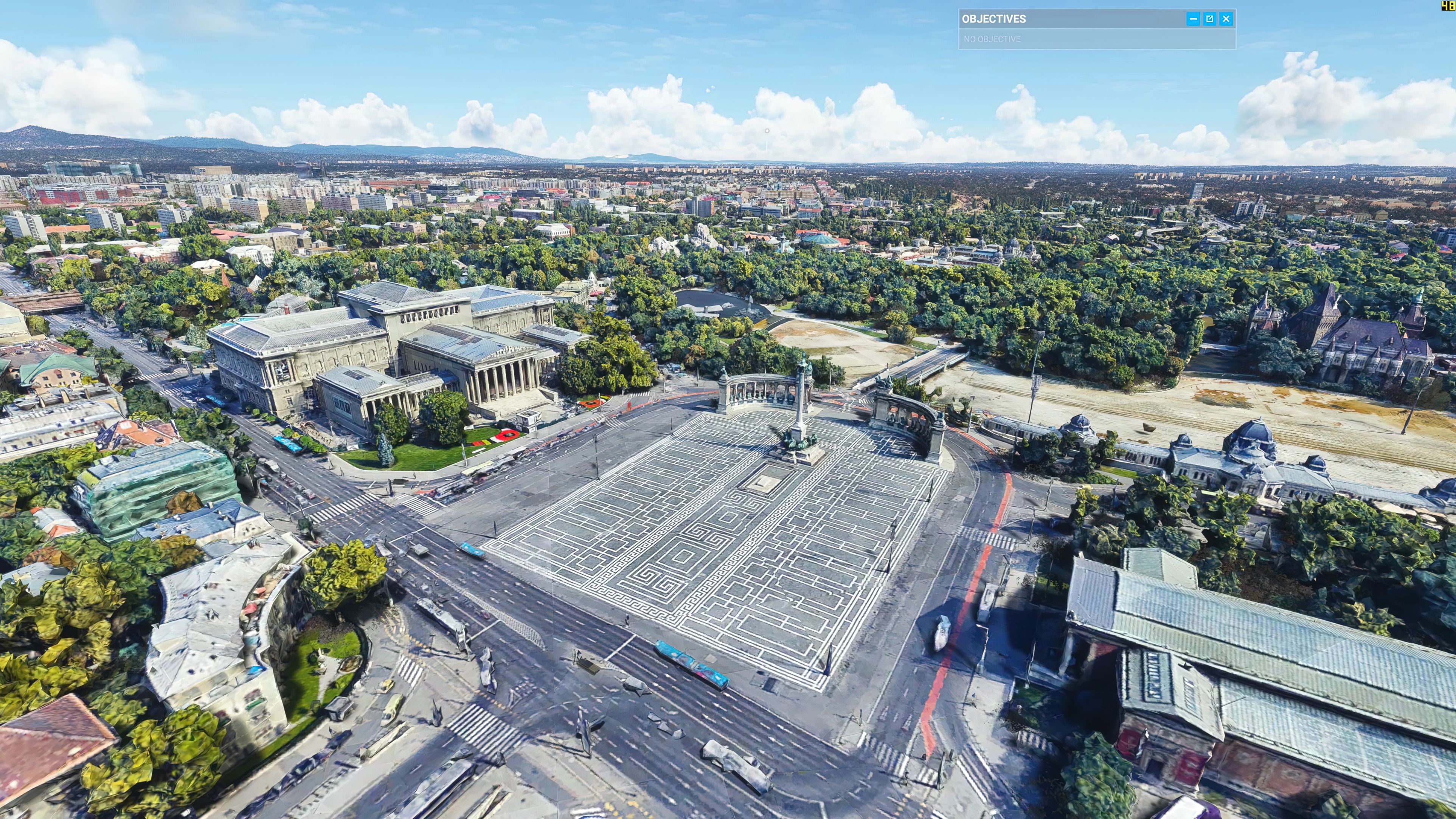
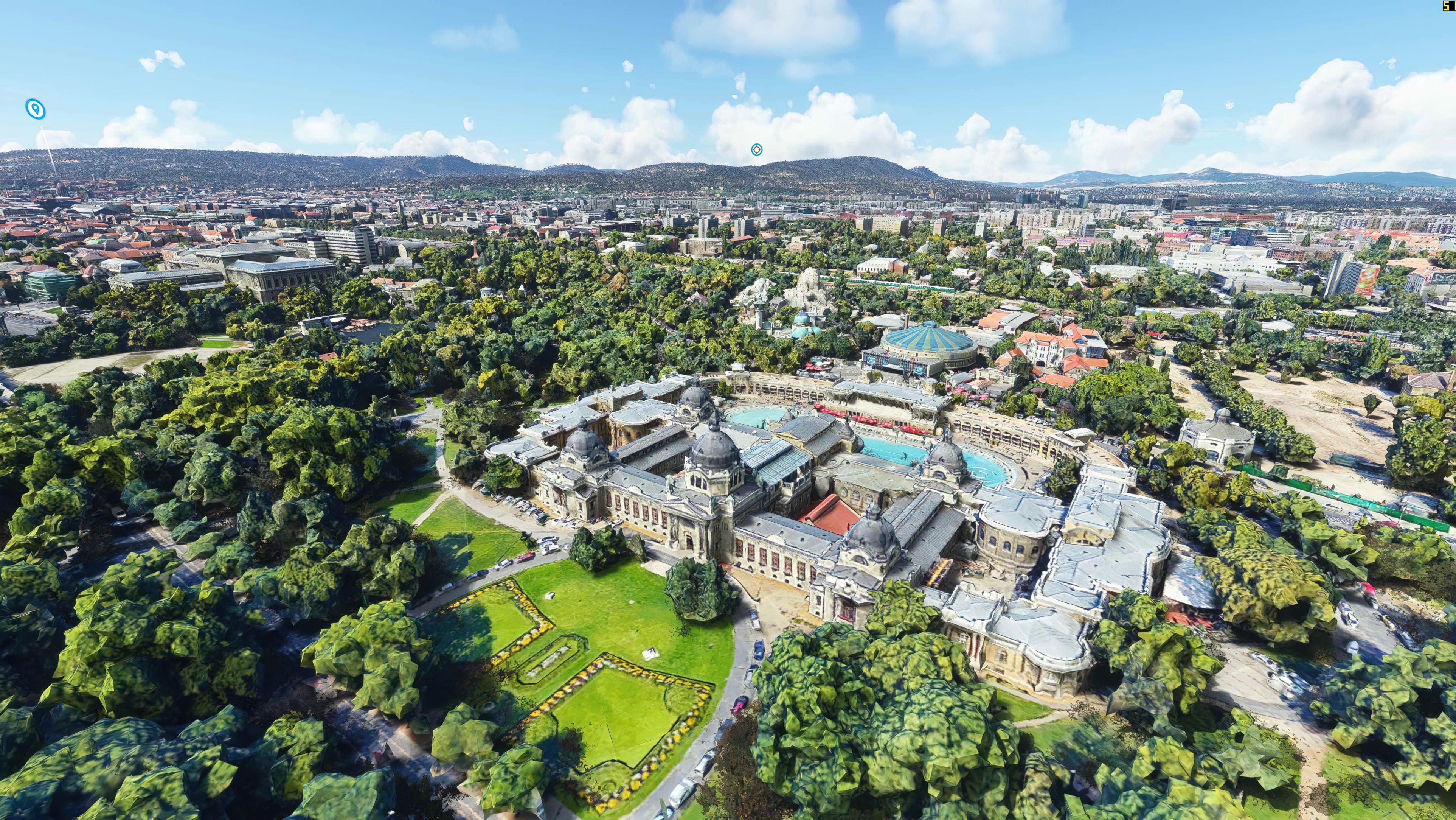

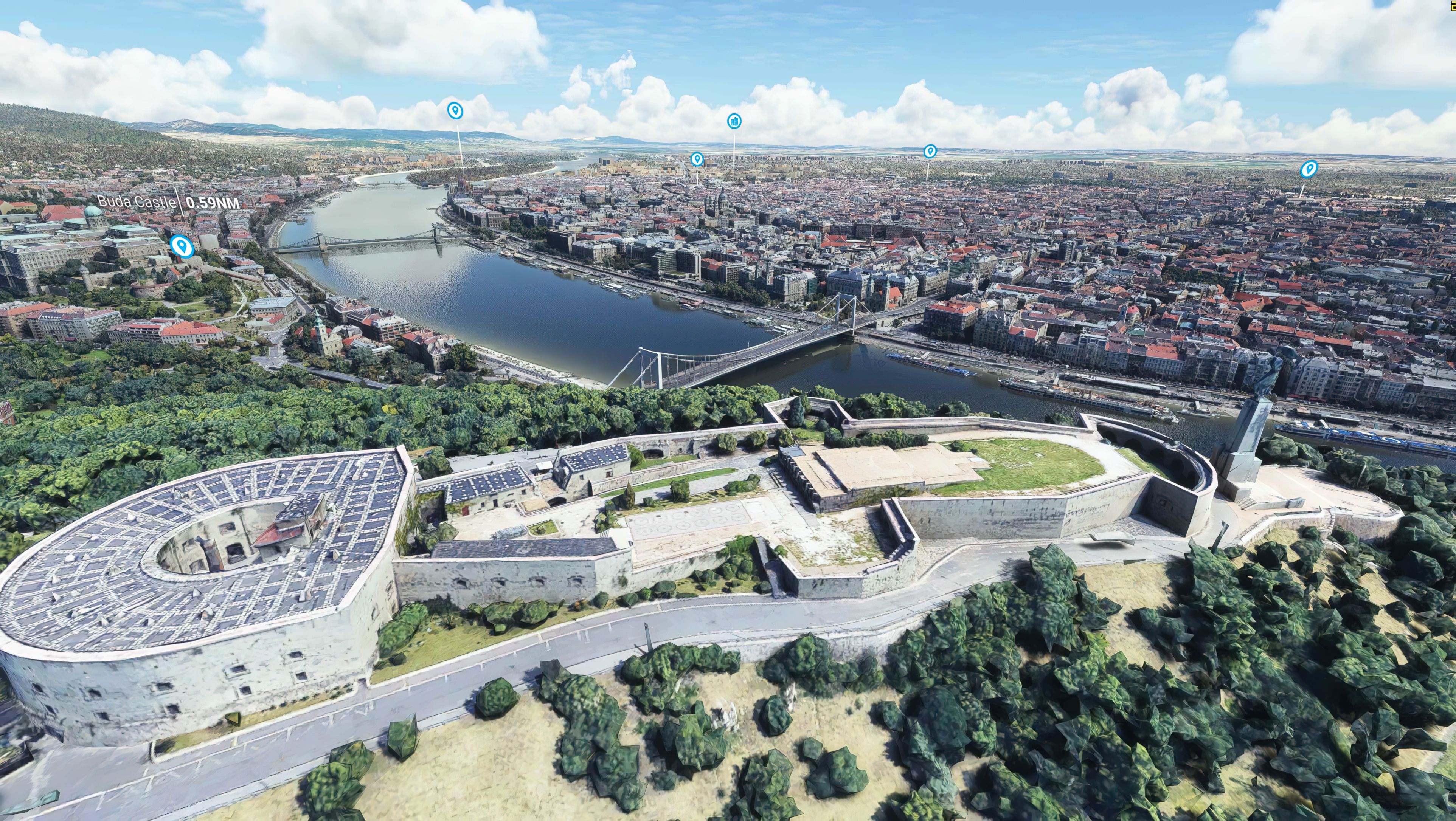
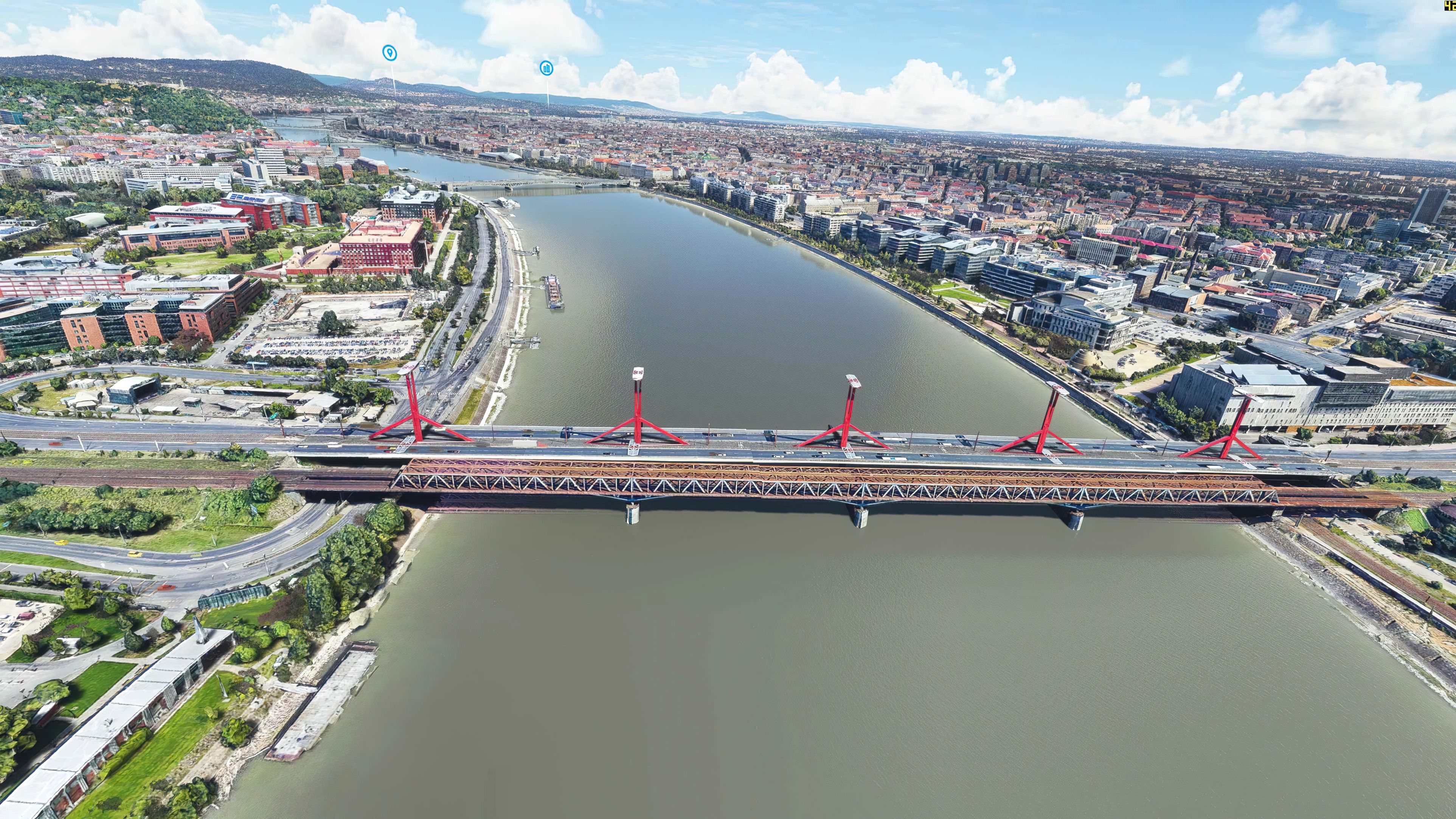
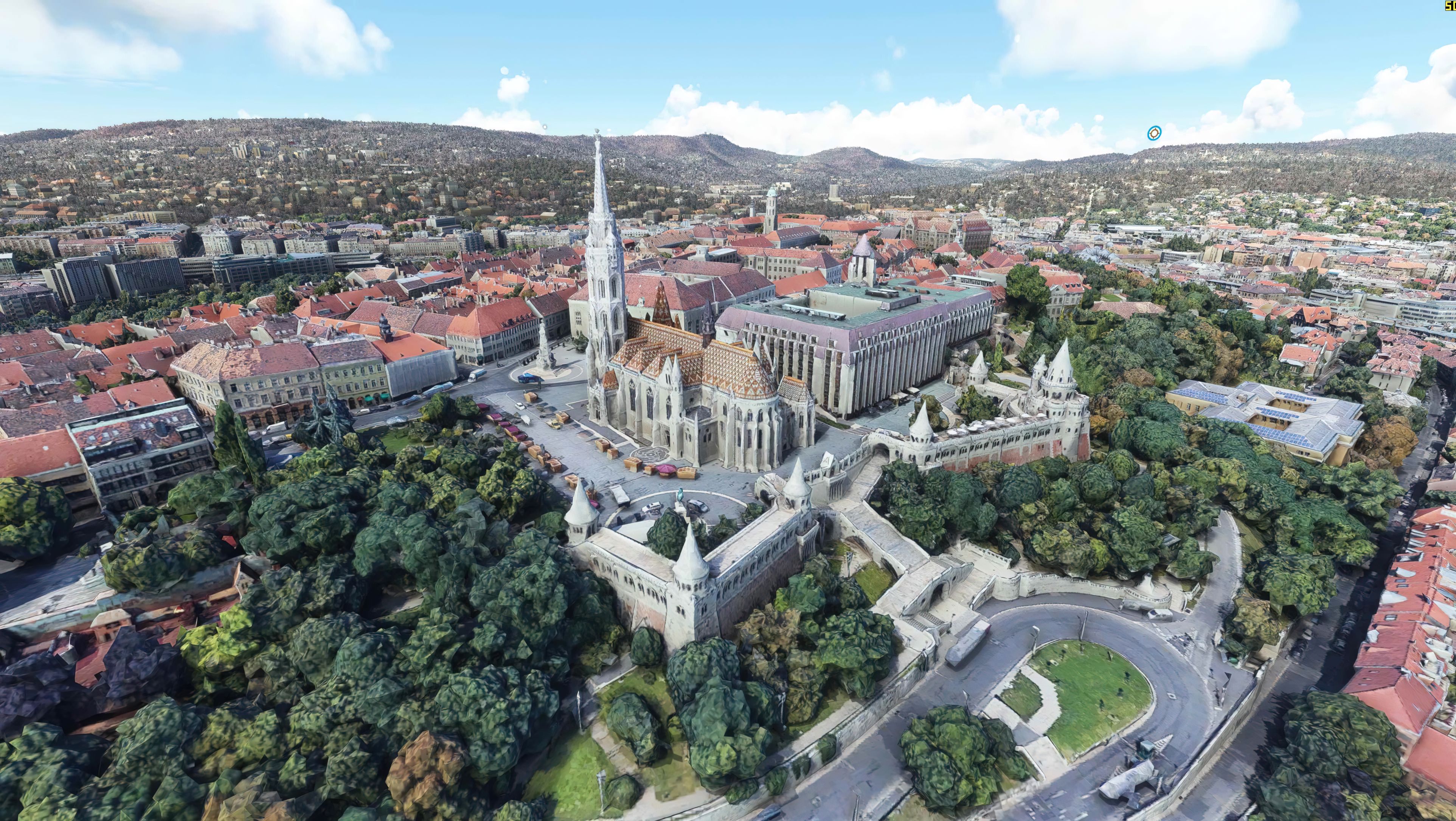

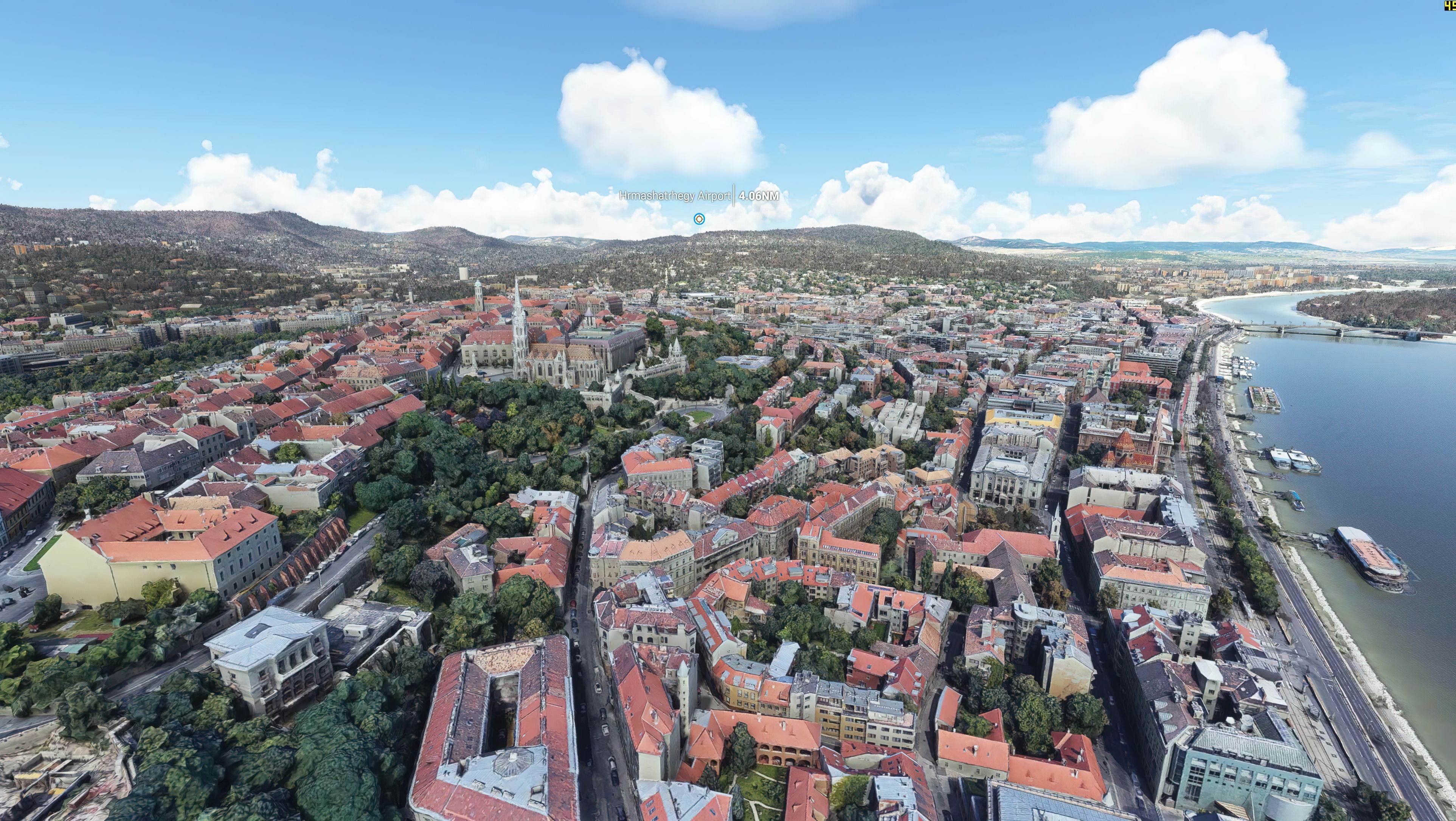
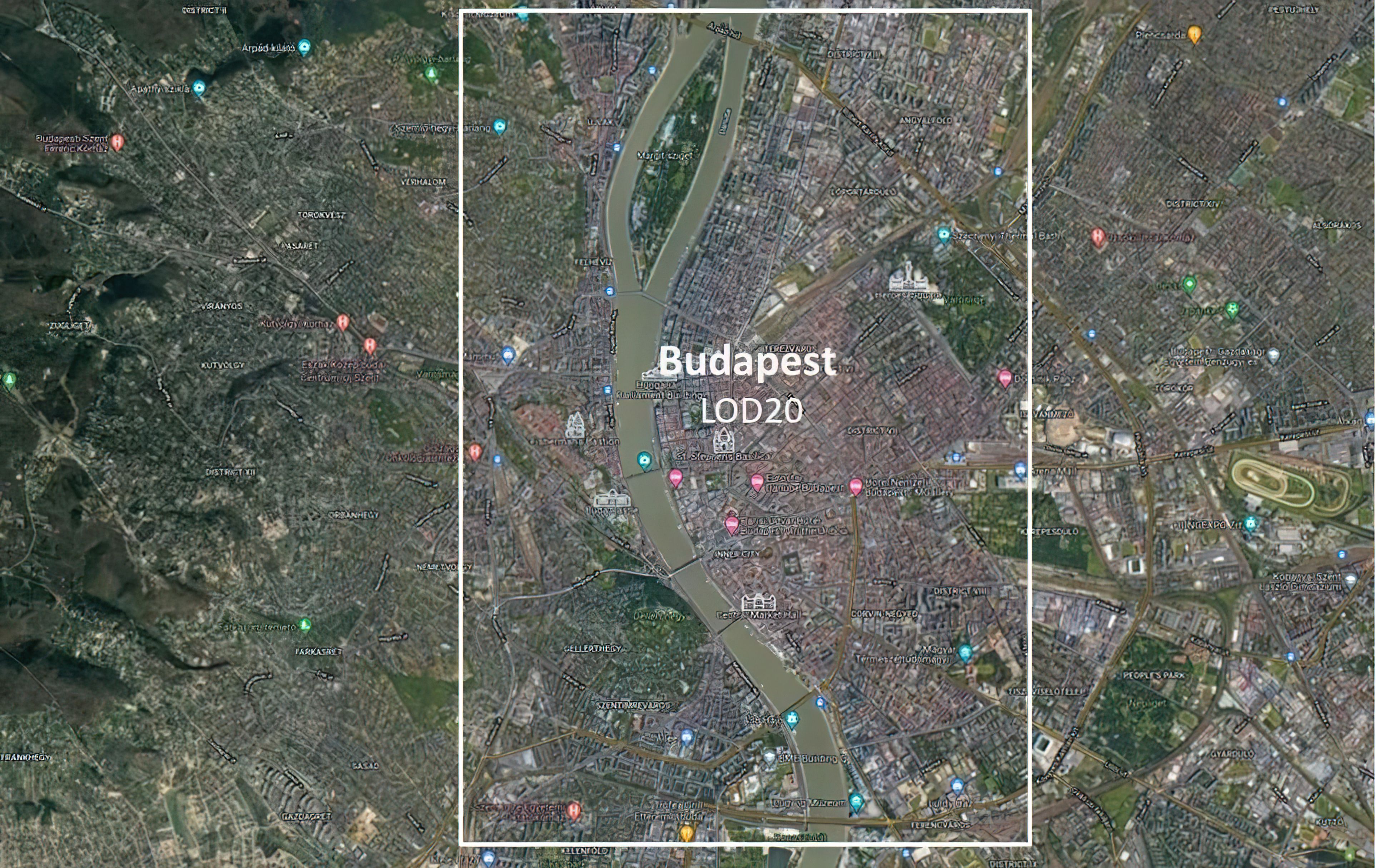
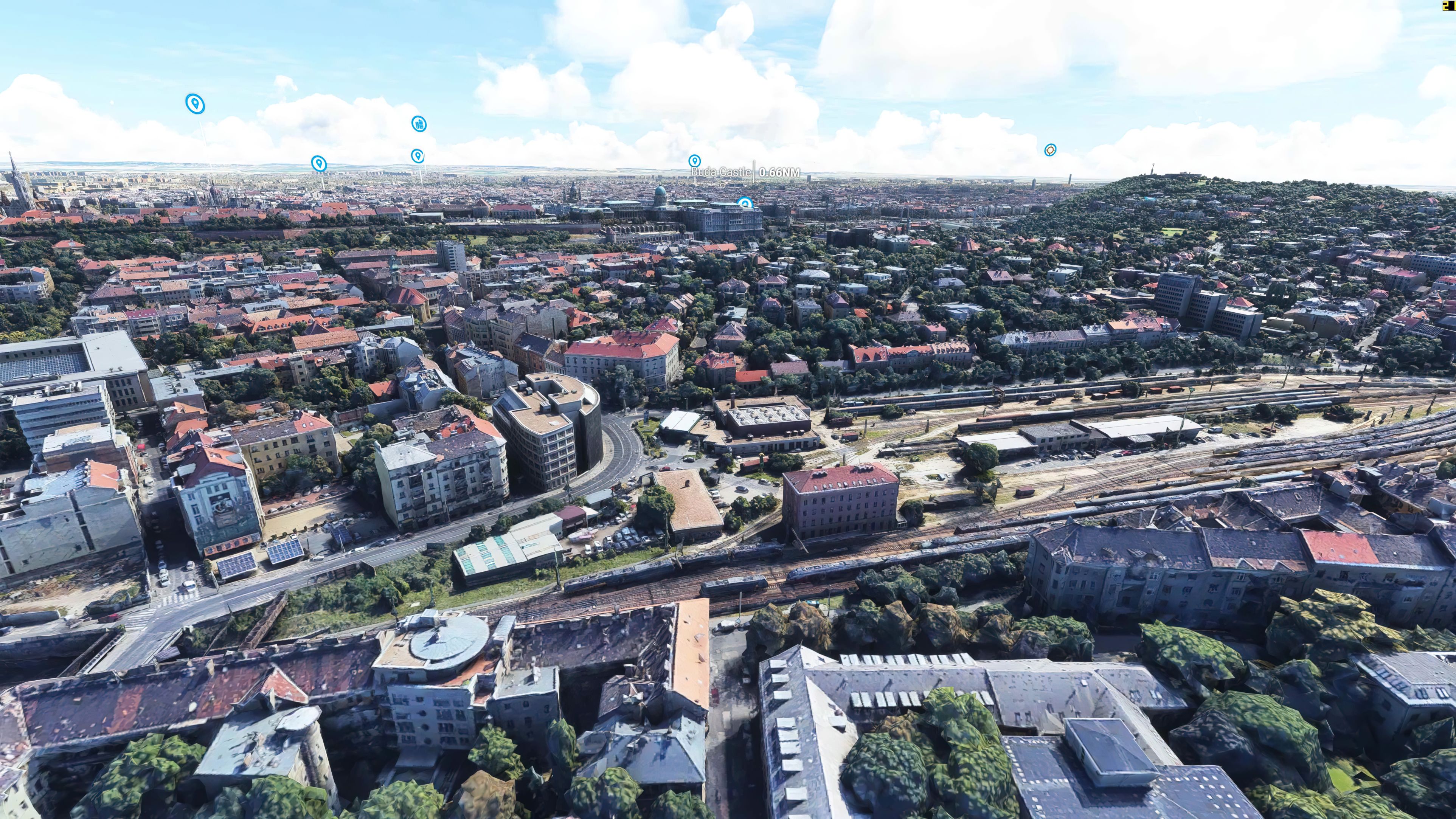
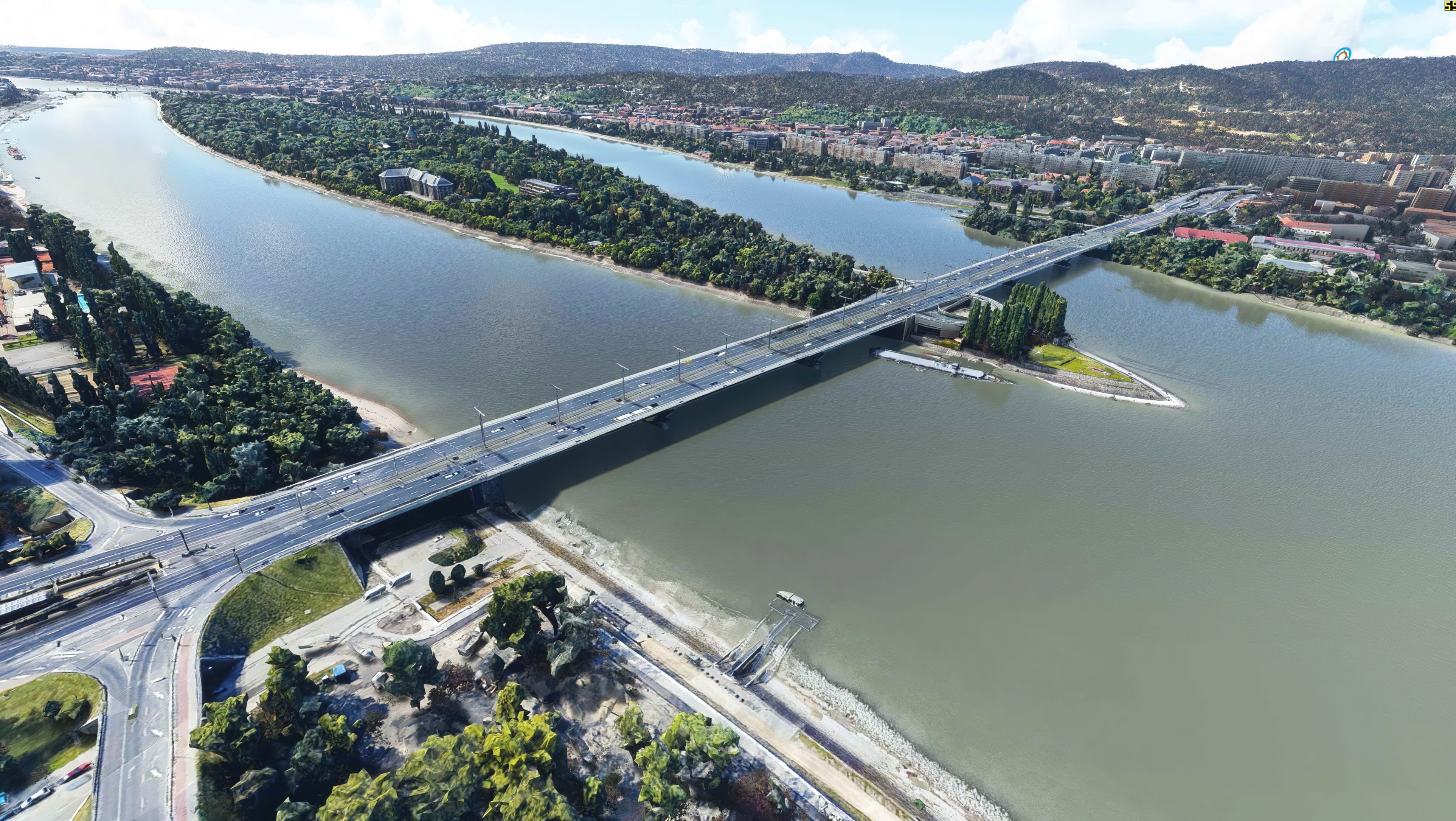
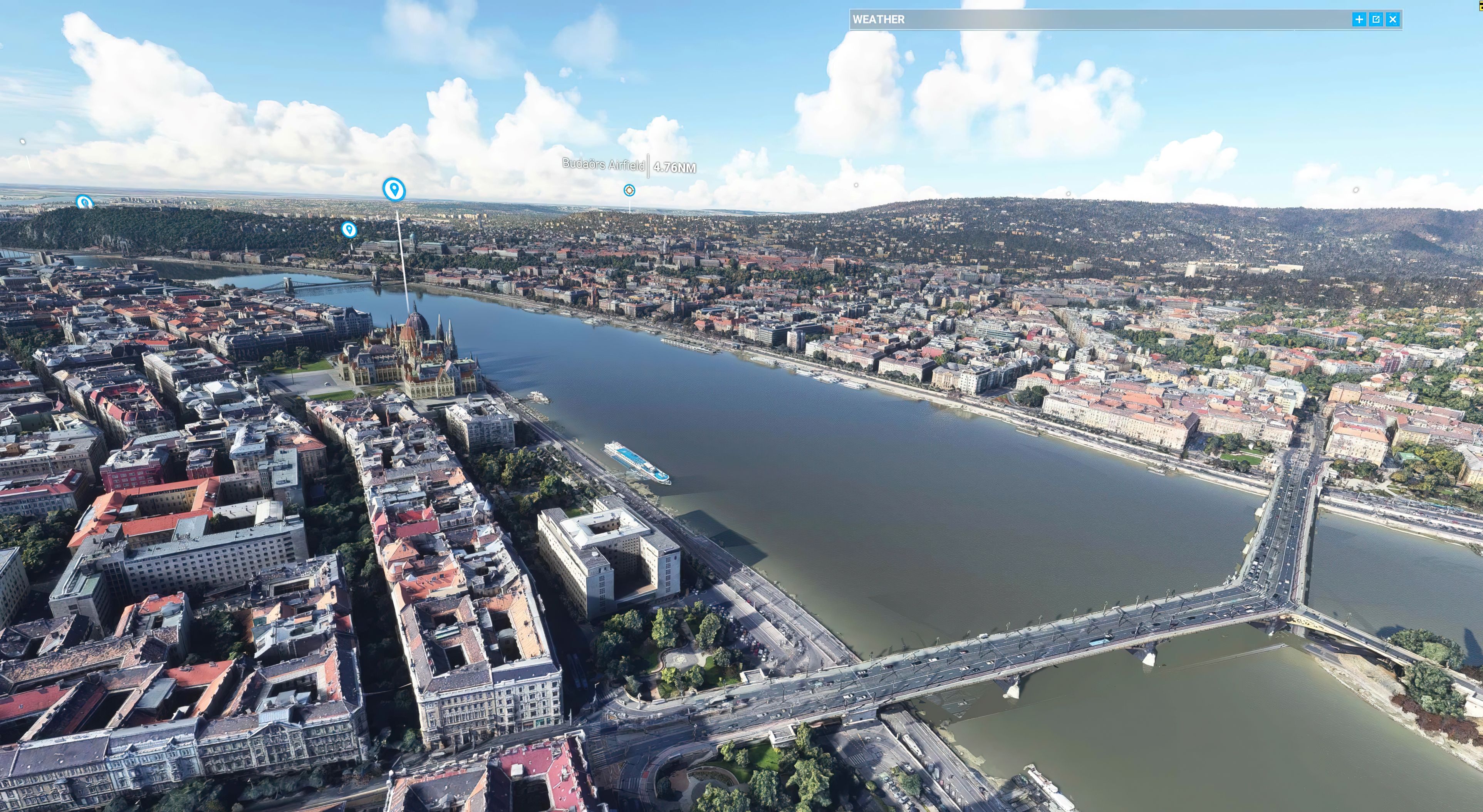
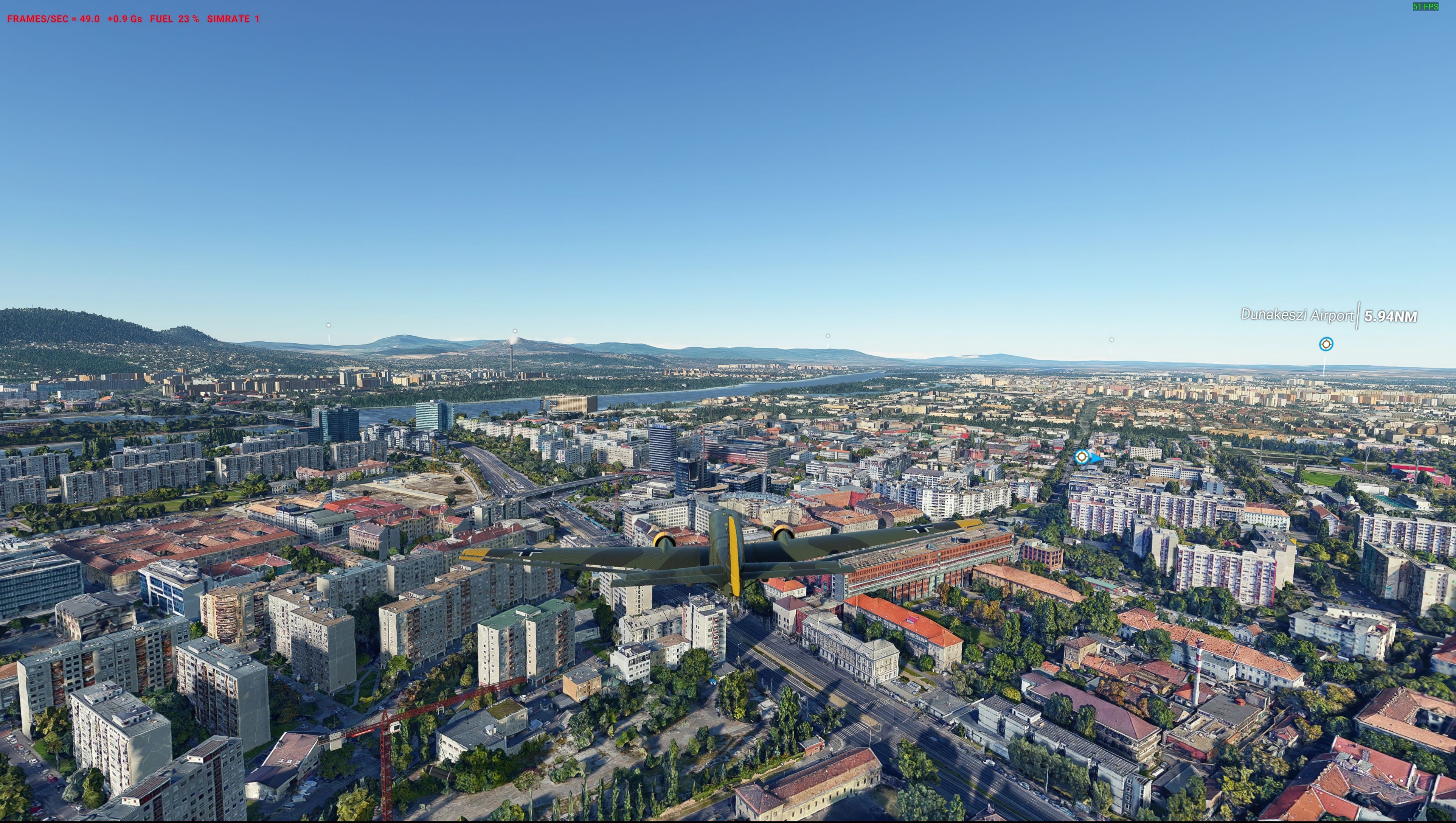


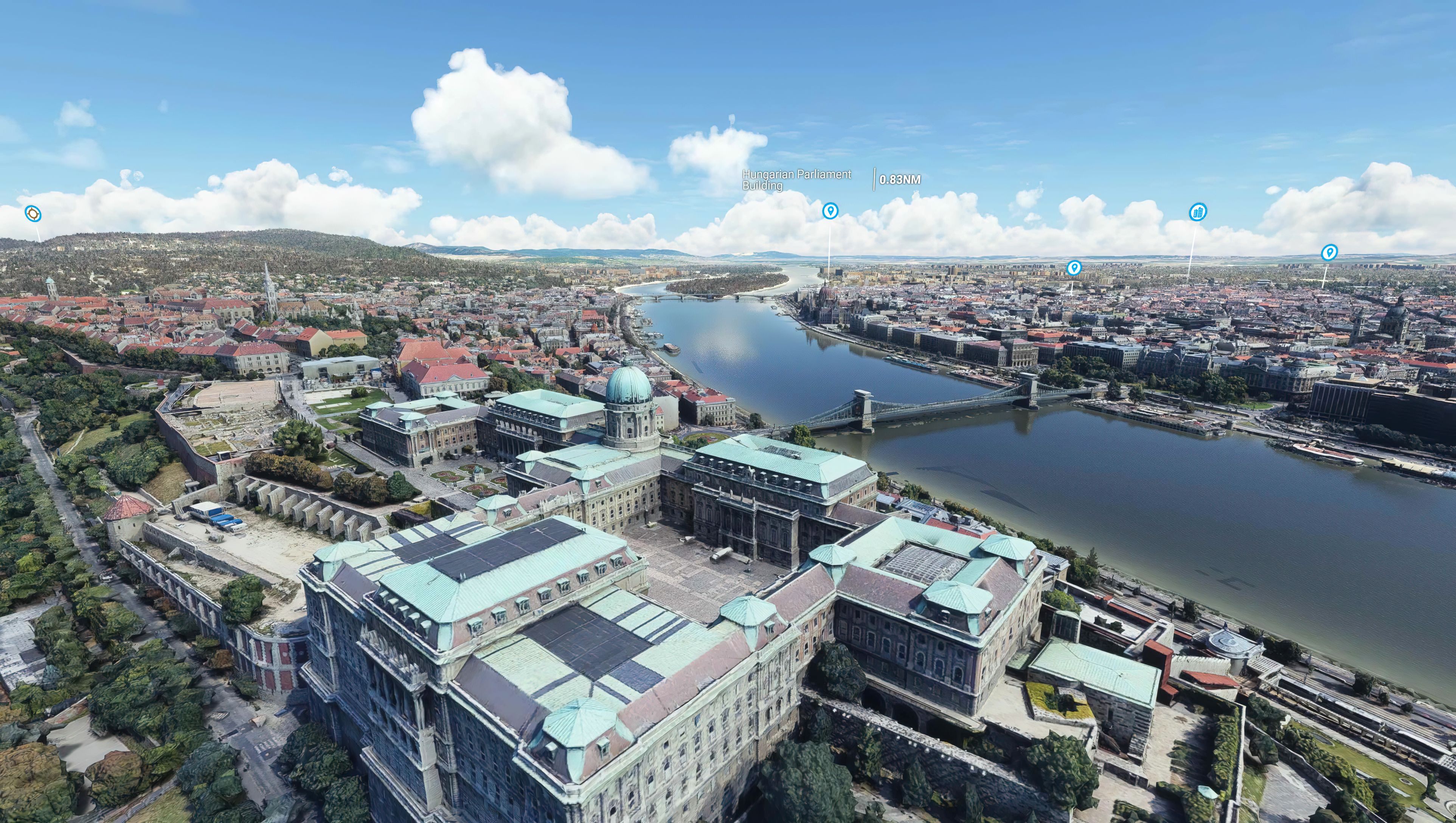
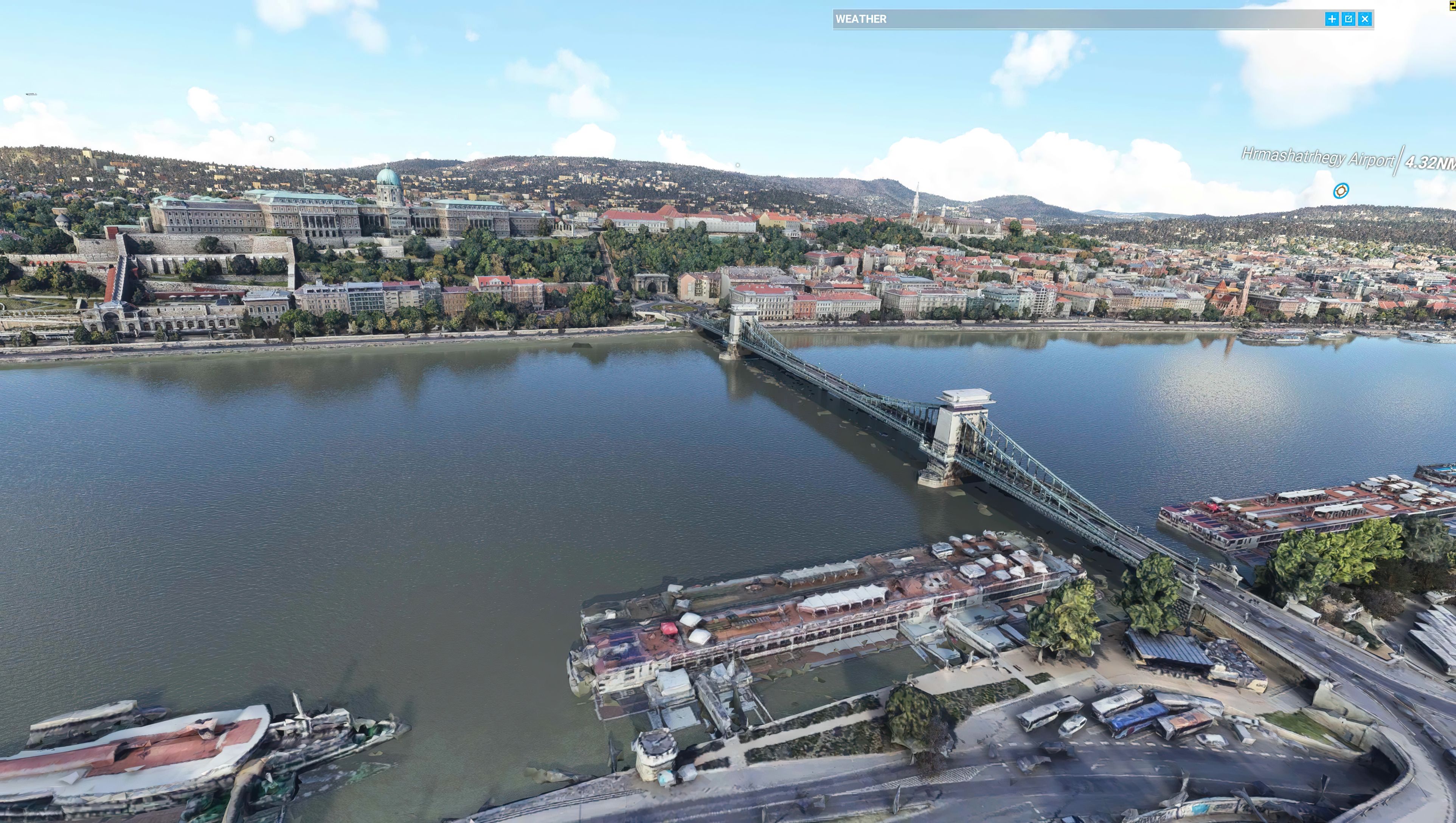

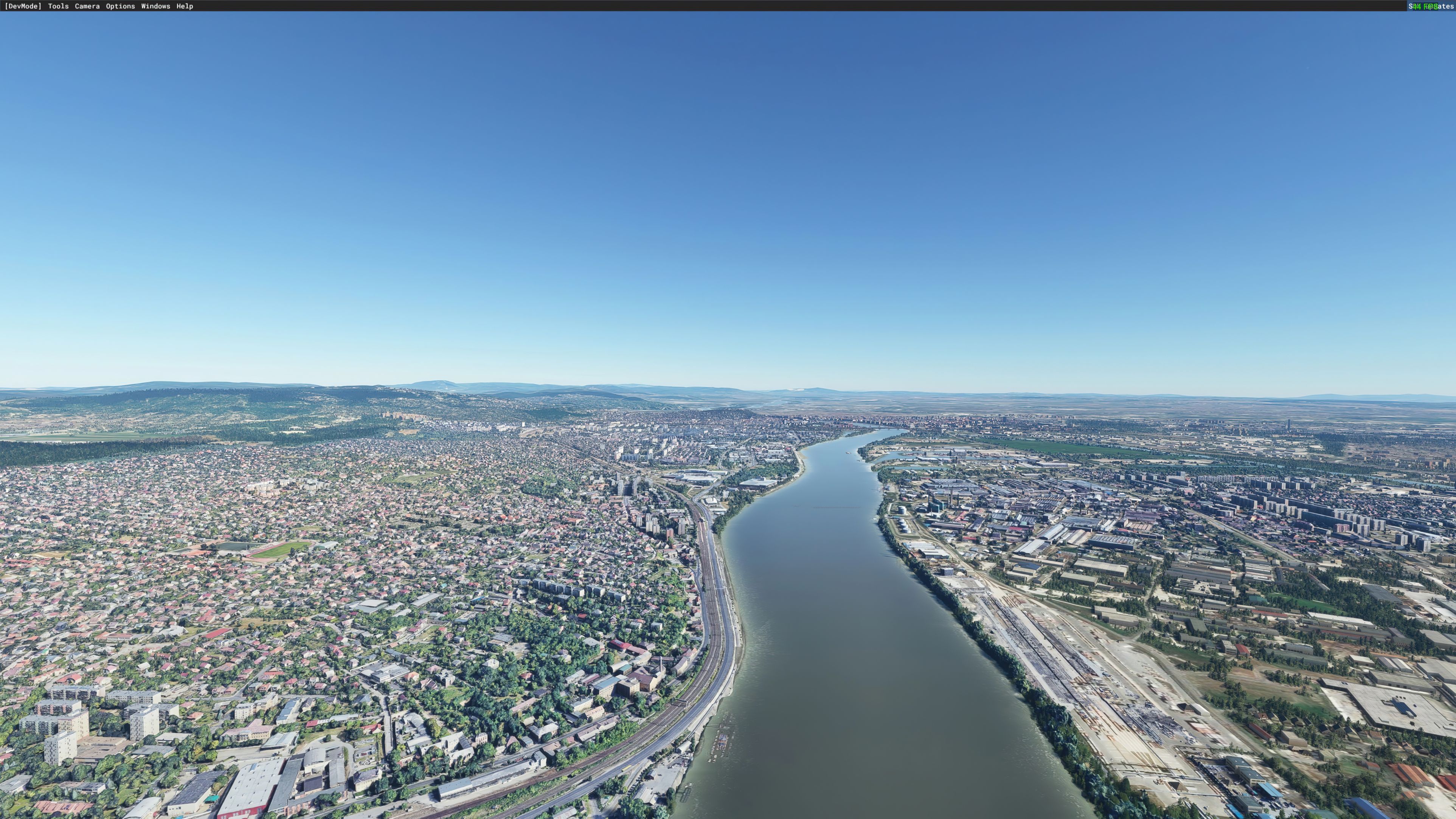
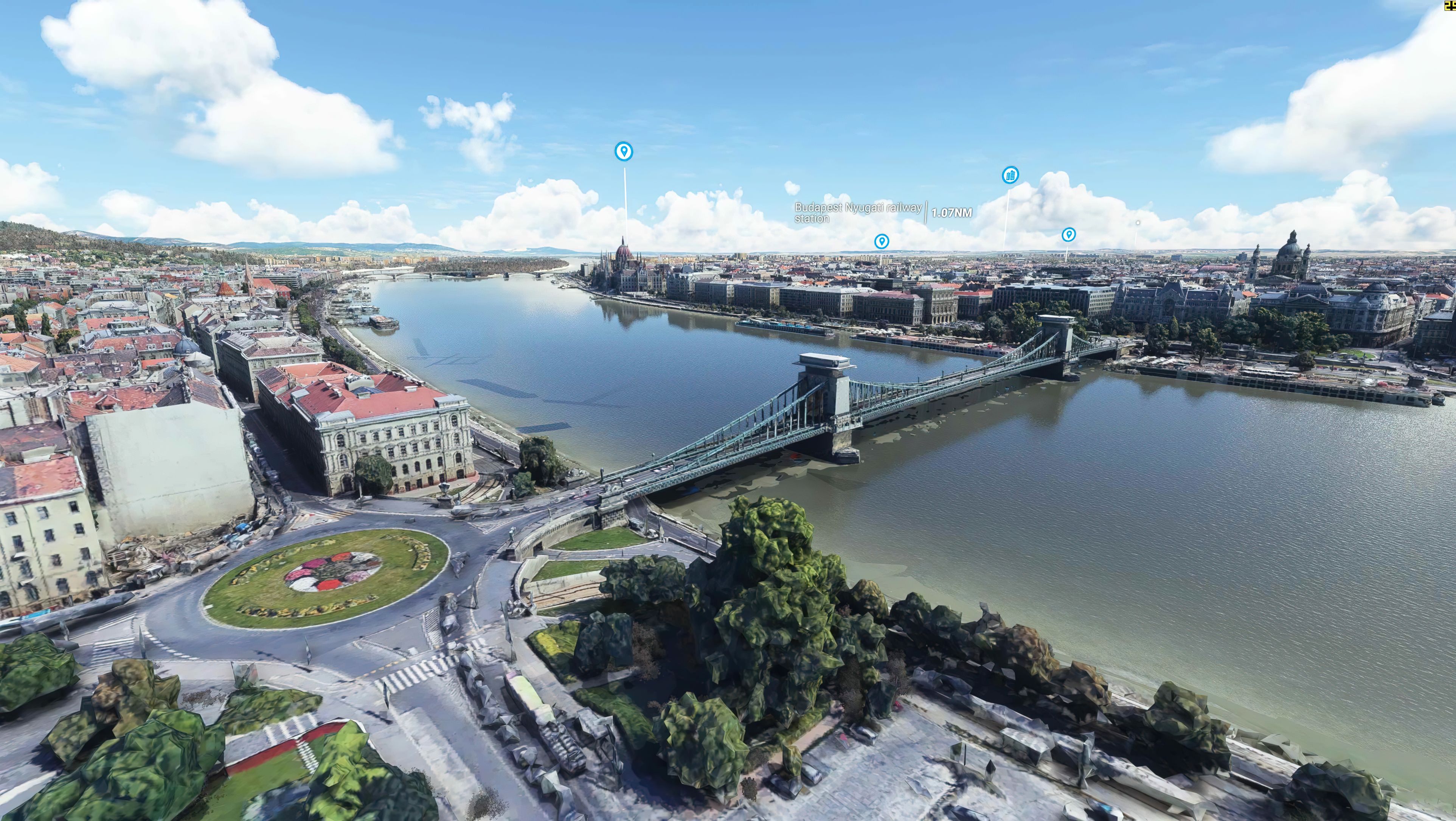
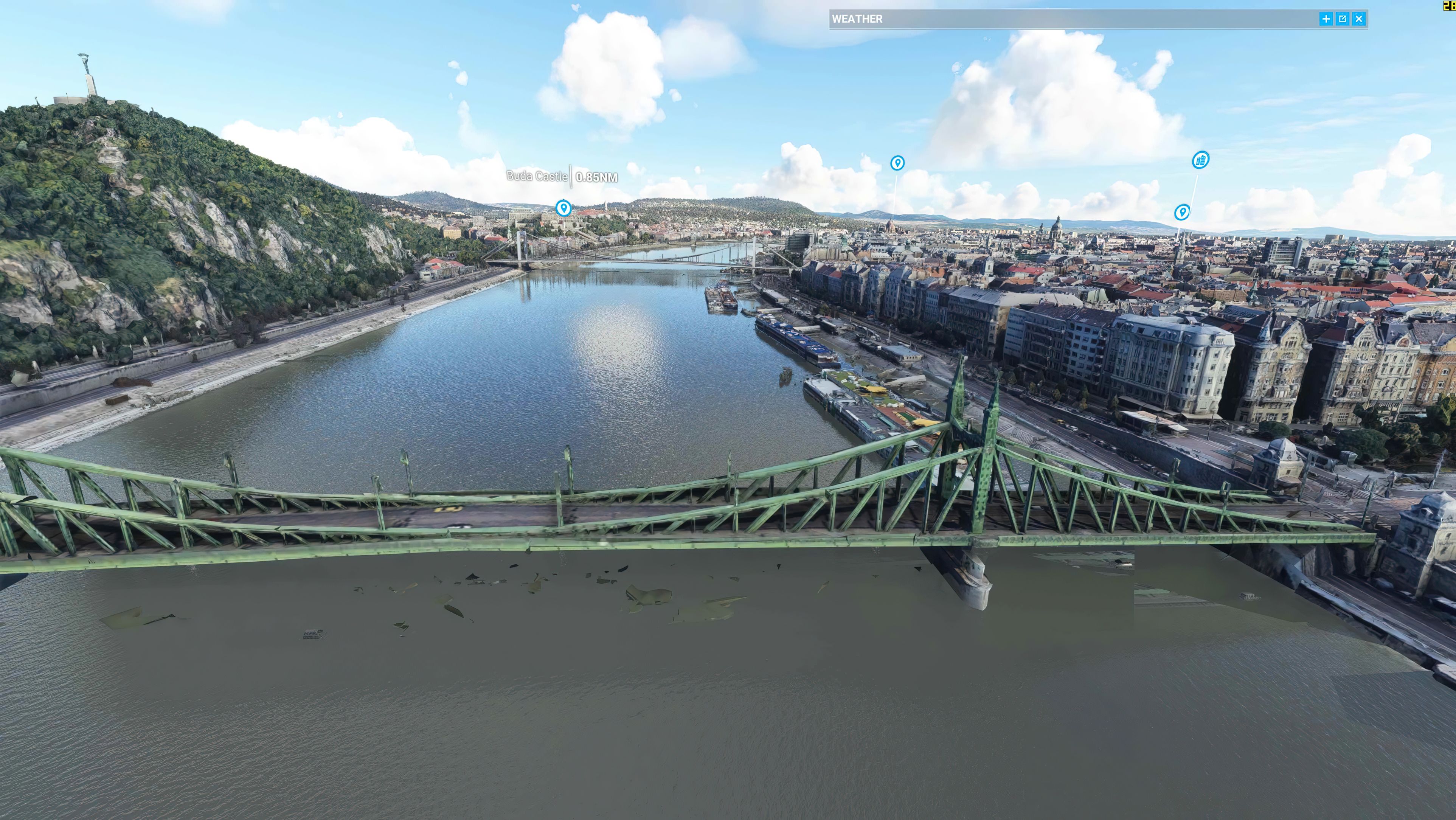
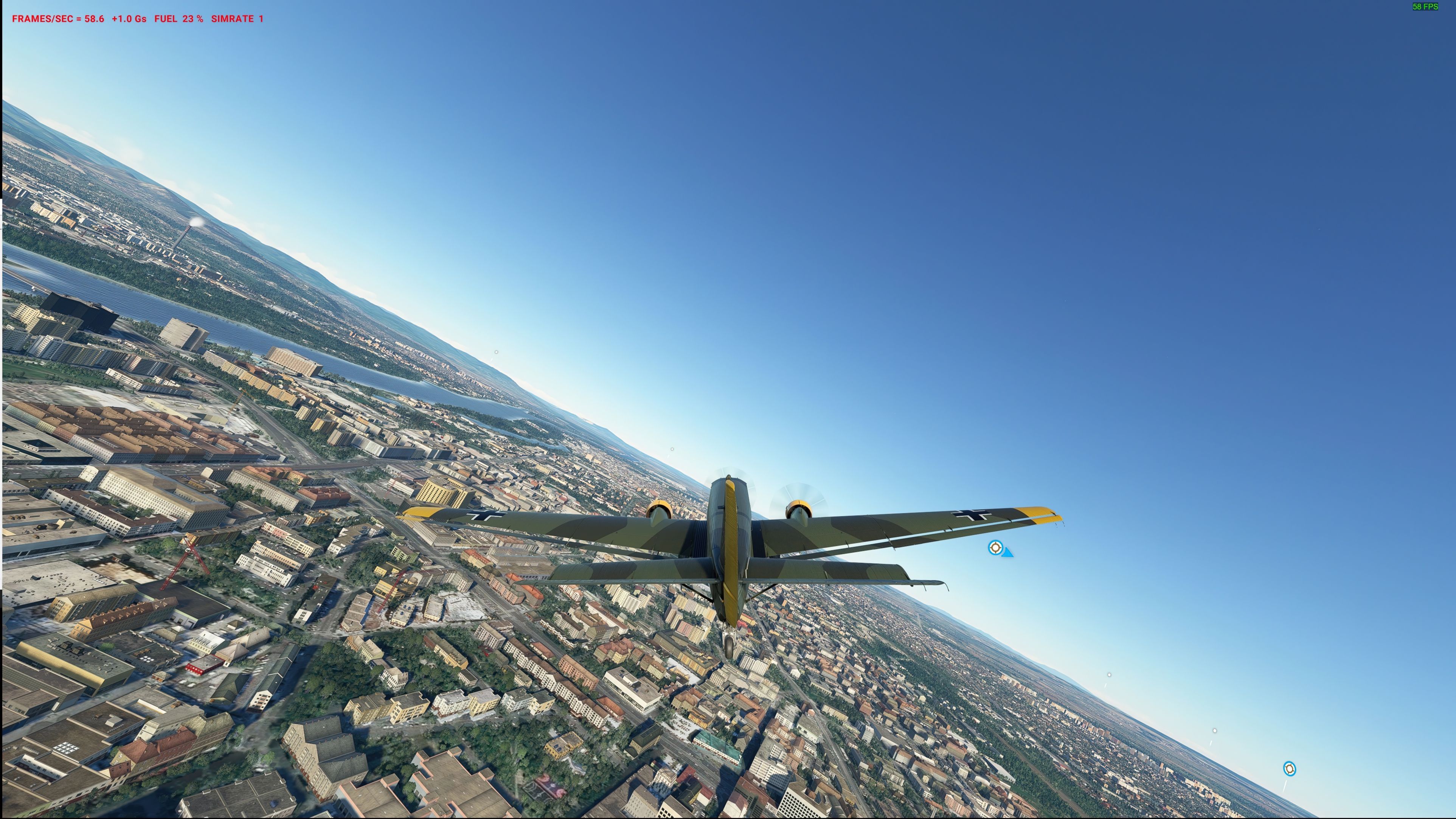
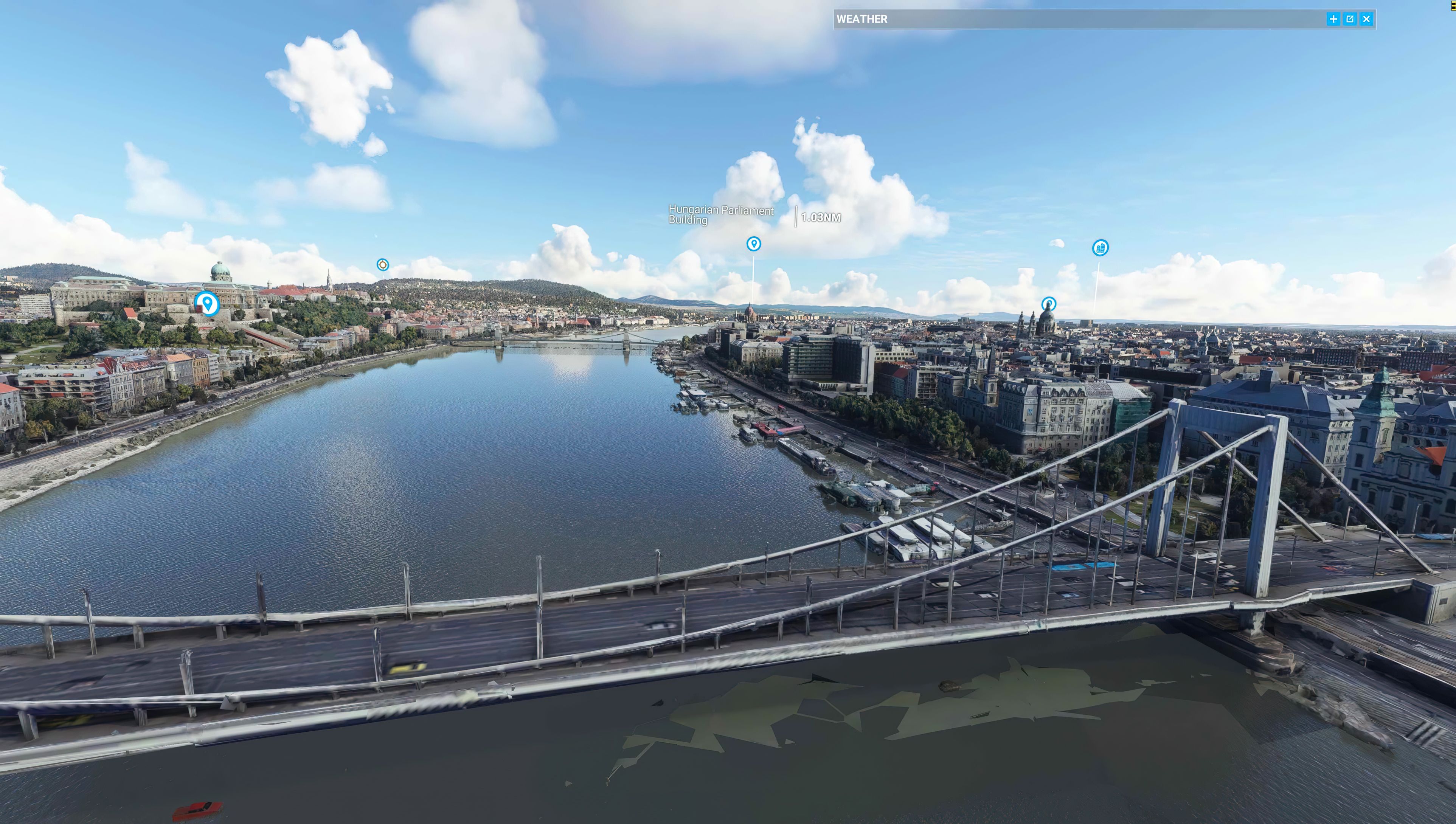

This comprehensive Budapest city scenery for Microsoft Flight Simulator dramatically upgrades Hungary’s capital with revised photoreal ground textures, detailed 3D buildings, and LOD20 specification. Developed by steveli to replace the default MSFS scenery, it undergoes extensive color correction and sharpness adjustments, ensuring vivid structures and smooth performance across the Danube’s iconic bridges and surrounding neighborhoods.
Version 1.2 refines the cityscape with balanced blue-tone hues and updated files that resolve any “flat” areas, creating a natural, immersive aerial view. From major hubs like Budapest Ferenc Liszt International (LHBP) to smaller airfields, this mod turns Budapest into a true visual feast for both short-haul and long-haul flights. It has been tested thoroughly, and while ideal for mid-high end setups, it can still run efficiently on standard machines with current Sim Updates. As a seasoned flight simulation expert, I find this add-on to be a stunning, free enhancement that beautifully captures the essence of Budapest.
A complete rework and replacement freeware scenery mod for the city of Budapest in Hungary for the Microsoft Flight Simulator (MSFS) 2020 release. Replacing both photoreal ground textures and 3D buildings/objects and their textures also. Completely free to download and use.
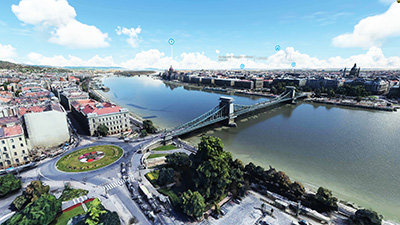 The entire scenery area has been created using high-definition textures and satellite imagery and is of LOD20 (level of detail) specification. The higher the LOD number, the higher the detail of the scenery mod, and essentially, the more pixels used to generate what you see within Microsoft Flight Simulator.
This mod, developed by steveli was created because the developer was not pleased with the default Microsoft scenery so aimed to create a pack (freeware) to replace this using a different source of data.
The developer has even post-produced each scenery file and texture and performed color fixing, sharpness correction, and blending effects so that the scenery looks super-realistic within MSFS. They then tested the scenery on their machine to ensure it was smooth to run without any jitters or lagging.
This scenery pack is for mid-high end machines but with certain Sim Updates, it's likely to run just fine on a normal machine. These Sim Updates released by Microsoft enabled photogrammetry replacements to run much faster with improved FPS and memory usage - both in the RAM and GPU memory.
This is the latest version released by the developer (v1.2) and they have stated in this update;
In Budapest v1.2, the color is corrected on blue tone, also layout.json file is updated to resoved the "flat" area problem.
Budapest is a wonderful city to start (and end) your virtual flights. Perfect for European short-haul flights and even long-haul alike. It has several airports (listed below) that are within the scenery area coverage suited for both heavies and light, general aviation aircraft. The city itself sits on the side of the Danube (it's a riverside city) so you can get some wonderful and picturesque take-offs and landings when using the scenery mod within the simulator.
The scenery pack is exclusively for the latest Microsoft Flight Simulator (MSFS) 2020 release and it is completely free of charge to download and use (freeware). It's not a port-over, conversion, or fixup - it was created just for MSFS (2020).
The freeware release available from Fly Away Simulation includes all packs needed to experience the whole scenery area of Budapest, Hungary. Some other sites that list this file release it in parts. The one you download from here will include all parts (1-3) and is a complete, single download pack with no need to source or search for additional files or releases. It's a complete package with a single download. The developer originally released this scenery in 3 parts - they are all included.
This is a very large download and while it's easy to download (all in one pack), we recommend a download manager should your connection get interrupted.
If using simply GPS, the coordinates for the center of Budapest are: 47.4979° N, 19.0402° E
If you're wanting to start/stop flights at airports in and around the scenery coverage area, the best places to take off from and land at are;
Once you have downloaded the archive and extracted the content, simply browse into the MSFS Scenery Files folder and copy the following folders into your MSFS community folder:
budapest_nbudapest_n1budapest_sOnce that's complete, you should be able to load the scenery and perhaps use one of the starting airports listed above.
This freeware scenery package for MSFS has been developed by steveli and they have permitted publication.
The developer does publish a public donation page for their freeware work and if you like this pack, you can donate to the developer using this PayPal link.
Free for all simmers · 7.56 GB · Scanned clean Oct 2026
Download speed: Free tier is capped at 2 Mbps (this file takes approximately 9h 1m at the cap). PRO members download at full line speed.
%LOCALAPPDATA%\Packages\Microsoft.FlightSimulator_8wekyb3d8bbwe\LocalCache\Packages\Community\. Steam version: %APPDATA%\Microsoft Flight Simulator\Packages\Community\. Tip: enable Developer Mode in MSFS to see your exact Community folder path.readme.txt or README file. It tells you exactly where files go, what dependencies are needed, and any quirks specific to this add-on.Only PRO members can place votes.
More MSFS add-ons hand-picked based on this download.
MSFS Scenery
A large freeware scenery add-on pack put together by the developer who goes b…
 MSFS Scenery
A complete replacement using newer (and more detailed) photogrammetric data c…
 MSFS Scenery
A brand new, version 2 (enhanced) scenery pack covering the entire area of th…
 MSFS Scenery
Discover the MSFS Rio de Janeiro City Scenery add-on, a photogrammetry master…
 MSFS Scenery
Step into a world of historical authenticity and stunning detail with the Car…
 MSFS Scenery
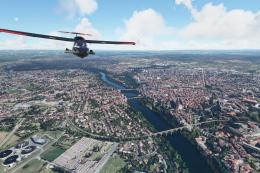
A complete pack for Microsoft Flight Simulator (MSFS) 2020 release bringing A…
 MSFS Scenery
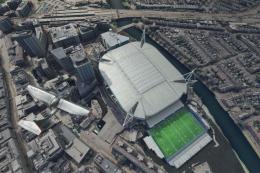
Explore Cardiff like never before with the MSFS Cardiff City Scenery add-on f…
 MSFS Scenery
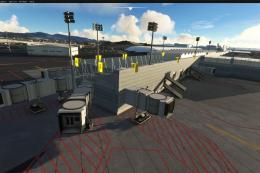
Immerse yourself in the vibrant and dynamic environment of Mexico City Intern…
Be the first to leave a comment on this download.
Be the first to share your thoughts on this download.