

 FSX Panels & Gauges
Fokker 50 Flight Deck And Passenger Compartment
Enhance your Fokker 50 cockpit and passenger area with comprehensive texture …
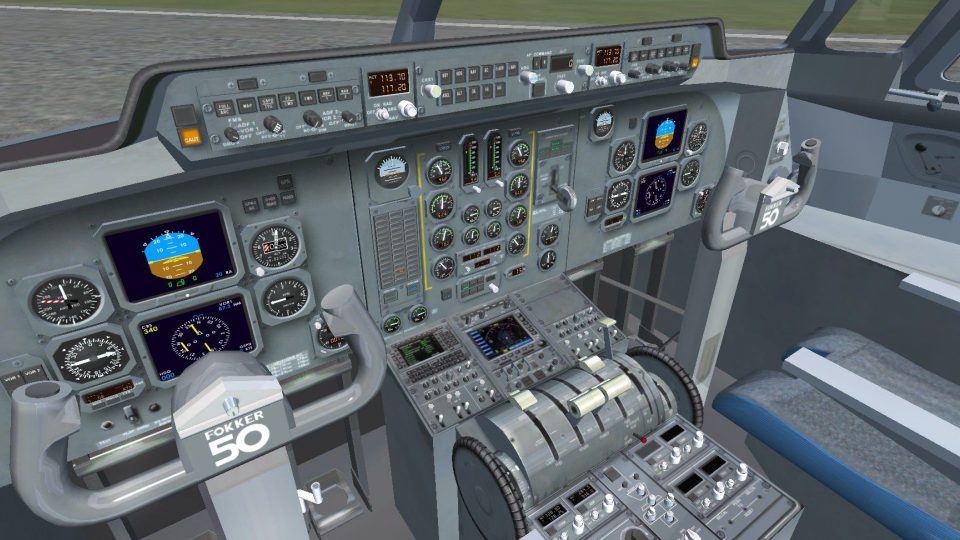
Sharper cockpit and cabin textures bring the Fokker 60 closer to real-world references, with clearer instrument and panel labeling, refined overhead switch detail, and revised materials throughout the flight deck. Updated passenger seating fabrics and interior tones enhance immersion in Microsoft Flight Simulator X, and requires the Precision Aerobus Fokker 60 base aircraft.
 Rate
Rate
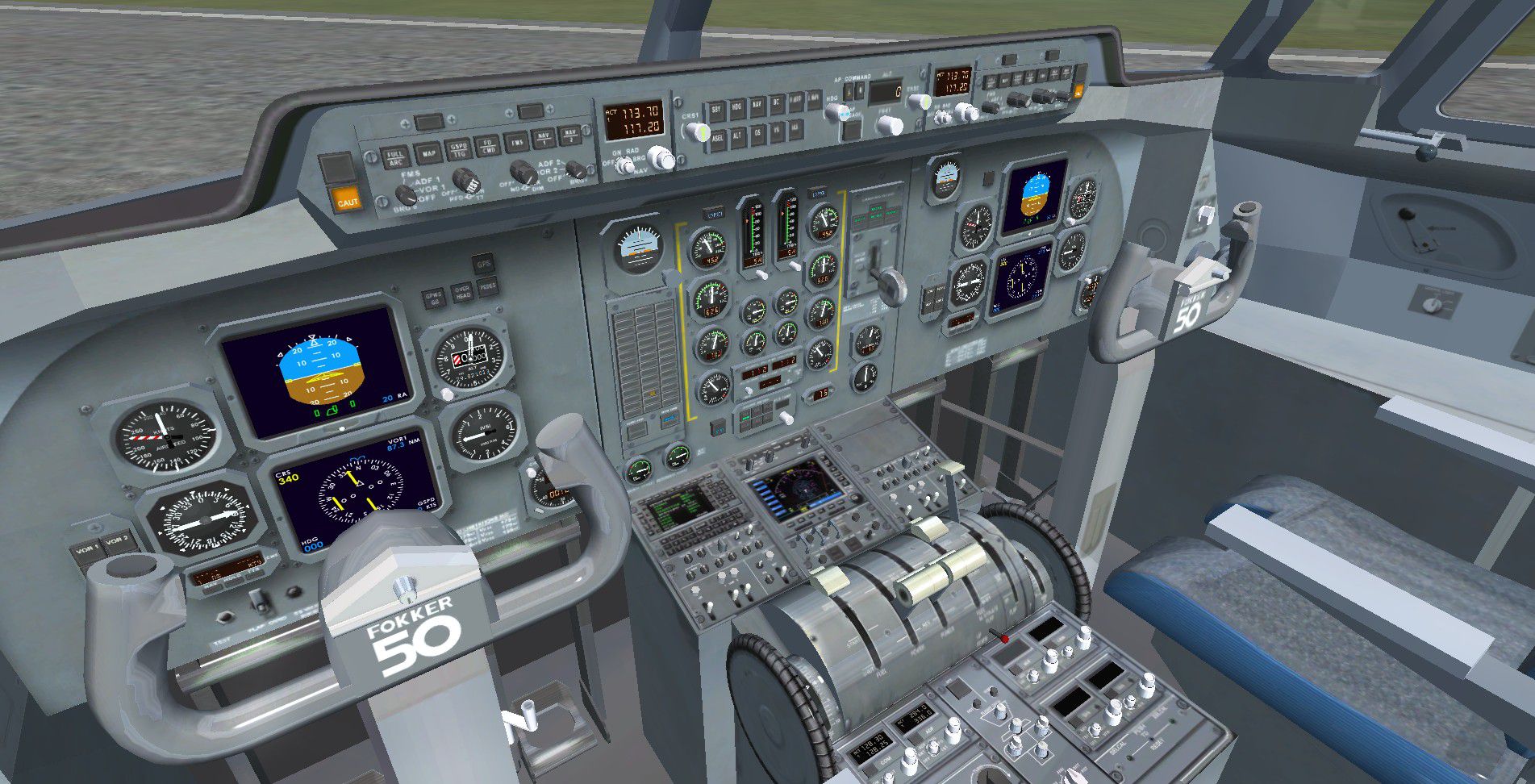
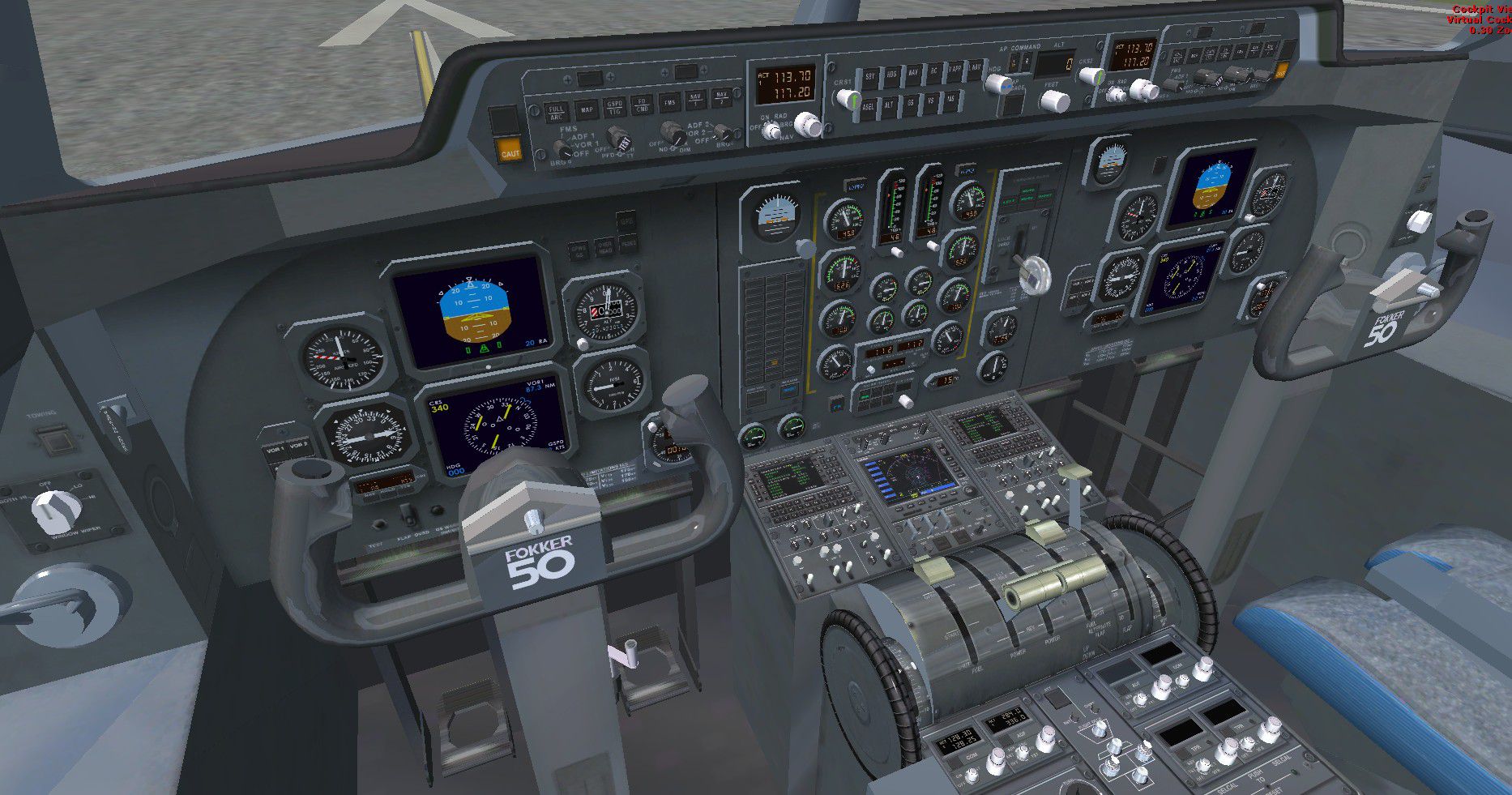


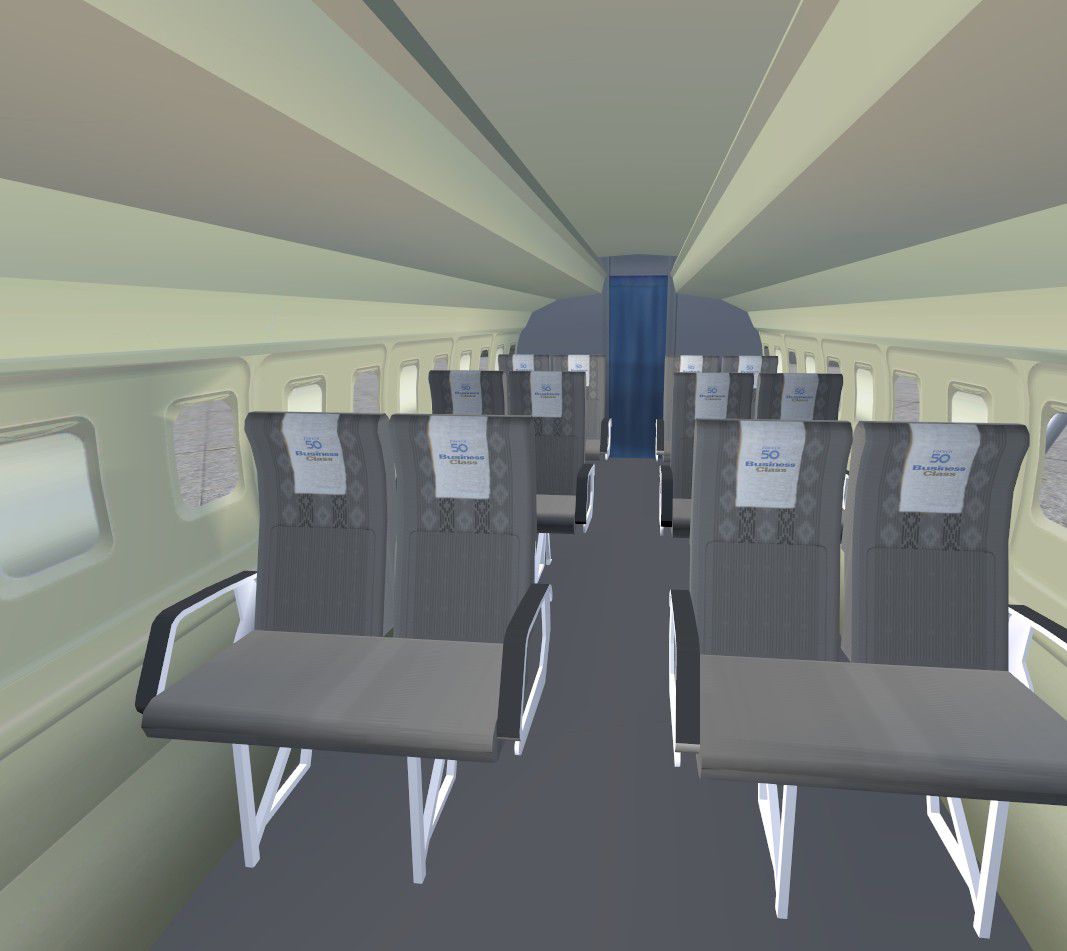
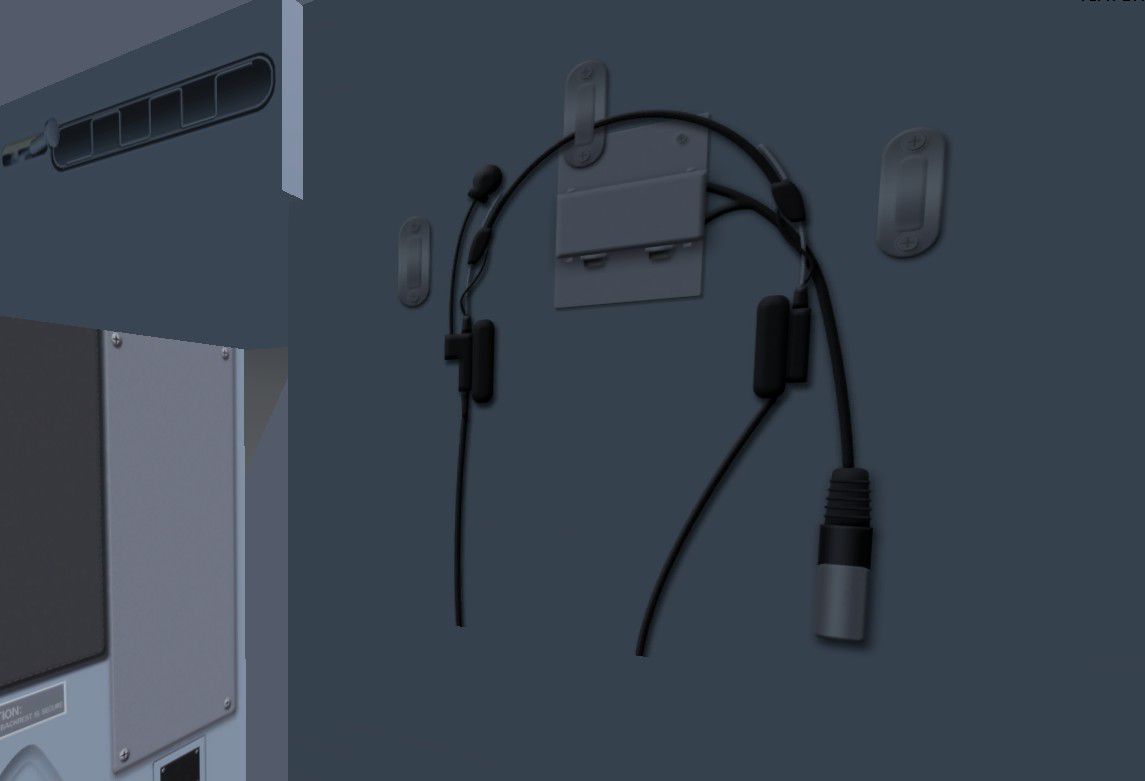
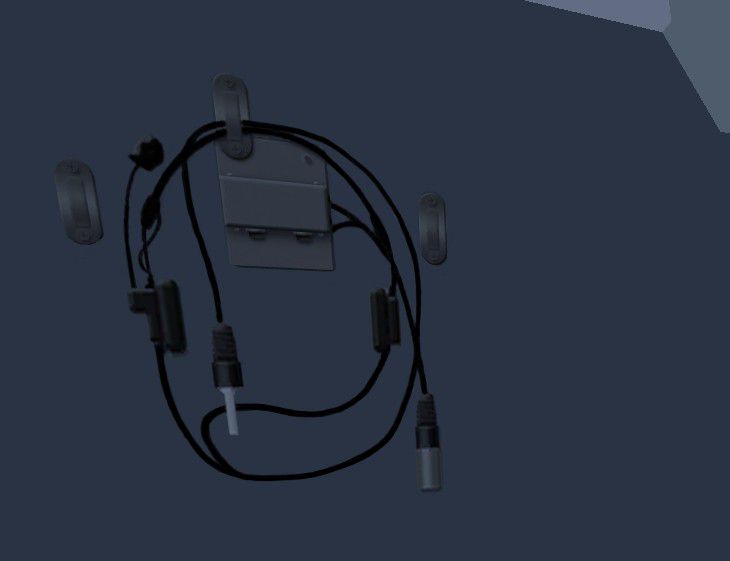
This freeware package refines both the Fokker 60 flight deck and passenger section with updated textures and adjusted cabin seat fabrics. Its enhancements target visual accuracy in the cockpit and add subtle but valuable details in the cabin interior. The flight deck layout is derived from the standard Fokker 60 software developed by Precision Aerobus, so installation of that payware aircraft is required. These modifications are prepared by Emile Lancee for Microsoft Flight Simulator X users seeking a more authentic experience.
The Fokker 60–an extended variant of the Fokker 50 series with improved payload capacity–relies on a refined cockpit to manage its twin turboprop operations. This add-on’s cockpit textures feature sharper representations of instruments, panels, and sidewall elements. The modifications include color-corrected flight instruments, crisper panel labeling, and revised surface materials. In particular, users will notice the improved clarity in overhead switches (overhead switches refer to controls positioned over the pilot’s head for systems like lighting and air conditioning) and more realistic displays across the pedestal area.
Beyond the updated crew environment, the passenger section now sports altered seat fabrics and paneling. This enhancement better matches typical short-haul commercial configurations, giving the interior an appearance more in line with real-world Fokker 60 operations. The overall tone of the cabin emphasizes function and simplicity, reflecting the aircraft’s utilitarian role.
Screenshot of Fokker cabin interior.
All adjustments and refinements presented here are the work of Emile Lancee, who aimed to elevate realism in the Fokker 60’s interior areas. For those who appreciate detailed flight decks and meticulously arranged passenger compartments, these revisions deliver a subtle yet meaningful upgrade that reinforces immersion in every flight.
Free for all simmers · 2.59 MB · Scanned clean Sep 2026
Download speed: Free tier is capped at 0.5 Mbps. PRO members download at full line speed.
SimObjects\Airplanes\, Addon Scenery\, Effects\, or Gauges\.readme.txt or README file. It tells you exactly where files go, what dependencies are needed, and any quirks specific to this add-on.The archive fsx_fokker_60_seats_cockpit_and_interior_textures.zip has 19 files and directories contained within it.
This list displays the first 500 files in the package. If the package has more, you will need to download it to view them.
| Filename/Directory | File Date | File Size |
|---|---|---|
| Texture files | 04.09.12 | 0 B |
| Fk50-forehead-10-headset.dds | 02.14.12 | 4.00 MB |
| Fk50-Panel-7.dds | 04.06.11 | 1.00 MB |
| Fk50_Cabin-chair-front-side.dds | 02.14.12 | 4.00 MB |
| Fk50_VC-cabin-left.dds | 02.12.12 | 1.00 MB |
| Fk50_VC-cabin-right.dds | 02.12.12 | 1.00 MB |
| Fokker 60 interior.gif | 04.10.12 | 13.54 kB |
| Navigation Managment new.gif | 04.10.12 | 11.74 kB |
| Fokker cabin interior.jpg | 04.08.12 | 103.32 kB |
| Headset cockpit rearwall.jpg | 04.07.12 | 41.14 kB |
| Headset cocpit rearwall new.jpg | 04.08.12 | 21.12 kB |
| Modified Fokker 60 cockpit FSX.jpg | 04.08.12 | 390.88 kB |
| Navigation Managment.jpg | 04.07.12 | 255.79 kB |
| Navigation Managment new.jpg | 04.08.12 | 422.54 kB |
| Standard Fokker 60 cockpit FSX.jpg | 04.08.12 | 429.42 kB |
| Cockpit and Cabin textures Fokker 60 FSX description and installation instructions.txt | 04.09.12 | 1.68 kB |
| FILE_ID.DIZ | 04.11.12 | 401 B |
| flyawaysimulation.txt | 10.29.13 | 959 B |
| Go to Fly Away Simulation.url | 01.22.16 | 52 B |
Only PRO members can place votes.
More FSX & P3D add-ons hand-picked based on this download.
FSX Panels & Gauges
Enhance your Fokker 50 cockpit and passenger area with comprehensive texture …
 FSX Panels & Gauges
This freeware modification refines and modernizes the existing Fokker 60 cock…
 FSX Panels & Gauges
This comprehensive upgrade refines the standard Fokker 60 flight deck for Mic…
 FSX Panels & Gauges
Experience a seamless multi-monitor flight deck arrangement with this special…
 FSX Panels & Gauges
This dual-display freeware package integrates an updated Fokker 60 flight dec…
 FSX Panels & Gauges
Passenger Sign Display Gauge. A display gauge showing passenger signs in the …
 FSX Panels & Gauges
This freeware modification introduces an updated cockpit environment for the …
 FSX Panels & Gauges
Experience a revised flight deck layout for the well-known Fokker 50 turbopro…
Be the first to leave a comment on this download.
Be the first to share your thoughts on this download.