

 FSX Panels & Gauges
Fokker 50 Standard Panel Modifications
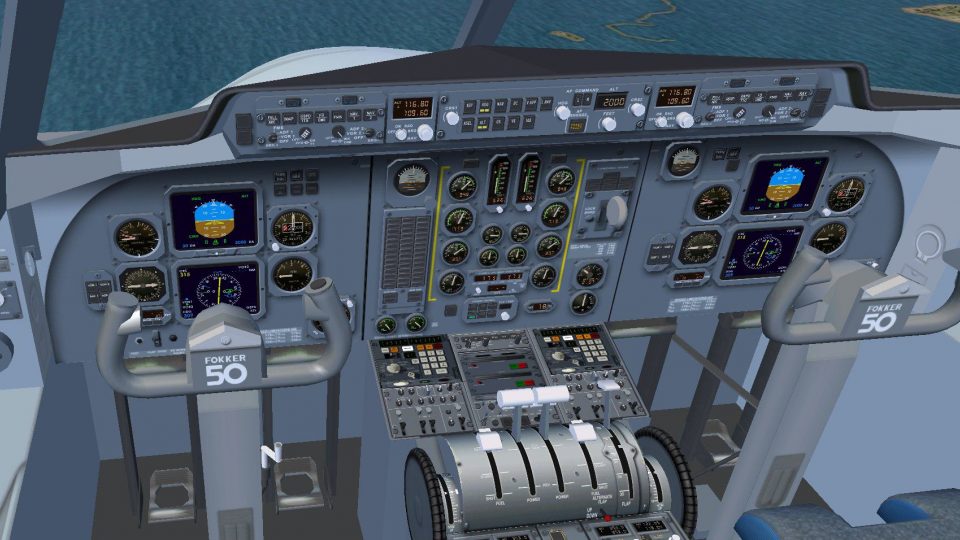
Experience a revised flight deck layout for the well-known Fokker 50 turbopro…
Fokker 60 standard panel modifications sharpen cockpit workflow in Microsoft Flight Simulator X with a switchable Delco INS or Bendix/King-style FMS and selectable captain or first officer viewpoints. Expanded mouse zones, a streamlined pedestal, detachable radio/navigation controls, pop-up navigation display, and refined annunciations boost realism and ease of use; requires the Precision Aerobus payware Fokker 60.
 Rate
Rate
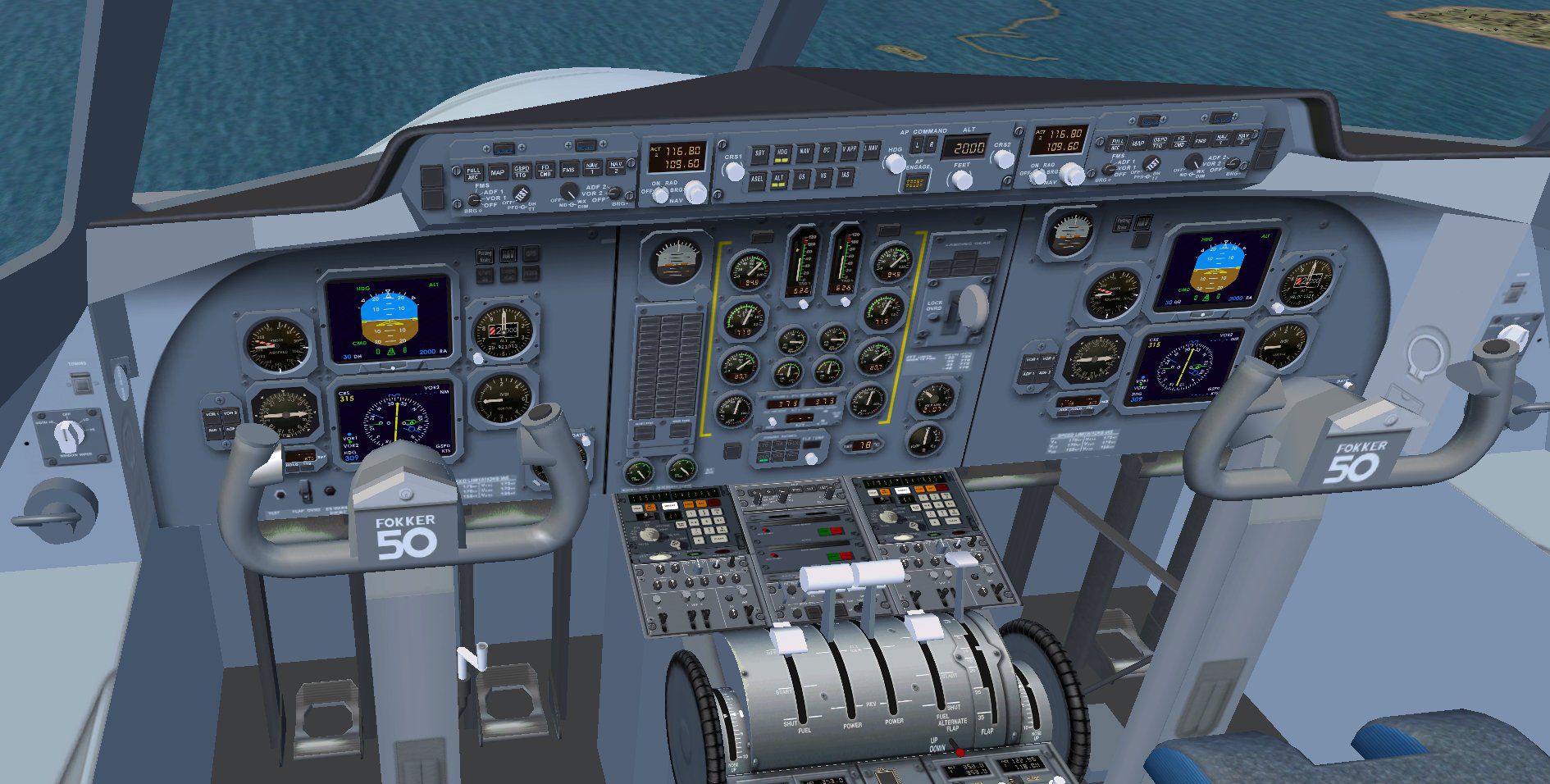

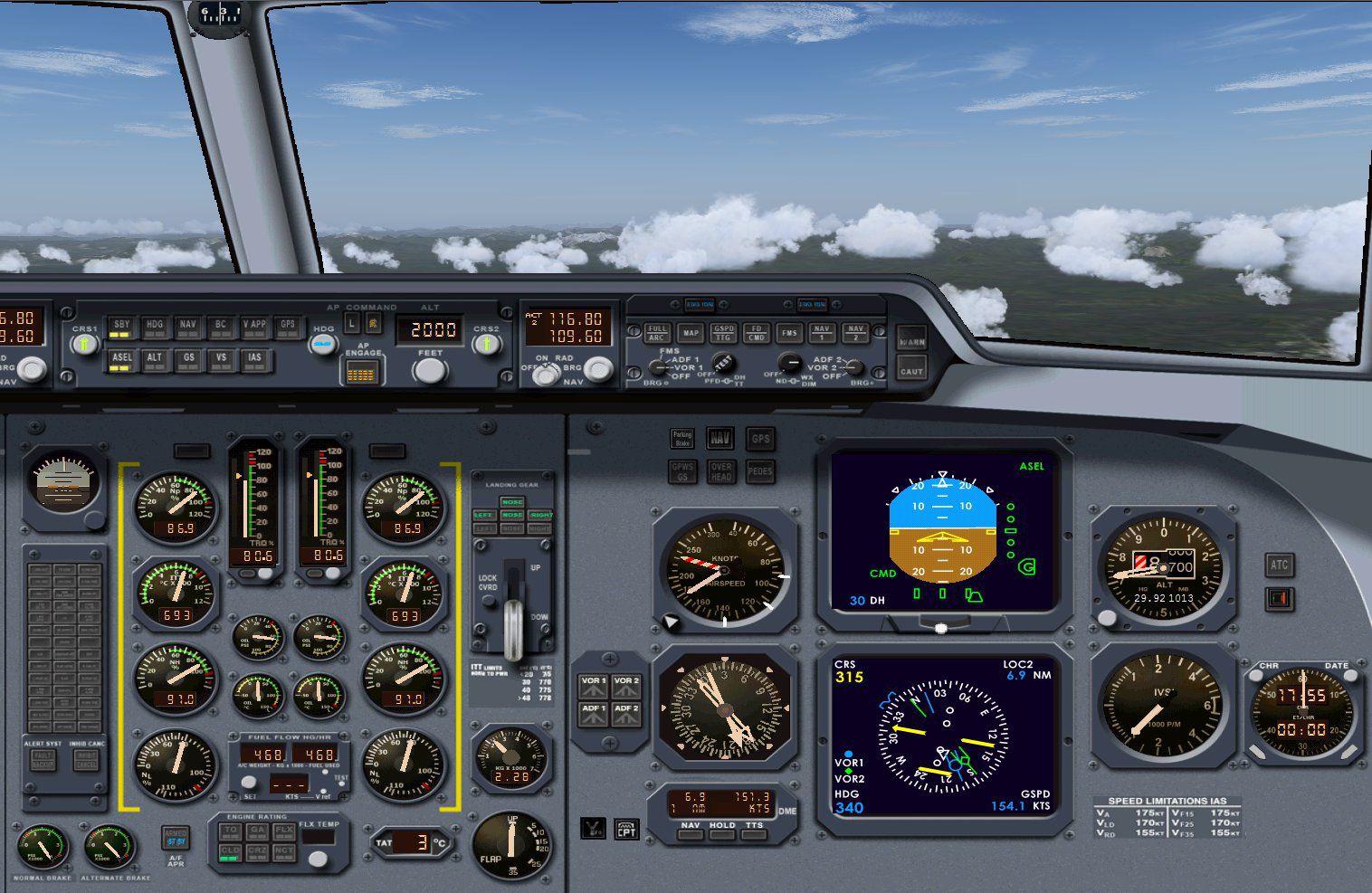
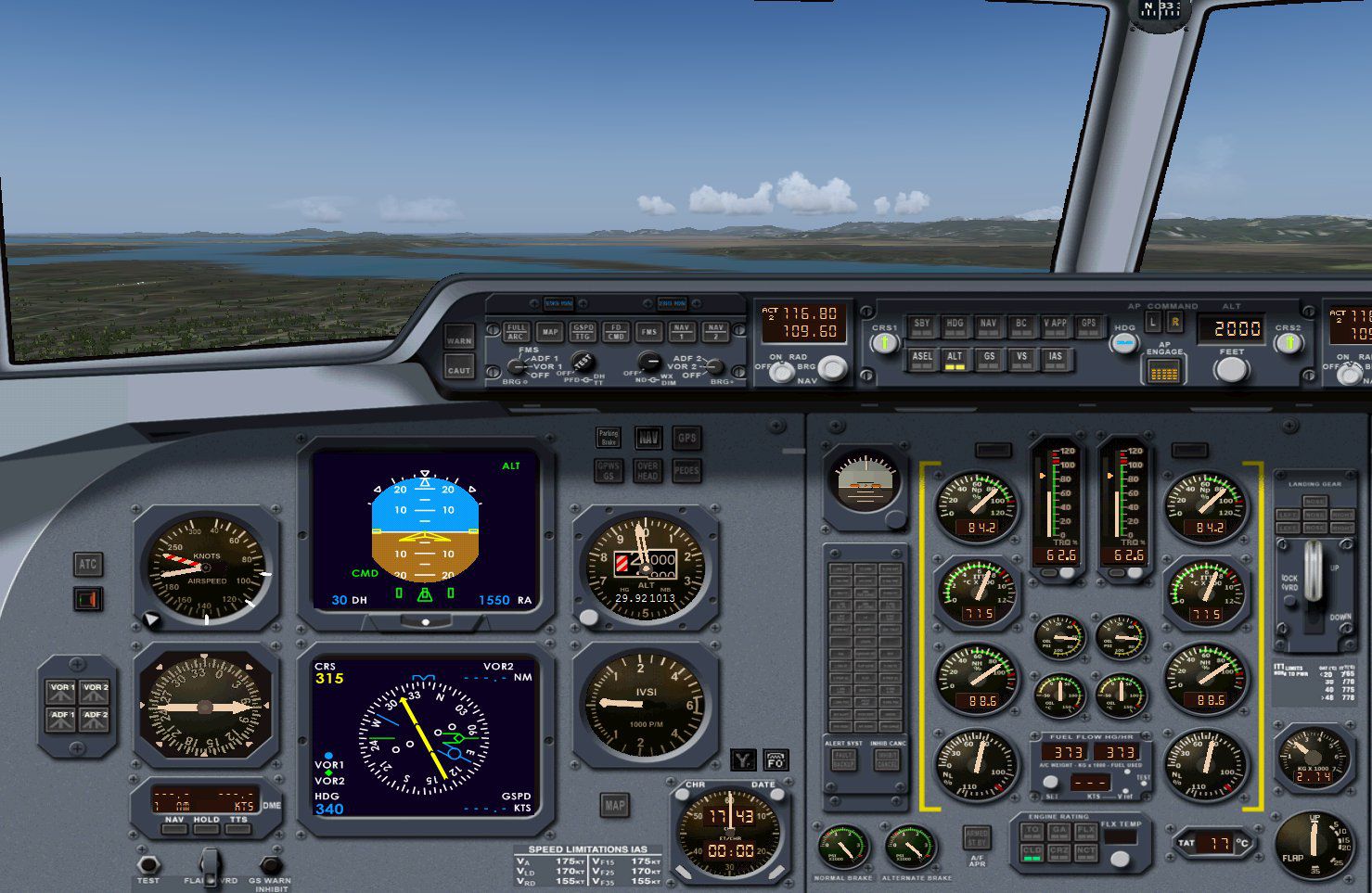
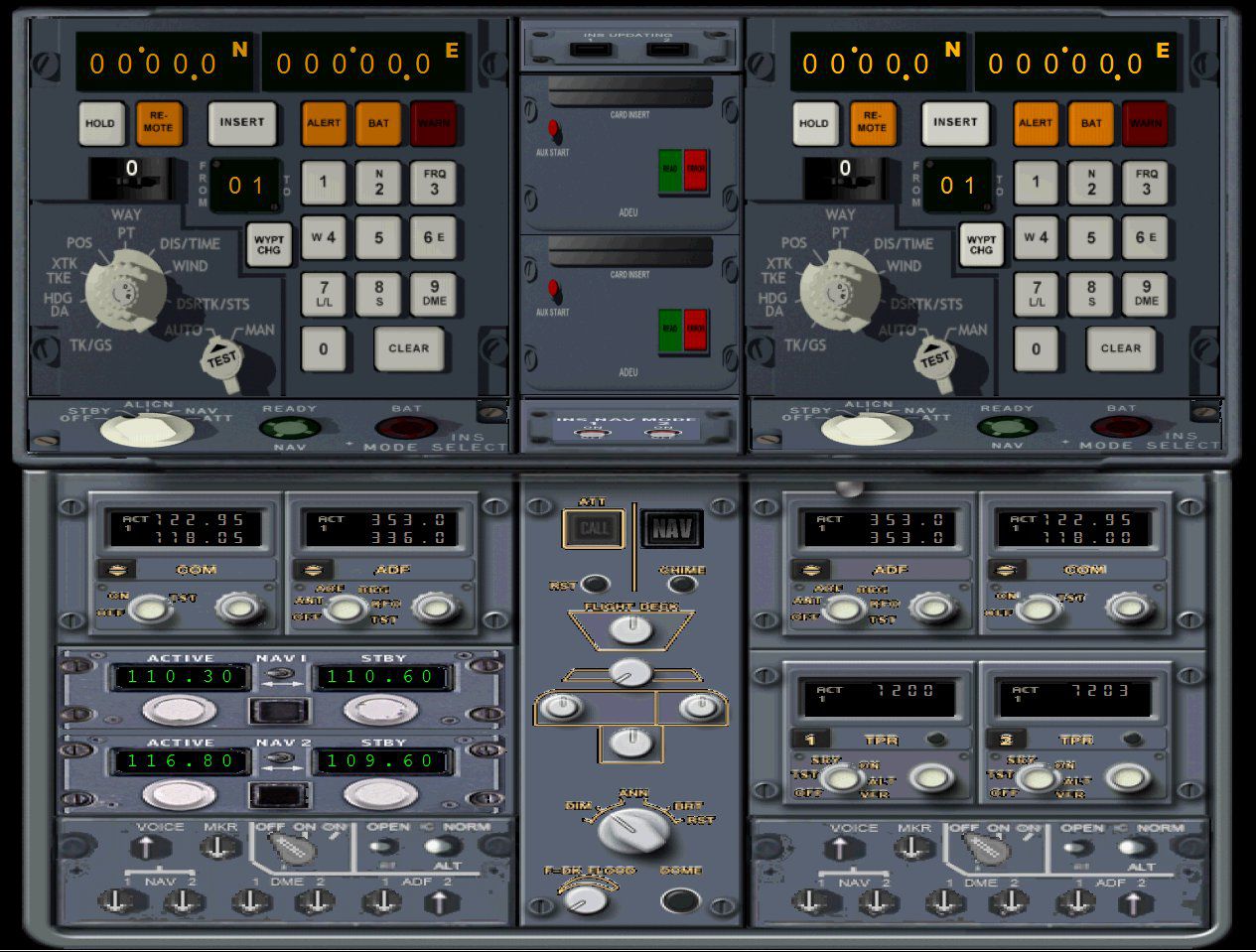
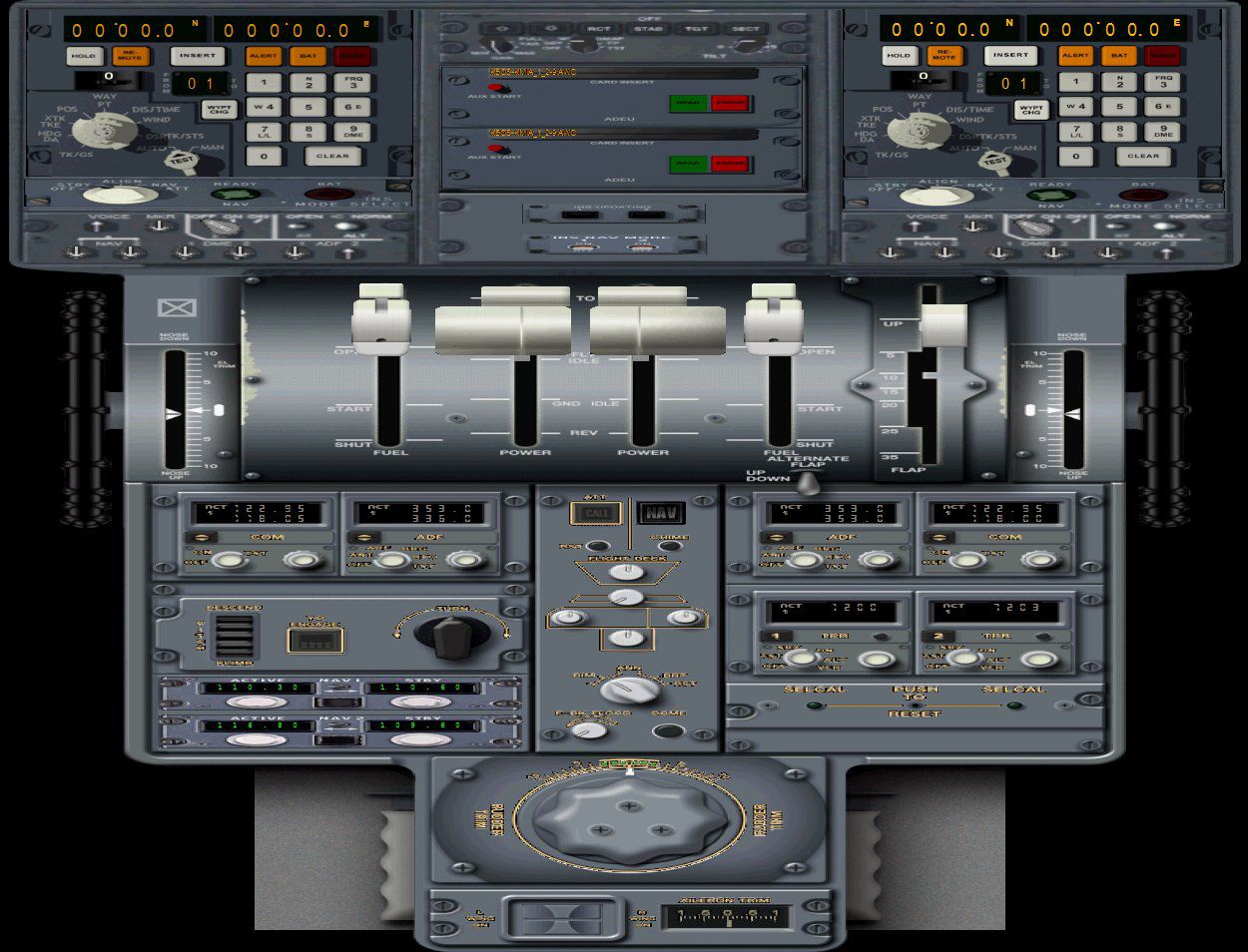
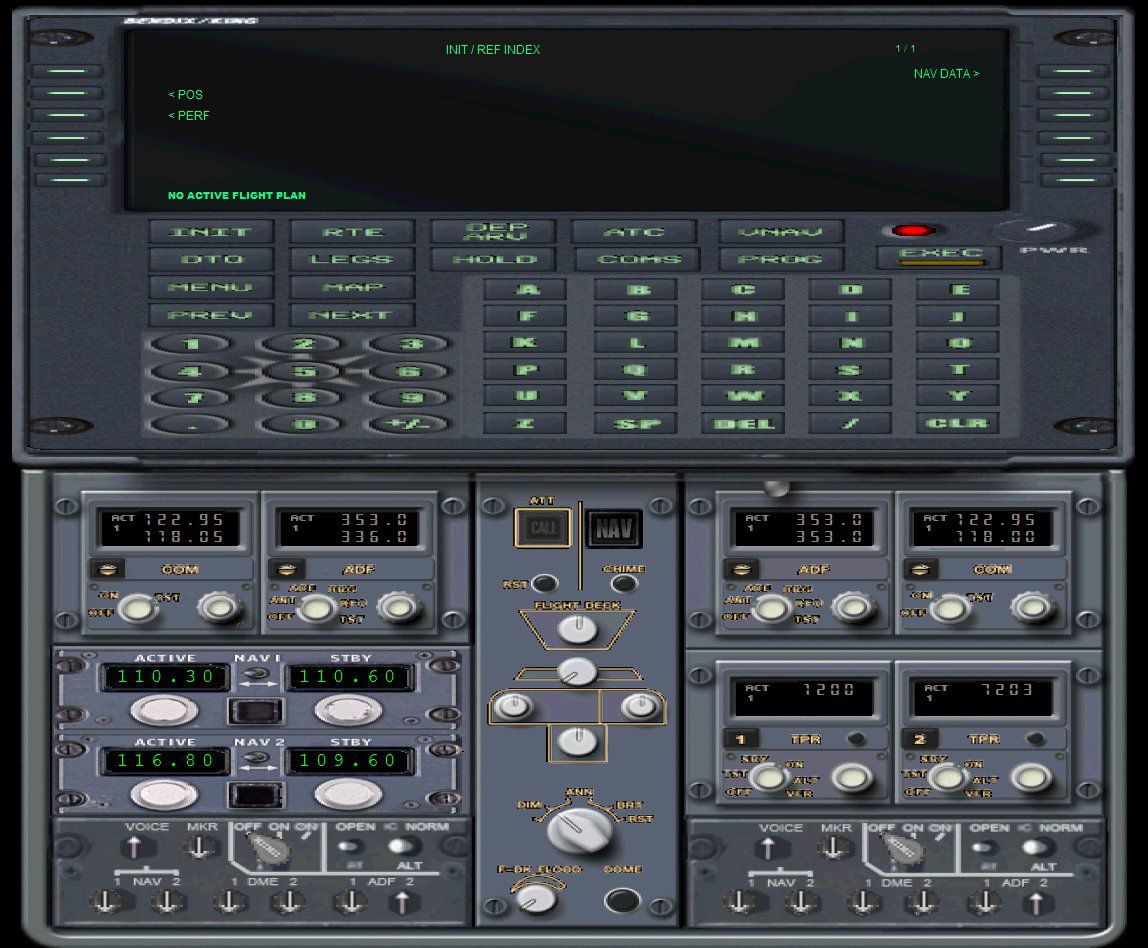
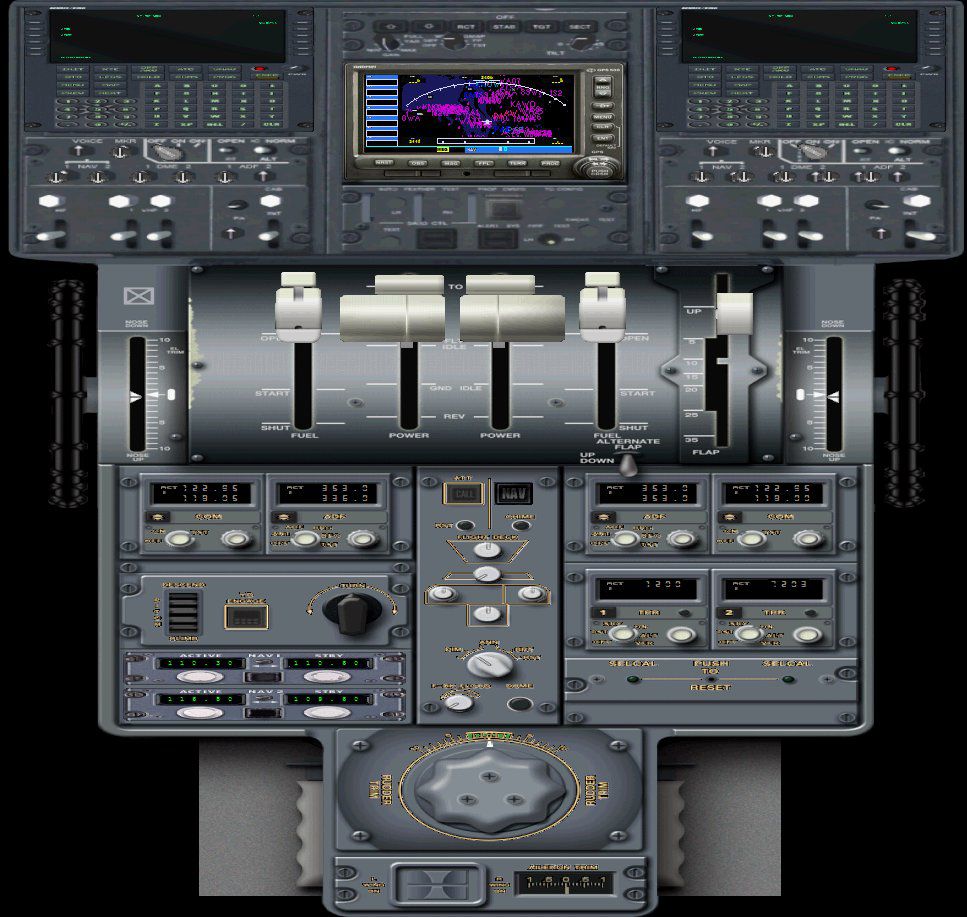
This comprehensive upgrade refines the standard Fokker 60 flight deck for Microsoft Flight Simulator X. Created by Emile Lancee, these modifications enable a switchable interface for two navigation systems—either a Delco Inertial Navigation System or a Bendix/King Navigation Management System—and provide the option to operate from either the captain’s or first officer’s seat. The adjustments presented here enhance overall interactivity and ergonomics while retaining the essential configuration of the payware Fokker 60 originally published by Precision Aerobus. Users must own that original release before installing these add-on files.
The upgraded cockpit environment offers the convenience of a forward-facing panel that can seamlessly toggle to the first officer’s perspective. This arrangement brings added realism for those who wish to simulate multicrew operations. A selectable navigation suite ensures pilots may incorporate either the Delco Carousel INS (often seen in military platforms) or the BendixKing/Honeywell Flight Management System (commonly utilized on commercial regional aircraft).
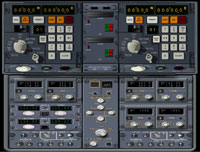
Screenshot of Nav & Com panel.
Each upgraded panel incorporates a set of technical refinements:
These replacement files are intended solely for those who have already acquired the original Fokker 60 payware product from Precision Aerobus. The new files overwrite certain existing components but do not include any proprietary gauges. Pilots seeking to operate this cargo-capable Fokker variant, renowned for its reliable turboprop powertrain and extended fuselage design, will find these enhancements especially useful for a more immersive and operationally diverse flight experience. Remember to back up your original installation before proceeding with any modifications.
Free for all simmers · 10.68 MB · Scanned clean Oct 2026
Download speed: Free tier is capped at 0.5 Mbps (this file takes approximately 3 mins at the cap). PRO members download at full line speed.
FSX\SimObjects\Airplanes\{aircraft}\panel\. Back up the existing panel folder first.readme.txt or README file. It tells you exactly where files go, what dependencies are needed, and any quirks specific to this add-on.The archive fsx_fokker_60_standard_panel.zip has 58 files and directories contained within it.
This list displays the first 500 files in the package. If the package has more, you will need to download it to view them.
| Filename/Directory | File Date | File Size |
|---|---|---|
| Panel.std_Bendix | 04.06.12 | 0 B |
| $over_h_1.bmp | 06.04.09 | 1.00 MB |
| $over_h_2.bmp | 06.04.09 | 1.00 MB |
| $over_h_3.bmp | 06.12.09 | 1.00 MB |
| Bendix User Guide | 04.06.12 | 0 B |
| HoneywellFMC.pdf | 02.24.09 | 568.54 kB |
| CAP.bmp | 01.11.12 | 696.05 kB |
| Checklist.bmp | 09.06.09 | 975.96 kB |
| controlwheel.bmp | 07.14.11 | 238.73 kB |
| Door selectionpanel.bmp | 08.24.11 | 1.30 MB |
| Efis background.bmp | 01.29.12 | 418.58 kB |
| Fokker 60 FSX1.cab | 02.02.12 | 113.19 kB |
| Fokker_60_doors.cab | 08.24.11 | 2.54 kB |
| GPS.bmp | 08.28.09 | 169.38 kB |
| HoneywellFMC.CAB | 01.09.12 | 473.96 kB |
| Main.bmp | 01.11.12 | 4.69 MB |
| Main_coplt1.bmp | 01.12.12 | 4.69 MB |
| Option.bmp | 09.06.09 | 411.03 kB |
| Overhead.bmp | 10.20.08 | 604.80 kB |
| Panel.cfg | 04.08.12 | 21.17 kB |
| Pedestal1.bmp | 01.12.12 | 1.48 MB |
| Pedestallarge.bmp | 01.12.12 | 3.03 MB |
| Panel.std_LTN | 04.06.12 | 0 B |
| $over_h_1.bmp | 06.04.09 | 1.00 MB |
| $over_h_2.bmp | 06.04.09 | 1.00 MB |
| $over_h_3.bmp | 06.12.09 | 1.00 MB |
| CAP.bmp | 01.11.12 | 696.05 kB |
| Checklist.bmp | 09.06.09 | 975.96 kB |
| controlwheel.bmp | 07.14.11 | 238.73 kB |
| Door selectionpanel.bmp | 08.24.11 | 1.30 MB |
| Efis background.bmp | 01.29.12 | 418.58 kB |
| Fokker 60 FSX1.cab | 02.02.12 | 113.19 kB |
| Fokker_60_doors.cab | 08.24.11 | 2.54 kB |
| GPS.bmp | 08.28.09 | 169.38 kB |
| Main.bmp | 01.11.12 | 4.69 MB |
| Main_coplt1.bmp | 01.12.12 | 4.69 MB |
| Option.bmp | 09.06.09 | 411.03 kB |
| Overhead.bmp | 10.20.08 | 604.80 kB |
| Panel.cfg | 04.08.12 | 21.72 kB |
| PedestallargeLTN.bmp | 01.20.12 | 3.03 MB |
| PedestalLTN.bmp | 01.21.12 | 1.48 MB |
| texture Bendix | 04.06.12 | 0 B |
| Fk50-Panel-7.dds | 02.14.12 | 4.00 MB |
| texture LTN | 04.06.12 | 0 B |
| Fk50-Panel-7.dds | 01.24.12 | 1.00 MB |
| Standard panel copilot.gif | 04.10.12 | 11.57 kB |
| Nav & Com panel Bendix.jpg | 04.06.12 | 202.14 kB |
| Nav & Com panel LTN.jpg | 04.06.12 | 243.47 kB |
| Pedestal Bendix.jpg | 04.06.12 | 170.59 kB |
| Pedestal LTN.jpg | 04.06.12 | 216.18 kB |
| Standard panel captain.jpg | 04.06.12 | 264.78 kB |
| Standard panel copilot.jpg | 04.06.12 | 283.70 kB |
| Virtual Cockpit Bendix.jpg | 04.06.12 | 303.97 kB |
| Virtual Cockpit LTN.jpg | 04.06.12 | 306.35 kB |
| Panel description and installation instructions for Fokker 60 FSX.txt | 04.08.12 | 4.81 kB |
| FILE_ID.DIZ | 04.11.12 | 654 B |
| flyawaysimulation.txt | 10.29.13 | 959 B |
| Go to Fly Away Simulation.url | 01.22.16 | 52 B |
Only PRO members can place votes.
More FSX & P3D add-ons hand-picked based on this download.
FSX Panels & Gauges
Experience a revised flight deck layout for the well-known Fokker 50 turbopro…
 FSX Panels & Gauges
This freeware modification refines and modernizes the existing Fokker 60 cock…
 FSX Panels & Gauges
This freeware modification introduces an updated cockpit environment for the …
 FSX Panels & Gauges
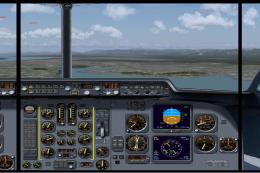
Experience a seamless multi-monitor flight deck arrangement with this special…
 FSX Panels & Gauges
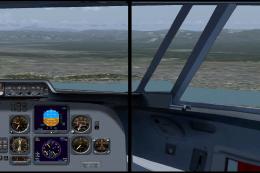
This dual-display freeware package integrates an updated Fokker 60 flight dec…
 FSX Panels & Gauges
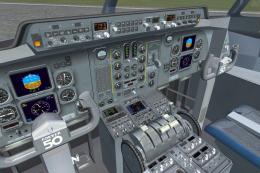
This freeware package refines both the Fokker 60 flight deck and passenger se…
 FSX Panels & Gauges
This updated freeware panel for the Fokker 50 integrates a wide, three-monito…
 FSX Panels & Gauges
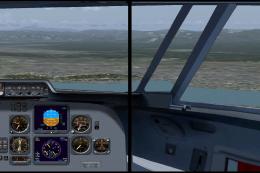
This advanced dual-display panel configuration for the Fokker 50 aircraft in …
Be the first to leave a comment on this download.
Be the first to share your thoughts on this download.