

 FS2004 Propeller Aircraft
L'Air Azur Junkers Ju 52
A repaint of Pierino Primavesi's 2004 model Junkers Ju52/3M. Textures in 32 b…
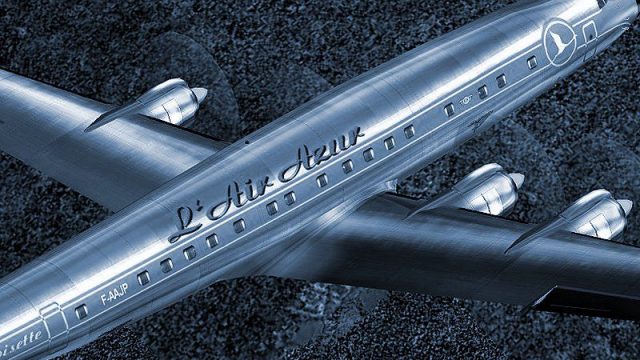
L’Air Azur VA livery for the Lockheed L-1049 Super Constellation brings a Golden Age airliner look to FS2004 with high-detail reflective 32-bit textures, corrected window and exit placement, and enhanced night lighting for authentic ramp presence. Requires SCONNIE.ZIP and includes an “La Croisette” configuration for a polished vintage experience.
 Rate
Rate
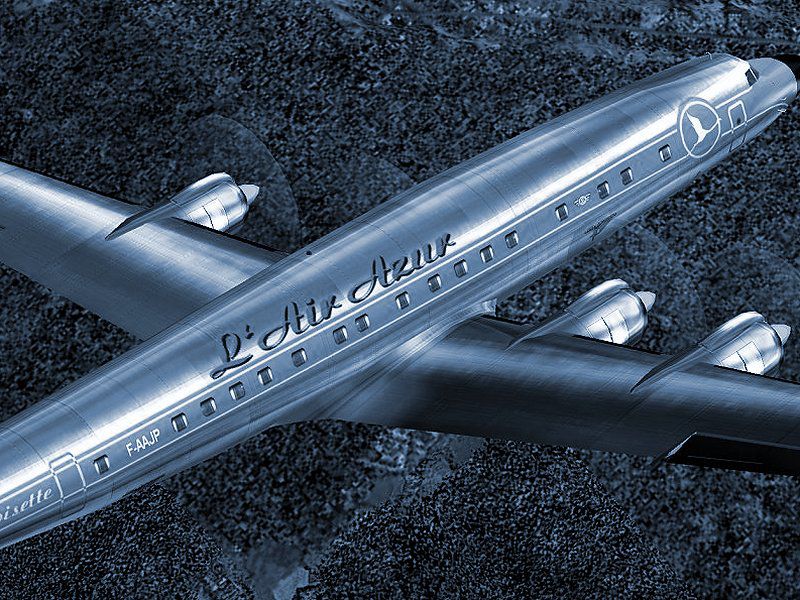
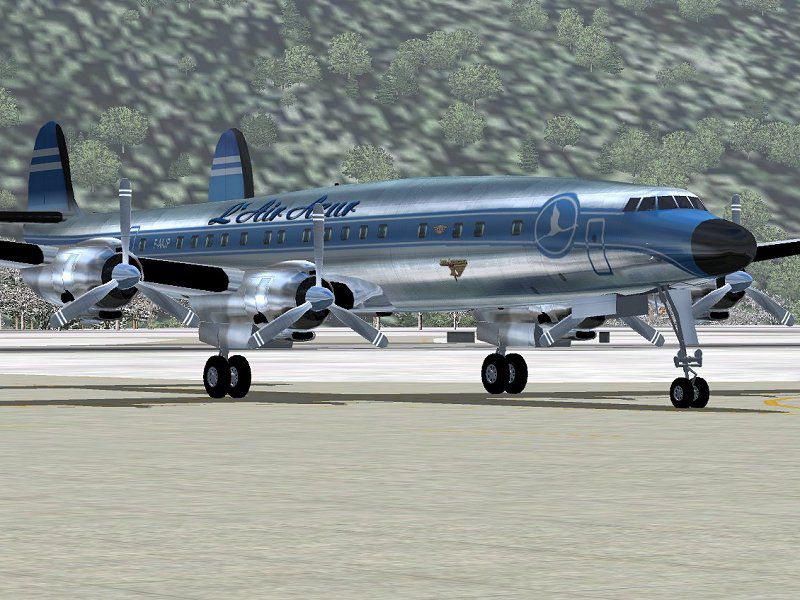

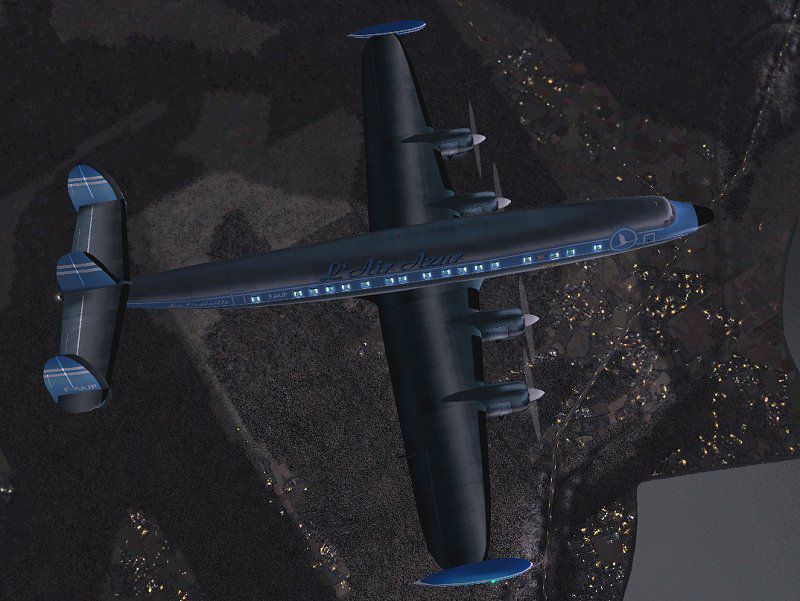
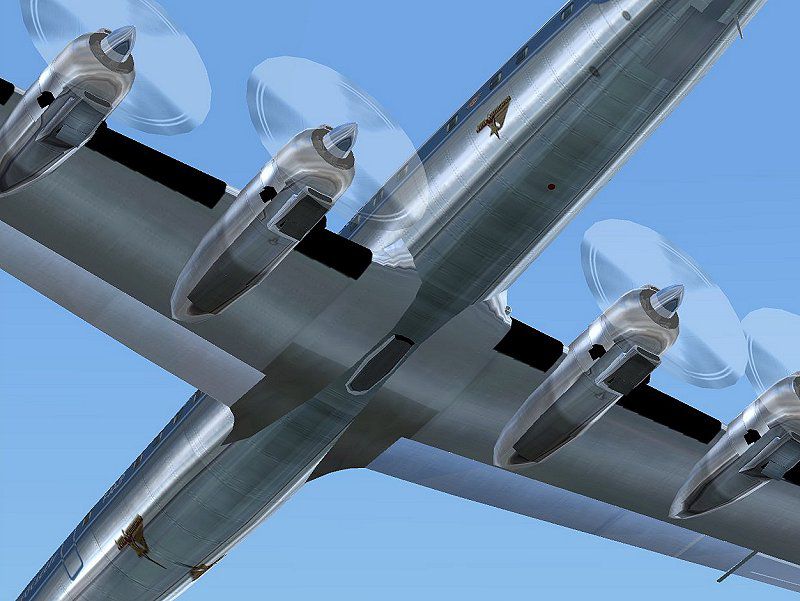
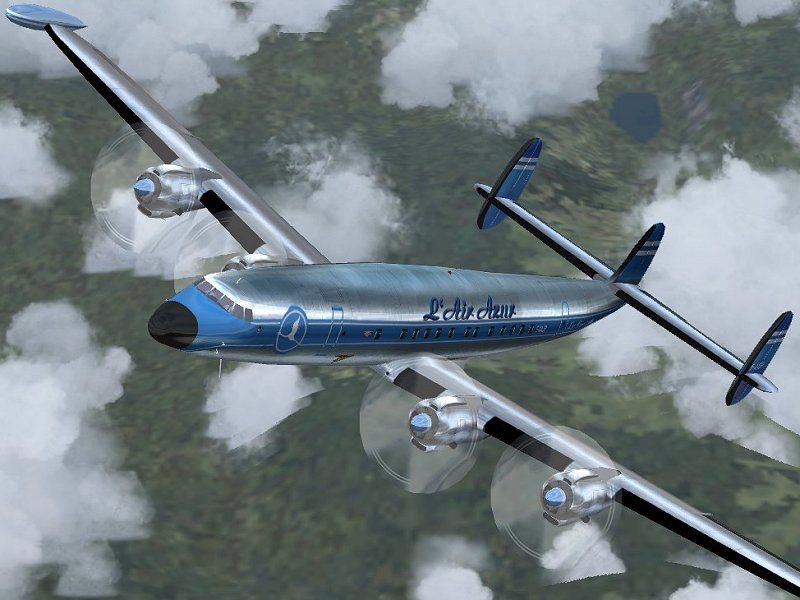
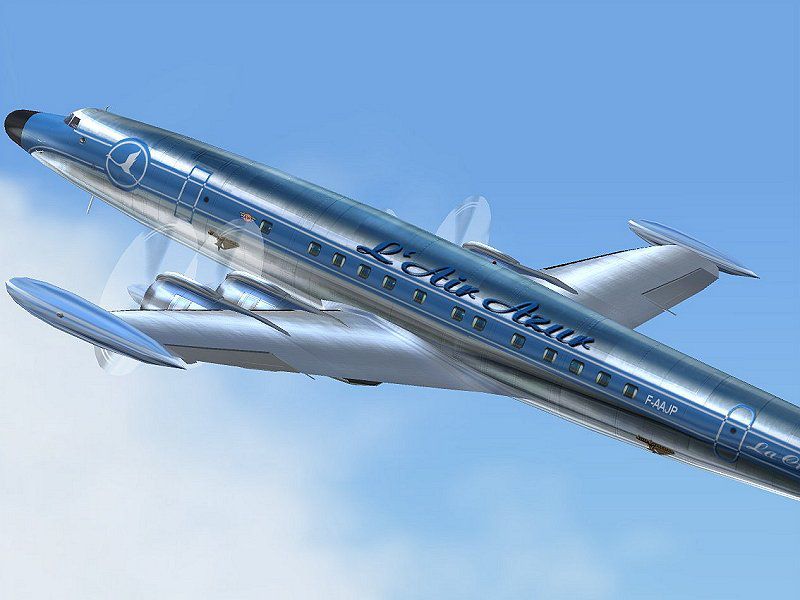

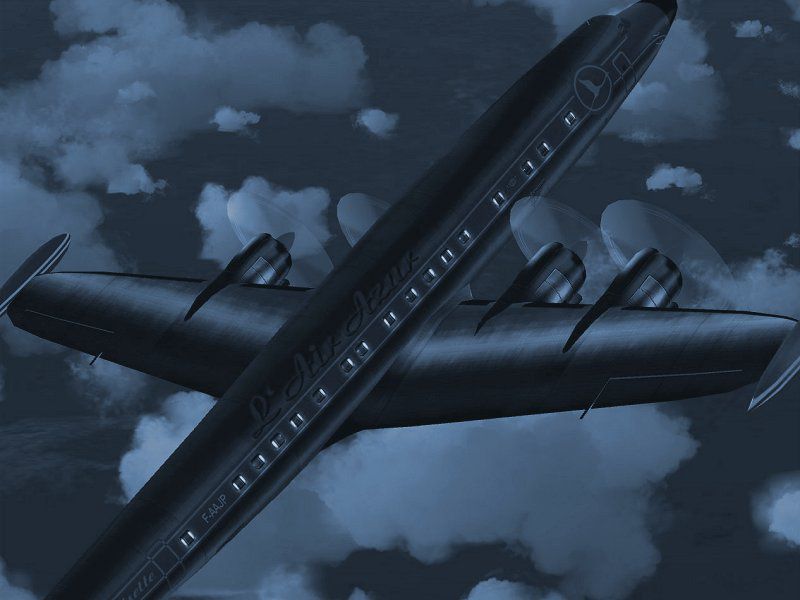
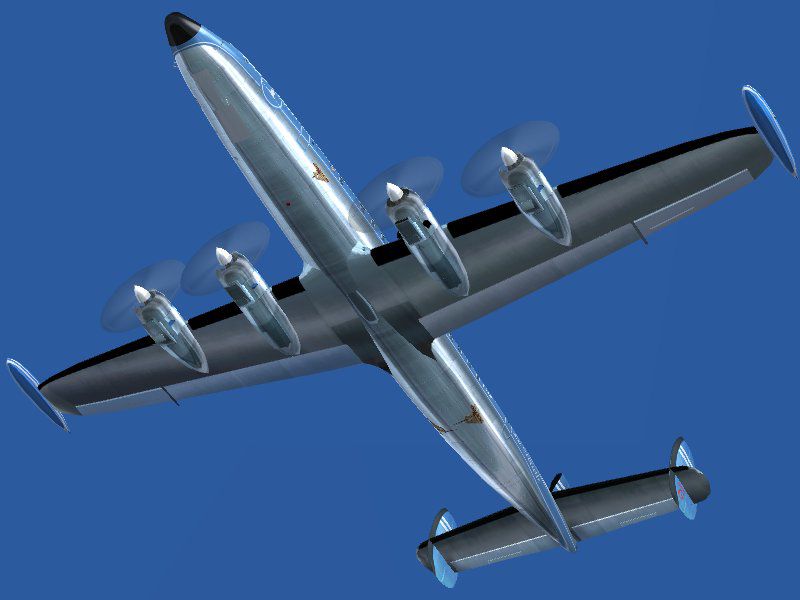
A repaint of Mike Stone's Lockheed Super Connie model in the colors of L'Air Azur VA, with high detail reflective textures and new night lighting effects. Size and placement of windows and exits has been corrected. This repaint aims to recreate the glamorous look of vintage aircraft in the Golden Days of Commercial Aviation. Textures in 32 bit extended format with no mipmaps. Requires SCONNIE.ZIP. Repaint by Joao Paz.
In this repaint I used part of a Dave McQueen's metal texture as the basis for some of my own metal textures and templates. I tried to contact Mr. McQueen for permission but couldn't - so I hope that this credit can pay the due respect to his great work!
Thank you Mike Stone, for an also Great model of a Super aircraft!
Thanks to Microsoft for a wonderful flight simulator that keeps getting better.
Thanks always to Luisa Paz, Alaskan Winds Operations Manager and L'Air Azur President that, in her role of my wife has always been my greatest supporter in this very time consuming hobby of ours!
L'Air Azur VA Super Constellation in flight.
Installation:
[fltsim.n]

	title=L'Air Azur Lockheed L-1049G w tip tank

	sim=connie

	model=

	panel=

	sound=

	texture=laz

	panel_alias =

	sound_alias =

	kb_checklists=

	kb_reference=

	atc_id=F-AAJP

	ui_manufacturer=Lockheed

	ui_type=Super Constellation

	ui_variation=L'Air Azur

	description=This is "La Croisette", L'Air Azur's Lockheed Super Constellation. Repaint by Joao Paz.

	atc_heavy=0

	atc_airline=LAirAzur

	atc_flight_number=L1049
IMPORTANT NOTE: IF YOU HAVE INSTALLED VNCON10U.ZIP, THE FABULOUS PANEL BY HANSJOERG NAEGELE AND JAN VISSER WITH THE LATEST WOLFRAM BECKERT'S CONNIE FLIGHT DYNAMICS *USE THE FOLLOWING SECTION INSTEAD*
[fltsim.n]

	title=L'Air Azur Lockheed L-1049G w tip tank

	sim=L1049G_MS

	model=

	panel=

	sound=hpc

	texture=laz

	kb_checklists=

	kb_reference=L1049G_REF

	atc_id=F-AAJP

	atc_id_enable=1

	ui_manufacturer=Lockheed

	ui_type=Super Constellation

	ui_variation=L'Air Azur

	description=This is "La Croisette", L'Air Azur's Lockheed Super Constellation. Repaint by Joao Paz. The Lockheed Super G equipped with Turbocompound engines. This is , a 1049G without wing-tip fuel tanks.2k2 FD for Mike Stones new Connie.

	atc_airline=LAirAzur

	atc_flight_number=L1049

	atc_heavy=0

	visual_damage=1
Free for all simmers · 2.37 MB · Scanned clean Oct 2026
Download speed: Free tier is capped at 0.5 Mbps. PRO members download at full line speed.
FS9\Aircraft\, FS9\Addon Scenery\, FS9\Gauges\, or FS9\Effects\.readme.txt or README file. It tells you exactly where files go, what dependencies are needed, and any quirks specific to this add-on.The archive lazconst.zip has 40 files and directories contained within it.
This list displays the first 500 files in the package. If the package has more, you will need to download it to view them.
| Filename/Directory | File Date | File Size |
|---|---|---|
| lazconnie101.jpg | 12.30.03 | 62.08 kB |
| lazconnie102.jpg | 12.30.03 | 52.32 kB |
| lazconnie103.jpg | 12.30.03 | 160.63 kB |
| lazconnie104.jpg | 12.29.03 | 90.19 kB |
| lazconnie105.jpg | 12.30.03 | 78.13 kB |
| lazconnie106.jpg | 12.29.03 | 58.79 kB |
| lazconnie107.jpg | 12.30.03 | 83.61 kB |
| lazconnie108.jpg | 12.30.03 | 111.72 kB |
| lazconnie109.jpg | 12.29.03 | 44.22 kB |
| lazconnie110.jpg | 12.30.03 | 92.51 kB |
| Thumbs.db | 12.31.03 | 41.00 kB |
| cowl_l.bmp | 12.30.03 | 65.05 kB |
| cowl_t.bmp | 12.30.03 | 1.00 MB |
| flaps_l.bmp | 12.30.03 | 17.05 kB |
| flaps_t.bmp | 12.30.03 | 256.07 kB |
| fuslg_l.bmp | 12.29.03 | 1.00 MB |
| fuslg_t.bmp | 12.30.03 | 4.00 MB |
| lwing_l.bmp | 12.30.03 | 17.05 kB |
| lwing_t.bmp | 12.30.03 | 1.00 MB |
| ndoor_l.bmp | 12.30.03 | 17.05 kB |
| ndoor_t.bmp | 12.30.03 | 64.07 kB |
| propdisk_l.bmp | 12.30.03 | 17.05 kB |
| propdisk_t.bmp | 12.30.03 | 256.07 kB |
| rwing_l.bmp | 12.30.03 | 65.05 kB |
| rwing_t.bmp | 12.30.03 | 1.00 MB |
| spin_l.bmp | 12.30.03 | 17.05 kB |
| spin_t.bmp | 12.30.03 | 64.07 kB |
| stab_l.bmp | 12.30.03 | 17.05 kB |
| stab_t.bmp | 12.30.03 | 256.07 kB |
| tail_l.bmp | 12.30.03 | 65.05 kB |
| tail_t.bmp | 12.30.03 | 256.07 kB |
| tank_l.bmp | 12.30.03 | 17.05 kB |
| tank_t.bmp | 12.30.03 | 256.07 kB |
| Thumbs.db | 12.30.03 | 63.50 kB |
| file_id.diz | 12.31.03 | 478 B |
| laz_readme.txt | 12.31.03 | 3.61 kB |
| lazconst.gif | 12.30.03 | 13.03 kB |
| lazconst.txt | 12.31.03 | 478 B |
| flyawaysimulation.txt | 10.29.13 | 959 B |
| Go to Fly Away Simulation.url | 01.22.16 | 52 B |
Only PRO members can place votes.
More FS2004 add-ons hand-picked based on this download.
FS2004 Propeller Aircraft
A repaint of Pierino Primavesi's 2004 model Junkers Ju52/3M. Textures in 32 b…
 FS2004 Propeller Aircraft
Textures only, you must download and install the Boeing Stratoliner (look for…
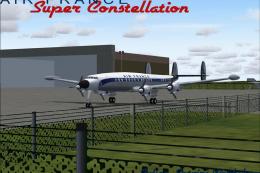 FS2004 Propeller Aircraft
Model by Mike Stone. Textures by Julien Scavini. View from above of Air Franc…
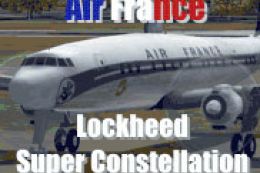 FS2004 Propeller Aircraft
Mike Stone's Lockheed Super Constellation in the colors of Air France. Textur…
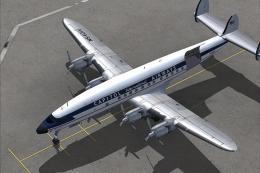 FS2004 Propeller Aircraft
The L1049H was a convertible passenger/cargo version of the Super Constellati…
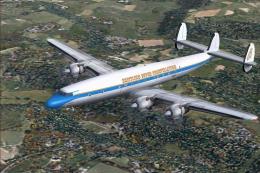 FS2004 Propeller Aircraft
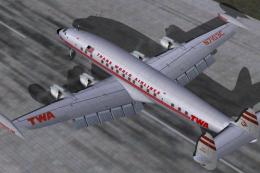
Reflexive and weathered textures and complete aircraft with accurate latest .…
 FS2004 Propeller Aircraft
Pre-Release Paint Kit (Flying). This paintkit contains Photoshop (.psd) maste…
 FS2004 Propeller Aircraft
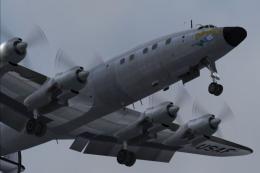
Super Constellation Columbine III, President Eisenhower's personal aircraft 1…
Be the first to leave a comment on this download.
Be the first to share your thoughts on this download.