

 FSX Civil Aircraft
Austrian Airbus A320-200 repaint for payware Overland A320-200
FSX Austrian Airbus A320-200, registration OE-LBP, retro livery. Textures onl…
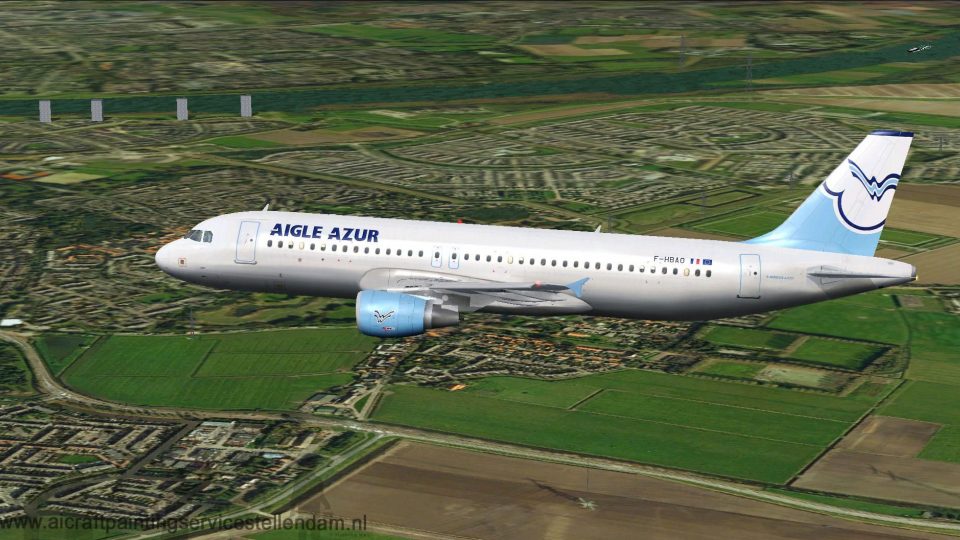
Aigle Azur’s Airbus A320-200 F-HBAO arrives as a complete freeware aircraft for Microsoft Flight Simulator X, pairing the Project Airbus base model with a custom repaint. Expect detailed exterior modeling, dynamic shine, responsive control surfaces, realistic nosewheel steering, and advanced wingflex plus engine and lighting animations that enhance day-to-day short-haul immersion.
 Rate
Rate

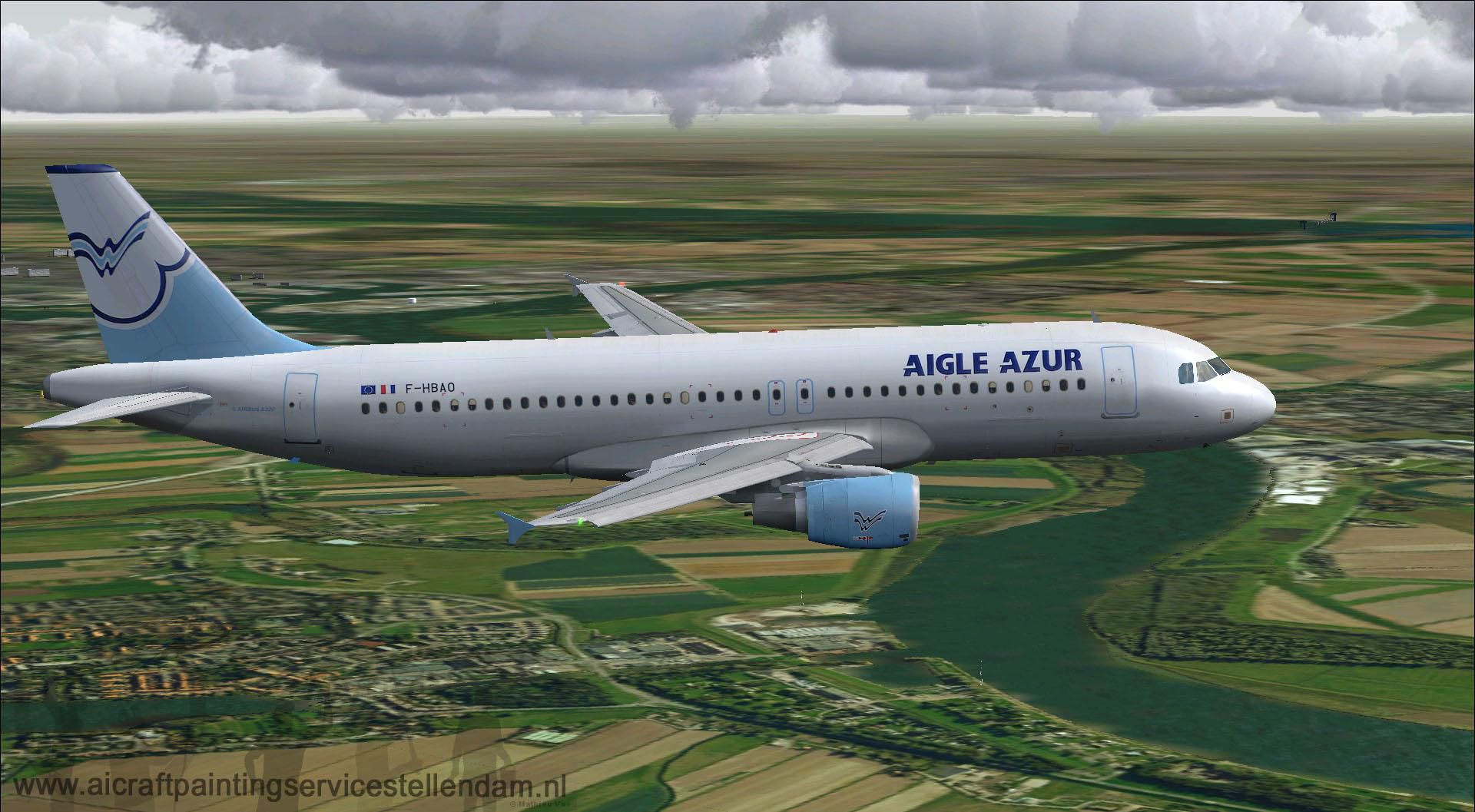
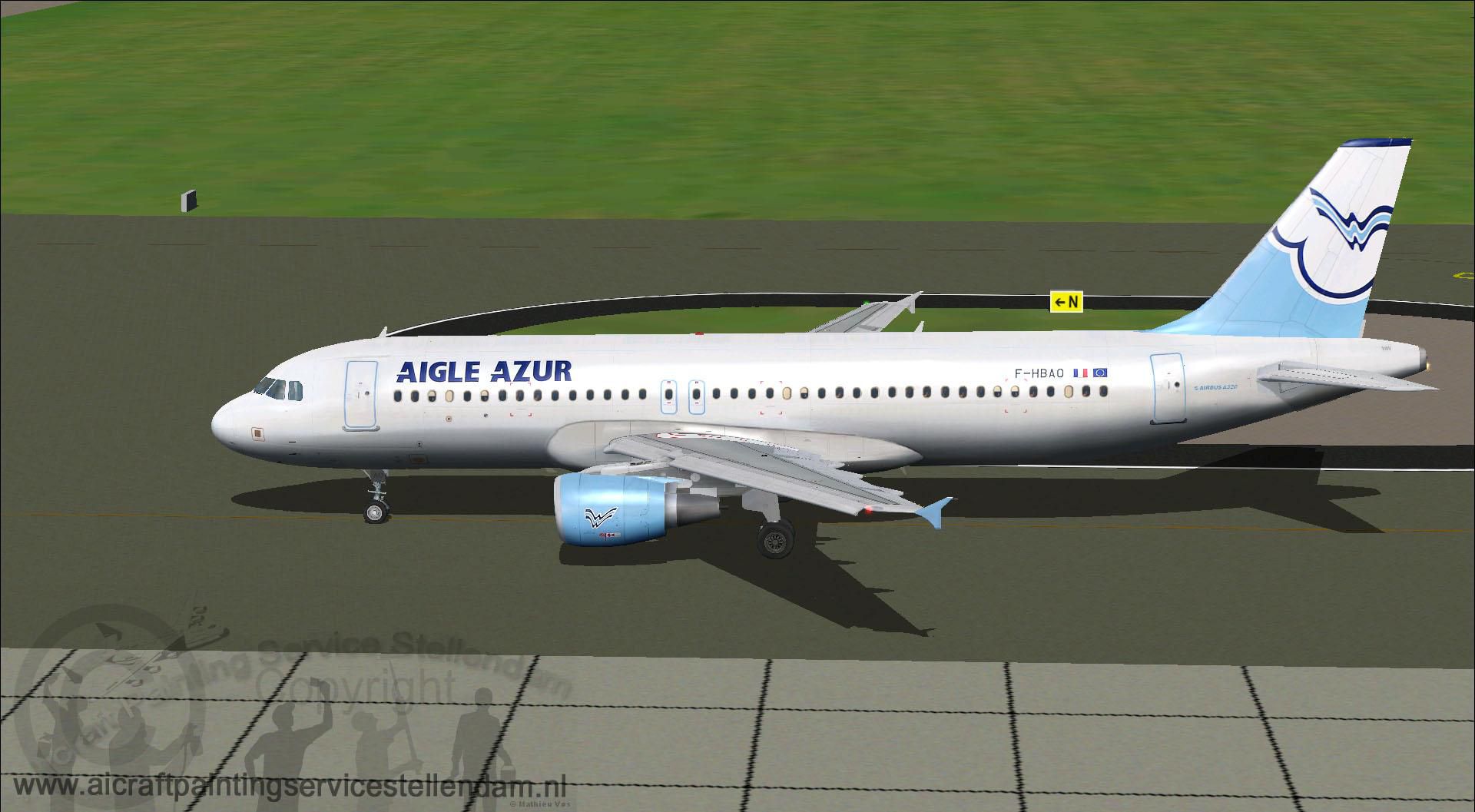
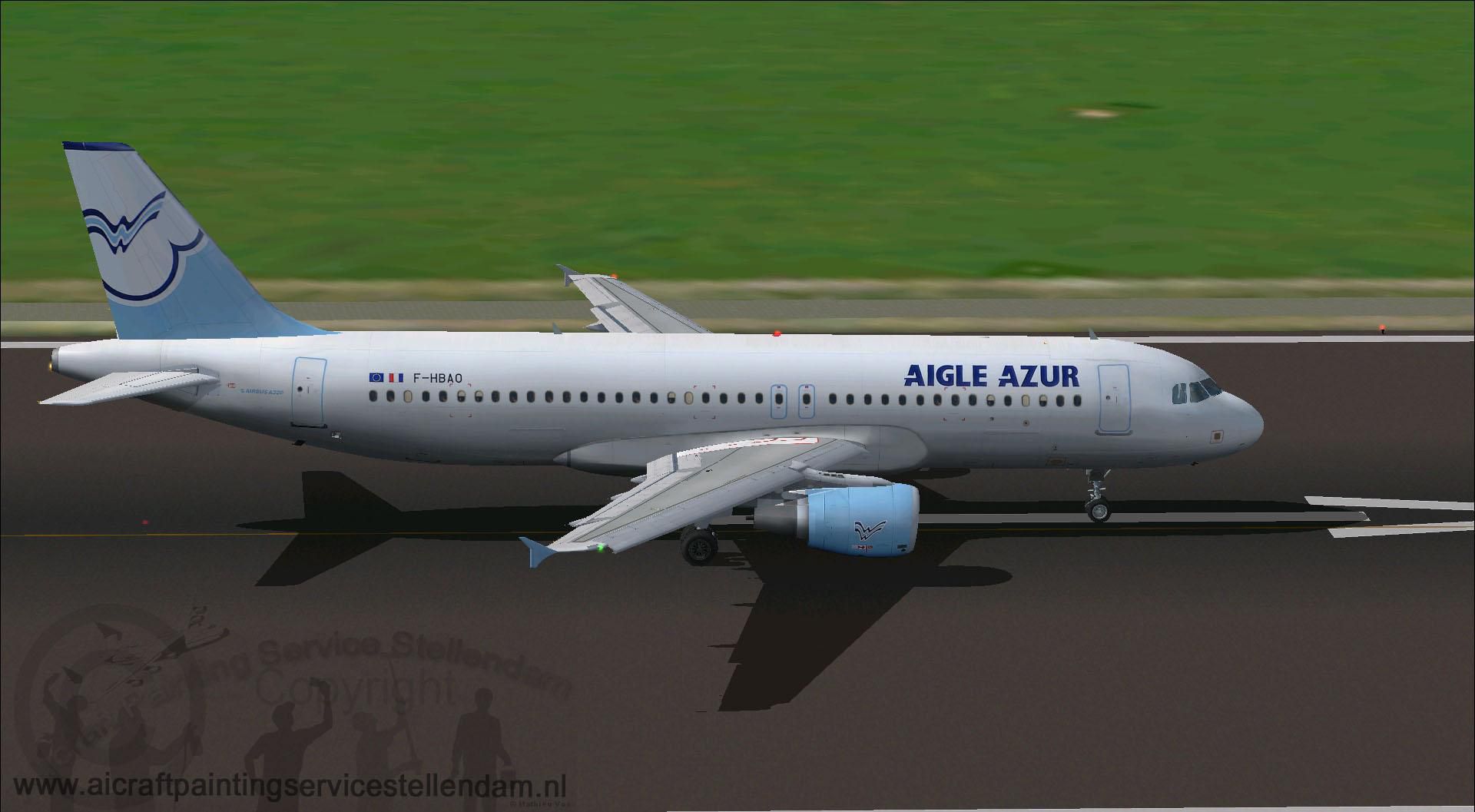
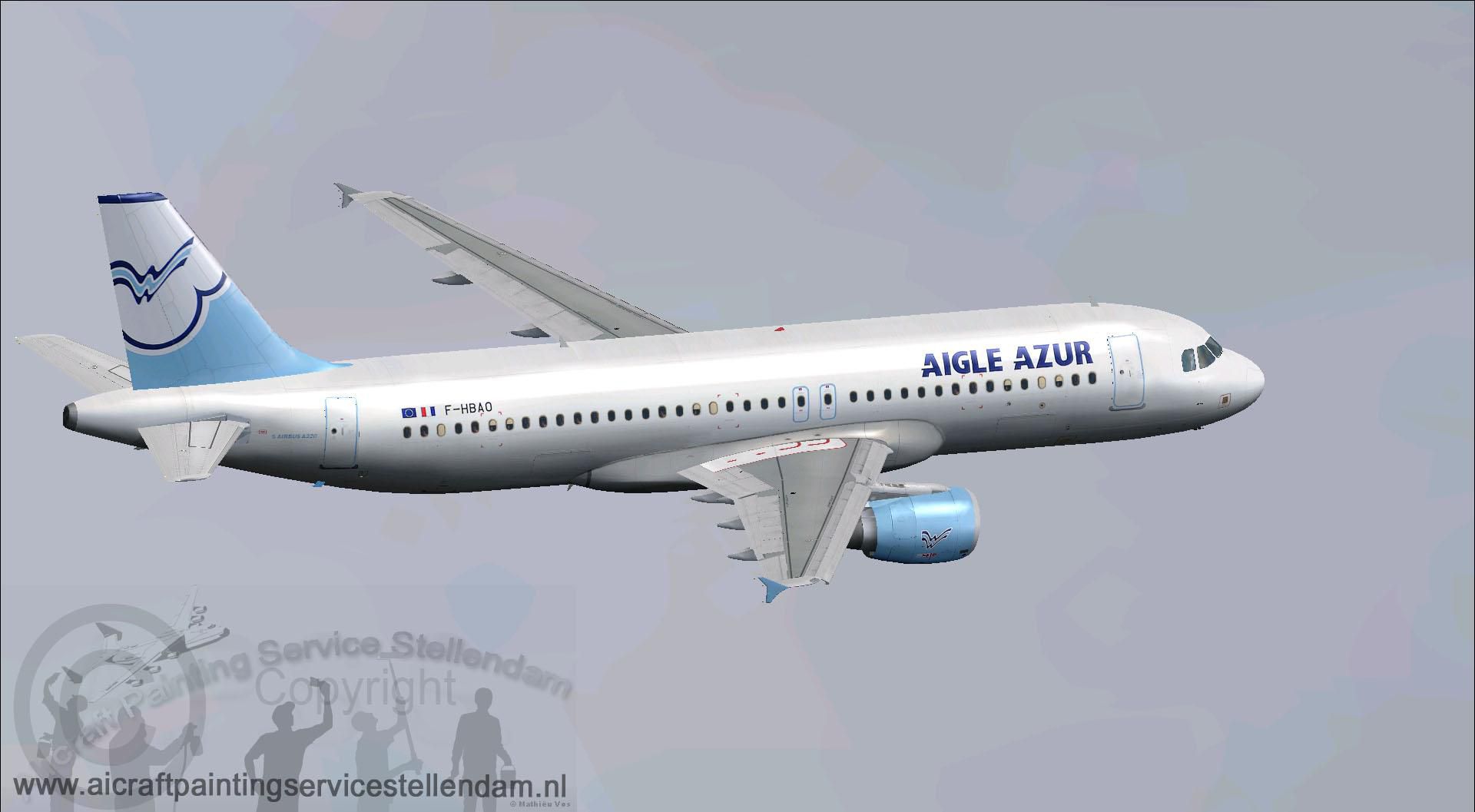
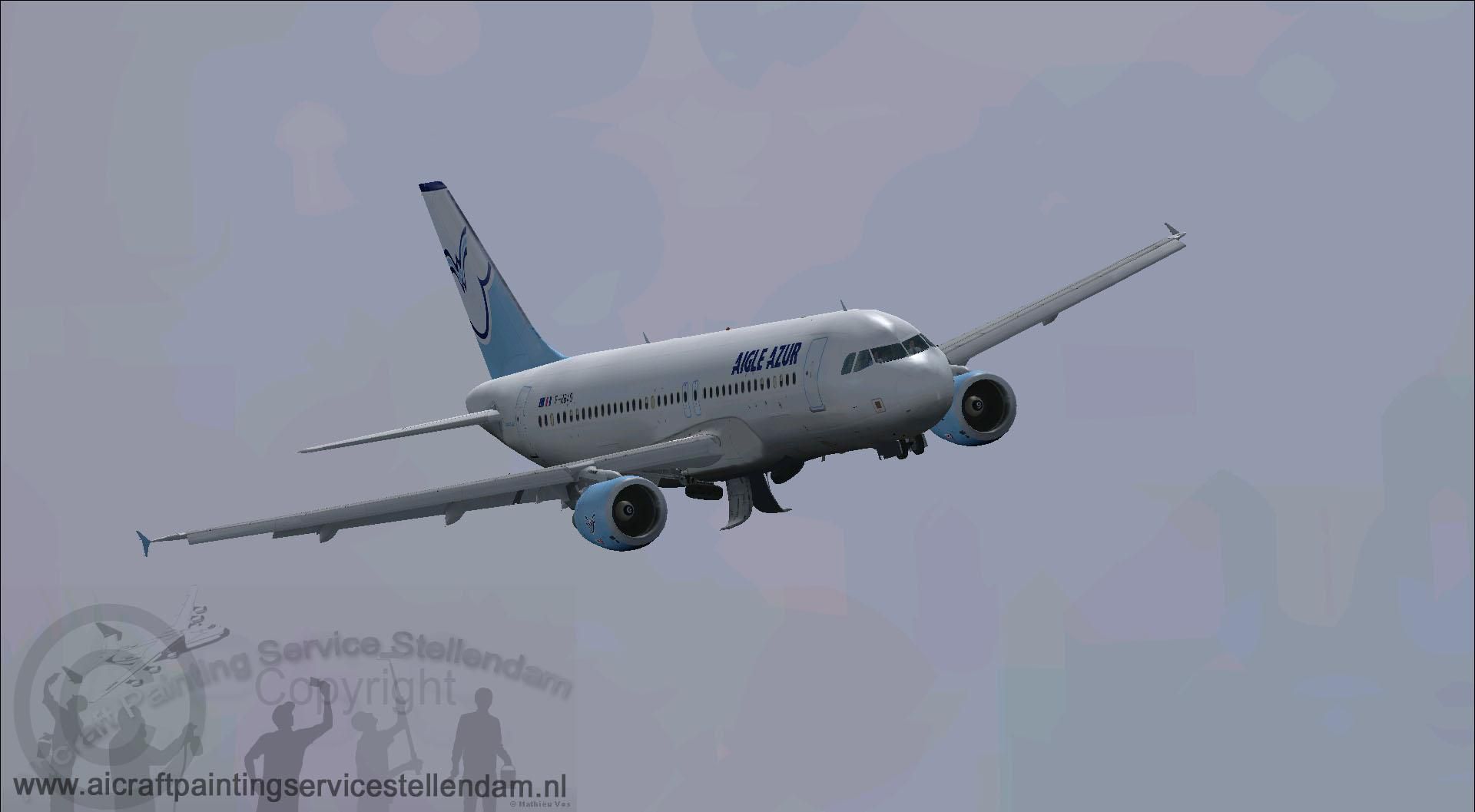

This complete freeware package offers a meticulously crafted Aigle Azur Airbus A320-200 in the registration F-HBAO, seamlessly integrated for use in Microsoft Flight Simulator X. It includes the base model created by Project Airbus and the custom repaint by Mathieu Vos (APSS), resulting in a replicable feel of this well-known short- to medium-haul airliner that once traveled under the Aigle Azur banner.
Screenshot of Aigle Azur Airbus A320-200 on runway.
The external model showcases authentic lines and detailed visuals. In real-world operations, the Airbus A320 family is recognized for its efficient twin-turbofan setup. This add-on replicates that signature design along with distinctive Aigle Azur branding, which once adorned flights departing from France to North Africa and other European destinations. Particular attention has been given to surface animation, ensuring the wing surfaces flex in response to various live conditions.
Below is a concise outline to help you install and set up this Airbus A320-200 package properly in your simulator:
SimObjects > Airplanes directory.Upon completion, the Aigle Azur Airbus A320-200 should appear in your aircraft selection menu. This rendition, courtesy of Mathieu Vos (APSS) and Project Airbus, merges realistic visuals with performance adjustments for a refined flight experience.
Free for all simmers · 10.62 MB · Scanned clean Oct 2026
Download speed: Free tier is capped at 0.5 Mbps (this file takes approximately 3 mins at the cap). PRO members download at full line speed.
FSX\SimObjects\Airplanes\. The folder must contain an aircraft.cfg file. Effects go into FSX\Effects\; gauges go into FSX\Gauges\.readme.txt or README file. It tells you exactly where files go, what dependencies are needed, and any quirks specific to this add-on.The archive a320xaaf.zip has 52 files and directories contained within it.
This list displays the first 500 files in the package. If the package has more, you will need to download it to view them.
| Filename/Directory | File Date | File Size |
|---|---|---|
| A320XAAF.gif | 01.01.13 | 9.56 kB |
| Aircraft.cfg | 01.01.13 | 15.36 kB |
| Effects | 01.01.13 | 0 B |
| fx_beacon320pa.fx | 05.02.11 | 3.01 kB |
| fx_contrail_320.fx | 05.02.11 | 1.17 kB |
| fx_navgre320pa.fx | 05.02.11 | 4.56 kB |
| fx_navred320pa.fx | 05.02.11 | 4.56 kB |
| fx_navwhi320pa.fx | 05.02.11 | 3.03 kB |
| fx_PAland.fx | 02.19.12 | 1.15 kB |
| fx_sparks.fx | 04.18.01 | 5.04 kB |
| fx_spray.fx | 08.11.01 | 4.97 kB |
| fx_strobe2320pa.fx | 05.02.11 | 2.44 kB |
| fx_strobe320pa.fx | 05.02.11 | 4.80 kB |
| fx_tchdrt.fx | 08.27.01 | 3.74 kB |
| fx_tchdwn.fx | 03.10.10 | 4.62 kB |
| fx_vclight.fx | 08.08.01 | 1.30 kB |
| fx_wake.fx | 05.30.03 | 2.05 kB |
| Model.cfm_200 | 01.01.13 | 0 B |
| A320_200_CFM.mdl | 03.11.12 | 2.14 MB |
| model.cfg | 03.11.12 | 29 B |
| pa320-cfm56.air | 06.13.07 | 8.76 kB |
| panel | 01.01.13 | 0 B |
| panel.cfg | 02.19.12 | 33 B |
| ProjectAirbusA320-214AigleAzur_F-HBAO.jpg | 12.26.12 | 181.56 kB |
| ProjectAirbusA320-214AigleAzur_F-HBAO2.jpg | 12.26.12 | 146.72 kB |
| ProjectAirbusA320-214AigleAzur_F-HBAO3.jpg | 12.26.12 | 120.07 kB |
| ProjectAirbusA320-214AigleAzur_F-HBAO4.jpg | 12.26.12 | 274.02 kB |
| ProjectAirbusA320-214AigleAzur_F-HBAO5.jpg | 12.26.12 | 339.33 kB |
| ProjectAirbusA320-214AigleAzur_F-HBAO6.jpg | 12.26.12 | 95.65 kB |
| readme.txt | 01.01.13 | 2.20 kB |
| sound | 01.01.13 | 0 B |
| sound.cfg | 02.19.12 | 33 B |
| Texture.Aigle Azur | 01.01.13 | 0 B |
| A320_1_l.bmp | 06.11.11 | 1.00 MB |
| A320_1_t.bmp | 12.26.12 | 4.00 MB |
| A320_2_l.bmp | 01.10.12 | 1.00 MB |
| A320_2_t.bmp | 12.26.12 | 4.00 MB |
| A320_fuse_1_l.bmp | 01.01.13 | 1.00 MB |
| A320_fuse_1_t.bmp | 12.26.12 | 4.00 MB |
| A320_fuse_2_l.bmp | 01.01.13 | 1.00 MB |
| A320_fuse_2_t.bmp | 12.26.12 | 4.00 MB |
| A320_fuse_3_l.bmp | 01.01.13 | 1.00 MB |
| A320_fuse_3_t.bmp | 12.26.12 | 4.00 MB |
| A320_misc_1.bmp | 12.26.12 | 1.00 MB |
| A320_misc_2.bmp | 06.11.11 | 4.00 MB |
| A320_wing_1_l.bmp | 06.11.11 | 256.07 kB |
| A320_wing_1_t.bmp | 12.26.12 | 4.00 MB |
| A320_wing_2_l.bmp | 06.11.11 | 256.07 kB |
| A320_wing_2_t.bmp | 12.26.12 | 4.00 MB |
| Thumbnail.jpg | 01.01.13 | 75.50 kB |
| flyawaysimulation.txt | 10.29.13 | 959 B |
| Go to Fly Away Simulation.url | 01.22.16 | 52 B |
Only PRO members can place votes.
More FSX & P3D add-ons hand-picked based on this download.
FSX Civil Aircraft
FSX Austrian Airbus A320-200, registration OE-LBP, retro livery. Textures onl…
 FSX Civil Aircraft
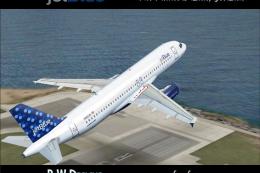
Jet Blue Airbus A320-200. The iFDG Airbus A320-200 in the colors of JetBlue. …
 FSX Civil Aircraft
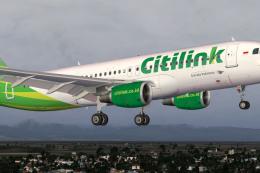
Textures only for the freeware Project Airbus A320-200 CFM model (PA32X_FSX_M…
 FSX Civil Aircraft
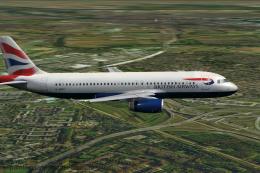
This thoroughly detailed freeware package showcases a British Airways Airbus …
 FSX Civil Aircraft
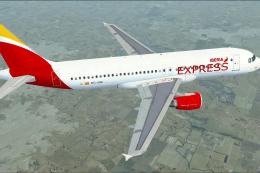
Model by Project Airbus. Repaint by Daniel Alamilla. Screenshot of Iberia Exp…
 FSX Civil Aircraft
Project Airbus repaint of Mexicana's Airbus A320-231 F-OHMI in the old "Aztec…
 FSX Civil Aircraft
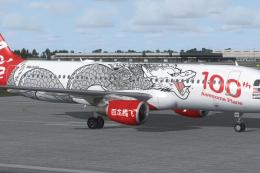
AirAsia Airbus A320-200 100th Dragon, registration 9M-AQH. Model by Project A…
 FSX Civil Aircraft
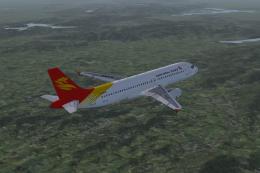
Project Airbus A320-232 Hainan Group package for Flight Simulator X. Aircraft…
Be the first to leave a comment on this download.
Be the first to share your thoughts on this download.