

 FSX Military Aircraft
Belgian Meteor NF11
The Armstrong-Whitworth Meteor NF11 in Belgian Air Force markings brings hist…
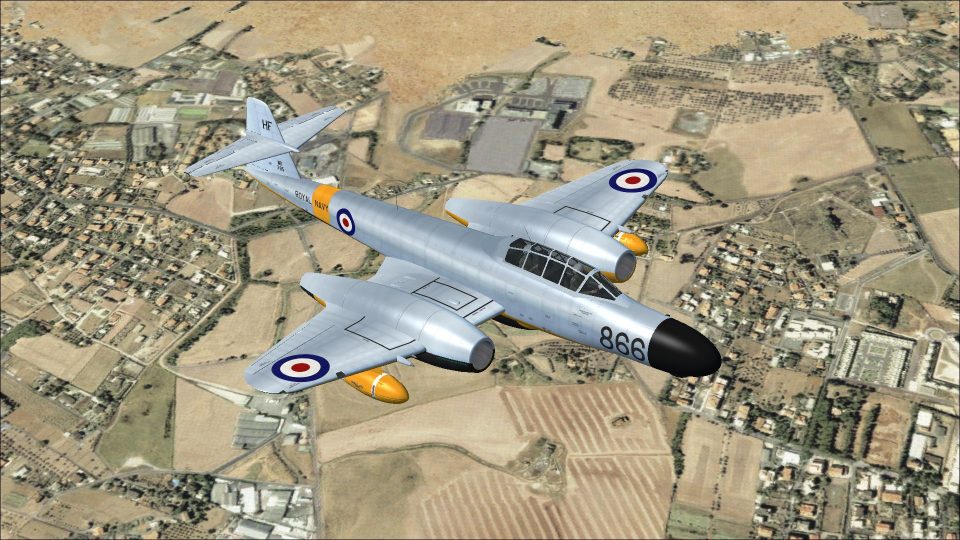
Armstrong-Whitworth Meteor NF.11 WD785 comes alive in authentic Royal Navy Fleet Requirements Unit target-towing TT20 markings, capturing the distinctive high-visibility finish and period insignia for a classic twin-jet night fighter conversion. Built for FSX, this repaint requires Rob Richardson’s freeware Meteor NF11 base model and complements its radar nose and ventral tank details.
 Rate
Rate
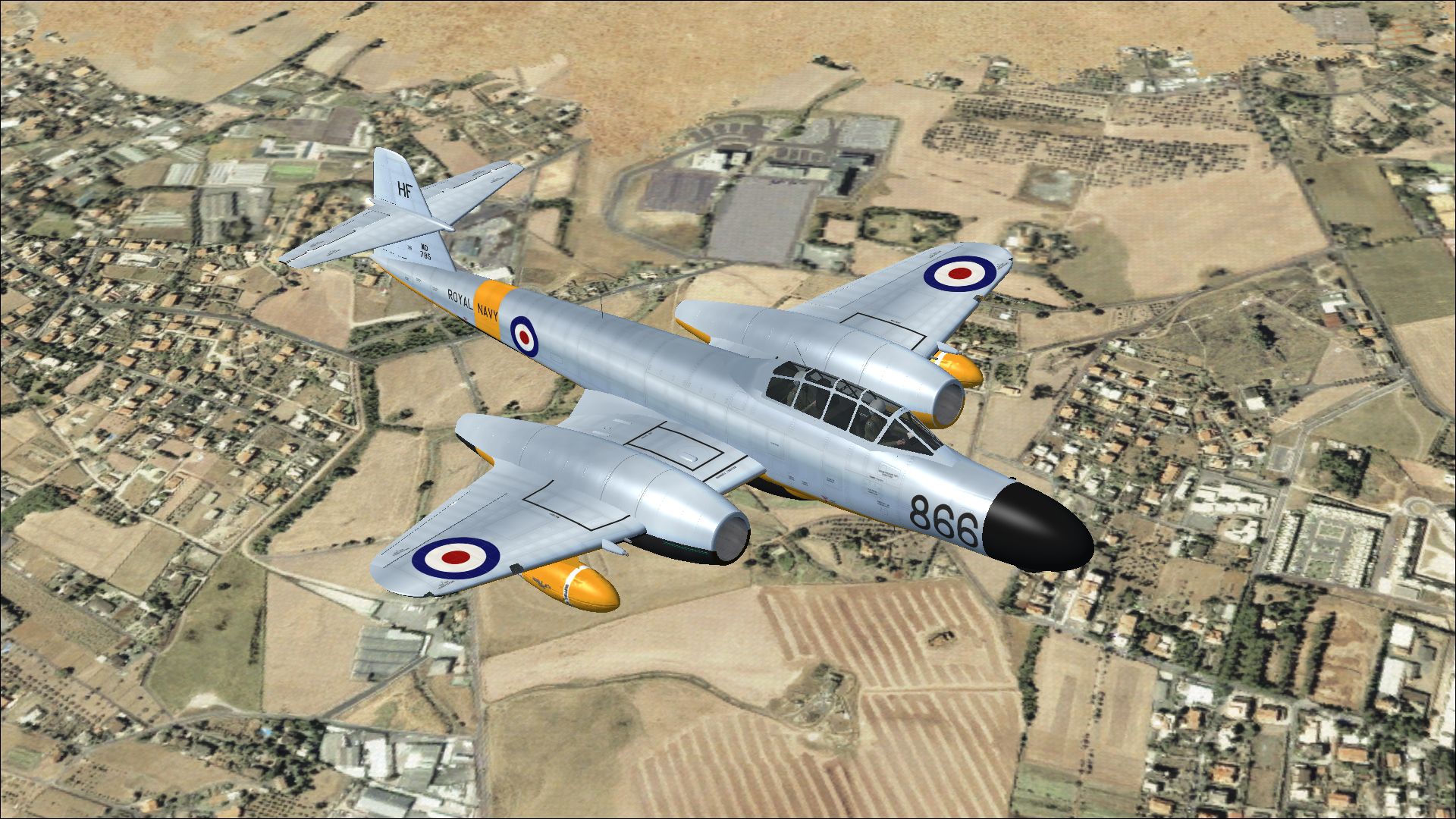

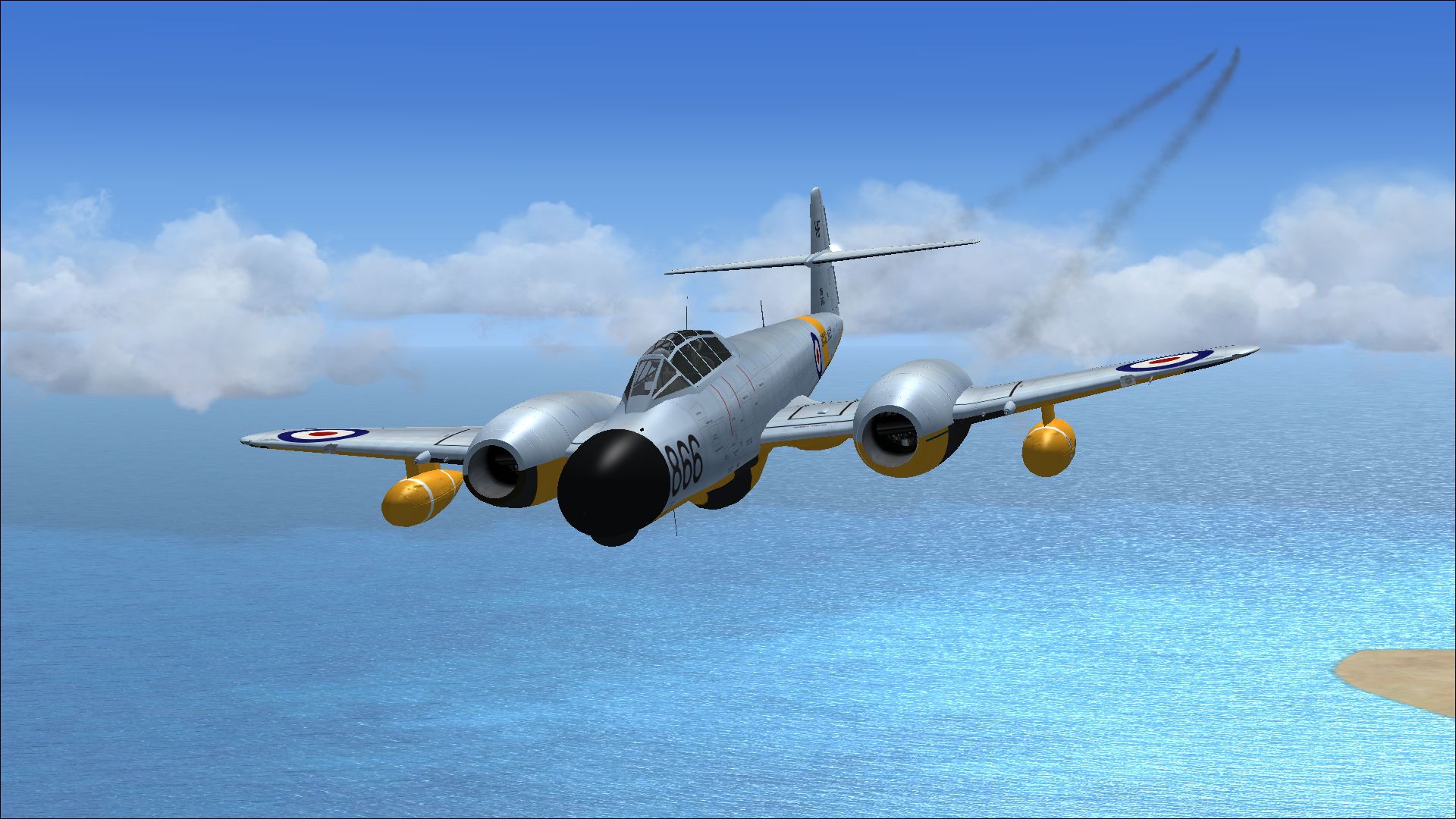

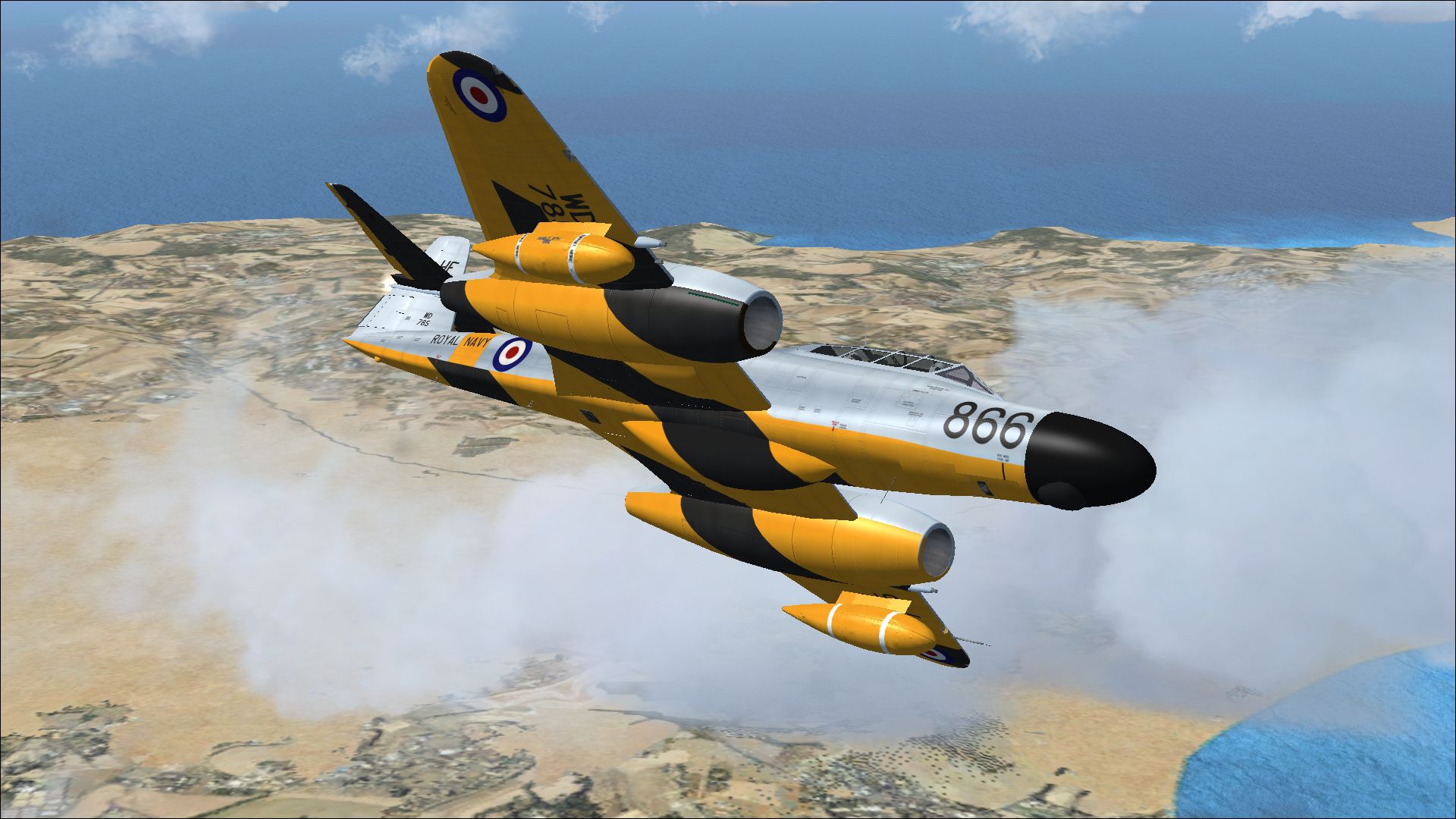
This add-on provides a meticulously crafted rendition of the Armstrong-Whitworth Meteor NF11 WD785, representing a distinctive target-towing adaptation operated by the Royal Navy. It is a repaint, so make sure you have the freeware base model available before installing. This repaint was designed by Peter Watkins and is intended for Rob Richardson’s excellent Meteor NF11 model, capturing a piece of aviation history from the Fleet Requirements Unit at RNAS Hal Far.
This repaint showcases WD785 in its Fleet Requirements Unit markings. Originally delivered in October 1952, WD785 stood among the contingent of NF11 variants converted into TT20 aircraft for target-towing assignments. The paint job highlights the service scheme adopted when the Meteor flew under Royal Navy operations, reflecting the period’s unique color combinations and squadron insignia. Rob Richardson’s base model brilliantly complements this livery, preserving the realism of the twin-jet fuselage and elongated nose section.
The modification from a conventional NF11 to TT20 involved specialized alterations including towing mechanisms and high-visibility markings. This upgrade ensured WD785 fulfilled operational roles such as providing target practice support, while still embodying the robust performance of the Meteor platform. The nose shape, radar housing, and inserted ventral tank all highlight the versatile engineering at the heart of the Armstrong-Whitworth design.
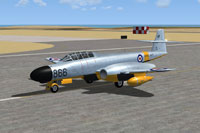
Screenshot of Meteor NF11 WD785 on runway.
[fltsim.xx]
title=Armstrong Whitworth Meteor NF11 WD785
sim=Armstrong Whitworth Meteor NF11
model=
panel=
sound=
texture=WD785
kb_checklists=AW_Meteor_NF11_check
kb_reference=AW_Meteor_NF11_ref
ui_manufacturer=Armstrong Whitworth
ui_type=Meteor NF11
ui_variation=WD785
ui_typerole="Twin engine jet night fighter"
ui_createdby="RJR"
atc_id=WD785
atc_airline=Air Force
atc_flight_number=866
description=As a night fighter, the Meteor again replaced the Mosquito however it was never more than an interim measure. The Mosquito night fighter had remained in use even though it was largely obsolete. Gloster proposed a night fighter design to meet the Air Ministry specification for the Mosquito replacement, based on the two seater trainer, with the pilot in the front seat and the navigator in the rear. Once accepted however, the work passed to Armstrong Whitworth for both the detail design and production; the first prototype flew on 31 May 1950. Although based on the T.7 twin seater, it used the fuselage and tail of the F.8, and the longer wings of the F.3. An extended nose contained the AI Mk 10 (the 1940s Westinghouse SCR-720) Air Intercept radar. As a consequence the 20 mm cannons were moved into the wings, outboard of the engines. A ventral fuel tank and wing mounted drop tanks completed the Armstrong Whitworth Meteor NF.11.
This repaint is freeware and does not include Rob Richardson’s Meteor NF11 base model. You will need to obtain the original aircraft model (accessible through the Fly Away Simulation library) prior to adding this texture. Once everything is in place, you can experience the classic lines of the Meteor NF11 in Royal Navy TT20 colors courtesy of Peter Watkins’ detailed repaint work.
Free for all simmers · 11.14 MB · Scanned clean Oct 2026
Download speed: Free tier is capped at 0.5 Mbps (this file takes approximately 3 mins at the cap). PRO members download at full line speed.
texture.{airline}) inside FSX\SimObjects\Airplanes\{base-aircraft}\.aircraft.cfg in Notepad. Add a new [fltsim.X] section per the readme.readme.txt or README file. It tells you exactly where files go, what dependencies are needed, and any quirks specific to this add-on.The archive meteor_nf11_wd785.zip has 17 files and directories contained within it.
This list displays the first 500 files in the package. If the package has more, you will need to download it to view them.
| Filename/Directory | File Date | File Size |
|---|---|---|
| 8220800.jpg | 10.05.13 | 1.10 MB |
| 8271531.jpg | 10.05.13 | 1.02 MB |
| 8317115.jpg | 10.05.13 | 1.61 MB |
| 8387768.jpg | 10.05.13 | 1.14 MB |
| Installation readme.txt | 10.05.13 | 3.09 kB |
| texture.WD785 | 10.05.13 | 0 B |
| meteor 1 bump.dds | 09.27.13 | 16.00 MB |
| meteor 1.dds | 10.05.13 | 16.00 MB |
| meteor 2.dds | 10.05.13 | 16.00 MB |
| meteor 4.dds | 10.03.13 | 4.00 MB |
| meteor 5.dds | 10.03.13 | 4.00 MB |
| texture.cfg | 09.21.13 | 137 B |
| thumbnail.jpg | 10.05.13 | 1.07 MB |
| Thumbs.db | 09.21.13 | 22.50 kB |
| wrap.dds | 10.04.13 | 64.12 kB |
| flyawaysimulation.txt | 10.29.13 | 959 B |
| Go to Fly Away Simulation.url | 01.22.16 | 52 B |
Only PRO members can place votes.
More FSX & P3D add-ons hand-picked based on this download.
FSX Military Aircraft
The Armstrong-Whitworth Meteor NF11 in Belgian Air Force markings brings hist…
 FSX Military Aircraft
Discover a meticulously crafted paint scheme for Rob Richardson’s freeware Ar…
 FSX Military Aircraft
This freeware repaint showcases the Armstrong-Whitworth Meteor NF11 in a dist…
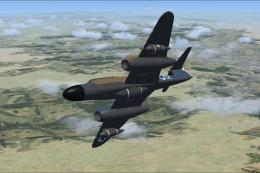 FSX Military Aircraft
This repaint package depicts one of the Meteor night fighters obtained by the…
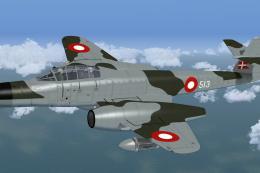 FSX Military Aircraft
Repaint for the Meteor NF14 by Rob Richardson. It is painted as Meteor NF.11 …
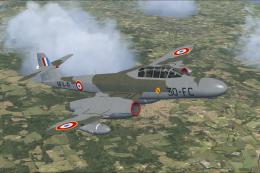 FSX Military Aircraft
A repaint for Rob Richardsons Armstrong-Whitworth Meteor NF11. NF11-41 was th…
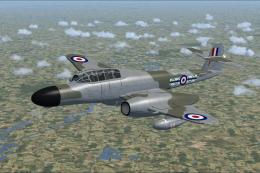 FSX Military Aircraft
This repaint depicts Armstrong Whitworth Meteor NF11 WD673, a historic Royal …
 FSX Military Aircraft
This repaint pays tribute to a rare Armstrong-Whitworth Meteor NF11 once tran…
Be the first to leave a comment on this download.
Be the first to share your thoughts on this download.