










 MSFS Civil Jet Aircraft
Native Airbus A330-900neo Mega Pack
The MSFS Native Airbus A330-900neo Mega Pack by Headwind Simulations brings a…
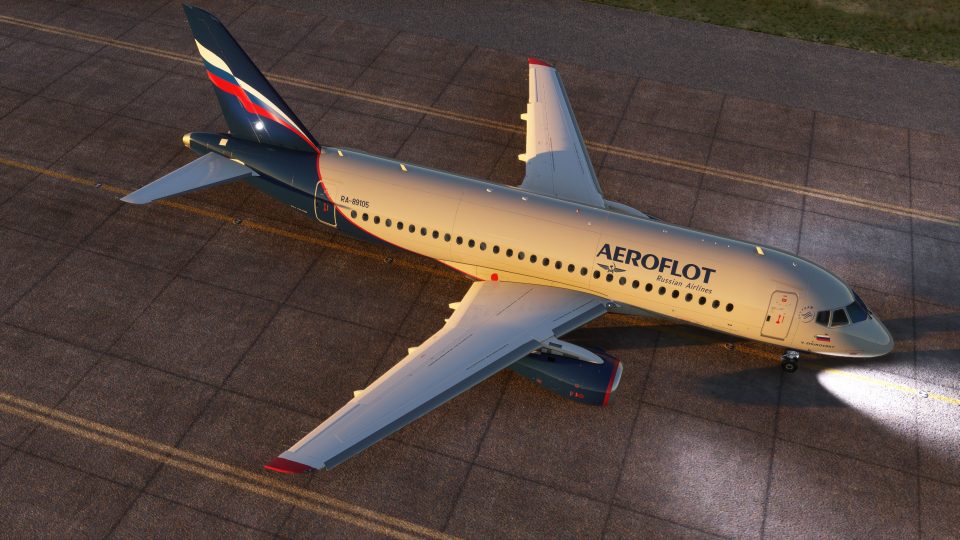
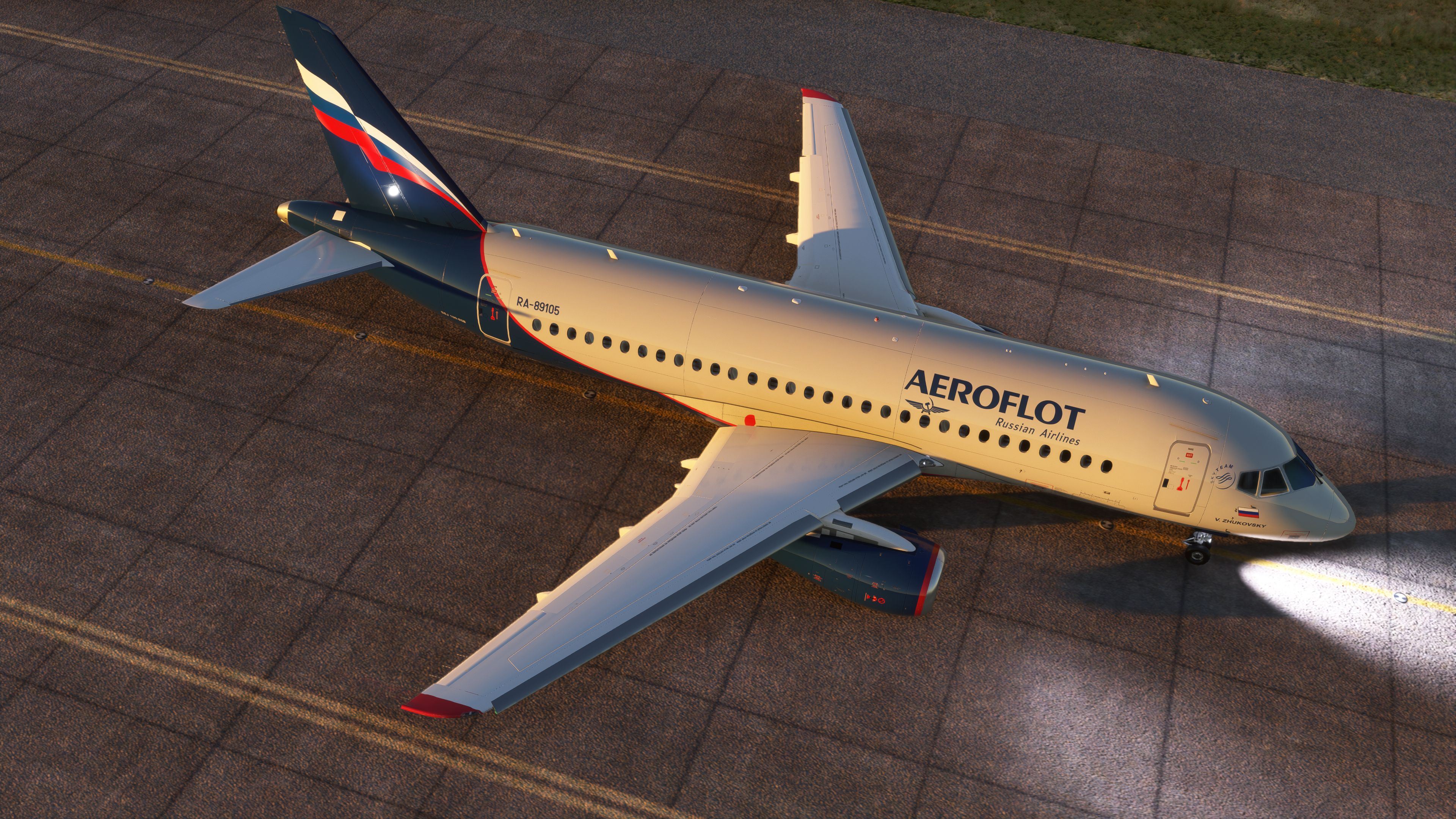
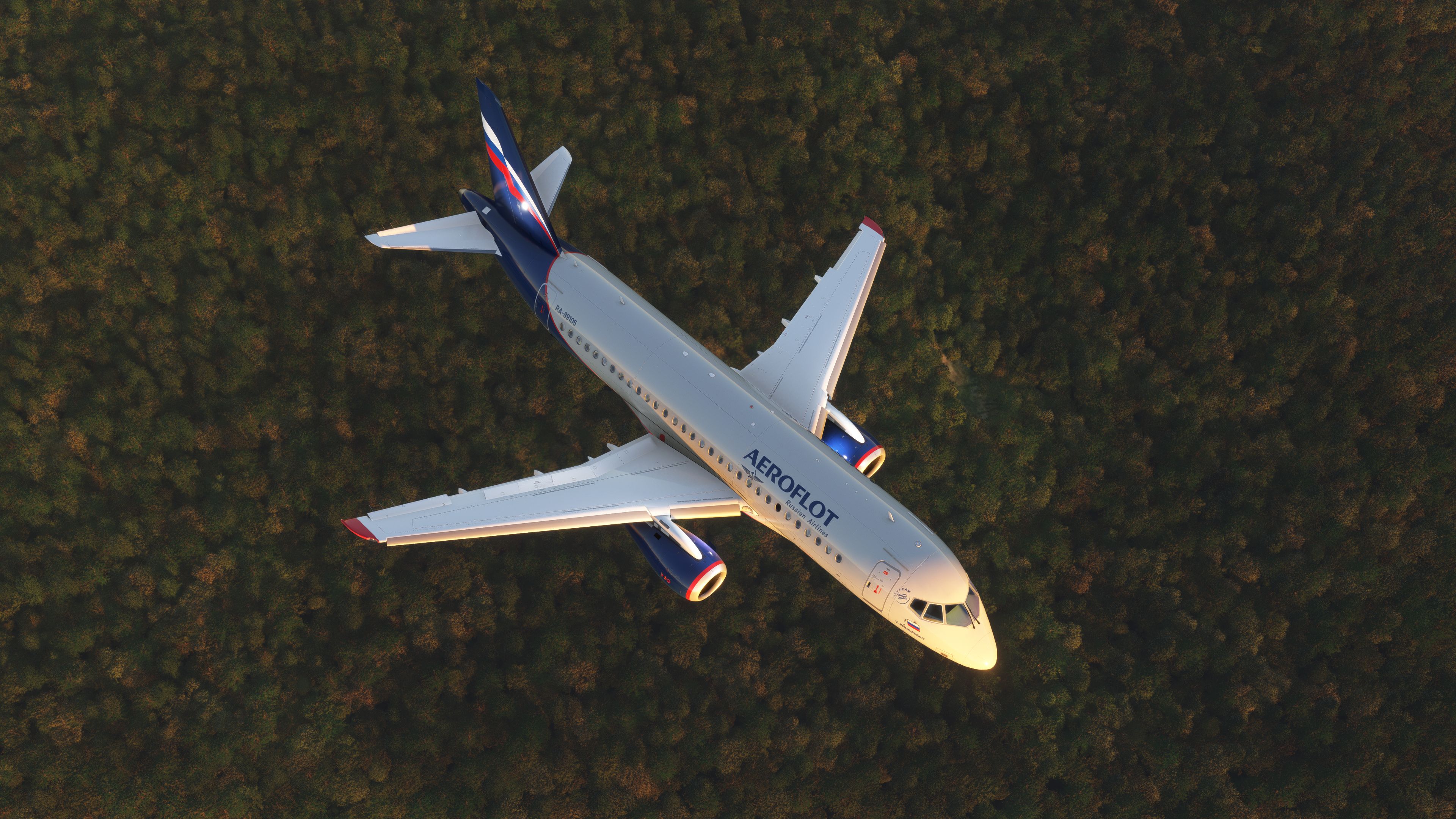
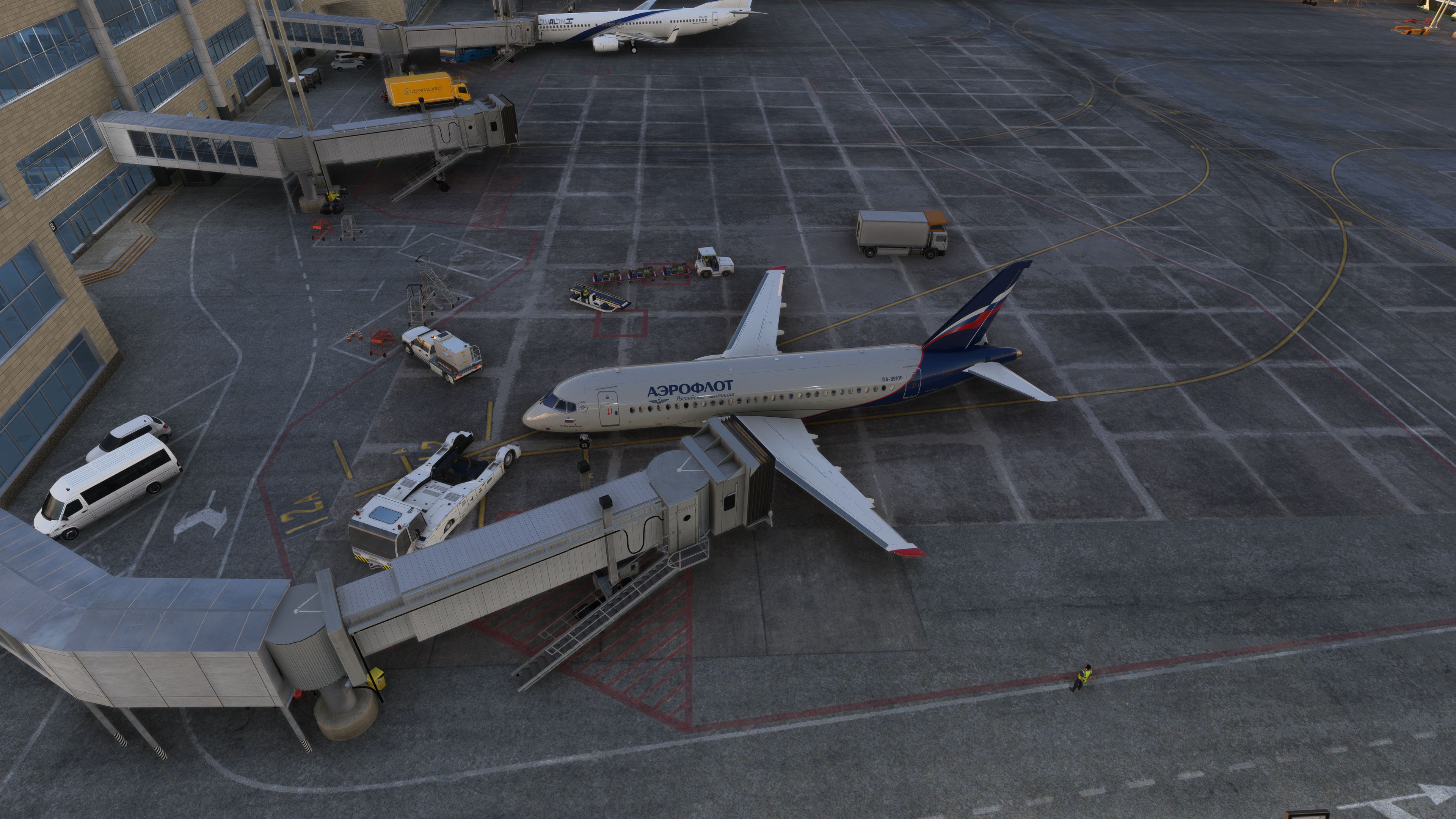
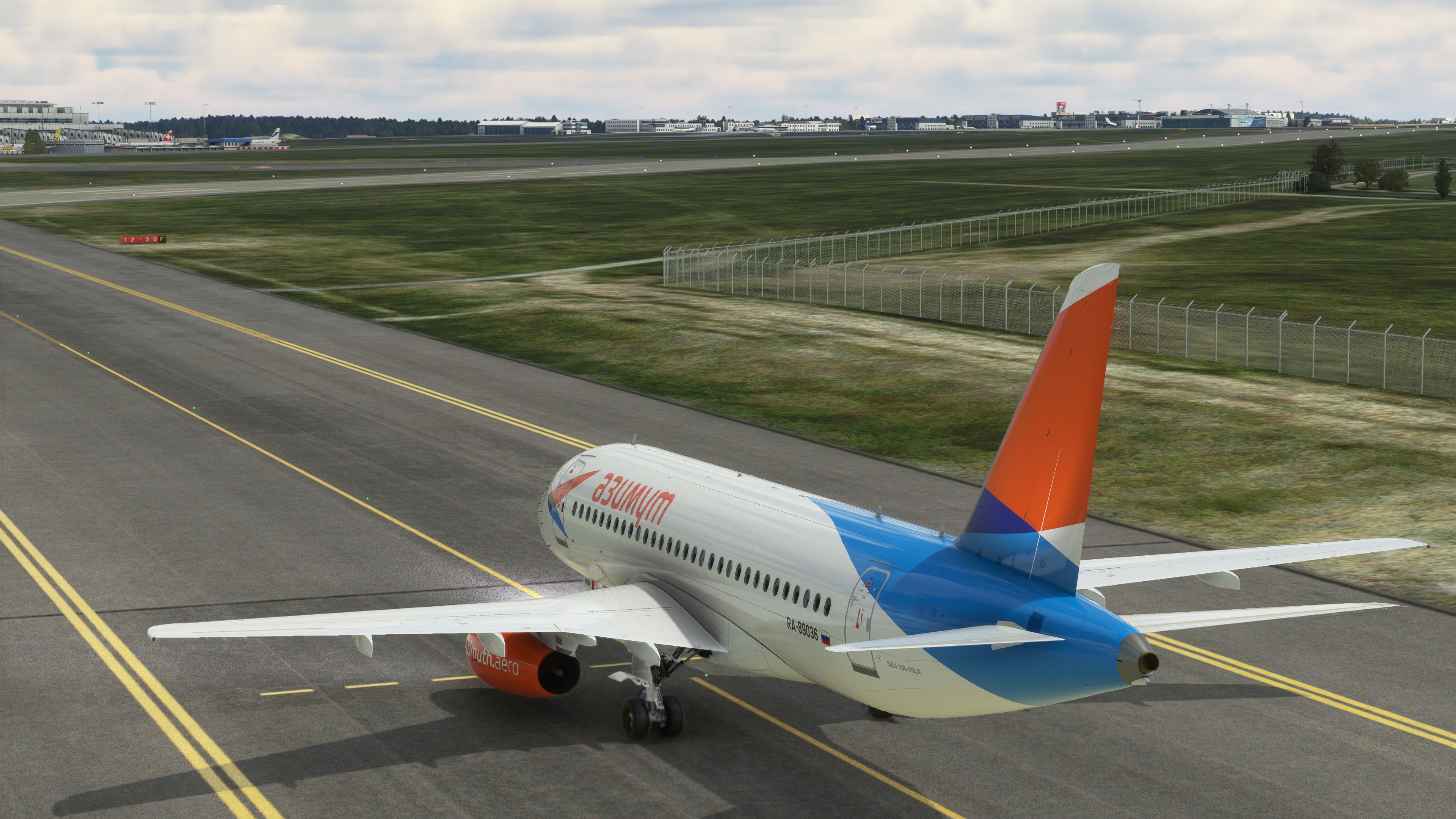
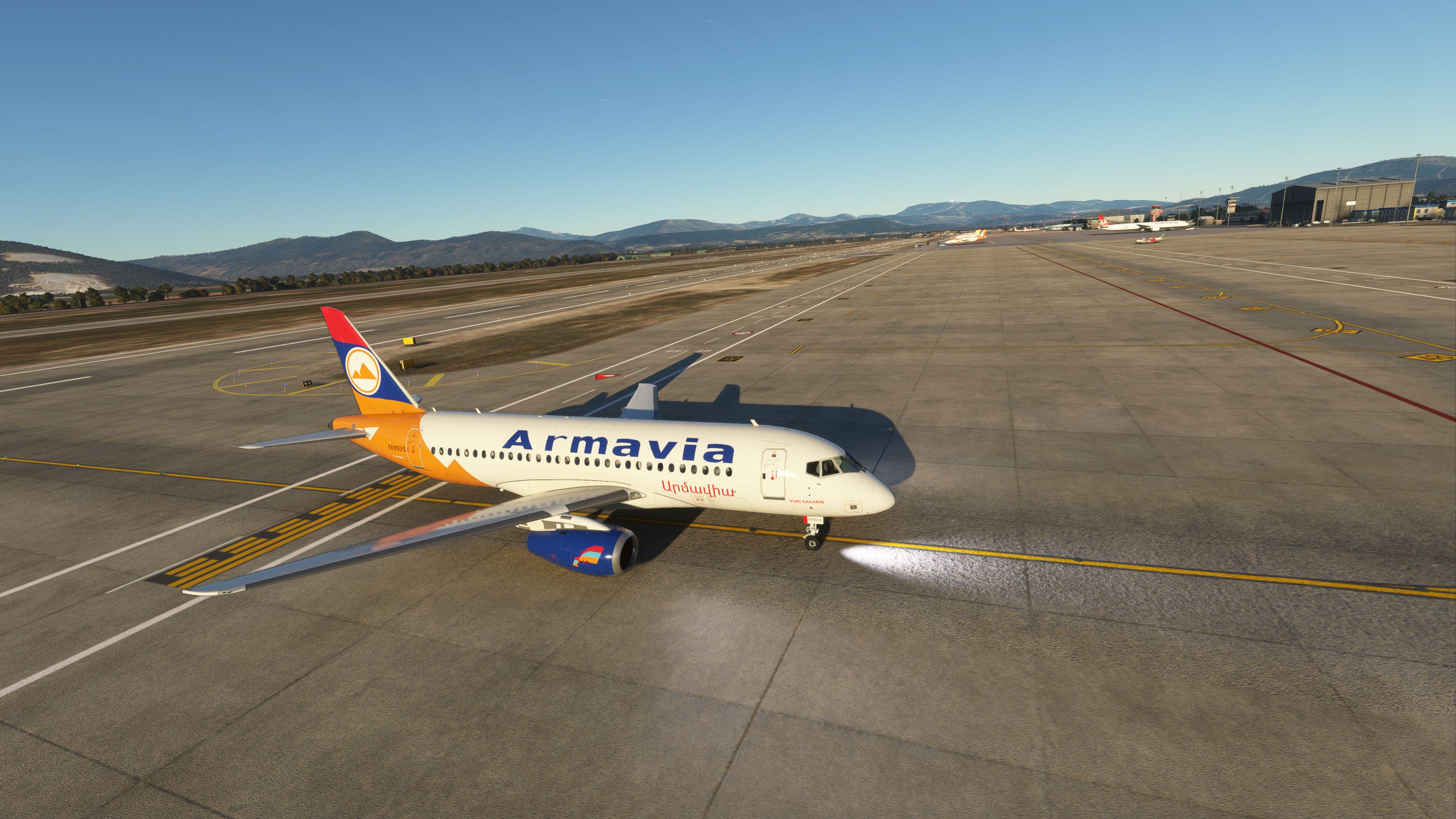
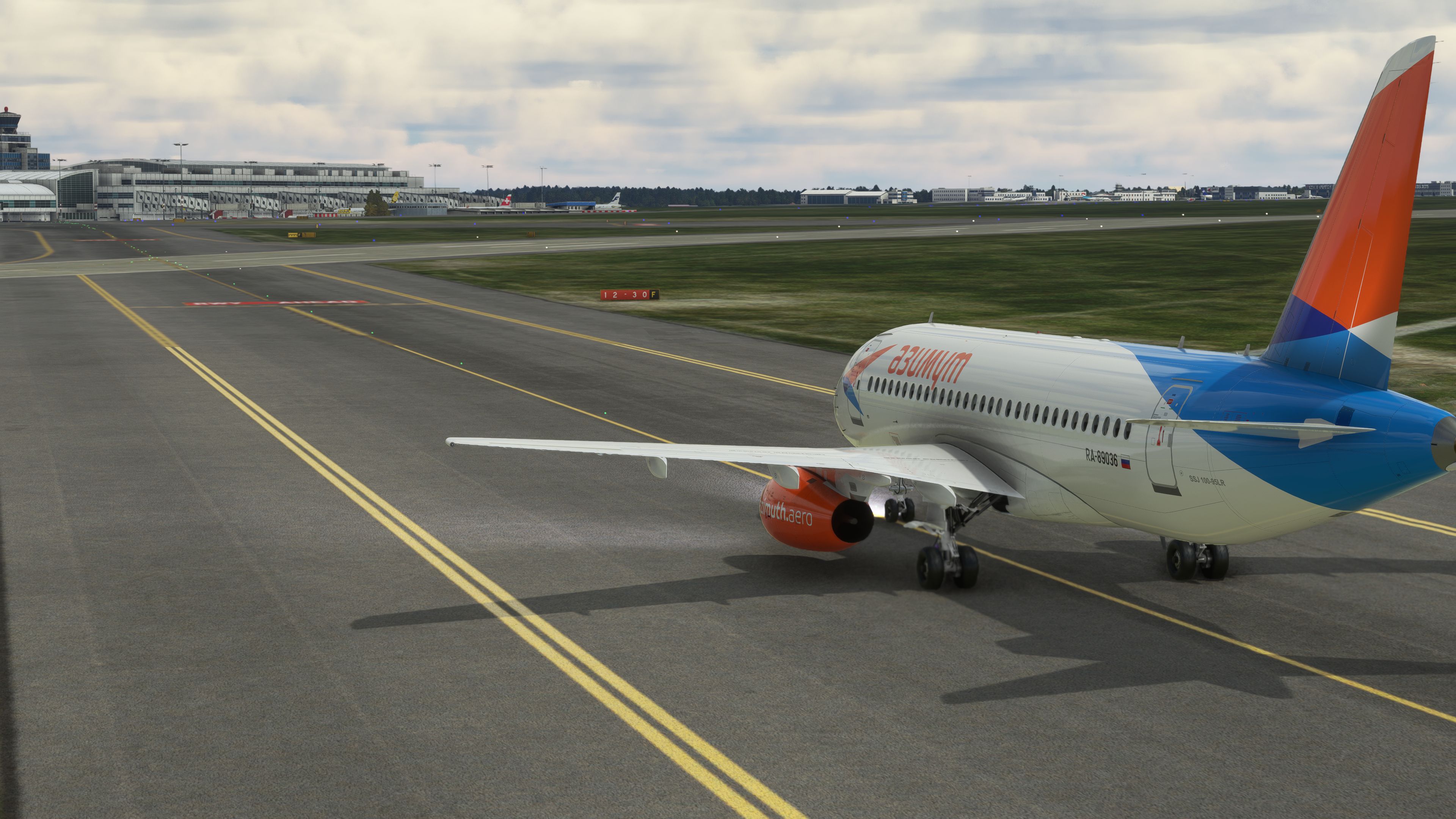
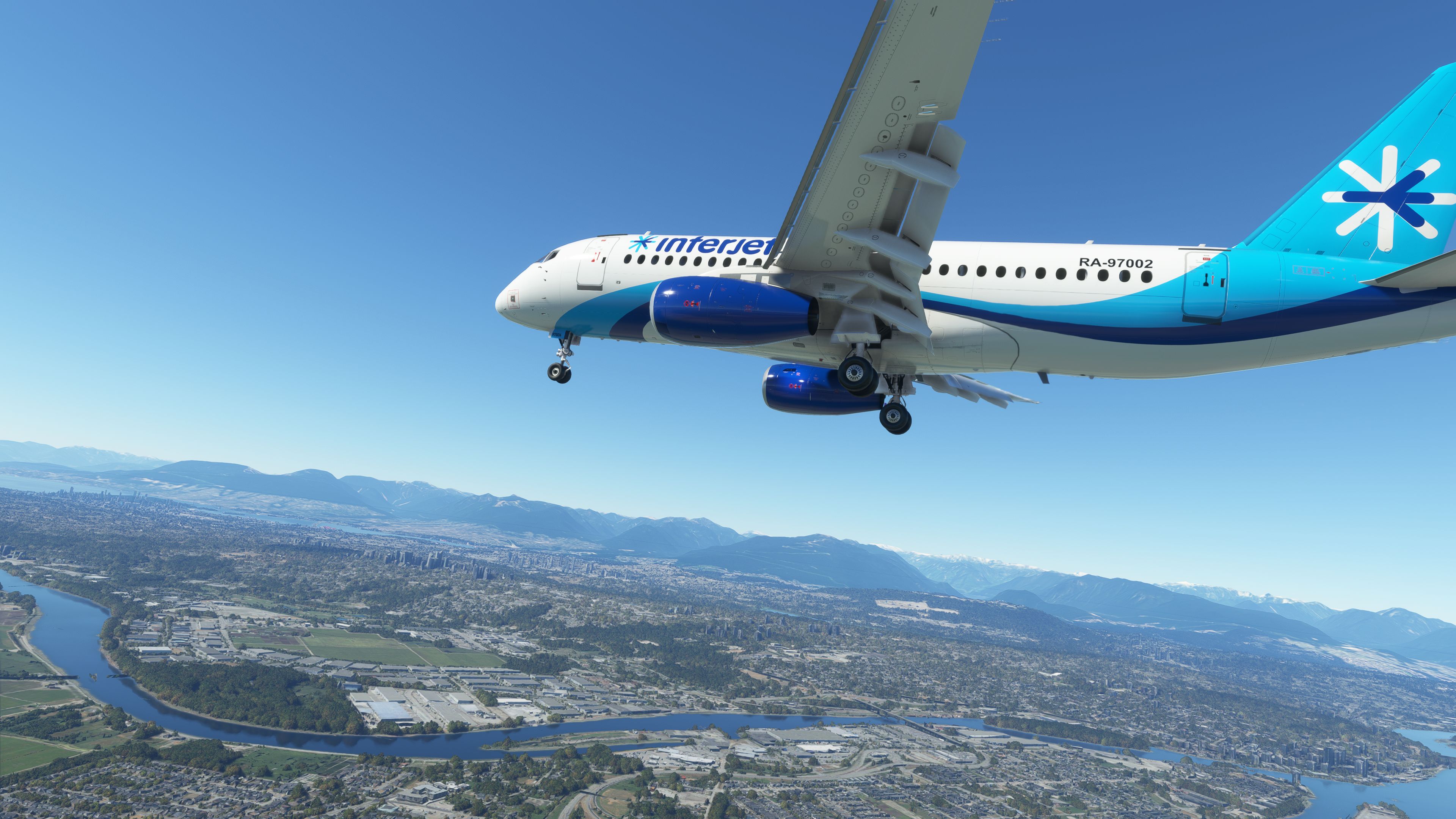
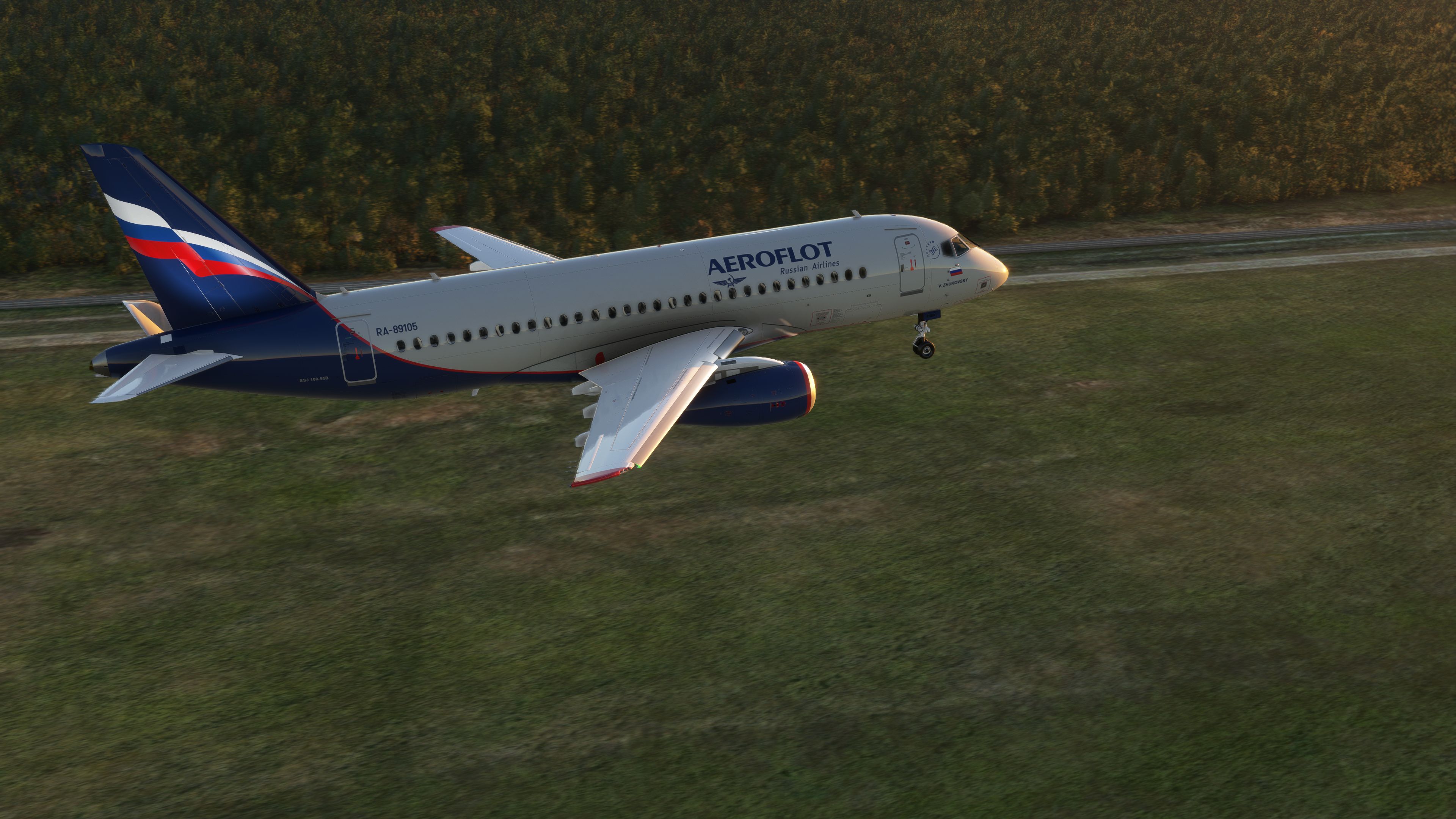
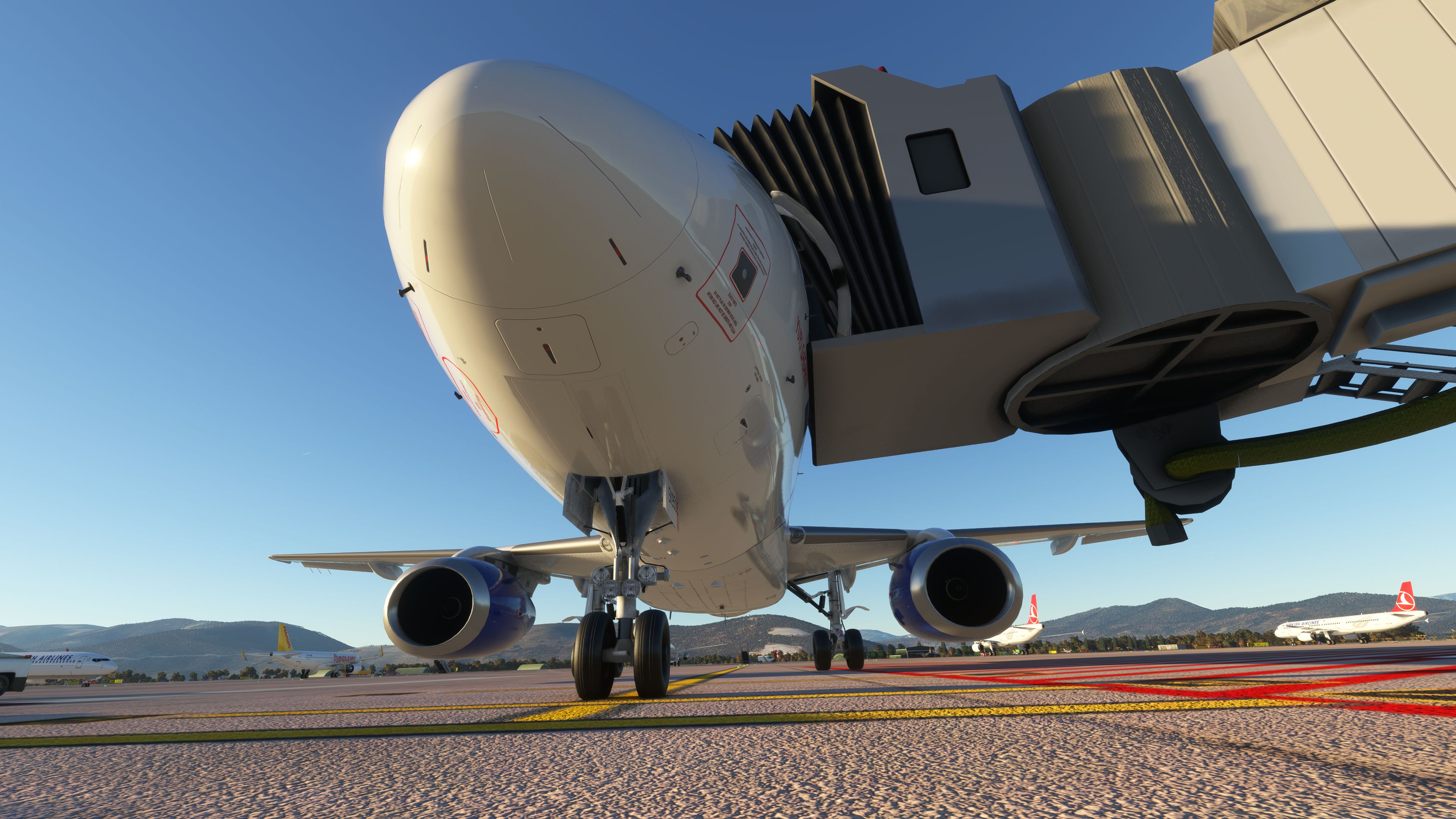
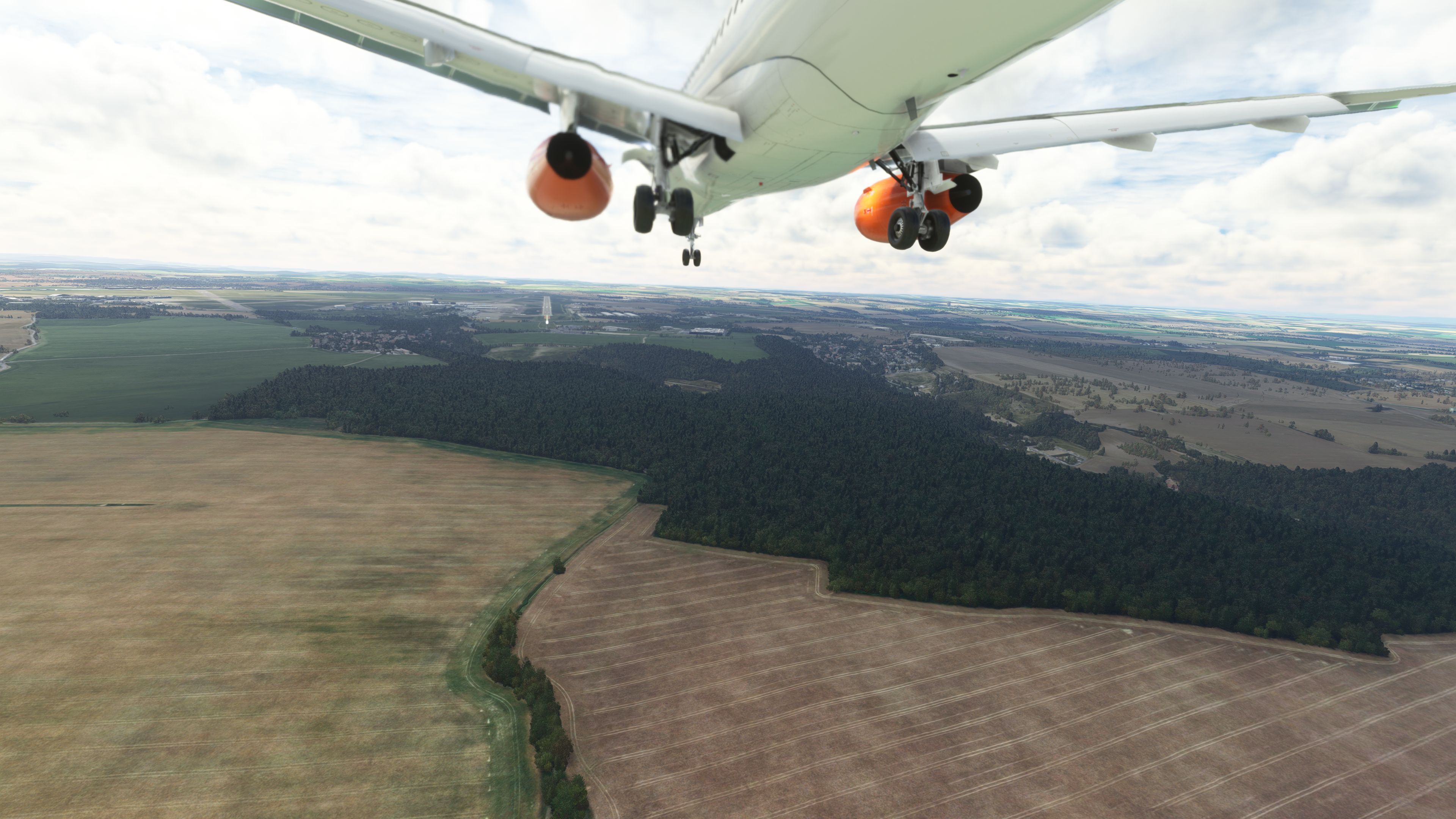
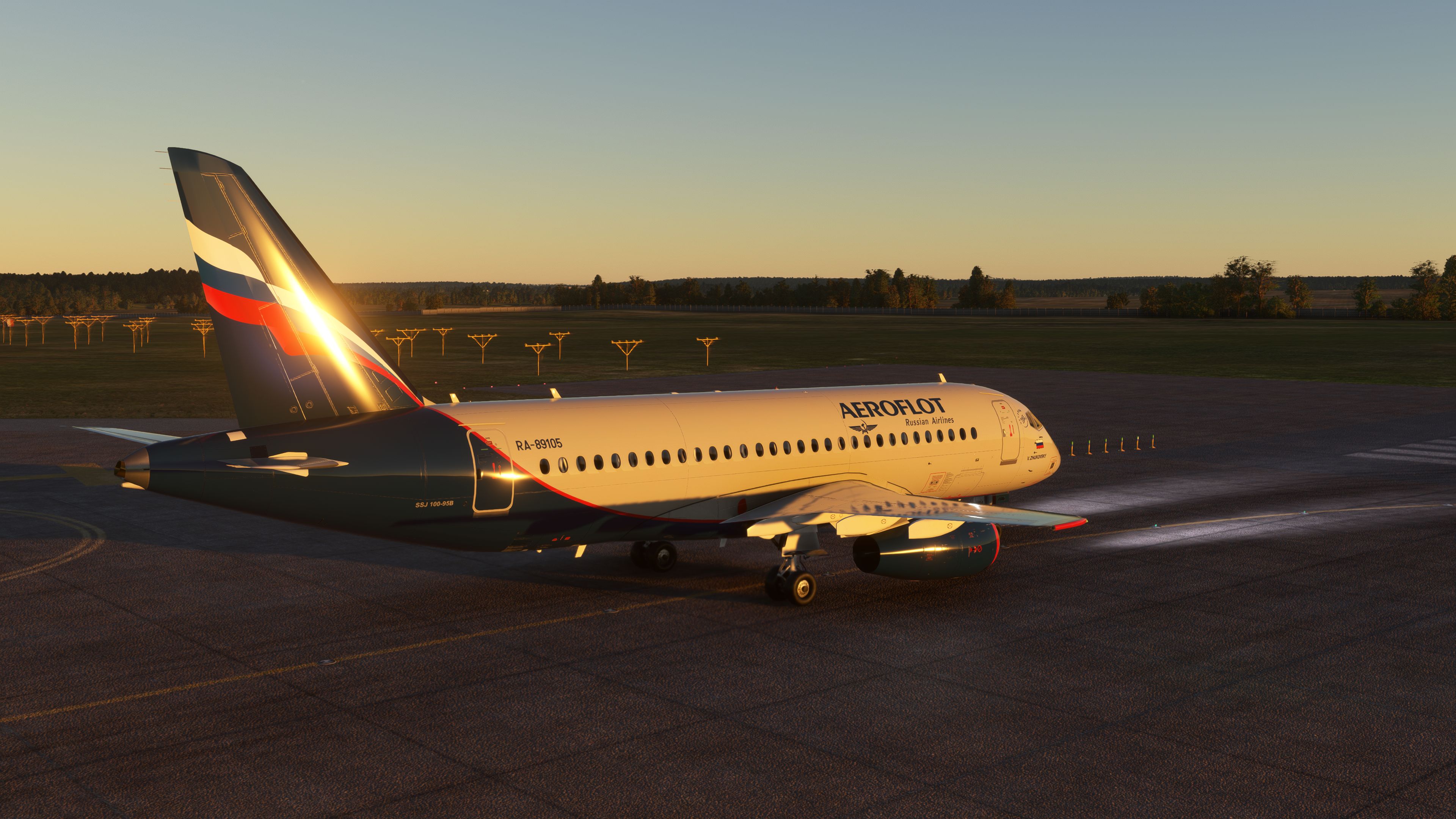
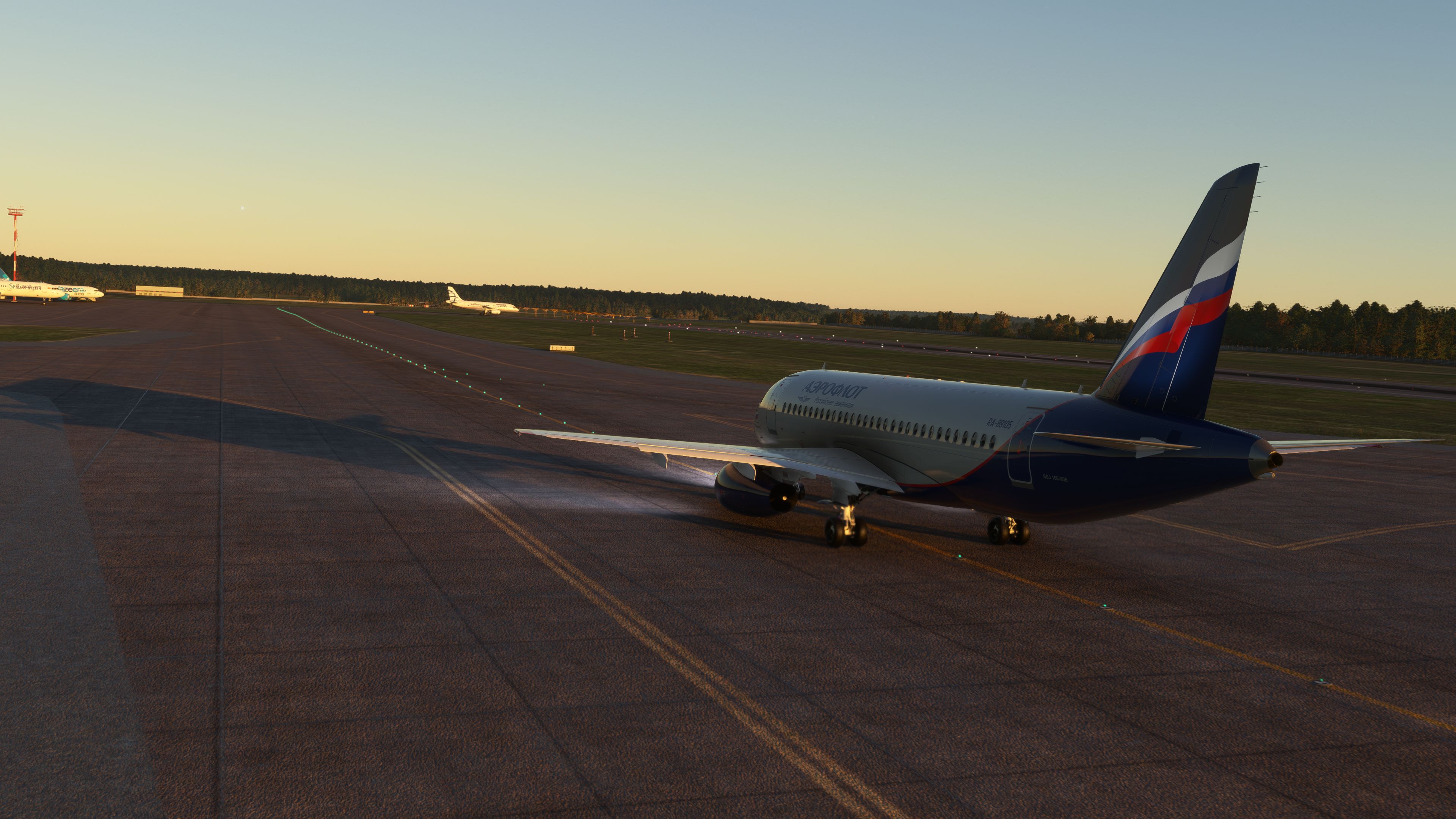
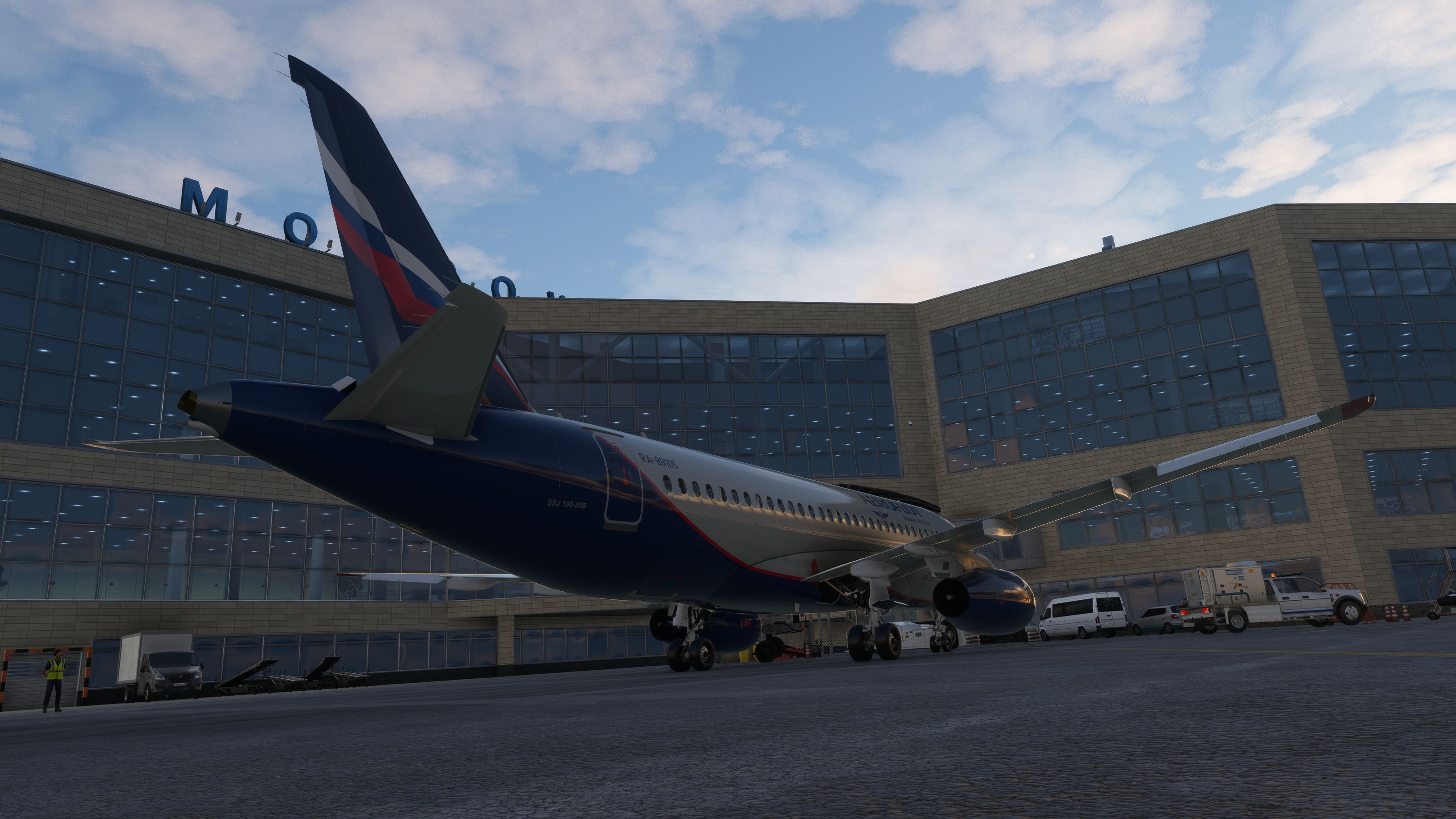
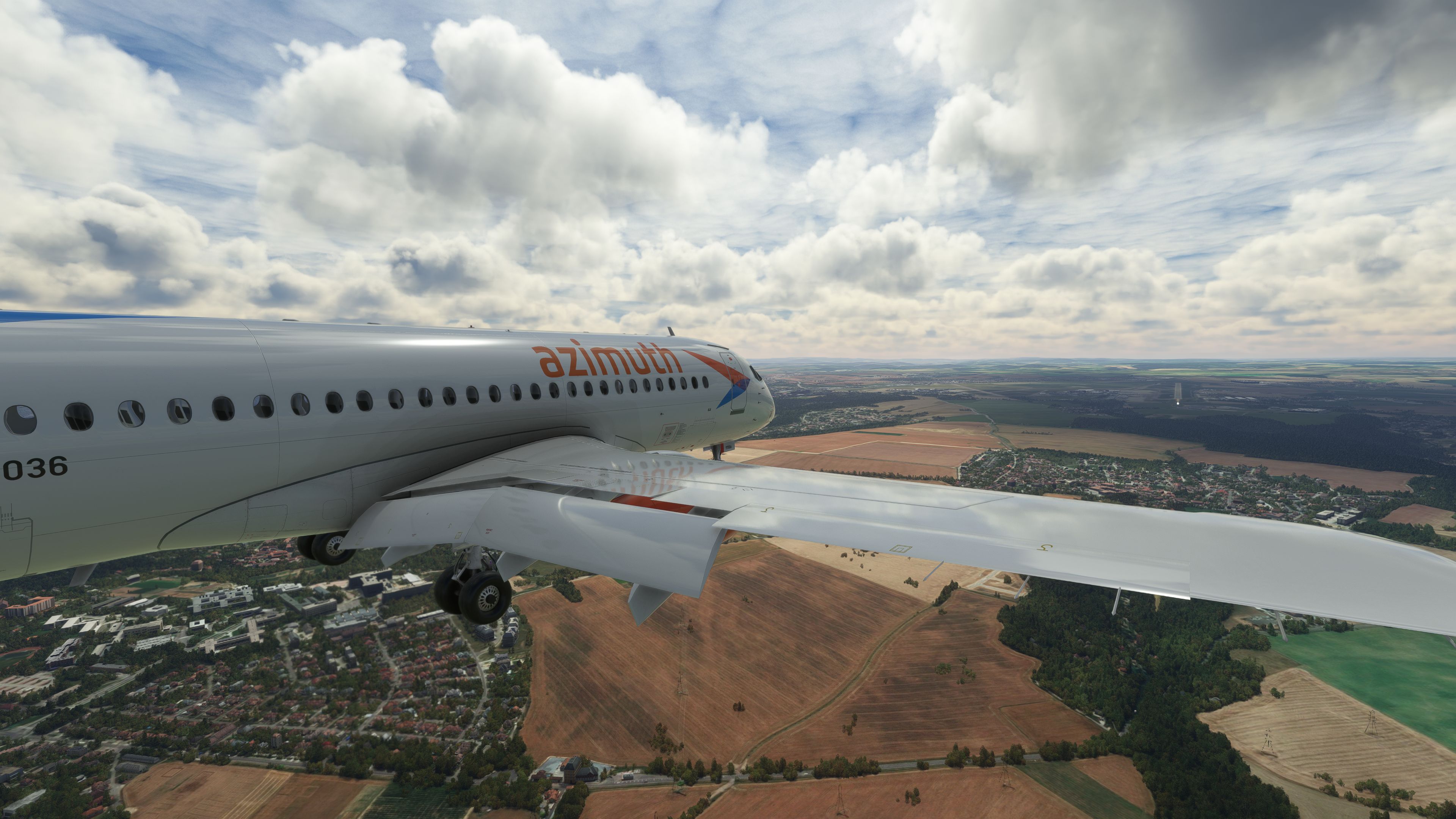
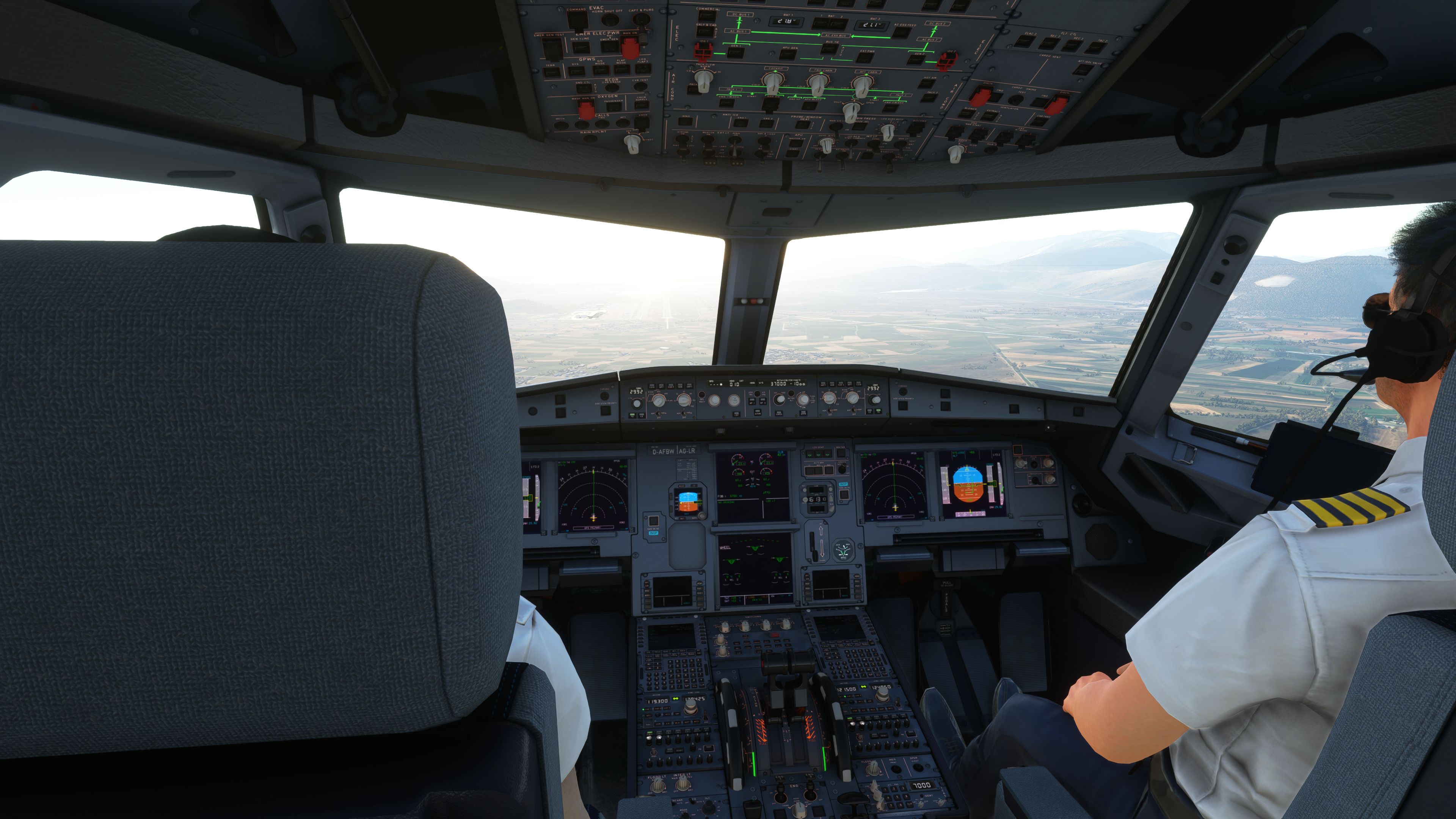
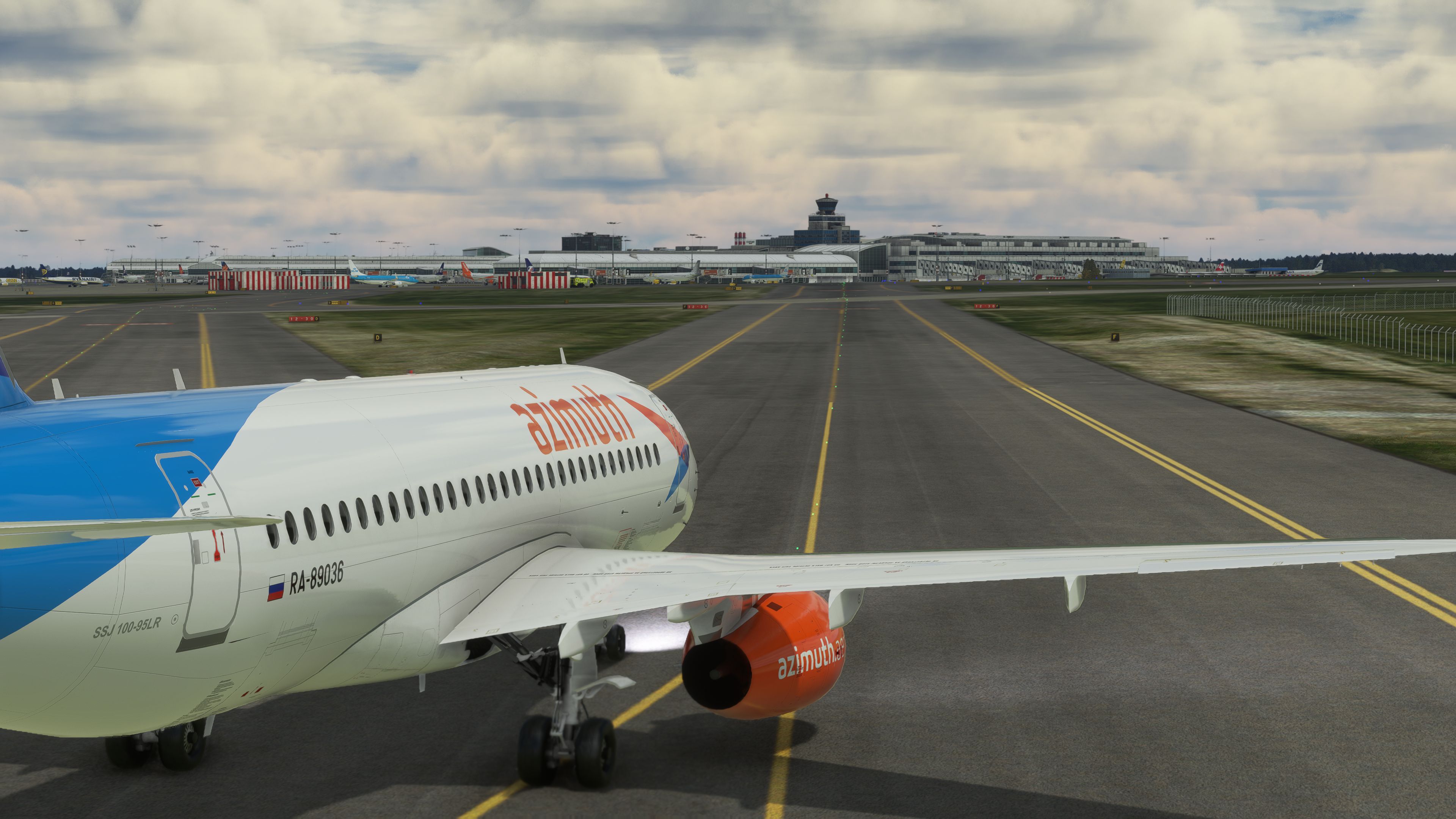
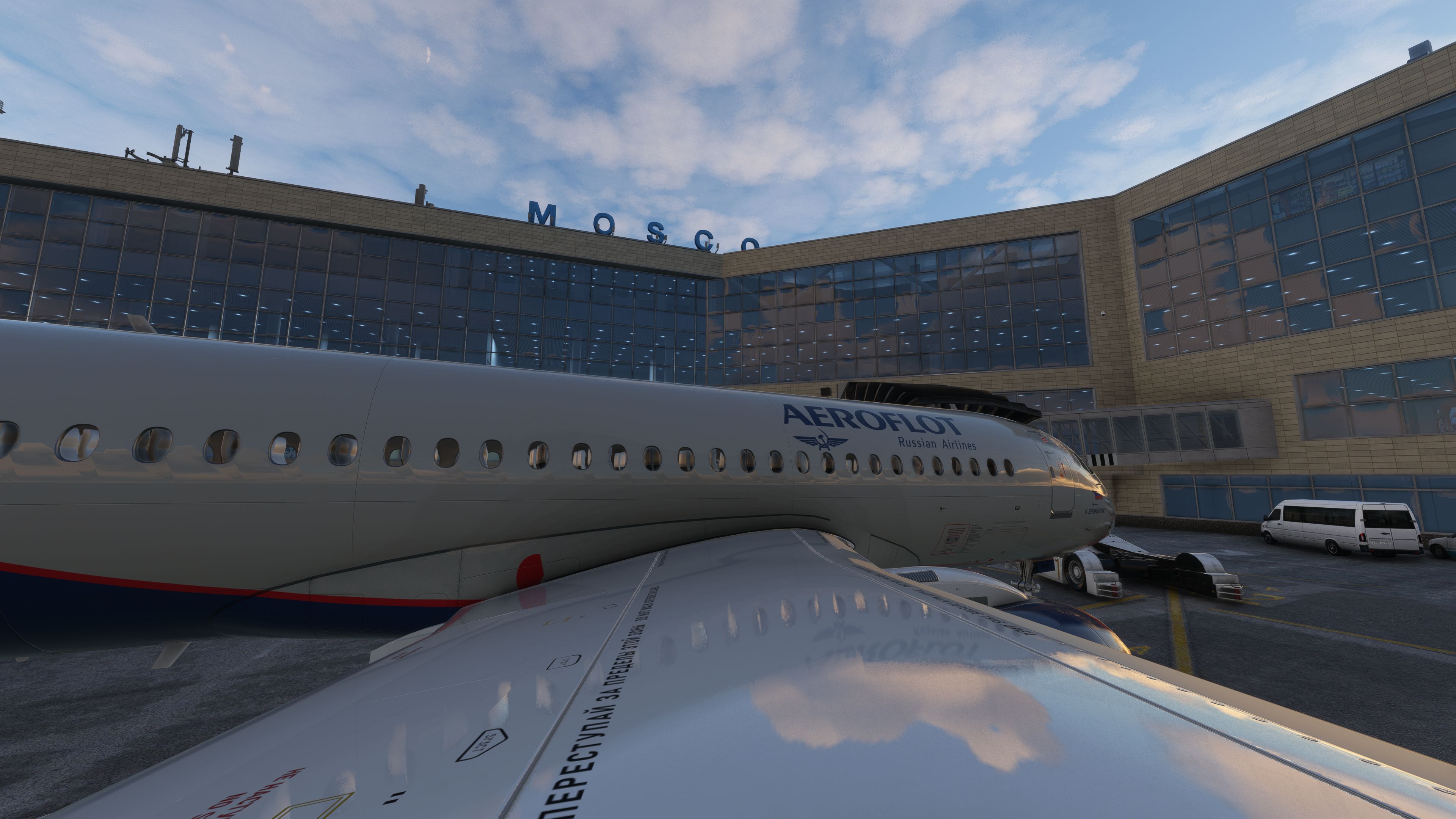
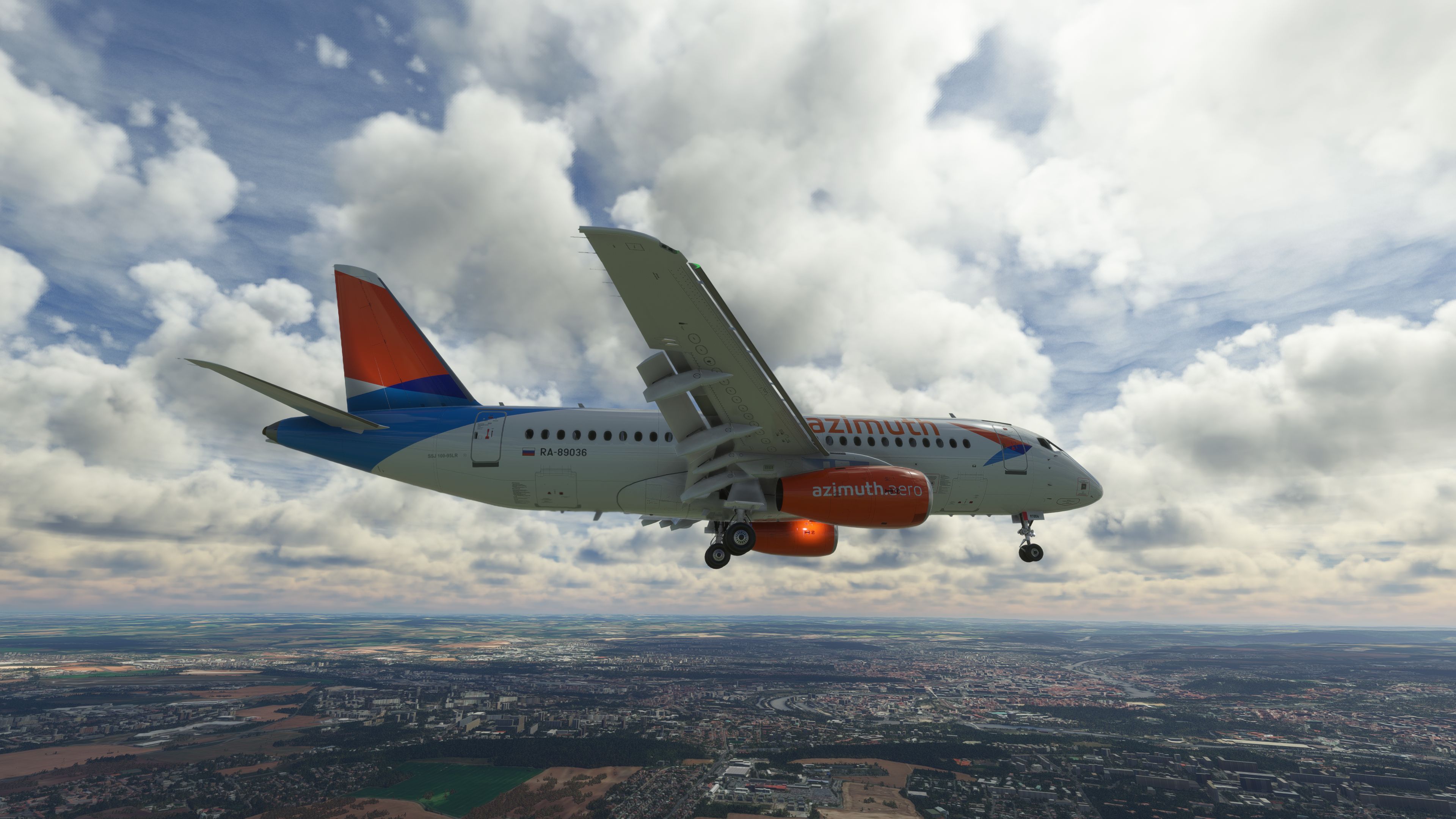
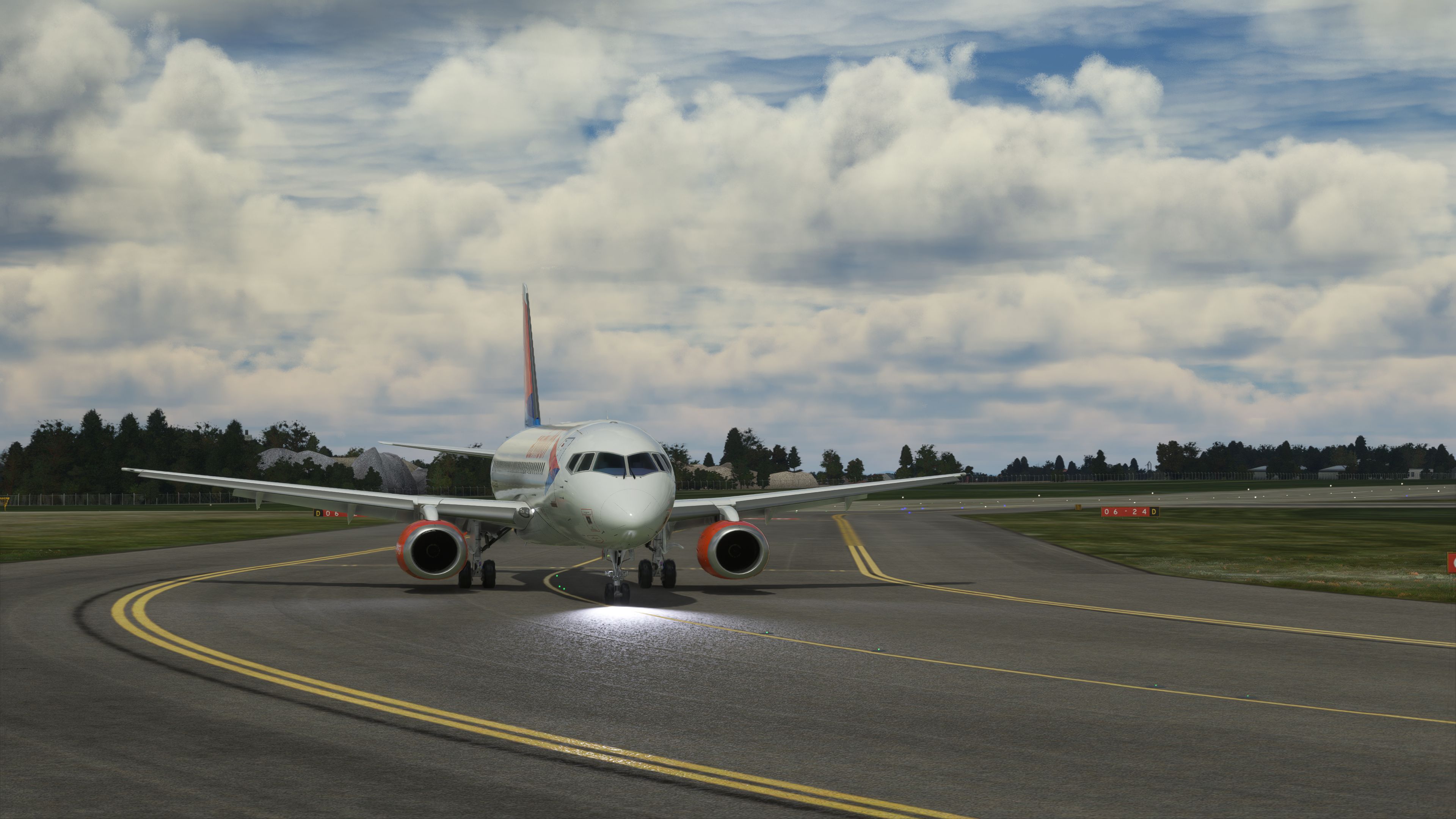
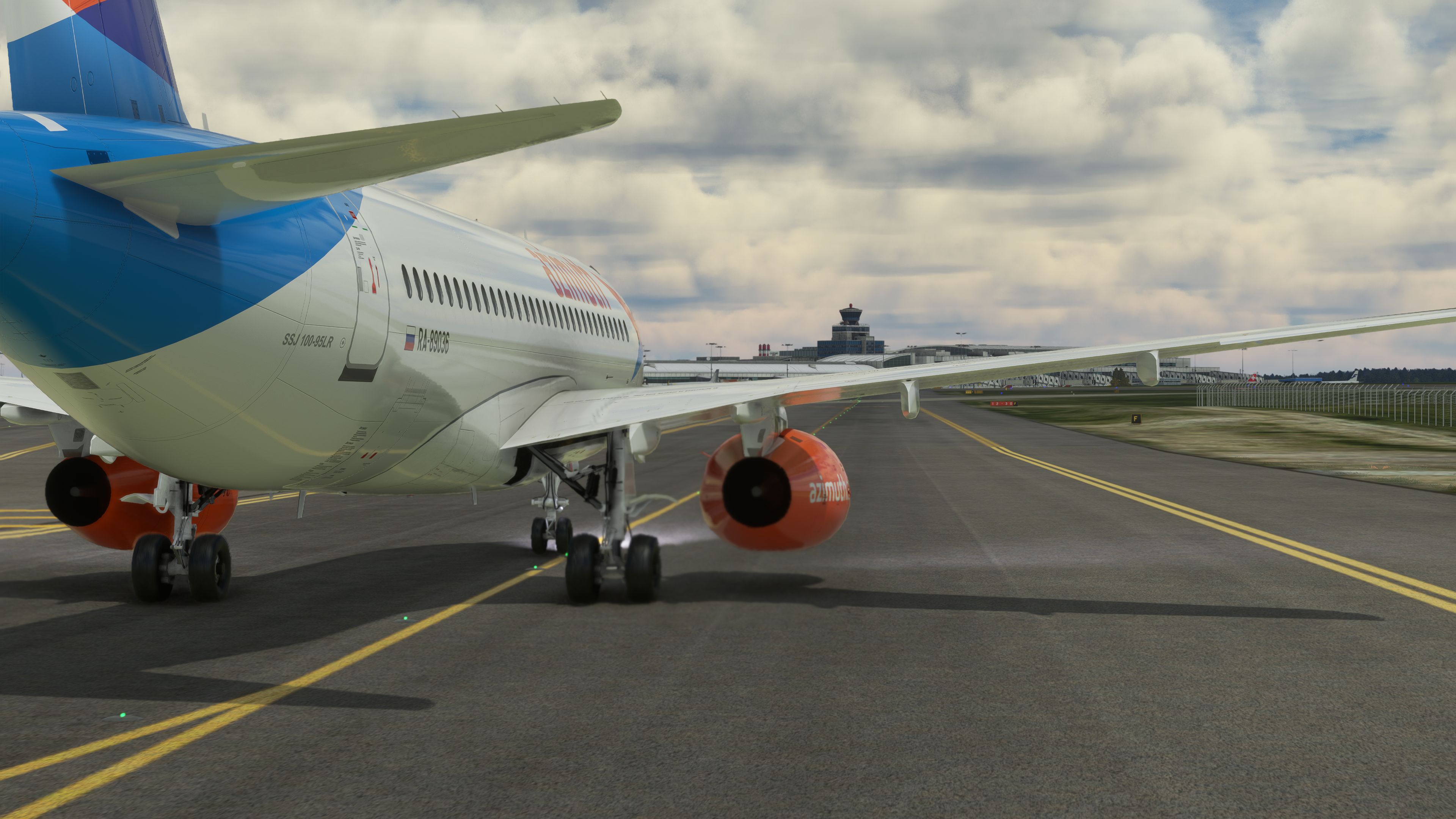
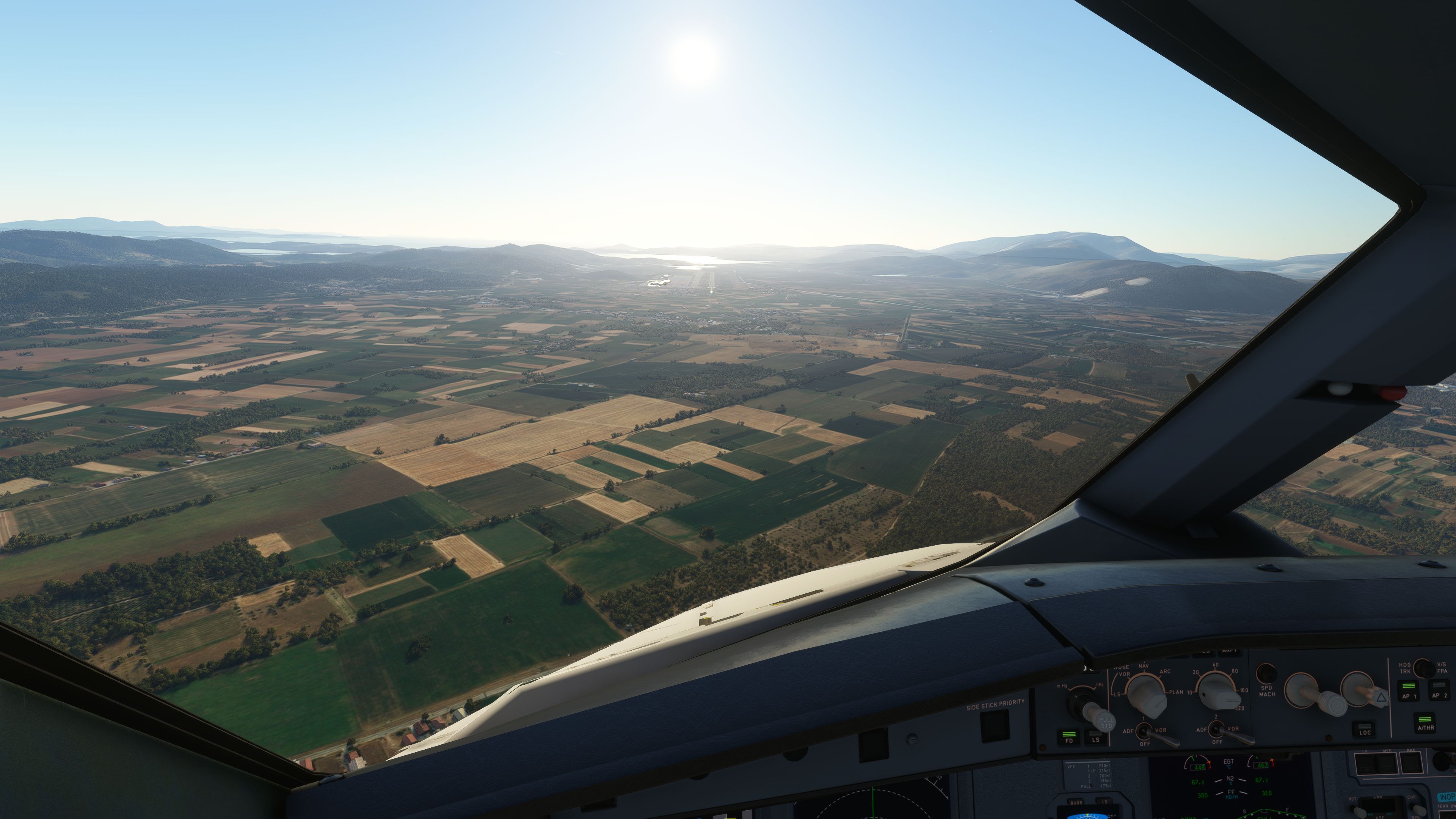
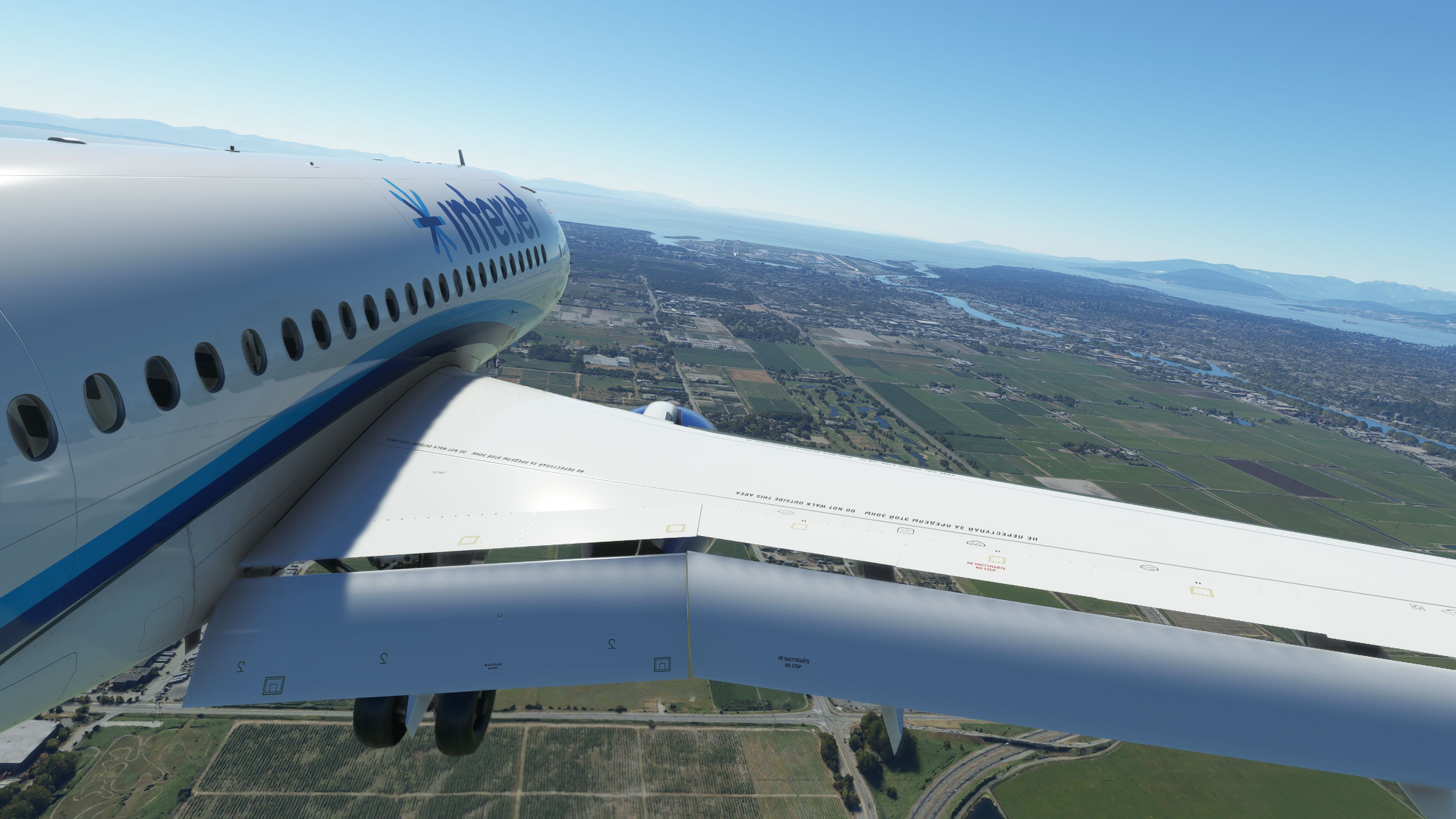
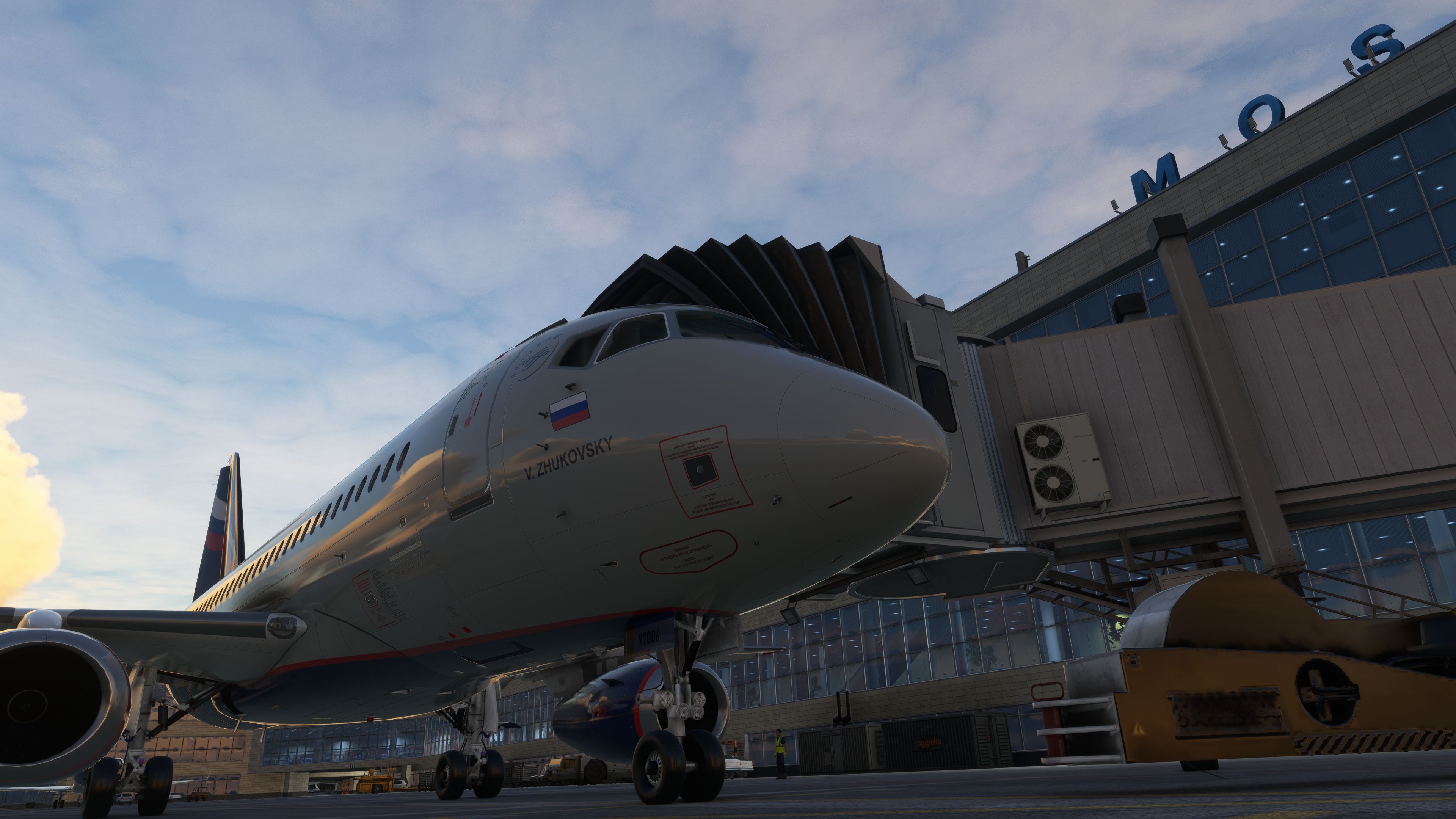
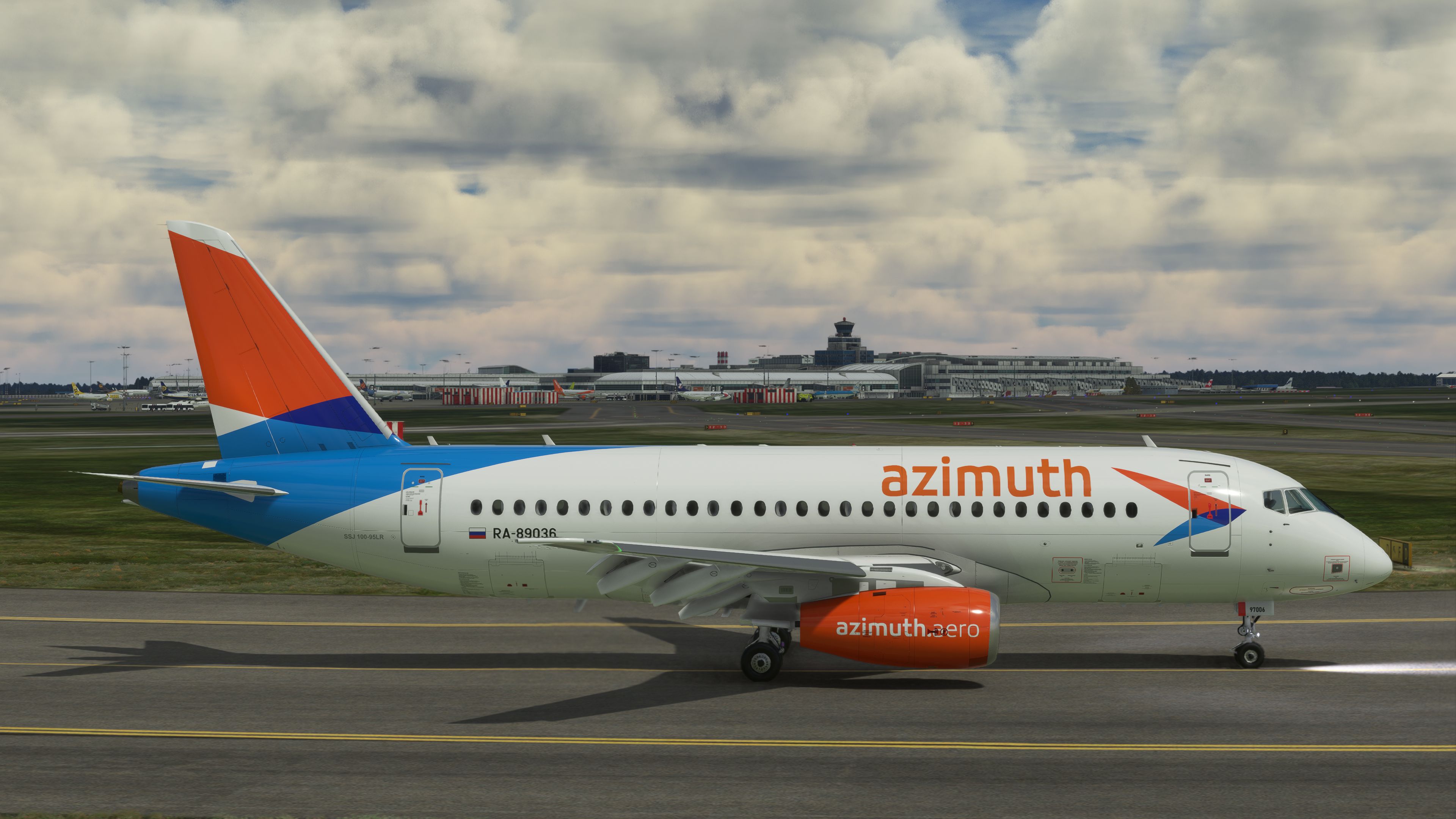
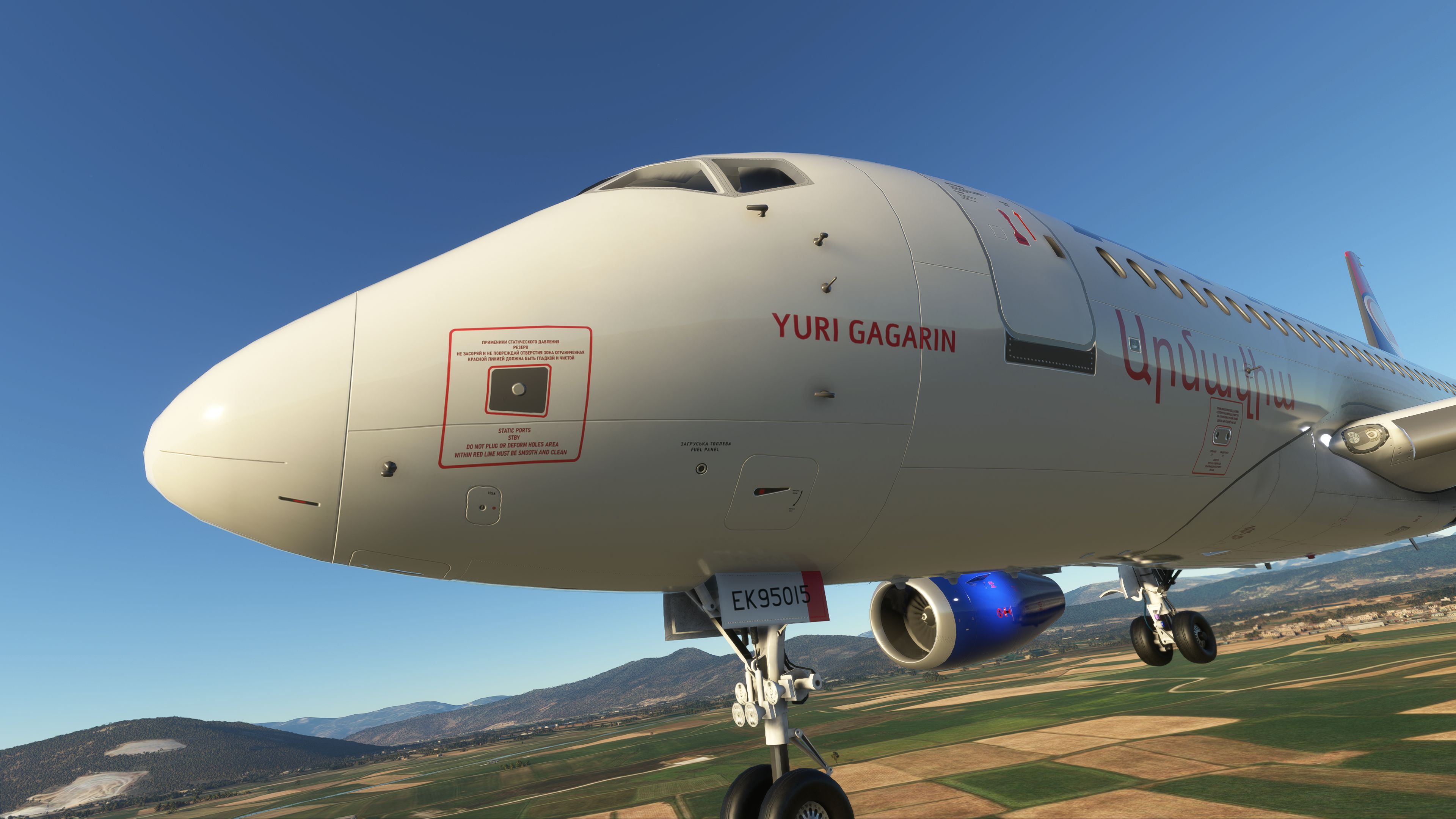
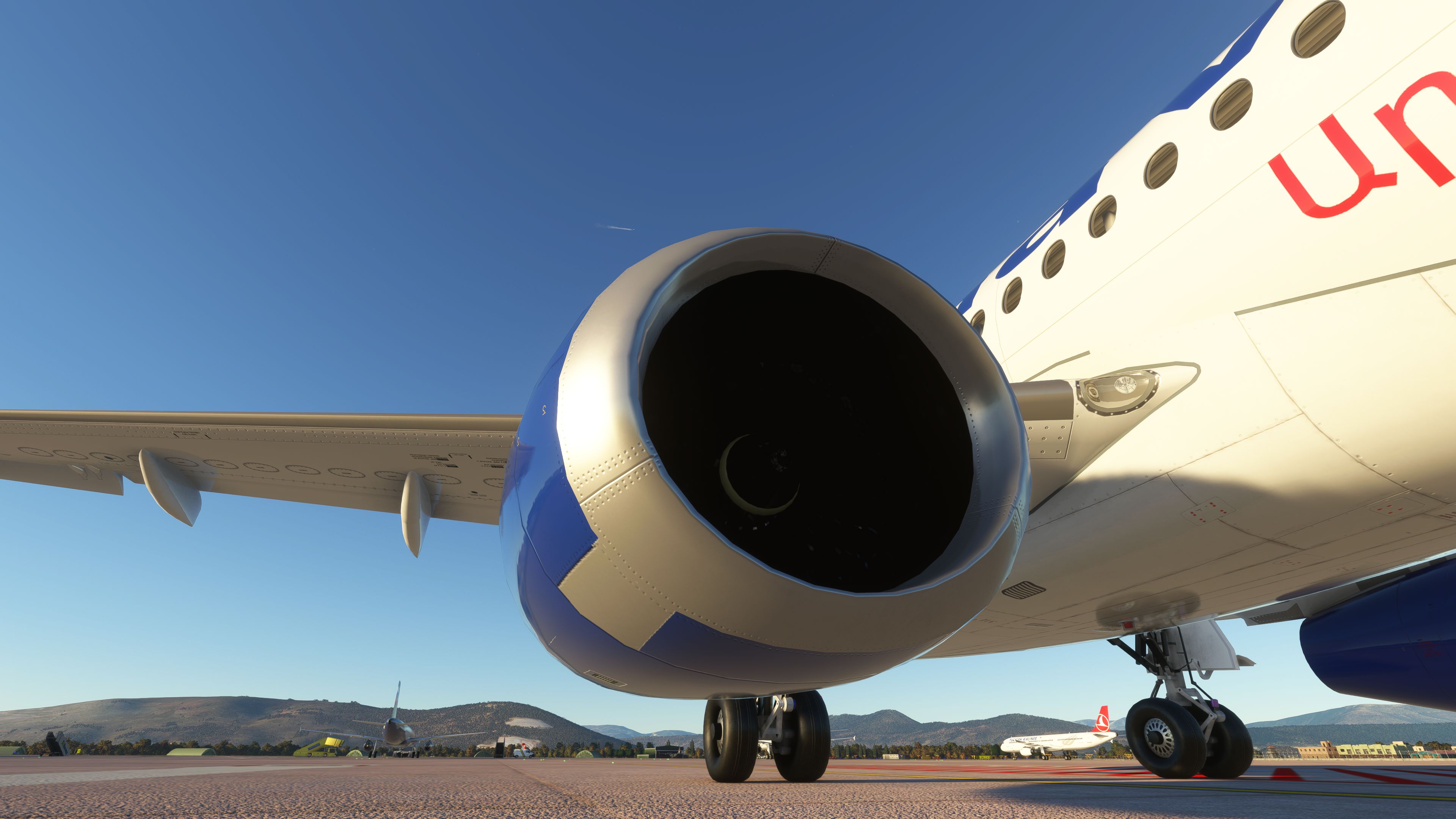
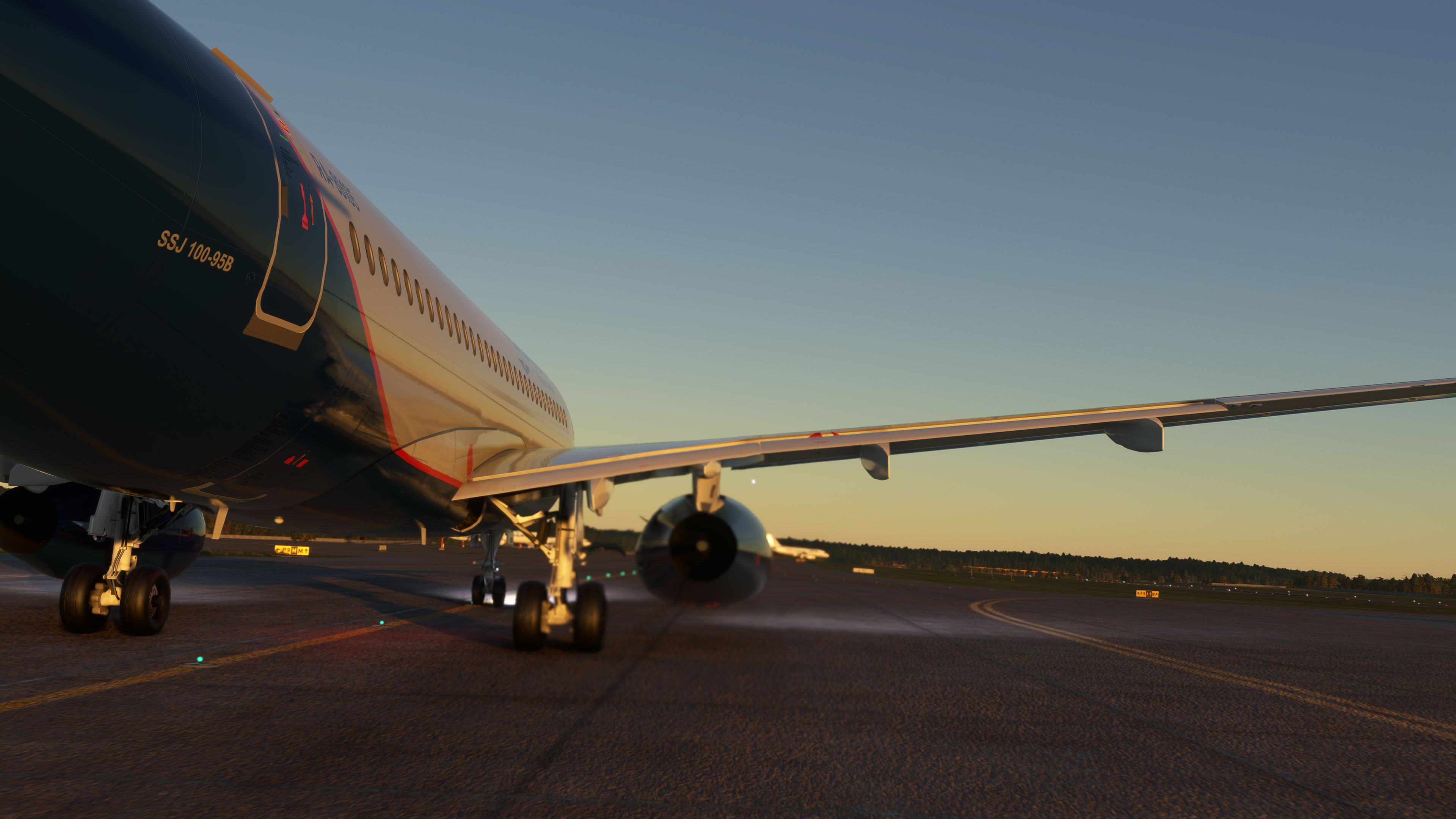
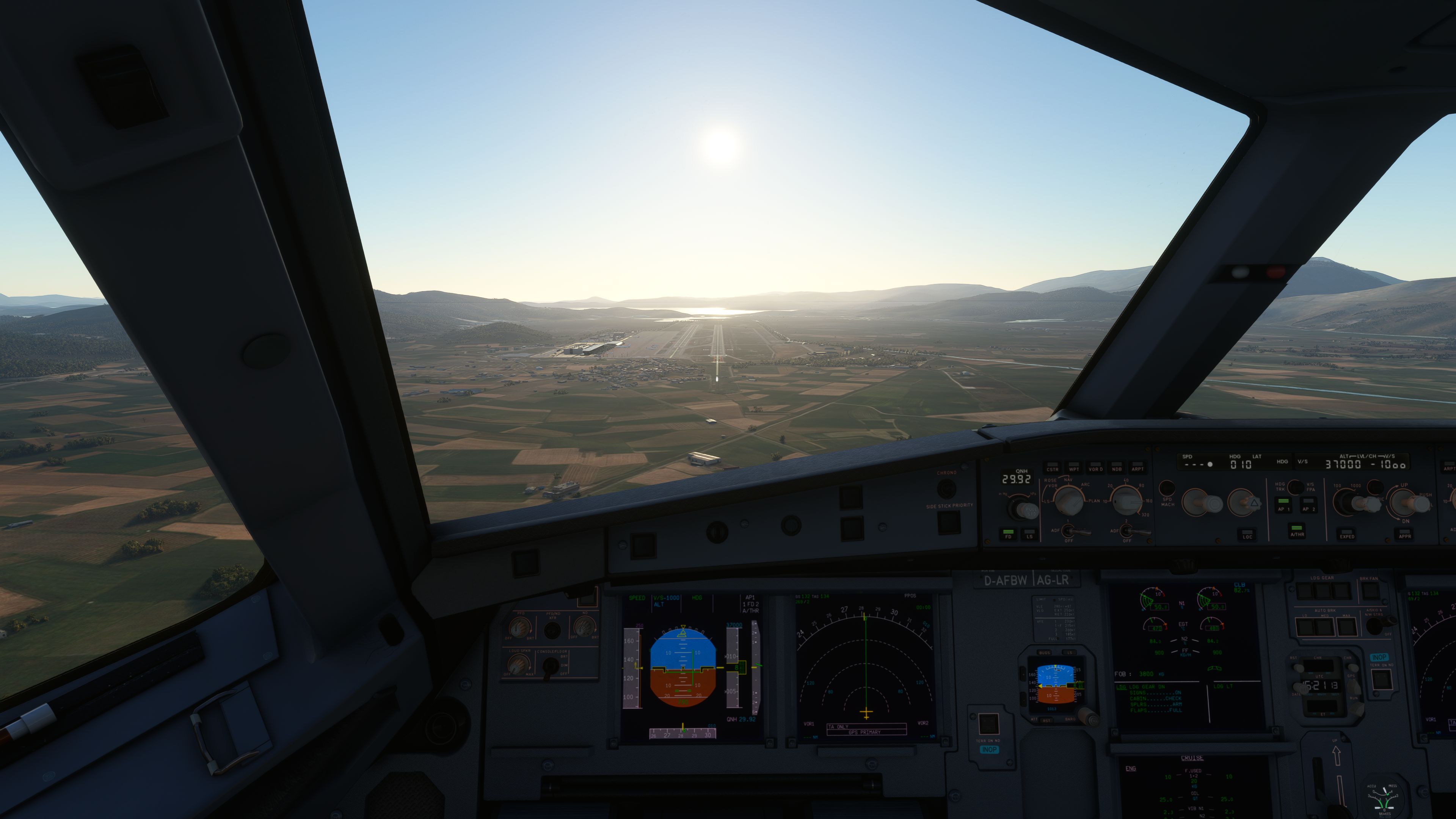
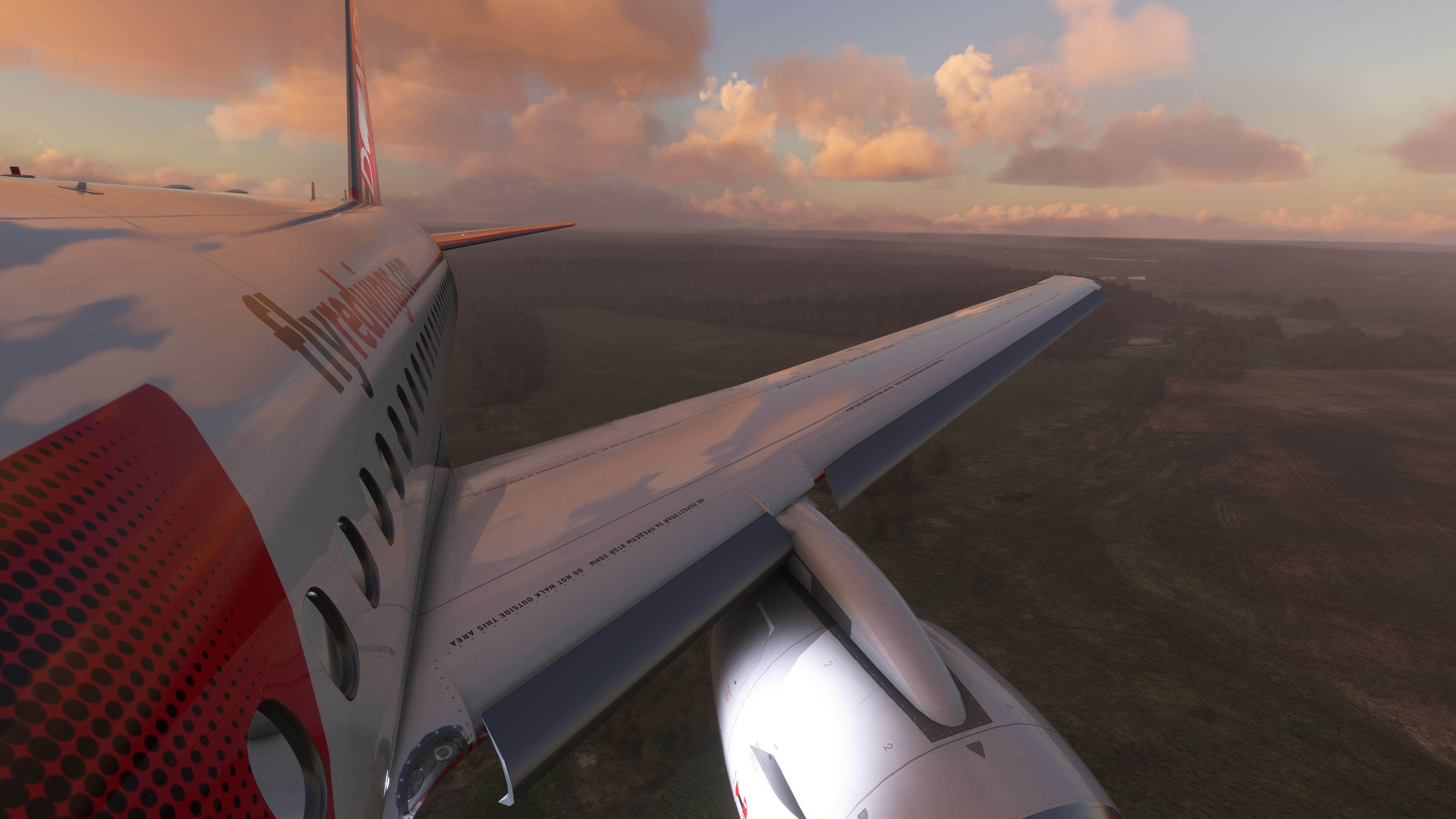
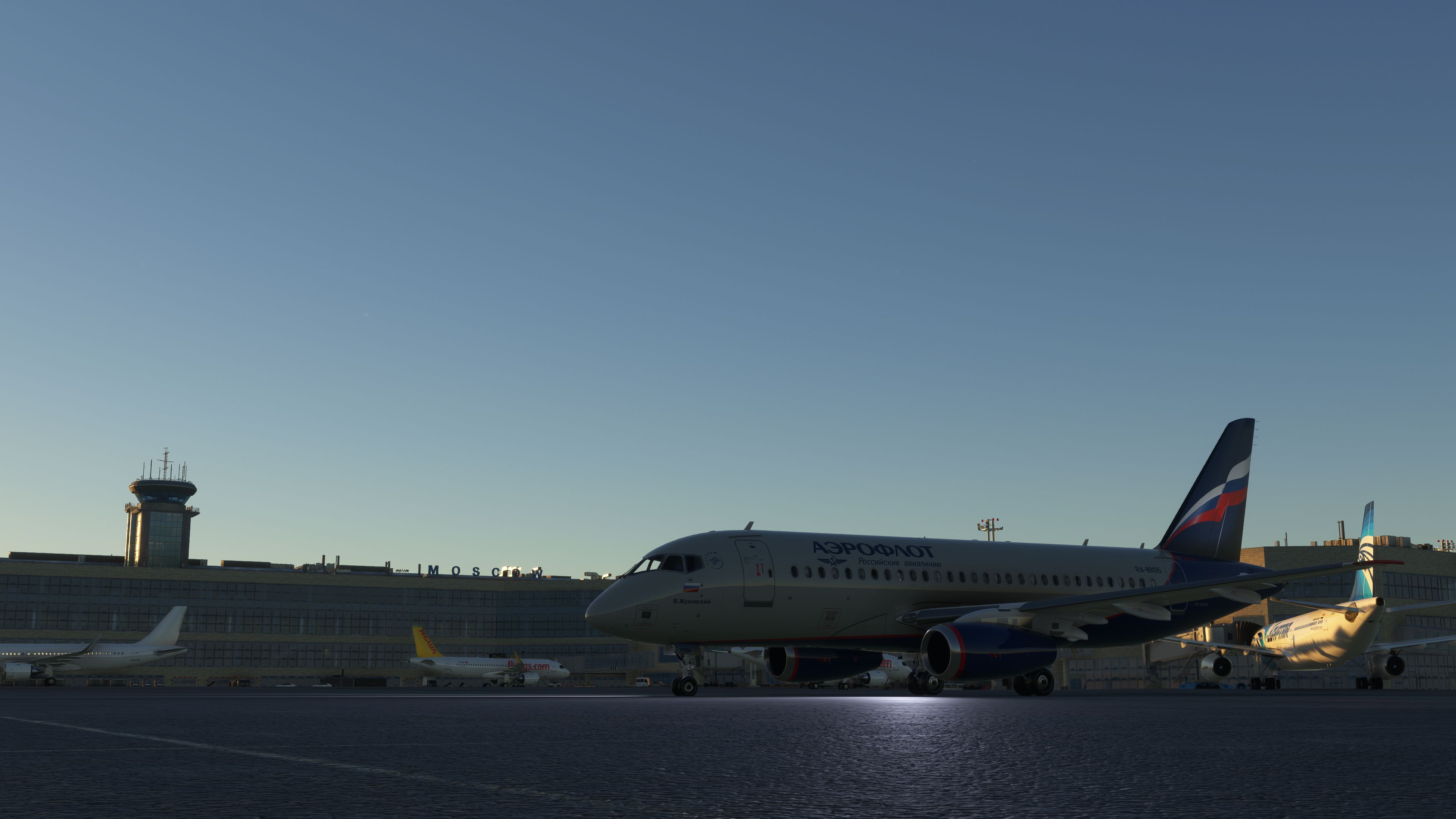
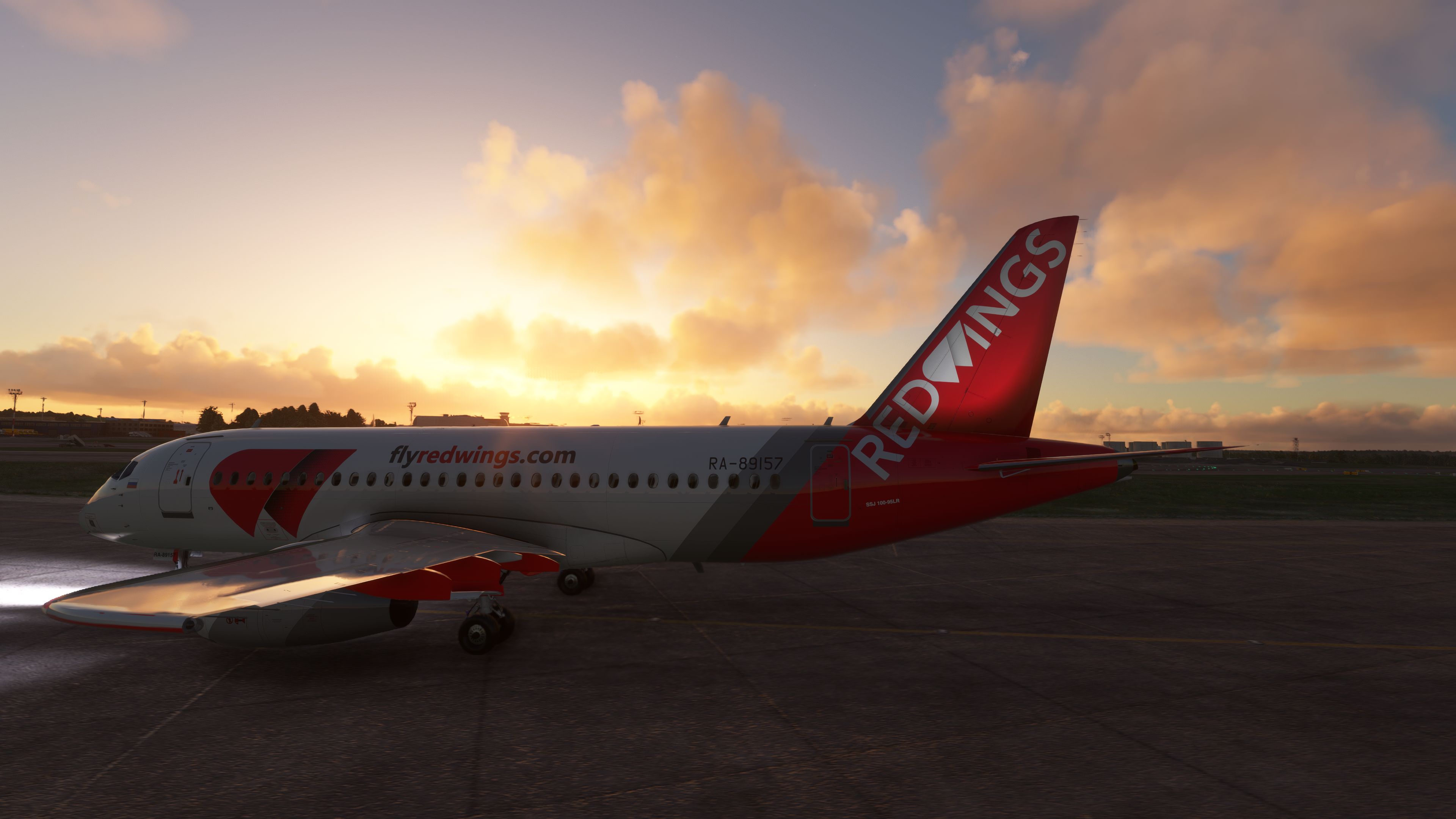
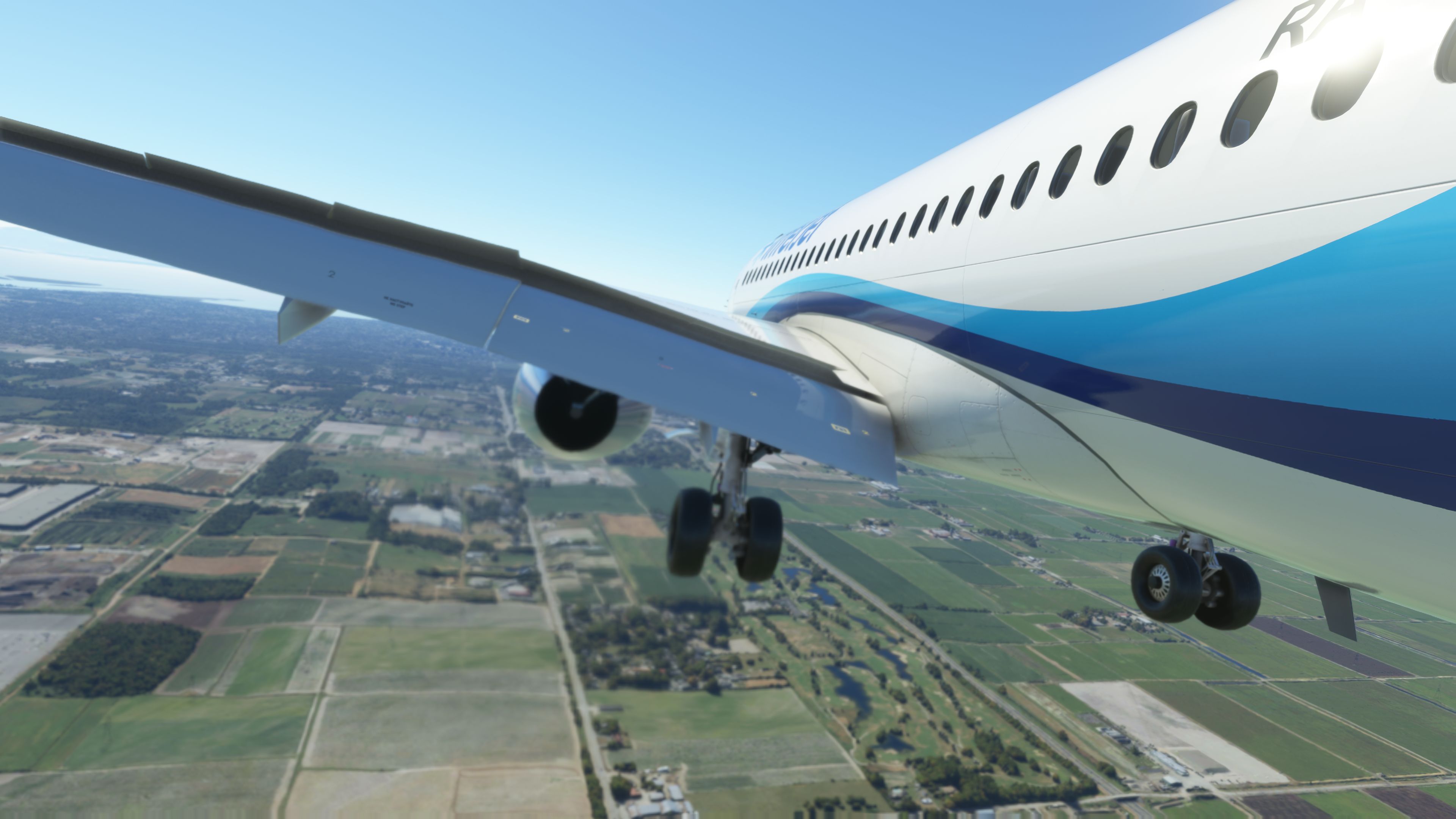
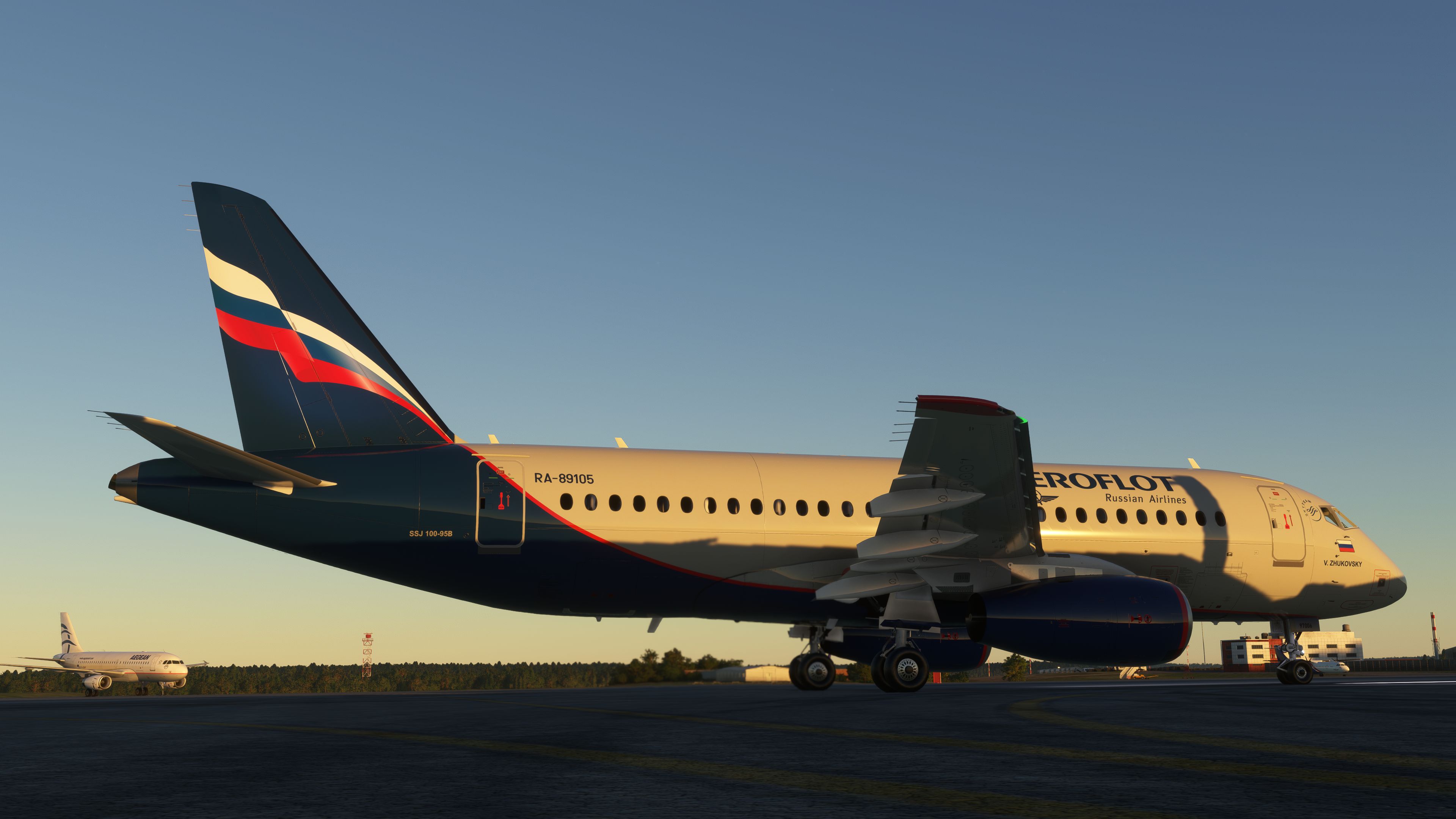
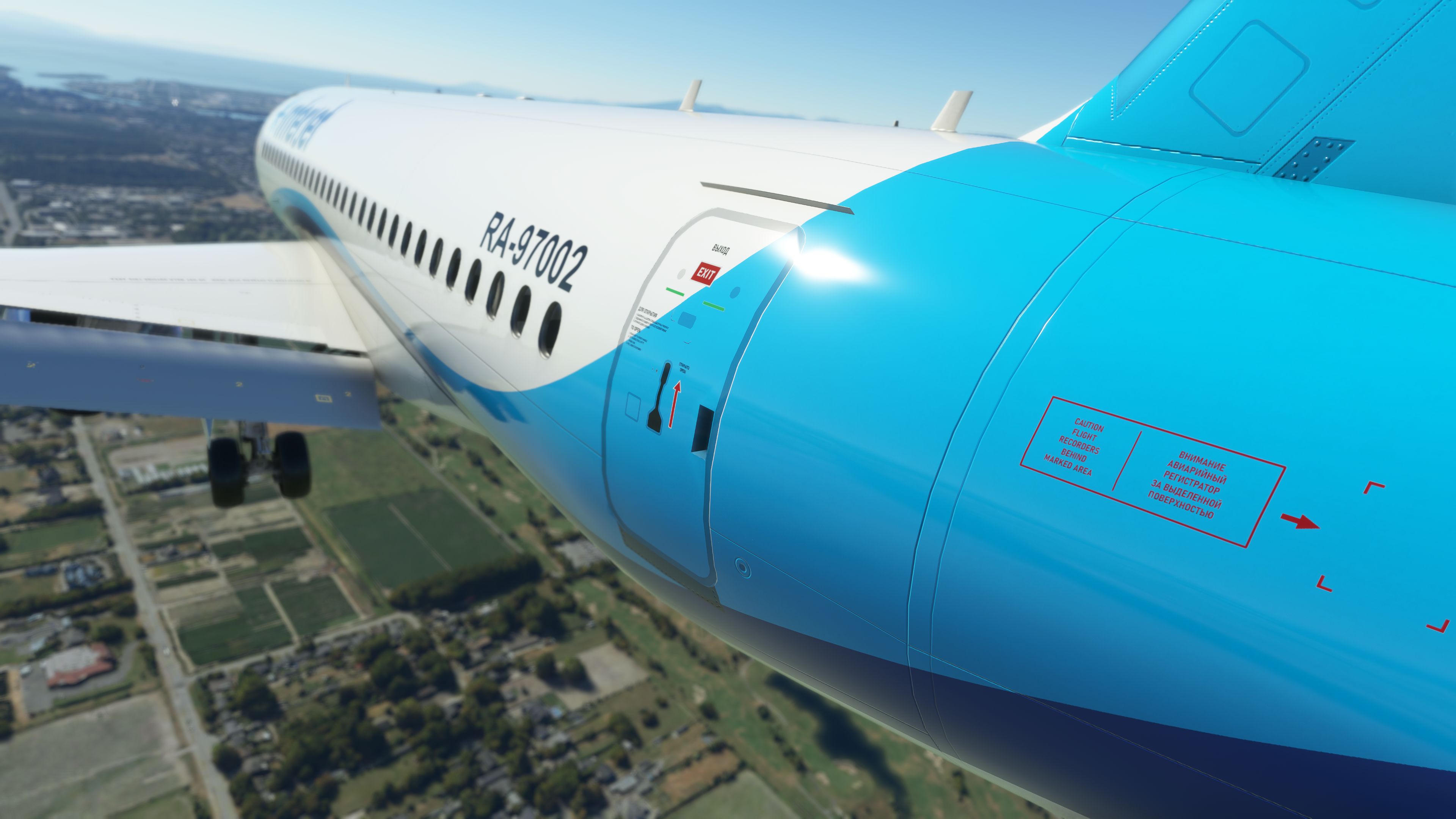
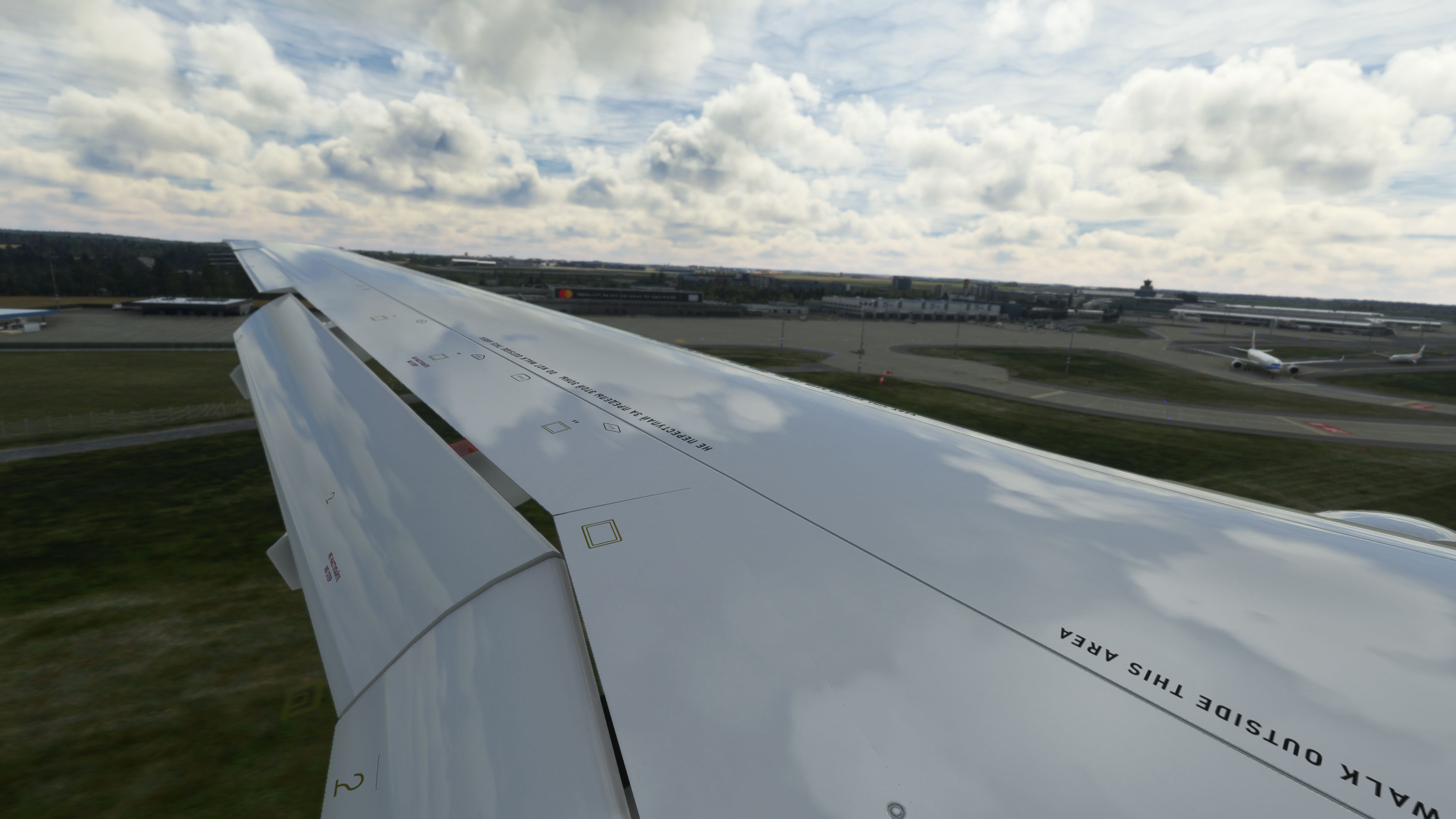
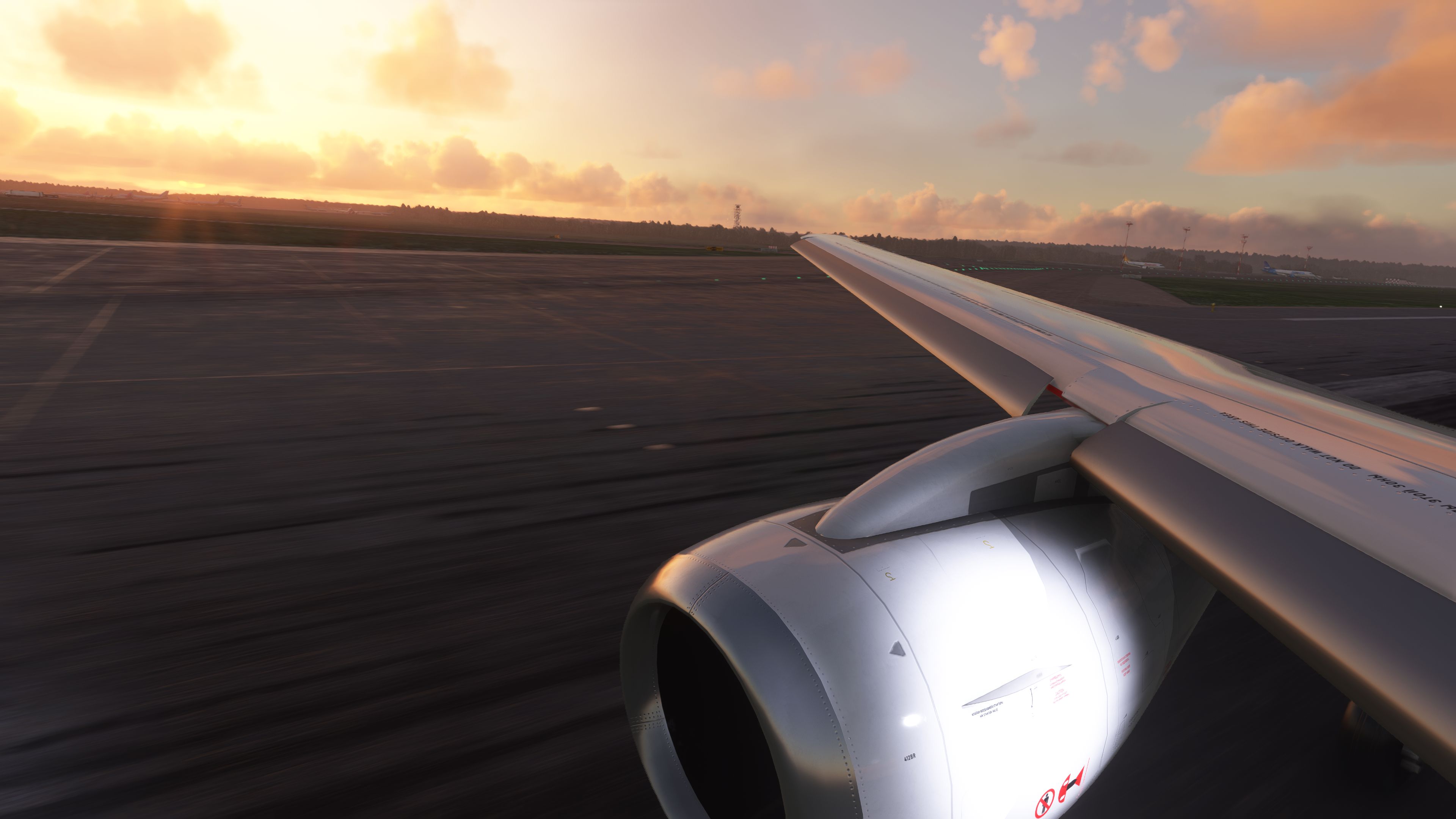
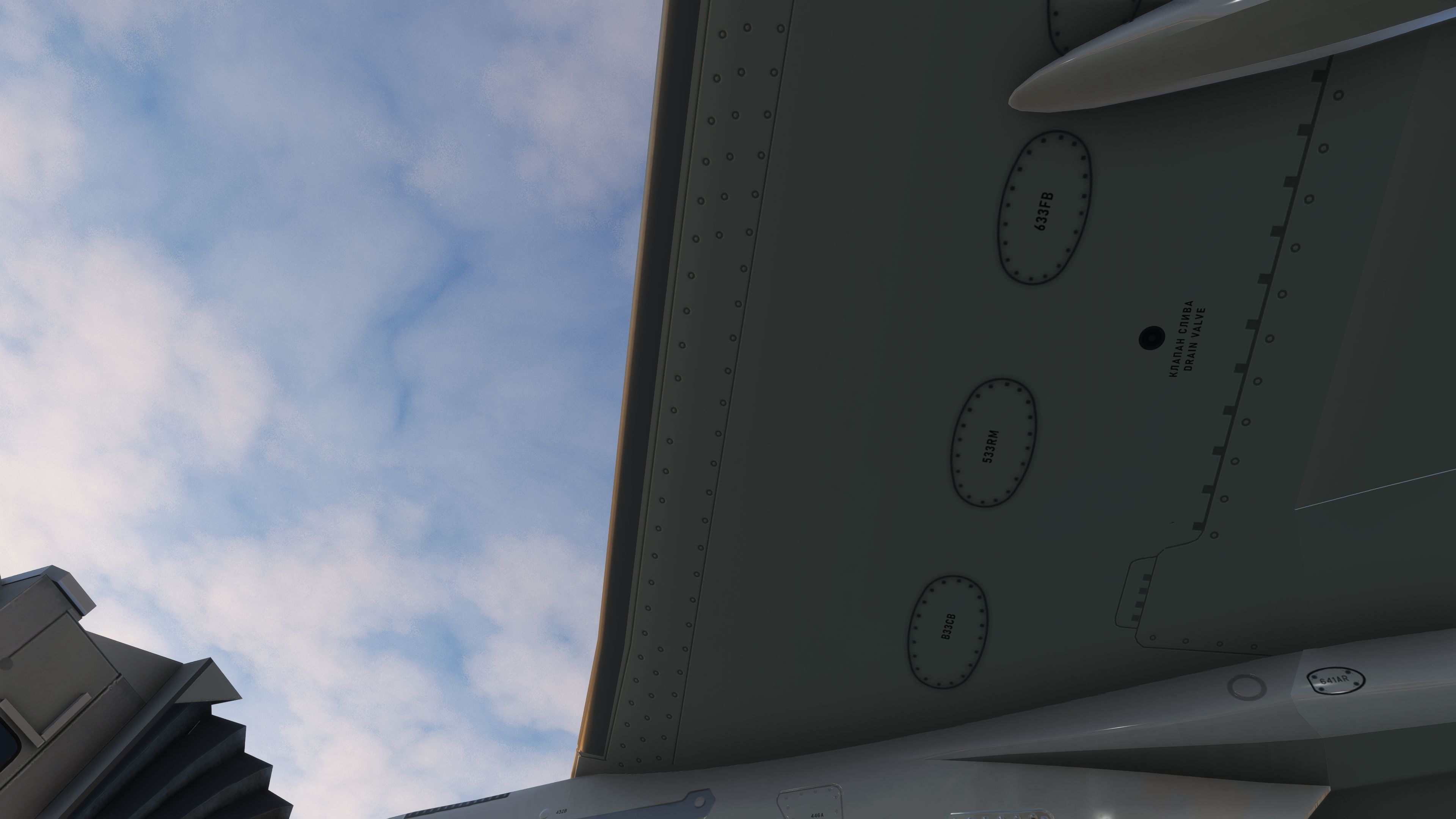
Sukhoi SuperJet 100-95 brings a modern Russian regional jet to Microsoft Flight Simulator with a detailed virtual cockpit, 4K PBR exterior textures, native effects, and custom A32NX-derived avionics including EFB, SimBrief integration, and chart support. It uses a bespoke autopilot and realistic SaM146 engine behavior, and requires SimBridge for MCDU and local charts.
 Rate
Rate
 By Headwind Simulations

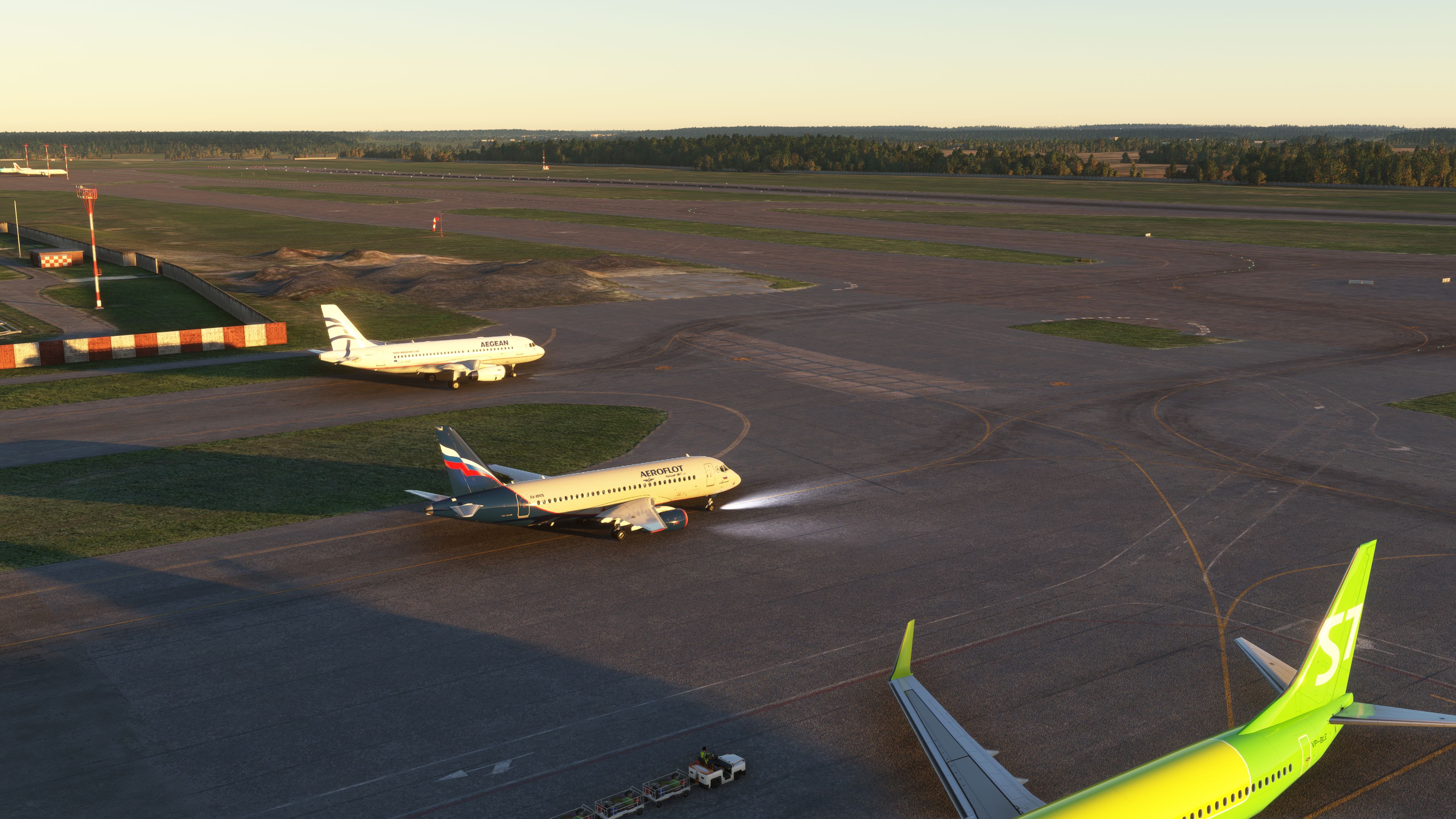
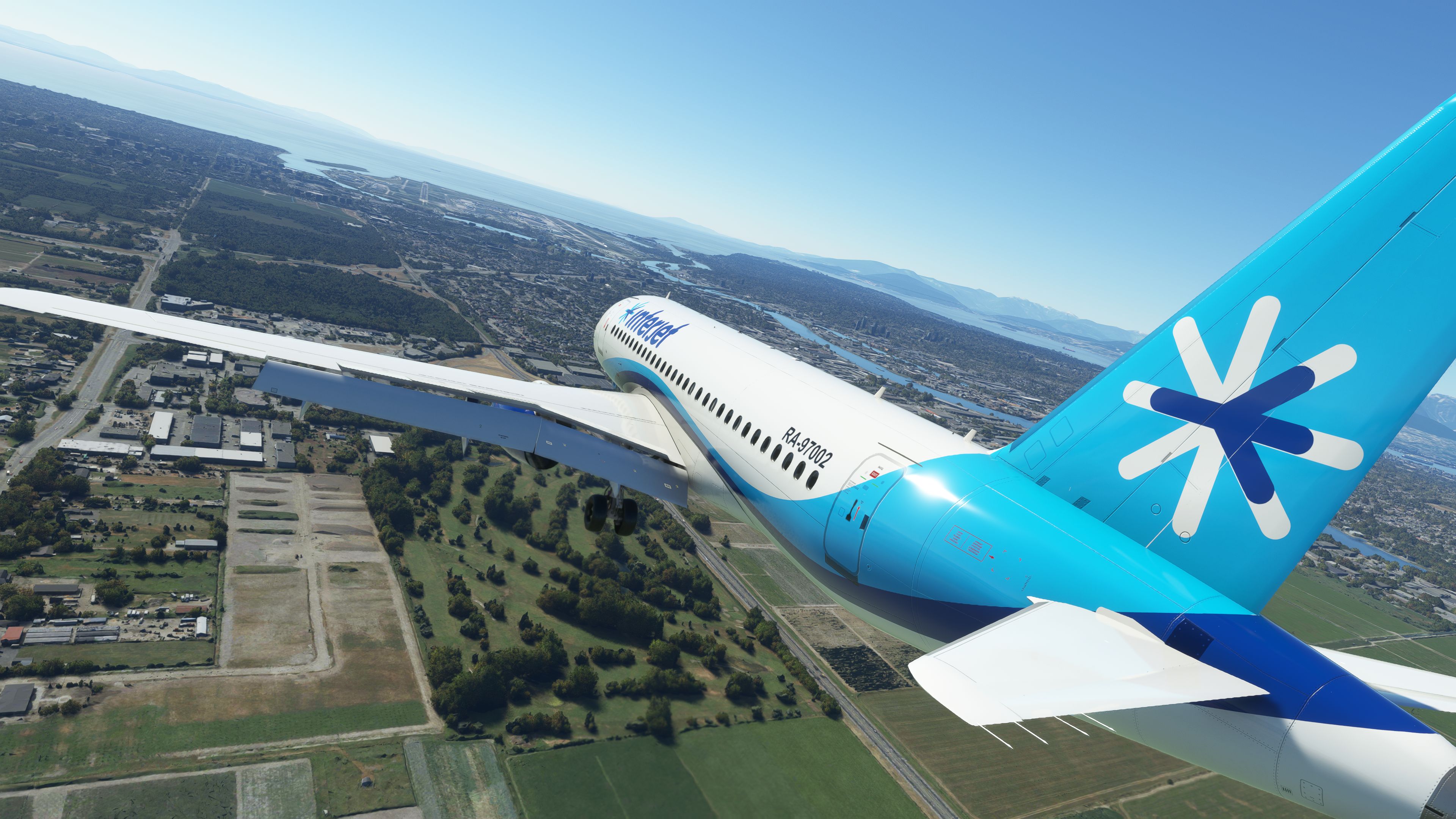
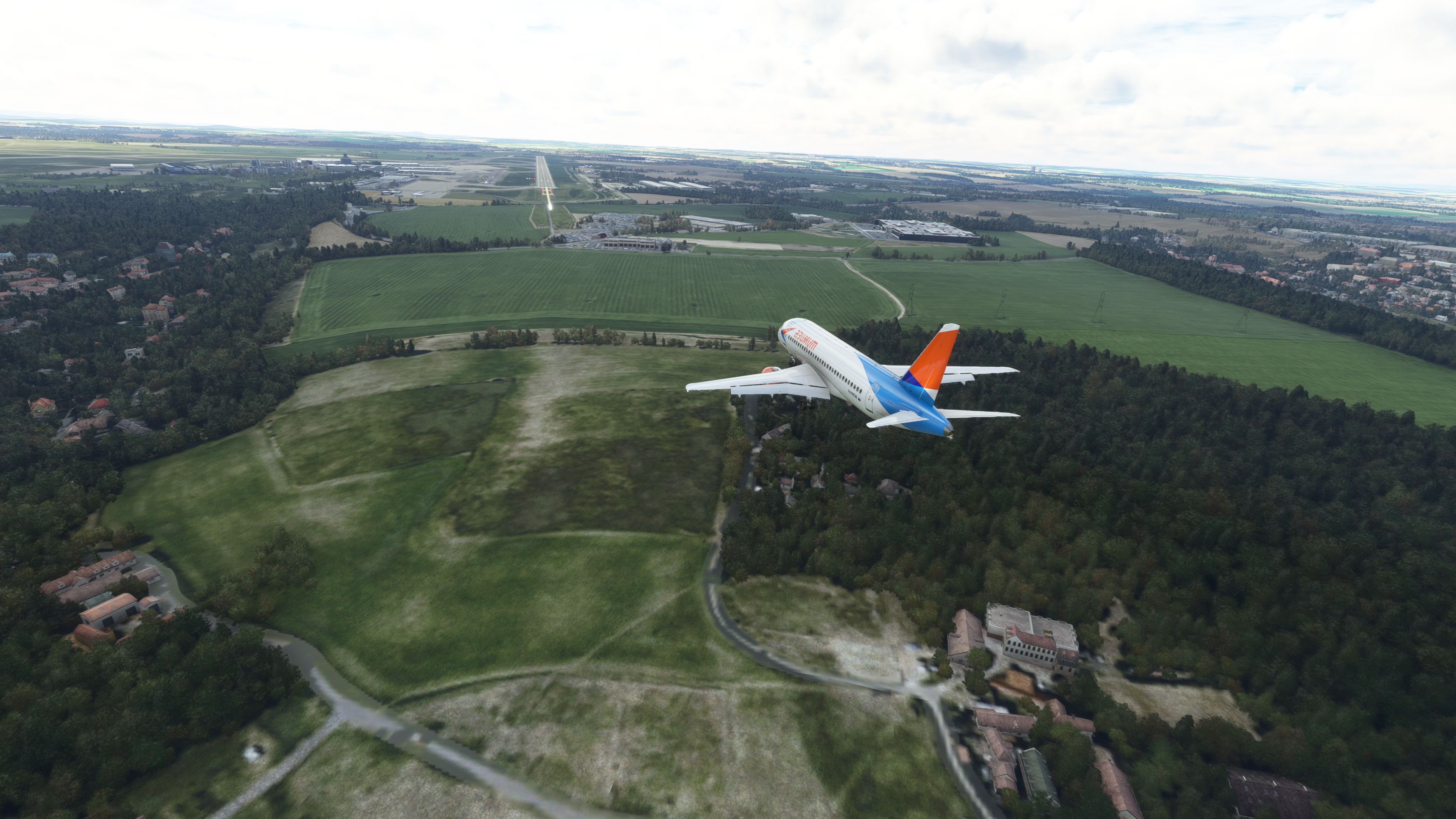
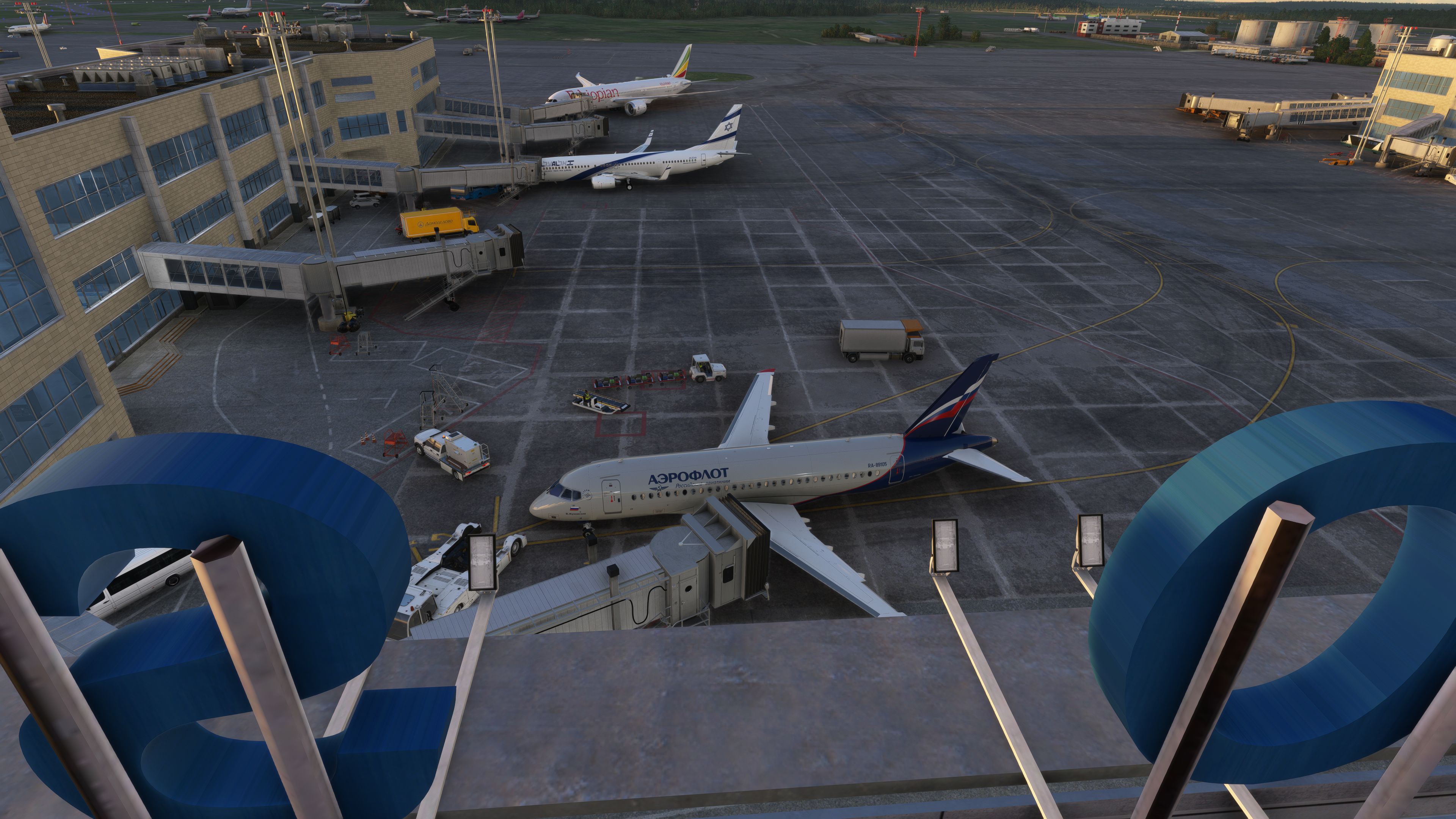
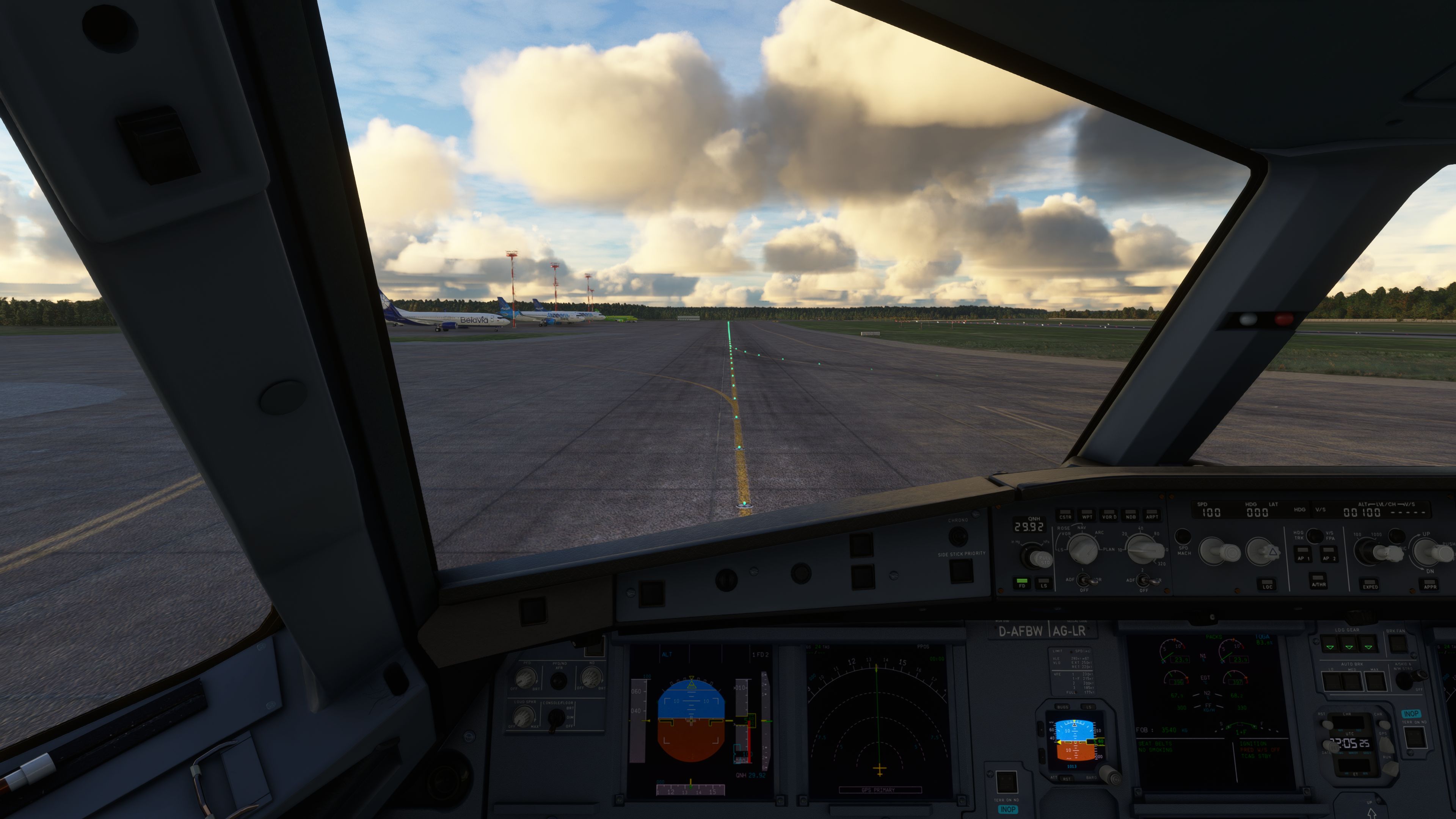
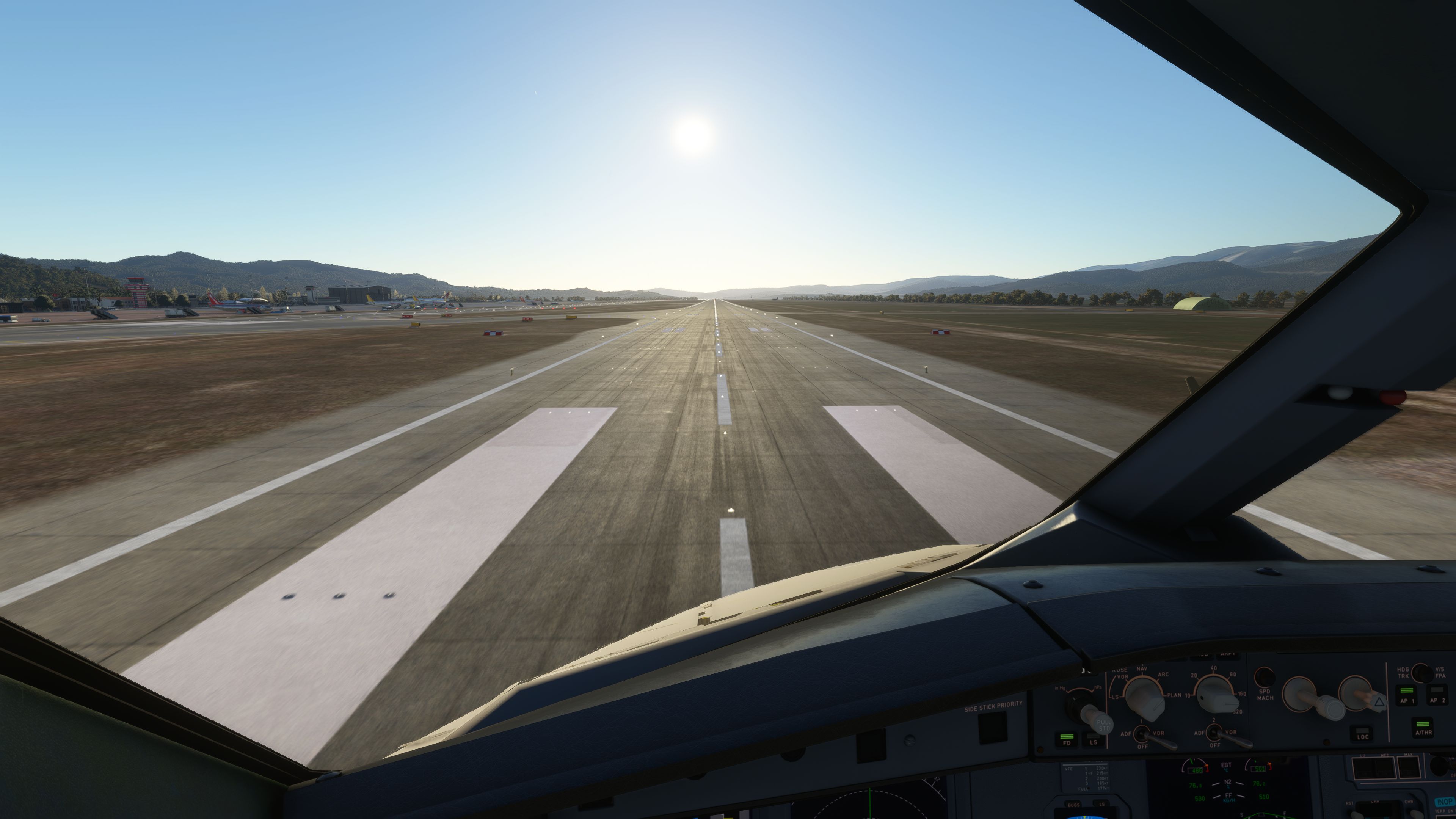
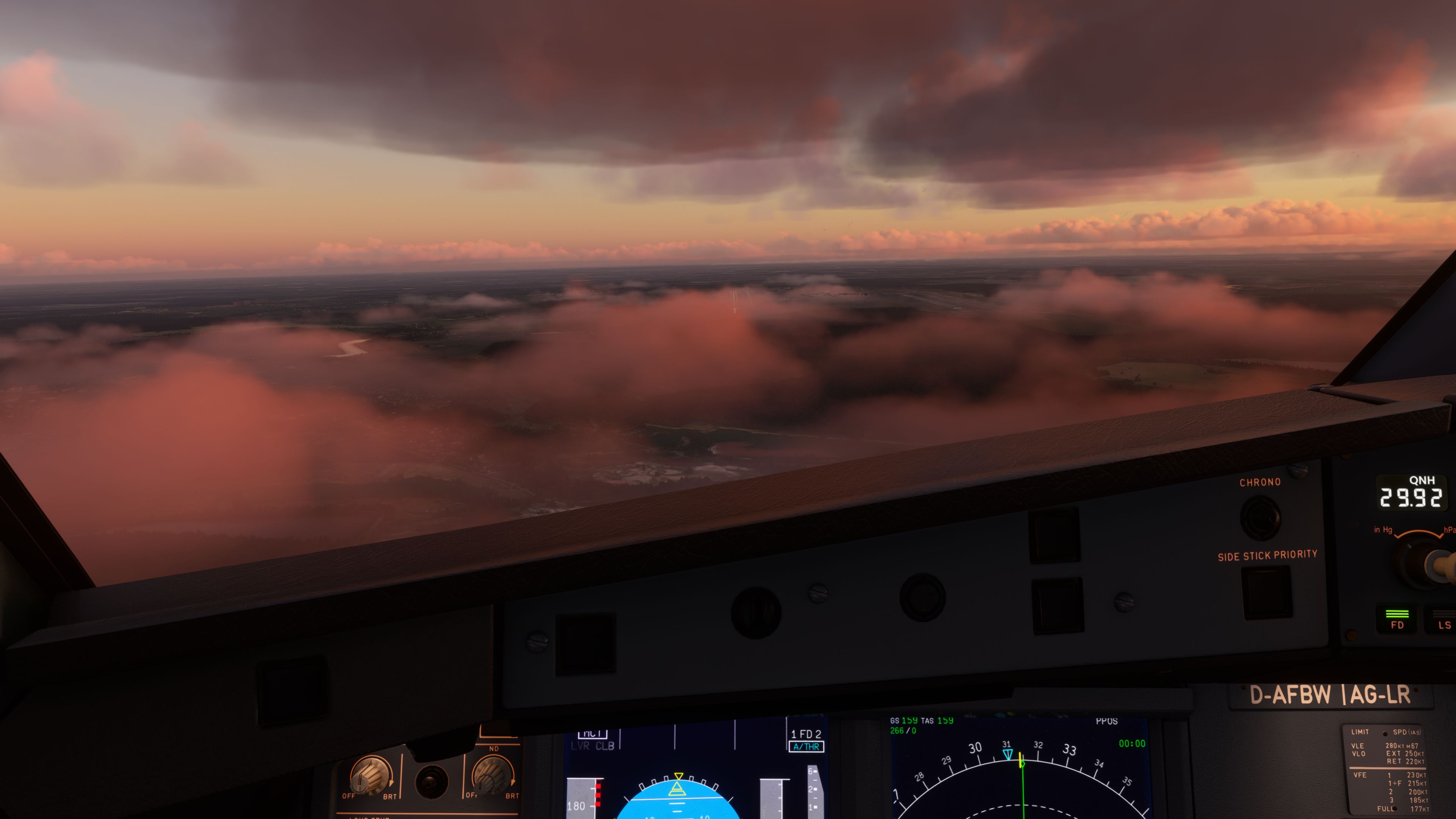
The Sukhoi SuperJet 100-95 mod for Microsoft Flight Simulator is a free, open-source add-on that intricately brings Russia’s innovative regional jet to life. Leveraging a solid A32NX foundation, it incorporates custom avionics, detailed cockpit technology, and 4K PBR textures for an experience that mirrors the real-world performance of the Superjet 100.
From seamless SimBridge support for chart integration to an enhanced flight model that captures the dynamic behavior of the PowerJet SaM 146 engines, this mod excels in both realism and immersion. Having tested it extensively, I can attest to the dedication of the development team and community in refining each update, making it one of the most authentic and rewarding jets to fly in MSFS.
This freeware Sukhoi SuperJet 100-95 package for Microsoft Flight Simulator brings the Russian regional jet into the simulator as a complete aircraft add-on, with the base model included and no payware dependency required. Built from the original AEROPROYECTO model and developed further with systems influenced by the FlyByWire A32NX ecosystem, the project includes custom avionics behavior, 4K PBR textures, EFB-based loading, SimBrief support, Navigraph chart compatibility, and ongoing work by the Headwind team with contributions and input from names including TJCaviation and PilotAlexYYZ. This listing also notes that many users have confirmed the aircraft works in Microsoft Flight Simulator 2024, although that compatibility has not been formally announced by the developer.
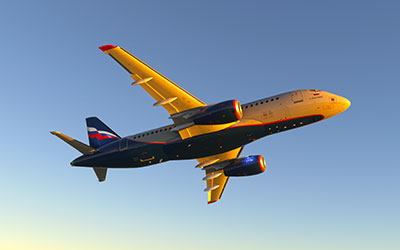 The Sukhoi SuperJet 100, often referred to as the SSJ100, occupies an interesting place in regional airline operations. Sukhoi Civil Aircraft designed it as a modern twin-engine jet for short- and medium-haul routes, broadly comparable in role to aircraft such as the Embraer E-Jet family. In the simulator, that makes it well suited to sectors where you want more system depth than a default regional aircraft, but without stepping into long-haul widebody operation.
This add-on uses the earlier AEROPROYECTO SuperJet model as its visual foundation, then adapts it for the current Microsoft Flight Simulator environment with a strong systems layer derived from the FlyByWire A32NX framework. As a result, the aircraft does not rely solely on the default MSFS airliner logic. Instead, it uses custom handling for several core cockpit functions, including flight guidance and MCDU-related operation.
The cockpit workflow will feel familiar to pilots who have spent time in the A32NX, although the developers have adjusted many areas to better suit the SuperJet 100-95 rather than simply cloning Airbus behavior. The package includes an EFB (Electronic Flight Bag — a cockpit tablet used for loading, fuel, performance, and operational tools), which handles payload and fuel management instead of relying only on the simulator’s default weight interface.
Version 0.6.0 brings a substantial round of systems, flight model, sound, lighting, and cockpit refinements. The update also moves several components closer to the shared FlyByWire common codebase, which should help maintain consistency across future development.
v0.12.3.fbw-common.Although the Headwind developers have not issued an official compatibility statement for this build, many users have reported successful operation in Microsoft Flight Simulator 2024. Treat this as community-confirmed compatibility rather than formal developer support. For users still flying in the current Microsoft Flight Simulator platform, the package remains intended as a native MSFS aircraft add-on.
The aircraft’s systems draw heavily from the FlyByWire A32NX architecture, particularly in the MCDU, EFB, and flight guidance areas. This gives the SuperJet a more involved cockpit environment than a simple visual conversion. The package also supports SimBridge (a local bridge utility used for MCDU access and chart-related functions), allowing deeper integration with supported cockpit tools.
SimBrief integration is included for route and operational planning. Navigraph chart compatibility is also supported, giving pilots access to airport charts inside the workflow where configured. These functions are especially useful on regional services, where quick turnarounds and frequent procedure changes make cockpit planning tools more valuable.
This aircraft uses the custom autopilot logic associated with the FlyByWire-derived systems rather than the default in-game AI autopilot. That improves procedural fidelity, but it also means the simulator’s built-in AI assistance may not behave as expected with this add-on. Pilots should operate the aircraft manually and through its custom flight guidance system rather than depending on default AI control.
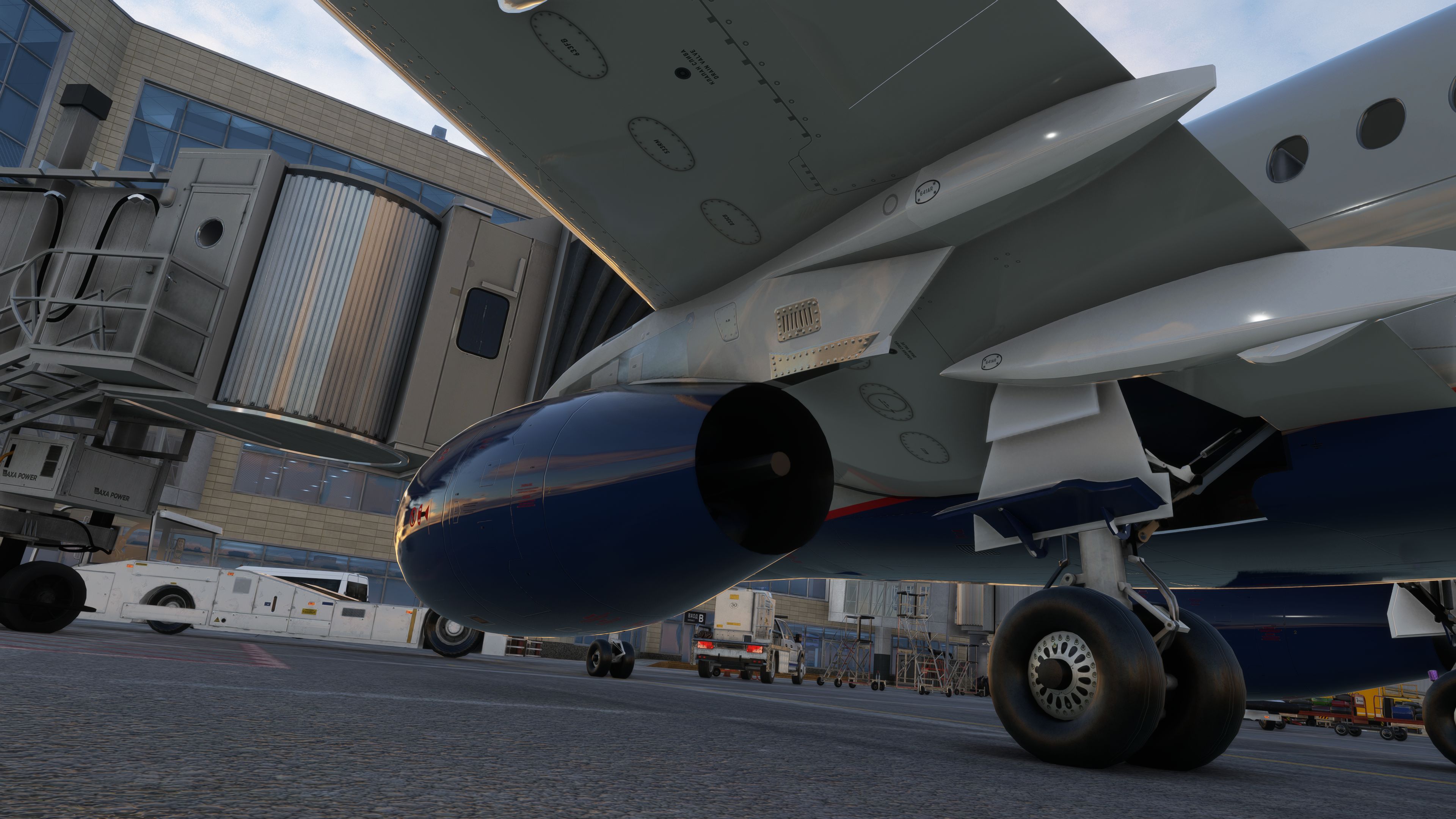
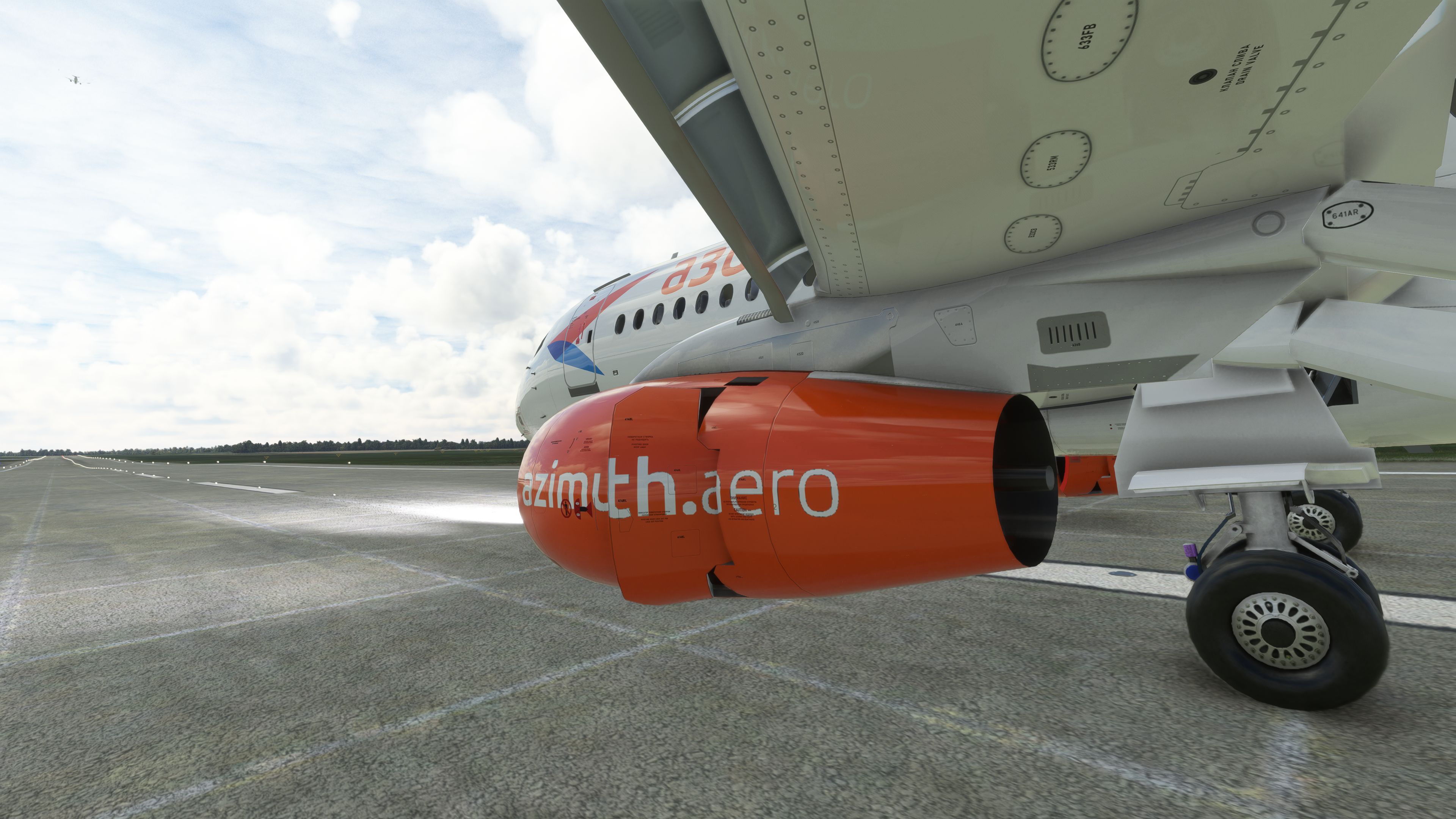
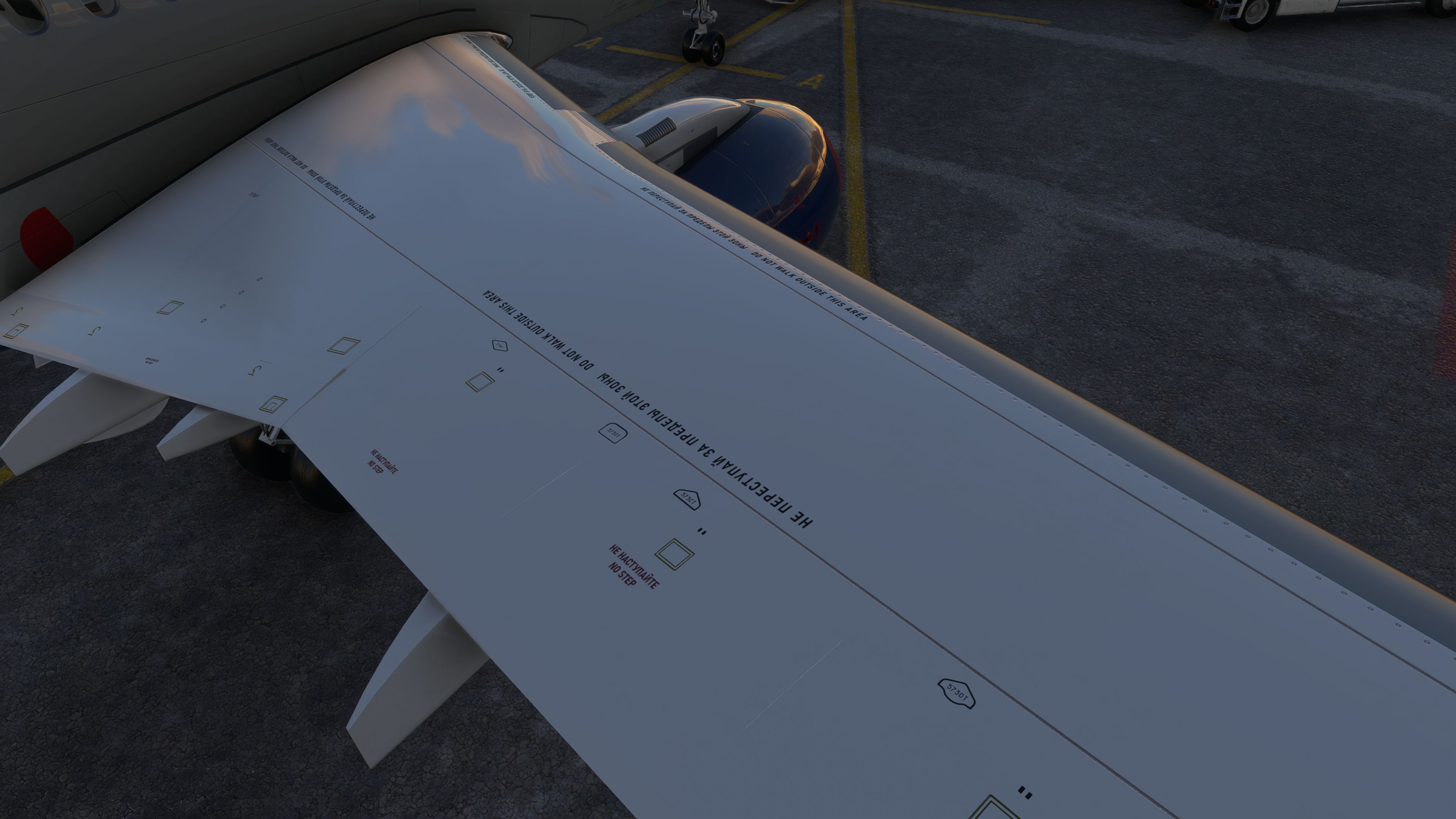
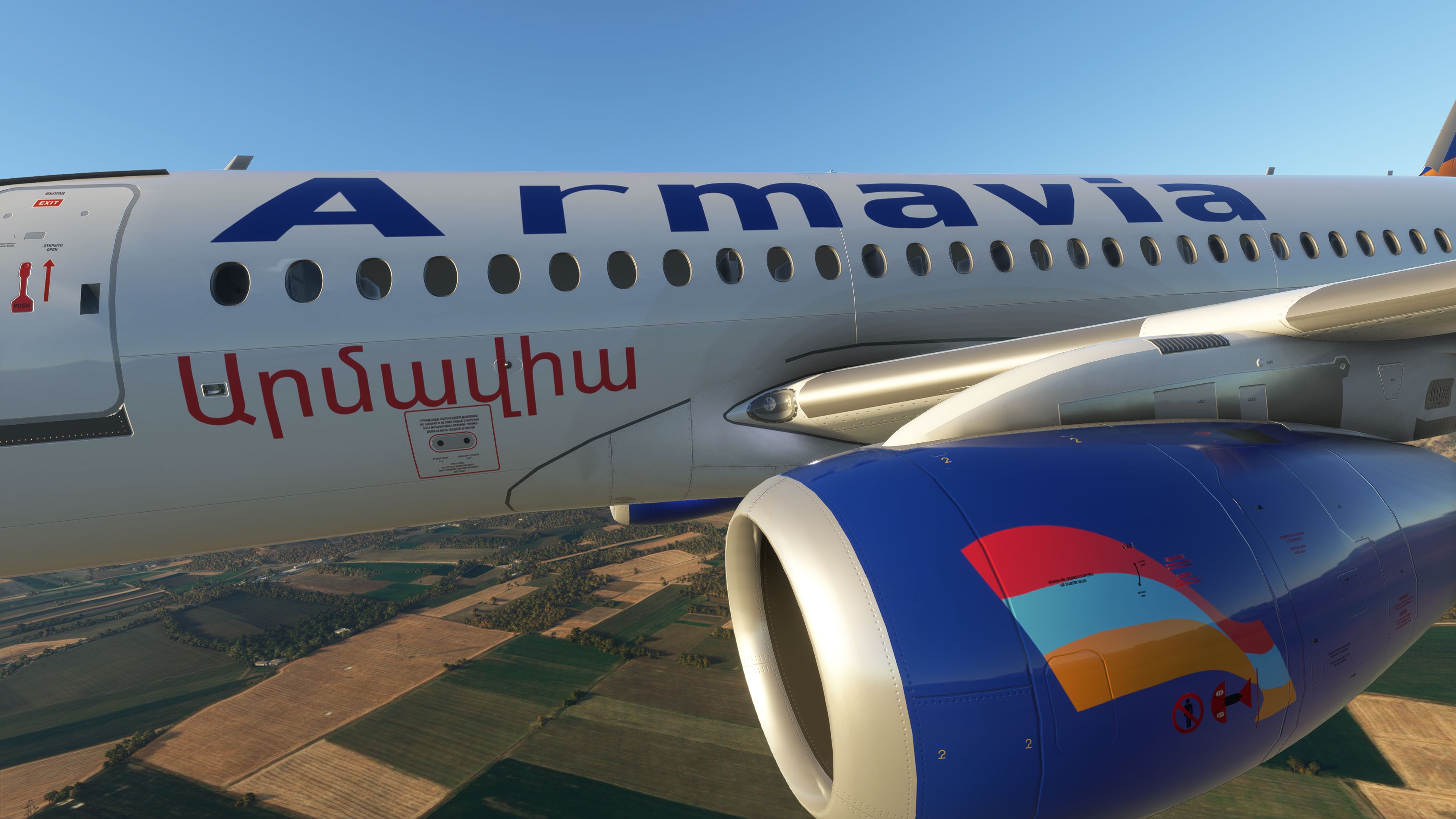
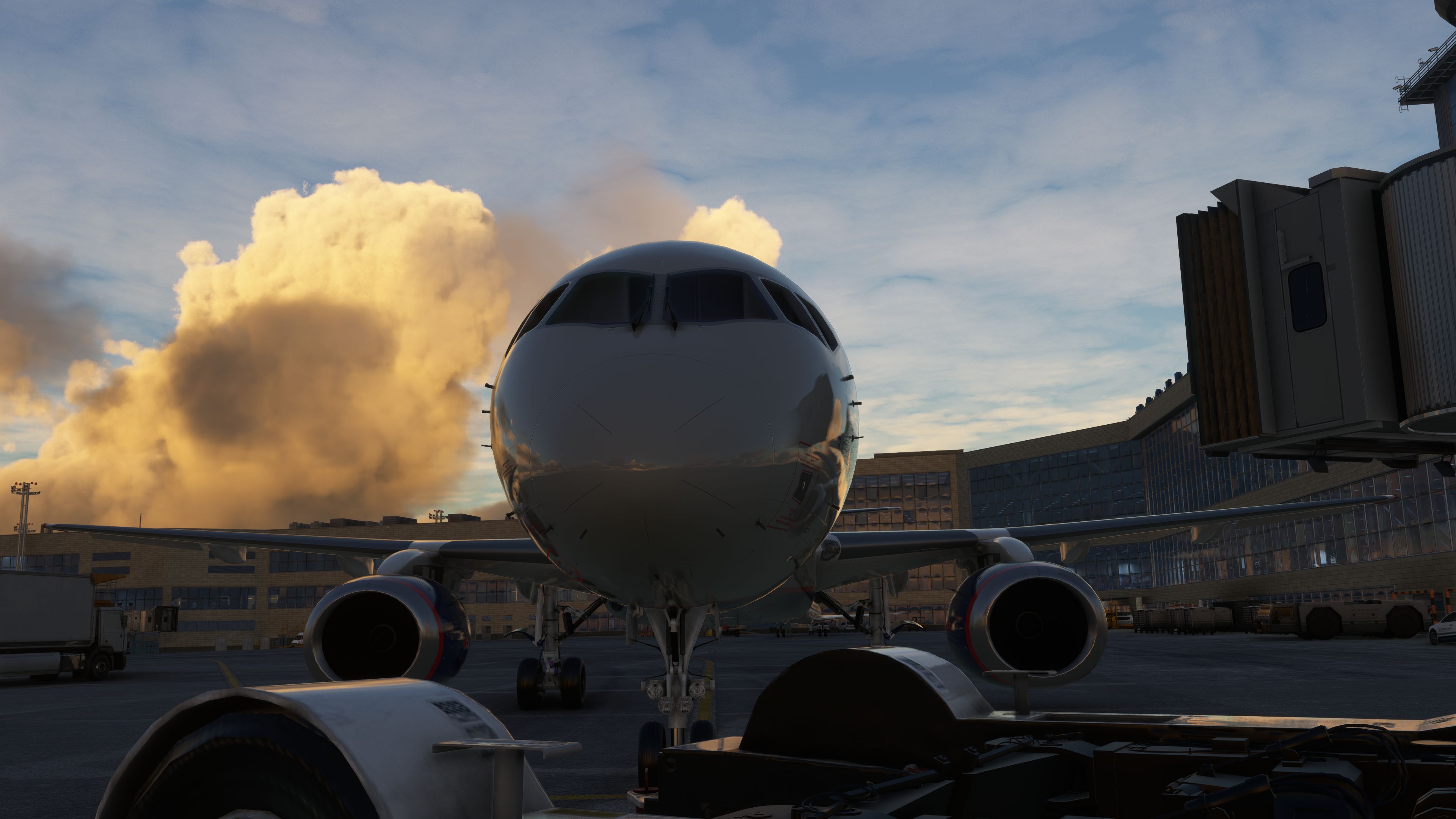
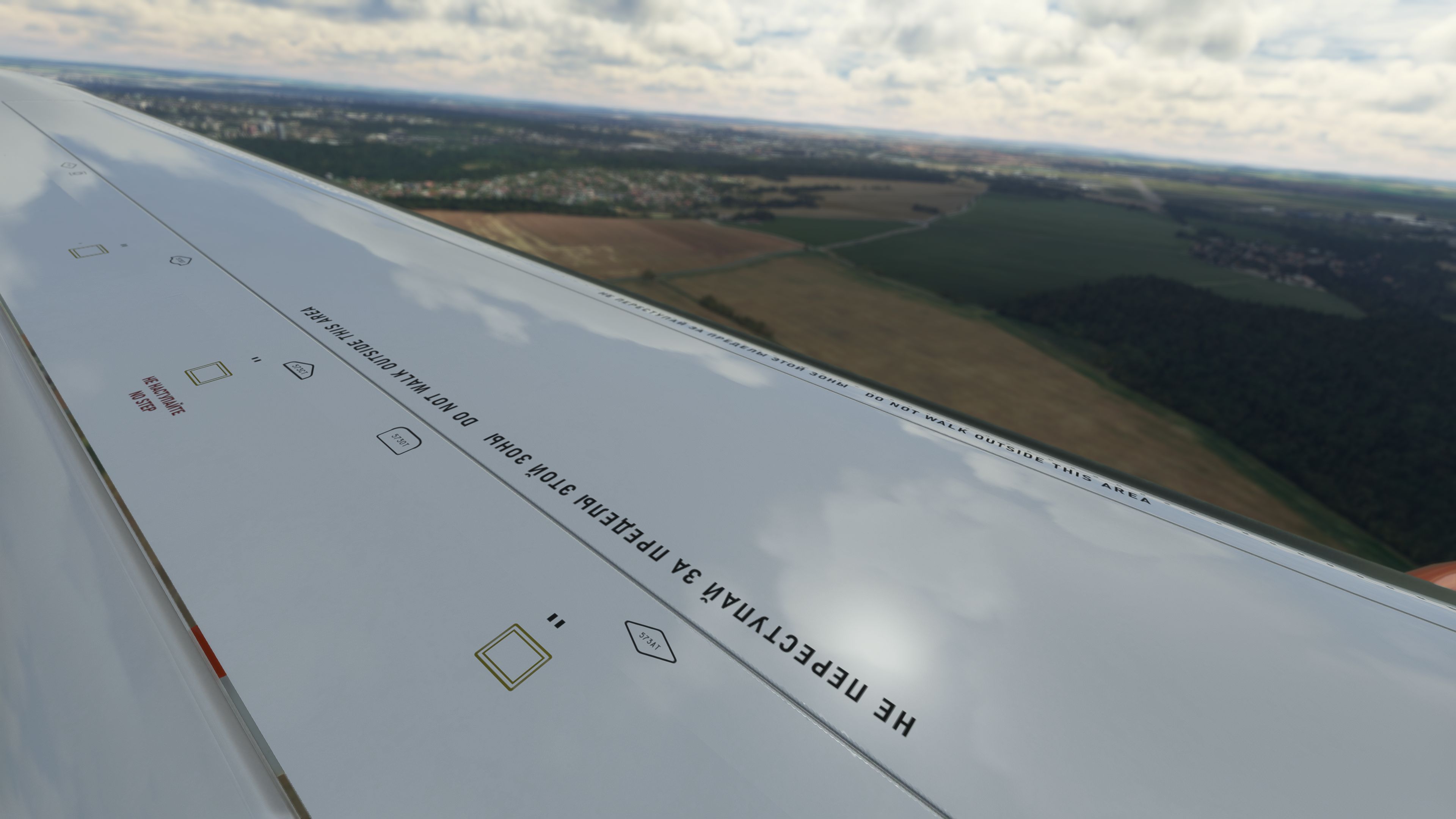
The exterior includes 4K PBR textures (Physically Based Rendering — material shading that reacts more realistically to light, roughness, and reflections). This helps the SuperJet’s fuselage, engine nacelles, glazing, and painted surfaces respond properly under different lighting conditions in MSFS.
The model has also received position and mesh refinement work, with contributions and assessment from people including TJCaviation and PilotAlexYYZ. The result is a SuperJet package that goes beyond a basic port and continues to evolve through targeted updates to the external model, cockpit placement, and aircraft geometry.
The real Sukhoi SuperJet 100-95 uses PowerJet SaM146 turbofan engines, developed through a Franco-Russian partnership between Safran and NPO Saturn. In this add-on, the developers have worked on engine torque and response behavior to better reflect the SuperJet’s powerplant characteristics. Version 0.6.0 also includes minor engine sound adjustments, which helps the aircraft feel less generic during spool-up, taxi, and climb phases.
The Headwind Sukhoi SuperJet 100-95 remains a freeware project, and a significant part of the aircraft is open-source under the GPLv3 license. That approach allows community review, contribution, and refinement while keeping the add-on freely available to Microsoft Flight Simulator users.
Extract the downloaded archive, then move or copy the following folder into your MSFS Community directory:
headwindsim-aircraft-su100-95
After restarting the simulator, the Sukhoi SuperJet 100-95 should appear in the aircraft selection menu.
Free for all simmers · 2.33 GB · Scanned clean Oct 2026
Download speed: Free tier is capped at 2 Mbps (this file takes approximately 2h 47m at the cap). PRO members download at full line speed.
%LOCALAPPDATA%\Packages\Microsoft.FlightSimulator_8wekyb3d8bbwe\LocalCache\Packages\Community\. Steam version: %APPDATA%\Microsoft Flight Simulator\Packages\Community\. Tip: enable Developer Mode in MSFS to see your exact Community folder path.readme.txt or README file. It tells you exactly where files go, what dependencies are needed, and any quirks specific to this add-on.Headwind Simulations stands as a testament to the passion and precision of a dedicated group of flight simulation enthusiasts. While they may identify as a small team, their footprint in the Microsoft Flight Simulator community is undeniably significant. Their flagship offering, the A339X (Airbus A330-900neo), has garnered acclaim, becoming one of the most downloaded aircraft for the simulator. With each release, Headwind Simulations continues to affirm their commitment to quality, authenticity, and the freeware ethos.
Are you Headwind Simulations? Sign in to Fly Away Creators for download stats, comment replies and updates. Make add-ons? Publish them here.
Only PRO members can place votes.
More MSFS add-ons hand-picked based on this download.
MSFS Civil Jet Aircraft
The MSFS Native Airbus A330-900neo Mega Pack by Headwind Simulations brings a…
 MSFS Civil Jet Aircraft
This freeware Antonov An-225 “Mriya” package by Fahri Öztürk (@DerAnakonda) b…
 MSFS Civil Jet Aircraft
The FlyByWire Airbus A320 Neo A32NX is a complete freeware aircraft package f…
 MSFS Civil Jet Aircraft
This add-on brings the Bombardier CRJ-700 which featured in the base release …
 MSFS Civil Jet Aircraft
A complete freeware add-on for Microsoft Flight Simulator (MSFS) 2020 release…
 MSFS Civil Jet Aircraft
Introducing the Ilyushin Il-76 for Microsoft Flight Simulator (MSFS 2020), a …
 MSFS Civil Jet Aircraft
Step into the cockpit of the Airbus A330-200, affectionately dubbed the "butt…
 MSFS Civil Jet Aircraft
A high-definition Southwest Airlines livery/repaint for the default Microsoft…
Read what other simmers think, or add your own.

Aircraft not usable in hangar after directory copied to community folder. Unable to find a working solution and looking for solutions. Thx.

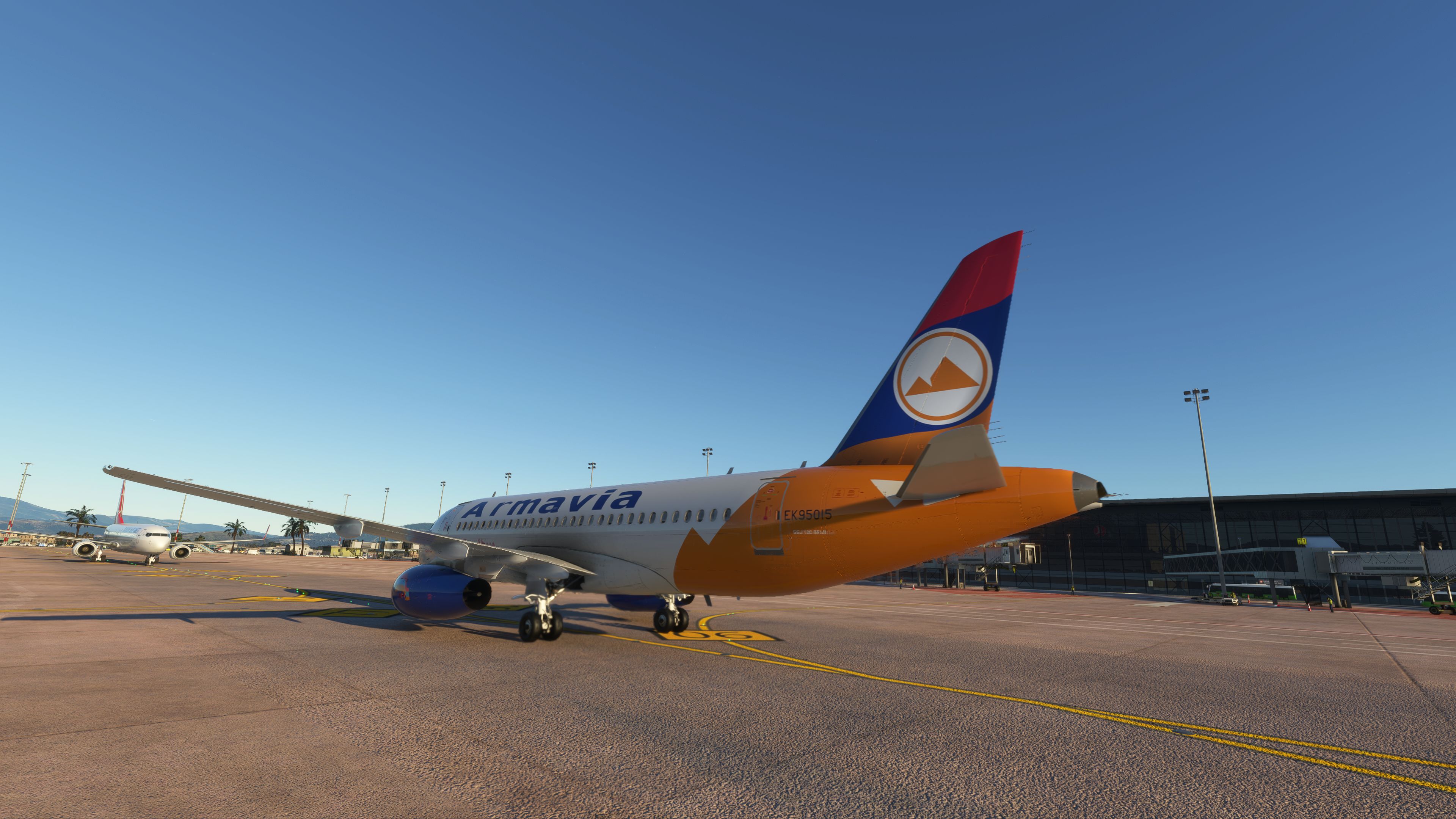
Hi, I am impressed with this addon, but after seeing all the screenshots I am a trifle bewildered as I only have ONE base HEADWIND livery.
Is there another download containing all the liveries?