

 FSX Civil Aircraft
Stobart Air Boeing C-17
Fictional Stobart Air textures for the Boeing C17. Requires UKMIL Boeing C-17…
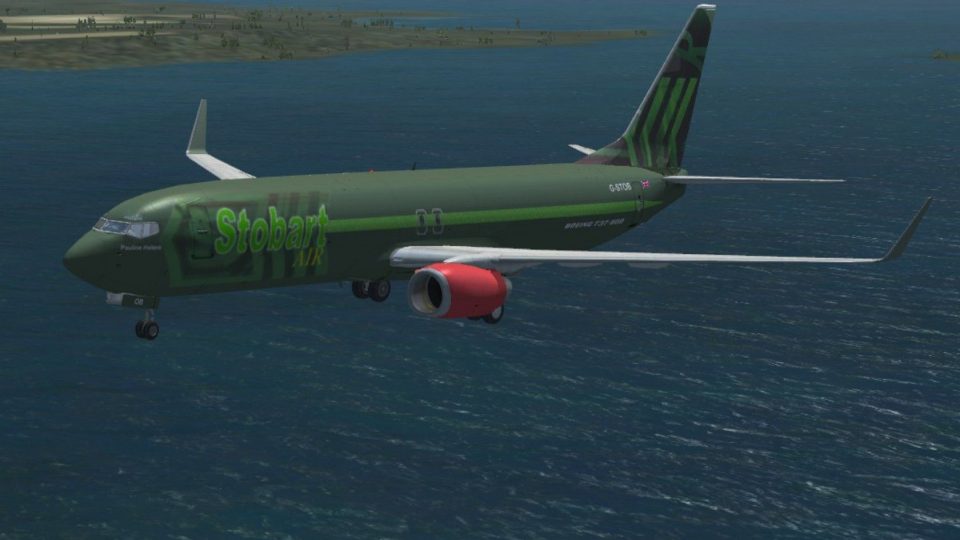
Stobart Air “Pauline Helene” brings Eddie Stobart’s signature green, red, and white cargo branding to the default Boeing 737-800, echoing the fleet’s tradition of women’s names. Designed for Microsoft Flight Simulator X, this freeware texture-only repaint requires the stock 737-800 model and adds a convincing freight-focused look.
 Rate
Rate
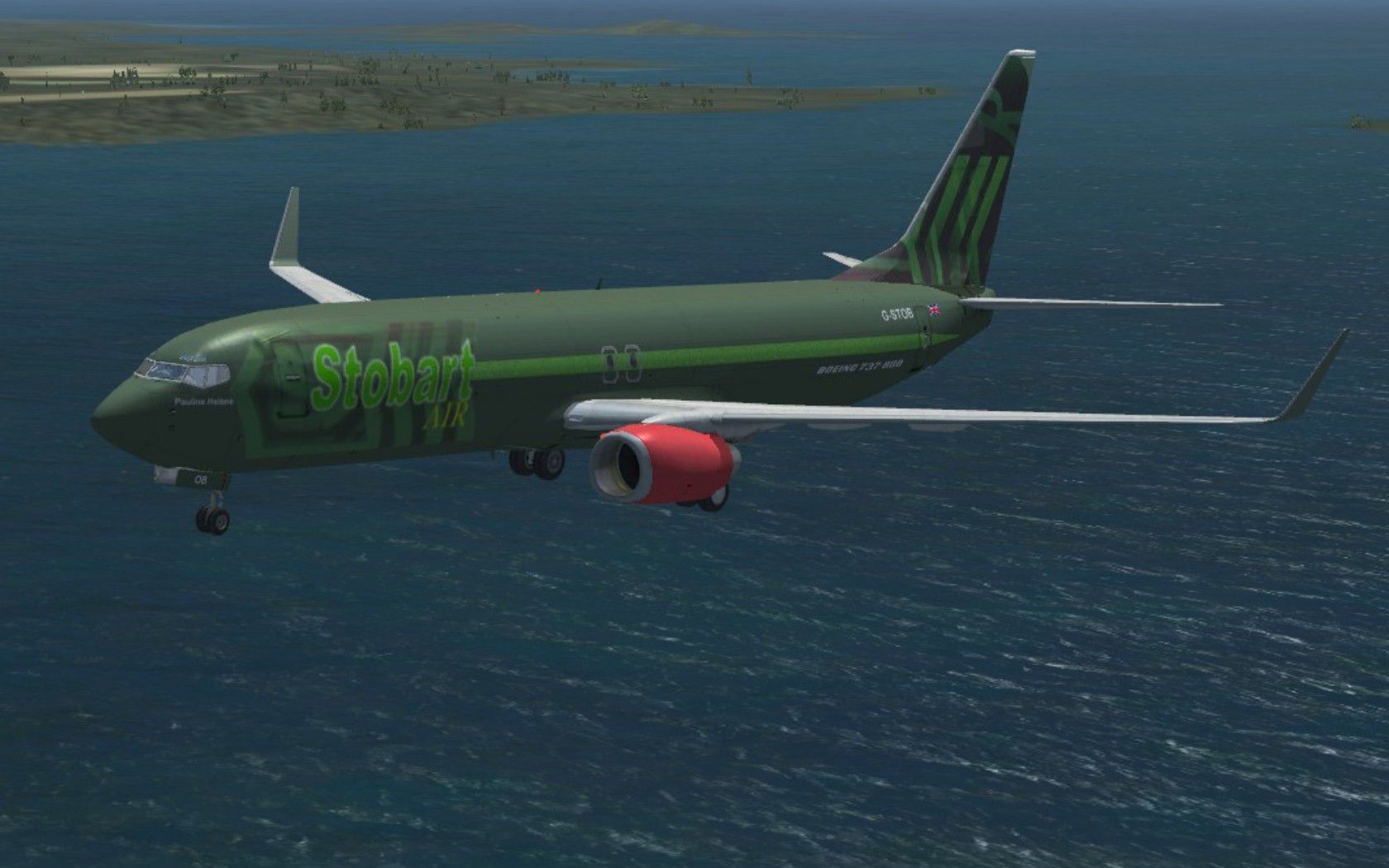
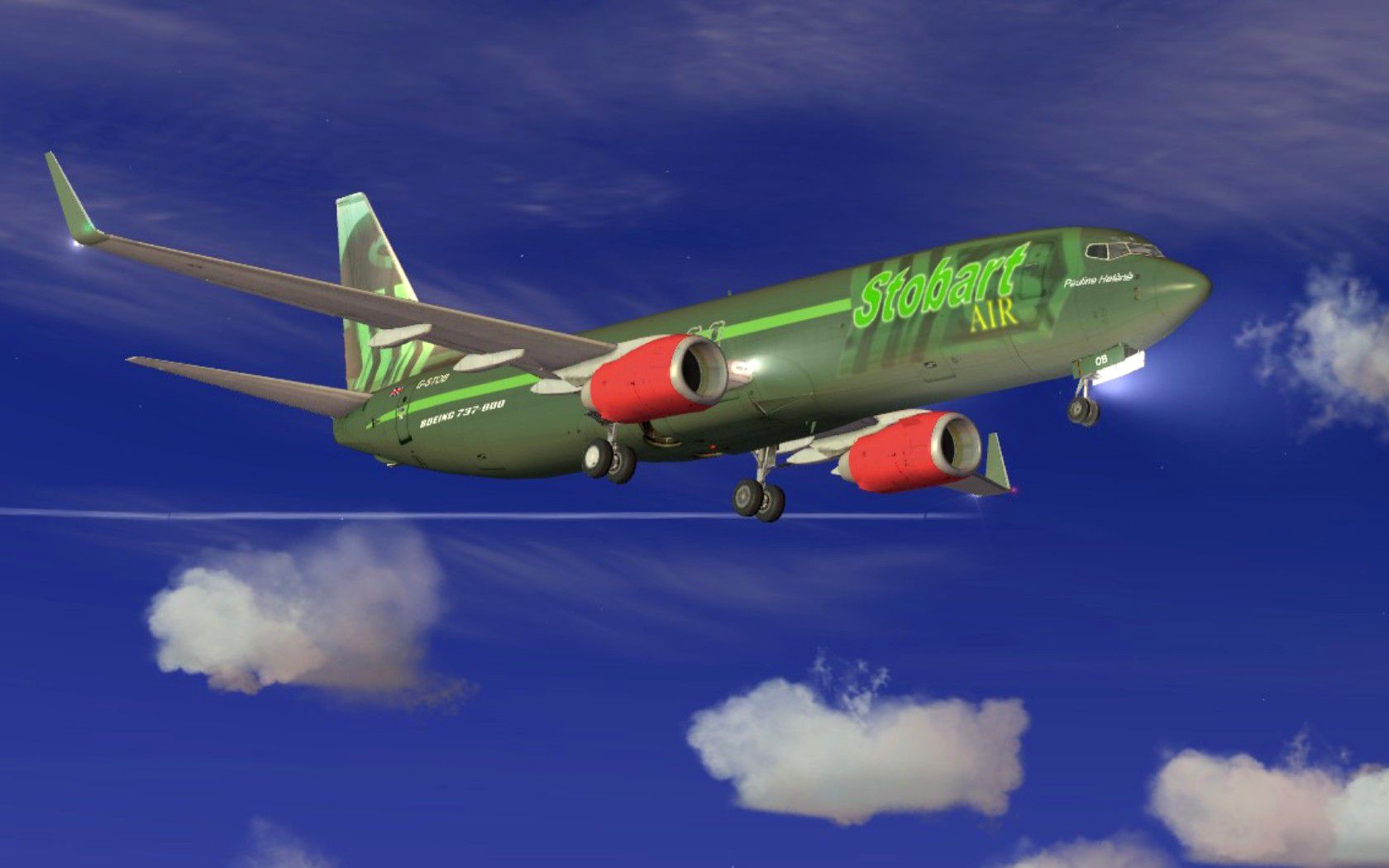
This freeware replacement texture set adds a custom Stobart Air cargo variant to the default Boeing 737-800 in Microsoft Flight Simulator X. Created by Paul Davies, this repaint pays tribute to Eddie Stobart’s hallmark of assigning female names to its fleet—trucks, trains, and now aircraft—showcasing the “Pauline Helene” identity. Stobart, recognized as the United Kingdom’s largest road haulage operator with a prominent rail division, has also expanded its scope into managing regional airports. These textures present a balanced mix of the airline’s interior freight focus and the distinct brand associated with Stobart. Note that only the repaint files are included here; the original default aircraft model is required.
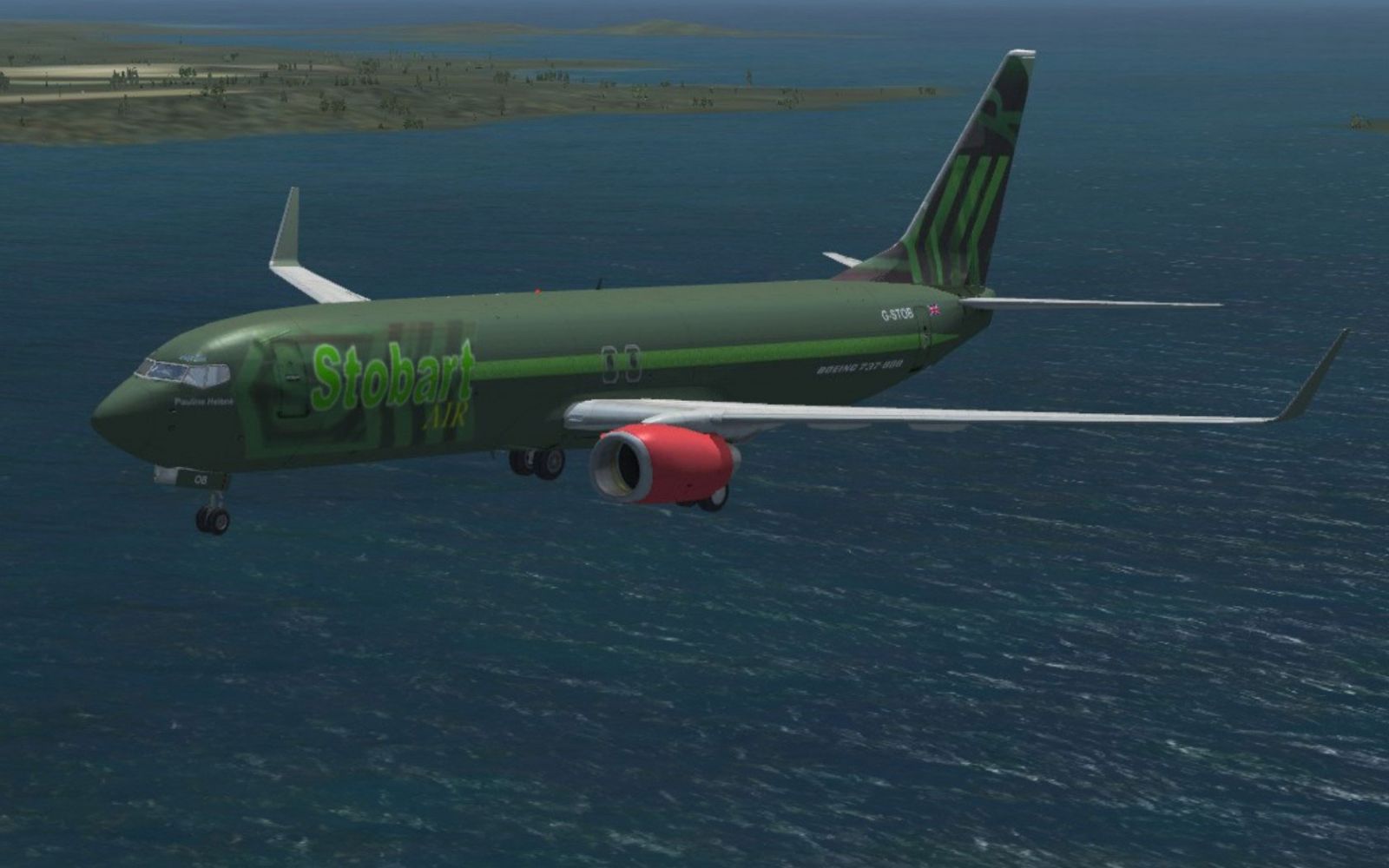
Stobart Air Boeing 737-800 with landing gear lowered.
Eddie Stobart has a longstanding tradition of naming its vehicles after women, prompting a multi-year waiting list for suggested names. This unique approach is carried forward into the air division, adding an extra layer of personalization to their growing airborne operations. Stobart Air’s foray into aviation includes cargo flights, aligning with the operator’s broad freight logistics network.
This repaint is crafted for the default 737-800 in Microsoft Flight Simulator X. It will not function out of the box without the original base aircraft. Make sure you already have the default 737-800 installed in your simulator. If needed, you can find the freeware base model in the Fly Away Simulation mod library.
To integrate these custom textures into your simulator, follow the instructions thoroughly:
aircraft.cfg) with a text editor (like Notepad). At the bottom of the existing [fltsim.x] entries, create a new section by pasting the example lines for this repaint. Ensure you replace any “XX” in the bracketed section (e.g., [fltsim.xx]) with the next available sequential number.Remember that the simulator will look specifically for texture.stobart within the B737_800 folder, so be careful not to modify the folder structure. Once completed, you will find “Pauline Helene” as an additional selectable livery in your Microsoft Flight Simulator X menu.
Enjoy exploring the skies with this distinctive Eddie Stobart-inspired cargo repaint. Special thanks to Paul Davies for crafting this freeware set.
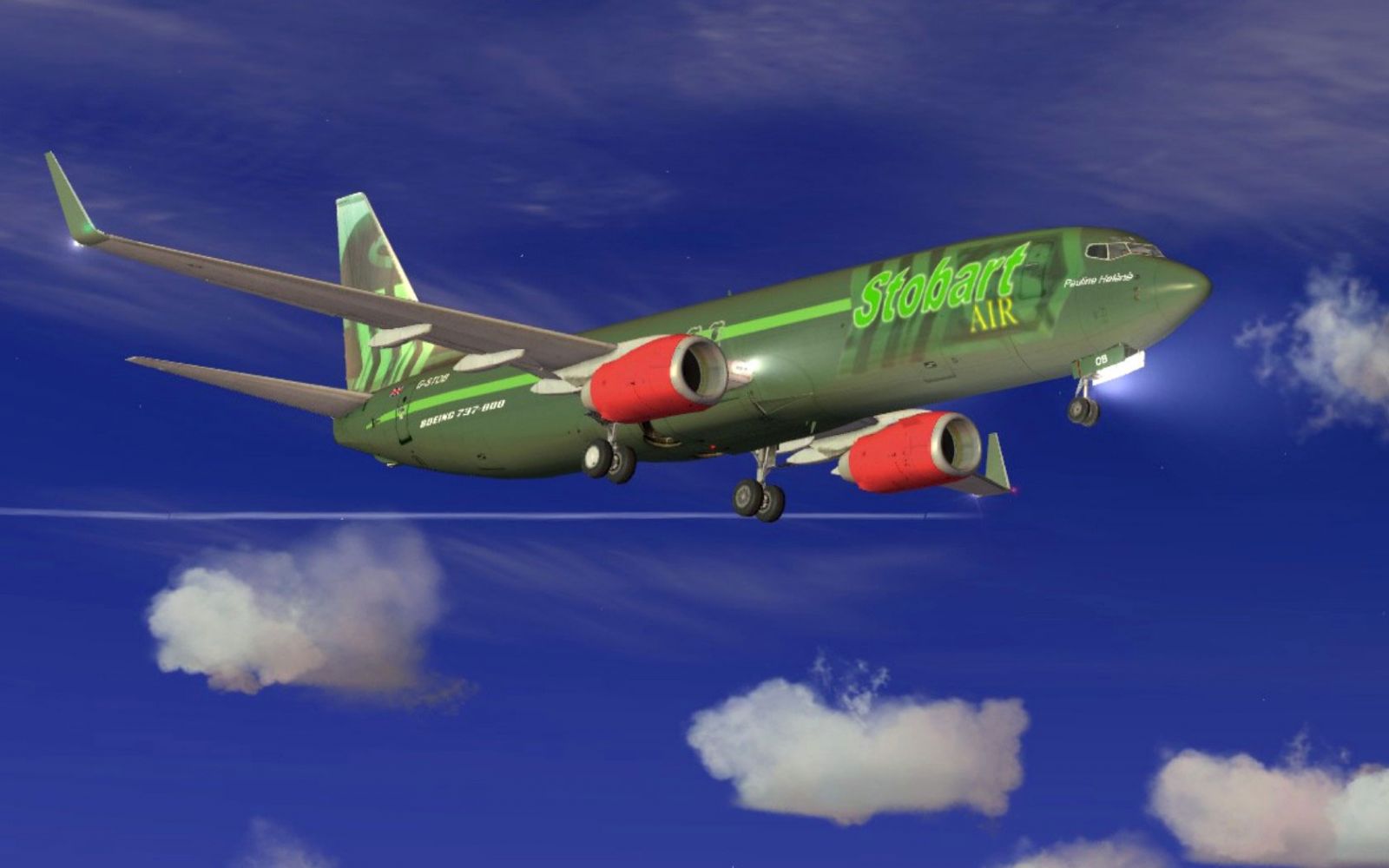
Stobart Air Boeing 737-800 with landing gear lowered.
Free for all simmers · 9.06 MB · Scanned clean Oct 2026
Download speed: Free tier is capped at 0.5 Mbps (this file takes approximately 3 mins at the cap). PRO members download at full line speed.
texture.{airline}) inside FSX\SimObjects\Airplanes\{base-aircraft}\.aircraft.cfg in Notepad. Add a new [fltsim.X] section per the readme.readme.txt or README file. It tells you exactly where files go, what dependencies are needed, and any quirks specific to this add-on.The archive stobartair.zip has 33 files and directories contained within it.
This list displays the first 500 files in the package. If the package has more, you will need to download it to view them.
| Filename/Directory | File Date | File Size |
|---|---|---|
| FILE_ID.DIZ | 05.23.11 | 205 B |
| Readme.txt | 05.24.11 | 4.24 kB |
| Stobart 1.jpg | 05.23.11 | 149.68 kB |
| Stobart 2.jpg | 05.23.11 | 211.98 kB |
| texture.stobart | 05.23.11 | 0 B |
| 737_Refection.dds | 09.04.06 | 170.79 kB |
| B737_800_1_C.dds | 09.04.06 | 682.79 kB |
| b737_800_1_LM.dds | 09.04.06 | 170.79 kB |
| B737_800_1_night_C.dds | 12.21.10 | 1.33 MB |
| b737_800_1_T.dds | 05.23.11 | 4.00 MB |
| b737_800_1_T_Bump.dds | 09.04.06 | 1.00 MB |
| b737_800_1_T_Specular.dds | 09.04.06 | 1.33 MB |
| B737_800_2_C.dds | 09.04.06 | 682.79 kB |
| B737_800_2_night_C.dds | 12.21.10 | 1.33 MB |
| b737_800_2_T.dds | 09.04.06 | 1.33 MB |
| b737_800_2_T_Bump.dds | 09.04.06 | 1.00 MB |
| b737_800_2_T_Specular.dds | 09.04.06 | 1.33 MB |
| B737_800_3_C.dds | 09.04.06 | 682.79 kB |
| B737_800_3_night_C.dds | 12.21.10 | 1.33 MB |
| B737_800_4_C.dds | 09.04.06 | 682.79 kB |
| B737_800_4_night_C.dds | 12.21.10 | 1.33 MB |
| B737_800_5_C.dds | 09.04.06 | 170.79 kB |
| B737_800_5_night_C.dds | 12.21.10 | 341.48 kB |
| B737_800_C.bmp | 05.12.06 | 682.74 kB |
| B737_800_Interior.dds | 09.04.06 | 170.79 kB |
| Fresnel_Ramp.dds | 09.04.06 | 640 B |
| Pilots_737.dds | 09.04.06 | 42.79 kB |
| texture.cfg | 08.14.06 | 137 B |
| thumbnail.jpg | 05.23.11 | 8.75 kB |
| Thumbs.db | 05.23.11 | 5.00 kB |
| Thumbs.db | 05.23.11 | 16.00 kB |
| flyawaysimulation.txt | 10.29.13 | 959 B |
| Go to Fly Away Simulation.url | 01.22.16 | 52 B |
Only PRO members can place votes.
More FSX & P3D add-ons hand-picked based on this download.
FSX Civil Aircraft
Fictional Stobart Air textures for the Boeing C17. Requires UKMIL Boeing C-17…
 FSX Civil Aircraft
Continental Boeing 737-800. Fictional textures for the default B737-800. Repa…
 FSX Civil Aircraft
FSX Air Berlin Boeing 737-800. Model by Project Open Sky. Repaint by Misha Gr…
 FSX Civil Aircraft
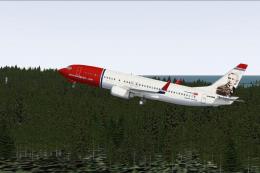
FSX Norwegian Air Shuttle Boeing 737-800, registration LN-NOB. Textures only …
 FSX Civil Aircraft
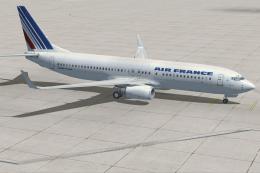
This freeware package enhances the default Boeing 737-800 in Microsoft Flight…
 FSX Civil Aircraft
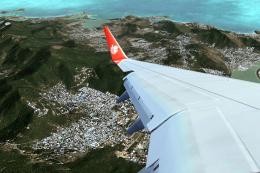
Lion Air Boeing 737-800, registration PK-LJQ (the first Boeing 737-800 in Lio…
 FSX Civil Aircraft
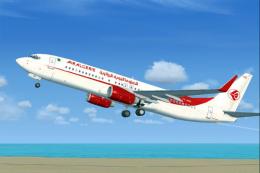
This freeware repaint offers a crisp 32-bit Air Algerie livery for the defaul…
 FSX Civil Aircraft
Air Europa Boeing 737-800. Air Europa Pepe Travel repaint for the default B73…
Be the first to leave a comment on this download.
Be the first to share your thoughts on this download.