

 FSX General Aviation Aircraft
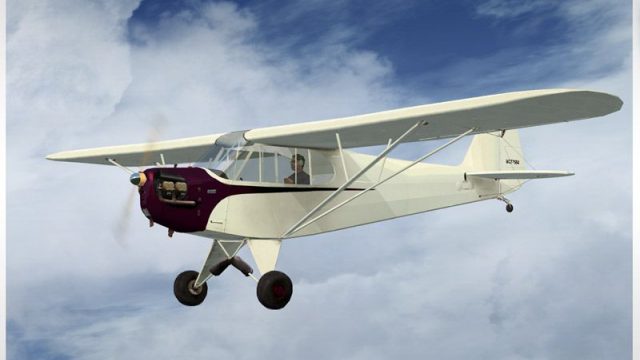
Piper J3 Cub "Cactus Jack" textures
Repainted textures for the default J3 Cub for FSX.
Sharper prop-disc visuals for the default Piper J-3 Cub bring a more convincing sense of motion in Flight Simulator X, replacing the stock Prop_Cub texture while remaining compatible across the aircraft’s paint schemes. Tested with FSX SP2, it refreshes the in-flight look of the classic Cub without changing flight dynamics or panel behavior.
 Rate
Rate
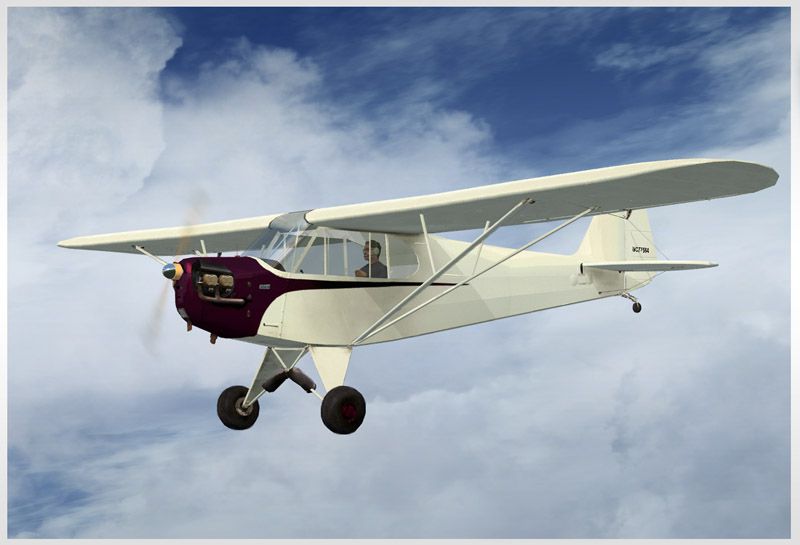
J3 Cub Prop. An alternative prop texture for the default Piper J-3 Cub. Tested with SP2. By Bob Rivera.
J3 Cub Prop in flight.
This is an alternative prop texture for the default FSX Piper J3 Cub. This has been tested with FSX SP2.
Installation:
Place the Prop_Cub.dds texture in your Piper_J3Cub/Texture folder and overwrite the old one, hopefully after making a backup of the original, just in case you don't like this new one. You will only have to overwrite the original one in the texture folder and it will be used with the other skins automatically or you can place one in each texture folder if you prefer.
Please contact me if you want to use my texture for anything else.
Good Flights,
Bob Rivera
Free for all simmers · 115.66 KB · Scanned clean Oct 2026
Download speed: Free tier is capped at 0.5 Mbps. PRO members download at full line speed.
FSX\SimObjects\Airplanes\. The folder must contain an aircraft.cfg file. Effects go into FSX\Effects\; gauges go into FSX\Gauges\.readme.txt or README file. It tells you exactly where files go, what dependencies are needed, and any quirks specific to this add-on.The archive pj3cubpr.zip has 5 files and directories contained within it.
This list displays the first 500 files in the package. If the package has more, you will need to download it to view them.
| Filename/Directory | File Date | File Size |
|---|---|---|
| Prop_Cub.dds | 04.16.08 | 256.12 kB |
| Read Me.txt | 04.16.08 | 623 B |
| piperj3_sm.jpg | 04.16.08 | 82.10 kB |
| flyawaysimulation.txt | 10.29.13 | 959 B |
| Go to Fly Away Simulation.url | 01.22.16 | 52 B |
Only PRO members can place votes.
More FSX & P3D add-ons hand-picked based on this download.
FSX General Aviation Aircraft
Repainted textures for the default J3 Cub for FSX.
 FSX General Aviation Aircraft
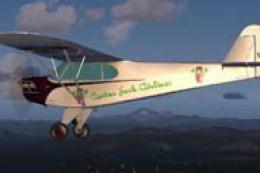
Cactus Jack Airlines Piper J3 Cub. Textures only for the default J-3 Cub. Cac…
 FSX General Aviation Aircraft
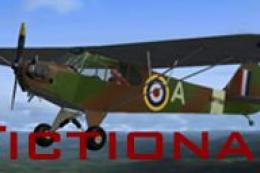
Air Force Black Prop Colors For J-3 Cub from A2A Simulations. Black and yello…
 FSX General Aviation Aircraft
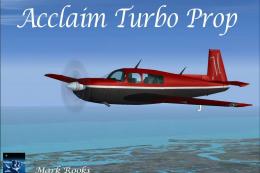
This modified package highlights a red-and-black Mooney Acclaim turbine aircr…
 FSX General Aviation Aircraft
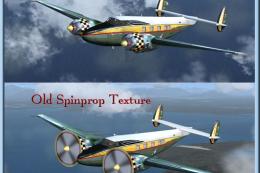
Howard 500 Prop Textures. Replacement prop texture for an FSX installation of…
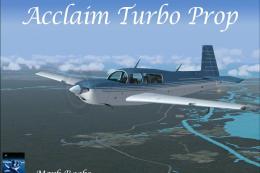 FSX General Aviation Aircraft
The Mooney Acclaim has always been synonymous with swift cruise speeds and sl…
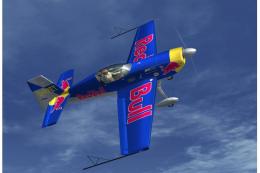 FSX General Aviation Aircraft
Extra 300 Prop. An alternative propeller texture for the default Extra 300S. …
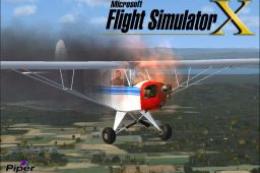 FSX General Aviation Aircraft
Piper J-3 Cub. This file contains the default FS2004 Piper J3 Cub that has be…
Be the first to leave a comment on this download.
Be the first to share your thoughts on this download.