

 FS2004 Civil Jet Aircraft
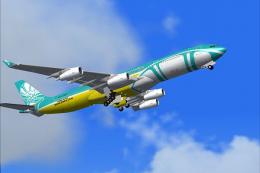
BWIA Airbus A340-200 9Y-TJN
This freeware package offers a detailed simulation of a BWIA West Indies Airw…
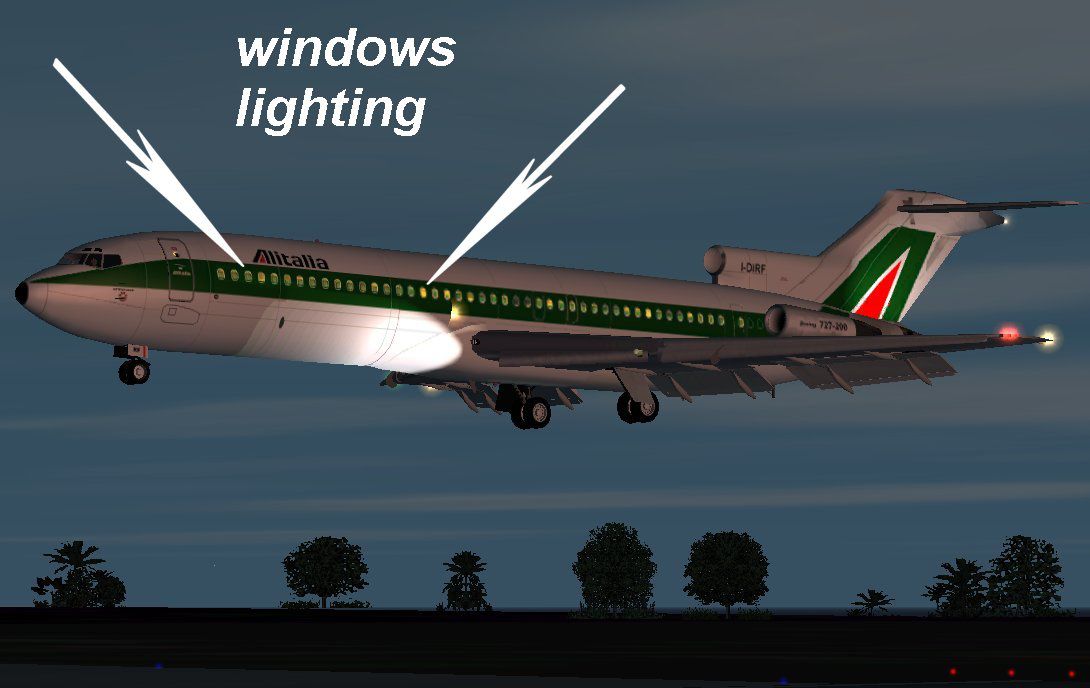
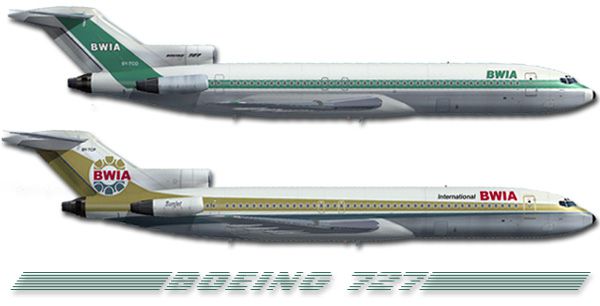
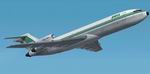
BWIA’s Boeing 727-200 arrives with two crisp texture sets that capture the airline’s classic Caribbean look, complementing Erick Cantu and Jonathan Stewart’s refined GMax model and Mike Baumann’s tuned flight dynamics. Designed for FS2004 and FS2002, it delivers an authentic exterior and virtual cockpit presentation for period-correct tri-jet flying.
 Rate
Rate


Free for all simmers · 3.91 MB · Scanned clean Sep 2026
Download speed: Free tier is capped at 0.5 Mbps (this file takes approximately 1 min at the cap). PRO members download at full line speed.
FS9\Aircraft\, FS9\Addon Scenery\, FS9\Gauges\, or FS9\Effects\.readme.txt or README file. It tells you exactly where files go, what dependencies are needed, and any quirks specific to this add-on.The archive 727bwia.zip has 90 files and directories contained within it.
This list displays the first 500 files in the package. If the package has more, you will need to download it to view them.
| Filename/Directory | File Date | File Size |
|---|---|---|
| cockpit view settings.txt | 03.14.03 | 1000 B |
| 727200.air | 03.14.03 | 8.11 kB |
| aircraft.cfg | 09.15.03 | 14.02 kB |
| README!!!.txt | 03.16.03 | 4.97 kB |
| readme.txt | 09.15.03 | 559 B |
| 72light.jpg | 03.29.03 | 79.37 kB |
| readme2.txt | 03.29.03 | 545 B |
| texture.1 | 09.15.03 | 0 B |
| Tire_T.bmp | 03.02.03 | 341.43 kB |
| FRAMES_T.bmp | 03.02.03 | 85.43 kB |
| INTAKE_T.BMP | 03.02.03 | 42.78 kB |
| CONE_t.BMP | 03.02.03 | 21.43 kB |
| WING_RIGHT_T.bmp | 08.24.03 | 1.00 MB |
| FLAPS_T.BMP | 03.08.03 | 341.43 kB |
| STAB_T.bmp | 03.02.03 | 85.43 kB |
| FLAPGUIDES_T.BMP | 03.02.03 | 85.46 kB |
| MAINDOORS_T.bmp | 08.28.03 | 256.07 kB |
| ENGINES_T.bmp | 09.13.03 | 4.00 MB |
| 727FUSE2_t.bmp | 09.15.03 | 4.00 MB |
| 727fuse1_t.bmp | 09.15.03 | 4.00 MB |
| NOSEDOORS_T.bmp | 04.06.03 | 256.07 kB |
| WING_RIGHT_L.BMP | 03.03.03 | 5.05 kB |
| WING_LEFT_L.BMP | 03.03.03 | 5.05 kB |
| Tire_L.BMP | 03.03.03 | 5.05 kB |
| MAINDOORS_L.BMP | 03.03.03 | 5.05 kB |
| NOSEDOORS_L.BMP | 03.03.03 | 5.05 kB |
| CONE_L.BMP | 03.03.03 | 5.05 kB |
| FLAPGUIDES_L.BMP | 03.03.03 | 5.05 kB |
| ENGINES_L.BMP | 03.03.03 | 5.05 kB |
| FLAPS_L.BMP | 03.03.03 | 5.05 kB |
| FRAMES_L.BMP | 03.03.03 | 5.05 kB |
| INTAKE_L.BMP | 03.03.03 | 5.05 kB |
| PYLONS_L.BMP | 03.03.03 | 5.05 kB |
| WING_LEFT_T.bmp | 08.24.03 | 1.00 MB |
| STAB_L.BMP | 03.03.03 | 5.05 kB |
| 727FUSE1_L.bmp | 03.29.03 | 1.00 MB |
| 727FUSE2_L.BMP | 03.29.03 | 1.00 MB |
| PYLONS_T.bmp | 09.12.03 | 256.07 kB |
| effects | 09.15.03 | 0 B |
| MD80_BCNL.fx | 02.15.03 | 3.13 kB |
| MD80_BCNU.fx | 02.15.03 | 3.13 kB |
| MD80_INSPEC2.fx | 03.14.03 | 3.47 kB |
| MD80_NAVG.fx | 03.14.03 | 3.45 kB |
| MD80_NAVR.fx | 03.14.03 | 3.45 kB |
| MD80_STROBE.fx | 02.26.03 | 3.46 kB |
| model | 09.15.03 | 0 B |
| model.cfg | 03.01.03 | 21 B |
| B722.mdl | 03.08.03 | 866.81 kB |
| panel | 09.15.03 | 0 B |
| panel.cfg | 03.16.03 | 30 B |
| sound | 09.15.03 | 0 B |
| sound.cfg | 03.16.03 | 31 B |
| texture | 09.15.03 | 0 B |
| Tire_T.bmp | 03.02.03 | 341.43 kB |
| FRAMES_T.bmp | 03.02.03 | 85.43 kB |
| INTAKE_T.BMP | 03.02.03 | 42.78 kB |
| CONE_t.BMP | 03.02.03 | 21.43 kB |
| WING_RIGHT_T.bmp | 08.24.03 | 1.00 MB |
| FLAPS_T.BMP | 03.08.03 | 341.43 kB |
| STAB_T.bmp | 03.02.03 | 85.43 kB |
| FLAPGUIDES_T.BMP | 03.02.03 | 85.46 kB |
| MAINDOORS_T.bmp | 08.28.03 | 256.07 kB |
| ENGINES_T.bmp | 09.14.03 | 4.00 MB |
| 727FUSE2_t.bmp | 09.14.03 | 4.00 MB |
| 727fuse1_t.bmp | 09.14.03 | 4.00 MB |
| NOSEDOORS_T.bmp | 04.06.03 | 256.07 kB |
| WING_RIGHT_L.BMP | 03.03.03 | 5.05 kB |
| WING_LEFT_L.BMP | 03.03.03 | 5.05 kB |
| Tire_L.BMP | 03.03.03 | 5.05 kB |
| MAINDOORS_L.BMP | 03.03.03 | 5.05 kB |
| NOSEDOORS_L.BMP | 03.03.03 | 5.05 kB |
| CONE_L.BMP | 03.03.03 | 5.05 kB |
| FLAPGUIDES_L.BMP | 03.03.03 | 5.05 kB |
| ENGINES_L.BMP | 03.03.03 | 5.05 kB |
| FLAPS_L.BMP | 03.03.03 | 5.05 kB |
| FRAMES_L.BMP | 03.03.03 | 5.05 kB |
| INTAKE_L.BMP | 03.03.03 | 5.05 kB |
| PYLONS_L.BMP | 03.03.03 | 5.05 kB |
| WING_LEFT_T.bmp | 08.24.03 | 1.00 MB |
| STAB_L.BMP | 03.03.03 | 5.05 kB |
| 727FUSE1_L.bmp | 03.29.03 | 1.00 MB |
| 727FUSE2_L.BMP | 03.29.03 | 1.00 MB |
| PYLONS_T.bmp | 09.12.03 | 256.07 kB |
| aa.jpg | 09.15.03 | 52.97 kB |
| small.gif | 09.15.03 | 3.93 kB |
| cc.jpg | 09.15.03 | 83.23 kB |
| bb.jpg | 09.15.03 | 77.18 kB |
| Boeing 727 British West Indias | 09.15.03 | 0 B |
| flyawaysimulation.txt | 10.29.13 | 959 B |
| Go to Fly Away Simulation.url | 01.22.16 | 52 B |
Only PRO members can place votes.
More FS2004 add-ons hand-picked based on this download.
FS2004 Civil Jet Aircraft
This freeware package offers a detailed simulation of a BWIA West Indies Airw…
 FS2004 Civil Jet Aircraft
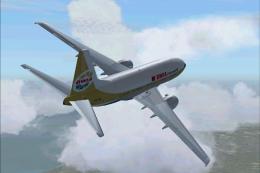
A repaint of Kittyhawk B737-700 in the colors of BWIA. Repaint by Henry Willi…
 FS2004 Civil Jet Aircraft
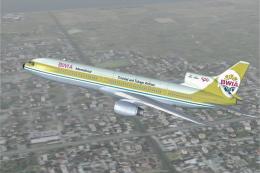
This freeware package brings the BWIA (British West Indian Airways) livery to…
 FS2004 Civil Jet Aircraft
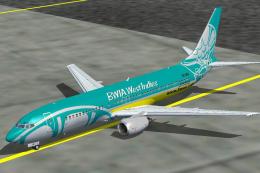
Registration 9Y-BGI. Hand-painted, 32-bit textures with no mips. Base texture…
 FS2004 Civil Jet Aircraft
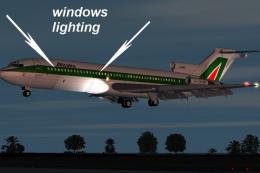
This freeware Boeing 727-200 simulation package has been crafted through a co…
 FS2004 Civil Jet Aircraft
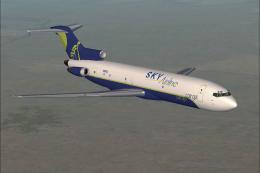
Original model: Kevin Trinkle,Gary CarlsonnModifications and GMax design: Eri…
 FS2004 Civil Jet Aircraft
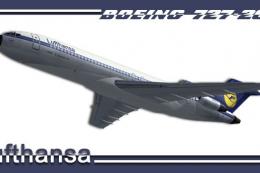
This freeware package merges a detailed Boeing 727-200 with a carefully recre…
 FS2004 Civil Jet Aircraft
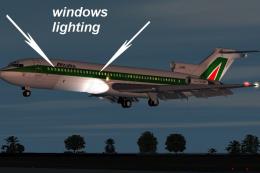
This freeware Boeing 727-200 package, fully compatible with FS2002 and FS2004…
Be the first to leave a comment on this download.
Be the first to share your thoughts on this download.