

 FSX Military Aircraft
RCAF Douglas Globemaster C.1
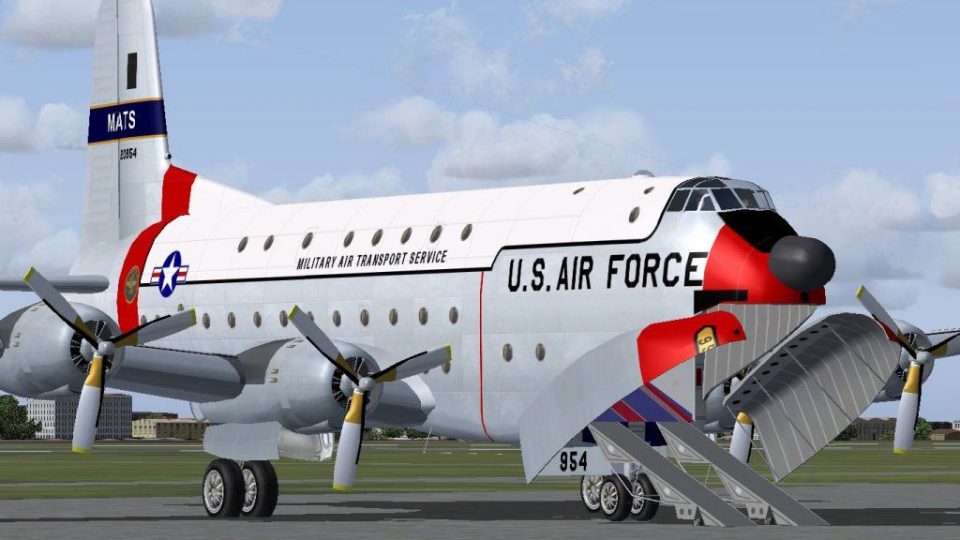
RCAF Douglas Globemaster C.1. A repaint for Jens Kristensen's Douglas C-124C …
Douglas C-124 Globemaster II brings the USAF’s classic 1950s–60s heavy airlifter to life in Microsoft Flight Simulator X, complete with both C-124A and C-124C variants. It includes a custom model, detailed panel and virtual cockpit, authentic textures, a four-engine gauge suite, and a period-correct soundset tuned for smooth operation.
 Rate
Rate
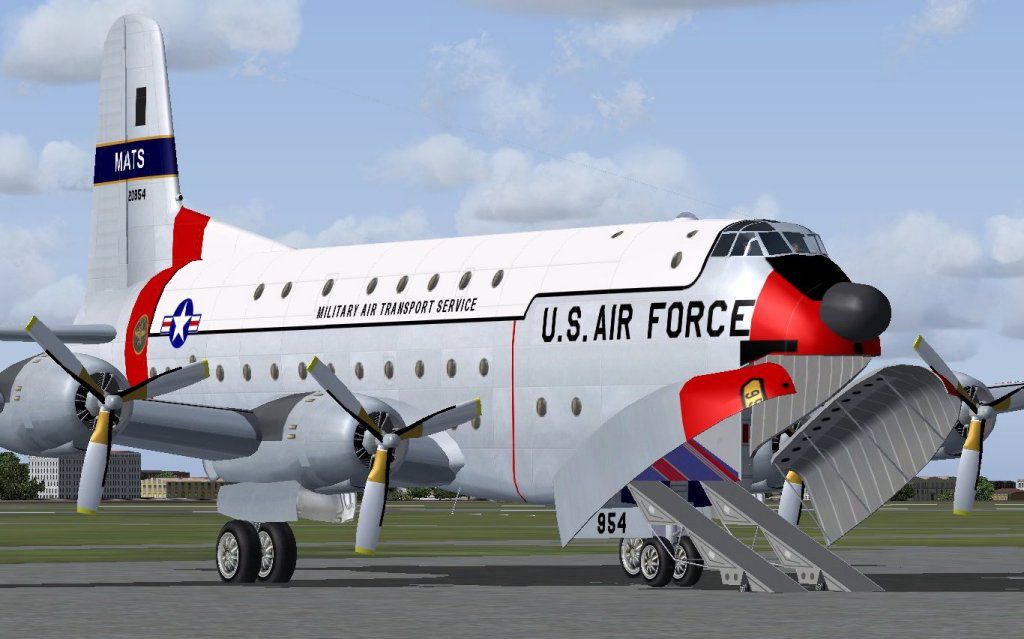
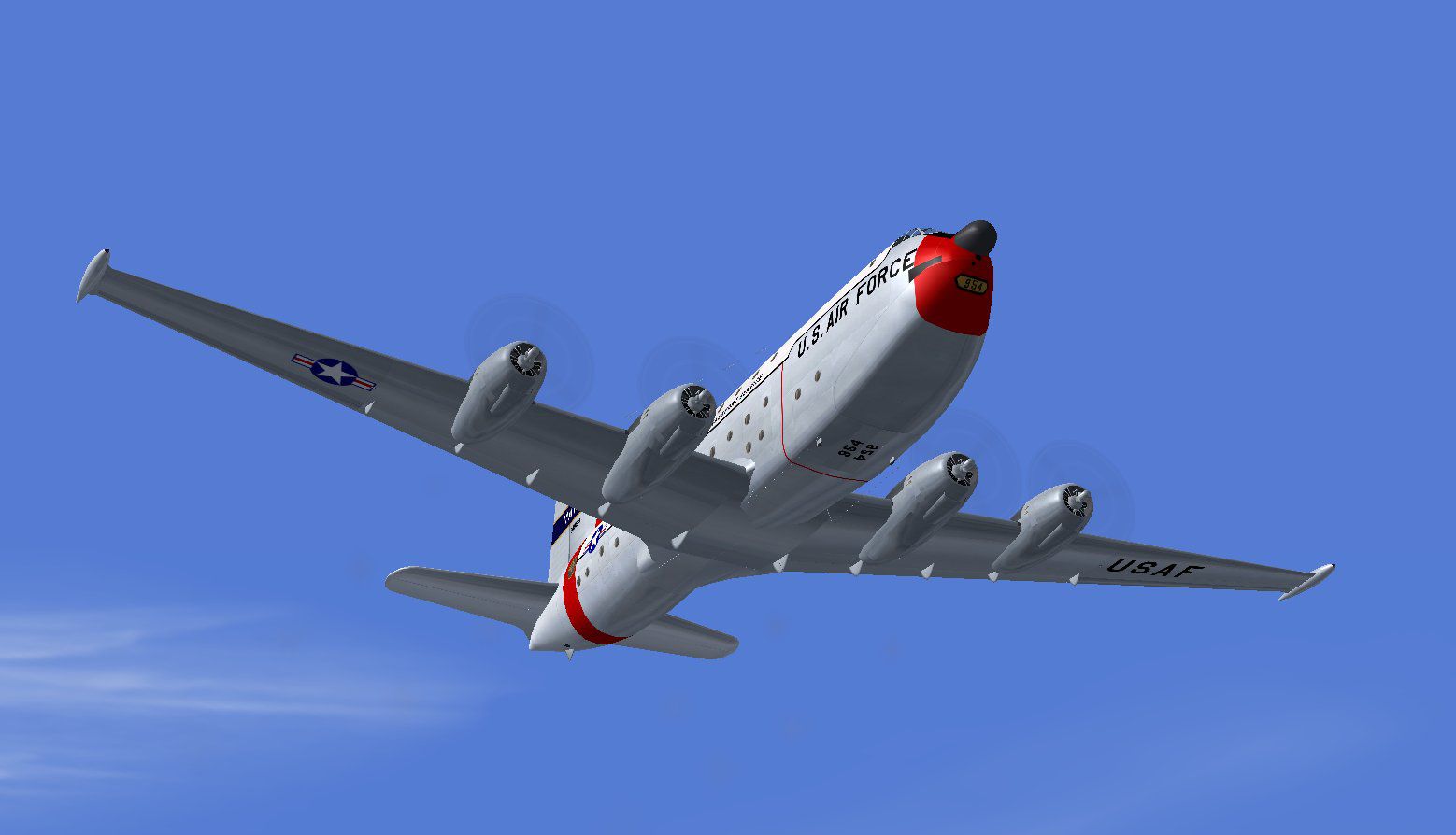
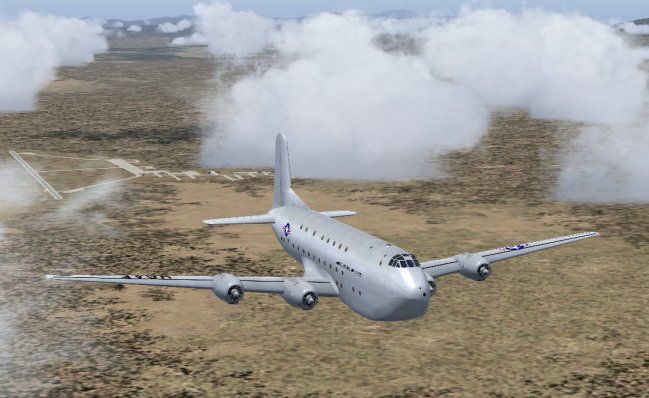
Douglas C-124 Globemaster II. The C124 Globemaster II was the standard USAF stategic transport during the 1950s and 60s, until it was replaced with the Lockheed C-141 Starlifter. The C-124A and C-124C are both included in this package. By Jens B. Kristensen.
Douglas C-124 Globemaster II in flight.
Douglas C-124 Globemaster II
By Jens B. Kristensen, March 2010.
Version 1.0
The C-124 Globemaster II was the standard USAF stategic transport during the 1950s and 60s, until it was replaced with the Lockheed C-141 Starlifter. The C-124A and C-124C are both included in this package.
For FSX only, FS2004 users should download C124_V10.zip instead.
For more information, see the pdf document installed in the \Documetation folder.
----
*To install for Flight Simulator X:
Run the included setup_FSX program.
----
Model, panel, virtual cockpit and textures by Jens B. Kristensen, made with FSDS 3.5.1, FS Panel Studio, Paint Shop Pro and DXTbmp.
Sounds:
The sounds included here are, with permission from Tom Gibson, borrowed from the Boeing 377 Stratocruiser model. They were originally released for FS98 by H. P. Christeler, but have apparently been modified since, and I have used FS Sound Studio to update the sound.cfg to FS2004 / FSX format. Please read H. P. Christelers original readme file for this soundset, ReadMe_original.txt.
Gauges:
The gauges are to some extent based on default gauges of Flight Simulator, some of them modified by me for four engines. Other gauges are by myself. The ILS indicator is based on xml code by Saviero Maurri (Vickers Varsity panel), bitmaps by me. A number of gauges (mostly switches) are, with permission from Tom Gibson, www.calclassic.com, based on work by Tom himself, Kevin Trinkle, Ernie Kennedy and Ken 'Mitch' Mitchell. I have used complete gauges from them (cowl flap switches), or used the bitmaps from their c-style gauges and made xml-versions of them. Finally, a big 'thank you' to Hans-Joerg Naegele, who gave me permission to use gauges from his Lockheed 049 Constellation panel (VNConnie049.cab), directly or modified.
----
Good luck flying the C-124 Globemaster II!
Jens B. Kristensen.
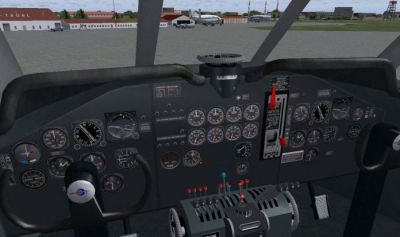
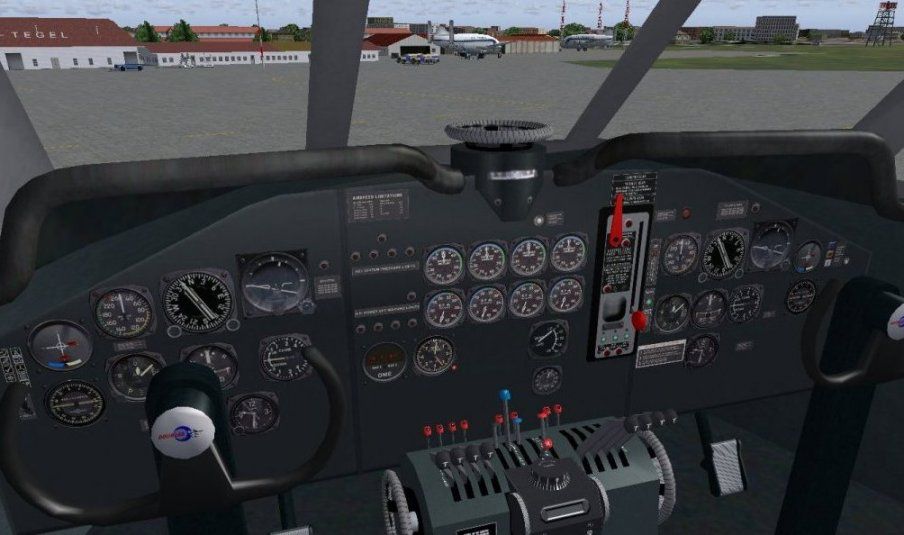
Virtual cockpit of Douglas C-124 Globemaster II.
Free for all simmers · 16.84 MB · Scanned clean Oct 2026
Download speed: Free tier is capped at 0.5 Mbps (this file takes approximately 5 mins at the cap). PRO members download at full line speed.
SimObjects\Airplanes\, Addon Scenery\, Effects\, or Gauges\.readme.txt or README file. It tells you exactly where files go, what dependencies are needed, and any quirks specific to this add-on.The archive c124_v10x.zip has 12 files and directories contained within it.
This list displays the first 500 files in the package. If the package has more, you will need to download it to view them.
| Filename/Directory | File Date | File Size |
|---|---|---|
| VC.jpg | 03.22.10 | 75.04 kB |
| FileID.diz | 03.23.10 | 341 B |
| FileID.txt | 03.23.10 | 341 B |
| Image1.jpg | 03.22.10 | 97.34 kB |
| Image2.jpg | 03.22.10 | 68.74 kB |
| Image4.jpg | 03.22.10 | 52.75 kB |
| Licence.rtf | 11.22.08 | 7.14 kB |
| Readme.txt | 03.23.10 | 1.99 kB |
| setup_fsx.exe | 03.23.10 | 16.77 MB |
| thumbnail.gif | 03.23.10 | 10.58 kB |
| flyawaysimulation.txt | 10.29.13 | 959 B |
| Go to Fly Away Simulation.url | 01.22.16 | 52 B |
Only PRO members can place votes.
More FSX & P3D add-ons hand-picked based on this download.
FSX Military Aircraft
RCAF Douglas Globemaster C.1. A repaint for Jens Kristensen's Douglas C-124C …
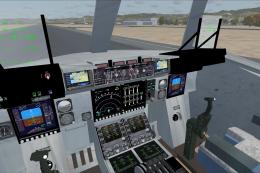 FSX Military Aircraft
Welcome to the UKMIL C-17 package for FSX. This is a Gmax creation, with full…
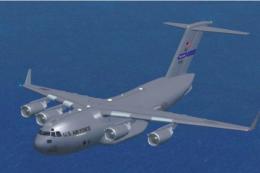 FSX Military Aircraft
Boeing C-17 Globemaster III. This is an update for FSX of the C17 by Mike Sto…
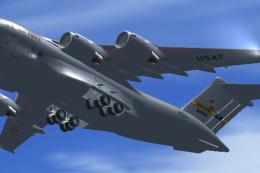 FSX Military Aircraft
FSX USAF Boeing C-17 Globemaster III, 88-0266 Charleston. A complete overhaul…
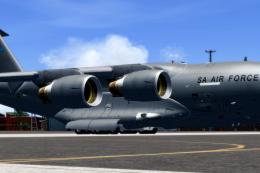 FSX Military Aircraft
Experience a distinctive repaint of the renowned C-17 Globemaster, brought to…
 FSX Military Aircraft
Skyhawk VMA-124, in low visibility scheme. A4 model by Virtavia. USMC repaint…
 FSX Military Aircraft
This version is a combination of the Thomas Ruth original An-124 and the An12…
 FSX Military Aircraft
Alpha Simulations is now Virtavia for there F4D Phantom, Mr. TIM CONRAD for …
Read what other simmers think, or add your own.

I can not locate the transponder; it is not on the radio stack or anywhere else on the panel in my C-124. Any help would be greatly appreciated.
Thank you,
Larry Horton


My C-124 Globemaster installed fine but plane is not painted ie solid grey ,how do i correct this.?

My C-124 globemaster installed fine but when I start engines they run foe a few seconds and shut down, do I need to make some changes to fsx. Thank you, Van